
Urban Night Portrait by Radio Tower
A high-contrast street style photo at night featuring a woman leaning against a guardrail with a glowing orange radio tower and traffic signs in the background.
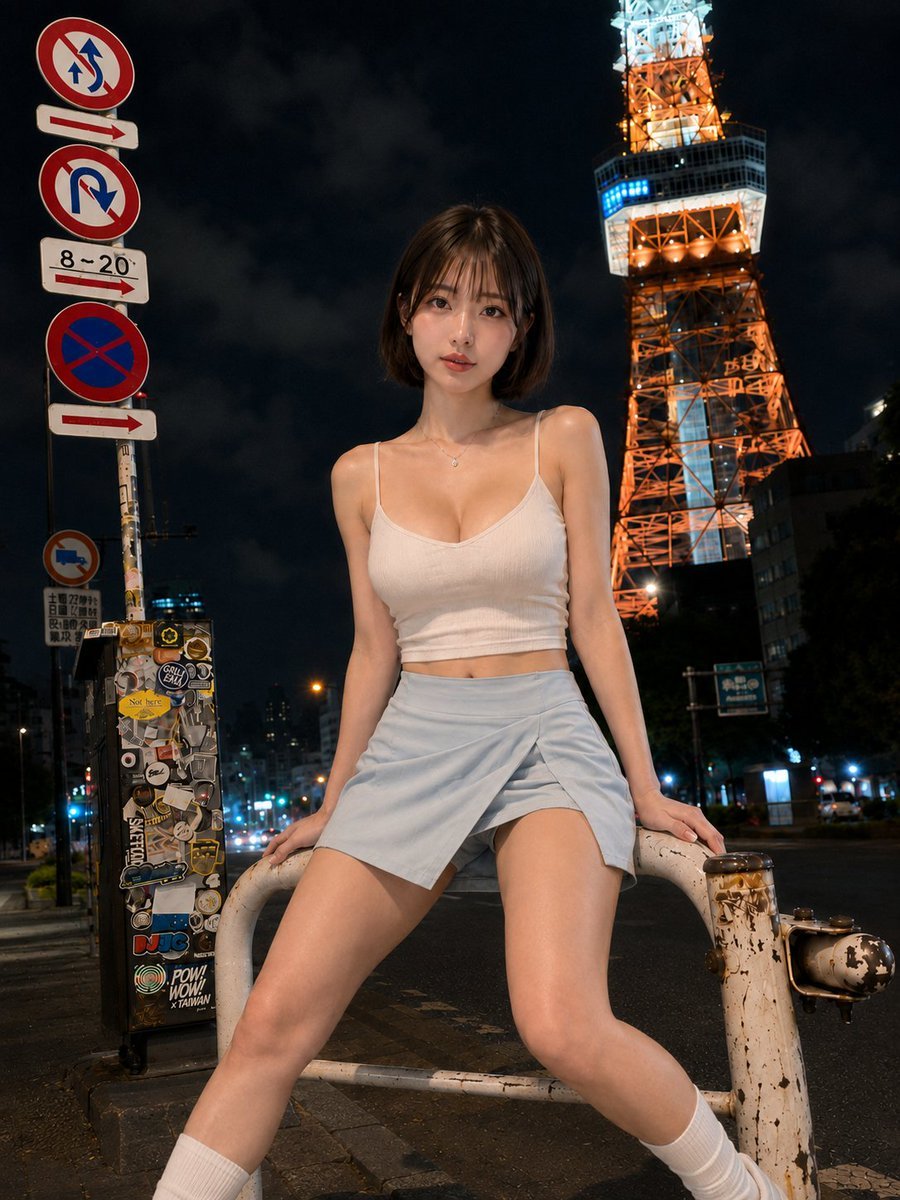
- Prompt included
- Model and format preset
- Free template
The prompt behind this image
Copy the exact prompt behind Urban Night Portrait by Radio Tower, or open it in the studio and make it yours.
主題: 鉄塔下の夜風 主体: 人物は画面中央に大きく置く。赤橙色に点灯した大きな鉄塔の近くで、{argument name="人物" default="女性"}が{argument name="背景要素" default="白い金属ガードレール"}へ腰を預ける夜の全身写真。左の交通標識群と右奥の鉄塔、正面フラッシュで明るい人物を一画面に入れる。 人物・表情: 頬が滑らかな小さめの卵形で顎は丸い。横長の茶色い目、自然な直線眉、小さくまっすぐな鼻、上下にほどよい厚みのあるコーラル色の唇。薄い桃色のチークと控えめなアイライン。顎下のダークブラウンの丸いボブで、薄い前髪と頬沿いの短い毛束。顔を正面へ向け、唇を少し開いてカメラを静かに見る。 服装・ポーズ: 白い細リブの短いキャミソールは細い肩紐と浅めのラウンドネック。淡い水色のラップ風ショートパンツは前が重なるスカート状で、内側の短パンが見える。白いリブソックスと白いスニーカー。腰を白いガードレール中央へ預け、両手を左右のレール上へ置き、両脚を大きく開いて片膝を曲げる。 背景・光: 主光はカメラ正面の硬いフラッシュ。黒い夜空、右奥に白と赤橙色で点灯する大型鉄塔、左に複数の赤青の交通標識とステッカーだらけの箱、遠い車と街灯。カメラ正面の硬いフラッシュが人物とレールを明るくし、鉄塔の暖色光が背景を彩る。 構図・カメラ: カメラは低い広角視点。人物にピントを合わせ、夜景を軽いボケにする。3:4の縦構図、かなり低い位置から見上げる広角全身写真。人物を中央、交通標識を左端、鉄塔を右上へ置き、開いた脚を左右の下端で大きく切る。ガードレールを腰の後ろで横切らせ、人物を鮮明、夜景を適度ぼかす。 質感・スタイル: フォトリアルな実写写真。直射フラッシュを生かした高精細な夜間ストリート写真。白いリブ布、淡青の布、傷んだ金属レール、鉄塔の橙色光を高コントラストで描く。 ネガティブ: 低い広角とガードレール上の着座姿勢を変更しない;顔立ちの大幅変更
How to use Urban Night Portrait by Radio Tower in 3 steps
- 1
Open
The prompt is already in the box next to the preview, with the template's model and format selected.
- 2…a portrait of your subject in softgolden-hour light, 85mm…
Personalize
Edit the subject and creative details for your destination.
- 3Generate
Generate
Press Generate — your image is created in PicX Studio, so you can compare it with the original and refine one variable at a time.
More like this
Templates with the same subject, style or setup. Open one to see its prompt.
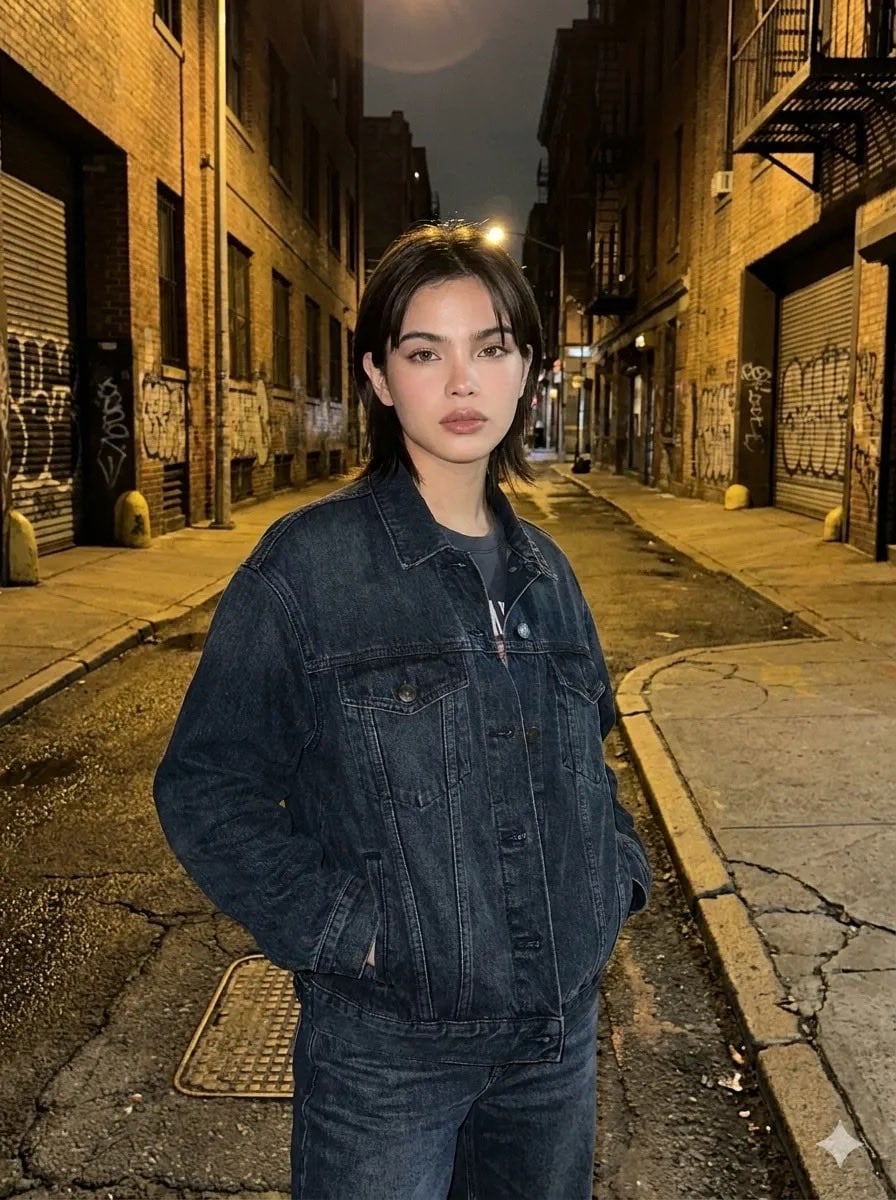
Cinematic Urban Night Portraits
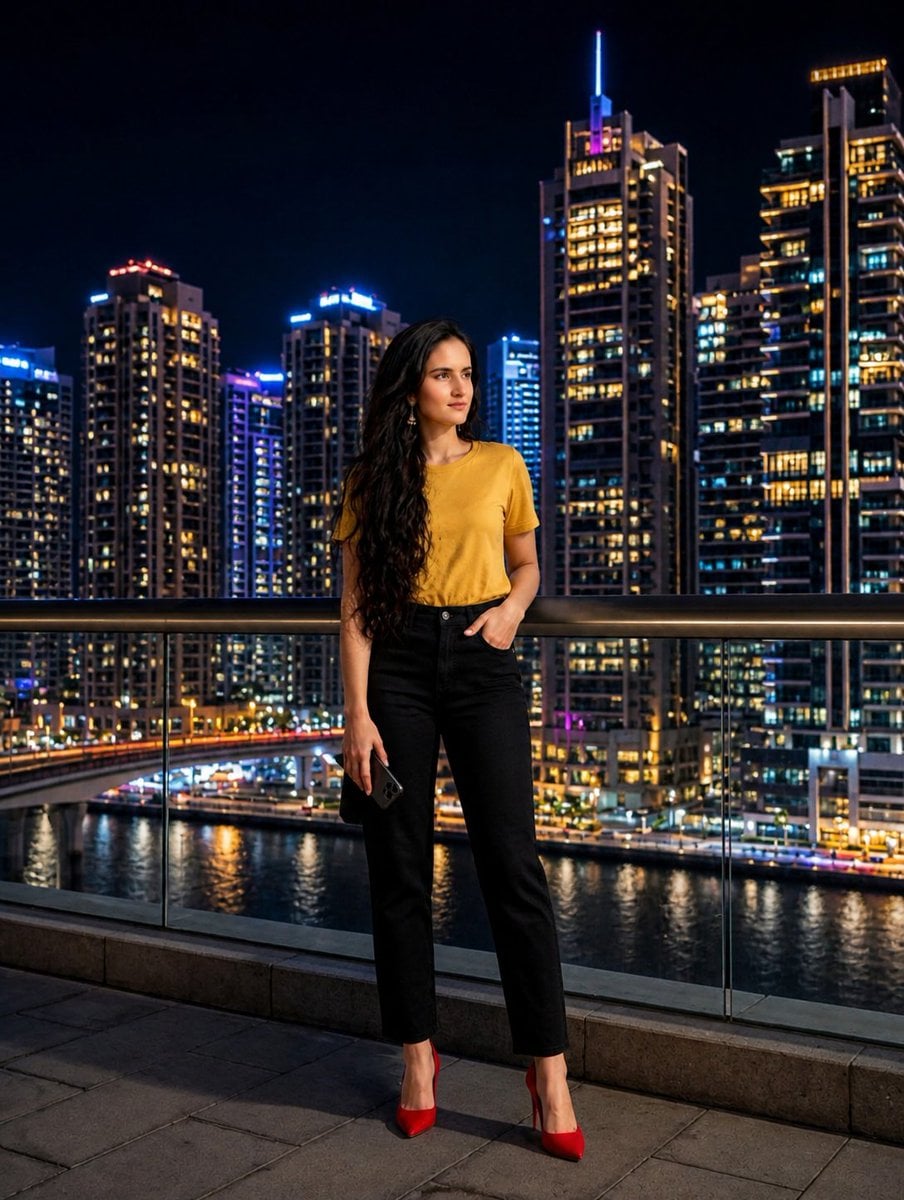
Urban Balcony Night Portrait

Found Photograph: Us, 1970

80s Couple Studio Portrait

80s Bollywood Star

80s Golden Hour Cinema

Me in 1985

1985 Studio Portrait
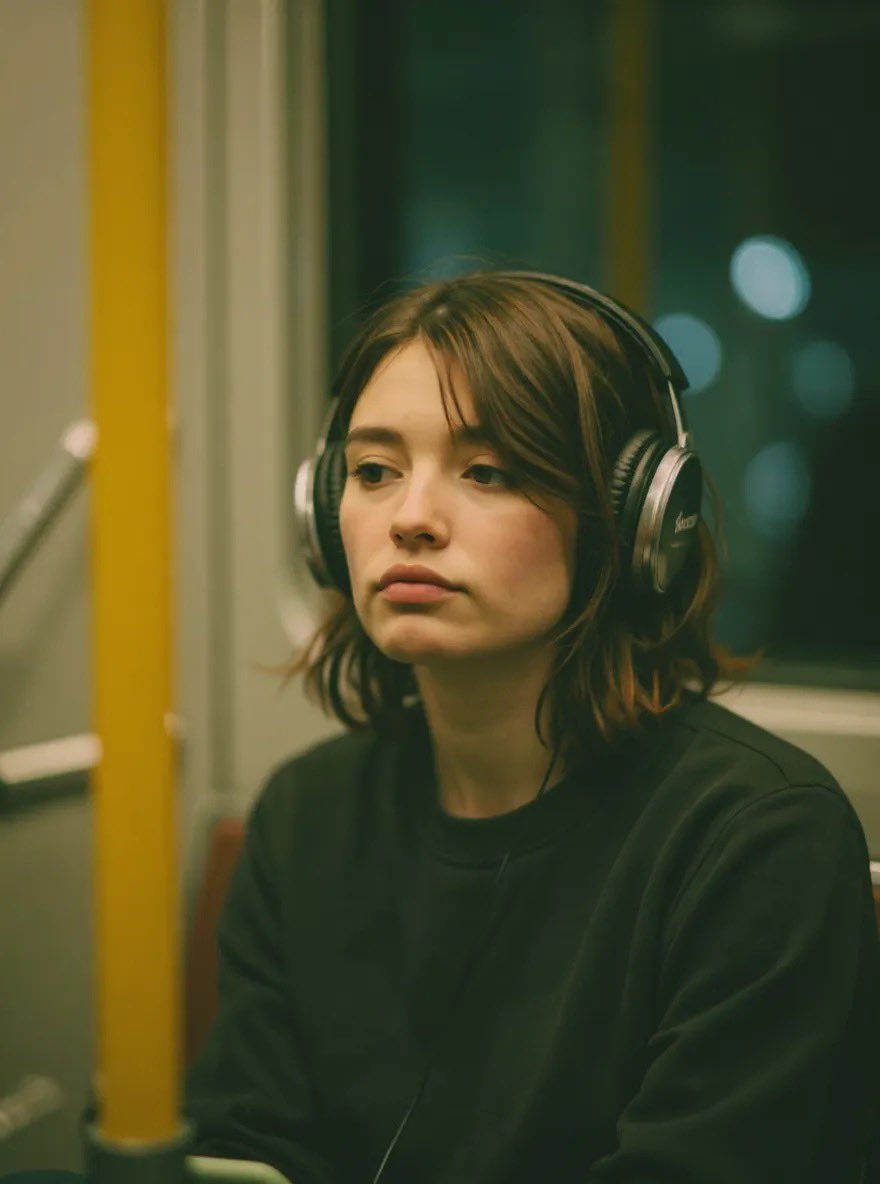
Radio Booth Studio Portrait

Hyper-Realistic Minecraft POV Portrait
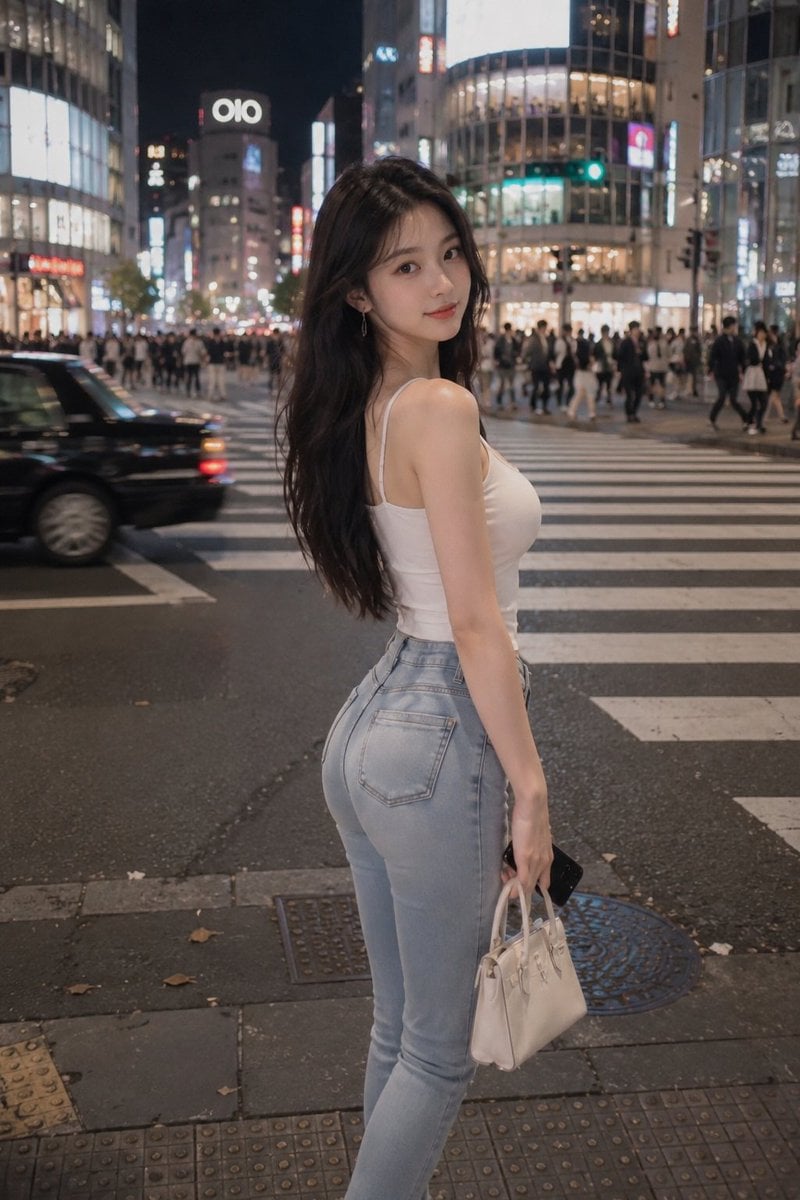
Tokyo Night Crosswalk Fashion Portrait
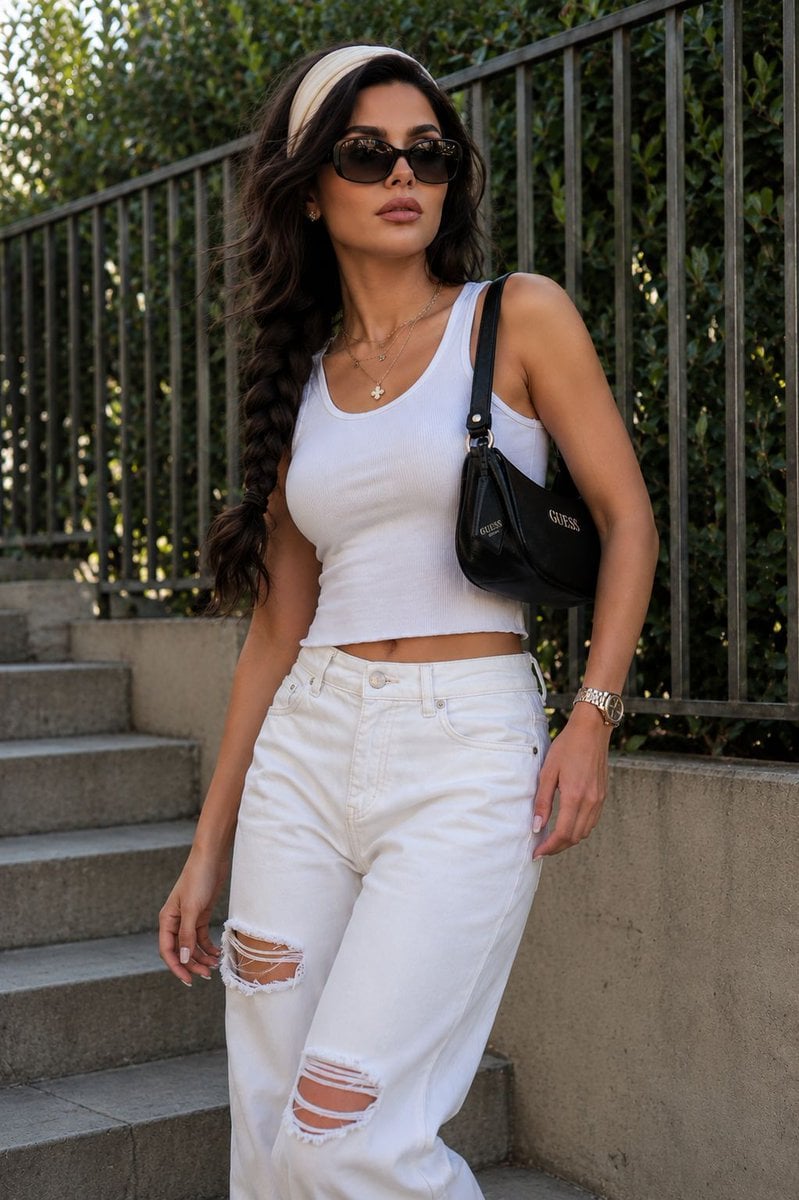
Modern Urban Streetwear Portrait
Make it yours
Urban Night Portrait by Radio Tower works as-is. These are the safest ways to change it without losing the look.
Change one field
Copy a single group, rewrite it, and generate again so you can see what that field is doing.
Keep the frame, change the subject
Hold the composition and light of Urban Night Portrait by Radio Tower, then swap wardrobe, props or the person for a new take.
| If the result… | Why | Fix |
|---|---|---|
| The result drifts from the preview | Too many fields changed at once. | Reuse Urban Night Portrait by Radio Tower as-is first, then change one group — subject, light, or setting. |
| The model over-stylizes the scene | The prose prompt leaves finish and camera underspecified. | Add one camera or lighting sentence and stay on GPT Image 2. |
More GPT Image 2 templates
Other prompts made for GPT Image 2.

Six VTuber Japanese Logo Sheet

Realistic Portrait of Woman and Deer

The Vista Modular Condo Poster

AI Model Routing Comparison Infographic

2.5D Anime Art Board

Isometric Productivity Desk Scene

New York Double Exposure Poster

Four-Panel AI Landscape Comparison

Japanese Tatami Lifestyle Magazine Cover

NESCAFÉ Coffee Map Poster
More image prompts
Fresh picks from across the catalog.
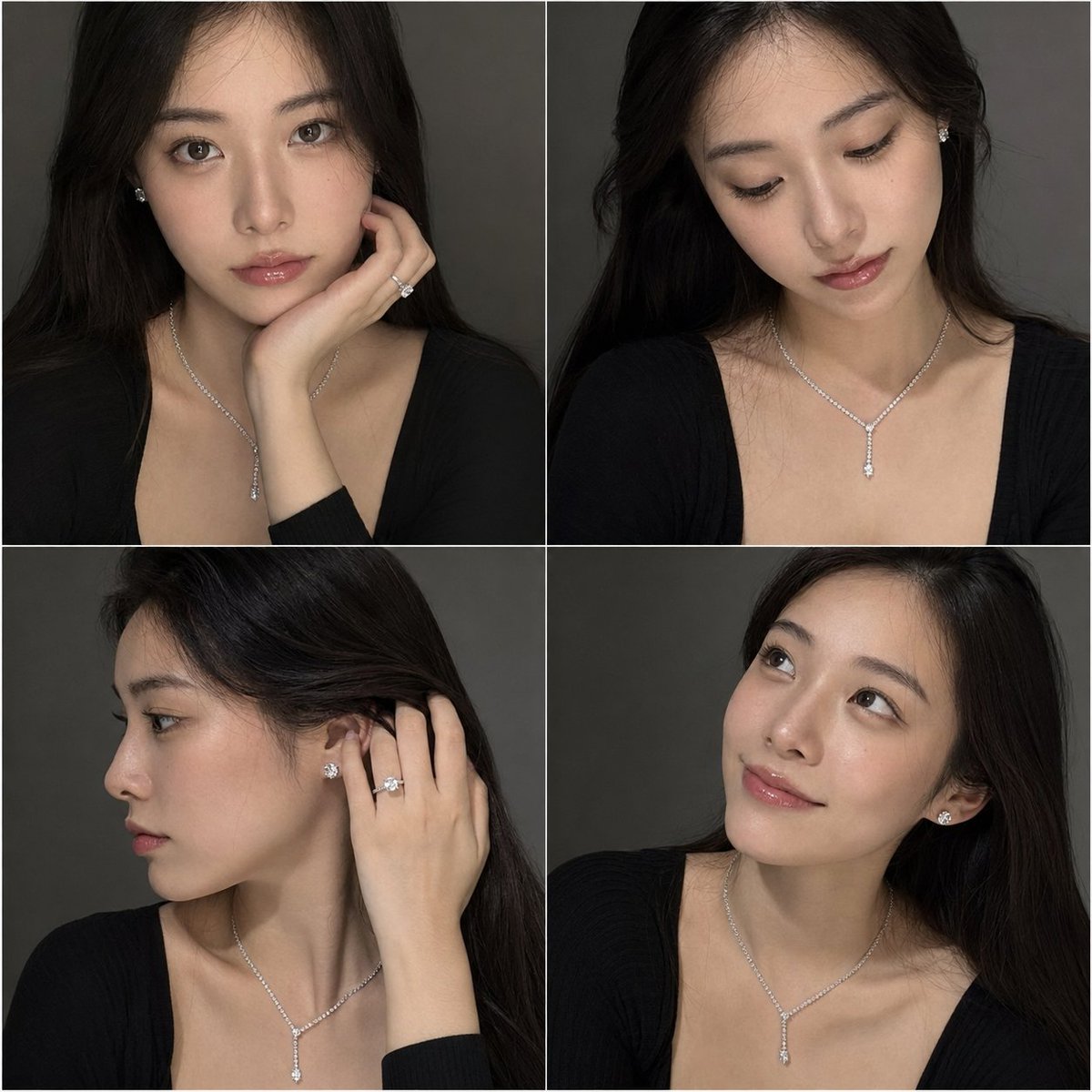
Luxury Jewelry Portrait Grid
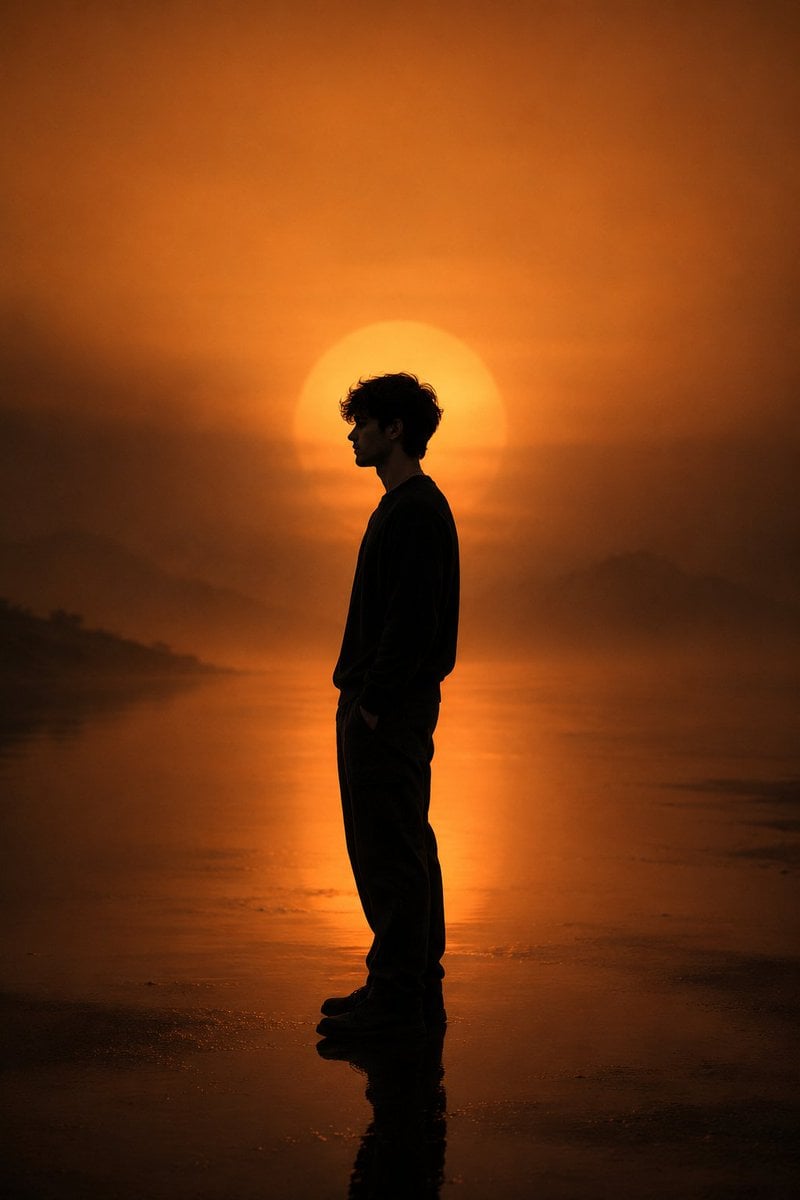
Minimalist Silhouette Portrait
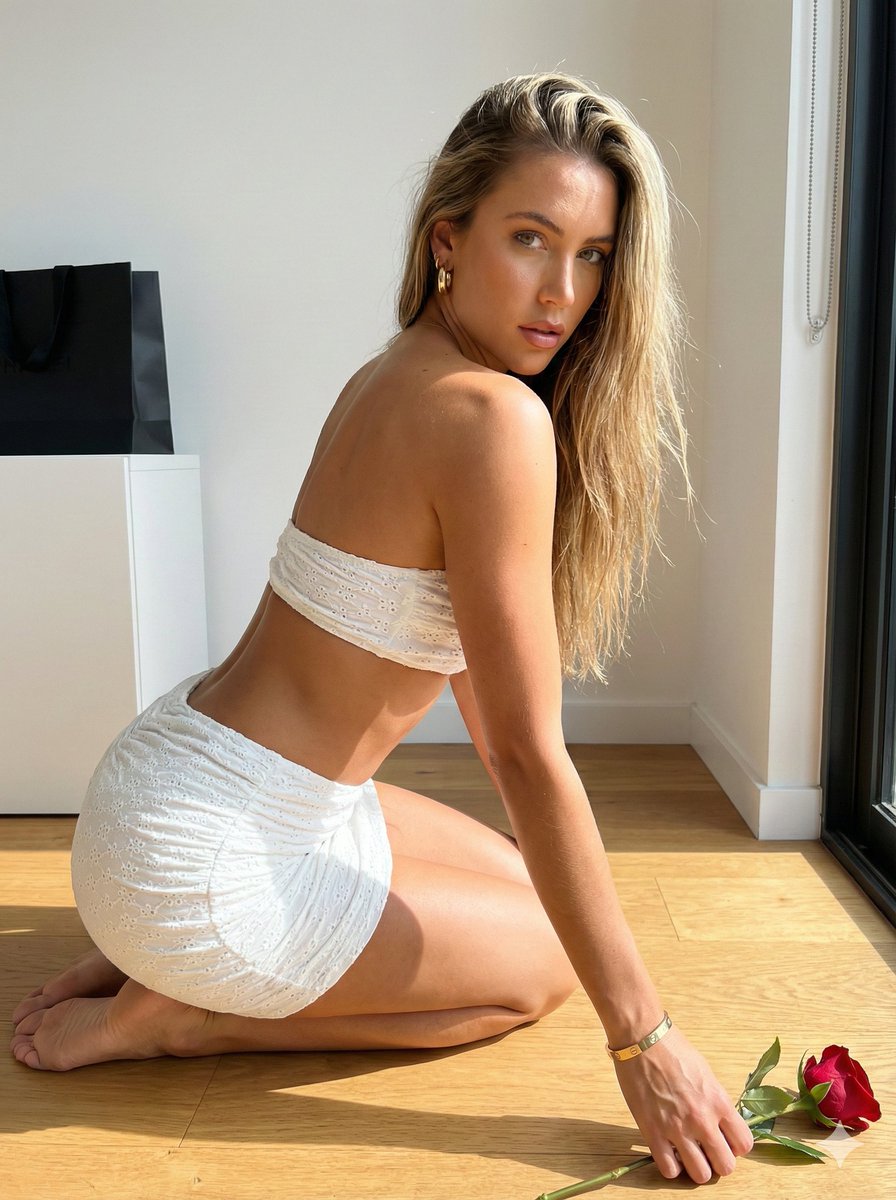
Sunlit Minimalist Portrait with Broderie Anglaise
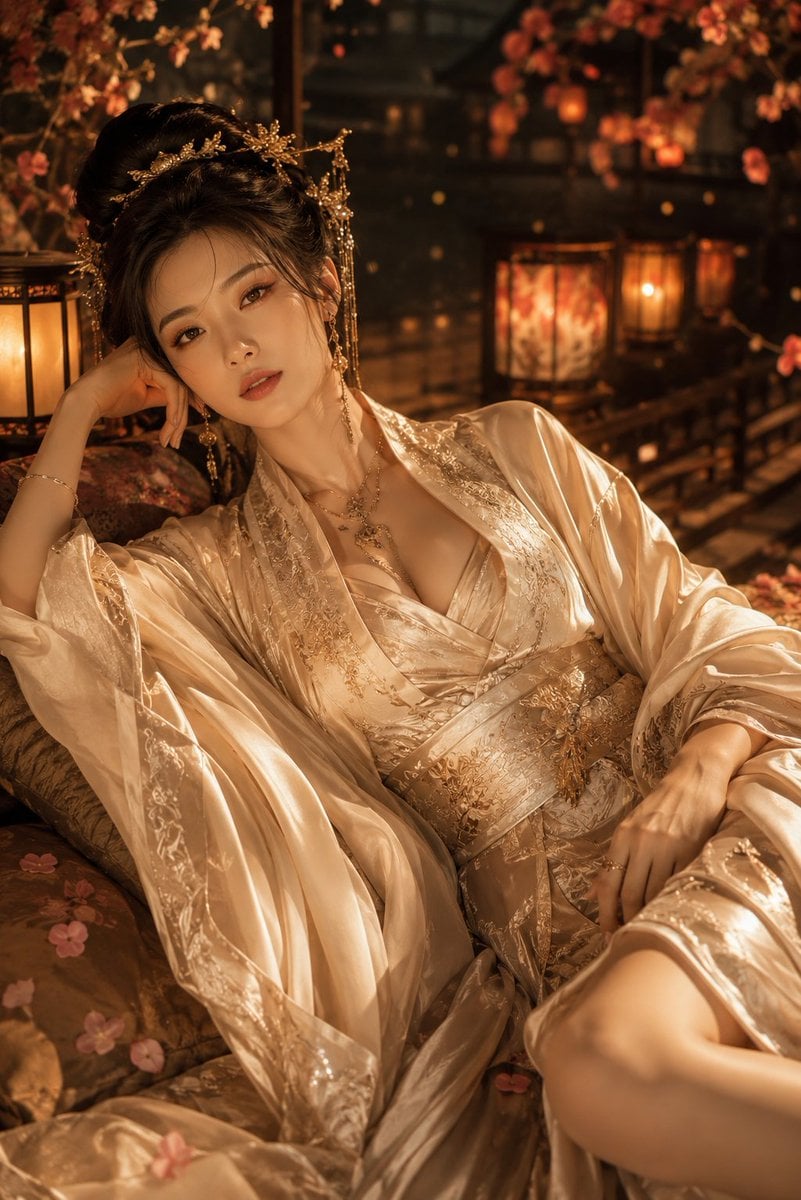
Cinematic Hanfu Fashion Editorial Portrait
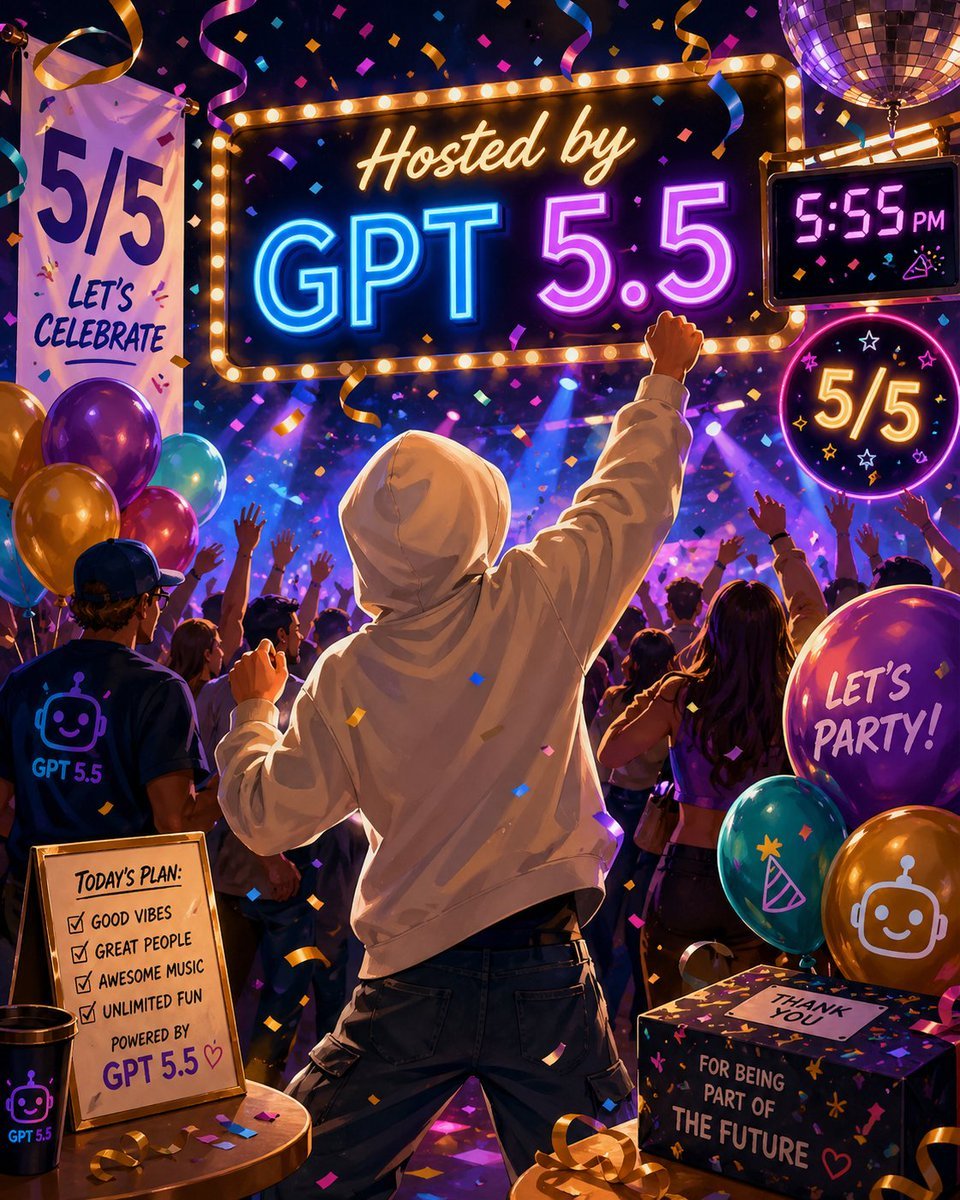
Neon GPT 5.5 Celebration Party
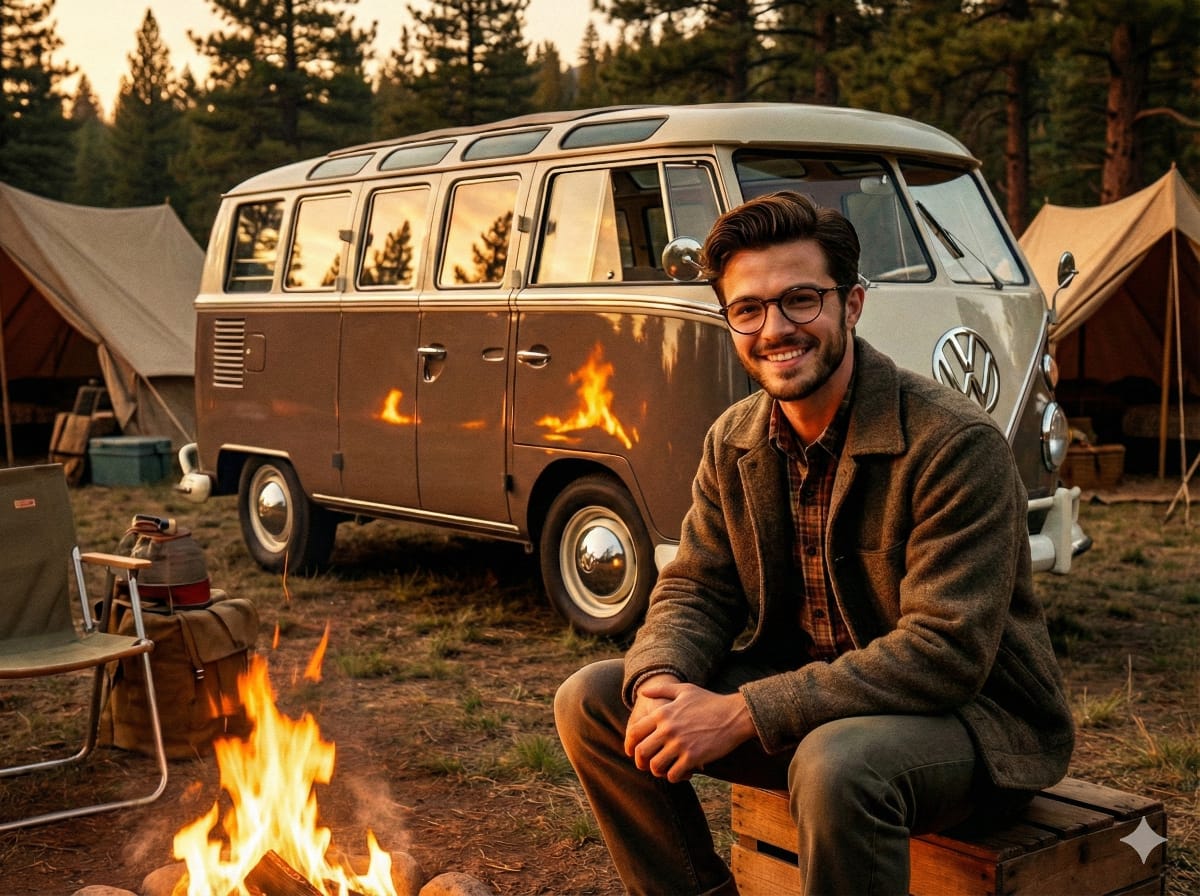
1950s Americana VW Samba Bus Campsite Portrait
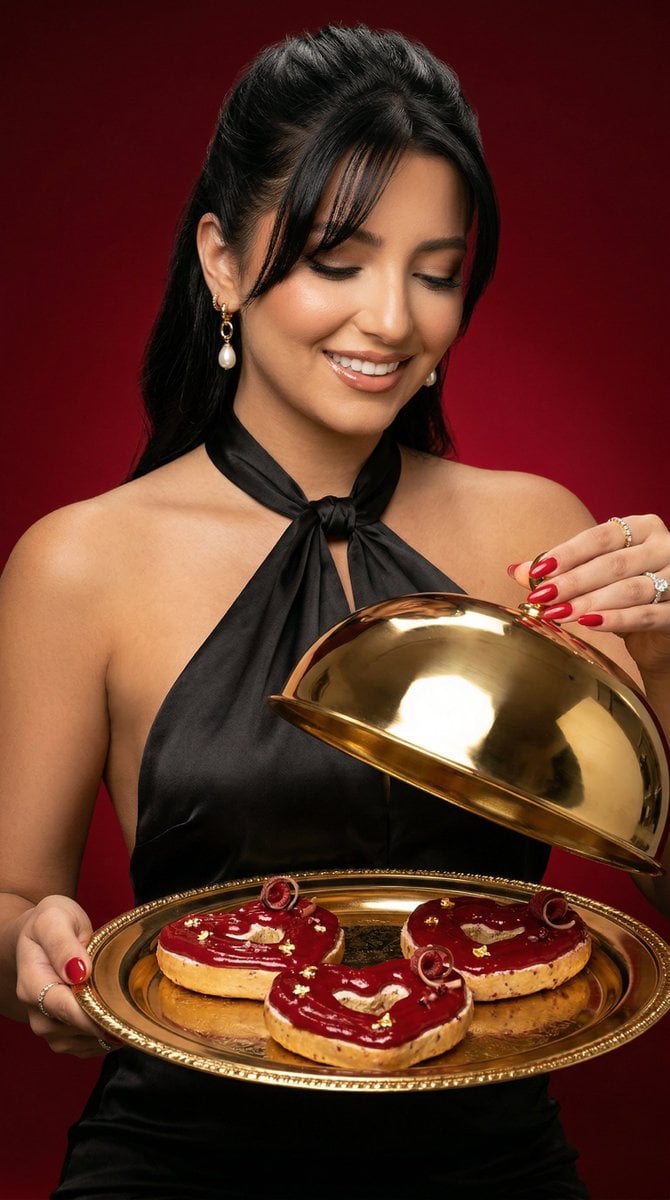
Luxury Food Editorial with Heart-Shaped Bagels
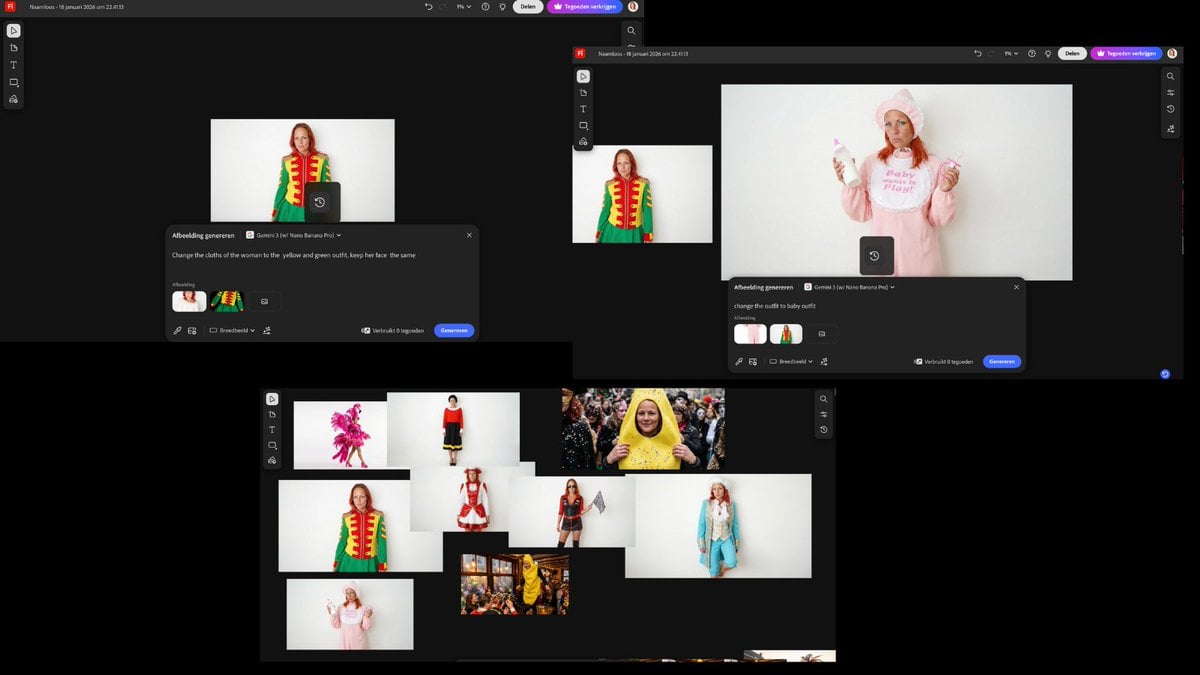
Outfit Swapping Workflow with Reference Images
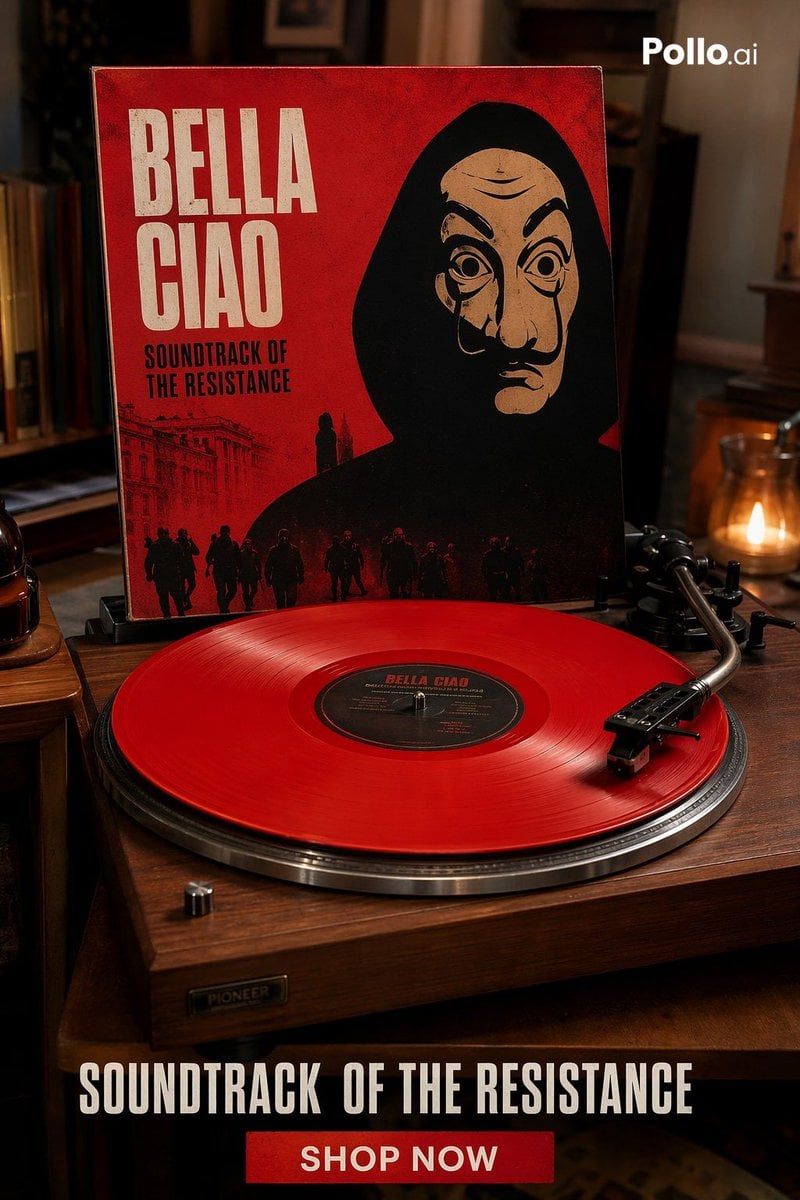
Red Vinyl Soundtrack Ad
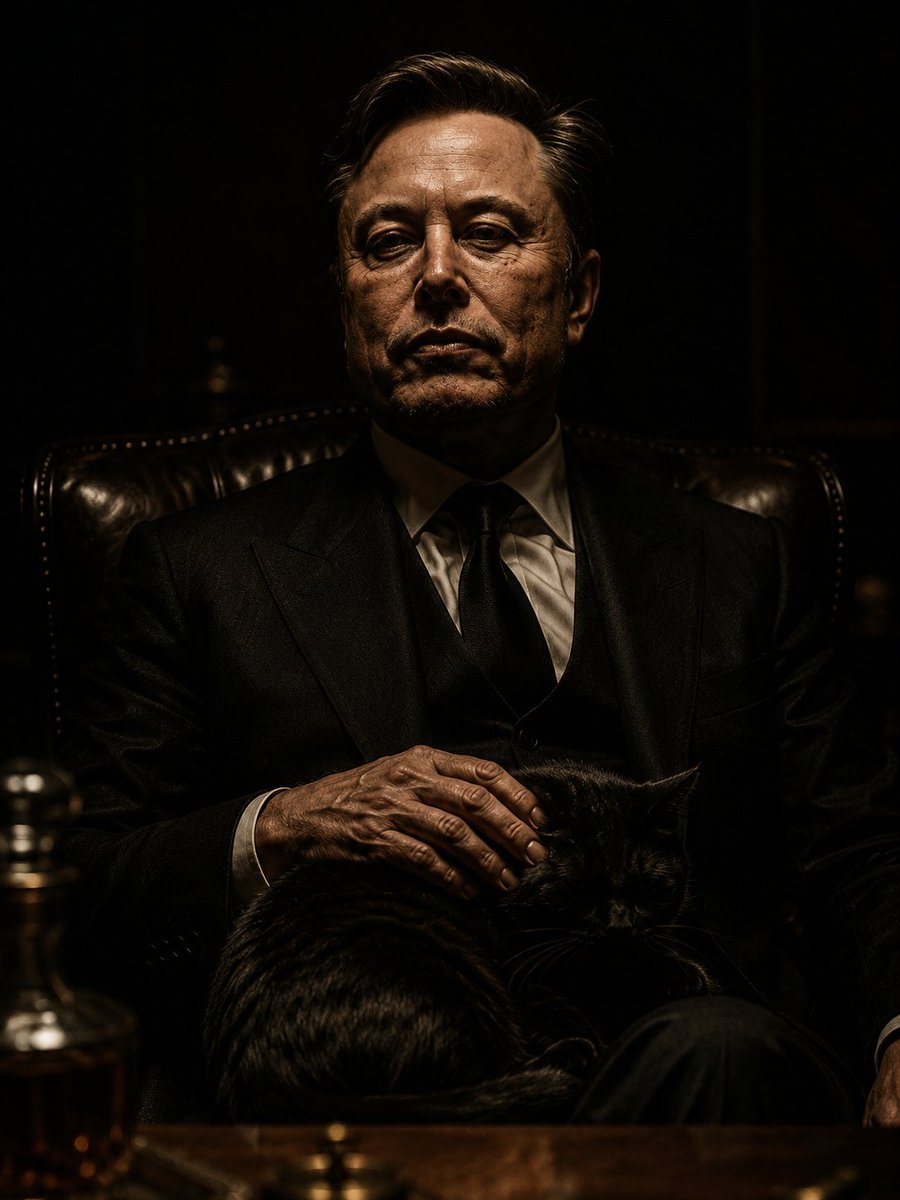
The Dark Godfather Structural Portrait
Browse template categories
Urban Night Portrait by Radio Tower questions
How do I use the Urban Night Portrait by Radio Tower template?
Add your photo if the template asks for one, edit the prompt if you like — the template's model and format are already selected — and press Generate. Your version opens in PicX Studio.
Can I customize the Urban Night Portrait by Radio Tower template?
Yes. You can change the subject, setting, lighting, mood, format, and available model controls before creating your image.
Is the Urban Night Portrait by Radio Tower template free?
Opening and editing this template is free. Generating uses credits, shown on the Generate button when you are signed in.
Which AI model should I use?
Start with GPT Image 2, which is the model associated with this template. You can compare another compatible model for a different finish.
Looking for something else? Browse all templates.

Your photo, any look
Thousands of ready templates for every top image and video model, from one credit balance.