How do I use the Urban Balcony Night Portrait template?
Choose the primary action to open PicX Studio with the available template settings. Review the model and format, personalize the creative direction, and generate when ready.
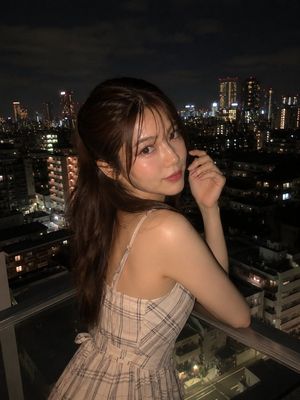
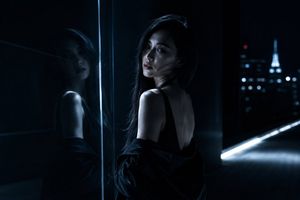
A Sony A7R IV style night photography prompt featuring a subject on a modern balcony with urban skyscraper bokeh.
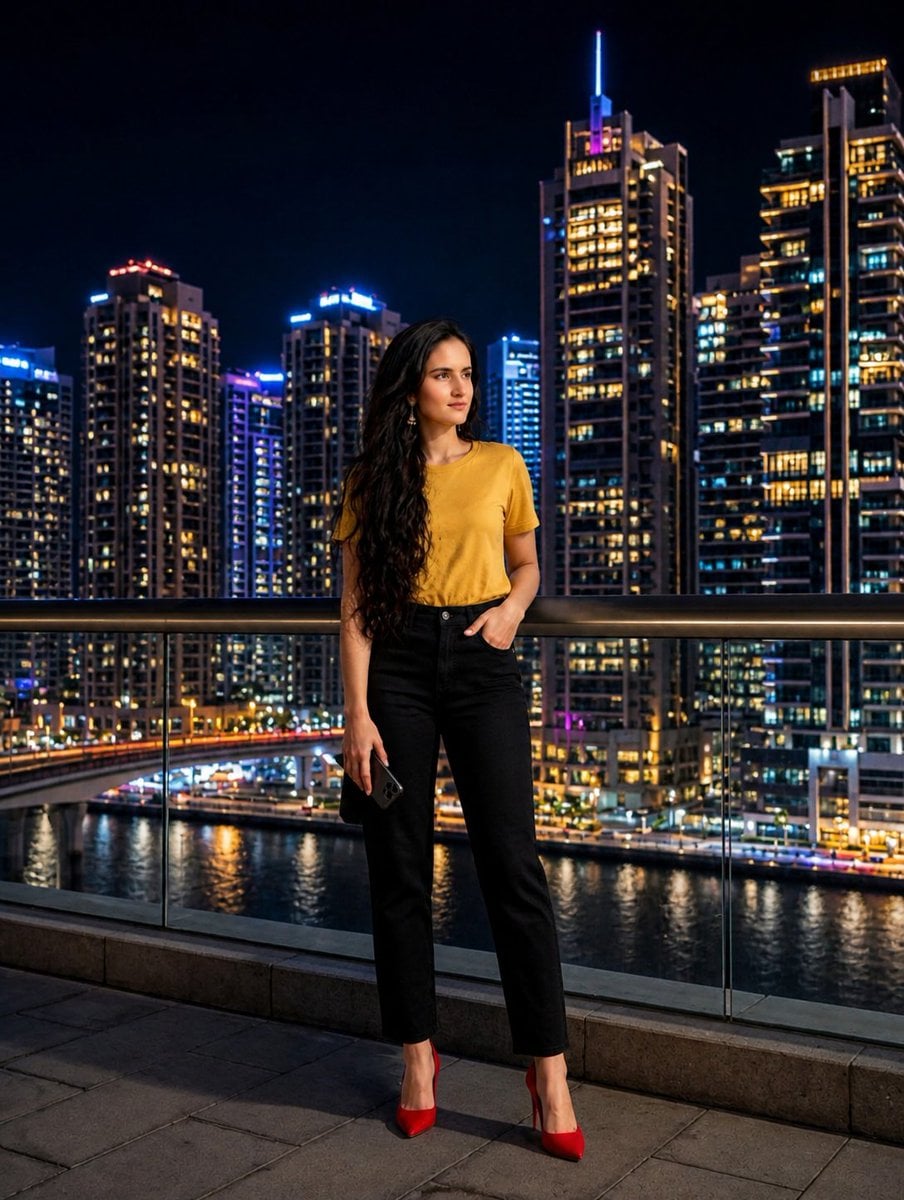
{ "subject": { "person": "{argument name="subject" default="Young woman with long, wavy dark hair"}", "attire": { "top": "{argument name="clothing top" default="Mustard yellow short-sleeve t-shirt"}", "bottom": "High-waisted black straight-leg trousers", "footwear": "Pointed-toe red stiletto pumps" }, "pose": "Standing leaning against a glass railing, looking off-camera, one hand in pocket, holding a smartphone" }, "environment": { "location": "Modern urban balcony overlooking a waterfront", "background": "{argument name="location style" default="Densely packed illuminated skyscrapers, Dubai Marina style"}", "time_of_day": "Night / Blue hour" }, "lighting": { "primary": "Warm cinematic key light on the subject's face", "secondary": "Cool ambient blue and gold city lights", "effects": "Reflections on the water, high contrast, bokeh background" }, "technical_specs": { "camera": "Sony A7R IV", "lens": "35mm f/1.4", "quality": "8k resolution, photorealistic, RAW style, sharp focus on subject", "composition": "Full body shot, eye-level angle" } }
Choose the primary action to open PicX Studio with the available template settings. Review the model and format, personalize the creative direction, and generate when ready.
Yes. You can change the subject, setting, lighting, mood, format, and available model controls before creating your image.
This template is free to open and customize. Generation usage is shown in PicX Studio before you create.
Start with Nano Banana 2, which is the model associated with this template. You can compare another compatible model for a different finish.
Follow a topic to a crawlable collection of related PicX Studio templates.