How do I use the Cinematic Urban Night Portraits template?
Choose the primary action to open PicX Studio with the available template settings. Review the model and format, personalize the creative direction, and generate when ready.
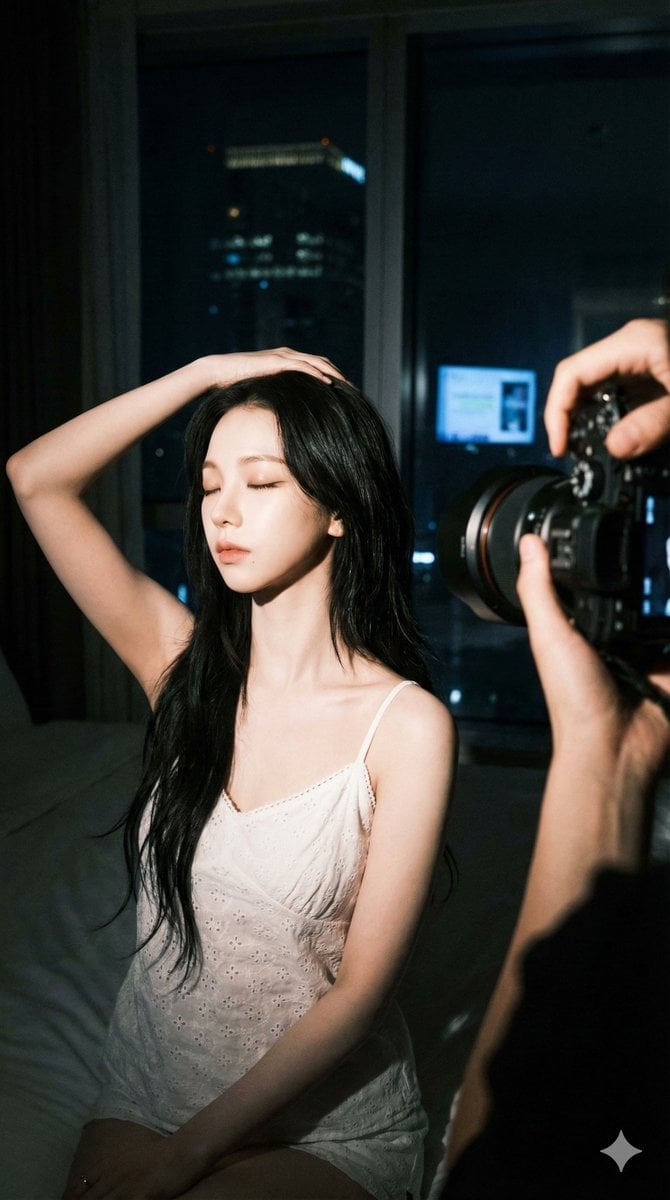
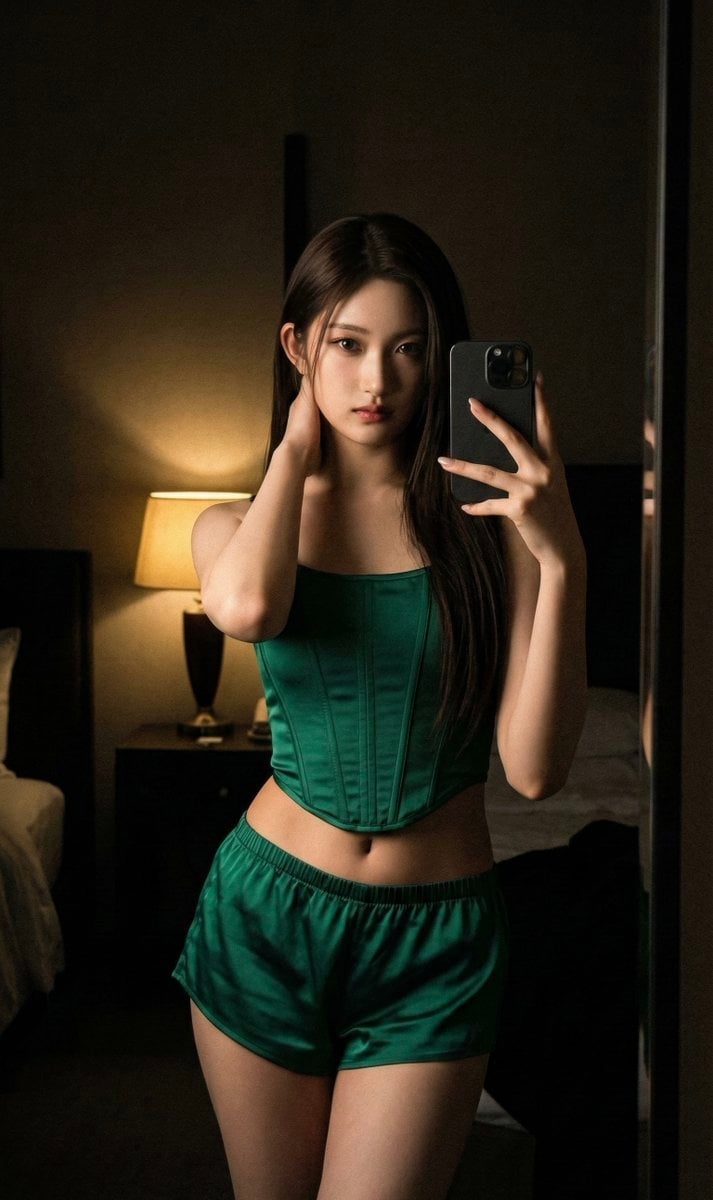
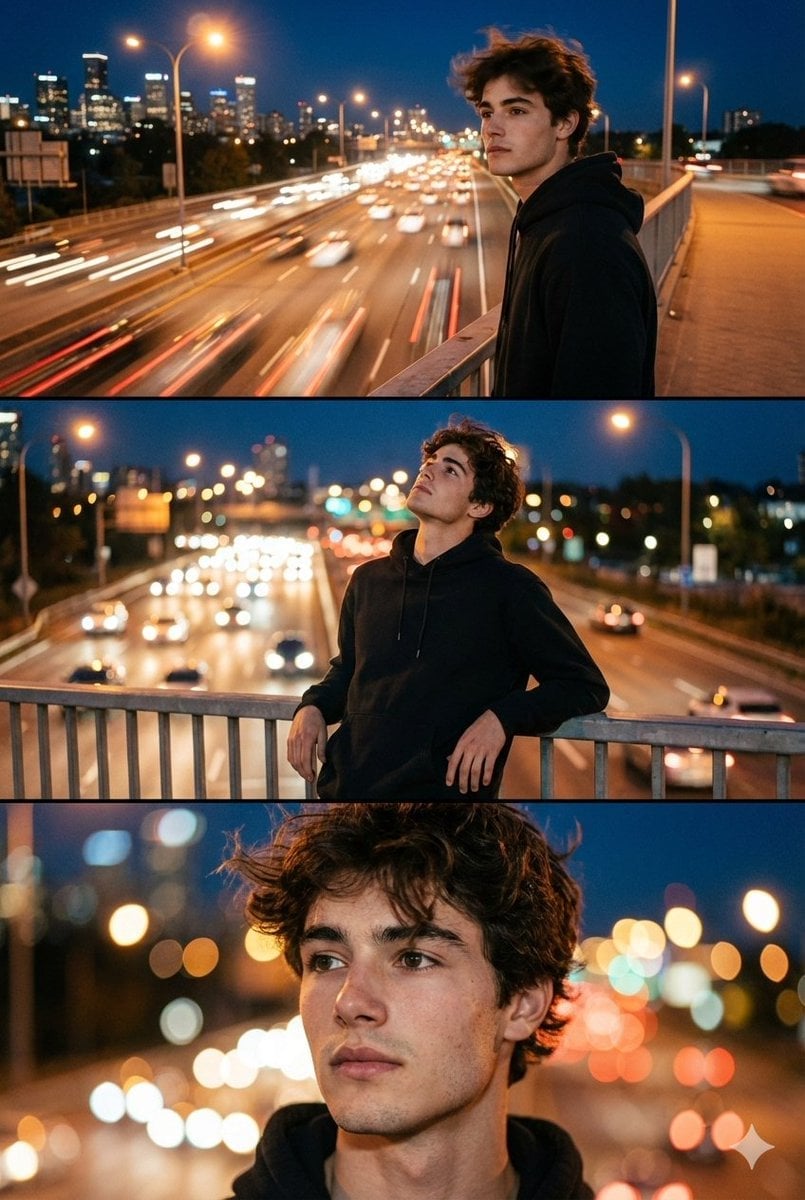
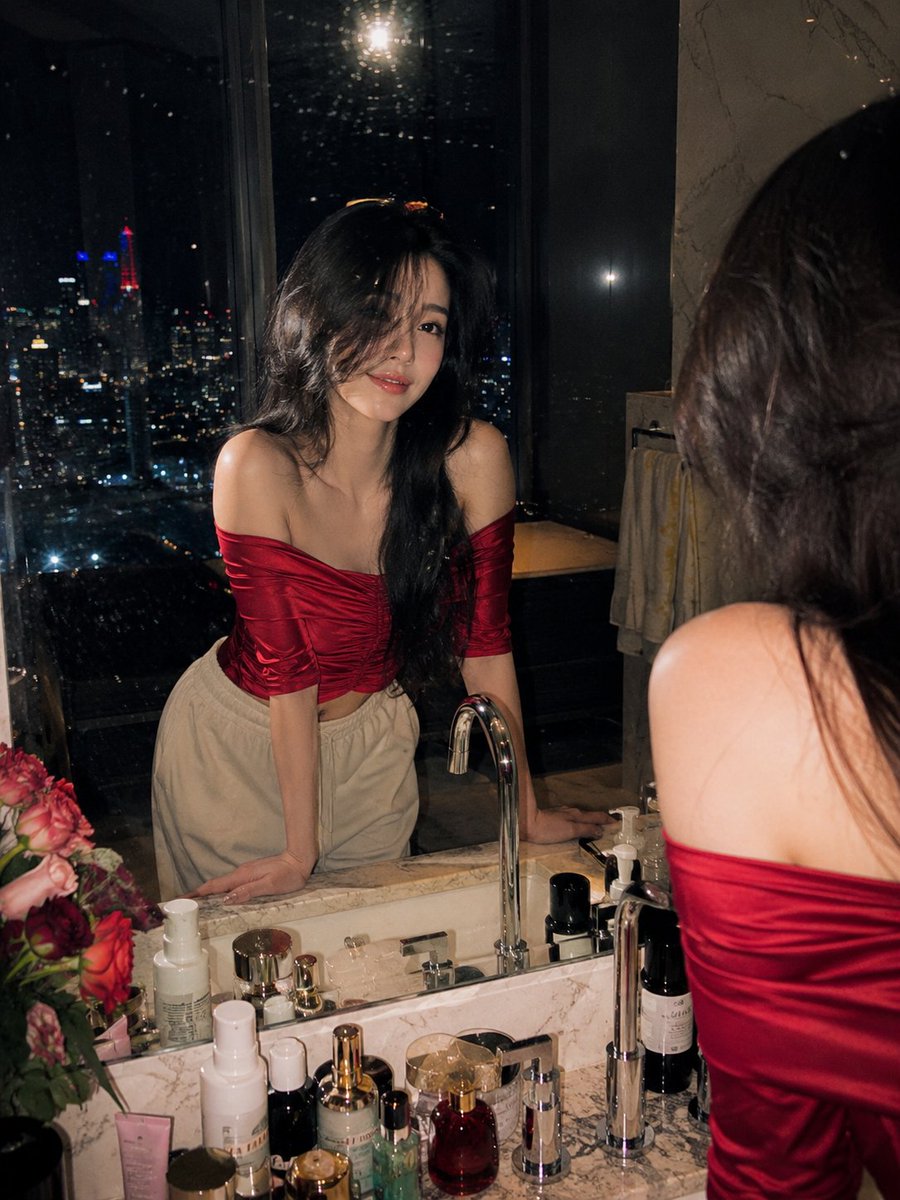
Two prompts for generating moody, high-detail urban night portraits featuring atmospheric lighting and film grain.
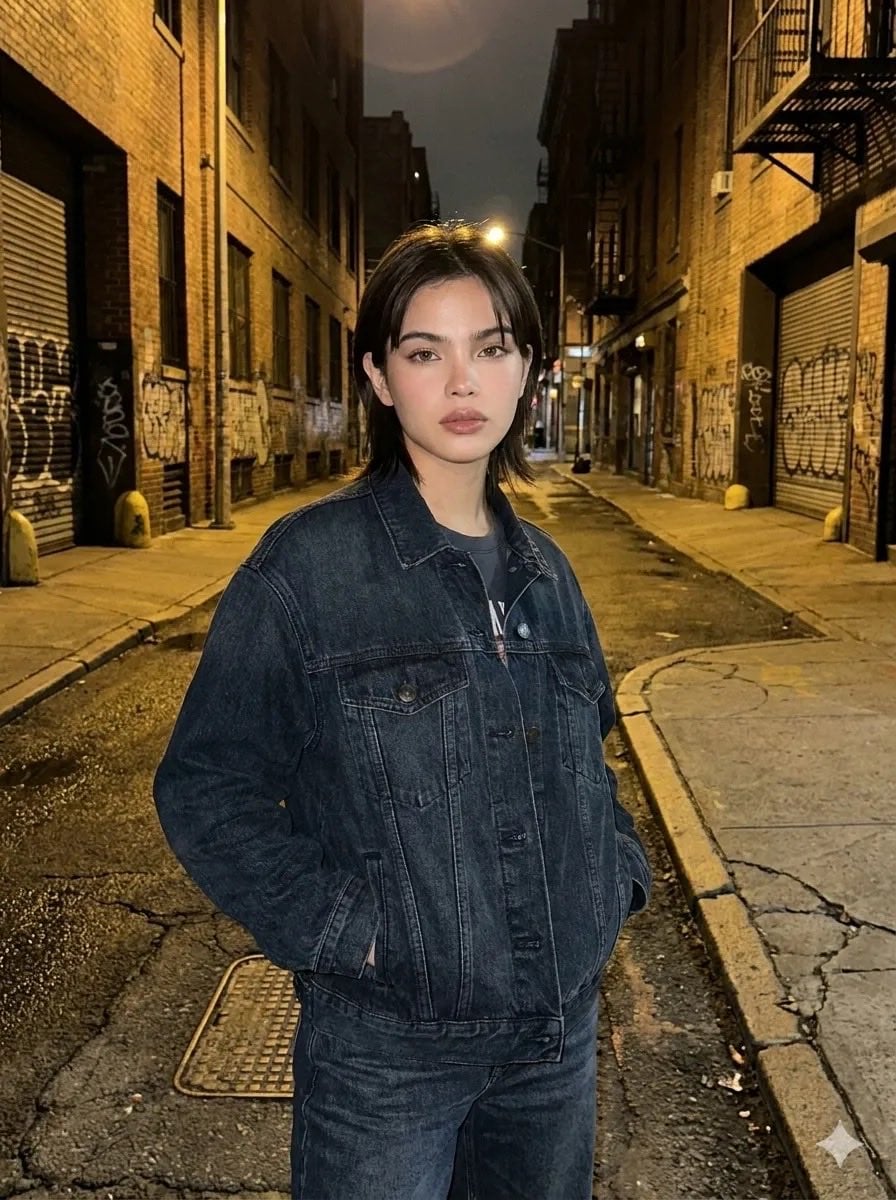
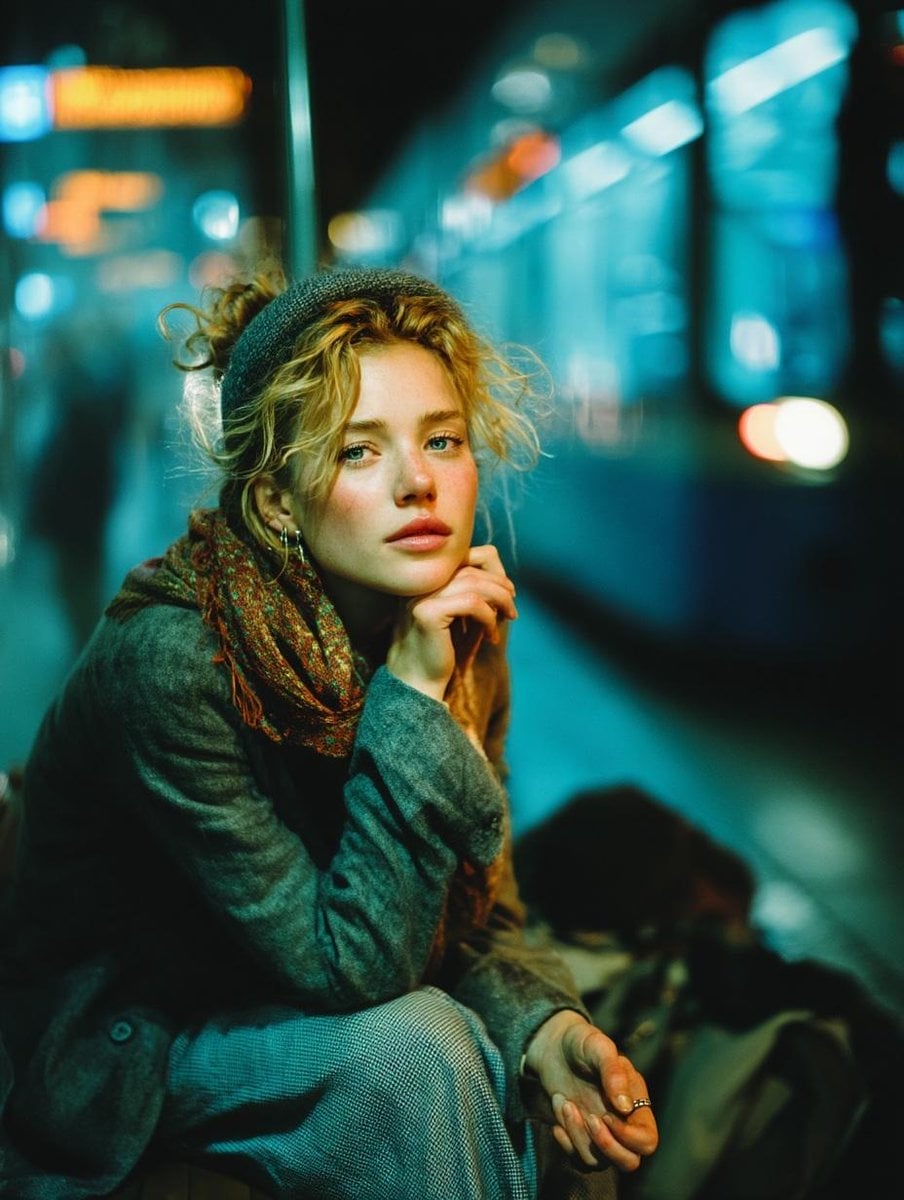
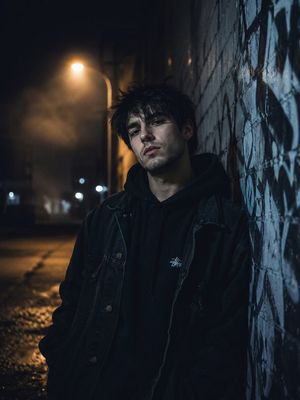
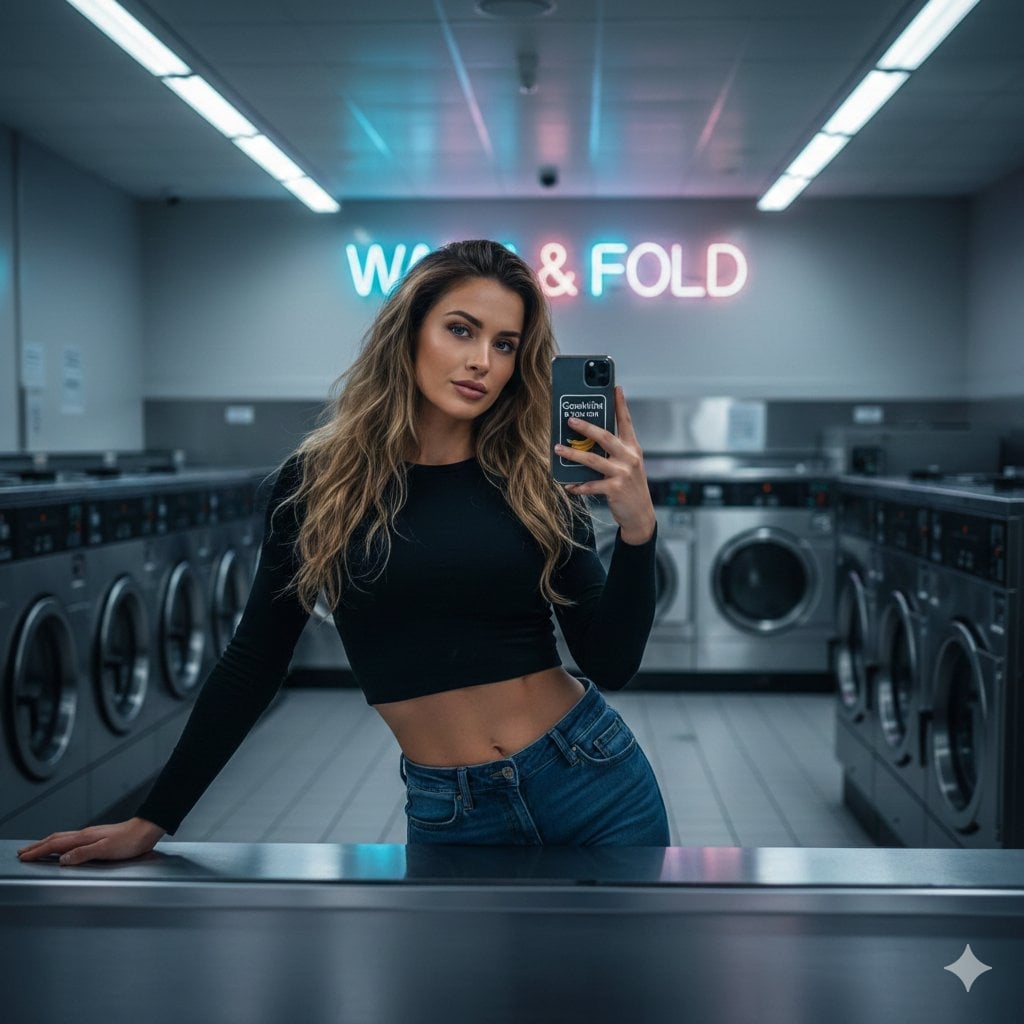
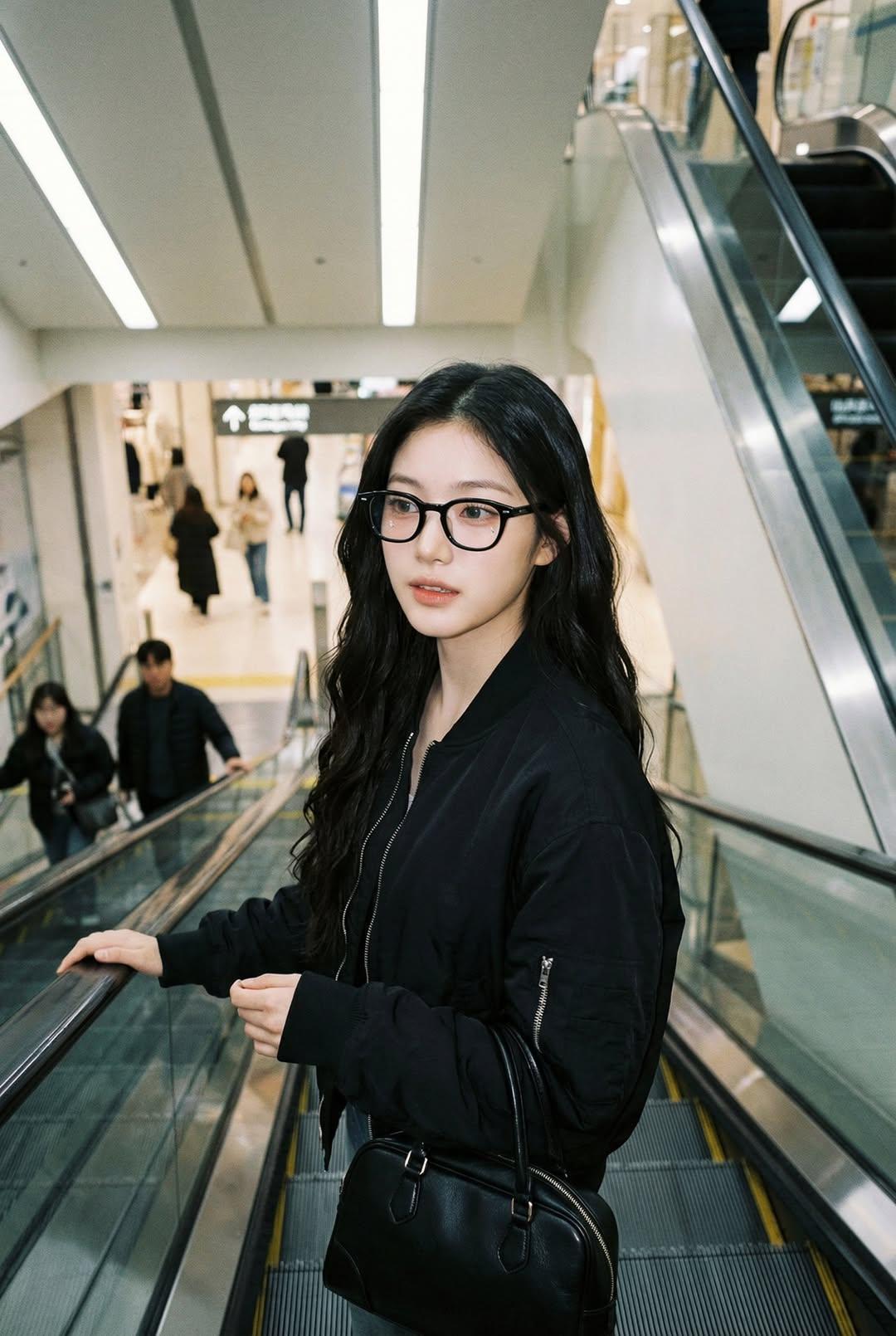
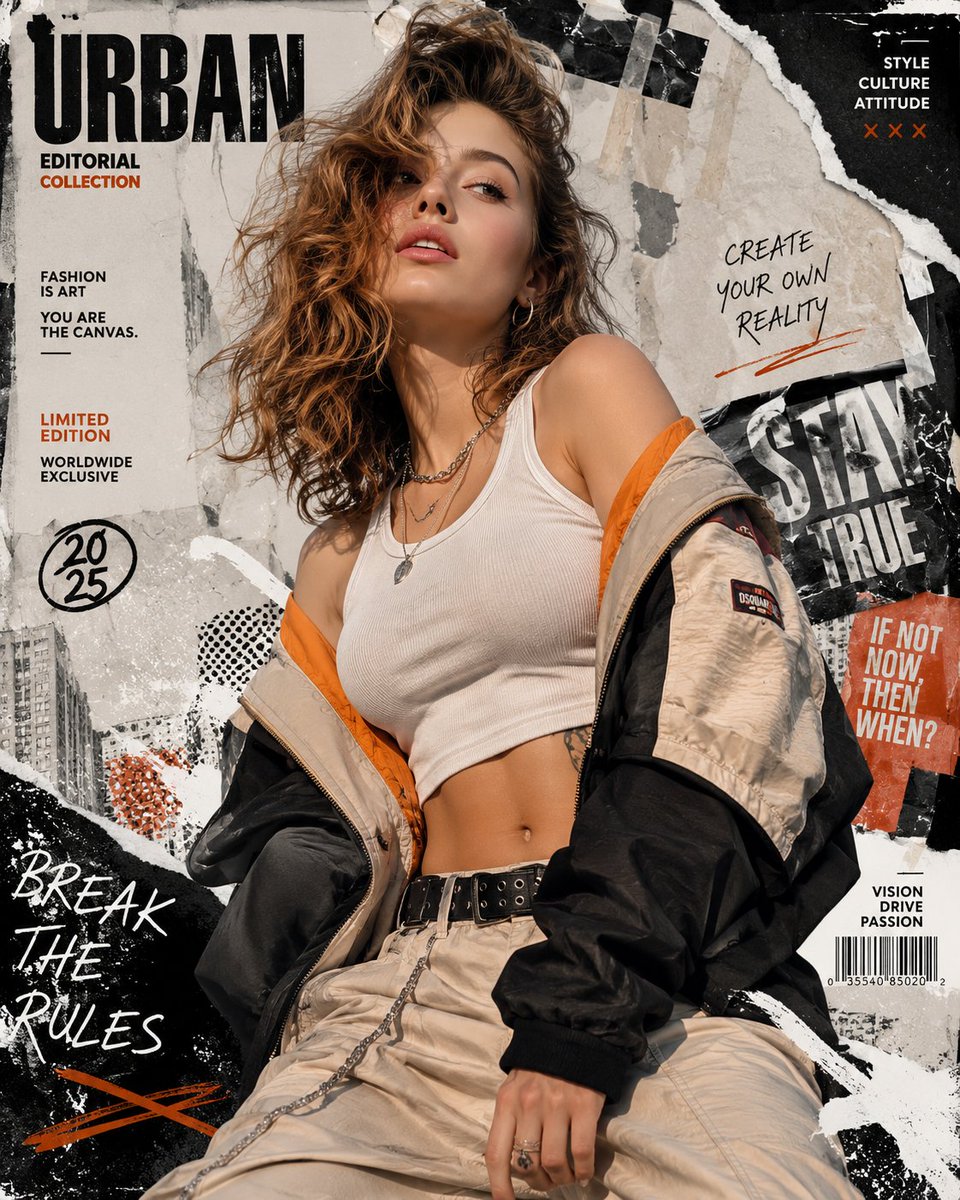
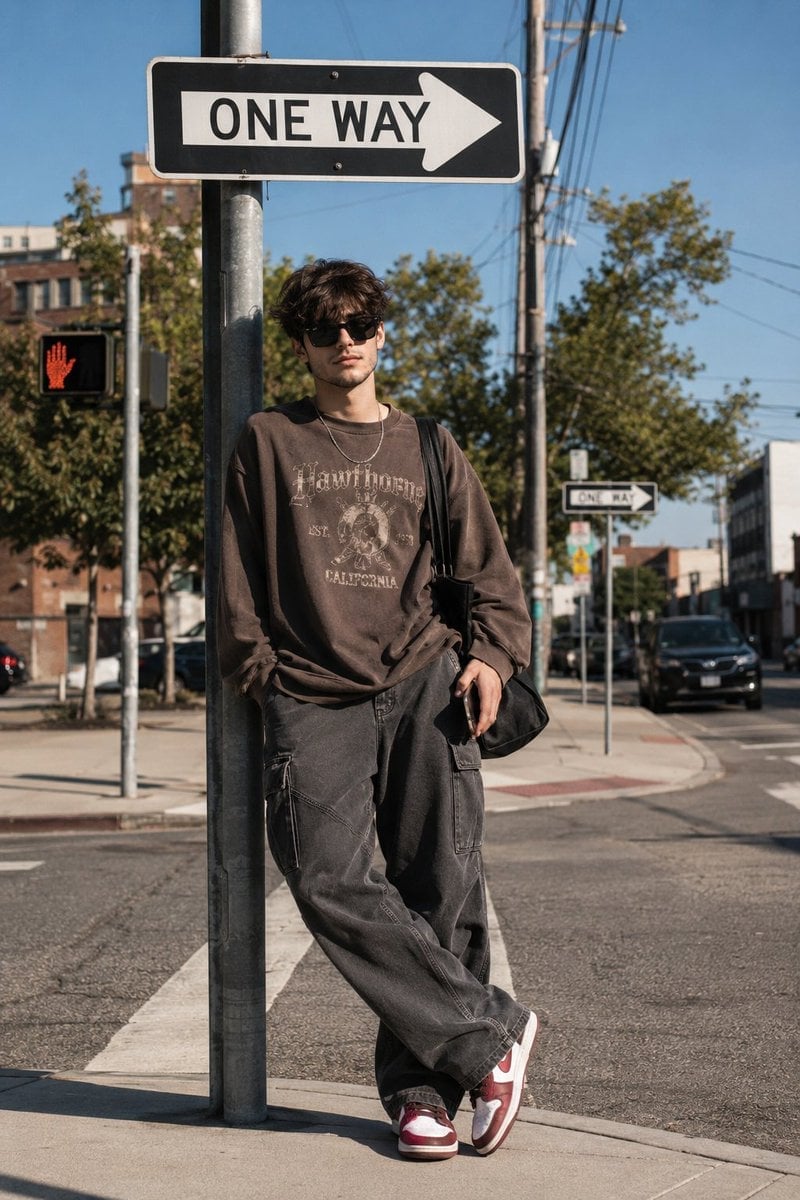
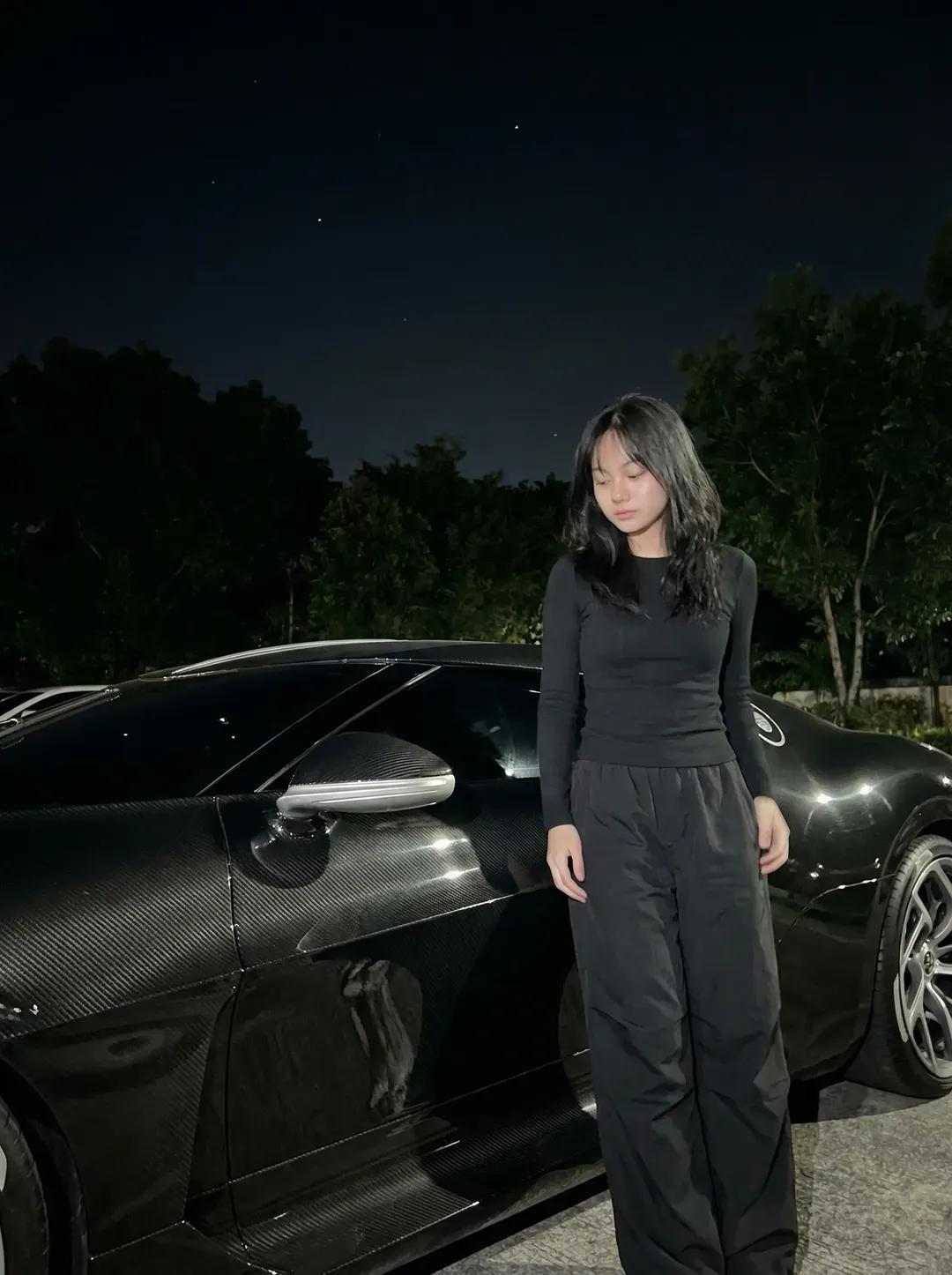
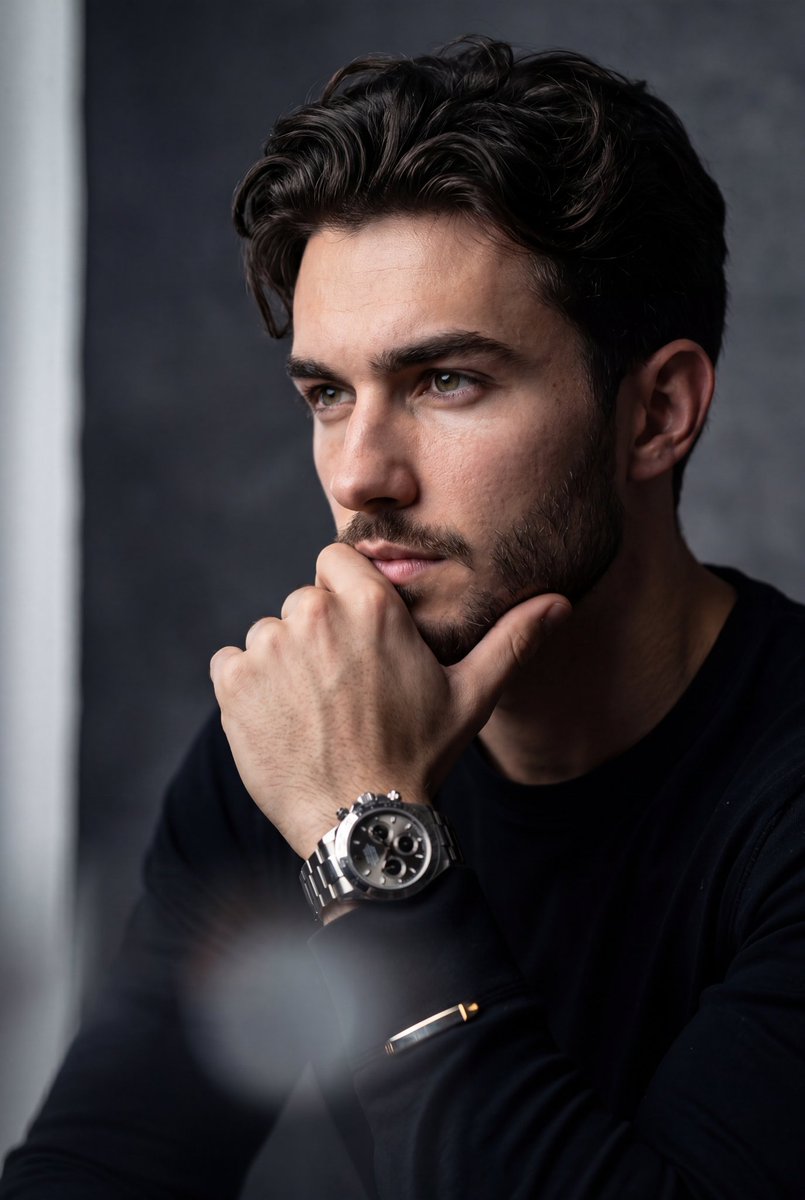
Cinematic night street portrait of a {argument name="subject" default="young woman"} standing in an {argument name="setting" default="empty urban alley"}, wearing a {argument name="clothing" default="dark denim jacket and jeans"}, hands in pockets, soft confident expression, warm streetlights casting golden glow, graffiti-covered brick walls, shallow depth of field, 35mm lens, ultra-realistic, moody lighting, high detail, film grain Aesthetic night scene of a young woman lying on grass under a clear starry sky, city skyline lights in the distance, wearing a beige knit sweater and denim shorts, soft glowing skin, dreamy expression, wide-angle view, cool blue tones, long exposure stars, ultra-realistic, calm cinematic vibe
Choose the primary action to open PicX Studio with the available template settings. Review the model and format, personalize the creative direction, and generate when ready.
Yes. You can change the subject, setting, lighting, mood, format, and available model controls before creating your image.
This template is free to open and customize. Generation usage is shown in PicX Studio before you create.
Start with Nano Banana 2, which is the model associated with this template. You can compare another compatible model for a different finish.
Follow a topic to a crawlable collection of related PicX Studio templates.