
Celestial Blue Fantasy Dancer
Generates a dramatic vertical anime fantasy key visual of a jeweled dancer swirling through a luminous blue star garden.
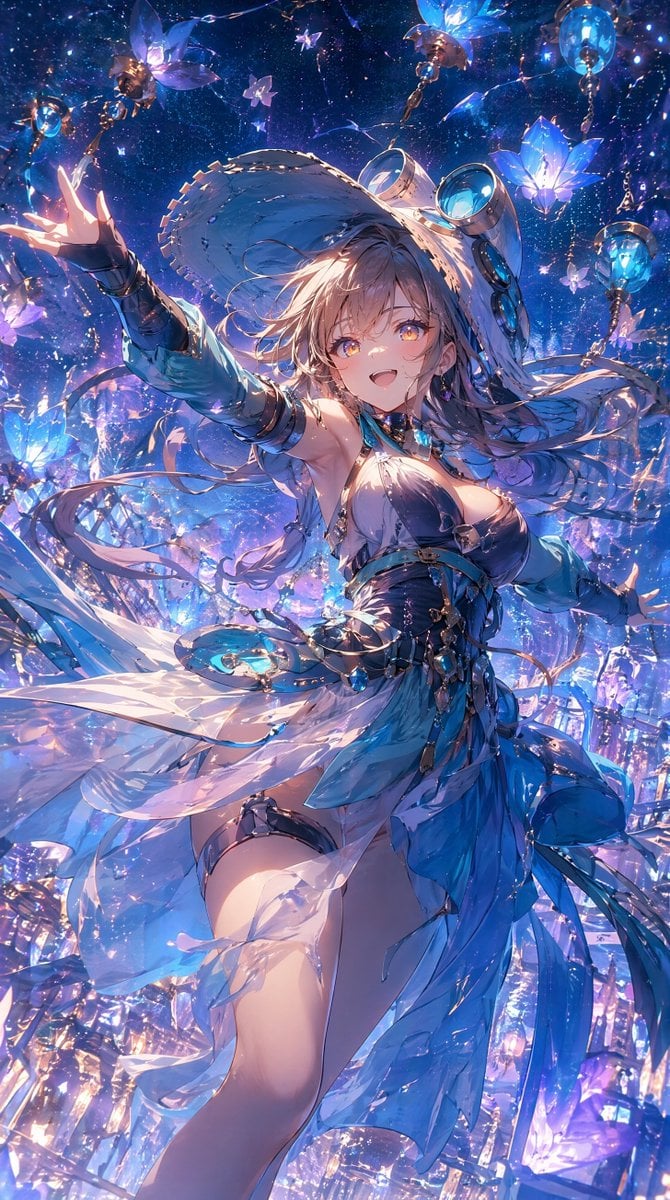
- Prompt included
- Model and format preset
- Free template
The prompt behind this image
Copy the exact prompt behind Celestial Blue Fantasy Dancer, or open it in the studio and make it yours.
Create a vertical, ultra-detailed fantasy anime illustration of {argument name="character name" default="Rindou"}, a radiant young woman dancing in a magical night sky garden filled with glowing blue gentian-like flowers, glass lanterns, tiny star particles, and floating crystal petals. She has {argument name="hair color" default="silvery white"} long flowing hair streaming dramatically in the wind, an energetic ecstatic pose with one arm reaching toward the viewer and the other extended outward, as if inviting the viewer to dance. Her outfit is an ornate {argument name="outfit color palette" default="white, sapphire blue, and silver"} dancer costume with translucent layered veils, asymmetrical skirt panels, jeweled belts, metallic chains, turquoise gemstones, arm bracers, thigh straps, and fluttering ribbons; make the fabric luminous, sheer, and wind-swept without making the image explicit. Surround her with exactly 9 prominent hanging or floating lantern ornaments and lotus/gentian flower lights: 3 large blue flower lamps, 3 ornate gold-and-glass lanterns with chains, and 3 smaller violet glowing blossoms, all suspended among sparkling threads. The background should feel like a cosmic festival: deep indigo starfield, shimmering dust, blue-violet bokeh, prismatic glass shards, and intense rim lighting. Use a dynamic low-angle composition, cinematic depth of field, diagonal motion, flowing cloth arcs, high contrast moonlit highlights, iridescent reflections, intricate jewelry detail, and a vibrant blue-purple color grade, in the style of a polished high-end anime game key visual.
How to use Celestial Blue Fantasy Dancer in 3 steps
- 1Upload ImagePNG, JPG or paste
Add your photo
Upload the photo the template builds on. The prompt, model and format are already set.
- 2…a portrait of your subject in softgolden-hour light, 85mm…
Personalize
Edit the subject and creative details for your destination.
- 3Generate
Generate
Press Generate — your image is created in PicX Studio, so you can compare it with the original and refine one variable at a time.
More like this
Templates with the same subject, style or setup. Open one to see its prompt.

Anime Fantasy Celestial Movie Poster
Anime Fantasy Celestial Movie Poster
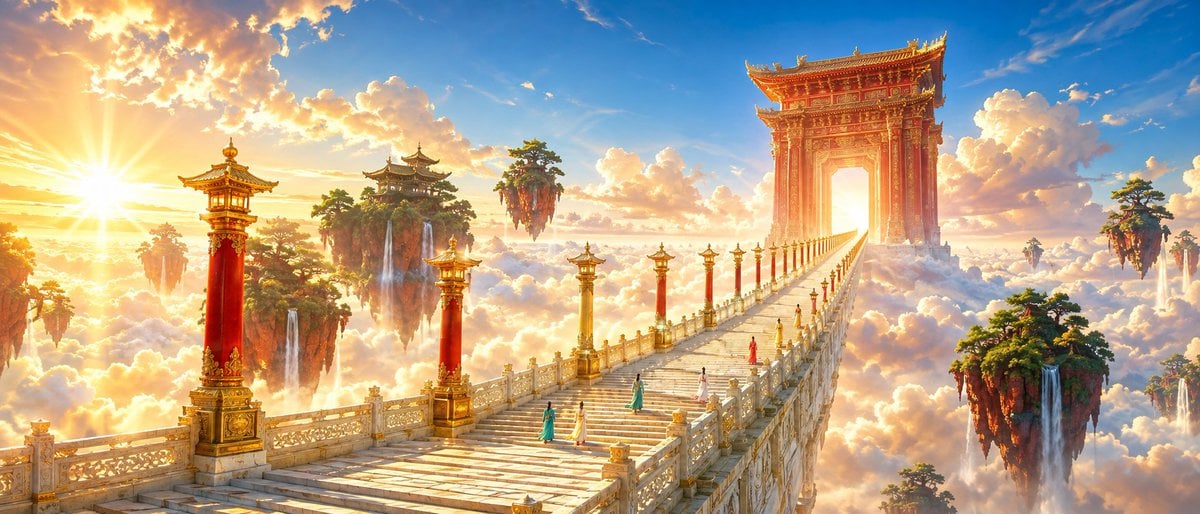
Oriental Fantasy Celestial Realm
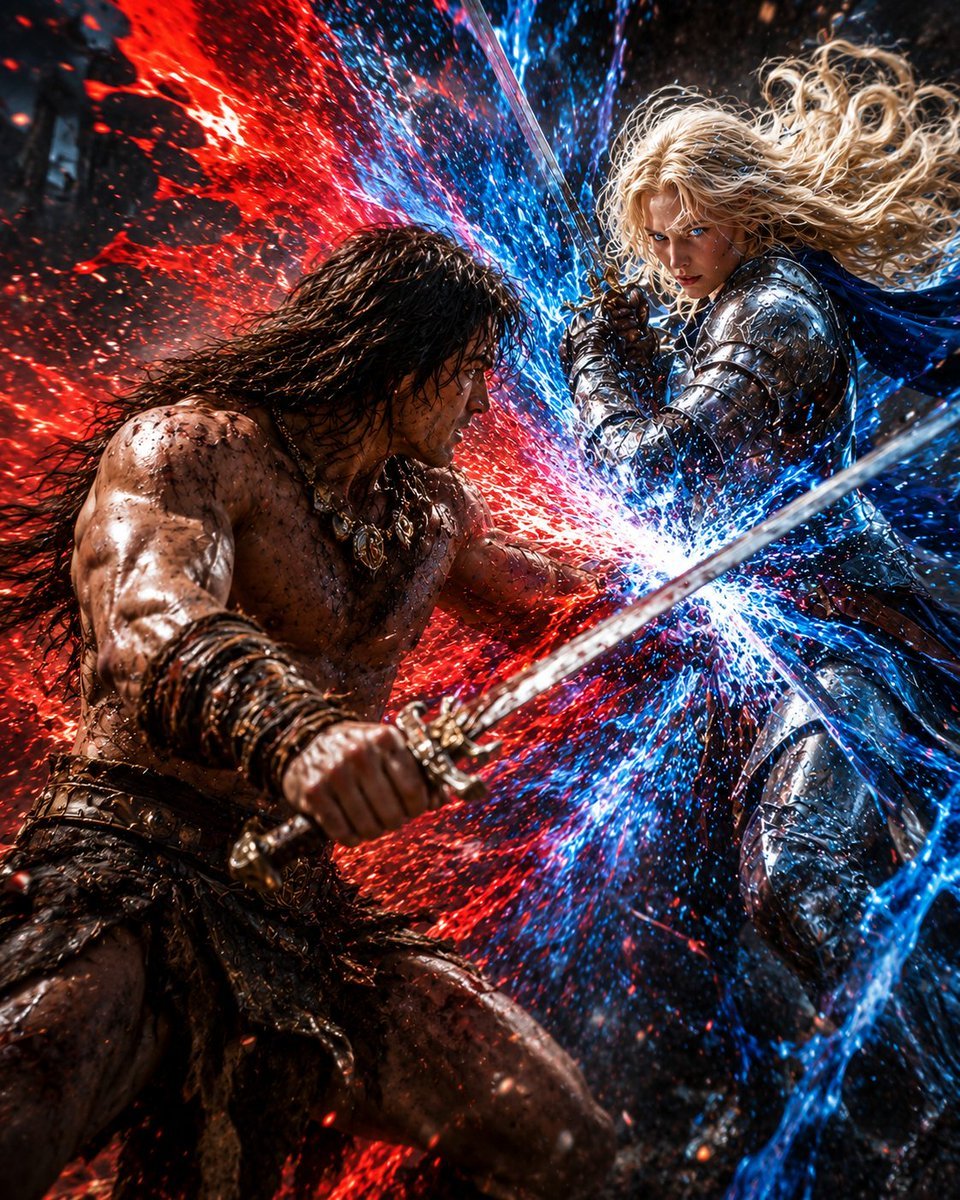
Red and Blue Fantasy Sword Clash
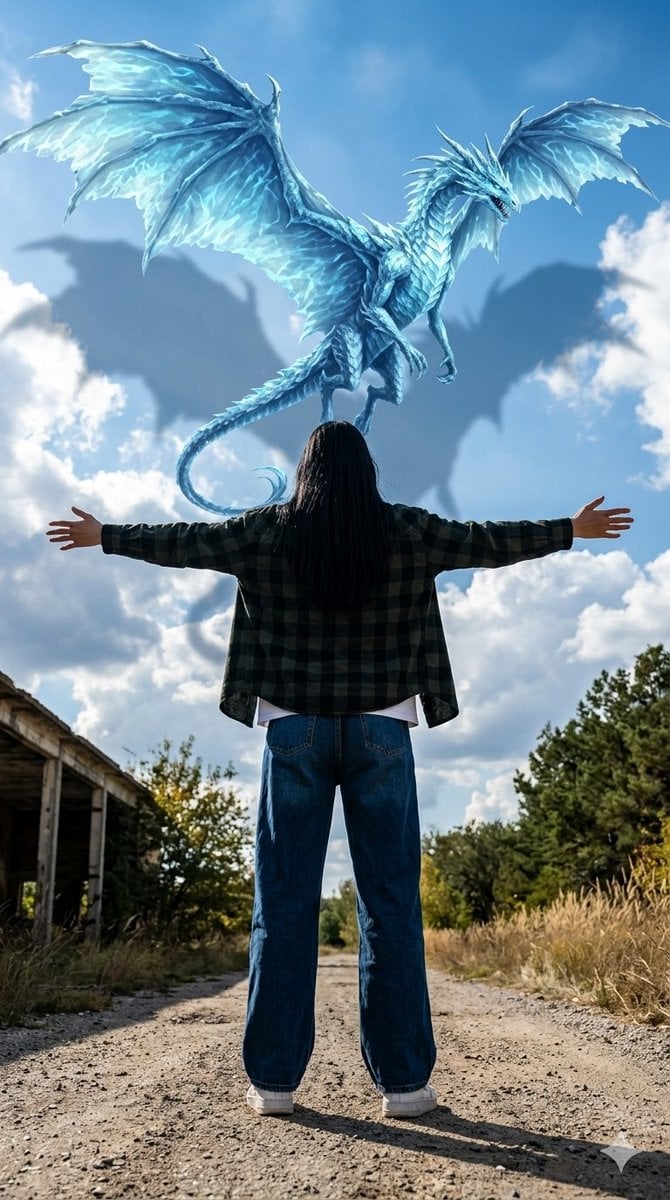
Celestial Dragon Sky Fantasy

Monochrome Portrait Jersey Accent Poster

Minecraft Fantasy Kingdom Voxel Landscape

Unfinished Sketch Comes Alive Portrait

Open Travel Journal Overhead Still Life

Tiny Woman Miniature Fantasy Macro Scene
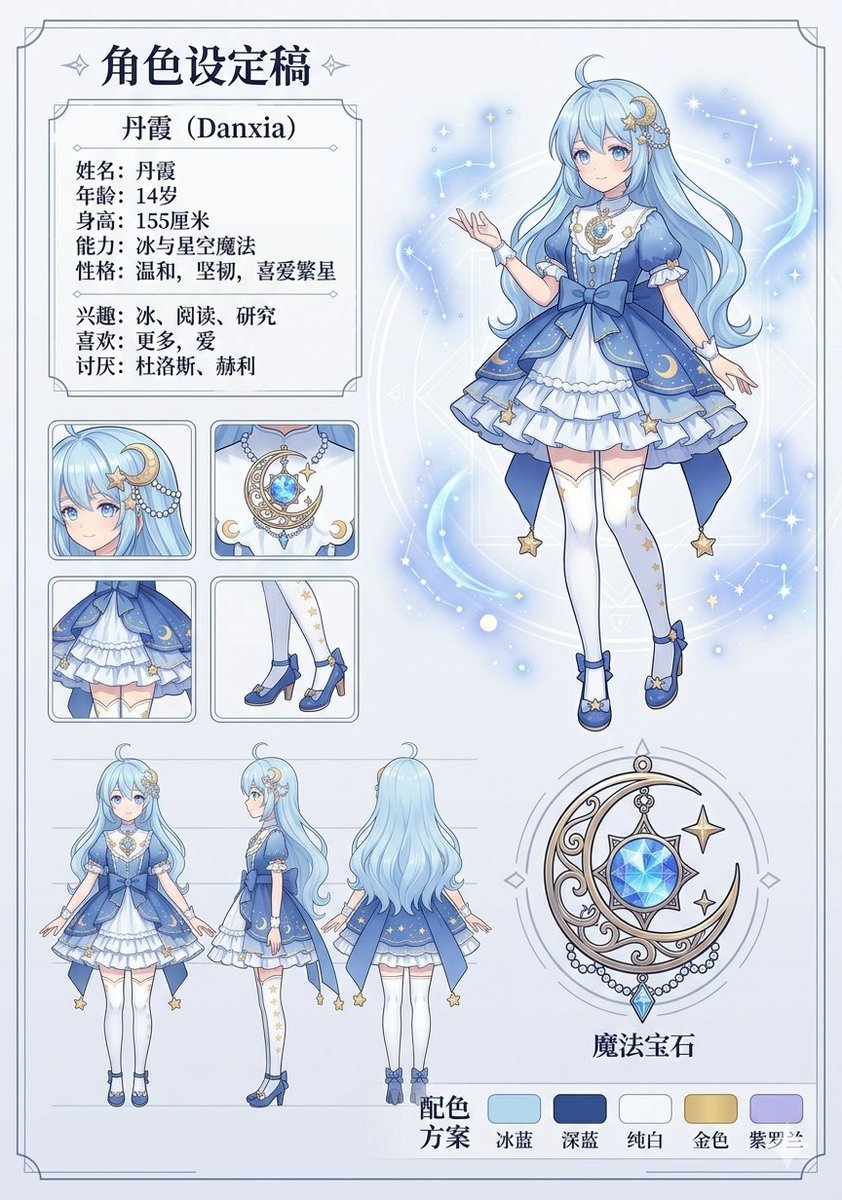
Celestial Blue Character Design Sheet
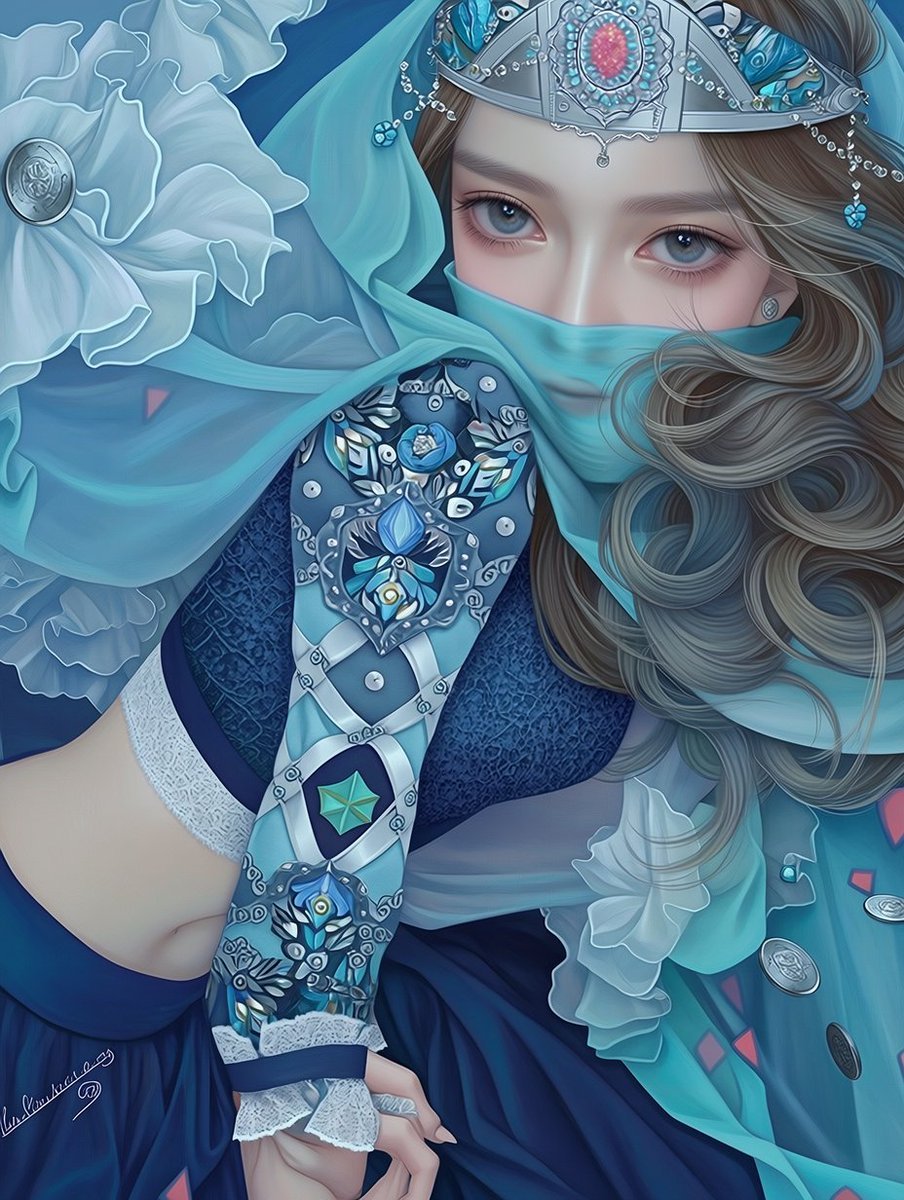
Ornate Blue Belly Dancer Illustration
Make it yours
Celestial Blue Fantasy Dancer works as-is. These are the safest ways to change it without losing the look.
Change one field
Copy a single group, rewrite it, and generate again so you can see what that field is doing.
Keep the frame, change the subject
Hold the composition and light of Celestial Blue Fantasy Dancer, then swap wardrobe, props or the person for a new take.
| If the result… | Why | Fix |
|---|---|---|
| The result drifts from the preview | Too many fields changed at once. | Reuse Celestial Blue Fantasy Dancer as-is first, then change one group — subject, light, or setting. |
| The model over-stylizes the scene | The prose prompt leaves finish and camera underspecified. | Add one camera or lighting sentence and stay on GPT Image 2. |
More GPT Image 2 templates
Other prompts made for GPT Image 2.

Six VTuber Japanese Logo Sheet

Realistic Portrait of Woman and Deer

The Vista Modular Condo Poster

AI Model Routing Comparison Infographic

2.5D Anime Art Board

Isometric Productivity Desk Scene

New York Double Exposure Poster

Four-Panel AI Landscape Comparison

Japanese Tatami Lifestyle Magazine Cover

NESCAFÉ Coffee Map Poster
More image prompts
Fresh picks from across the catalog.
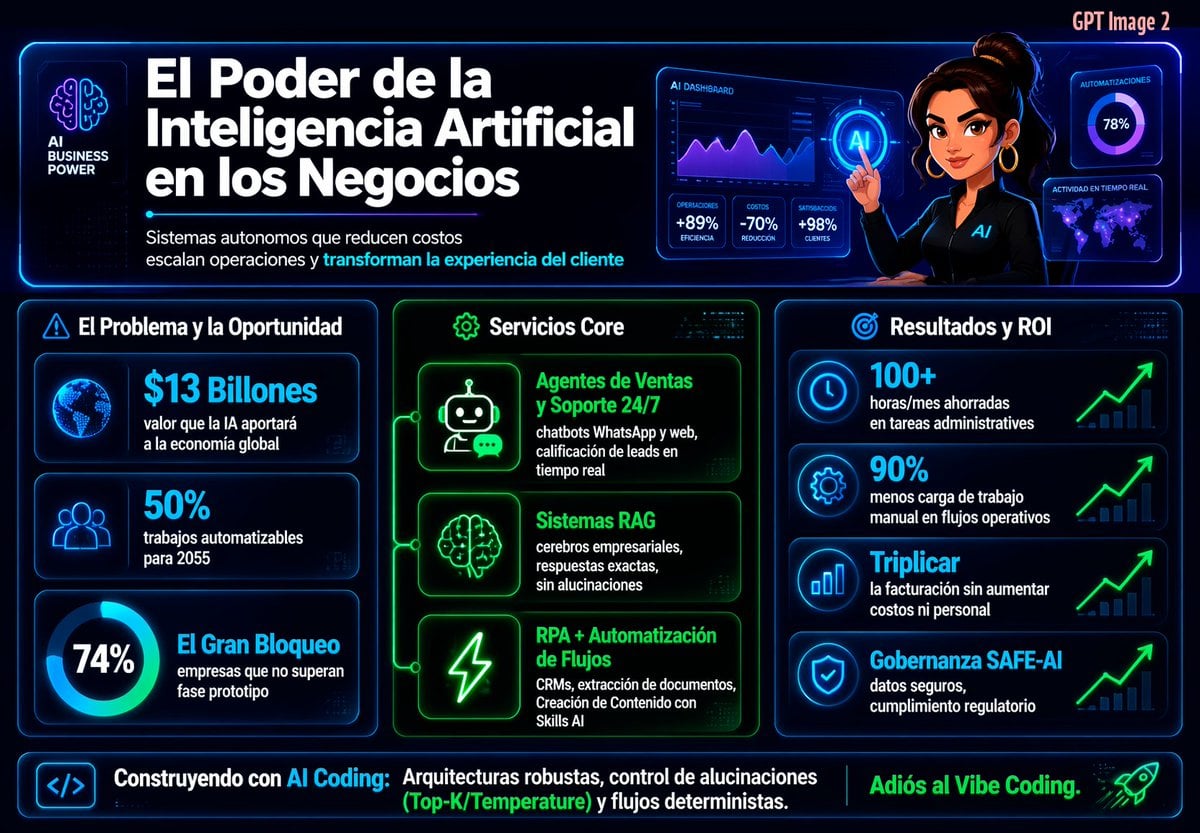
Spanish Neon AI Business Infographic
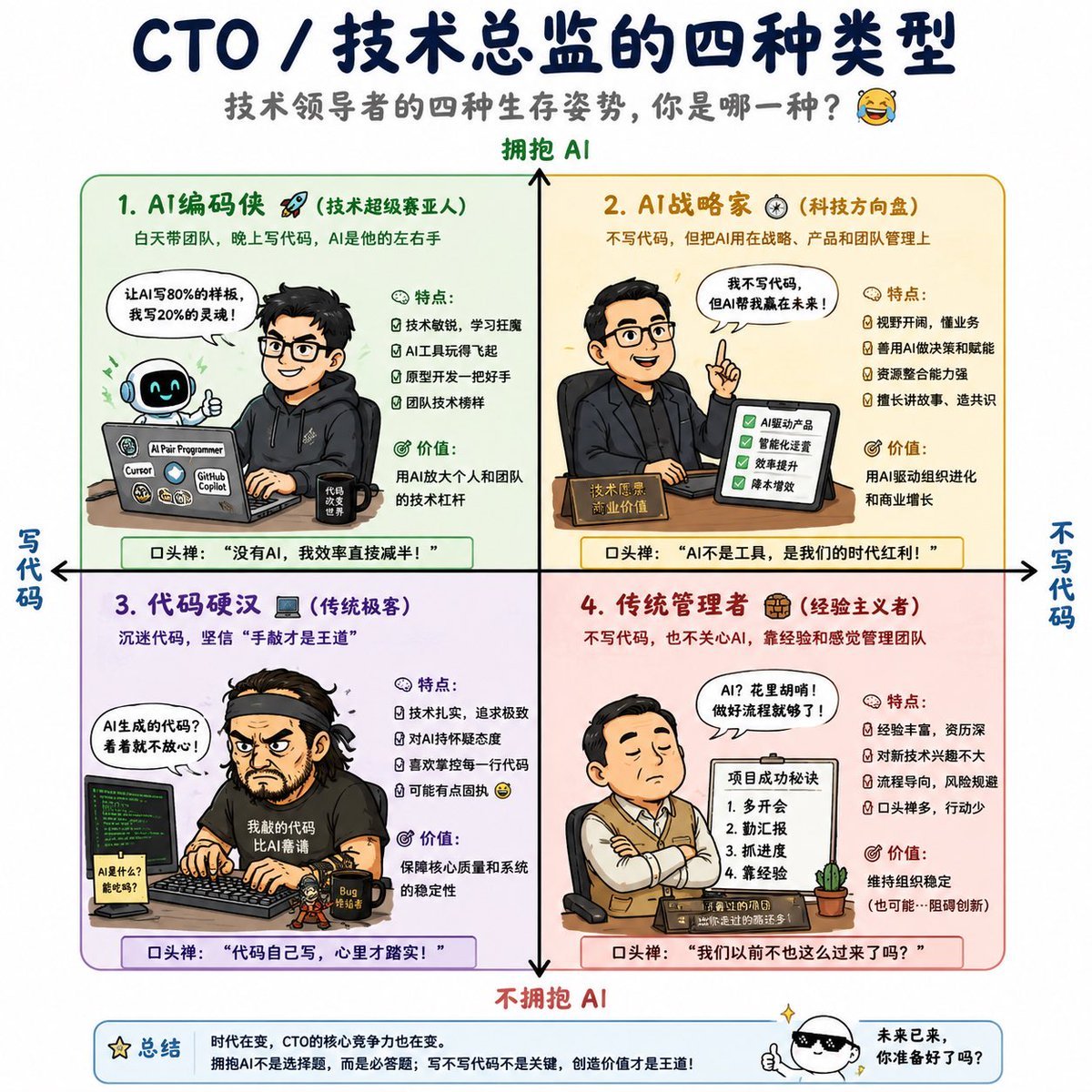
Four Types of CTO Infographic
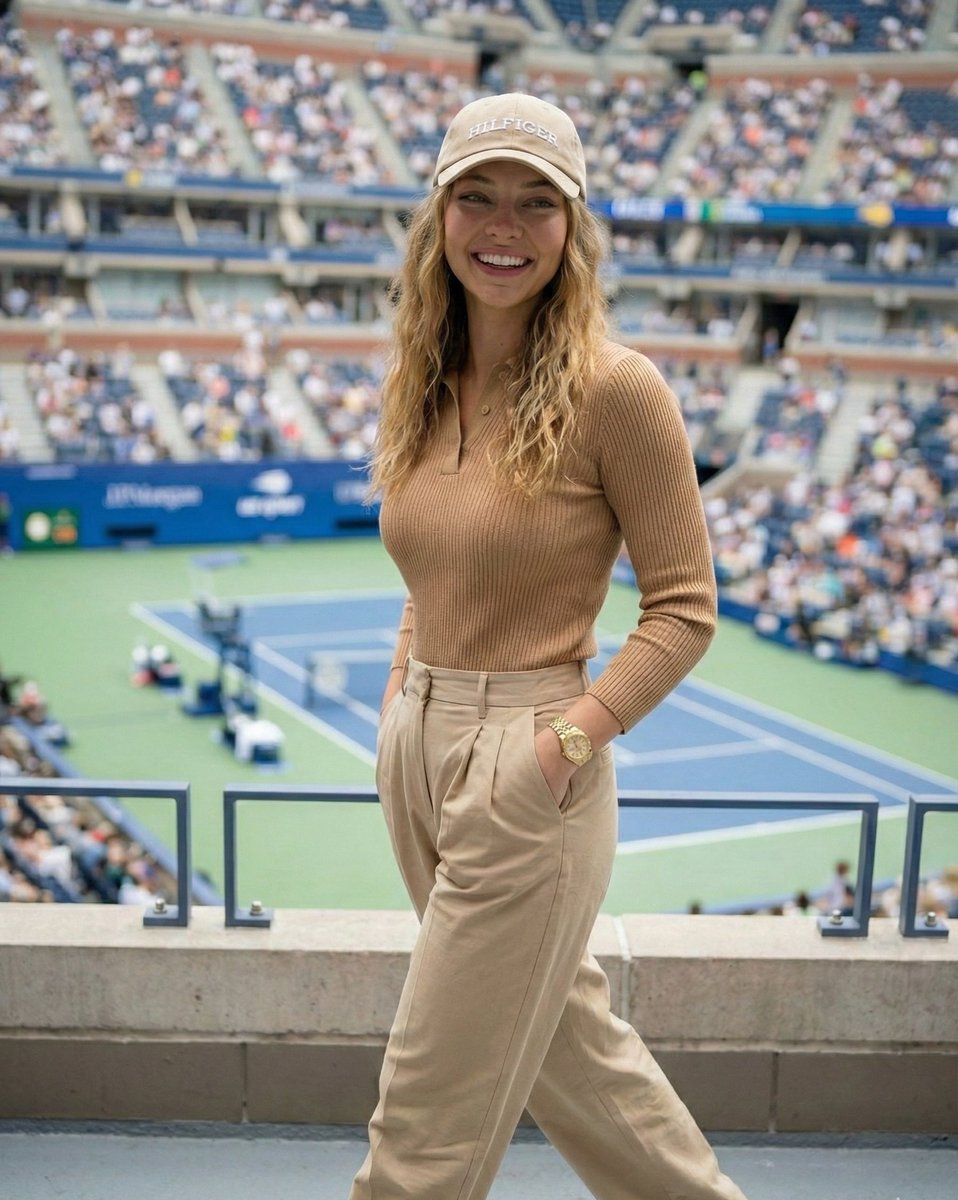
Ultra-Photorealistic Tenniscore Event Portrait
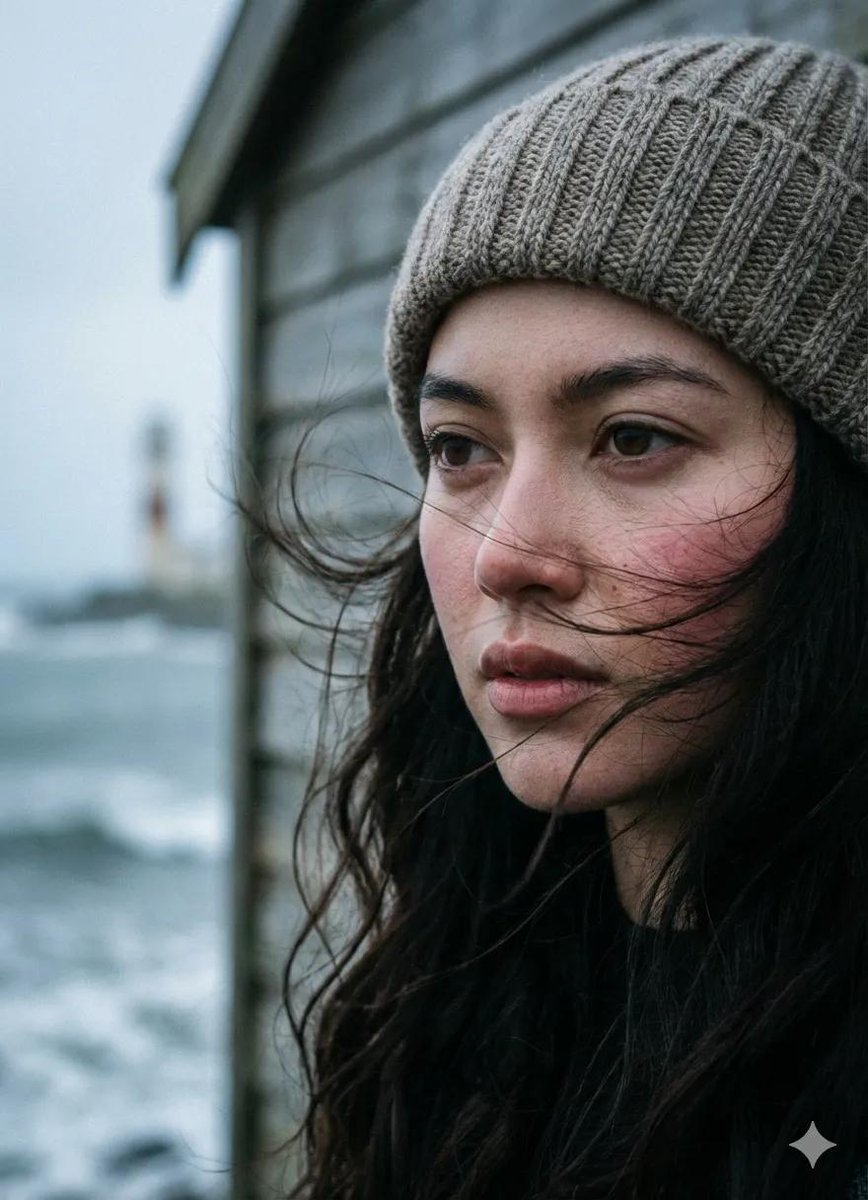
Cinematic Seaside Pier Portrait Prompt
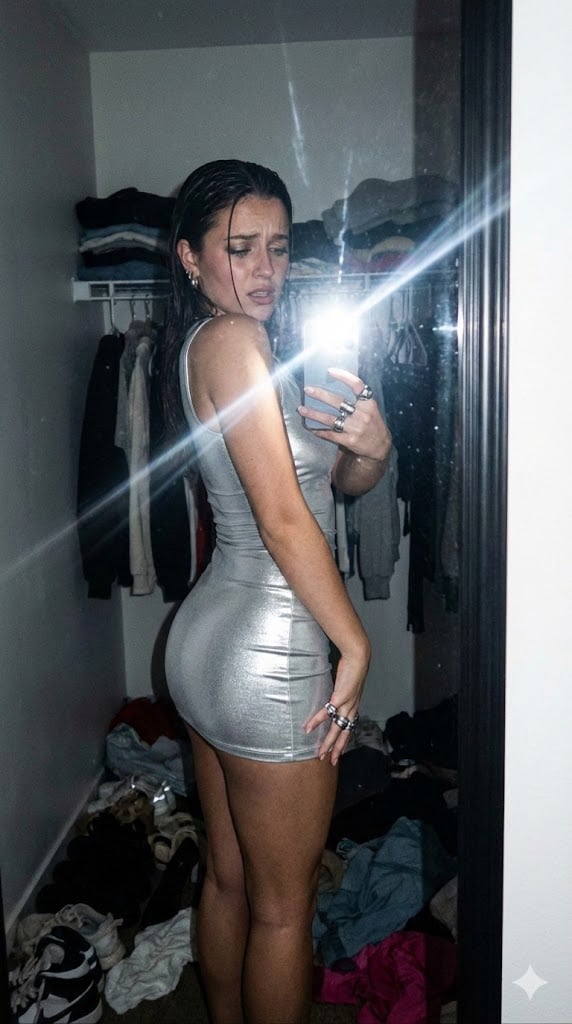
Candid Gen Z Fit Check Mirror Selfie Narrative
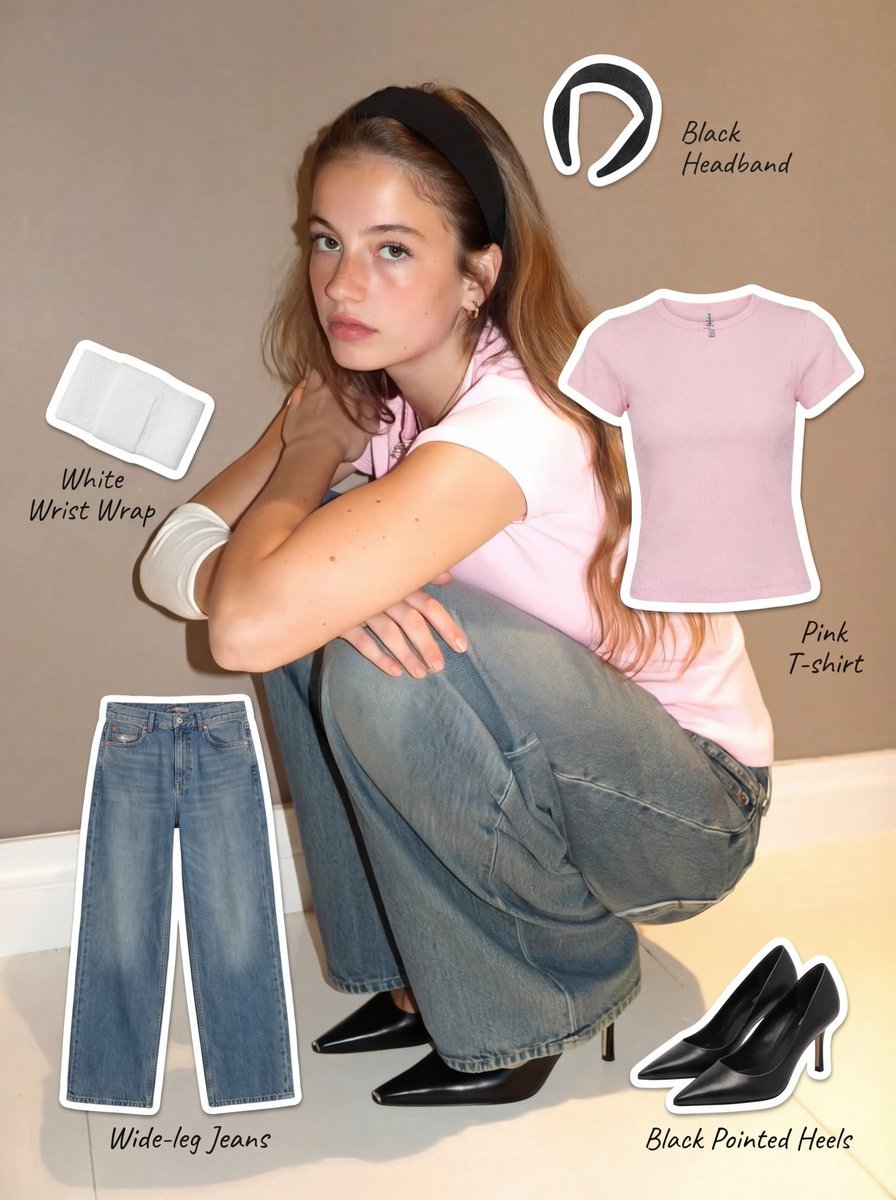
Clothing Item Cut-Out Sticker Prompt
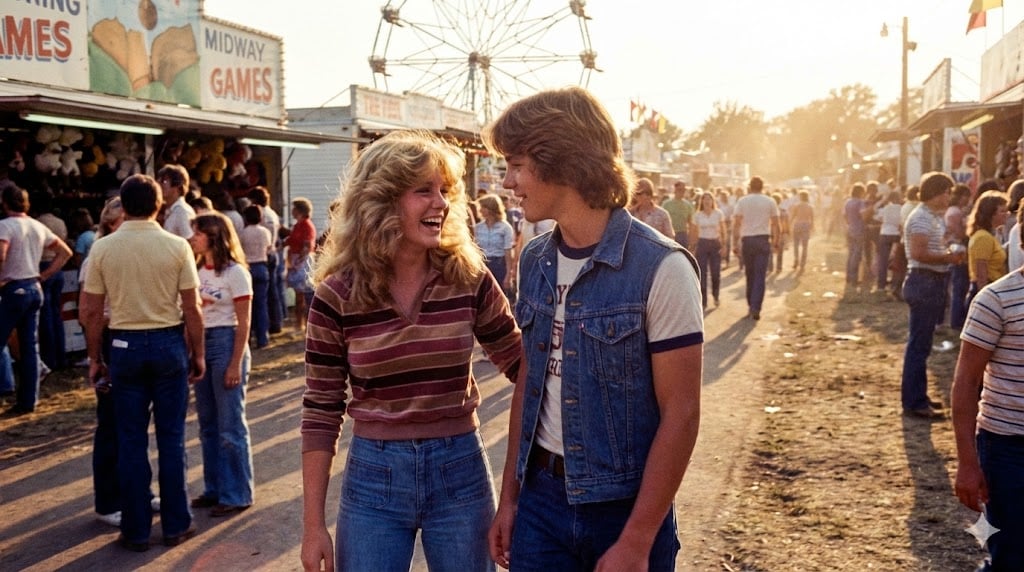
1979 County Fair Photo Generation Prompt
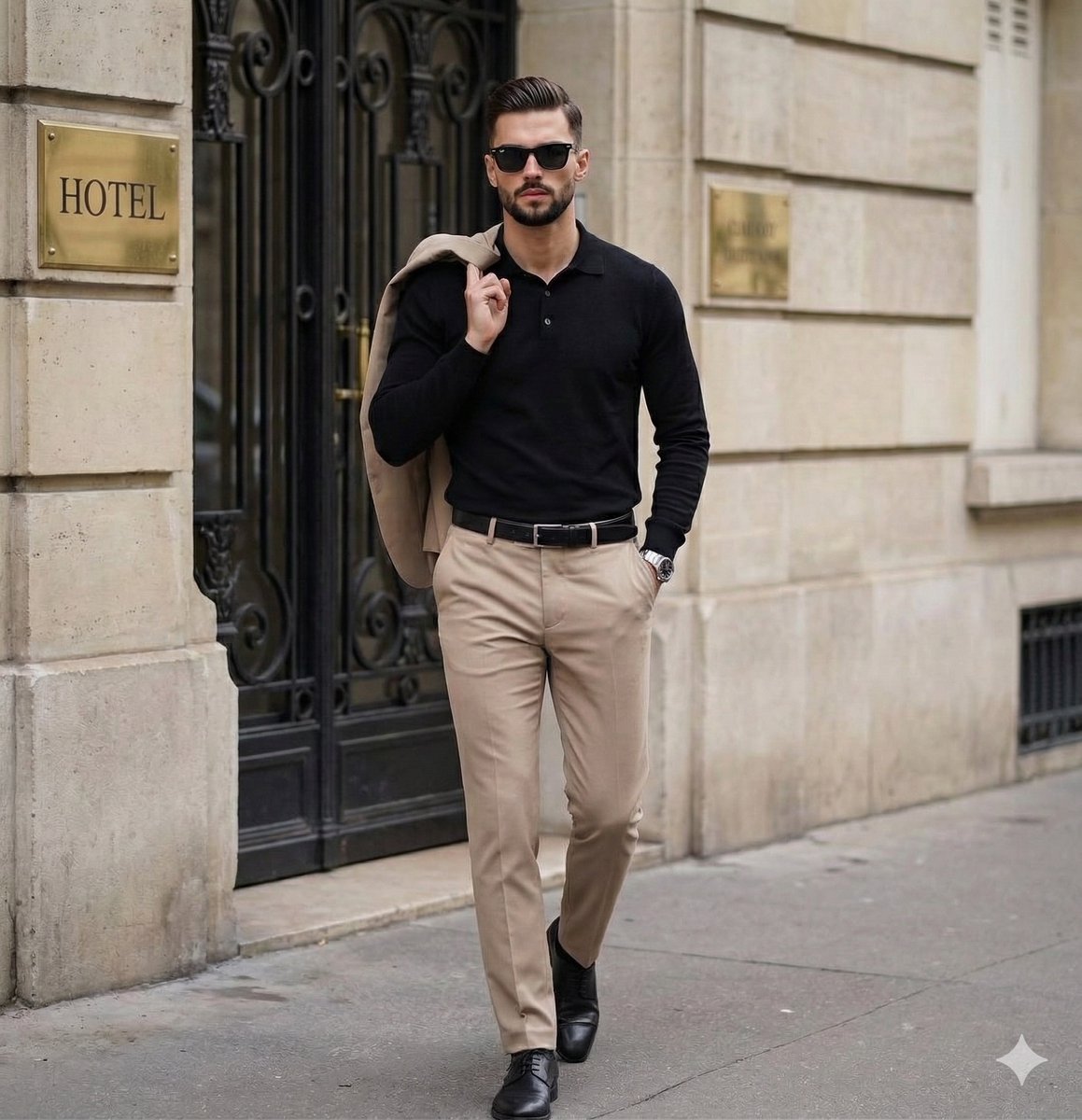
Sophisticated Men's Street Style Editorial

Red Studio Fashion Editorial with Motion Echo Effect
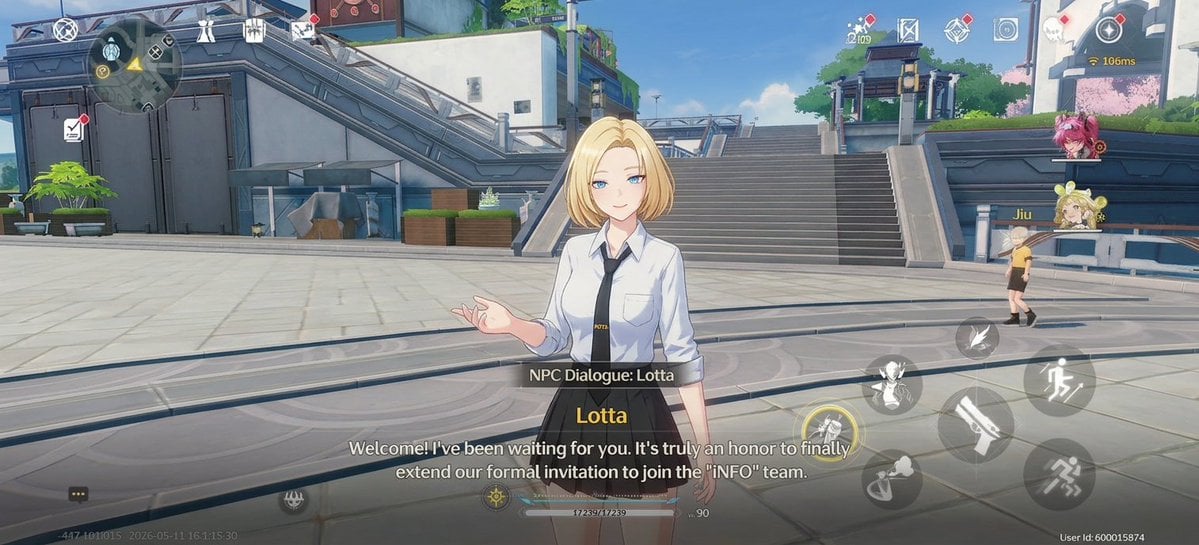
Anime RPG Dialogue Screenshot
Browse template categories
Celestial Blue Fantasy Dancer questions
How do I use the Celestial Blue Fantasy Dancer template?
Add your photo if the template asks for one, edit the prompt if you like — the template's model and format are already selected — and press Generate. Your version opens in PicX Studio.
Can I customize the Celestial Blue Fantasy Dancer template?
Yes. You can change the subject, setting, lighting, mood, format, and available model controls before creating your image.
Is the Celestial Blue Fantasy Dancer template free?
Opening and editing this template is free. Generating uses credits, shown on the Generate button when you are signed in.
Which AI model should I use?
Start with GPT Image 2, which is the model associated with this template. You can compare another compatible model for a different finish.
Looking for something else? Browse all templates.

Your photo, any look
Thousands of ready templates for every top image and video model, from one credit balance.