
Ornate Blue Belly Dancer Illustration
Generates a detailed anime fantasy belly dancer close-up with turquoise veils, silver jewelry, and an intentionally obscured central face area.
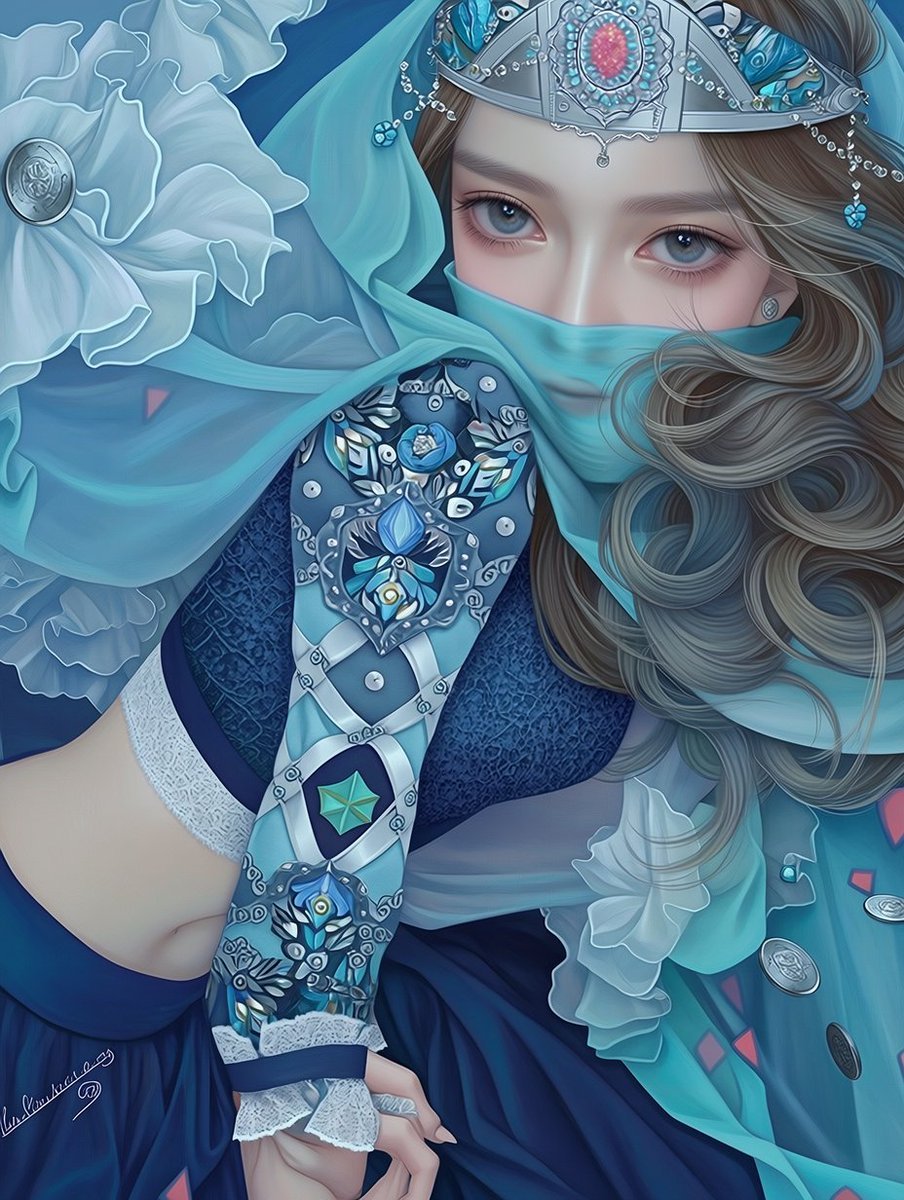
- Prompt included
- Model and format preset
- Free template
The prompt behind this image
Copy the exact prompt behind Ornate Blue Belly Dancer Illustration, or open it in the studio and make it yours.
Create a highly detailed vertical anime-style illustration of a glamorous {argument name="character description" default="young female belly dancer"} in an ornate cool-toned costume, shown in a dramatic close-up cropped composition from upper thighs to head area, with the face and central upper body intentionally covered by a large opaque gray rectangular censor block. The palette is dominated by deep navy, teal, aqua, silver, and pale icy blue. She has long flowing {argument name="hair color" default="ash brown"} hair with soft curls spilling across the right side, decorated with delicate silver chains, tiny blue flower charms, dangling beads, and jeweled head ornaments. Her outfit is an intricate {argument name="costume style" default="fantasy belly dancer costume"}: a dark navy fitted bodice, sheer turquoise veils wrapping around the shoulders and arms, layered translucent ruffles, white lace trim, and a richly decorated arm sleeve covered in silver filigree, pearls, oval metal coins, blue gemstones, floral motifs, and geometric diamond panels. Include a large pale blue fabric flower with a round silver medallion center on the upper left, flowing gauzy scarves, scattered coin ornaments, small pink triangular accents on the veil, and a dark flowing skirt at the bottom. Her hand appears near the lower center with delicate fingers and pale nails. Use an elegant high-detail digital painting style with smooth shading, crisp linework, glossy jewel highlights, ornate textile patterns, fantasy illustration polish, soft lighting, and a refined luxurious mood. The composition should feel intimate and decorative, with dense ornamental detail filling the frame and no background text.
How to use Ornate Blue Belly Dancer Illustration in 3 steps
- 1Upload ImagePNG, JPG or paste
Add your photo
Upload the photo the template builds on. The prompt, model and format are already set.
- 2…a portrait of your subject in softgolden-hour light, 85mm…
Personalize
Edit the subject and creative details for your destination.
- 3Generate
Generate
Press Generate — your image is created in PicX Studio, so you can compare it with the original and refine one variable at a time.
More like this
Templates with the same subject, style or setup. Open one to see its prompt.

Character Archive — Blueprint Concept Sheet

Quiet Minimalist Anime Style Guide

Real Illustration Split Portrait Transition
Quiet Minimalist Anime Style Guide

Watercolor Café Cheesecake Editorial Illustration
Real Illustration Split Portrait Transition

Bold Side Profile Superhero Poster

Hero Portrait Comic Multi-Panel Poster

Spider-Verse Painterly Portrait Poster

Monochrome Portrait Jersey Accent Poster

Captain Tsubasa Anime World Cup Poster

Anime Character Charm Analysis Sheet
Make it yours
Ornate Blue Belly Dancer Illustration works as-is. These are the safest ways to change it without losing the look.
Change one field
Copy a single group, rewrite it, and generate again so you can see what that field is doing.
Keep the frame, change the subject
Hold the composition and light of Ornate Blue Belly Dancer Illustration, then swap wardrobe, props or the person for a new take.
| If the result… | Why | Fix |
|---|---|---|
| The result drifts from the preview | Too many fields changed at once. | Reuse Ornate Blue Belly Dancer Illustration as-is first, then change one group — subject, light, or setting. |
| The model over-stylizes the scene | The prose prompt leaves finish and camera underspecified. | Add one camera or lighting sentence and stay on GPT Image 2. |
More GPT Image 2 templates
Other prompts made for GPT Image 2.

Six VTuber Japanese Logo Sheet

Realistic Portrait of Woman and Deer

The Vista Modular Condo Poster

AI Model Routing Comparison Infographic

2.5D Anime Art Board

Isometric Productivity Desk Scene

New York Double Exposure Poster

Four-Panel AI Landscape Comparison

Japanese Tatami Lifestyle Magazine Cover

NESCAFÉ Coffee Map Poster
More image prompts
Fresh picks from across the catalog.
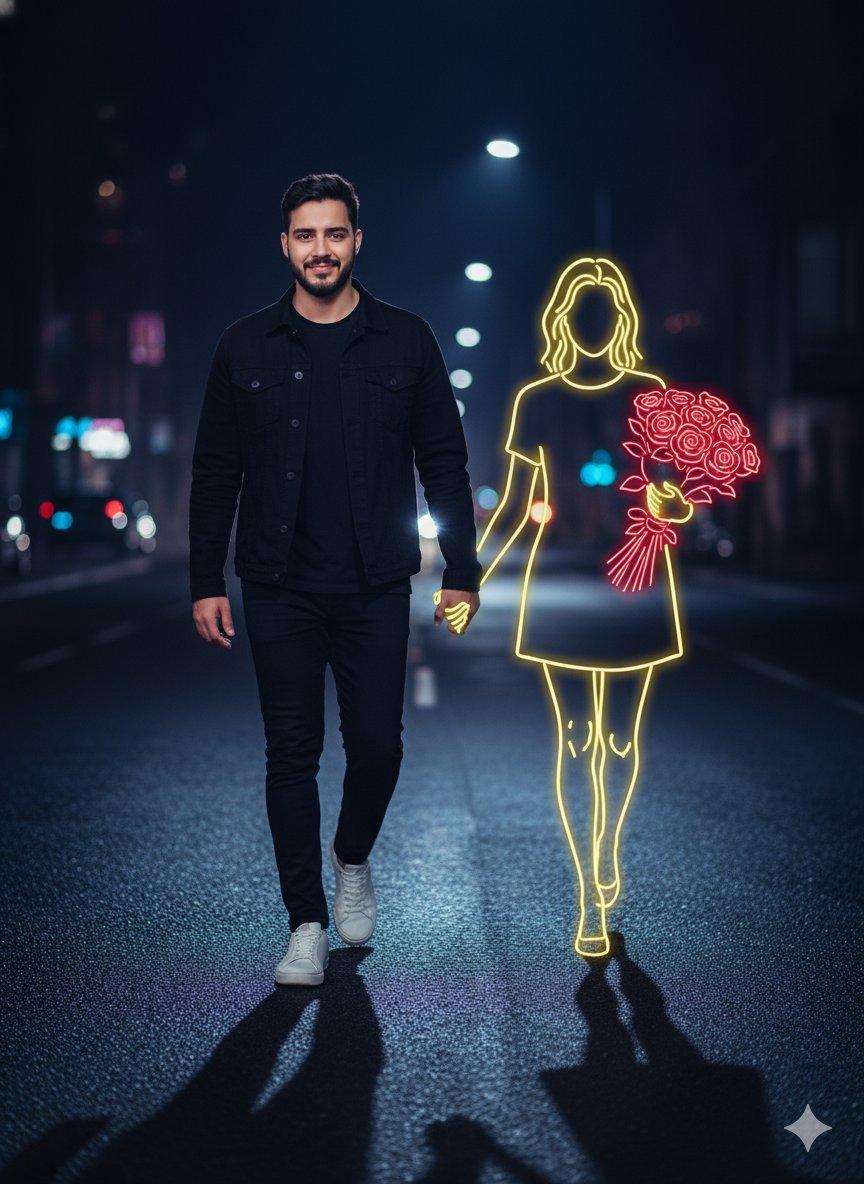
Cinematic Night Portrait with Neon Silhouette
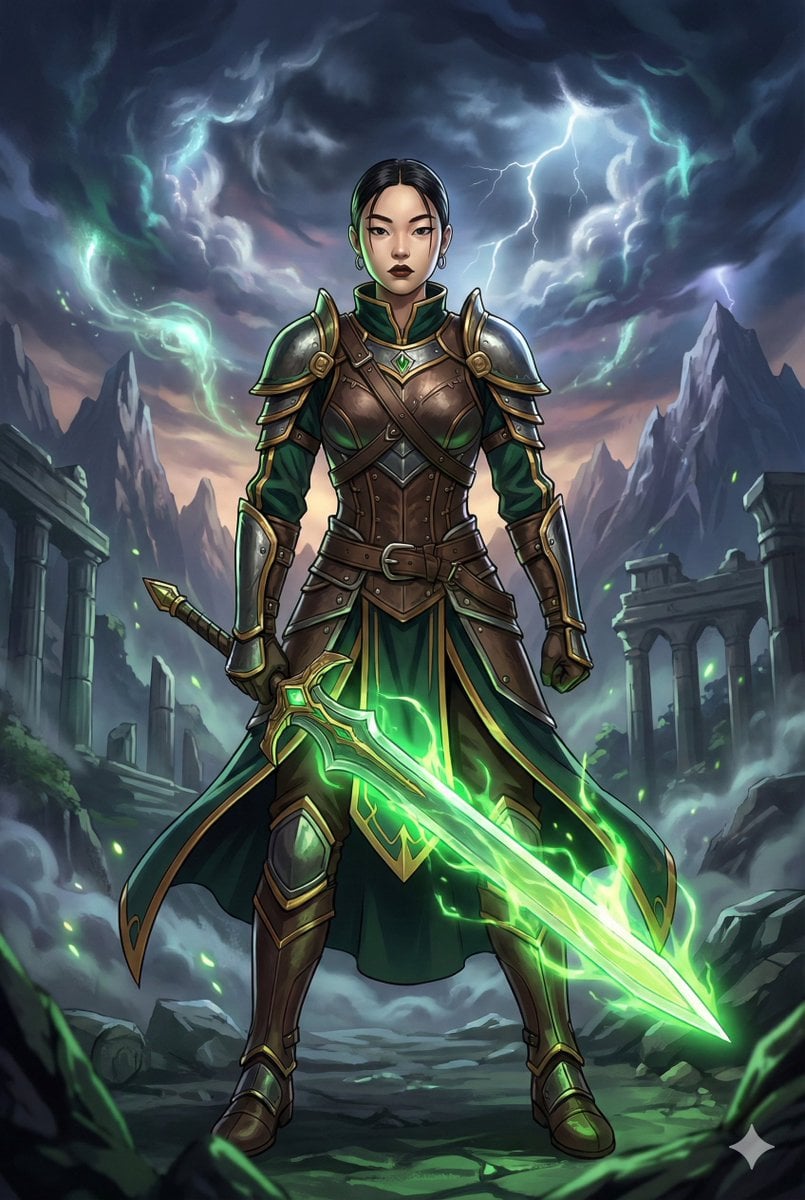
Combining image generation prompts for a fantasy card style

Conceptual Visual for Vision to Execution
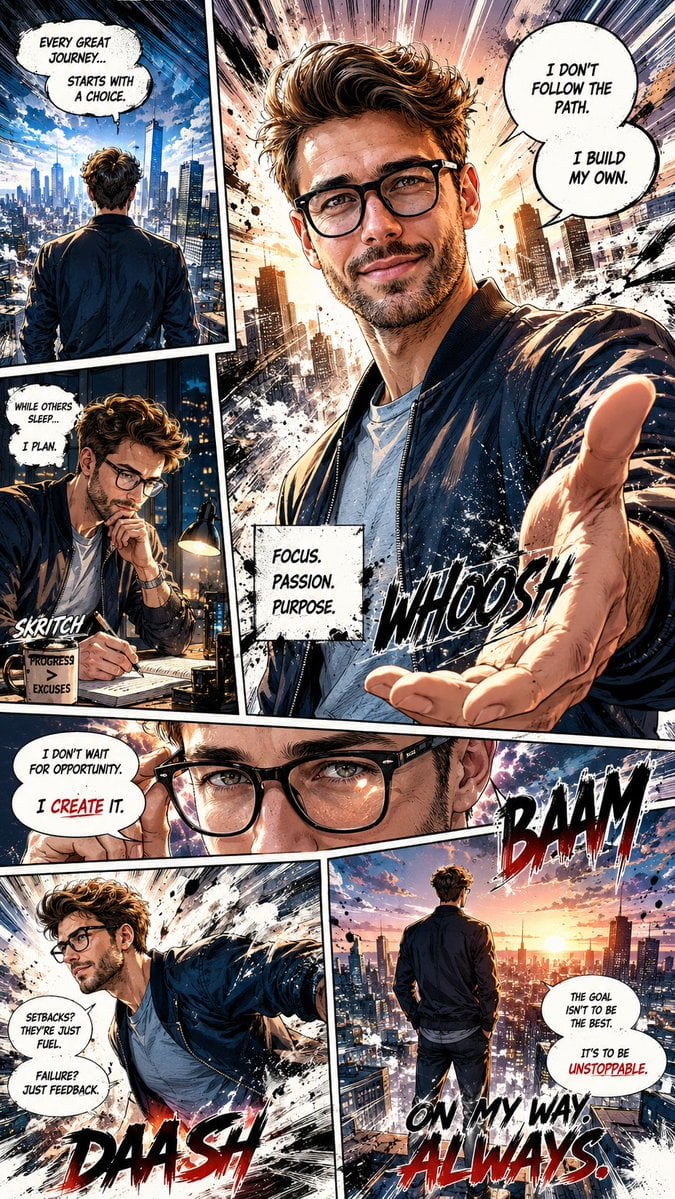
Dynamic Manga Page Illustration
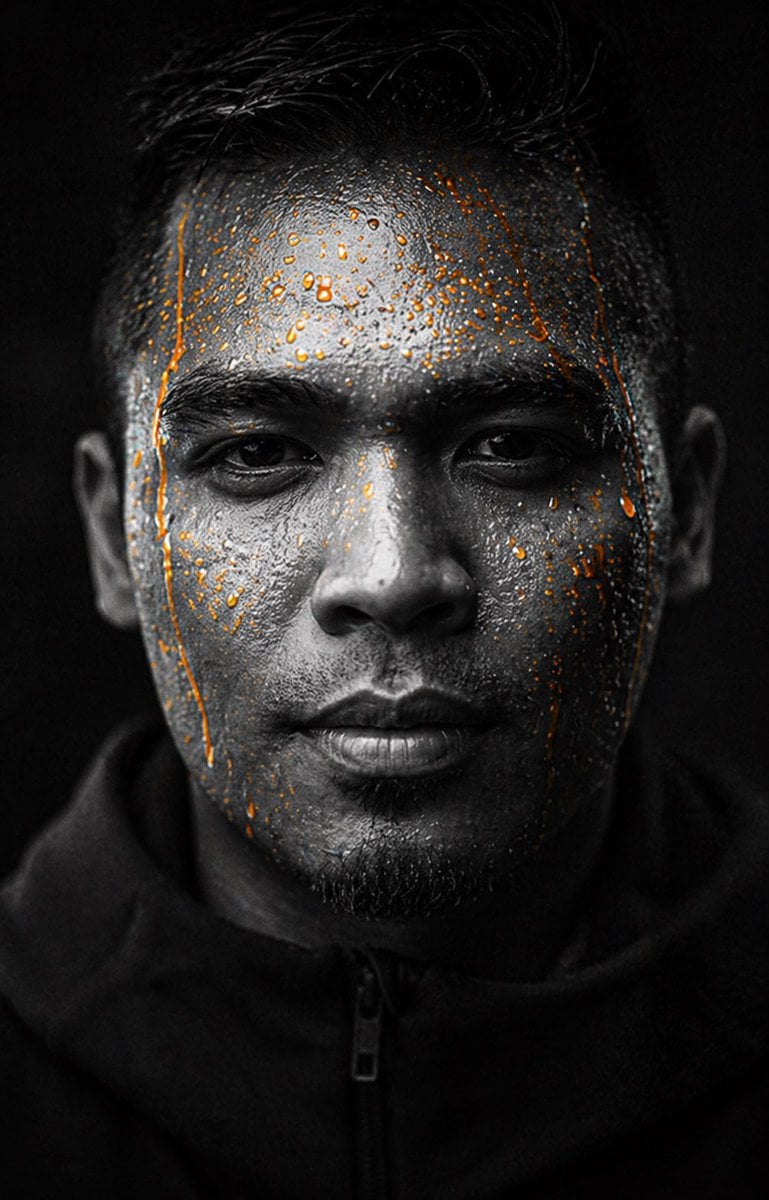
Gpt2 Profile Avatar Dark Gatorade Style Portrait
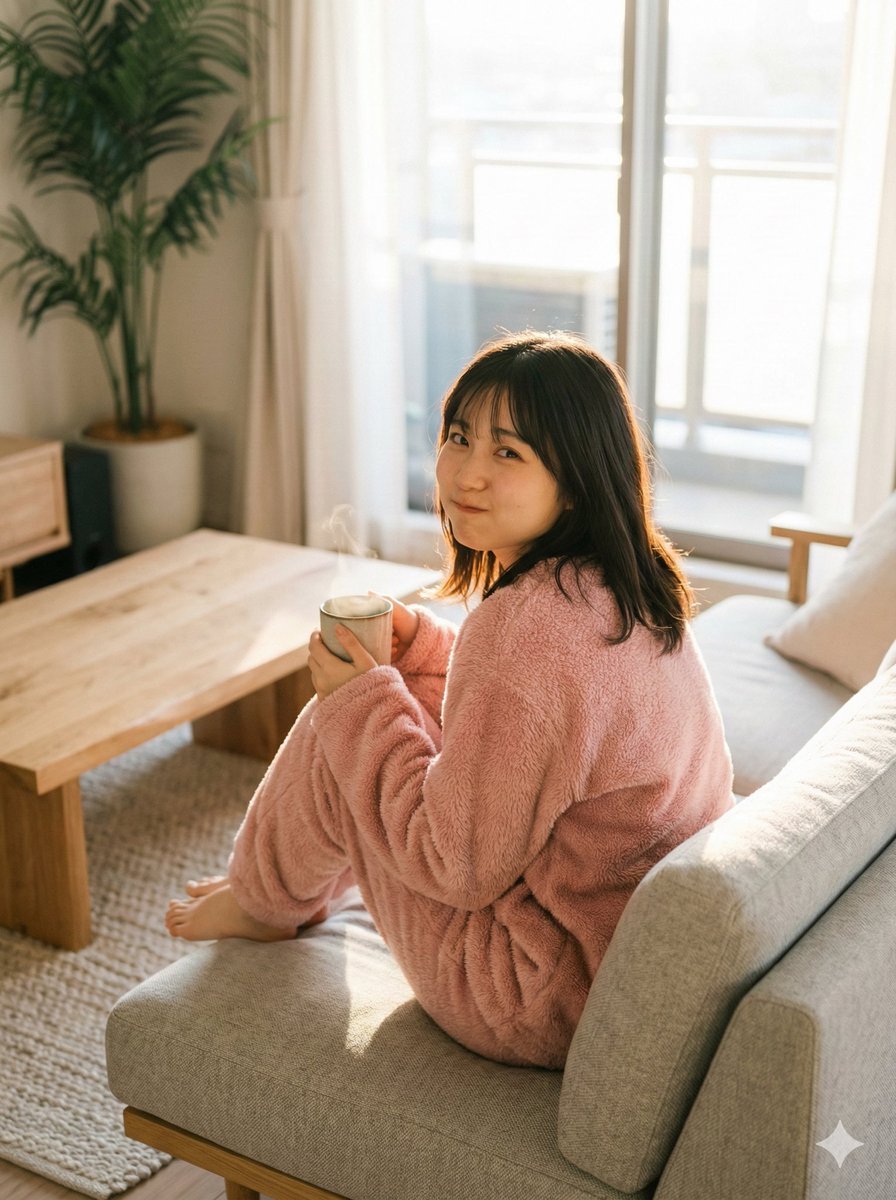
Refining Image Generation for Natural Expression
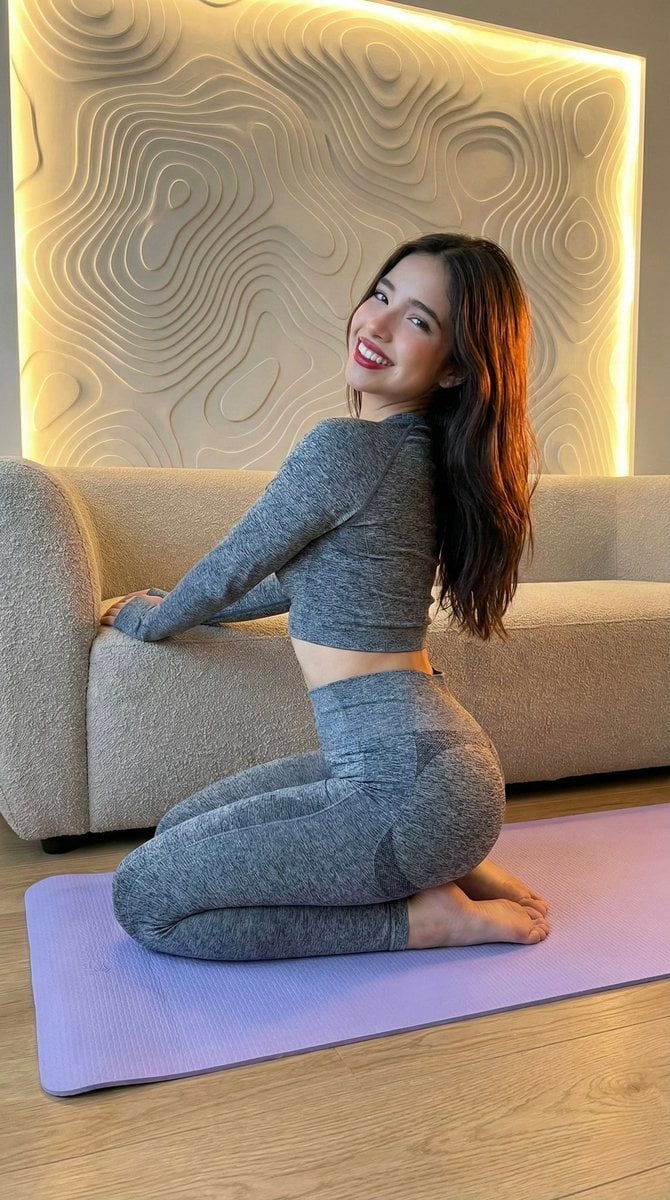
High-Fidelity Fitness Portrait Prompt (Identity Locking)
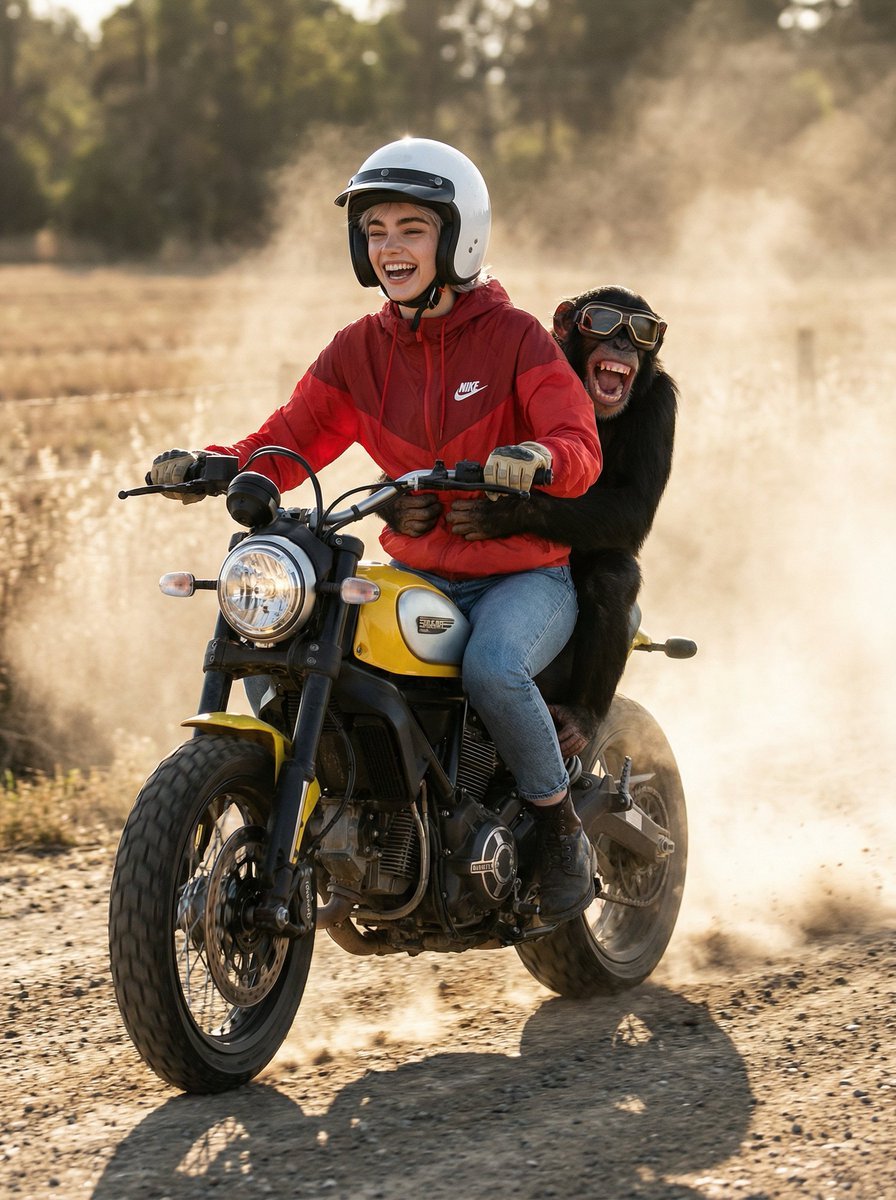
Cinematic Action Photo and Video Prompt (Woman and Chimpanzee on Motorcycle)
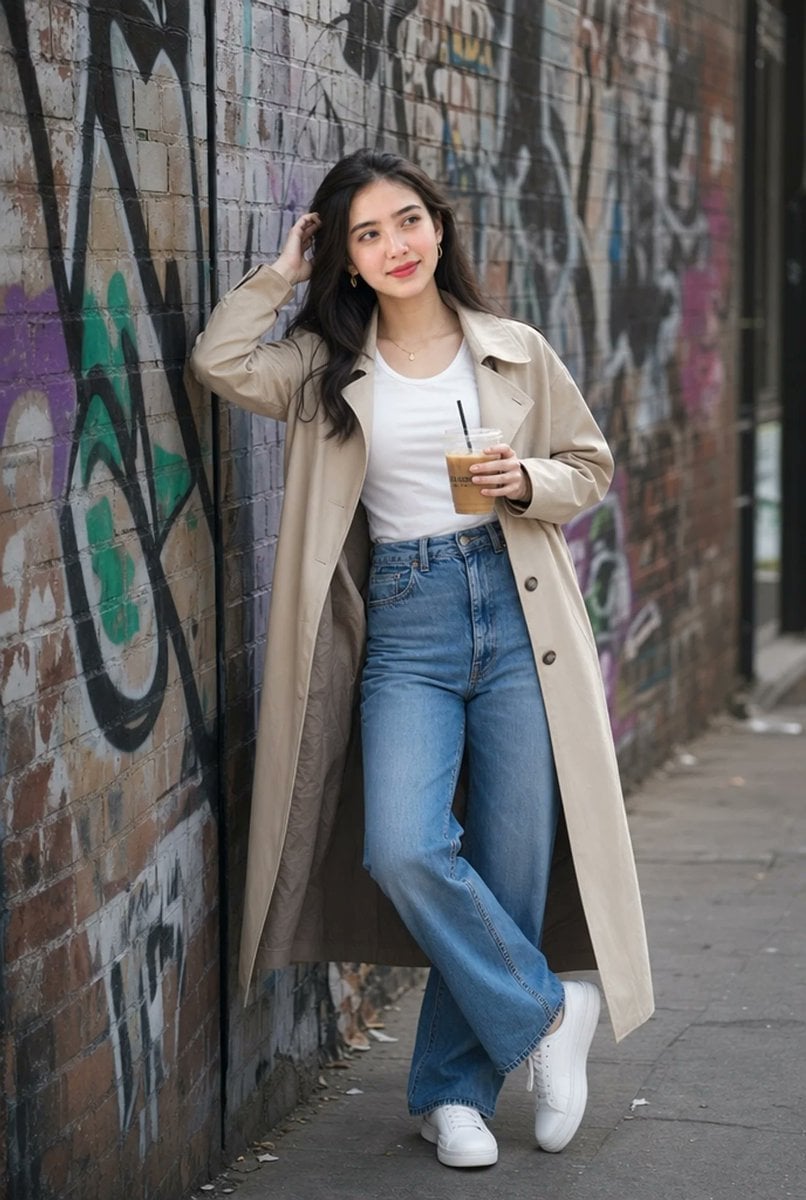
Urban Iced Coffee Portrait
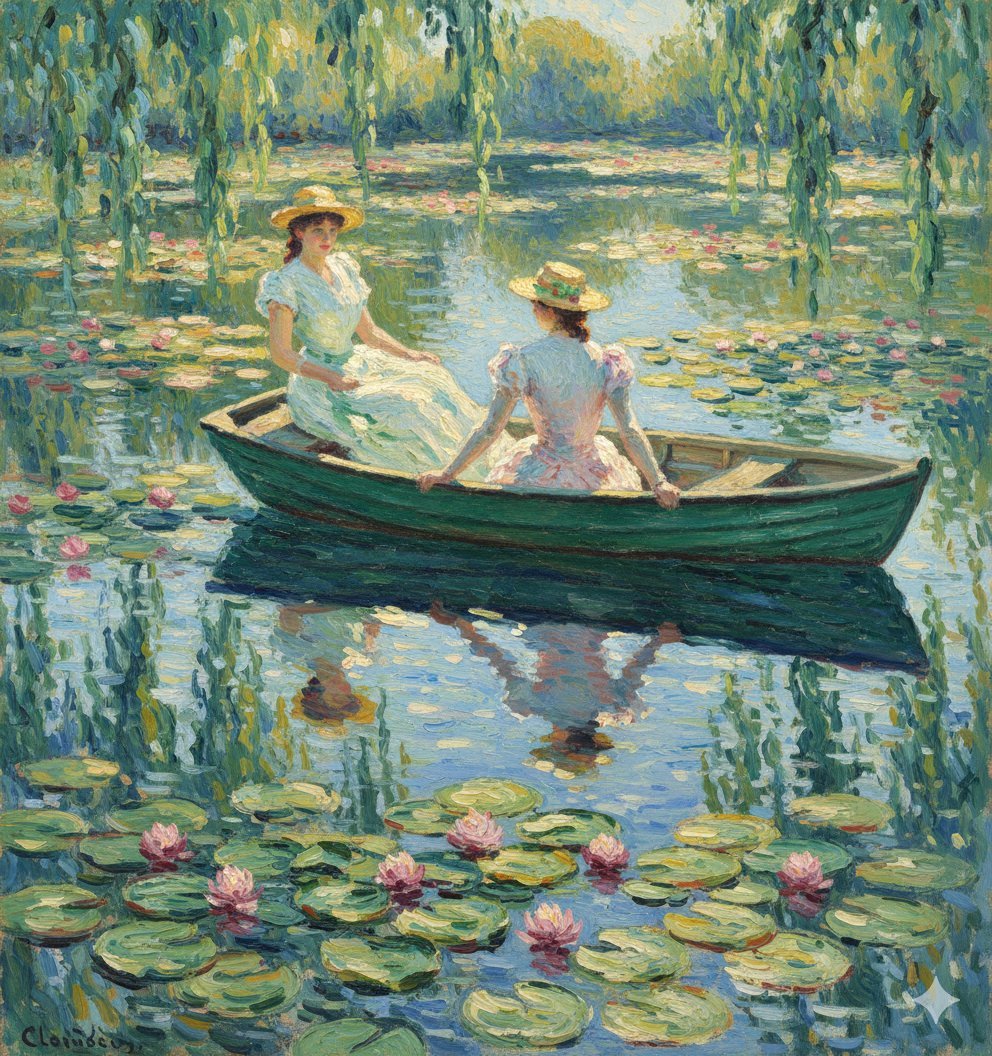
Monet Style Boat Ride Image Generation
Browse template categories
Ornate Blue Belly Dancer Illustration questions
How do I use the Ornate Blue Belly Dancer Illustration template?
Add your photo if the template asks for one, edit the prompt if you like — the template's model and format are already selected — and press Generate. Your version opens in PicX Studio.
Can I customize the Ornate Blue Belly Dancer Illustration template?
Yes. You can change the subject, setting, lighting, mood, format, and available model controls before creating your image.
Is the Ornate Blue Belly Dancer Illustration template free?
Opening and editing this template is free. Generating uses credits, shown on the Generate button when you are signed in.
Which AI model should I use?
Start with GPT Image 2, which is the model associated with this template. You can compare another compatible model for a different finish.
Looking for something else? Browse all templates.

Your photo, any look
Thousands of ready templates for every top image and video model, from one credit balance.