
Ultra-Photorealistic Tenniscore Event Portrait
A highly detailed prompt for an ultra-photorealistic portrait in a 'Preppy Chic / Tenniscore' style, featuring a subject resembling Madelyn Cline at a major tennis stadium (like the US Open).
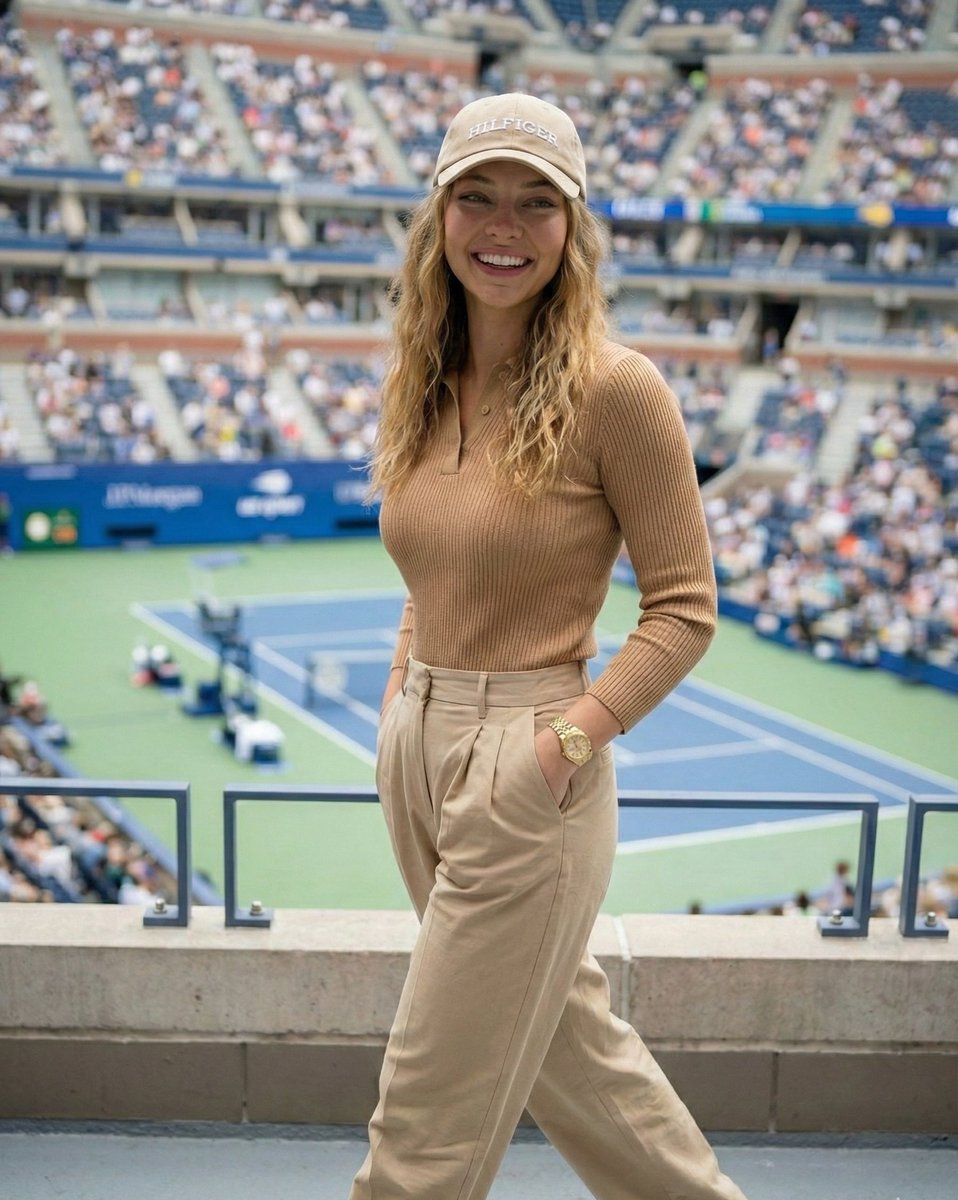
- Prompt included
- Model and format preset
- Premium template
The prompt behind this image
Copy the exact prompt behind Ultra-Photorealistic Tenniscore Event Portrait, or open it in the studio and make it yours.
{ "prompt_type": "Ultra Photorealistic Event Portrait", "subject": { "demographics": "Madelyn Cline", "appearance": { "skin": "Fair, glowing complexion, smooth texture, soft natural highlights", "hair": "Dirty blonde/light brown with blonde highlights, loose waves, center part, falling over shoulders under a cap", "face": "Symmetrical features, soft almond-shaped eyes, neutral to soft expression, looking directly at the camera", "makeup": "Natural glam, soft pink lips, defined lashes, subtle bronzer" }, "pose": { "body_position": "Standing, facing forward, slightly angled", "hands": { "left_hand": "Holding a clear plastic drink cup with a straw near waist level", "right_hand": "Resting on a blue metal railing" }, "gaze": "Direct eye contact" } }, "fashion": { "outfit_theme": "Preppy Chic / Tenniscore", "garments": [ { "item": "Polo Shirt", "details": "Long-sleeved, fitted, camel/tan color, buttoned halfway down, small embroidered logo on left chest (Tommy Hilfiger style), ribbed knit texture" }, { "item": "Trousers", "details": "Beige/khaki pleated wide-leg pants, high-waisted" }, { "item": "Headwear", "details": "Beige baseball cap with white 'HILFIGER' text embroidery" } ], "accessories": [ { "item": "Watch", "details": "Gold link watch on left wrist" }, { "item": "Jewelry", "details": "Delicate gold necklace, small rings on fingers" } ] }, "props": { }, "environment": { "location": "Arthur Ashe Stadium / Tennis Stadium", "setting": "US Open Tennis Championship", "background_elements": { "stadium": "Blurred stadium seating filled with spectators, blue wall panels", "court": "Green tennis court surface visible in the background, blue court lines", "lighting_structures": "Stadium lights and banners in the distance" }, "atmosphere": "Daytime sports event, lively, upscale" }, "lighting": { "type": "Natural Daylight / Stadium Lighting", "quality": "Soft, diffused lighting (likely overcast or shaded area), even illumination on the subject", "shadows": "Minimal harsh shadows on face, soft drop shadows" }, "camera_settings": { "style": "Portrait Photography", "focal_length": "50mm or 85mm (flattering portrait)", "aperture": "f/2.8 to f/4.0 (sharp subject, bokeh background)", "shutter_speed": "1/250s", "iso": "200", "composition": "Medium shot, waist-up, centered subject against stadium backdrop" }, "technical_details": { "quality_tags": [ "8k resolution", "Ultra-realistic", "Hyper-detailed fabric texture (knit polo)", "Realistic skin texture", "Ray tracing", "Cinematic lighting", "Unreal Engine 5 render style"
How to use Ultra-Photorealistic Tenniscore Event Portrait in 3 steps
- 1
Open
The prompt is already in the box next to the preview, with the template's model and format selected.
- 2…a portrait of your subject in softgolden-hour light, 85mm…
Personalize
Edit the subject and creative details for your destination.
- 3Generate
Generate
Press Generate — your image is created in PicX Studio, so you can compare it with the original and refine one variable at a time.
More like this
Templates with the same subject, style or setup. Open one to see its prompt.
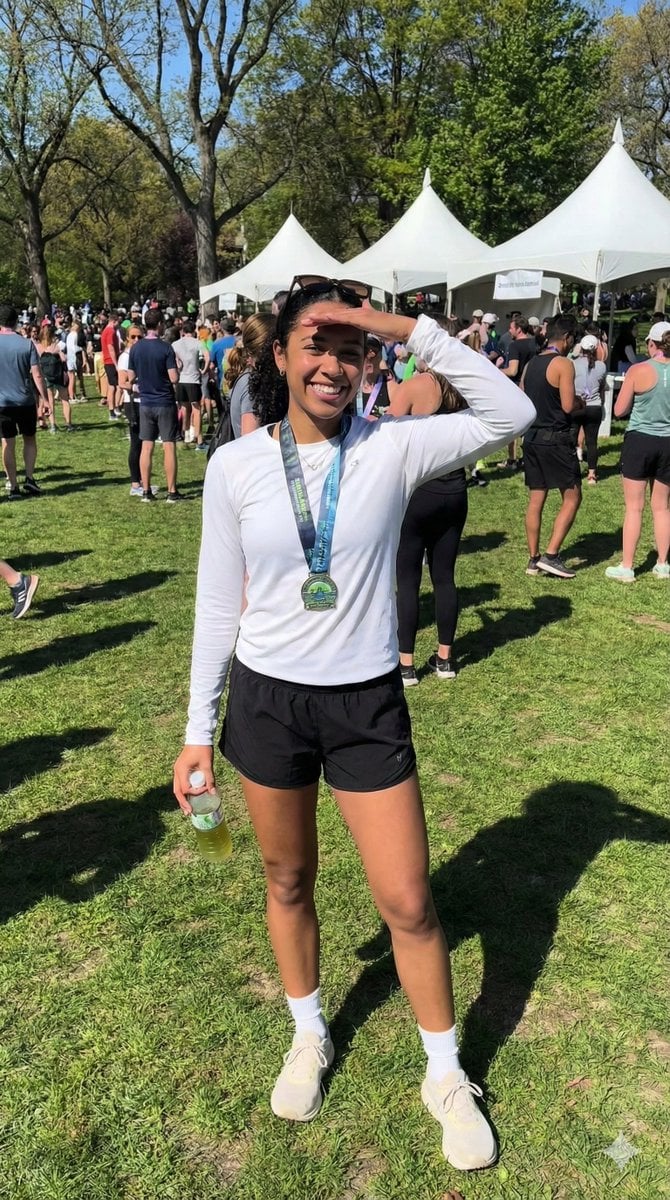
Ultra-Photorealistic Race Event Portrait (9:16)

Found Photograph: Us, 1970

80s Couple Studio Portrait

80s Bollywood Star

80s Golden Hour Cinema

Me in 1985

1985 Studio Portrait

Hyper-Realistic Minecraft POV Portrait

Rooftop Fisheye — Cat-Ear Balaclava at Golden Hour

Rainy Café Window Moody Portrait

untitled

2025 Aesthetic Photography
Make it yours
Ultra-Photorealistic Tenniscore Event Portrait works as-is. These are the safest ways to change it without losing the look.
Change one field
Copy a single group, rewrite it, and generate again so you can see what that field is doing.
Keep the frame, change the subject
Hold the composition and light of Ultra-Photorealistic Tenniscore Event Portrait, then swap wardrobe, props or the person for a new take.
| If the result… | Why | Fix |
|---|---|---|
| The result drifts from the preview | Too many fields changed at once. | Reuse Ultra-Photorealistic Tenniscore Event Portrait as-is first, then change one group — subject, light, or setting. |
| The model over-stylizes the scene | The prose prompt leaves finish and camera underspecified. | Add one camera or lighting sentence and stay on Nano Banana 2. |
More Nano Banana 2 templates
Other prompts made for Nano Banana 2.

Photorealistic Leaf Shaped Like a Dragon

K-Pop Idol Portrait Grid for Rapid Selection

Poetic Rain Forest Portrait During Golden Hour

Urban Street Portrait with Cartoon Inner Self Duo

Candid Nighttime Photo with Cat Prompt

High-Concept 3D Diorama Generation Prompt

Cinematic Futuristic Studio Portrait Template

Skincare Editorial Photography Collage Prompt

Hyper-Realistic Commercial Product Photography (Splash Effect)

Hyper-Realistic Nightclub Portrait Prompt
More image prompts
Fresh picks from across the catalog.
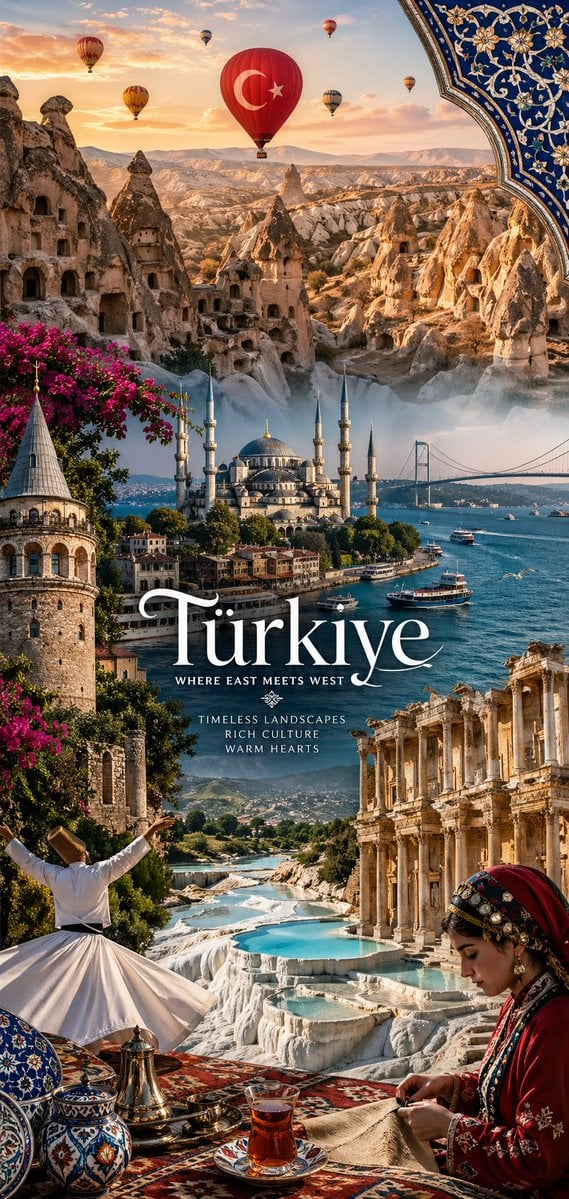
National Identity Mobile Wallpaper
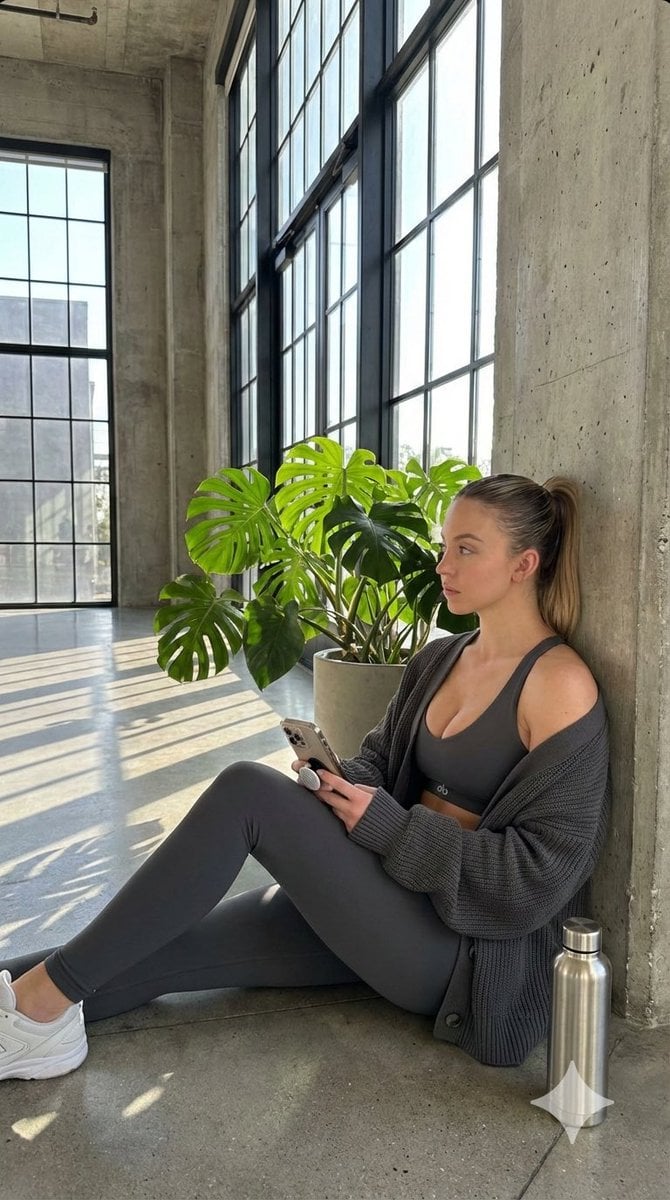
Candid Post-Workout Shot in Brutalist Architecture
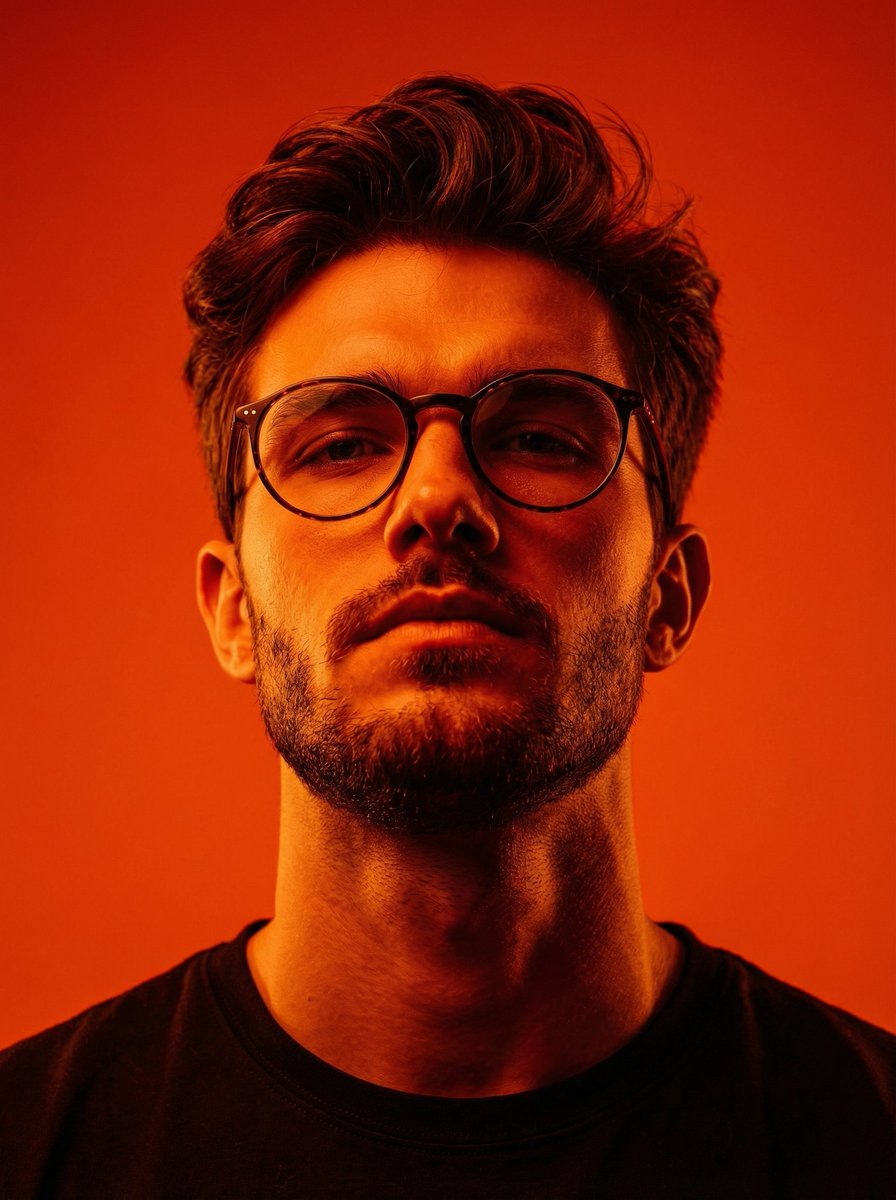
Dynamic Low-Angle Editorial Portrait with Orange-Red Contrast
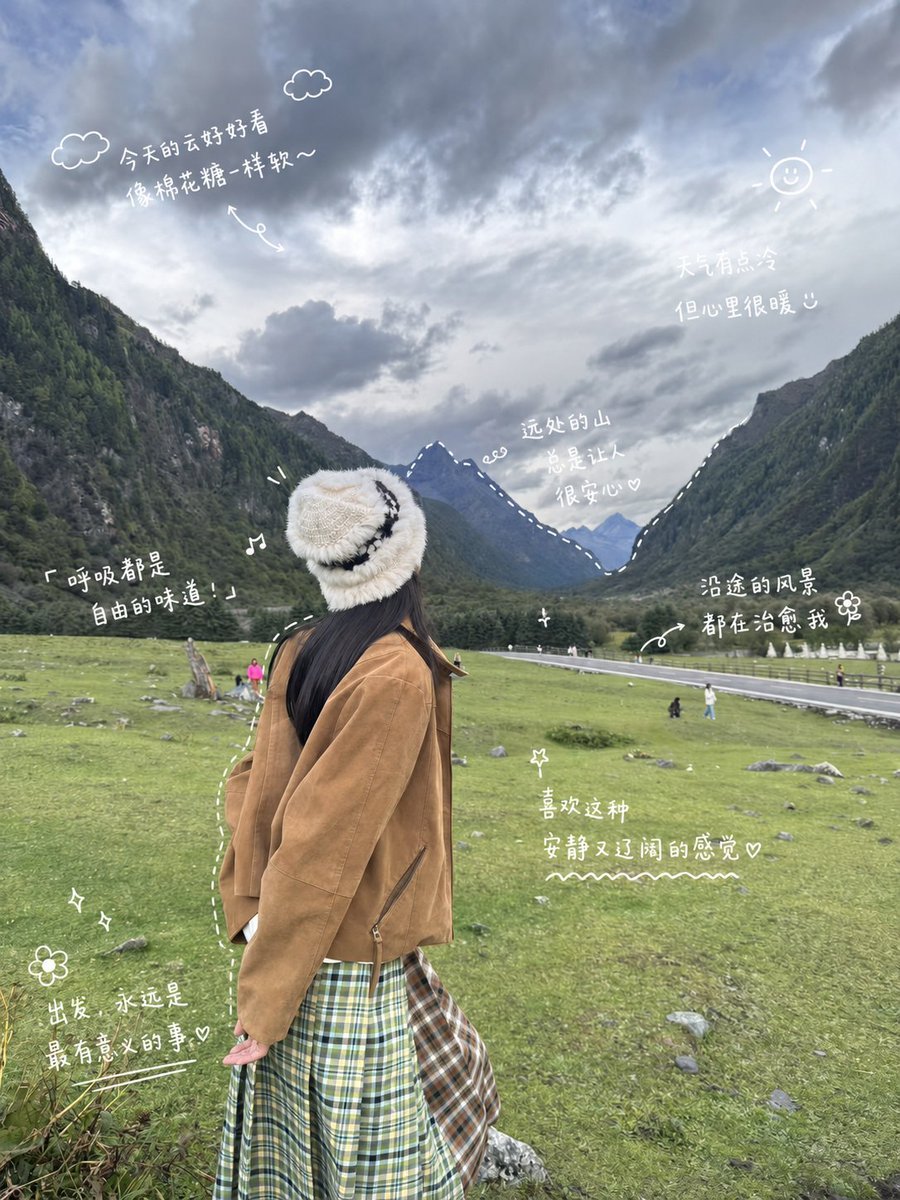
Alpine Travel Diary Photo
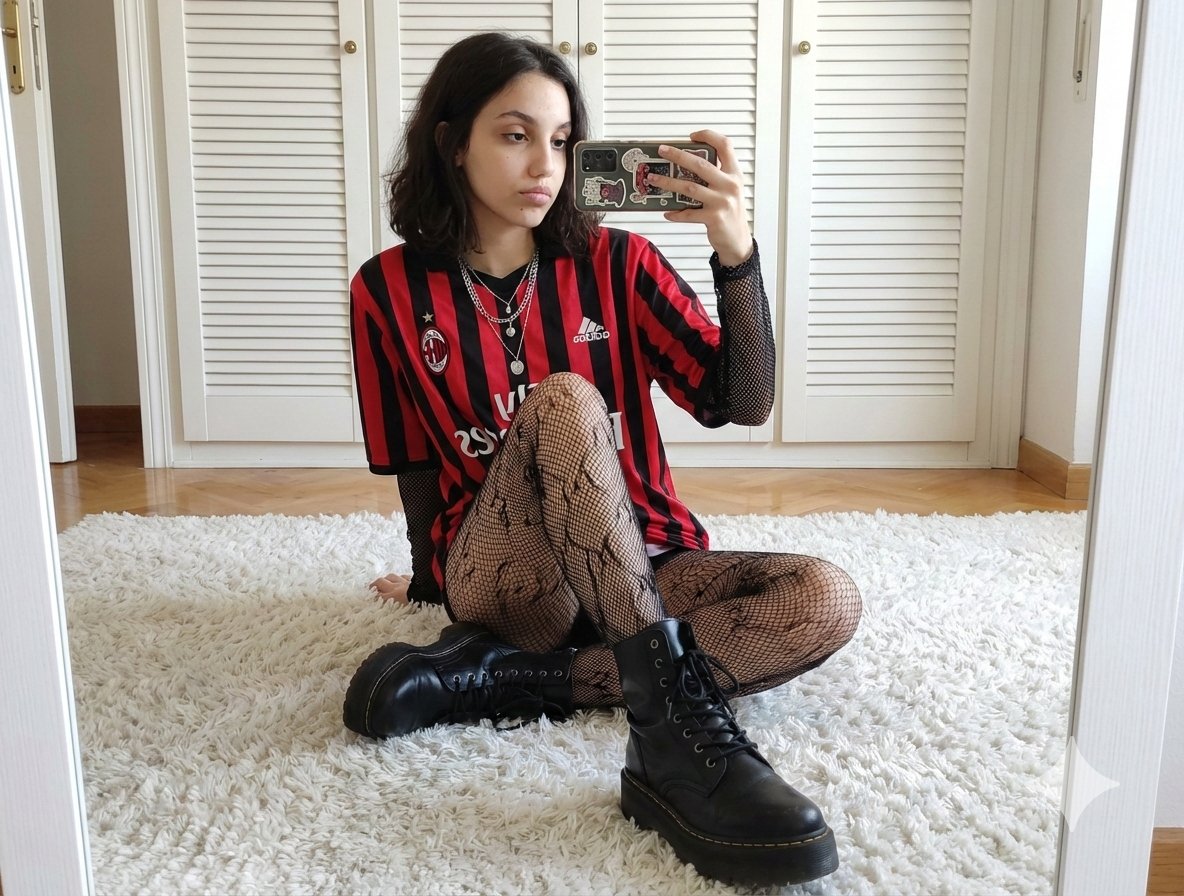
Mirror Selfie Prompt: Sports Jersey and Fishnets
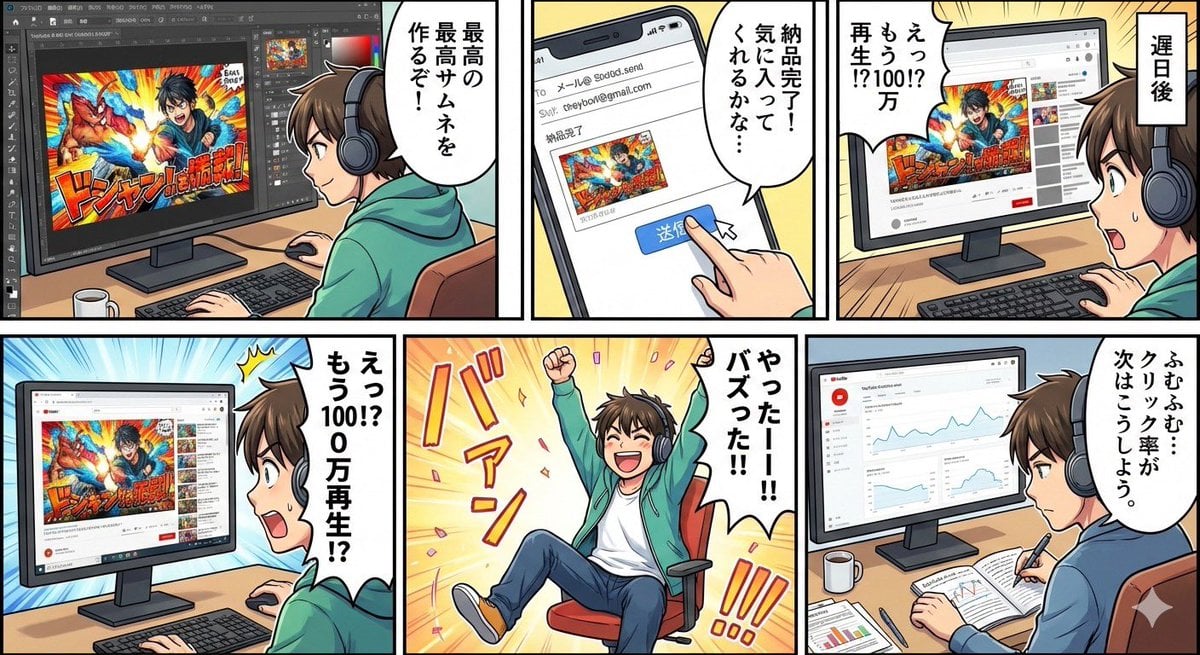
Five-panel manga of a YouTube thumbnail creator workflow
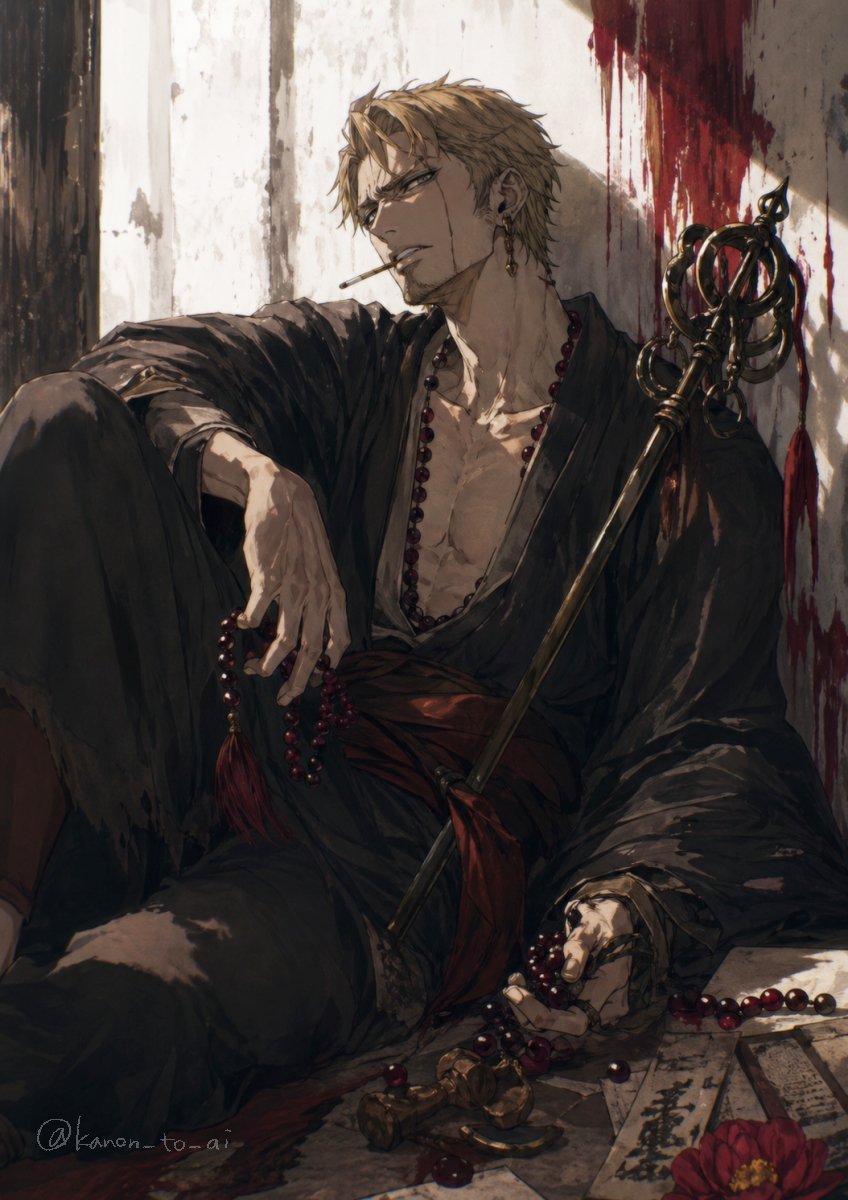
Dark Fantasy Wounded Monk Portrait
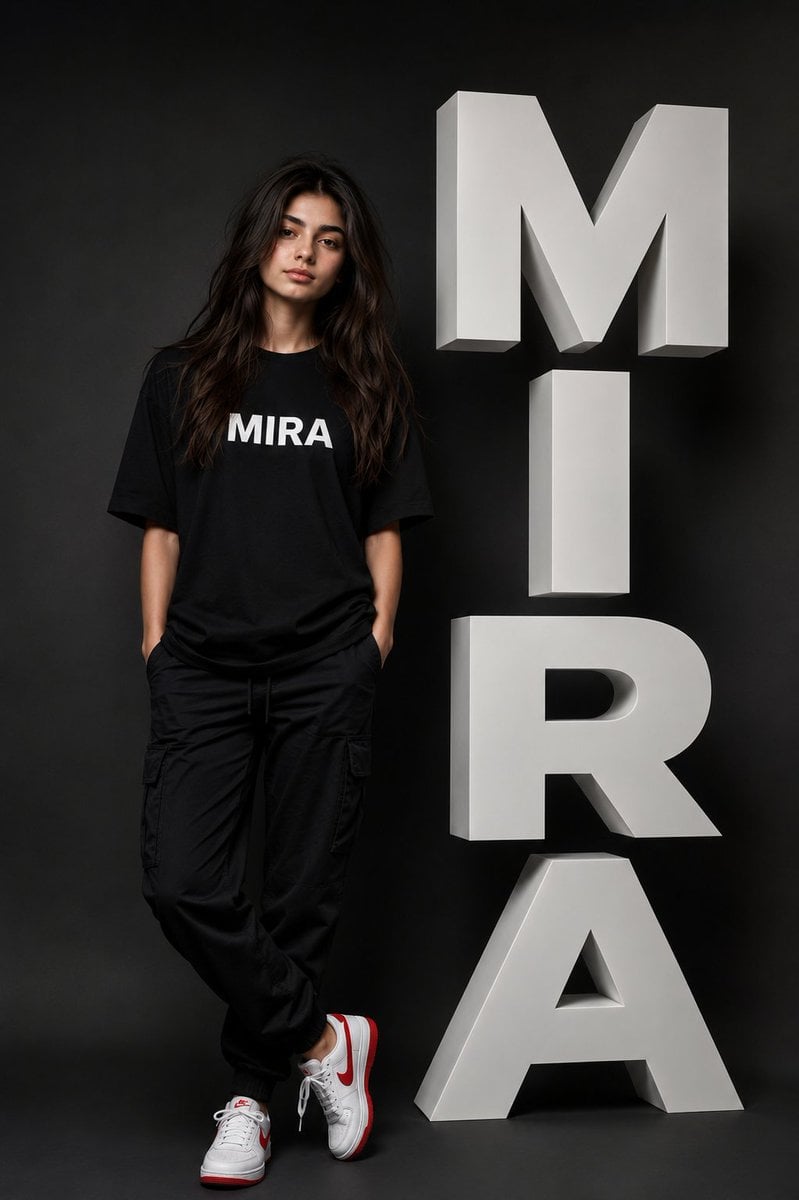
Ultra-Realistic Fashion Typography Poster
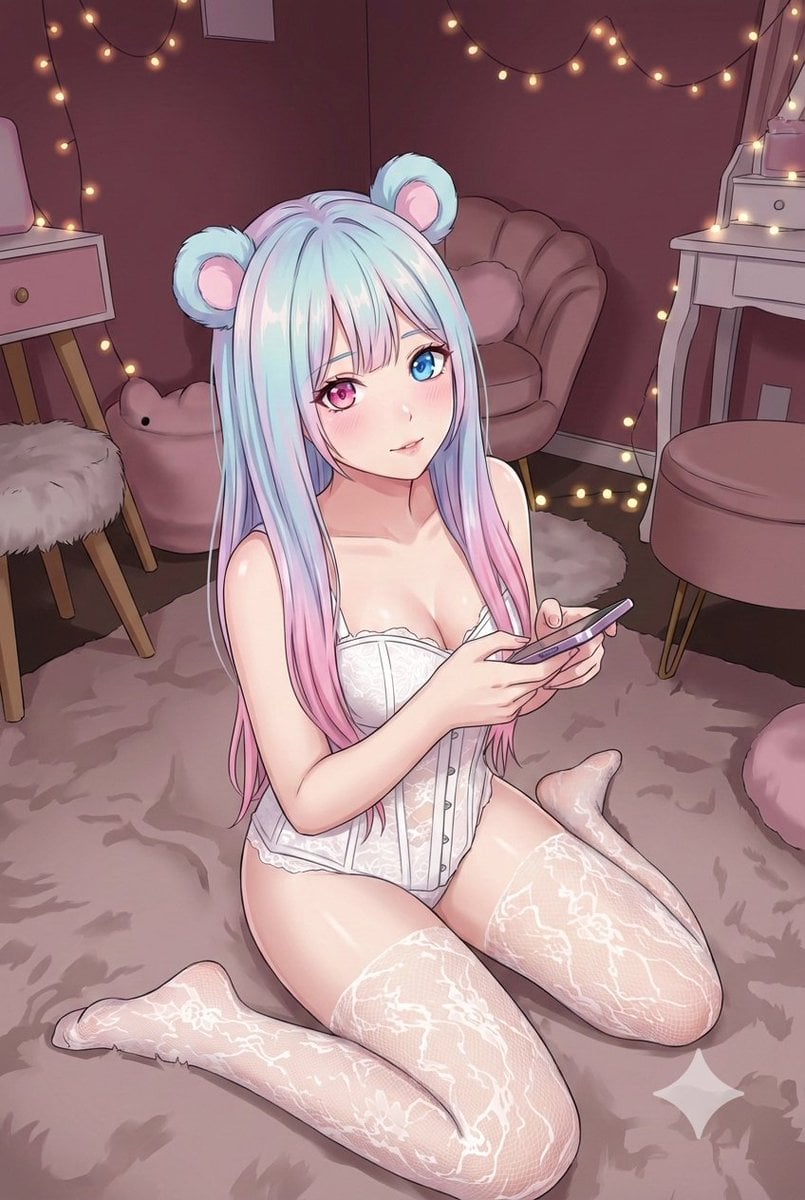
Good Night Nano Banana Pro
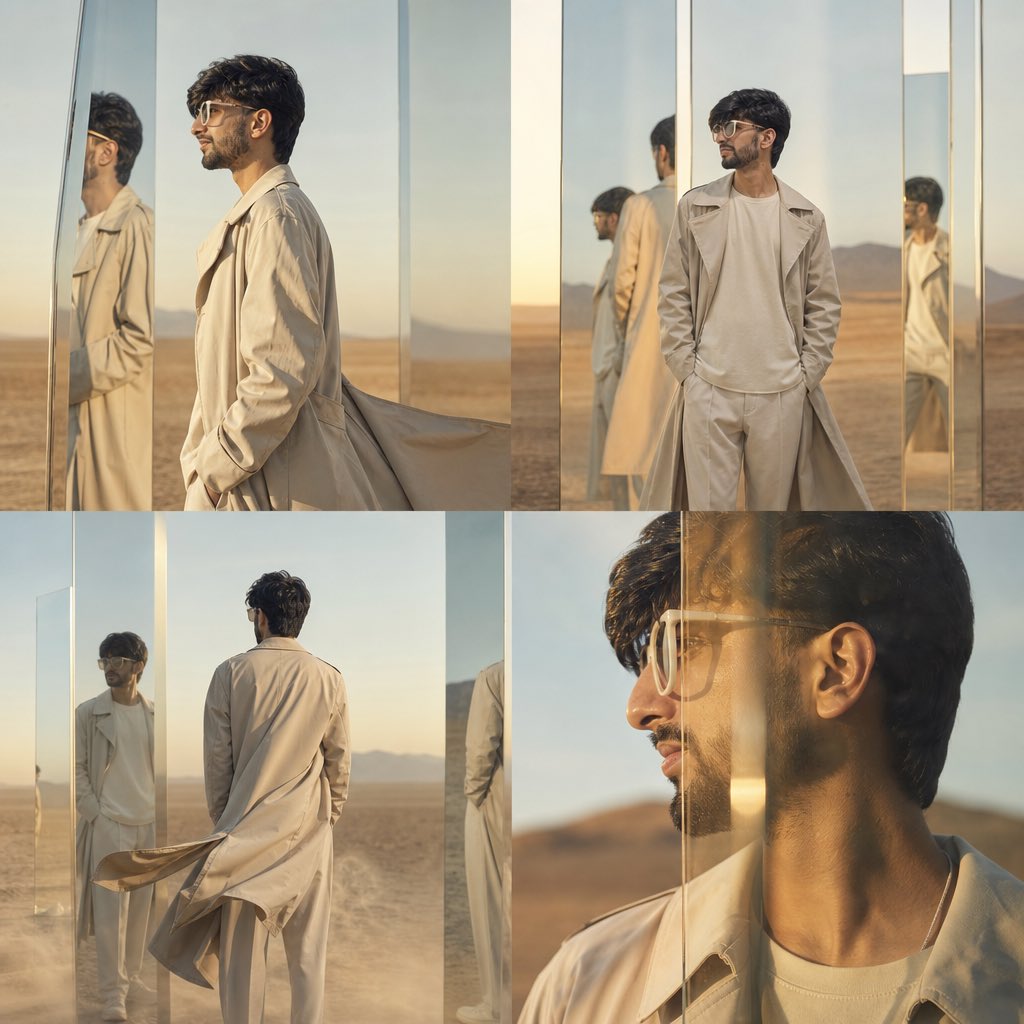
High-Concept Desert Mirror Fashion Photography
Browse template categories
Ultra-Photorealistic Tenniscore Event Portrait questions
How do I use the Ultra-Photorealistic Tenniscore Event Portrait template?
Add your photo if the template asks for one, edit the prompt if you like — the template's model and format are already selected — and press Generate. Your version opens in PicX Studio.
Can I customize the Ultra-Photorealistic Tenniscore Event Portrait template?
Yes. You can change the subject, setting, lighting, mood, format, and available model controls before creating your image.
Is the Ultra-Photorealistic Tenniscore Event Portrait template free?
Opening and editing this template is free. Generating uses credits, shown on the Generate button when you are signed in.
Which AI model should I use?
Start with Nano Banana 2, which is the model associated with this template. You can compare another compatible model for a different finish.
Looking for something else? Browse all templates.

Your photo, any look
Thousands of ready templates for every top image and video model, from one credit balance.