
Dark Fantasy Wounded Monk Portrait
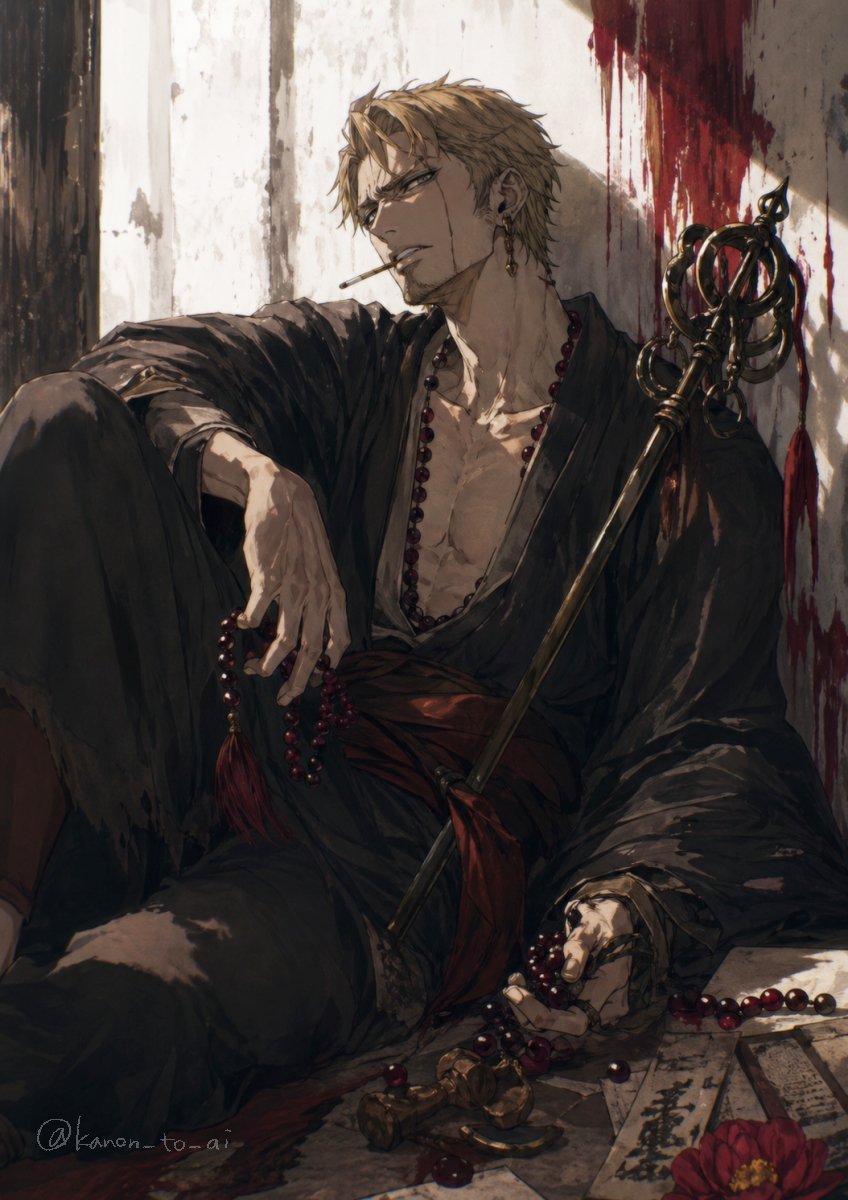
This prompt generates a dramatic vertical anime-style illustration of a wounded robed man with prayer beads and a ceremonial staff, ideal for dark fantasy character art or a key visual.
- Prompt included
- Model and format preset
- Free template
The prompt behind this image
Copy the exact prompt behind Dark Fantasy Wounded Monk Portrait, or open it in the studio and make it yours.
A moody dark fantasy anime illustration of a wounded young man with {argument name="hair color" default="ash blond"} short tousled hair, sitting slumped on the floor against a cracked white plaster wall. His face is mostly turned away and partially obscured in shadow, giving him a mysterious, exhausted presence. He wears a loose black kimono robe hanging open at the chest, exposing a lean muscular torso, with a deep red sash at the waist. A long strand of dark crimson prayer beads hangs around his neck, with more beads tangled in one hand and spilled across the floor. Beside him rests an ornate black ceremonial staff with circular rings and a spear-like finial, leaning diagonally against his shoulder. The wall behind him is streaked with dramatic dark red blood smears and drips near the upper right, suggesting a recent battle. On the floor in the foreground are scattered prayer beads, broken metallic ornaments, several paper talismans or ofuda slips with black calligraphy, and a single red flower. Warm late-afternoon light cuts across the scene from the left, creating strong highlights and deep shadows over the robe folds, hand, chest, and wall texture. Painterly brushwork, highly detailed fabric and skin rendering, melancholic atmosphere, elegant gothic composition, vertical portrait framing, cinematic anime key visual style.
How to use Dark Fantasy Wounded Monk Portrait in 3 steps
- 1Upload ImagePNG, JPG or paste
Add your photo
Upload the photo the template builds on. The prompt, model and format are already set.
- 2…a portrait of your subject in softgolden-hour light, 85mm…
Personalize
Edit the subject and creative details for your destination.
- 3Generate
Generate
Press Generate — your image is created in PicX Studio, so you can compare it with the original and refine one variable at a time.
More like this
Templates with the same subject, style or setup. Open one to see its prompt.

Found Photograph: Us, 1970

80s Couple Studio Portrait

80s Bollywood Star

80s Golden Hour Cinema

Me in 1985

1985 Studio Portrait

Hyper-Realistic Minecraft POV Portrait
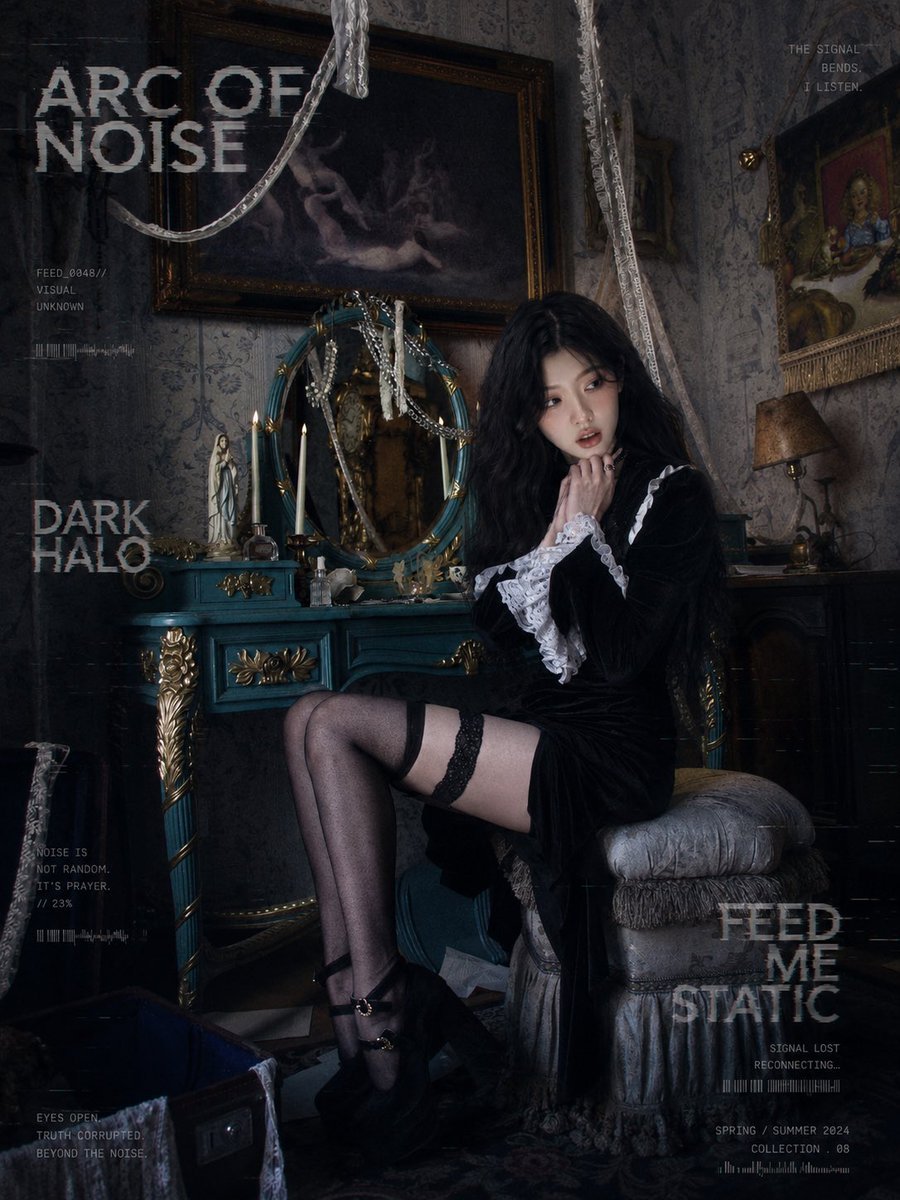
Dark Gothic Lolita Static Portrait

Dark Fantasy Sorceress Storyboard

Dark Fantasy Smoke Monster Transformation

Rooftop Fisheye — Cat-Ear Balaclava at Golden Hour
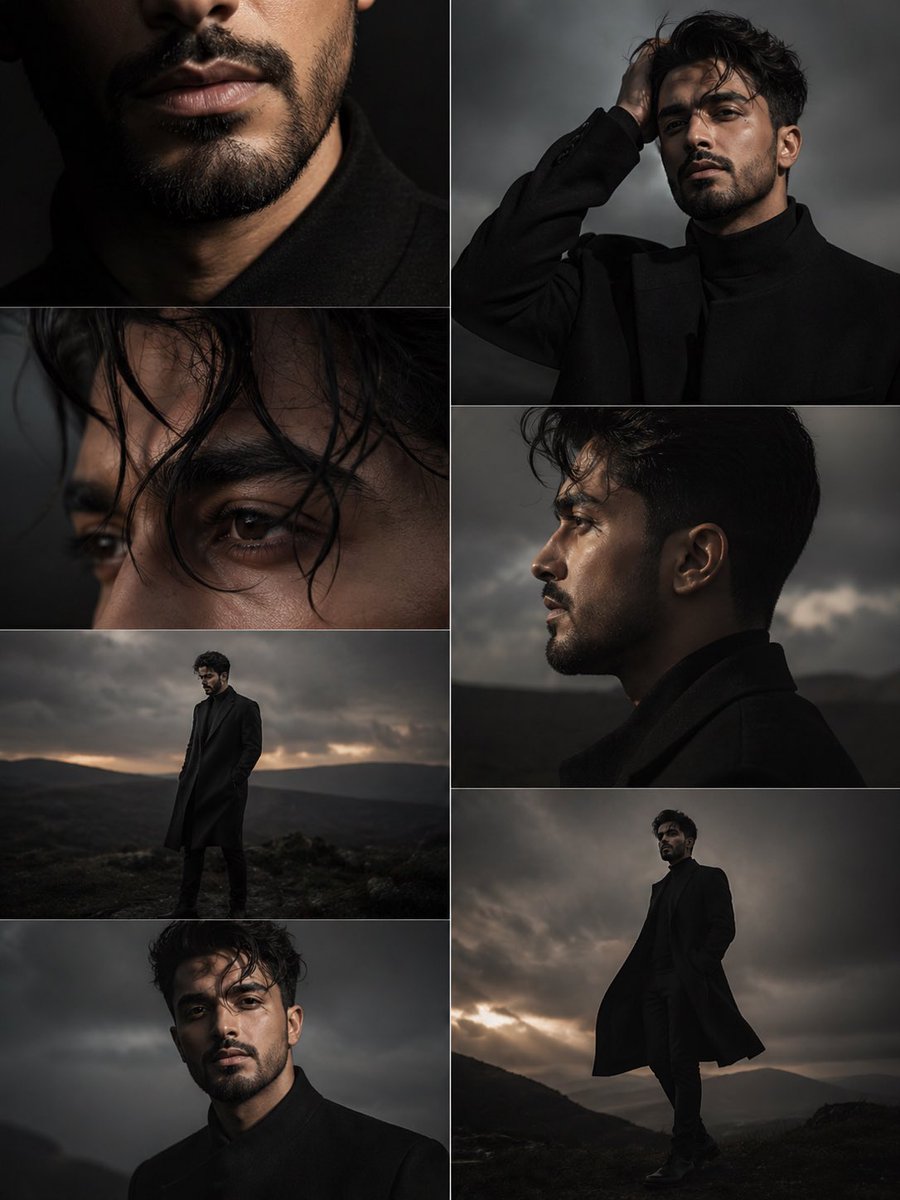
Dark Moody Editorial Portrait
Make it yours
Dark Fantasy Wounded Monk Portrait works as-is. These are the safest ways to change it without losing the look.
Change one field
Copy a single group, rewrite it, and generate again so you can see what that field is doing.
Keep the frame, change the subject
Hold the composition and light of Dark Fantasy Wounded Monk Portrait, then swap wardrobe, props or the person for a new take.
| If the result… | Why | Fix |
|---|---|---|
| The result drifts from the preview | Too many fields changed at once. | Reuse Dark Fantasy Wounded Monk Portrait as-is first, then change one group — subject, light, or setting. |
| The model over-stylizes the scene | The prose prompt leaves finish and camera underspecified. | Add one camera or lighting sentence and stay on GPT Image 2. |
More GPT Image 2 templates
Other prompts made for GPT Image 2.

Six VTuber Japanese Logo Sheet

Realistic Portrait of Woman and Deer

The Vista Modular Condo Poster

AI Model Routing Comparison Infographic

2.5D Anime Art Board

Isometric Productivity Desk Scene

New York Double Exposure Poster

Four-Panel AI Landscape Comparison

Japanese Tatami Lifestyle Magazine Cover

NESCAFÉ Coffee Map Poster
More image prompts
Fresh picks from across the catalog.
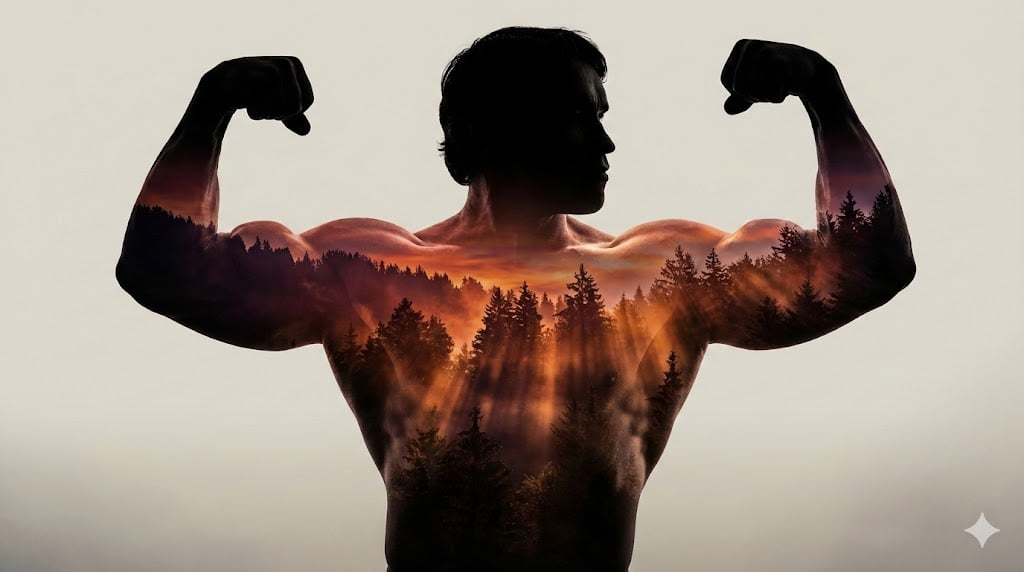
Arnold Schwarzenegger Silhouette with Volumetric Mountain Forest
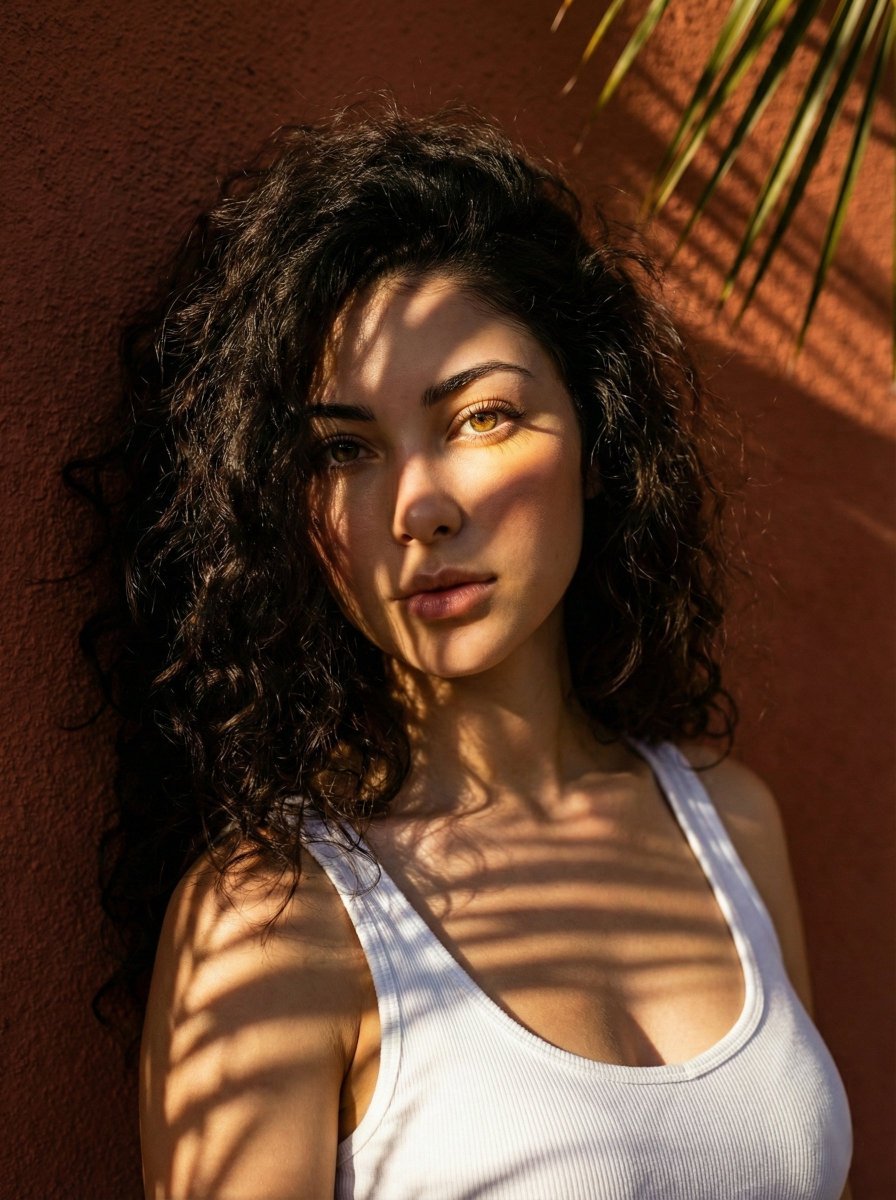
High-Contrast Portrait with Palm Tree Shadows
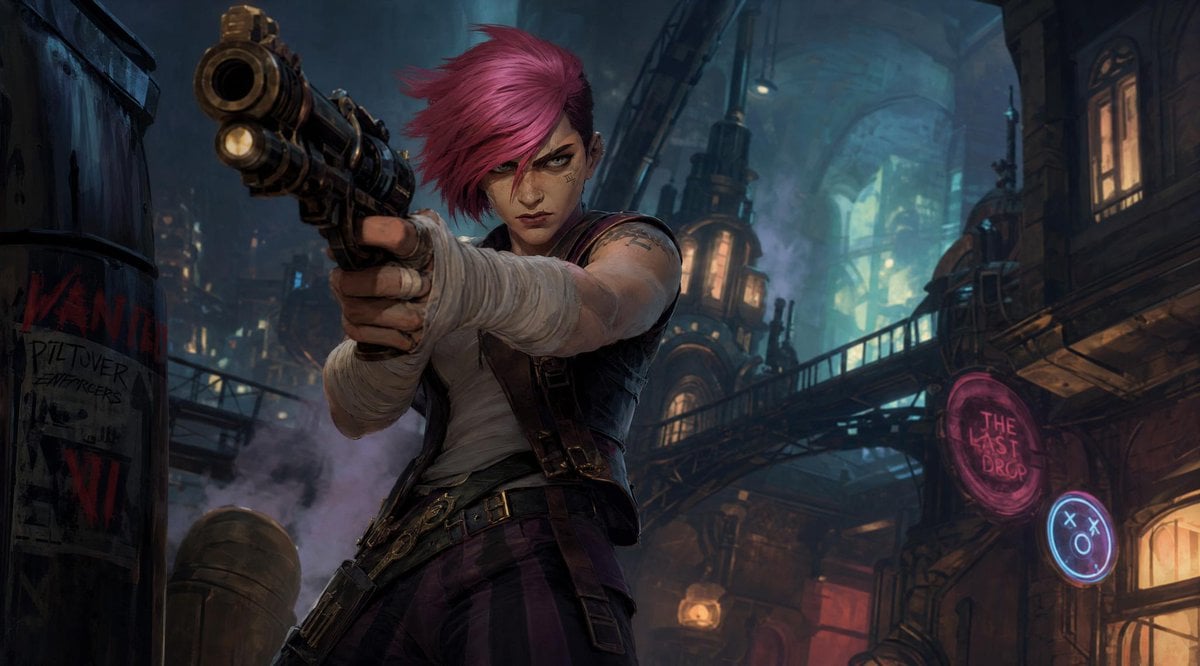
Prompt: Create a cinematic stylized character ill
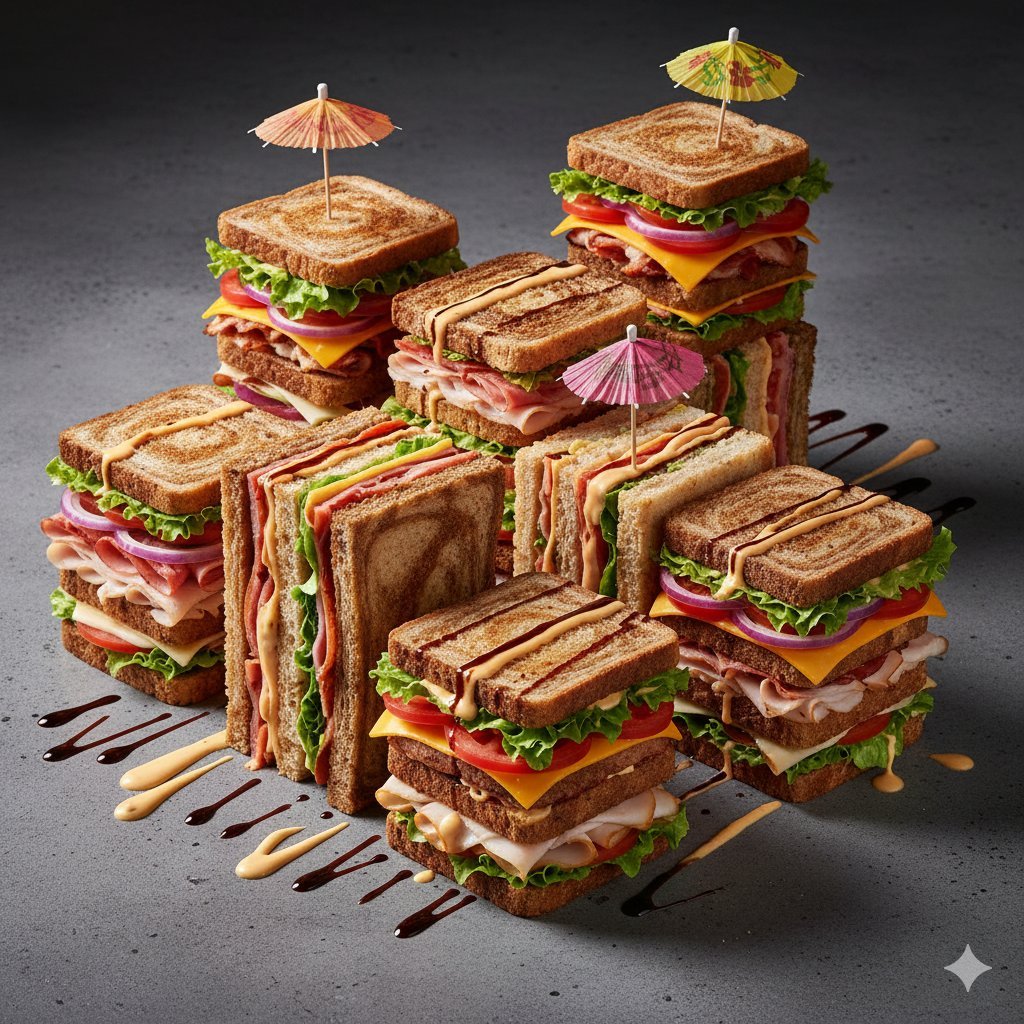
Modernist Fruit Architecture Macro Shot
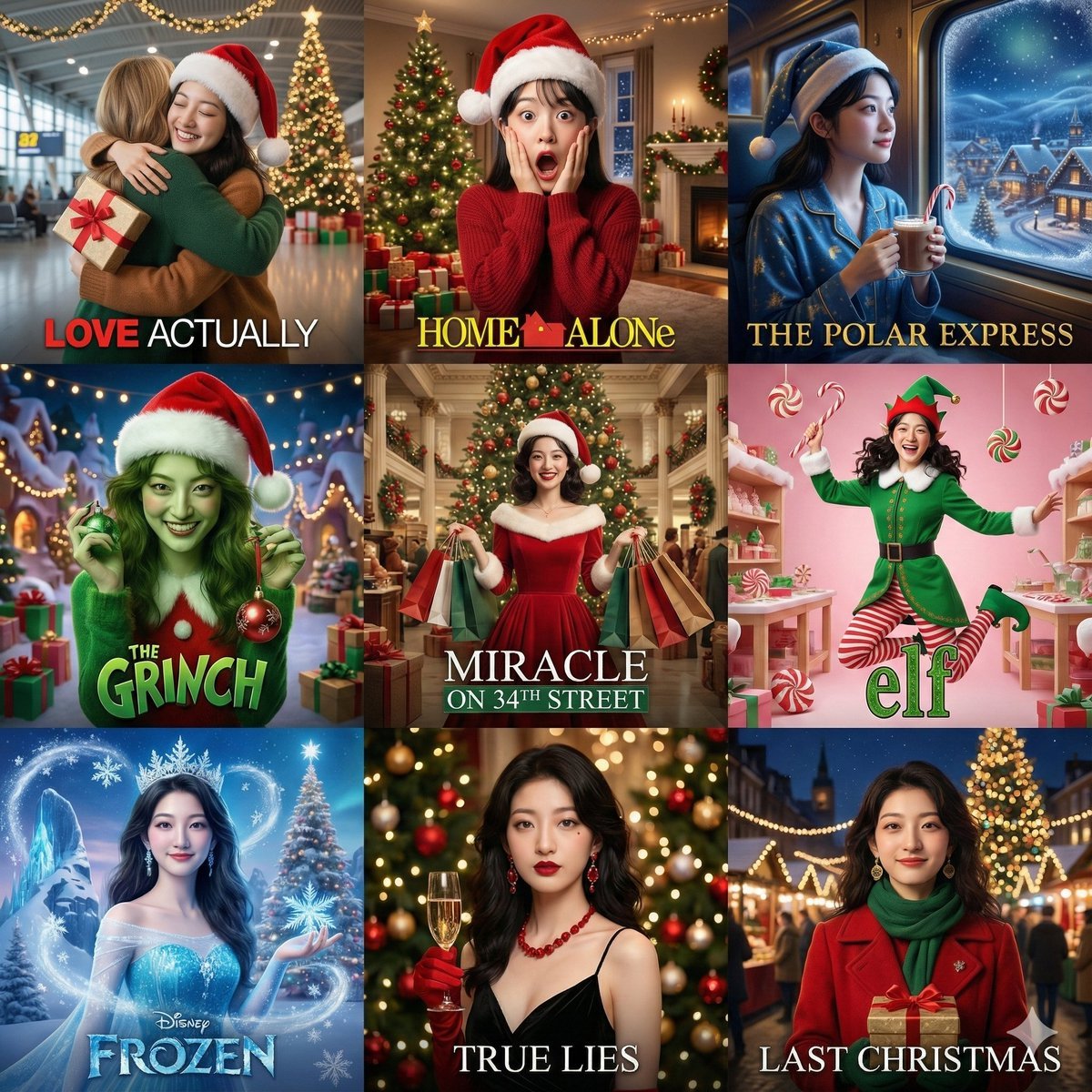
Panel Christmas Movie Scene Collage Prompt
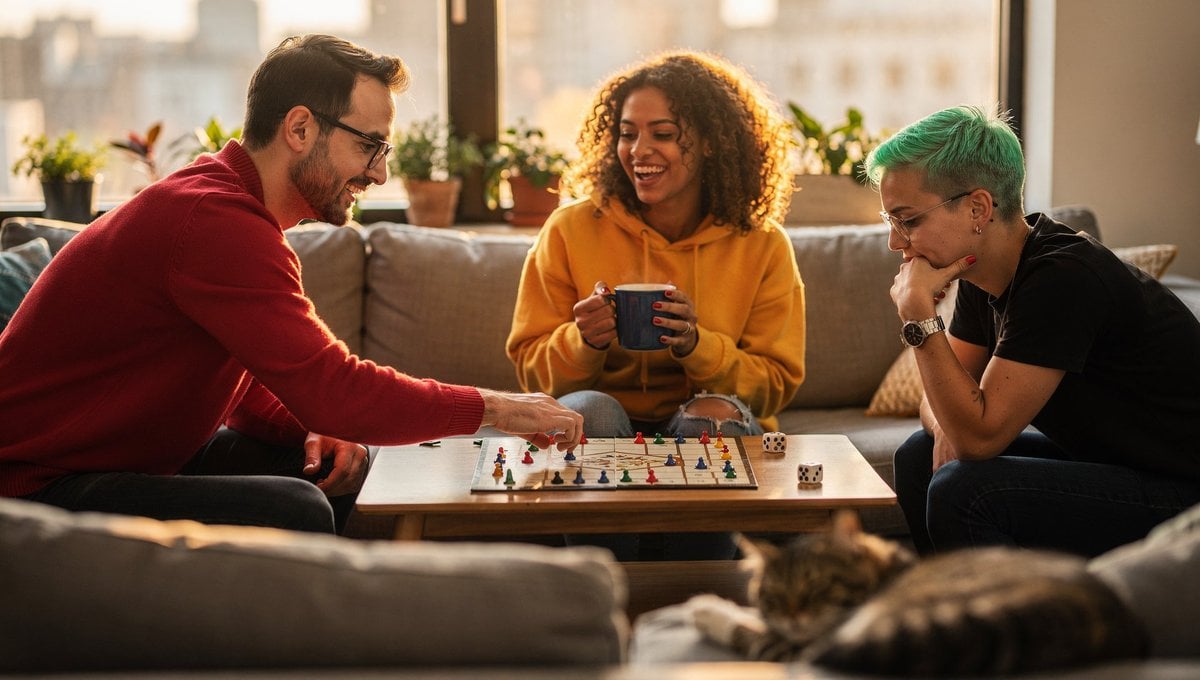
Board Game Scene with Multiple Characters Prompt
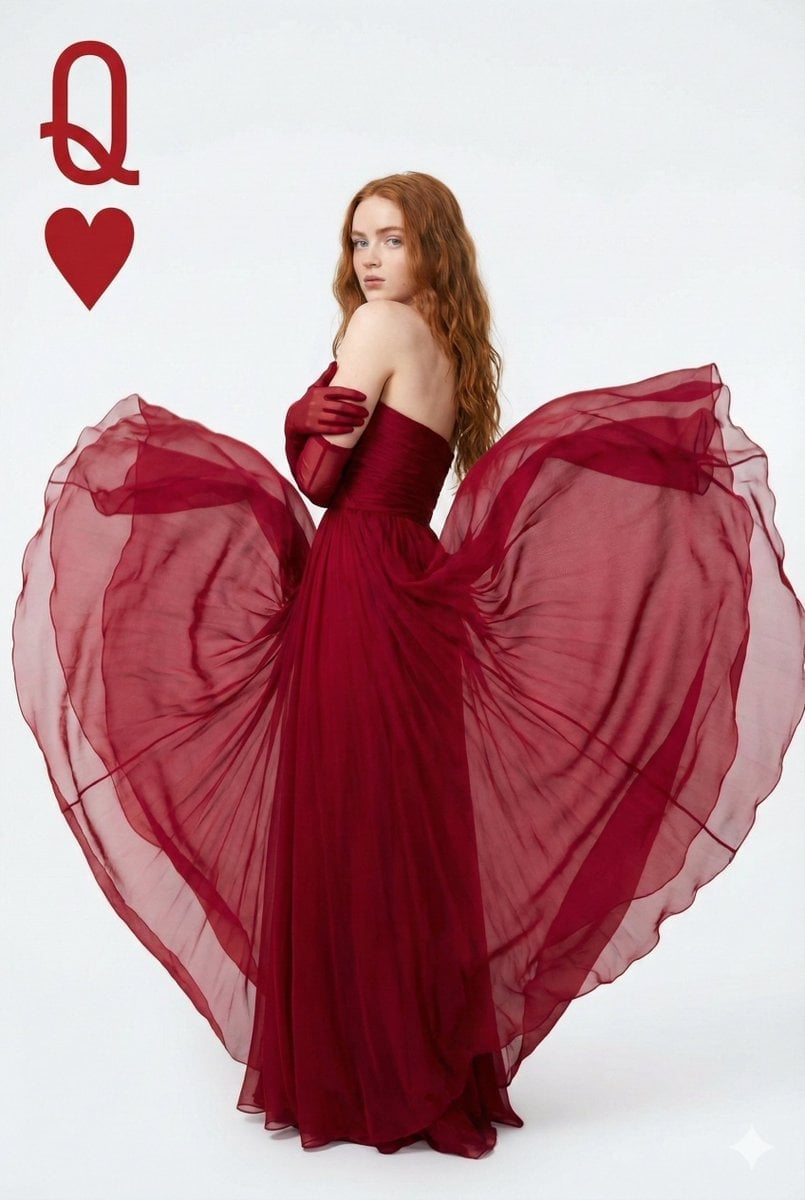
Sadia Sink Queen of Hearts Fashion Portrait
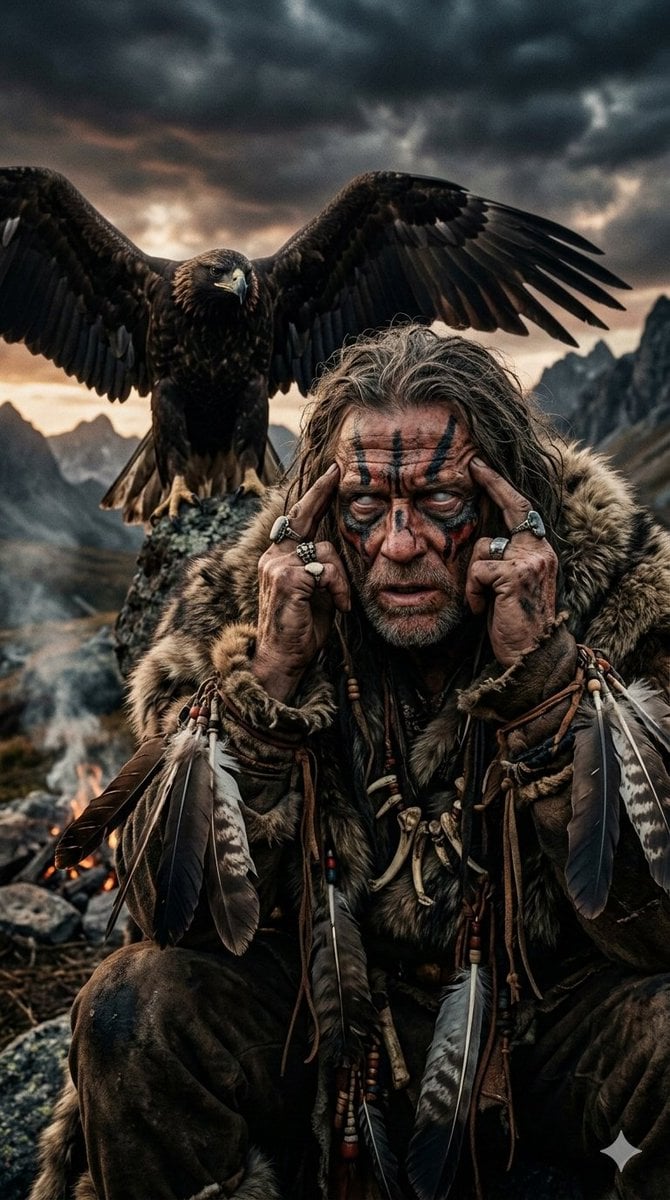
Prehistoric Shaman Bonded with Eagle Spirit
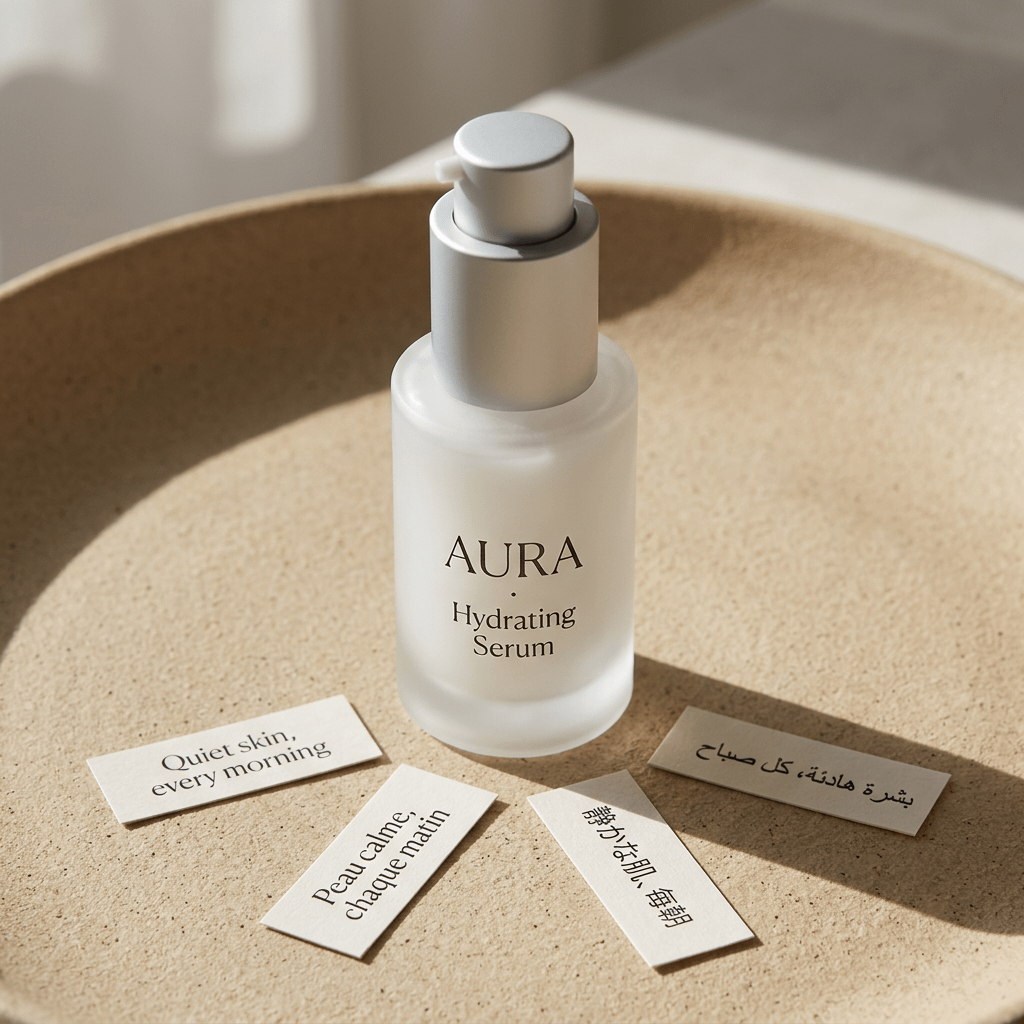
Minimalist Hydrating Serum Product Shot
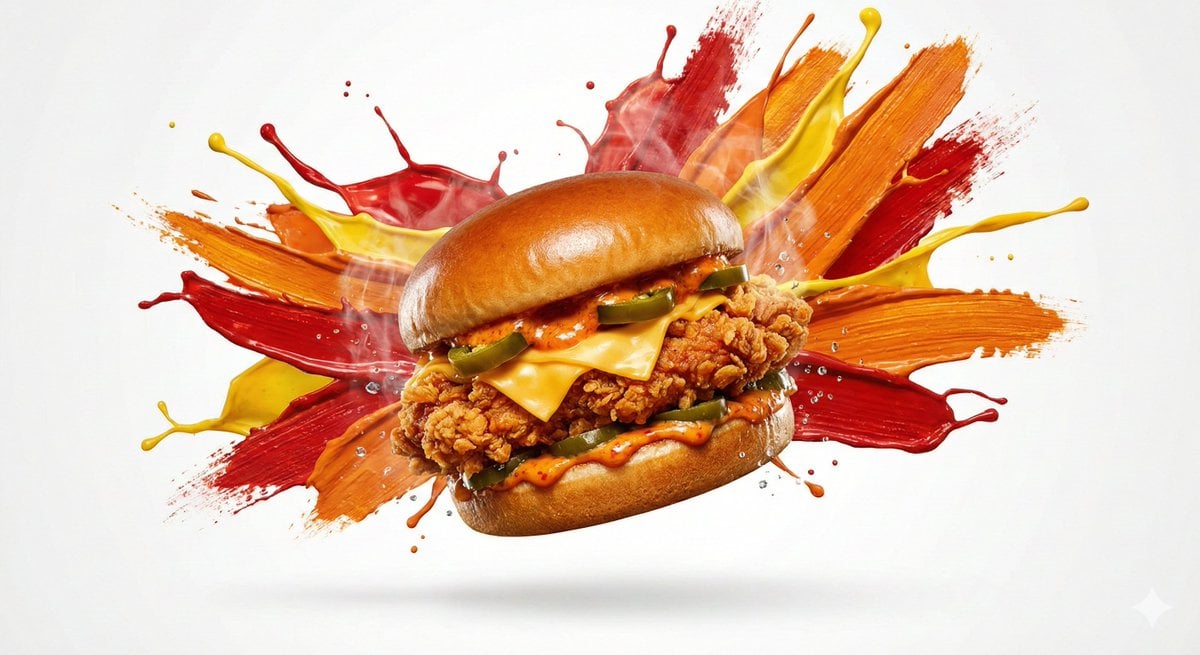
Color Splash Food Advertisement
Browse template categories
Dark Fantasy Wounded Monk Portrait questions
How do I use the Dark Fantasy Wounded Monk Portrait template?
Add your photo if the template asks for one, edit the prompt if you like — the template's model and format are already selected — and press Generate. Your version opens in PicX Studio.
Can I customize the Dark Fantasy Wounded Monk Portrait template?
Yes. You can change the subject, setting, lighting, mood, format, and available model controls before creating your image.
Is the Dark Fantasy Wounded Monk Portrait template free?
Opening and editing this template is free. Generating uses credits, shown on the Generate button when you are signed in.
Which AI model should I use?
Start with GPT Image 2, which is the model associated with this template. You can compare another compatible model for a different finish.
Looking for something else? Browse all templates.

Your photo, any look
Thousands of ready templates for every top image and video model, from one credit balance.