
Board Game Scene with Multiple Characters Prompt
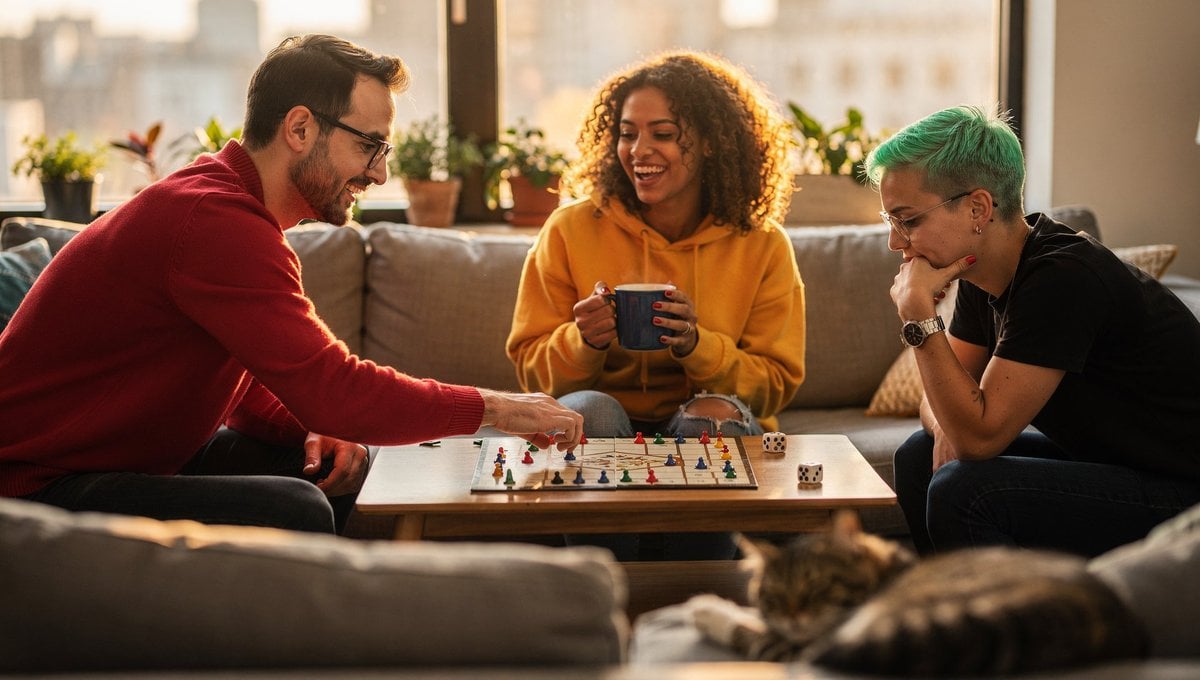
A detailed prompt for generating a lifestyle photograph of three friends playing a board game in a cozy modern living room during golden hour.
- Prompt included
- Model and format preset
- Premium template
The prompt behind this image
Copy the exact prompt behind Board Game Scene with Multiple Characters Prompt, or open it in the studio and make it yours.
A cozy modern living room in the late afternoon, three friends playing a board game around a low wooden coffee table: – On the LEFT side of the table: a tall man in a {argument name="sweater color" default="red"} sweater, wearing glasses, reaching forward with his RIGHT hand to move a game piece. – In the CENTER: a woman with curly hair in a {argument name="hoodie color" default="yellow"} hoodie, leaning back and laughing, holding a blue mug of tea in BOTH hands. – On the RIGHT side of the table: a person with short dyed {argument name="hair color" default="green"} hair, wearing a black t‑shirt, resting their chin on their LEFT hand while studying the board. The board game has a square grid with tiny colorful tokens, a visible six‑sided die showing the number 3 on top. Foreground: a sleeping cat on a gray couch, partially cropped. Background: large window with soft golden‑hour light, plants on the windowsill, blurred city skyline. Shot at 35mm, eye‑level camera, natural soft lighting, realistic proportions and hands, warm inviting color grading, lifestyle photography style. Negative prompt (optional): characters merged together, wrong number of arms, extra fingers, surreal distortions, horror, glitch
How to use Board Game Scene with Multiple Characters Prompt in 3 steps
- 1
Open
The prompt is already in the box next to the preview, with the template's model and format selected.
- 2…a portrait of your subject in softgolden-hour light, 85mm…
Personalize
Edit the subject and creative details for your destination.
- 3Generate
Generate
Press Generate — your image is created in PicX Studio, so you can compare it with the original and refine one variable at a time.
More like this
Templates with the same subject, style or setup. Open one to see its prompt.
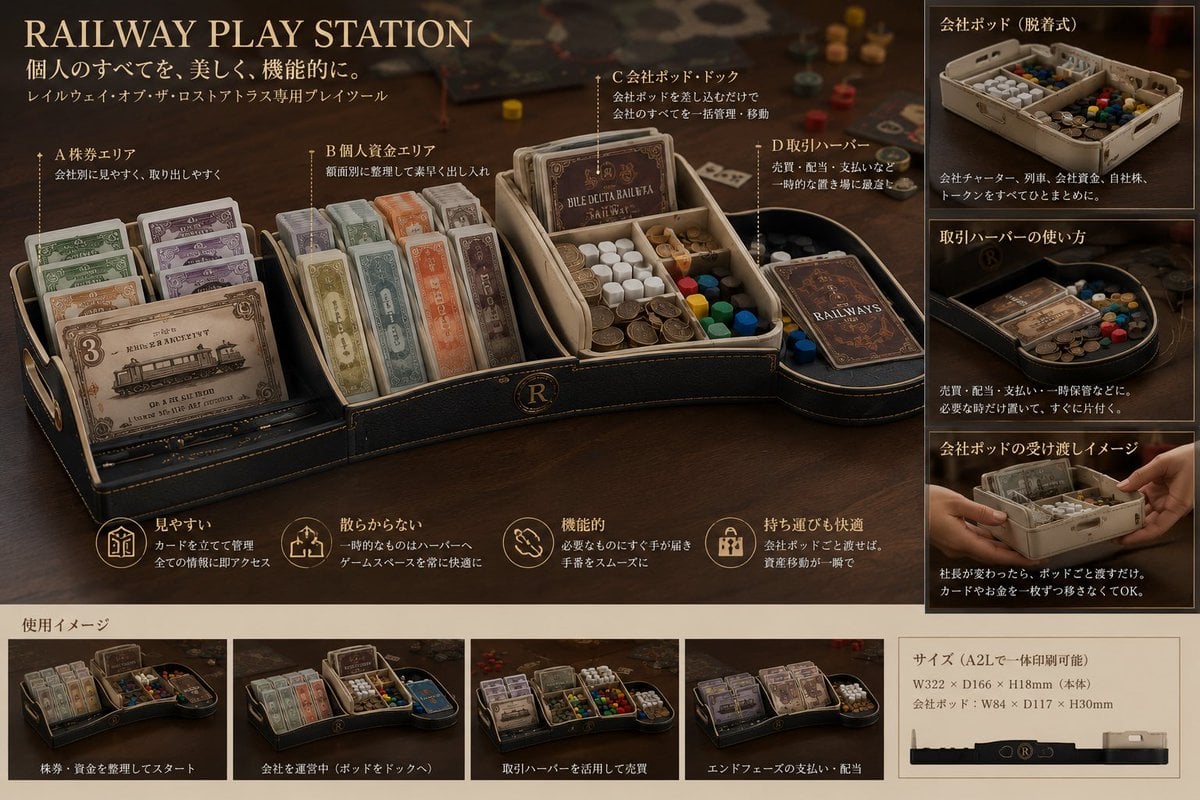
Luxury Railway Board Game Organizer Poster
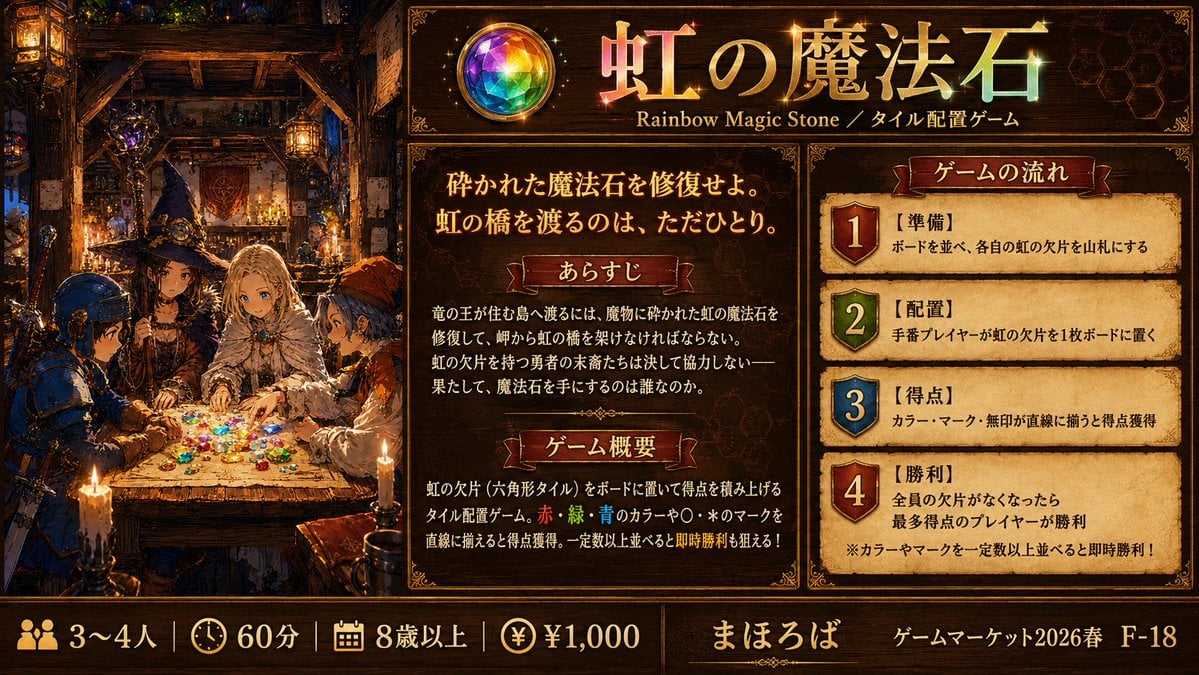
Rainbow Magic Stone Board Game Flyer
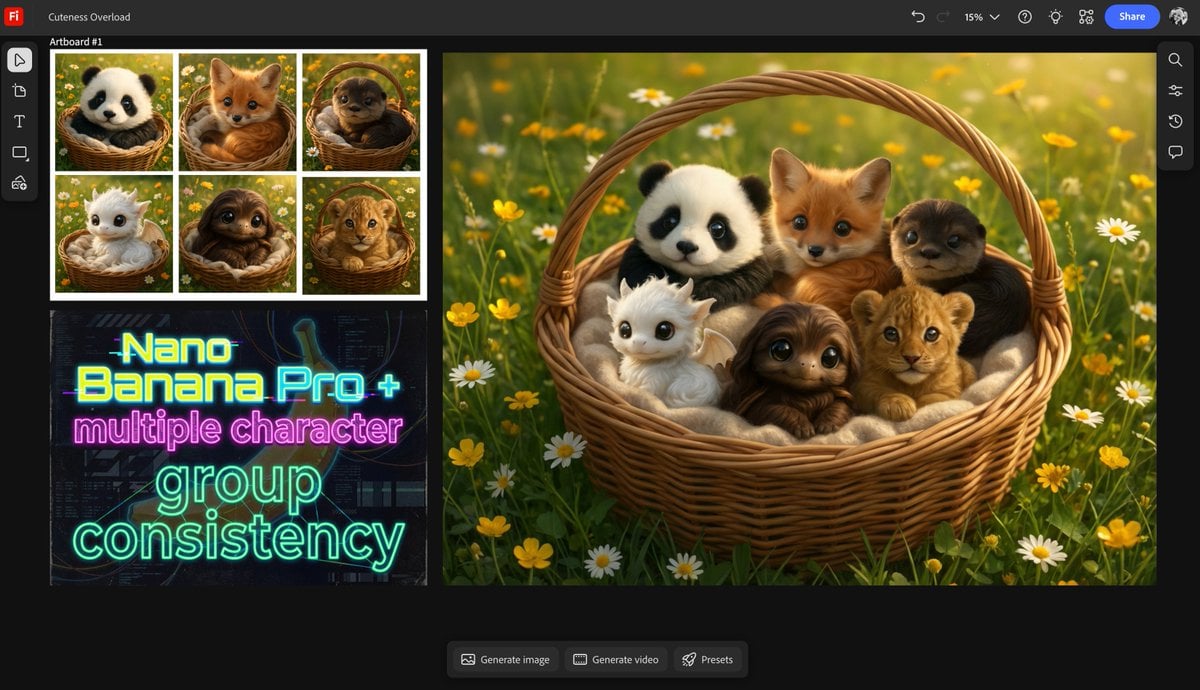
Multiple characters in one basket
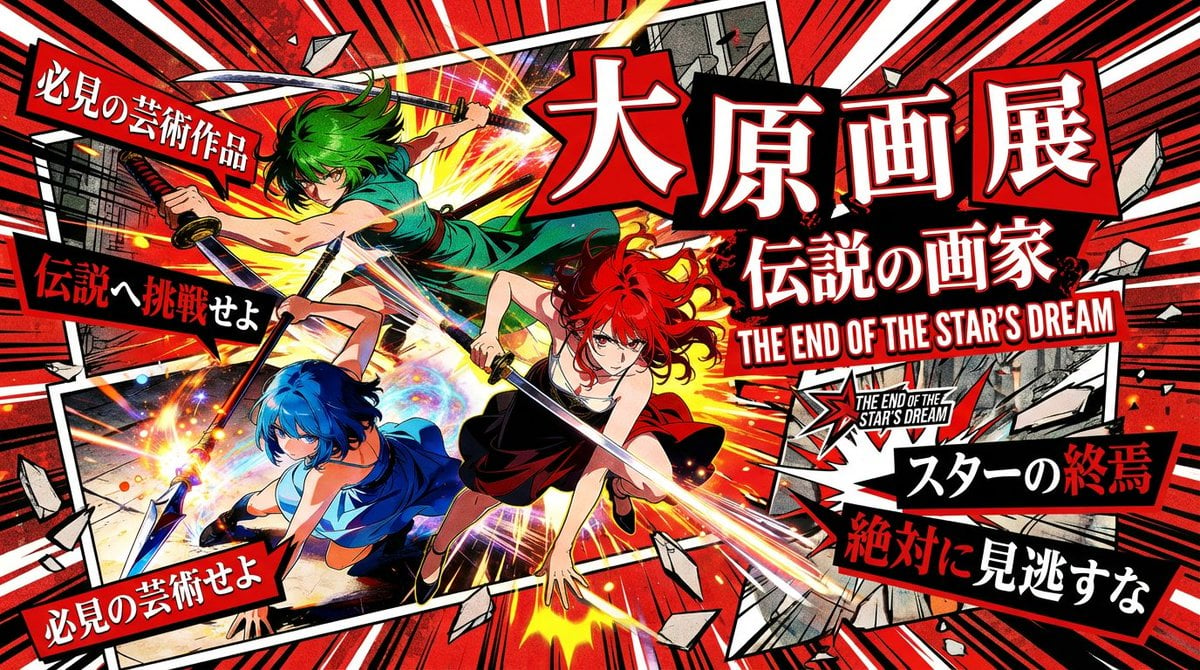
Pulp Comic Style Poster Design with Multiple Characters Prompt
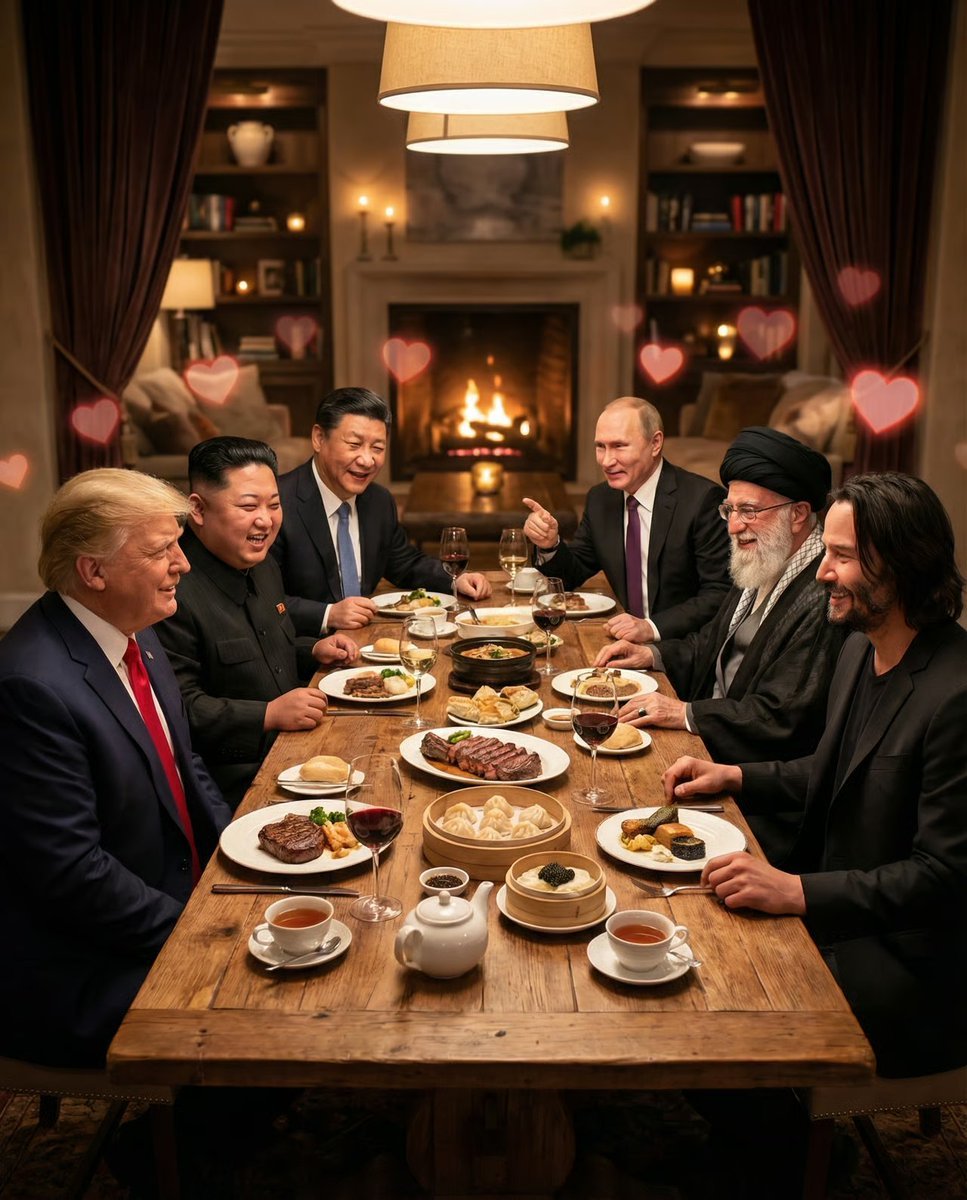
Intimate Date Scene Generator for Multiple Characters
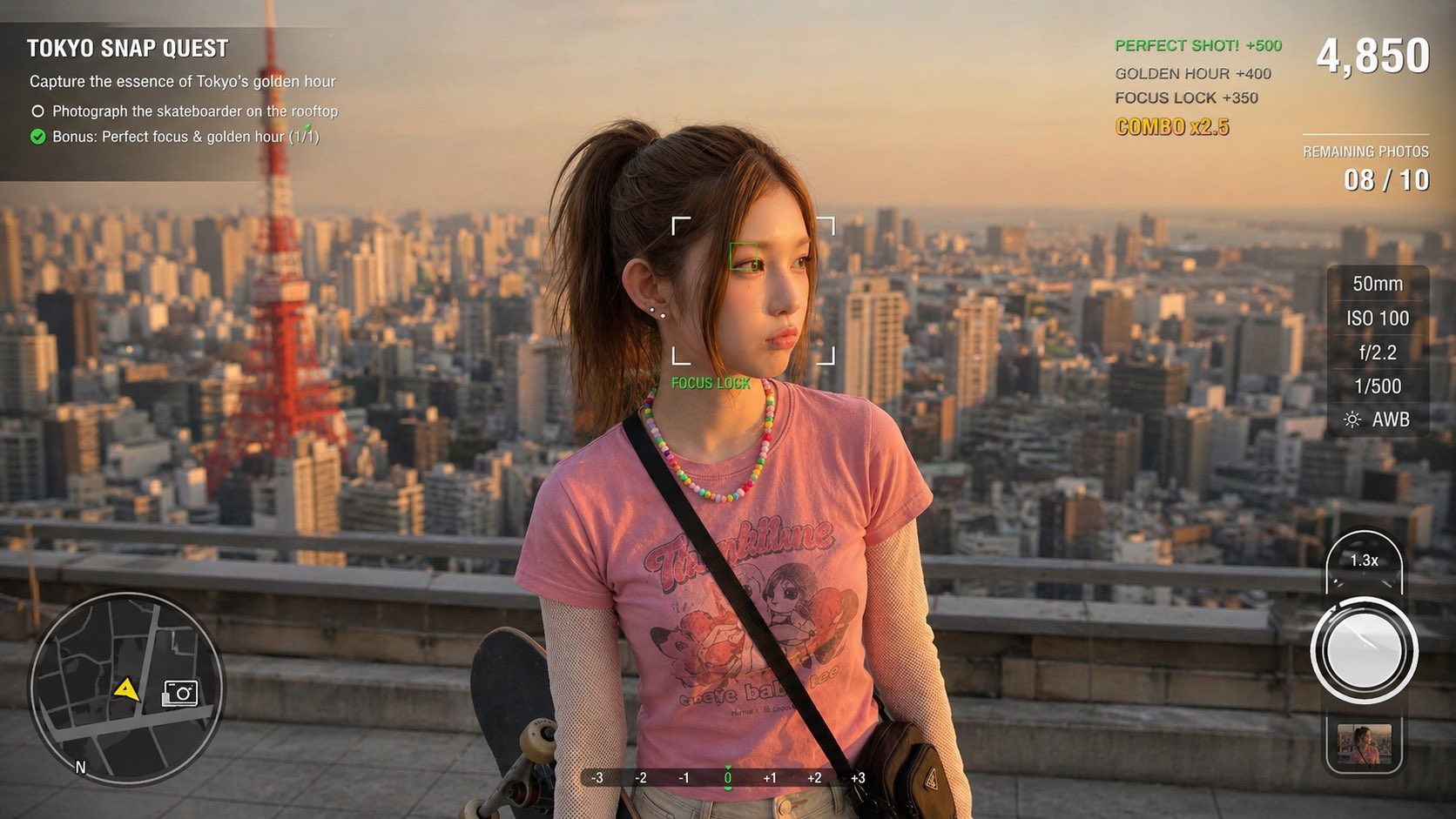
Photography Game Cinematic Capture
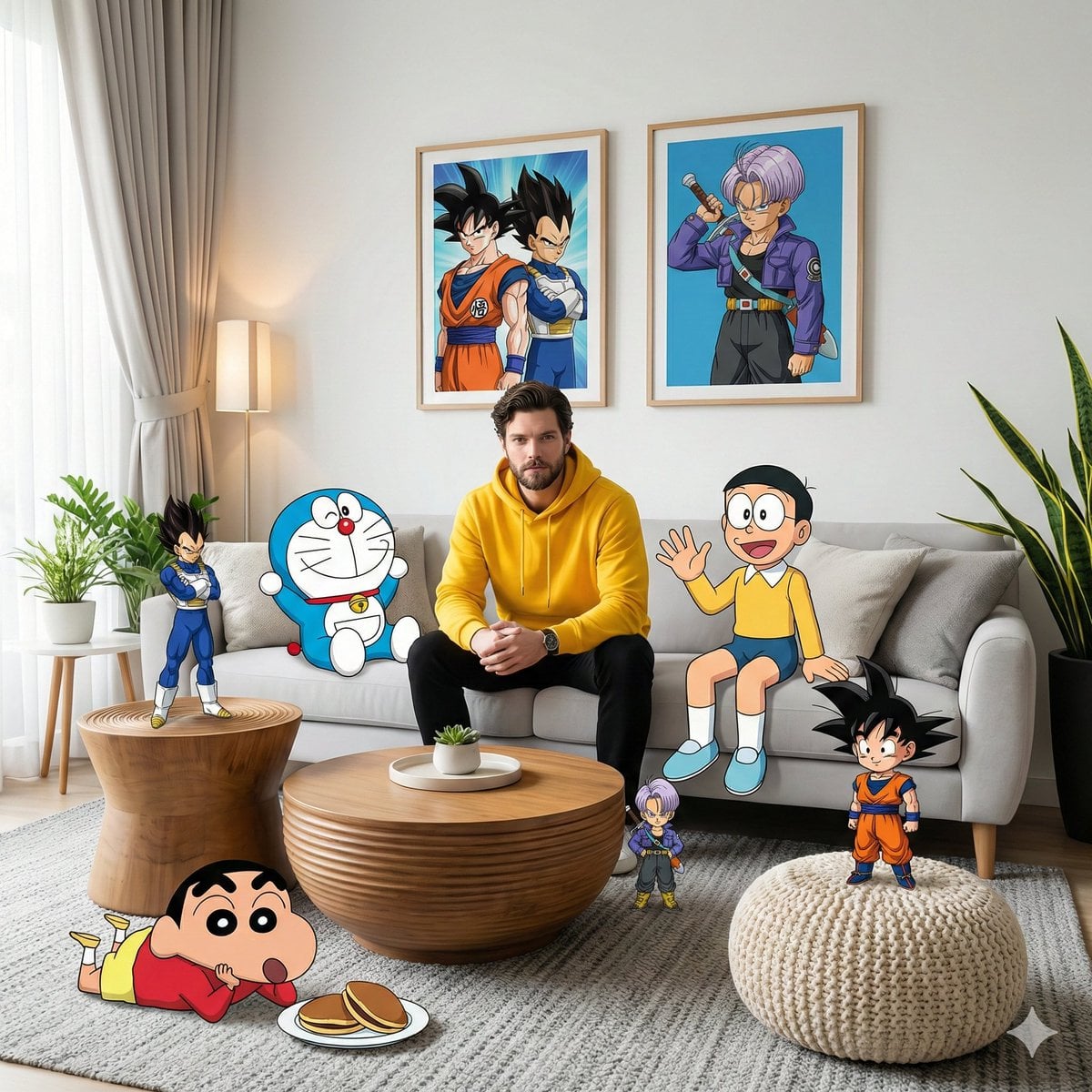
Anime Characters in Photorealistic Room
Ime characters into realistic human portraits Convert character
Surrounding the submarine are multiple small bright yellow LEGO fish
Surrounding the realistic main subject are multiple cute, 3D-style chibi
Polished multi-page multiple images brand kit for a company called
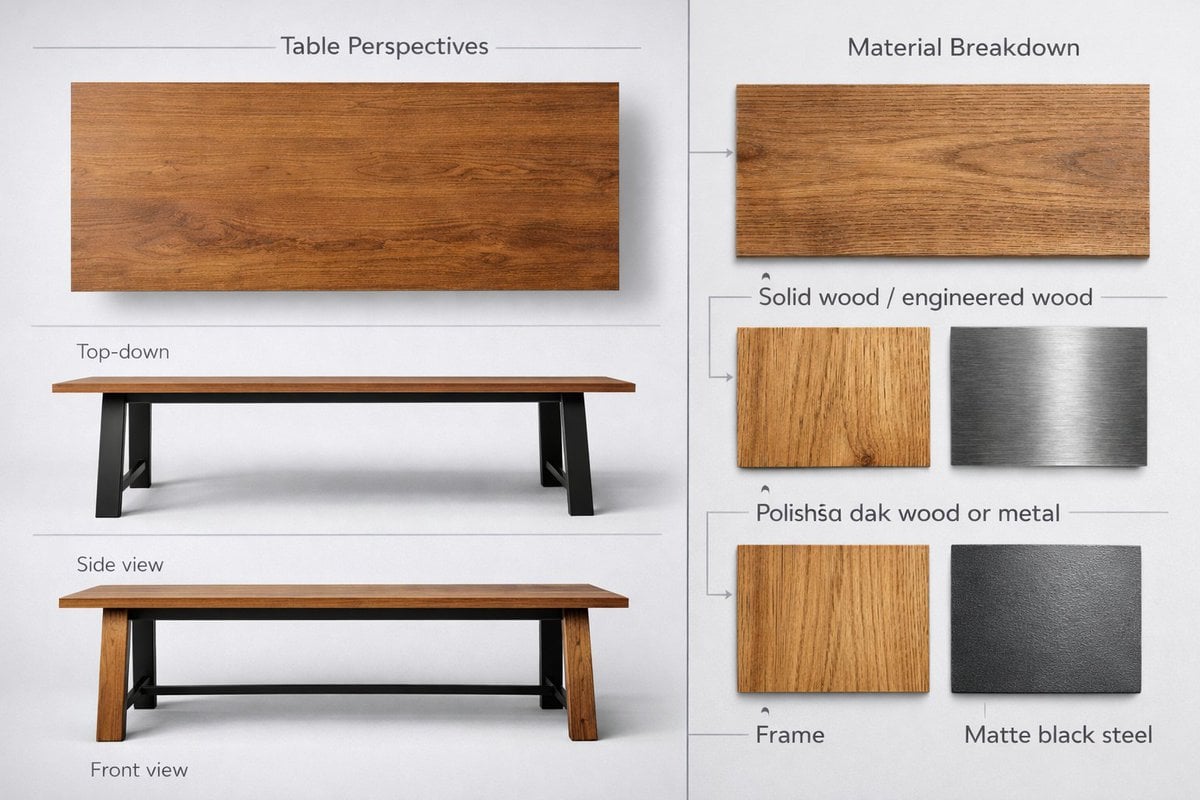
Detailed product showcase image of a table design with multiple
Make it yours
Board Game Scene with Multiple Characters Prompt works as-is. These are the safest ways to change it without losing the look.
Change one field
Copy a single group, rewrite it, and generate again so you can see what that field is doing.
Keep the frame, change the subject
Hold the composition and light of Board Game Scene with Multiple Characters Prompt, then swap wardrobe, props or the person for a new take.
| If the result… | Why | Fix |
|---|---|---|
| The result drifts from the preview | Too many fields changed at once. | Reuse Board Game Scene with Multiple Characters Prompt as-is first, then change one group — subject, light, or setting. |
| The model over-stylizes the scene | The prose prompt leaves finish and camera underspecified. | Add one camera or lighting sentence and stay on Nano Banana 2. |
More Nano Banana 2 templates
Other prompts made for Nano Banana 2.

Photorealistic Leaf Shaped Like a Dragon

K-Pop Idol Portrait Grid for Rapid Selection

Poetic Rain Forest Portrait During Golden Hour

Urban Street Portrait with Cartoon Inner Self Duo

Candid Nighttime Photo with Cat Prompt

High-Concept 3D Diorama Generation Prompt

Cinematic Futuristic Studio Portrait Template

Skincare Editorial Photography Collage Prompt

Hyper-Realistic Commercial Product Photography (Splash Effect)

Hyper-Realistic Nightclub Portrait Prompt
More image prompts
Fresh picks from across the catalog.
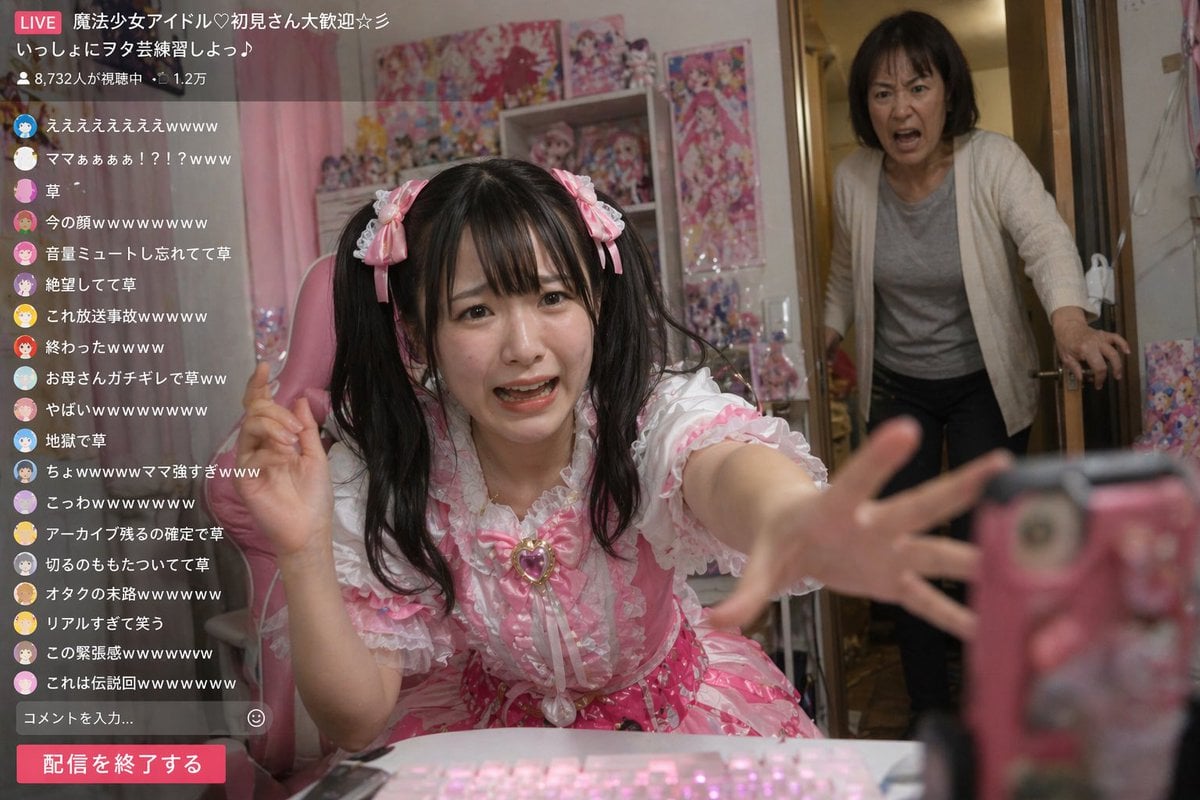
Awkward Idol Stream Situation
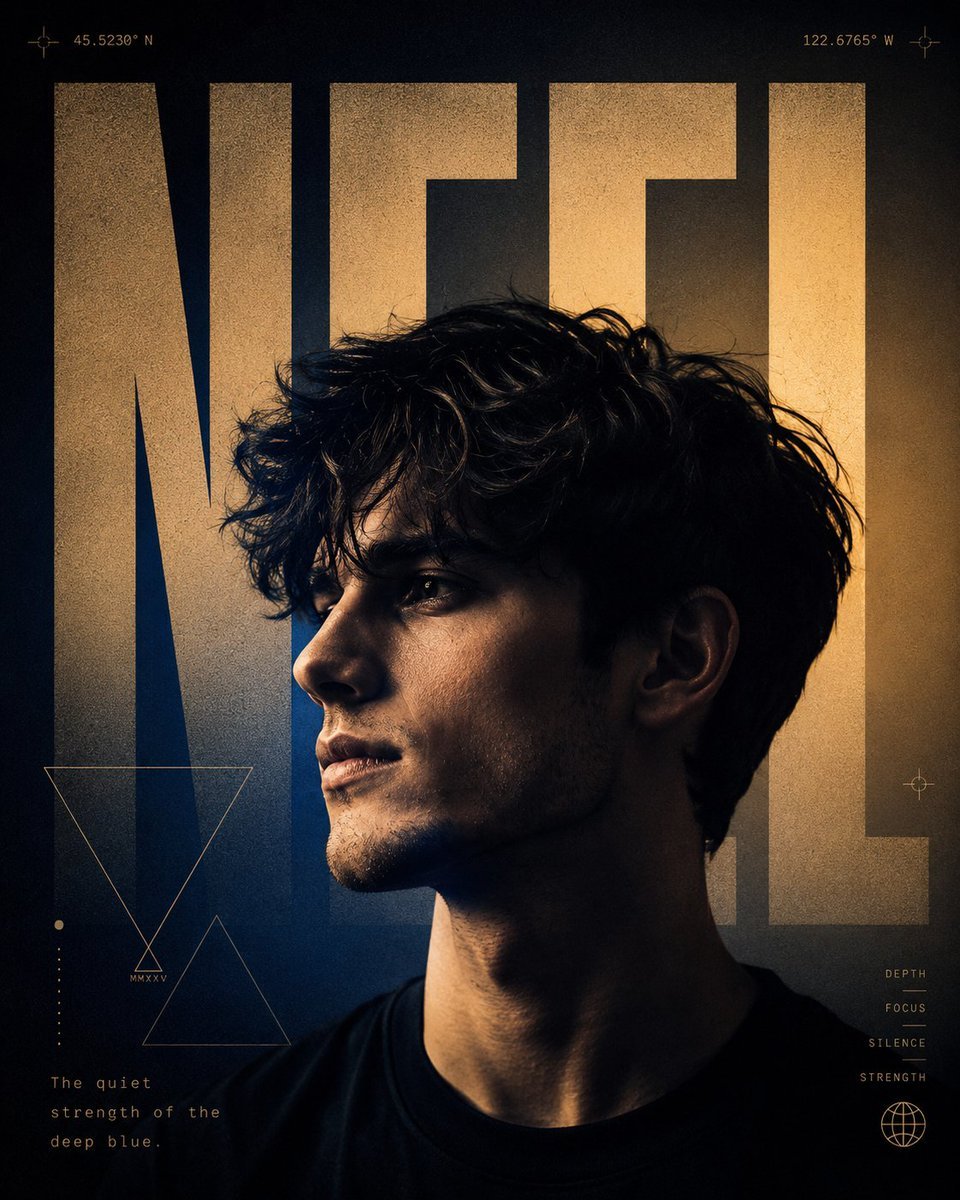
A24 Style Brutalist Portrait Poster
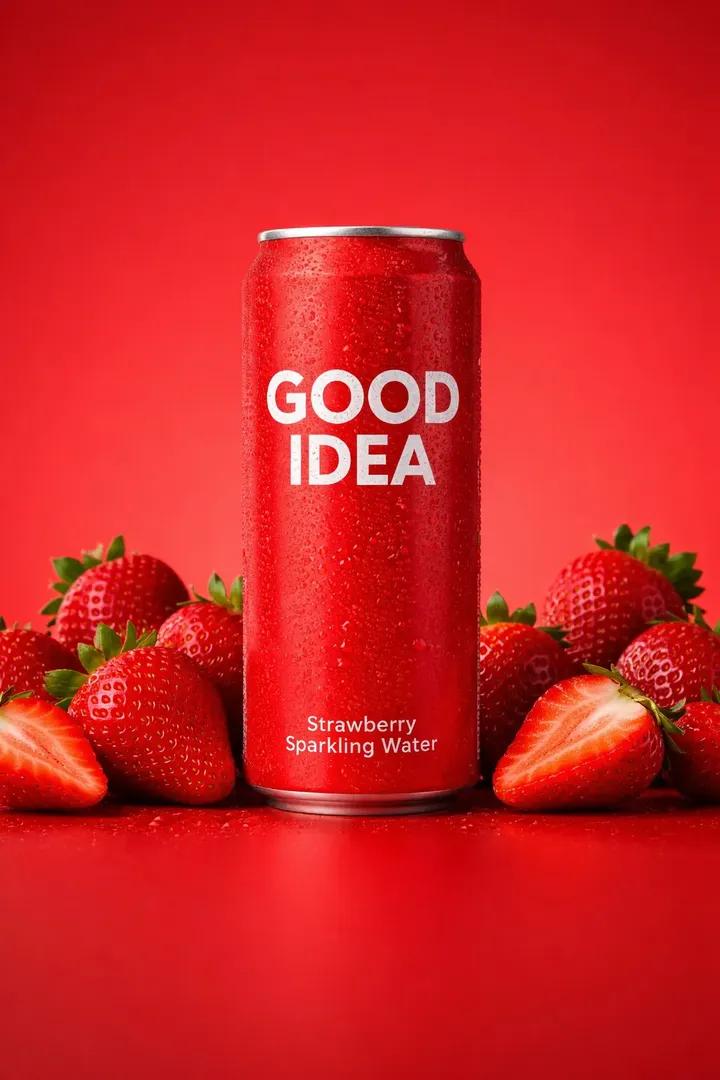
Premium Studio Product Photo of Sparkling Water Can
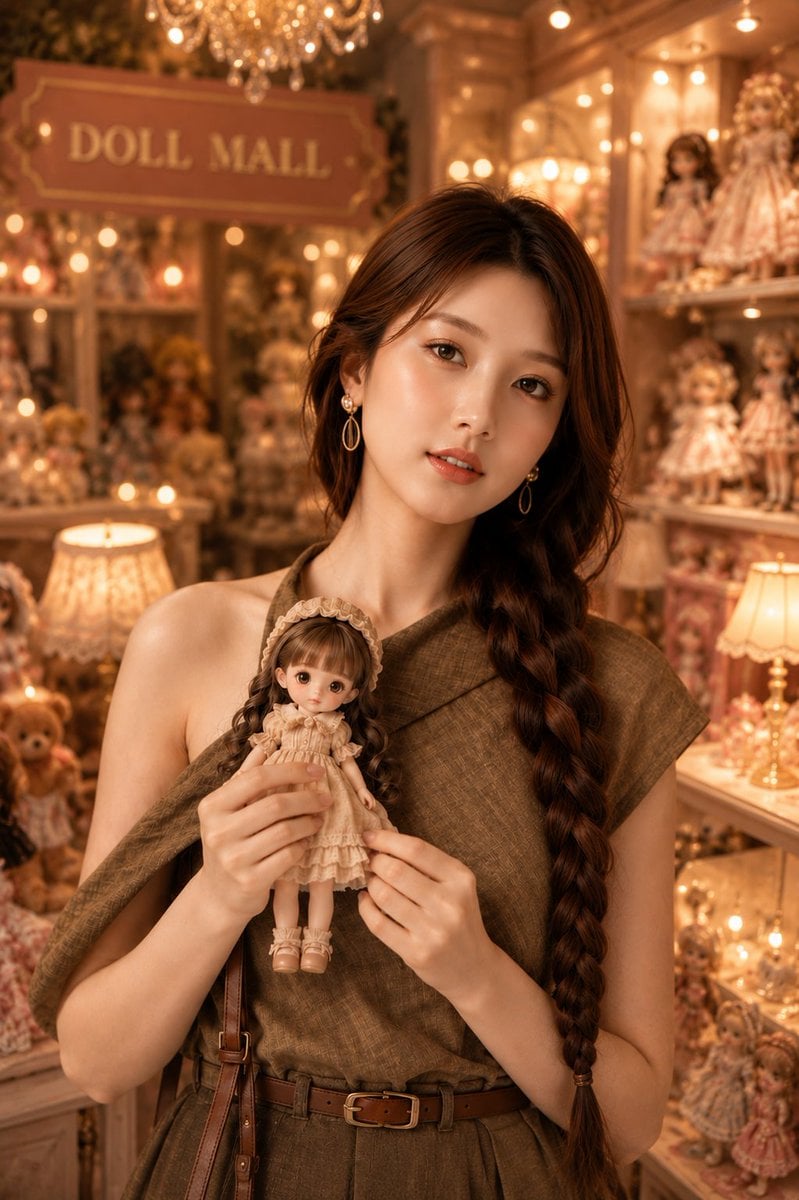
Vintage Doll Mall Portrait
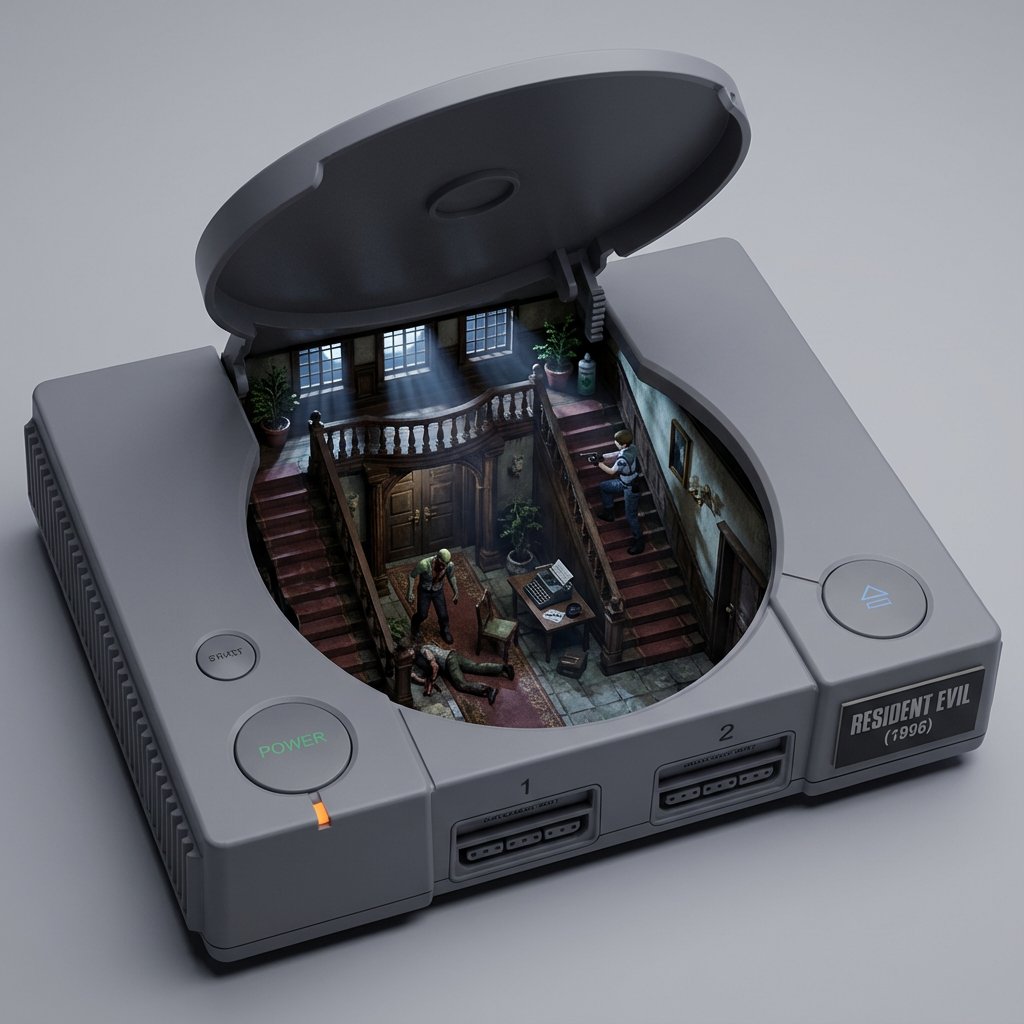
Game/Book Diorama Concept Generator
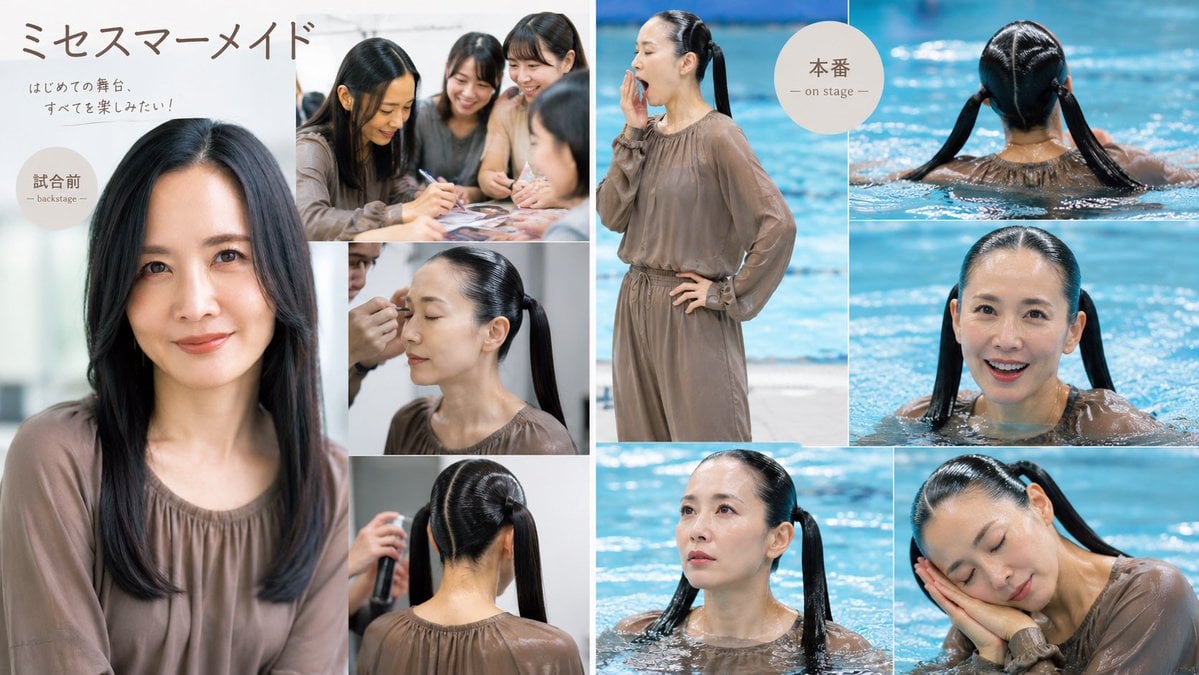
Japanese Mermaid Stage Collage

Gen-Z Anti-Aesthetic Diner Selfie
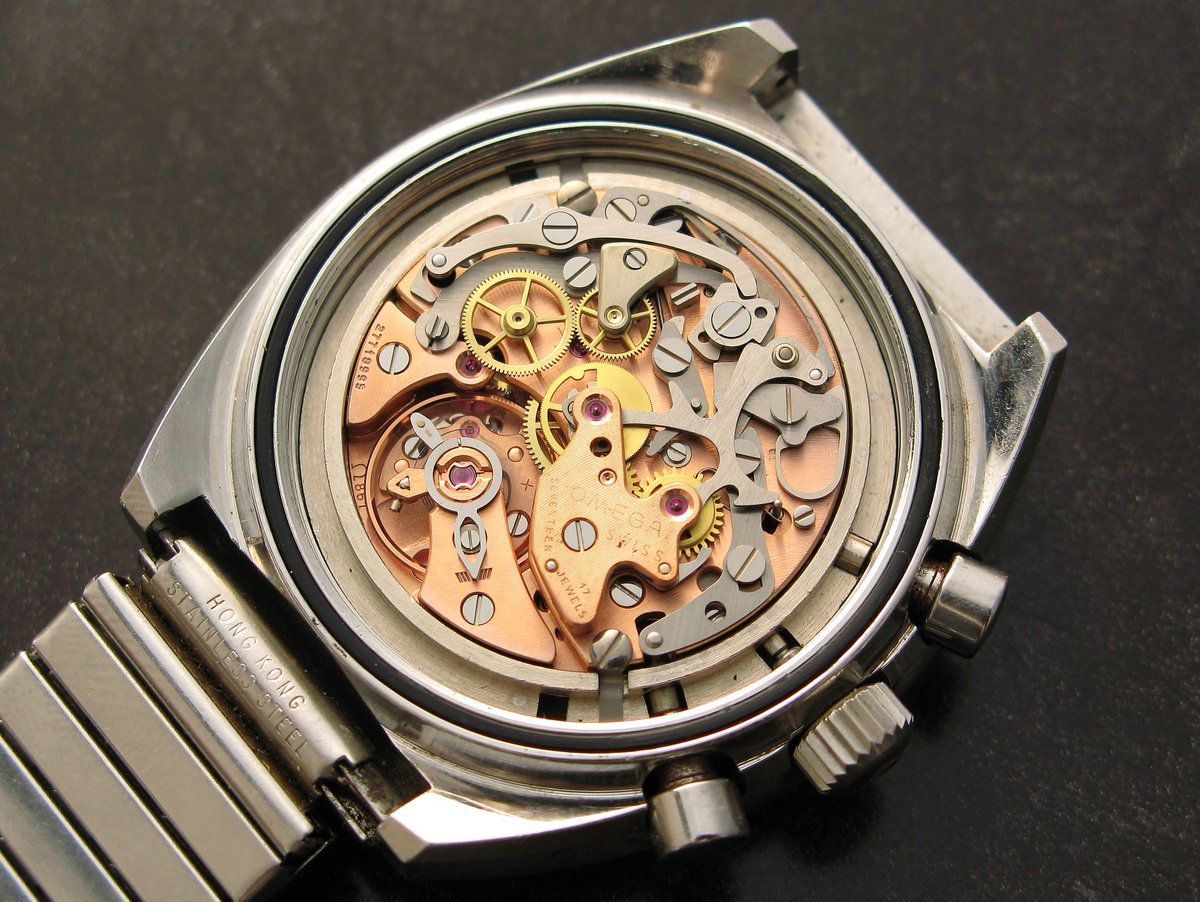
Image to Monochrome Line Art Conversion
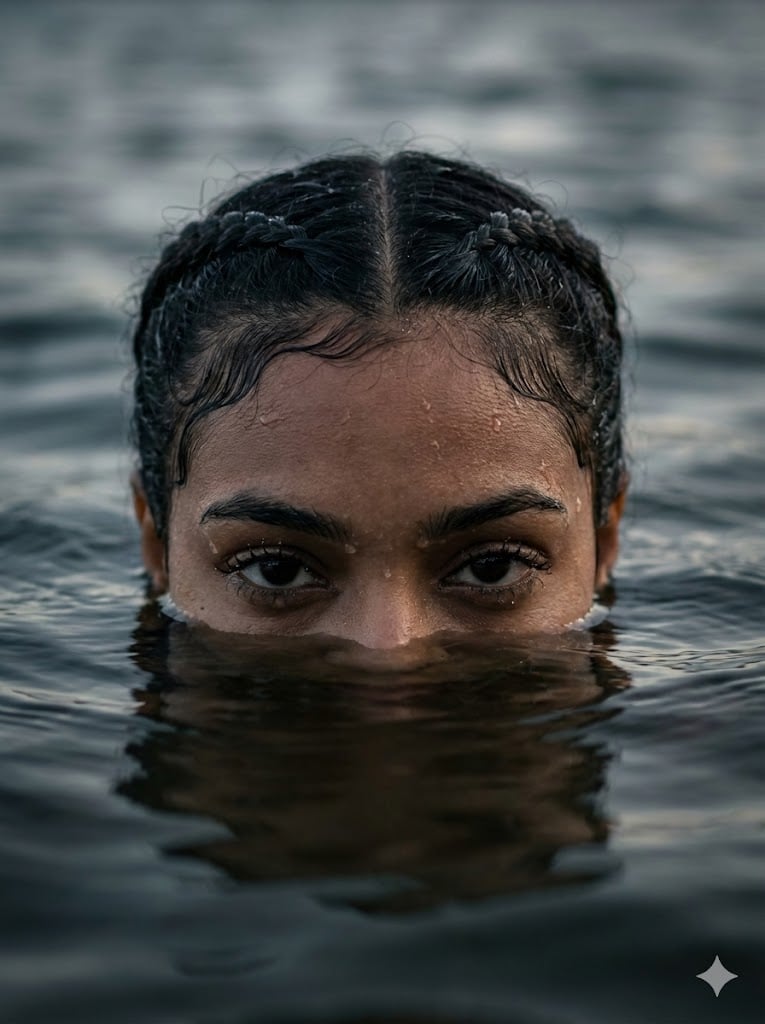
Dramatic Water Emergence Portrait
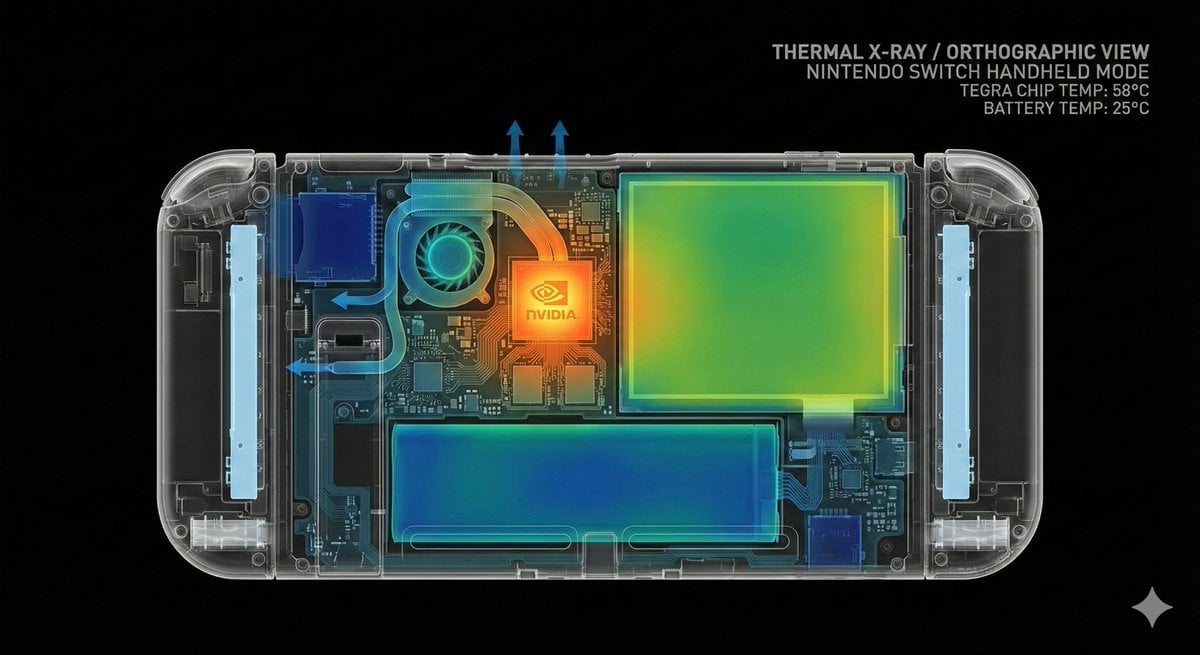
Thermal X-Ray Style Infographic Prompt (Nintendo Switch Example)
Browse template categories
Board Game Scene with Multiple Characters Prompt questions
How do I use the Board Game Scene with Multiple Characters Prompt template?
Add your photo if the template asks for one, edit the prompt if you like — the template's model and format are already selected — and press Generate. Your version opens in PicX Studio.
Can I customize the Board Game Scene with Multiple Characters Prompt template?
Yes. You can change the subject, setting, lighting, mood, format, and available model controls before creating your image.
Is the Board Game Scene with Multiple Characters Prompt template free?
Opening and editing this template is free. Generating uses credits, shown on the Generate button when you are signed in.
Which AI model should I use?
Start with Nano Banana 2, which is the model associated with this template. You can compare another compatible model for a different finish.
Looking for something else? Browse all templates.

Your photo, any look
Thousands of ready templates for every top image and video model, from one credit balance.