
Pulp Comic Style Poster Design with Multiple Characters Prompt
A prompt for Nano Banana Pro (via Lovart) to create a dynamic, high-impact poster design in a 'pulp' or 'picaresque' comic style, featuring three specific characters from reference images.
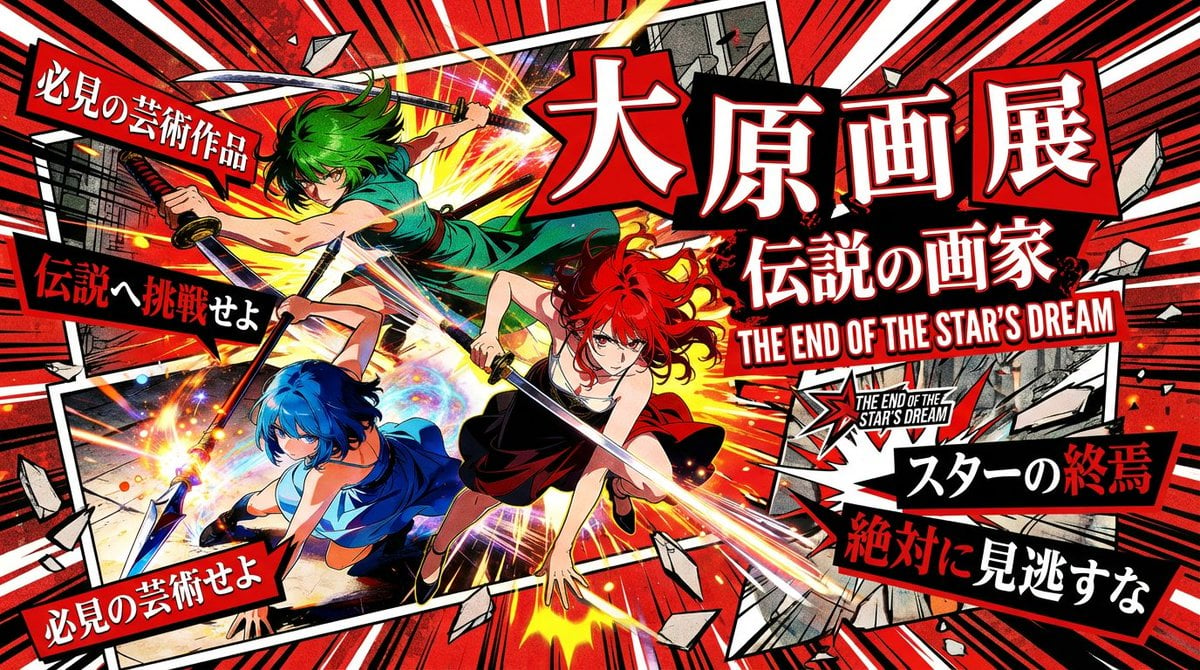
- Prompt included
- Model and format preset
- Premium template
The prompt behind this image
Copy the exact prompt behind Pulp Comic Style Poster Design with Multiple Characters Prompt, or open it in the studio and make it yours.
[Image 1] [Image 2] [Image 3] Be sure to include these three people. Absolutely maintain consistency in the people's likeness and poses throughout. The people are depicted and laid out as if boldly bursting out of the frame. Breaking out of the panel border. A poster design themed around "punk," "comic-style," and "picaresque (rogue-ish)." Bold color scheme: red (#D91419), black, white, and accent yellow. Geometric distortion: shapes that are skewed diagonally or clipped into jagged forms, rather than plain rectangles. Dynamic motion: a sense of energy as if constantly in motion, rather than a still image. Typography: bold, high-impact sans-serif fonts (like Impact or Anton), arranged at varying sizes and angles. For the Japanese font, boldly vary the size and angle of every single character. A decorated Gothic-style font. Output in 16:9 The theme is {argument name="theme" default="大原画展の紹介ポスター"}. Place 5 catchphrases that make people want to buy tickets and go, along with {argument name="title" default="大原画展のタイトル"}, and the {argument name="game software name" default="ゲームソフトの名前とそのロゴ"} that it's based on. Also include the date and venue description.
How to use Pulp Comic Style Poster Design with Multiple Characters Prompt in 3 steps
- 1Upload ImagePNG, JPG or paste
Add your photo
Upload the photo the template builds on. The prompt, model and format are already set.
- 2…a portrait of your subject in softgolden-hour light, 85mm…
Personalize
Edit the subject and creative details for your destination.
- 3Generate
Generate
Press Generate — your image is created in PicX Studio, so you can compare it with the original and refine one variable at a time.
More like this
Templates with the same subject, style or setup. Open one to see its prompt.

Pop Art Superhero Explosion Poster

Hero Portrait Comic Multi-Panel Poster

Japan Travel Brochure Poster

Cartoon TV Show Poster Pack

Trendy Cafe Drink Promo Poster

Urban Fashion Editorial Collage Streetwear Poster

Premium Fashion Editorial Cover Layout System

Polo Ralph Lauren Luxury American Heritage Fashion Campaign

Monochrome Halftone Editorial Fashion Poster

Retro Mirror Luxury Fashion Campaign Poster

Luxury Fashion Campaign Typography Poster System

Premium Fashion Editorial Campaign Poster System
Make it yours
Pulp Comic Style Poster Design with Multiple Characters Prompt works as-is. These are the safest ways to change it without losing the look.
Change one field
Copy a single group, rewrite it, and generate again so you can see what that field is doing.
Keep the frame, change the subject
Hold the composition and light of Pulp Comic Style Poster Design with Multiple Characters Prompt, then swap wardrobe, props or the person for a new take.
| If the result… | Why | Fix |
|---|---|---|
| The result drifts from the preview | Too many fields changed at once. | Reuse Pulp Comic Style Poster Design with Multiple Characters Prompt as-is first, then change one group — subject, light, or setting. |
| The model over-stylizes the scene | The prose prompt leaves finish and camera underspecified. | Add one camera or lighting sentence and stay on Nano Banana 2. |
More Nano Banana 2 templates
Other prompts made for Nano Banana 2.

Photorealistic Leaf Shaped Like a Dragon

K-Pop Idol Portrait Grid for Rapid Selection

Poetic Rain Forest Portrait During Golden Hour

Urban Street Portrait with Cartoon Inner Self Duo

Candid Nighttime Photo with Cat Prompt

High-Concept 3D Diorama Generation Prompt

Cinematic Futuristic Studio Portrait Template

Skincare Editorial Photography Collage Prompt

Hyper-Realistic Commercial Product Photography (Splash Effect)

Hyper-Realistic Nightclub Portrait Prompt
More image prompts
Fresh picks from across the catalog.
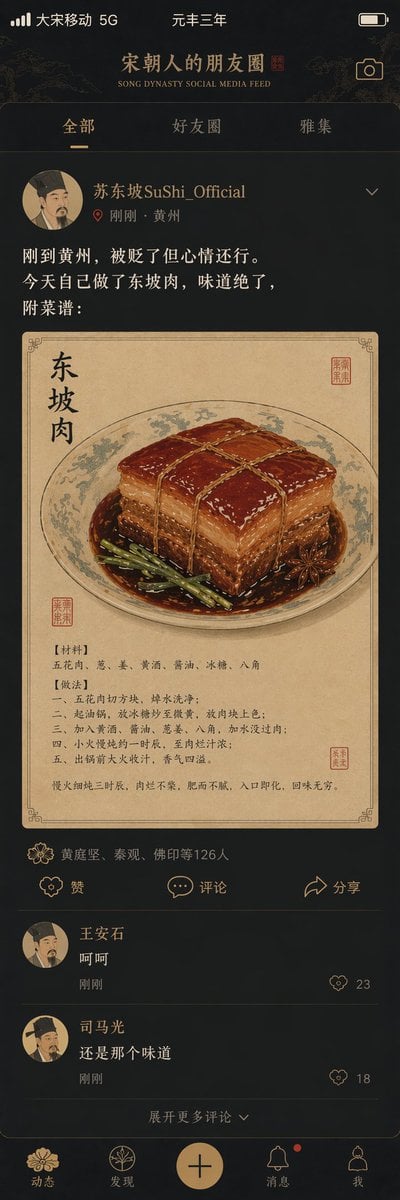
Song Dynasty Social Media Feed
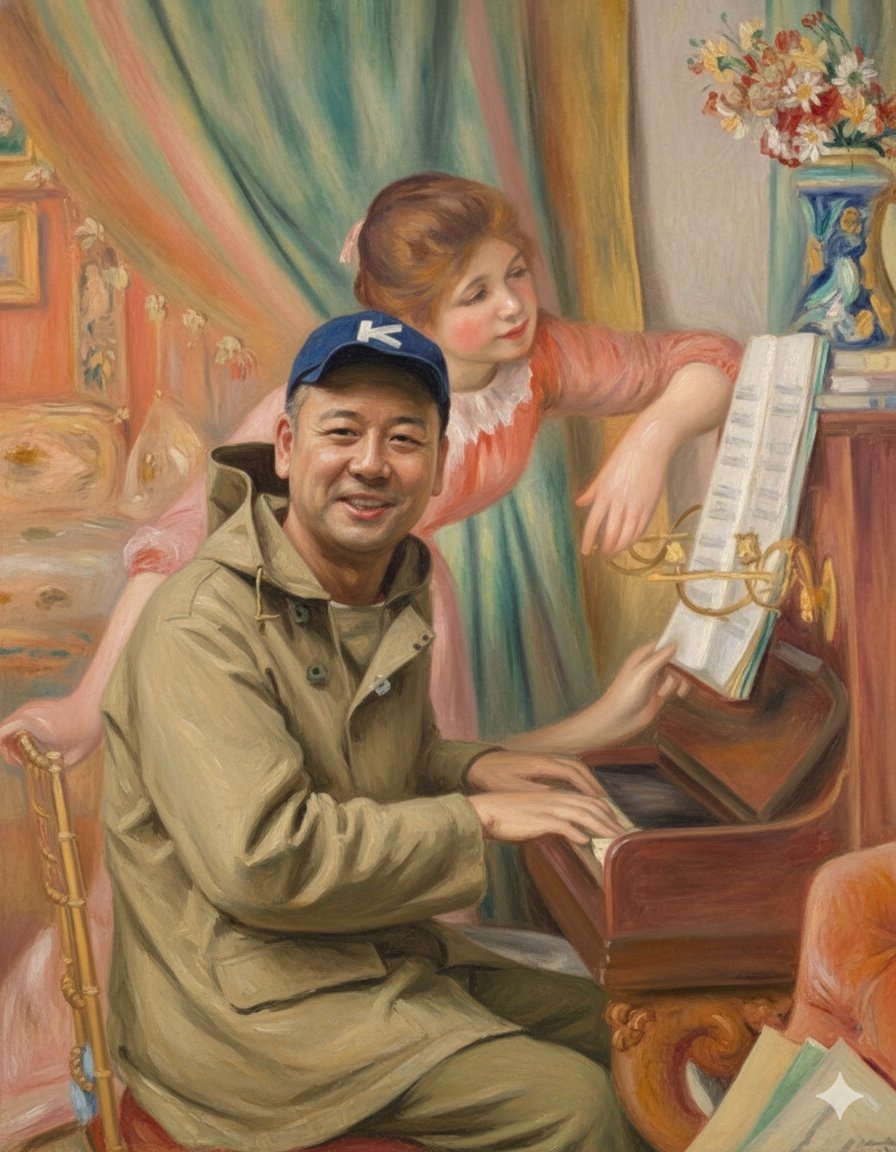
Style Transfer: Renoir's Piano Playing Girls
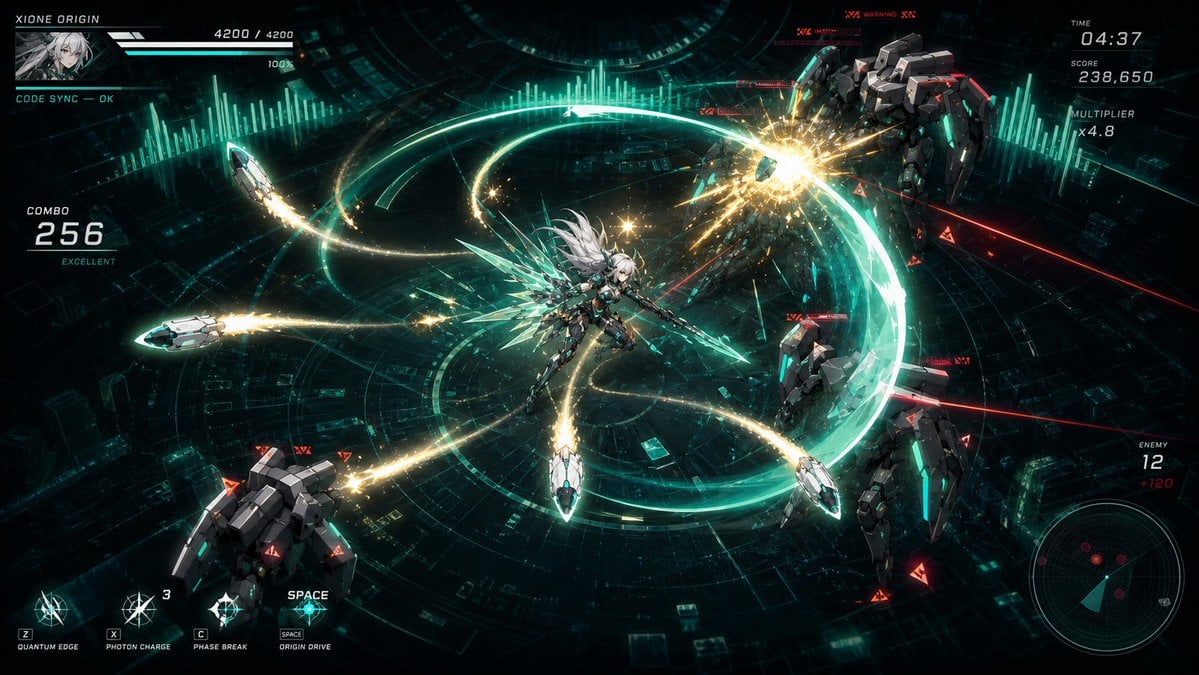
Cyber Angel Mecha Battle HUD
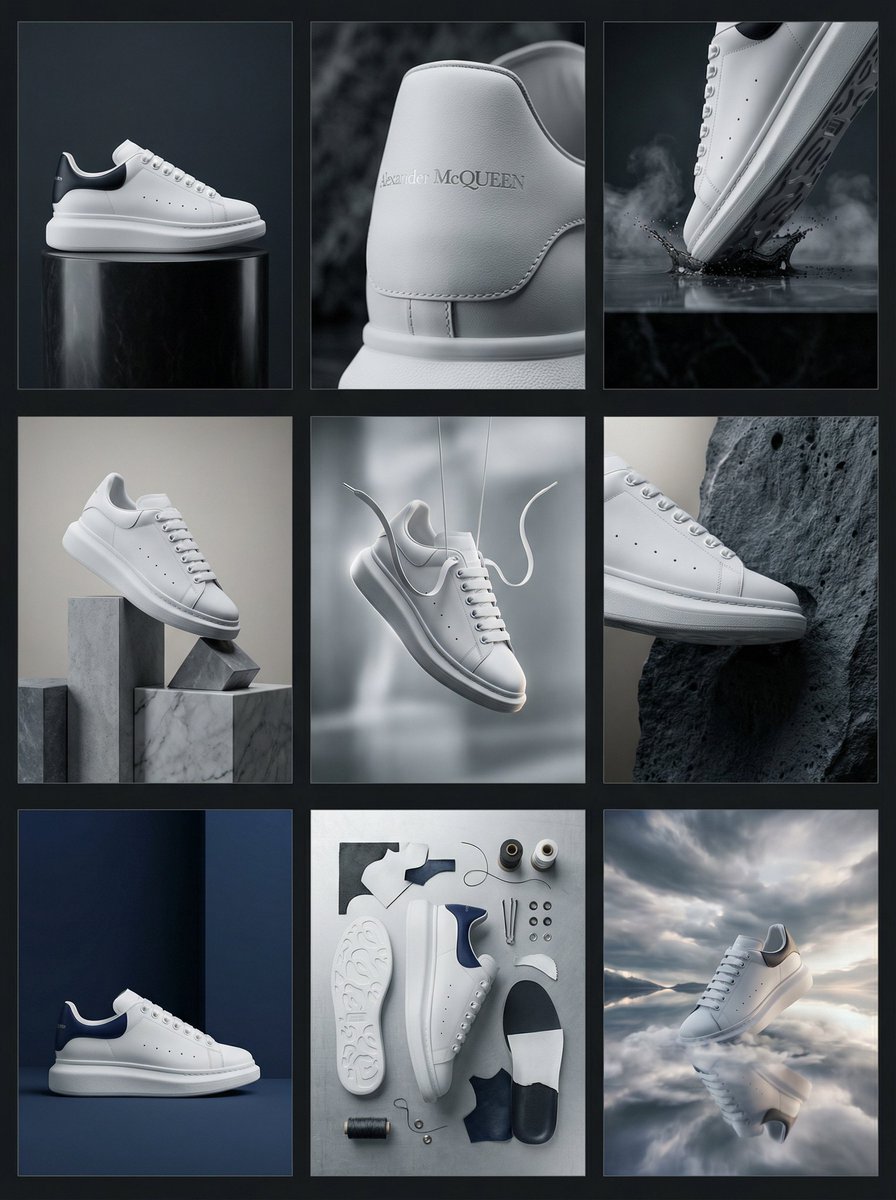
Alexander McQueen Sneaker Commercial Grid Prompt (3x3)
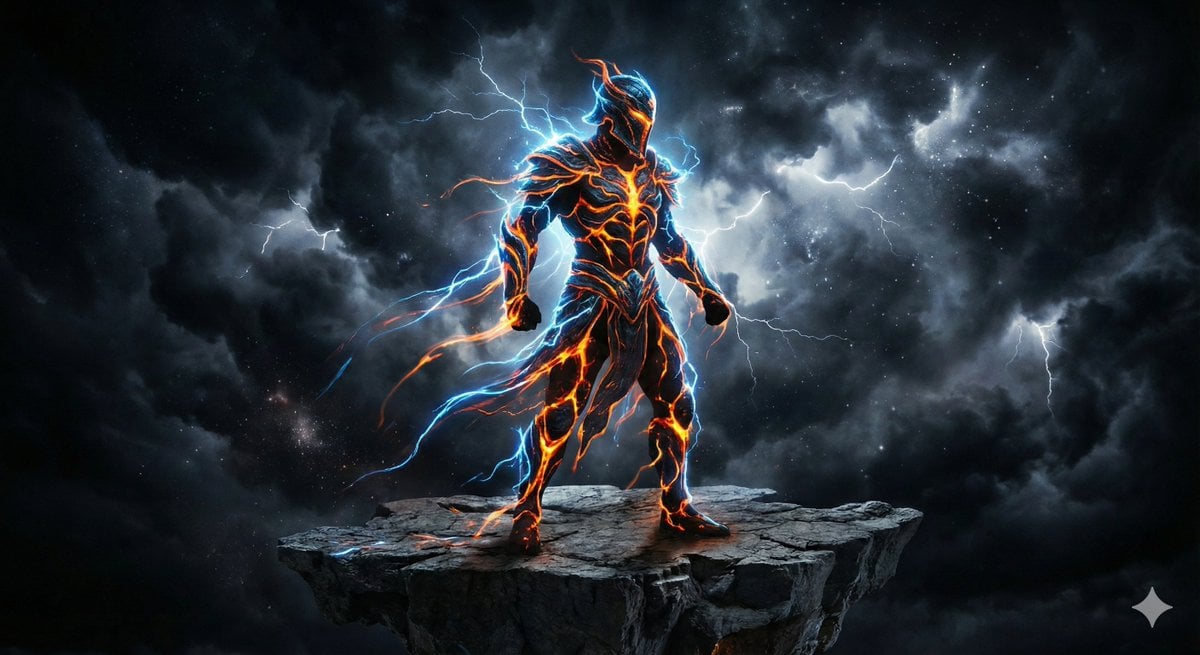
Energy Figure in Motion
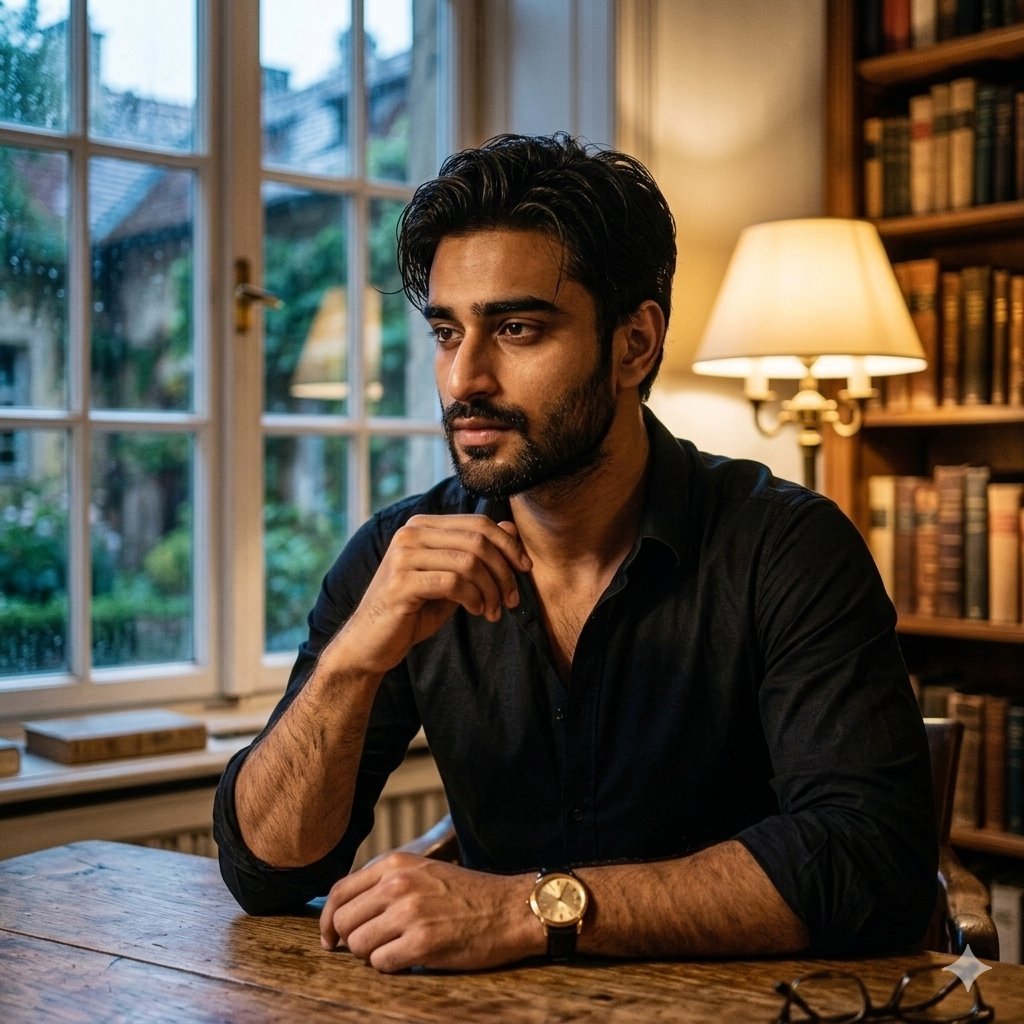
Cinematic Chiaroscuro Portrait of a South Asian Man in a Library
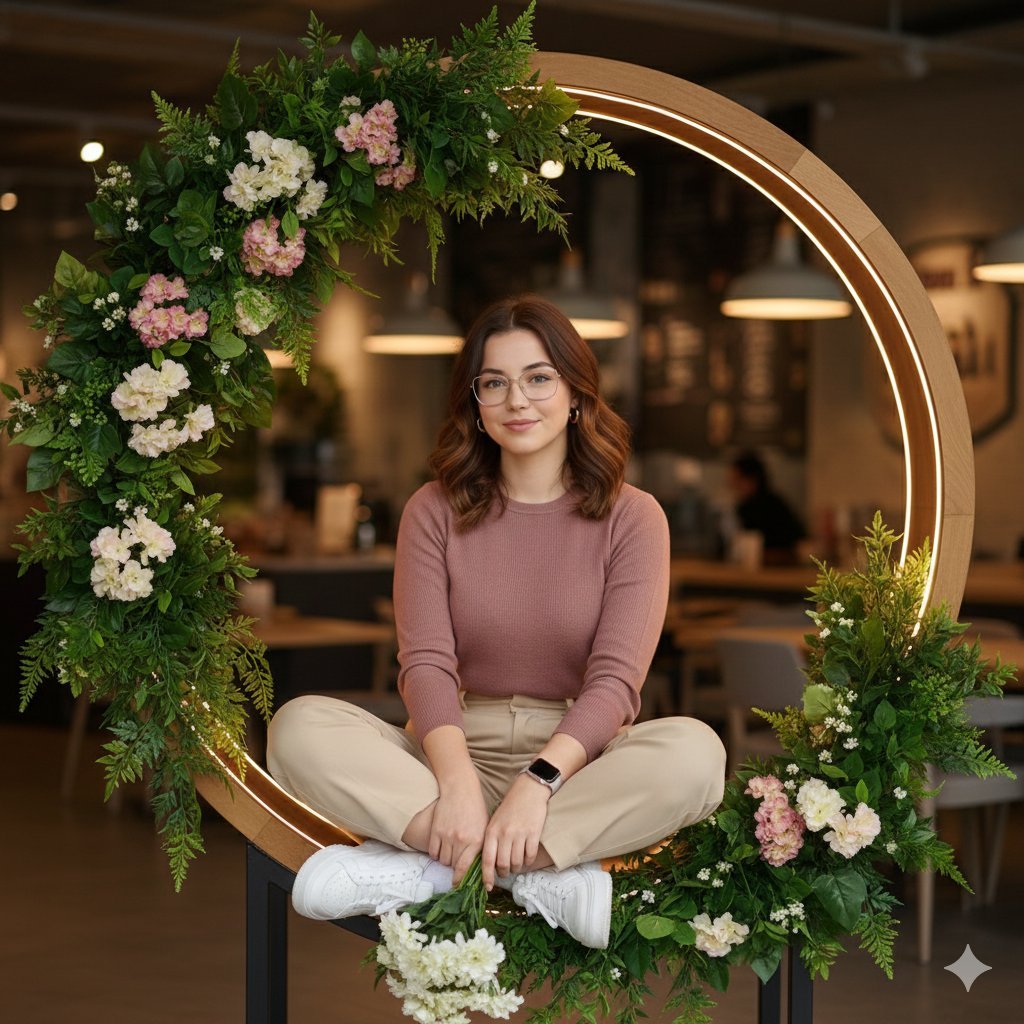
Ultra-Realistic Café Portrait with Identity Lock
Retro Robot Powering Illo with Codex
Freepik prompt for a futuristic nano banana
Bleach Style High-Impact Manga Poster
Browse template categories
Pulp Comic Style Poster Design with Multiple Characters Prompt questions
How do I use the Pulp Comic Style Poster Design with Multiple Characters Prompt template?
Add your photo if the template asks for one, edit the prompt if you like — the template's model and format are already selected — and press Generate. Your version opens in PicX Studio.
Can I customize the Pulp Comic Style Poster Design with Multiple Characters Prompt template?
Yes. You can change the subject, setting, lighting, mood, format, and available model controls before creating your image.
Is the Pulp Comic Style Poster Design with Multiple Characters Prompt template free?
Opening and editing this template is free. Generating uses credits, shown on the Generate button when you are signed in.
Which AI model should I use?
Start with Nano Banana 2, which is the model associated with this template. You can compare another compatible model for a different finish.
Looking for something else? Browse all templates.

Your photo, any look
Thousands of ready templates for every top image and video model, from one credit balance.