
Retro Robot Powering Illo with Codex
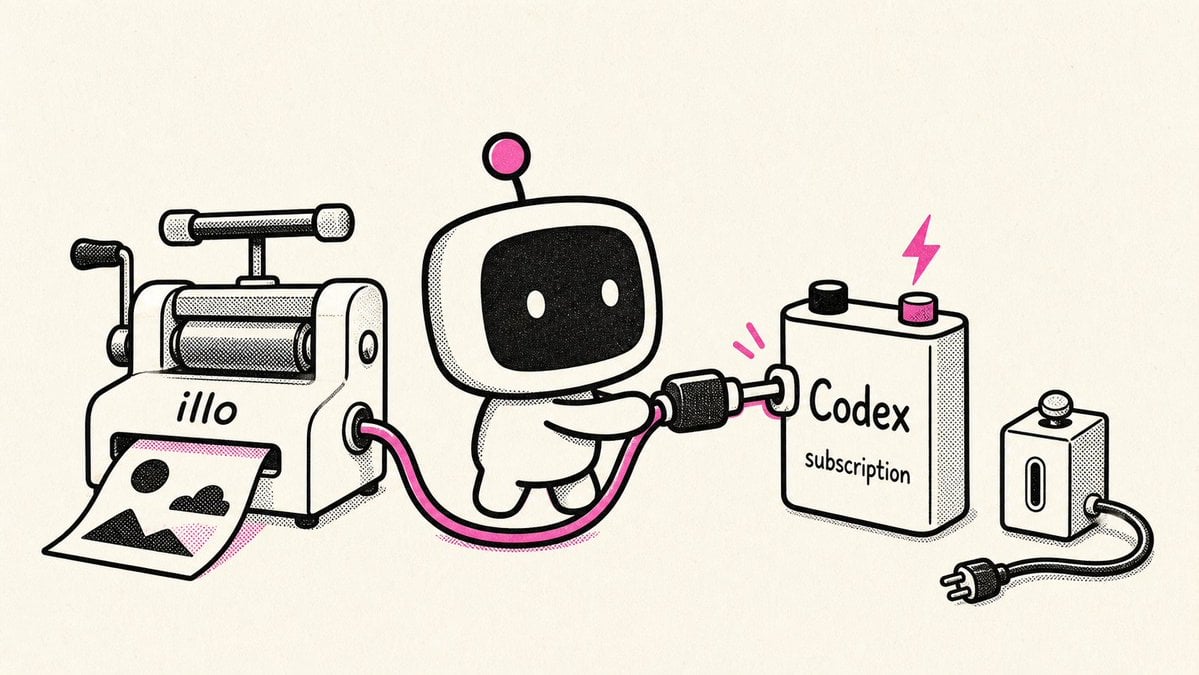
A whimsical ink-and-halftone illustration of a cute robot connecting an illo printer to a Codex subscription battery, suitable for developer tool announcements.
- Prompt included
- Model and format preset
- Free template
The prompt behind this image
Copy the exact prompt behind Retro Robot Powering Illo with Codex, or open it in the studio and make it yours.
Create a playful retro black-and-white technical cartoon illustration on a warm off-white paper background, in a 16:9 wide canvas. Use thick rounded black ink outlines, halftone stippling shadows, minimal cream fills, and bright hot-pink accent color. Show exactly four main objects arranged left to right: 1) a small vintage tabletop image-printing press labeled “{argument name="printer label" default="illo"}” in lowercase on its front, with a crank on the left, rollers on top, and a sheet of paper emerging from the lower front; the printed sheet contains one simple landscape picture with a black sun/circle, black mountains, and pink diagonal shading; 2) a cute small robot mascot in the center with a rounded square head, black screen face, two white oval eyes, tiny body, arms, legs, and one antenna ending in a pink circle; 3) a chunky rectangular battery/power pack on the right labeled “{argument name="battery title" default="Codex"}” with smaller text “{argument name="battery subtitle" default="subscription"}”, two top terminals colored black and pink, and a pink lightning bolt above it; 4) a small wall outlet/power block at the far right with one socket and one button-like top knob. Show exactly two visible cable connections: a hot-pink cable running from the printer’s right side to the robot’s hand, and a black-and-pink plug cable from the robot into the Codex battery; also show a black power cord with plug leading from the wall outlet. Add exactly two small pink motion marks near the plug held by the robot. Keep the composition clean and centered with lots of negative space, no extra characters, no extra labels, no watermark, and preserve the hand-drawn risograph/zine aesthetic.
How to use Retro Robot Powering Illo with Codex in 3 steps
- 1Upload ImagePNG, JPG or paste
Add your photo
Upload the photo the template builds on. The prompt, model and format are already set.
- 2…a portrait of your subject in softgolden-hour light, 85mm…
Personalize
Edit the subject and creative details for your destination.
- 3Generate
Generate
Press Generate — your image is created in PicX Studio, so you can compare it with the original and refine one variable at a time.
More like this
Templates with the same subject, style or setup. Open one to see its prompt.












Make it yours
Retro Robot Powering Illo with Codex works as-is. These are the safest ways to change it without losing the look.
Change one field
Copy a single group, rewrite it, and generate again so you can see what that field is doing.
Keep the frame, change the subject
Hold the composition and light of Retro Robot Powering Illo with Codex, then swap wardrobe, props or the person for a new take.
| If the result… | Why | Fix |
|---|---|---|
| The result drifts from the preview | Too many fields changed at once. | Reuse Retro Robot Powering Illo with Codex as-is first, then change one group — subject, light, or setting. |
| The model over-stylizes the scene | The prose prompt leaves finish and camera underspecified. | Add one camera or lighting sentence and stay on GPT Image 2. |
More GPT Image 2 templates
Other prompts made for GPT Image 2.

Six VTuber Japanese Logo Sheet

Realistic Portrait of Woman and Deer

The Vista Modular Condo Poster

AI Model Routing Comparison Infographic

2.5D Anime Art Board

Isometric Productivity Desk Scene

New York Double Exposure Poster

Four-Panel AI Landscape Comparison

Japanese Tatami Lifestyle Magazine Cover

NESCAFÉ Coffee Map Poster
More image prompts
Fresh picks from across the catalog.
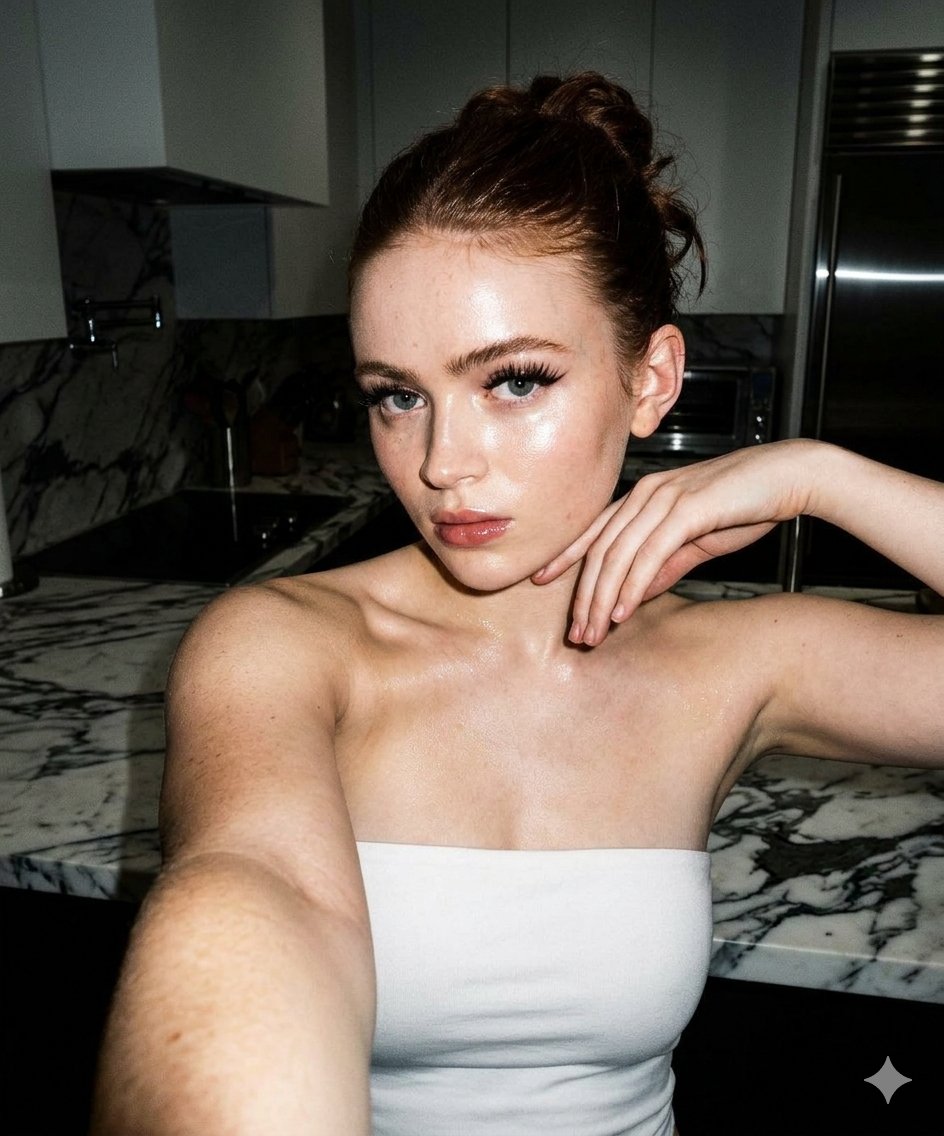
High-Contrast Selfie Photo Prompt in Modern Kitchen
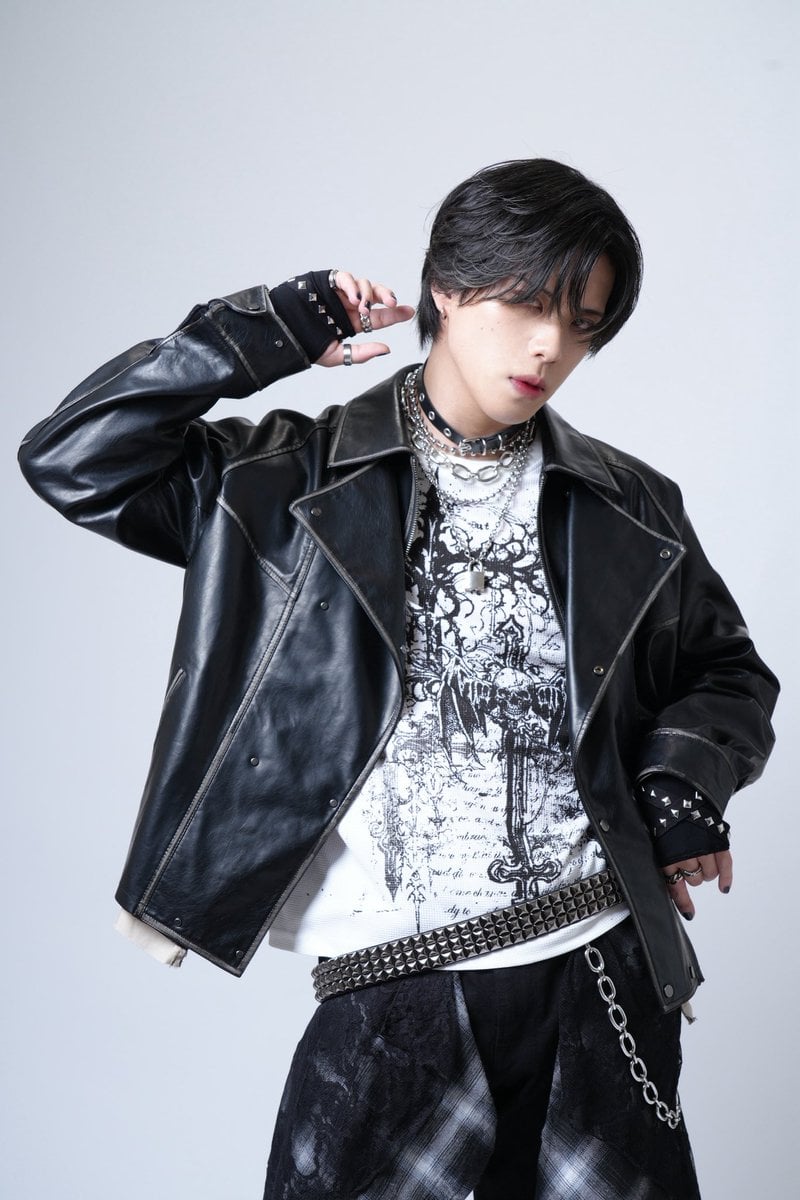
Image Generation Prompt for 'never2never' Character

Ultra-realistic portrait in a luxury lounge

Realistic Garden Fairy Editorial Portrait

Sharpen blurred lifestyle photo

Product Render Config: Chocolate Wafer Hazelnut Edition

Golden Hour Product Photography on Rugged Rock
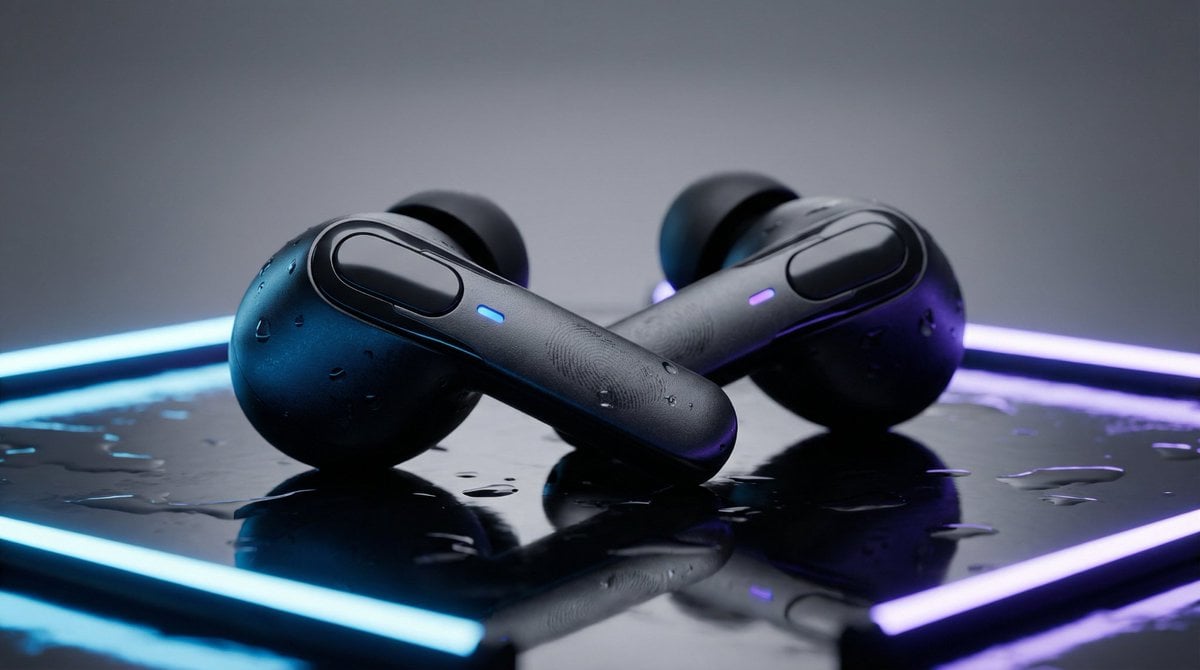
High-End Product Mockup for Wireless Earbuds

Cinematic Behind-the-Scenes VFX Artists Prompt

Live Stream UI Mockup with 3D Effects
Browse template categories
Retro Robot Powering Illo with Codex questions
How do I use the Retro Robot Powering Illo with Codex template?
Add your photo if the template asks for one, edit the prompt if you like — the template's model and format are already selected — and press Generate. Your version opens in PicX Studio.
Can I customize the Retro Robot Powering Illo with Codex template?
Yes. You can change the subject, setting, lighting, mood, format, and available model controls before creating your image.
Is the Retro Robot Powering Illo with Codex template free?
Opening and editing this template is free. Generating uses credits, shown on the Generate button when you are signed in.
Which AI model should I use?
Start with GPT Image 2, which is the model associated with this template. You can compare another compatible model for a different finish.
Looking for something else? Browse all templates.

Your photo, any look
Thousands of ready templates for every top image and video model, from one credit balance.