
Realistic Garden Fairy Editorial Portrait
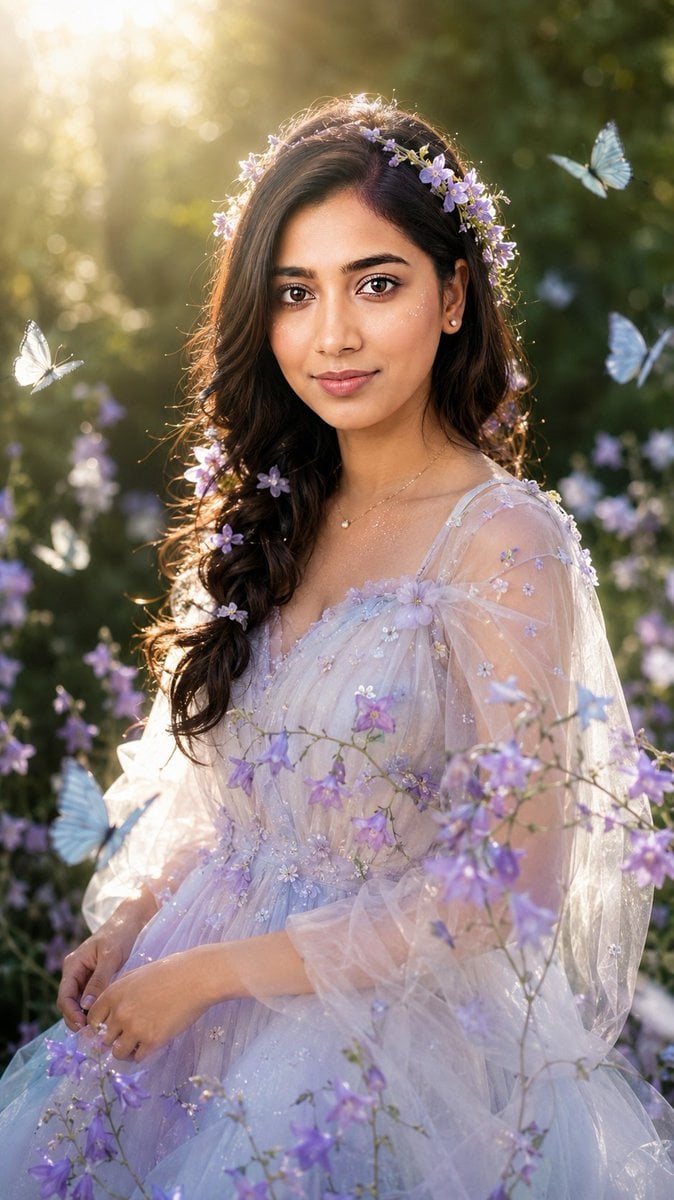
A detailed instruction set for creating a dreamy, ethereal garden fairy portrait while maintaining the specific identity and facial structure of a reference photo.
- Prompt included
- Model and format preset
- Free template
The prompt behind this image
Copy the exact prompt behind Realistic Garden Fairy Editorial Portrait, or open it in the studio and make it yours.
Use only my uploaded portrait photo as the identity reference. Accurately preserve my real face shape, facial proportions, facial contours, skin tone, hairstyle outline, hair volume, hairline, and overall natural presence. Do not turn me into another person. Do not over-beautify the face. Do not create an influencer-style face, plastic skin, or anime look. Generate a realistic garden fairy-style portrait in a vertical composition, framed from half-body to three-quarter body. The subject is placed in a summer forest garden, with deep green leaves, softly blurred flowers, natural dappled sunlight, and creamy bokeh in the background. The atmosphere should feel dreamy, clean, ethereal, and fairy-like, but still realistic, like an outdoor editorial photoshoot rather than a 2D illustration. The subject wears a light, dreamy, pale-colored gauze dress with soft lavender, silver-white, and pale blue gradient tones. The material should look transparent, airy, elegant, and refined, without being vulgar or overly revealing. The outfit is decorated with small purple flowers, subtle glitter, and soft tulle. The overall styling should resemble a garden fairy or flower spirit. The dress can be naturally adjusted according to the temperament of my uploaded portrait, but it must keep a clean, beautiful, ethereal garden-fairy aesthetic. Use my uploaded portrait as the reference for the hairstyle and real hair volume. Based on that, create a natural loose braid or soft half-up hairstyle. Add small loose hair strands around the edges to make the hair feel realistic and natural. Decorate the hair with light purple flowers, forming a soft floral crown effect. Do not make it look like an exaggerated wig. Keep the face realistic with natural skin texture, visible pores, slight natural shine, and real facial details. The makeup should be clean and soft. The eyes should look gentle, and the lips should have a natural moist texture. Add a small amount of delicate starlight-like glitter on the cheeks and collarbone, but do not overdo it. Add several pale blue and white butterflies flying naturally around the subject. Place them in the foreground and background without covering the facial features. Add purple bellflowers or similar small flower branches passing naturally across the chest and shoulders in the foreground to create depth. The background should be softly blurred deep green foliage. The subject should be surrounded by soft backlight. Sunlight should come from the upper left or from behind, passing through the leaves and creating a golden rim light, natural hair highlights, slight lens flare, and soft highlights. The lighting must be realistic and unified across the person, flowers, butterflies, and background. Nothing should look pasted or composited. High-quality realistic portrait photography, 85mm portrait lens, shallow depth of field, soft natural backlight, cinematic garden atmosphere, realistic skin texture, delicate bokeh, high detail, elegant fantasy editorial portrait, dreamy but photorealistic. Vertical 9:16 aspect ratio, high-resolution details, no text, no watermark, no logo. Negative Prompt: No watermark, no text, no logo, no “Doubao AI generated” text, no anime, no 2D illustration, no AI plastic skin, no over-smoothed skin, no fake face, no influencer face, no distorted facial features, do not change the person’s identity, no Westernized face, no excessive beauty filter, no exaggerated big eyes, no overly heavy false eyelashes, no vulgar or overly revealing outfit, no cheap cosplay feeling, no hard cutout edges, no pasted collage look, no inconsistent lighting between face and body, no butterflies covering the face, no flowers covering facial features, no deformed fingers, no incorrect body proportions, no fake-looking background, no oil painting style, no cartoon style, no glass skin, no overexposure, no messy composition.
How to use Realistic Garden Fairy Editorial Portrait in 3 steps
- 1Upload ImagePNG, JPG or paste
Add your photo
Upload the photo the template builds on. The prompt, model and format are already set.
- 2…a portrait of your subject in softgolden-hour light, 85mm…
Personalize
Edit the subject and creative details for your destination.
- 3Generate
Generate
Press Generate — your image is created in PicX Studio, so you can compare it with the original and refine one variable at a time.
More like this
Templates with the same subject, style or setup. Open one to see its prompt.
Dreamy Fairy Editorial Portrait in a Secret Garden

untitled

Caution Tape Fashion — Industrial Editorial

Couture Fashion Editorial Woman and Drag

Nano Banana 2 Editorial Fashion Portrait

Found Photograph: Us, 1970

80s Couple Studio Portrait

80s Bollywood Star

80s Golden Hour Cinema

Me in 1985

1985 Studio Portrait

Hyper-Realistic Minecraft POV Portrait
Make it yours
Realistic Garden Fairy Editorial Portrait works as-is. These are the safest ways to change it without losing the look.
Change one field
Copy a single group, rewrite it, and generate again so you can see what that field is doing.
Keep the frame, change the subject
Hold the composition and light of Realistic Garden Fairy Editorial Portrait, then swap wardrobe, props or the person for a new take.
| If the result… | Why | Fix |
|---|---|---|
| The result drifts from the preview | Too many fields changed at once. | Reuse Realistic Garden Fairy Editorial Portrait as-is first, then change one group — subject, light, or setting. |
| The model over-stylizes the scene | The prose prompt leaves finish and camera underspecified. | Add one camera or lighting sentence and stay on GPT Image 2. |
More GPT Image 2 templates
Other prompts made for GPT Image 2.

Six VTuber Japanese Logo Sheet

Realistic Portrait of Woman and Deer

The Vista Modular Condo Poster

AI Model Routing Comparison Infographic

2.5D Anime Art Board

Isometric Productivity Desk Scene

New York Double Exposure Poster

Four-Panel AI Landscape Comparison

Japanese Tatami Lifestyle Magazine Cover

NESCAFÉ Coffee Map Poster
More image prompts
Fresh picks from across the catalog.
Nighttime Sportbike Rider Portrait
VTuber Character Prompt
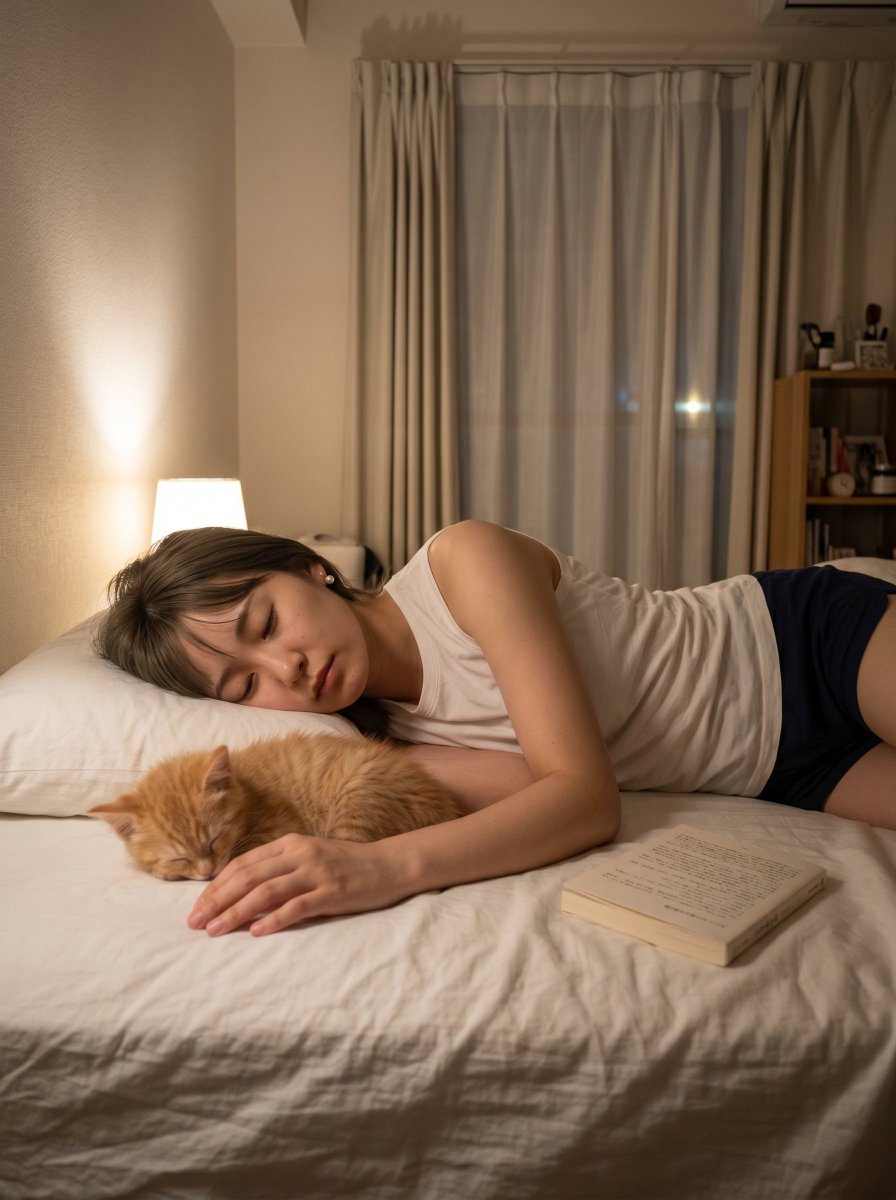
Cozy Bedroom Nap With Cat
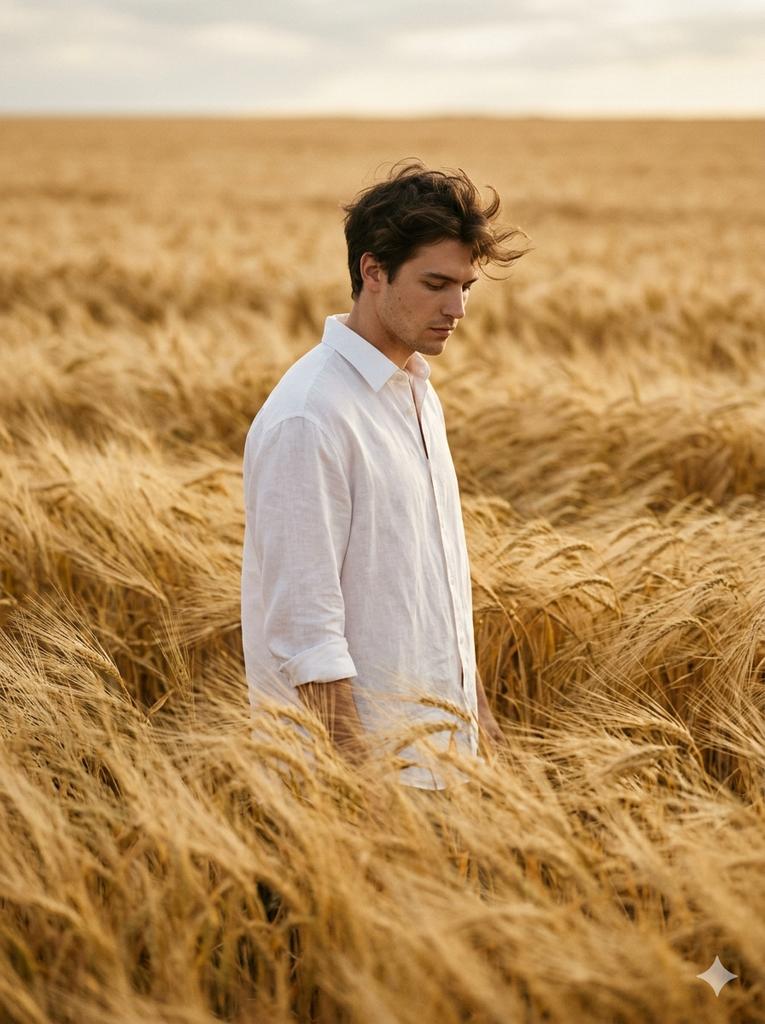
Vogue-Level Editorial Portrait in a Wheat Field
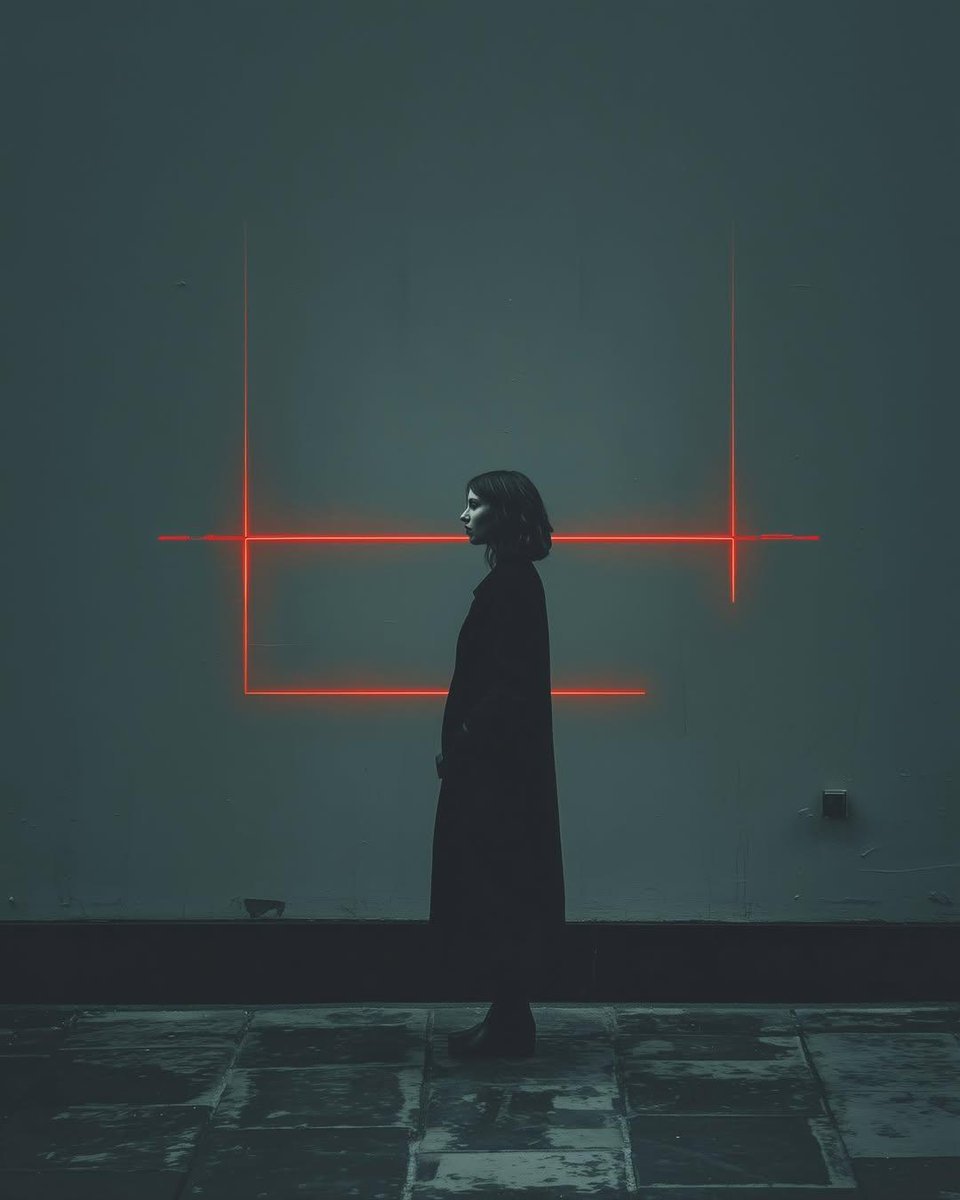
Cyberpunk woman in neon frame

Neon GPT Image 2 Promo Poster
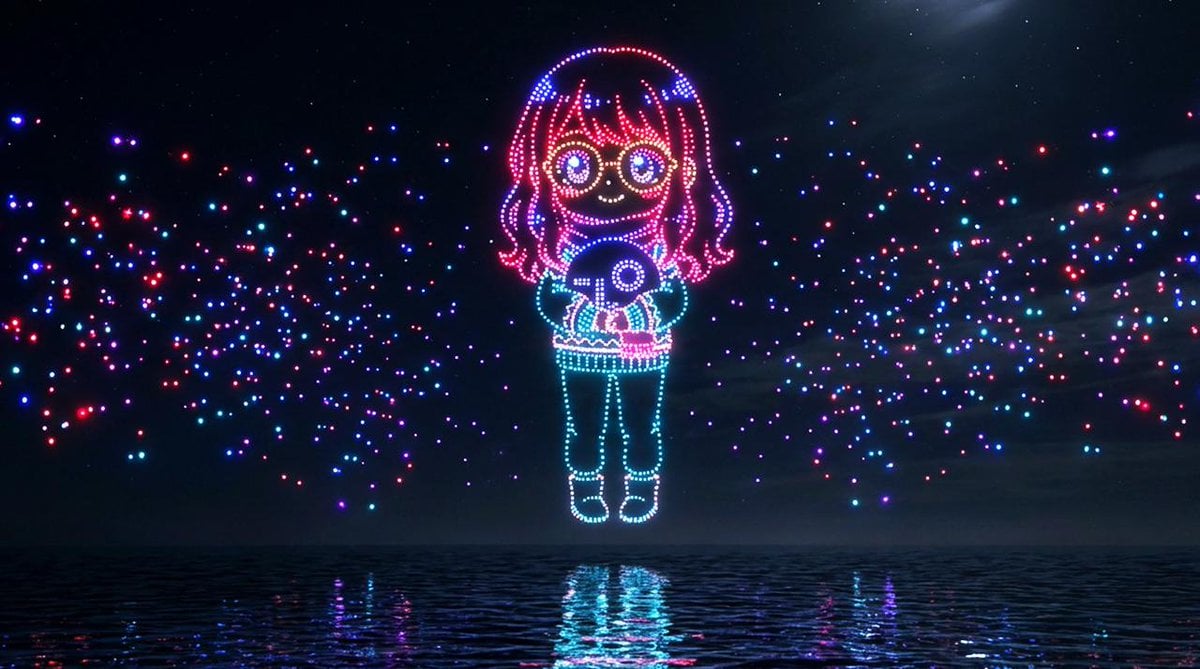
Drone Art Character Projection over Night Sea
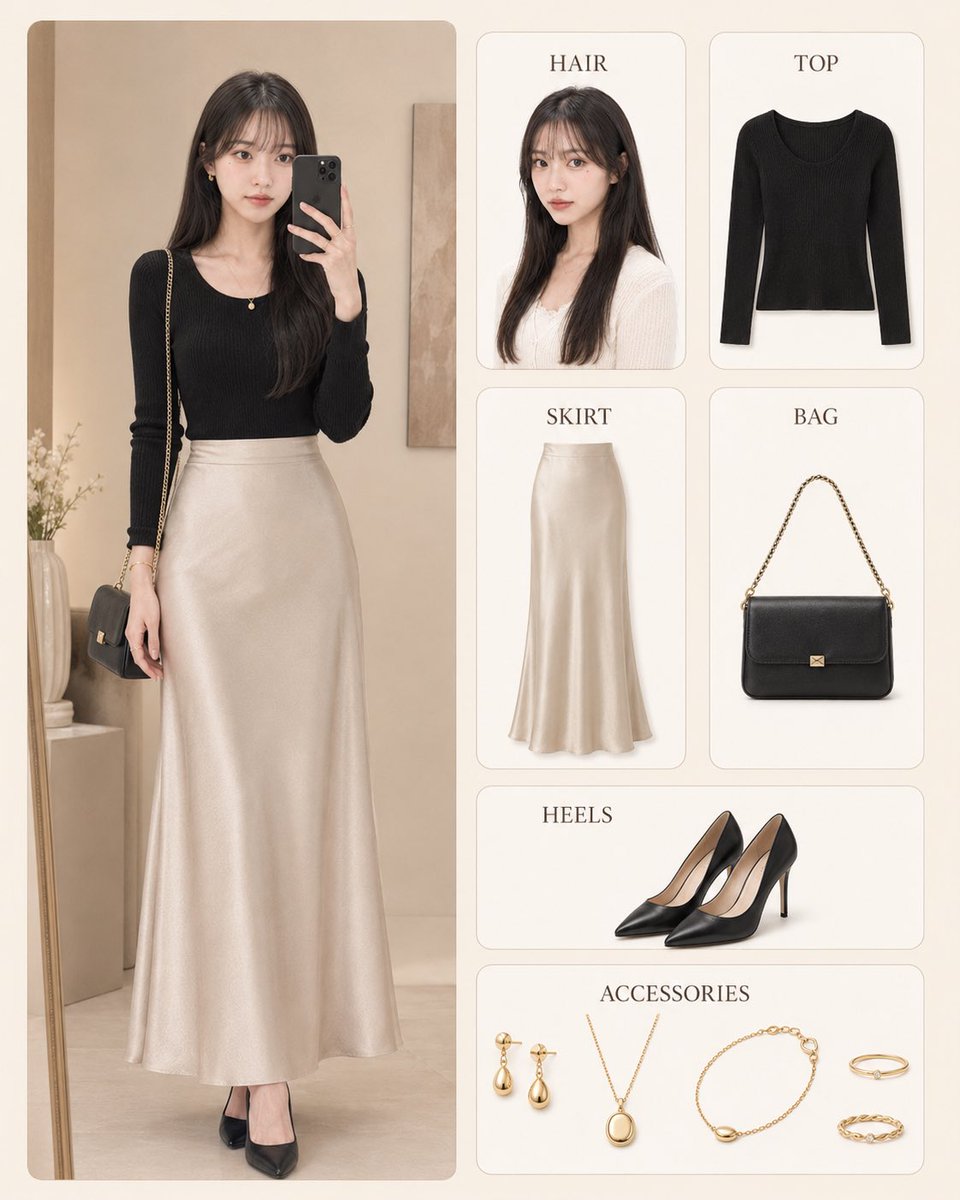
Korean Style Fashion Outfit Infographic
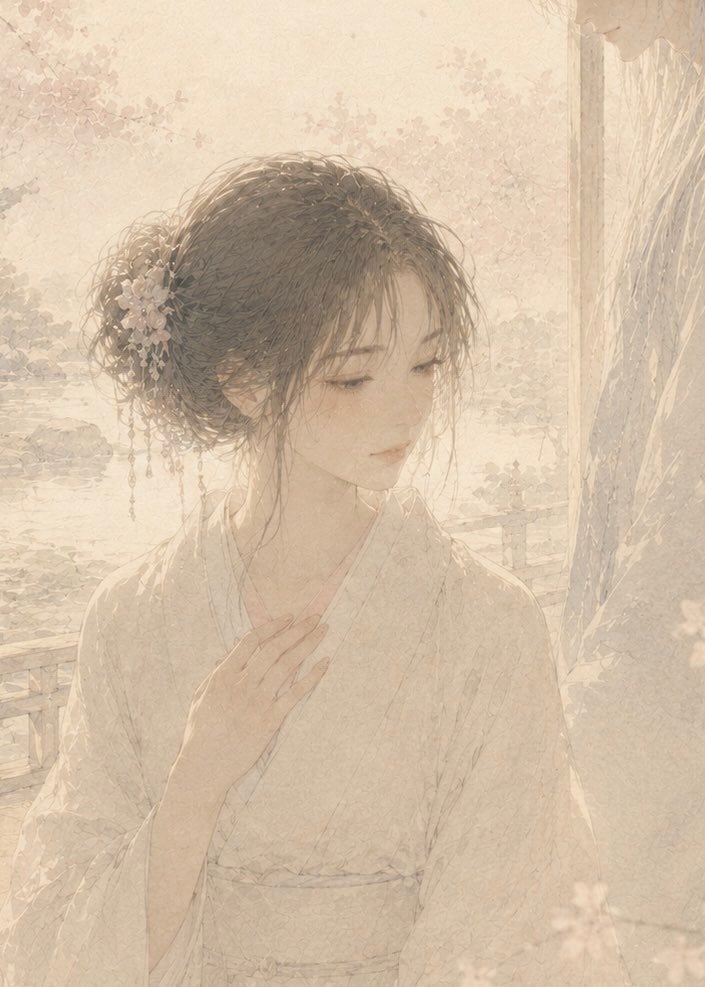
Soft Censored Bridal Kiss Illustration
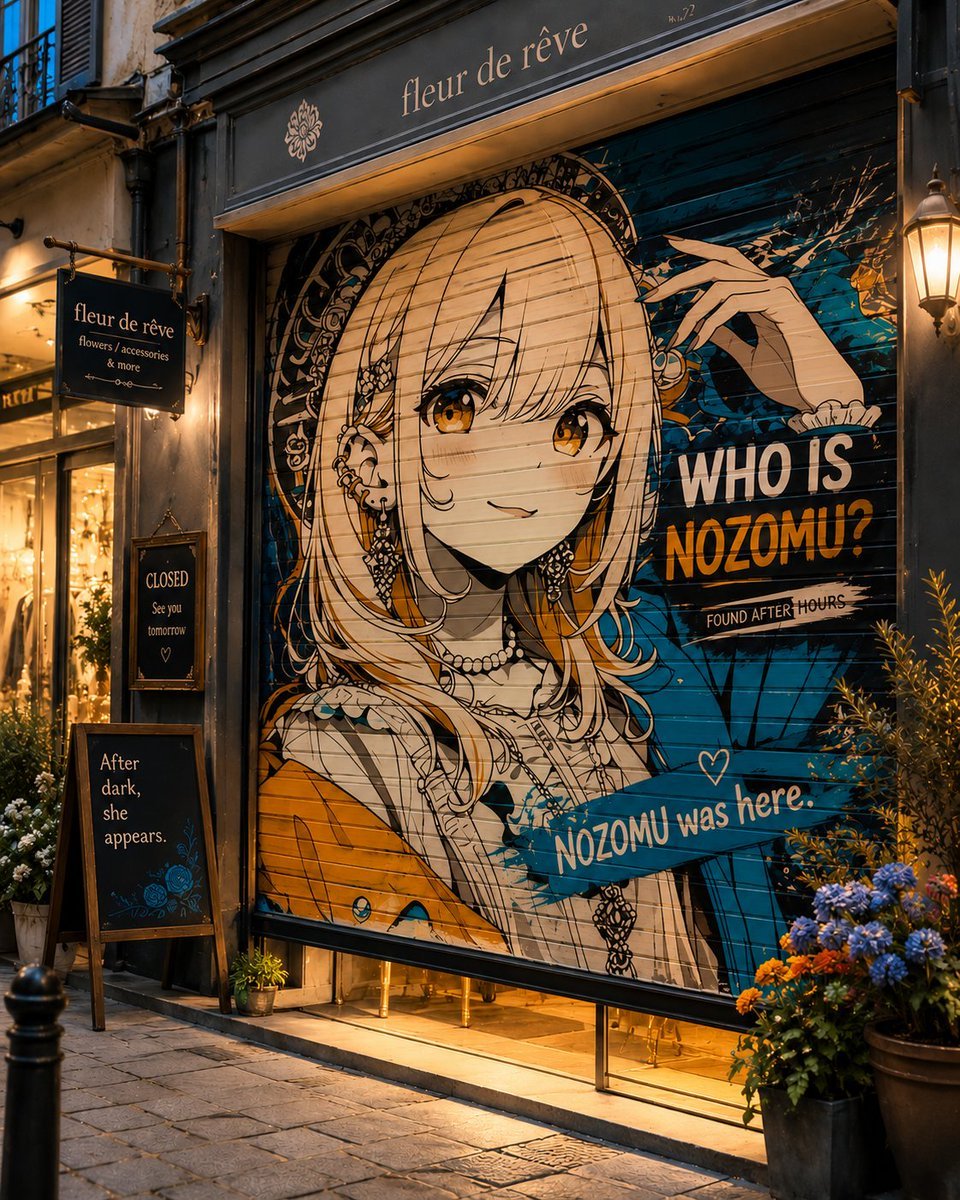
Closed Shop Shutter Mural Art
Browse template categories
Realistic Garden Fairy Editorial Portrait questions
How do I use the Realistic Garden Fairy Editorial Portrait template?
Add your photo if the template asks for one, edit the prompt if you like — the template's model and format are already selected — and press Generate. Your version opens in PicX Studio.
Can I customize the Realistic Garden Fairy Editorial Portrait template?
Yes. You can change the subject, setting, lighting, mood, format, and available model controls before creating your image.
Is the Realistic Garden Fairy Editorial Portrait template free?
Opening and editing this template is free. Generating uses credits, shown on the Generate button when you are signed in.
Which AI model should I use?
Start with GPT Image 2, which is the model associated with this template. You can compare another compatible model for a different finish.
Looking for something else? Browse all templates.

Your photo, any look
Thousands of ready templates for every top image and video model, from one credit balance.