
Rainbow Magic Stone Board Game Flyer
Generates a fantasy anime-style Japanese board game explanation flyer with tavern artwork, rules panels, and event sales details.
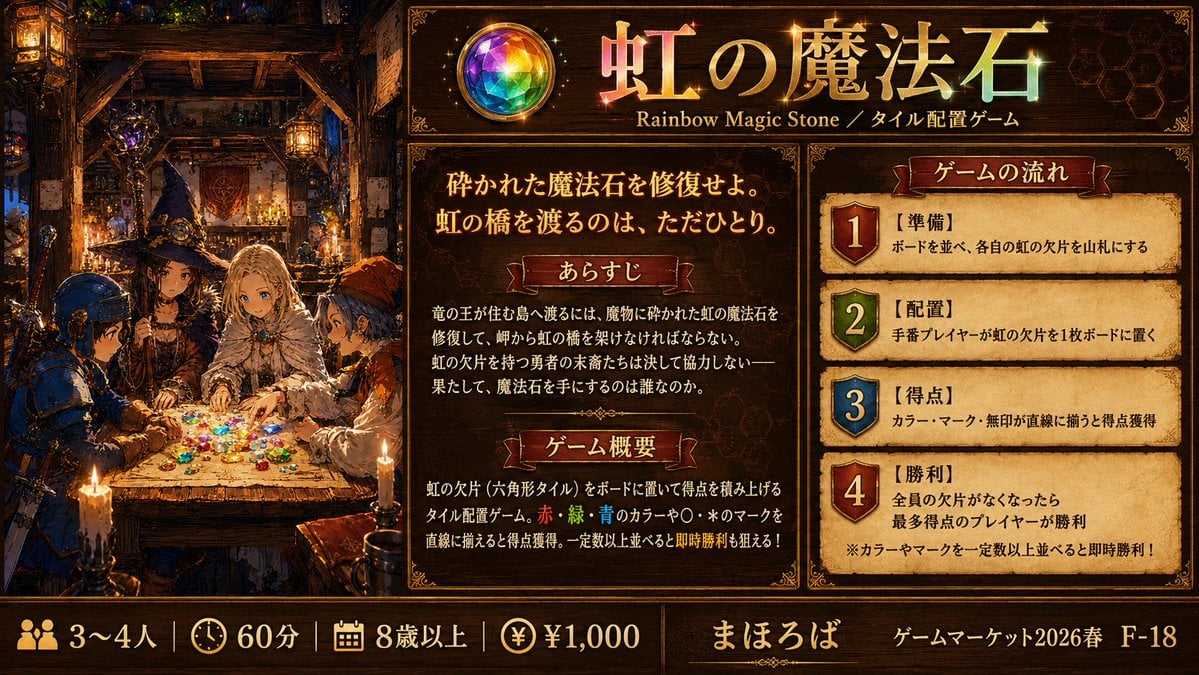
- Prompt included
- Model and format preset
- Free template
The prompt behind this image
Copy the exact prompt behind Rainbow Magic Stone Board Game Flyer, or open it in the studio and make it yours.
Goal: Create a richly illustrated anime-style one-page promotional explanation image for a fantasy tile placement board game titled {argument name="game title" default="虹の魔法石"}, with a dark medieval magic tavern atmosphere and readable Japanese game information. Canvas: Wide horizontal 16:9 layout, approximately 1200×675 px. Use an ornate dark-brown and gold fantasy UI frame, parchment panels, glowing candlelight, jewel highlights, and premium board-game-ad styling. Layout: Split the image into three main vertical areas plus a bottom information bar. Left area occupies about one third of the canvas and shows the narrative illustration. Center area contains the title header and two explanatory parchment sections. Right area contains a numbered game-flow panel with exactly 4 steps. Bottom bar spans the full width with player count, play time, age, price, publisher, and event booth information. Left illustration: Inside a cozy medieval tavern or wizard workshop, show exactly 4 anime adventurers gathered around a wooden table covered with many small rainbow-colored gem or hex-tile pieces. The four visible characters are: 1) a blue-armored knight or soldier on the far left, 2) a dark-robed wizard-like figure near the back left, 3) a pale blond noble or mage seated at the center, 4) an orange-hooded adventurer on the right. Warm candles, hanging lanterns, shelves, bottles, magic tools, timber beams, and deep shadows fill the background. The table glows with scattered red, green, blue, yellow, purple, and clear gem fragments. Faces may be softly simplified, but the scene should feel detailed and cinematic. Top header: Place a circular rainbow gemstone emblem on the upper center-left of the text area. Beside it, large gold-and-rainbow Japanese title text: {argument name="game title" default="虹の魔法石"}. Under the title, add the subtitle text: "Rainbow Magic Stone / タイル配置ゲーム". Add subtle sparkles around the title and gemstone. Center parchment panel: Add the large tagline in Japanese: {argument name="tagline" default="砕かれた魔法石を修復せよ。虹の橋を渡るのは、ただひとり。"}. Below it, create exactly 2 labeled red-ribbon section headers: 1) "あらすじ" and 2) "ゲーム概要". Under "あらすじ", include a short Japanese fantasy story paragraph about repairing the shattered rainbow magic stone to build a rainbow bridge to the dragon king’s valley, and only one hero reaching it. Under "ゲーム概要", explain in Japanese that players place rainbow fragments, hexagonal tiles, on the board, score by aligning red, green, blue colors and circle/star marks in straight lines, and can aim for instant victory after arranging a required number. Right parchment panel: Title ribbon reads "ゲームの流れ". Include exactly 4 numbered steps, each in its own parchment row with a colored shield badge number. The 4 steps are: 1) red shield, label "【準備】", text "ボードを並べ、各自の虹の欠片を山札にする"; 2) green shield, label "【配置】", text "手番プレイヤーが虹の欠片を1枚ボードに置く"; 3) blue shield, label "【得点】", text "カラー・マーク・無印が直線に揃うと得点獲得"; 4) red shield, label "【勝利】", text "全員の欠片がなくなったら最多得点のプレイヤーが勝利". Add a small note at the bottom: "※カラーやマークを一定数以上並べると即時勝利!". Bottom bar: Use icon-and-text blocks separated by thin gold dividers. Include exactly 4 specification items on the left: 1) people icon with "3〜4人", 2) clock icon with "60分", 3) calendar or age icon with "8歳以上", 4) yen coin icon with "¥1,000". In the middle, show the publisher name {argument name="publisher name" default="まほろば"}. On the right, show event text {argument name="event booth text" default="ゲームマーケット2026春 F-18"}. Visual style: High-detail Japanese anime fantasy illustration mixed with polished board-game flyer design, ornate gold borders, dark walnut wood, parchment texture, red ribbon labels, embossed typography, glowing magical rainbow gems, dramatic warm lighting, and dense decorative details. Keep all panels legible and balanced. Avoid modern flat design, avoid blank white space, avoid extra characters, avoid extra numbered steps, and avoid changing the exact counts.
How to use Rainbow Magic Stone Board Game Flyer in 3 steps
- 1Upload ImagePNG, JPG or paste
Add your photo
Upload the photo the template builds on. The prompt, model and format are already set.
- 2…a portrait of your subject in softgolden-hour light, 85mm…
Personalize
Edit the subject and creative details for your destination.
- 3Generate
Generate
Press Generate — your image is created in PicX Studio, so you can compare it with the original and refine one variable at a time.
More like this
Templates with the same subject, style or setup. Open one to see its prompt.
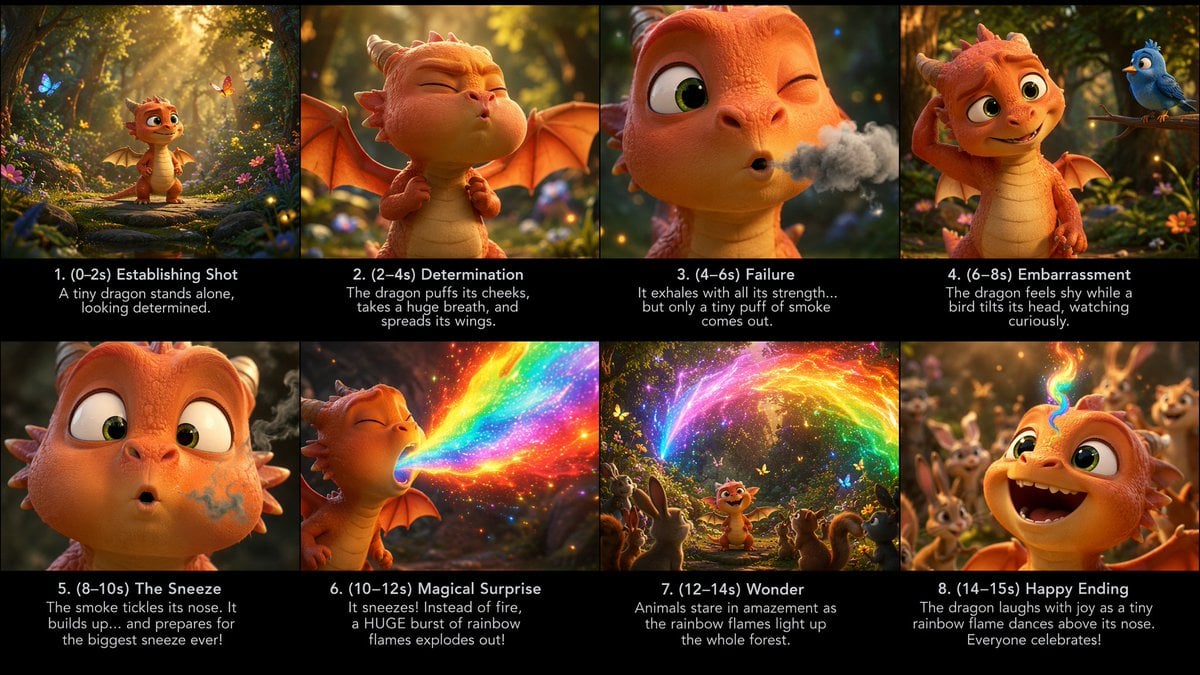
Tiny Dragon Rainbow Flame Storyboard

Miniature Travel Diorama Postcard
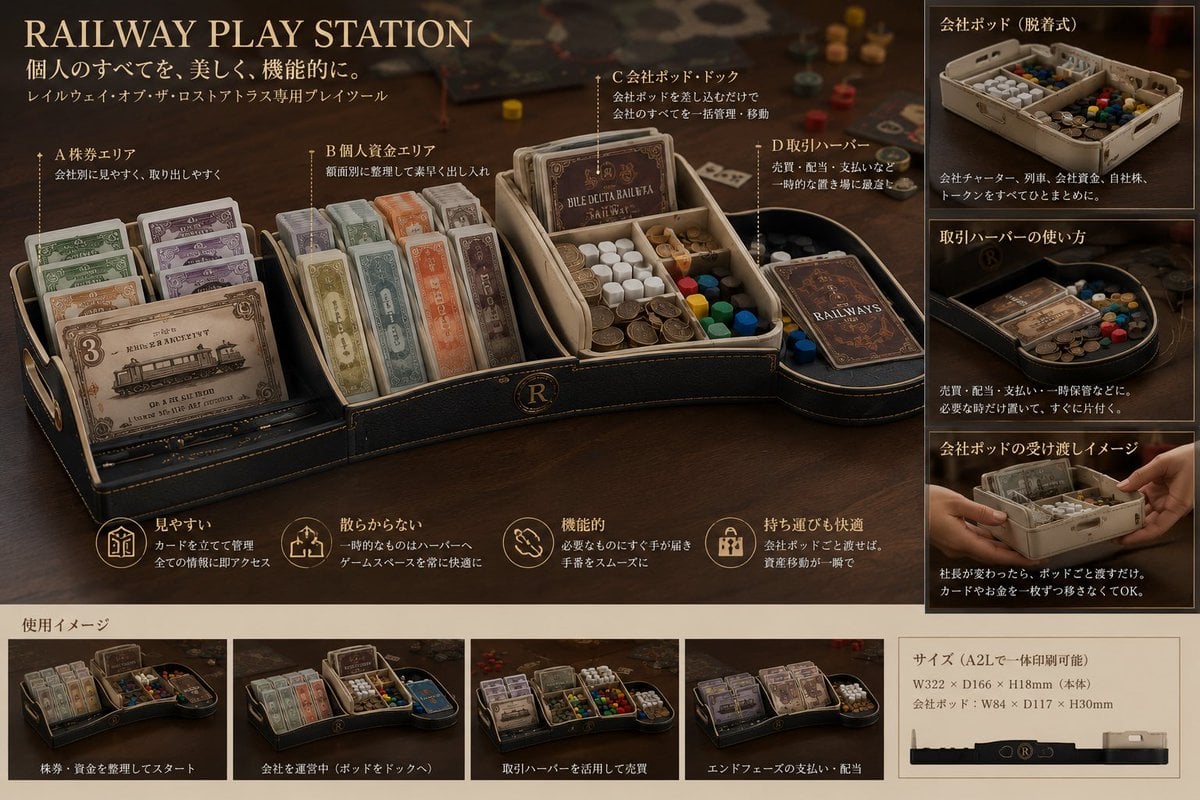
Luxury Railway Board Game Organizer Poster

Anime Happily Ever After Sky

Anime Stained Glass Prayer

Anime White Horse Escape

Anime Golden Spinning Straw

Anime Gingerbread Cottage

Anime Bean Stalk Climb

Anime Seafoam Transformation

Anime Shoe Fitting Trial

Anime Beast Library Night
Make it yours
Rainbow Magic Stone Board Game Flyer works as-is. These are the safest ways to change it without losing the look.
Change one field
Copy a single group, rewrite it, and generate again so you can see what that field is doing.
Keep the frame, change the subject
Hold the composition and light of Rainbow Magic Stone Board Game Flyer, then swap wardrobe, props or the person for a new take.
| If the result… | Why | Fix |
|---|---|---|
| The result drifts from the preview | Too many fields changed at once. | Reuse Rainbow Magic Stone Board Game Flyer as-is first, then change one group — subject, light, or setting. |
| The model over-stylizes the scene | The prose prompt leaves finish and camera underspecified. | Add one camera or lighting sentence and stay on GPT Image 2. |
More GPT Image 2 templates
Other prompts made for GPT Image 2.

Six VTuber Japanese Logo Sheet

Realistic Portrait of Woman and Deer

The Vista Modular Condo Poster

AI Model Routing Comparison Infographic

2.5D Anime Art Board

Isometric Productivity Desk Scene

New York Double Exposure Poster

Four-Panel AI Landscape Comparison

Japanese Tatami Lifestyle Magazine Cover

NESCAFÉ Coffee Map Poster
More image prompts
Fresh picks from across the catalog.

Ultra-Realistic Cinematic Portrait in Golden Silk Satin Gown

Instruction to Prevent Translation in Nano Banana Prompts

High-Fashion Mirror Selfie Identity Reference

Futuristic Neon Portrait Prompt

Ultra-realistic Macro Scene of Restoration Workers

Golden Hour Indian Woman Portrait
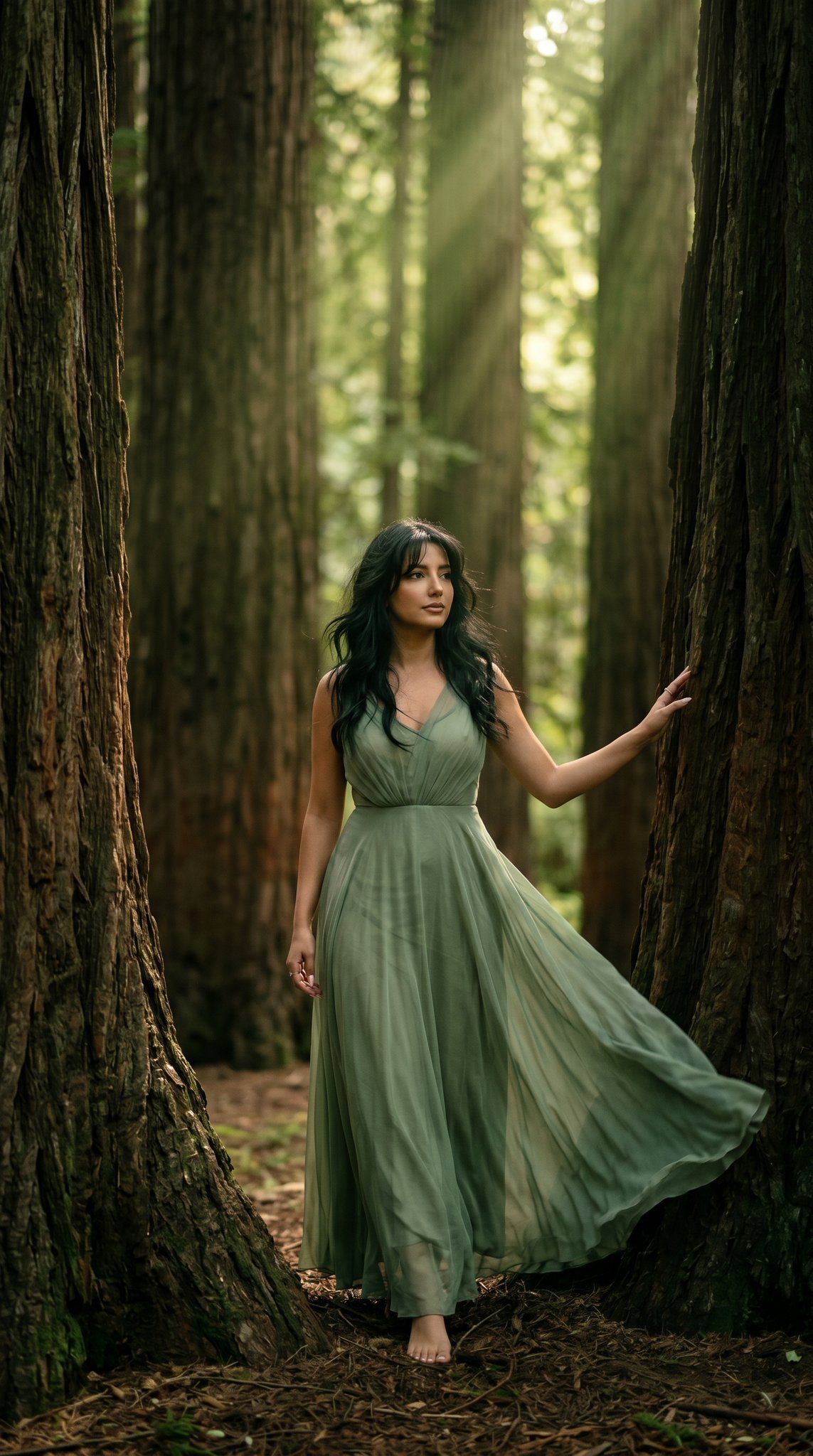
23 California Redwood Forest — California Series
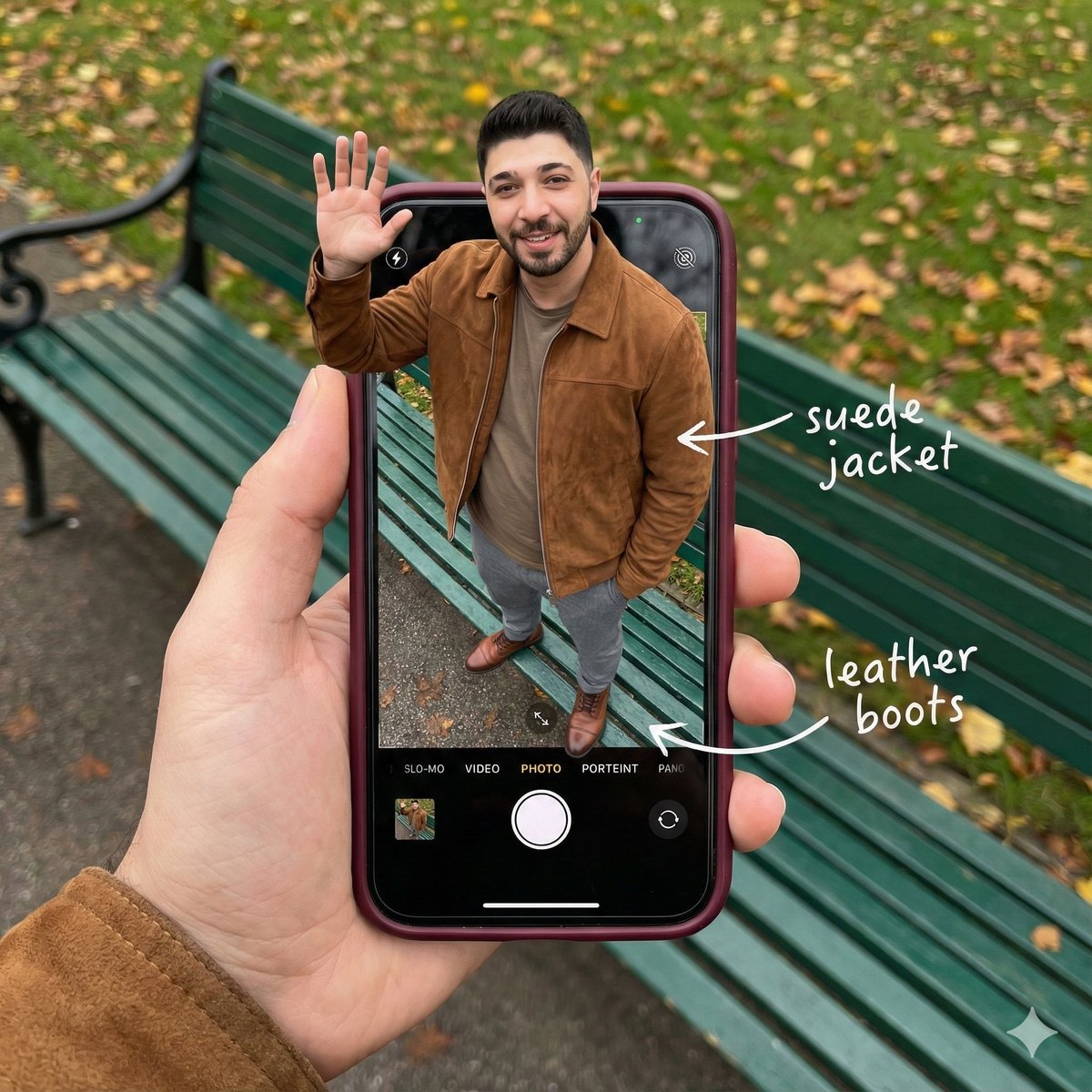
Smartphone Screen Stepping Out Optical Illusion Prompt
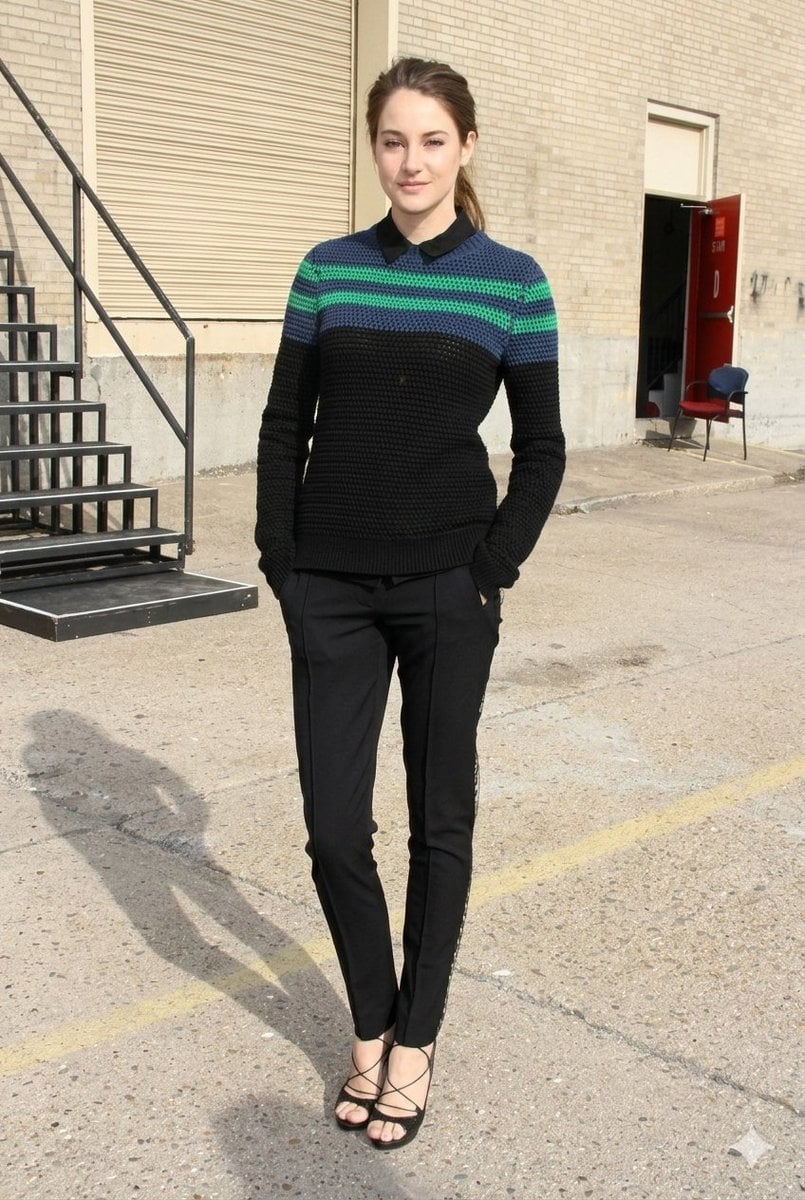
Photorealistic Fashion Portrait with Urban Industrial Background
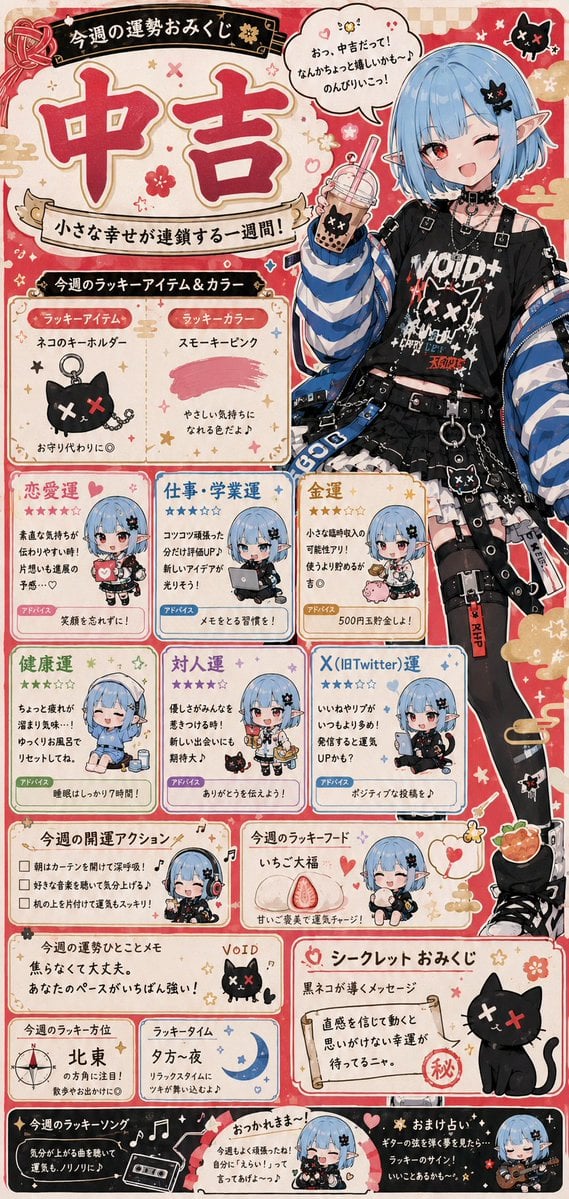
Fortune Telling Omikuji Card Generator
Browse template categories
Rainbow Magic Stone Board Game Flyer questions
How do I use the Rainbow Magic Stone Board Game Flyer template?
Add your photo if the template asks for one, edit the prompt if you like — the template's model and format are already selected — and press Generate. Your version opens in PicX Studio.
Can I customize the Rainbow Magic Stone Board Game Flyer template?
Yes. You can change the subject, setting, lighting, mood, format, and available model controls before creating your image.
Is the Rainbow Magic Stone Board Game Flyer template free?
Opening and editing this template is free. Generating uses credits, shown on the Generate button when you are signed in.
Which AI model should I use?
Start with GPT Image 2, which is the model associated with this template. You can compare another compatible model for a different finish.
Looking for something else? Browse all templates.

Your photo, any look
Thousands of ready templates for every top image and video model, from one credit balance.