
Smartphone Screen Stepping Out Optical Illusion Prompt
A complex JSON prompt for generating a hyper-realistic optical illusion where a man appears to be stepping out of a smartphone screen held in a hand, with his legs visible inside the camera interface, requiring detailed…
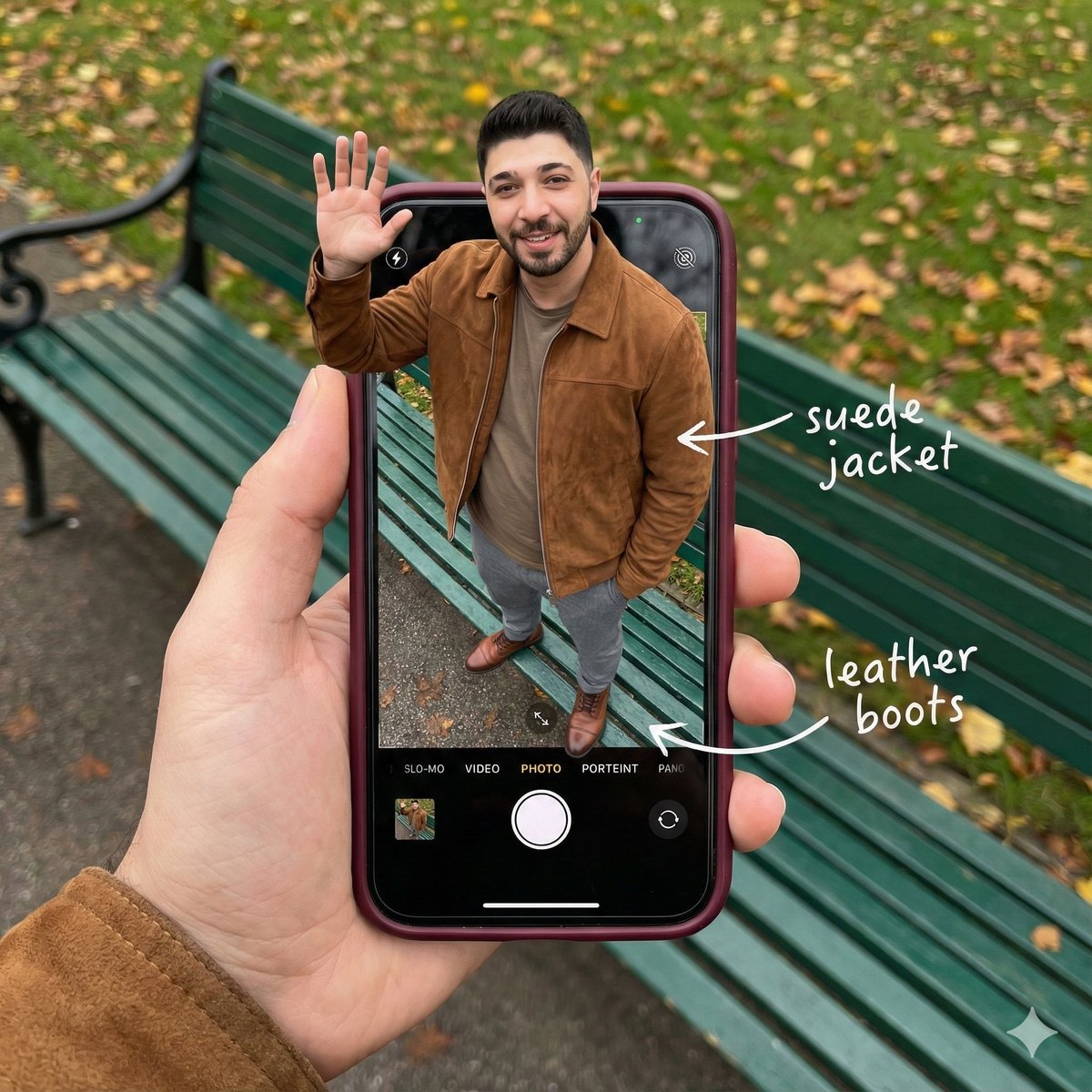
- Prompt included
- Model and format preset
- Free template
The prompt behind this image
Copy the exact prompt behind Smartphone Screen Stepping Out Optical Illusion Prompt, or open it in the studio and make it yours.
{ "subject": { "description": "A hyper-realistic optical illusion photograph. A young Caucasian man appears to be stepping out of a smartphone screen held in a hand. The screen displays the camera interface, capturing his boots, while his real upper body extends out of the phone into reality. He is waving his hand naturally to the viewer.", "mirror_rules": "Ensure the phone screen clearly shows the iOS Camera UI (shutter button, mode text). Handwritten annotations must be legible and not mirrored.", "age": "20s", "expression": { "eyes": { "look": "Confident and friendly", "energy": "Direct and charismatic", "direction": "Looking at the viewer" }, "mouth": { "position": "Relaxed smile", "energy": "Approachable and stylish" }, "overall": "Lifelike, engaging interaction" }, "face": { "preserve_original": "true", "makeup": "No makeup, natural male skin texture", "features": "Preserve facial structure from reference image" }, "hair": { "color": "Dark brown", "style": "Naturally styled, slightly textured", "effect": "Realistic shine, subtle wind effect" }, "body": { "frame": "Athletic but proportionally realistic male body", "waist": "Natural male proportions", "chest": "Covered by high-quality knit or jacket", "legs": "Visible INSIDE the phone screen interface wearing boots", "skin": { "visible_areas": "Face, hands", "tone": "Fair Caucasian skin", "texture": "Ultra-realistic skin texture, visible pores, natural imperfections", "lighting_effect": "Soft daylight" } }, "pose": { "position": "Torso and head emerging vertically from the phone, legs displayed on the screen", "base": "Dynamic standing pose", "overall": "One hand raised outside the phone, waving naturally, energetic and alive" }, "clothing": { "top": { "effect": "High-end menswear styling, premium fabric texture, high-quality textile photography" }, "bottom": { "type": "Tailored trousers and leather boots", "color": "Dark Grey trousers, Brown boots", "details": "Boots visible on the screen beneath the UI elements" } } }, "accessories": { "jewelry": "Gold rings on the photographer's hand (foreground)", "device": "Smartphone with burgundy case. The screen is ACTIVE and DETAILED: it displays the iOS Camera App Interface (white circular shutter button at bottom, 'PHOTO' text).", "prop": "On the phone screen: White handwritten-style text overlays with arrows pointing to the outfit elements (e.g., text 'suede jacket' with arrow, 'leather boots' with arrow)." }, "photography": { "camera_style": "DSLR photography, Macro lens for phone details", "angle": "POV, High angle looking down at hand", "shot_type"
How to use Smartphone Screen Stepping Out Optical Illusion Prompt in 3 steps
- 1Upload ImagePNG, JPG or paste
Add your photo
Upload the photo the template builds on. The prompt, model and format are already set.
- 2…a portrait of your subject in softgolden-hour light, 85mm…
Personalize
Edit the subject and creative details for your destination.
- 3Generate
Generate
Press Generate — your image is created in PicX Studio, so you can compare it with the original and refine one variable at a time.
More like this
Templates with the same subject, style or setup. Open one to see its prompt.
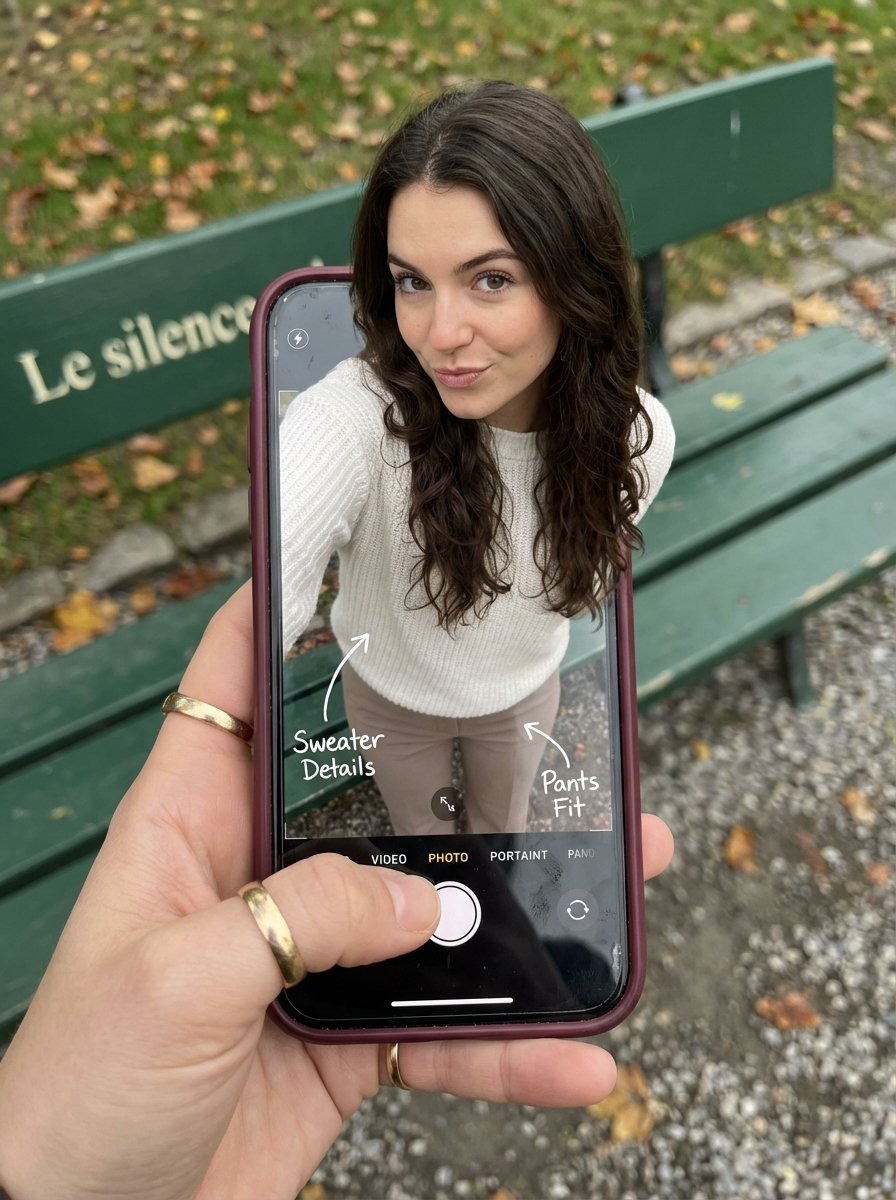
Optical Illusion: Stepping Out of a Smartphone Screen
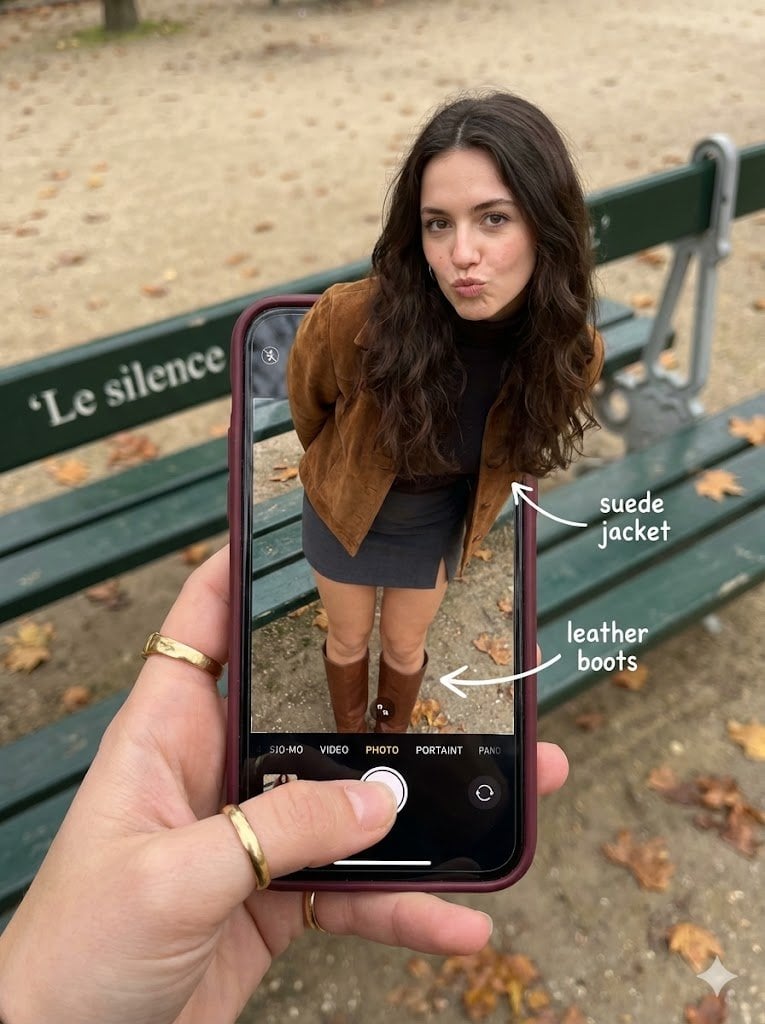
Hyper-Realistic Optical Illusion: Woman Emerging from Smartphone Screen
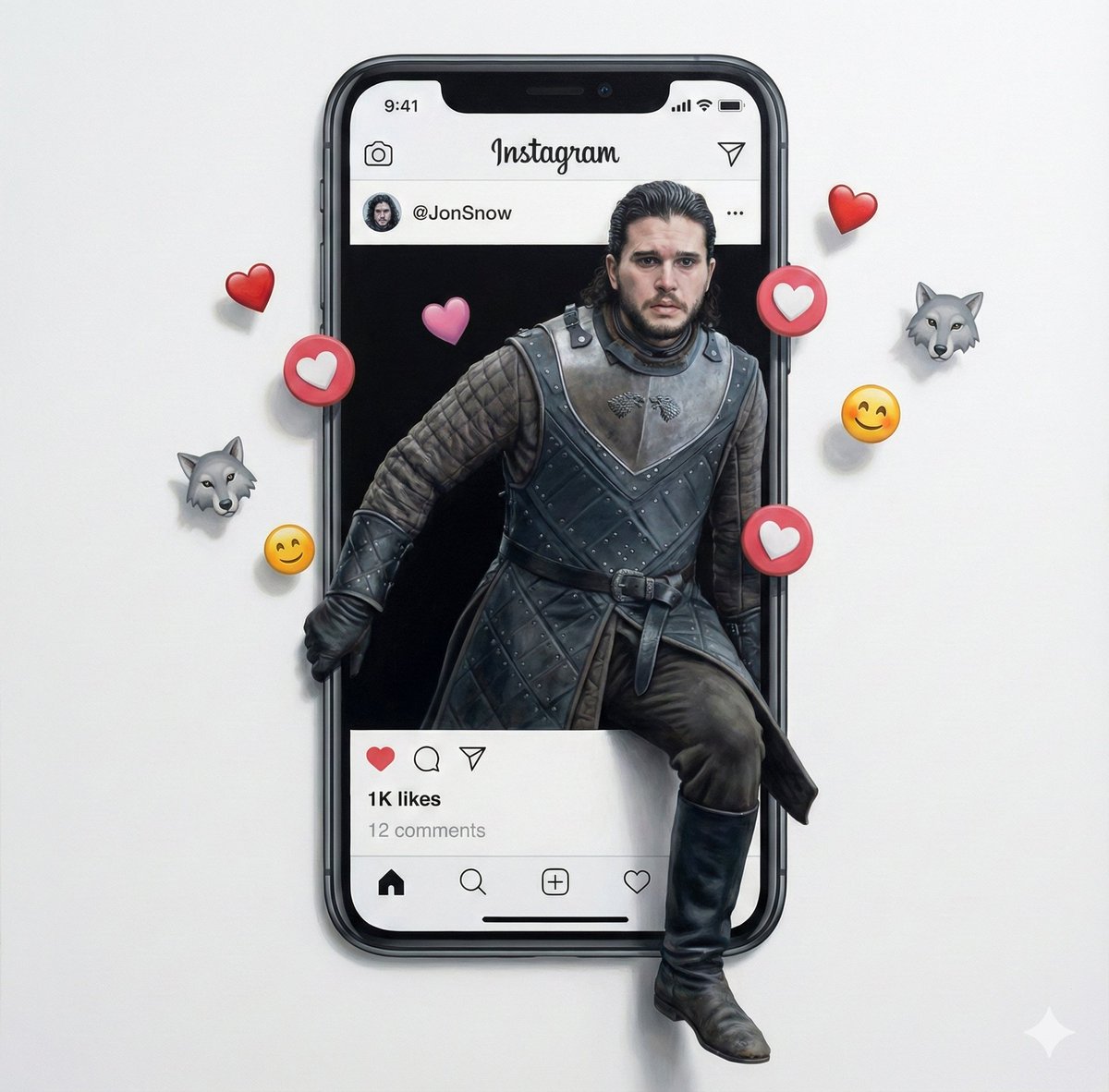
Trompe l'oeil subject stepping out of social media screen
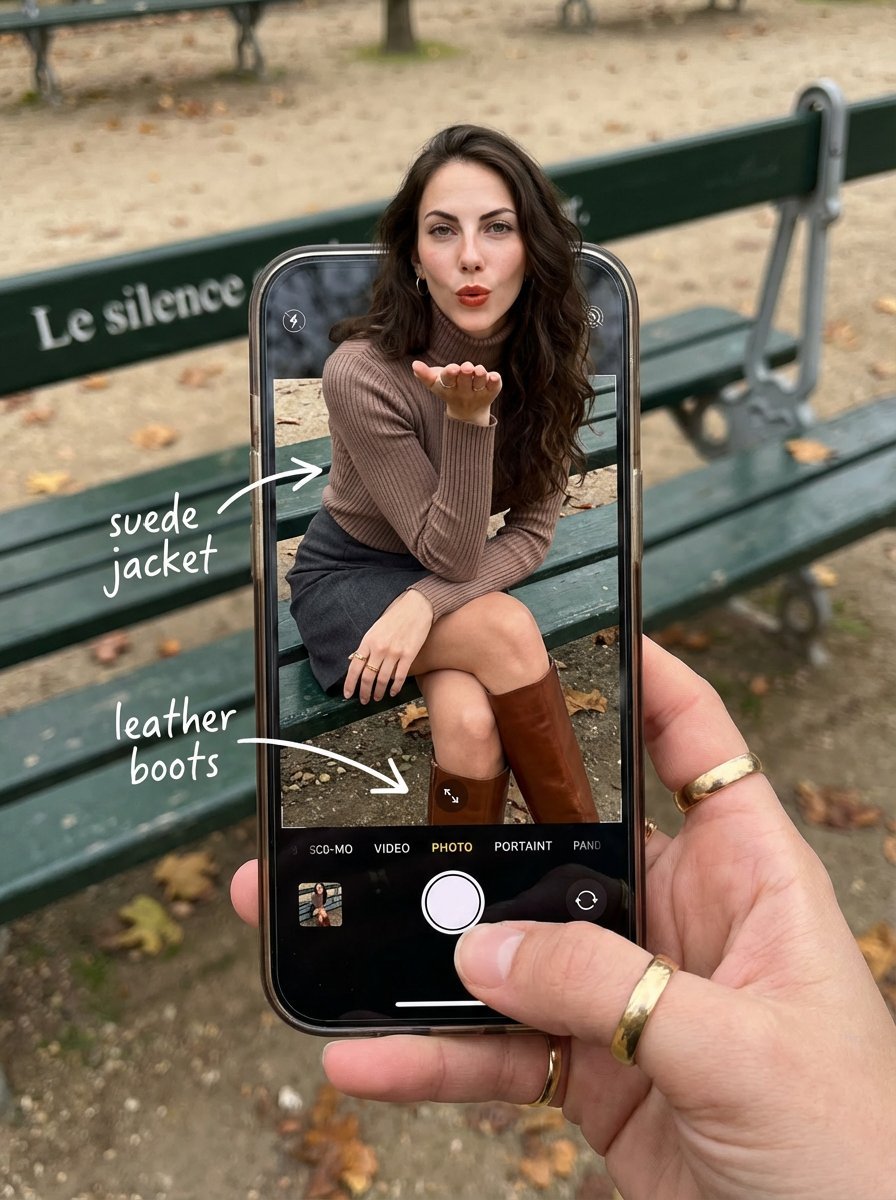
OOTD Breakdown Smartphone Pop-out Illusion
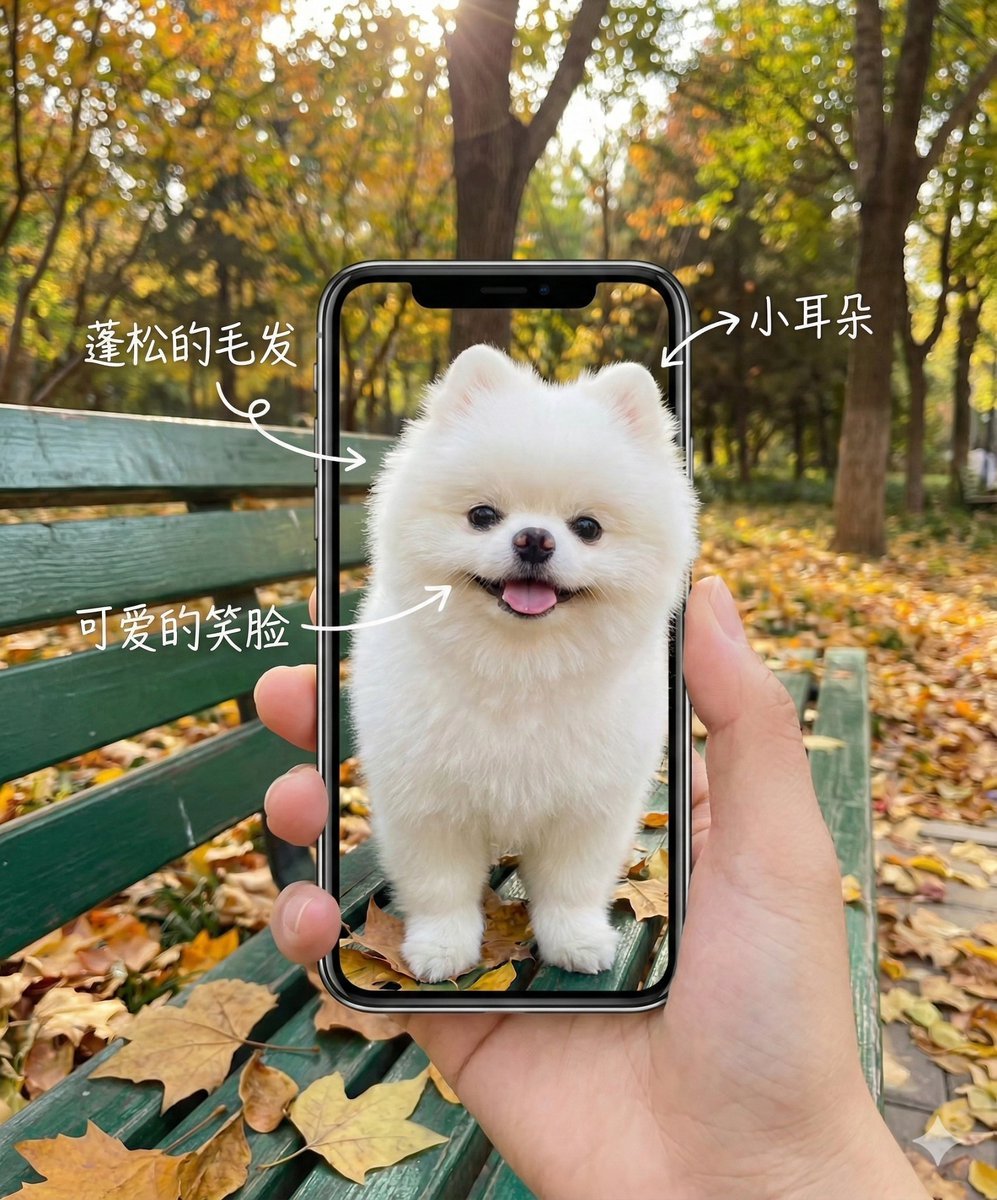
Smartphone Screen Illusion Portrait Template
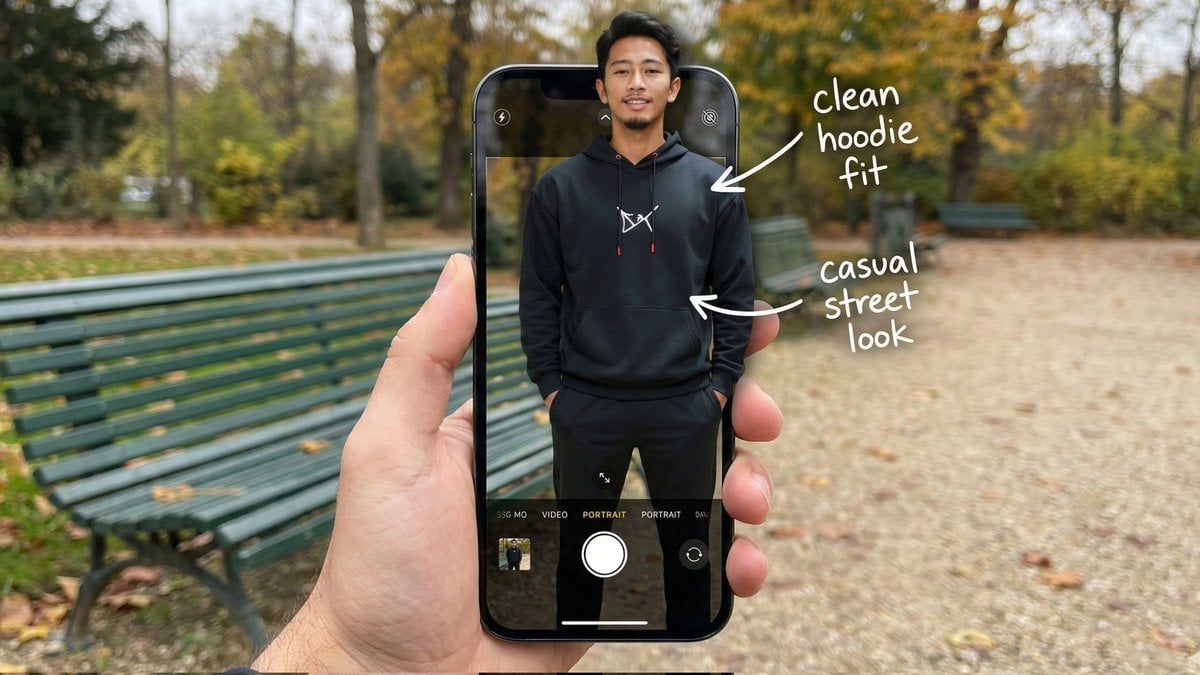
Hyper-Realistic POV Smartphone Pop-out Illusion in a Park
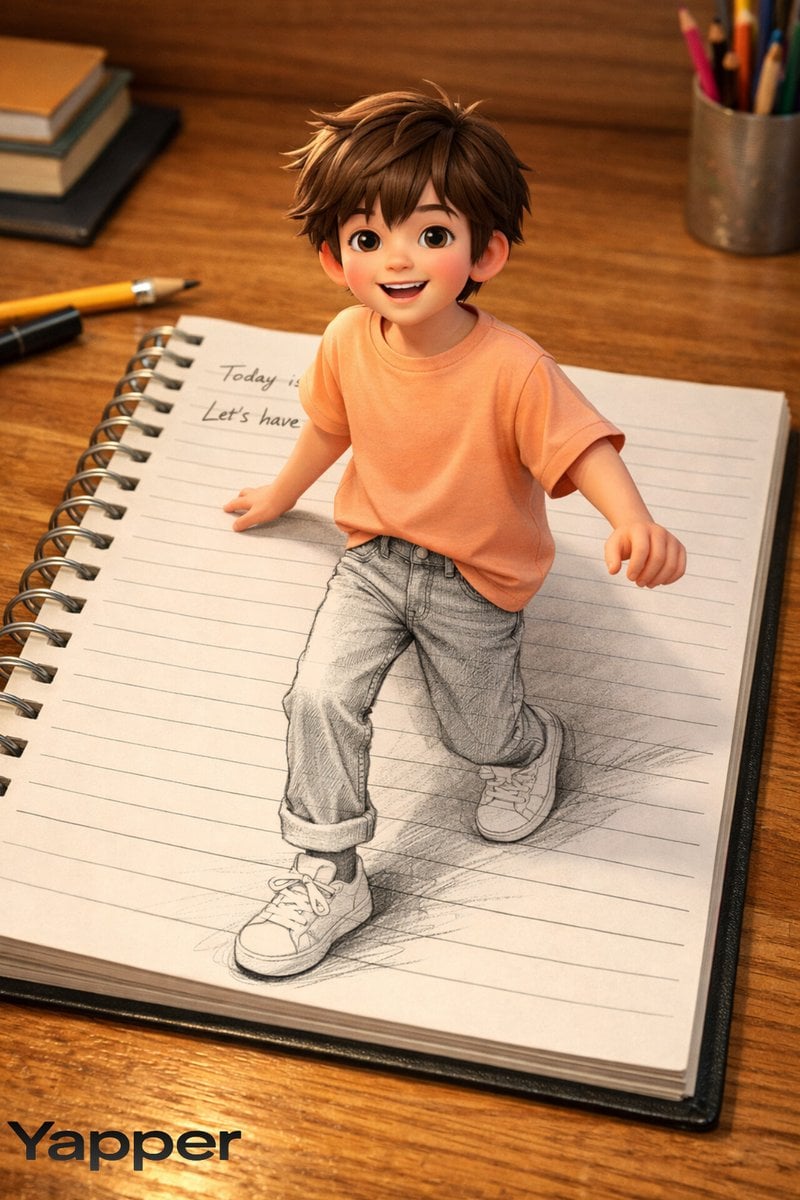
Creative 3D Illusion Artwork of a Boy Stepping Out of a Notebook
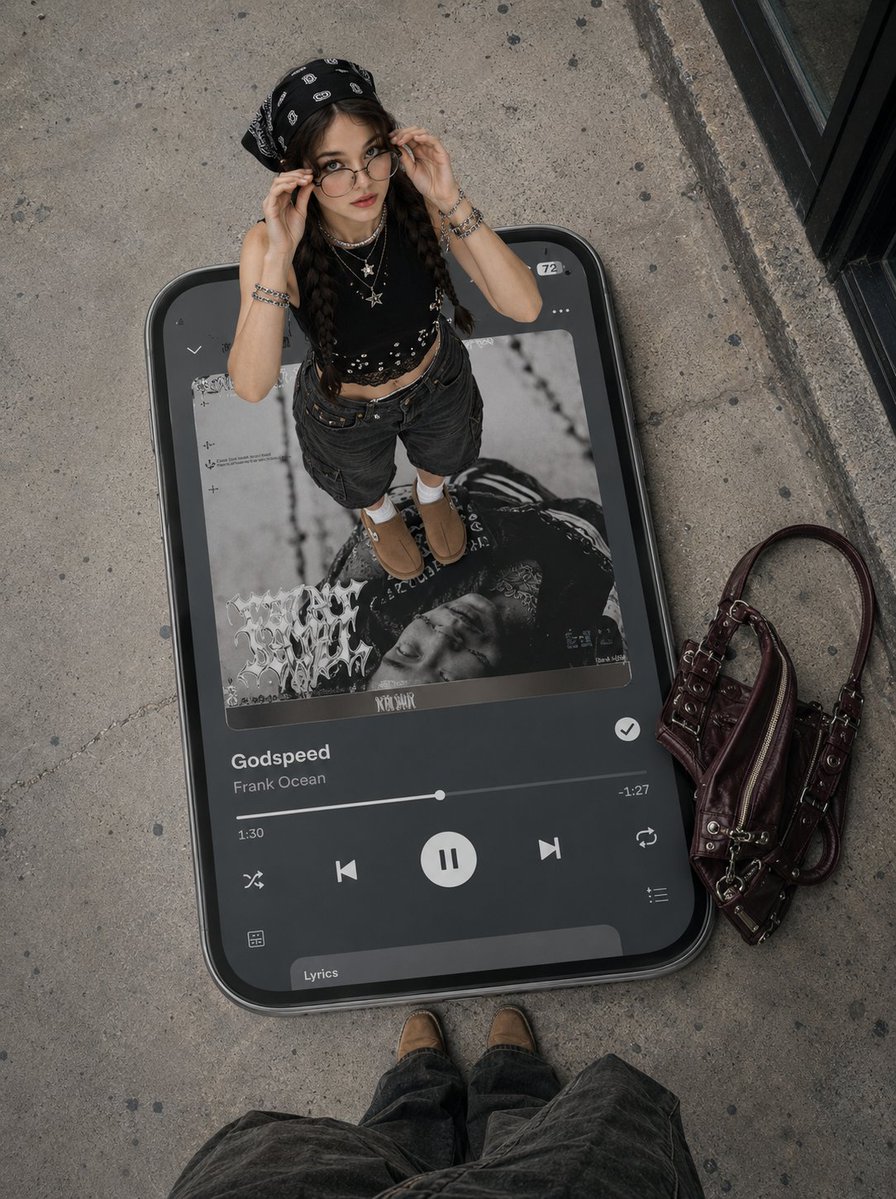
Surreal Y2K Street Fashion Smartphone Illusion
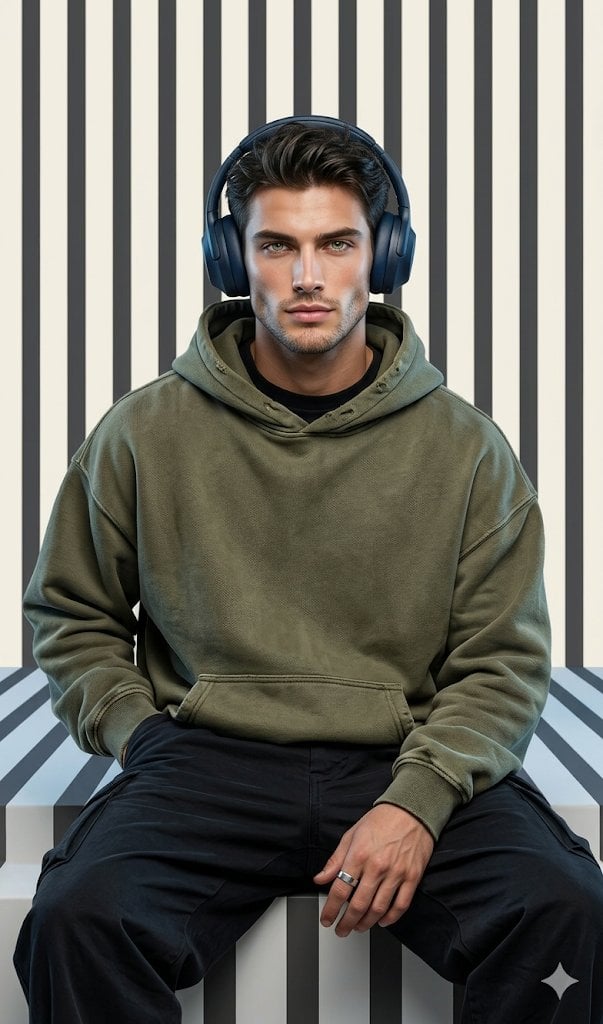
Graphic Portrait with Optical Illusion Background

Parametric Optical Illusion Poster
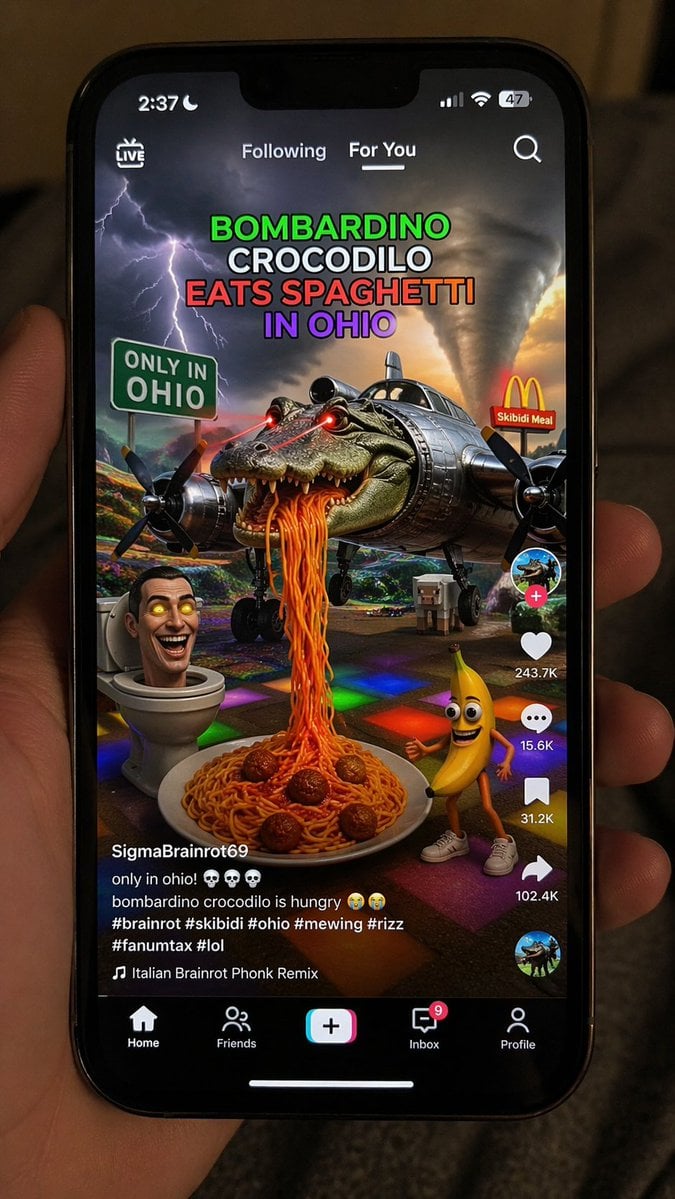
Smartphone Screen Mockup
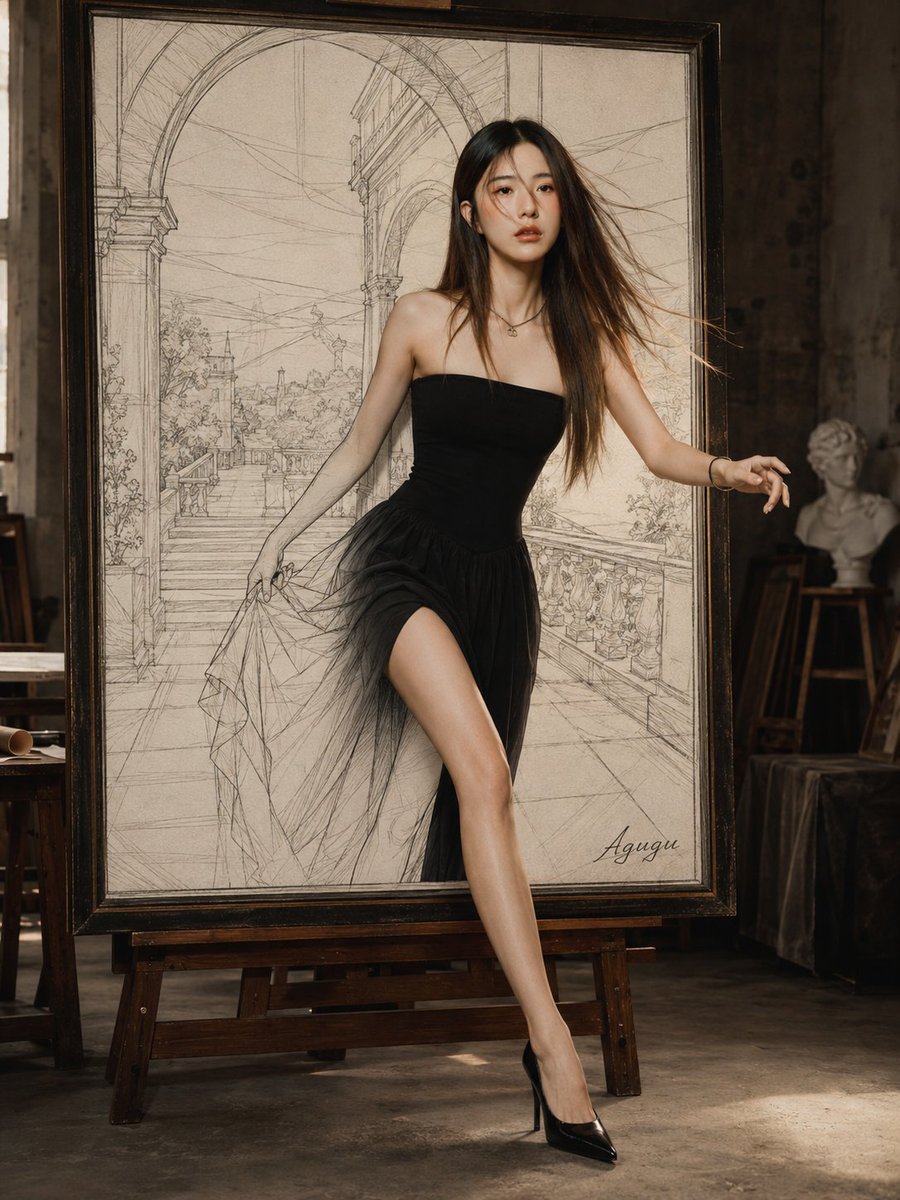
Woman Stepping Out of Sketch
Make it yours
Smartphone Screen Stepping Out Optical Illusion Prompt works as-is. These are the safest ways to change it without losing the look.
Change one field
Copy a single group, rewrite it, and generate again so you can see what that field is doing.
Keep the frame, change the subject
Hold the composition and light of Smartphone Screen Stepping Out Optical Illusion Prompt, then swap wardrobe, props or the person for a new take.
| If the result… | Why | Fix |
|---|---|---|
| The result drifts from the preview | Too many fields changed at once. | Reuse Smartphone Screen Stepping Out Optical Illusion Prompt as-is first, then change one group — subject, light, or setting. |
| The model over-stylizes the scene | The prose prompt leaves finish and camera underspecified. | Add one camera or lighting sentence and stay on Nano Banana 2. |
More Nano Banana 2 templates
Other prompts made for Nano Banana 2.

Photorealistic Leaf Shaped Like a Dragon
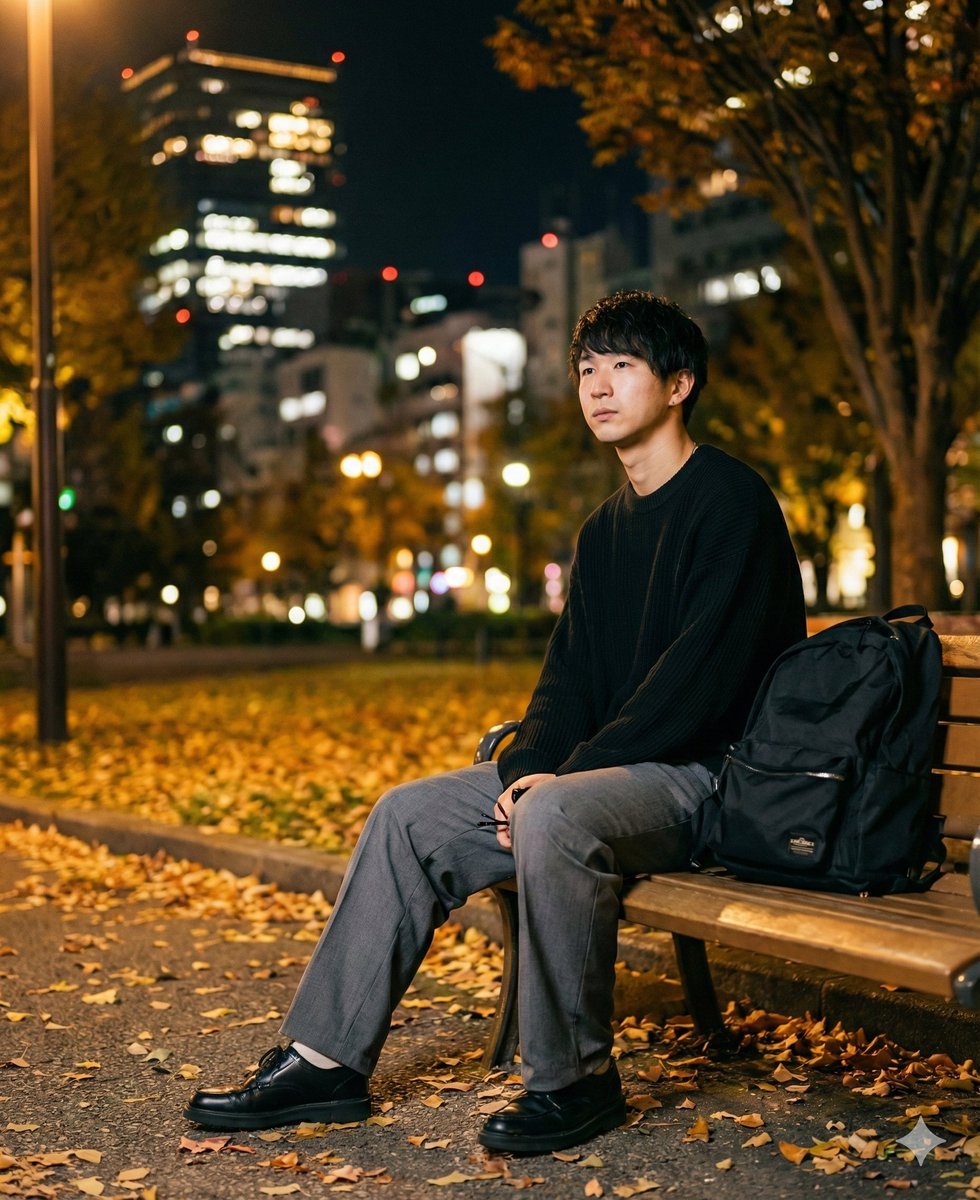
K-Pop Idol Portrait Grid for Rapid Selection

Poetic Rain Forest Portrait During Golden Hour

Urban Street Portrait with Cartoon Inner Self Duo
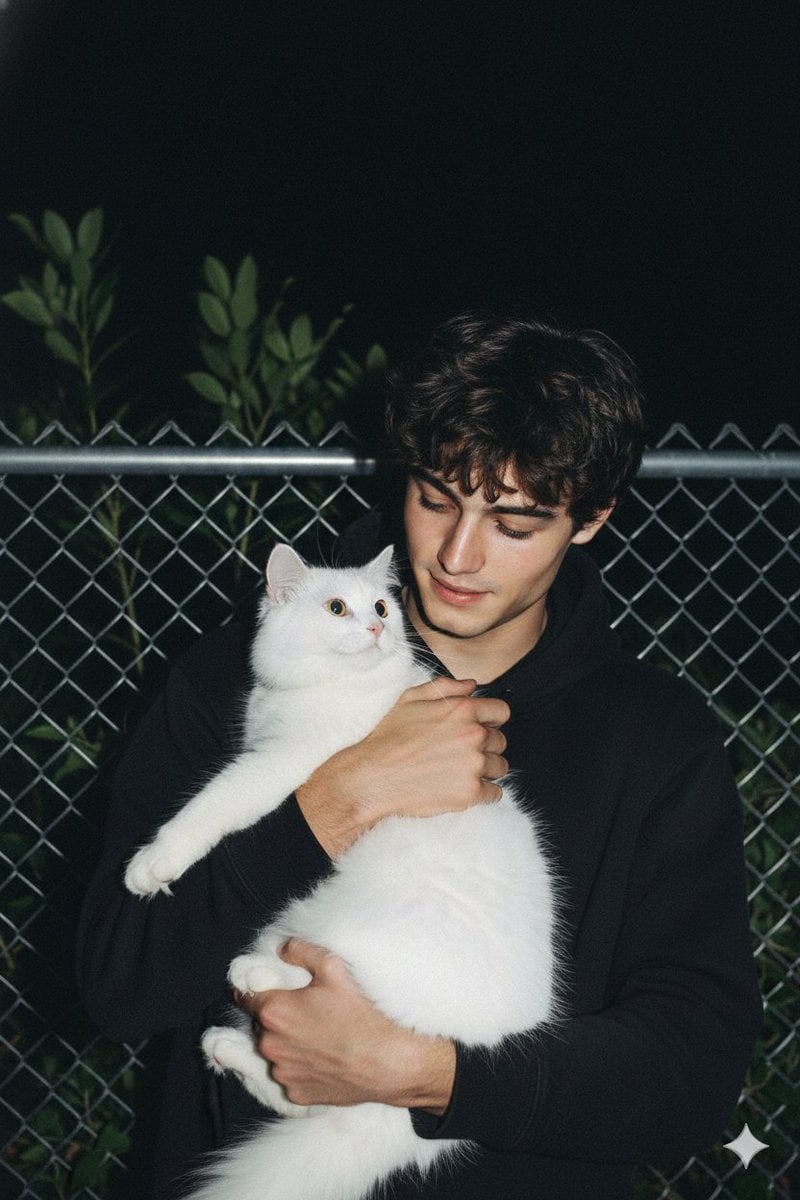
Candid Nighttime Photo with Cat Prompt

High-Concept 3D Diorama Generation Prompt

Cinematic Futuristic Studio Portrait Template

Skincare Editorial Photography Collage Prompt

Hyper-Realistic Commercial Product Photography (Splash Effect)
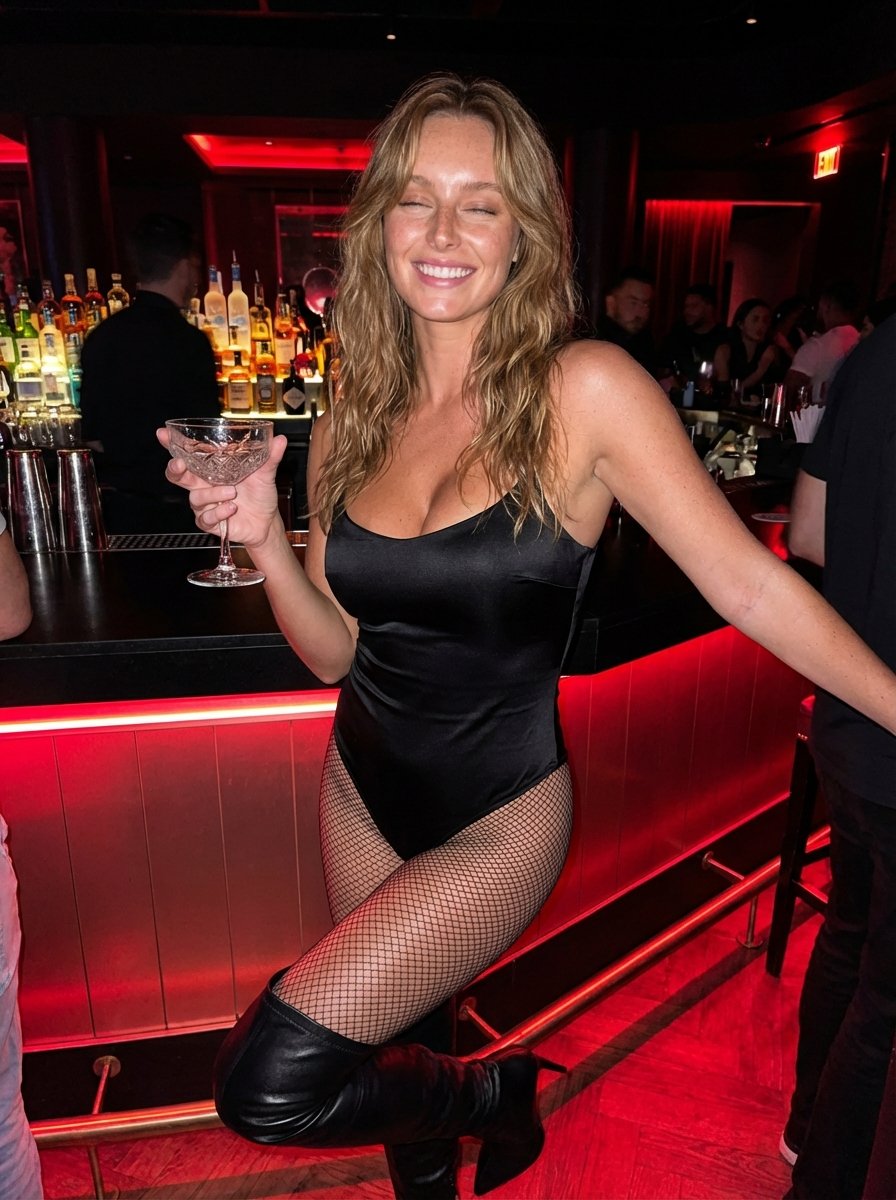
Hyper-Realistic Nightclub Portrait Prompt
More image prompts
Fresh picks from across the catalog.
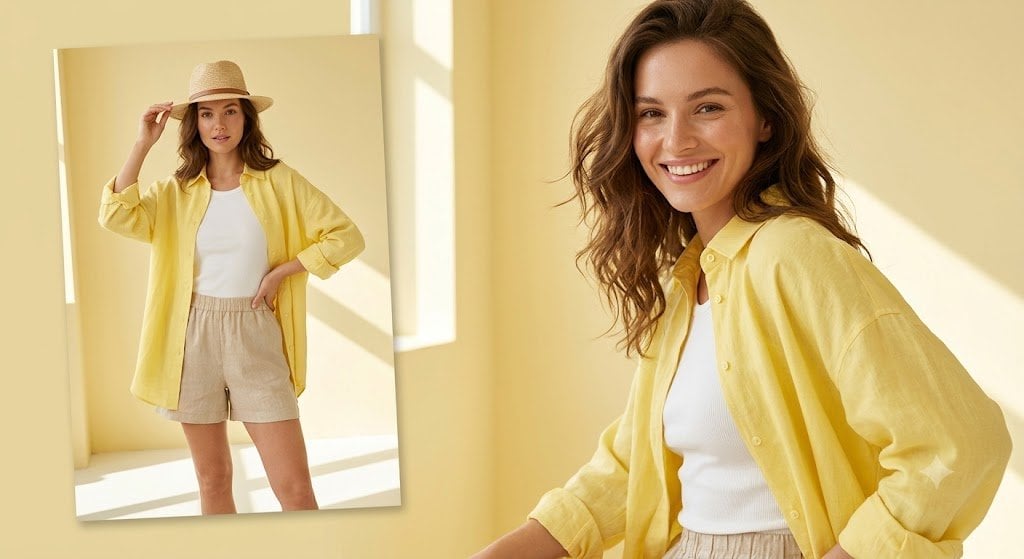
Sunlit Summer Fashion Lookbook
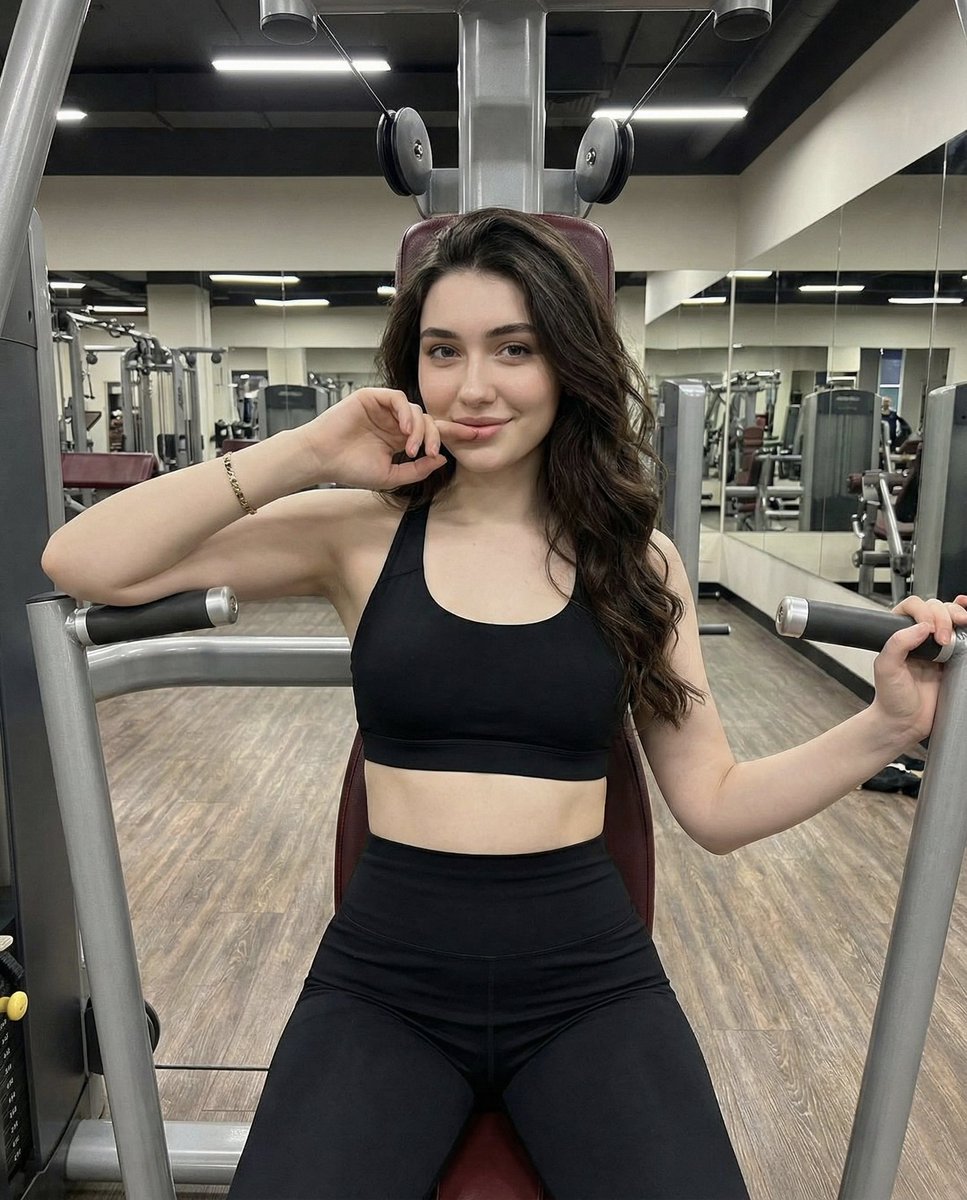
Lifestyle Fitness Portrait on Gym Machine

Full-Body Shot of Woman in Pink Robe with Bare Feet

23 California Redwood Forest — California Series

Vintage Moda Pier in Istanbul
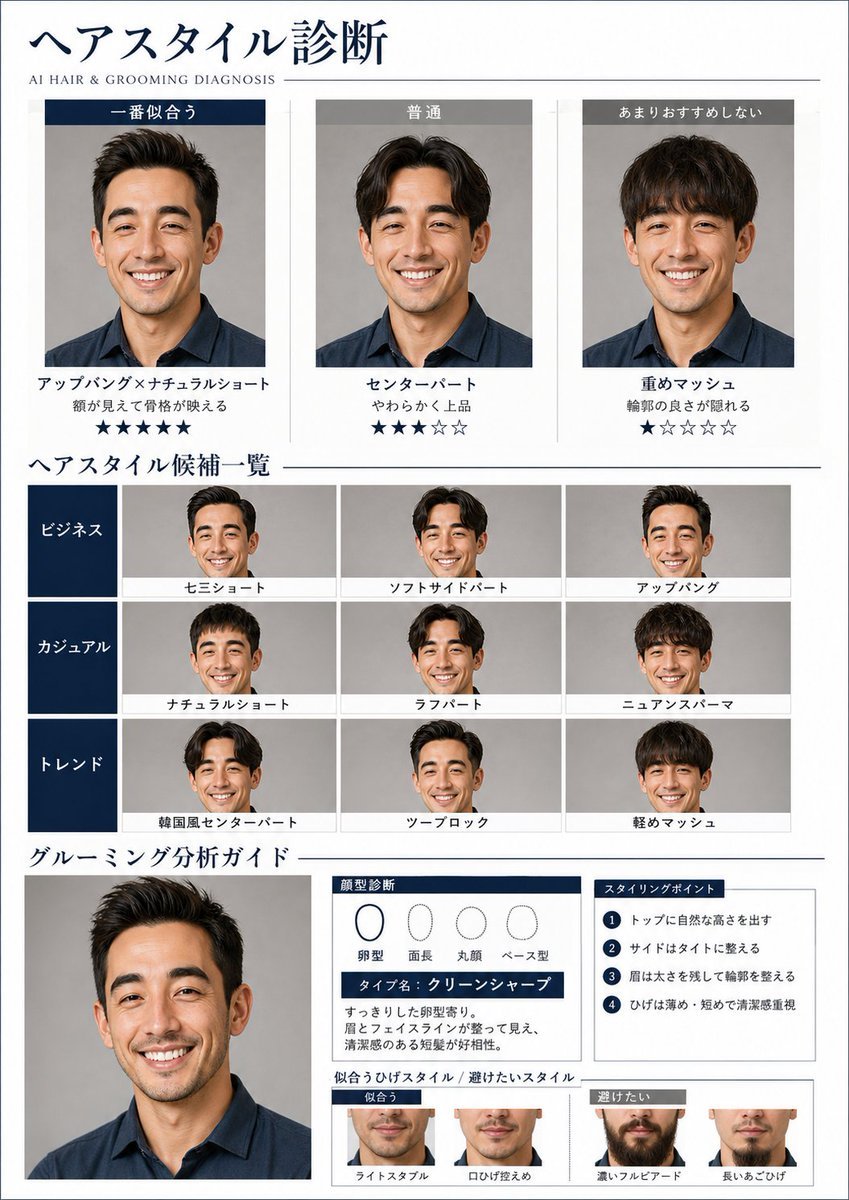
AI Hair and Grooming Diagnosis Report
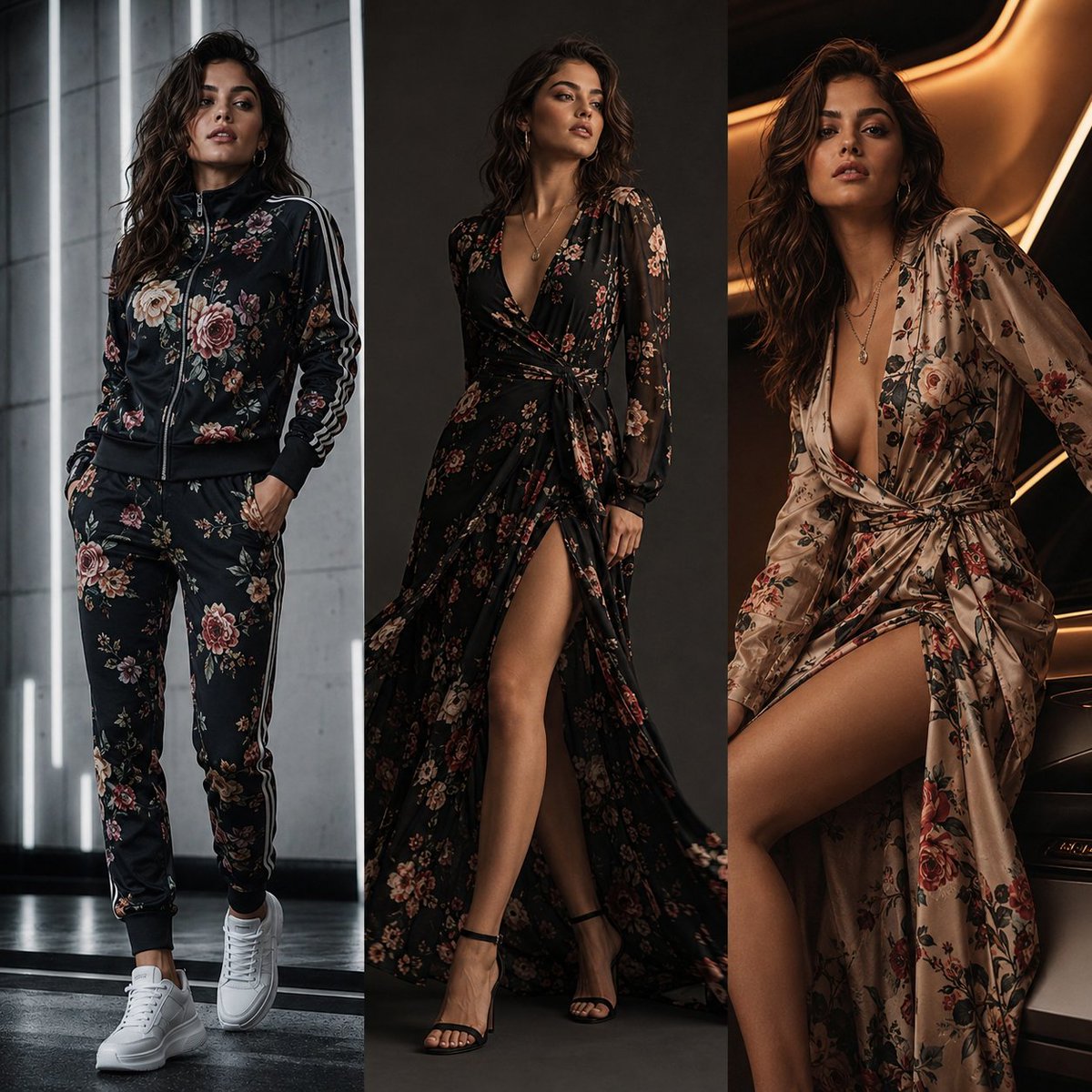
Three-Panel Luxury Fashion Editorial

Beach Club Portrait with Identity Preservation Prompt

Four High-Detail Composite Photography Prompts
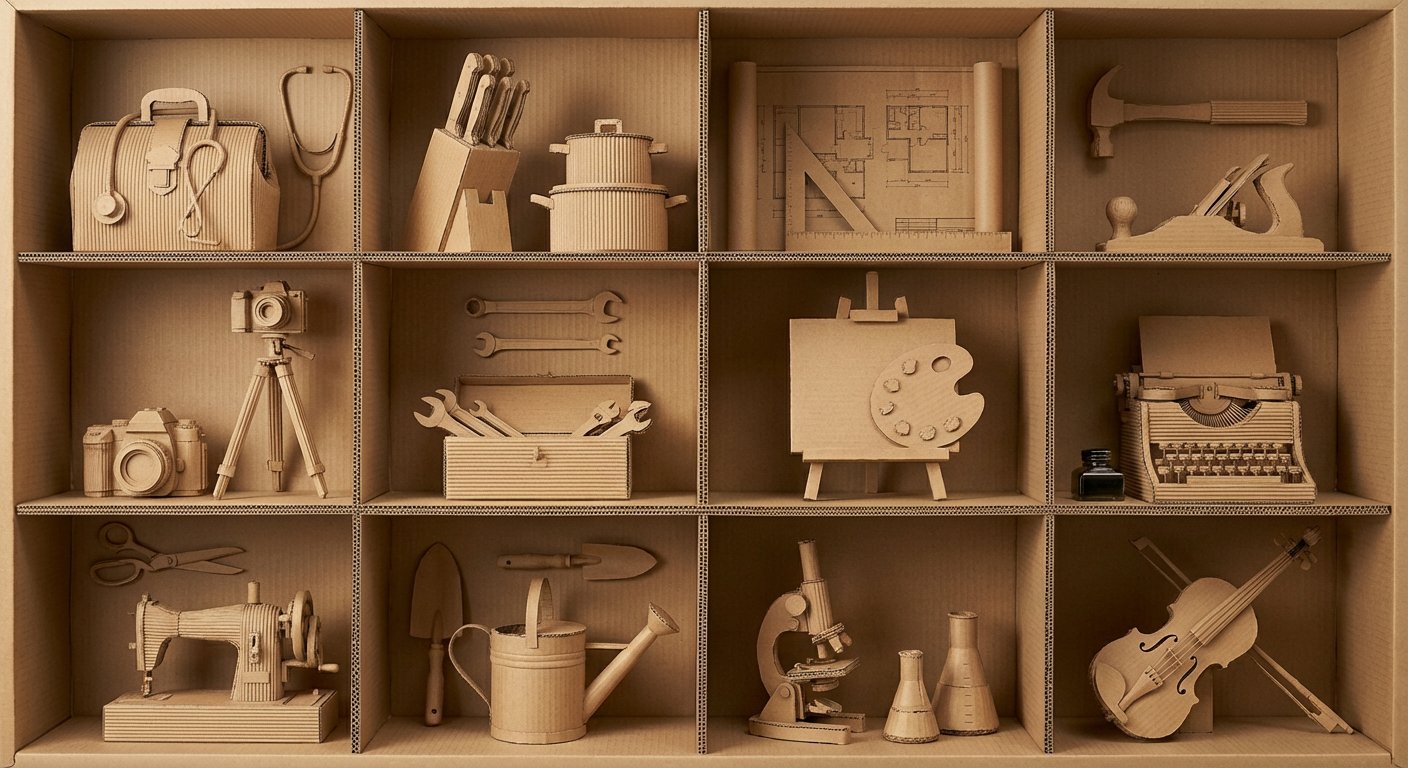
瓦楞纸艺术作品框格展示
Browse template categories
Smartphone Screen Stepping Out Optical Illusion Prompt questions
How do I use the Smartphone Screen Stepping Out Optical Illusion Prompt template?
Add your photo if the template asks for one, edit the prompt if you like — the template's model and format are already selected — and press Generate. Your version opens in PicX Studio.
Can I customize the Smartphone Screen Stepping Out Optical Illusion Prompt template?
Yes. You can change the subject, setting, lighting, mood, format, and available model controls before creating your image.
Is the Smartphone Screen Stepping Out Optical Illusion Prompt template free?
Opening and editing this template is free. Generating uses credits, shown on the Generate button when you are signed in.
Which AI model should I use?
Start with Nano Banana 2, which is the model associated with this template. You can compare another compatible model for a different finish.
Looking for something else? Browse all templates.

Your photo, any look
Thousands of ready templates for every top image and video model, from one credit balance.