
AI Hair and Grooming Diagnosis Report
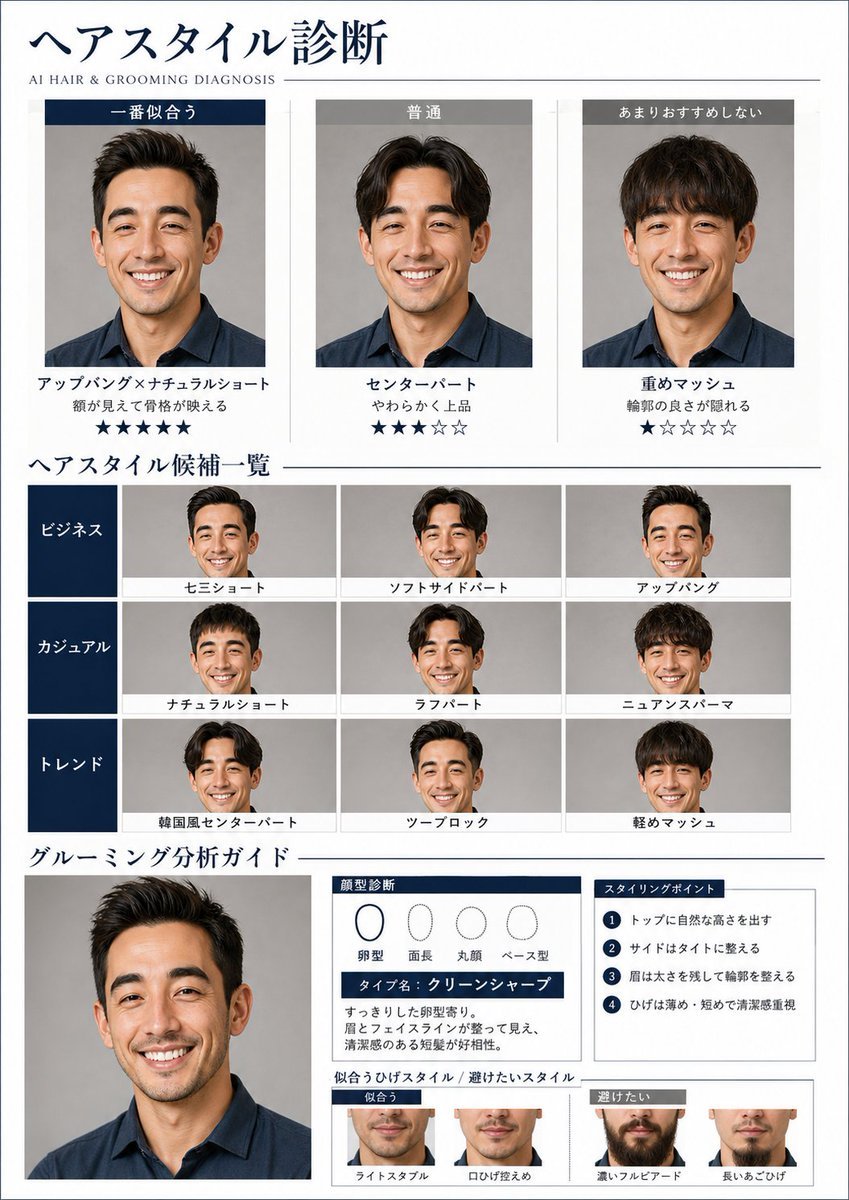
A detailed prompt for creating a professional grooming diagnostic report, including hairstyle comparisons and face shape analysis based on a reference photo.
- Prompt included
- Model and format preset
- Free template
The prompt behind this image
Copy the exact prompt behind AI Hair and Grooming Diagnosis Report, or open it in the studio and make it yours.
Based on the uploaded photo of the {argument name="Subject" default="man"}, analyze the facial features, bone structure, eye area, eyebrows, lips, hair texture, and face line, and create a beauty-diagnosis visual report that proposes a hairstyle and grooming (personal styling) suited to that person. A4 portrait format, in a refined magazine-page design styled like a Japanese {argument name="Gender" default="men's"} visual magazine. A white-to-charcoal base tone, thin rule lines, navy and gray accents, and a stylish layout that makes good use of white space. Include a small English subtitle reading "AI HAIR & GROOMING DIAGNOSIS." Keep the person's facial identity the same, and only naturally change the hairstyle, facial hair, and overall vibe. Do not turn them into a different person. The composition is as follows: 1. At the top, 「ヘアスタイル診断」 - A 3-column comparison of 「一番似合う」「普通」「あまりおすすめしない」 - The same person shown with different hairstyles applied - Display the hairstyle name, a short reason, and a star rating 2. In the middle, a list of hairstyle candidates - Categories: Business / Casual / Trend - Small thumbnails displayed in a grid - Each thumbnail labeled with a short hairstyle name 3. At the bottom, 「グルーミング分析ガイド」 - A larger portrait - A face-shape diagnosis chart (oval, long, round, etc.) - The type name (e.g., "Clean Sharp") - A short analysis comment - 4 styling points - A visual comparison of recommended vs. avoided beard styles The text should be in Japanese, focused on headings, short phrases, and labels. Avoid long paragraphs and keep things concise. Include analysis charts, rating stars, and style-comparison displays. Overall, make it look like a feature page from an actual men's visual magazine — cool and trustworthy in finish.
How to use AI Hair and Grooming Diagnosis Report in 3 steps
- 1Upload ImagePNG, JPG or paste
Add your photo
Upload the photo the template builds on. The prompt, model and format are already set.
- 2…a portrait of your subject in softgolden-hour light, 85mm…
Personalize
Edit the subject and creative details for your destination.
- 3Generate
Generate
Press Generate — your image is created in PicX Studio, so you can compare it with the original and refine one variable at a time.
More like this
Templates with the same subject, style or setup. Open one to see its prompt.
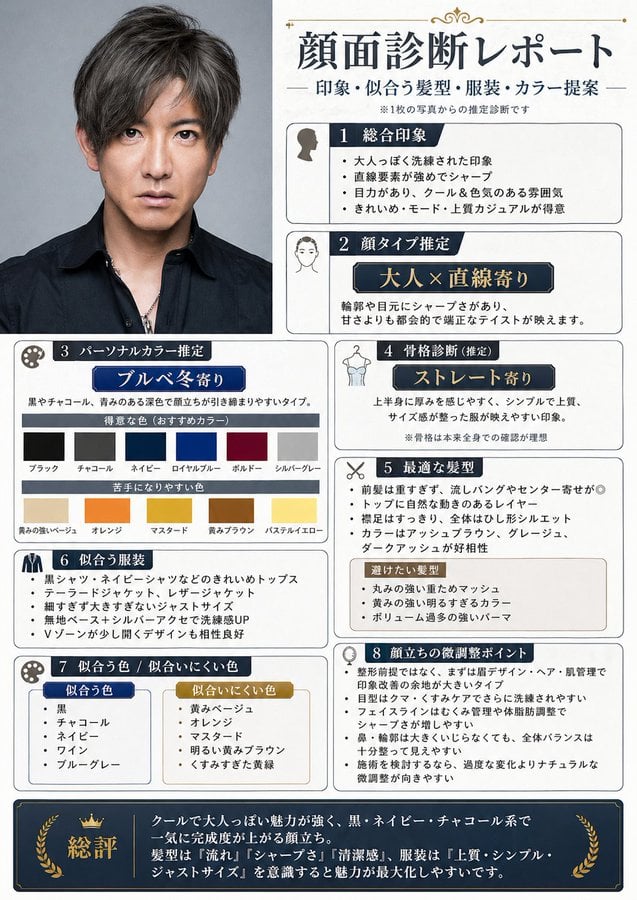
Japanese Face Diagnosis Report
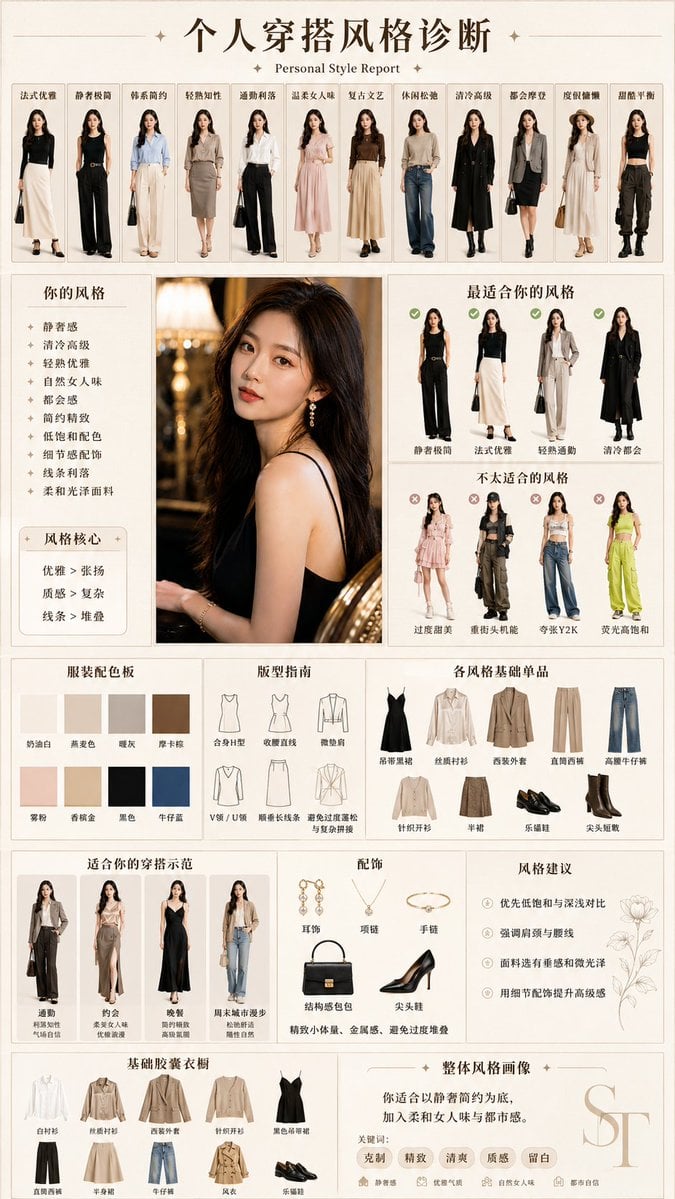
Personal Style Diagnosis Report
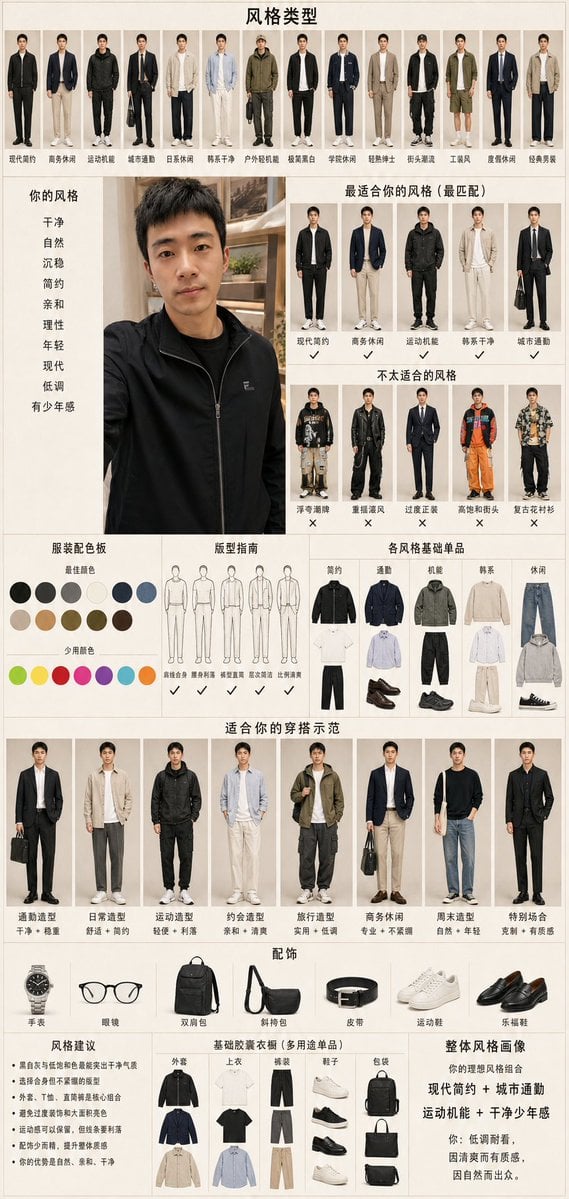
Men's Fashion Style Diagnosis Report

Woman in Mall with Chanel Bag - Heart Gesture
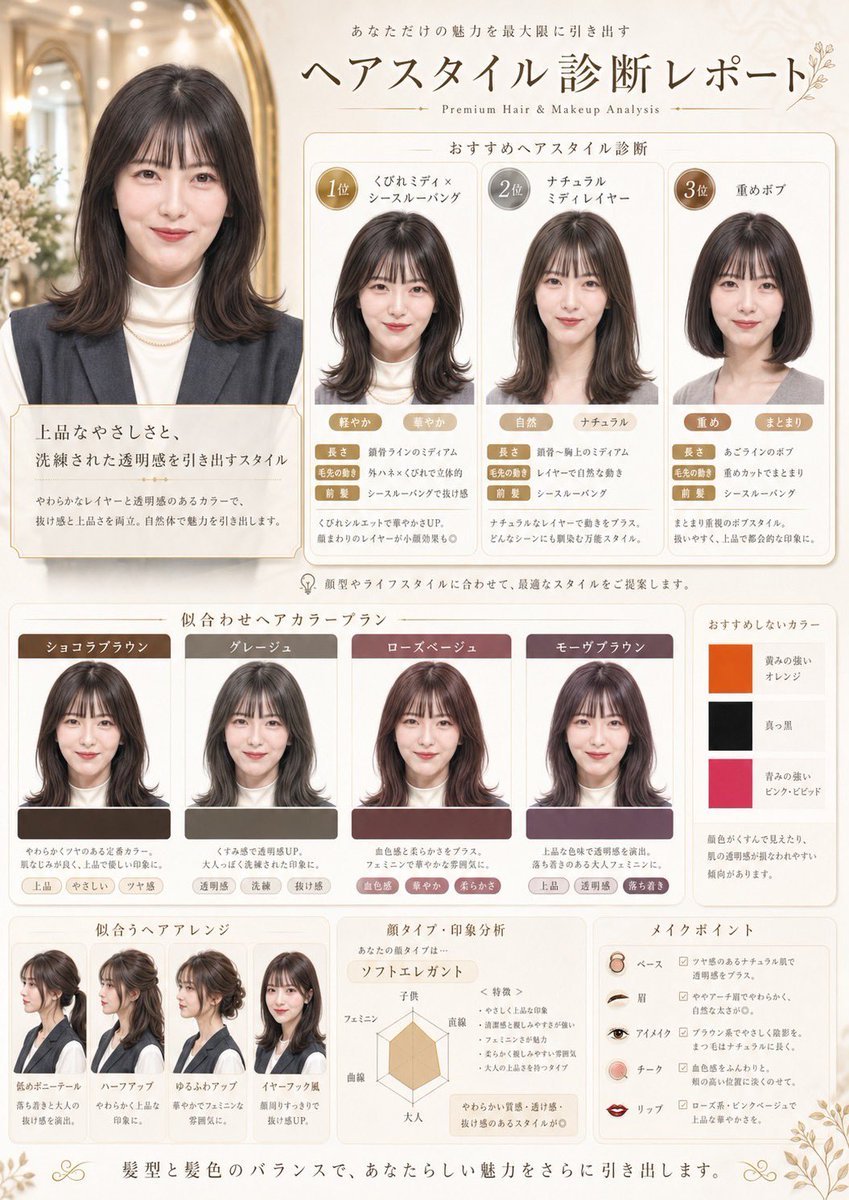
Japanese Hair Diagnosis Salon Poster
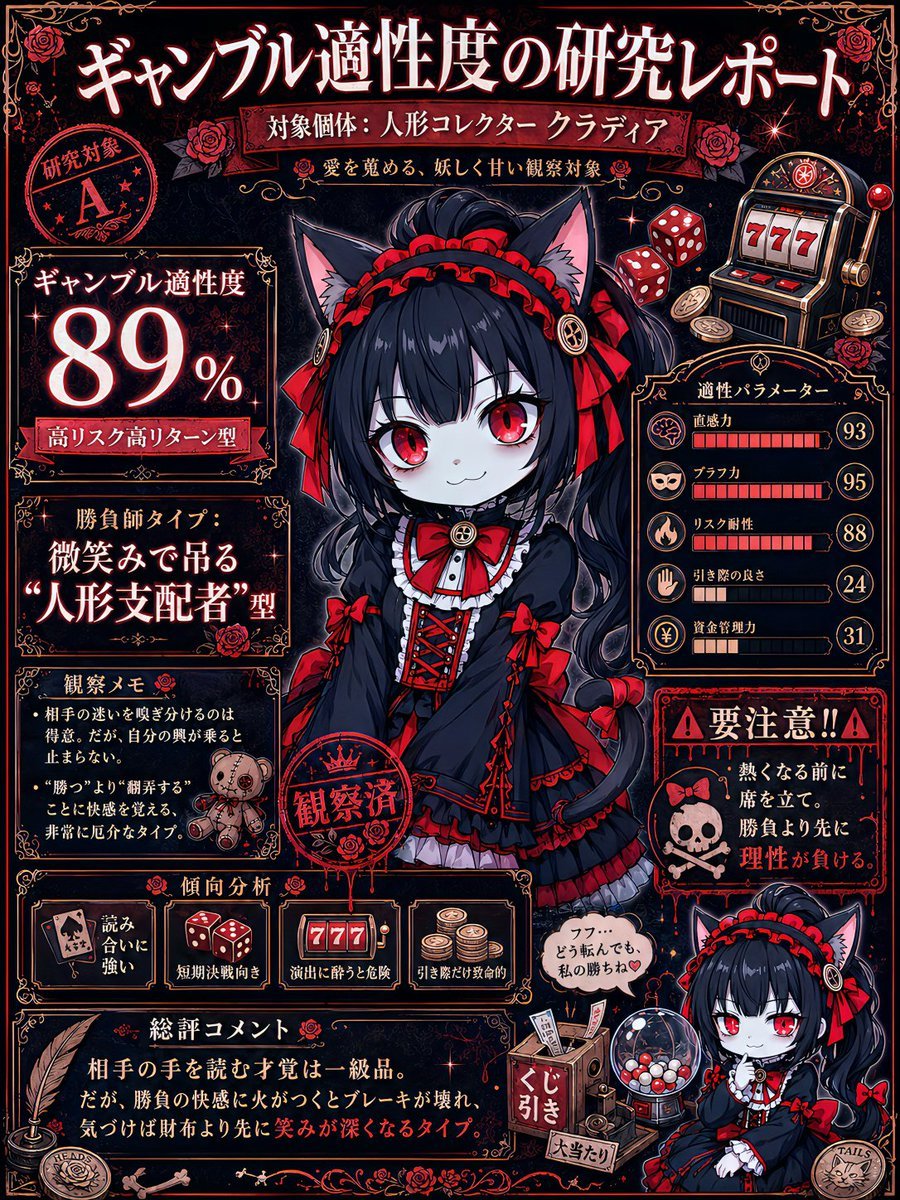
Gambling Aptitude Research Report
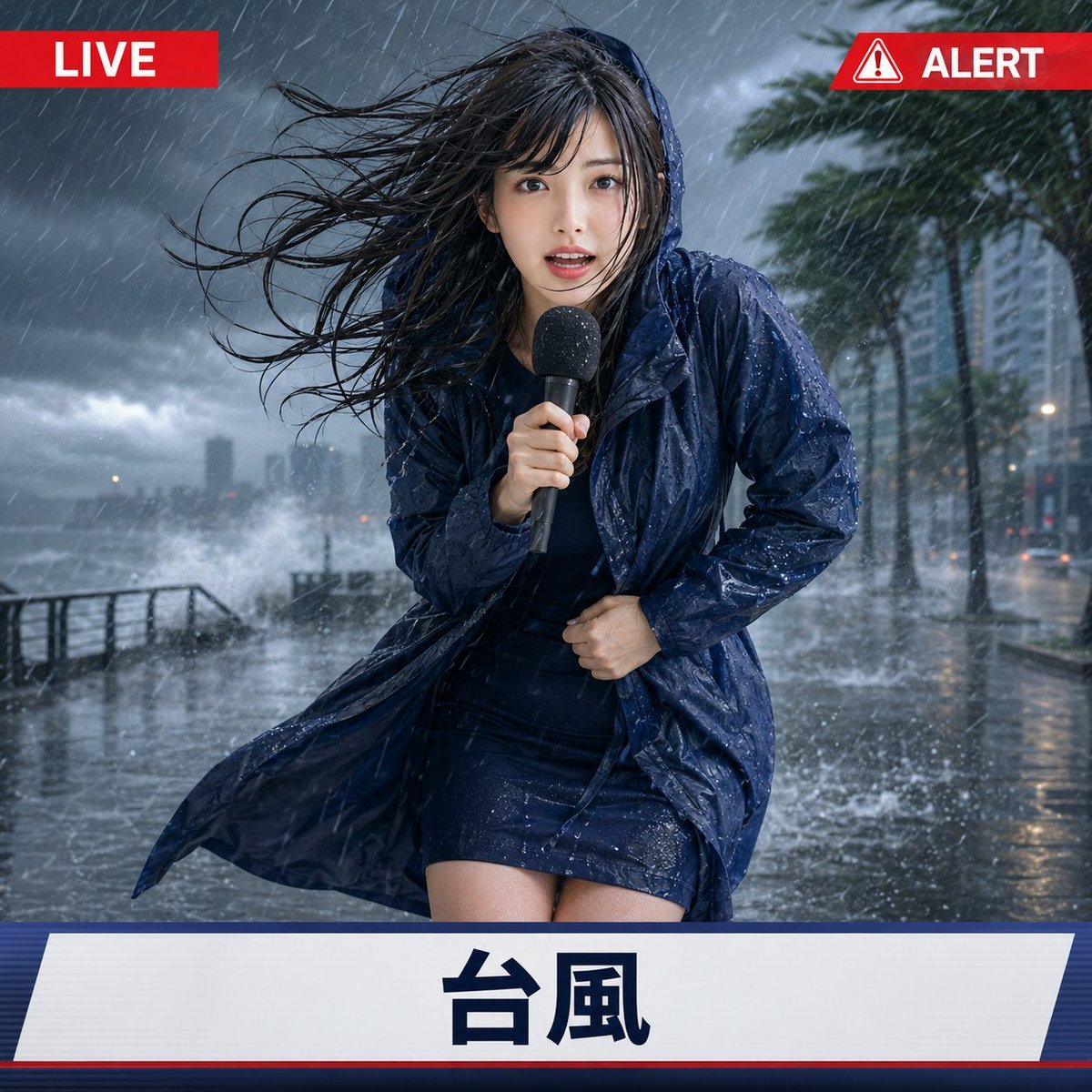
Extreme Weather TV Reporter System
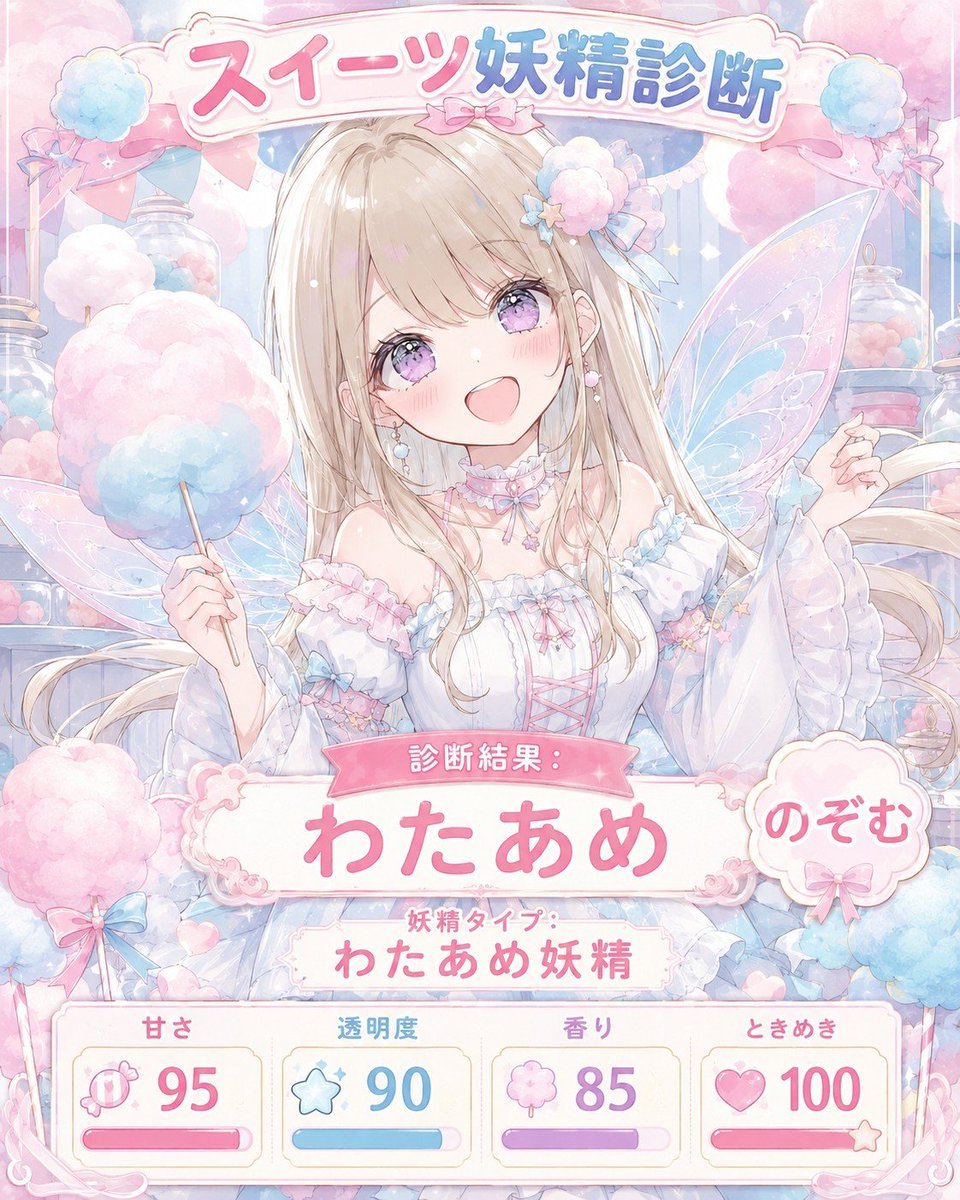
Pastel Sweets Fairy Diagnosis Card
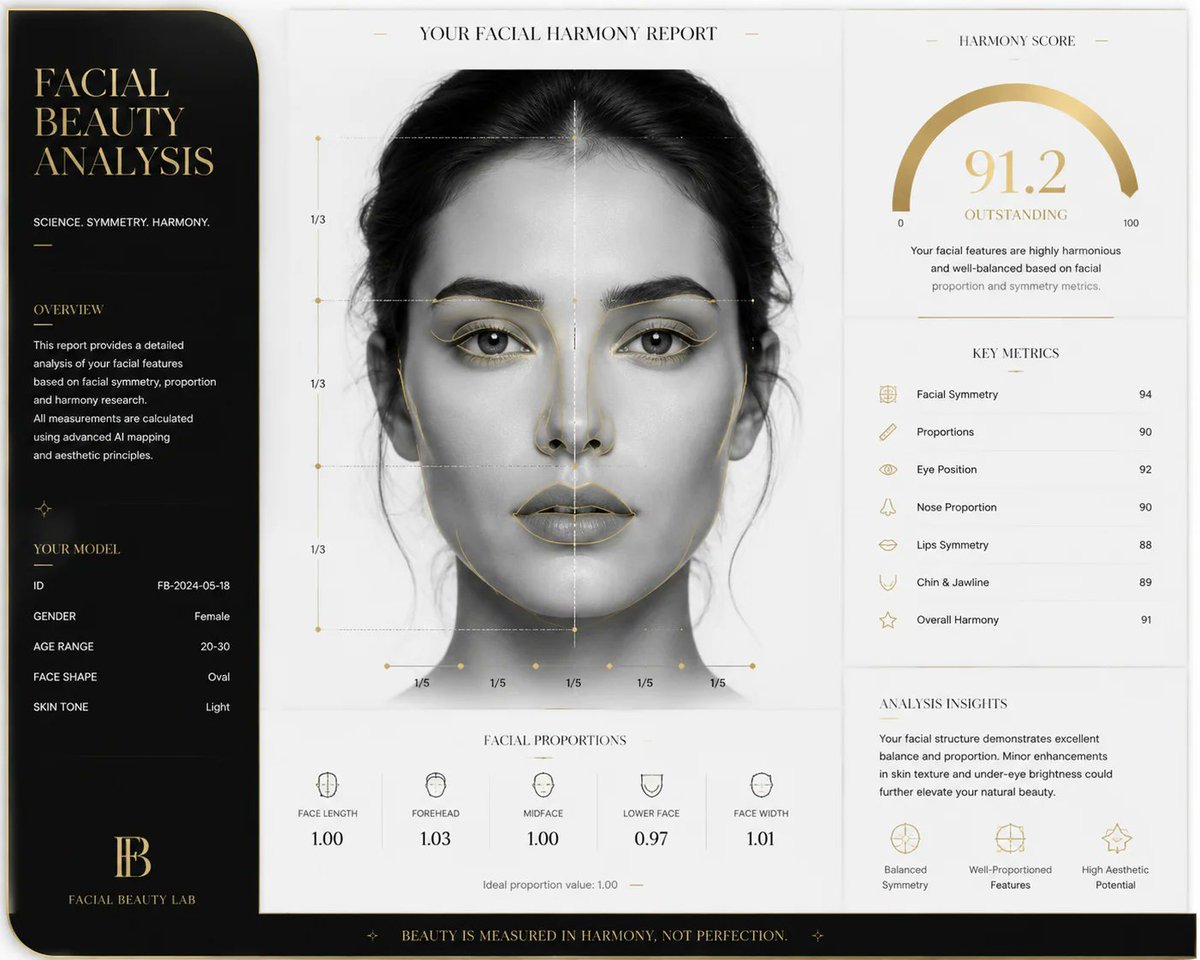
Luxury Facial Harmony Report
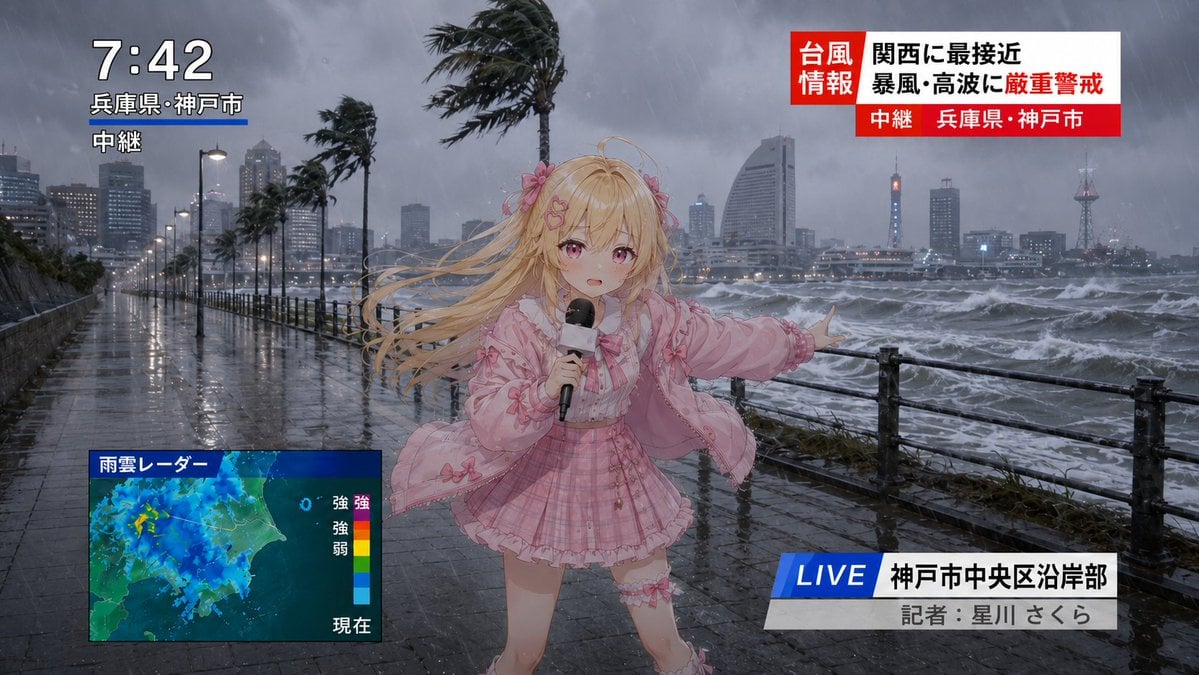
Anime Typhoon Live News Reporter
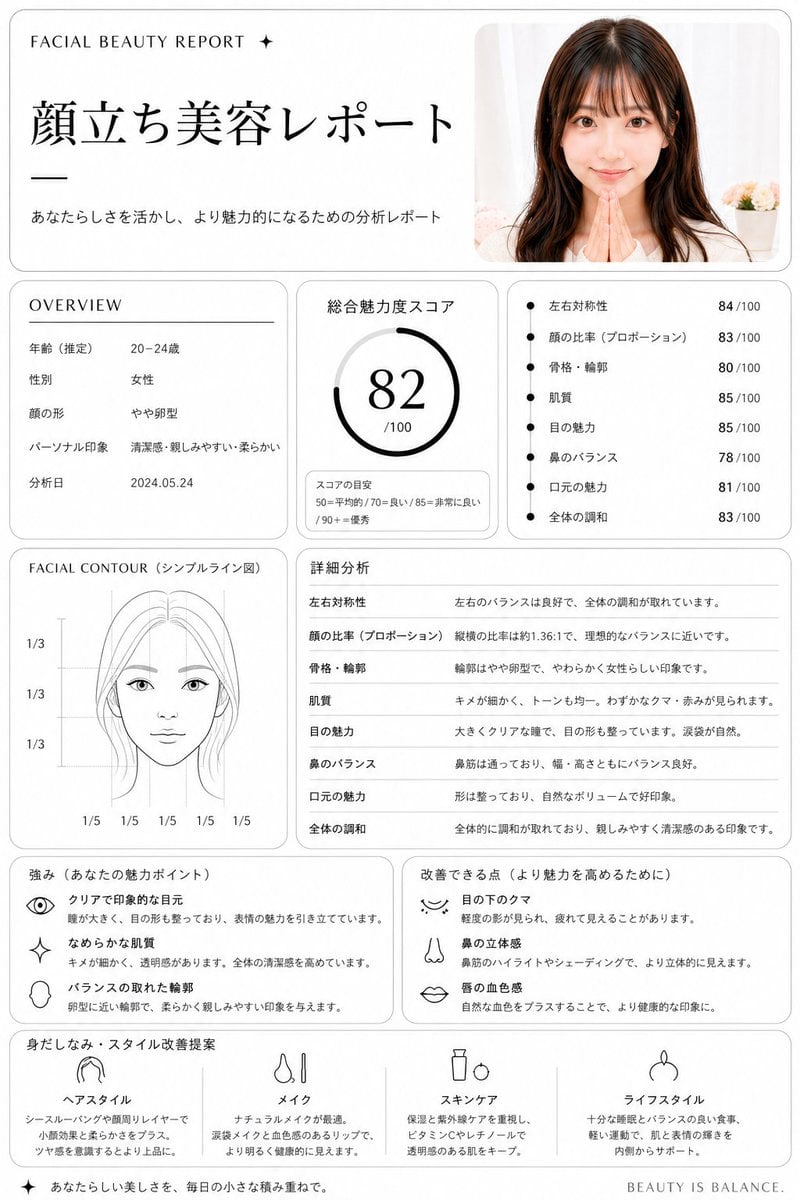
Japanese Facial Beauty Report Layout
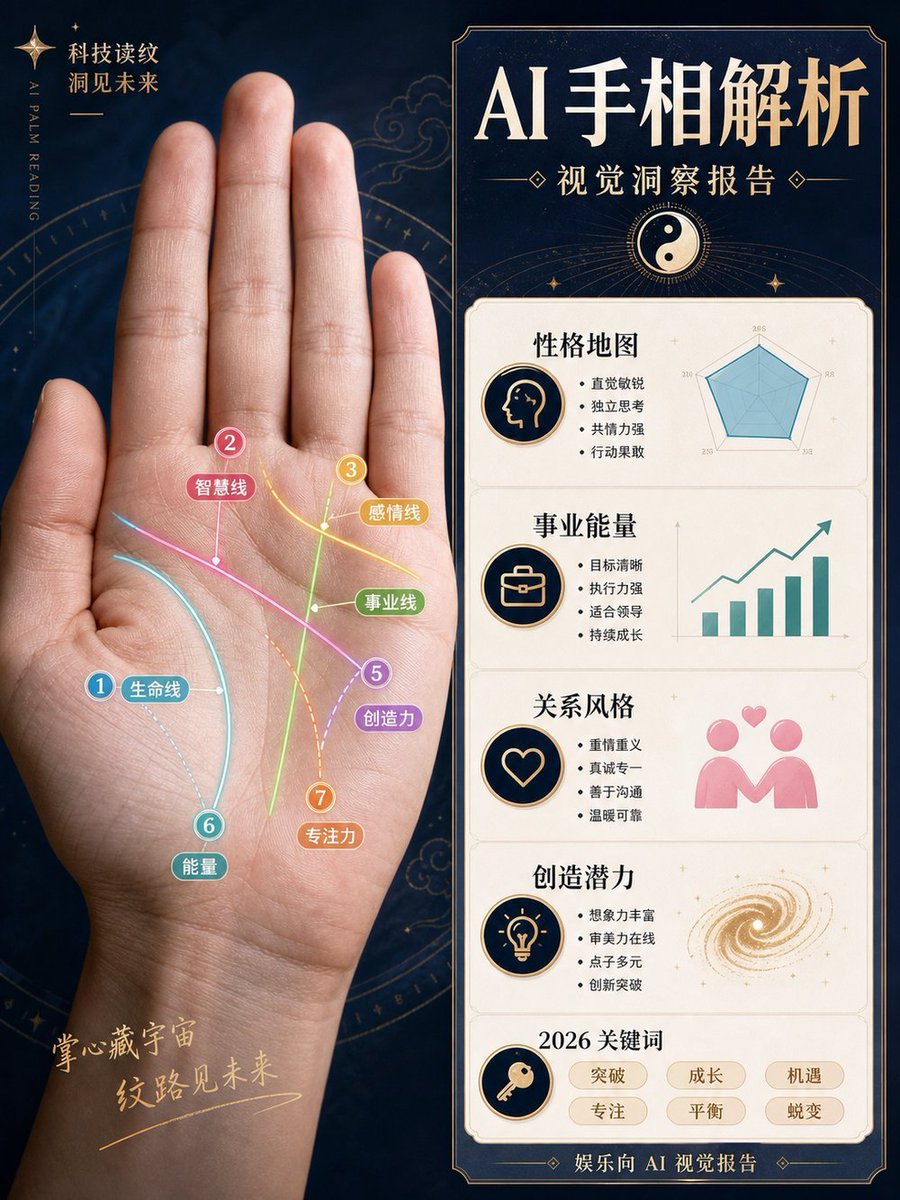
AI Palm Reading Report Poster
Make it yours
AI Hair and Grooming Diagnosis Report works as-is. These are the safest ways to change it without losing the look.
Change one field
Copy a single group, rewrite it, and generate again so you can see what that field is doing.
Keep the frame, change the subject
Hold the composition and light of AI Hair and Grooming Diagnosis Report, then swap wardrobe, props or the person for a new take.
| If the result… | Why | Fix |
|---|---|---|
| The result drifts from the preview | Too many fields changed at once. | Reuse AI Hair and Grooming Diagnosis Report as-is first, then change one group — subject, light, or setting. |
| The model over-stylizes the scene | The prose prompt leaves finish and camera underspecified. | Add one camera or lighting sentence and stay on GPT Image 2. |
More GPT Image 2 templates
Other prompts made for GPT Image 2.

Six VTuber Japanese Logo Sheet

Realistic Portrait of Woman and Deer

The Vista Modular Condo Poster

AI Model Routing Comparison Infographic

2.5D Anime Art Board

Isometric Productivity Desk Scene

New York Double Exposure Poster

Four-Panel AI Landscape Comparison

Japanese Tatami Lifestyle Magazine Cover

NESCAFÉ Coffee Map Poster
More image prompts
Fresh picks from across the catalog.
Realistic 'Lazy-Hot' Mirror Selfie in Dorm Room
Magical Fantasy World Illustration
Technical drawing of a speaker from reference
Cinematic Ultra-Realistic Portrait in a Vintage Car
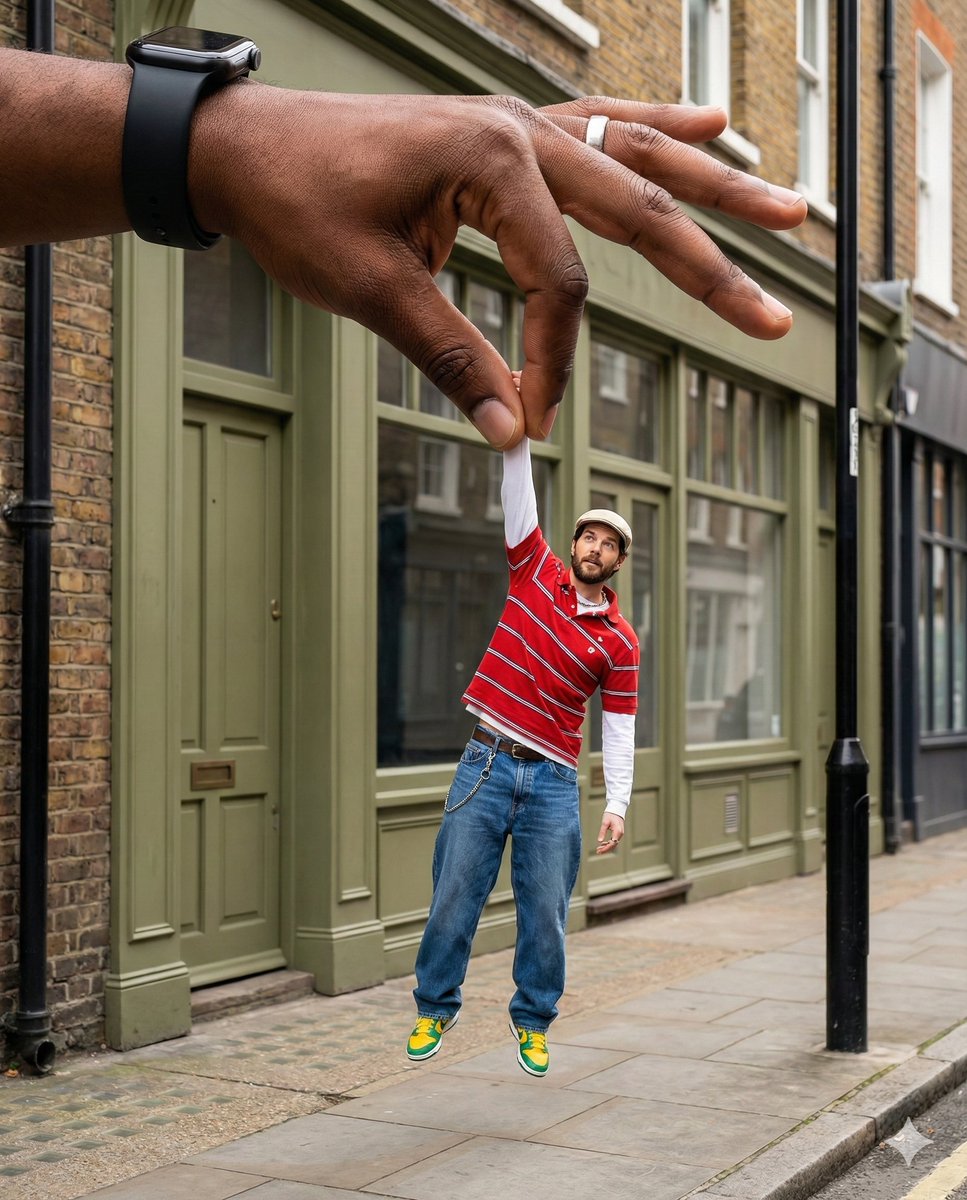
Surreal Forced-Perspective Street Photography with Giant Hand
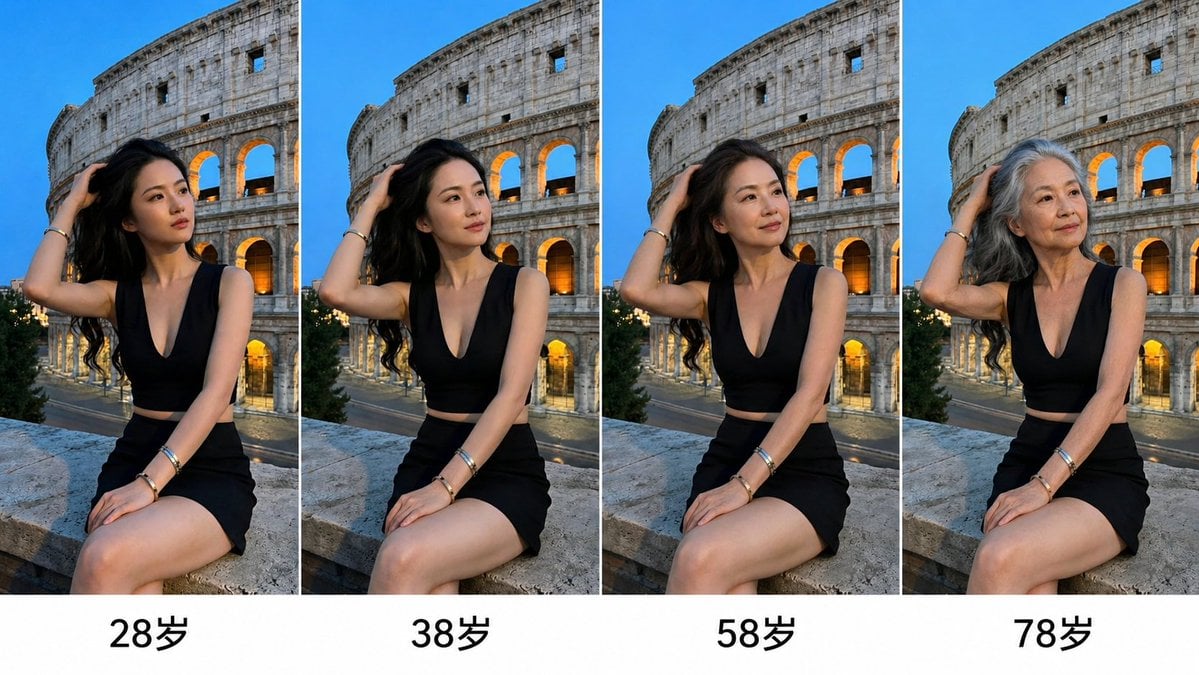
Aging Progression Grid
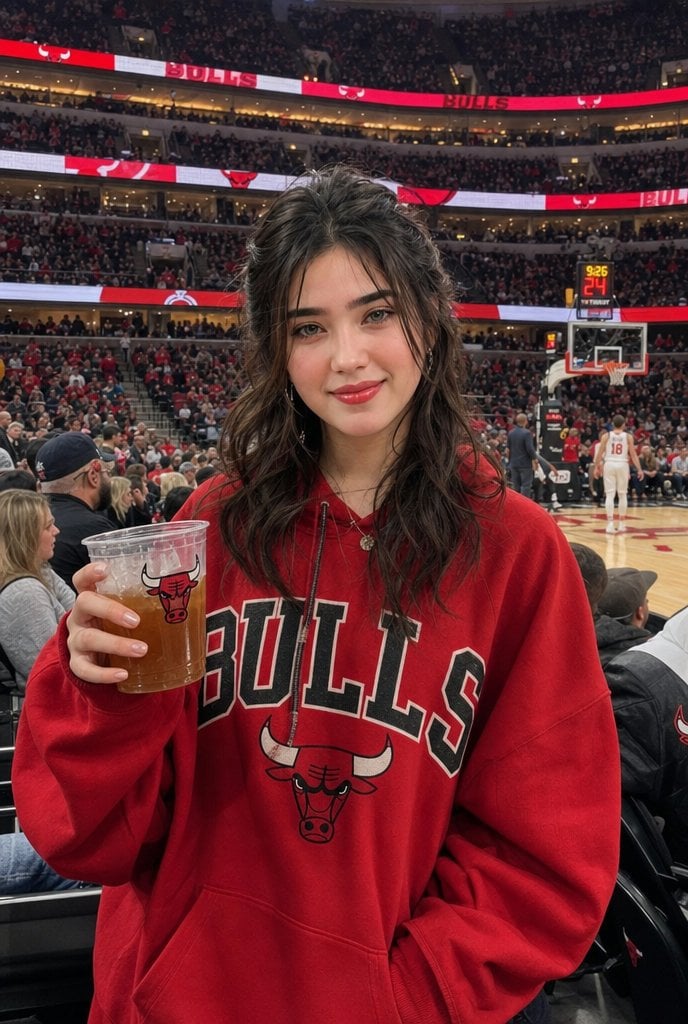
Chicago Bulls Arena Portrait
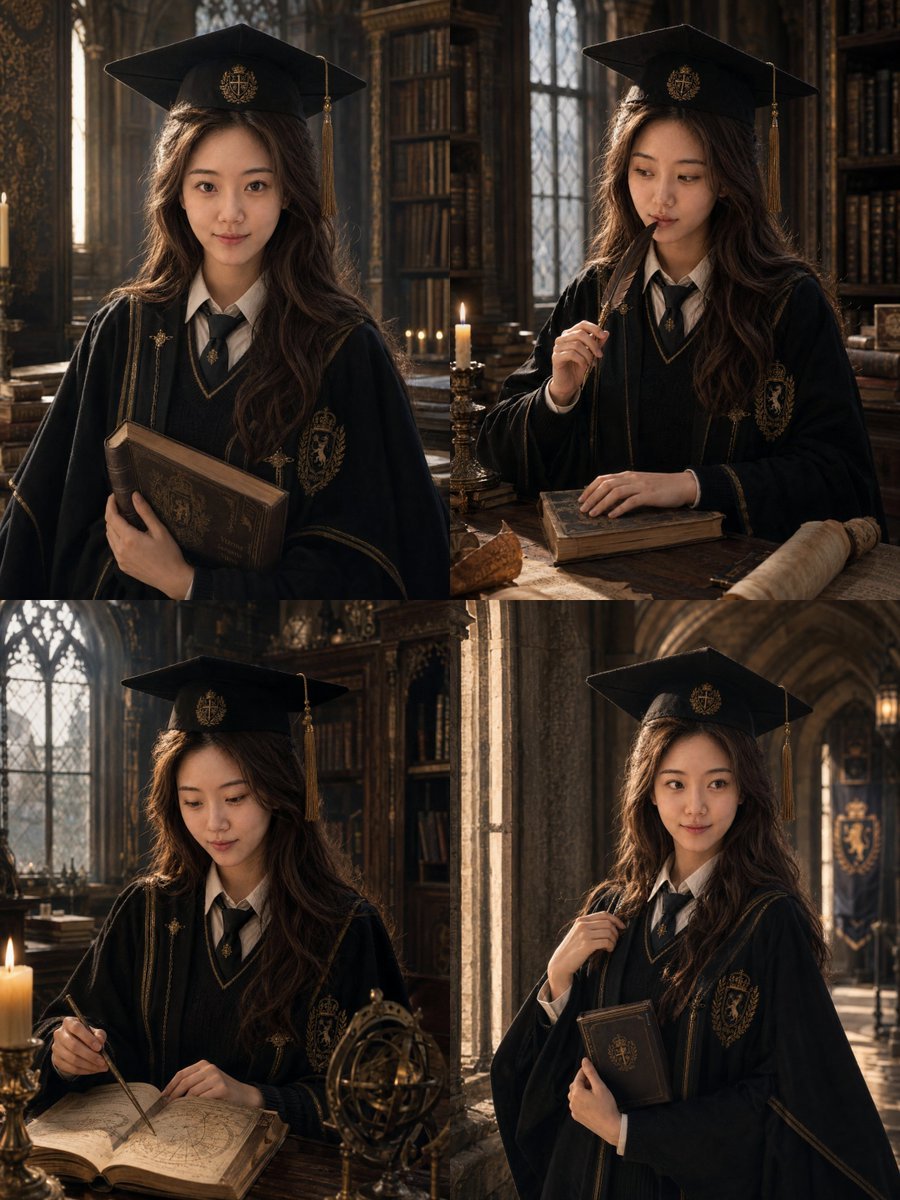
Luxury Magazine Graduation Portraits
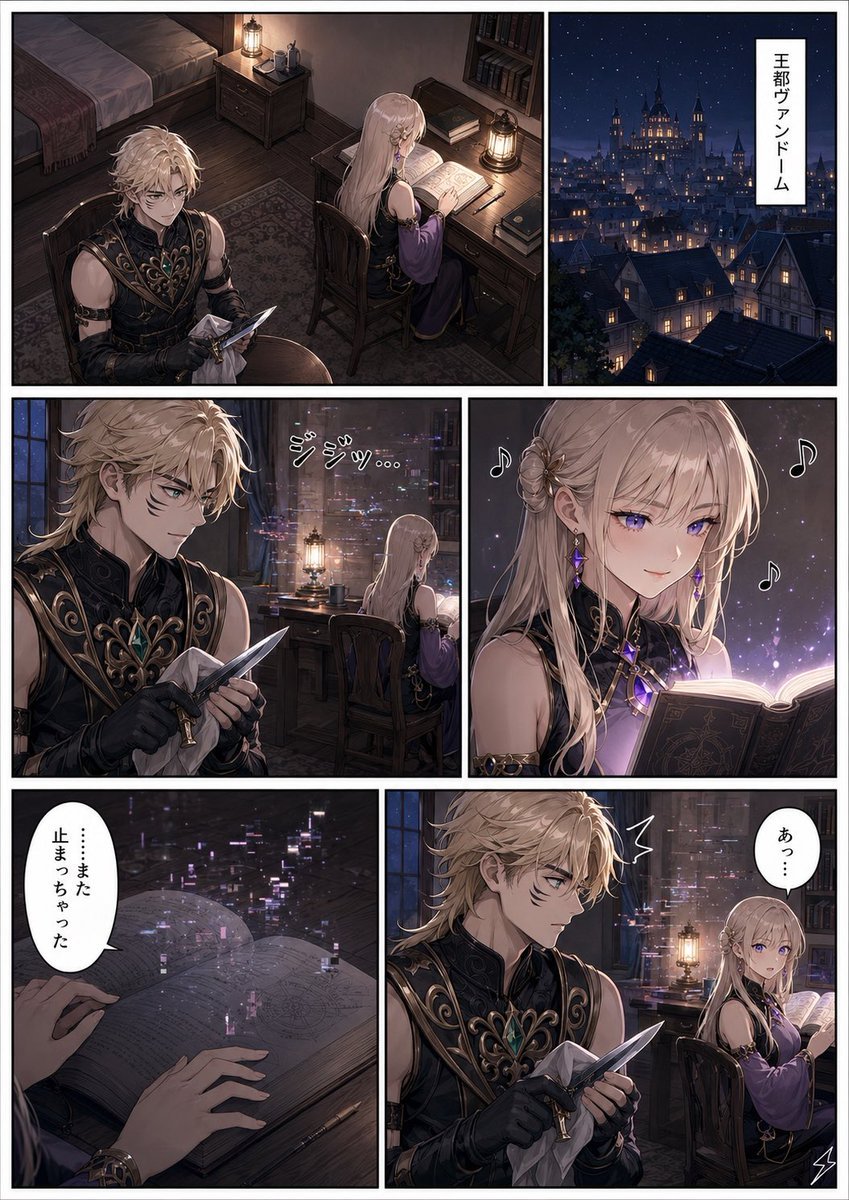
Dark Fantasy Manga Page Generator
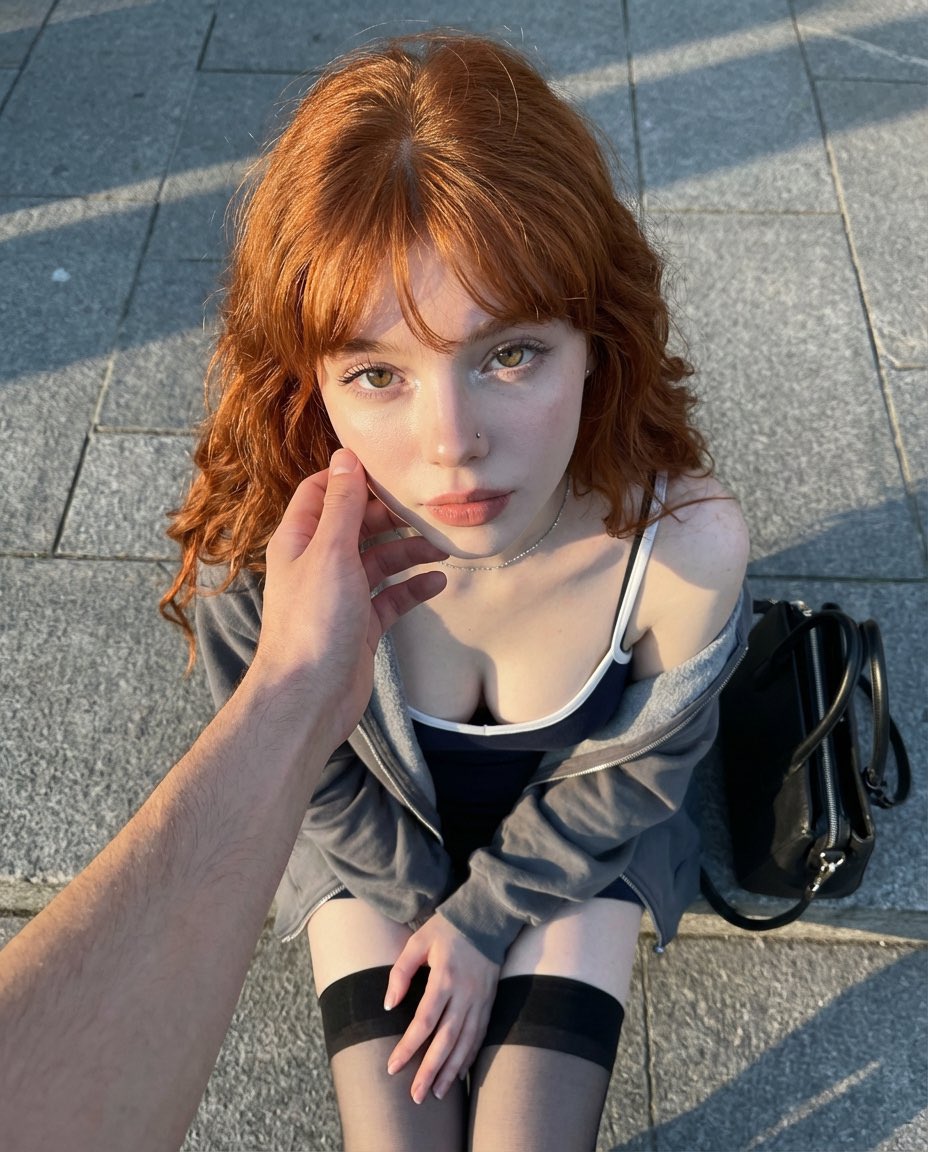
Top-Down Outdoor Portrait at Golden Hour
Browse template categories
AI Hair and Grooming Diagnosis Report questions
How do I use the AI Hair and Grooming Diagnosis Report template?
Add your photo if the template asks for one, edit the prompt if you like — the template's model and format are already selected — and press Generate. Your version opens in PicX Studio.
Can I customize the AI Hair and Grooming Diagnosis Report template?
Yes. You can change the subject, setting, lighting, mood, format, and available model controls before creating your image.
Is the AI Hair and Grooming Diagnosis Report template free?
Opening and editing this template is free. Generating uses credits, shown on the Generate button when you are signed in.
Which AI model should I use?
Start with GPT Image 2, which is the model associated with this template. You can compare another compatible model for a different finish.
Looking for something else? Browse all templates.

Your photo, any look
Thousands of ready templates for every top image and video model, from one credit balance.