
AI Palm Reading Report Poster
Generates a Chinese editorial-style AI palm analysis infographic with a realistic hand, seven labeled palm lines, and five visual report sections.
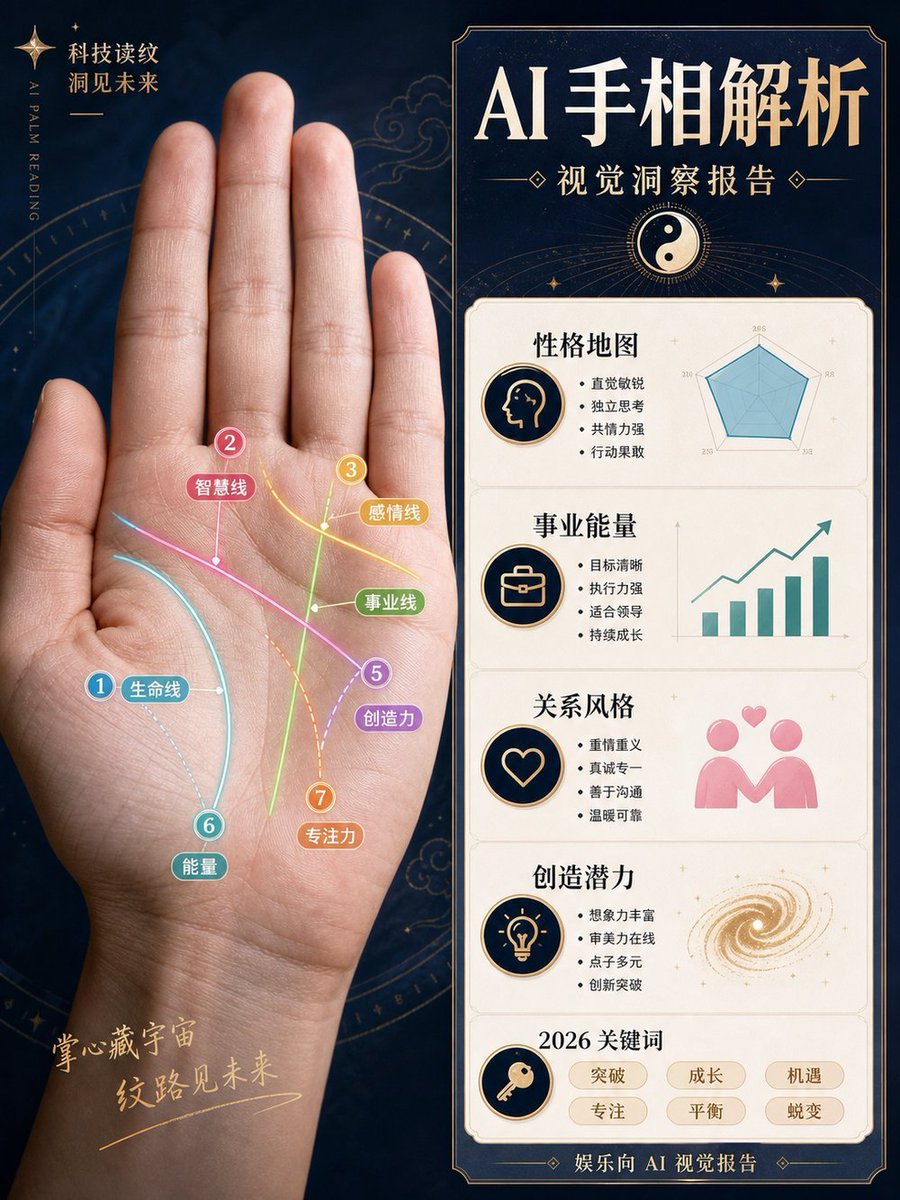
- Prompt included
- Model and format preset
- Free template
The prompt behind this image
Copy the exact prompt behind AI Palm Reading Report Poster, or open it in the studio and make it yours.
{"type":"Chinese magazine-style AI palm reading visual analysis report poster","format":"vertical 3:4 infographic poster","overall_style":"luxury mystic technology aesthetic, dark navy starry background, antique gold borders, clean editorial layout, high-end Chinese magazine typography, realistic photo mixed with flat infographic graphics, not fortune-telling but a visual observation report","main_subject":{"position":"left half","description":"a large realistic open human palm facing forward, wrist visible at bottom, fingers extended upward, softly lit skin texture, centered within a faint golden astrological compass circle","hand_photo":"{argument name="hand photo description" default="realistic left palm photo, open hand, fingers upright, natural skin tone"}"},"left_palm_overlay":{"count":7,"description":"seven colorful annotated palm lines drawn directly on the palm with glowing curved strokes, numbered circular markers, small rounded Chinese labels, thin connector dots","lines":[{"number":1,"label":"生命线","color":"cyan blue","position":"curving around the thumb mound"},{"number":2,"label":"智慧线","color":"pink","position":"diagonal line across the upper palm"},{"number":3,"label":"感情线","color":"yellow","position":"upper right palm near finger bases"},{"number":4,"label":"事业线","color":"green","position":"vertical line rising through the center palm"},{"number":5,"label":"创造力","color":"purple","position":"diagonal line toward lower right palm"},{"number":6,"label":"能量","color":"teal","position":"lower left palm near wrist"},{"number":7,"label":"专注力","color":"orange","position":"dotted vertical curve near lower center palm"}]},"left_background_text":{"top_left":"科技读纹\n洞见未来","vertical_english":"AI PALM READING","bottom_left":"掌心藏宇宙\n纹路见未来"},"right_panel":{"position":"right half","description":"tall bordered report card with dark navy header and cream content panels, gold trim and art deco corners","headline":"{argument name="headline text" default="AI 手相解析"}","subtitle":"{argument name="subtitle text" default="视觉洞察报告"}","header_icon":"yin-yang symbol in a golden circle with radiating lines","sections_count":5,"sections":[{"title":"性格地图","icon":"profile head silhouette in a navy-and-gold circle","text_bullets_count":4,"text_bullets":["直觉敏锐","独立思考","共情力强","行动果敢"],"visual":"teal radar chart with five axes"},{"title":"事业能量","icon":"briefcase in a navy-and-gold circle","text_bullets_count":4,"text_bullets":["目标清晰","执行力强","适合领导","持续成长"],"visual":"teal rising bar chart with upward arrow"},{"title":"关系风格","icon":"heart outline in a navy-and-gold circle","text_bullets_count":4,"text_bullets":["重情重义","真诚专一","善于沟通","温暖可靠"],"visual":"pink two-person relationship icon with floating hearts"},{"title":"创造潜力","icon":"light bulb in a navy-and-gold circle","text_bullets_count":4,"text_bullets":["想象力丰富","审美力在线","点子多元","创新突破"],"visual":"golden spiral galaxy swirl"},{"title":"2026 关键词","icon":"key in a navy-and-gold circle","keywords_count":6,"keywords":["突破","成长","机遇","专注","平衡","蜕变"]}],"footer":"娱乐向 AI 视觉报告"},"color_palette":"deep navy, cream white, antique gold, cyan, pink, yellow, green, purple, orange, teal","typography":"large bold elegant Chinese serif headline, smaller Chinese sans-serif bullet text, decorative gold separators","customization_notes":"Keep all Chinese text sharp and legible, preserve the exact section layout and counts, emphasize the combination of realistic palm photography and polished infographic analysis."}
How to use AI Palm Reading Report Poster in 3 steps
- 1Upload ImagePNG, JPG or paste
Add your photo
Upload the photo the template builds on. The prompt, model and format are already set.
- 2…a portrait of your subject in softgolden-hour light, 85mm…
Personalize
Edit the subject and creative details for your destination.
- 3Generate
Generate
Press Generate — your image is created in PicX Studio, so you can compare it with the original and refine one variable at a time.
More like this
Templates with the same subject, style or setup. Open one to see its prompt.

Japan Travel Brochure Poster

Cartoon TV Show Poster Pack

Trendy Cafe Drink Promo Poster

Urban Fashion Editorial Collage Streetwear Poster

Premium Fashion Editorial Cover Layout System

Polo Ralph Lauren Luxury American Heritage Fashion Campaign

Monochrome Halftone Editorial Fashion Poster

Retro Mirror Luxury Fashion Campaign Poster

Luxury Fashion Campaign Typography Poster System

Premium Fashion Editorial Campaign Poster System

Ultra-Stylized High-Fashion Streetwear Poster

Urban Fashion Editorial Collage Poster
Make it yours
AI Palm Reading Report Poster works as-is. These are the safest ways to change it without losing the look.
Change one field
Copy a single group, rewrite it, and generate again so you can see what that field is doing.
Keep the frame, change the subject
Hold the composition and light of AI Palm Reading Report Poster, then swap wardrobe, props or the person for a new take.
| If the result… | Why | Fix |
|---|---|---|
| The result drifts from the preview | Too many fields changed at once. | Reuse AI Palm Reading Report Poster as-is first, then change one group — subject, light, or setting. |
| The model over-stylizes the scene | The prose prompt leaves finish and camera underspecified. | Add one camera or lighting sentence and stay on GPT Image 2. |
More GPT Image 2 templates
Other prompts made for GPT Image 2.

Six VTuber Japanese Logo Sheet

Realistic Portrait of Woman and Deer

The Vista Modular Condo Poster

AI Model Routing Comparison Infographic

2.5D Anime Art Board

Isometric Productivity Desk Scene

New York Double Exposure Poster

Four-Panel AI Landscape Comparison

Japanese Tatami Lifestyle Magazine Cover

NESCAFÉ Coffee Map Poster
More image prompts
Fresh picks from across the catalog.
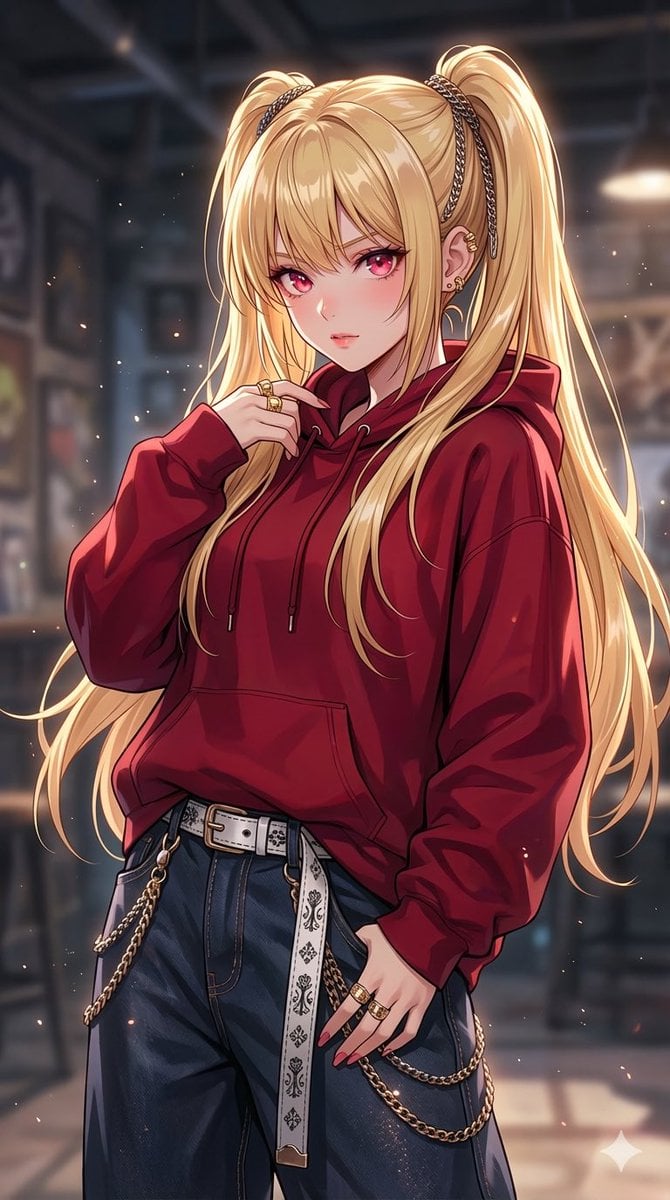
Detailed Texture and Accessory Generation
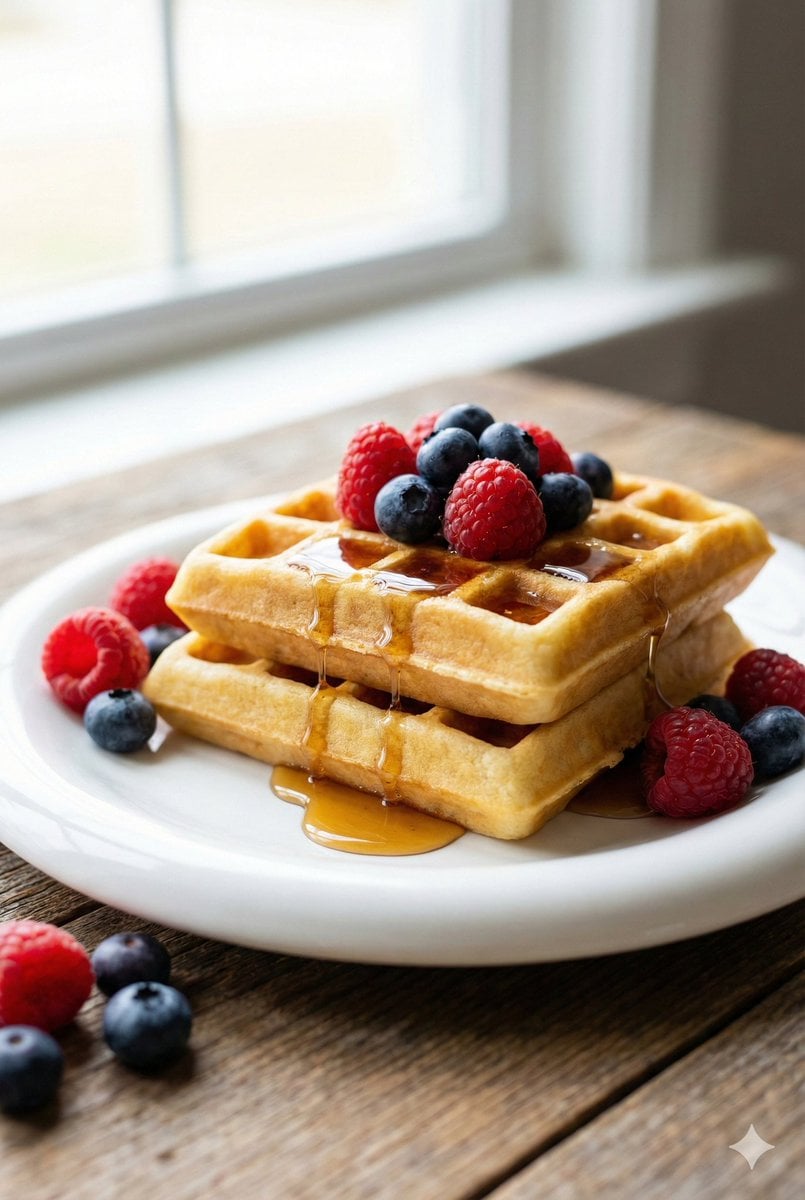
Eye-Level Belgian Waffles Food Photography Prompt
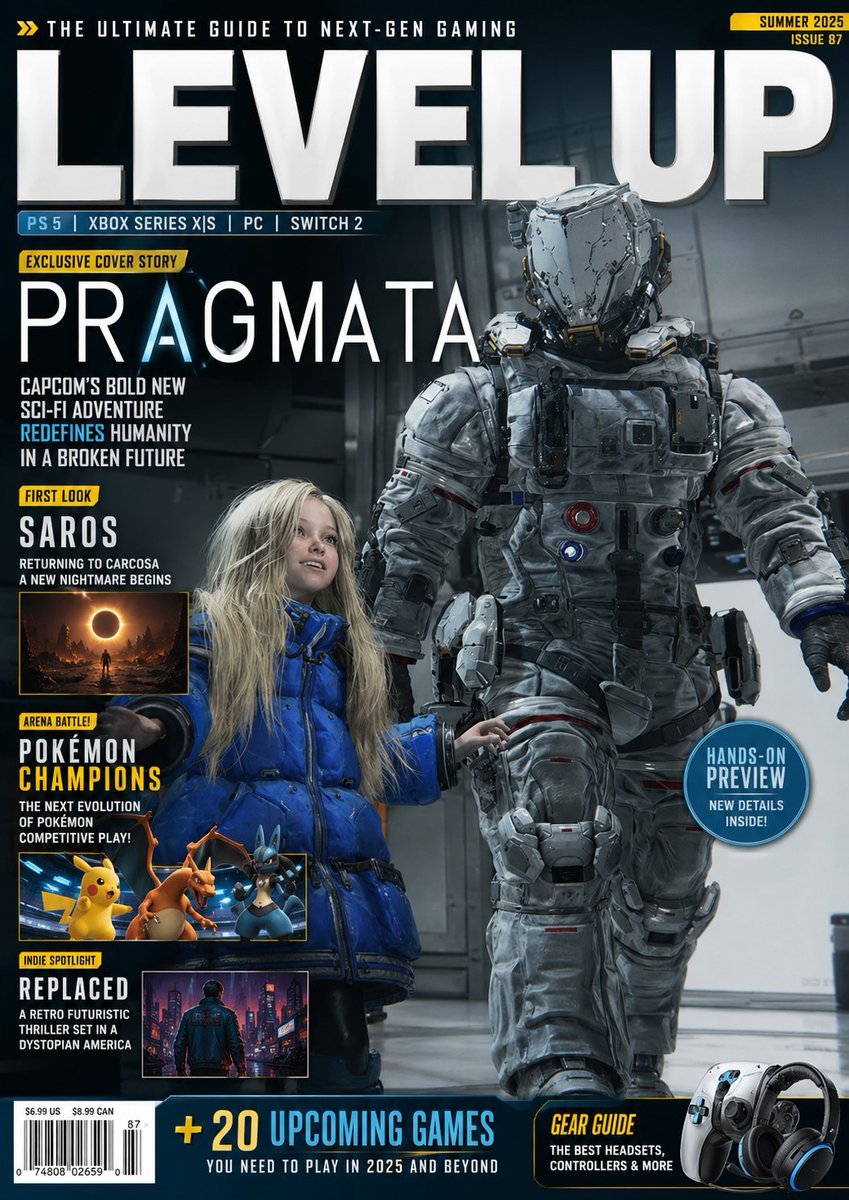
Video Game Magazine Cover
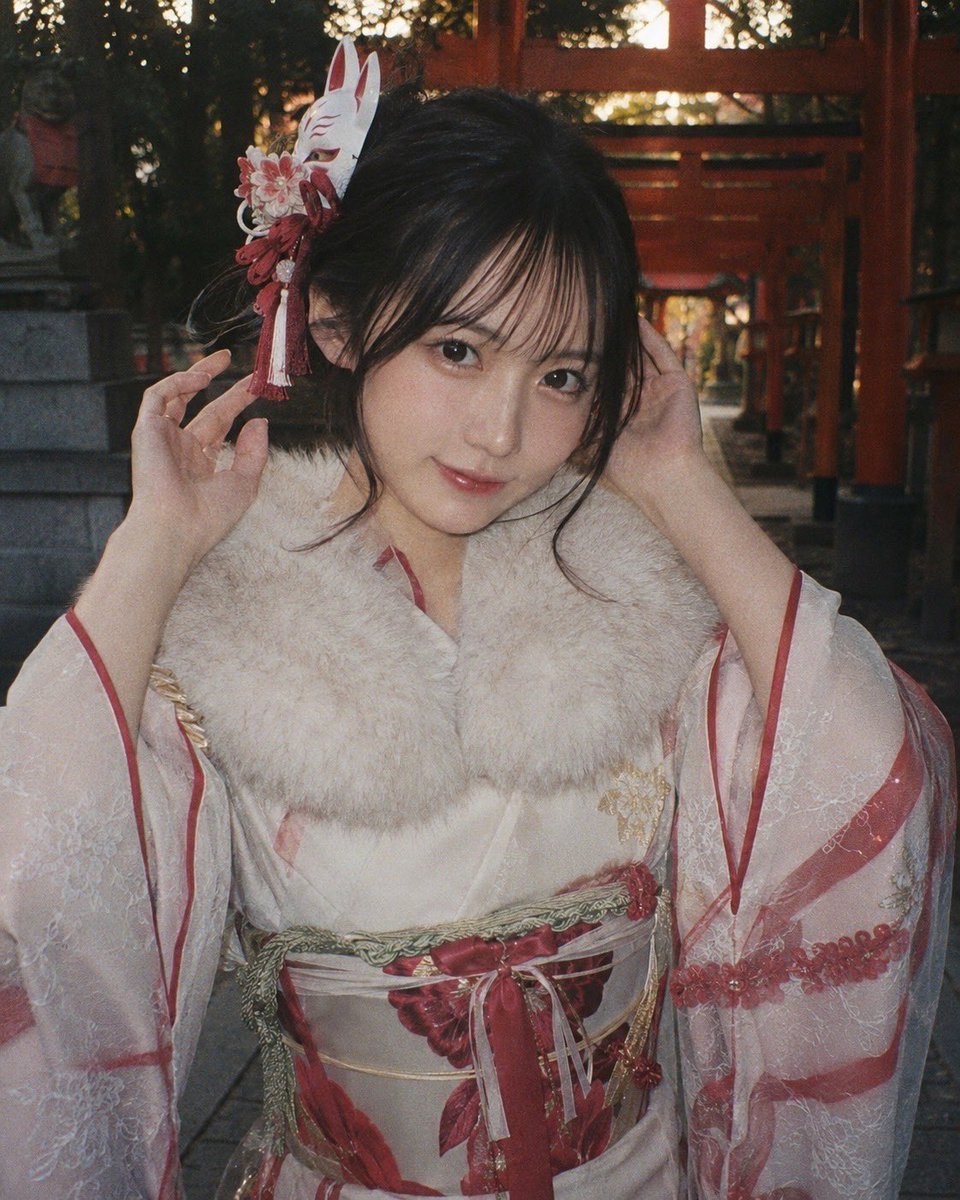
Censored Shrine Kimono Portrait
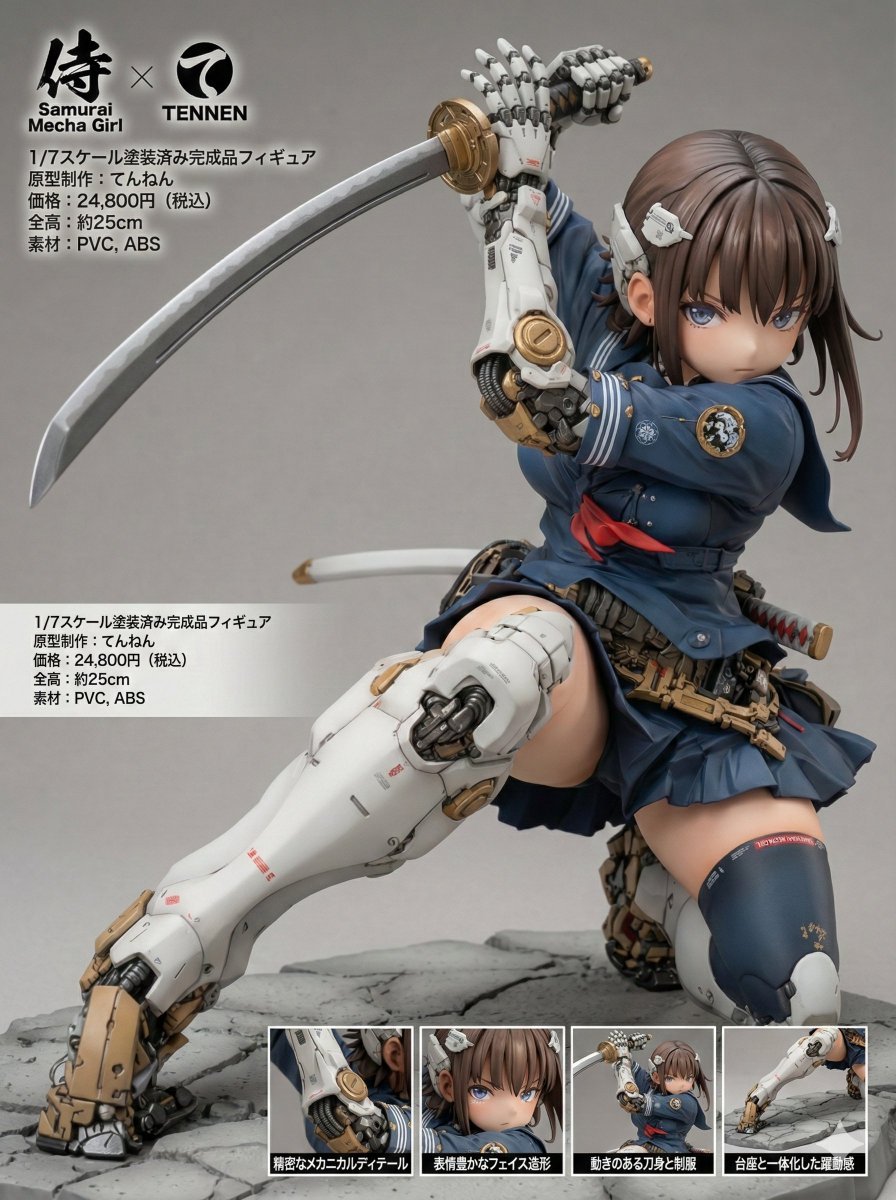
Multi-Language Figure Product Introduction Layout Prompt for Nano Banana Pro
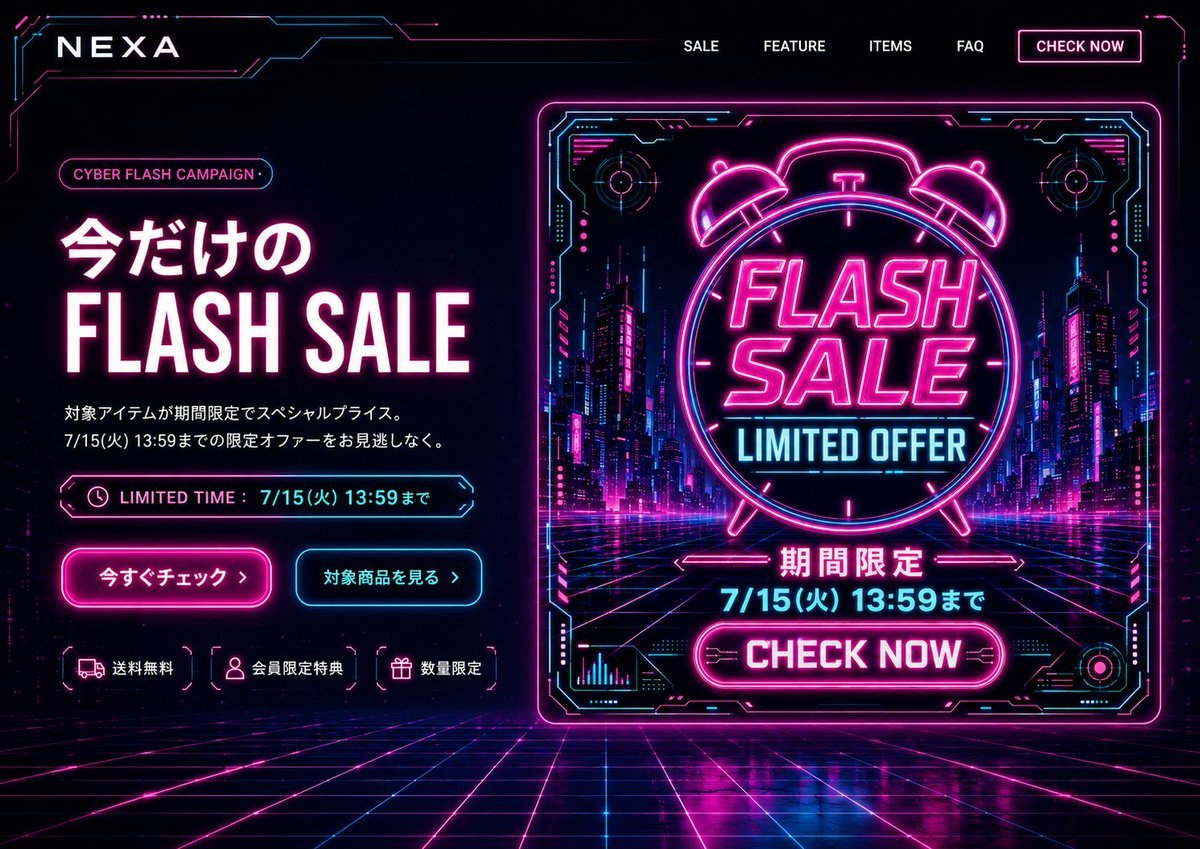
Cyberpunk Flash Sale Landing Hero
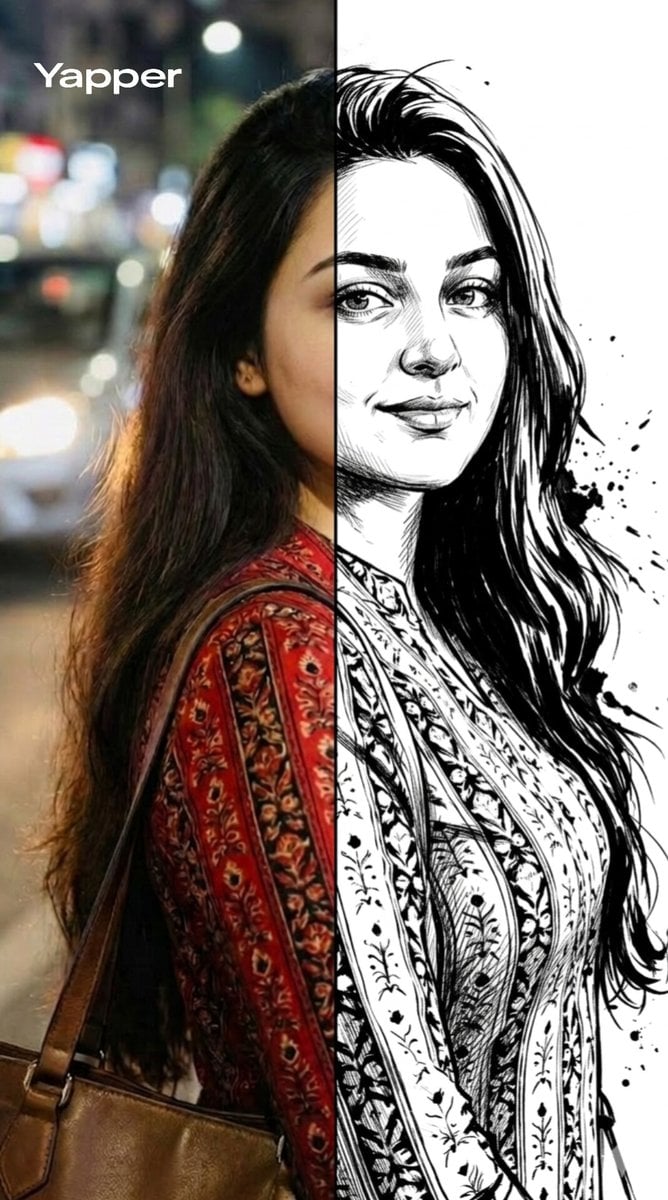
Split-Style Portrait Transformation Prompt for Nano Banana

Two Years Birthday Portrait
Autumn Leaves with Handwritten Japanese Text

Snow Statue of Not Wanting to Leave the Futon
Browse template categories
AI Palm Reading Report Poster questions
How do I use the AI Palm Reading Report Poster template?
Add your photo if the template asks for one, edit the prompt if you like — the template's model and format are already selected — and press Generate. Your version opens in PicX Studio.
Can I customize the AI Palm Reading Report Poster template?
Yes. You can change the subject, setting, lighting, mood, format, and available model controls before creating your image.
Is the AI Palm Reading Report Poster template free?
Opening and editing this template is free. Generating uses credits, shown on the Generate button when you are signed in.
Which AI model should I use?
Start with GPT Image 2, which is the model associated with this template. You can compare another compatible model for a different finish.
Looking for something else? Browse all templates.

Your photo, any look
Thousands of ready templates for every top image and video model, from one credit balance.