
Luxury Facial Harmony Report
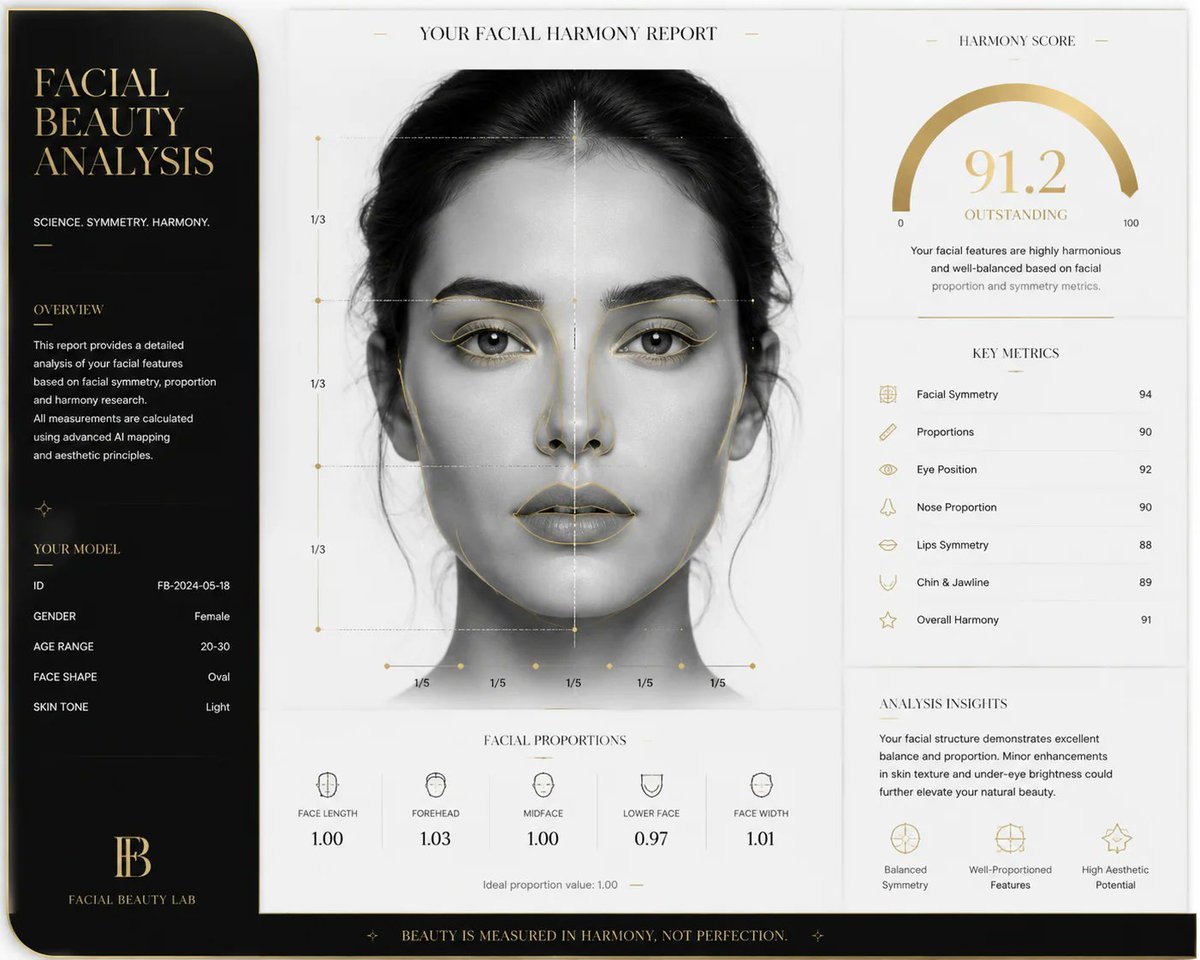
Generates a premium face-symmetry analysis report layout with a grayscale portrait, gold landmark lines, score gauge, and beauty metrics.
- Prompt included
- Model and format preset
- Premium template
The prompt behind this image
Copy the exact prompt behind Luxury Facial Harmony Report, or open it in the studio and make it yours.
Goal: Create a luxury editorial "Facial Beauty Analysis" face-symmetry report for {argument name="subject gender" default="female"}, styled like a premium beauty lab scan with gold measurement landmarks over a grayscale portrait. Canvas: Landscape 4:3 report layout, clean white background with subtle paper texture, thin gold divider lines, black-and-gold luxury branding. Add a tall black rounded-corner sidebar on the left, a large central portrait-analysis area, and a right results column. Layout: Use exactly three main vertical zones. Left sidebar takes about 22% width, center portrait report takes about 48% width, right analytics column takes about 30% width. Add a thin black footer bar across the bottom with gold text. Left sidebar content: Large stacked gold serif title "FACIAL BEAUTY ANALYSIS". Small subtitle "SCIENCE. SYMMETRY. HARMONY.". An "OVERVIEW" section with a short paragraph explaining that the report analyzes facial features based on symmetry, proportion, and harmony research. A "YOUR MODEL" section with exactly 5 rows: ID "FB-2024-05-18", GENDER "Female", AGE RANGE "20-30", FACE SHAPE "Oval", SKIN TONE "Light". At the bottom, place an elegant monogram logo "FB" and the label "FACIAL BEAUTY LAB". Center content: Top heading "YOUR FACIAL HARMONY REPORT". Show a front-facing grayscale portrait of a woman with dark hair pulled back, neutral expression, soft studio lighting, and a high-fashion clinical look. Cover the central facial area with a plain medium-gray rectangular privacy mask while leaving the hair outline, ears, neck, and shoulders visible. Overlay fine gold facial-analysis guide lines around the visible head: a vertical centerline, horizontal thirds labeled exactly 3 times as "1/3", lower neck/shoulder proportion ticks labeled exactly 5 times as "1/5", small gold landmark dots, and delicate dotted measurement rules. Below the portrait, add a "FACIAL PROPORTIONS" section with exactly 5 compact metric cards: FACE LENGTH 1.00, FOREHEAD 1.03, MIDFACE 1.00, LOWER FACE 0.97, FACE WIDTH 1.01. Include the note "Ideal proportion value: 1.00". Right column content: Top card titled "HARMONY SCORE" with a gold semicircle gauge from 0 to 100 and large score {argument name="harmony score" default="91.2"}; below it, show "OUTSTANDING" and a short sentence saying the facial features are highly harmonious and well-balanced. Middle card titled "KEY METRICS" with exactly 7 rows, each with a small gold line icon, label, and score: Facial Symmetry 94, Proportions 90, Eye Position 92, Nose Proportion 90, Lips Symmetry 88, Chin & Jawline 89, Overall Harmony 91. Bottom card titled "ANALYSIS INSIGHTS" with a concise paragraph about excellent balance and proportion, and exactly 3 small icon captions: Balanced Symmetry, Well-Proportioned Features, High Aesthetic Potential. Footer: Full-width black strip with centered gold serif quote "BEAUTY IS MEASURED IN HARMONY, NOT PERFECTION." with small decorative star marks. Visual style: Luxury beauty-tech report, refined serif typography, minimal sans-serif labels, monochrome portrait, metallic gold accents, thin rules, clean margins, editorial medical-aesthetic design. Use {argument name="accent color" default="metallic gold"} for lines, icons, gauge, and headings. Keep text crisp and readable, no extra sections, no watermark.
How to use Luxury Facial Harmony Report in 3 steps
- 1Upload ImagePNG, JPG or paste
Add your photo
Upload the photo the template builds on. The prompt, model and format are already set.
- 2…a portrait of your subject in softgolden-hour light, 85mm…
Personalize
Edit the subject and creative details for your destination.
- 3Generate
Generate
Press Generate — your image is created in PicX Studio, so you can compare it with the original and refine one variable at a time.
More like this
Templates with the same subject, style or setup. Open one to see its prompt.


Make it yours
Luxury Facial Harmony Report works as-is. These are the safest ways to change it without losing the look.
Change one field
Copy a single group, rewrite it, and generate again so you can see what that field is doing.
Keep the frame, change the subject
Hold the composition and light of Luxury Facial Harmony Report, then swap wardrobe, props or the person for a new take.
| If the result… | Why | Fix |
|---|---|---|
| The result drifts from the preview | Too many fields changed at once. | Reuse Luxury Facial Harmony Report as-is first, then change one group — subject, light, or setting. |
| The model over-stylizes the scene | The prose prompt leaves finish and camera underspecified. | Add one camera or lighting sentence and stay on GPT Image 2. |
More GPT Image 2 templates
Other prompts made for GPT Image 2.

Six VTuber Japanese Logo Sheet

Realistic Portrait of Woman and Deer

The Vista Modular Condo Poster

AI Model Routing Comparison Infographic

2.5D Anime Art Board

Isometric Productivity Desk Scene

New York Double Exposure Poster

Four-Panel AI Landscape Comparison

Japanese Tatami Lifestyle Magazine Cover

NESCAFÉ Coffee Map Poster
More image prompts
Fresh picks from across the catalog.
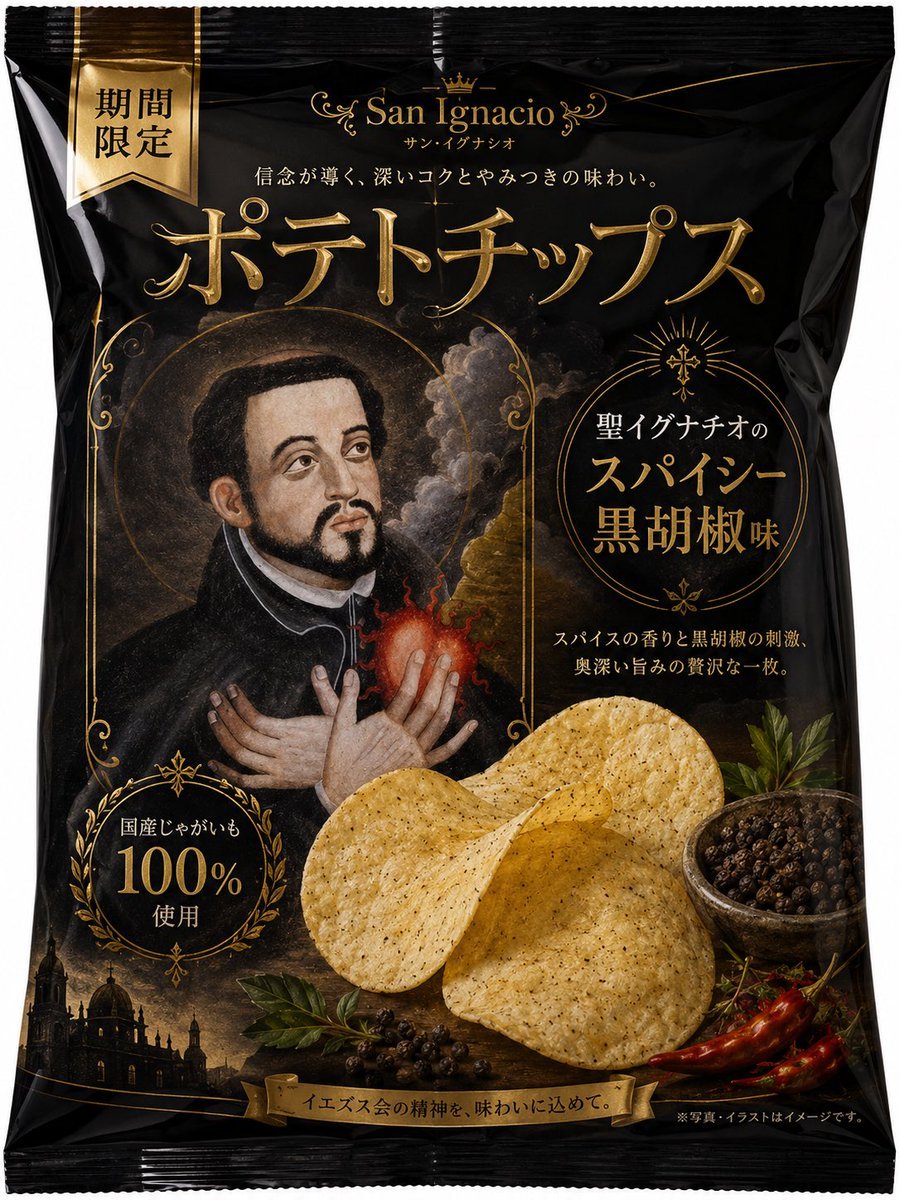
Luxury Saint Potato Chips Package

Minimalist Line Art Travel Poster
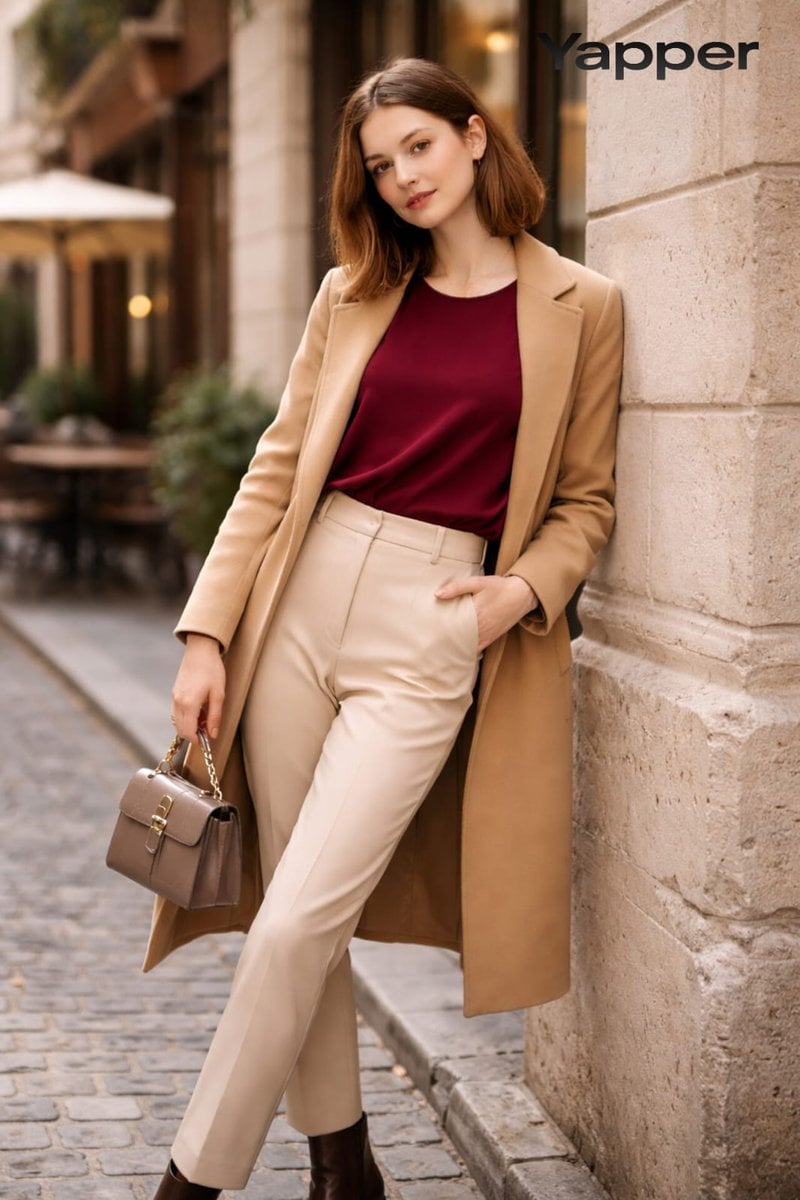
High-Fashion Street Portrait Prompt for Nano Banana Pro
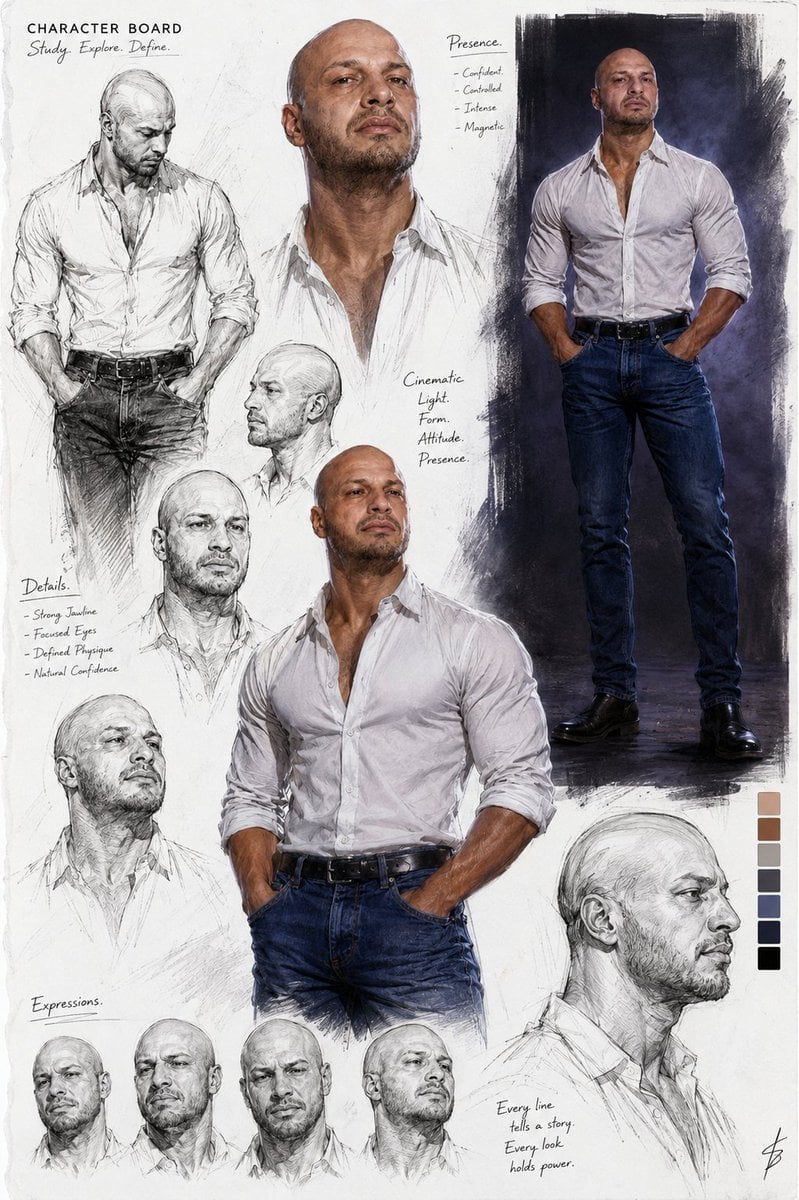
Cinematic Male Character Concept Board
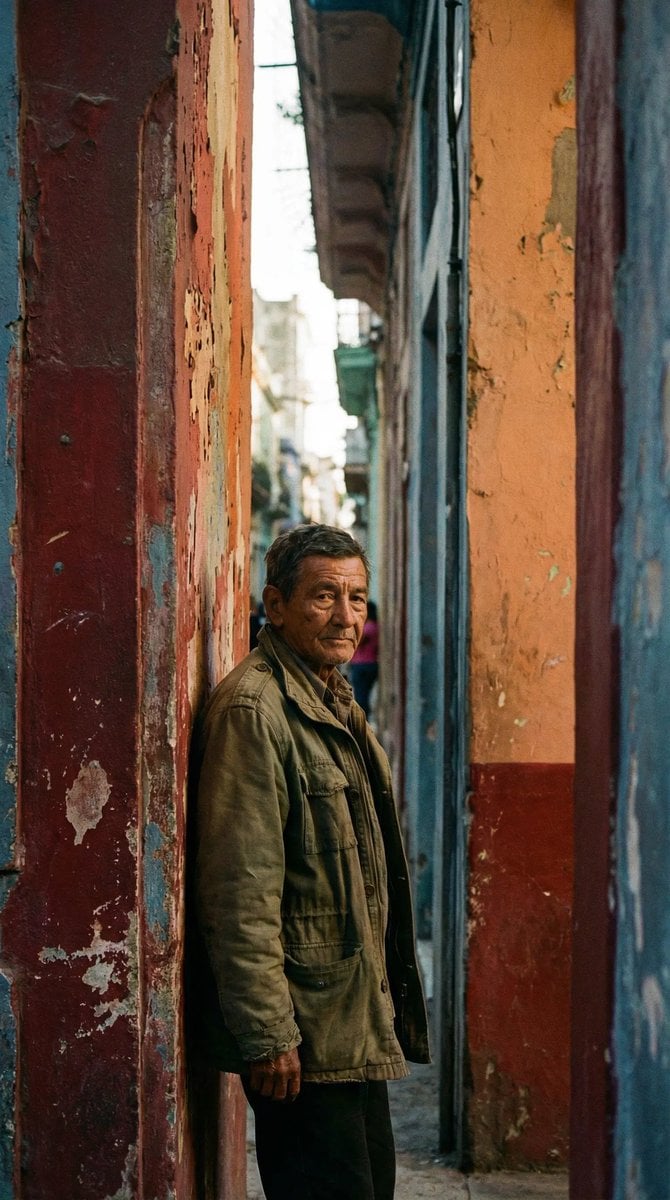
Timeless human-centered street photography
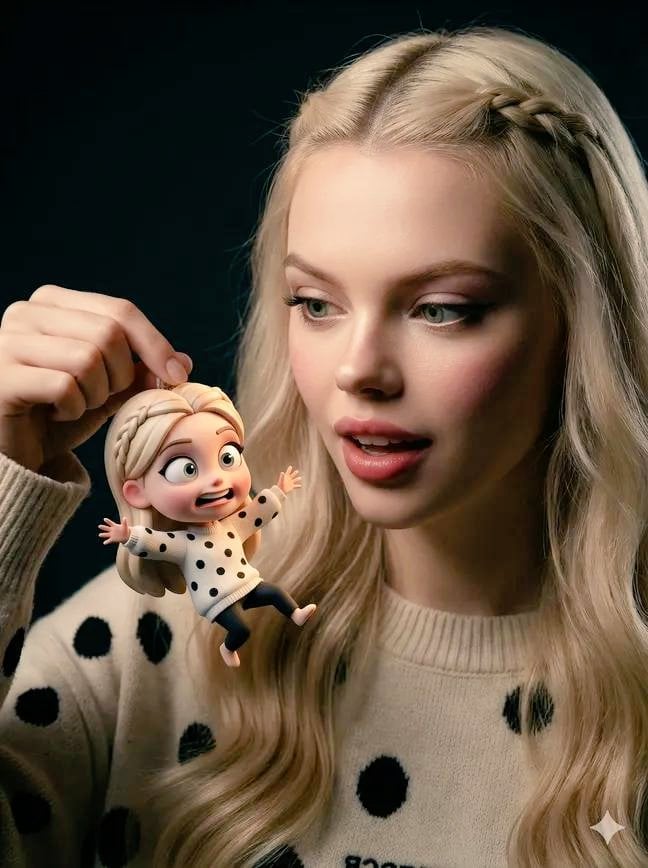
Ultra-Realistic Person Holding Tiny Cartoon Self
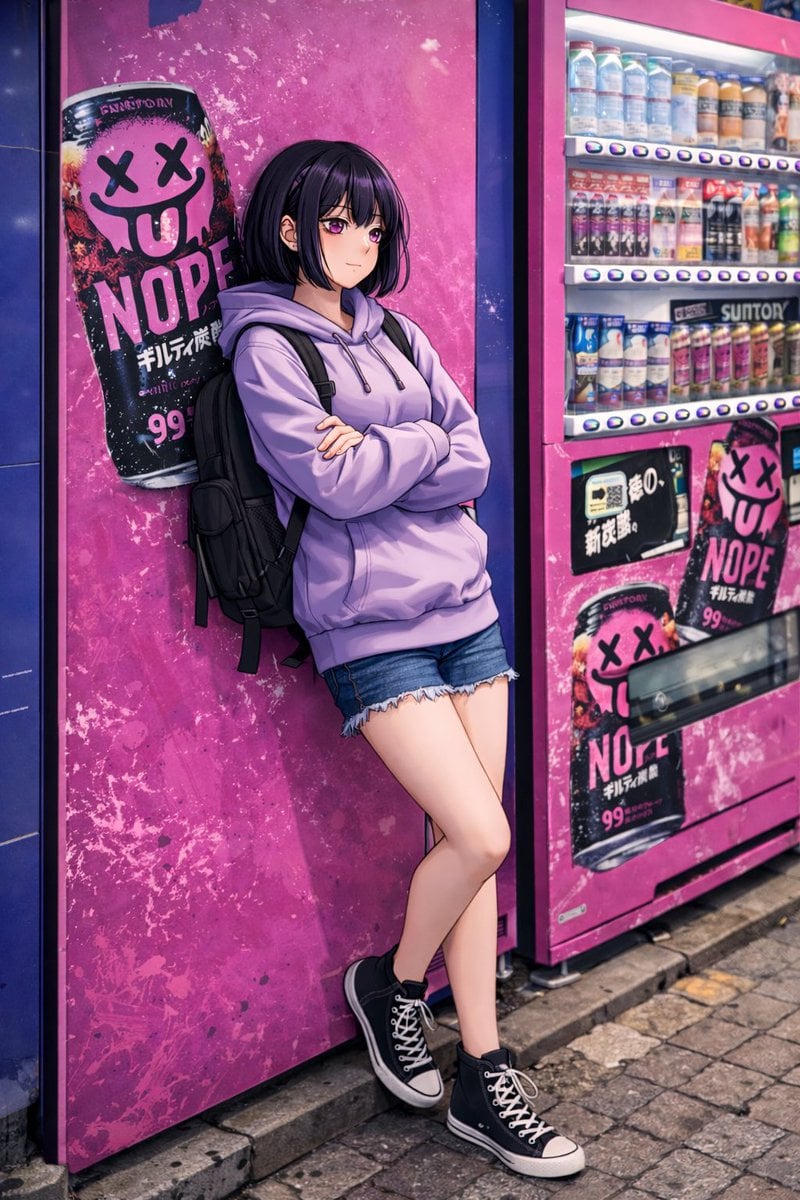
Anime Girl Leaning on Vending Machine
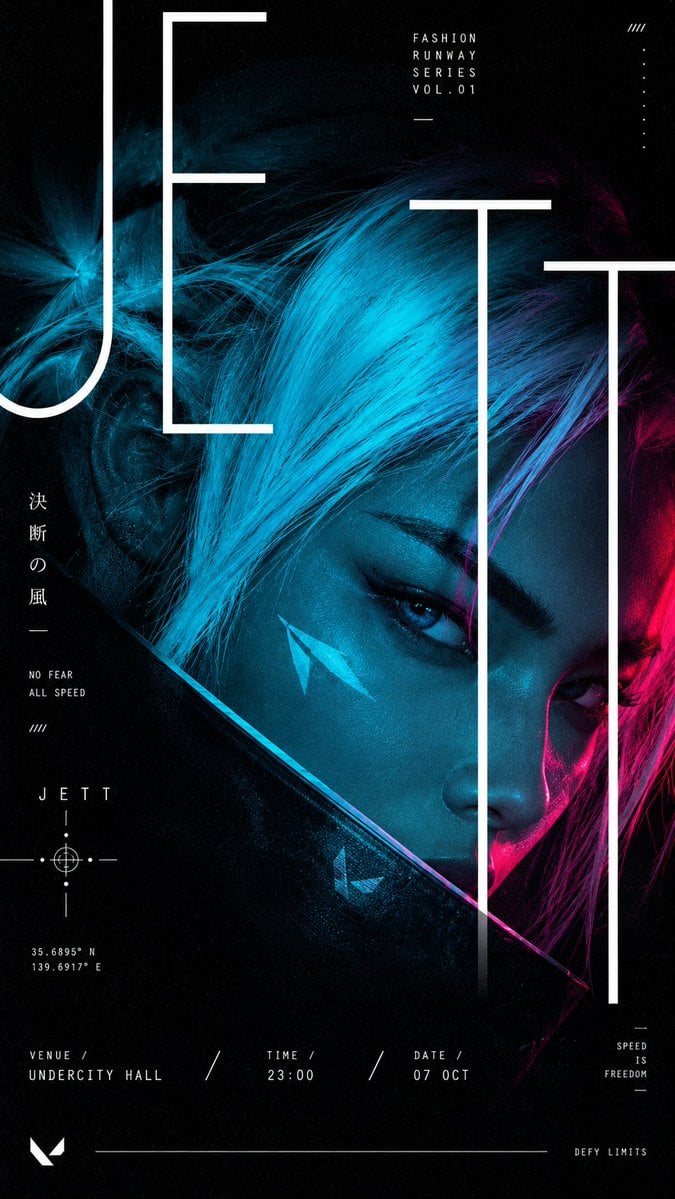
Cyberpunk Runway Fashion Poster

Japanese Shonen Manga Page
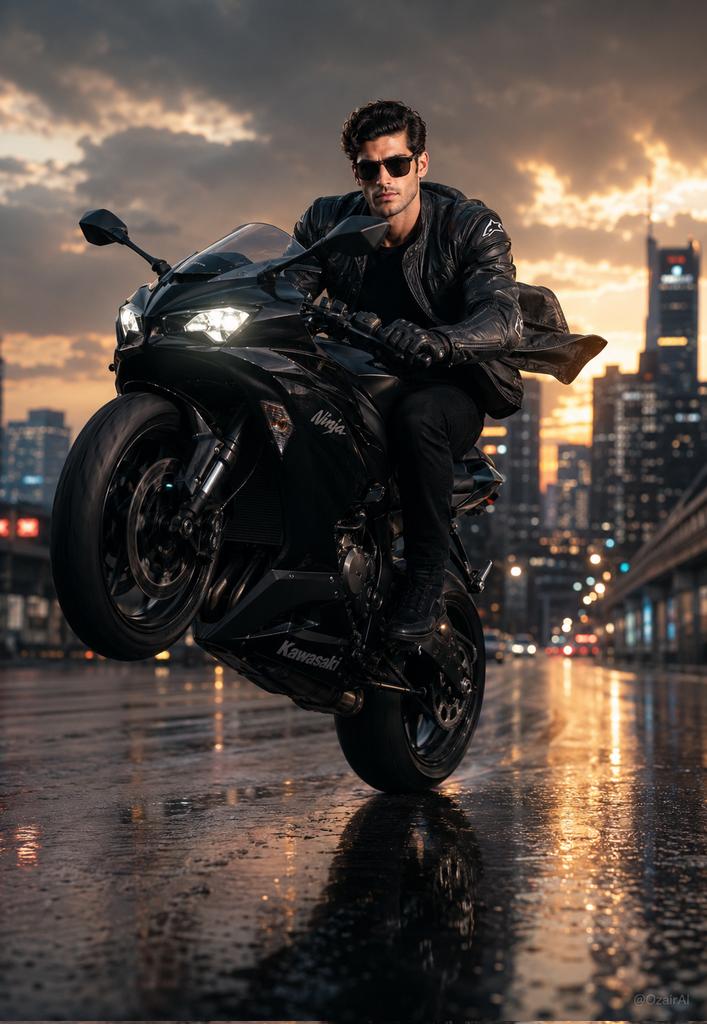
Hyper-Realistic Biker Wheelie Portrait
Browse template categories
Luxury Facial Harmony Report questions
How do I use the Luxury Facial Harmony Report template?
Add your photo if the template asks for one, edit the prompt if you like — the template's model and format are already selected — and press Generate. Your version opens in PicX Studio.
Can I customize the Luxury Facial Harmony Report template?
Yes. You can change the subject, setting, lighting, mood, format, and available model controls before creating your image.
Is the Luxury Facial Harmony Report template free?
Opening and editing this template is free. Generating uses credits, shown on the Generate button when you are signed in.
Which AI model should I use?
Start with GPT Image 2, which is the model associated with this template. You can compare another compatible model for a different finish.
Looking for something else? Browse all templates.

Your photo, any look
Thousands of ready templates for every top image and video model, from one credit balance.