
Personal Style Diagnosis Report
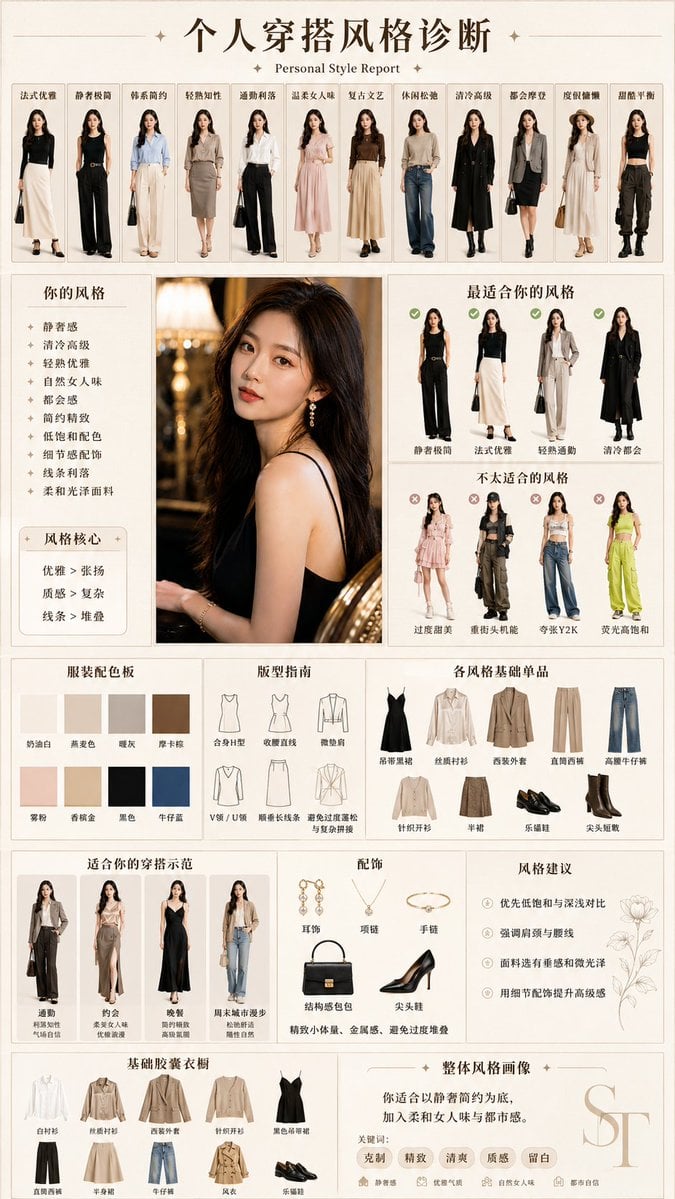
Generates a Chinese editorial fashion consultant report that analyzes a woman’s best styles, colors, silhouettes, capsule wardrobe, accessories, and outfit examples.
- Prompt included
- Model and format preset
- Free template
The prompt behind this image
Copy the exact prompt behind Personal Style Diagnosis Report, or open it in the studio and make it yours.
- Type
- personal fashion style diagnosis report poster
- Language
- Chinese text with small English subtitle
- Format
- vertical A4 infographic, elegant beige fashion magazine layout, thin grid lines, cream background, dark brown typography, refined minimalist luxury aesthetic
- Headline
- {argument name="headline text" default="个人穿搭风格诊断"}
- Subtitle
- Personal Style Report
- Subject › Source
- one central portrait photo of a woman, face softly blurred or anonymized, warm indoor lighting, black sleeveless top, long dark wavy hair
- Subject › Portrait Position
- large center-left photo panel
- Layout › Top Gallery › Position
- top row
- Layout › Top Gallery › Count
- 11
- Layout › Top Gallery › Title
- style inspiration strip
- Layout › Top Gallery › Labels
- 法式优雅, 静奢极简, 韩系简约, 轻熟知性, 通勤利落, 温柔女人味, 复古文艺, 休闲松弛, 清冷高级, 都会摩登, 甜酷平衡
- Layout › Top Gallery › Content
- eleven full-body outfit illustrations of the same woman in different elegant looks, each inside a narrow card
- Layout › Left Diagnosis Panel › Position
- left middle
- Layout › Left Diagnosis Panel › Title
- 你的风格
- Layout › Left Diagnosis Panel › Count
- 9
- Layout › Left Diagnosis Panel › Items
- 静奢感, 清冷高级, 轻熟优雅, 自然女人味, 都会感, 简约精致, 低饱和配色, 细节感配饰, 线条利落
- Layout › Left Diagnosis Panel › Style Core Box › Title
- 风格核心
- Layout › Left Diagnosis Panel › Style Core Box › Count
- 3
- Layout › Left Diagnosis Panel › Style Core Box › Items
- 优雅 > 张扬, 质感 > 复杂, 线条 > 堆叠
- Layout › Best Styles Panel › Position
- upper right
- Layout › Best Styles Panel › Title
- 最适合你的风格
- Layout › Best Styles Panel › Count
- 4
- Layout › Best Styles Panel › Labels
- 静奢极简, 法式优雅, 轻熟通勤, 清冷都会
- Layout › Best Styles Panel › Marking
- green check icons above each outfit
Raw JSON
{"type":"personal fashion style diagnosis report poster","language":"Chinese text with small English subtitle","format":"vertical A4 infographic, elegant beige fashion magazine layout, thin grid lines, cream background, dark brown typography, refined minimalist luxury aesthetic","headline":"{argument name=\"headline text\" default=\"个人穿搭风格诊断\"}","subtitle":"Personal Style Report","subject":{"source":"one central portrait photo of a woman, face softly blurred or anonymized, warm indoor lighting, black sleeveless top, long dark wavy hair","portrait position":"large center-left photo panel"},"layout":{"top gallery":{"position":"top row","count":11,"title":"style inspiration strip","labels":["法式优雅","静奢极简","韩系简约","轻熟知性","通勤利落","温柔女人味","复古文艺","休闲松弛","清冷高级","都会摩登","甜酷平衡"],"content":"eleven full-body outfit illustrations of the same woman in different elegant looks, each inside a narrow card"},"left diagnosis panel":{"position":"left middle","title":"你的风格","count":9,"items":["静奢感","清冷高级","轻熟优雅","自然女人味","都会感","简约精致","低饱和配色","细节感配饰","线条利落"],"style core box":{"title":"风格核心","count":3,"items":["优雅 > 张扬","质感 > 复杂","线条 > 堆叠"]}},"best styles panel":{"position":"upper right","title":"最适合你的风格","count":4,"labels":["静奢极简","法式优雅","轻熟通勤","清冷都会"],"marking":"green check icons above each outfit"},"unsuitable styles panel":{"position":"right middle","title":"不太适合的风格","count":4,"labels":["过度甜美","重街头机能","夸张Y2K","荧光高饱和"],"marking":"red cross icons above each outfit"},"color palette":{"position":"lower left middle","title":"服装配色板","count":8,"swatches":["奶油白","燕麦色","暖灰","摩卡棕","雾粉","香槟金","黑色","牛仔蓝"]},"silhouette guide":{"position":"lower middle","title":"版型指南","count":6,"labels":["合身显型","收腰直线","微垫肩","V领 / U领","顺垂长线条","避免过度蓬松与复杂拼接"],"visuals":"simple thin-line clothing diagrams"},"basic items panel":{"position":"lower right middle","title":"各风格基础单品","count":8,"labels":["吊带黑裙","丝质衬衫","西装外套","直筒西裤","针织开衫","半裙","乐福鞋","尖头短靴"]},"outfit examples":{"position":"lower left wide row","title":"适合你的穿搭示范","count":4,"labels":["通勤","约会","晚餐","周末城市漫步"],"content":"four full-body outfit demonstration cards"},"accessories panel":{"position":"lower center","title":"配饰","count":6,"labels":["耳饰","项链","手链","结构感包包","尖头鞋","精致小体量、金属感、避免过度堆叠"]},"style advice panel":{"position":"lower right","title":"风格建议","count":4,"items":["优先低饱和与深浅对比","强调肩颈与腰线","面料选择垂感和微光泽","用细节配饰提升高级感"],"decoration":"delicate floral line drawing"},"capsule wardrobe":{"position":"bottom left","title":"基础胶囊衣橱","count":10,"labels":["白衬衫","丝质衬衫","西装外套","针织开衫","黑色吊带裙","直筒西裤","半身裙","牛仔裤","风衣","乐福鞋"]},"overall portrait":{"position":"bottom right","title":"整体风格画像","text":"你适合以静奢简约为底,加入柔和女人味与都市感。","keywords":{"count":5,"labels":["克制","精致","清爽","质感","留白"]},"monogram":"large translucent ST letters"}},"fashion direction":{"body type and vibe":"{argument name=\"style personality\" default=\"quiet luxury, elegant, clean, feminine, urban\"}","recommended palette":"{argument name=\"recommended colors\" default=\"cream white, oatmeal, warm gray, mocha brown, misty pink, champagne gold, black, denim blue\"}","recommended wardrobe":"{argument name=\"wardrobe staples\" default=\"silk blouse, tailored blazer, straight trousers, black slip dress, cardigan, midi skirt, loafers, pointed ankle boots\"}"},"rendering style":"photorealistic fashion cutout figures combined with clean editorial infographic design, soft shadows, high-end consultant report, precise Chinese typography, balanced spacing, no clutter, premium Xiaohongshu-style fashion analysis template"}How to use Personal Style Diagnosis Report in 3 steps
- 1Upload ImagePNG, JPG or paste
Add your photo
Upload the photo the template builds on. The prompt, model and format are already set.
- 2…a portrait of your subject in softgolden-hour light, 85mm…
Personalize
Edit the subject and creative details for your destination.
- 3Generate
Generate
Press Generate — your image is created in PicX Studio, so you can compare it with the original and refine one variable at a time.
More like this
Templates with the same subject, style or setup. Open one to see its prompt.
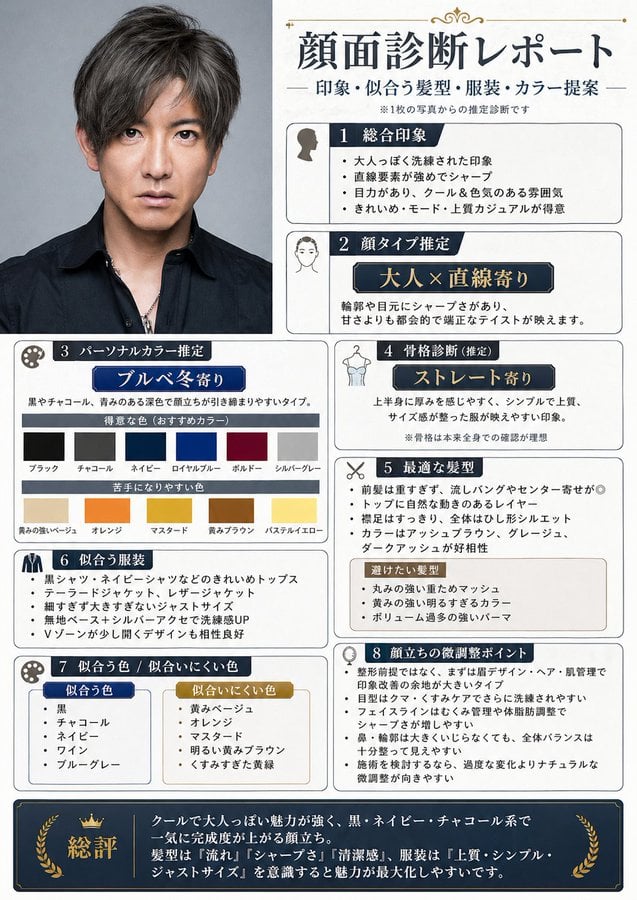
Japanese Face Diagnosis Report
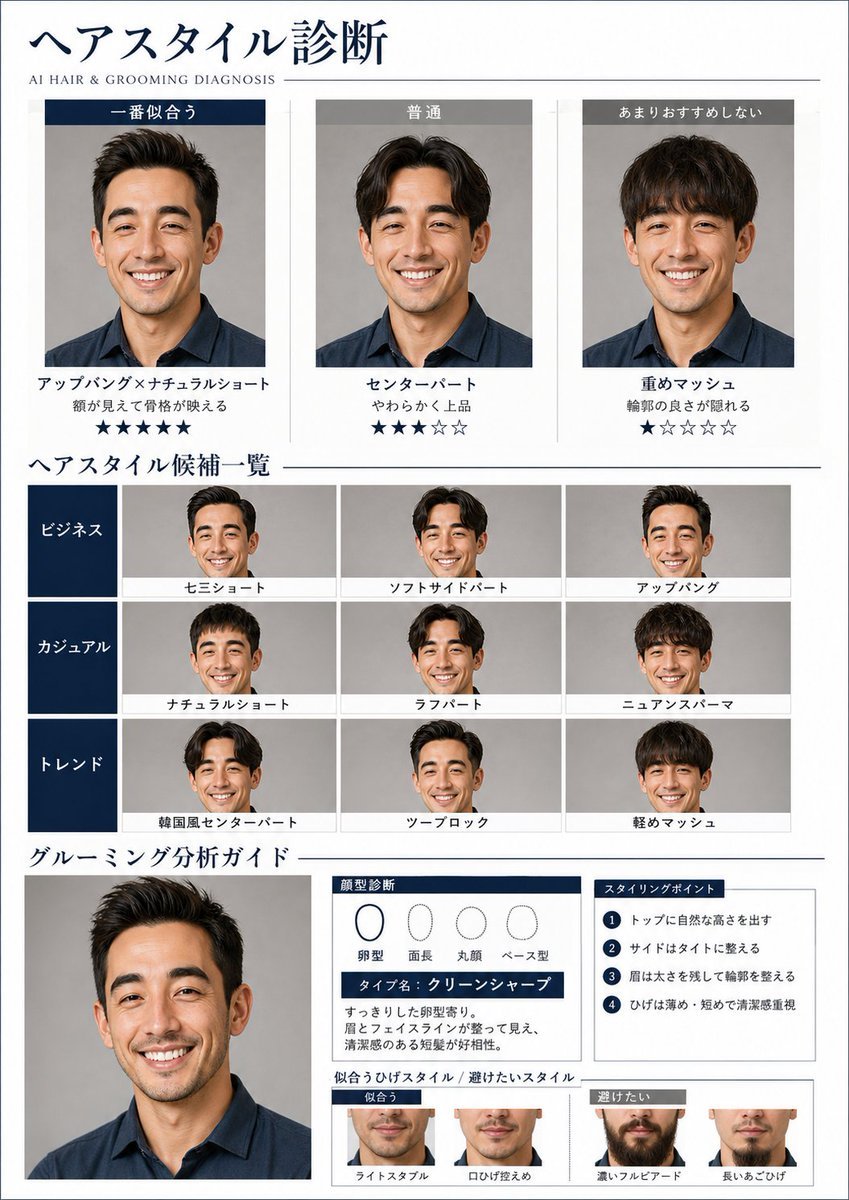
AI Hair and Grooming Diagnosis Report
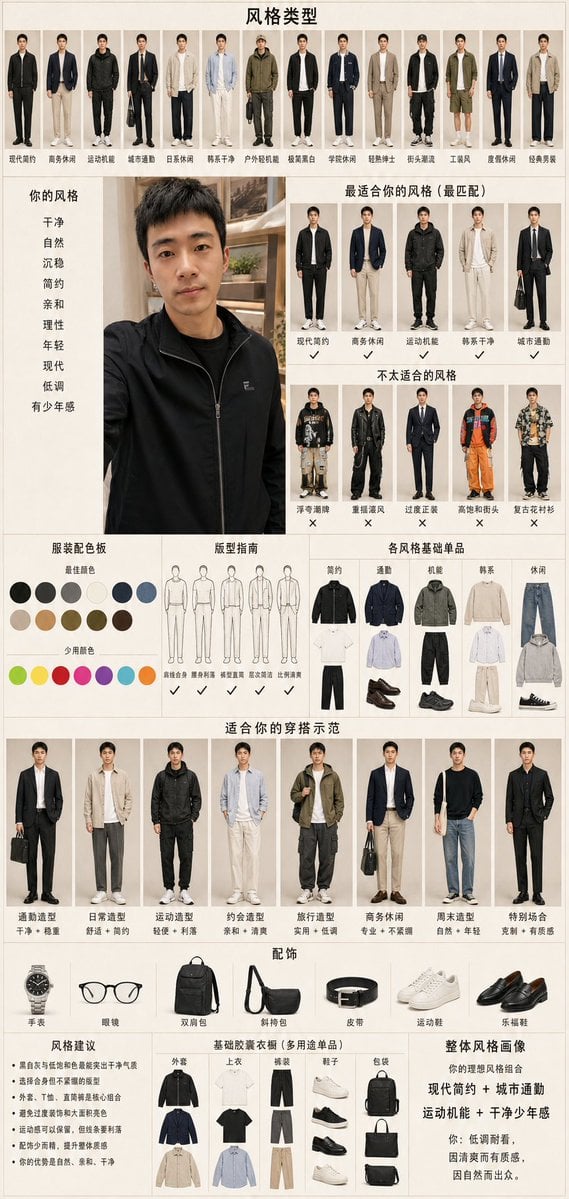
Men's Fashion Style Diagnosis Report
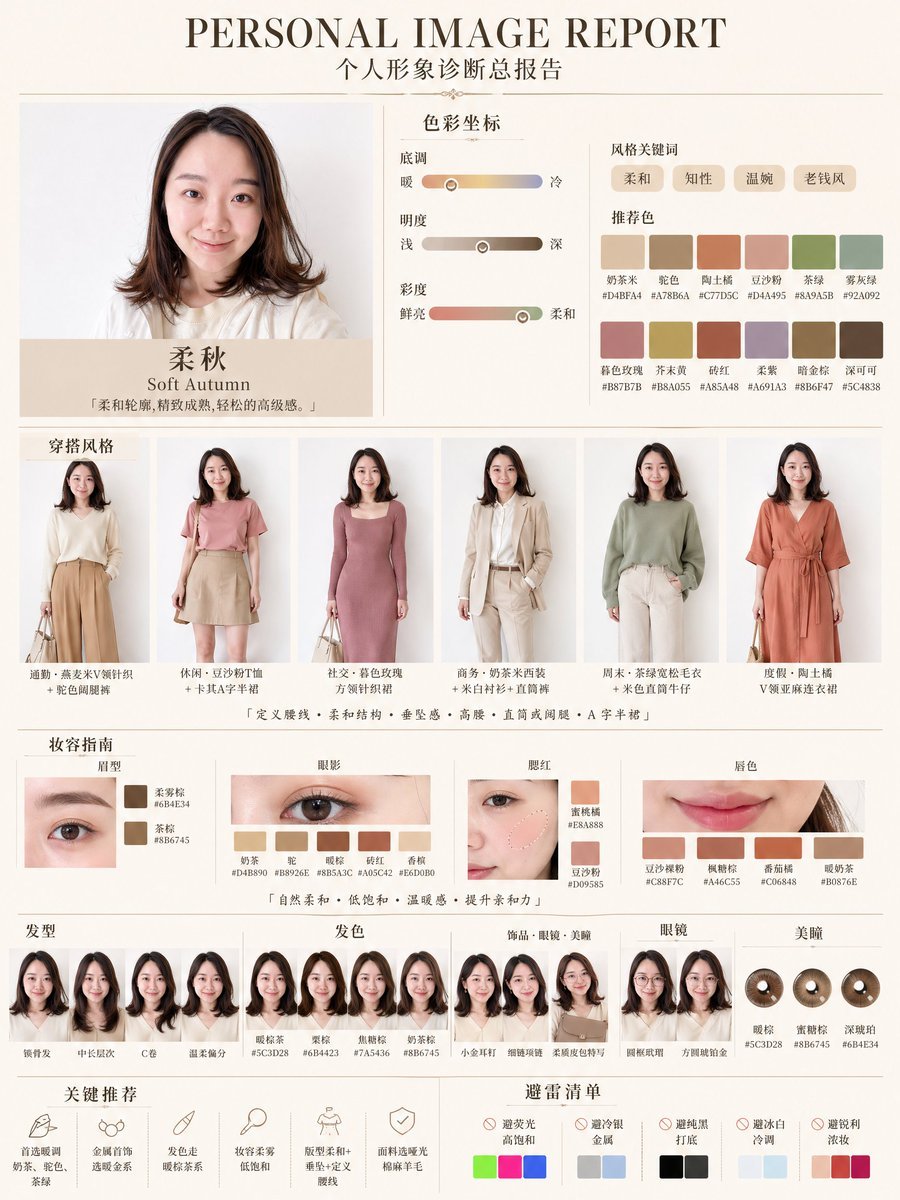
Soft Autumn Personal Image Report
Gambling Aptitude Research Report
Extreme Weather TV Reporter System
Pastel Sweets Fairy Diagnosis Card
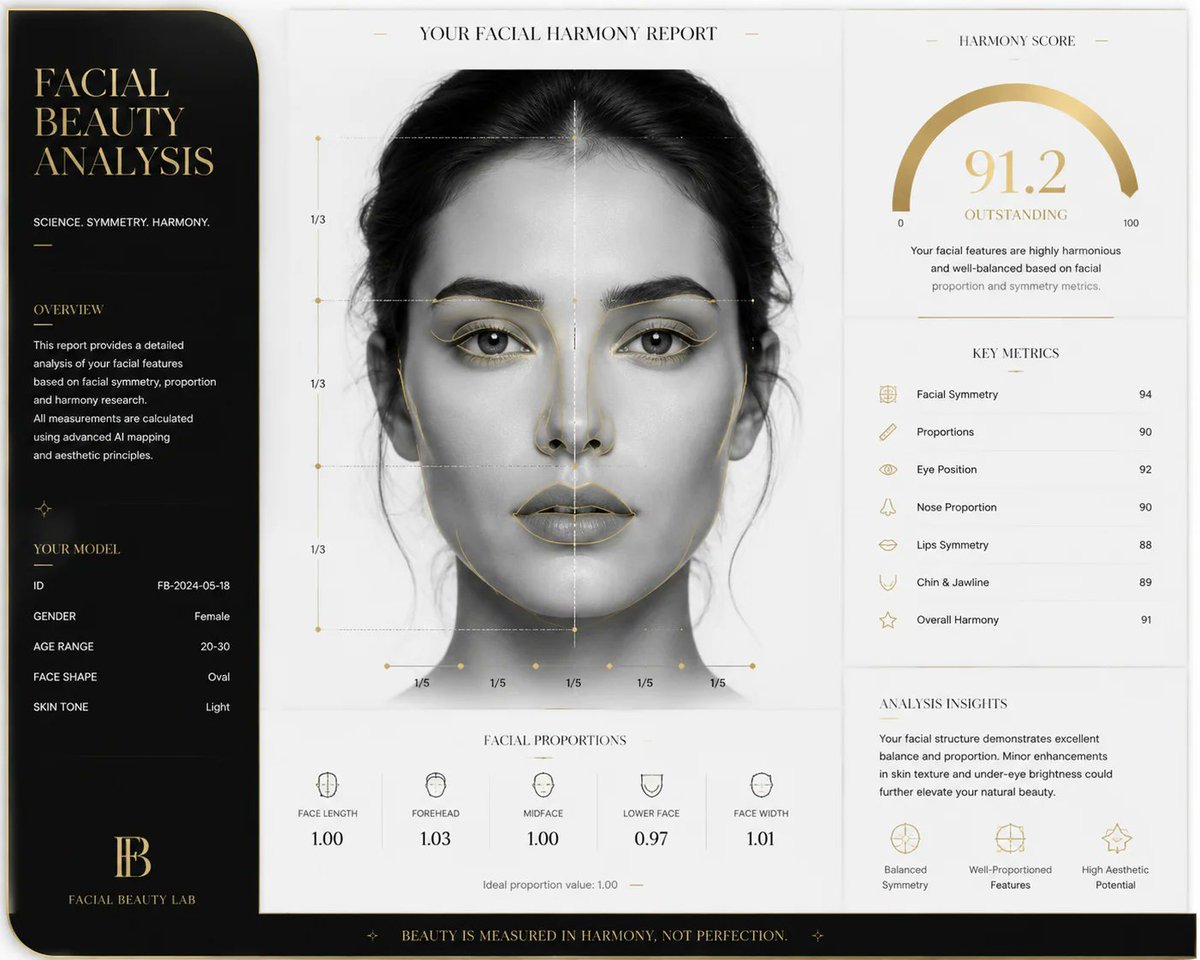
Luxury Facial Harmony Report
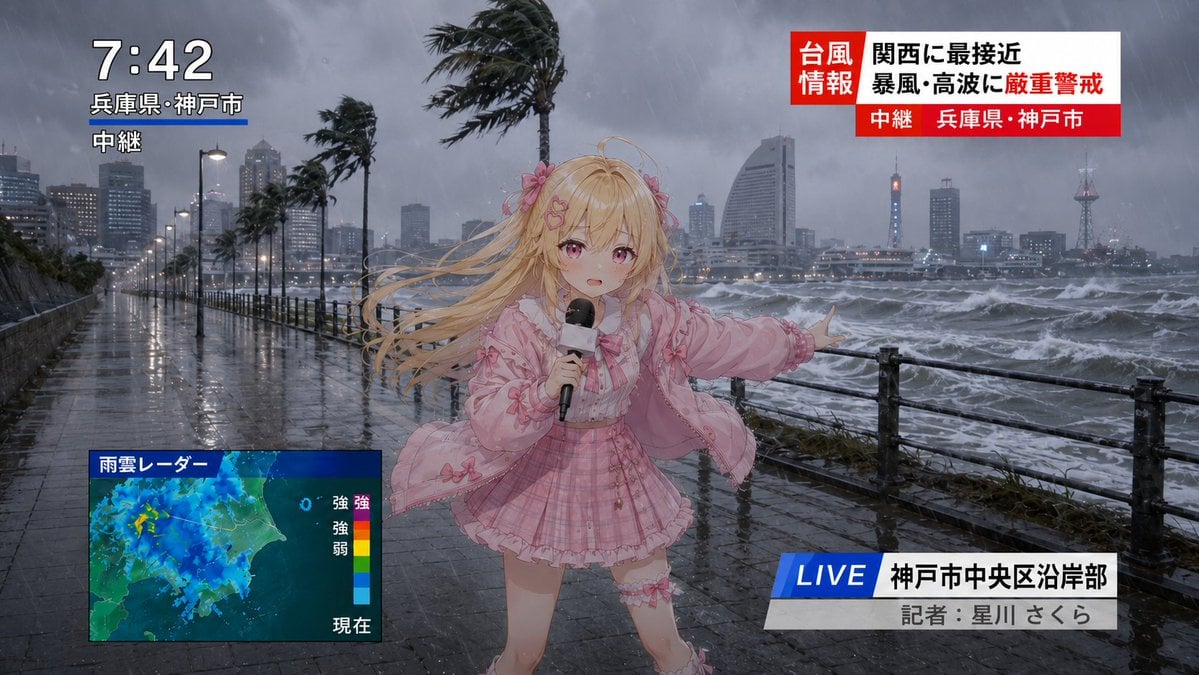
Anime Typhoon Live News Reporter
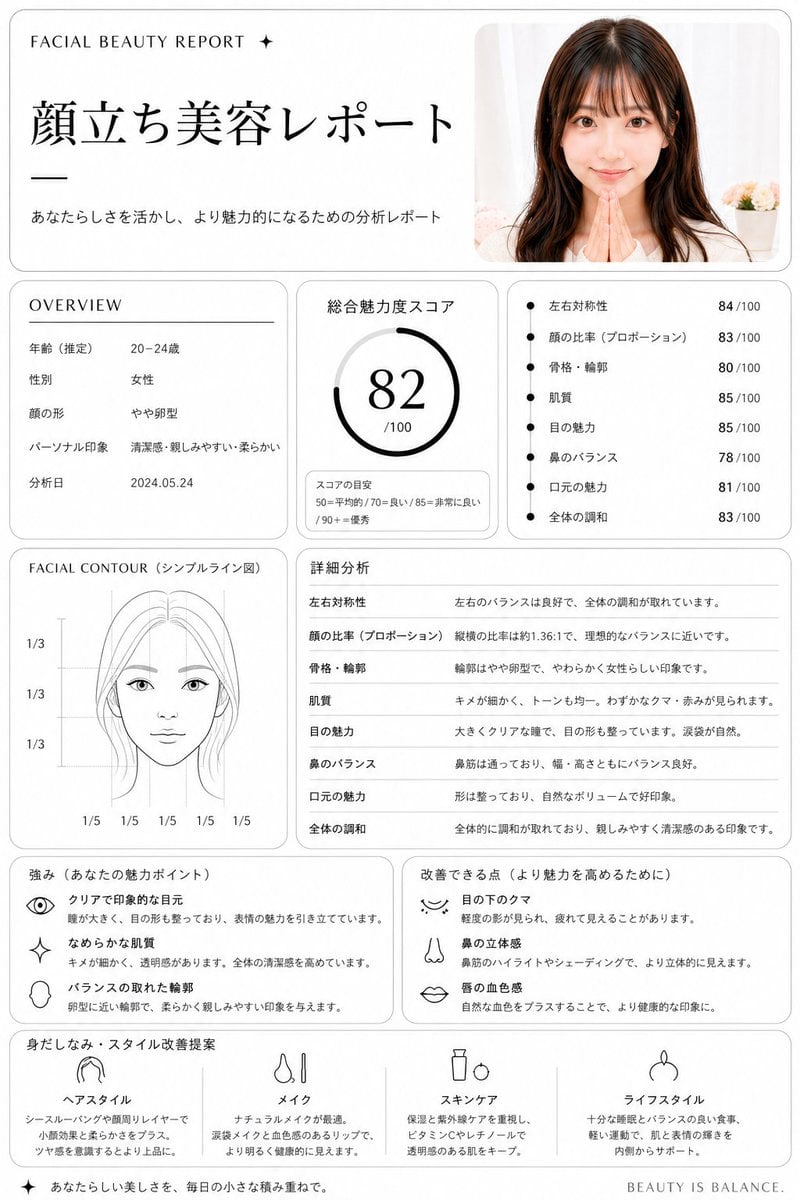
Japanese Facial Beauty Report Layout
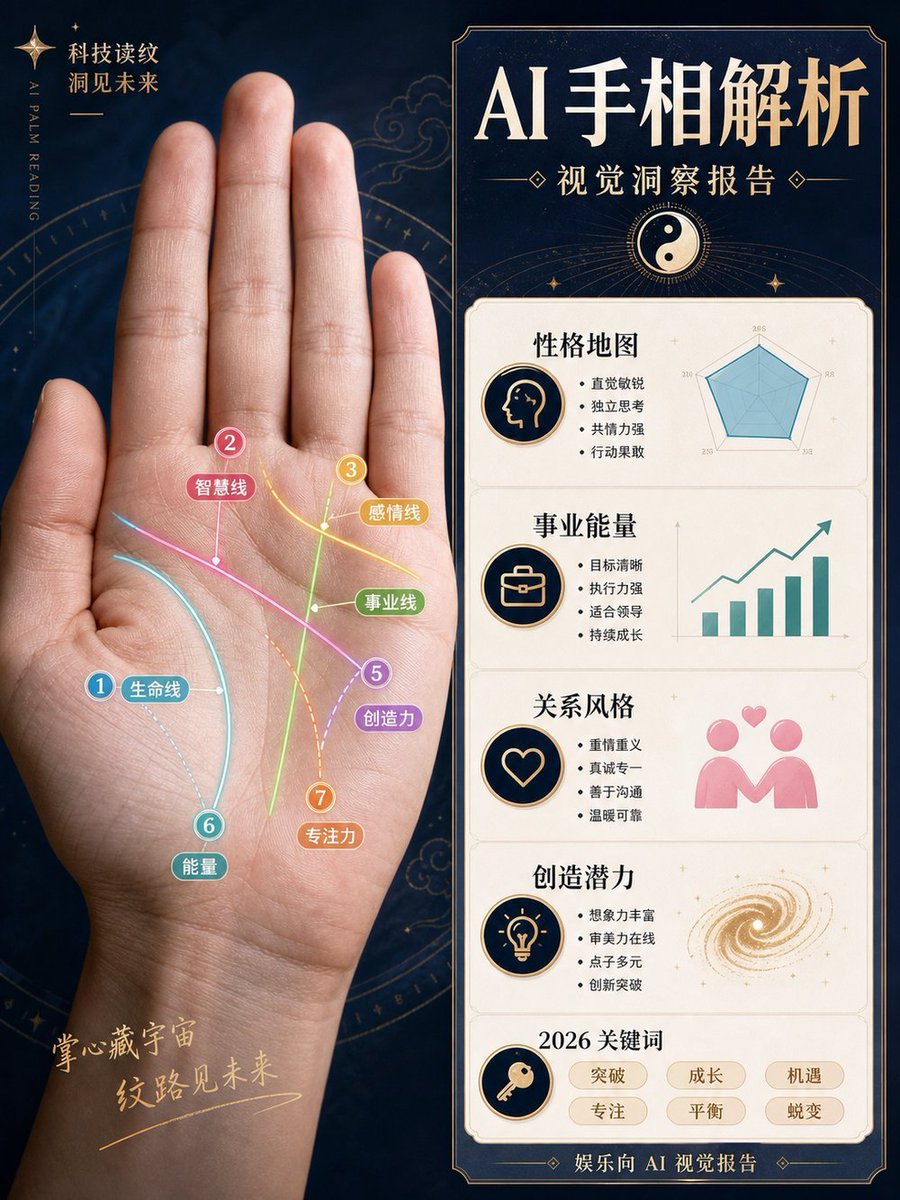
AI Palm Reading Report Poster
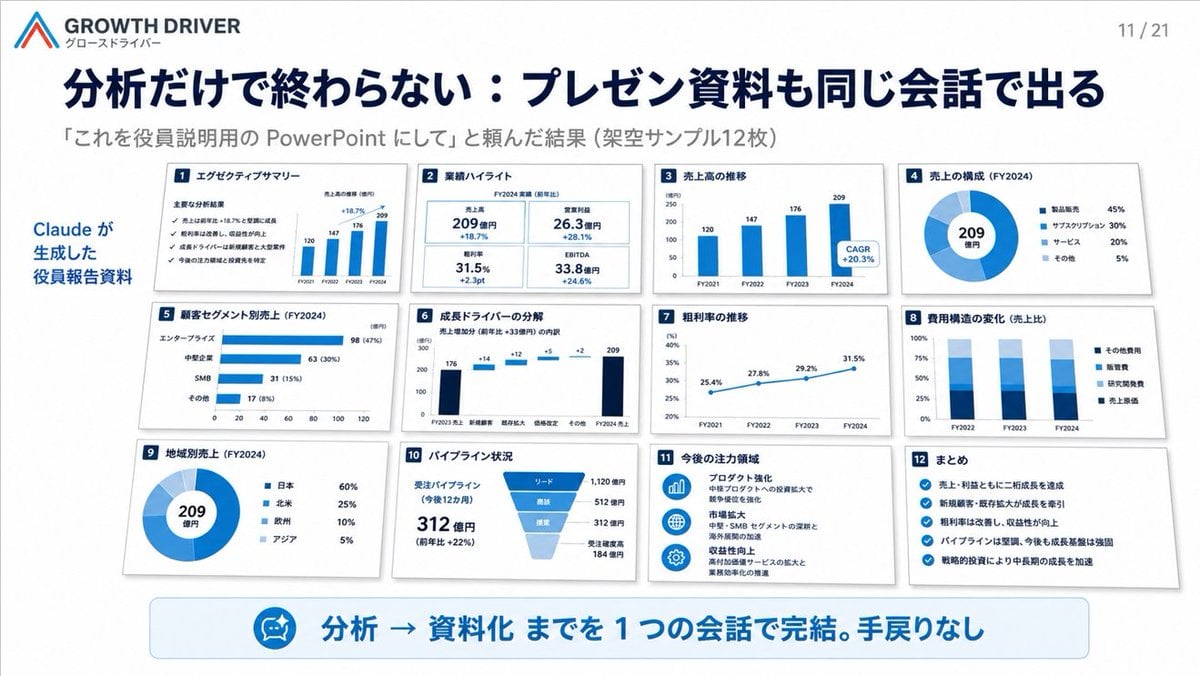
AI-Generated Board Report Slide
Make it yours
Personal Style Diagnosis Report works as-is. These are the safest ways to change it without losing the look.
Change one field
Copy a single group, rewrite it, and generate again so you can see what that field is doing.
Keep the frame, change the subject
Hold the composition and light of Personal Style Diagnosis Report, then swap wardrobe, props or the person for a new take.
| If the result… | Why | Fix |
|---|---|---|
| The result drifts from the preview | Too many fields changed at once. | Reuse Personal Style Diagnosis Report as-is first, then change one group — subject, light, or setting. |
| GPT Image 2 ignores part of the JSON | Some models flatten or skip nested keys. | Keep the same values and paste them as a short paragraph instead. |
More GPT Image 2 templates
Other prompts made for GPT Image 2.

Six VTuber Japanese Logo Sheet

Realistic Portrait of Woman and Deer

The Vista Modular Condo Poster

AI Model Routing Comparison Infographic

2.5D Anime Art Board

Isometric Productivity Desk Scene

New York Double Exposure Poster

Four-Panel AI Landscape Comparison

Japanese Tatami Lifestyle Magazine Cover

NESCAFÉ Coffee Map Poster
More image prompts
Fresh picks from across the catalog.
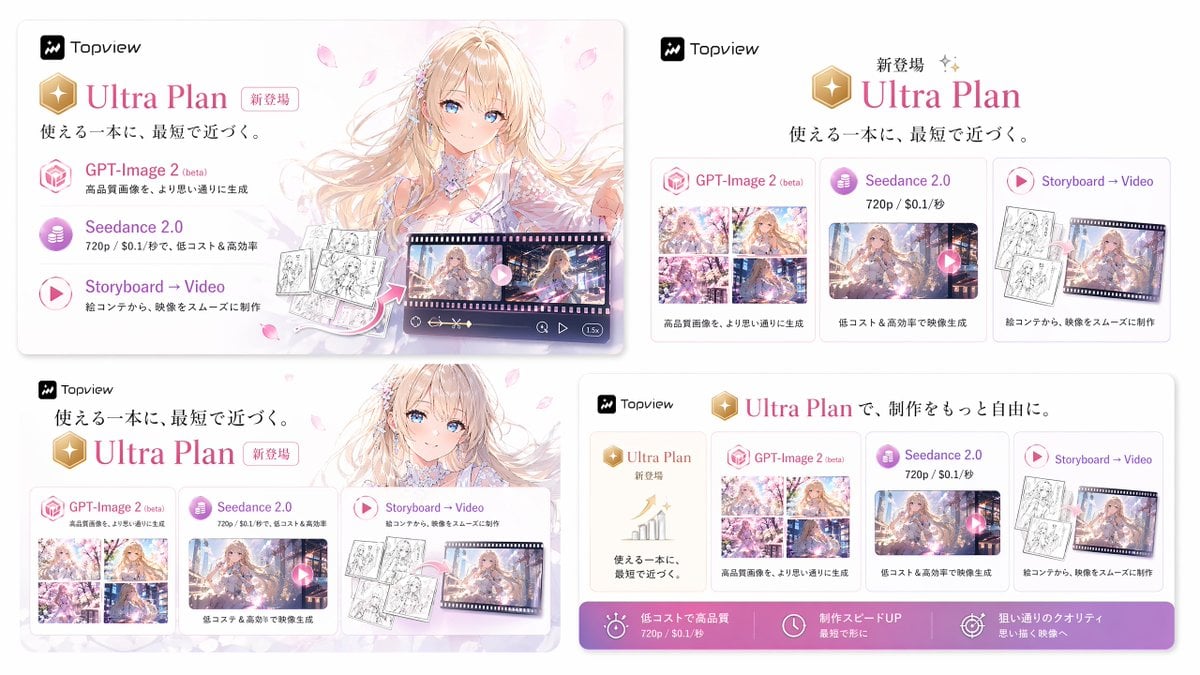
Japanese Ultra Plan Promo Storyboard
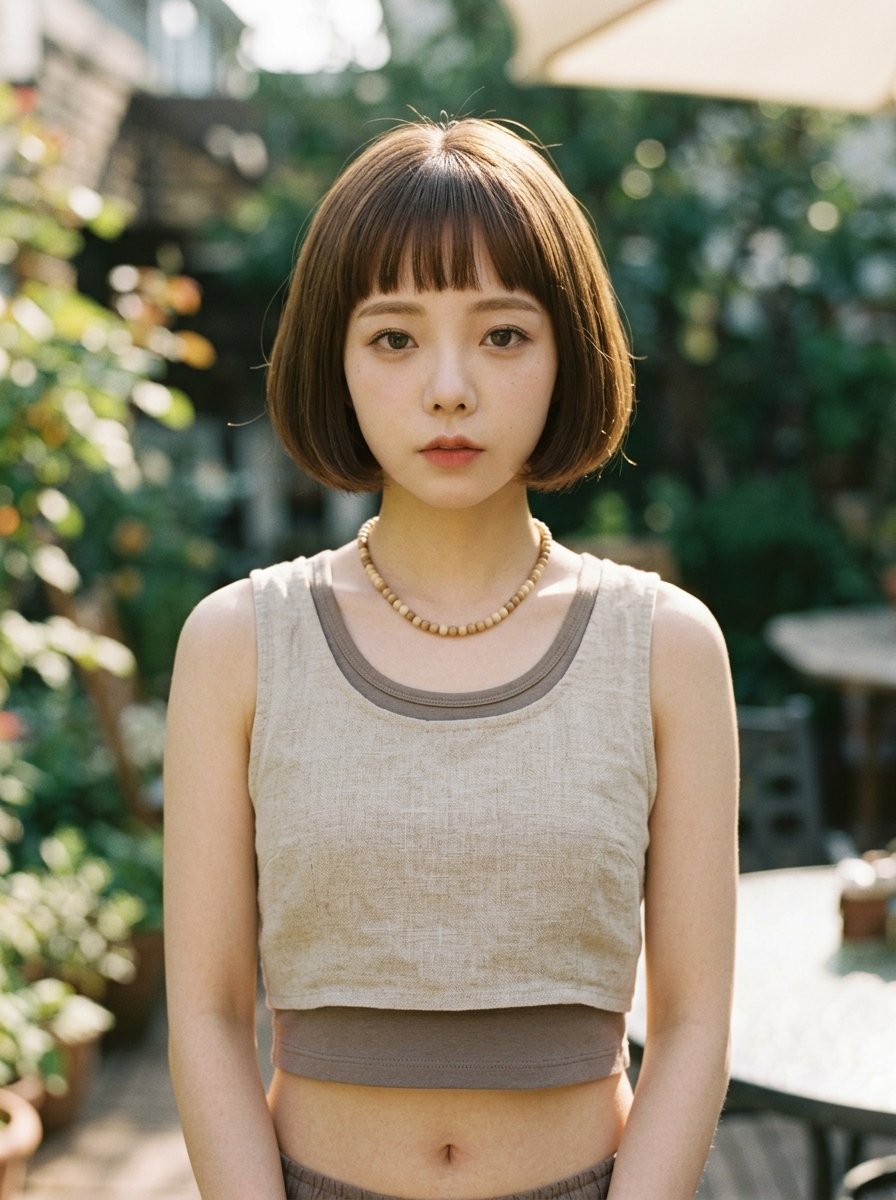
Censored Garden Portrait
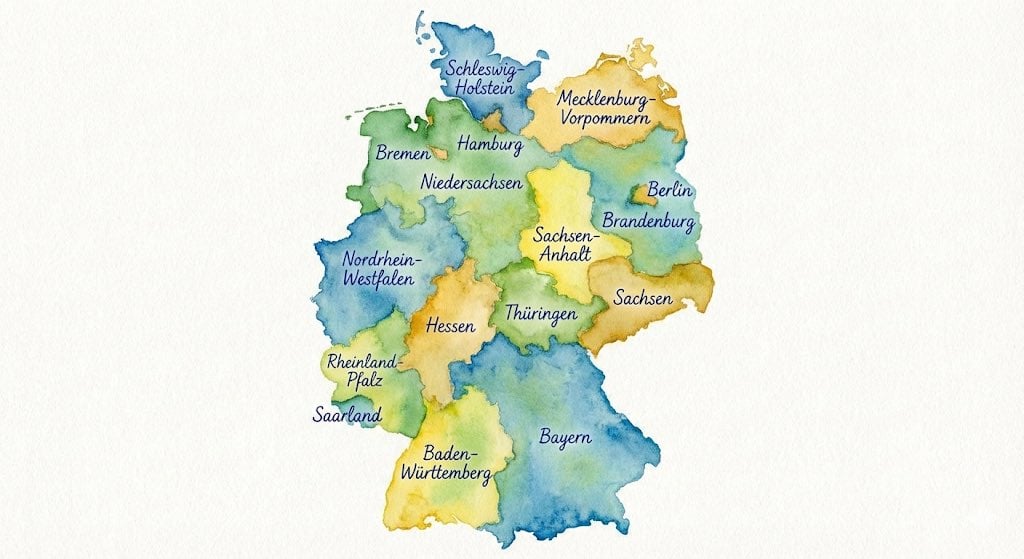
Watercolor map of Germany with labeled states
Minimal Layout Stress Test Composition
Candid Travel Romance Film Still in Aegean Harbor
Luxury Car Portrait with Doberman

Nakoruru Forest Anime Poster
Fantasy UR Forest Priestess Card
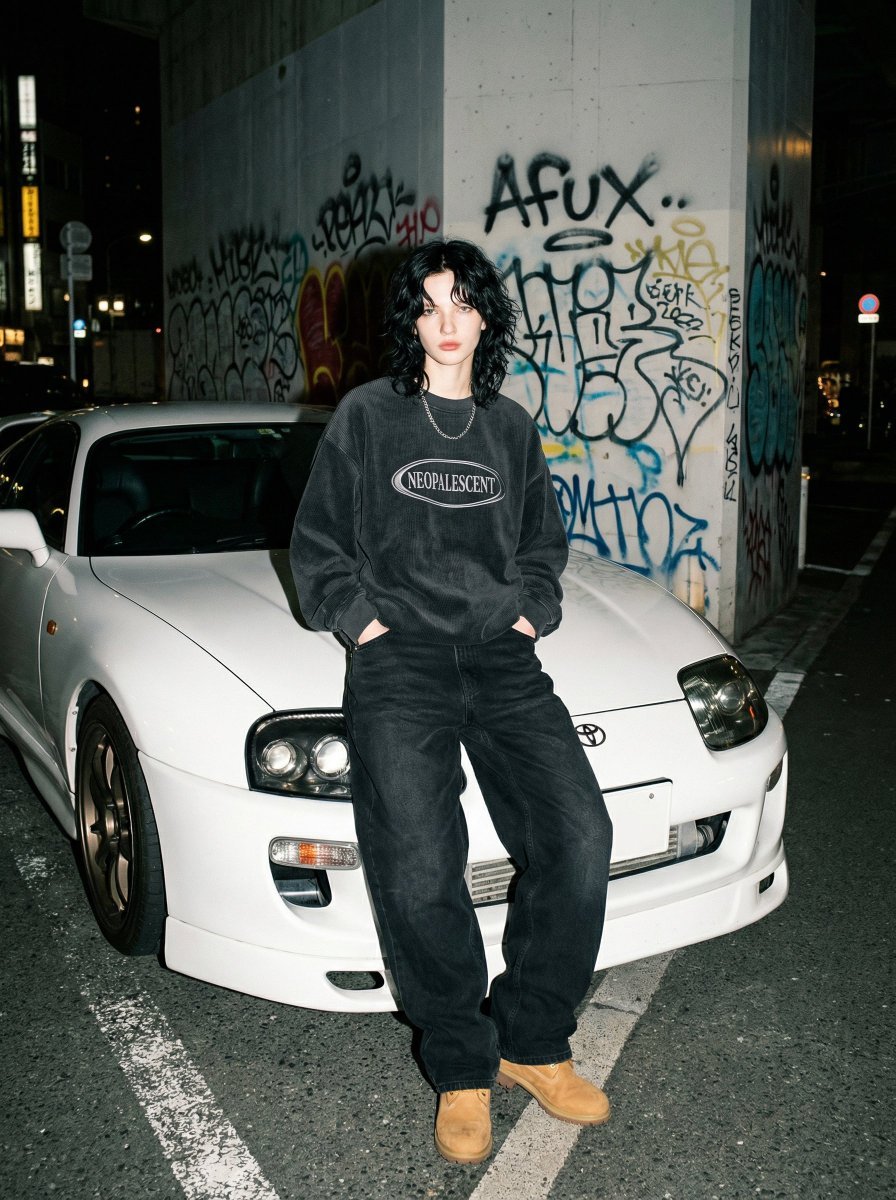
90s Streetwear Portrait with Toyota Supra MK4
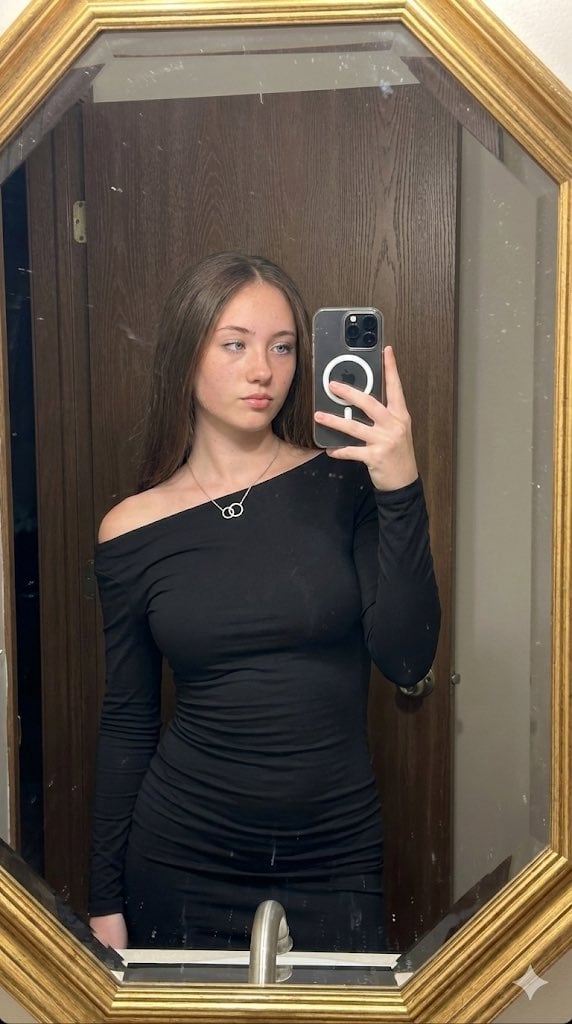
Hyper-realistic mirror selfie prompt with detailed material physics and identity locking
Browse template categories
Personal Style Diagnosis Report questions
How do I use the Personal Style Diagnosis Report template?
Add your photo if the template asks for one, edit the prompt if you like — the template's model and format are already selected — and press Generate. Your version opens in PicX Studio.
Can I customize the Personal Style Diagnosis Report template?
Yes. You can change the subject, setting, lighting, mood, format, and available model controls before creating your image.
Is the Personal Style Diagnosis Report template free?
Opening and editing this template is free. Generating uses credits, shown on the Generate button when you are signed in.
Which AI model should I use?
Start with GPT Image 2, which is the model associated with this template. You can compare another compatible model for a different finish.
Looking for something else? Browse all templates.

Your photo, any look
Thousands of ready templates for every top image and video model, from one credit balance.