
Soft Autumn Personal Image Report
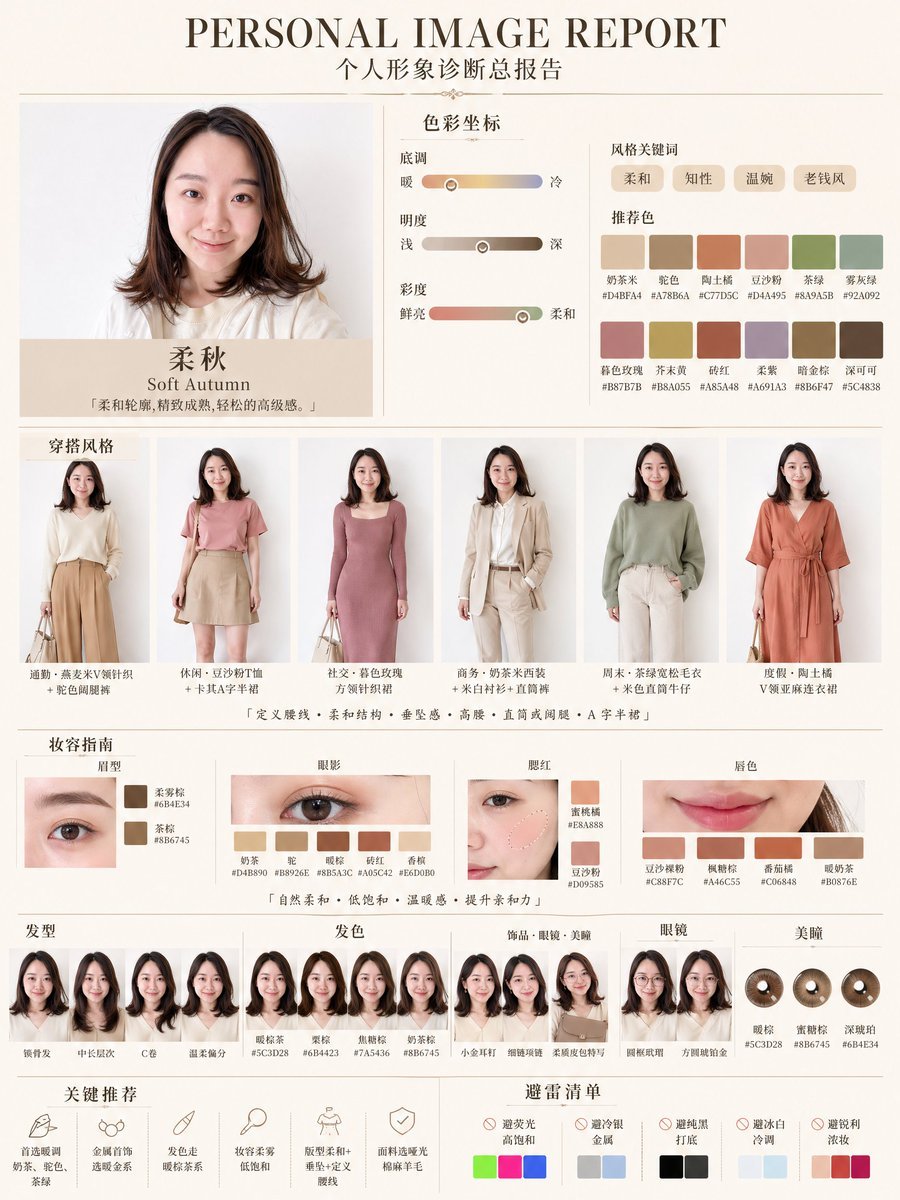
A polished Chinese-style personal color and fashion analysis poster for a beauty or styling app, showing a Soft Autumn diagnosis with outfit, makeup, hair, and palette recommendations.
- Prompt included
- Model and format preset
- Free template
The prompt behind this image
Copy the exact prompt behind Soft Autumn Personal Image Report, or open it in the studio and make it yours.
- Type
- fashion and beauty diagnostic infographic poster
- Style
- clean premium editorial report, soft beige and ivory background, elegant serif and sans-serif typography, minimal luxury Chinese beauty-consultation layout
- Canvas › Orientation
- portrait
- Canvas › Aspect Ratio
- 3:4
- Headline › English
- {argument name="headline text" default="PERSONAL IMAGE REPORT"}
- Headline › Chinese
- 个人形象诊断报告
- Subject › Category
- young woman fashion client
- Subject › Pose
- front-facing portrait with shoulder-length wavy hair, face intentionally blurred or anonymized in every appearance
- Subject › Top
- soft off-white knit top
- Subject › Overall Impression
- gentle, refined, mature, relaxed elegance
- Layout › Sections › 0 › Title
- personal portrait and seasonal result
- Layout › Sections › 0 › Position
- top left
- Layout › Sections › 0 › Count
- 2
- Layout › Sections › 0 › Labels
- portrait photo, 柔秋 / Soft Autumn
- Layout › Sections › 1 › Title
- 色彩坐标
- Layout › Sections › 1 › Position
- top center
- Layout › Sections › 1 › Count
- 3
- Layout › Sections › 1 › Labels
- 底调, 明度, 彩度
- Layout › Sections › 2 › Title
- 风格关键词 and 推荐色
- Layout › Sections › 2 › Position
- top right
- Layout › Sections › 2 › Count
- 10
- Layout › Sections › 2 › Labels
- 柔和, 知性, 温婉, 老板风, 奶茶米, 驼色, 陶土棕, 豆沙粉, 茶绿, 雾灰绿
- Layout › Sections › 3 › Title
- 穿搭风格
- Layout › Sections › 3 › Position
- middle
Raw JSON
{"type":"fashion and beauty diagnostic infographic poster","style":"clean premium editorial report, soft beige and ivory background, elegant serif and sans-serif typography, minimal luxury Chinese beauty-consultation layout","canvas":{"orientation":"portrait","aspect_ratio":"3:4"},"headline":{"english":"{argument name=\"headline text\" default=\"PERSONAL IMAGE REPORT\"}","chinese":"个人形象诊断报告"},"subject":{"category":"young woman fashion client","pose":"front-facing portrait with shoulder-length wavy hair, face intentionally blurred or anonymized in every appearance","top":"soft off-white knit top","overall_impression":"gentle, refined, mature, relaxed elegance"},"layout":{"sections":[{"title":"personal portrait and seasonal result","position":"top left","count":2,"labels":["portrait photo","柔秋 / Soft Autumn"]},{"title":"色彩坐标","position":"top center","count":3,"labels":["底调","明度","彩度"]},{"title":"风格关键词 and 推荐色","position":"top right","count":10,"labels":["柔和","知性","温婉","老板风","奶茶米","驼色","陶土棕","豆沙粉","茶绿","雾灰绿"]},{"title":"穿搭风格","position":"middle","count":6,"labels":["look 1 cream knit with camel wide-leg pants","look 2 dusty pink tee with beige skirt","look 3 mauve fitted knit dress","look 4 beige suit and white blouse","look 5 sage green sweater with ivory pants","look 6 terracotta wrap dress"]},{"title":"妆容指南","position":"lower middle","count":4,"labels":["眉型","眼影","腮红","唇色"]},{"title":"发型 / 发色 / 饰品·眼镜·美瞳 / 眼镜 / 美瞳","position":"lower section above footer","count":5,"labels":["hairstyles","hair colors","accessories glasses and contacts","glasses","contact lenses"]},{"title":"关键推荐","position":"bottom left","count":5,"labels":["首选暖调奶茶、花色、金属金系","金属首饰 选暖金系","发色走暖棕茶系","妆容柔雾低饱和","底妆柔和加绒雾感"]},{"title":"避雷清单","position":"bottom right","count":5,"labels":["避免亮高饱和","避免冷银金属","避免纯黑打底","避免冰白冷调","避免玫红浓妆"]}],"centerpiece":"large top portrait card with seasonal classification","grid":"symmetrical report sheet with thin divider lines and evenly spaced panels"},"color_system":{"season":"{argument name=\"season label\" default=\"Soft Autumn\"}","palette":{"recommended_swatches_count":12,"recommended_swatches":["#D4BFA4","#A78B6A","#C77D5C","#D4A495","#8A9A5B","#92A092","#B87B7B","#B8A055","#A854A8","#A691A3","#8B6F47","#5C4838"],"avoid_swatches_groups":5,"avoid_groups":["bright neon tones","cool metallic silver","solid black","icy blue-white tones","fuchsia and vivid magenta"]},"sliders":{"undertone":"warm to cool horizontal gradient with marker leaning warm-neutral","lightness":"light to deep taupe gradient with marker around medium","chroma":"bright to soft muted gradient with marker near soft"},"keywords_count":4,"keywords":["soft","intellectual","gentle","executive elegance"]},"beauty_guide":{"brows":{"count":2,"labels":["柔雾棕","茶棕"]},"eyeshadow":{"count":6,"labels":["奶茶","暖棕","暖肉桂","砖红","杏桃","咖色"]},"blush":{"count":2,"labels":["蜜桃棕","豆沙粉"]},"lips":{"count":4,"labels":["豆沙裸粉","桃糖棕","香奶椰","暖奶茶"]}},"hair_and_accessories":{"hairstyles_count":4,"hairstyles":["锁骨发","中长层次","C卷","圆弧微分"],"hair_colors_count":4,"hair_colors":["暖棕茶","栗棕","焦糖棕","奶茶棕"],"accessory_examples_count":3,"accessories":["small earrings","thin-frame glasses","soft-colored contact lenses"],"glasses_count":2,"glasses":["圆框镜","方圆钝角金"],"contacts_count":3,"contacts":["暖棕","蜜糖棕","深暖咖"]},"rendering":"app concept mockup styled like a personal color analysis and image consultant report, realistic fashion photos embedded in a designed poster, muted autumn palette, polished consumer beauty-tech aesthetic"}How to use Soft Autumn Personal Image Report in 3 steps
- 1Upload ImagePNG, JPG or paste
Add your photo
Upload the photo the template builds on. The prompt, model and format are already set.
- 2…a portrait of your subject in softgolden-hour light, 85mm…
Personalize
Edit the subject and creative details for your destination.
- 3Generate
Generate
Press Generate — your image is created in PicX Studio, so you can compare it with the original and refine one variable at a time.
More like this
Templates with the same subject, style or setup. Open one to see its prompt.
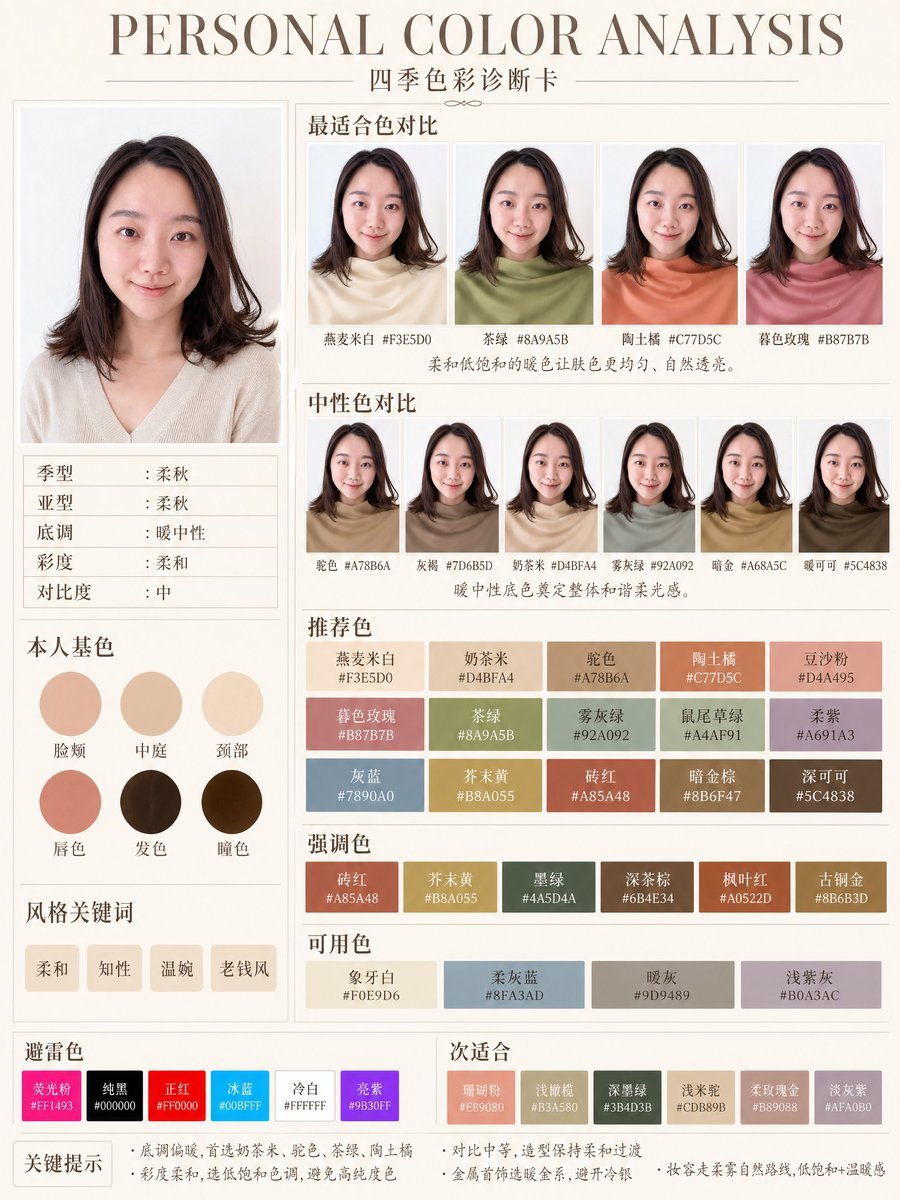
Soft Autumn Personal Color Card
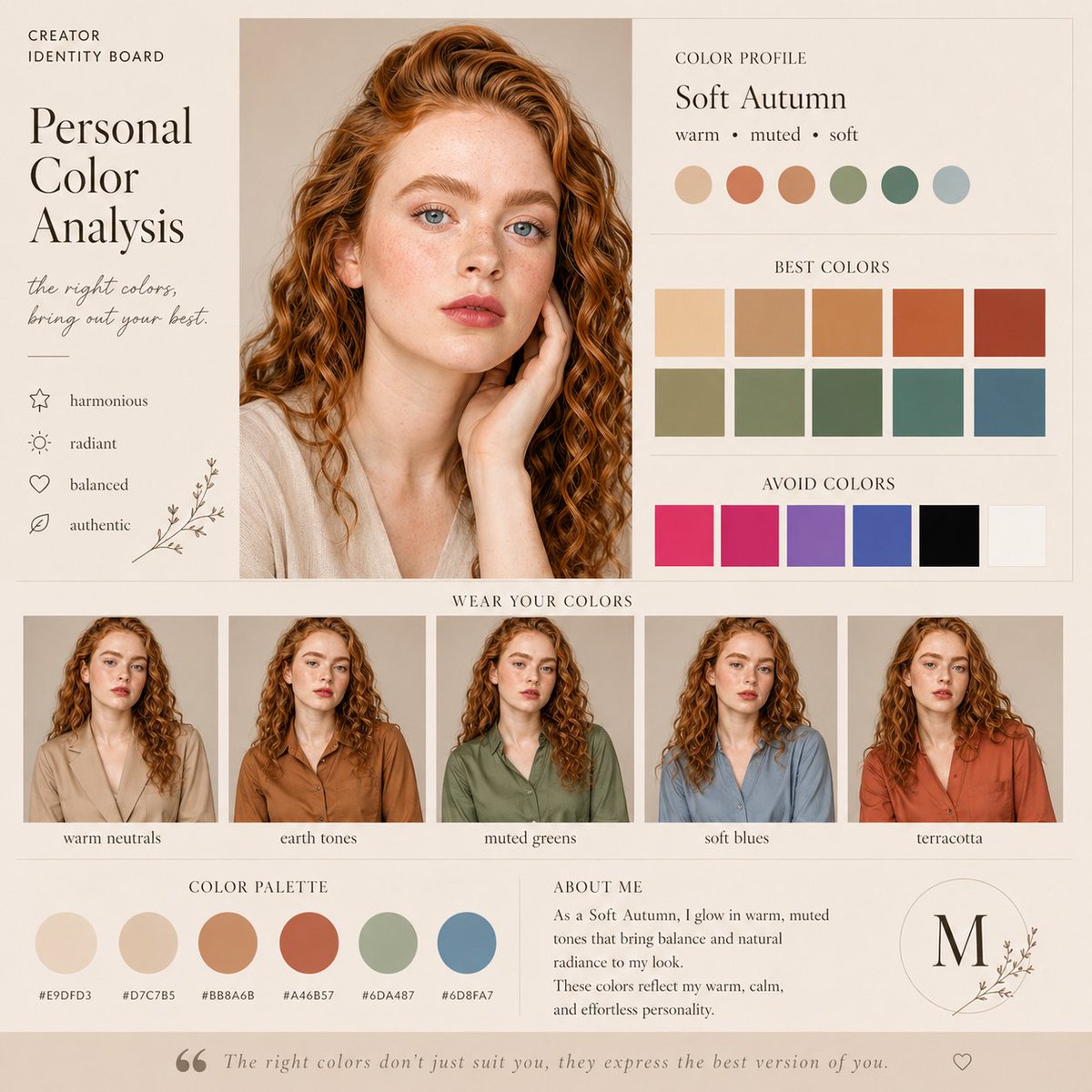
Soft Autumn Personal Color Board

Soft Handcrafted Paper-Cut Layered Illustration

Watercolor Anim Finale Fireworks

Watercolor Anim Garden Maze

Watercolor Anim Rooftop Concert

Watercolor Anim Bicycle Coast

Watercolor Anim Castle Gate

Watercolor Anim Kitchen Chaos

Watercolor Anim Carnival Ride

Watercolor Anim Rainy Bus Stop

Watercolor Anim Space Dock
Make it yours
Soft Autumn Personal Image Report works as-is. These are the safest ways to change it without losing the look.
Swap the light
One lighting change is enough to compare takes. Current light: “light to deep taupe gradient with marker around medium”.
Change one field
Copy a single group, rewrite it, and generate again so you can see what that field is doing.
Keep the frame, change the subject
Hold the composition and light of Soft Autumn Personal Image Report, then swap wardrobe, props or the person for a new take.
| If the result… | Why | Fix |
|---|---|---|
| The result drifts from the preview | Too many fields changed at once. | Reuse Soft Autumn Personal Image Report as-is first, then change one group — subject, light, or setting. |
| GPT Image 2 ignores part of the JSON | Some models flatten or skip nested keys. | Keep the same values and paste them as a short paragraph instead. |
More GPT Image 2 templates
Other prompts made for GPT Image 2.

Six VTuber Japanese Logo Sheet

Realistic Portrait of Woman and Deer

The Vista Modular Condo Poster

AI Model Routing Comparison Infographic

2.5D Anime Art Board

Isometric Productivity Desk Scene

New York Double Exposure Poster

Four-Panel AI Landscape Comparison

Japanese Tatami Lifestyle Magazine Cover

NESCAFÉ Coffee Map Poster
More image prompts
Fresh picks from across the catalog.
Industrial Blueprint Generation Prompt
Cinematic Golden Hour Gaming Setup Portrait
Cozy Witch and Halo Girl Study Scene
Candid Night Rooftop Portrait
Historical Coordinate Grid Generation
Identity-Based Rose Garden Portrait
Silver Pearl Couture Portrait
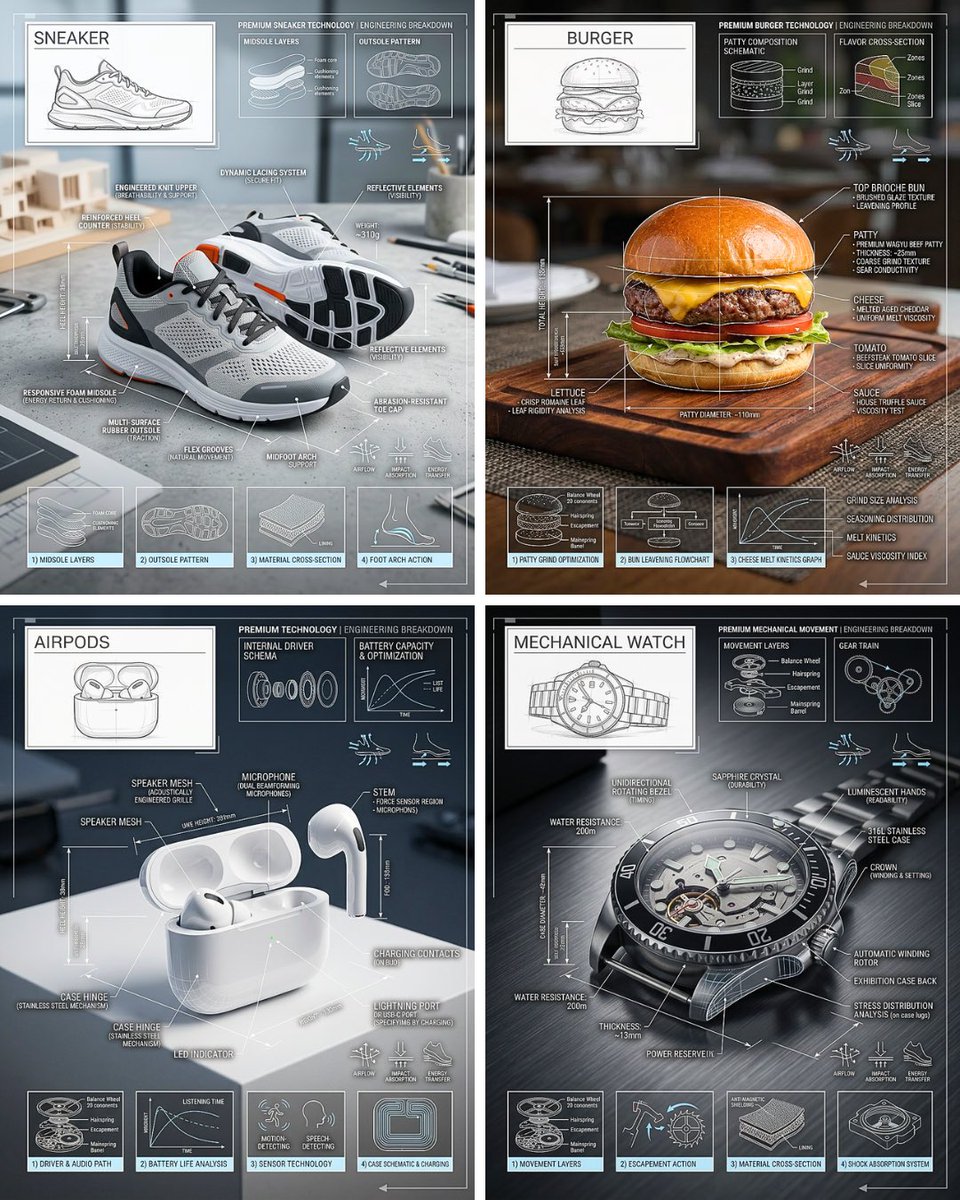
Technical Breakdown Infographic
Fine Art Still Life of Egg Yolks and Ceramics
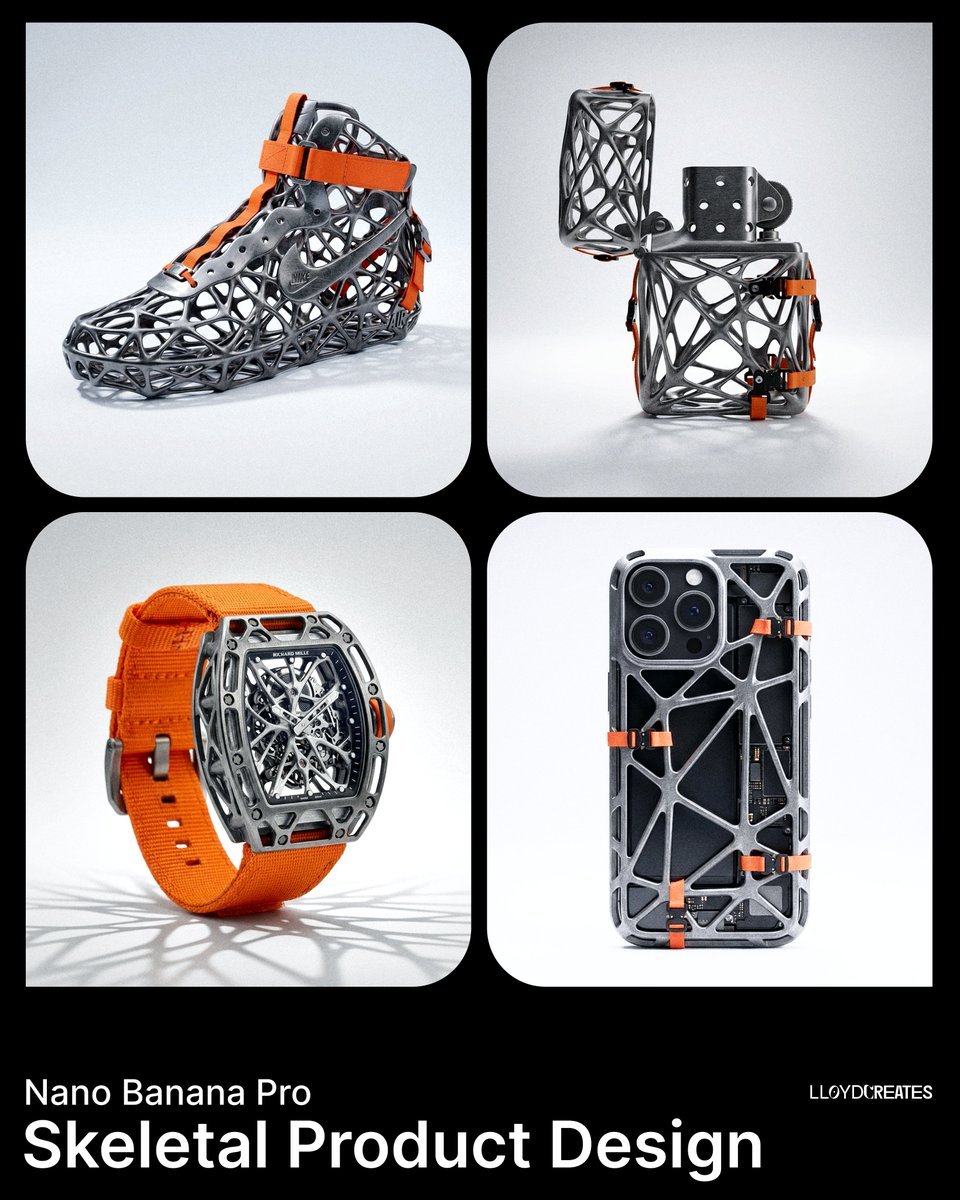
Skeletal Product Design Prompt
Browse template categories
Soft Autumn Personal Image Report questions
How do I use the Soft Autumn Personal Image Report template?
Add your photo if the template asks for one, edit the prompt if you like — the template's model and format are already selected — and press Generate. Your version opens in PicX Studio.
Can I customize the Soft Autumn Personal Image Report template?
Yes. You can change the subject, setting, lighting, mood, format, and available model controls before creating your image.
Is the Soft Autumn Personal Image Report template free?
Opening and editing this template is free. Generating uses credits, shown on the Generate button when you are signed in.
Which AI model should I use?
Start with GPT Image 2, which is the model associated with this template. You can compare another compatible model for a different finish.
Looking for something else? Browse all templates.

Your photo, any look
Thousands of ready templates for every top image and video model, from one credit balance.