
Soft Autumn Personal Color Board
A square editorial personal color analysis board featuring a soft autumn portrait, curated swatches, outfit examples, and elegant beige lifestyle branding for Instagram or portfolio use.
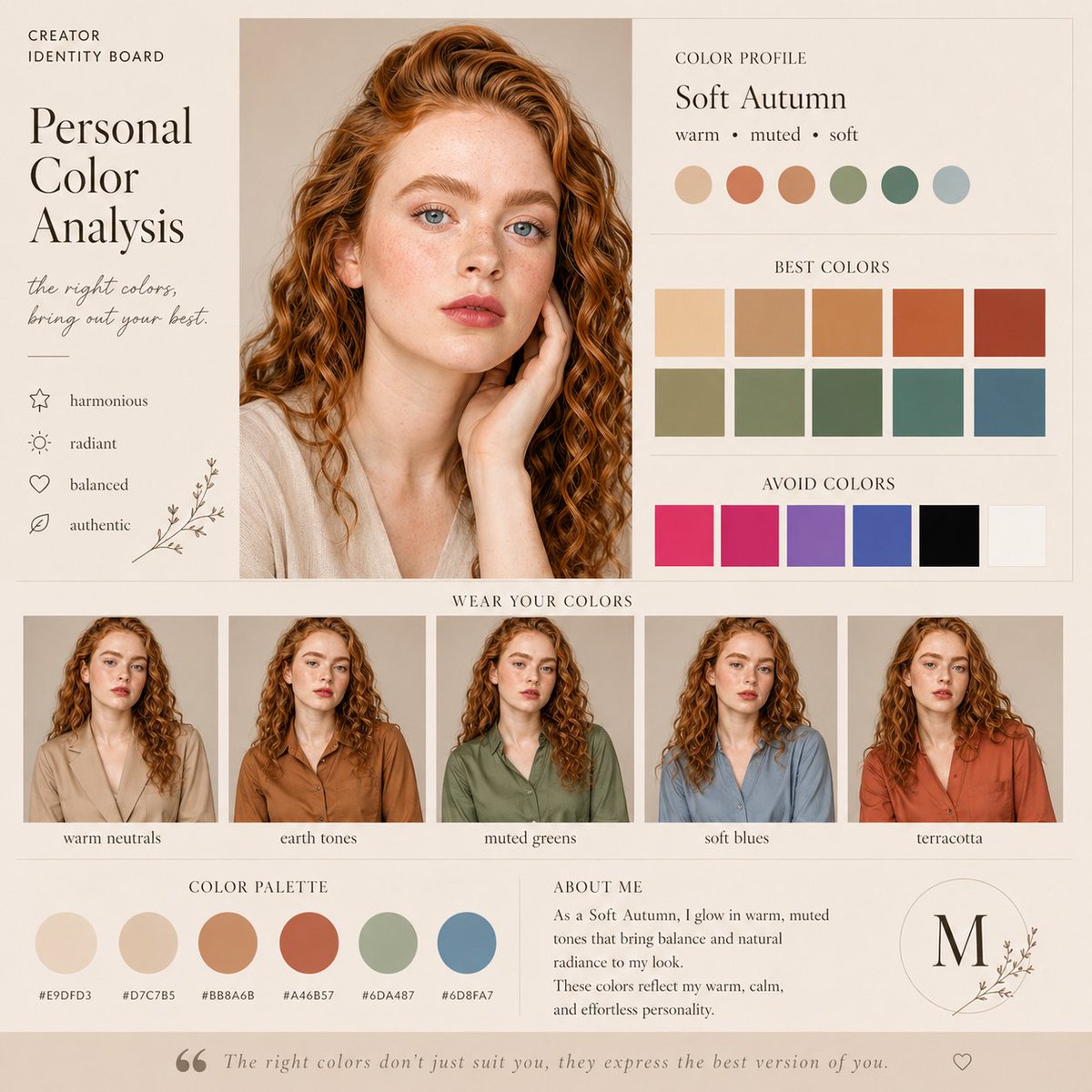
- Prompt included
- Model and format preset
- Free template
The prompt behind this image
Copy the exact prompt behind Soft Autumn Personal Color Board, or open it in the studio and make it yours.
- Type
- personal color analysis editorial board
- Format
- square 1:1 Instagram-ready layout
- Style
- soft beige minimal, premium editorial, subtle paper texture, soft shadows, elegant serif headings with minimal sans-serif supporting text
- Subject › Type
- young woman portrait board
- Subject › Identity
- soft autumn color season
- Subject › Portrait › Position
- upper center-left
- Subject › Portrait › Crop
- close-up portrait from chest up
- Subject › Portrait › Lighting
- soft daylight
- Subject › Portrait › Makeup
- natural makeup
- Subject › Portrait › Hair › Color
- copper auburn
- Subject › Portrait › Hair › Style
- long voluminous tight curls with a side part
- Subject › Portrait › Top
- light warm beige V-neck blouse
- Subject › Portrait › Pose
- one hand gently touching the neck
- Subject › Portrait › Face
- deliberately obscured by a smooth rectangular skin-tone blur block
- Layout › Sections › 0 › Title
- CREATOR IDENTITY BOARD
- Layout › Sections › 0 › Position
- top left
- Layout › Sections › 0 › Count
- 1
- Layout › Sections › 0 › Labels
- CREATOR IDENTITY BOARD
- Layout › Sections › 1 › Title
- Personal Color Analysis
- Layout › Sections › 1 › Position
- left column
- Layout › Sections › 1 › Count
- 1
- Layout › Sections › 1 › Labels
- Personal Color Analysis
- Layout › Sections › 2 › Title
- the right colors, bring out your best.
- Layout › Sections › 2 › Position
- left column under title
Raw JSON
{"type":"personal color analysis editorial board","format":"square 1:1 Instagram-ready layout","style":"soft beige minimal, premium editorial, subtle paper texture, soft shadows, elegant serif headings with minimal sans-serif supporting text","subject":{"type":"young woman portrait board","identity":"soft autumn color season","portrait":{"position":"upper center-left","crop":"close-up portrait from chest up","lighting":"soft daylight","makeup":"natural makeup","hair":{"color":"copper auburn","style":"long voluminous tight curls with a side part"},"top":"light warm beige V-neck blouse","pose":"one hand gently touching the neck","face":"deliberately obscured by a smooth rectangular skin-tone blur block"}},"layout":{"sections":[{"title":"CREATOR IDENTITY BOARD","position":"top left","count":1,"labels":["CREATOR IDENTITY BOARD"]},{"title":"Personal Color Analysis","position":"left column","count":1,"labels":["Personal Color Analysis"]},{"title":"the right colors, bring out your best.","position":"left column under title","count":1,"labels":["the right colors, bring out your best."]},{"title":"traits list","position":"left lower column beside portrait","count":4,"labels":["harmonious","radiant","balanced","authentic"]},{"title":"COLOR PROFILE","position":"upper right","count":1,"labels":["COLOR PROFILE","Soft Autumn","warm • muted • soft"]},{"title":"profile swatches","position":"upper right under profile","count":6,"labels":["light warm beige","muted terracotta","camel tan","sage green","dusty teal","soft blue gray"]},{"title":"BEST COLORS","position":"mid-right","count":10,"labels":["light beige","camel","warm tan","burnt orange","rust","olive beige","sage","muted green","dusty teal","slate blue"]},{"title":"AVOID COLORS","position":"lower-right","count":6,"labels":["hot pink","magenta","violet","cobalt blue","black","pure white"]},{"title":"WEAR YOUR COLORS","position":"center bottom","count":5,"labels":["warm neutrals","earth tones","muted greens","soft blues","terracotta"]},{"title":"COLOR PALETTE","position":"bottom left","count":6,"labels":["#E9DFD3","#D7C7B5","#BB8A6B","#A46B57","#6DA487","#6D8FA7"]},{"title":"ABOUT ME","position":"bottom center-right","count":1,"labels":["ABOUT ME","As a Soft Autumn, I glow in warm, muted tones that bring balance and natural radiance to my look. These colors reflect my warm, calm, and effortless personality."]},{"title":"monogram seal","position":"bottom right","count":1,"labels":["M"]},{"title":"footer quote","position":"very bottom","count":1,"labels":["The right colors don’t just suit you, they express the best version of you."]}],"centerpiece":"large portrait on the left half with text column on the far left and color analysis panels on the right"},"outfit thumbnails":{"count":5,"same model":true,"row_position":"below main portrait and swatches","items":[{"label":"warm neutrals","clothing":"light beige blazer or shirt"},{"label":"earth tones","clothing":"warm brown collared shirt"},{"label":"muted greens","clothing":"olive green collared shirt"},{"label":"soft blues","clothing":"dusty blue collared shirt"},{"label":"terracotta","clothing":"terracotta red collared shirt"}]},"palette":{"background":"warm beige","overall_tones":"warm, muted, soft, earthy","design_mood":"clean, calm, feminine, refined"}}How to use Soft Autumn Personal Color Board in 3 steps
- 1Upload ImagePNG, JPG or paste
Add your photo
Upload the photo the template builds on. The prompt, model and format are already set.
- 2…a portrait of your subject in softgolden-hour light, 85mm…
Personalize
Edit the subject and creative details for your destination.
- 3Generate
Generate
Press Generate — your image is created in PicX Studio, so you can compare it with the original and refine one variable at a time.
More like this
Templates with the same subject, style or setup. Open one to see its prompt.
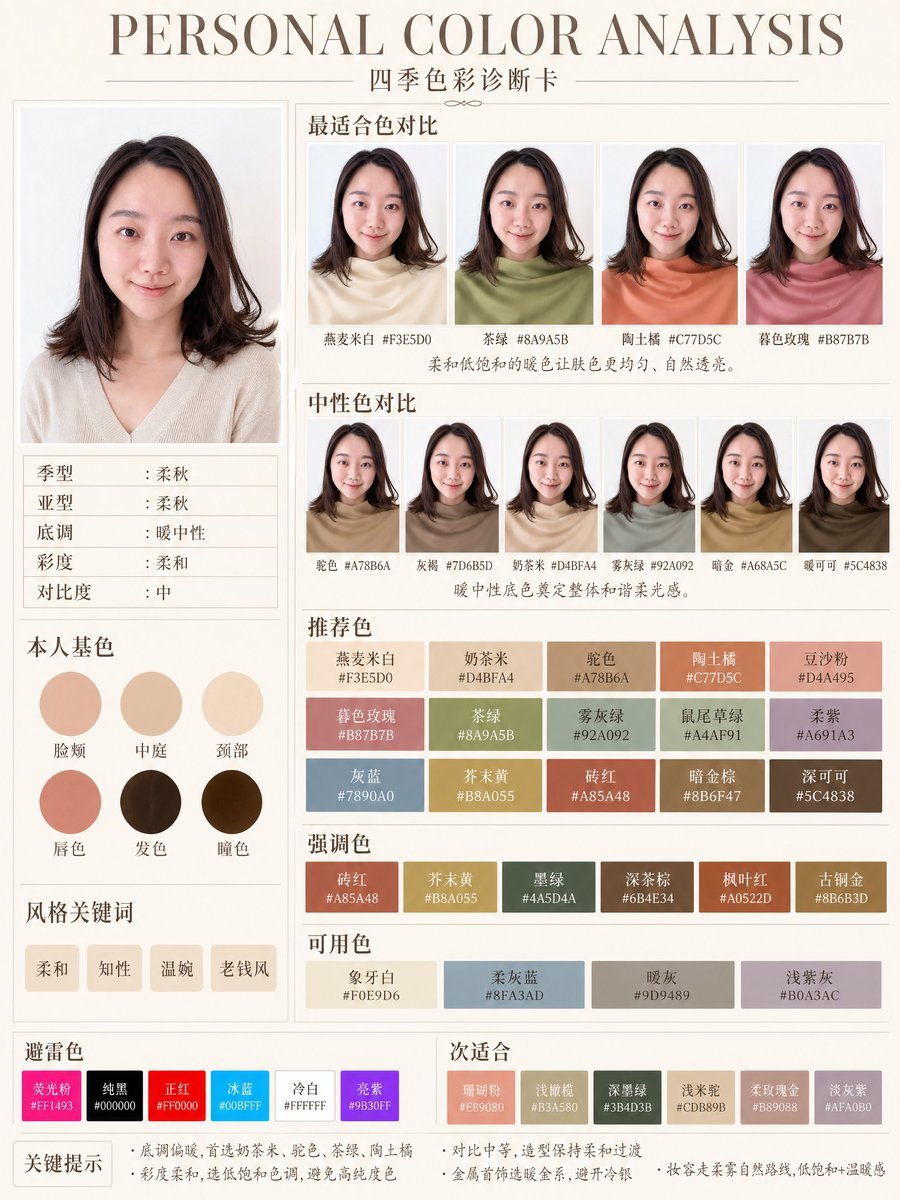
Soft Autumn Personal Color Card
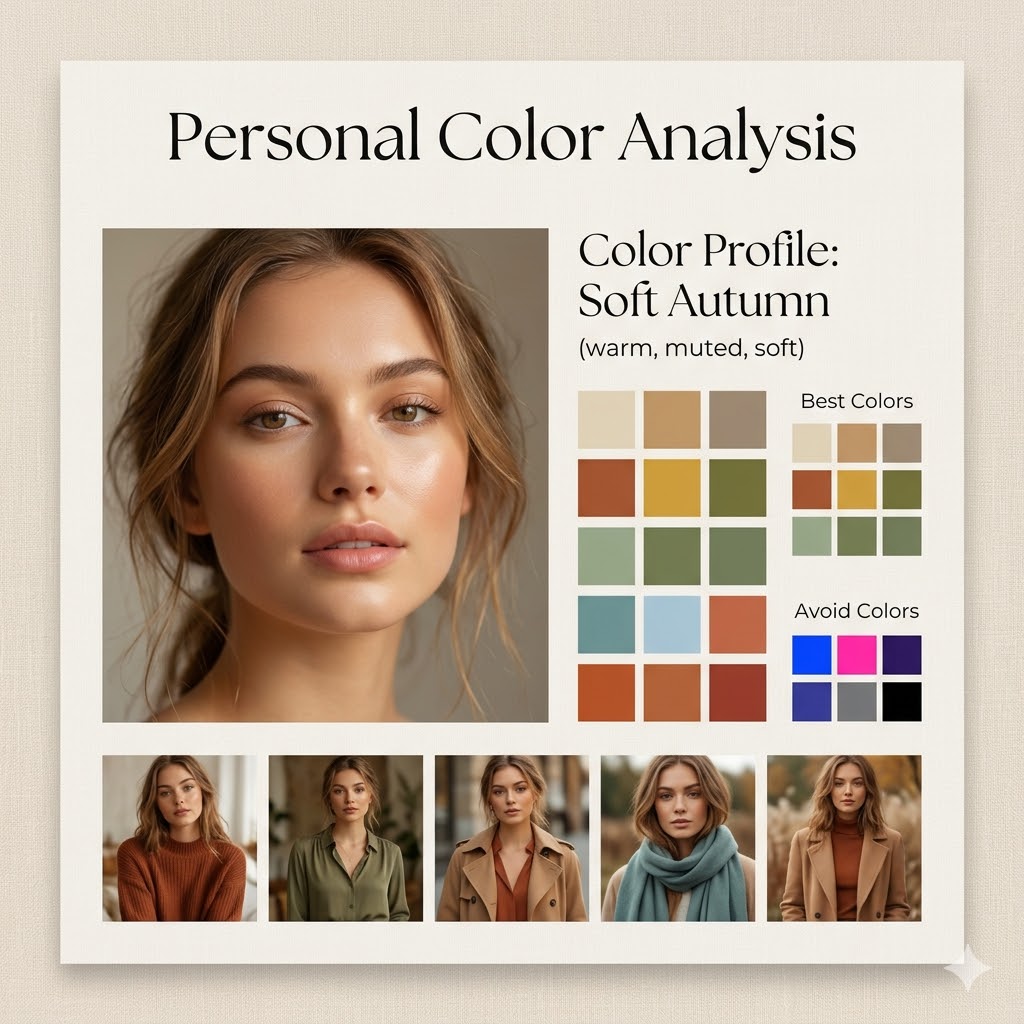
Minimalist Personal Color Analysis Board

Watercolor Anim Finale Fireworks

Watercolor Anim Garden Maze

Watercolor Anim Rooftop Concert

Watercolor Anim Bicycle Coast

Watercolor Anim Castle Gate

Watercolor Anim Kitchen Chaos

Watercolor Anim Carnival Ride

Watercolor Anim Rainy Bus Stop

Watercolor Anim Space Dock

Watercolor Anim Cafe Morning
Make it yours
Soft Autumn Personal Color Board works as-is. These are the safest ways to change it without losing the look.
Swap the setting
Keep the rest of the prompt and replace the location block. The current setting is “warm beige”.
Swap the light
One lighting change is enough to compare takes. Current light: “soft daylight”.
Change one field
Copy a single group, rewrite it, and generate again so you can see what that field is doing.
| If the result… | Why | Fix |
|---|---|---|
| The result drifts from the preview | Too many fields changed at once. | Reuse Soft Autumn Personal Color Board as-is first, then change one group — subject, light, or setting. |
| GPT Image 2 ignores part of the JSON | Some models flatten or skip nested keys. | Keep the same values and paste them as a short paragraph instead. |
More GPT Image 2 templates
Other prompts made for GPT Image 2.

Six VTuber Japanese Logo Sheet

Realistic Portrait of Woman and Deer

The Vista Modular Condo Poster

AI Model Routing Comparison Infographic

2.5D Anime Art Board

Isometric Productivity Desk Scene

New York Double Exposure Poster

Four-Panel AI Landscape Comparison

Japanese Tatami Lifestyle Magazine Cover

NESCAFÉ Coffee Map Poster
More image prompts
Fresh picks from across the catalog.
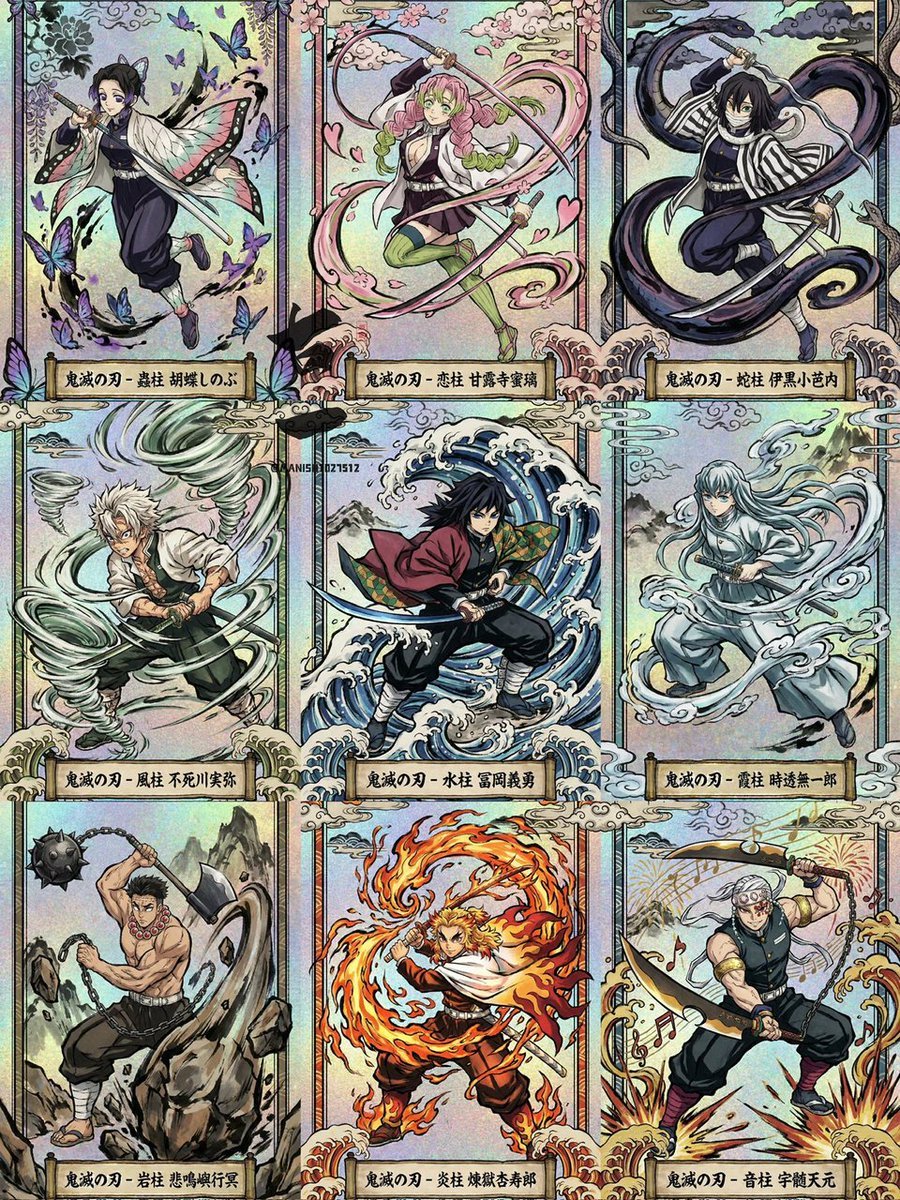
Ukiyo-e Demon Slayer Card Grid
Identity-Preserving Portrait Prompts for Nightclub and Festive Scenes
Hyper-Realistic Salad Explosion Food Photography Prompt

Cozy Winter Lifestyle Brand Advertisement
Editorial Fashion Photography with Motion Blur
Nocturne Veil Eyes Anime Beauty Poster
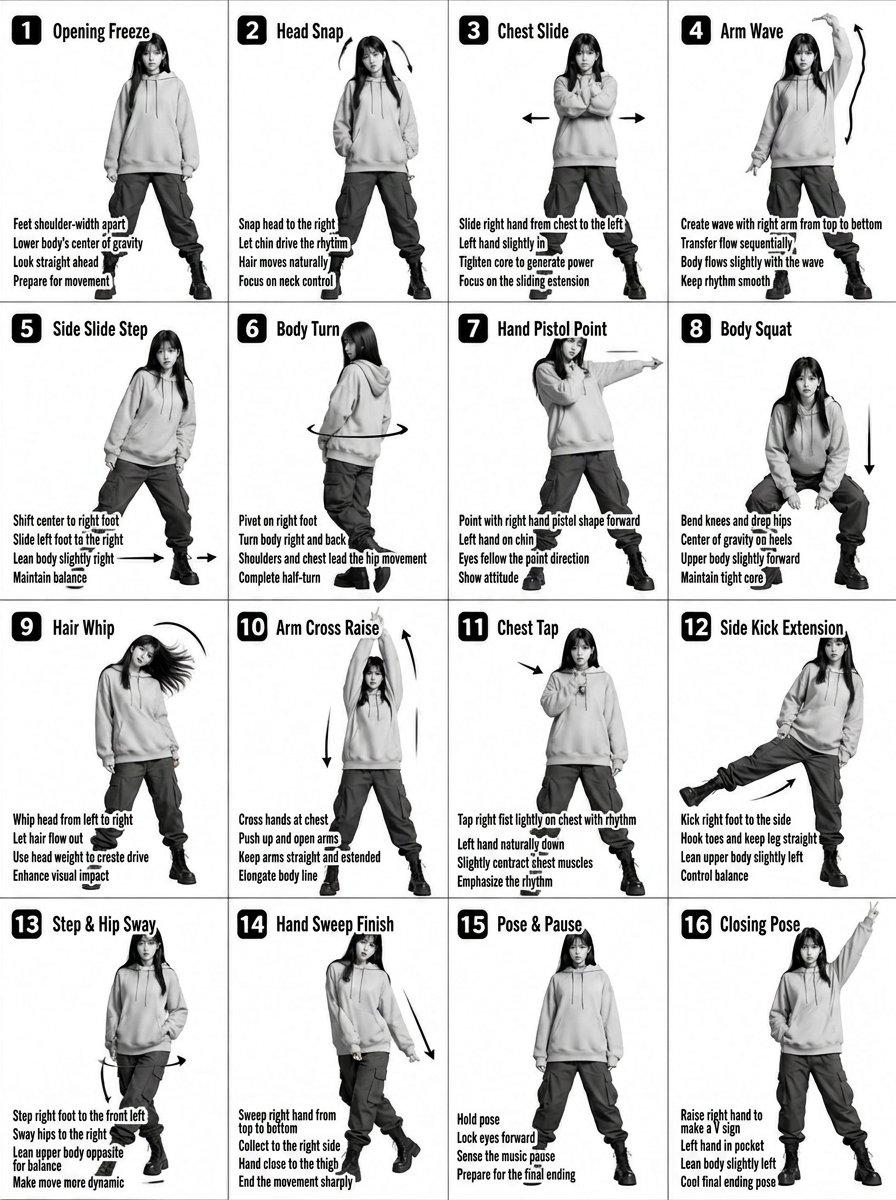
K-pop Dance Tutorial Poster Generator

Cinematic Road Trip Portrait Prompt

Image generation for Jolivet's 'Pachinko for Two Pianos'

Gpt2 Social Media Post Nostalgic 16 Photo Couple Grid
Browse template categories
Soft Autumn Personal Color Board questions
How do I use the Soft Autumn Personal Color Board template?
Add your photo if the template asks for one, edit the prompt if you like — the template's model and format are already selected — and press Generate. Your version opens in PicX Studio.
Can I customize the Soft Autumn Personal Color Board template?
Yes. You can change the subject, setting, lighting, mood, format, and available model controls before creating your image.
Is the Soft Autumn Personal Color Board template free?
Opening and editing this template is free. Generating uses credits, shown on the Generate button when you are signed in.
Which AI model should I use?
Start with GPT Image 2, which is the model associated with this template. You can compare another compatible model for a different finish.
Looking for something else? Browse all templates.

Your photo, any look
Thousands of ready templates for every top image and video model, from one credit balance.