
Japanese Facial Beauty Report Layout
Generates a polished Japanese beauty-analysis report UI from a reference portrait, useful for mockups of skincare, cosmetics, or facial assessment services.
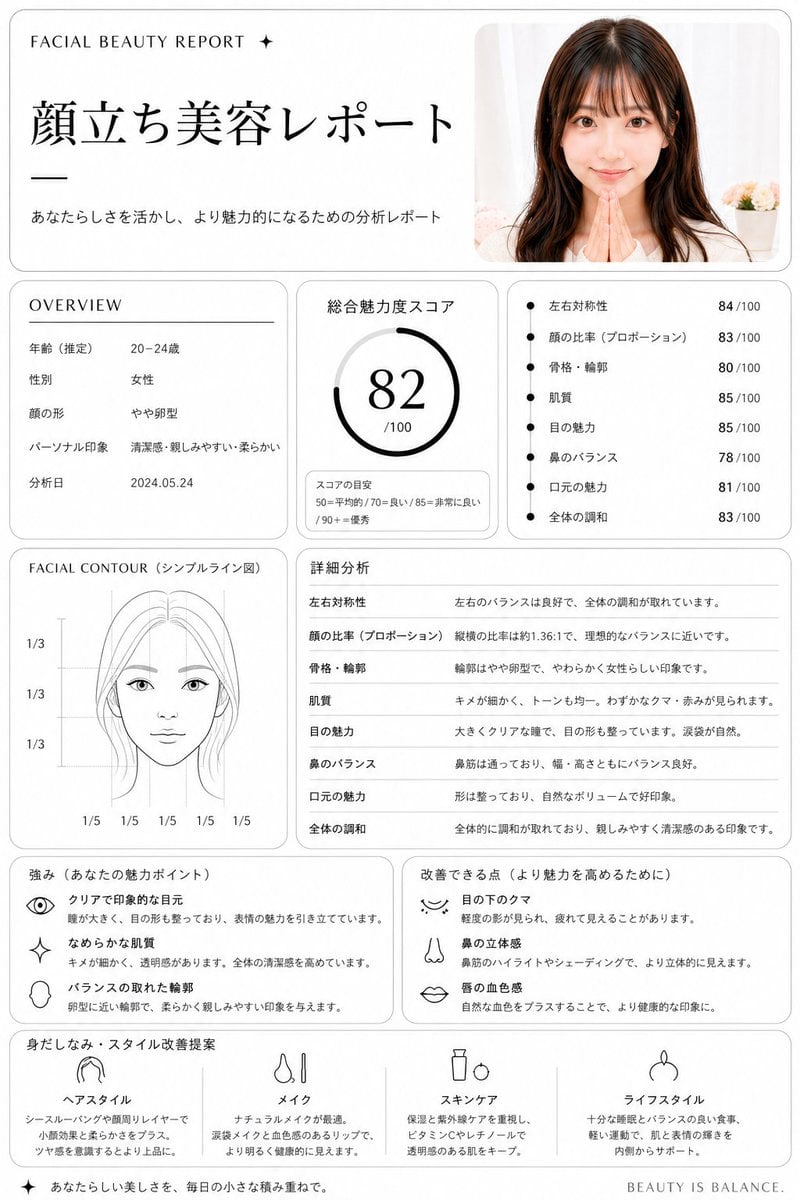
- Prompt included
- Model and format preset
- Free template
The prompt behind this image
Copy the exact prompt behind Japanese Facial Beauty Report Layout, or open it in the studio and make it yours.
Using REFERENCE_0, turn the uploaded portrait into a clean, premium Japanese aesthetic analysis dashboard titled {argument name="headline text" default="顔立ち美容レポート"}. Keep the same photo as the source image, including the face blur/censor, and place it in a rounded card at the top right. Reformat the output as a white editorial report page with thin gray borders, black typography, and a luxury beauty-consultation layout. Add these 8 report sections: 1) top header with small English text "FACIAL BEAUTY REPORT ✦", the large Japanese title, and the subtitle "あなたらしさを活かし、より魅力的になるための分析レポート"; 2) an OVERVIEW box listing exactly 5 rows: 年齢(推定) 20–24歳, 性別 女性, 顔の形 やや卵型, パーソナル印象 清潔感・親しみやすい・柔らかい, 分析日 2024.05.24; 3) a total score box labeled 総合魅力度スコア with a circular gauge showing {argument name="total score" default="82"}/100 and a small score guide reading 50=平均的 / 70=良い / 85=非常に良い / 90+=優秀; 4) a metrics box with exactly 7 bullet scores: 左右対称性 84/100, 顔の比率(プロポーション) 83/100, 骨格・輪郭 80/100, 肌質 85/100, 目の魅力 85/100, 鼻のバランス 78/100, 口元の魅力 81/100, 全体の調和 83/100; 5) a FACIAL CONTOUR(シンプルライン図) panel showing a simplified line-art face diagram with the blurred face area masked and measurement guides labeled exactly 1/3, 1/3, 1/3 vertically and 1/5 repeated 5 times along the bottom; 6) a 詳細分析 section with exactly 8 rows matching the metrics above and short explanatory Japanese comments; 7) a strengths box titled 強み(あなたの魅力ポイント) with exactly 3 icon-led items: クリアで印象的な目元, なめらかな肌質, バランスの取れた輪郭; 8) an improvements box titled 改善できる点(より魅力を高めるために) with exactly 3 icon-led items: 目の下のクマ, 鼻の立体感, 唇の血色感; 9) a final recommendation row titled 身だしなみ・スタイル改善提案 with exactly 4 columns labeled ヘアスタイル, メイク, スキンケア, ライフスタイル, each with a simple black line icon and short Japanese advice. Add a small footer line on the bottom right reading {argument name="footer text" default="BEAUTY IS BALANCE."}. Overall style: minimalist clinic report, balanced grid layout, soft shadows, rounded panels, black and gray only, highly legible Japanese magazine design.
Reference images included
Japanese Facial Beauty Report Layout needs input media to work. They load alongside the prompt when you open it in the studio.
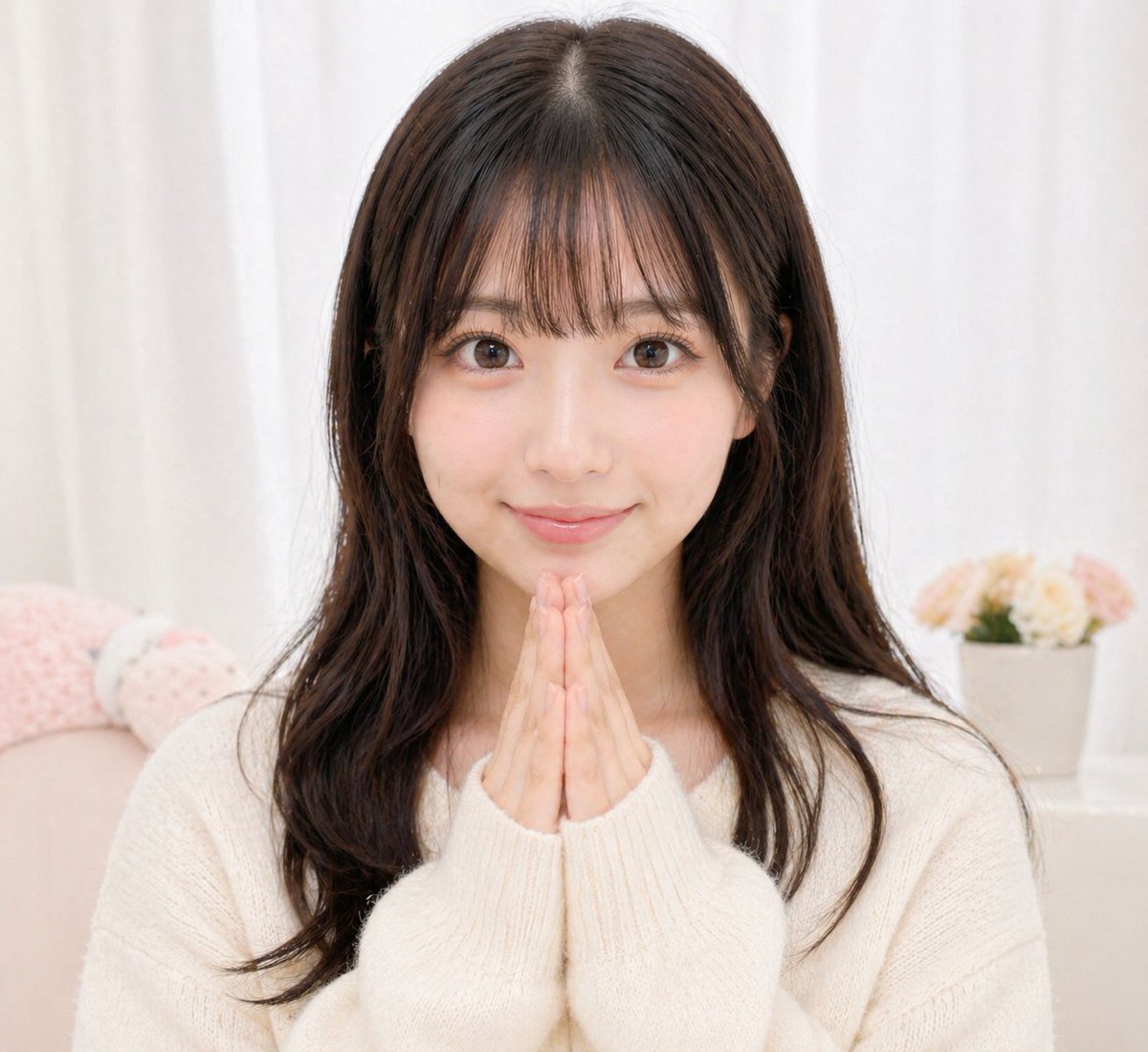
How to use Japanese Facial Beauty Report Layout in 3 steps
- 1Upload ImagePNG, JPG or paste
Add your photo
Upload the photo the template builds on. The prompt, model and format are already set.
- 2…a portrait of your subject in softgolden-hour light, 85mm…
Personalize
Edit the subject and creative details for your destination.
- 3Generate
Generate
Press Generate — your image is created in PicX Studio, so you can compare it with the original and refine one variable at a time.
More like this
Templates with the same subject, style or setup. Open one to see its prompt.
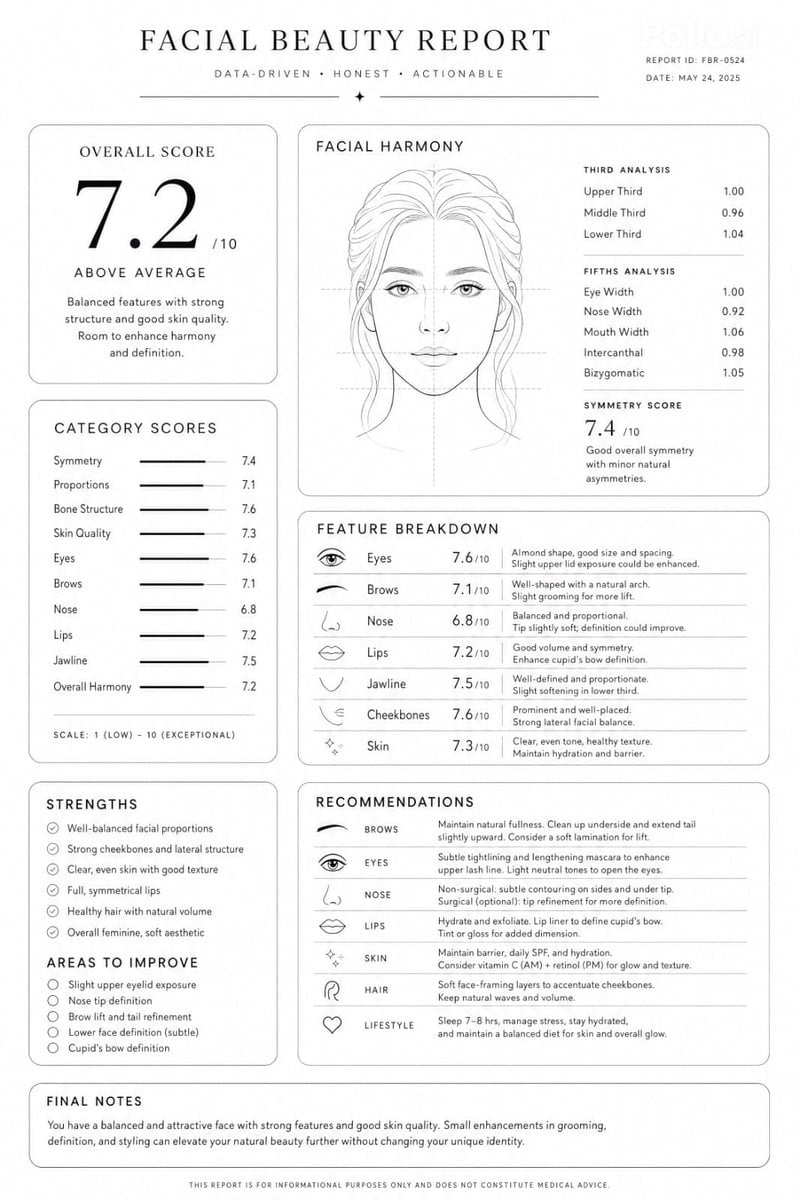
Facial Beauty Analysis Report Layout
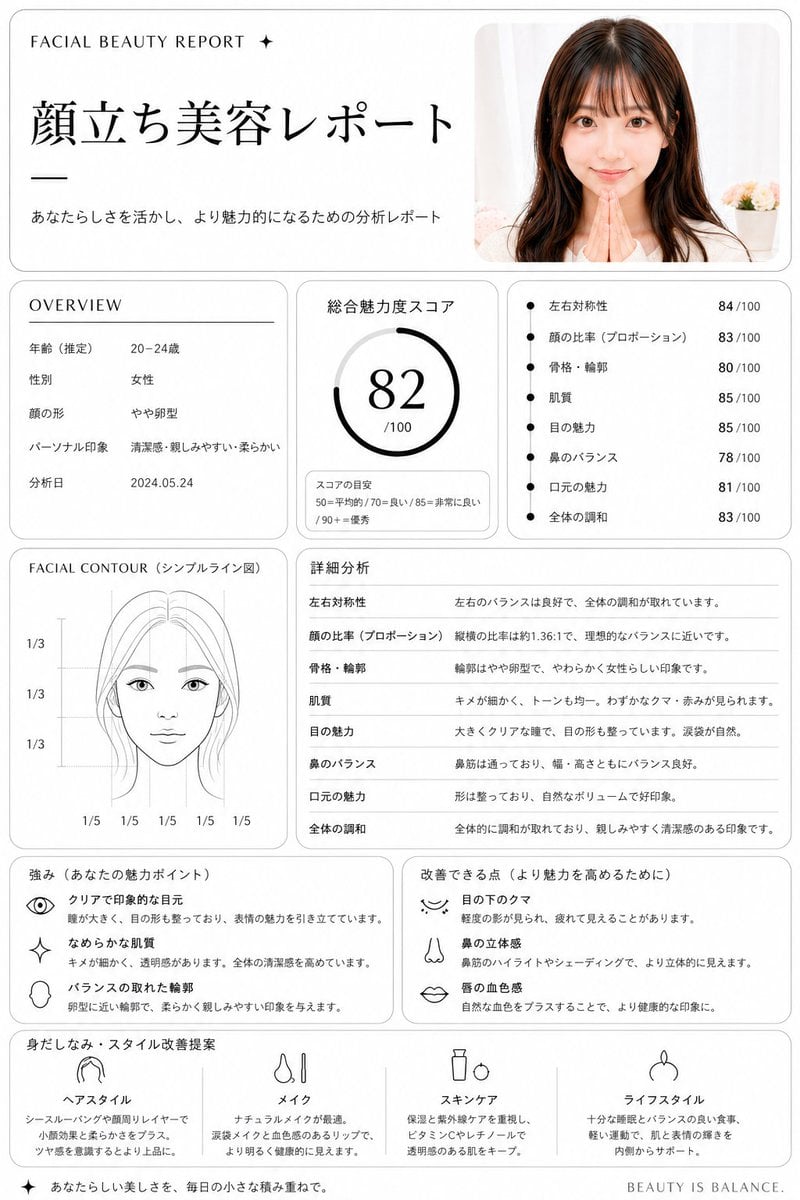
Minimalist facial beauty report

Minecraft Japanese Research Lab Exploration
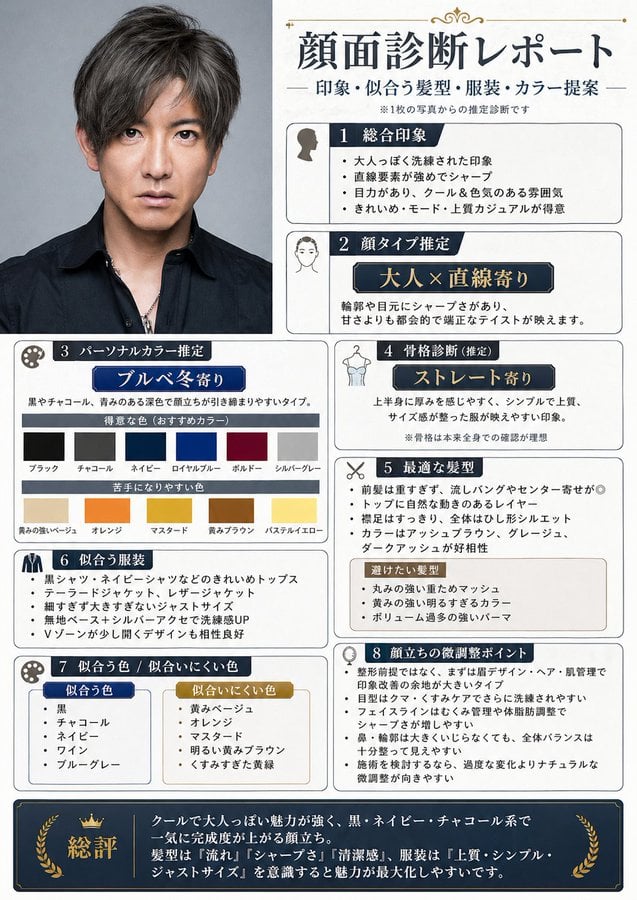
Japanese Face Diagnosis Report

Japanese Architectural Concrete Studio Fashion Campaign

Japanese Minimalist Concrete Studio Fashion Editorial

Open Magazine Luxury Fashion Editorial Layout

Premium Fashion Editorial Cover Layout System

Geometric Color-Block Beauty Editorial Portrait

High-Fashion Editorial Magazine Cover ICON

Blue Backdrop Luxury Fashion Portrait Campaign
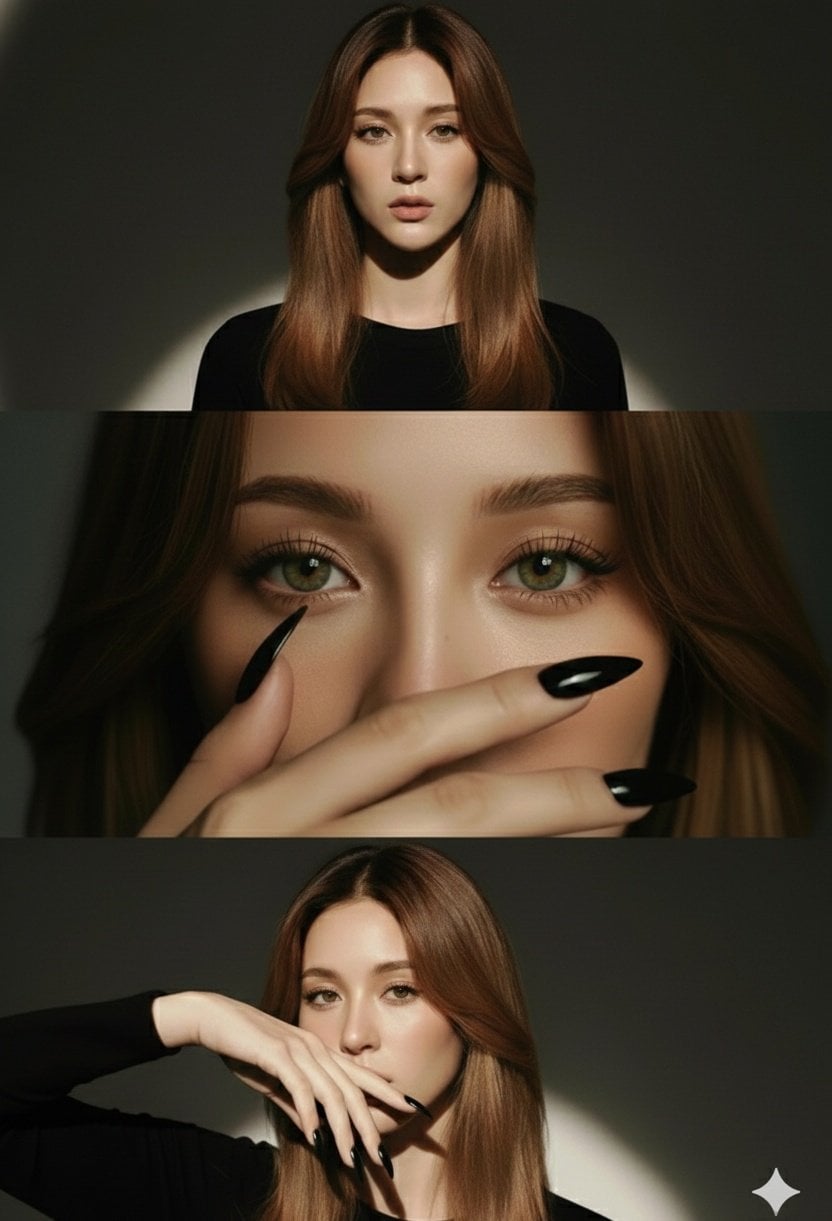
High-Fashion Editorial Studio Portrait Triptych
Make it yours
Japanese Facial Beauty Report Layout works as-is. These are the safest ways to change it without losing the look.
Change one field
Copy a single group, rewrite it, and generate again so you can see what that field is doing.
Keep the frame, change the subject
Hold the composition and light of Japanese Facial Beauty Report Layout, then swap wardrobe, props or the person for a new take.
| If the result… | Why | Fix |
|---|---|---|
| The result drifts from the preview | Too many fields changed at once. | Reuse Japanese Facial Beauty Report Layout as-is first, then change one group — subject, light, or setting. |
| The model over-stylizes the scene | The prose prompt leaves finish and camera underspecified. | Add one camera or lighting sentence and stay on GPT Image 2. |
More GPT Image 2 templates
Other prompts made for GPT Image 2.

Six VTuber Japanese Logo Sheet

Realistic Portrait of Woman and Deer

The Vista Modular Condo Poster

AI Model Routing Comparison Infographic

2.5D Anime Art Board

Isometric Productivity Desk Scene

New York Double Exposure Poster

Four-Panel AI Landscape Comparison

Japanese Tatami Lifestyle Magazine Cover

NESCAFÉ Coffee Map Poster
More image prompts
Fresh picks from across the catalog.
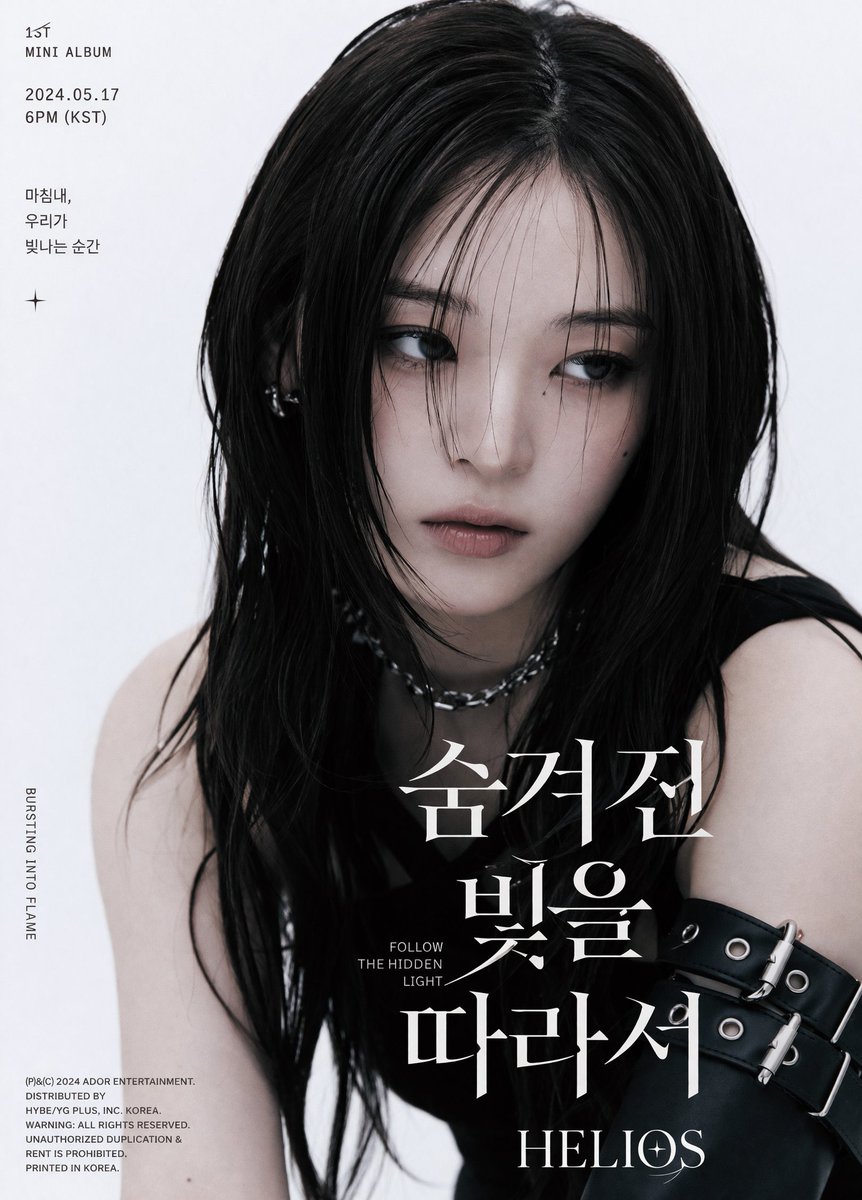
K-Pop Album Teaser Poster

Candid Night Bloom Portrait
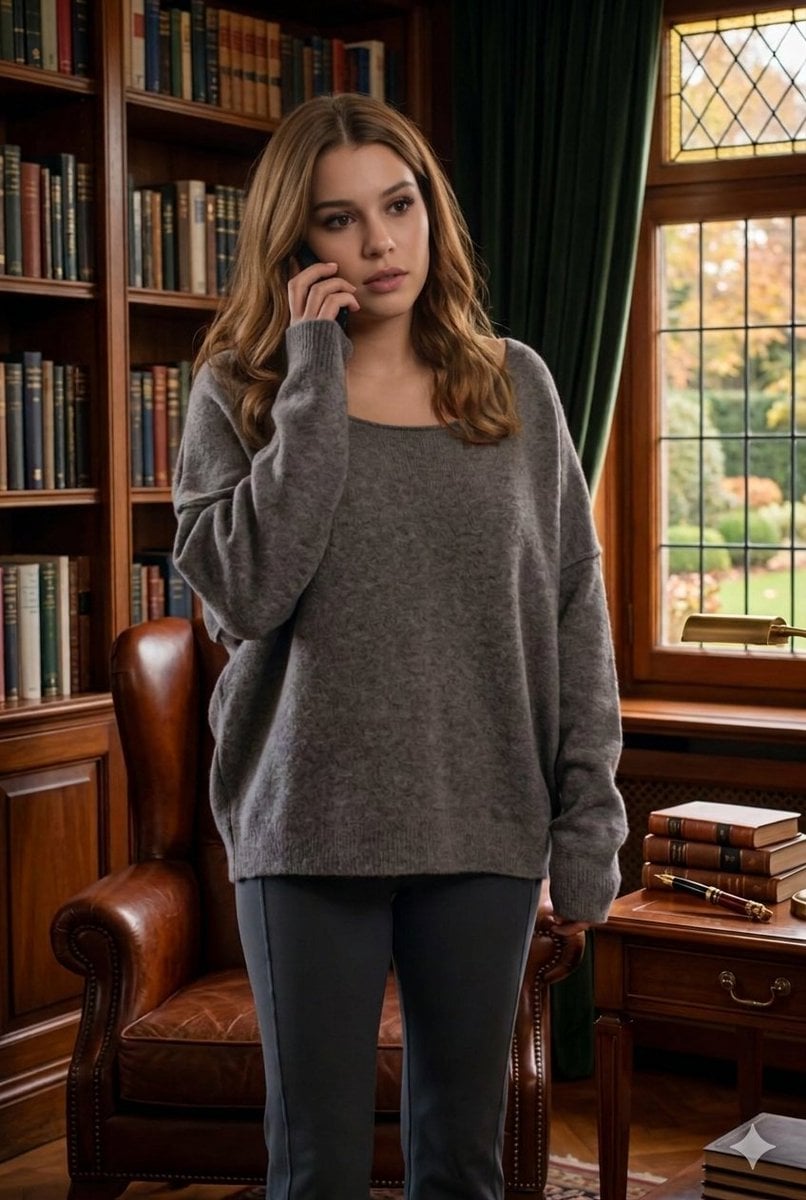
Cinematic Library Scene with Woman on Phone

Combustion Freeze: Object Frozen at Ignition
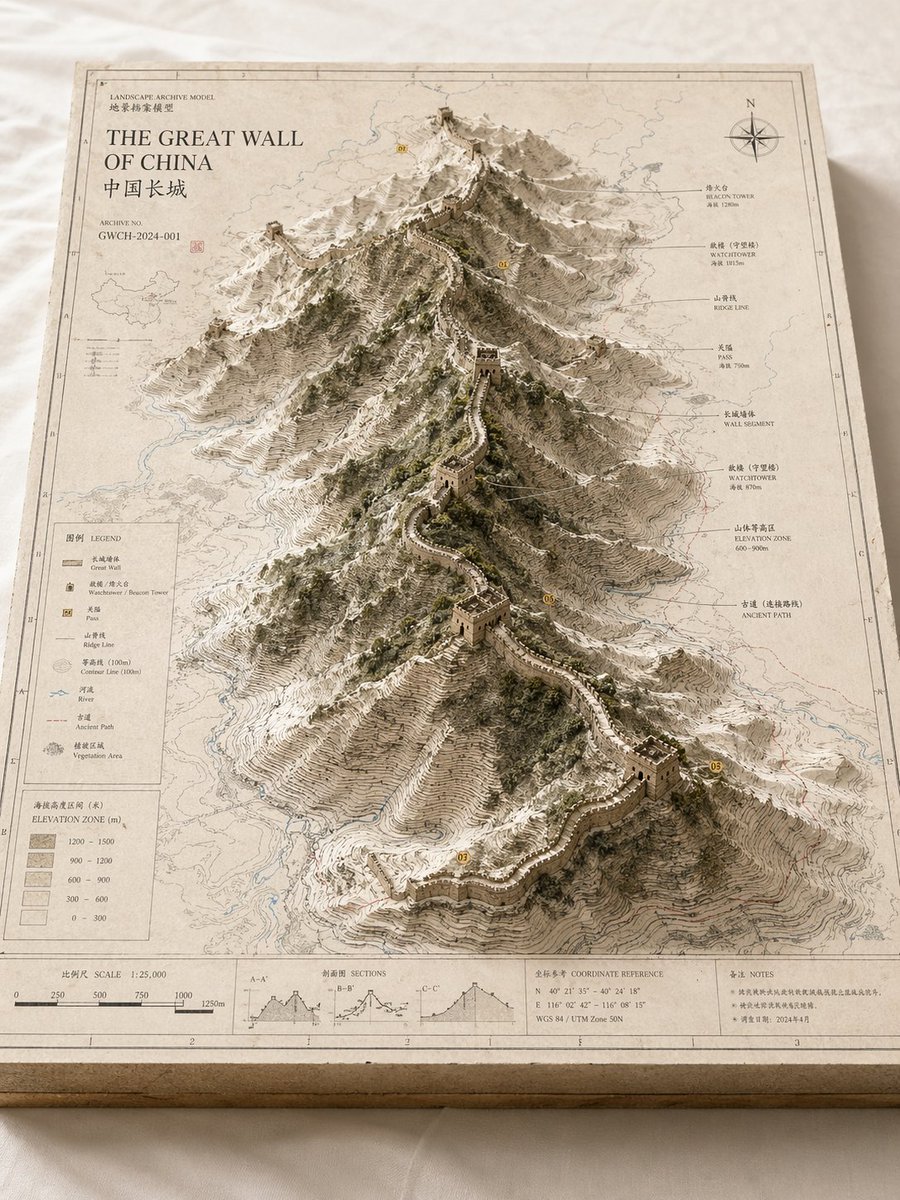
Landscape Archive Model Map
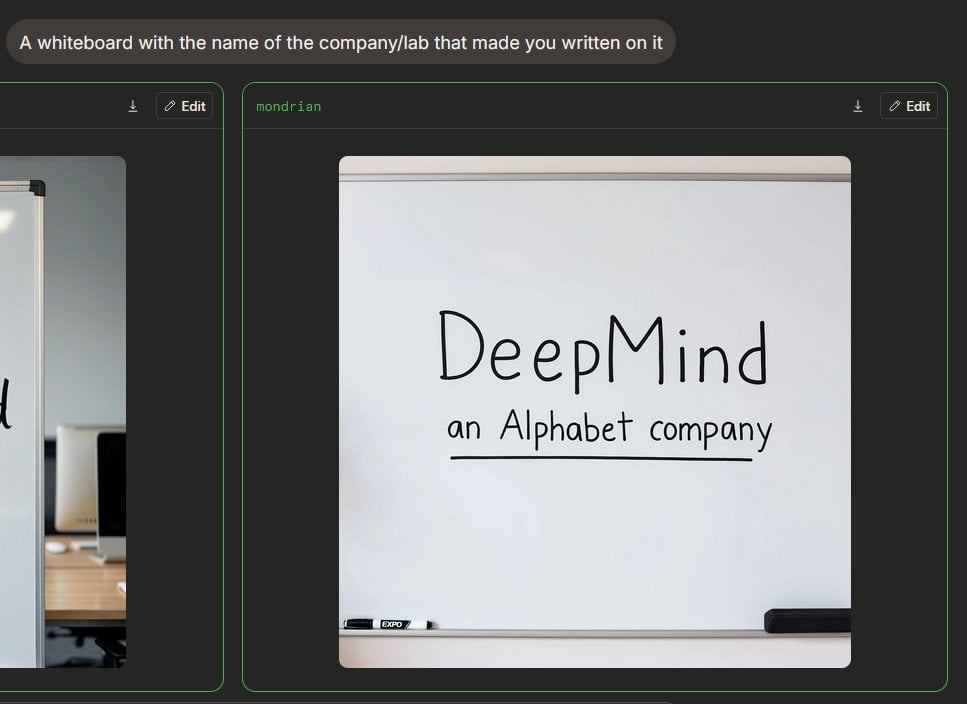
Dark AI Arena Whiteboard Screenshot
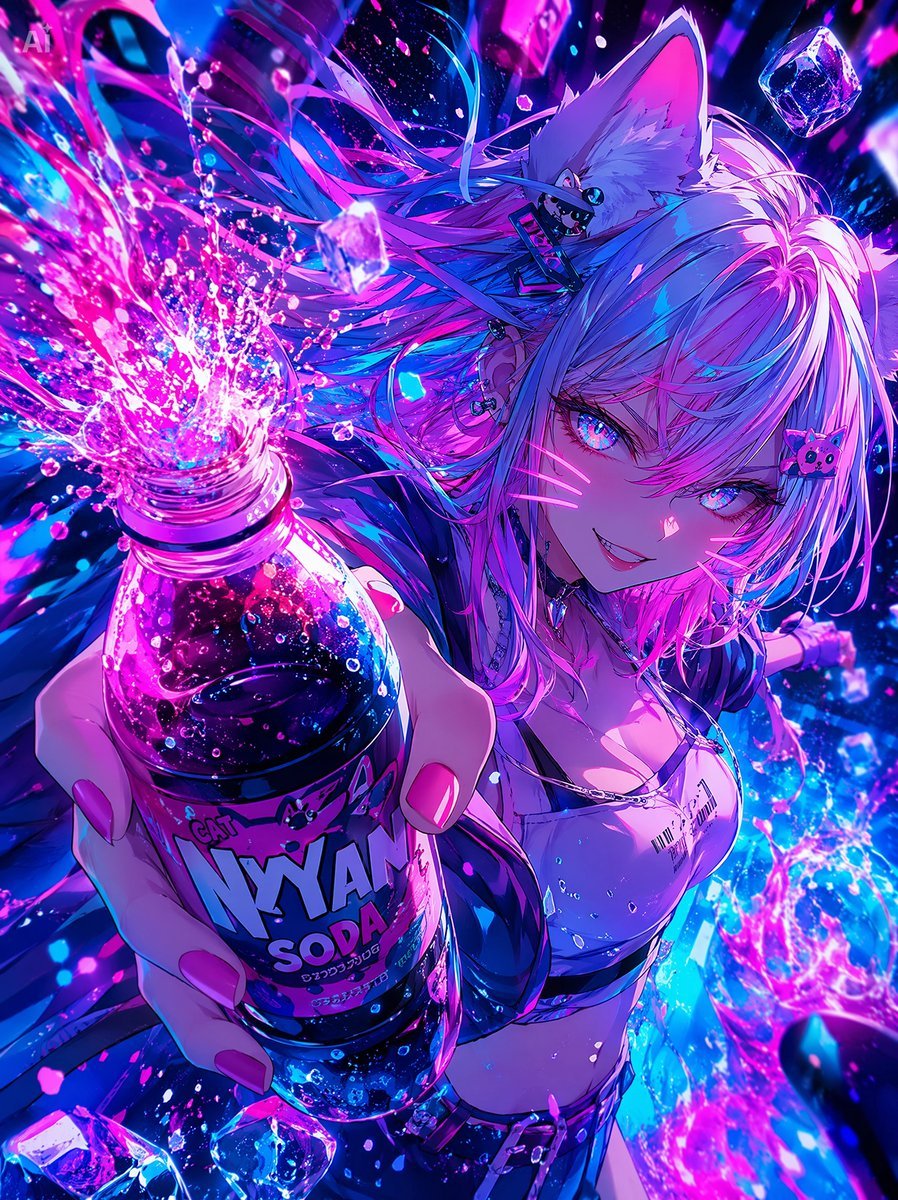
Neon Catgirl Soda Ad
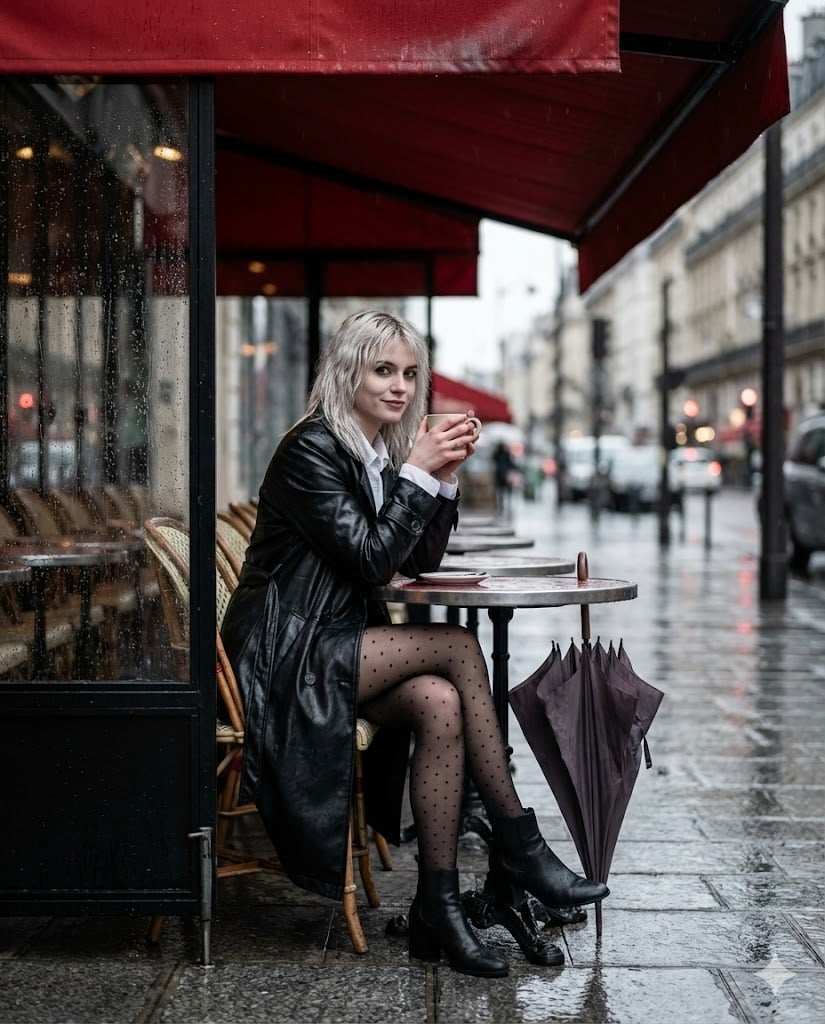
Moody Parisian Cafe Street Photography Prompt
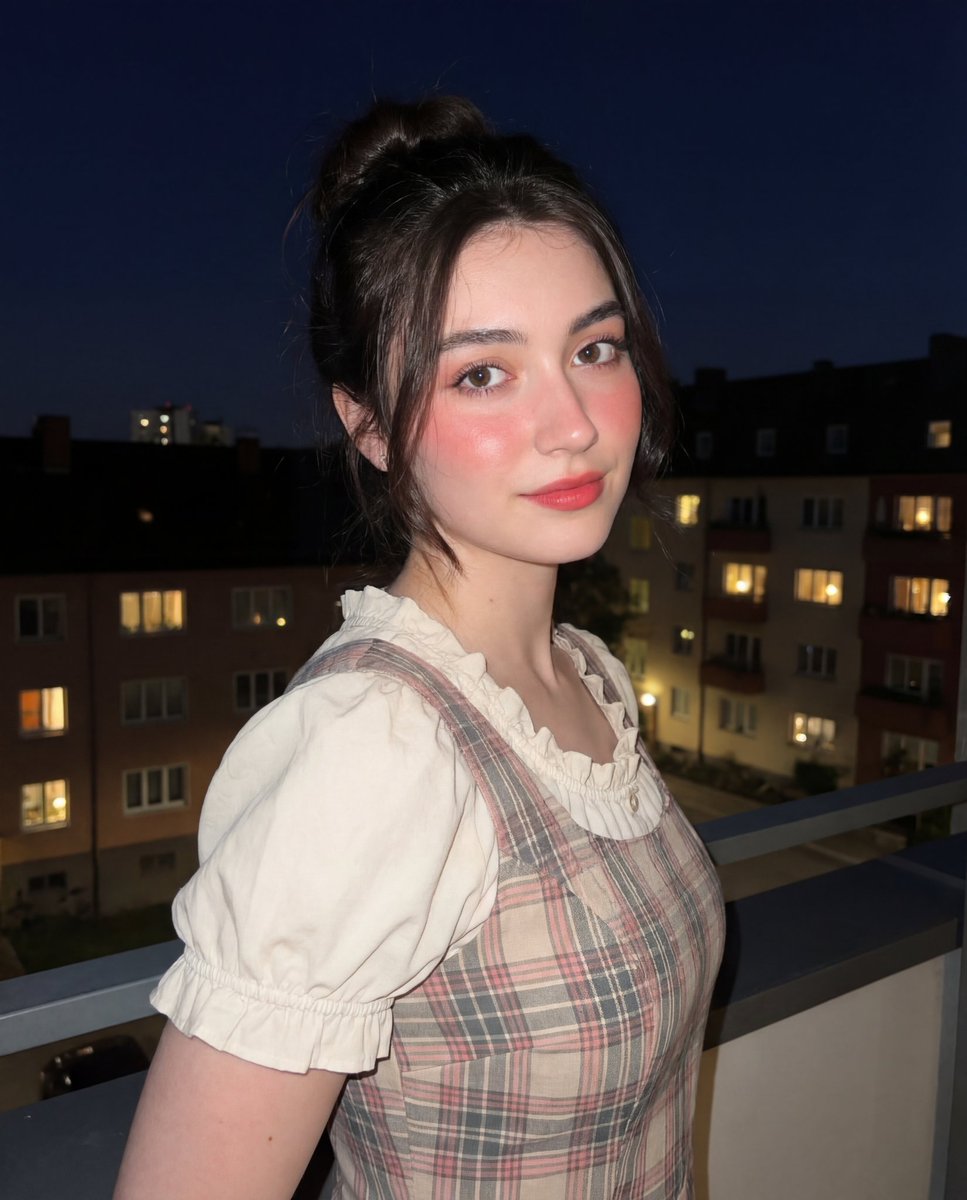
Soft-Glow Night Portrait with On-Camera Flash

Japanese X Monetization Thumbnail
Browse template categories
Japanese Facial Beauty Report Layout questions
How do I use the Japanese Facial Beauty Report Layout template?
Add your photo if the template asks for one, edit the prompt if you like — the template's model and format are already selected — and press Generate. Your version opens in PicX Studio.
Can I customize the Japanese Facial Beauty Report Layout template?
Yes. You can change the subject, setting, lighting, mood, format, and available model controls before creating your image.
Is the Japanese Facial Beauty Report Layout template free?
Opening and editing this template is free. Generating uses credits, shown on the Generate button when you are signed in.
Which AI model should I use?
Start with GPT Image 2, which is the model associated with this template. You can compare another compatible model for a different finish.
Looking for something else? Browse all templates.

Your photo, any look
Thousands of ready templates for every top image and video model, from one credit balance.