
Japanese Face Diagnosis Report
Generates a Japanese personal appearance consulting report from a portrait, with styling, color, hairstyle, and grooming recommendations.
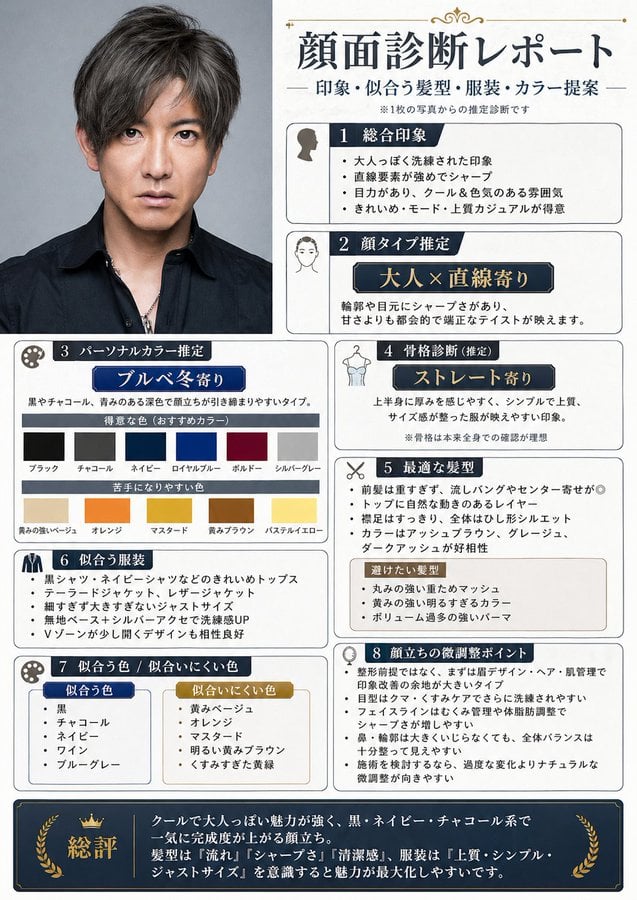
- Prompt included
- Model and format preset
- Premium template
The prompt behind this image
Copy the exact prompt behind Japanese Face Diagnosis Report, or open it in the studio and make it yours.
Using REFERENCE_0 as the portrait photo, create a vertical Japanese appearance-consulting diagnosis sheet. Keep the original portrait recognizable and place it cropped on the upper-left side, while adding a clean editorial report layout around it. Goal: Turn the single portrait into a polished “face diagnosis report” infographic for men, like a professional styling/appearance consultation output. Canvas and style: Vertical A4-style report, cream/off-white paper background, thin black and gold decorative rules, navy section headers, small simple icons, neat Japanese typography, dense but readable magazine-consulting layout. Main headline: Use {argument name="headline text" default="顔面診断レポート"} at the top right, with a smaller subtitle below: {argument name="subtitle text" default="印象・似合う髪型・服装・カラー提案"}. Add a tiny note saying it is an estimated diagnosis from one photo. Layout: Create exactly 8 numbered diagnostic sections plus 1 final summary bar. Arrange them in bordered cards, with the portrait occupying the upper-left column and the analysis cards filling the right side and lower area. Sections to include, exactly 8: 1. Overall impression: mature, clean, direct gaze, cool and calm atmosphere, suitable for mode/smart casual styling. 2. Face type estimate: “adult × close to straight-line features,” explaining sharp eyes/contours and a balanced elegant impression. 3. Personal color estimate: {argument name="personal color type" default="ブルベ冬寄り"}; include two color rows: recommended deep/high-contrast colors and colors that may be difficult. Show exactly 12 color swatches total: 6 recommended colors labeled black, charcoal, navy, royal blue, burgundy, silver gray; and 6 difficult colors labeled yellowish beige, orange, mustard, yellow-brown, pastel yellow, and a similar warm pale color. 4. Body frame estimate: {argument name="body type" default="ストレート寄り"}; describe a simple, high-quality, just-size outfit impression. 5. Best hairstyle: suggest not too long bangs, center/side part, clean silhouette, ash/gray/dark ash tones, and avoid overly heavy or voluminous perms. 6. Clothing that suits: list clean tops such as black shirt and navy shirt, tailored jackets and leather jackets, slim to just-size silhouettes, and V-neck/open-collar tops. 7. Colors that suit / colors that do not suit: create two small comparison boxes. Suited colors: black, charcoal, navy, wine, blue-gray. Less-suited colors: yellowish beige, orange, mustard, bright yellow-brown, overly pale colors. 8. Subtle improvement points: suggest small grooming and styling adjustments such as eyebrow design, hair volume control, reducing under-eye shadows with concealer, not overdoing face-line changes, maintaining a clean silhouette, and natural skin tone refinement. Final summary: Add a full-width dark navy bottom summary bar with gold laurel/crown accents and the label {argument name="summary label" default="総評"}. Summarize that cool, mature charm is strong and black/navy/charcoal styling with sharp hair and high-quality simple clothing maximizes the impression. Constraints: Keep the reference portrait identity and expression unchanged, do not beautify it unrealistically, do not add extra people, do not use English labels in the report, and keep all Japanese text visually plausible and neatly typeset.
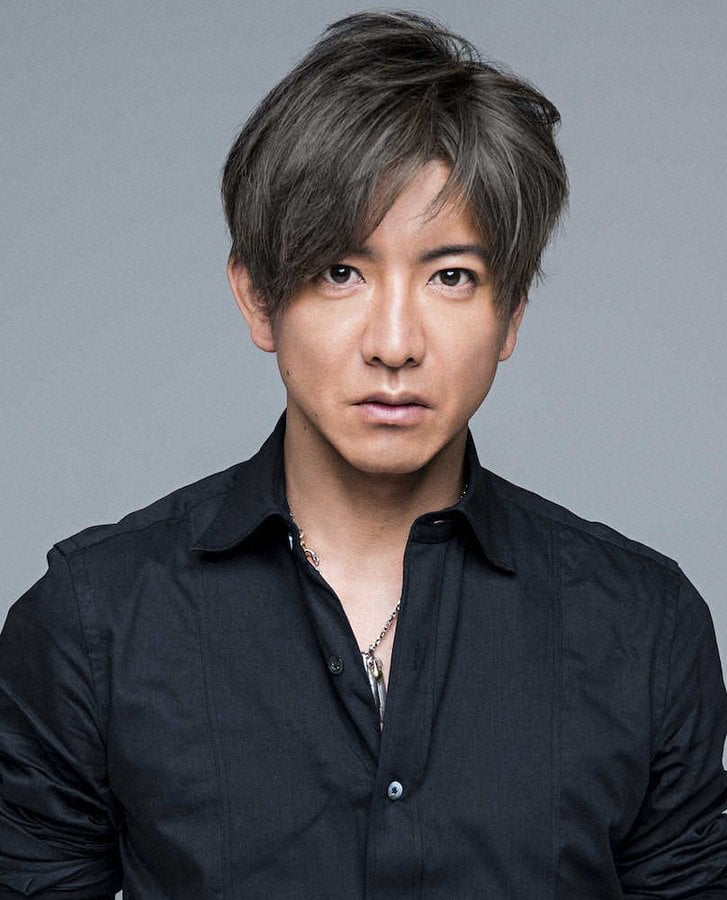
Reference images included
Japanese Face Diagnosis Report needs input media to work. They load alongside the prompt when you open it in the studio.
How to use Japanese Face Diagnosis Report in 3 steps
- 1Upload ImagePNG, JPG or paste
Add your photo
Upload the photo the template builds on. The prompt, model and format are already set.
- 2…a portrait of your subject in softgolden-hour light, 85mm…
Personalize
Edit the subject and creative details for your destination.
- 3Generate
Generate
Press Generate — your image is created in PicX Studio, so you can compare it with the original and refine one variable at a time.
More like this
Templates with the same subject, style or setup. Open one to see its prompt.
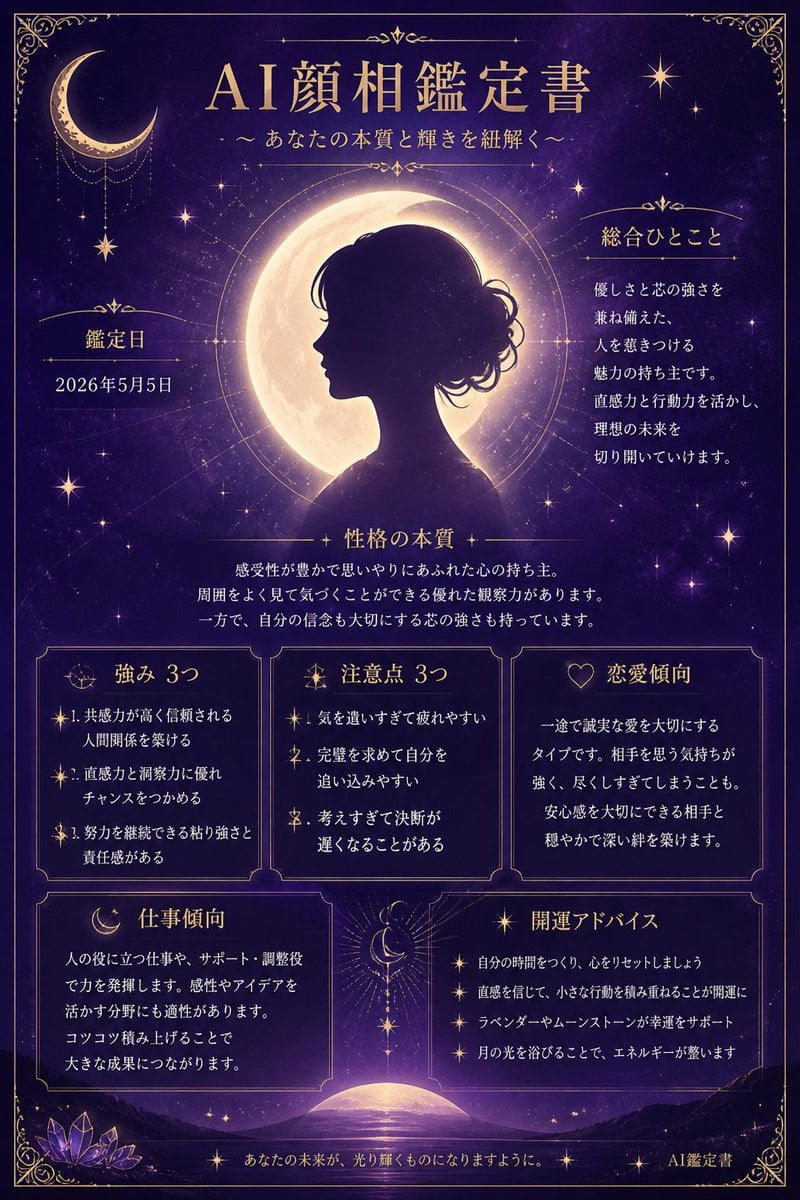
Mystical Japanese AI Face Reading Report

Minecraft Japanese Research Lab Exploration

Japanese Architectural Concrete Studio Fashion Campaign

Japanese Minimalist Concrete Studio Fashion Editorial

Blue Backdrop Luxury Fashion Portrait Campaign
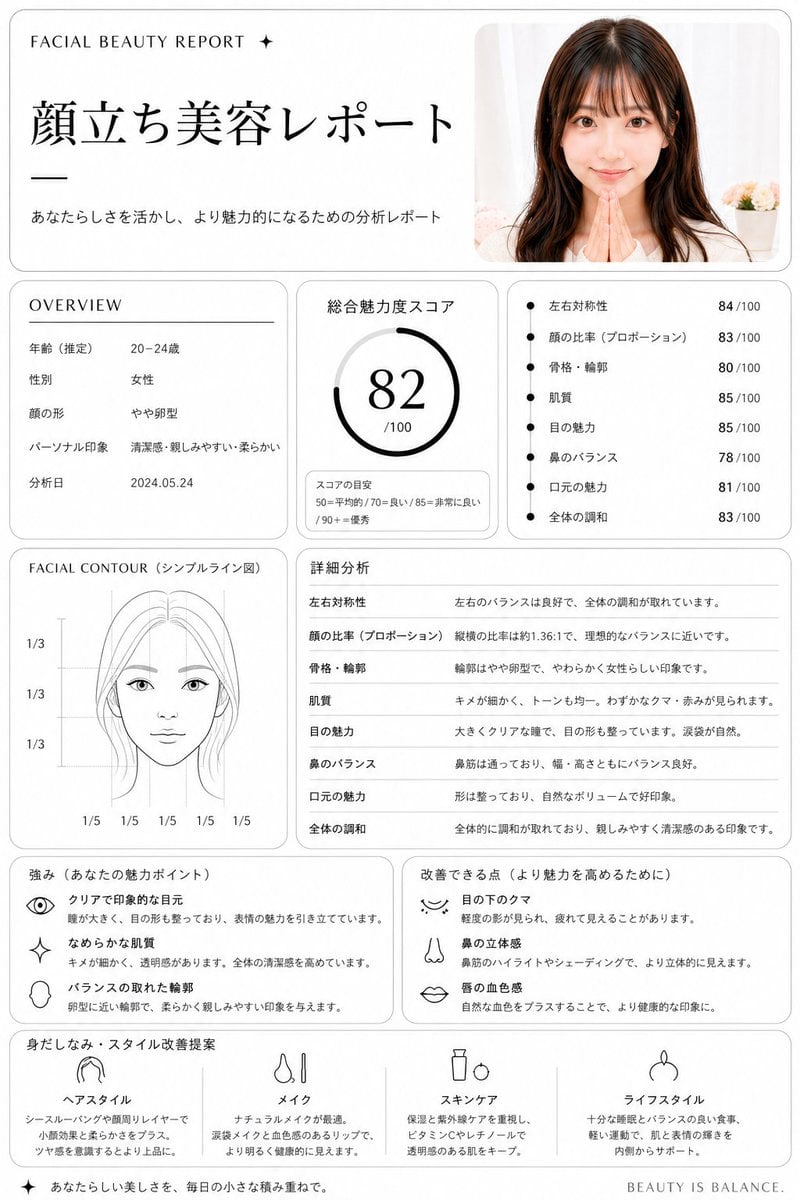
Japanese Facial Beauty Report Layout
Japanese Career Diagnosis Cover
Japanese Hot Spring TV Report
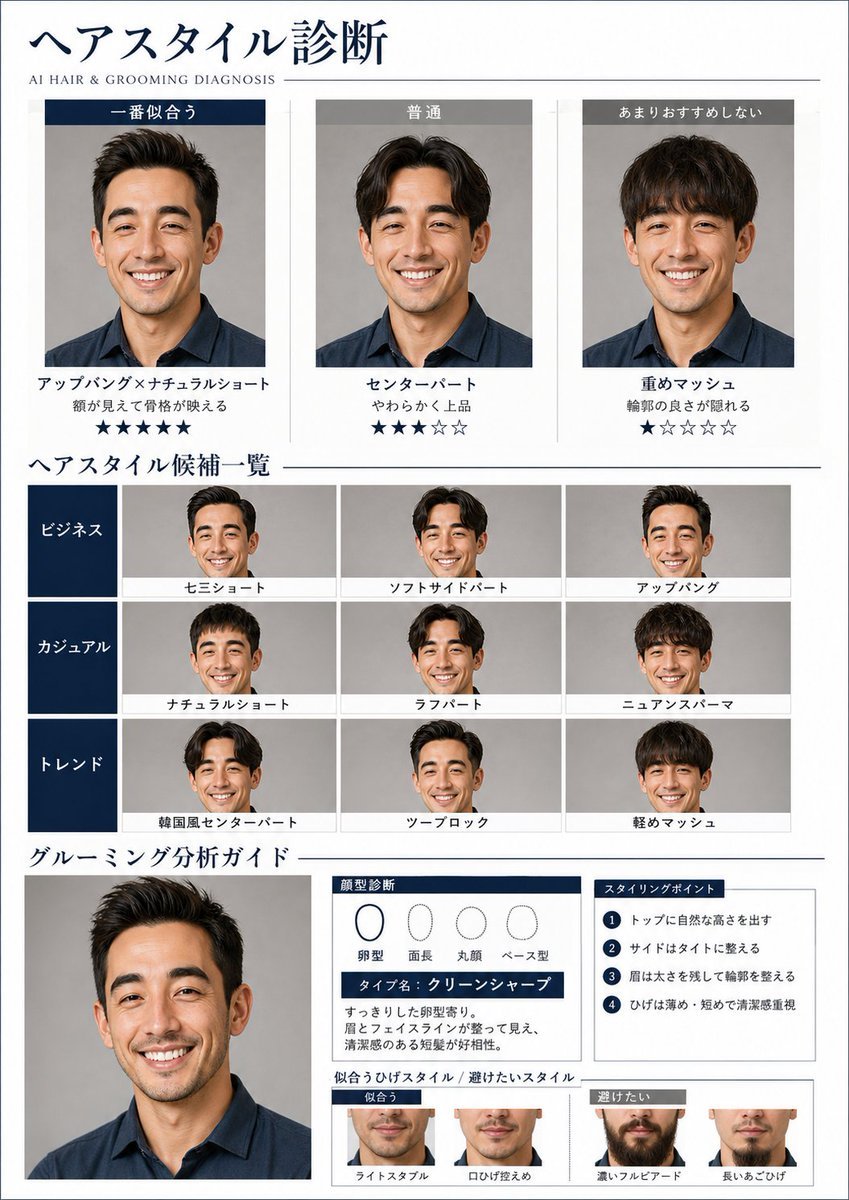
AI Hair and Grooming Diagnosis Report
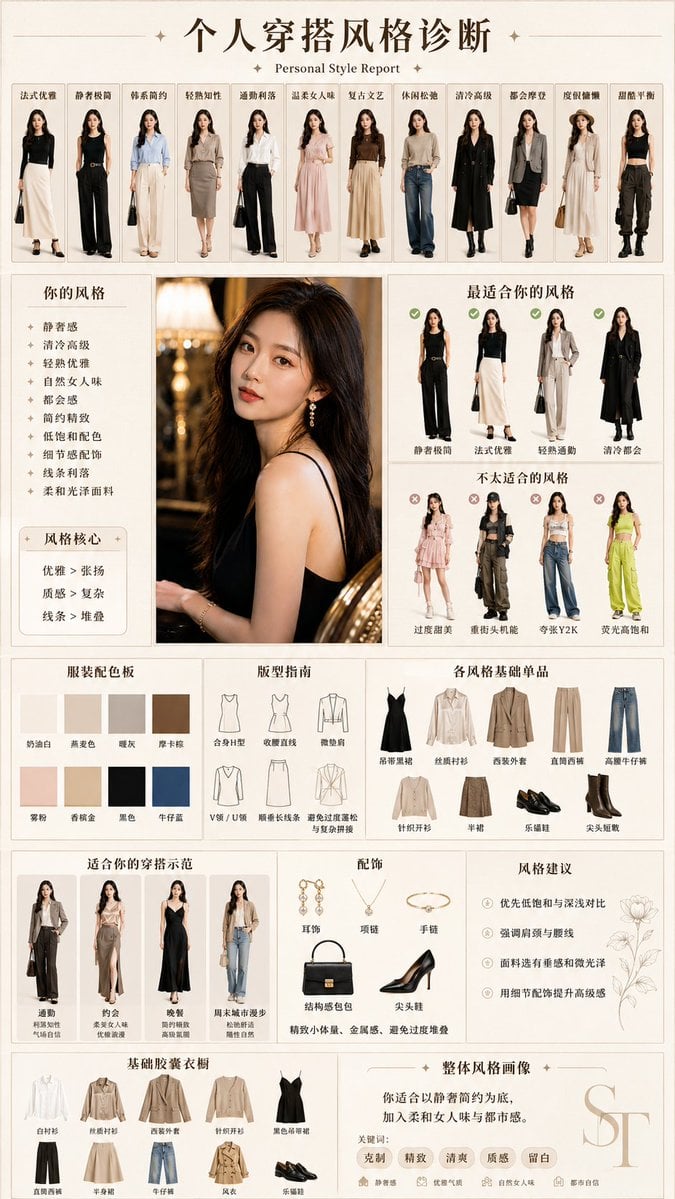
Personal Style Diagnosis Report
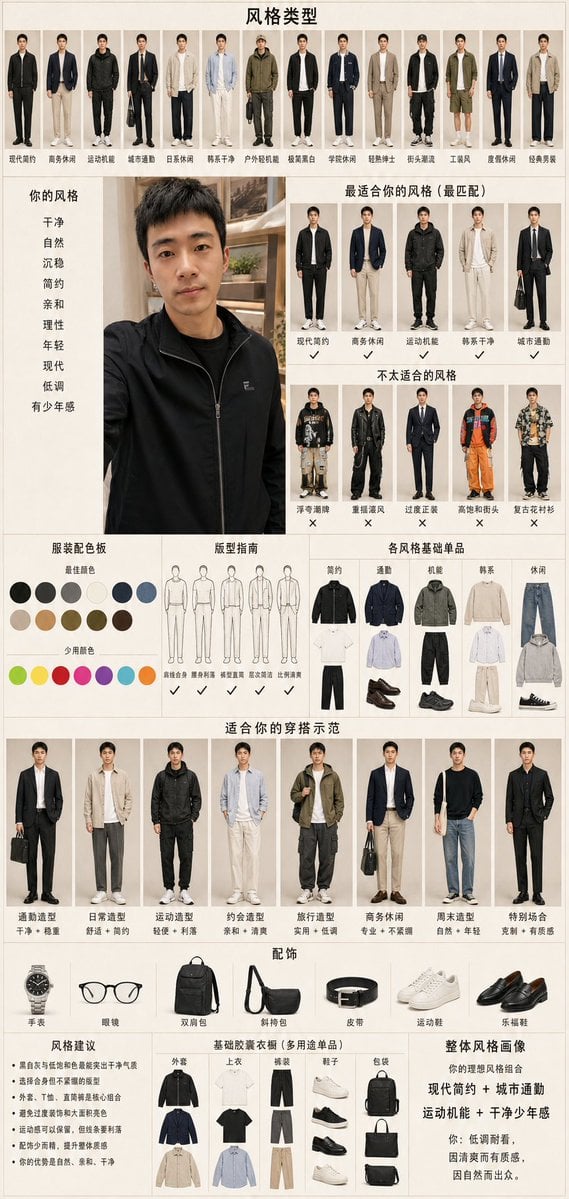
Men's Fashion Style Diagnosis Report
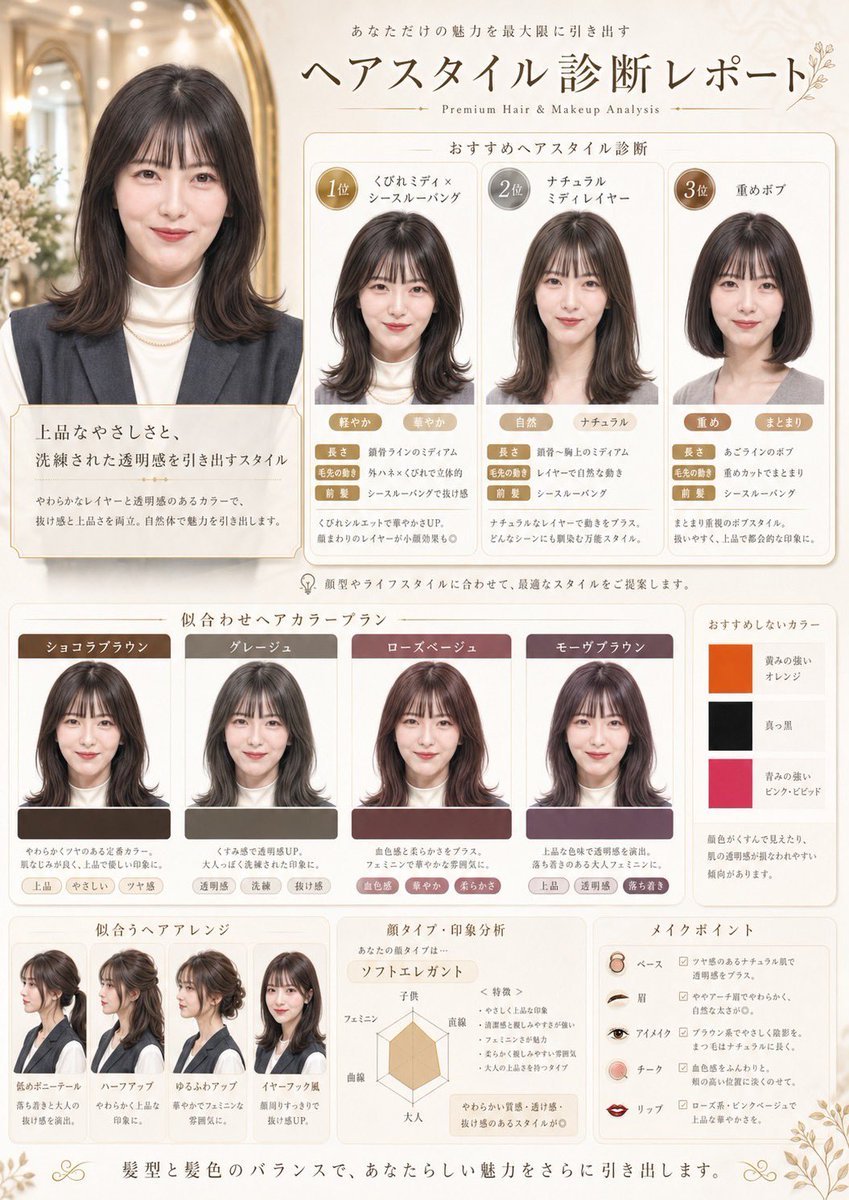
Japanese Hair Diagnosis Salon Poster
Make it yours
Japanese Face Diagnosis Report works as-is. These are the safest ways to change it without losing the look.
Change one field
Copy a single group, rewrite it, and generate again so you can see what that field is doing.
Keep the frame, change the subject
Hold the composition and light of Japanese Face Diagnosis Report, then swap wardrobe, props or the person for a new take.
| If the result… | Why | Fix |
|---|---|---|
| The result drifts from the preview | Too many fields changed at once. | Reuse Japanese Face Diagnosis Report as-is first, then change one group — subject, light, or setting. |
| The model over-stylizes the scene | The prose prompt leaves finish and camera underspecified. | Add one camera or lighting sentence and stay on GPT Image 2. |
More GPT Image 2 templates
Other prompts made for GPT Image 2.

Realistic Portrait of Woman and Deer

The Vista Modular Condo Poster

AI Model Routing Comparison Infographic

2.5D Anime Art Board

Isometric Productivity Desk Scene

New York Double Exposure Poster

Four-Panel AI Landscape Comparison

Japanese Tatami Lifestyle Magazine Cover

NESCAFÉ Coffee Map Poster

Brutalist Cogito Chinese Typography Poster
More image prompts
Fresh picks from across the catalog.
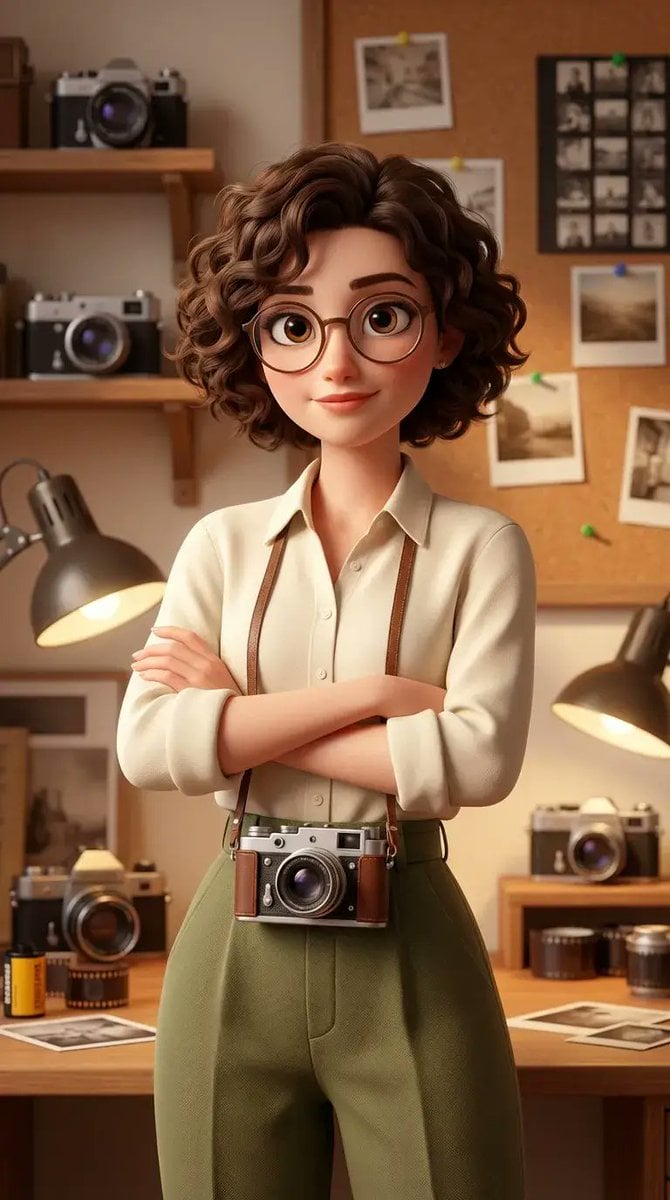
Stylized 3D Animated Female Photographer Character (Pixar Style)
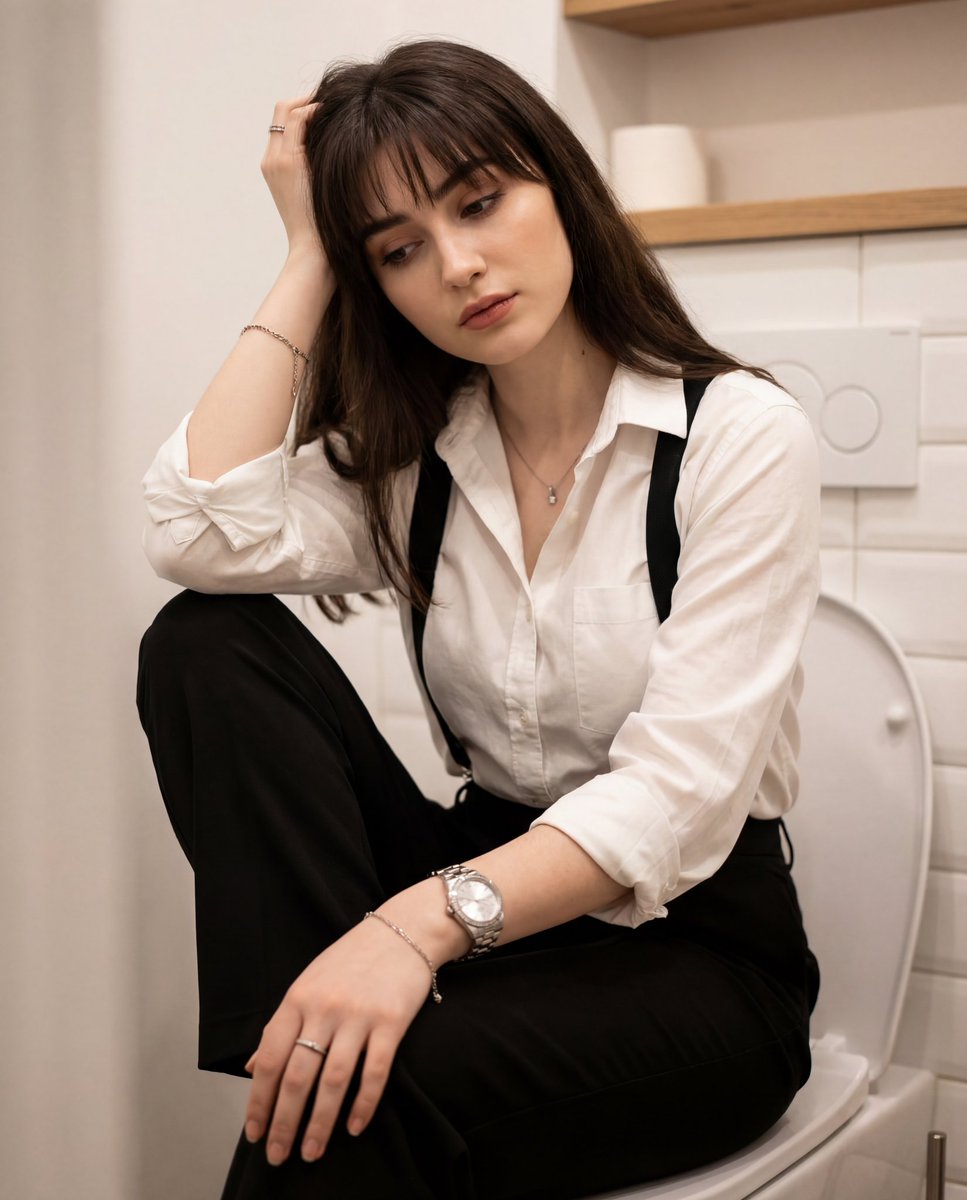
Introspective Portrait in a Bathroom with Identity Lock
Unexpected Products by Favorite Brands Prompt
Creative Birthday Portrait with Metallic Balloons
Youtube Thumbnail Template

Zootopia Style Snowman Building Scene
Golden Hour Guitar Bedroom Scene
Vibrant Chaotic Slime Collage
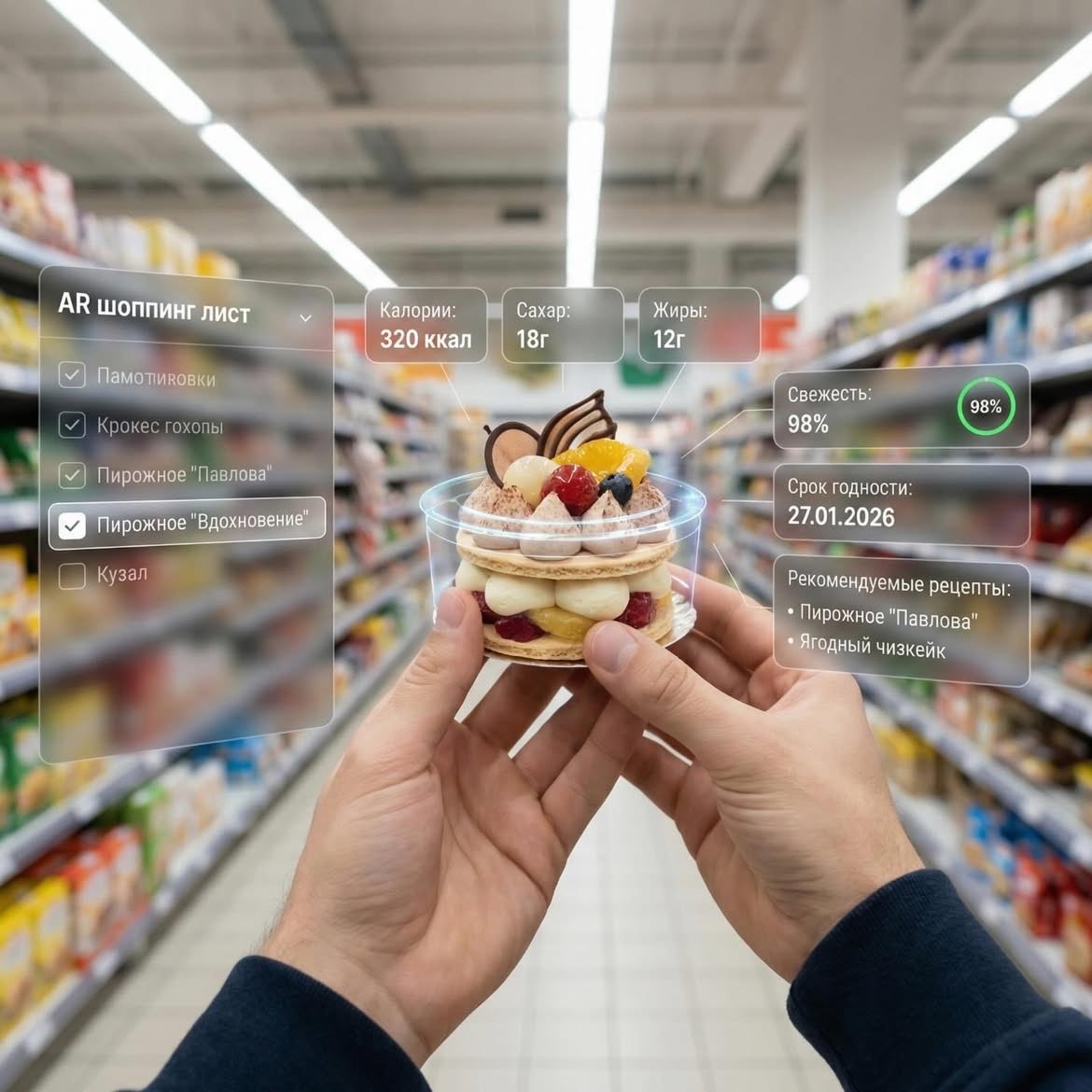
Augmented Reality UI Overlays on Food Items
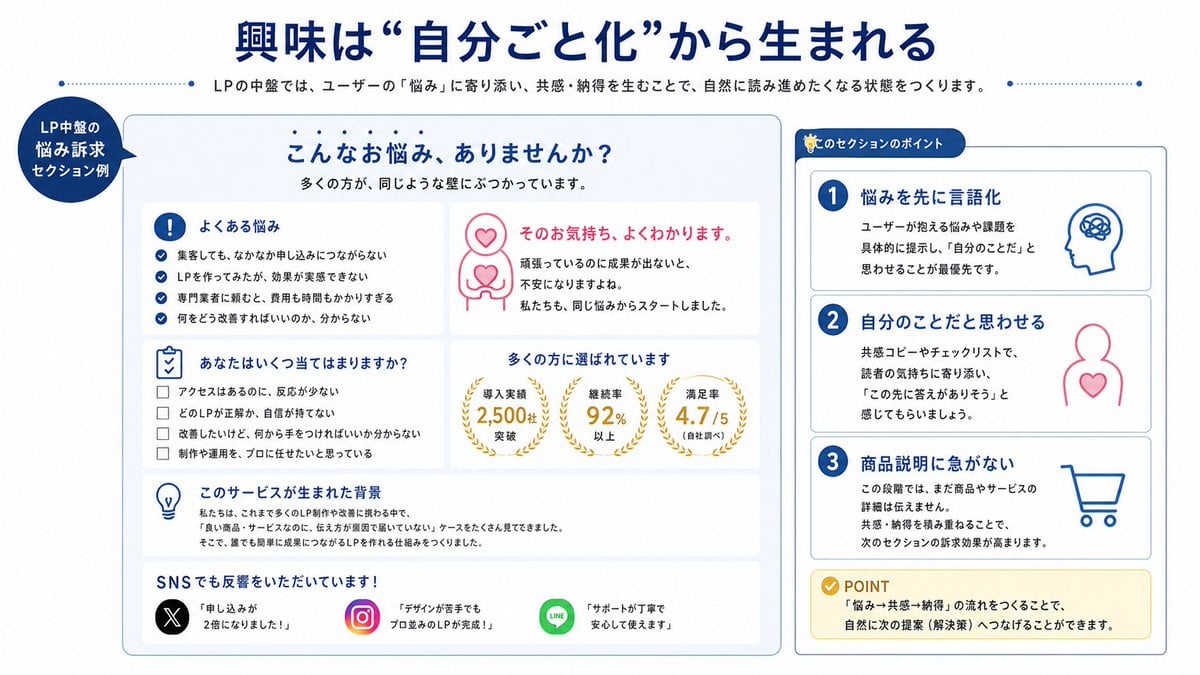
Japanese LP Empathy Infographic
Browse template categories
Japanese Face Diagnosis Report questions
How do I use the Japanese Face Diagnosis Report template?
Add your photo if the template asks for one, edit the prompt if you like — the template's model and format are already selected — and press Generate. Your version opens in PicX Studio.
Can I customize the Japanese Face Diagnosis Report template?
Yes. You can change the subject, setting, lighting, mood, format, and available model controls before creating your image.
Is the Japanese Face Diagnosis Report template free?
Opening and editing this template is free. Generating uses credits, shown on the Generate button when you are signed in.
Which AI model should I use?
Start with GPT Image 2, which is the model associated with this template. You can compare another compatible model for a different finish.
Looking for something else? Browse all templates.

Your photo, any look
Thousands of ready templates for every top image and video model, from one credit balance.