
Pastel Sweets Fairy Diagnosis Card
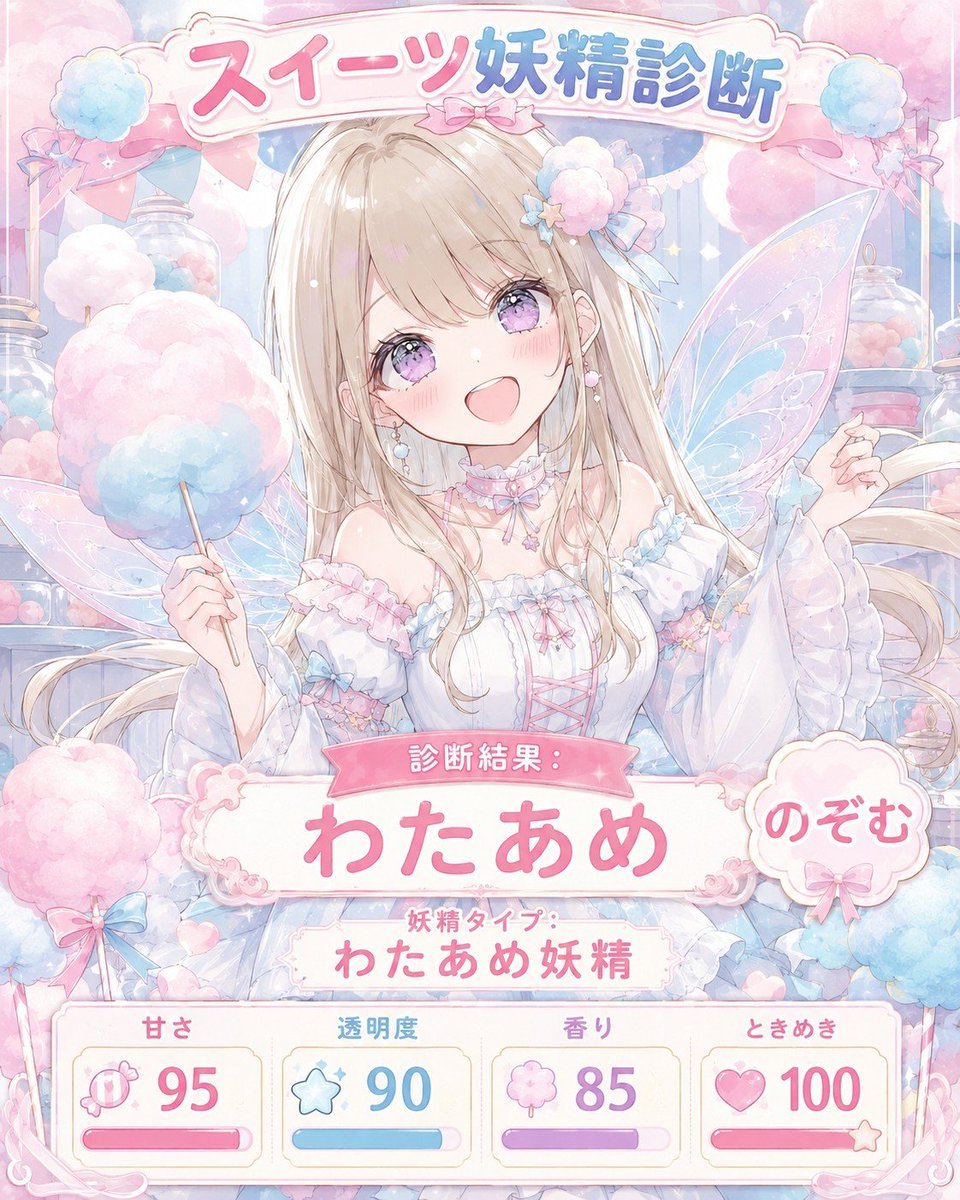
Creates a kawaii anime sweets fairy quiz result card with Japanese headline text, a central fairy character, and four pastel stat cards.
- Prompt included
- Model and format preset
- Premium template
The prompt behind this image
Copy the exact prompt behind Pastel Sweets Fairy Diagnosis Card, or open it in the studio and make it yours.
Goal: Create a pastel kawaii anime diagnosis card for a sweets fairy quiz, featuring a cheerful cotton-candy fairy girl in a candy shop fantasy setting. Canvas: Square 1:1 illustration, soft high-resolution anime style, pale pink and sky-blue palette, dreamy watercolor lighting, sparkles, translucent overlays, ornate cream-and-pink frame. Main subject: Center a cute young anime fairy girl with long flowing {argument name="hair color" default="light blonde"} hair, large sparkling lavender eyes, rosy cheeks, and an open happy smile. She wears a frilly white and pastel blue off-shoulder fairy dress with pink ribbons, lace, bows, pearl earrings, a ribbon choker, and a fluffy cotton-candy hair accessory. Add large translucent iridescent fairy wings behind her with delicate vein patterns and glitter. She holds a pastel pink-and-blue cotton candy stick in one hand and a small star wand or star charm in the other. Background and props: Fill the scene with a fantasy sweets shop atmosphere: glass candy jars, pastel cotton candy clouds, ribbons, bunting, pink and blue sweets, tiny hearts, stars, and soft glowing highlights. Keep everything delicate, airy, and sugary, with no harsh shadows. Layout and text: At the top, place a large rounded decorative sign with the Japanese headline {argument name="headline text" default="スイーツ妖精診断"}, using thick glossy bubble lettering, pink for the first part and blue for the second part, with a small pink bow under the sign. In the middle-lower area, place a pink ribbon label reading {argument name="result label" default="診断結果:"}. Below it, create a large ornate white nameplate with the main result text {argument name="result name" default="わたあめ"} in big rounded pink Japanese characters. Attach a circular scalloped badge on the right side containing {argument name="user name" default="のぞむ"}. Under the result name, add a smaller caption line reading 「妖精タイプ:」 and below it 「わたあめ妖精」. Bottom stats panel: Add exactly 4 separate rounded stat cards along the bottom, each with an icon, Japanese label, large number, and progress bar. Card 1: candy icon, label 「甘さ」, value 95, pink progress bar. Card 2: star icon, label 「透明度」, value 90, blue progress bar. Card 3: cotton-candy cloud icon, label 「香り」, value 85, purple progress bar. Card 4: heart icon, label 「ときめき」, value 100, pink progress bar with a small star at the end. Visual style: Ultra-cute shoujo anime illustration, polished gpt-image-2 look, soft pastel gradients, thin delicate line art, glossy UI-like panels, decorative lace corners, sparkles, cotton-candy texture, magical girl aesthetic. Text must be clean, centered, legible, and integrated into the design. Avoid photorealism, dark colors, cluttered unreadable text, or extra stat cards.
How to use Pastel Sweets Fairy Diagnosis Card in 3 steps
- 1Upload ImagePNG, JPG or paste
Add your photo
Upload the photo the template builds on. The prompt, model and format are already set.
- 2…a portrait of your subject in softgolden-hour light, 85mm…
Personalize
Edit the subject and creative details for your destination.
- 3Generate
Generate
Press Generate — your image is created in PicX Studio, so you can compare it with the original and refine one variable at a time.
More like this
Templates with the same subject, style or setup. Open one to see its prompt.
Moonlit Cat Princess Fairy-Tale Card

Eid al-Adha Cute Chaos — Fisheye Selfie with Farm Selfie, Mosque & Animals

Cute Layered Paper Cut Chibi Girl

Layered Paper Cut Illustration Template

Premium Vintage Travel Poster Landscape

Quiet Minimalist Anime Style Guide
Premium Vintage Travel Poster Landscape

Pastel Fantasy Pagoda Mountain Landscape

Korean Cafe Courtyard Gold Frame Mirror Selfie
ChatGPT Analysis Diagnosis Card

Glass Skin Beauty Portrait — Soft Pastel Nano Banana
JSON Seedance - Fairy Macro Flight
Make it yours
Pastel Sweets Fairy Diagnosis Card works as-is. These are the safest ways to change it without losing the look.
Change one field
Copy a single group, rewrite it, and generate again so you can see what that field is doing.
Keep the frame, change the subject
Hold the composition and light of Pastel Sweets Fairy Diagnosis Card, then swap wardrobe, props or the person for a new take.
| If the result… | Why | Fix |
|---|---|---|
| The result drifts from the preview | Too many fields changed at once. | Reuse Pastel Sweets Fairy Diagnosis Card as-is first, then change one group — subject, light, or setting. |
| The model over-stylizes the scene | The prose prompt leaves finish and camera underspecified. | Add one camera or lighting sentence and stay on GPT Image 2. |
More GPT Image 2 templates
Other prompts made for GPT Image 2.

Six VTuber Japanese Logo Sheet

Realistic Portrait of Woman and Deer

The Vista Modular Condo Poster

AI Model Routing Comparison Infographic

2.5D Anime Art Board

Isometric Productivity Desk Scene

New York Double Exposure Poster

Four-Panel AI Landscape Comparison

Japanese Tatami Lifestyle Magazine Cover

NESCAFÉ Coffee Map Poster
More image prompts
Fresh picks from across the catalog.

Contortionist in Festive Pants Studio Editorial

Winter Fantasy Editorial with Emma Myers Lookalike
Cinematic Korean Thriller Storyboard
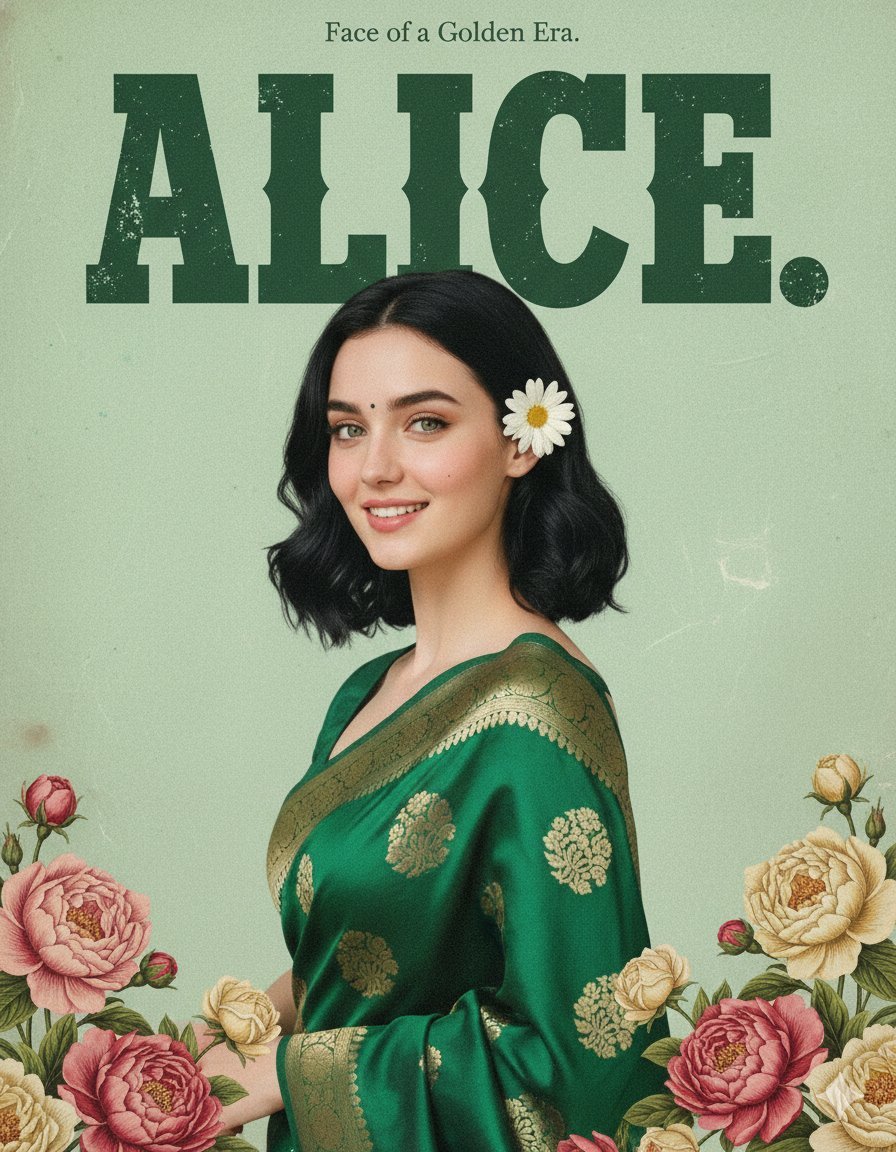
Retro and Modern Name Poster Prompts
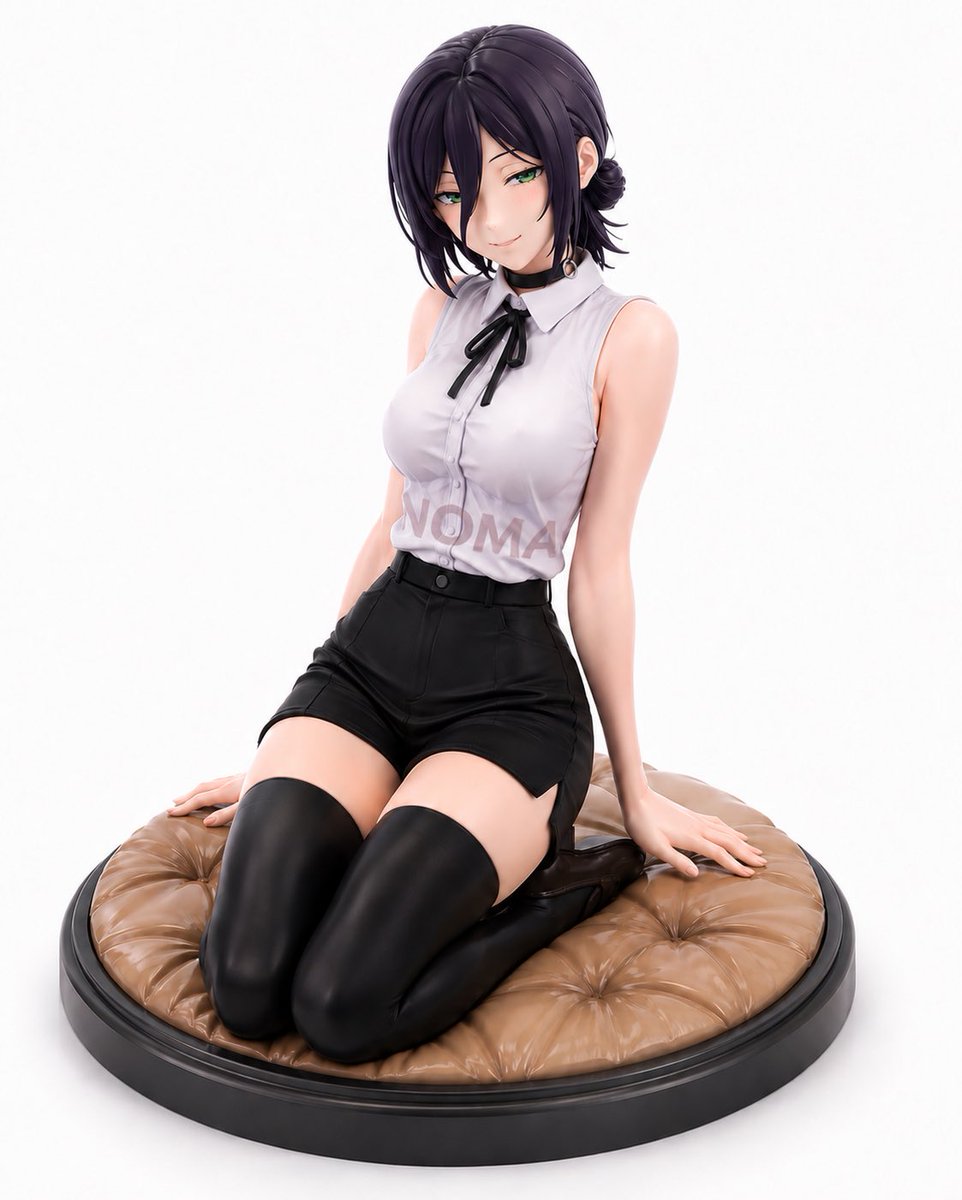
Reze Prize Figure Product Shot
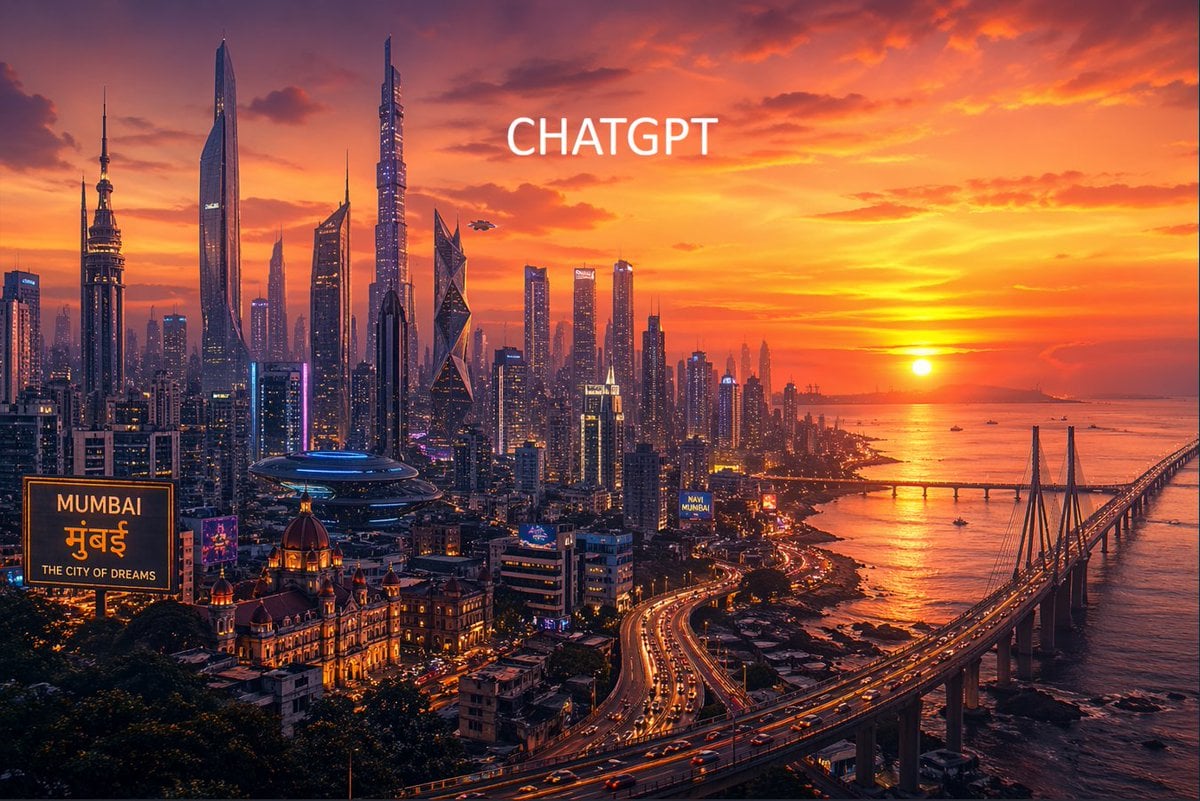
Futuristic Mumbai Sunset Skyline

Extract a single panel from a 3x3 image grid with Nano Banana Pro
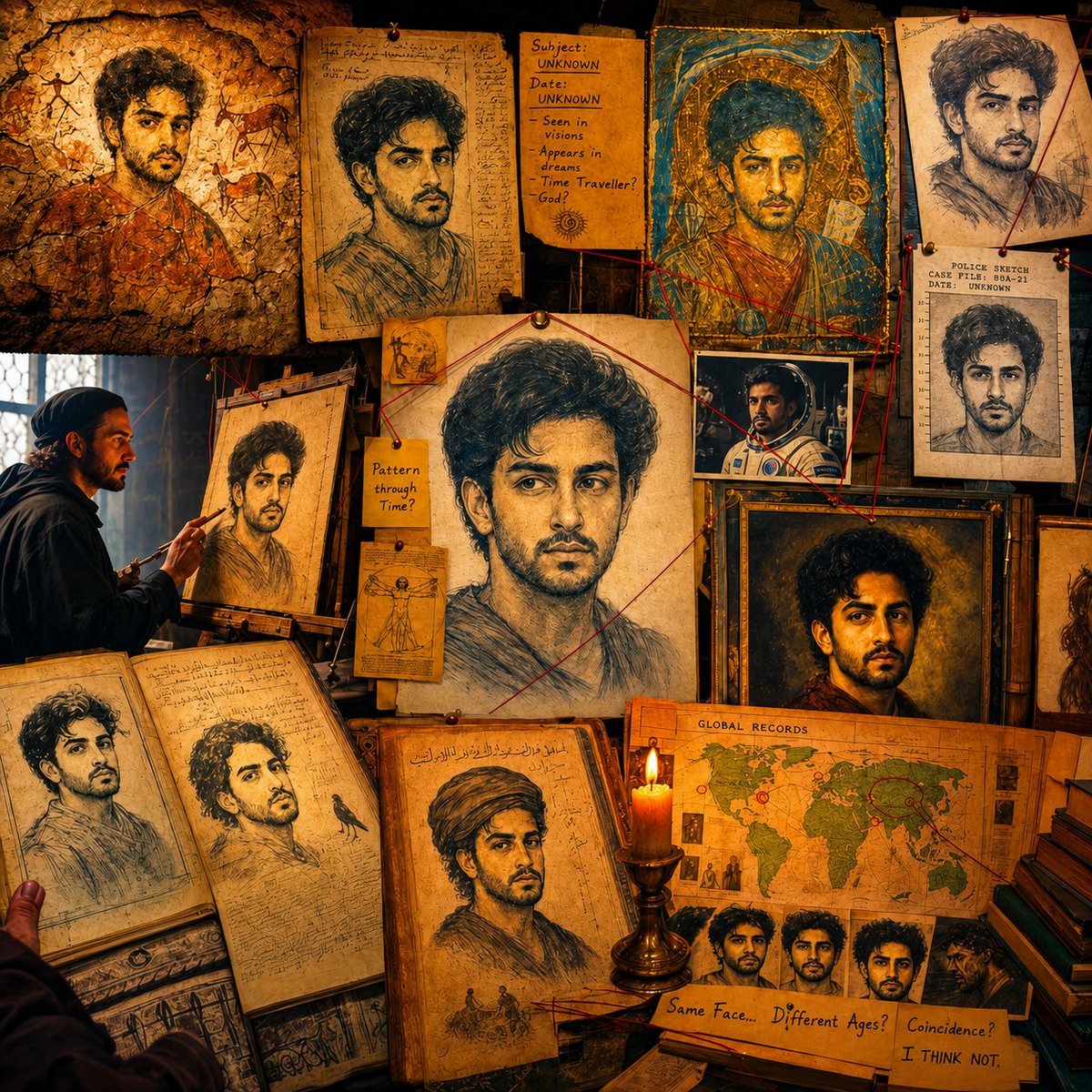
Surreal Conspiracy History Sketch Concept
Mediocre Drawing Style Illustration

19 Luxury Helicopter Travel — California Series
Browse template categories
Pastel Sweets Fairy Diagnosis Card questions
How do I use the Pastel Sweets Fairy Diagnosis Card template?
Add your photo if the template asks for one, edit the prompt if you like — the template's model and format are already selected — and press Generate. Your version opens in PicX Studio.
Can I customize the Pastel Sweets Fairy Diagnosis Card template?
Yes. You can change the subject, setting, lighting, mood, format, and available model controls before creating your image.
Is the Pastel Sweets Fairy Diagnosis Card template free?
Opening and editing this template is free. Generating uses credits, shown on the Generate button when you are signed in.
Which AI model should I use?
Start with GPT Image 2, which is the model associated with this template. You can compare another compatible model for a different finish.
Looking for something else? Browse all templates.

Your photo, any look
Thousands of ready templates for every top image and video model, from one credit balance.