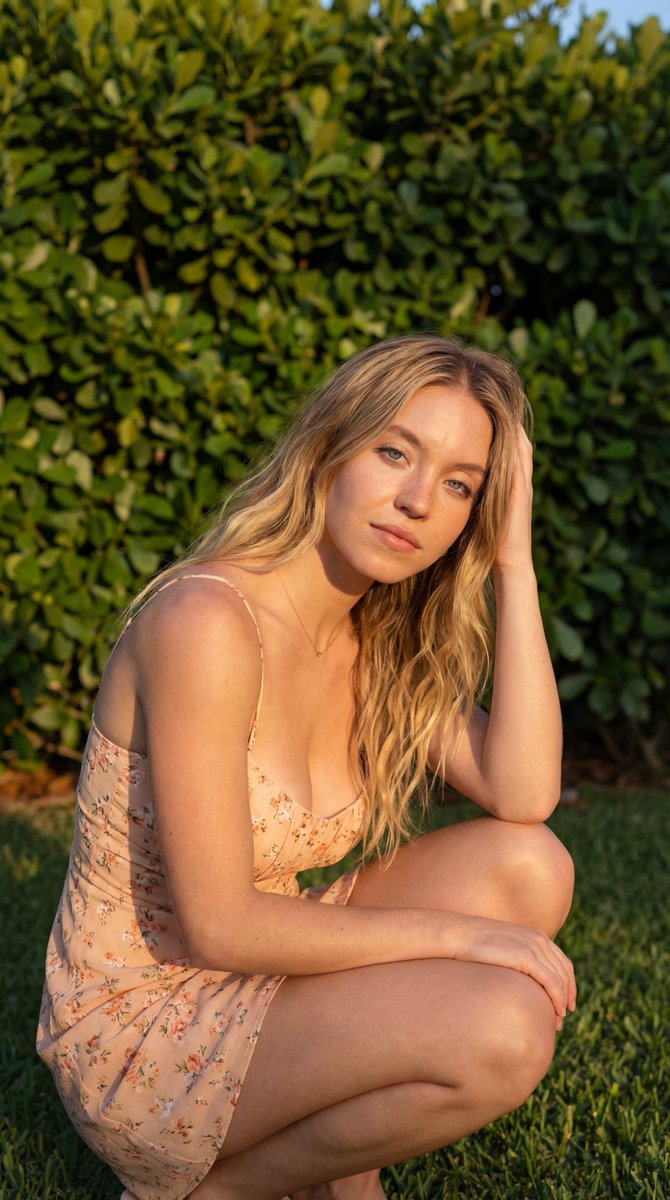
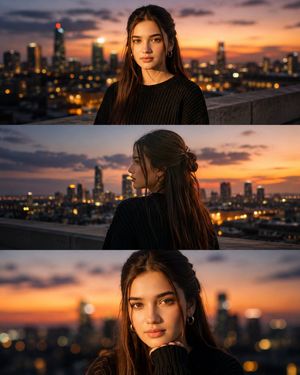
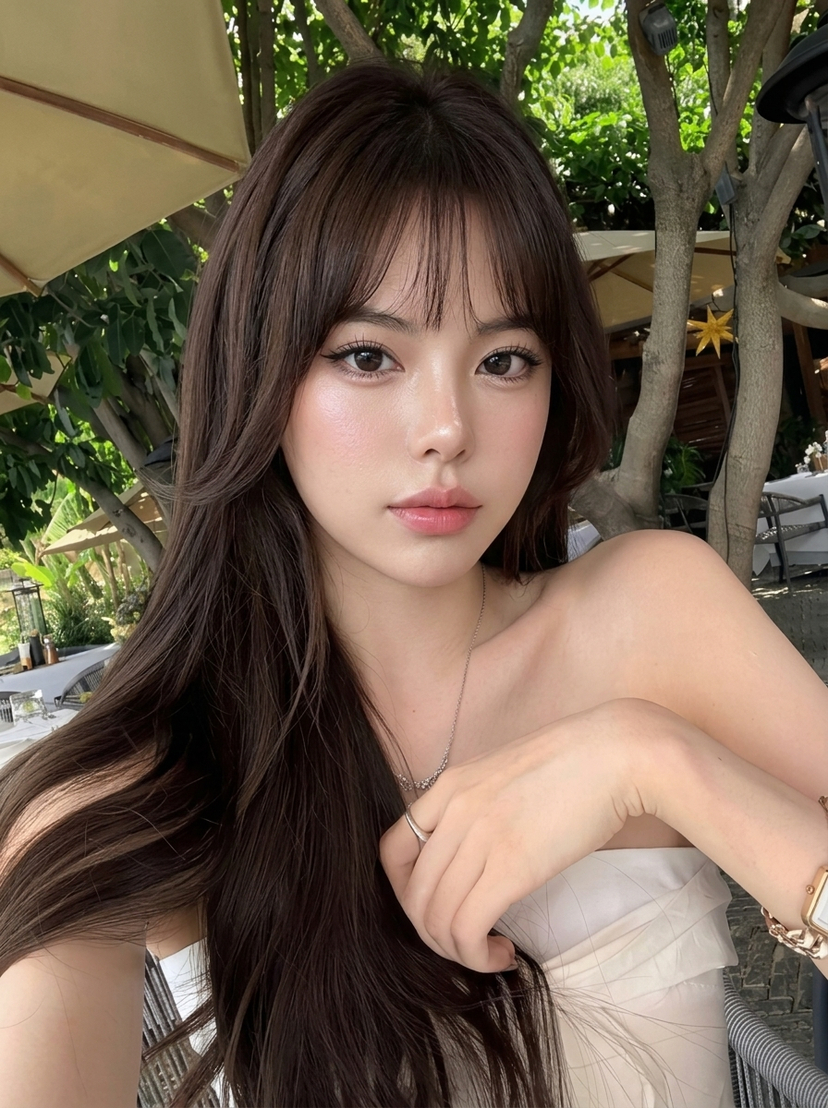
Sexy Casual Outdoor Portrait (Golden Hour)
{
"shot_type": "half-body portrait, outdoor fashion pose",
"composition": "subject slightly angled to camera, subtle hip pop, relaxed shoulders, confident stance",
"camera_angle": "eye-level with slight upward intimacy",
"camera_settings": {
"lens": "35mm",
"aperture": "f/2.4",
"depth_of_field": "soft background blur with clear subject separation",
"focus": "crisp focus on eyes, chest and upper torso"
},
"lighting": {
"type": "natural sunlight",
"source": "direct sun with soft bounce from ground",
"direction": "front-left, slightly above",
"time_of_day": "golden-leaning afternoon",
"shadow_quality": "defined but flattering shadows enhancing body contours",
"skin_lighting": "warm highlights, luminous skin glow"
},
"environment": {
"location": "private residential garden",
"background_elements": [
"lush green lawn",
"Mediterranean-style houses",
"stone textures and pastel walls",
"clear blue sky"
],
"atmosphere": "sunny, intimate, relaxed outdoor luxury"
},
"wardrobe": {
"top": "{argument name="top color" default="black"} sleeveless crop top, deep V neckline, tight ribbed fabric emphasizing bust and waist",
"bottom": "{argument name="bottom color" default="dark gray"} high-waist jogger pants, relaxed fit",
"fit": "body-hugging upper wear, casual sensual silhouette",
"style": "sexy casual, modern athleisure"
},
"accessories": {
"jewelry": [
"thin gold necklace resting on collarbone",
"bracelet"
],
"watch": "metal wristwatch",
"details": "visible collarbones, subtle neckline shadow definition"
},
"hair_style": {
"length": "long",
"style": "straight, center-parted",
"movement": "slight natural flow catching sunlight",
"texture": "smooth with healthy shine"
},
"expression": {
"facial_expression": "soft flirtatious smile",
"eyes": "slightly narrowed, confident gaze",
"eye_contact": "direct eye contact with camera",
"mood": "sexy, confident, inviting but classy"
},
"body_language": {
"pose": "one hand relaxed near pocket, torso subtly twisted",
"energy": "effortless confidence, quiet seduction"
},
"color_palette": {
"dominant_colors": [
"deep black",
"warm skin tones",
"natural greens",
"blue sky"
],
"color_balance": "warm highlights with natural saturation"
},
"post_processing": {
"retouching": "very light skin smoothing only",
"contrast": "slightly increased to enhance curves",
"clarity": "medium-low for softness",
"sharpness": "focused on face and neckline",
"style": "clean, sexy, influencer-grade realism"
},
"quality_tags": [
"high resolution",
"photorealistic",
"sexy outdoor portrait",
"natural sunlight",
"social media aesthetic"
],
"negative_prompt": [
"pornographic pose",
"explicit nudity",
"oversexualized expression",
"plastic skin",
"harsh shadows on face",





















![Naive doodle-style subject illustration — A doodle-style {argument name="subject" default="[subject]"}, naive lines, humorous shape exaggeration](https://pbs.twimg.com/media/G6Wl2YxbsAARB2b.jpg)











![Everyday Life Tiny Diorama Prompt — A cozy miniature diorama of [{argument name="everyday activity" default="EVERYDAY ACTIVITY"}], with…](https://pbs.twimg.com/media/G8lL0NubkAA00yg.jpg)