
Ancient Painting to Fine-Art Photograph
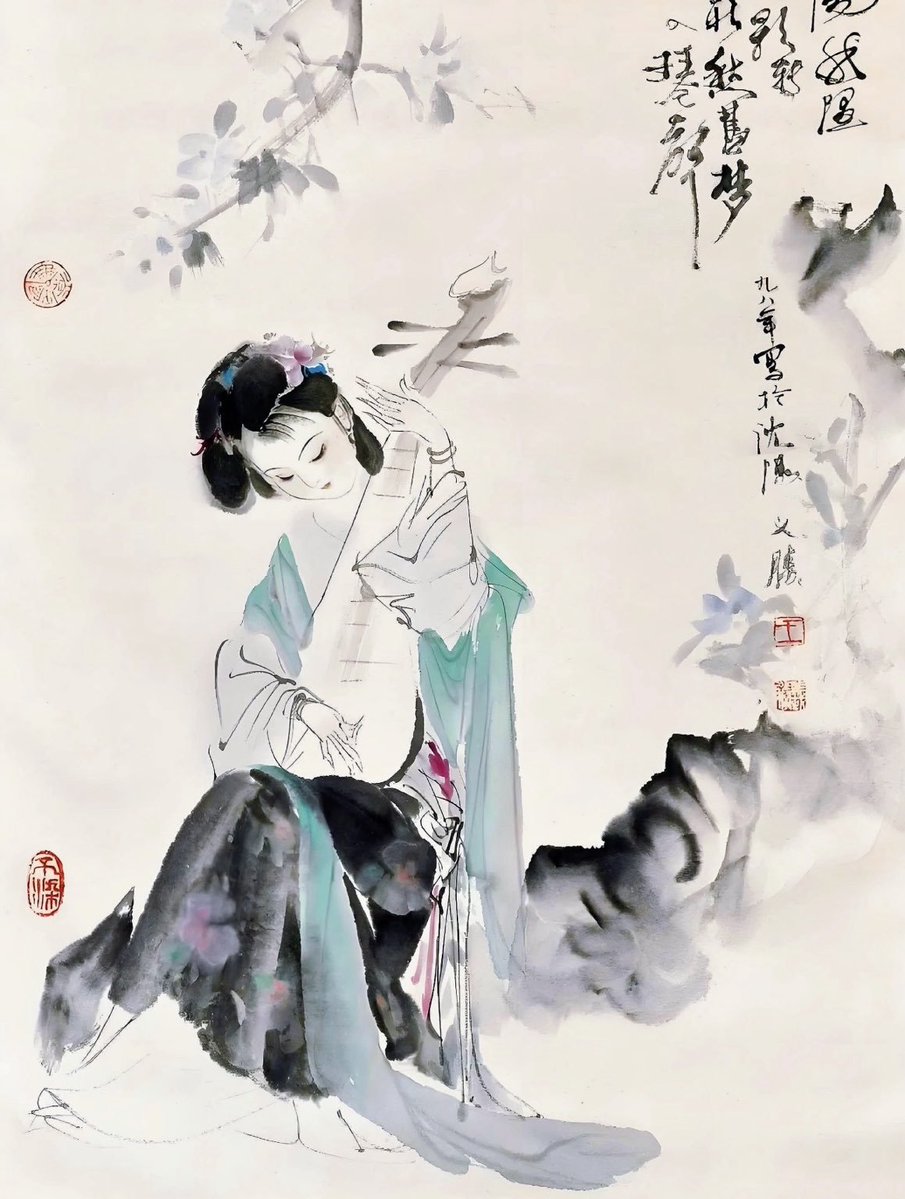
Transforms a classical Chinese ink painting reference into a realistic collectible photographic scene while preserving its composition and poetic atmosphere.

- Prompt included
- Model and format preset
- Free template
The prompt behind this image
Copy the exact prompt behind Ancient Painting to Fine-Art Photograph, or open it in the studio and make it yours.
Using REFERENCE_0 as source material, reinterpret the ink painting as a real, collectible fine-art photograph shot by a top photographer, not as an illustration. Transform the painted woman into a live-action model in the same seated musician concept, holding a real pipa vertically in front of her body and wearing tangible layered Hanfu fabrics that preserve the reference’s pale white, translucent aqua, and dark embroidered skirt impression. Keep the overall vertical composition and poetic garden mood, but make the setting physically real: a white plaster wall backdrop, a large textured Taihu scholar rock on the right and lower foreground, sparse grass at the rock base, and one flowering tree branch extending across the upper left. Preserve the vertical Chinese calligraphy and red seals on the upper-right wall as ink-like writing integrated into the scene. Use soft natural daylight, shallow but clear photographic realism, delicate spring colors, museum-quality styling, realistic fabric translucency, authentic hair ornaments, and a calm classical Chinese aesthetic. Keep exactly these visible added photographic elements: 1 seated live model, 1 pipa, 1 large scholar rock formation, 1 flowering branch, 1 grass clump, and 2 red seal stamps. Avoid making it look like a painting, CGI, fantasy concept art, or a direct flat reproduction; the final result should feel like a real photograph inspired by the ancient artwork. Optional customization: set the source mood as {argument name="source mood" default="classical Chinese spring garden elegance"}, the instrument as {argument name="instrument" default="pipa"}, the wardrobe palette as {argument name="wardrobe palette" default="white, translucent aqua, and black embroidered silk"}, and the background setting as {argument name="background setting" default="white plaster wall with Taihu scholar rock"}.
Reference images included
Ancient Painting to Fine-Art Photograph needs input media to work. They load alongside the prompt when you open it in the studio.
How to use Ancient Painting to Fine-Art Photograph in 3 steps
- 1Upload ImagePNG, JPG or paste
Add your photo
Upload the photo the template builds on. The prompt, model and format are already set.
- 2…a portrait of your subject in softgolden-hour light, 85mm…
Personalize
Edit the subject and creative details for your destination.
- 3Generate
Generate
Press Generate — your image is created in PicX Studio, so you can compare it with the original and refine one variable at a time.
More like this
Templates with the same subject, style or setup. Open one to see its prompt.
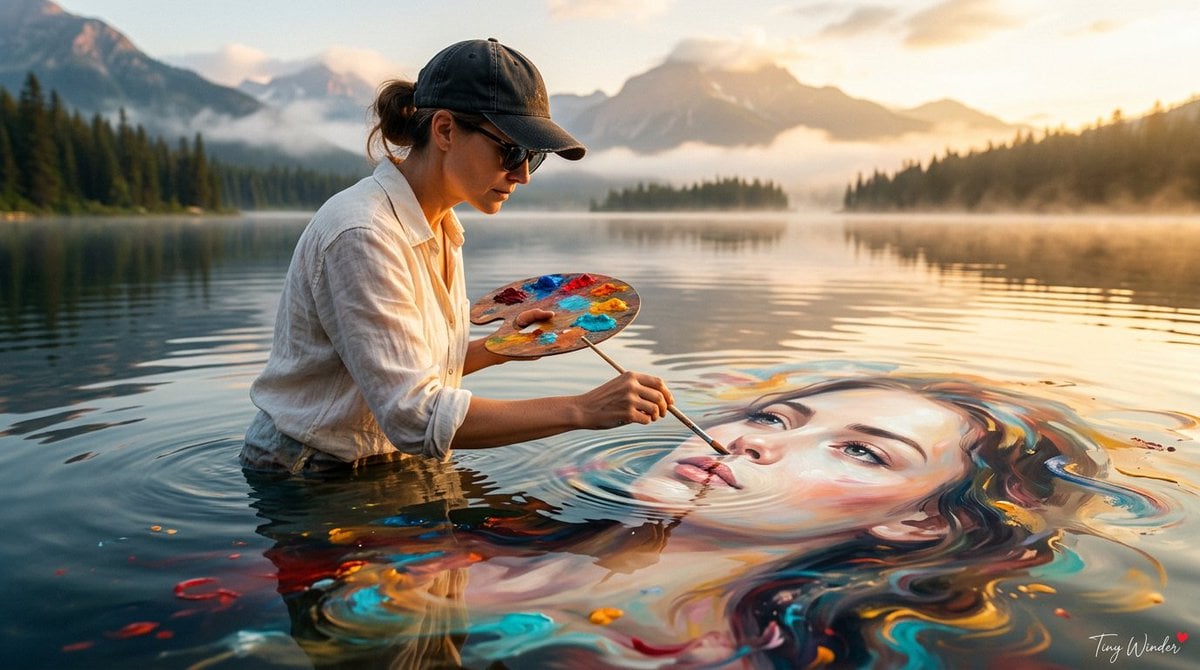
Surreal Fine Art Water Painting Portrait
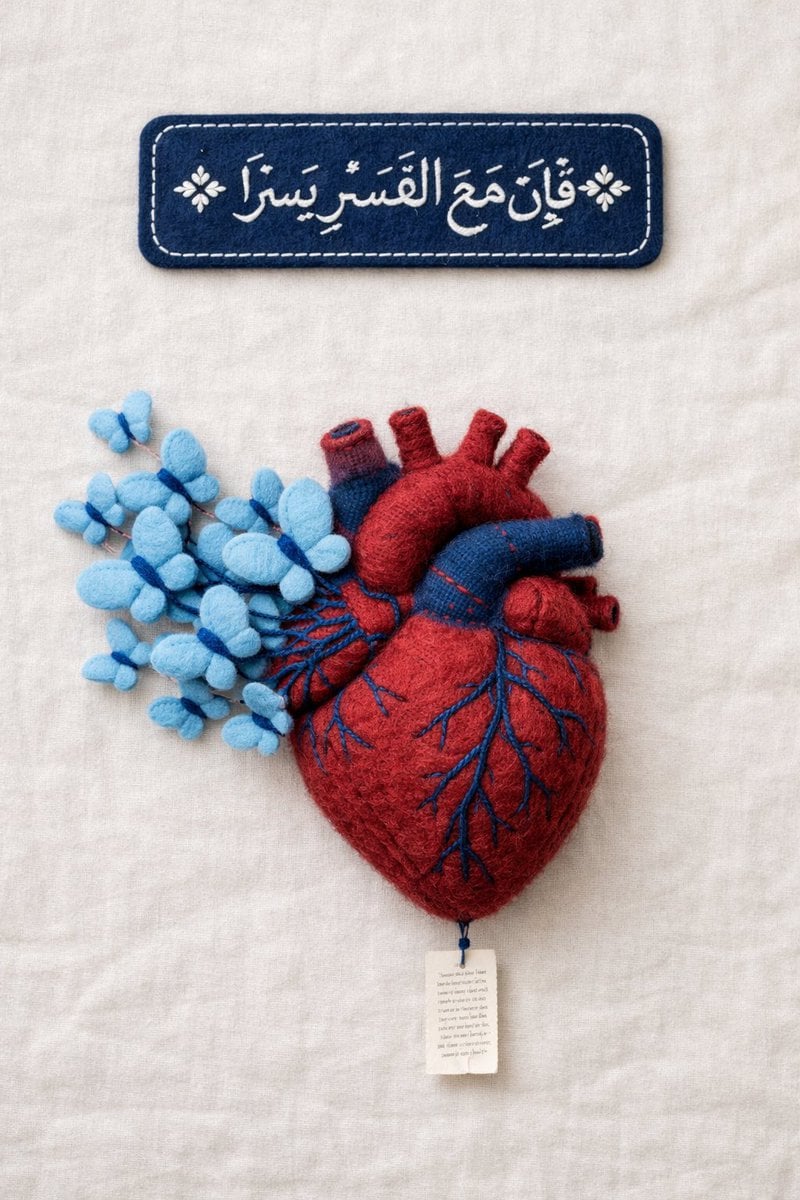
Fine Art Textile Photography Prompt (Arabic Calligraphy)
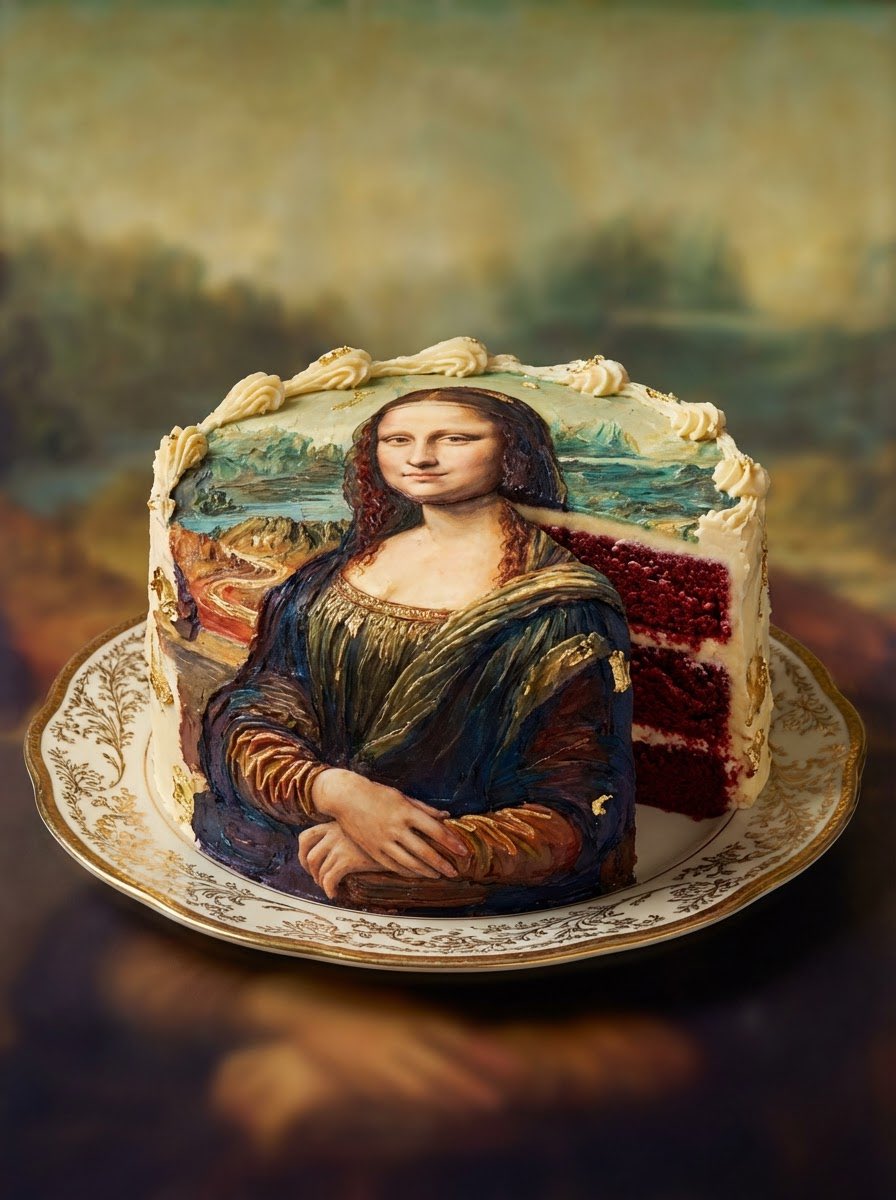
Red Velvet Cake Painting Recreation Food Photography Prompt

Ancient Temple Portrait — White Dress Nano Banana

Found Photograph: Us, 1970
Abstract Fine-Art Editorial Portrait
Impasto Oil Architectural Painting
Retro-Modern Neon Anime Painting
Anime Fine Art Moonlight Mountains
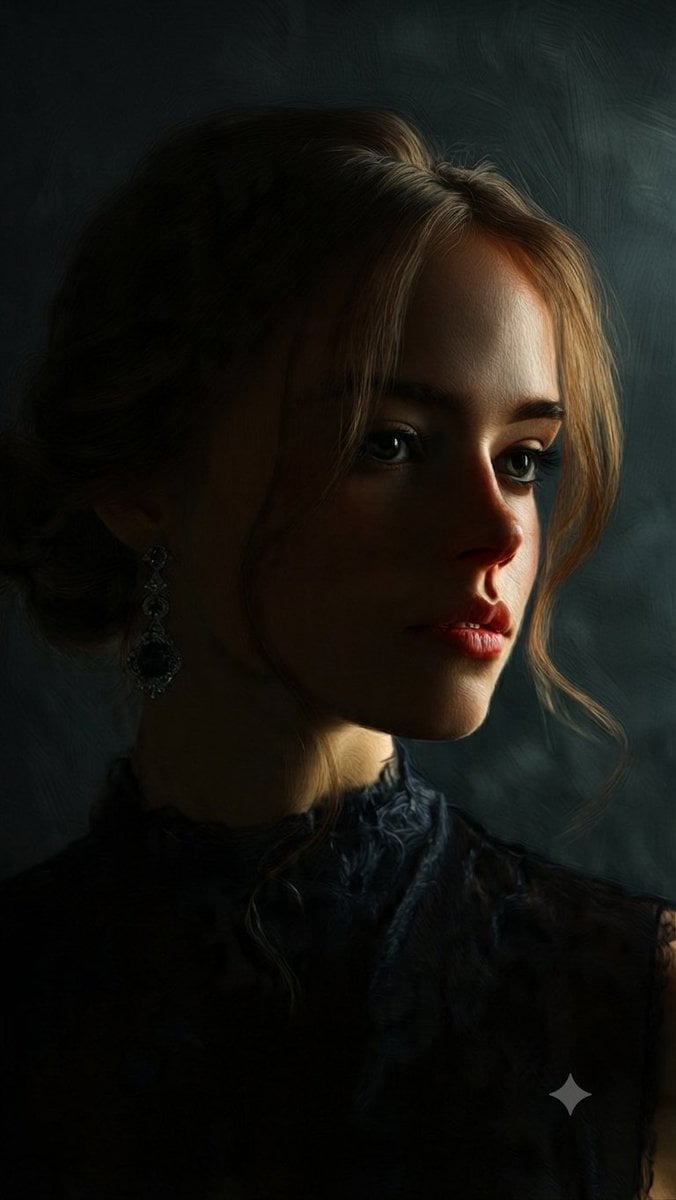
Fine Art Oil Portrait of a Young Woman
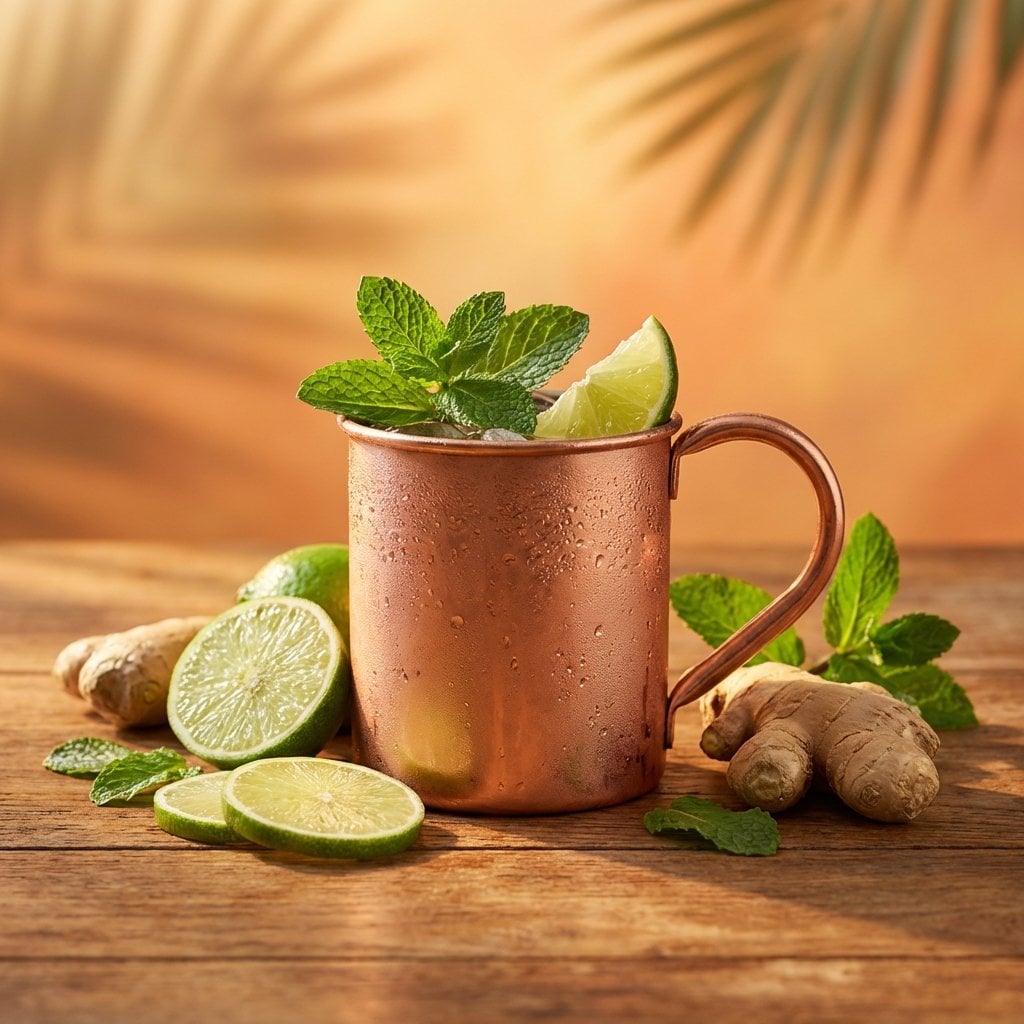
Cocktail Studio Photography Tropical

A hyper-realistic beauty product photograph of a pink jar placed
Make it yours
Ancient Painting to Fine-Art Photograph works as-is. These are the safest ways to change it without losing the look.
Change one field
Copy a single group, rewrite it, and generate again so you can see what that field is doing.
Keep the frame, change the subject
Hold the composition and light of Ancient Painting to Fine-Art Photograph, then swap wardrobe, props or the person for a new take.
| If the result… | Why | Fix |
|---|---|---|
| The result drifts from the preview | Too many fields changed at once. | Reuse Ancient Painting to Fine-Art Photograph as-is first, then change one group — subject, light, or setting. |
| The model over-stylizes the scene | The prose prompt leaves finish and camera underspecified. | Add one camera or lighting sentence and stay on GPT Image 2. |
More GPT Image 2 templates
Other prompts made for GPT Image 2.

Six VTuber Japanese Logo Sheet

Realistic Portrait of Woman and Deer

The Vista Modular Condo Poster

AI Model Routing Comparison Infographic

2.5D Anime Art Board

Isometric Productivity Desk Scene

New York Double Exposure Poster

Four-Panel AI Landscape Comparison

Japanese Tatami Lifestyle Magazine Cover

NESCAFÉ Coffee Map Poster
More image prompts
Fresh picks from across the catalog.
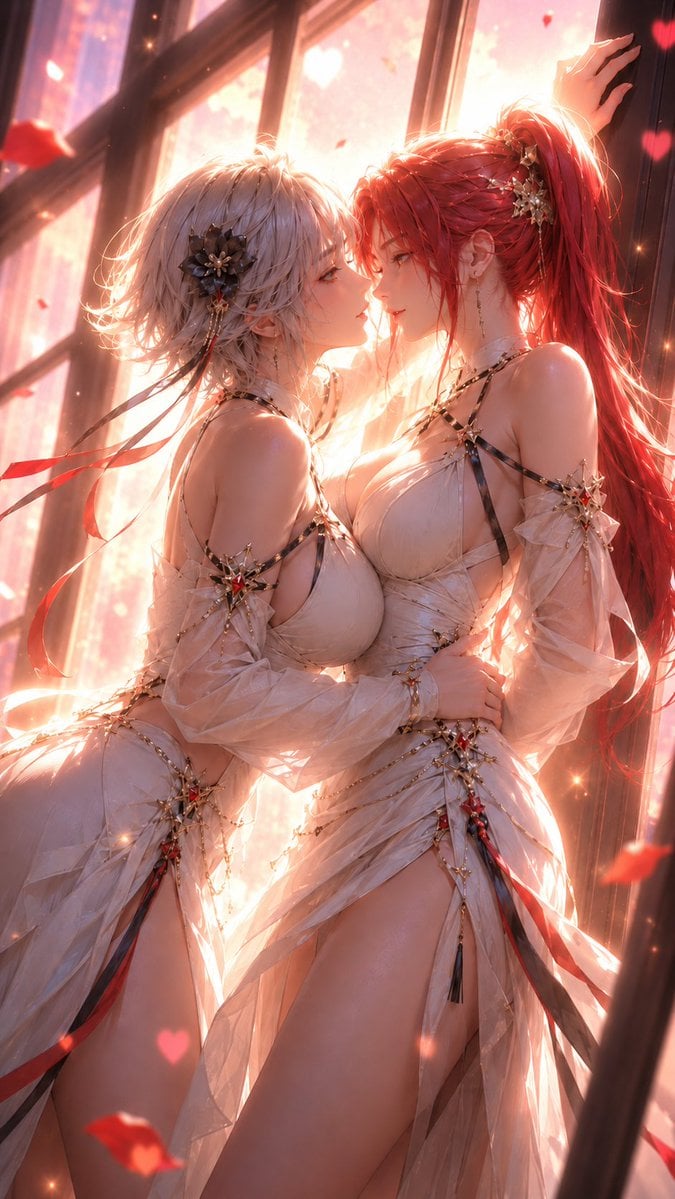
Romantic 3D CG Yuri Illustration
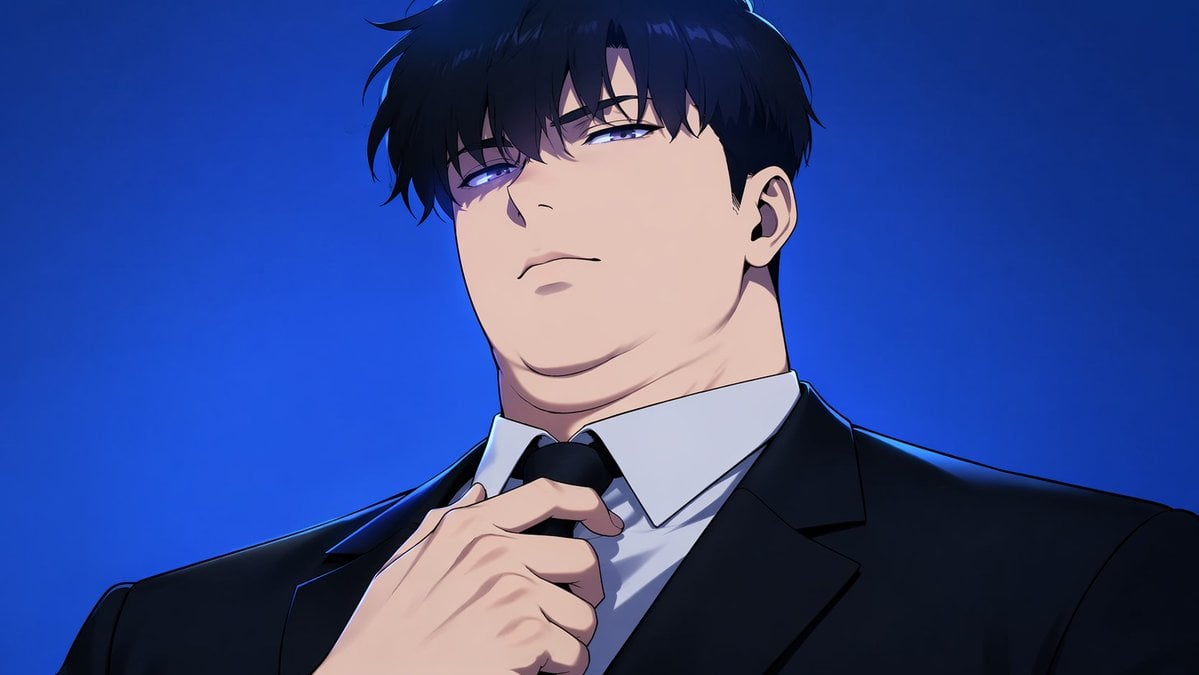
Manhwa Style Boss Adjusting Tie
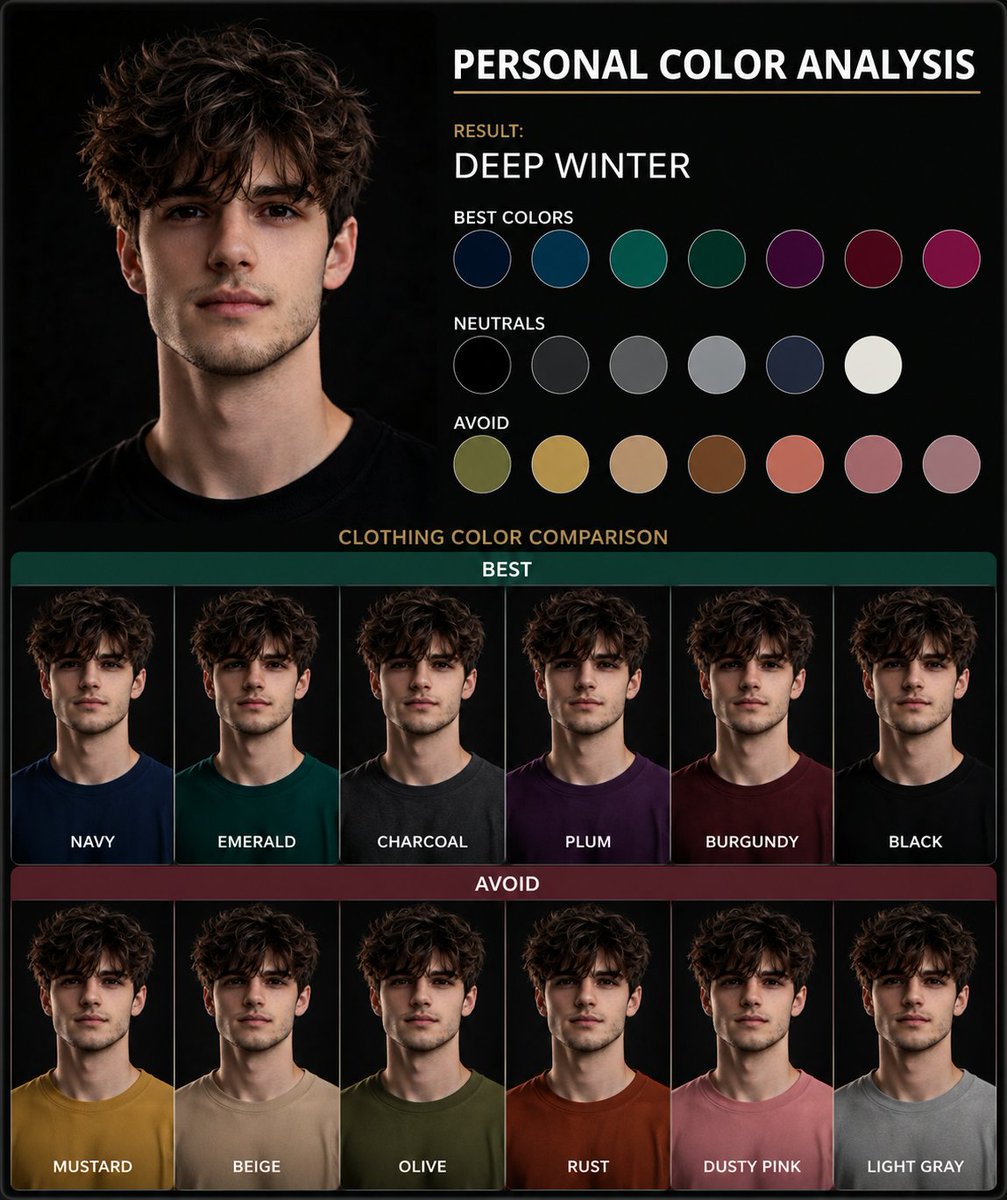
Personal Color Analysis Graphic Generator
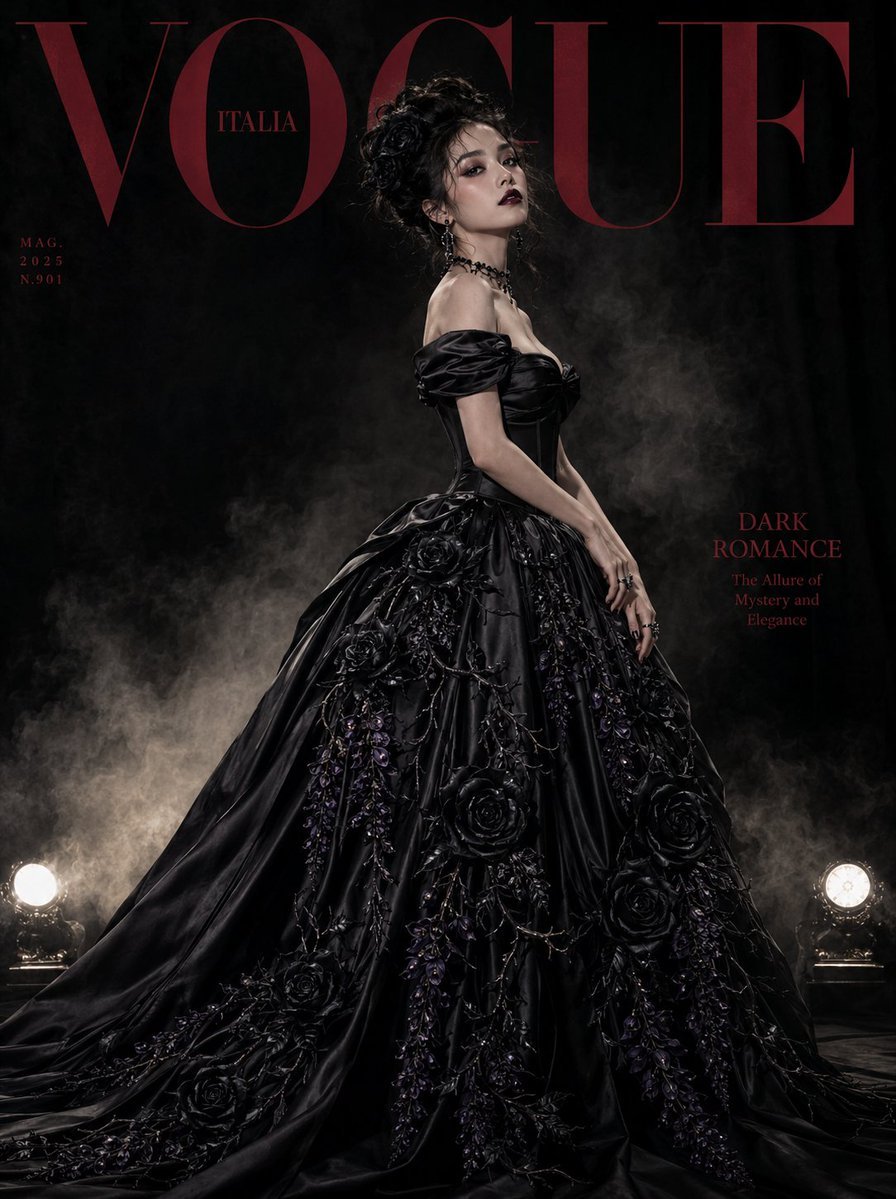
Gothic Luxury Magazine Cover
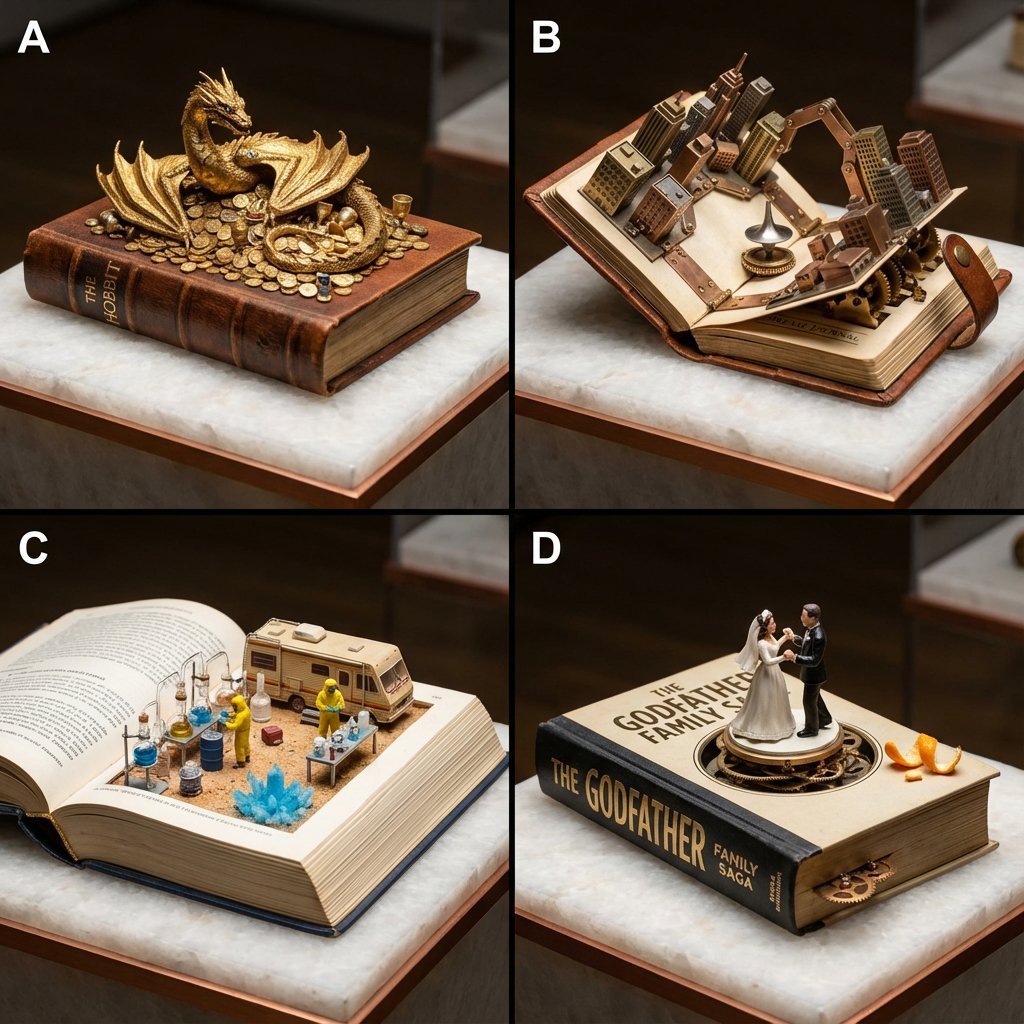
Book-Themed Diorama Grid Prompt
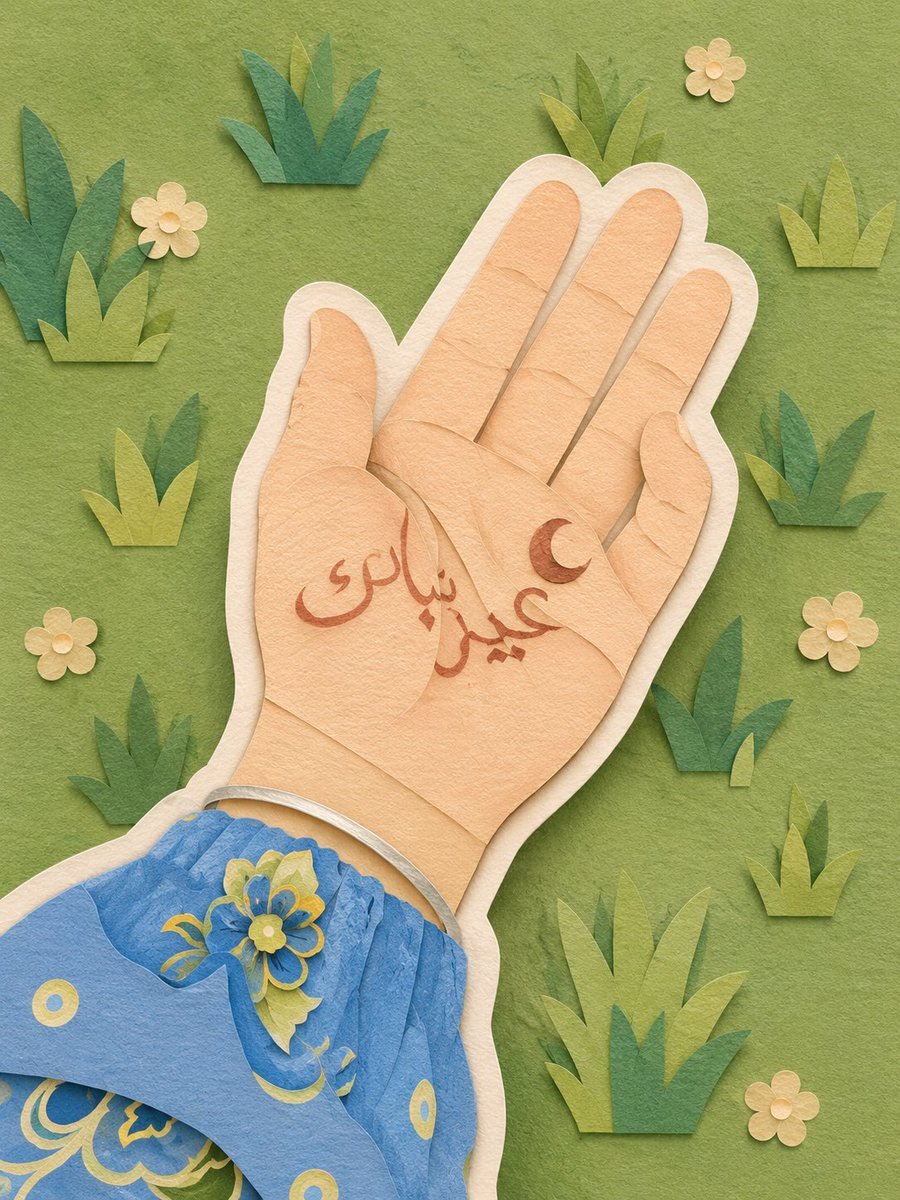
Layered Paper-Cut Illustration
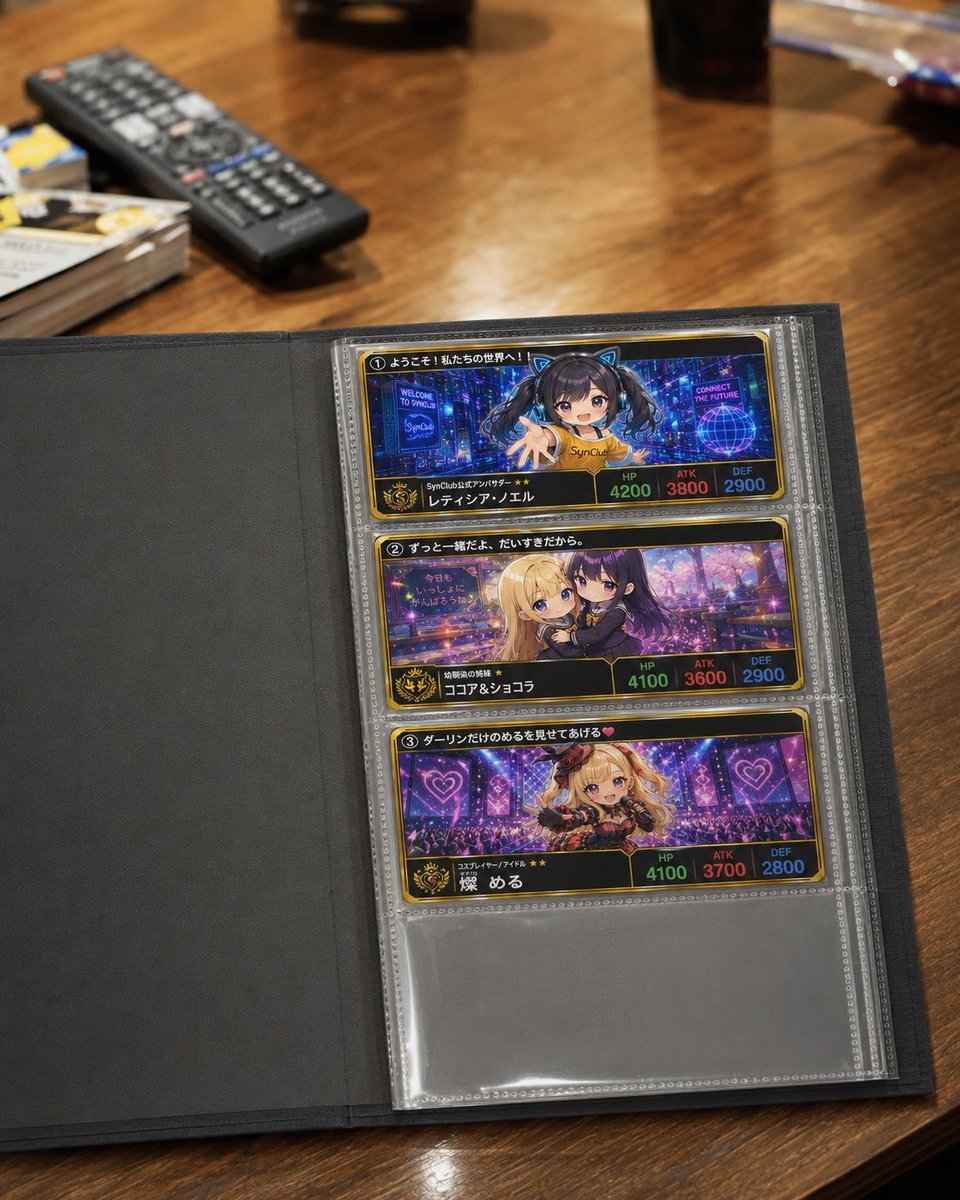
Anime Trading Card Album Photo
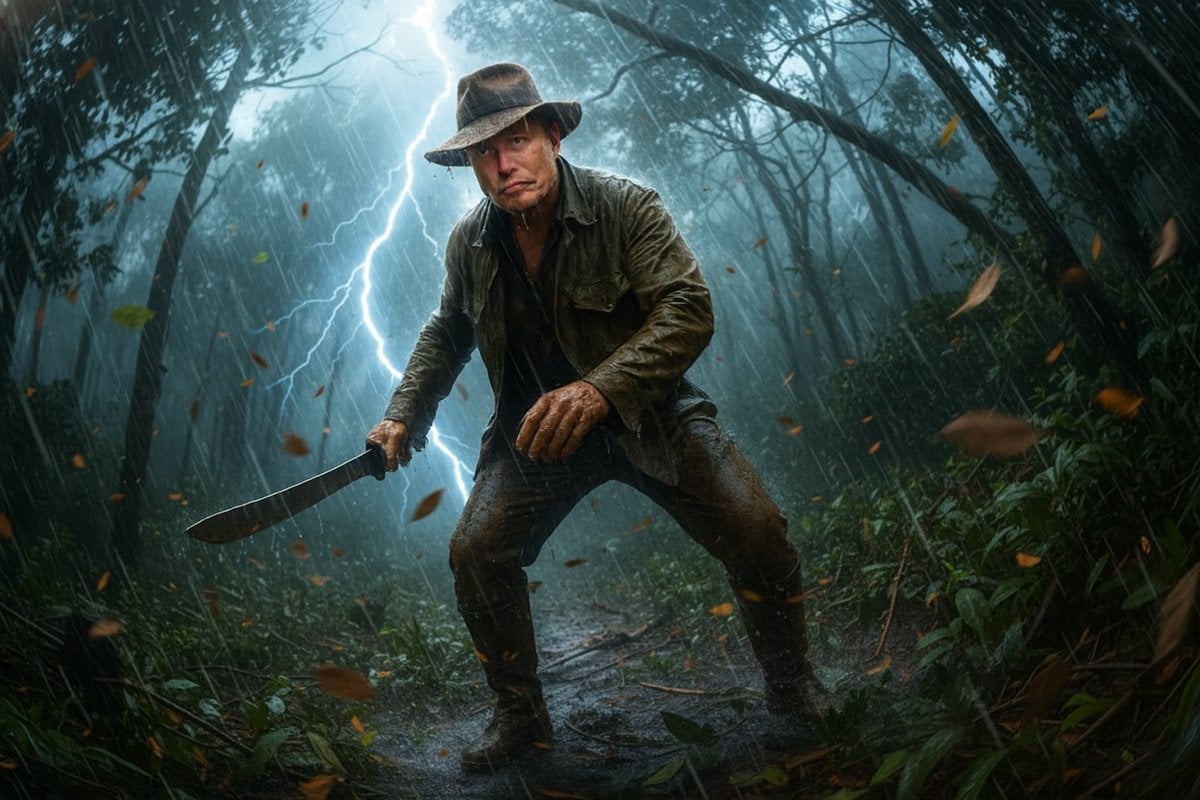
Jungle Explorer Scene Prompt
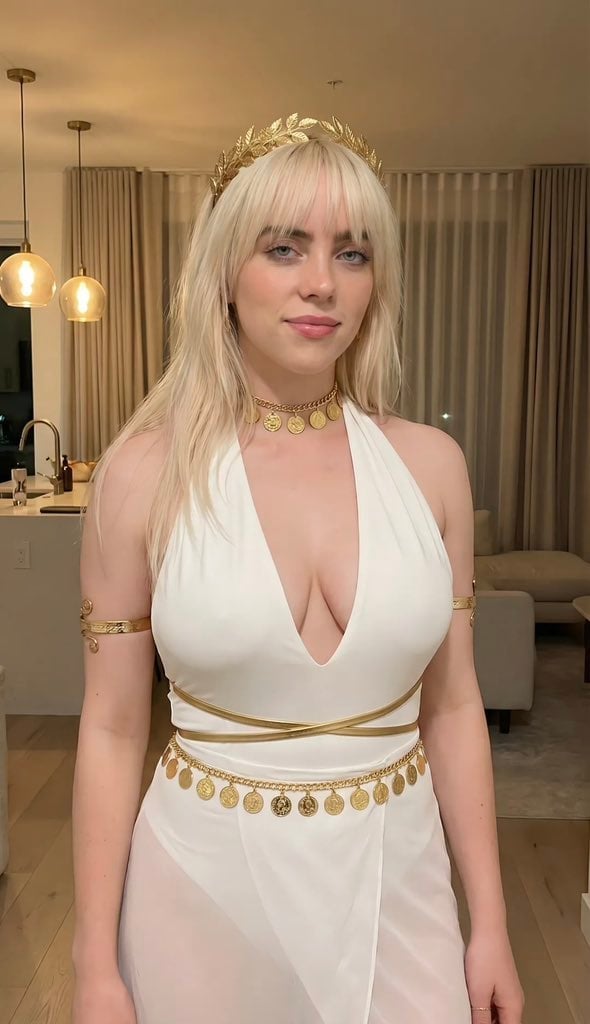
Goddess-Inspired Platinum Blonde Portrait Prompt
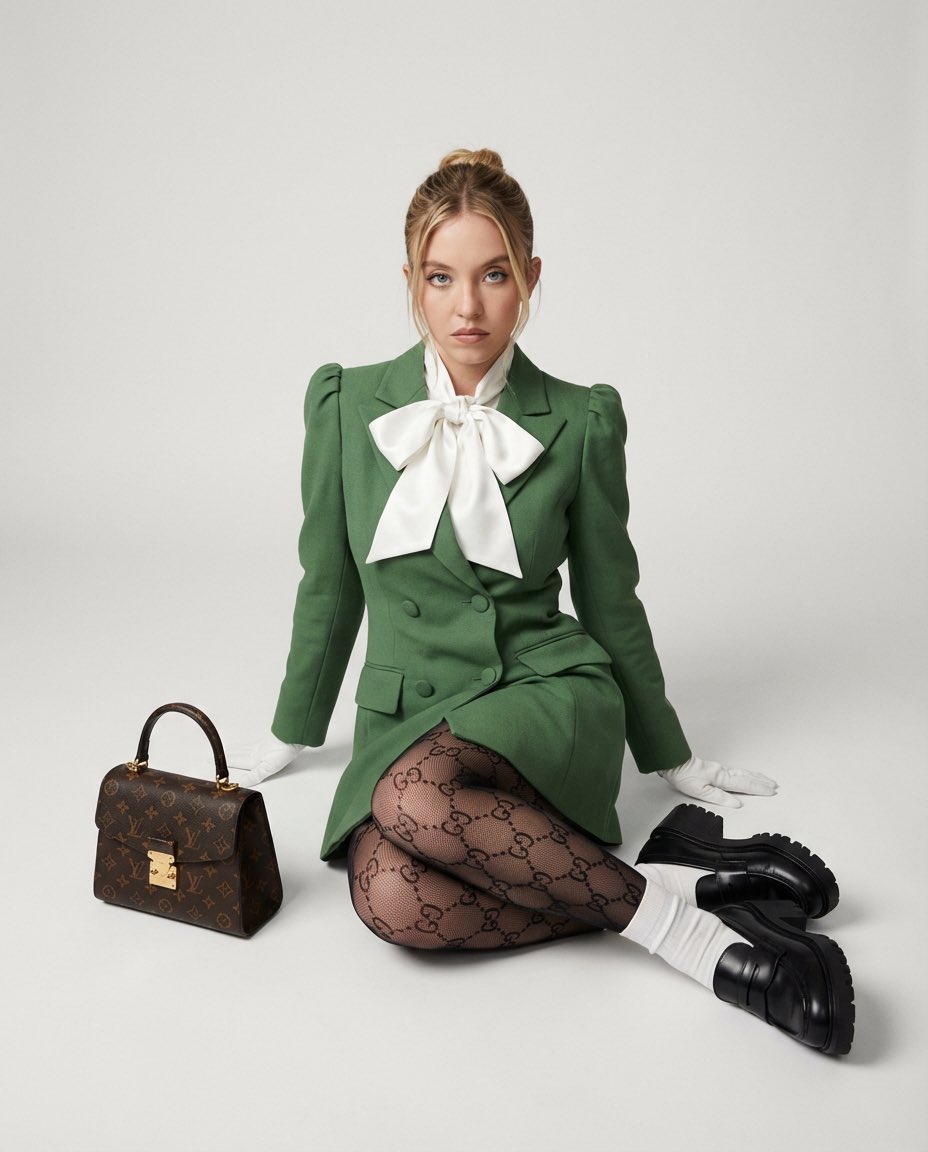
High Fashion Editorial with GG Monogram Tights
Browse template categories
Ancient Painting to Fine-Art Photograph questions
How do I use the Ancient Painting to Fine-Art Photograph template?
Add your photo if the template asks for one, edit the prompt if you like — the template's model and format are already selected — and press Generate. Your version opens in PicX Studio.
Can I customize the Ancient Painting to Fine-Art Photograph template?
Yes. You can change the subject, setting, lighting, mood, format, and available model controls before creating your image.
Is the Ancient Painting to Fine-Art Photograph template free?
Opening and editing this template is free. Generating uses credits, shown on the Generate button when you are signed in.
Which AI model should I use?
Start with GPT Image 2, which is the model associated with this template. You can compare another compatible model for a different finish.
Looking for something else? Browse all templates.

Your photo, any look
Thousands of ready templates for every top image and video model, from one credit balance.