
Anime Trading Card Album Photo
Generates a realistic tabletop photo of an open binder page displaying three custom anime-style trading cards for collection or social media use.
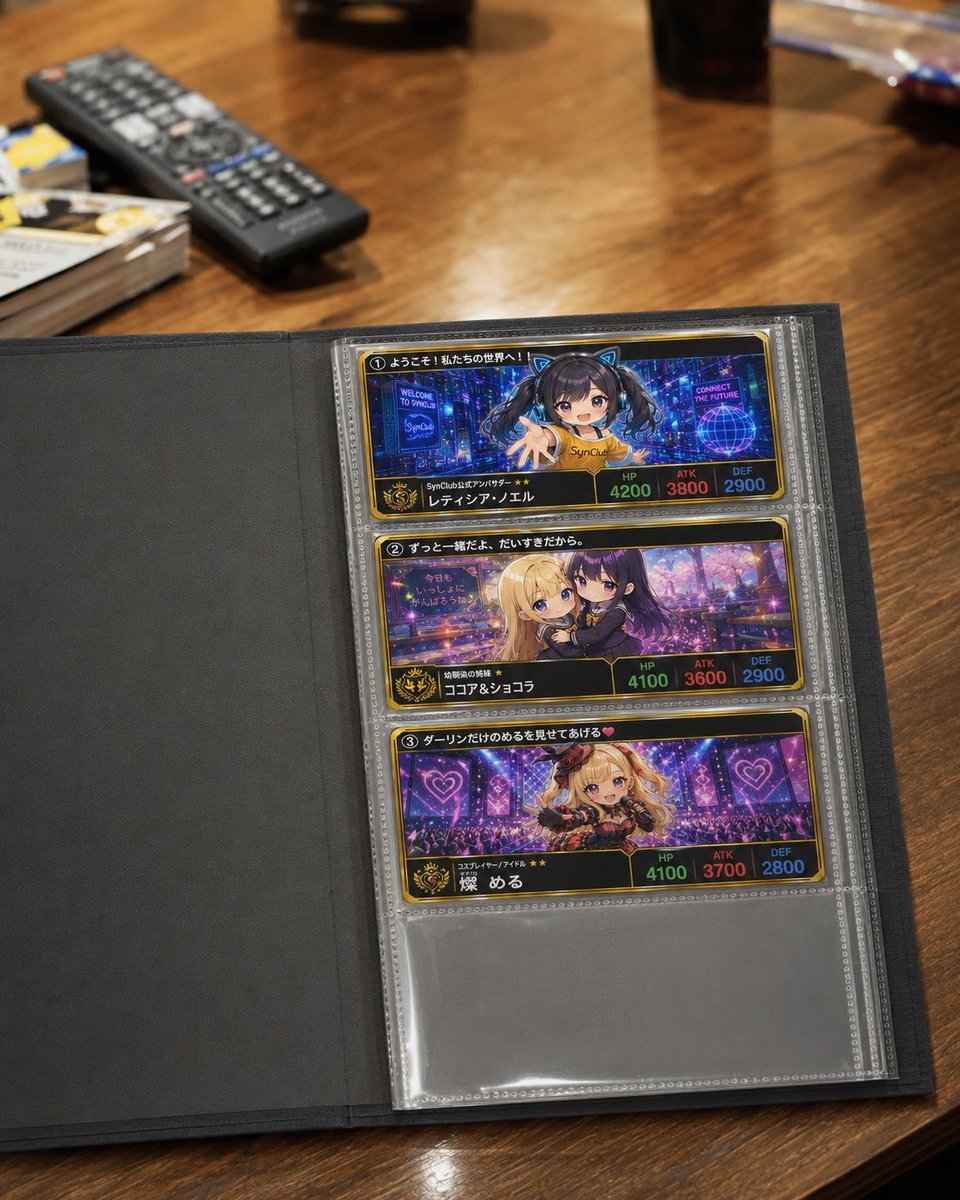
- Prompt included
- Model and format preset
- Free template
The prompt behind this image
Copy the exact prompt behind Anime Trading Card Album Photo, or open it in the studio and make it yours.
Goal: Create a realistic smartphone-style photo of an open trading-card collection album lying on a warm wooden table, showing a page of custom anime character cards in clear plastic sleeves. Canvas: Vertical 3:4 photo, slightly angled top-down perspective, shallow depth of field. The album fills the lower two-thirds of the frame; the background tabletop is softly blurred. Main scene: An open black card binder with the left inside cover empty and matte, and the right page holding a transparent plastic card sleeve sheet. The sleeve page contains exactly 3 visible long horizontal trading cards stacked vertically, with one empty transparent pocket below them. The plastic should have glossy reflections, seams, dotted borders, and slight wrinkles. Card design: Each card is a slightly elongated horizontal collectible card with a black-and-gold frame, neon anime artwork, Japanese text, a numbered circle at the top left, a character name band along the bottom, a small gold crest/emblem at lower left, and three stat boxes at lower right labeled HP, ATK, and DEF in green, red, and blue. Make the cards look like premium fan-made game cards from {argument name="club name" default="SynClub"}. Count and card contents: Show exactly 3 cards: 1. Top card: number 1, cyberpunk blue-purple city background, an anime girl with twin tails reaching toward the viewer, a small sign saying “WELCOME TO SynClub” and another saying “CONNECT THE FUTURE”; Japanese headline text across the top; name line reads “レティシア・エル”; stats read HP 4200, ATK 3800, DEF 2900. Add a soft square blur over the character’s face as if privacy-censored. 2. Middle card: number 2, two cute anime girls close together, one blonde and one dark purple-haired, in a dreamy pink-purple night city or café scene; Japanese headline across the top; name line reads “ココア&ショコラ”; stats read HP 4100, ATK 3600, DEF 2900. 3. Bottom card: number 3, blonde idol-style anime girl performing on a neon stage with purple lights and heart symbols; Japanese headline across the top; name line reads “燦 める”; stats read HP 4100, ATK 3700, DEF 2800. Background objects: Include exactly 4 blurred tabletop objects: a black TV remote control near the upper left, a small stack of cards or papers at the far left edge, a dark cup or tumbler near the upper right, and a small shiny blue-red object near the top-right edge. Visual style: Photorealistic casual tabletop photography, warm indoor lighting, natural lens blur, realistic wood grain, mild glare on the plastic sleeves, high detail on the binder and cards but slightly imperfect AI-like tiny printed text. The overall mood is a collector casually showing off an anime card album. Constraints: Keep the album page and the 3 cards clearly readable, preserve the exact count of 3 filled card pockets and 1 empty pocket, avoid extra cards in the binder page, avoid watermark or UI overlays.
How to use Anime Trading Card Album Photo in 3 steps
- 1Upload ImagePNG, JPG or paste
Add your photo
Upload the photo the template builds on. The prompt, model and format are already set.
- 2…a portrait of your subject in softgolden-hour light, 85mm…
Personalize
Edit the subject and creative details for your destination.
- 3Generate
Generate
Press Generate — your image is created in PicX Studio, so you can compare it with the original and refine one variable at a time.
More like this
Templates with the same subject, style or setup. Open one to see its prompt.
Anime Pin Trading Board
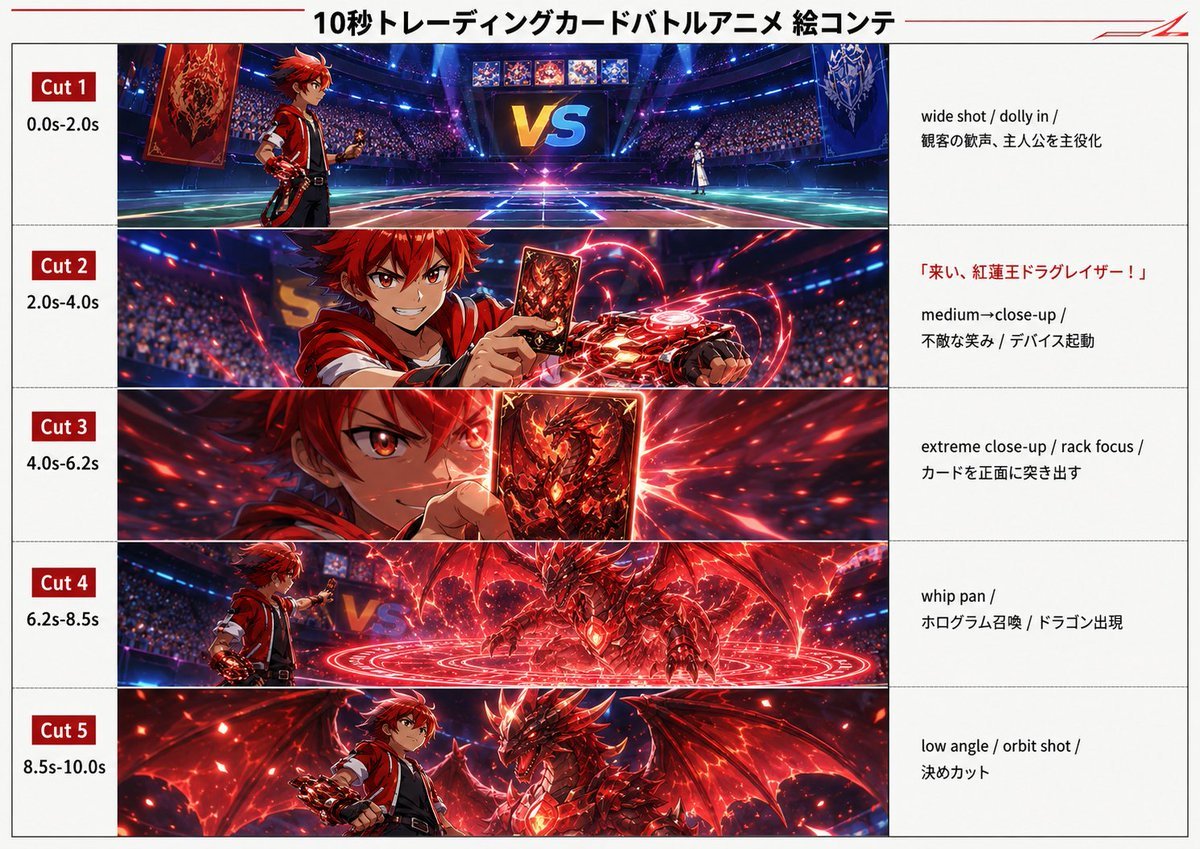
Trading Card Battle Anime Storyboard
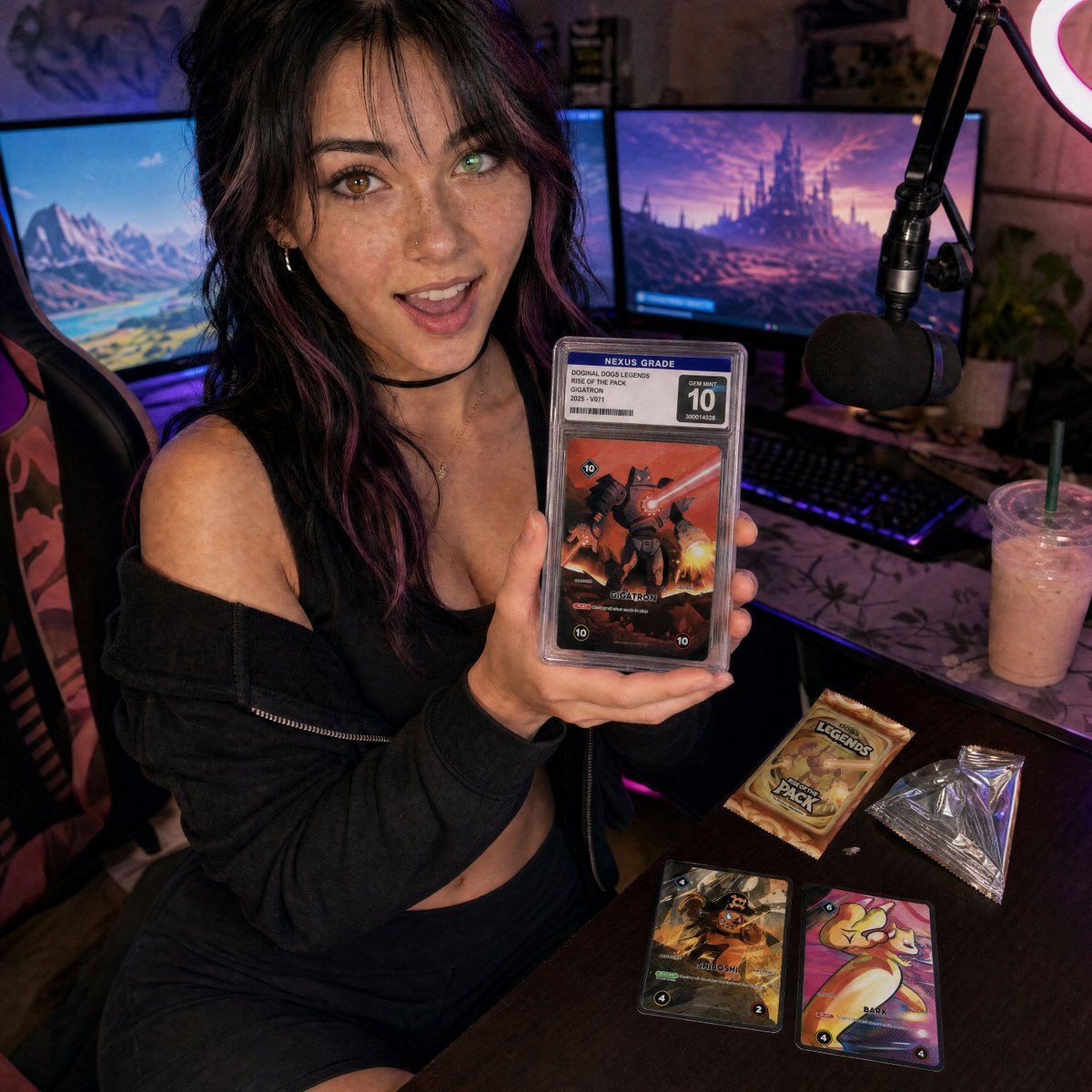
Streamer Trading Card Product Shot

Sparkling Seaside Anime Album Cover

Fictional Soccer Snack Trading Card Product Photo
Anime Bedroom Guitar Album Cover
Anime Monster Hunter Quest Card

Cel 2D Finale Fireworks

Cel 2D Garden Maze

Cel 2D Rooftop Concert

Cel 2D Bicycle Coast

Cel 2D Castle Gate
Make it yours
Anime Trading Card Album Photo works as-is. These are the safest ways to change it without losing the look.
Change one field
Copy a single group, rewrite it, and generate again so you can see what that field is doing.
Keep the frame, change the subject
Hold the composition and light of Anime Trading Card Album Photo, then swap wardrobe, props or the person for a new take.
| If the result… | Why | Fix |
|---|---|---|
| The result drifts from the preview | Too many fields changed at once. | Reuse Anime Trading Card Album Photo as-is first, then change one group — subject, light, or setting. |
| The model over-stylizes the scene | The prose prompt leaves finish and camera underspecified. | Add one camera or lighting sentence and stay on GPT Image 2. |
More GPT Image 2 templates
Other prompts made for GPT Image 2.

Six VTuber Japanese Logo Sheet

Realistic Portrait of Woman and Deer

The Vista Modular Condo Poster

AI Model Routing Comparison Infographic

2.5D Anime Art Board

Isometric Productivity Desk Scene

New York Double Exposure Poster

Four-Panel AI Landscape Comparison

Japanese Tatami Lifestyle Magazine Cover

NESCAFÉ Coffee Map Poster
More image prompts
Fresh picks from across the catalog.

Felt Cat Character Reference Sheet
Anime Park Date Illustration

Sumi-e Samurai Poster Art
Pixar-Style 3D Chibi Boy Character
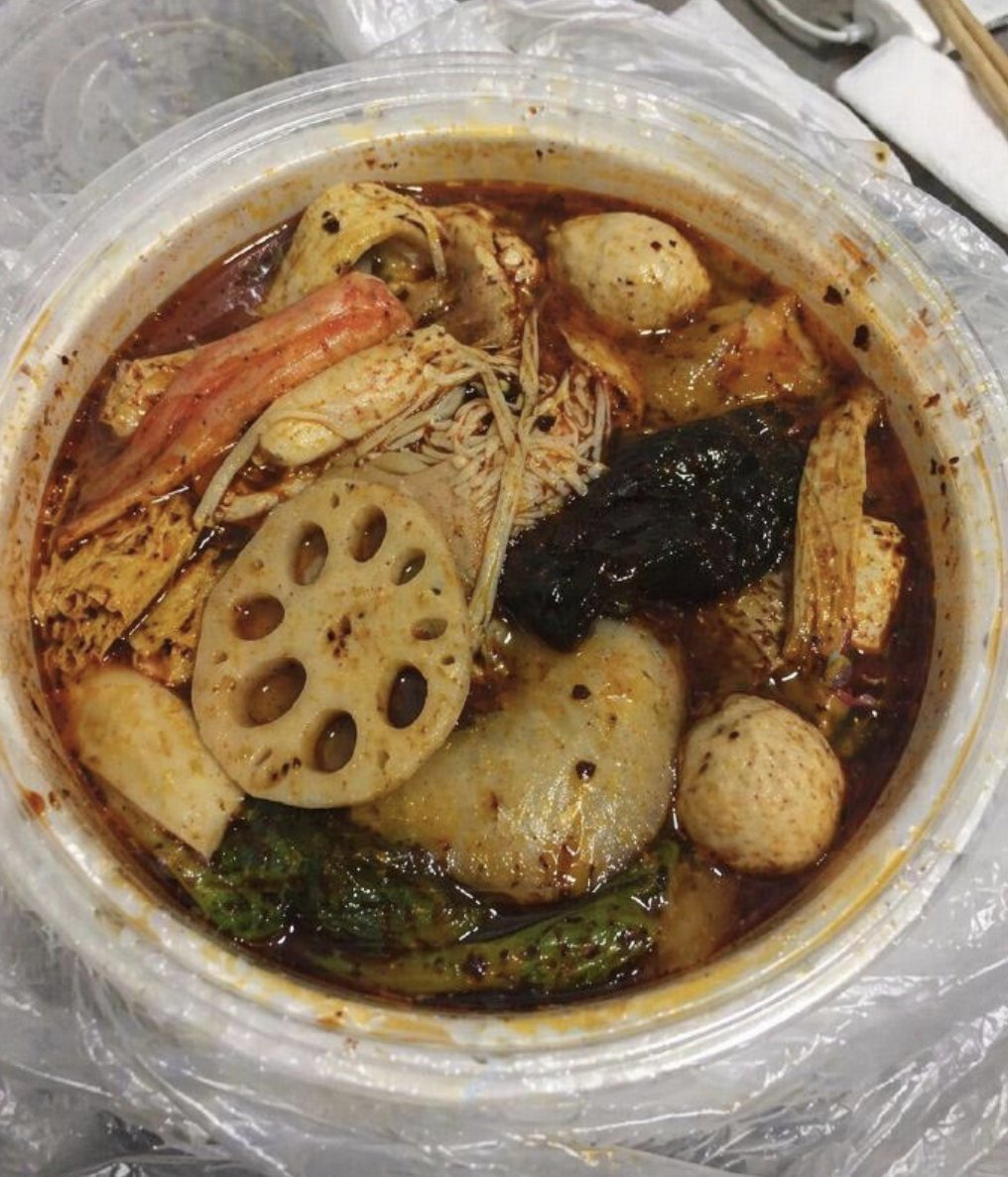
Realistic Malatang Takeout Bowl

Candid Editorial Conference Portrait Prompt with Identity Lock
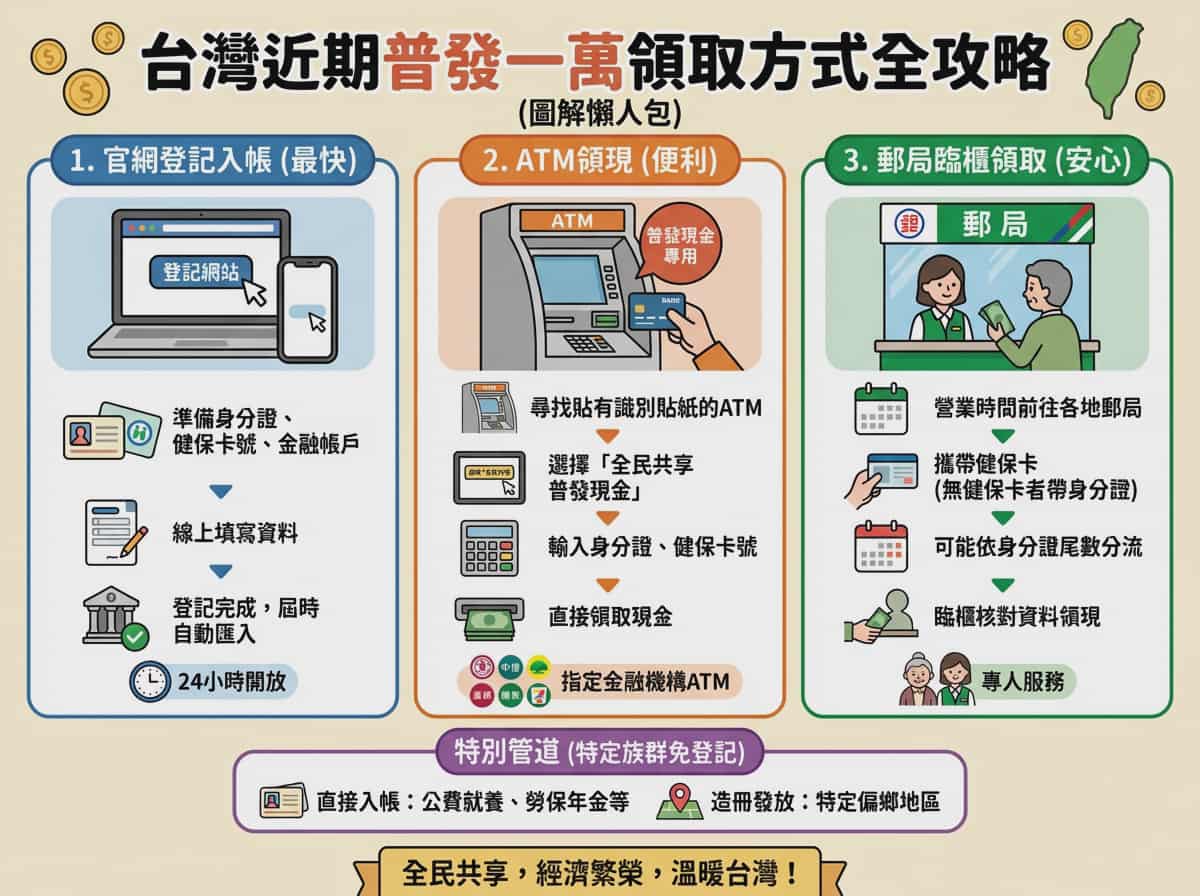
Taiwan 10,000 NTD distribution infographic
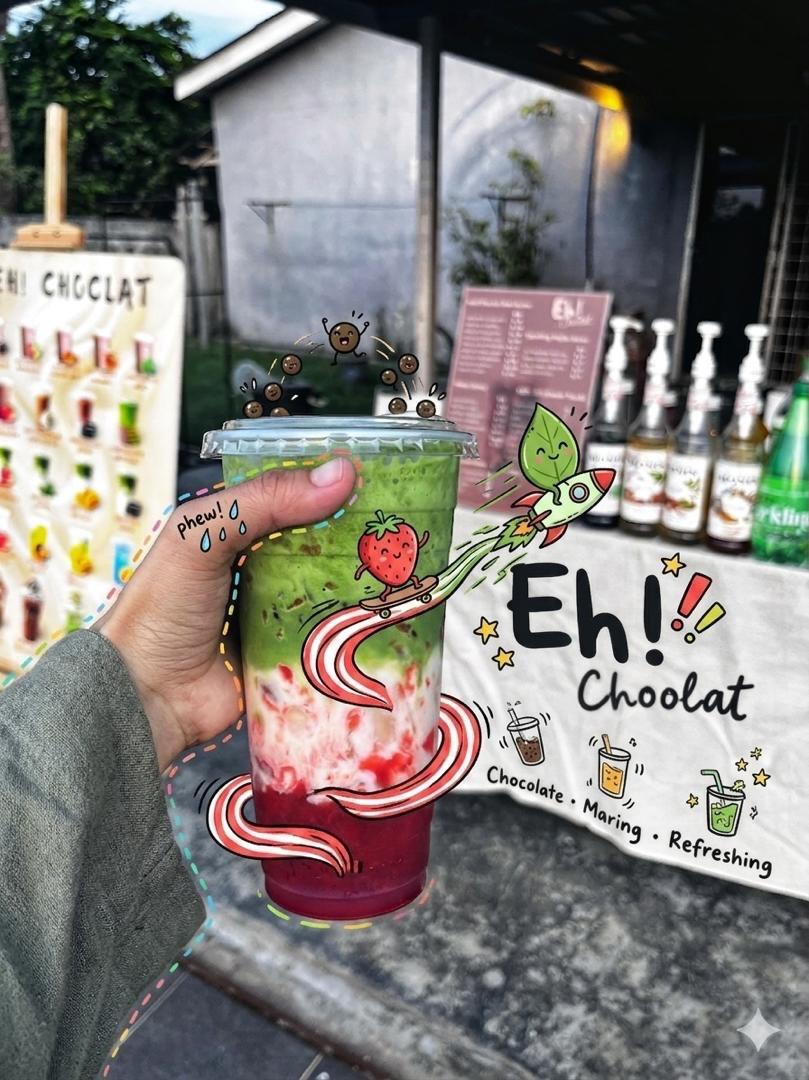
Doodled Strawberry Matcha Drink Photo
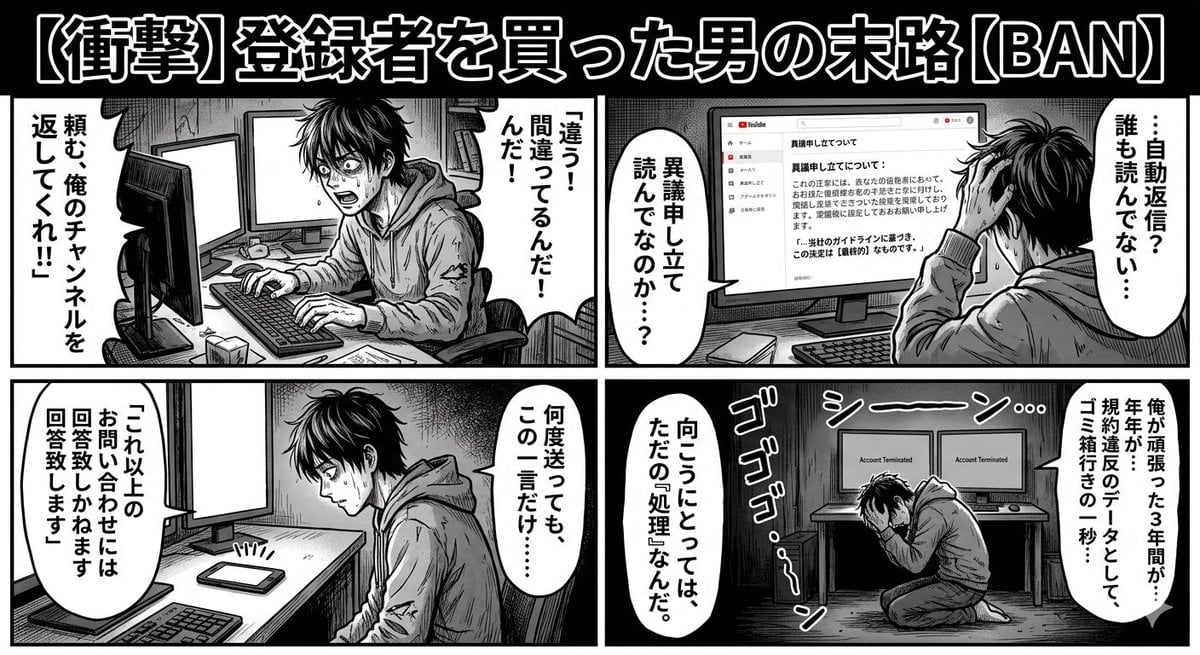
Four-Panel Manga: Labyrinth of Objection

Anime Light Novel Promotional Poster
Browse template categories
Anime Trading Card Album Photo questions
How do I use the Anime Trading Card Album Photo template?
Add your photo if the template asks for one, edit the prompt if you like — the template's model and format are already selected — and press Generate. Your version opens in PicX Studio.
Can I customize the Anime Trading Card Album Photo template?
Yes. You can change the subject, setting, lighting, mood, format, and available model controls before creating your image.
Is the Anime Trading Card Album Photo template free?
Opening and editing this template is free. Generating uses credits, shown on the Generate button when you are signed in.
Which AI model should I use?
Start with GPT Image 2, which is the model associated with this template. You can compare another compatible model for a different finish.
Looking for something else? Browse all templates.

Your photo, any look
Thousands of ready templates for every top image and video model, from one credit balance.