
Realistic Malatang Takeout Bowl
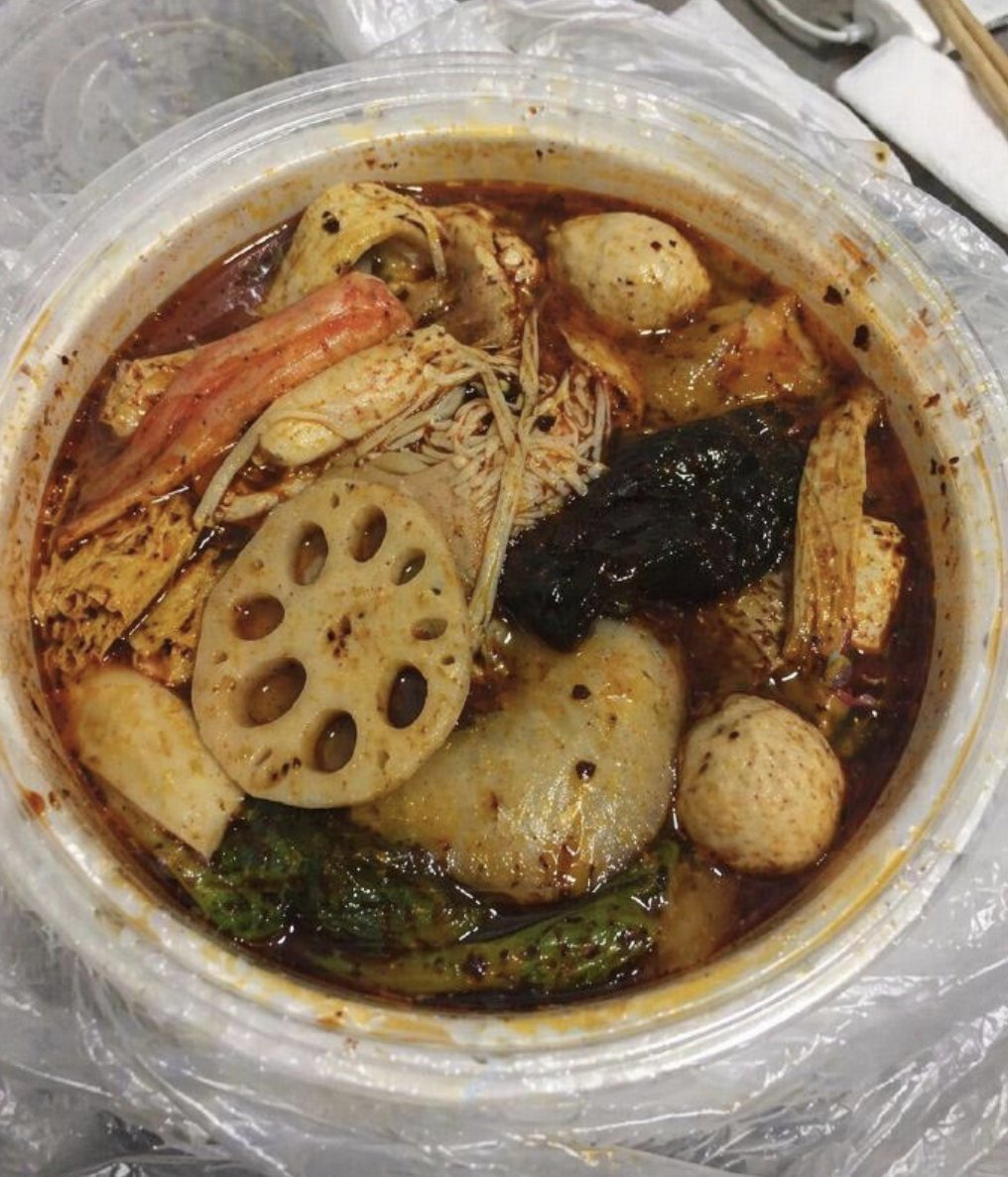
Generates a gritty overhead smartphone-style photo of a spicy Chinese malatang takeout bowl for realistic food imagery.
- Prompt included
- Model and format preset
- Free template
The prompt behind this image
Copy the exact prompt behind Realistic Malatang Takeout Bowl, or open it in the studio and make it yours.
Create an ultra-realistic, slightly unsettling smartphone food photo of a round transparent plastic takeout bowl filled with spicy Chinese malatang hot pot in dark red chili oil broth. The camera looks down from a high three-quarter overhead angle, tightly cropped so the circular bowl fills most of the frame. Show a messy, casual tabletop setting with a crinkled clear plastic bag underneath the bowl, a second empty plastic lid or bowl blurred in the upper left, and disposable chopsticks plus a white napkin partly visible in the upper right. Inside the bowl, include exactly 10 clearly visible food items: 1 large pale lotus root slice with multiple oval holes near the lower left center, 2 round beige fish balls or meatballs at the upper right and lower right, 1 pale boiled egg-like oval near the top right, 1 orange crab stick or seafood stick on the upper left, 1 cluster of thin enoki mushrooms in the center, 1 glossy black seaweed or wood ear mushroom piece on the right center, 1 large translucent gray rice cake or fish cake oval near the lower center, 1 green leafy vegetable strip along the bottom edge, and 1 rectangular tofu or bean curd piece near the right side. The broth should look oily, murky, and heavily seasoned with floating chili flakes, pepper specks, sesame-like bits, and red-orange grease stains clinging to the inside rim of the plastic container. Use harsh indoor lighting, muted colors, visible grain, imperfect focus, greasy reflections, and casual snapshot composition, making it feel like a real unedited phone photo rather than a staged food advertisement. No people, no text, no watermark.
How to use Realistic Malatang Takeout Bowl in 3 steps
- 1Upload ImagePNG, JPG or paste
Add your photo
Upload the photo the template builds on. The prompt, model and format are already set.
- 2…a portrait of your subject in softgolden-hour light, 85mm…
Personalize
Edit the subject and creative details for your destination.
- 3Generate
Generate
Press Generate — your image is created in PicX Studio, so you can compare it with the original and refine one variable at a time.
More like this
Templates with the same subject, style or setup. Open one to see its prompt.
Realistic Shoyu Ramen Bowl

Dynamic Smoothie Bowl Food Photography
Neon Clay Rainbow Ramen Bowl
Bowling Shirt Portrait Flash
Bowling Alley Retro League
Epic Mountain Ramen Bowl
Macro Cat Tongue in Food Bowl
iPhone Flash Aesthetic of Woman in Bowling Alley
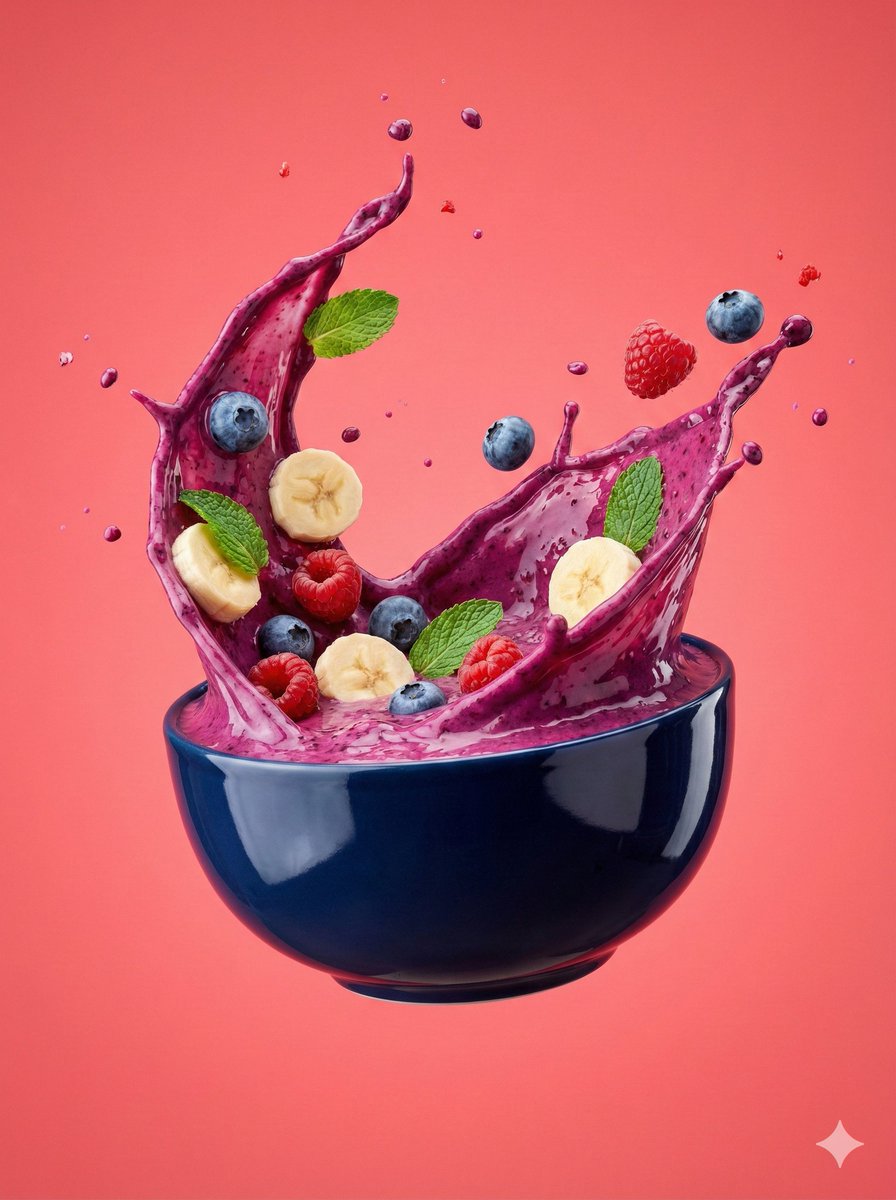
Hyper-Realistic Smoothie Bowl Advertising
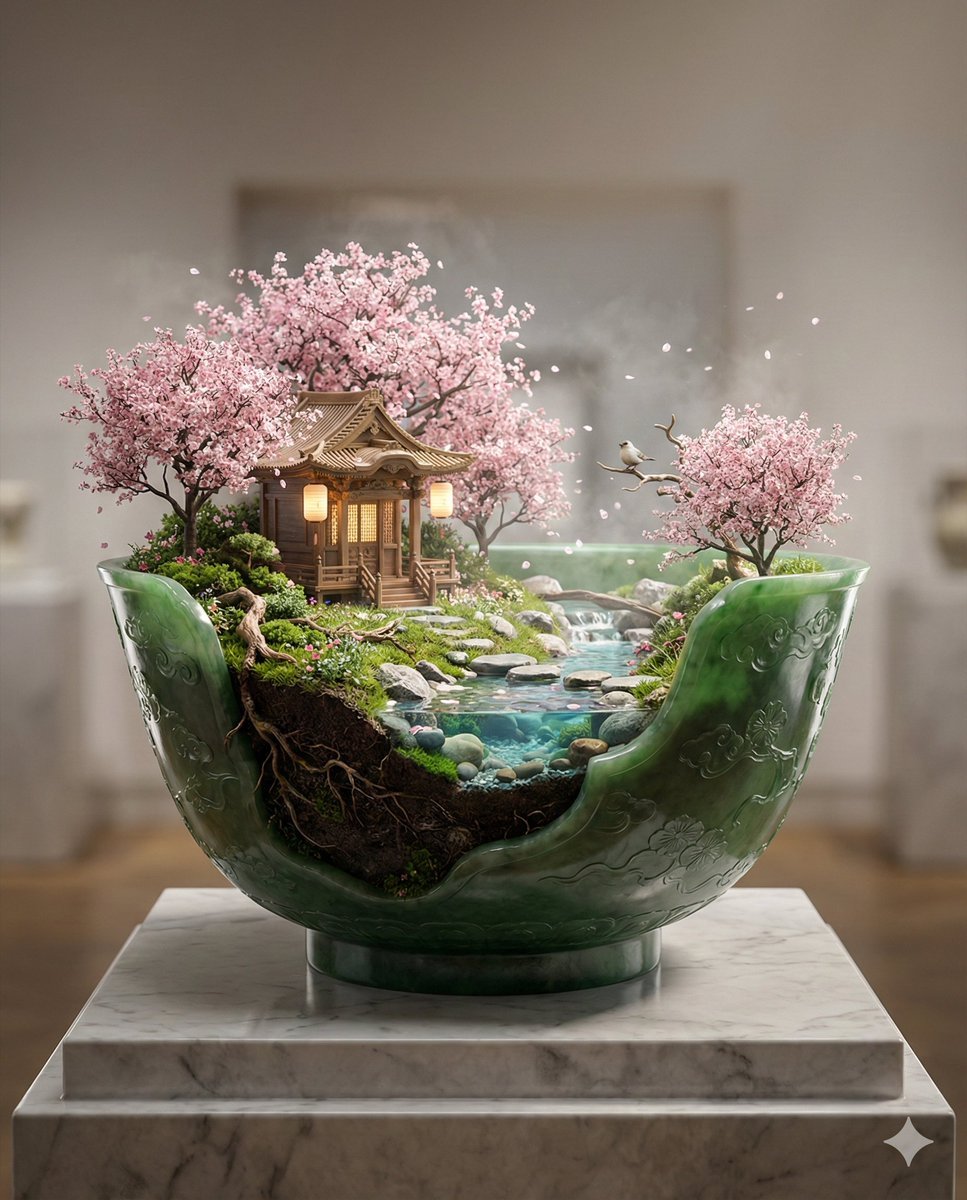
Imperial Jade Bowl Diorama of a Sacred Spring Shrine
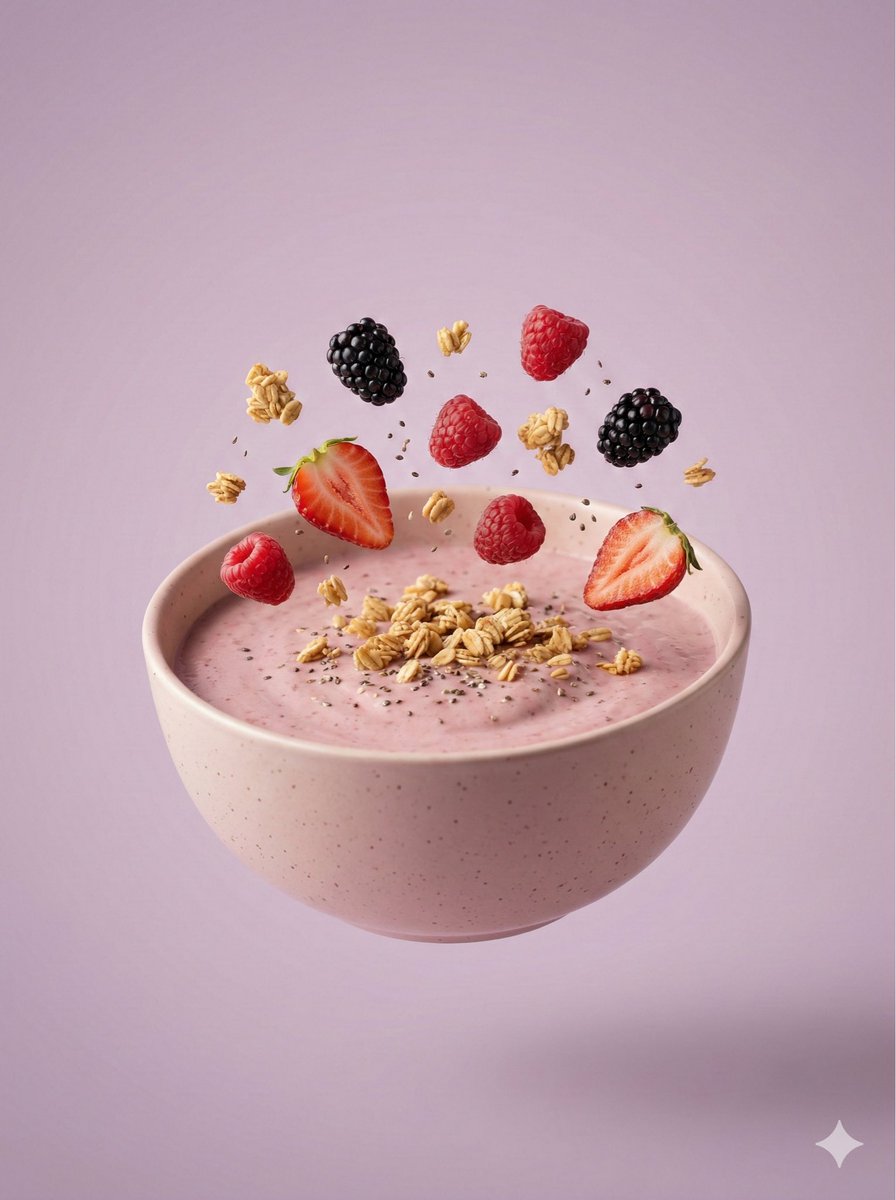
Hyper-Realistic Floating Smoothie Bowl

Burning Gothic Flood Escape
Make it yours
Realistic Malatang Takeout Bowl works as-is. These are the safest ways to change it without losing the look.
Change one field
Copy a single group, rewrite it, and generate again so you can see what that field is doing.
Keep the frame, change the subject
Hold the composition and light of Realistic Malatang Takeout Bowl, then swap wardrobe, props or the person for a new take.
| If the result… | Why | Fix |
|---|---|---|
| The result drifts from the preview | Too many fields changed at once. | Reuse Realistic Malatang Takeout Bowl as-is first, then change one group — subject, light, or setting. |
| The model over-stylizes the scene | The prose prompt leaves finish and camera underspecified. | Add one camera or lighting sentence and stay on GPT Image 2. |
More GPT Image 2 templates
Other prompts made for GPT Image 2.

Six VTuber Japanese Logo Sheet

Realistic Portrait of Woman and Deer

The Vista Modular Condo Poster

AI Model Routing Comparison Infographic

2.5D Anime Art Board

Isometric Productivity Desk Scene

New York Double Exposure Poster

Four-Panel AI Landscape Comparison

Japanese Tatami Lifestyle Magazine Cover

NESCAFÉ Coffee Map Poster
More image prompts
Fresh picks from across the catalog.
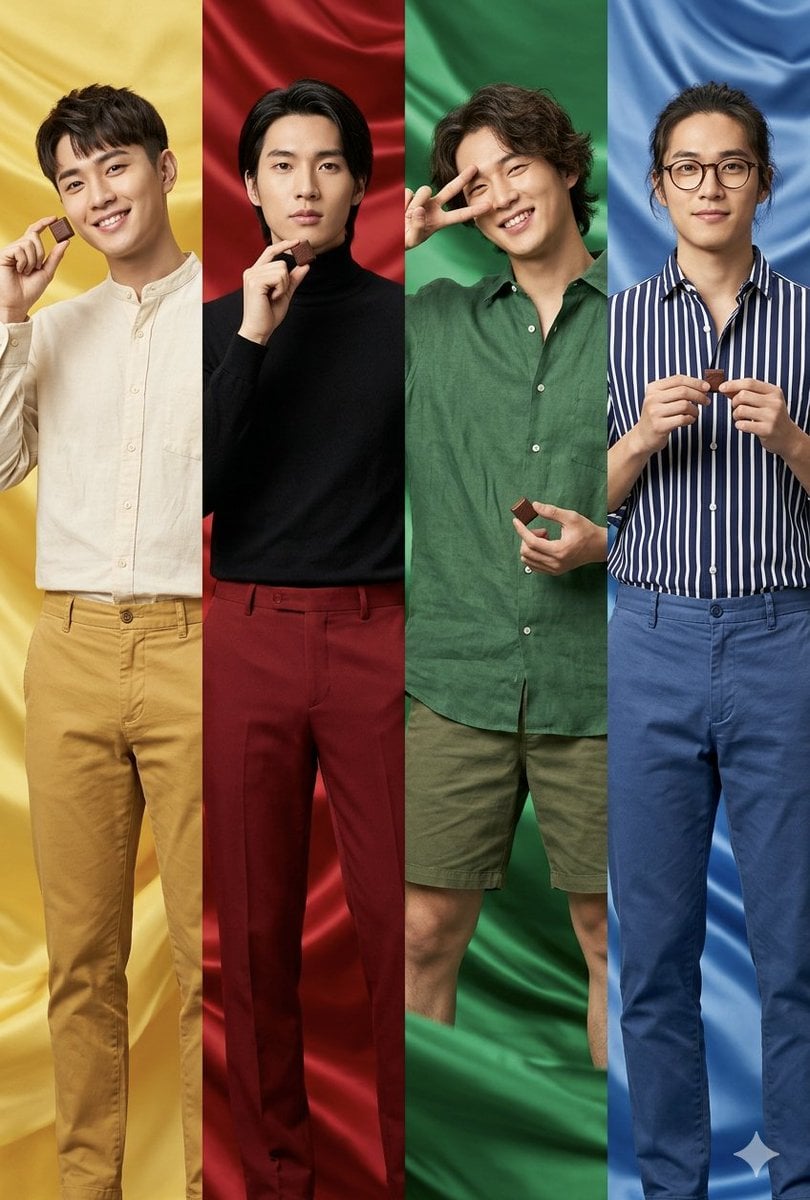
Fashion Editorial Color Quadtych
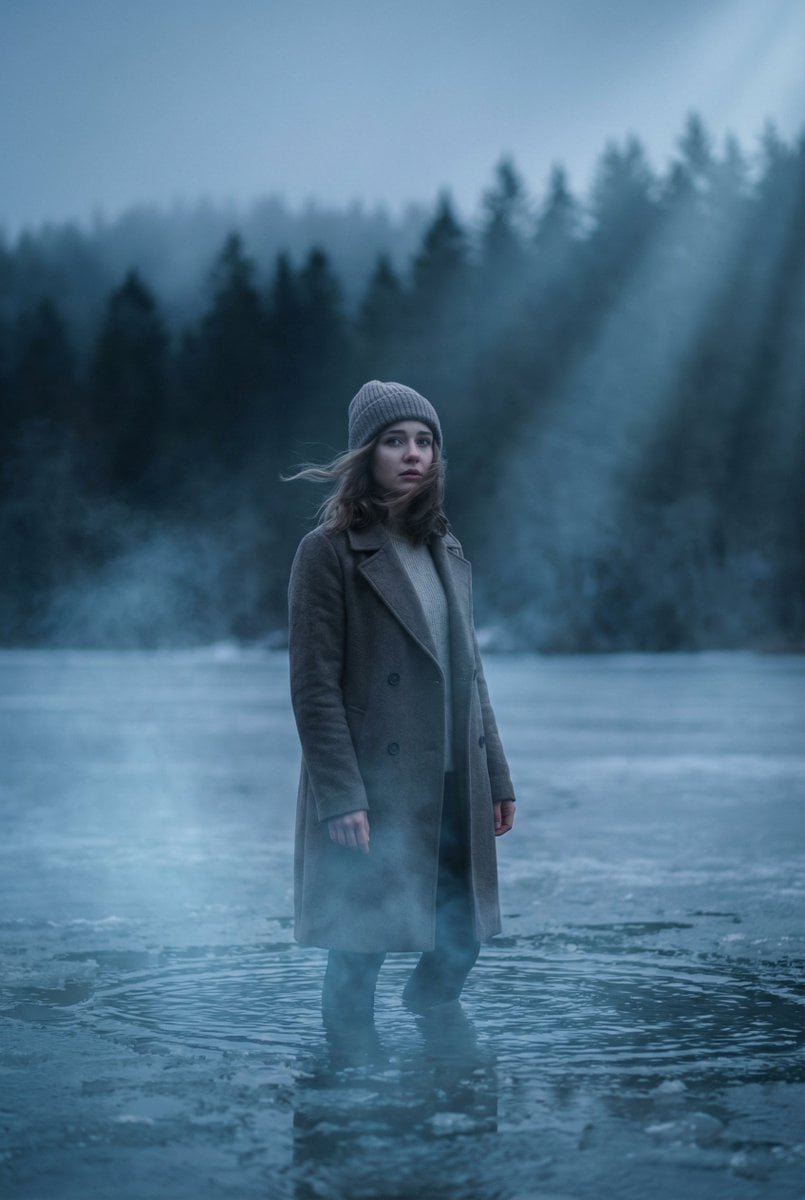
Cinematic Frozen Lake Portrait and Video Prompt
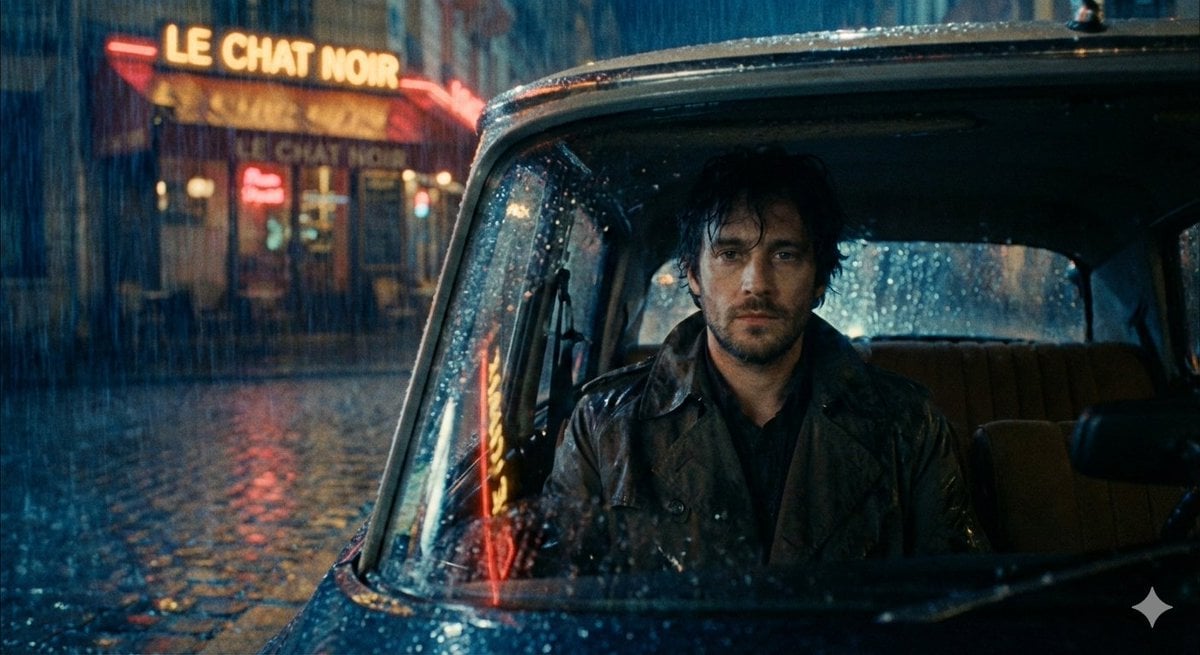
Moody cinematic Paris car scene
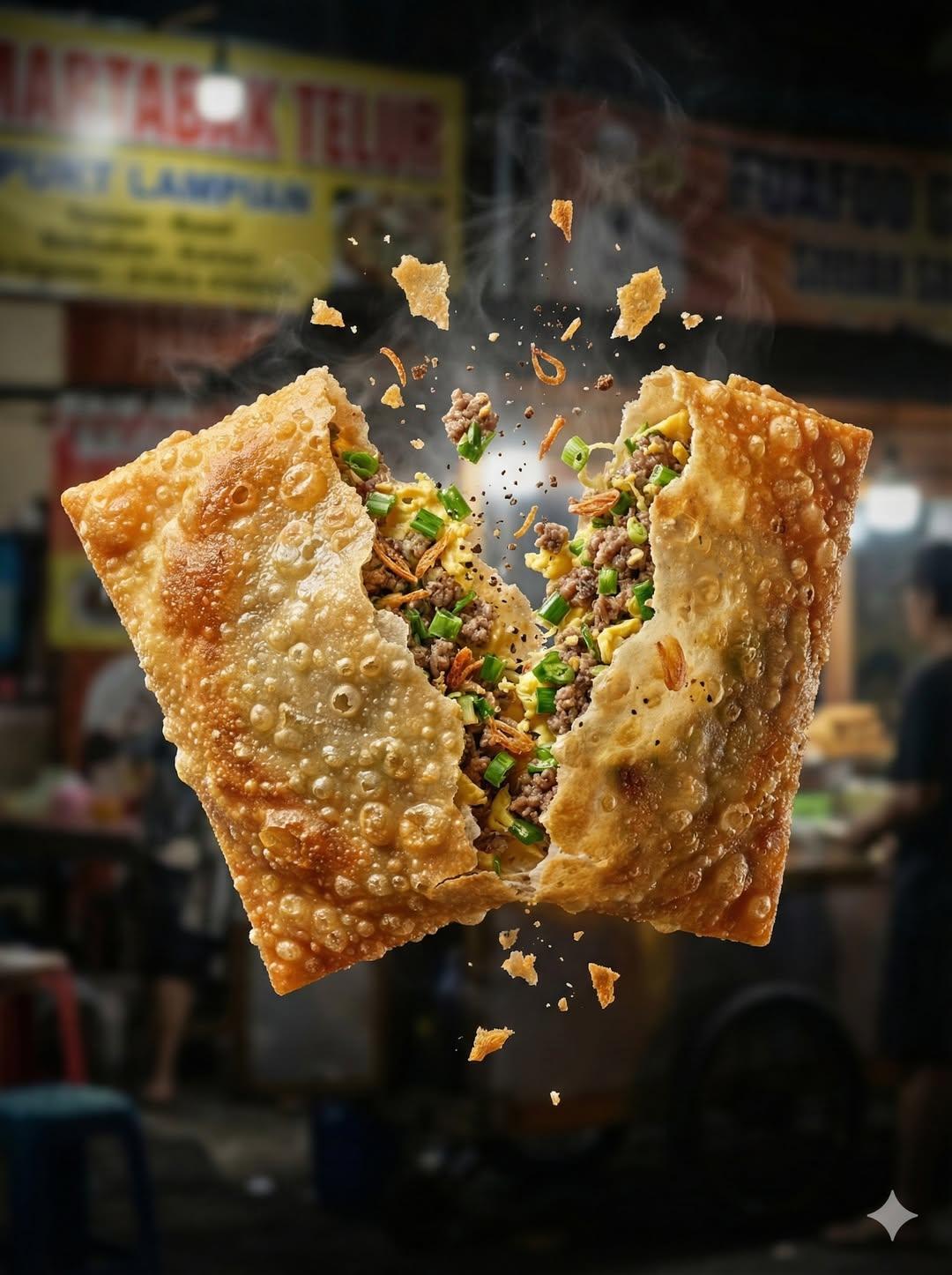
Ultra Realistic High Speed Food Photogra
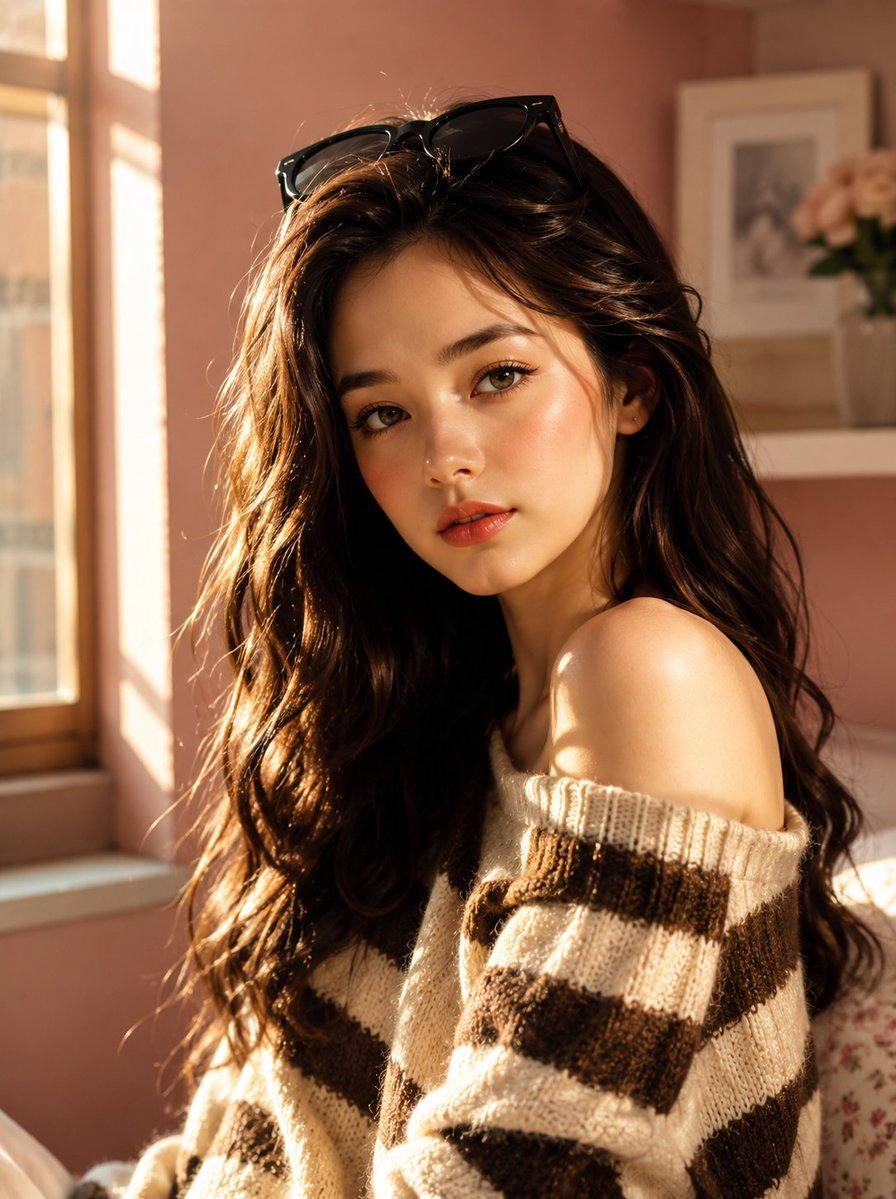
Korean Beauty Lifestyle Portrait

Panel Christmas Beauty Blogger Portrait in Peach Background
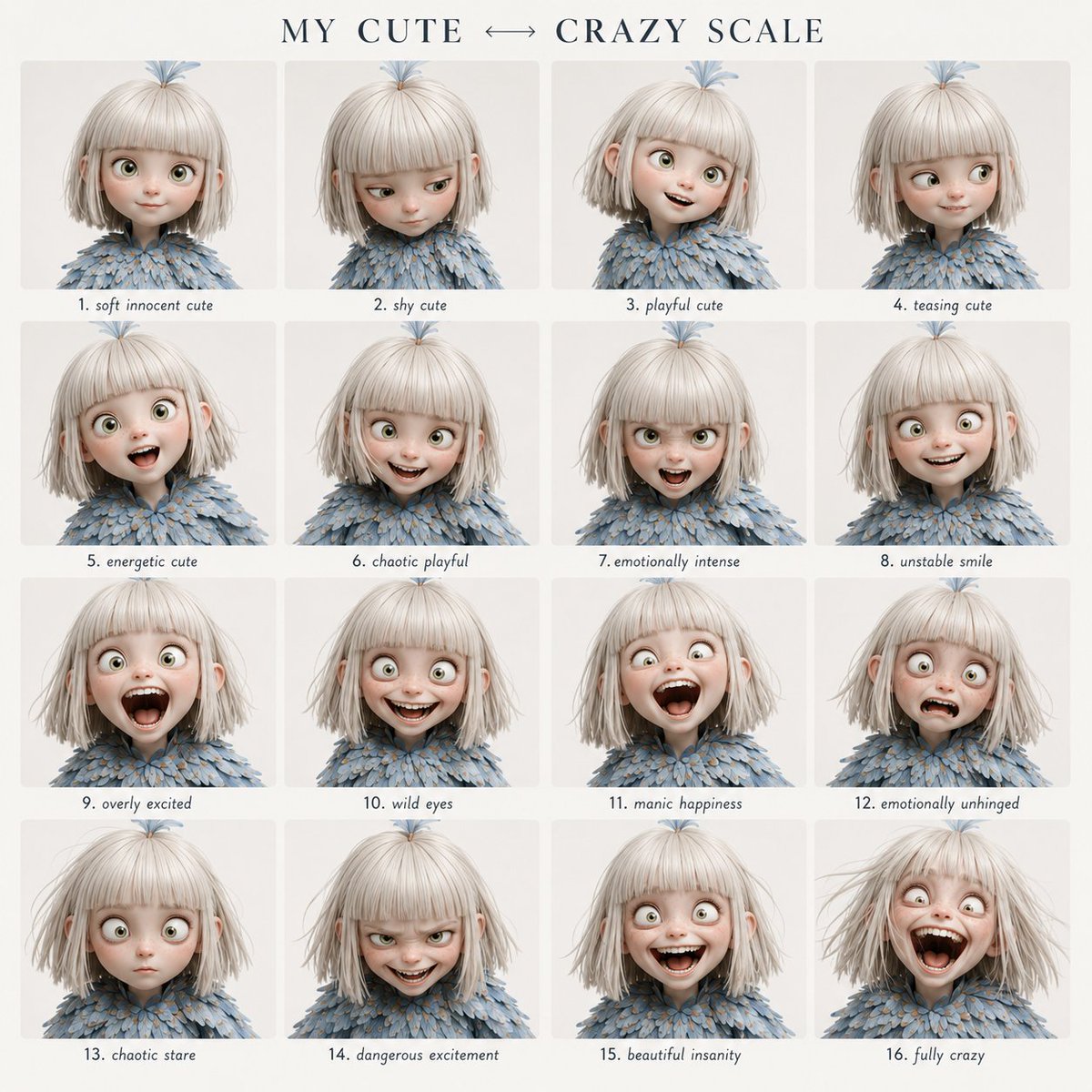
Character Emotional Performance Grid
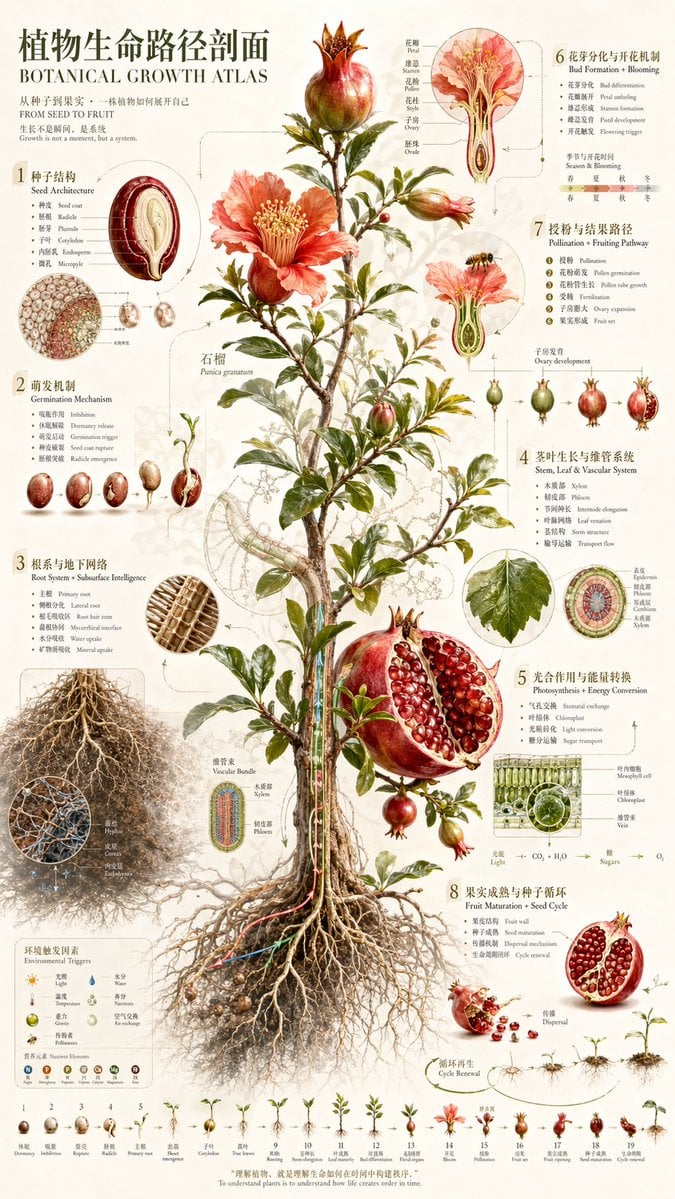
Vintage Pomegranate Growth Atlas
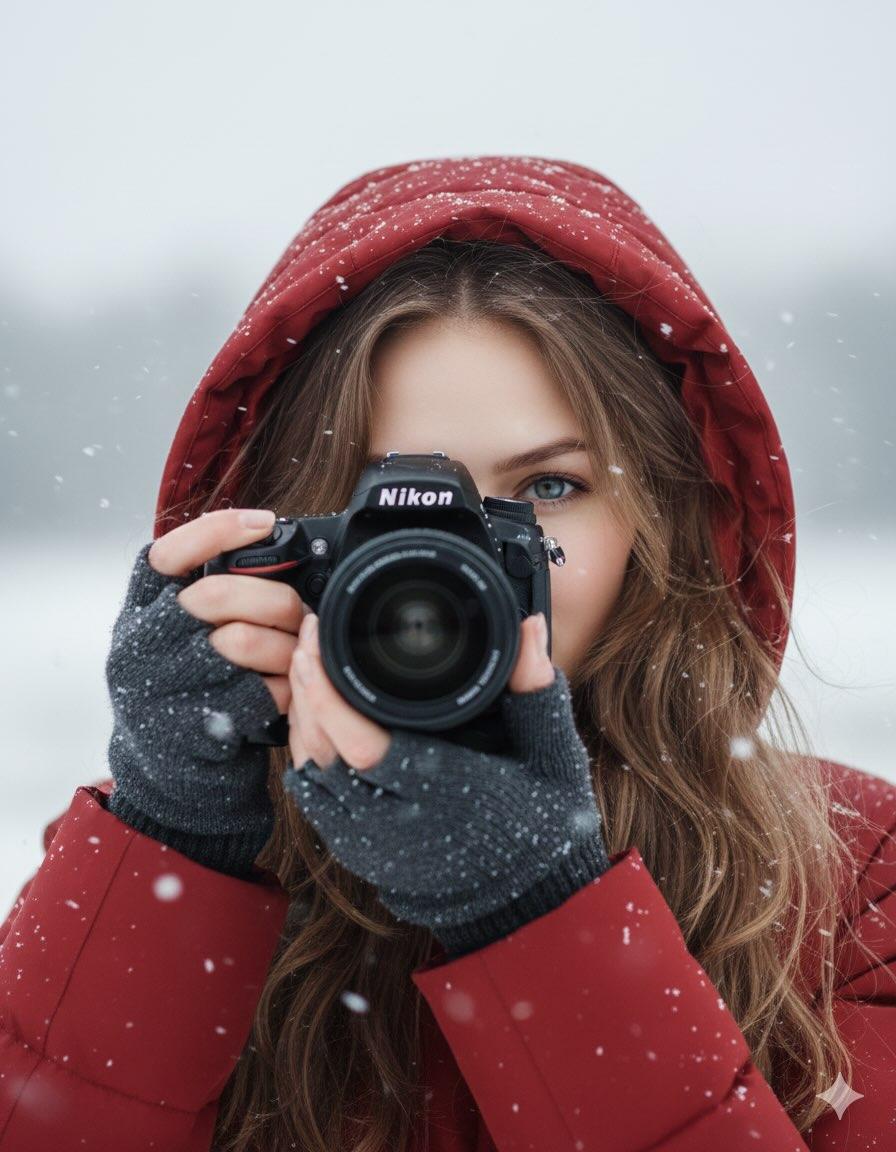
Cinematic Winter Portrait Prompt
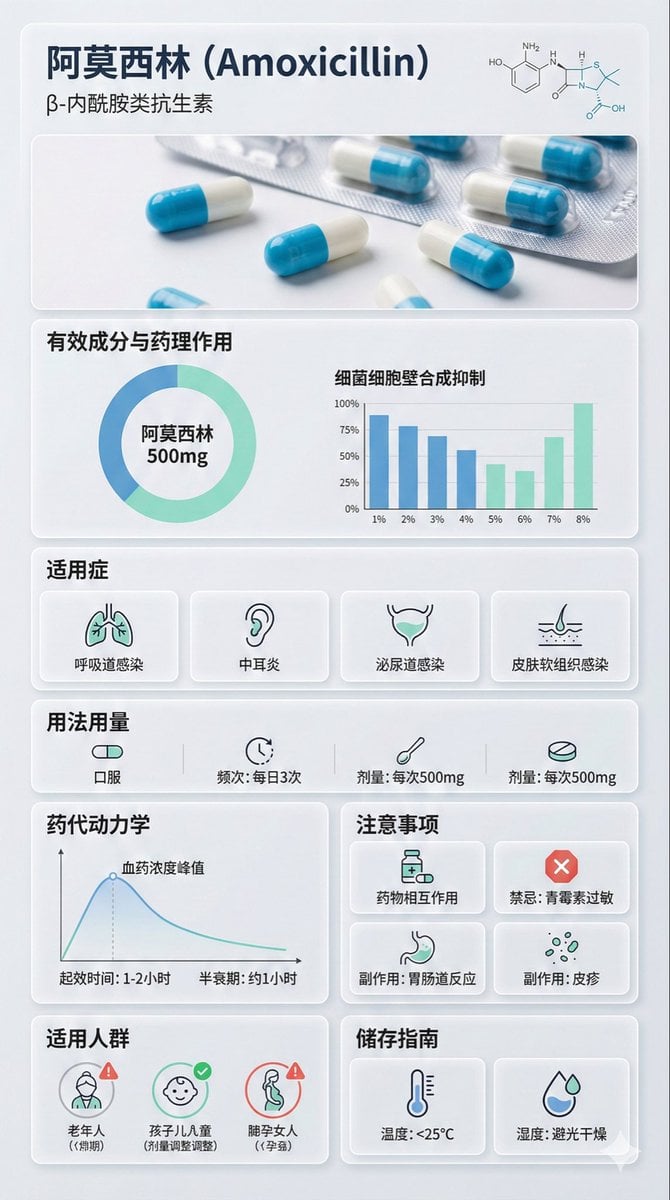
Medical Infographic Poster Prompt using Bento Grid Layout
Browse template categories
Realistic Malatang Takeout Bowl questions
How do I use the Realistic Malatang Takeout Bowl template?
Add your photo if the template asks for one, edit the prompt if you like — the template's model and format are already selected — and press Generate. Your version opens in PicX Studio.
Can I customize the Realistic Malatang Takeout Bowl template?
Yes. You can change the subject, setting, lighting, mood, format, and available model controls before creating your image.
Is the Realistic Malatang Takeout Bowl template free?
Opening and editing this template is free. Generating uses credits, shown on the Generate button when you are signed in.
Which AI model should I use?
Start with GPT Image 2, which is the model associated with this template. You can compare another compatible model for a different finish.
Looking for something else? Browse all templates.

Your photo, any look
Thousands of ready templates for every top image and video model, from one credit balance.