
Macro Cat Tongue in Food Bowl
A hyperrealistic fisheye macro view from inside a cat food bowl, ideal for showcasing extreme animal texture and moisture detail.
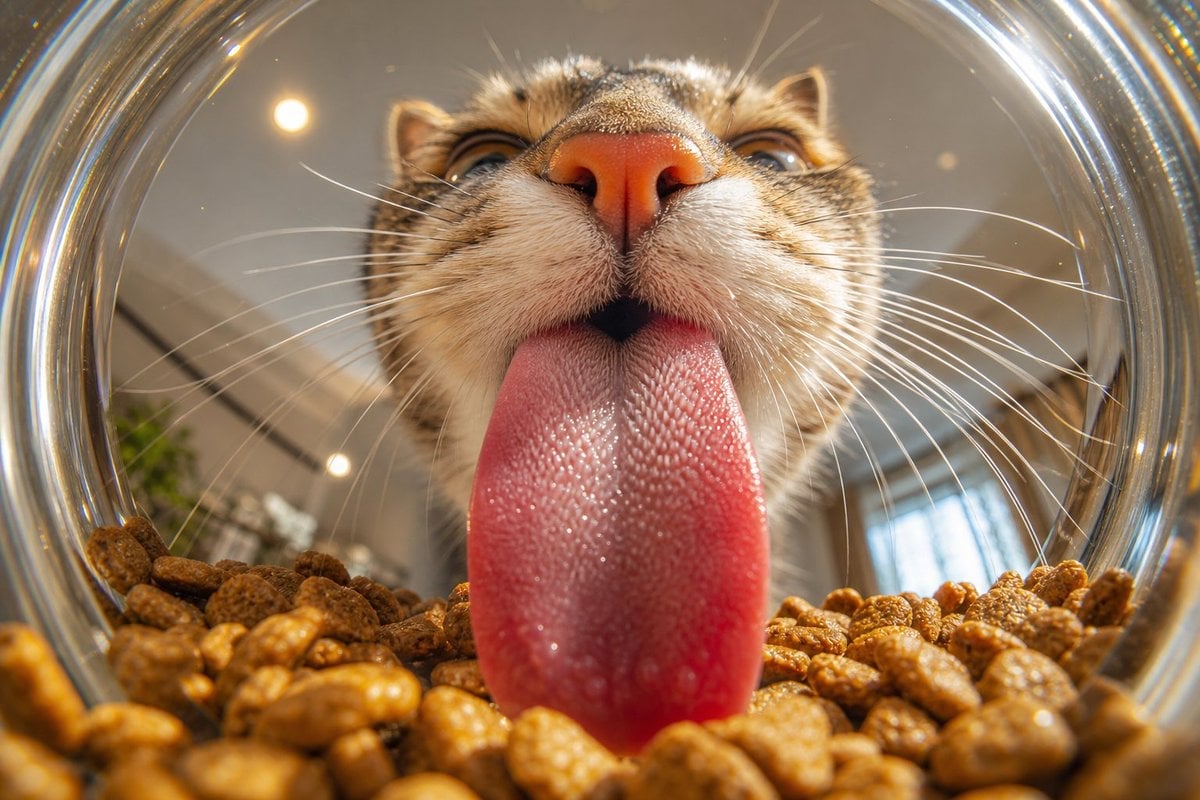
- Prompt included
- Model and format preset
- Free template
The prompt behind this image
Copy the exact prompt behind Macro Cat Tongue in Food Bowl, or open it in the studio and make it yours.
Create an ultra-realistic macro photograph from inside a transparent glass cat food bowl looking outward at a {argument name="cat type" default="brown tabby cat"} licking the food. Use an extreme wide-angle fisheye perspective with the circular glass rim forming a bright distorted ring around the frame. The cat’s face fills the upper center: pink nose close to camera, striped tabby muzzle, sharp white whiskers radiating left and right, partially visible eyes above the nose, ears near the top edge. The cat’s {argument name="tongue color" default="wet pink"} tongue is extended straight down into the bowl and dominates the center foreground, showing highly detailed rough papillae texture, moisture, tiny glossy highlights, and a realistic damp surface. The bottom third of the image is filled with {argument name="food type" default="brown dry cat kibble"}, individual pellets large in the foreground with shallow depth of field and warm golden-brown texture. Background beyond the bowl is softly blurred indoor space with warm ceiling lights, subtle plant shapes, and window reflections. Lighting is warm natural indoor daylight with specular reflections on the glass rim and tongue, crisp macro detail on the tongue and muzzle, cinematic realism, 16:9 horizontal composition, no text, no watermark.
How to use Macro Cat Tongue in Food Bowl in 3 steps
- 1Upload ImagePNG, JPG or paste
Add your photo
Upload the photo the template builds on. The prompt, model and format are already set.
- 2…a portrait of your subject in softgolden-hour light, 85mm…
Personalize
Edit the subject and creative details for your destination.
- 3Generate
Generate
Press Generate — your image is created in PicX Studio, so you can compare it with the original and refine one variable at a time.
More like this
Templates with the same subject, style or setup. Open one to see its prompt.

Dynamic Smoothie Bowl Food Photography

Cat Photobomb Selfie — 0.5x Wide Angle Café Chaos

Surreal Cat Astronaut — Humanoid Face Freefall
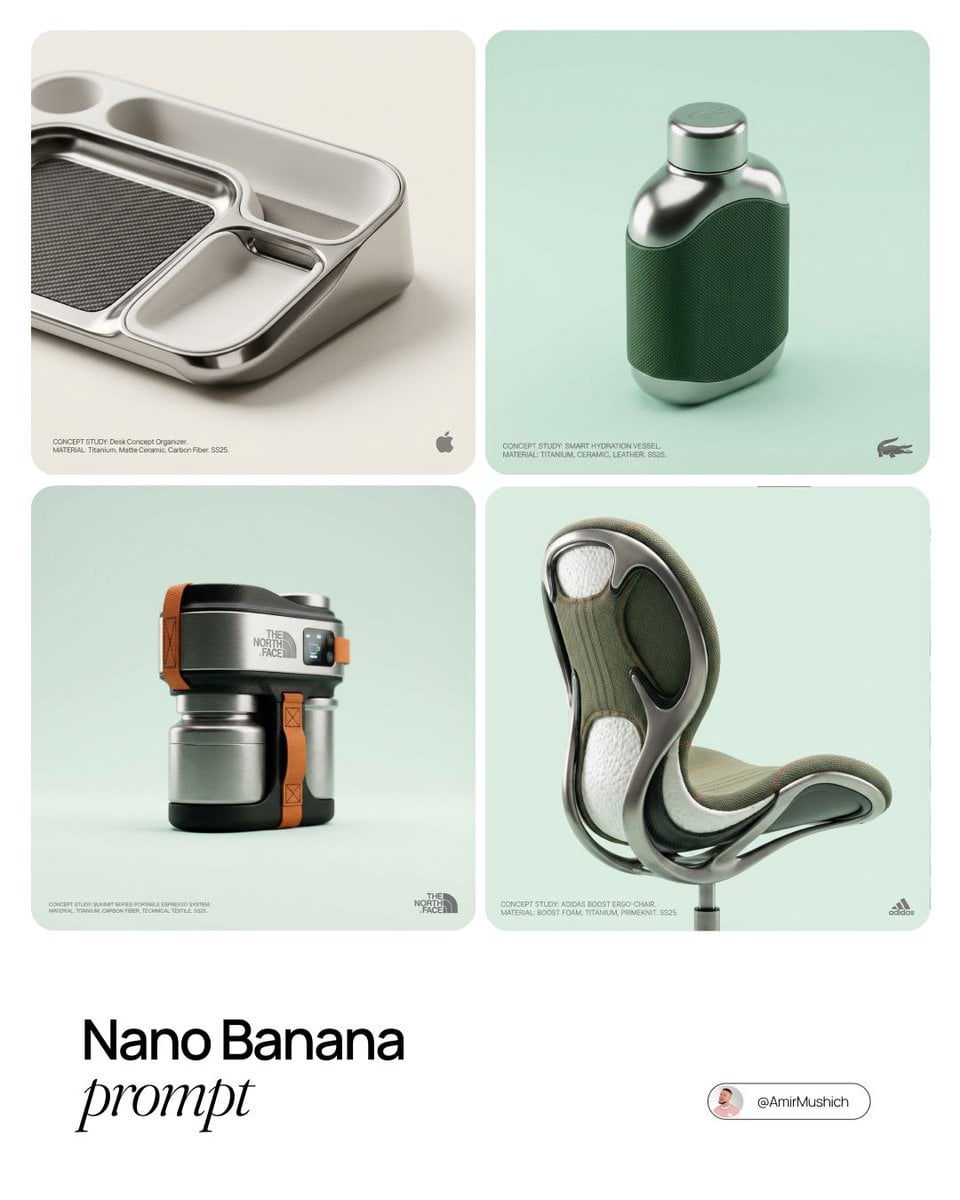
Editorial Concept Study Product Design

Low Angle Floor Selfie With Upside Down Cat

Cozy Food Flat Lay Doodle Labels
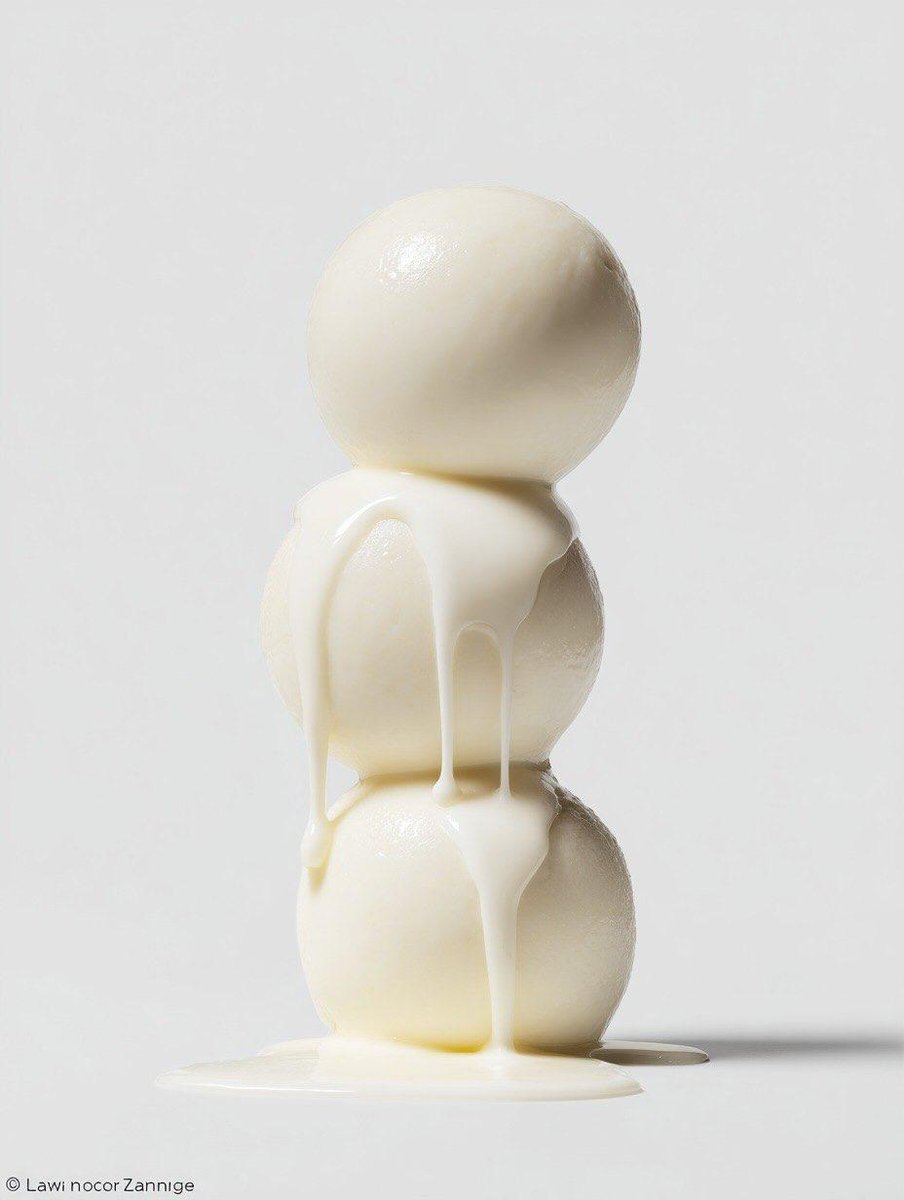
Macro Food Photography Prompt with Dripping Liquid
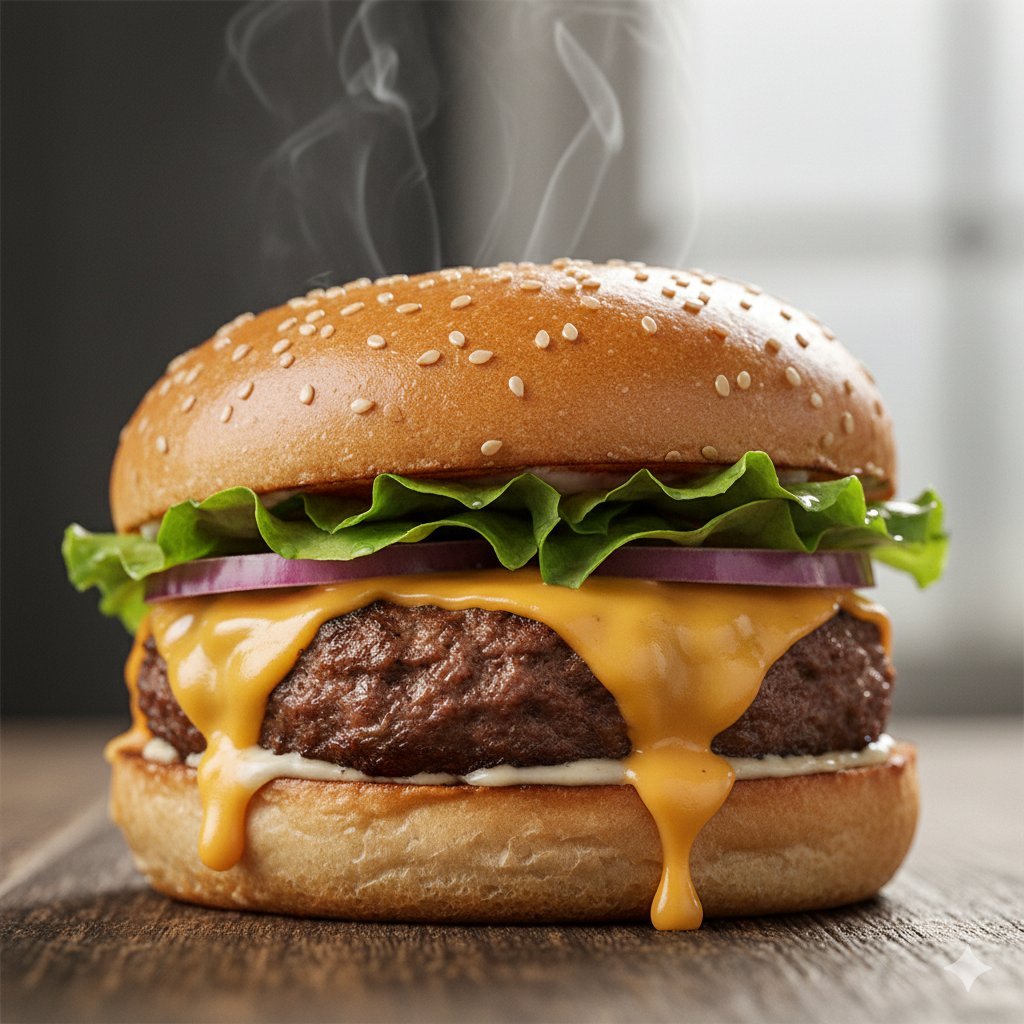
Macro Food Photography of a Juicy Beef Burger

Macro Food Photography of Martabak Telur Prompt
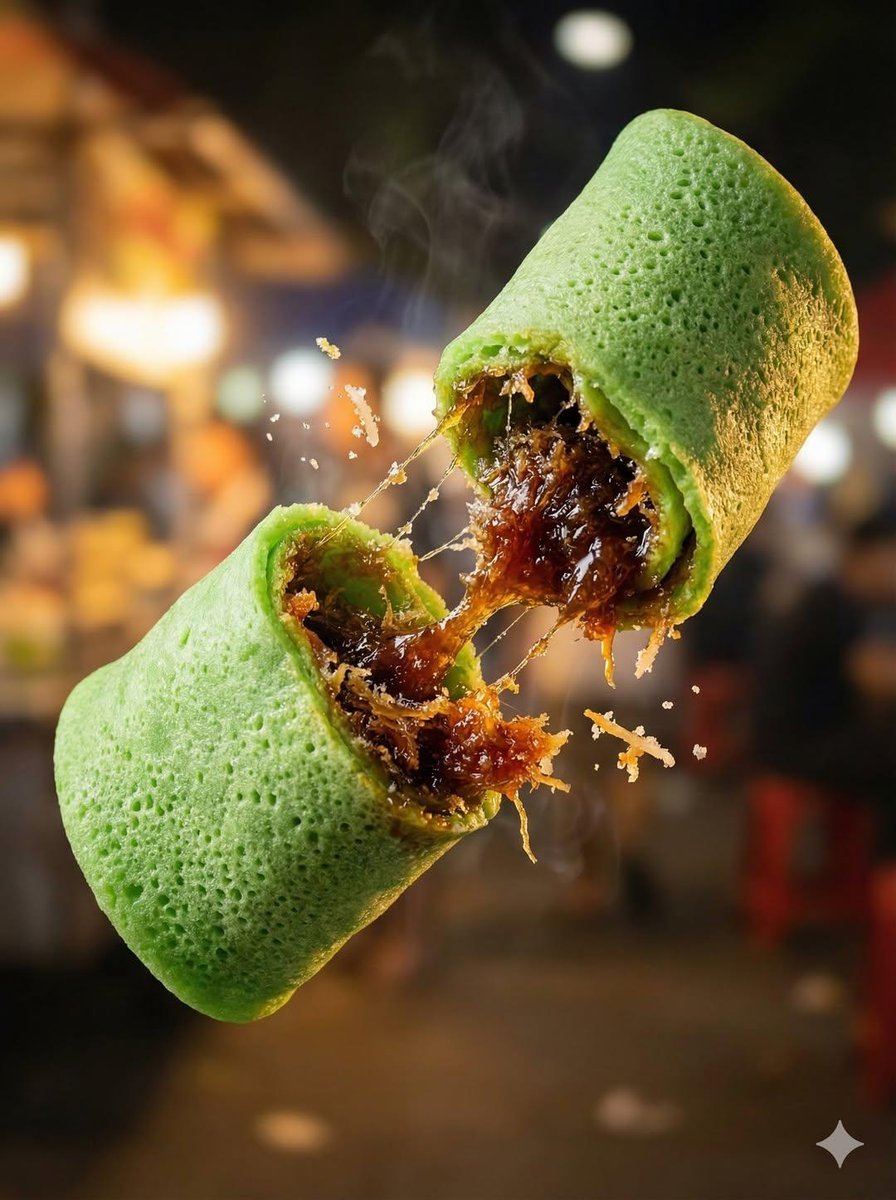
Macro Food Photography of Floating Street Food

Firefly Pixar Spill — Nano Banana Pro
Seedance - Arrow Microscopic Battle
Make it yours
Macro Cat Tongue in Food Bowl works as-is. These are the safest ways to change it without losing the look.
Change one field
Copy a single group, rewrite it, and generate again so you can see what that field is doing.
Keep the frame, change the subject
Hold the composition and light of Macro Cat Tongue in Food Bowl, then swap wardrobe, props or the person for a new take.
| If the result… | Why | Fix |
|---|---|---|
| The result drifts from the preview | Too many fields changed at once. | Reuse Macro Cat Tongue in Food Bowl as-is first, then change one group — subject, light, or setting. |
| The model over-stylizes the scene | The prose prompt leaves finish and camera underspecified. | Add one camera or lighting sentence and stay on GPT Image 2. |
More GPT Image 2 templates
Other prompts made for GPT Image 2.

Six VTuber Japanese Logo Sheet

Realistic Portrait of Woman and Deer

The Vista Modular Condo Poster

AI Model Routing Comparison Infographic

2.5D Anime Art Board

Isometric Productivity Desk Scene

New York Double Exposure Poster

Four-Panel AI Landscape Comparison

Japanese Tatami Lifestyle Magazine Cover

NESCAFÉ Coffee Map Poster
More image prompts
Fresh picks from across the catalog.
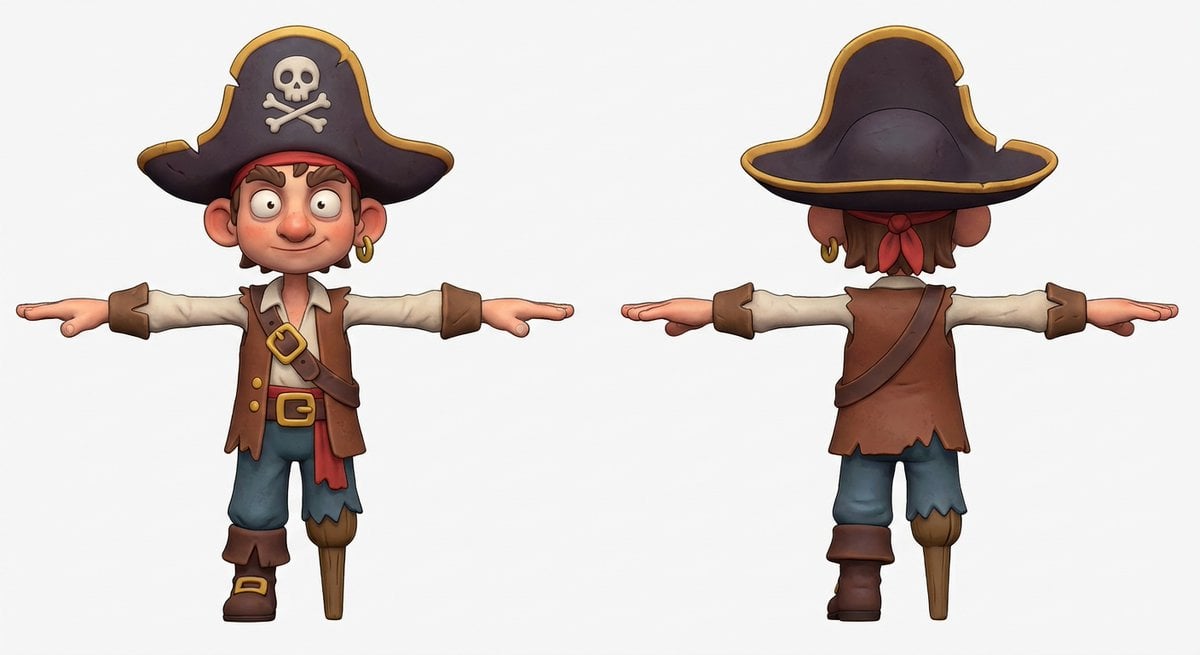
3D Pirate Character in T-Pose for Modeling

Travel Itinerary Illustration Generation Prompt
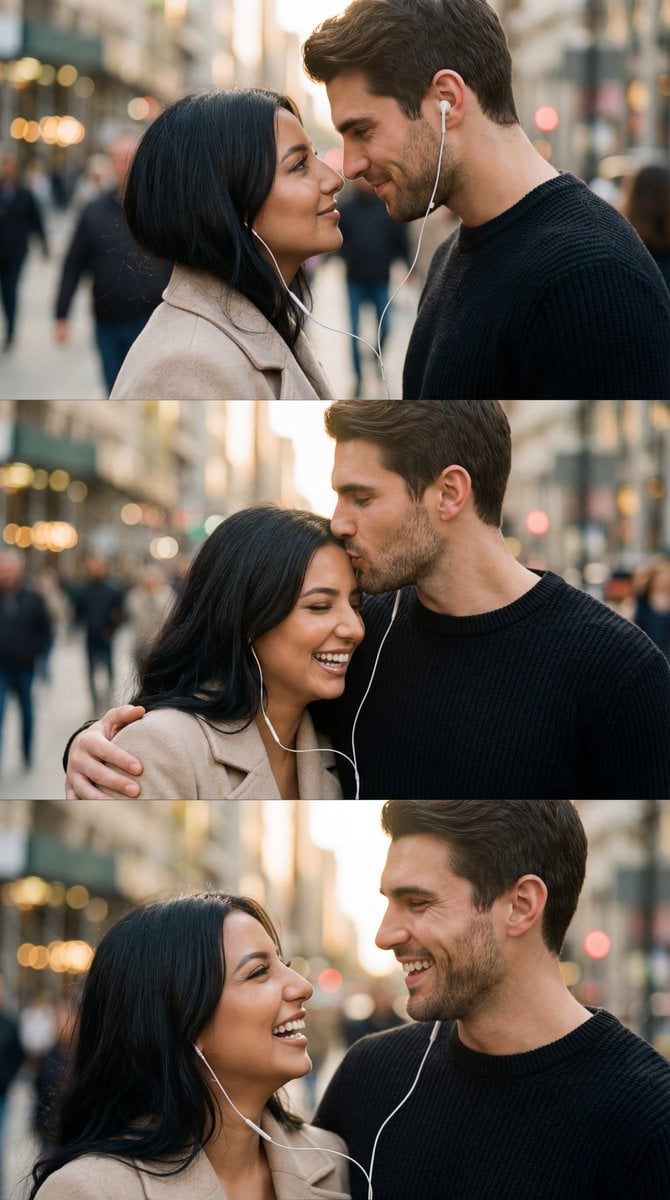
Romantic Cinematic Triptych with Shared Earphones
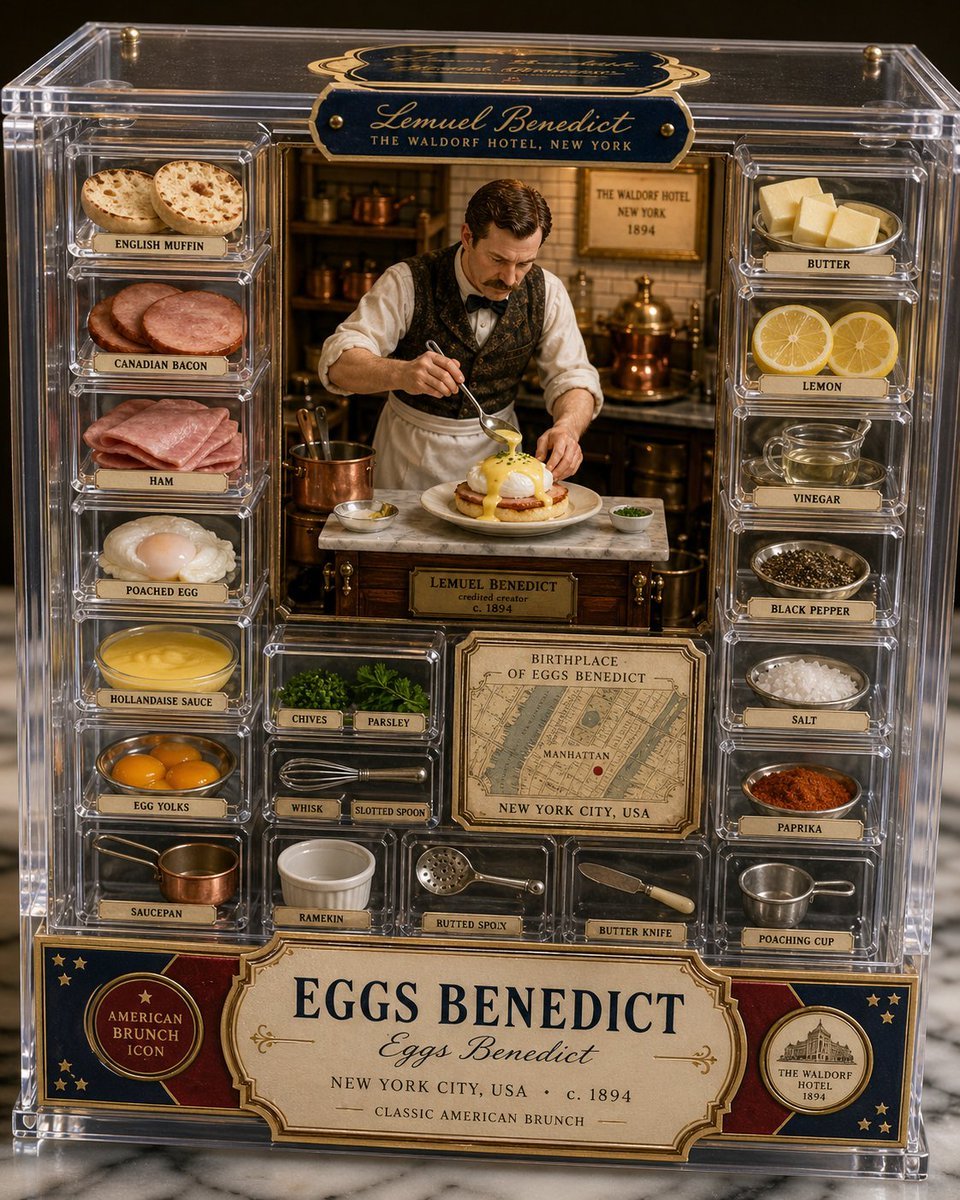
Luxury Eggs Benedict Diorama Box
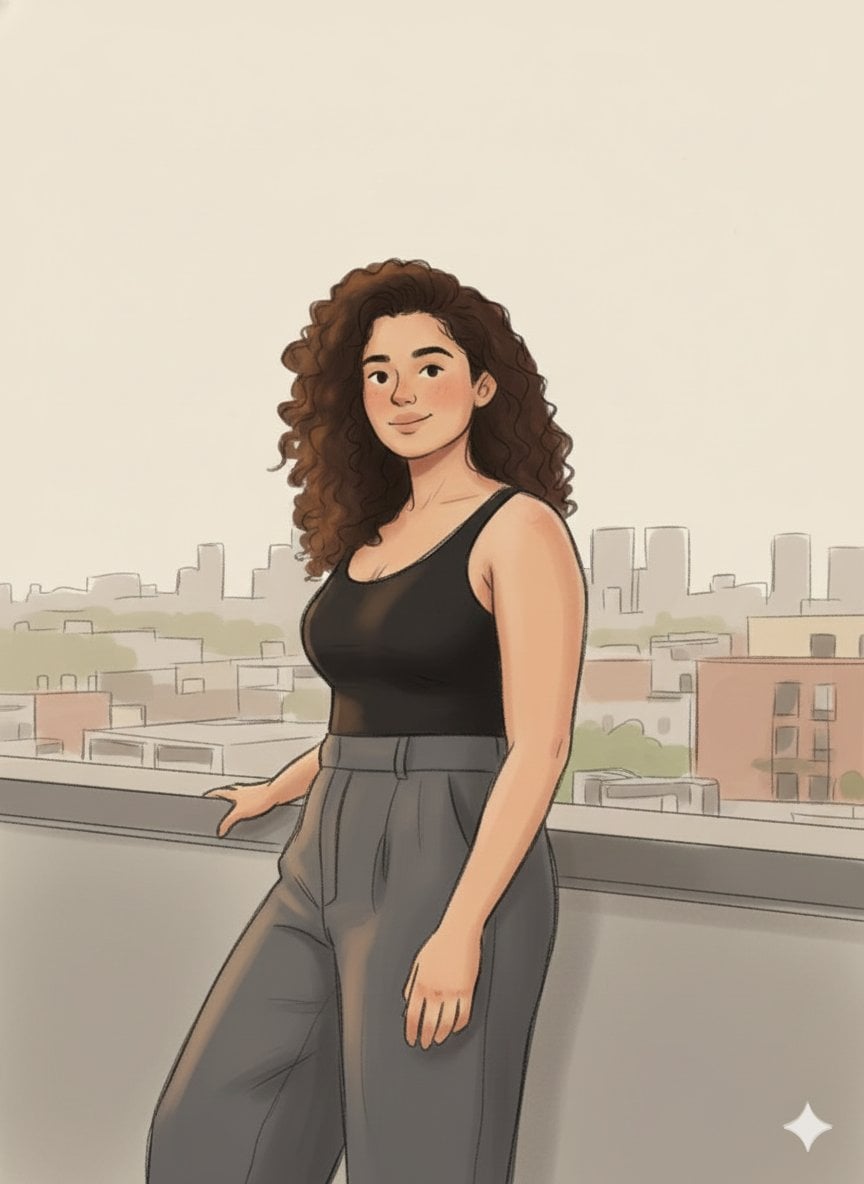
Cozy Marker and Pencil Illustration from Reference

Candid Medium Shot of Woman in Cafe

Raw High-Contrast Night Documentation Portrait
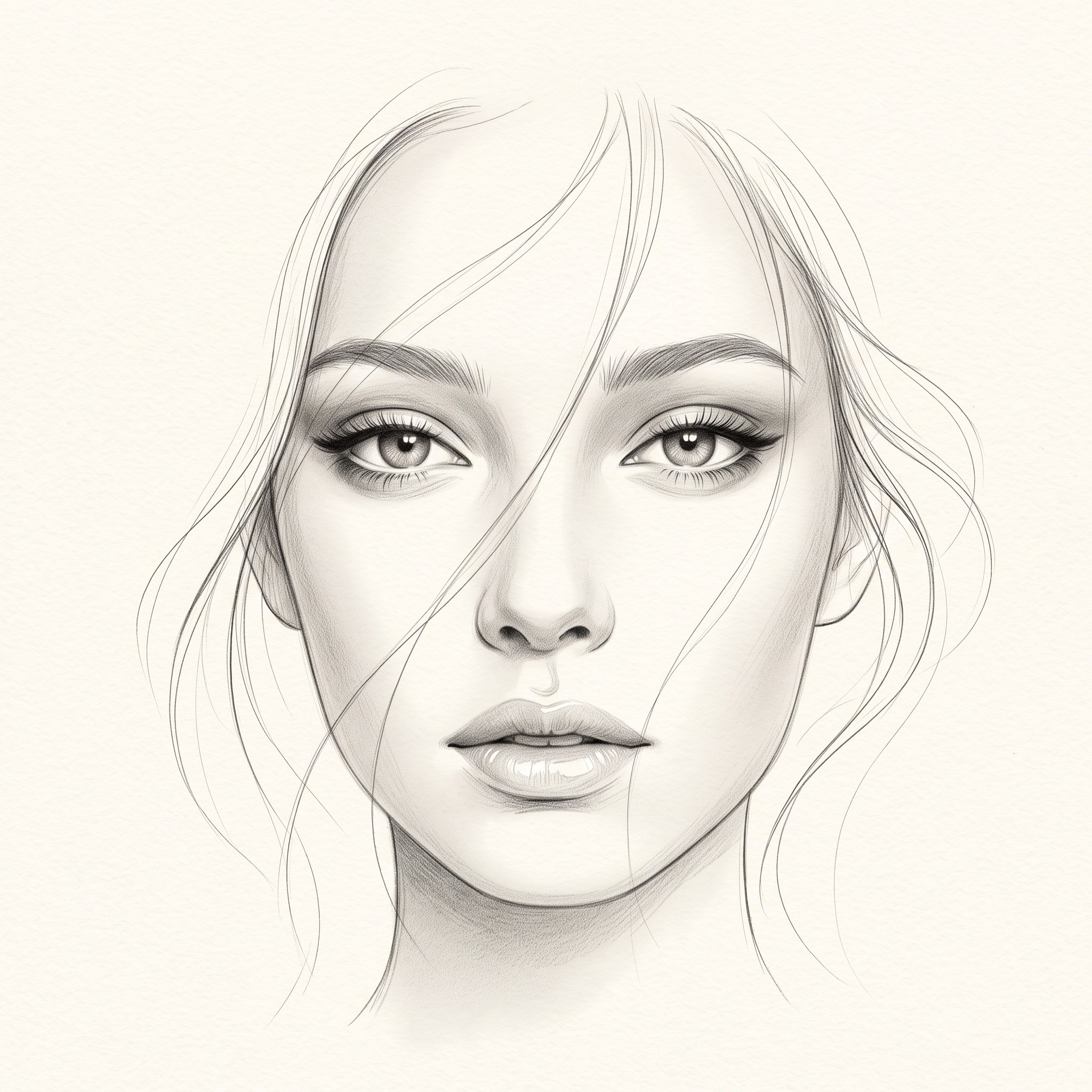
Minimalist Pencil Sketch Portrait
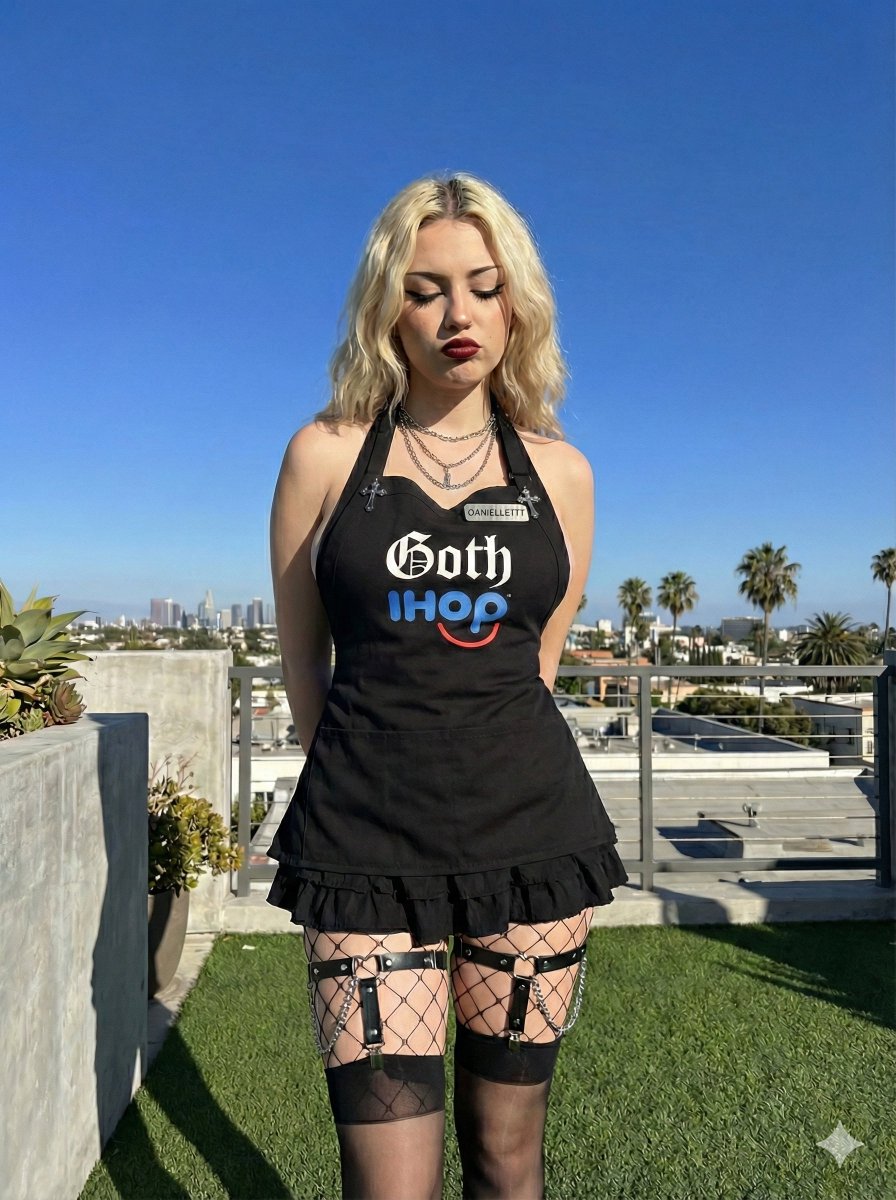
Goth IHOP Waitress Prompt: Rooftop Terrace Scene
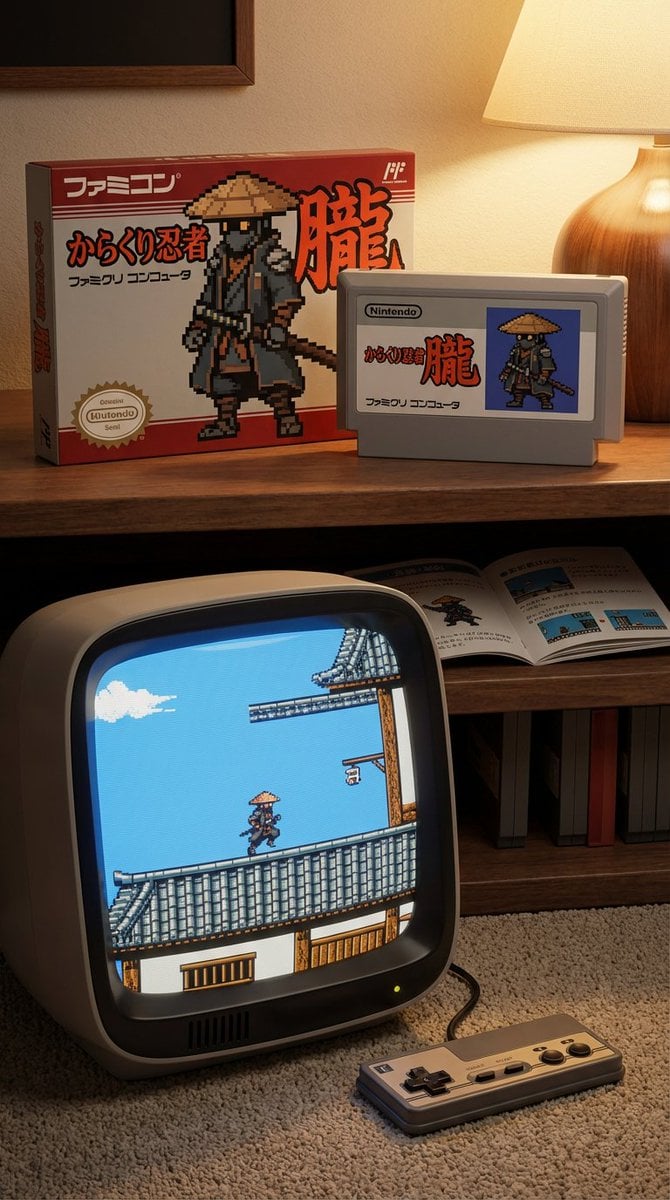
Famicom game box, cartridge, manual, and CRT screen (Japanese)
Browse template categories
Macro Cat Tongue in Food Bowl questions
How do I use the Macro Cat Tongue in Food Bowl template?
Add your photo if the template asks for one, edit the prompt if you like — the template's model and format are already selected — and press Generate. Your version opens in PicX Studio.
Can I customize the Macro Cat Tongue in Food Bowl template?
Yes. You can change the subject, setting, lighting, mood, format, and available model controls before creating your image.
Is the Macro Cat Tongue in Food Bowl template free?
Opening and editing this template is free. Generating uses credits, shown on the Generate button when you are signed in.
Which AI model should I use?
Start with GPT Image 2, which is the model associated with this template. You can compare another compatible model for a different finish.
Looking for something else? Browse all templates.

Your photo, any look
Thousands of ready templates for every top image and video model, from one credit balance.