
Goth IHOP Waitress Prompt: Rooftop Terrace Scene
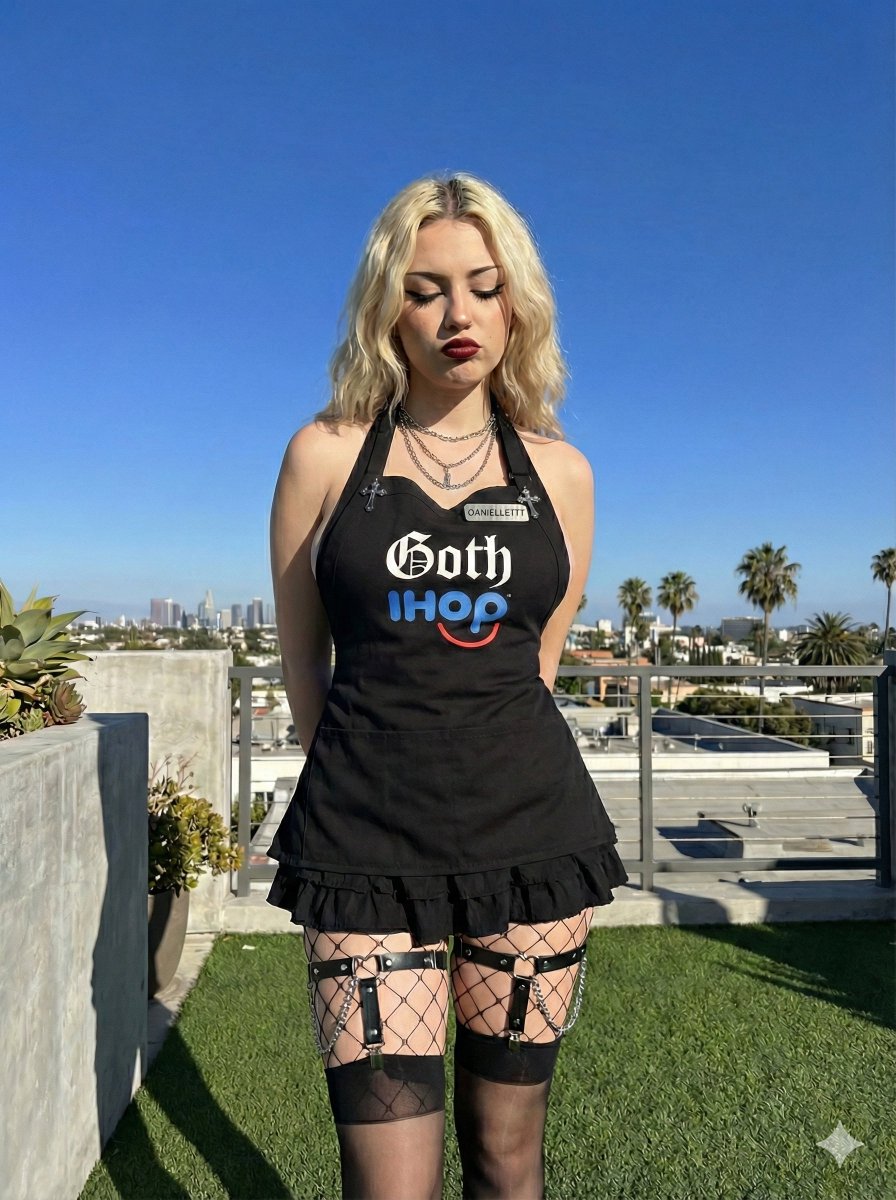
A detailed JSON prompt for generating a medium shot image of a young woman in a highly specific 'Goth IHOP' uniform (black apron top with stylized text, mini skirt, fishnet tights, and garter belts).
- Prompt included
- Model and format preset
- Free template
The prompt behind this image
Copy the exact prompt behind Goth IHOP Waitress Prompt: Rooftop Terrace Scene, or open it in the studio and make it yours.
{ "subject": { "description": "Young woman with light skin tone", "hair": { "color": "Blonde", "style": "Shoulder-length, wavy, parted in the middle" }, "face": { "expression": "Looking downward, eyes closed or cast down, slight pout", "makeup": "Dark red lipstick, defined eyeliner, contoured cheeks" }, "pose": "Standing, arms behind back, head tilted slightly to her right" }, "outfit": { "upper_body": { "garment": "Black apron-style top", "text": "{argument name="上衣文字" default="'Goth IHOP' in stylized gothic font (white 'Goth', blue 'IHOP')"}", "details": [ "Name tag on right strap reading '{argument name="名牌文字" default="DANIELLE???"}'", "Silver cross pins on left strap", "Halter neck strap" ] }, "lower_body": { "garment": "Black mini skirt with ruffled hem", "accessories": [ "Black fishnet tights (large diamond pattern)", "Sheer black thigh-high stockings", "Black leather garter belts with silver chains and O-rings" ] }, "jewelry": { "necklace": "Layered silver chain necklaces, one with a dangling pendant" } }, "environment": { "location": "Rooftop terrace", "background": { "sky": "Clear, deep blue sky", "vegetation": "Green trees, palm trees", "structures": "Concrete half-wall, distant buildings/cityscape", "ground": "Artificial green turf" }, "lighting": "Bright, direct natural sunlight, casting hard shadows to the left" }, "camera": { "shot_type": "Medium shot (knees up)", "angle": "Eye-level", "focus": "Sharp focus on subject" } }
How to use Goth IHOP Waitress Prompt: Rooftop Terrace Scene in 3 steps
- 1
Open
The prompt is already in the box next to the preview, with the template's model and format selected.
- 2…a portrait of your subject in softgolden-hour light, 85mm…
Personalize
Edit the subject and creative details for your destination.
- 3Generate
Generate
Press Generate — your image is created in PicX Studio, so you can compare it with the original and refine one variable at a time.
More like this
Templates with the same subject, style or setup. Open one to see its prompt.

If We Met in 1985
Rooftop Terrace Night Fashion Portrait
Rooftop Goth Street Fashion Portrait
Summer Night Rooftop Terrace Portrait

Rooftop Fisheye — Cat-Ear Balaclava at Golden Hour

Artistic Arborpunk Garden Observatory Complex

Spider-Man Rooftop Golden Hour Cinematic Photo

Japanese Negative Film Rooftop Summer Portrait
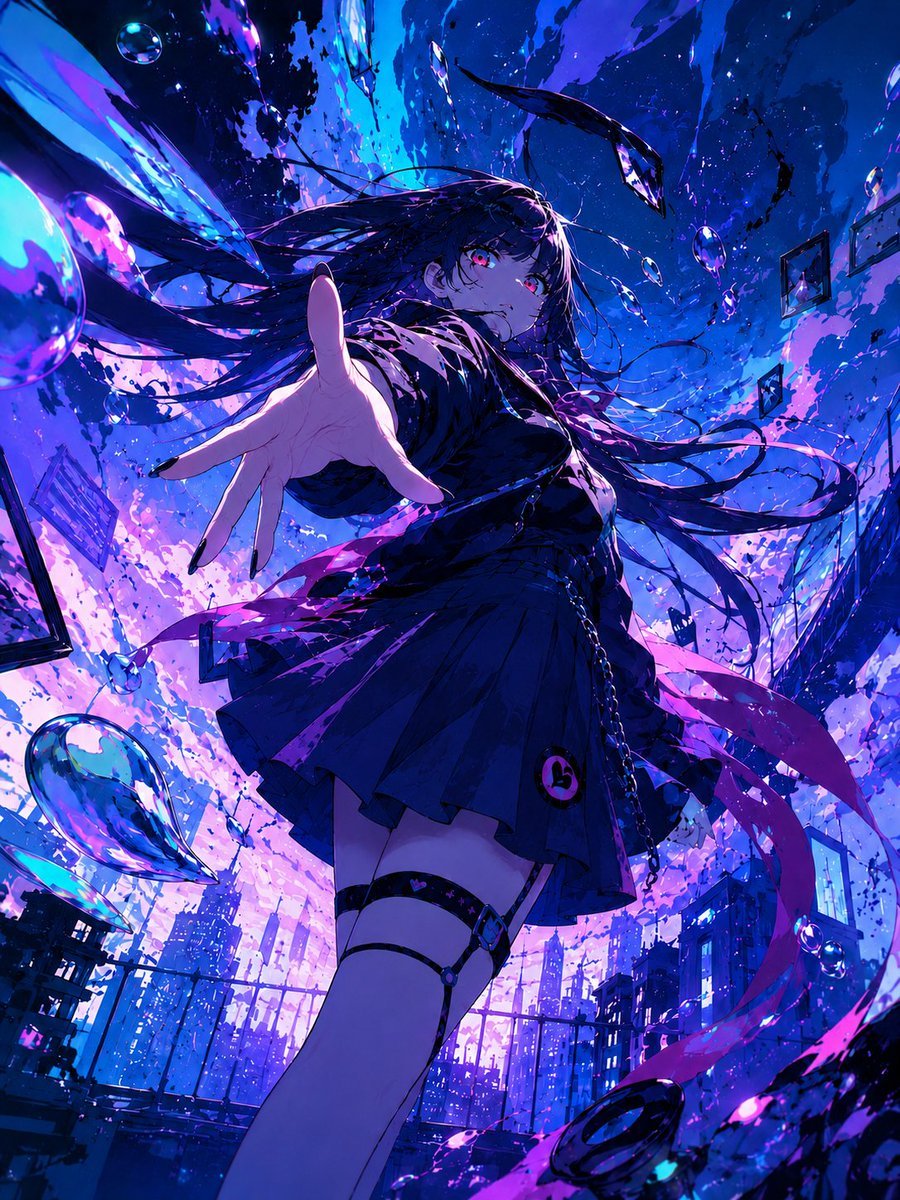
Neon Gothic Anime Rooftop Girl
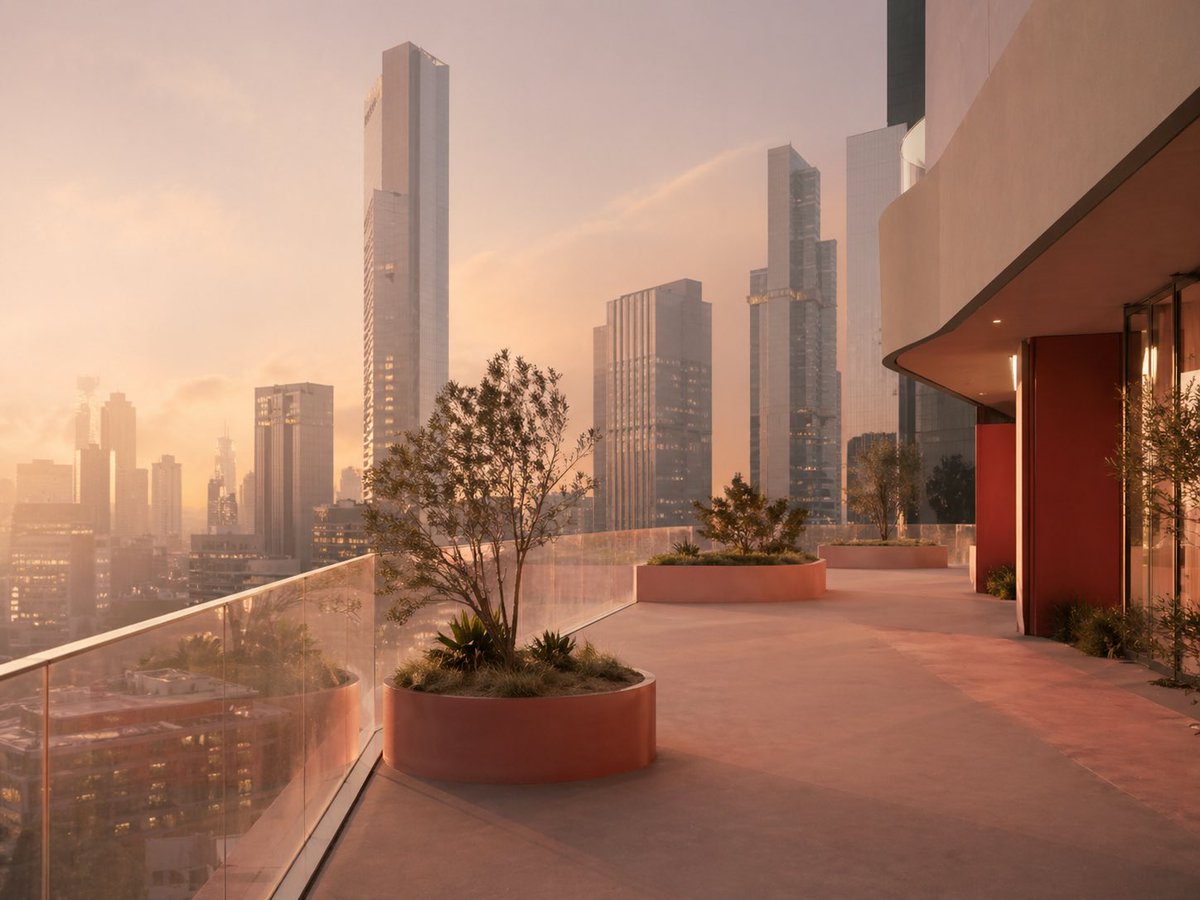
Luxury Sunset Rooftop Terrace
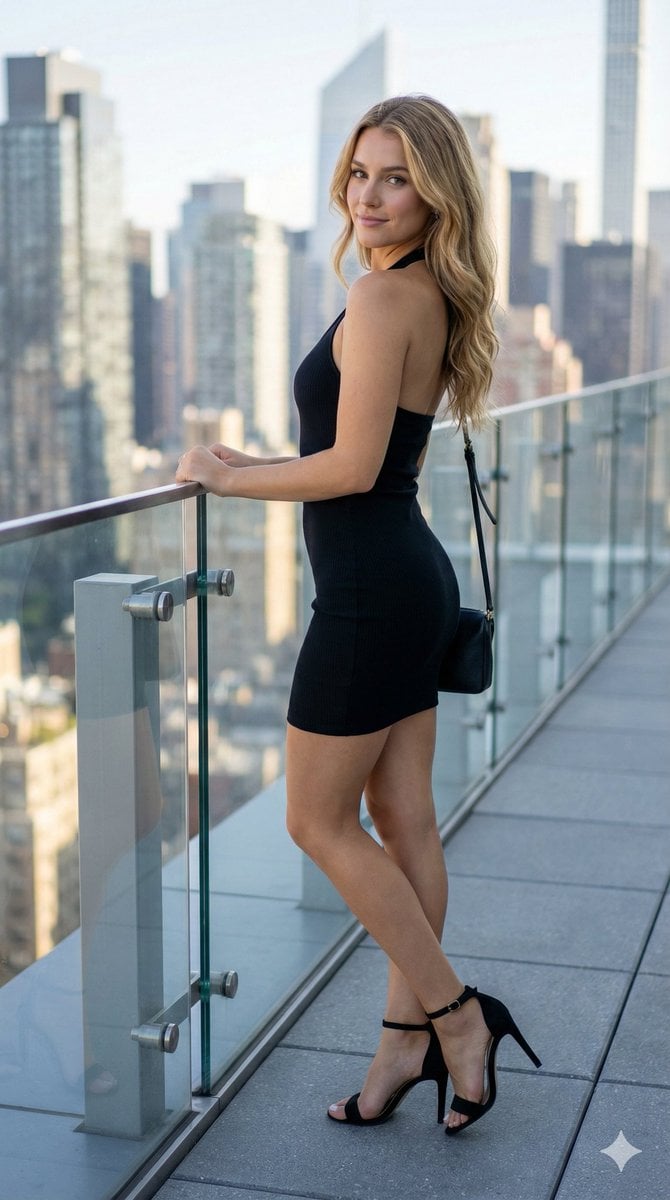
Rooftop Terrace Fashion Shot Prompt
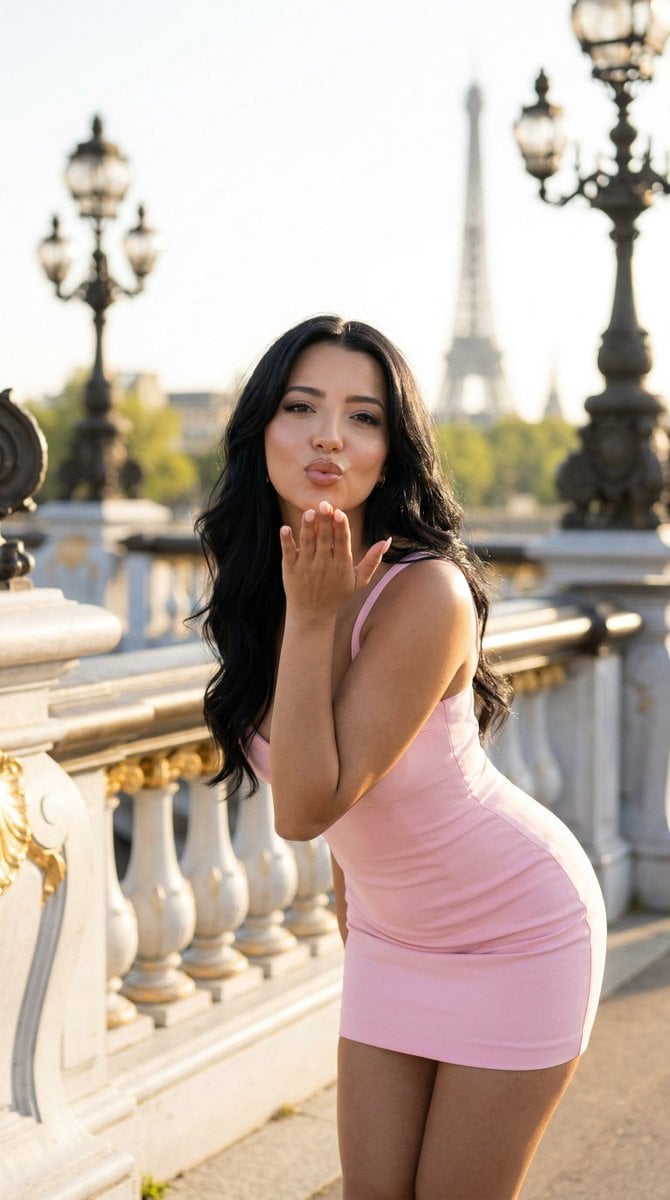
Nano Banana - Rooftop Dinner Night
Make it yours
Goth IHOP Waitress Prompt: Rooftop Terrace Scene works as-is. These are the safest ways to change it without losing the look.
Change one field
Copy a single group, rewrite it, and generate again so you can see what that field is doing.
Keep the frame, change the subject
Hold the composition and light of Goth IHOP Waitress Prompt: Rooftop Terrace Scene, then swap wardrobe, props or the person for a new take.
| If the result… | Why | Fix |
|---|---|---|
| The result drifts from the preview | Too many fields changed at once. | Reuse Goth IHOP Waitress Prompt: Rooftop Terrace Scene as-is first, then change one group — subject, light, or setting. |
| The model over-stylizes the scene | The prose prompt leaves finish and camera underspecified. | Add one camera or lighting sentence and stay on Nano Banana 2. |
More Nano Banana 2 templates
Other prompts made for Nano Banana 2.

Photorealistic Leaf Shaped Like a Dragon

K-Pop Idol Portrait Grid for Rapid Selection

Poetic Rain Forest Portrait During Golden Hour

Urban Street Portrait with Cartoon Inner Self Duo

Candid Nighttime Photo with Cat Prompt

High-Concept 3D Diorama Generation Prompt

Cinematic Futuristic Studio Portrait Template

Skincare Editorial Photography Collage Prompt

Hyper-Realistic Commercial Product Photography (Splash Effect)

Hyper-Realistic Nightclub Portrait Prompt
More image prompts
Fresh picks from across the catalog.
Macro Studio Shots of Apple Watch and iPhone 17
Winter Campfire Wallpaper Device Mockup
Panel Dance Editorial Grid Prompt
Chicken Tikka Masala Mug Desk Photo
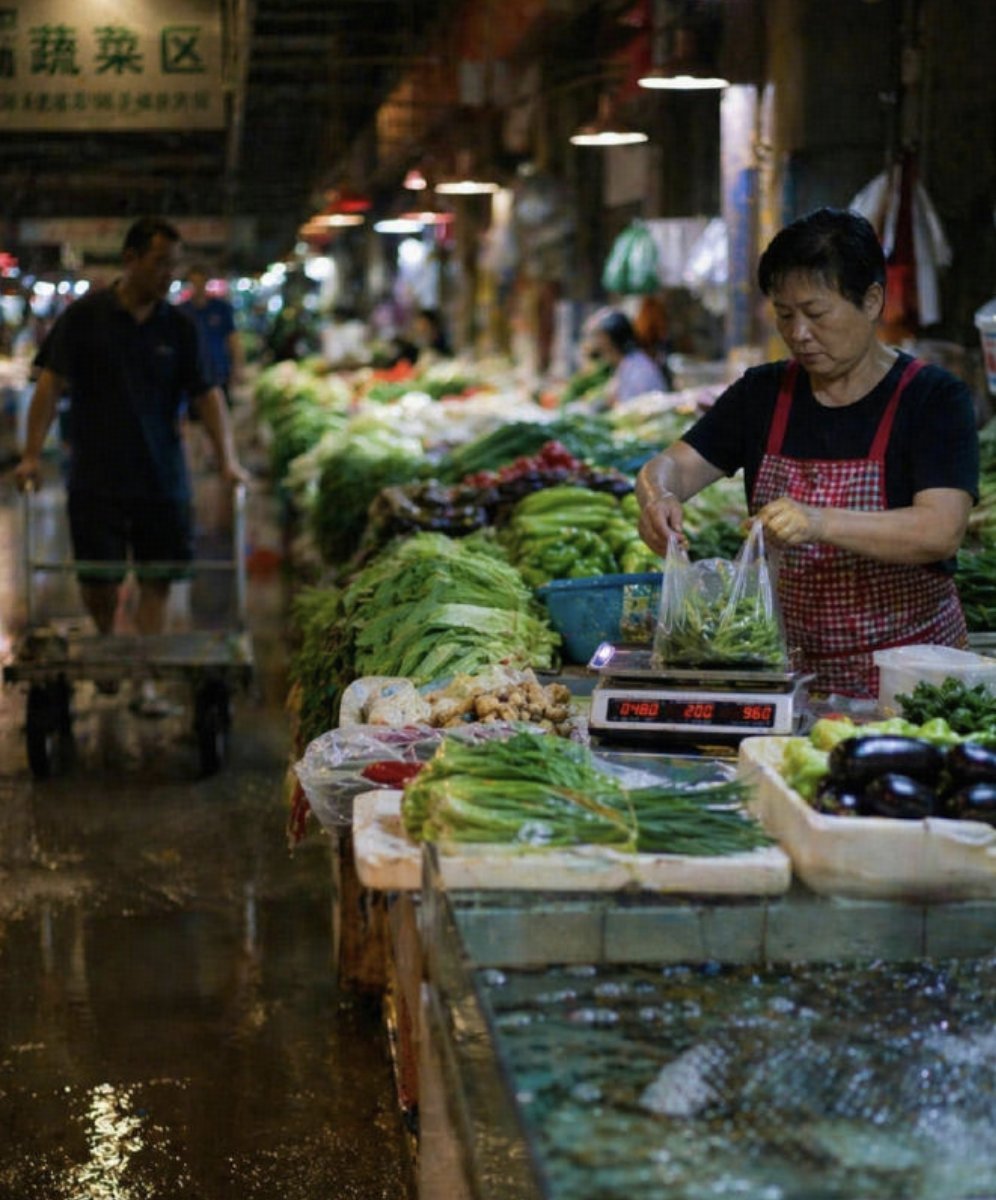
Wet Chinese Night Market Scene

Nightlife Fashion Portrait in Luxury Car

Fantasy Sports Legend Poster

Ancient Paparazzi Scandal News
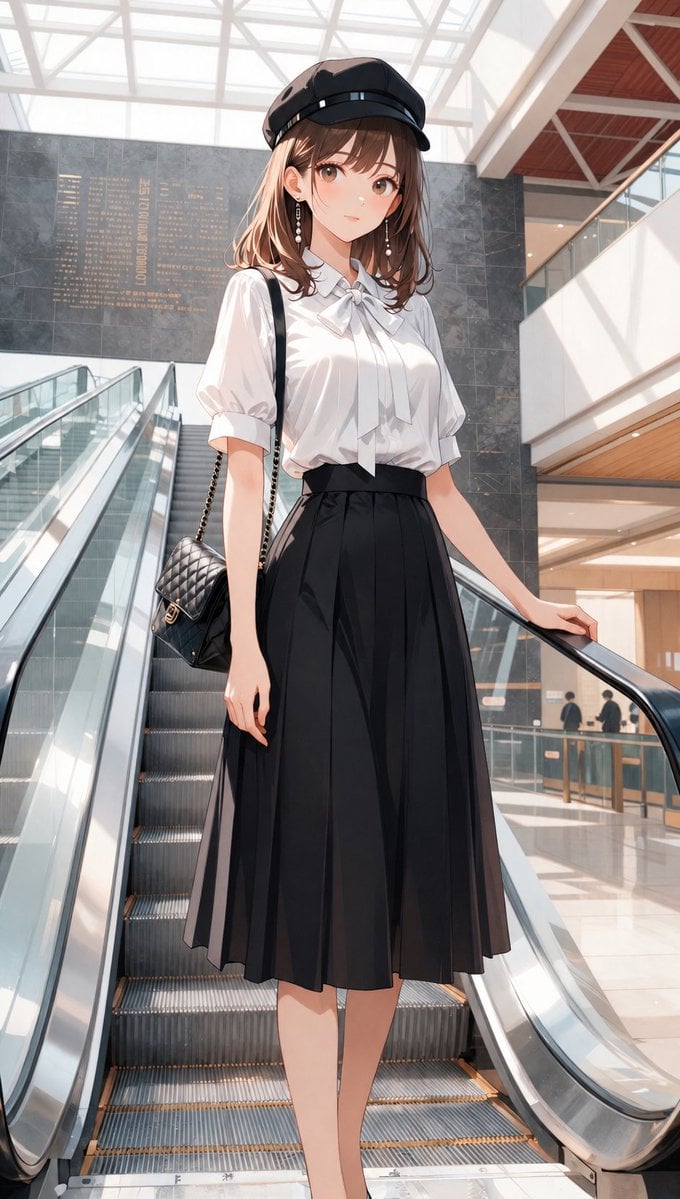
Anime Mall Escalator Fashion Portrait
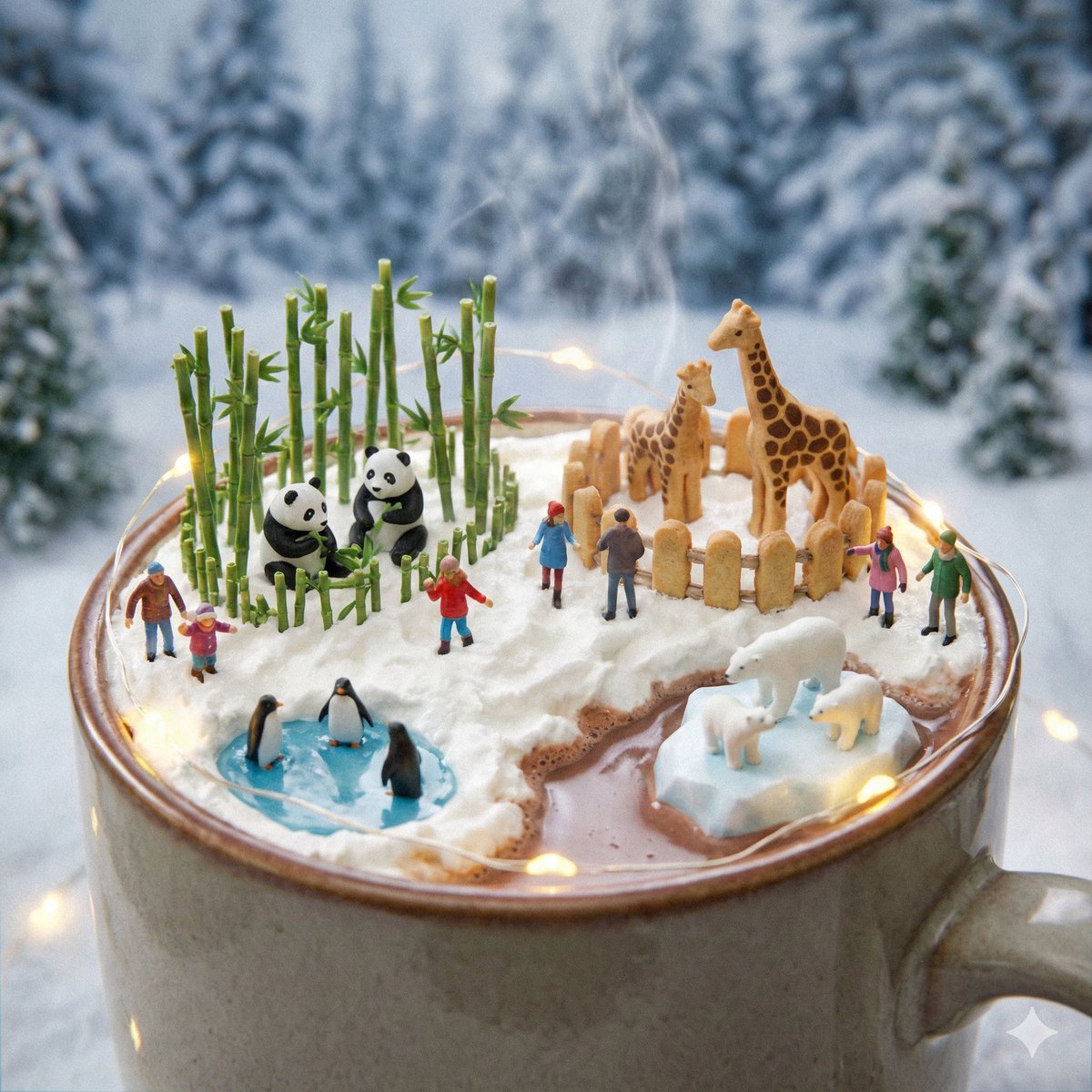
Micro Diorama Scene Generator
Browse template categories
Goth IHOP Waitress Prompt: Rooftop Terrace Scene questions
How do I use the Goth IHOP Waitress Prompt: Rooftop Terrace Scene template?
Add your photo if the template asks for one, edit the prompt if you like — the template's model and format are already selected — and press Generate. Your version opens in PicX Studio.
Can I customize the Goth IHOP Waitress Prompt: Rooftop Terrace Scene template?
Yes. You can change the subject, setting, lighting, mood, format, and available model controls before creating your image.
Is the Goth IHOP Waitress Prompt: Rooftop Terrace Scene template free?
Opening and editing this template is free. Generating uses credits, shown on the Generate button when you are signed in.
Which AI model should I use?
Start with Nano Banana 2, which is the model associated with this template. You can compare another compatible model for a different finish.
Looking for something else? Browse all templates.

Your photo, any look
Thousands of ready templates for every top image and video model, from one credit balance.