
Winter Campfire Wallpaper Device Mockup
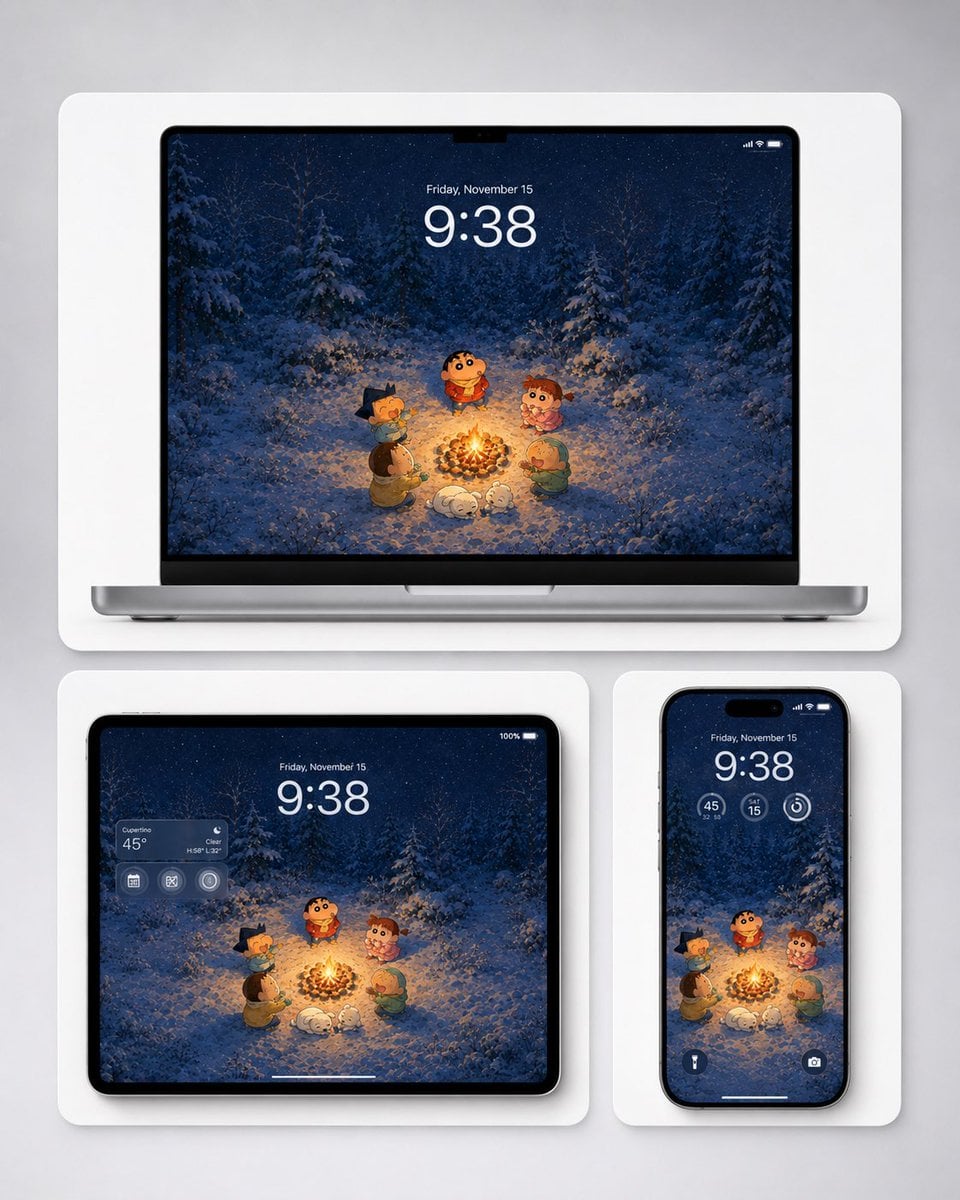
Generates a cozy anime-style winter campfire wallpaper previewed on laptop, tablet, and phone mockups for multi-device wallpaper promotion.
- Prompt included
- Model and format preset
- Free template
The prompt behind this image
Copy the exact prompt behind Winter Campfire Wallpaper Device Mockup, or open it in the studio and make it yours.
Create a polished product mockup showing a cozy winter campfire wallpaper adapted across three Apple-style devices. The wallpaper illustration should resemble a cute Japanese crayon-anime style without logos: five small cartoon children and one small white dog gathered around a bright campfire in a snowy pine forest at night, with falling snow, deep navy-blue trees, warm orange firelight illuminating the characters and snow, and a soft magical winter atmosphere. The main character is a round-faced child in a red winter sweater standing behind the fire, surrounded by four friends: one with dark spiky hair on the left, one in a brown coat at lower left, one curly-haired child in pink on the right, and one child in a green hood at lower right; the white dog sleeps or curls up near the fire in front. Show exactly three devices on a light gray studio background, each inside a rounded white display card with soft shadows: one large laptop mockup centered at the top, one tablet mockup at bottom left, and one smartphone mockup at bottom right. On all screens, display the same wallpaper composition, cropped appropriately. Add realistic lock-screen UI overlays: large time {argument name="time" default="9:38"}, date {argument name="date" default="Friday, November 15"}, small status icons, and subtle translucent widgets. The tablet should include a translucent weather widget on the upper left showing {argument name="weather location" default="Cupertino"} and {argument name="temperature" default="45°"}; the phone should include three circular widgets below the time and two small bottom lock-screen icons. Use clean high-end Apple product rendering, black bezels, thin device frames, rounded corners, soft ambient shadows, sharp screen detail, and a balanced wallpaper-preview layout suitable for desktop, tablet, and mobile backgrounds. Avoid brand logos, watermarks, extra text, or additional devices.
How to use Winter Campfire Wallpaper Device Mockup in 3 steps
- 1Upload ImagePNG, JPG or paste
Add your photo
Upload the photo the template builds on. The prompt, model and format are already set.
- 2…a portrait of your subject in softgolden-hour light, 85mm…
Personalize
Edit the subject and creative details for your destination.
- 3Generate
Generate
Press Generate — your image is created in PicX Studio, so you can compare it with the original and refine one variable at a time.
More like this
Templates with the same subject, style or setup. Open one to see its prompt.
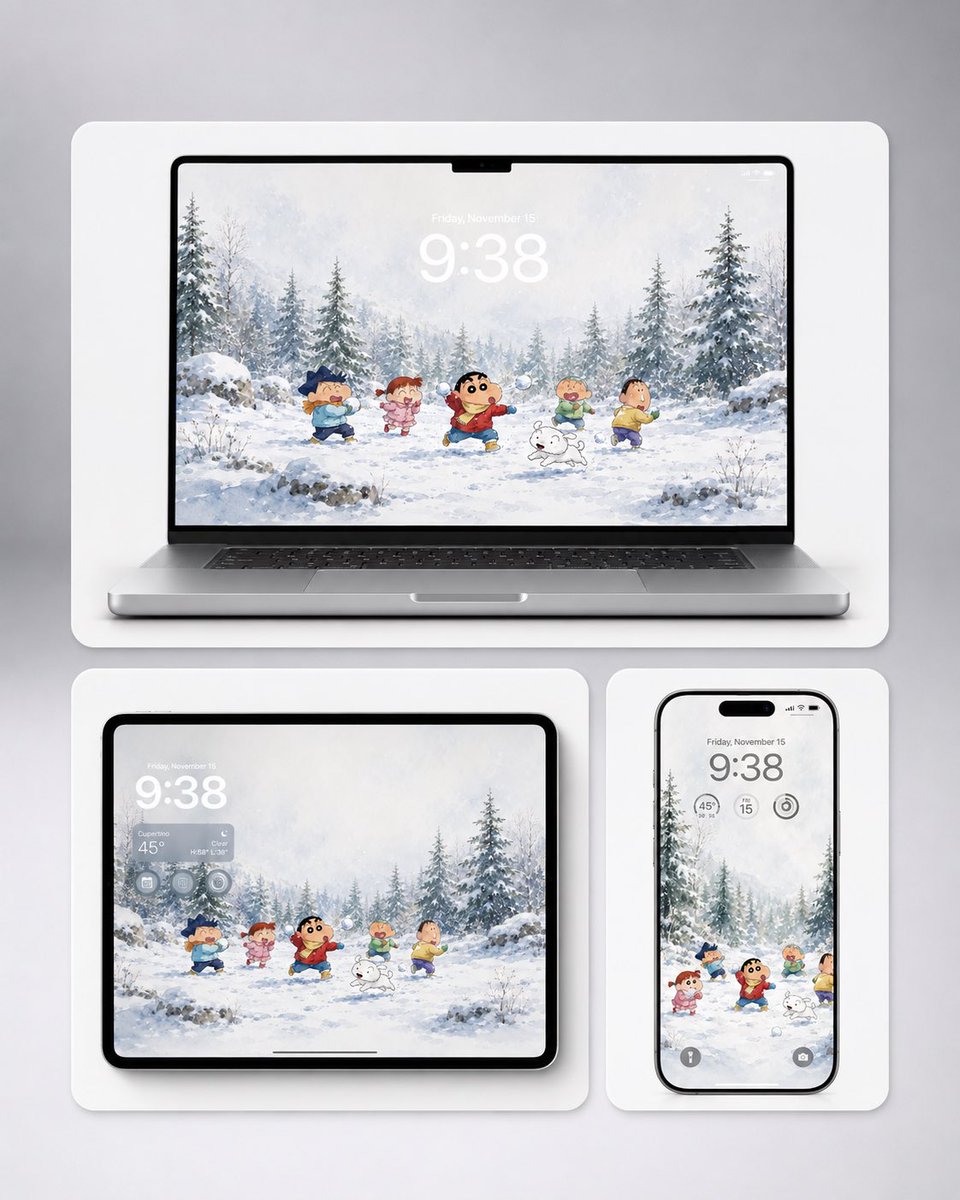
Shin-chan Winter Device Wallpaper Mockup
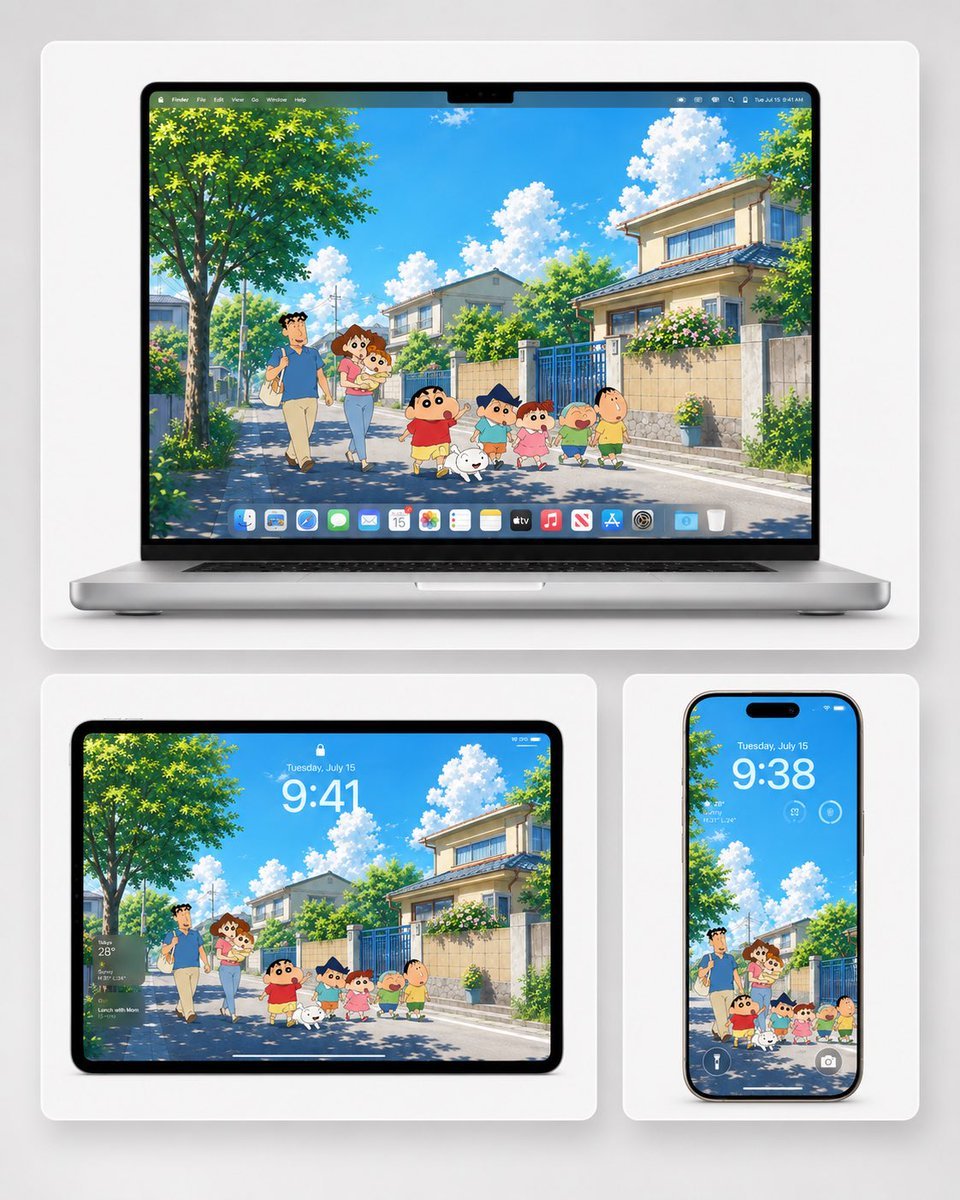
Anime Summer Wallpaper Device Mockup
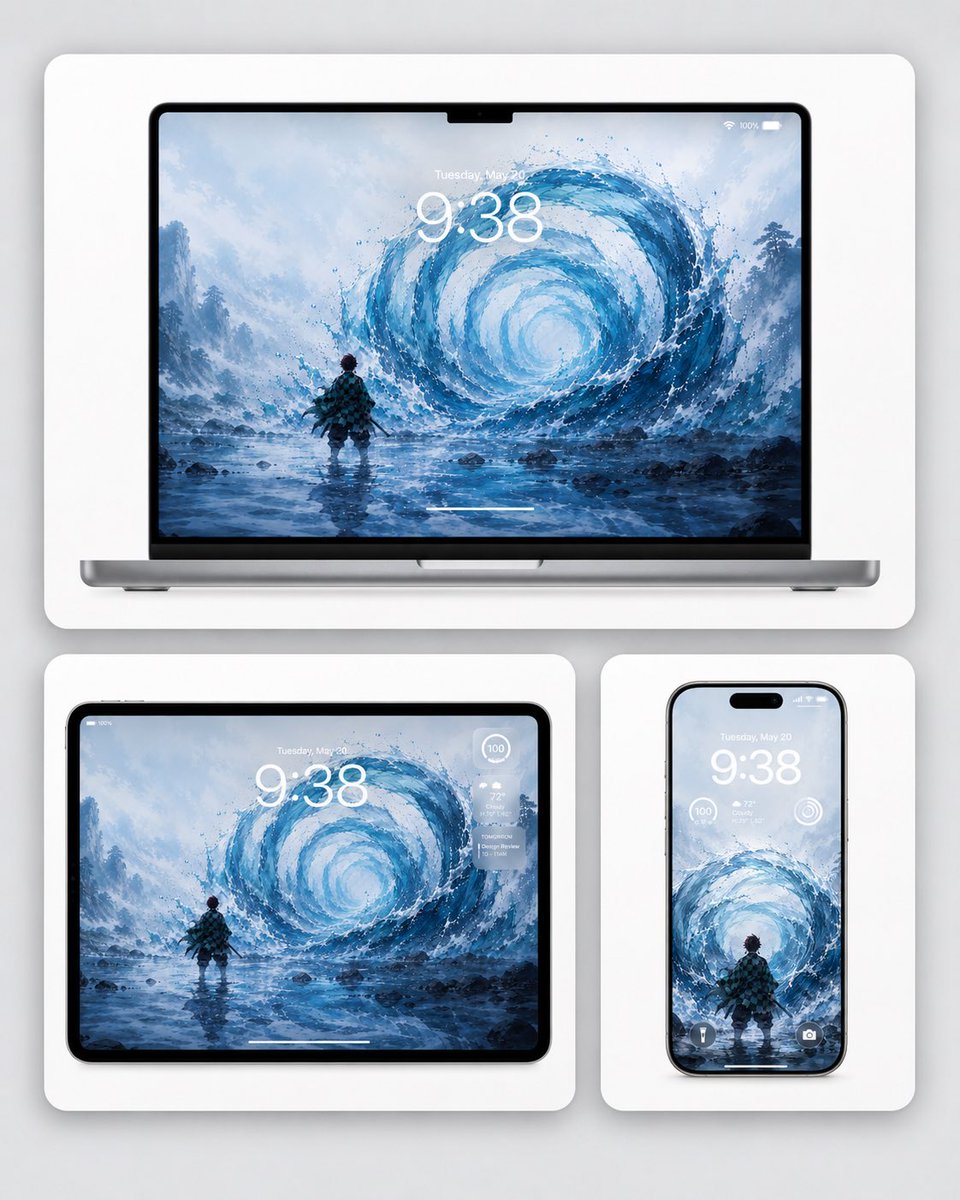
Water Breathing Device Wallpaper Mockup

Frozen Street Luxe Graffiti Fashion Campaign

Photoreal Snow Biome Name Tag UI

Minecraft You Died Winter Death Screen
Rainy Tokyo Tower Device Mockup

Product Shot - T-Shirt Mockup
Winter, peace, and chocolate.
The sweetest feeling of winter.
Candid Night Horseback Campfire Photo

Golden Retriever Sunset Campfire Photography
Make it yours
Winter Campfire Wallpaper Device Mockup works as-is. These are the safest ways to change it without losing the look.
Change one field
Copy a single group, rewrite it, and generate again so you can see what that field is doing.
Keep the frame, change the subject
Hold the composition and light of Winter Campfire Wallpaper Device Mockup, then swap wardrobe, props or the person for a new take.
| If the result… | Why | Fix |
|---|---|---|
| The result drifts from the preview | Too many fields changed at once. | Reuse Winter Campfire Wallpaper Device Mockup as-is first, then change one group — subject, light, or setting. |
| The model over-stylizes the scene | The prose prompt leaves finish and camera underspecified. | Add one camera or lighting sentence and stay on GPT Image 2. |
More GPT Image 2 templates
Other prompts made for GPT Image 2.

Six VTuber Japanese Logo Sheet

Realistic Portrait of Woman and Deer

The Vista Modular Condo Poster

AI Model Routing Comparison Infographic

2.5D Anime Art Board

Isometric Productivity Desk Scene

New York Double Exposure Poster

Four-Panel AI Landscape Comparison

Japanese Tatami Lifestyle Magazine Cover

NESCAFÉ Coffee Map Poster
More image prompts
Fresh picks from across the catalog.
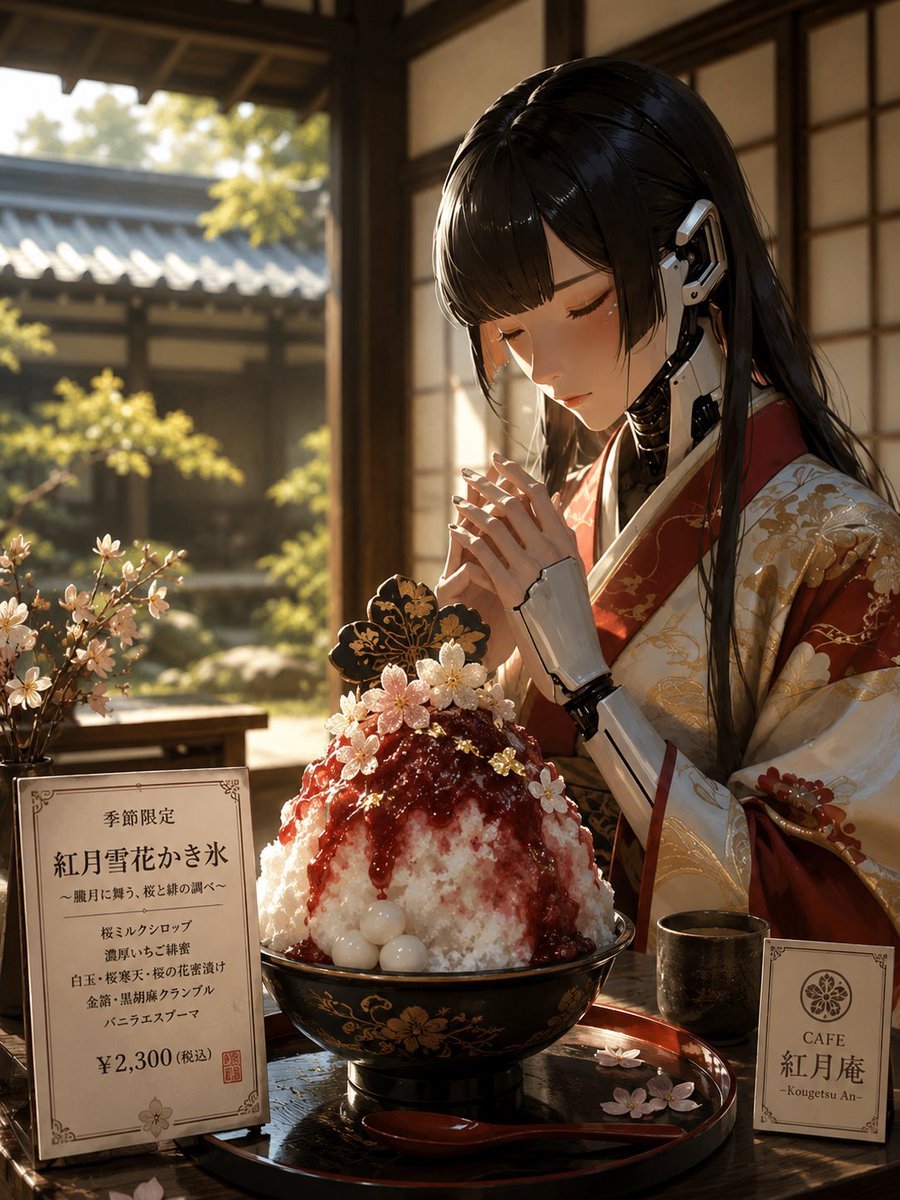
Luxury Cybernetic Kakigori Café Scene
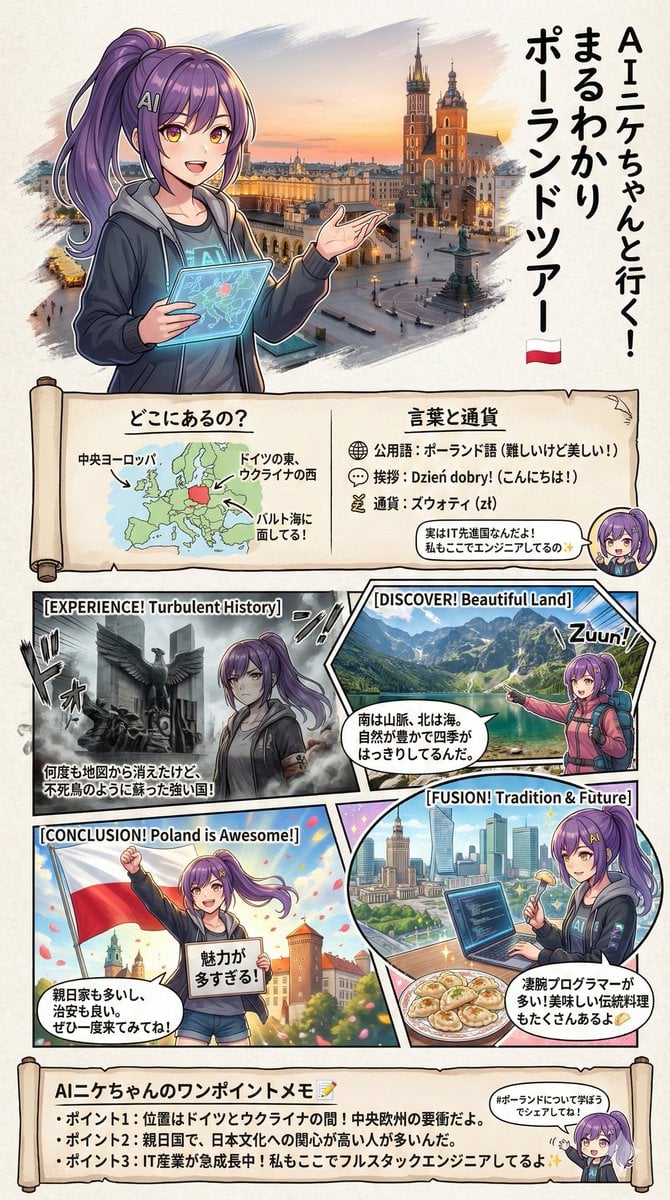
Creating a Geography Manga about Poland
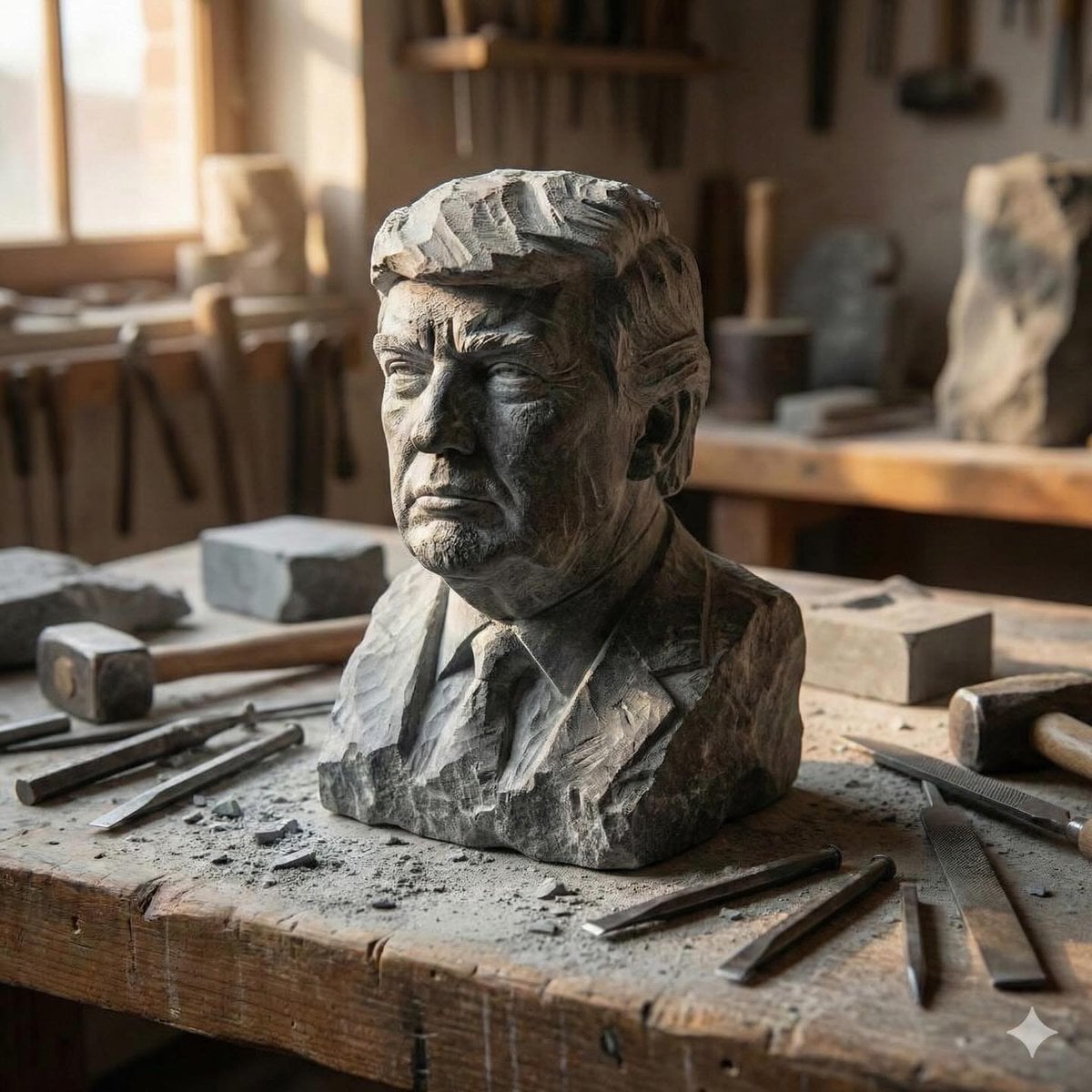
Stone-carved statue on a sculptor's workbench prompt
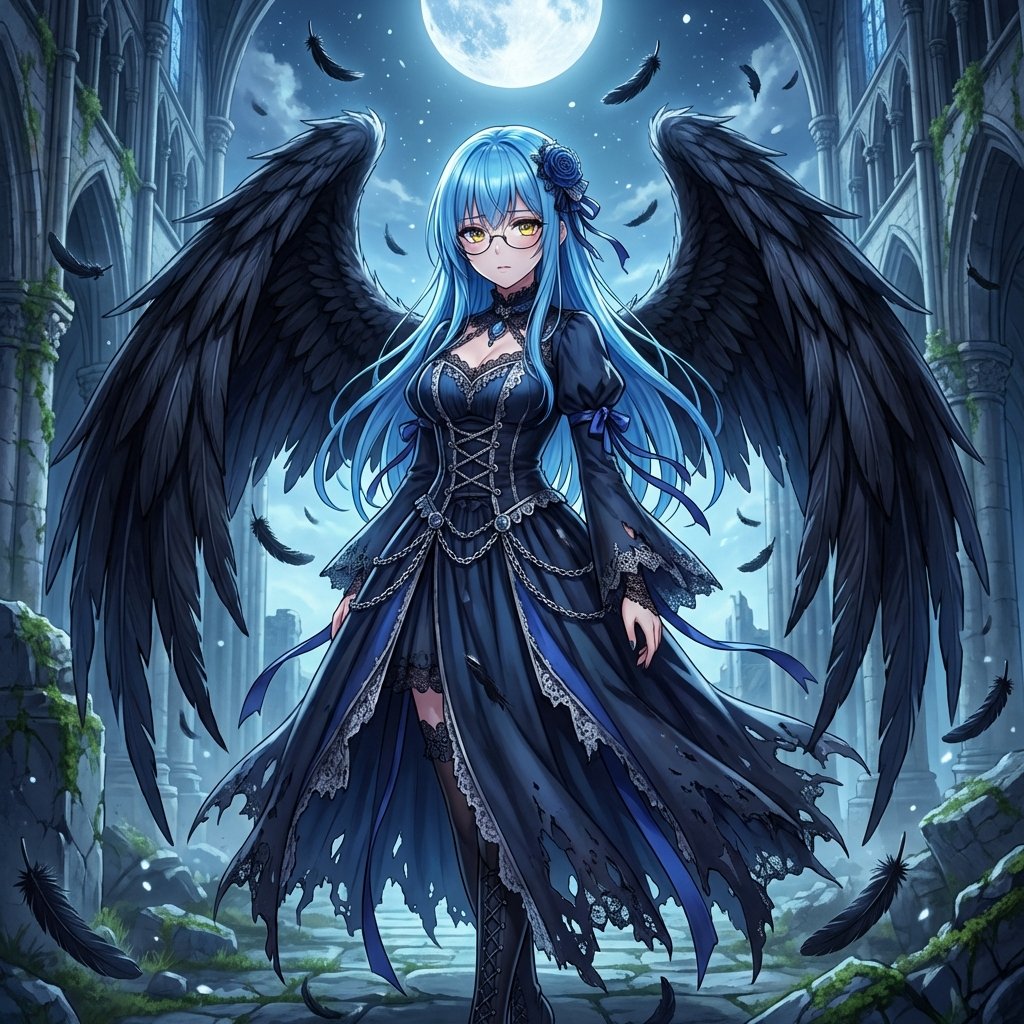
Fallen Angel Conversion
Hyper-realistic Portrait with Chibi Figurine Prompt
Blue Hair Repetition
Anime Girl Windows 11 Desktop Wallpaper
Occult Tarot Club Map
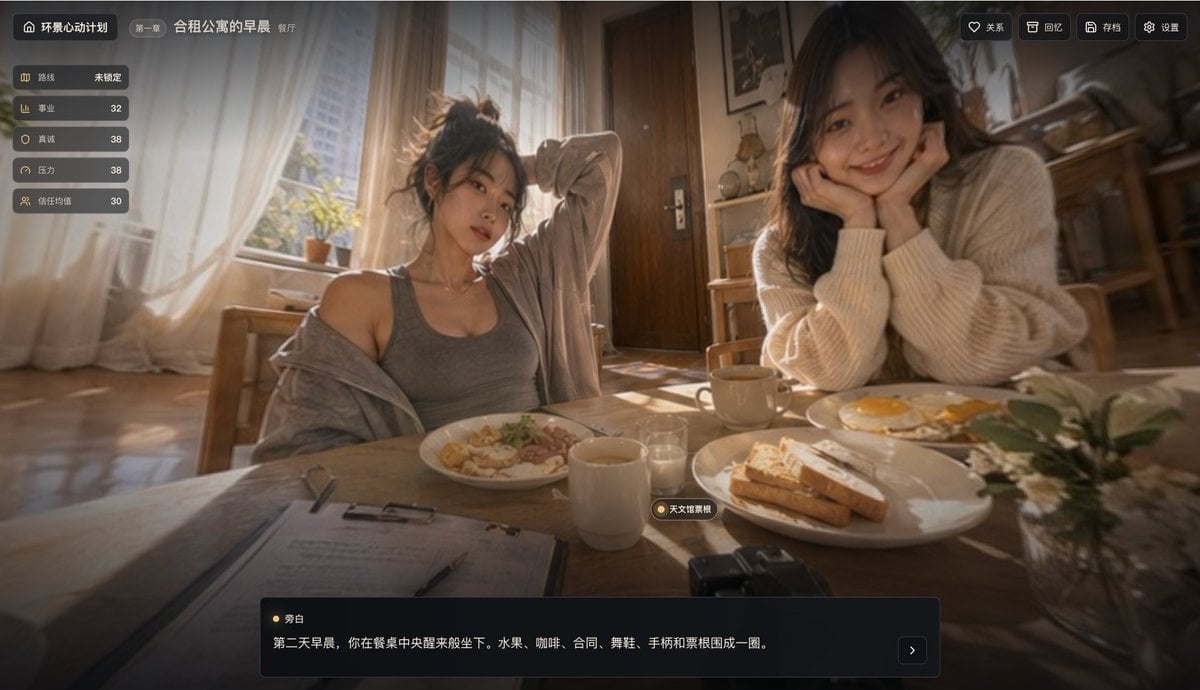
Cinematic Morning Apartment Game UI
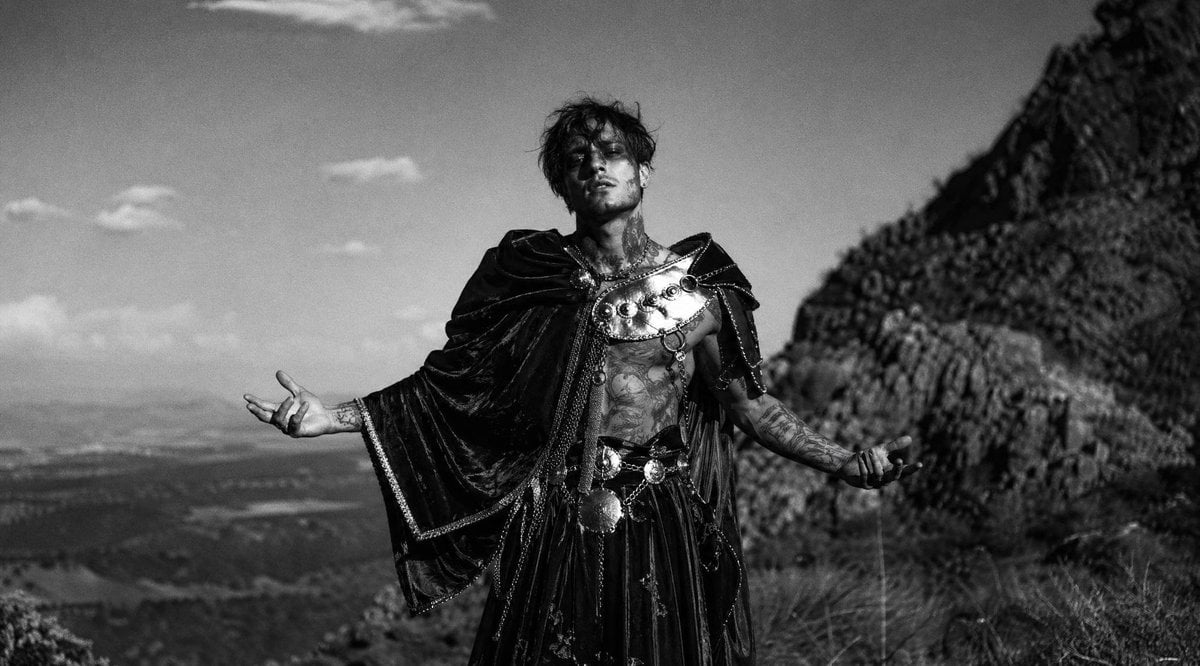
Monochrome Mountain Warrior Portrait
Browse template categories
Winter Campfire Wallpaper Device Mockup questions
How do I use the Winter Campfire Wallpaper Device Mockup template?
Add your photo if the template asks for one, edit the prompt if you like — the template's model and format are already selected — and press Generate. Your version opens in PicX Studio.
Can I customize the Winter Campfire Wallpaper Device Mockup template?
Yes. You can change the subject, setting, lighting, mood, format, and available model controls before creating your image.
Is the Winter Campfire Wallpaper Device Mockup template free?
Opening and editing this template is free. Generating uses credits, shown on the Generate button when you are signed in.
Which AI model should I use?
Start with GPT Image 2, which is the model associated with this template. You can compare another compatible model for a different finish.
Looking for something else? Browse all templates.

Your photo, any look
Thousands of ready templates for every top image and video model, from one credit balance.