
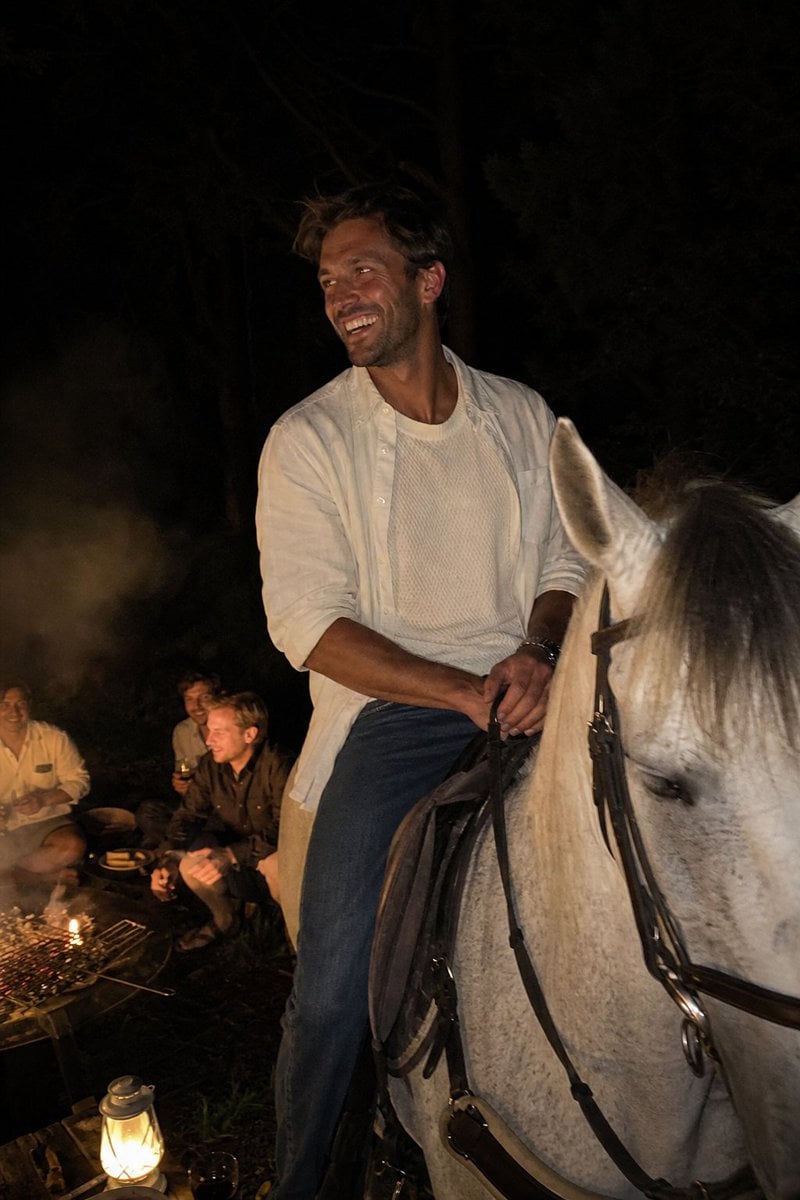
Candid Night Horseback Campfire Photo
Generates a hyper-realistic vertical iPhone-style night snapshot of a laughing man on horseback beside friends at a campfire.
- Prompt included
- Model and format preset
- Free template
The prompt behind this image
Copy the exact prompt behind Candid Night Horseback Campfire Photo, or open it in the studio and make it yours.
Create a raw candid vertical iPhone night photo with subtle motion blur and harsh warm phone-flash illumination. The scene shows {argument name="character description" default="a 35-year-old sun-kissed European man with tousled brown hair, light stubble, athletic build"} sitting on {argument name="horse description" default="a white-gray horse with a dark leather bridle and saddle"} in a dark wooded outdoor setting at night. He is caught mid-laugh, looking off-camera to his left toward friends, relaxed and charismatic, holding the reins with both hands. He wears {argument name="outfit" default="an open off-white linen button-down shirt over a textured cream knit T-shirt, blue jeans, and a wristwatch"}. Compose the rider centered slightly right, with the horse head cropped large in the lower-right foreground and the man’s torso fully visible. In the lower-left background, include exactly three seated friends near a small campfire: one person in a pale shirt, one blond man in a dark shirt, and one darker-haired man behind them, all softly out of focus and lit by firelight. Include exactly two main light sources: a warm campfire with a small grill grate and glowing embers, and a bright vintage lantern near the bottom edge. The background should be almost black with faint tree trunks and foliage, smoky haze drifting near the fire, high ISO grain, imperfect exposure, natural skin texture, candid party atmosphere, no posed studio look, no text, no watermark.
How to use Candid Night Horseback Campfire Photo in 3 steps
- 1Upload ImagePNG, JPG or paste
Add your photo
Upload the photo the template builds on. The prompt, model and format are already set.
- 2…a portrait of your subject in softgolden-hour light, 85mm…
Personalize
Edit the subject and creative details for your destination.
- 3Generate
Generate
Press Generate — your image is created in PicX Studio, so you can compare it with the original and refine one variable at a time.
More like this
Templates with the same subject, style or setup. Open one to see its prompt.

Neon Night Crosswalk Candid Portrait
Neon Night Crosswalk Candid Portrait

Sunday Afternoon, 1988

Our Song was on a Cassette

The Date After College

80s College Gate

Teen Girl Alpine Lake Mountain View

Cat Photobomb Selfie — 0.5x Wide Angle Café Chaos

Cinematic Street Fashion Portrait Motion Blur Crowd

Nostalgic Digicam Café Afternoon Portrait

Subway Platform Quiet Introspective Portrait
Subway Platform Quiet Introspective Portrait
Make it yours
Candid Night Horseback Campfire Photo works as-is. These are the safest ways to change it without losing the look.
Change one field
Copy a single group, rewrite it, and generate again so you can see what that field is doing.
Keep the frame, change the subject
Hold the composition and light of Candid Night Horseback Campfire Photo, then swap wardrobe, props or the person for a new take.
| If the result… | Why | Fix |
|---|---|---|
| The result drifts from the preview | Too many fields changed at once. | Reuse Candid Night Horseback Campfire Photo as-is first, then change one group — subject, light, or setting. |
| The model over-stylizes the scene | The prose prompt leaves finish and camera underspecified. | Add one camera or lighting sentence and stay on GPT Image 2. |
More GPT Image 2 templates
Other prompts made for GPT Image 2.

Six VTuber Japanese Logo Sheet

Realistic Portrait of Woman and Deer

The Vista Modular Condo Poster

AI Model Routing Comparison Infographic

2.5D Anime Art Board

Isometric Productivity Desk Scene

New York Double Exposure Poster

Four-Panel AI Landscape Comparison

Japanese Tatami Lifestyle Magazine Cover

NESCAFÉ Coffee Map Poster
More image prompts
Fresh picks from across the catalog.
Monochrome Low-Angle Portrait with Red Glow
Modern Gothic High-Fashion Portrait
Anime Shrine Street Portrait
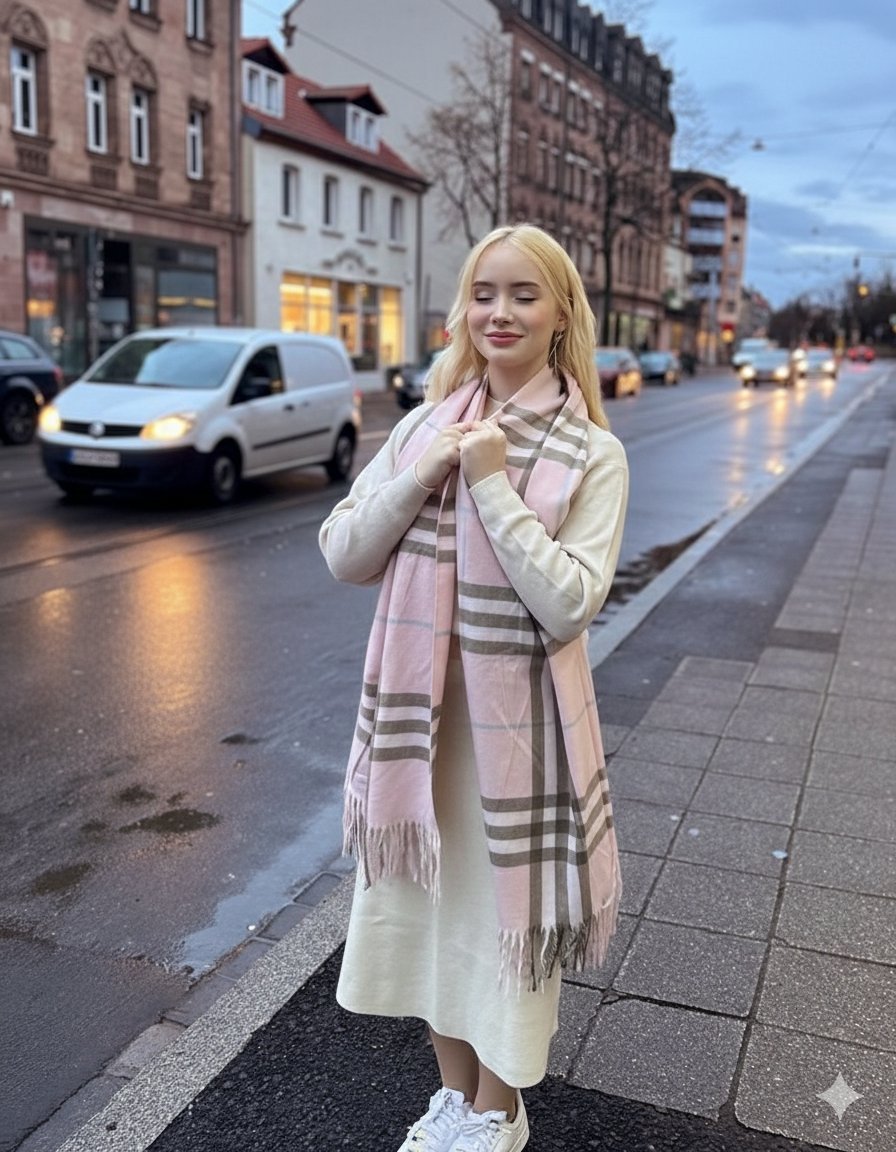
Cinematic Fashion Editorial in European Old Town at Twilight
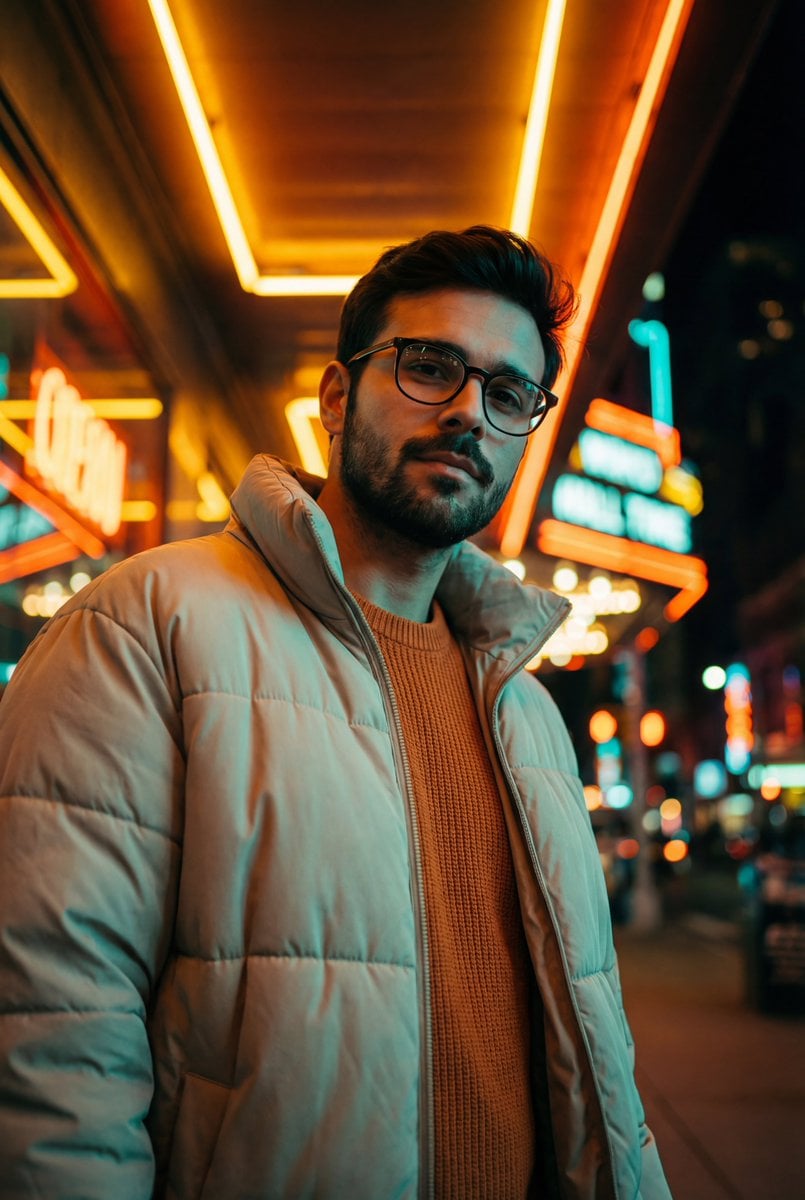
Teal and Orange Neon Urban Portrait
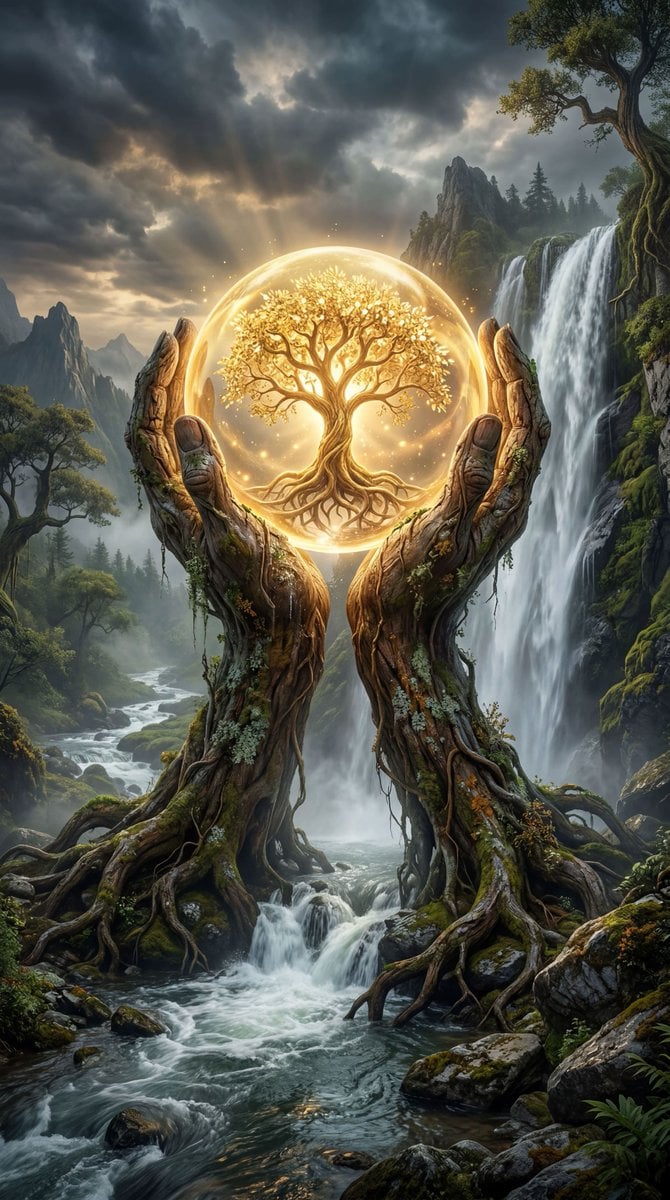
Mystical Tree of Life Landscape
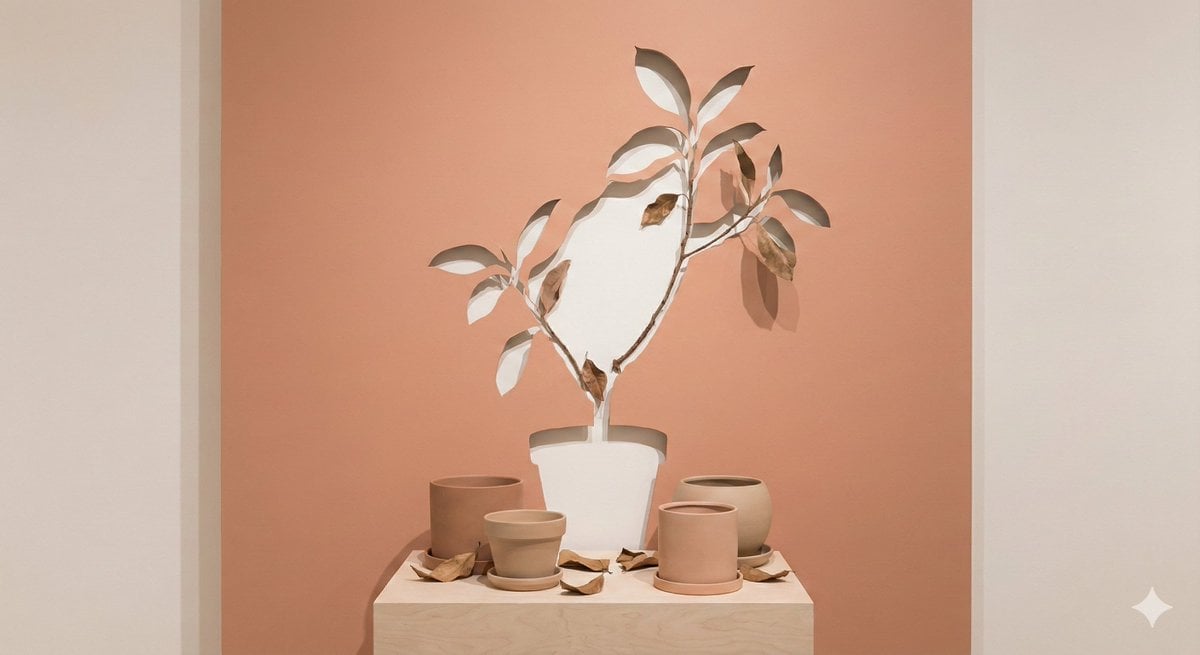
Negative Space Character Composition
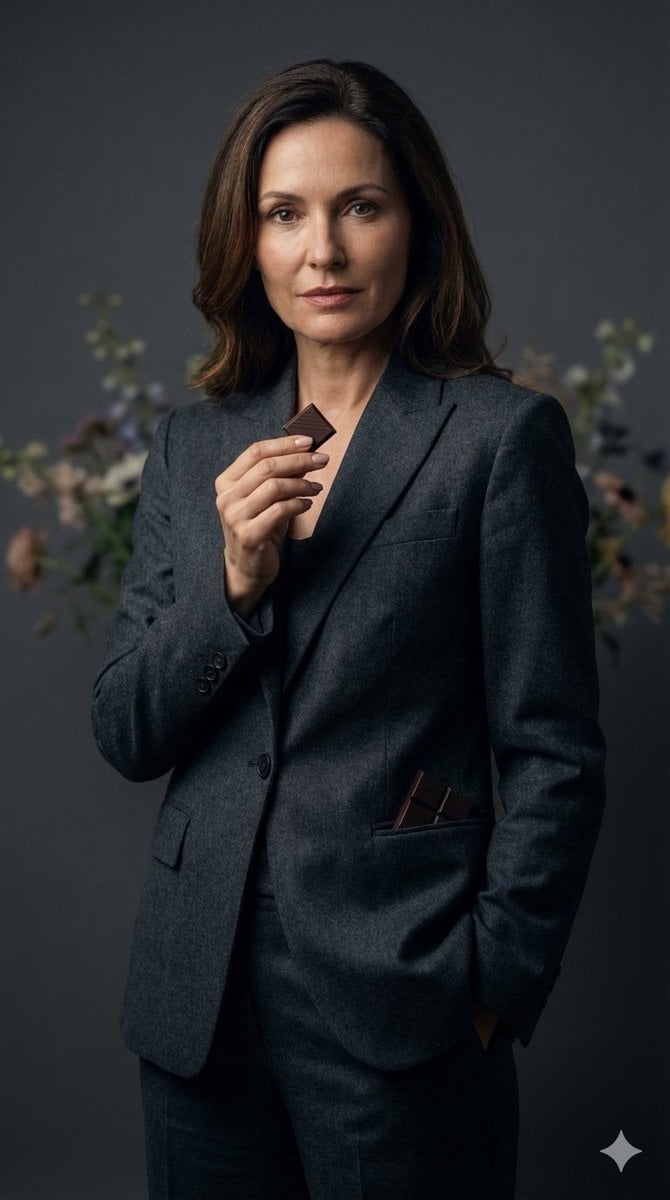
Luxury Editorial Portrait of Mature Woman Prompt
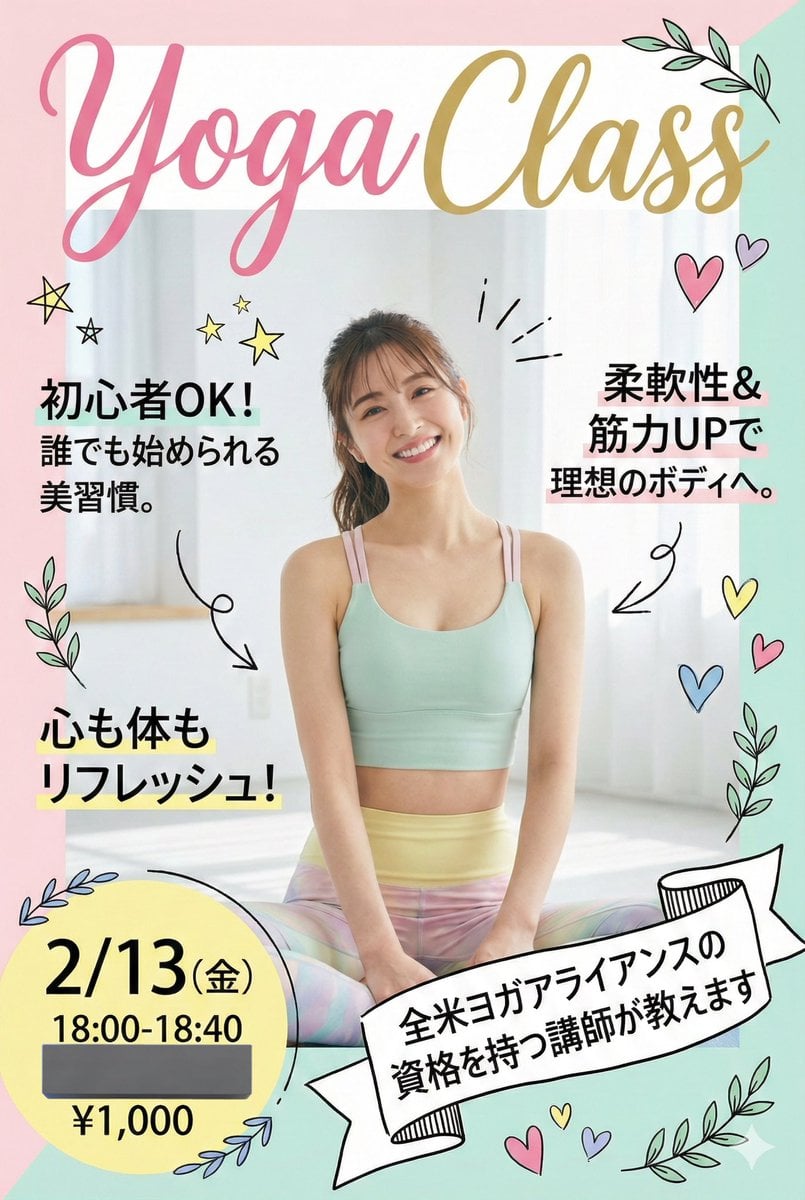
Nano Banana Pro Prompt for Yoga Class Announcement Poster
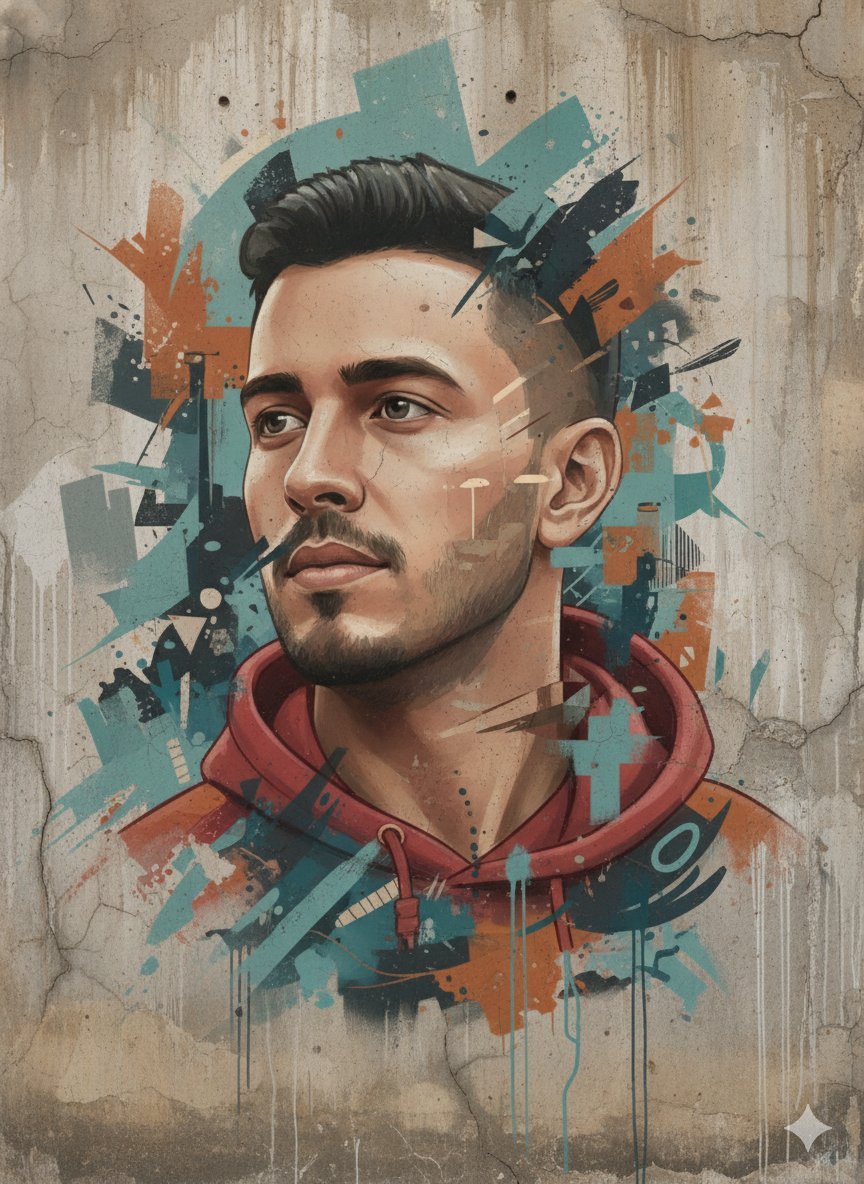
Abstract Realism Street Mural with Identity Preservation
Browse template categories
Candid Night Horseback Campfire Photo questions
How do I use the Candid Night Horseback Campfire Photo template?
Add your photo if the template asks for one, edit the prompt if you like — the template's model and format are already selected — and press Generate. Your version opens in PicX Studio.
Can I customize the Candid Night Horseback Campfire Photo template?
Yes. You can change the subject, setting, lighting, mood, format, and available model controls before creating your image.
Is the Candid Night Horseback Campfire Photo template free?
Opening and editing this template is free. Generating uses credits, shown on the Generate button when you are signed in.
Which AI model should I use?
Start with GPT Image 2, which is the model associated with this template. You can compare another compatible model for a different finish.
Looking for something else? Browse all templates.

Your photo, any look
Thousands of ready templates for every top image and video model, from one credit balance.