
Modern Gothic High-Fashion Portrait
A detailed high-fashion studio portrait prompt for an Asian woman with a modern gothic streetwear style, featuring precise makeup and wardrobe descriptions.
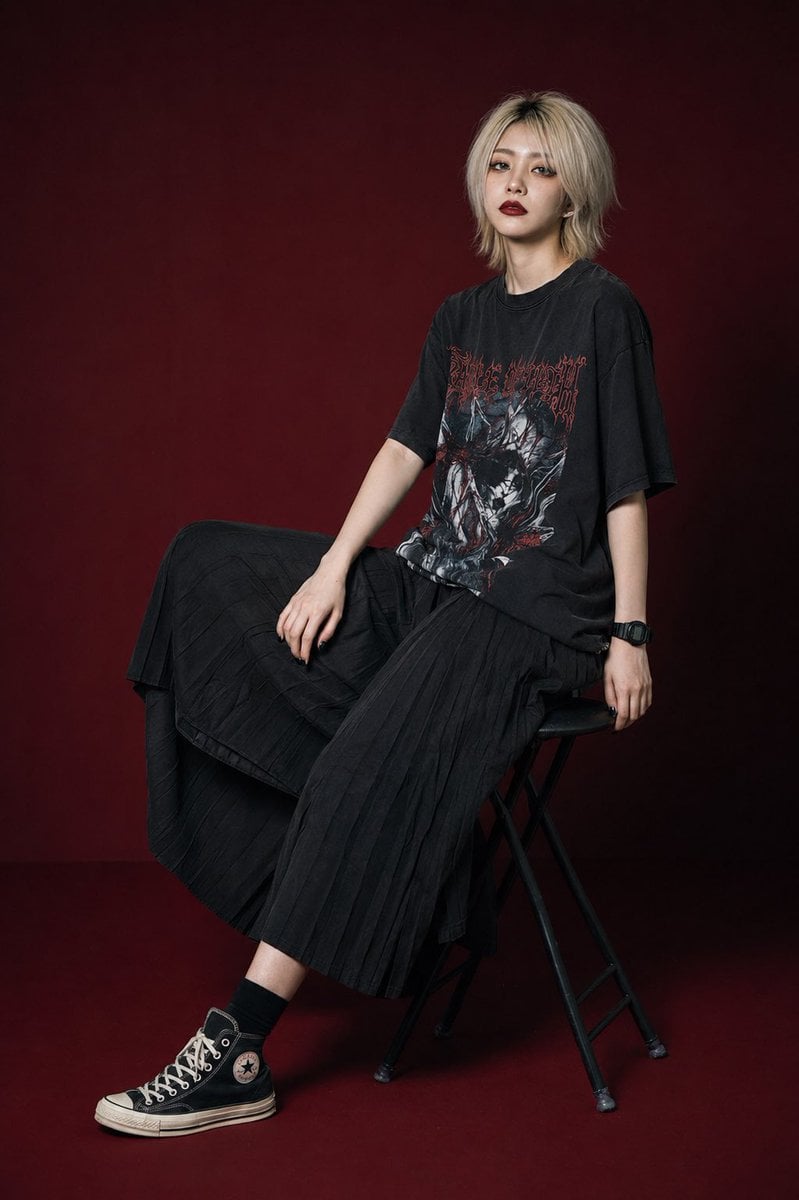
- Prompt included
- Model and format preset
- Free template
The prompt behind this image
Copy the exact prompt behind Modern Gothic High-Fashion Portrait, or open it in the studio and make it yours.
Ultra-realistic high-fashion editorial portrait photographed in a luxury studio campaign aesthetic, full-body composition. A stylish young Asian woman with a modern gothic streetwear vibe sits confidently in frame. She has a slim runway-model physique, pale porcelain skin, and {argument name="hair color" default="platinum-blonde"} hair with visible dark roots, styled in a slightly tousled straight cut with an off-center part and soft layered bangs contouring the face. Her makeup is exceptionally detailed and sharply rendered: individually defined spiky lashes with a subtle doll-like effect, crisp black eyeliner, striking {argument name="eye color" default="light gray"} eyes with intense clarity, matte {argument name="lip color" default="deep wine-red"} lips with realistic texture, black-painted fingernails, and a sleek black digital sports watch. Facial detail must be hyper-sharp with the eyes acting as the visual anchor. Natural skin pores, fine facial texture, and authentic micro-contrast should remain fully visible — absolutely no blur, over-retouching, beauty-filter smoothing, or soft-focus effects. Wardrobe consists of an oversized faded-black graphic band tee featuring a vintage metal-style print, paired with a flowing charcoal-black pleated maxi skirt, short black socks, and worn black Converse-style high-top sneakers. Pose and composition: seated on a matte-black folding studio stool with a circular seat, body angled in a relaxed three-quarter profile. One hand rests naturally on the upper leg while the opposite arm hangs loosely beside the stool. One leg is bent with the foot placed on the stool brace while the other extends outward with the heel touching the studio floor. Head slightly tilted upward toward the lens, expression emotionally distant and calm, lips closed, gaze steady and melancholic. Studio setup uses a rich oxblood-to-dark-maroon seamless backdrop and matching floor with moody low-key editorial lighting. Lighting combines a diffused frontal flash with a large soft beauty dish positioned front-left, producing crisp catchlights, dimensional shadows, sculpted facial contours, and highly defined makeup textures in the style of elite fashion magazine photography. Captured on a Leica SL3 with a 50mm APO-Summicron-SL lens, ISO 100, f/5.6, RAW image quality. Ultra-detailed rendering, face-priority autofocus, tack-sharp eyes, visible skin grain and pores, realistic fabric textures, rich tonal depth, cinematic contrast, subtle analog-film atmosphere, premium editorial realism, crystal-clear 8K detail, high dynamic range, no haze, no washed-out lighting, no low-resolution artifacts, no artificial plastic skin.
How to use Modern Gothic High-Fashion Portrait in 3 steps
- 1
Open
The prompt is already in the box next to the preview, with the template's model and format selected.
- 2…a portrait of your subject in softgolden-hour light, 85mm…
Personalize
Edit the subject and creative details for your destination.
- 3Generate
Generate
Press Generate — your image is created in PicX Studio, so you can compare it with the original and refine one variable at a time.
More like this
Templates with the same subject, style or setup. Open one to see its prompt.

Nano Banana 2 High Fashion Sports Campai

Couture Fashion Editorial Woman and Drag

Ive Yujin Fashion Portrait in Blue

Nano Banana 2 Editorial Fashion Portrait

Caution Tape Fashion — Industrial Editorial
Modern Interior Casual Fashion Portrait
Gothic Lolita Subway Fashion Portrait

Miniature Self Portrait Collage

Found Photograph: Us, 1970

80s Couple Studio Portrait

80s College Gate

1988 Mall Style
Make it yours
Modern Gothic High-Fashion Portrait works as-is. These are the safest ways to change it without losing the look.
Change one field
Copy a single group, rewrite it, and generate again so you can see what that field is doing.
Keep the frame, change the subject
Hold the composition and light of Modern Gothic High-Fashion Portrait, then swap wardrobe, props or the person for a new take.
| If the result… | Why | Fix |
|---|---|---|
| The result drifts from the preview | Too many fields changed at once. | Reuse Modern Gothic High-Fashion Portrait as-is first, then change one group — subject, light, or setting. |
| The model over-stylizes the scene | The prose prompt leaves finish and camera underspecified. | Add one camera or lighting sentence and stay on GPT Image 2. |
More GPT Image 2 templates
Other prompts made for GPT Image 2.

Six VTuber Japanese Logo Sheet

Realistic Portrait of Woman and Deer

The Vista Modular Condo Poster

AI Model Routing Comparison Infographic

2.5D Anime Art Board

Isometric Productivity Desk Scene

New York Double Exposure Poster

Four-Panel AI Landscape Comparison

Japanese Tatami Lifestyle Magazine Cover

NESCAFÉ Coffee Map Poster
More image prompts
Fresh picks from across the catalog.
Energetic Pop Art Poster

Catmaid Date Spot Recommendation Board
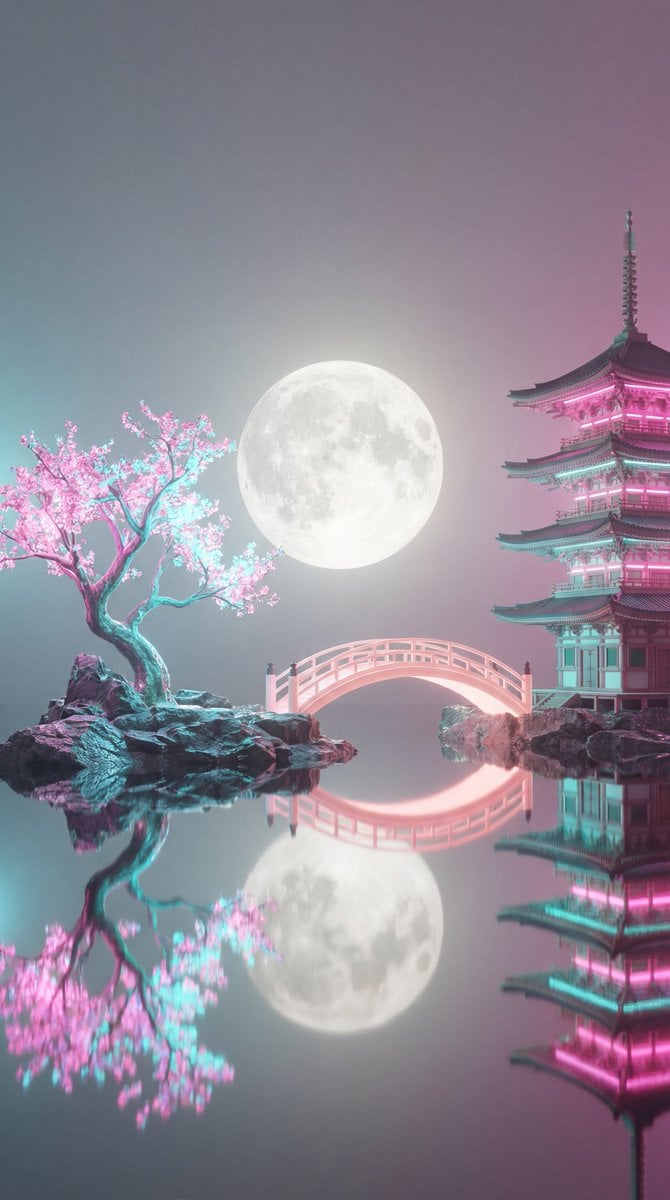
Surreal Vaporwave Night Landscape
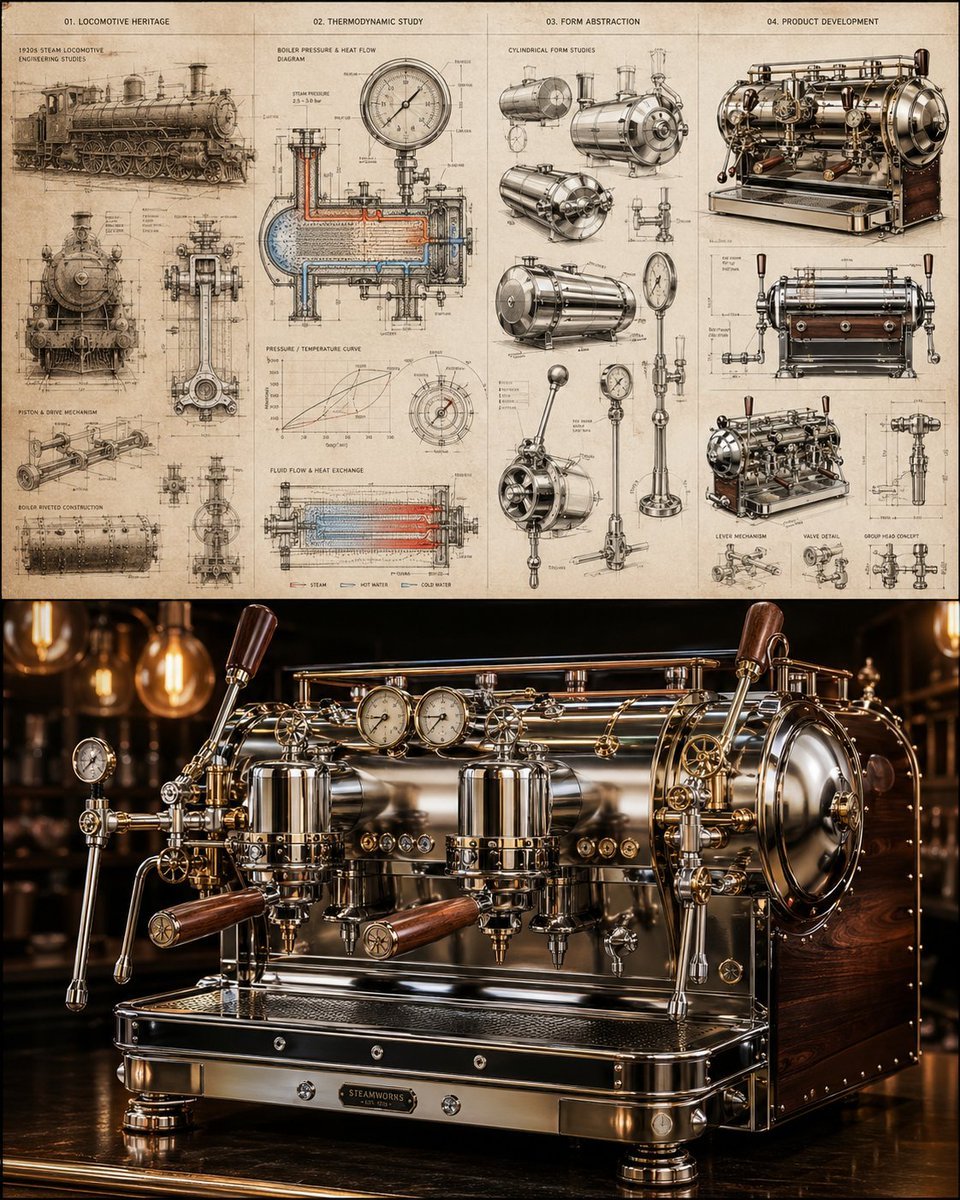
Locomotive-Inspired Espresso Machine Design
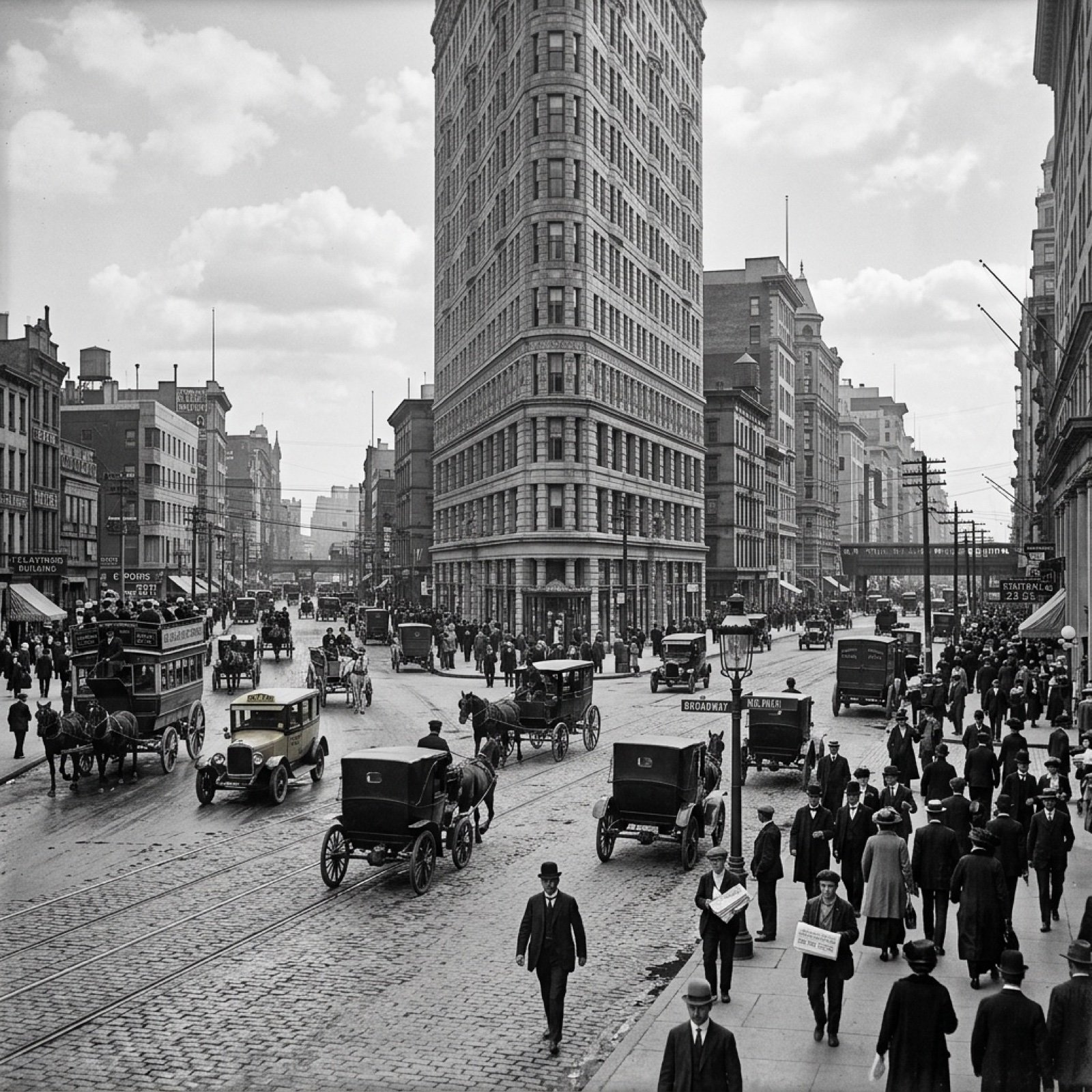
Visualize Coordinates in Historical Context Prompt
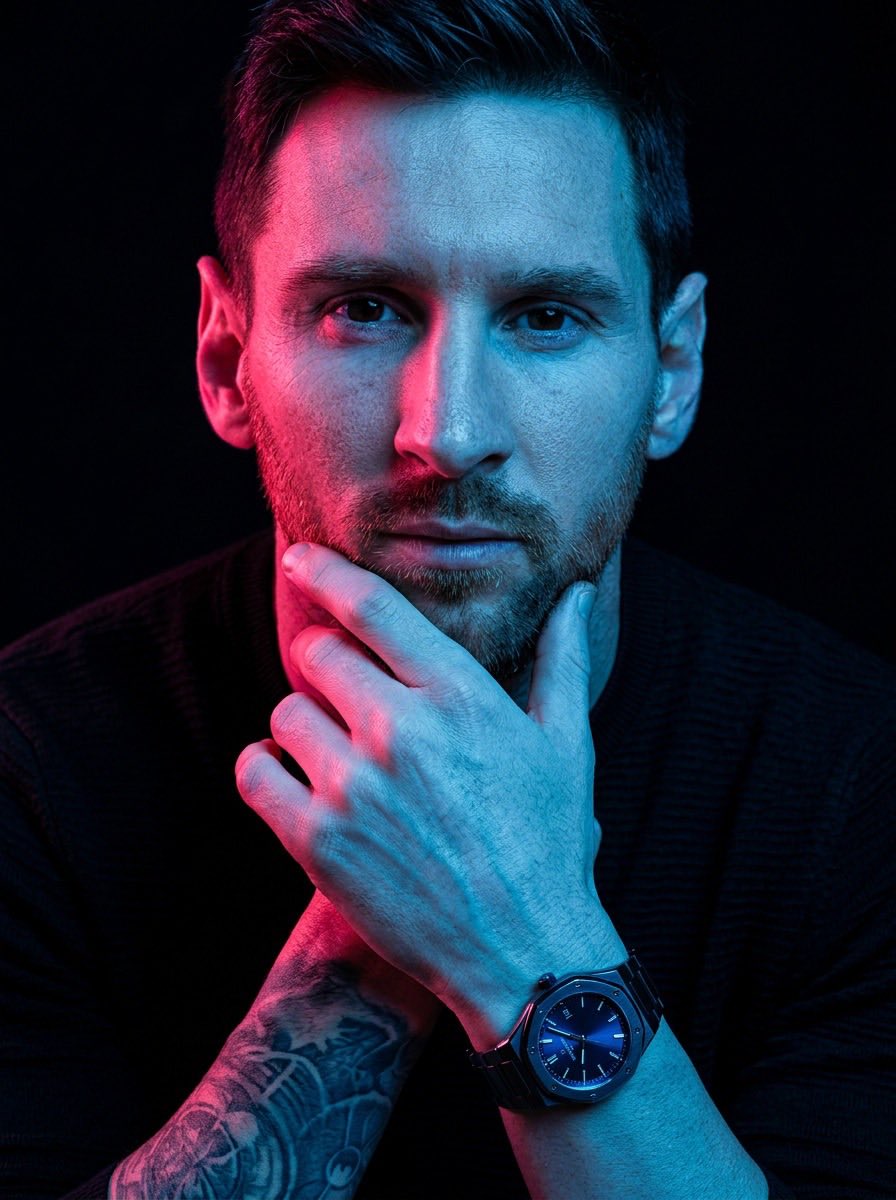
Cyberpunk Cinematic Portrait Prompt
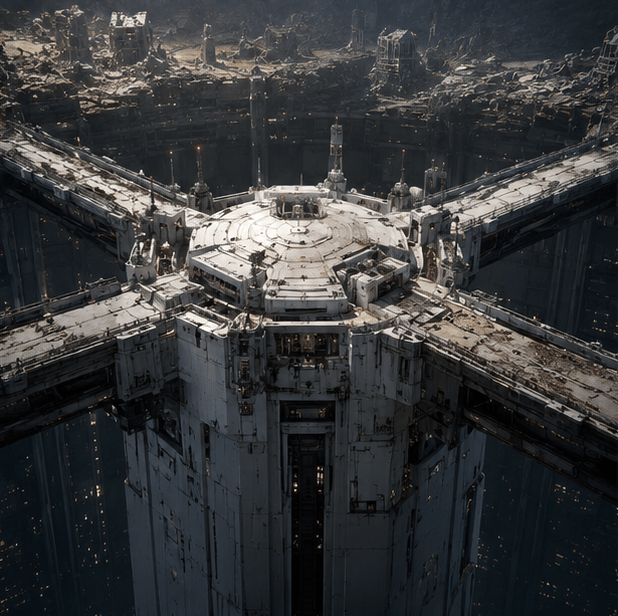
Tokyo Geofront Central Tower Rooftop
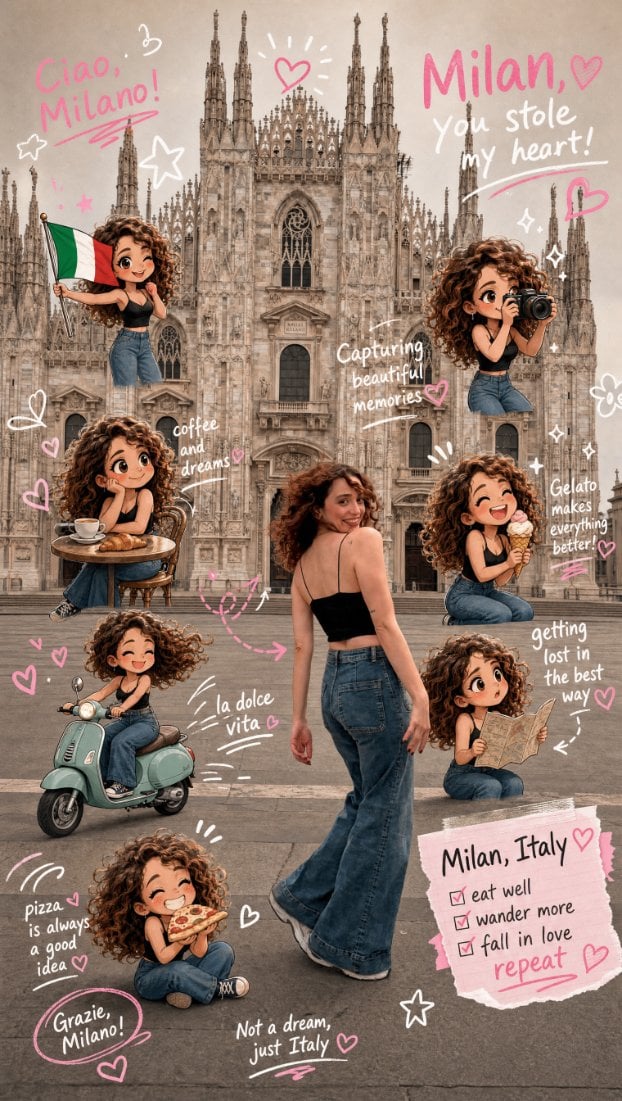
Chibi Scrapbook Photo Transformation
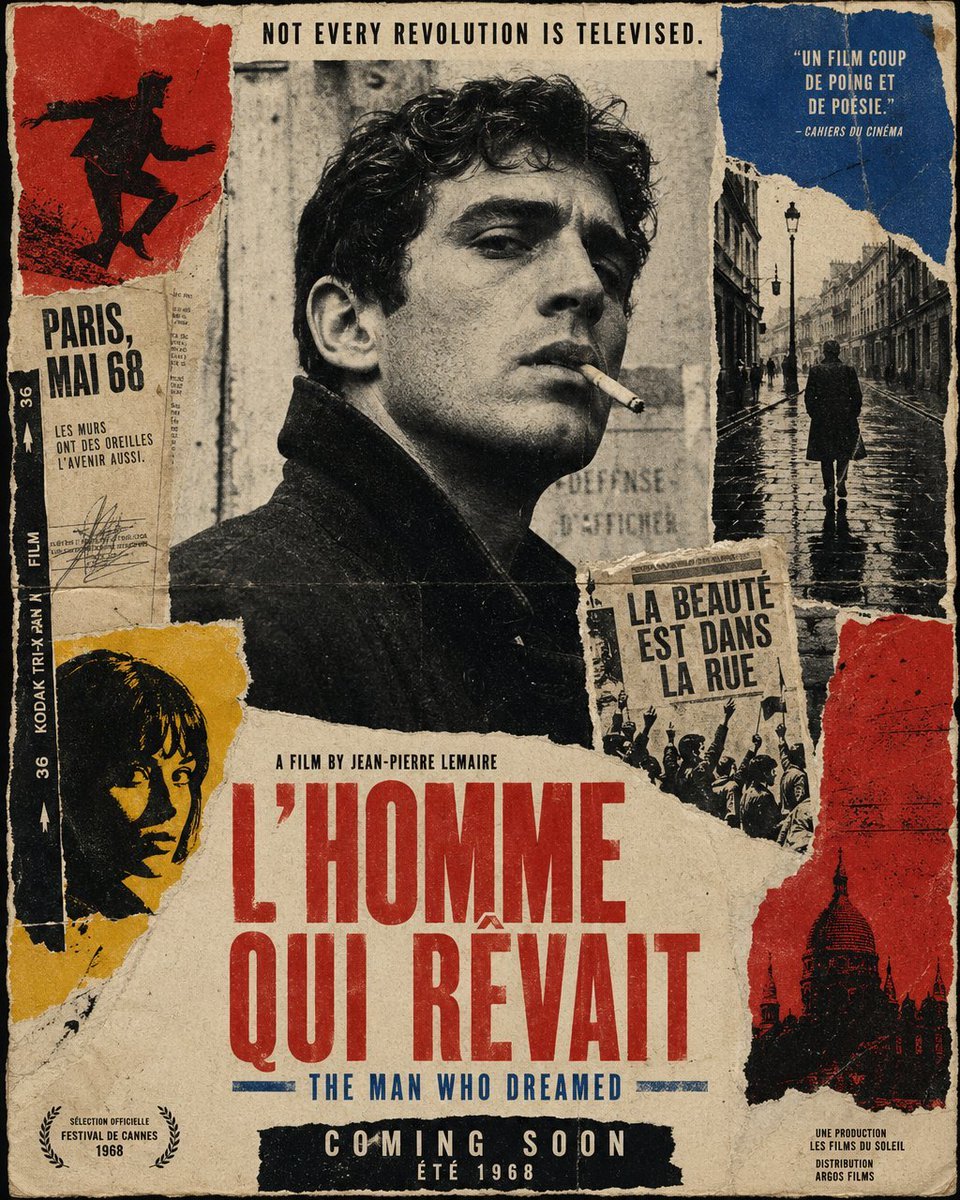
French New Wave Protest Film Poster
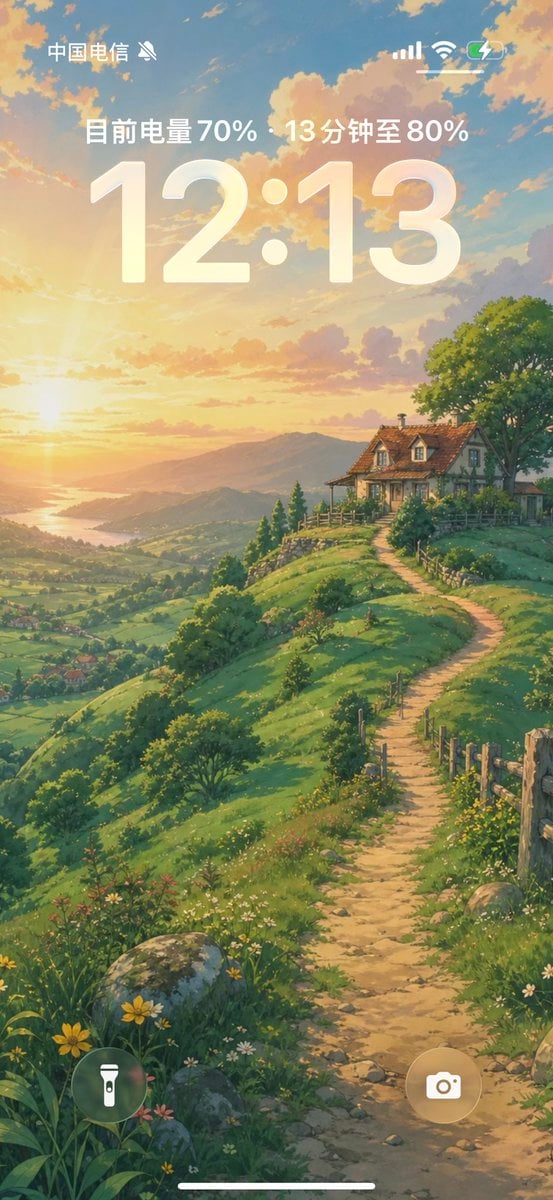
Anime Countryside iPhone Lock Screen
Browse template categories
Modern Gothic High-Fashion Portrait questions
How do I use the Modern Gothic High-Fashion Portrait template?
Add your photo if the template asks for one, edit the prompt if you like — the template's model and format are already selected — and press Generate. Your version opens in PicX Studio.
Can I customize the Modern Gothic High-Fashion Portrait template?
Yes. You can change the subject, setting, lighting, mood, format, and available model controls before creating your image.
Is the Modern Gothic High-Fashion Portrait template free?
Opening and editing this template is free. Generating uses credits, shown on the Generate button when you are signed in.
Which AI model should I use?
Start with GPT Image 2, which is the model associated with this template. You can compare another compatible model for a different finish.
Looking for something else? Browse all templates.

Your photo, any look
Thousands of ready templates for every top image and video model, from one credit balance.