
Gothic Lolita Subway Fashion Portrait
Generates a cinematic urban fashion portrait of two gothic lolita characters in a rainy New York subway entrance.
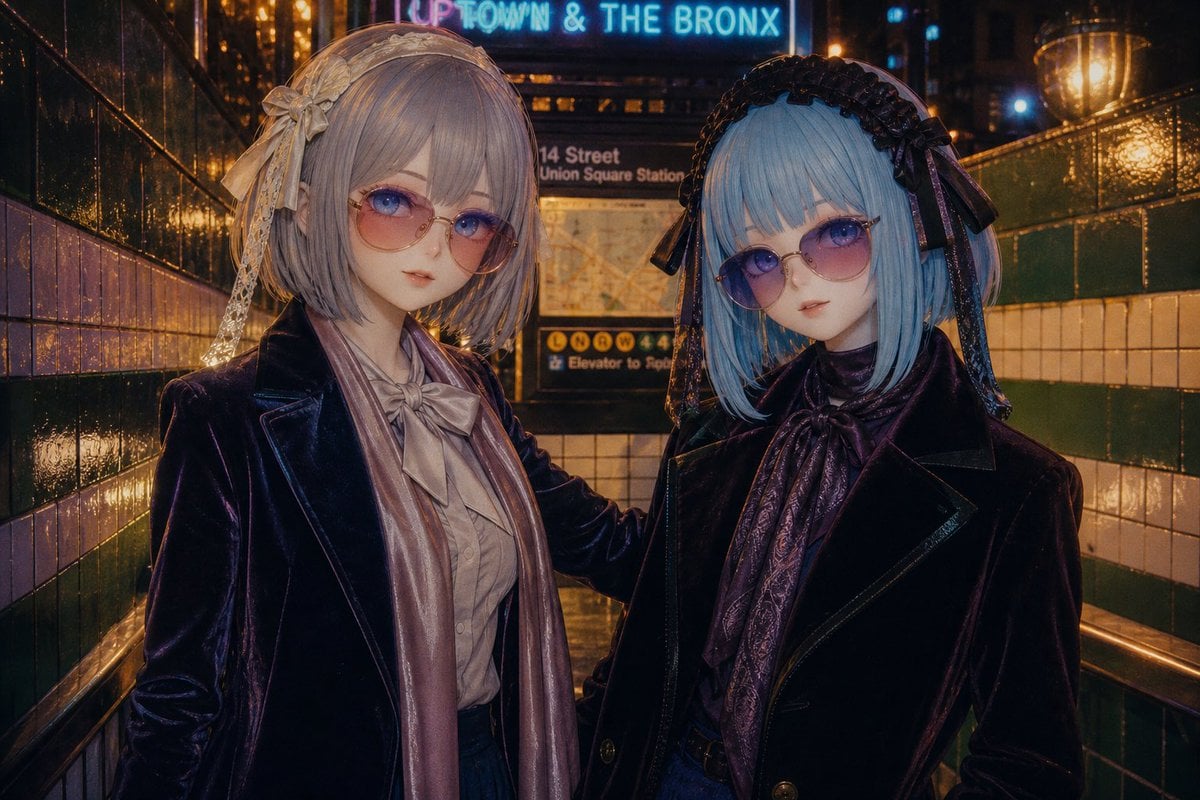
- Prompt included
- Model and format preset
- Free template
The prompt behind this image
Copy the exact prompt behind Gothic Lolita Subway Fashion Portrait, or open it in the studio and make it yours.
Create a moody cinematic night photograph of two fashionable anime-inspired gothic lolita women standing close together in a wet New York City subway entrance, framed from mid-thigh upward in a 3:2 horizontal composition. The setting is a tiled stairwell corridor with glossy dark green and cream subway tiles, brass handrails, rain-slick reflections, warm amber station lights, and a sign in the background reading “UPTOWN & THE BRONX” above a “14 Street Union Square Station” information board. The left woman has {argument name="left hair color" default="pale lavender silver"} short bob hair with side-swept bangs, a delicate cream lace headband with ribbons and a flower bow, a dark plum velvet tailored jacket, a champagne satin scarf, a pale blouse with a large bow at the neck, and a dark skirt; her arm rests around the other woman’s shoulder. The right woman has {argument name="right hair color" default="icy light blue"} straight bob hair with blunt bangs, a black lace headdress with long ribbon tails, small dark glasses, a black velvet coat with sharp lapels, and a dark purple patterned scarf tied at the neck. Both figures should look like realistic cosplay fashion models with porcelain doll styling, but their faces are intentionally hidden by flat opaque muted taupe rectangular censor blocks centered over each face. Use rich nocturnal color grading, high contrast, cinematic street photography realism, shallow depth of field, wet reflective surfaces, glowing bokeh, detailed velvet and satin textures, and an atmospheric urban gothic fashion editorial mood.
How to use Gothic Lolita Subway Fashion Portrait in 3 steps
- 1Upload ImagePNG, JPG or paste
Add your photo
Upload the photo the template builds on. The prompt, model and format are already set.
- 2…a portrait of your subject in softgolden-hour light, 85mm…
Personalize
Edit the subject and creative details for your destination.
- 3Generate
Generate
Press Generate — your image is created in PicX Studio, so you can compare it with the original and refine one variable at a time.
More like this
Templates with the same subject, style or setup. Open one to see its prompt.

Subway Platform Quiet Introspective Portrait
Subway Platform Quiet Introspective Portrait
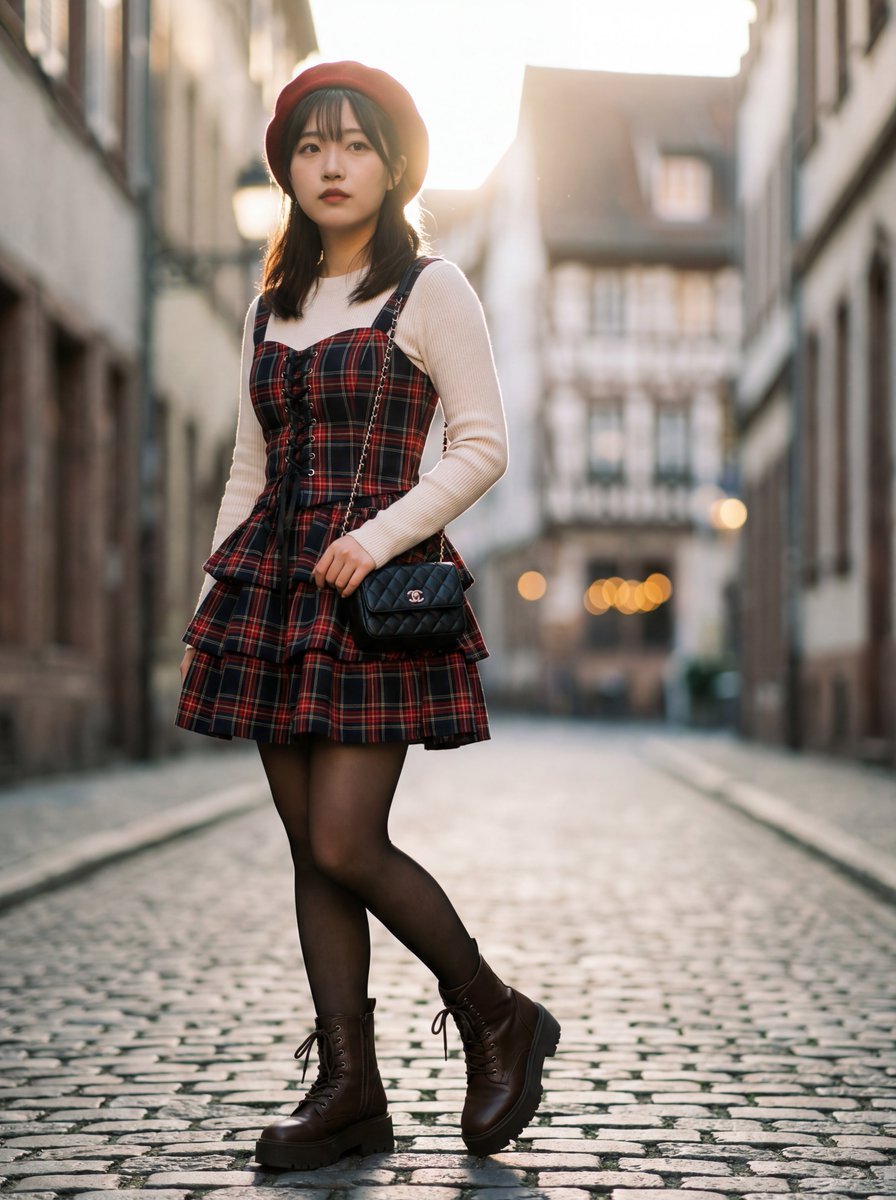
Ultra-Detailed Gothic Lolita Fashion Portrait

Nano Banana 2 High Fashion Sports Campai

Couture Fashion Editorial Woman and Drag

Ive Yujin Fashion Portrait in Blue

Nano Banana 2 Editorial Fashion Portrait

Caution Tape Fashion — Industrial Editorial
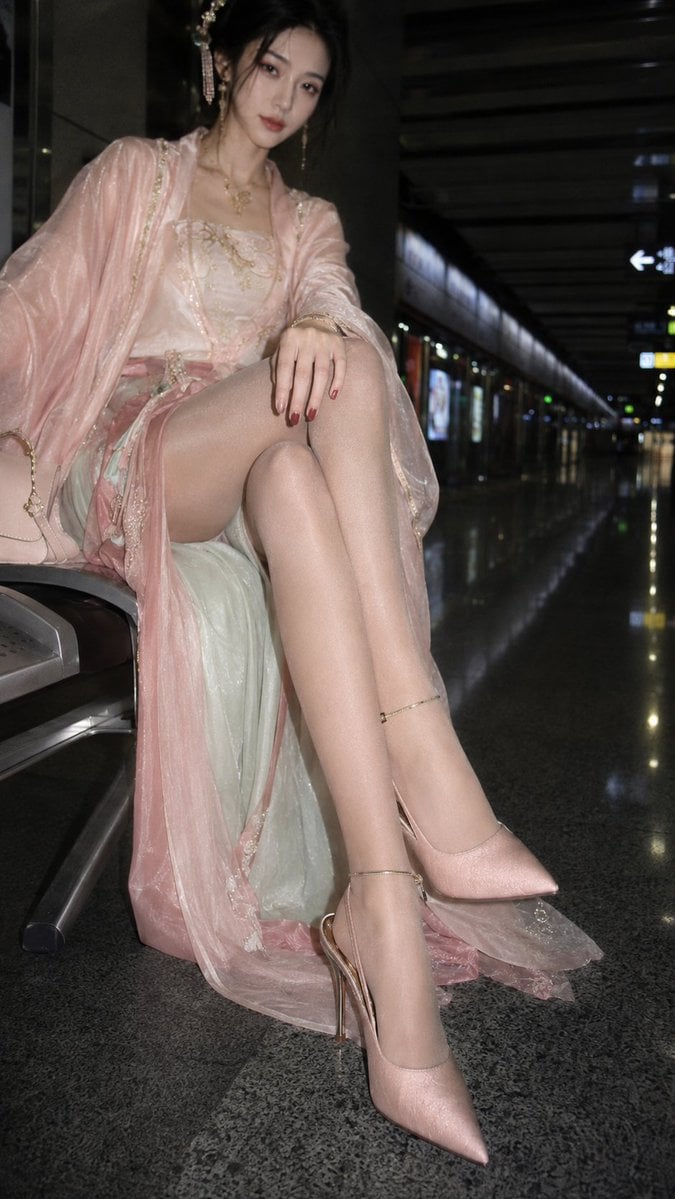
Hanfu Fashion Portrait in Subway
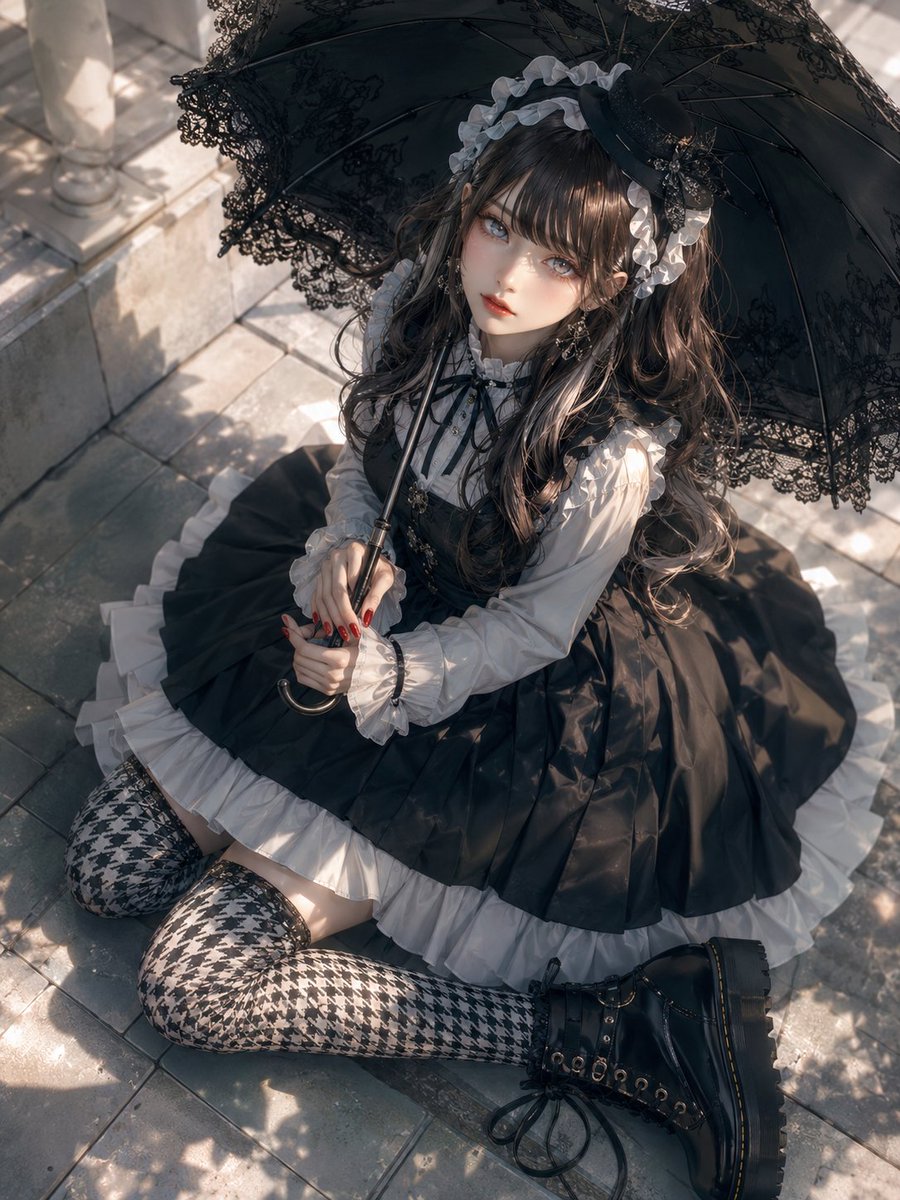
Gothic Lolita Parasol Portrait
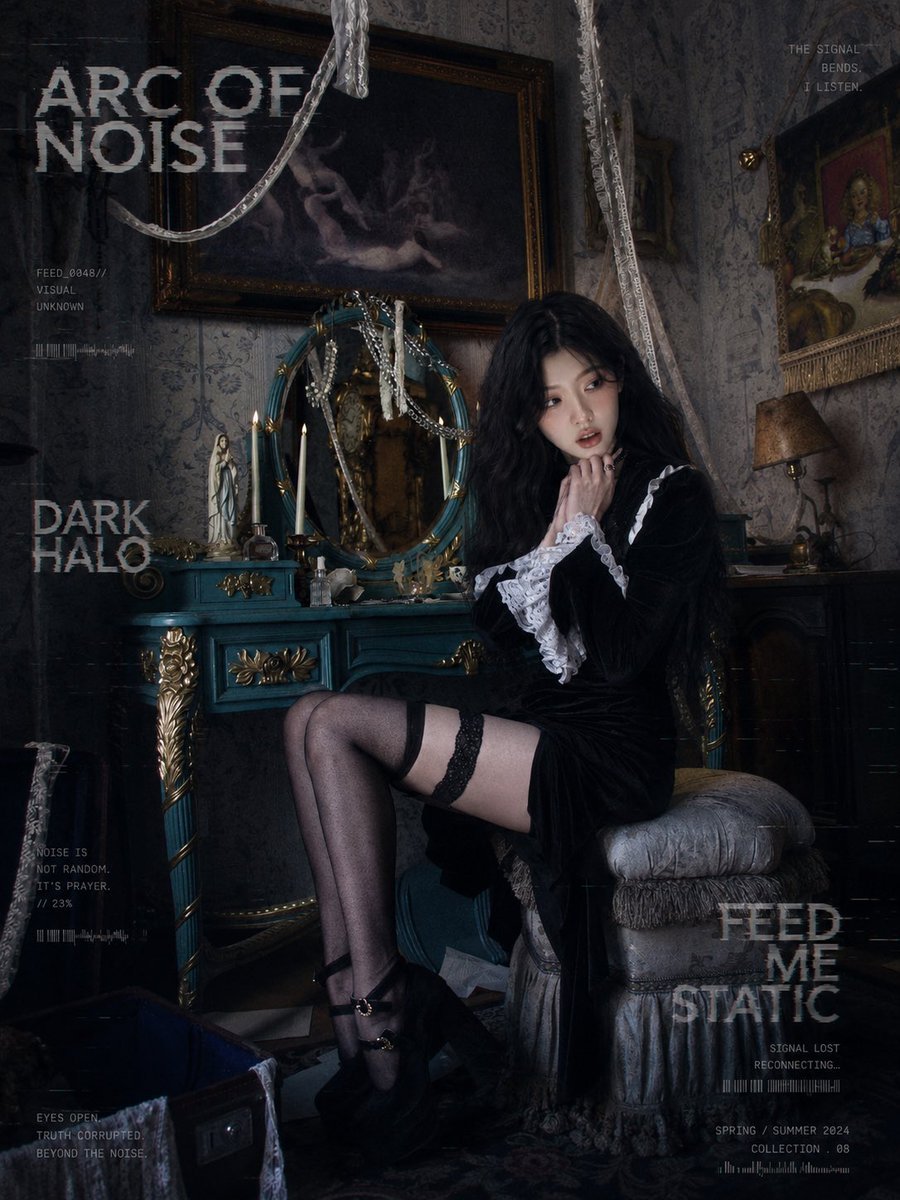
Dark Gothic Lolita Static Portrait
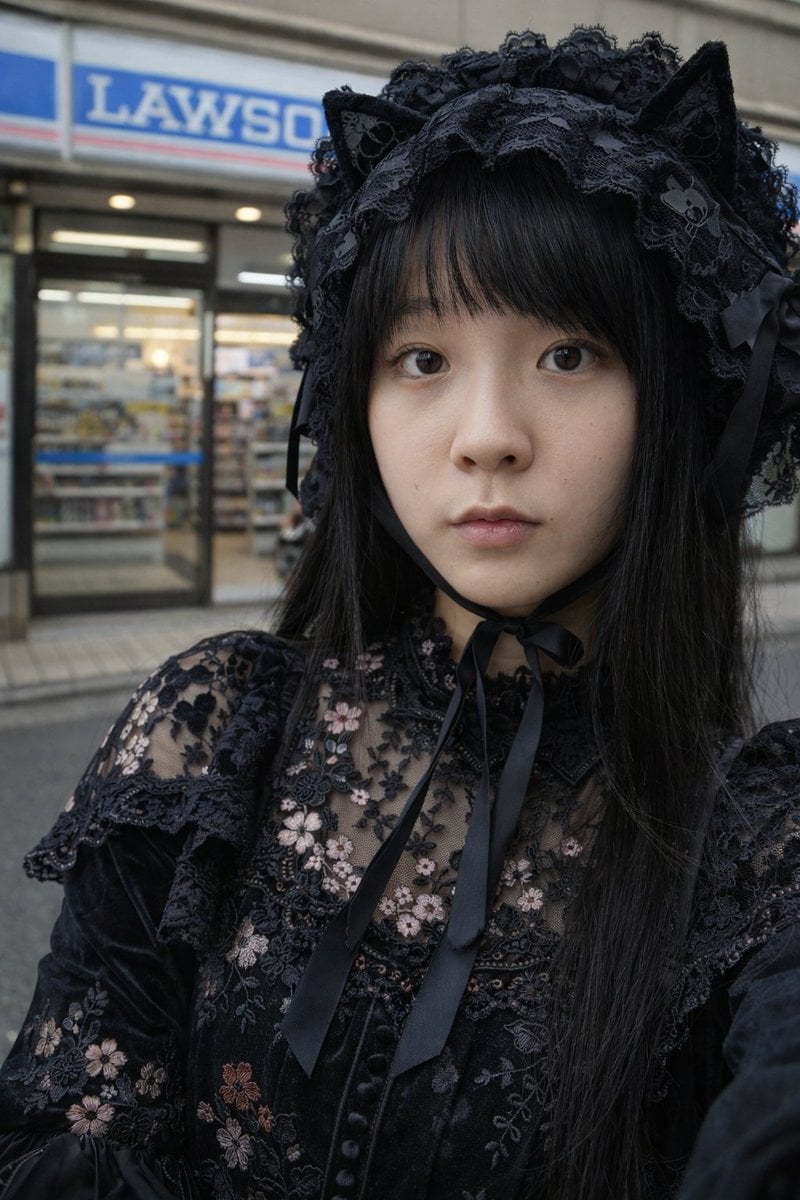
Gothic Lolita Portrait at Convenience Store
Make it yours
Gothic Lolita Subway Fashion Portrait works as-is. These are the safest ways to change it without losing the look.
Change one field
Copy a single group, rewrite it, and generate again so you can see what that field is doing.
Keep the frame, change the subject
Hold the composition and light of Gothic Lolita Subway Fashion Portrait, then swap wardrobe, props or the person for a new take.
| If the result… | Why | Fix |
|---|---|---|
| The result drifts from the preview | Too many fields changed at once. | Reuse Gothic Lolita Subway Fashion Portrait as-is first, then change one group — subject, light, or setting. |
| The model over-stylizes the scene | The prose prompt leaves finish and camera underspecified. | Add one camera or lighting sentence and stay on GPT Image 2. |
More GPT Image 2 templates
Other prompts made for GPT Image 2.

Six VTuber Japanese Logo Sheet

Realistic Portrait of Woman and Deer

The Vista Modular Condo Poster

AI Model Routing Comparison Infographic

2.5D Anime Art Board

Isometric Productivity Desk Scene

New York Double Exposure Poster

Four-Panel AI Landscape Comparison

Japanese Tatami Lifestyle Magazine Cover

NESCAFÉ Coffee Map Poster
More image prompts
Fresh picks from across the catalog.
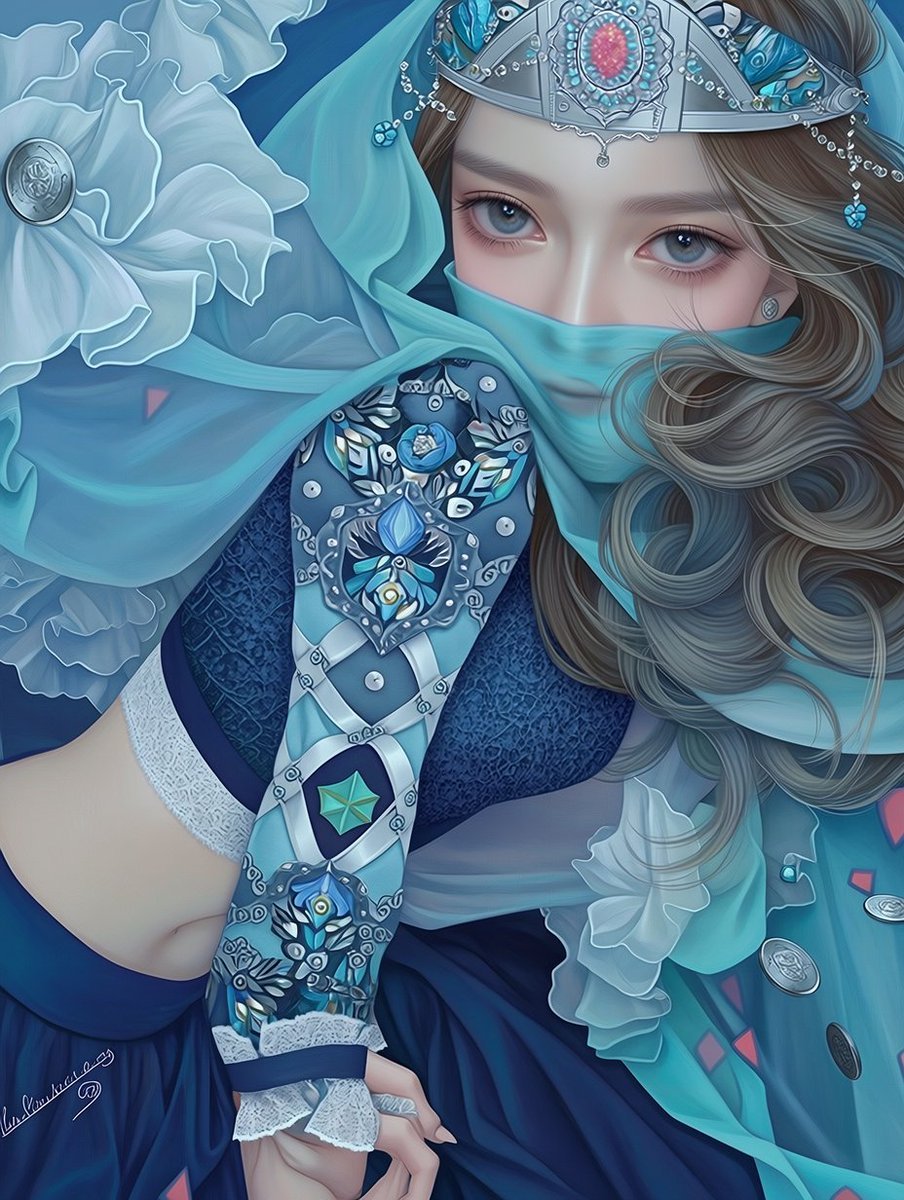
Ornate Blue Belly Dancer Illustration
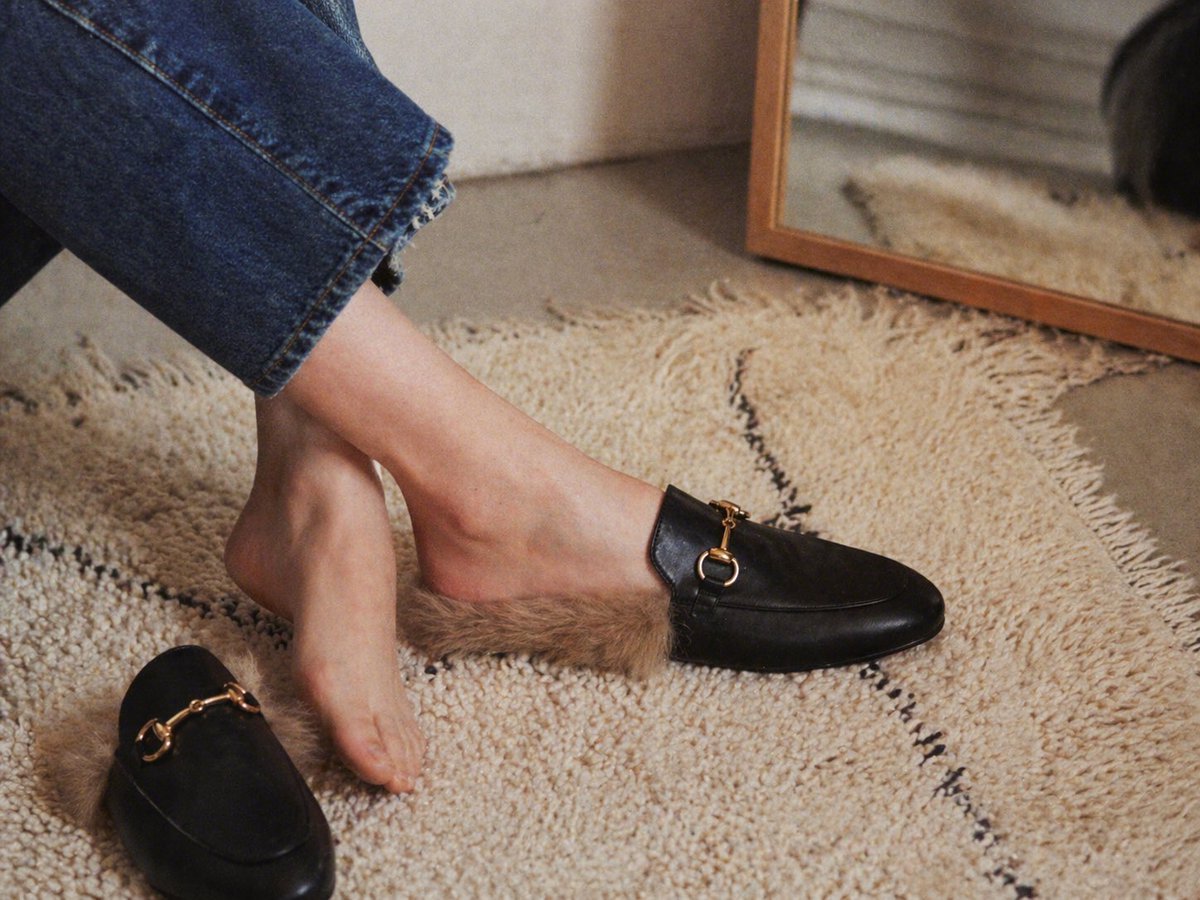
Gpt2 E Commerce Main Image Luxury Fur Lined Loafer Lifestyle Photo
Hard Surface Modeling Retro Cassette Realism
Cinematic Night Portrait on Urban Stairs
Modern Korean Streetwear Portrait
Anime Dojo Shuriken Kick
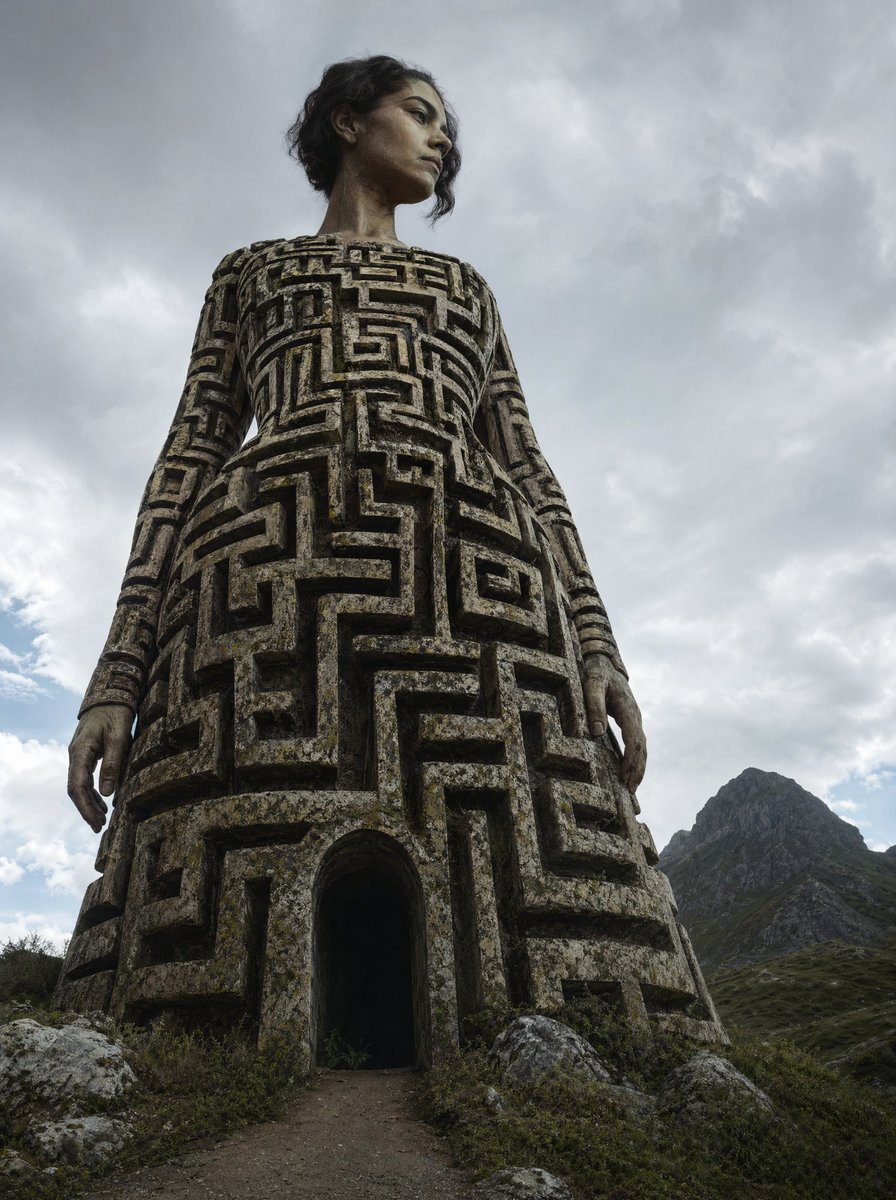
Colossal Labyrinth Woman Monument
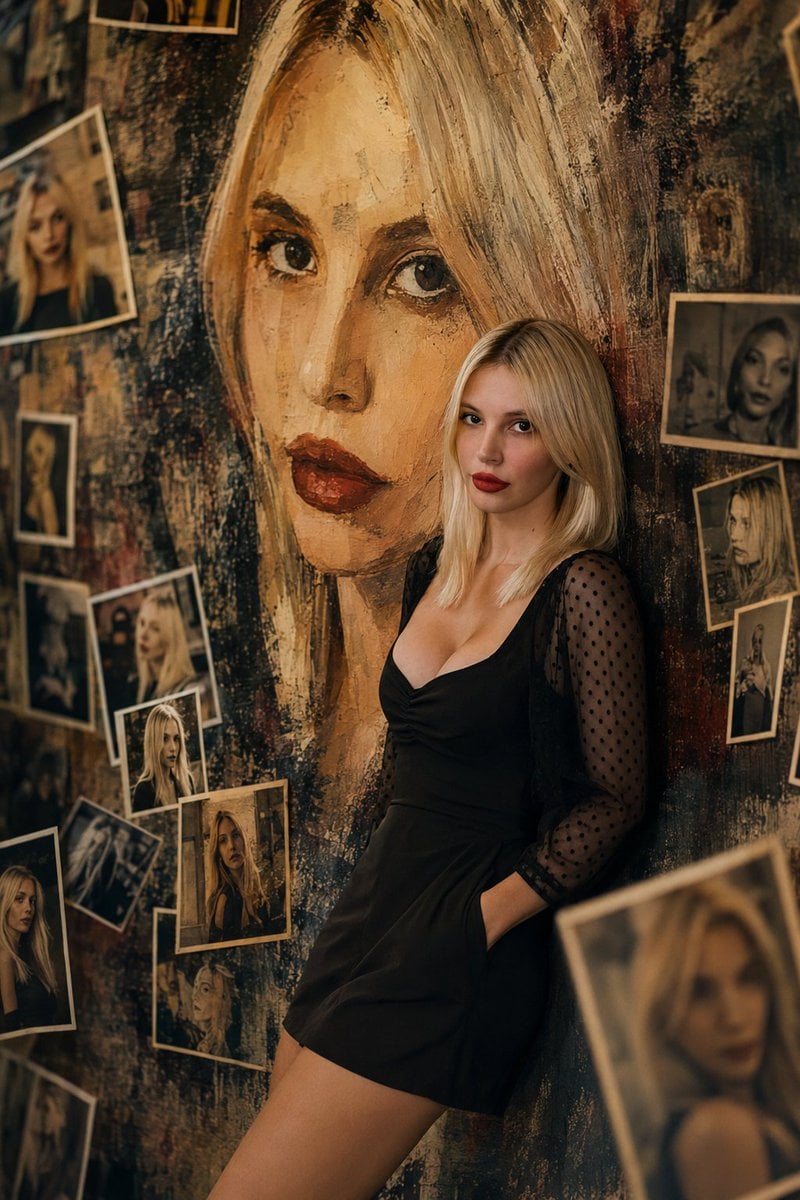
Artistic Mural Gallery Portrait
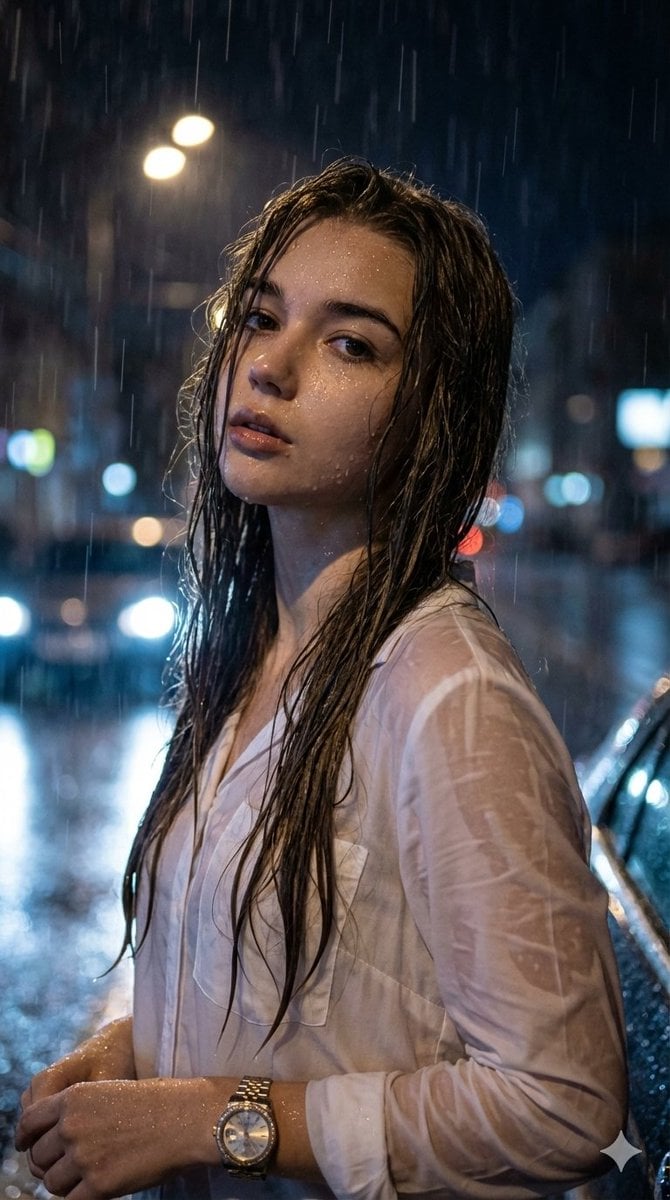
Hyper-Realistic Cinematic Night Portrait in Rain
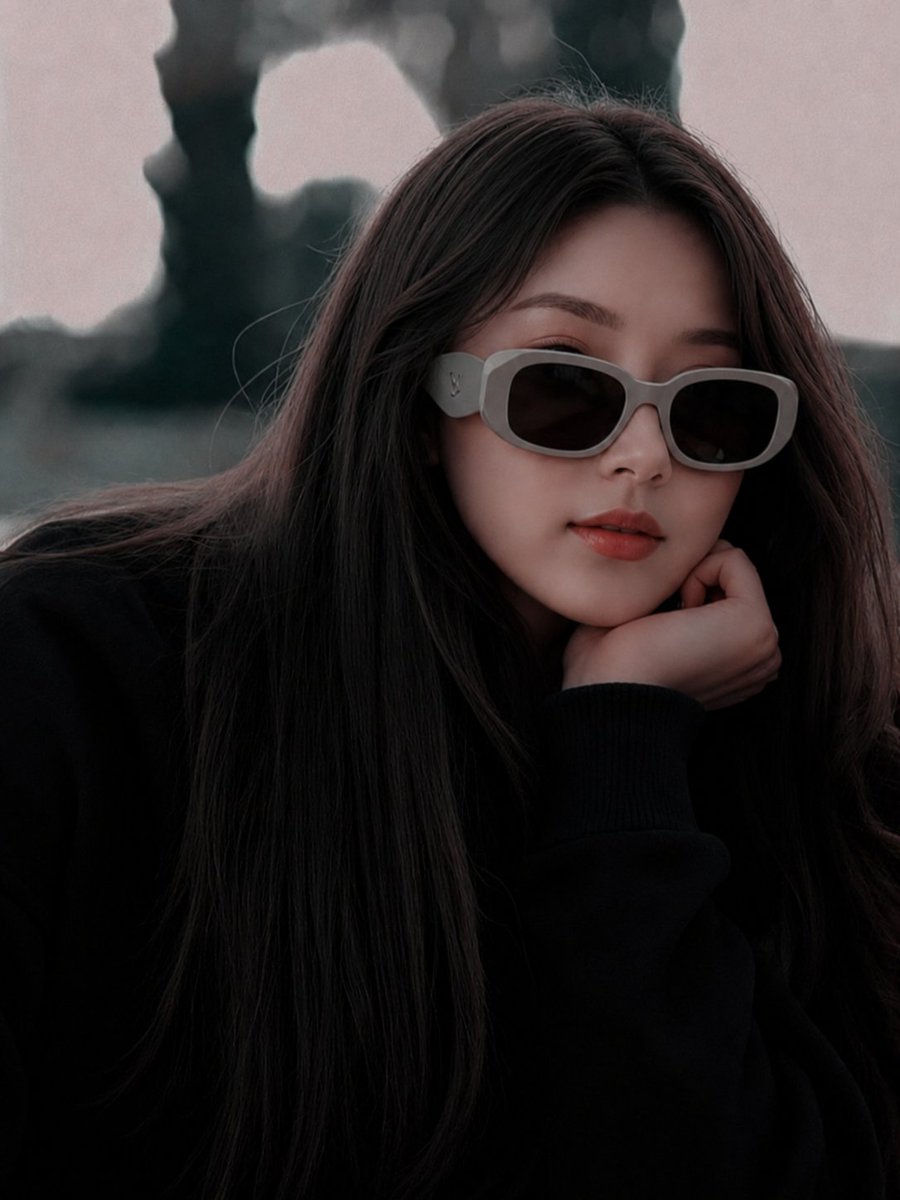
East Asian Fashion Sunglasses Portrait
Browse template categories
Gothic Lolita Subway Fashion Portrait questions
How do I use the Gothic Lolita Subway Fashion Portrait template?
Add your photo if the template asks for one, edit the prompt if you like — the template's model and format are already selected — and press Generate. Your version opens in PicX Studio.
Can I customize the Gothic Lolita Subway Fashion Portrait template?
Yes. You can change the subject, setting, lighting, mood, format, and available model controls before creating your image.
Is the Gothic Lolita Subway Fashion Portrait template free?
Opening and editing this template is free. Generating uses credits, shown on the Generate button when you are signed in.
Which AI model should I use?
Start with GPT Image 2, which is the model associated with this template. You can compare another compatible model for a different finish.
Looking for something else? Browse all templates.

Your photo, any look
Thousands of ready templates for every top image and video model, from one credit balance.