How do I use the Hanfu Fashion Portrait in Subway template?
Edit the prompt in the box under the preview — the template's model and format are already selected — and press Generate. Your version appears right on this page.
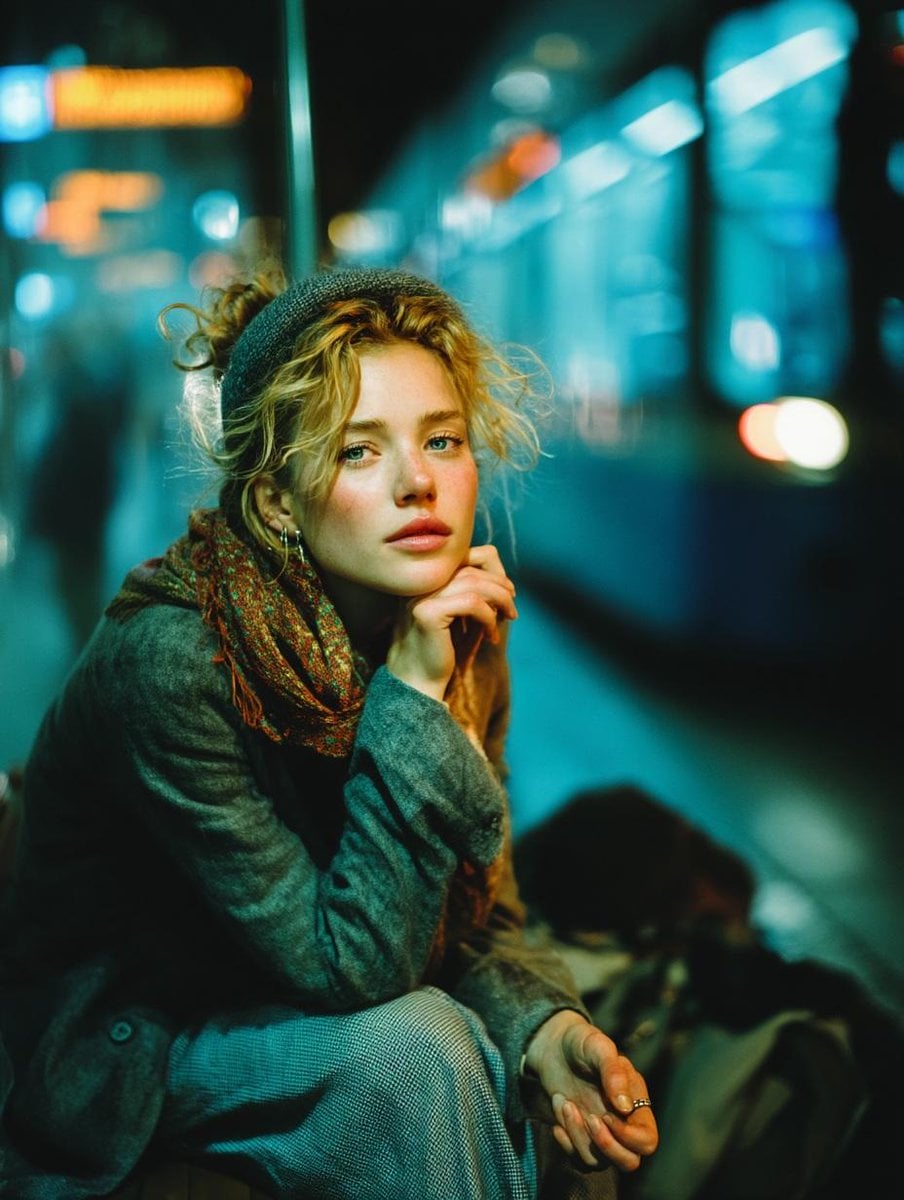
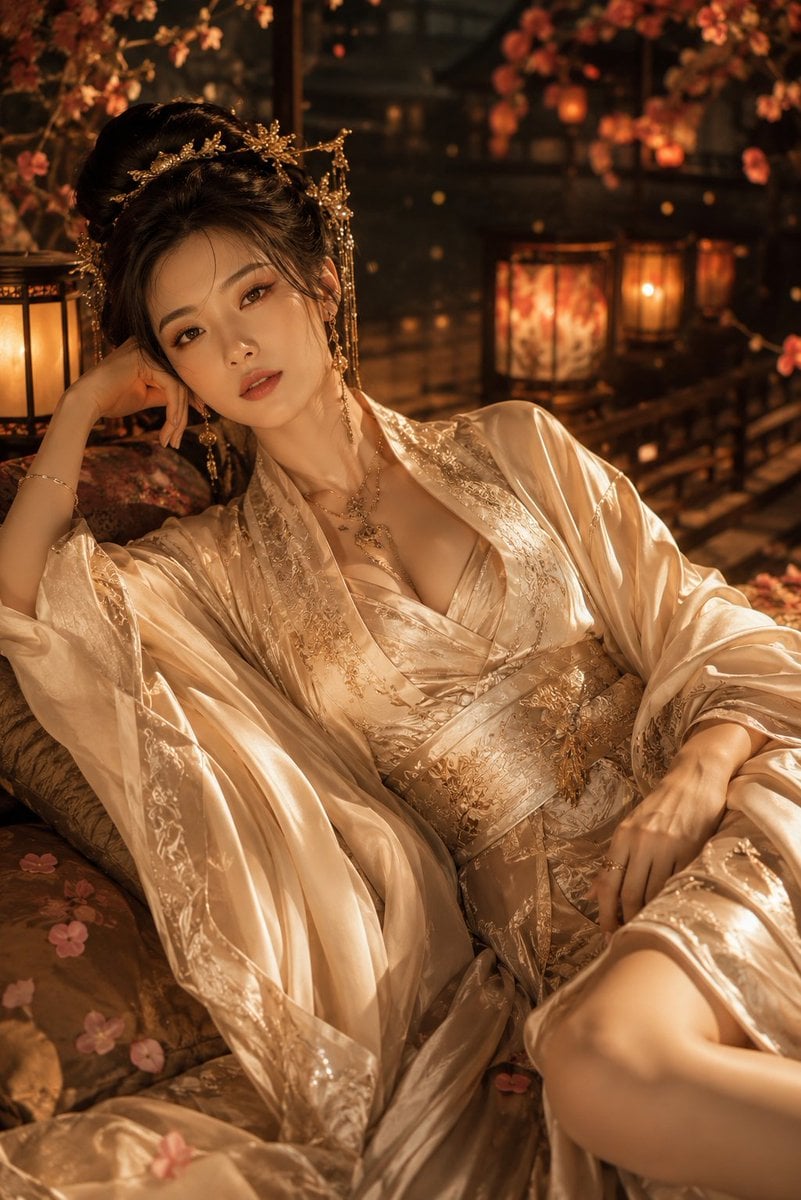
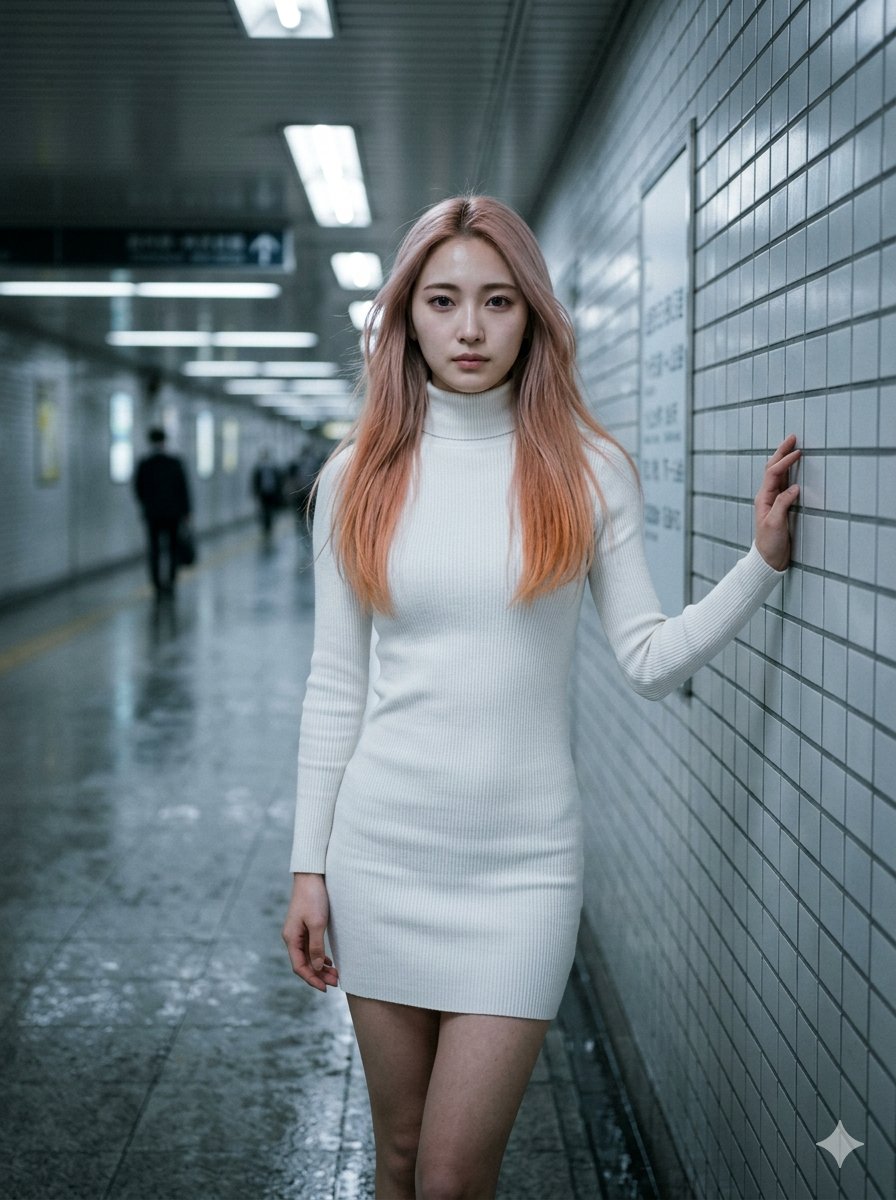
A photorealistic vertical fashion shot of a woman in pastel hanfu-inspired attire posing on a dark modern subway platform.

This template uses your photo — add one with the + button.
Create a photorealistic vertical night-time fashion portrait in a modern subway station: a young woman wearing an ethereal ancient Chinese hanfu-inspired outfit sits on a metal station bench, posed with one leg crossed over the other and her body angled slightly toward the camera. The outfit is {argument name="outfit color" default="soft blush pink and pale mint green"}, made of sheer layered gauze, translucent flowing sleeves, embroidered trim, beaded tassels, delicate gold edging, and a fitted embroidered bodice. She wears ornate traditional hair accessories with dangling pearls, a small gold necklace, bracelets, an anklet, red manicured nails, and pointed satin high heels in matching pale pink. Use {argument name="camera style" default="direct on-camera flash photography"} with a candid street-fashion feel: glossy skin highlights, sharp foreground detail, slight overexposure on the legs and fabric, deep shadows, and a realistic phone-camera perspective. The composition is a low-angle three-quarter crop, vertical 2:3 frame, with the head near the top edge, legs dominating the foreground, the bench visible on the left, and a long dark subway platform receding into the background on the right. The subway station should have reflective polished stone floors, ceiling beams, glass platform doors, blurred illuminated signs, advertising panels, and distant lights creating depth. Keep the face softly blurred or obscured for privacy while preserving the elegant pose and costume detail. Mood: cinematic, urban, mysterious, luxurious, ancient-style fashion contrasted with contemporary transit architecture. Avoid text overlays, logos, extra people, deformed hands, and unrealistic anatomy.
Create a photorealistic vertical night-time fashion portrait in a modern subway station: a young woman wearing an ethereal ancient Chinese hanfu-inspired outfit sits on a metal station bench, posed with one leg crossed over the other and her body angled slightly toward the camera. The outfit is {argument name="outfit color" default="soft blush pink and pale mint green"}, made of sheer layered gauze, translucent flowing sleeves, embroidered trim, beaded tassels, delicate gold edging, and a fitted embroidered bodice. She wears ornate traditional hair accessories with dangling pearls, a small gold necklace, bracelets, an anklet, red manicured nails, and pointed satin high heels in matching pale pink. Use {argument name="camera style" default="direct on-camera flash photography"} with a candid street-fashion feel: glossy skin highlights, sharp foreground detail, slight overexposure on the legs and fabric, deep shadows, and a realistic phone-camera perspective. The composition is a low-angle three-quarter crop, vertical 2:3 frame, with the head near the top edge, legs dominating the foreground, the bench visible on the left, and a long dark subway platform receding into the background on the right. The subway station should have reflective polished stone floors, ceiling beams, glass platform doors, blurred illuminated signs, advertising panels, and distant lights creating depth. Keep the face softly blurred or obscured for privacy while preserving the elegant pose and costume detail. Mood: cinematic, urban, mysterious, luxurious, ancient-style fashion contrasted with contemporary transit architecture. Avoid text overlays, logos, extra people, deformed hands, and unrealistic anatomy.
Edit the prompt in the box under the preview — the template's model and format are already selected — and press Generate. Your version appears right on this page.
Yes. You can change the subject, setting, lighting, mood, format, and available model controls before creating your image.
Opening and editing this template is free. Generating uses credits, shown on the Generate button when you are signed in.
Start with GPT Image 2, which is the model associated with this template. You can compare another compatible model for a different finish.
Follow a topic to a crawlable collection of related PicX Studio templates.