
Anime Shrine Street Portrait
Generates a vertical anime travel illustration of a kimono-clad young woman in a crowded Japanese shrine street with cherry blossoms and warm sunlight.
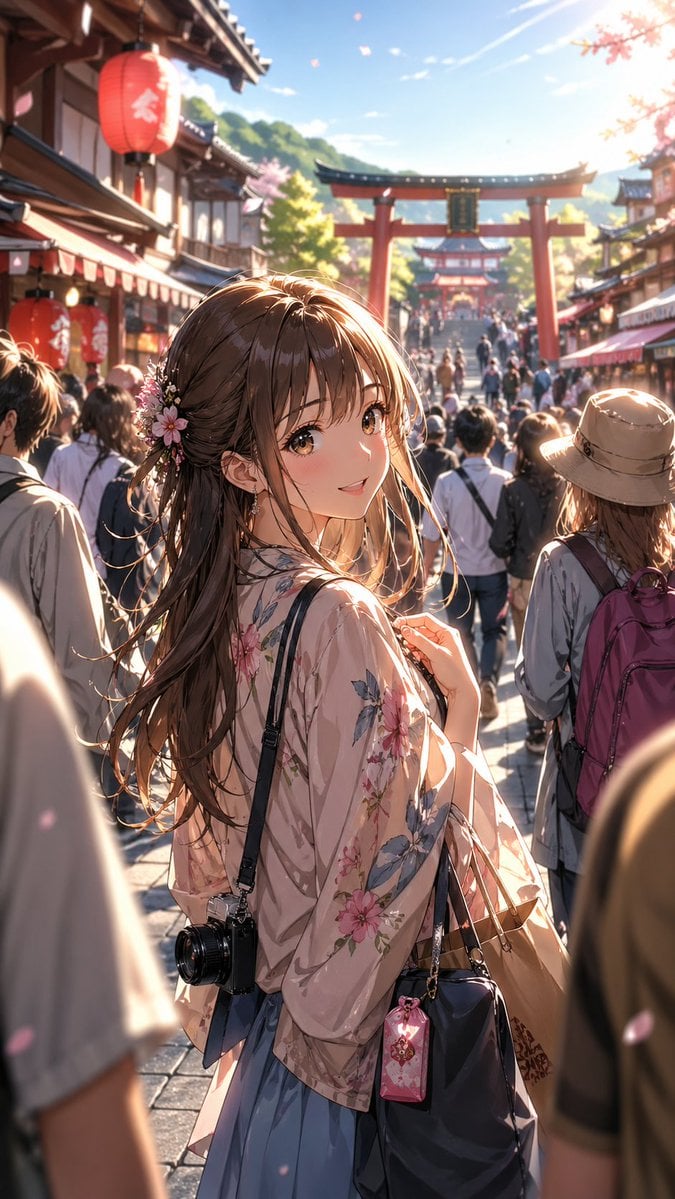
- Prompt included
- Model and format preset
- Premium template
The prompt behind this image
Copy the exact prompt behind Anime Shrine Street Portrait, or open it in the studio and make it yours.
Create a vertical anime-style cinematic illustration of a young woman sightseeing on a crowded traditional Japanese shrine shopping street during cherry blossom season. The main subject stands in the foreground, seen from behind and slightly in profile, with her face intentionally covered by a plain opaque square censor block in muted brown. She has long flowing {argument name="hair color" default="warm chestnut brown"} hair with loose strands glowing in the sunlight, decorated with small pink and white flower hair ornaments. She wears a sheer pale pink floral kimono-style cardigan over a soft blue skirt, carrying 3 visible accessories: a black shoulder camera hanging at her hip, a dark navy handbag on her arm, and a small pink charm pouch clipped to the bag. The background shows a busy shrine approach packed with tourists, traditional wooden storefronts on both sides, 2 visible red paper lanterns with white Japanese characters on the left, and 2 red torii gates aligned down the street, one large gate in the mid-background and a smaller gate farther behind it. Add drifting sakura petals, warm golden late-afternoon backlight, lens flare from the upper right, soft depth of field with the crowd and shrine architecture blurred into the distance, highly detailed painterly anime rendering, delicate linework, romantic travel atmosphere, 9:16 portrait composition, vibrant but natural colors, no readable modern signage emphasized.
How to use Anime Shrine Street Portrait in 3 steps
- 1Upload ImagePNG, JPG or paste
Add your photo
Upload the photo the template builds on. The prompt, model and format are already set.
- 2…a portrait of your subject in softgolden-hour light, 85mm…
Personalize
Edit the subject and creative details for your destination.
- 3Generate
Generate
Press Generate — your image is created in PicX Studio, so you can compare it with the original and refine one variable at a time.
More like this
Templates with the same subject, style or setup. Open one to see its prompt.
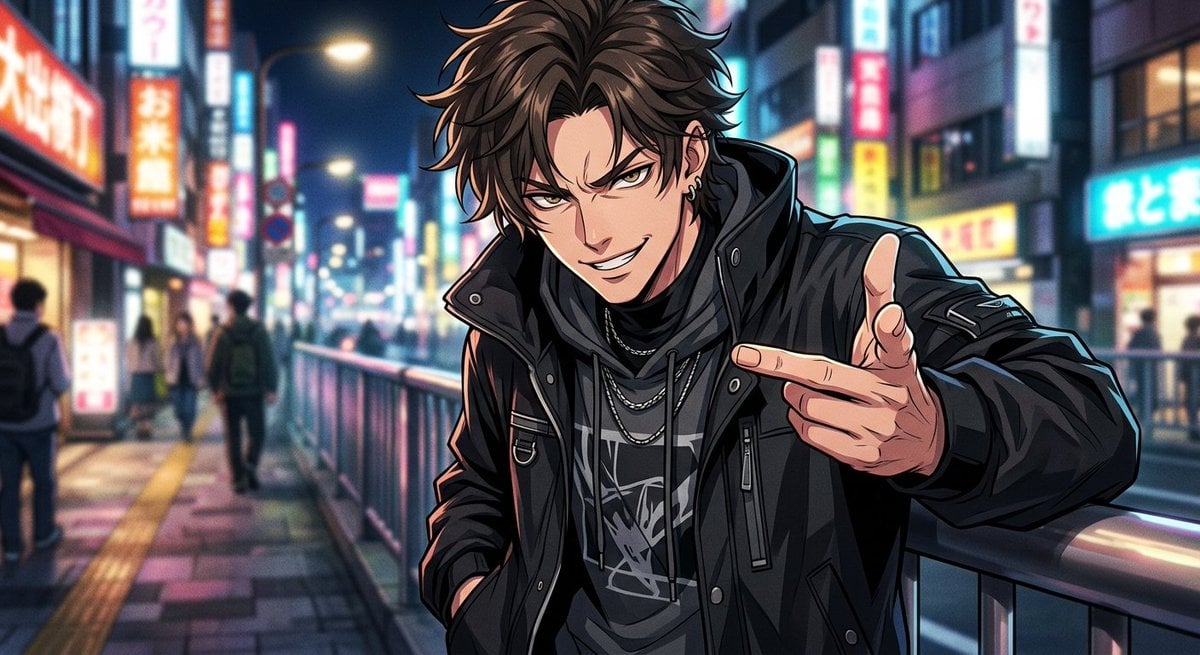











Make it yours
Anime Shrine Street Portrait works as-is. These are the safest ways to change it without losing the look.
Change one field
Copy a single group, rewrite it, and generate again so you can see what that field is doing.
Keep the frame, change the subject
Hold the composition and light of Anime Shrine Street Portrait, then swap wardrobe, props or the person for a new take.
| If the result… | Why | Fix |
|---|---|---|
| The result drifts from the preview | Too many fields changed at once. | Reuse Anime Shrine Street Portrait as-is first, then change one group — subject, light, or setting. |
| The model over-stylizes the scene | The prose prompt leaves finish and camera underspecified. | Add one camera or lighting sentence and stay on GPT Image 2. |
More GPT Image 2 templates
Other prompts made for GPT Image 2.

Six VTuber Japanese Logo Sheet

Realistic Portrait of Woman and Deer

The Vista Modular Condo Poster

AI Model Routing Comparison Infographic

2.5D Anime Art Board

Isometric Productivity Desk Scene

New York Double Exposure Poster

Four-Panel AI Landscape Comparison

Japanese Tatami Lifestyle Magazine Cover

NESCAFÉ Coffee Map Poster
More image prompts
Fresh picks from across the catalog.
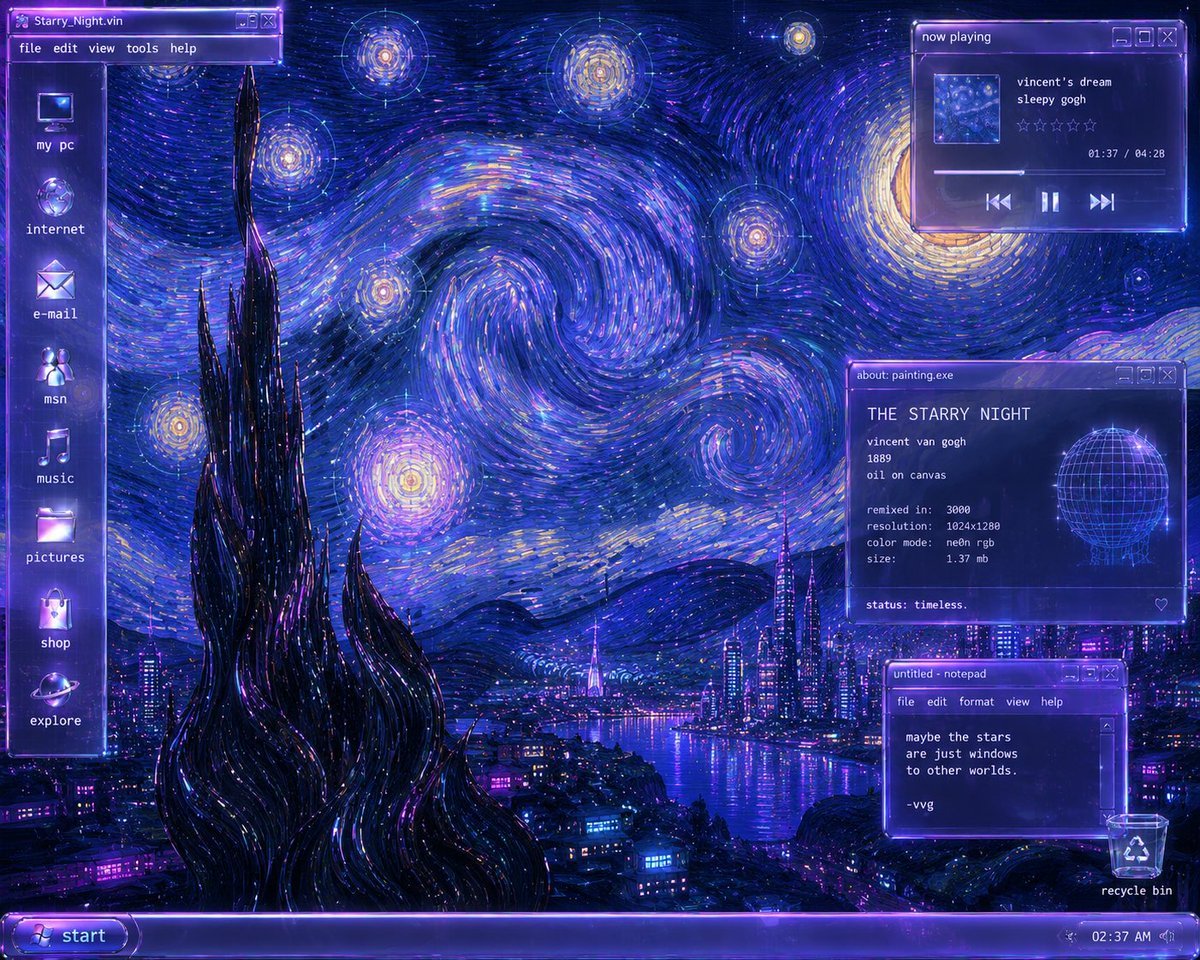
Y2K Starry Night Desktop
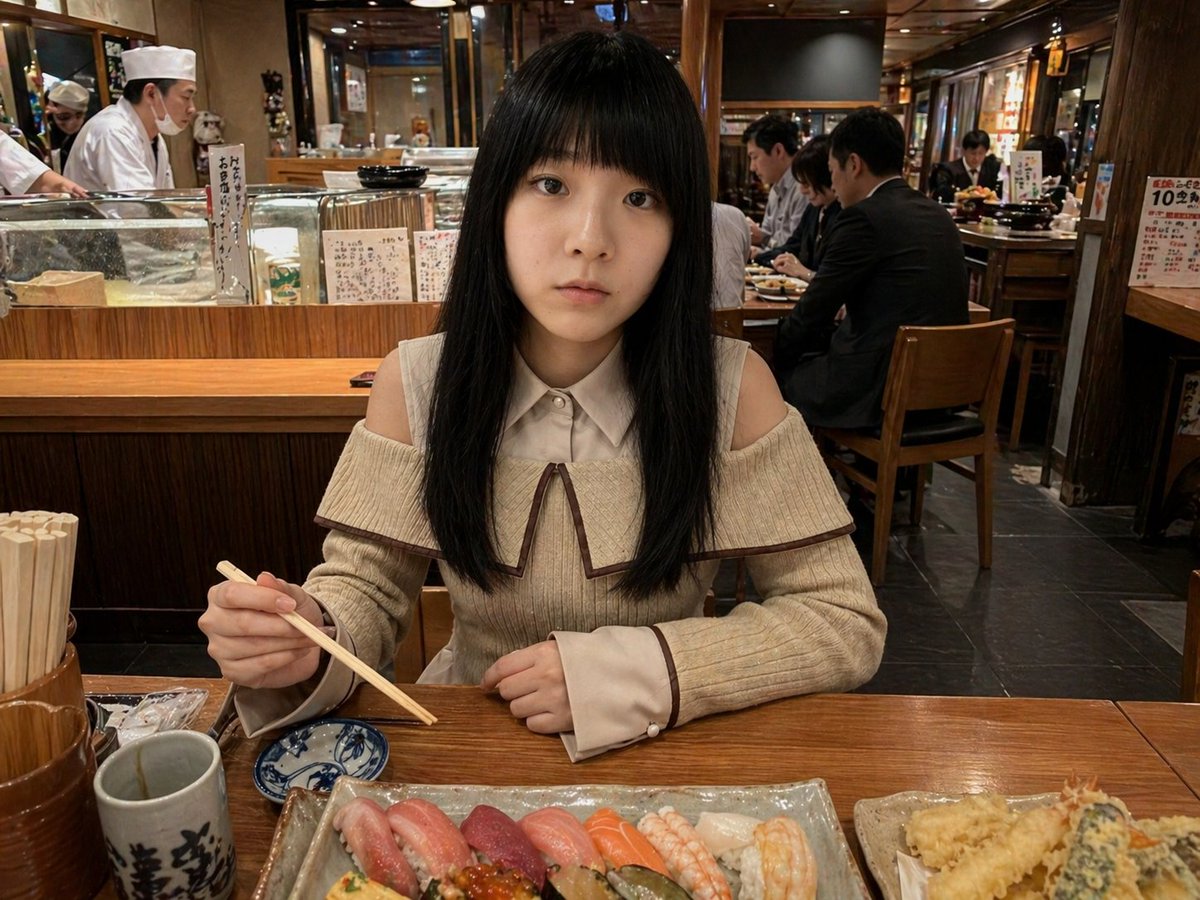
Photorealistic Sushi Counter Dinner Portrait
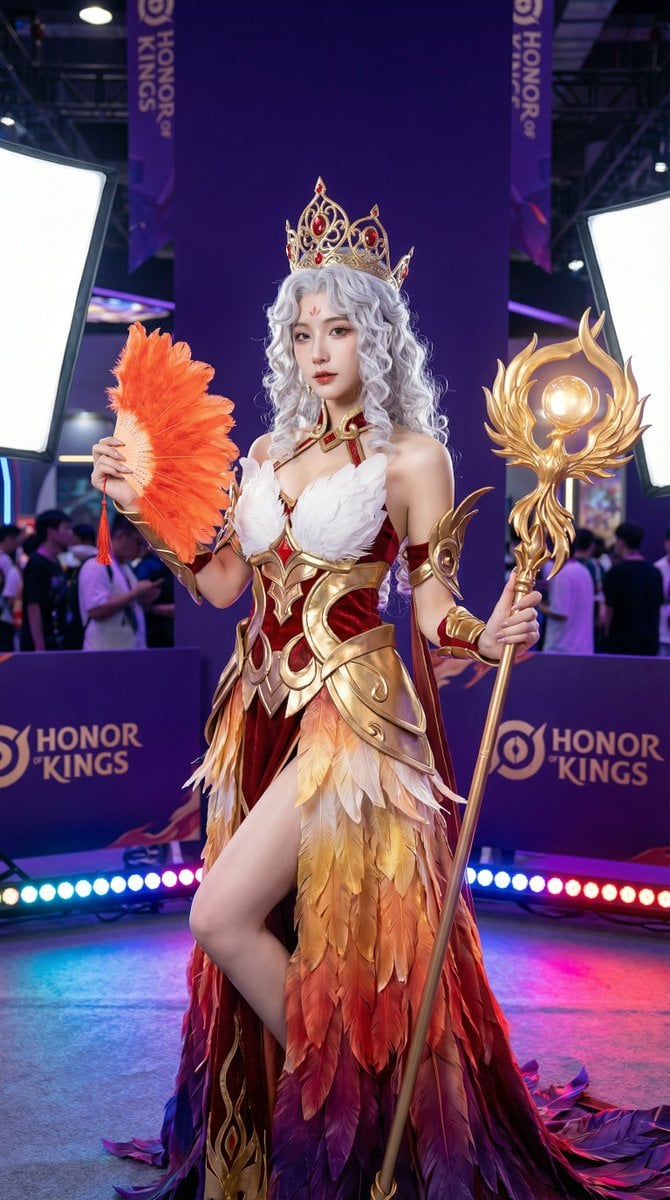
Detailed Photorealistic Cosplay Portrait Prompt: Phoenix Theme
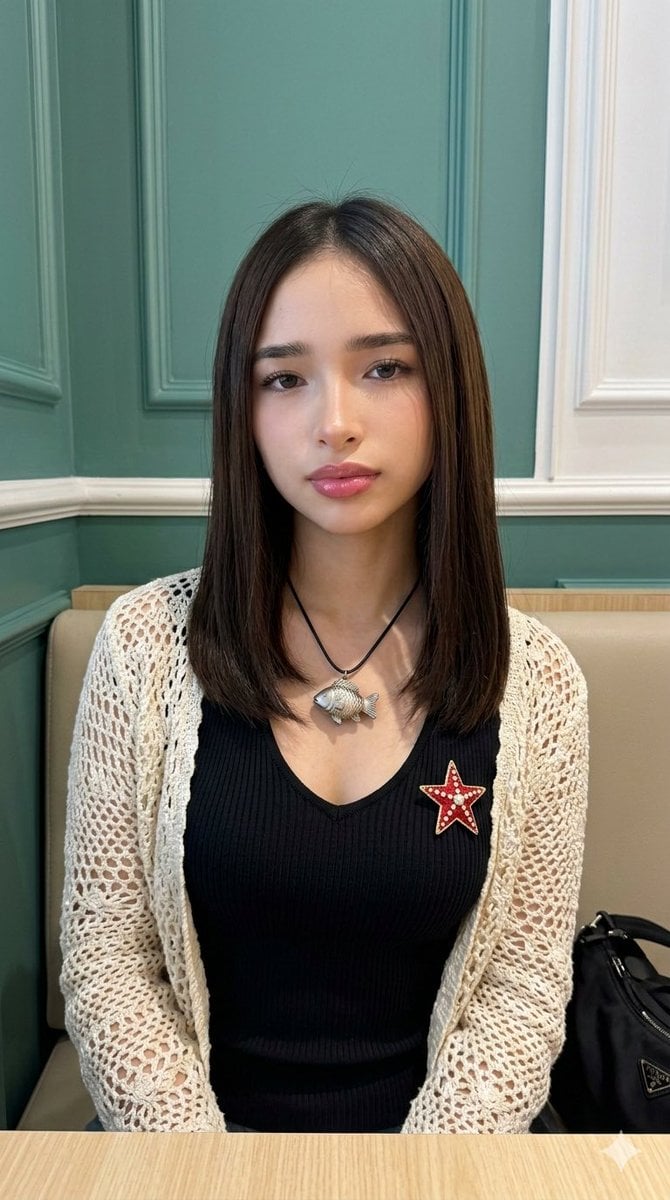
Natural Photo Generation Prompt for Gemini Nano Banana 2
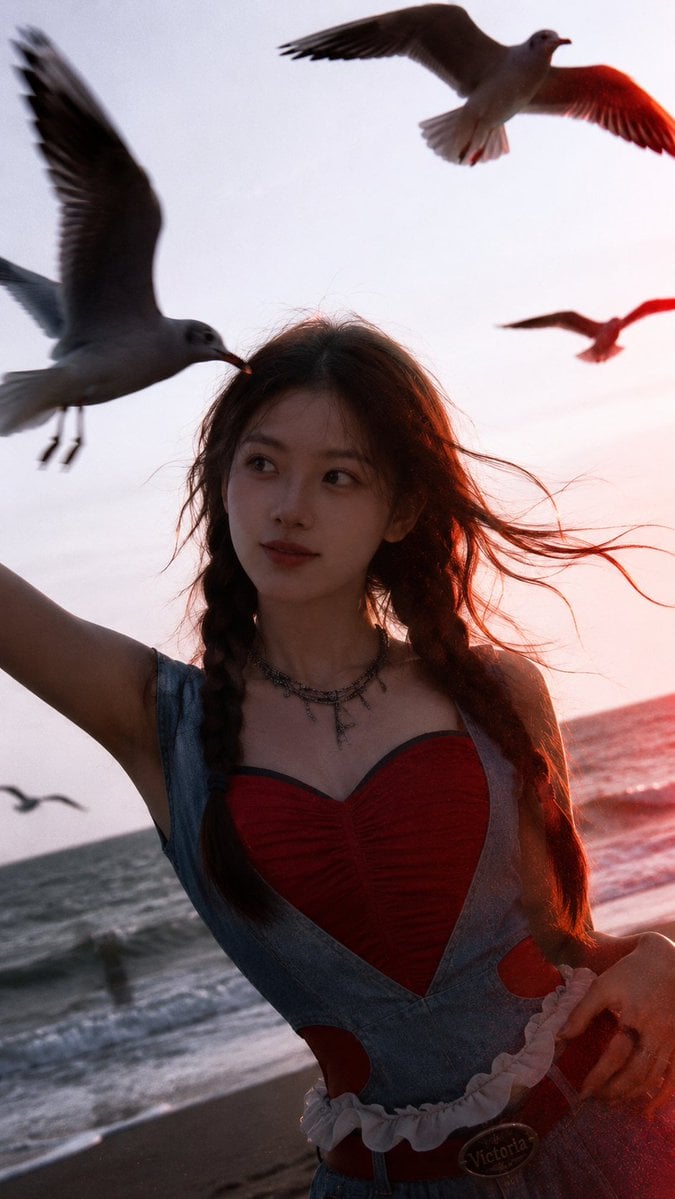
Cinematic Seaside Sunset Portrait
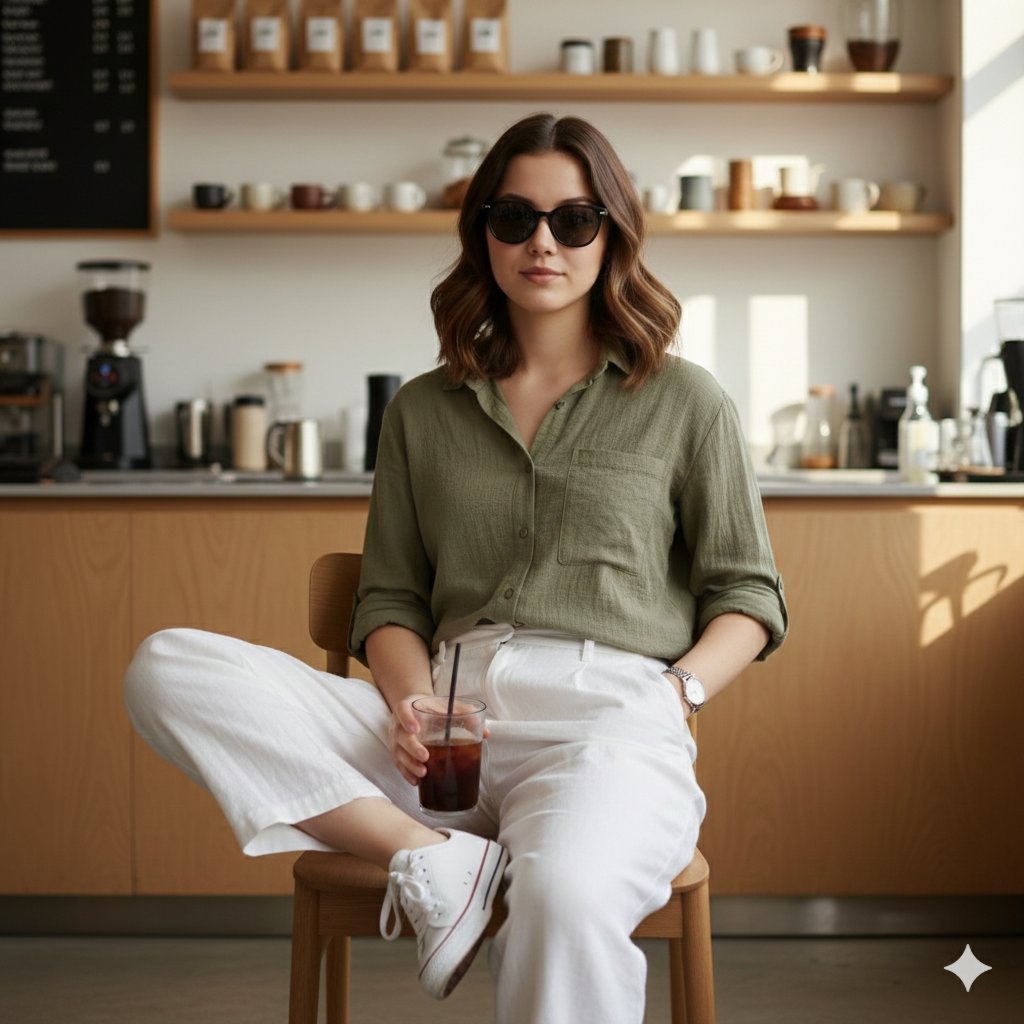
Fashion Editorial Reconstruction Image Generation Prompt
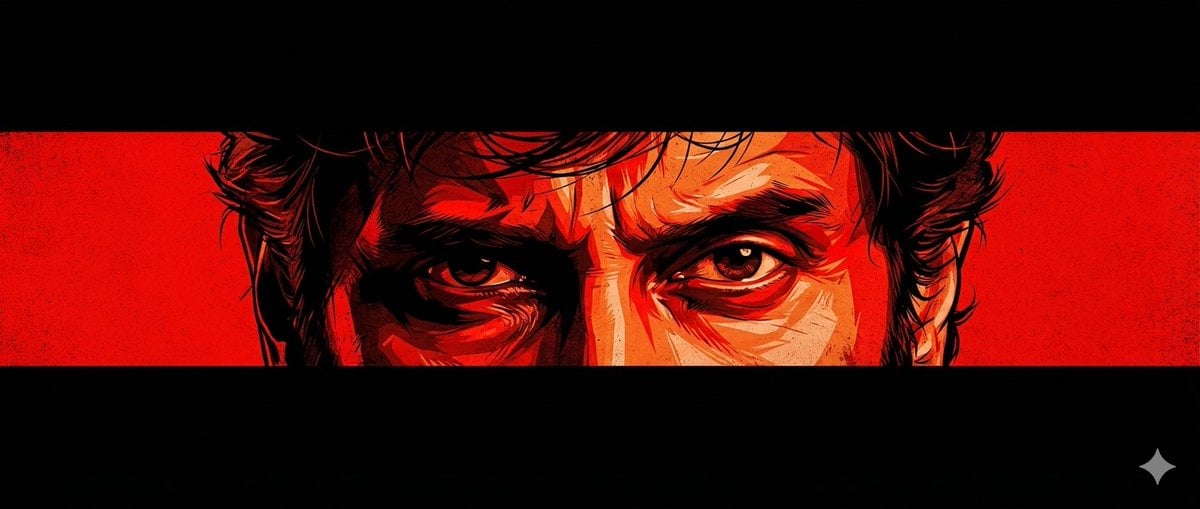
Graphic Novel Eye Close-up
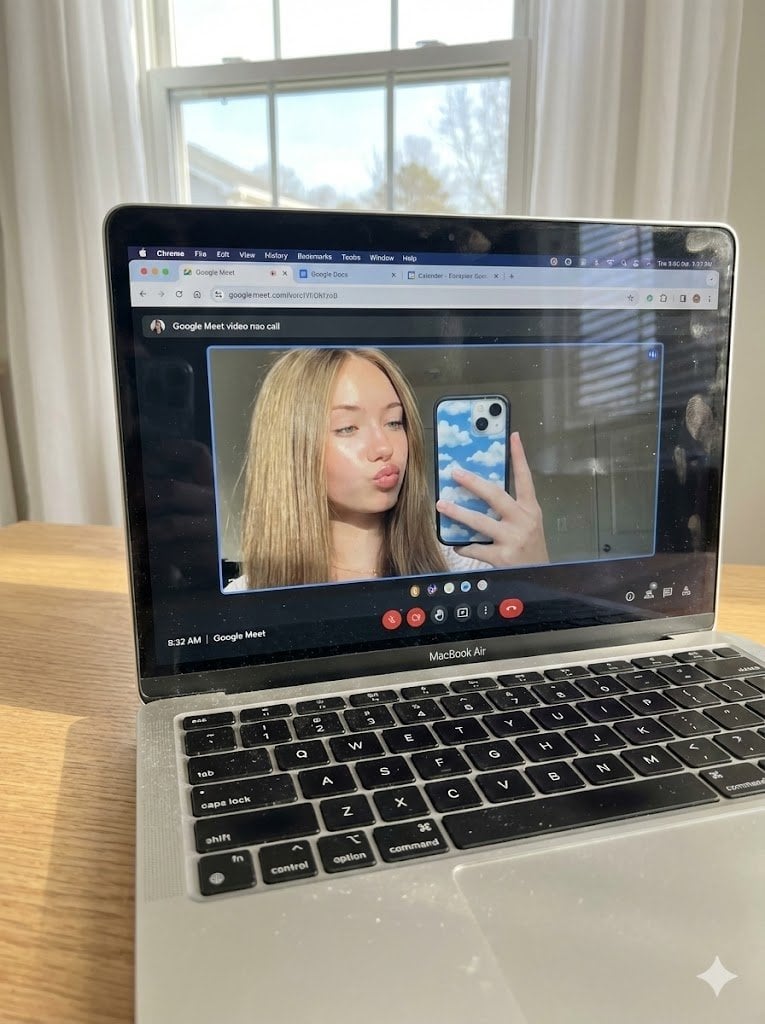
Raw Photo of MacBook Screen During Google Meet Selfie
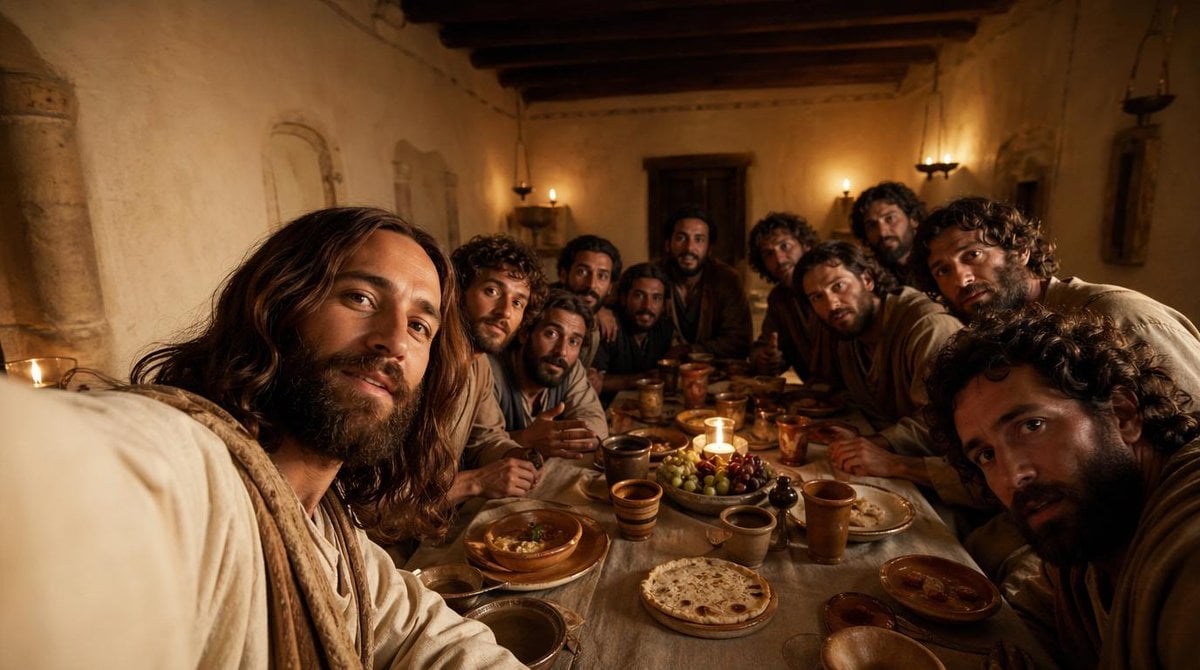
Cinematic Last Supper Scene
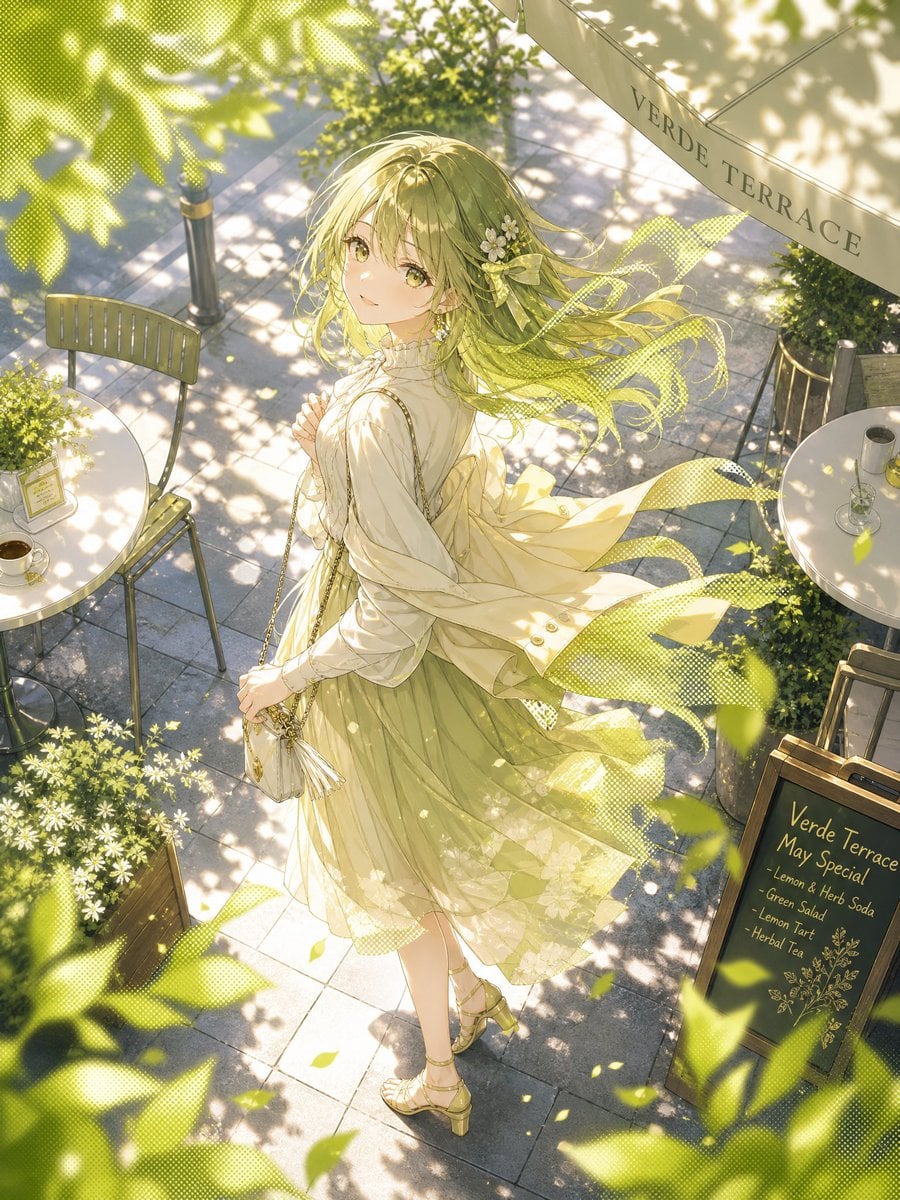
Windy Verde Terrace Anime Girl
Browse template categories
Anime Shrine Street Portrait questions
How do I use the Anime Shrine Street Portrait template?
Add your photo if the template asks for one, edit the prompt if you like — the template's model and format are already selected — and press Generate. Your version opens in PicX Studio.
Can I customize the Anime Shrine Street Portrait template?
Yes. You can change the subject, setting, lighting, mood, format, and available model controls before creating your image.
Is the Anime Shrine Street Portrait template free?
Opening and editing this template is free. Generating uses credits, shown on the Generate button when you are signed in.
Which AI model should I use?
Start with GPT Image 2, which is the model associated with this template. You can compare another compatible model for a different finish.
Looking for something else? Browse all templates.

Your photo, any look
Thousands of ready templates for every top image and video model, from one credit balance.