
Cinematic Last Supper Scene
This prompt generates a warm, photorealistic biblical dinner scene of Jesus and the 12 disciples, ideal for historical, devotional, or cinematic concept imagery.
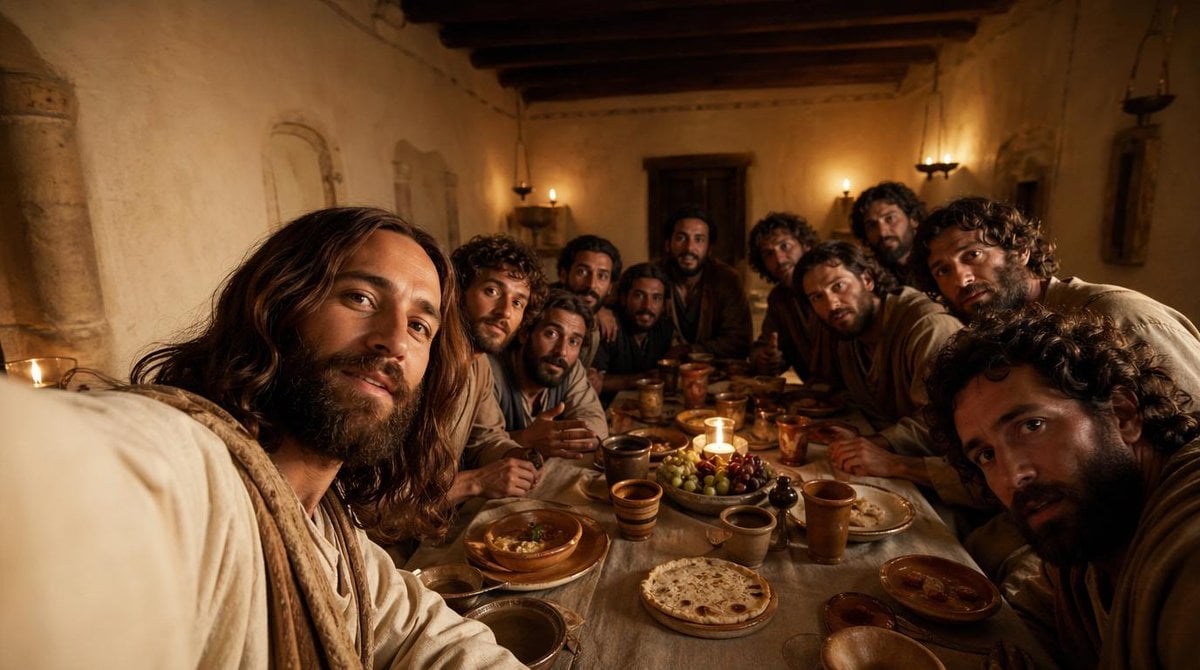
- Prompt included
- Model and format preset
- Free template
The prompt behind this image
Copy the exact prompt behind Cinematic Last Supper Scene, or open it in the studio and make it yours.
A cinematic, historically grounded depiction of {argument name="scene subject" default="Jesus with his disciples during the Last Supper"} inside a modest ancient Middle Eastern dining room at night, shown from a close, immersive viewpoint at table height as if the viewer is seated among them. Include exactly 13 men gathered tightly around a long narrow supper table, with the central figure reading clearly as Jesus through calm presence, shoulder-length dark brown hair, a beard, and a soft off-white robe with a light beige shawl. The 12 disciples should vary in age and appearance, with curly or wavy dark hair, beards, and earth-toned robes in cream, brown, tan, muted blue, and dusty gray, leaning inward in conversation and attention. The room should have rough plaster walls, dark exposed wooden ceiling beams, a heavy wooden door at the back, simple wall niches, and small oil lamps or candle sconces casting warm amber light. On the table, show rustic period-appropriate food and vessels: round flatbread, grapes, olives, shallow bowls, clay plates, ceramic cups, and copper or earthenware goblets, with one small candle near the center creating a focal glow. Composition should be wide and intimate, slightly crowded at the foreground edges, with several figures partially cropped to enhance realism and immersion. Lighting should be low, golden, and dramatic, with soft shadows, a reverent mood, realistic skin tones, natural fabric folds, and rich cinematic contrast. Render in a photorealistic style with ultra-detailed textures, subtle depth of field, and the emotional tone of a historical biblical film still.
How to use Cinematic Last Supper Scene in 3 steps
- 1Upload ImagePNG, JPG or paste
Add your photo
Upload the photo the template builds on. The prompt, model and format are already set.
- 2…a portrait of your subject in softgolden-hour light, 85mm…
Personalize
Edit the subject and creative details for your destination.
- 3Generate
Generate
Press Generate — your image is created in PicX Studio, so you can compare it with the original and refine one variable at a time.
More like this
Templates with the same subject, style or setup. Open one to see its prompt.
Teddy Bear Last Supper
Clean Photo of The Last Supper Fresco
Last Supper Selfie Scene
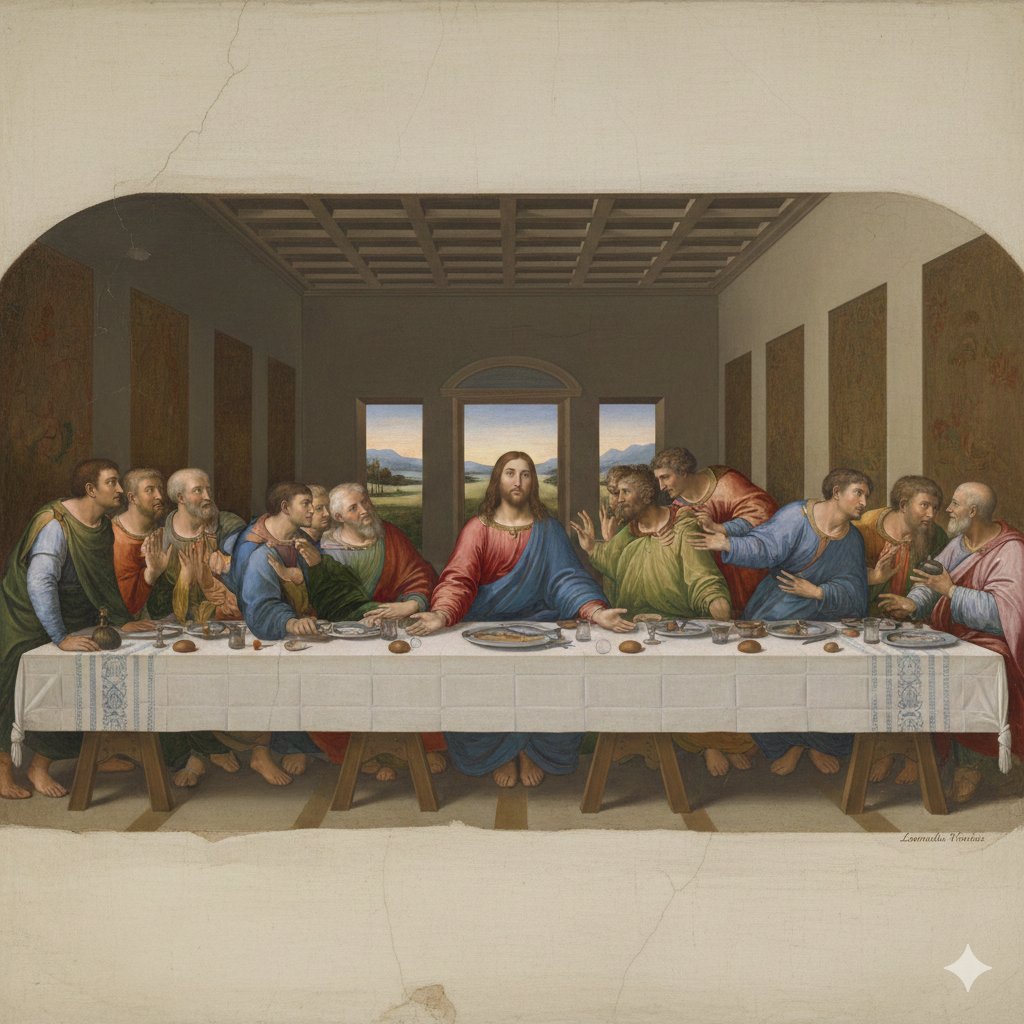
Da Vinci's Last Supper Style Image Generation
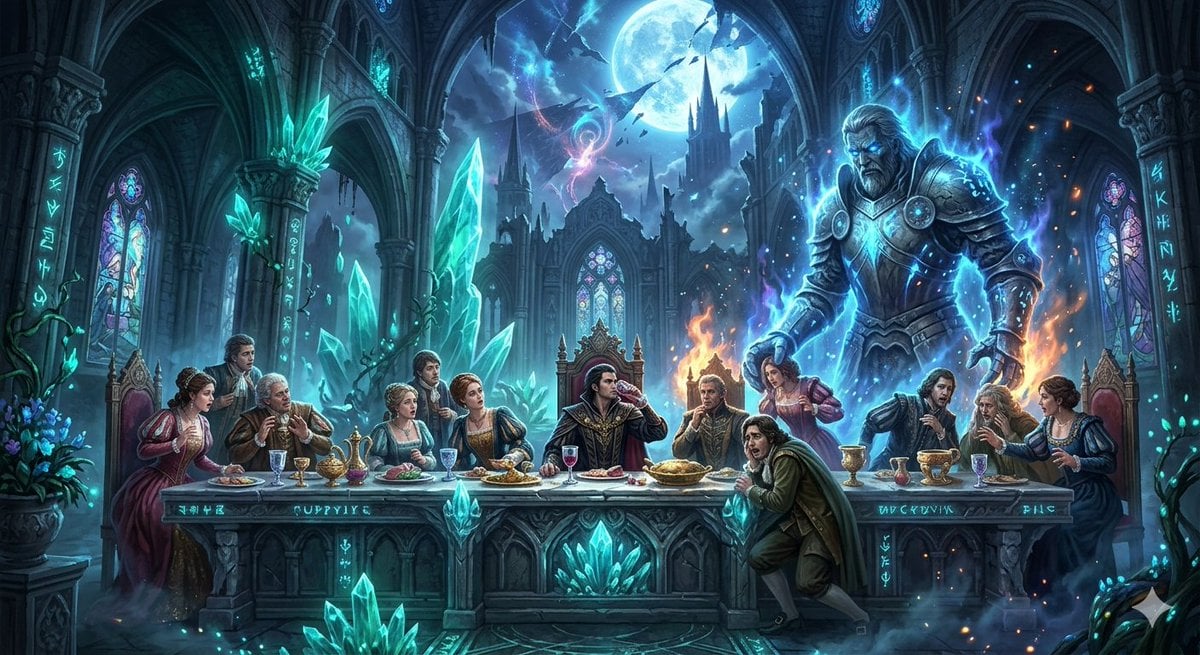
Mozart's Don Giovanni: The Last Supper
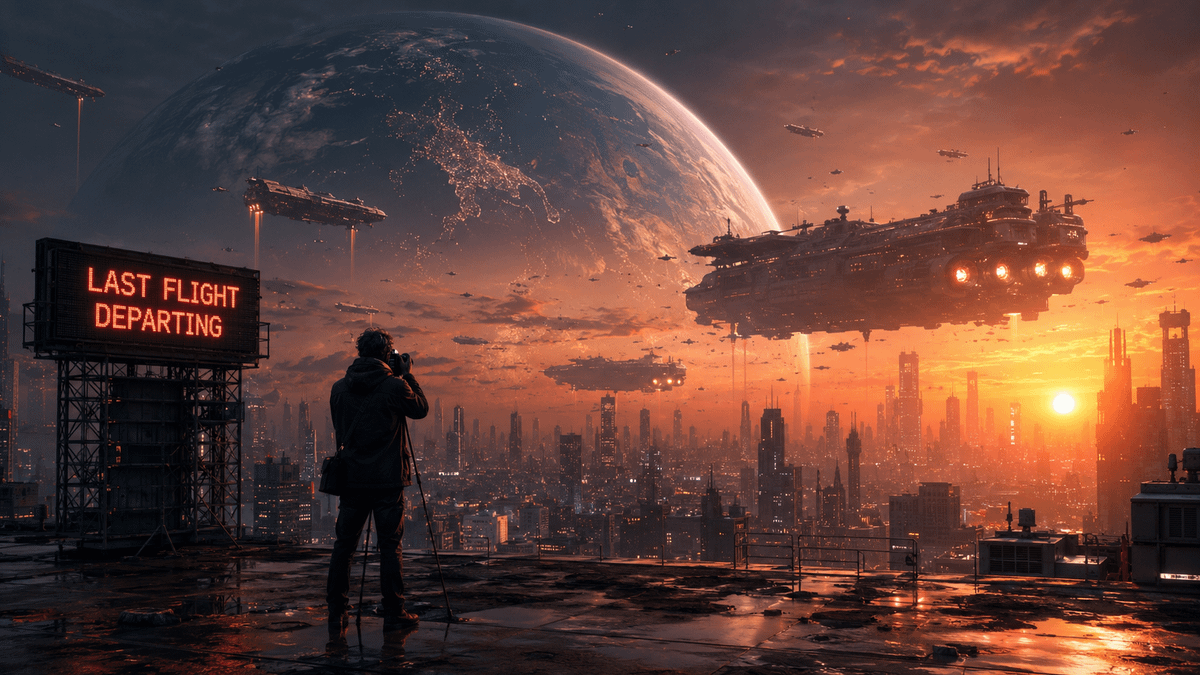
The Last Photo of Humanity
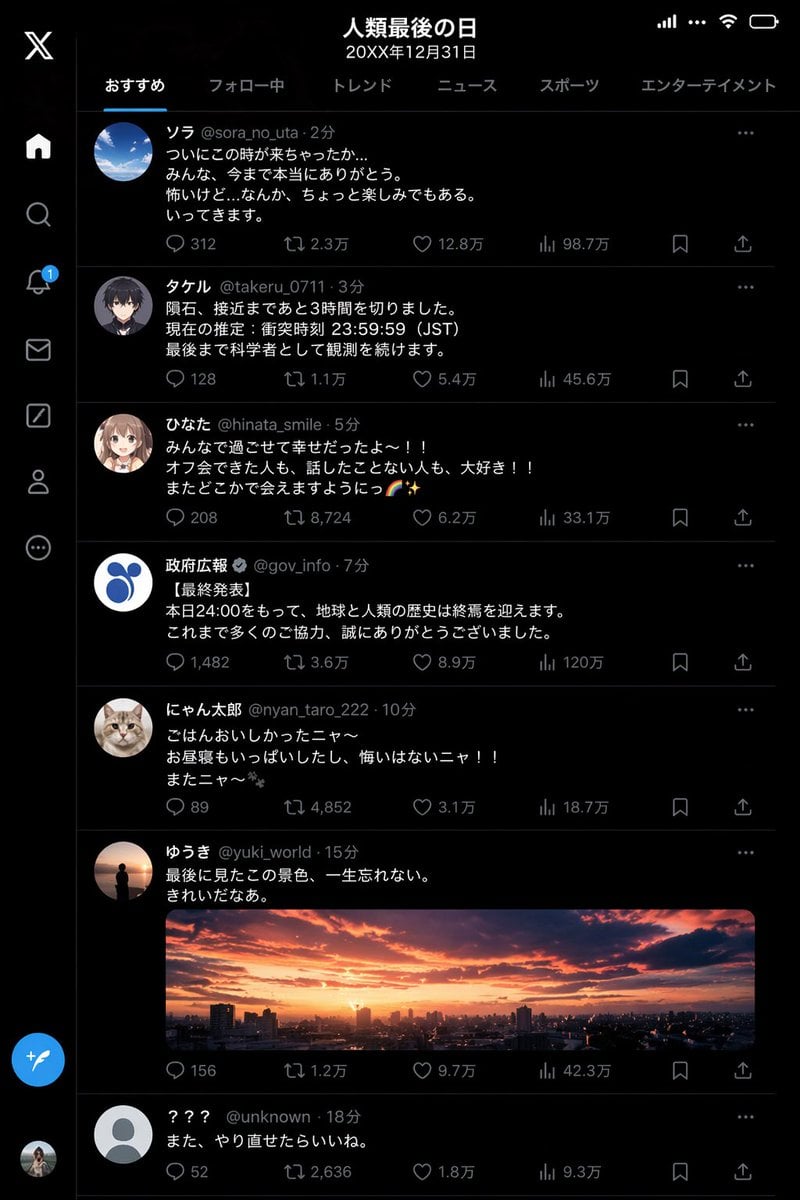
Humanity's Last Day X Timeline
The Last Train From the Night Café
Last Minute Bar Soccer Ad Poster

Last Dance Legacy Monochrome Portrait
Strauss Four Last Songs Poster
The Last Man in Heaven Fantasy Artwork
Make it yours
Cinematic Last Supper Scene works as-is. These are the safest ways to change it without losing the look.
Change one field
Copy a single group, rewrite it, and generate again so you can see what that field is doing.
Keep the frame, change the subject
Hold the composition and light of Cinematic Last Supper Scene, then swap wardrobe, props or the person for a new take.
| If the result… | Why | Fix |
|---|---|---|
| The result drifts from the preview | Too many fields changed at once. | Reuse Cinematic Last Supper Scene as-is first, then change one group — subject, light, or setting. |
| The model over-stylizes the scene | The prose prompt leaves finish and camera underspecified. | Add one camera or lighting sentence and stay on GPT Image 2. |
More GPT Image 2 templates
Other prompts made for GPT Image 2.

Six VTuber Japanese Logo Sheet

Realistic Portrait of Woman and Deer

The Vista Modular Condo Poster

AI Model Routing Comparison Infographic

2.5D Anime Art Board

Isometric Productivity Desk Scene

New York Double Exposure Poster

Four-Panel AI Landscape Comparison

Japanese Tatami Lifestyle Magazine Cover

NESCAFÉ Coffee Map Poster
More image prompts
Fresh picks from across the catalog.
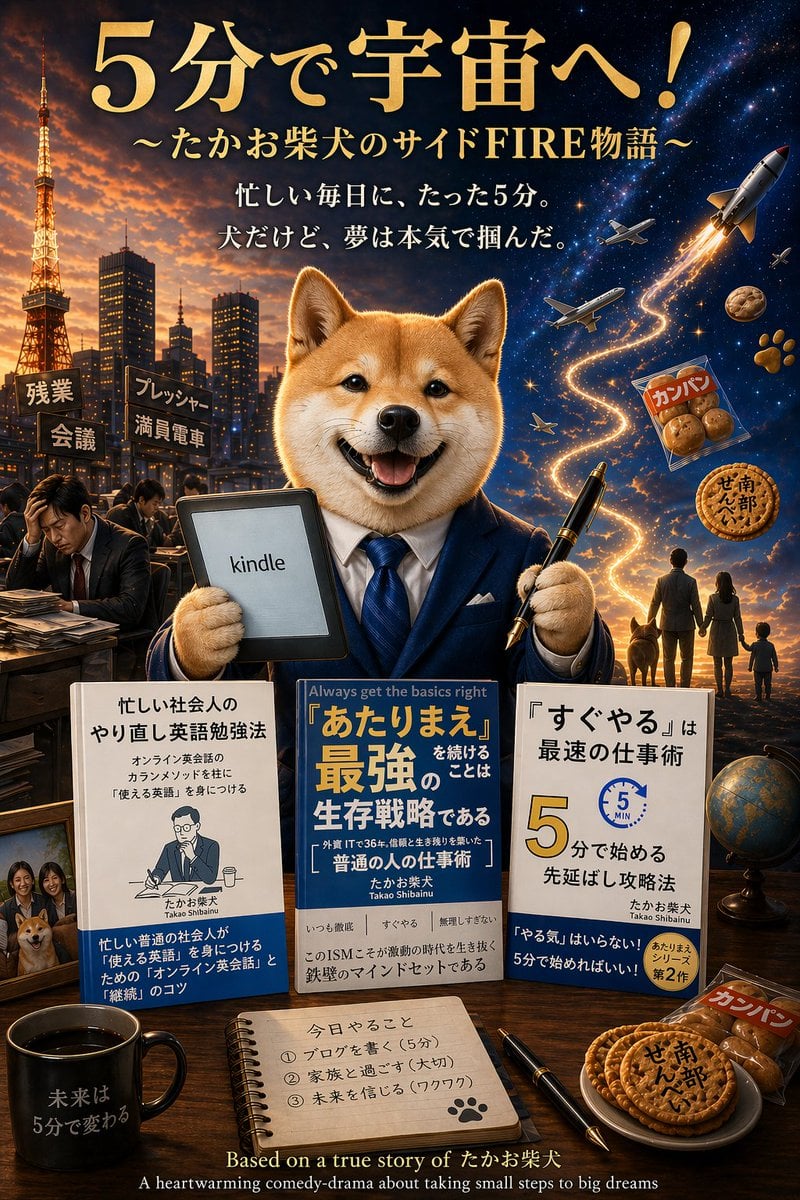
Shiba Inu Space Dream Poster
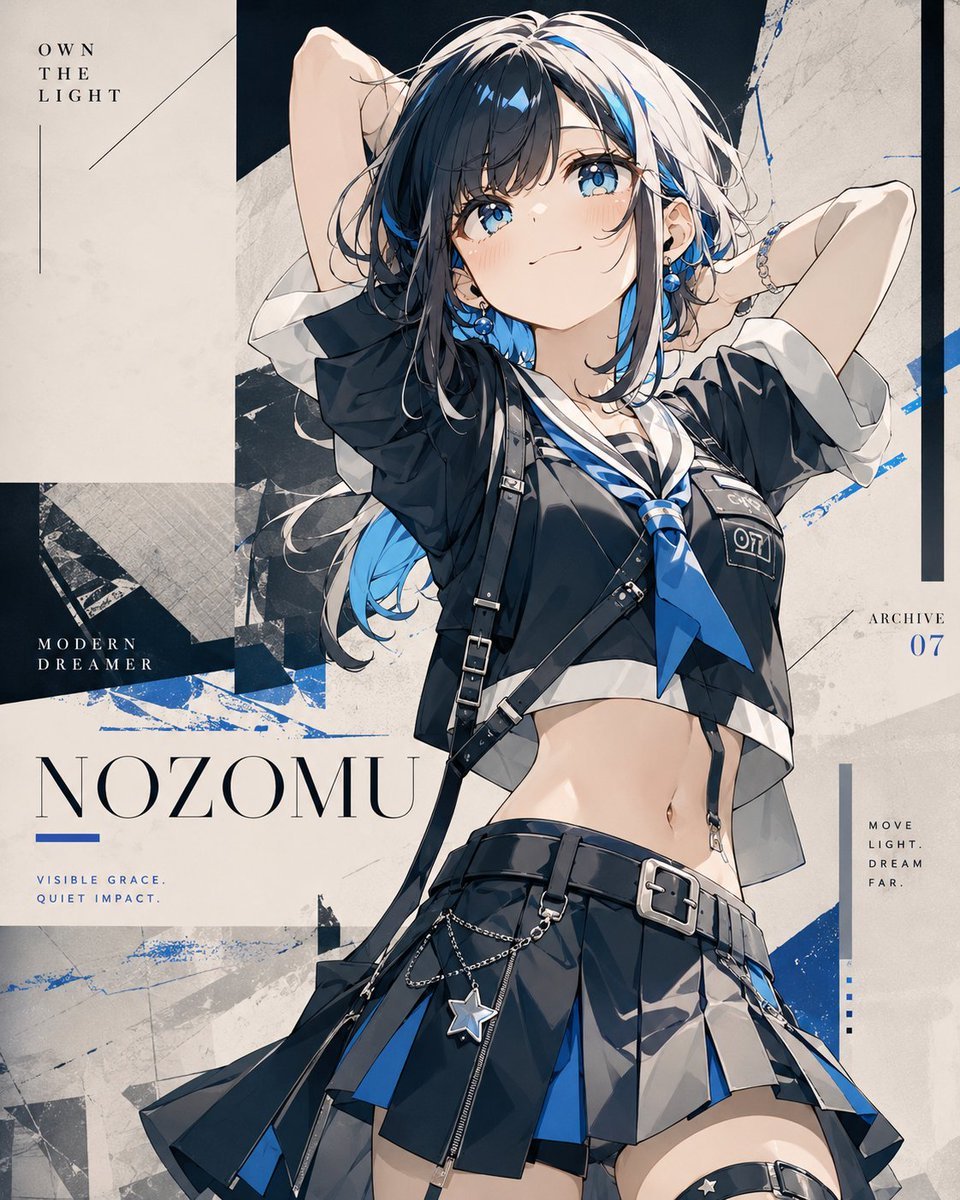
Anime Fashion Poster Nozomu
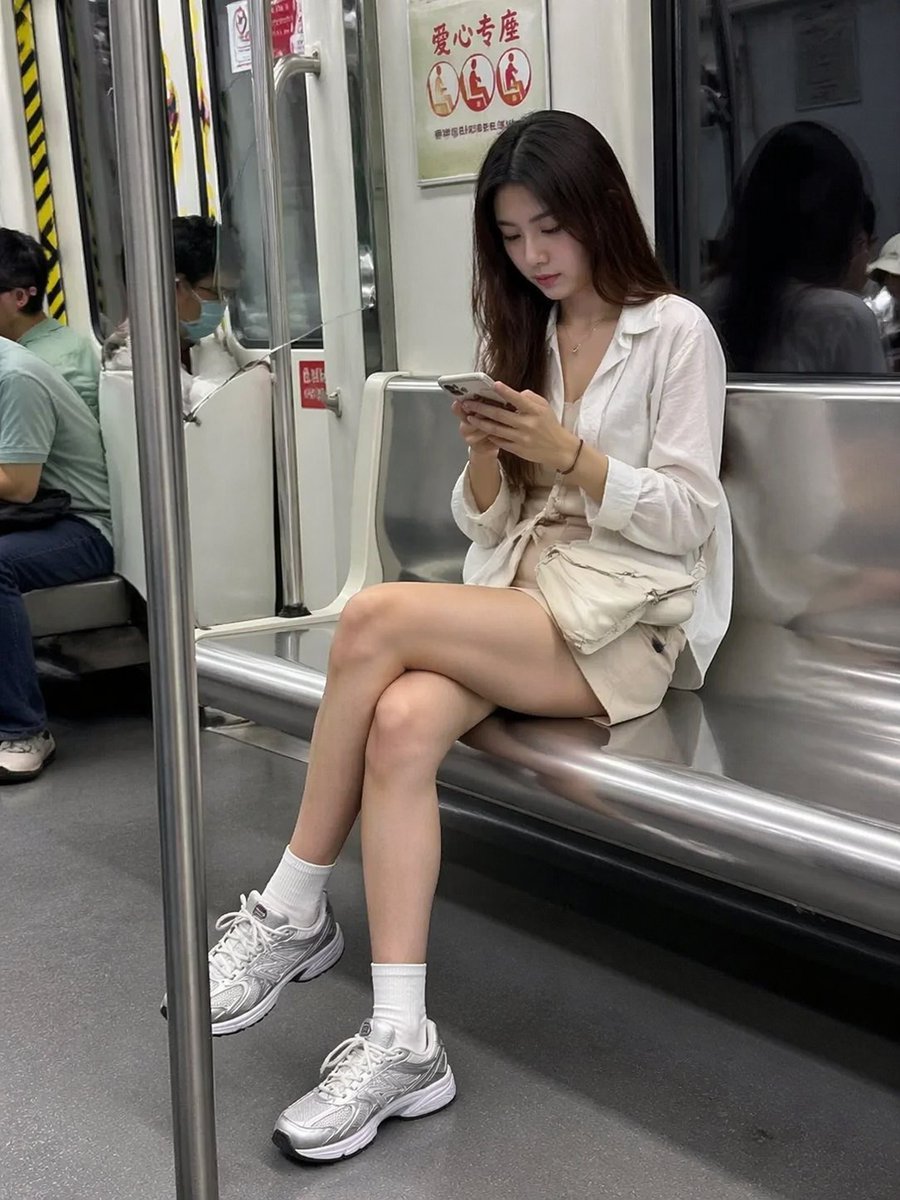
Candid Subway Smartphone Photography

Manga Sketch Doodle Portrait
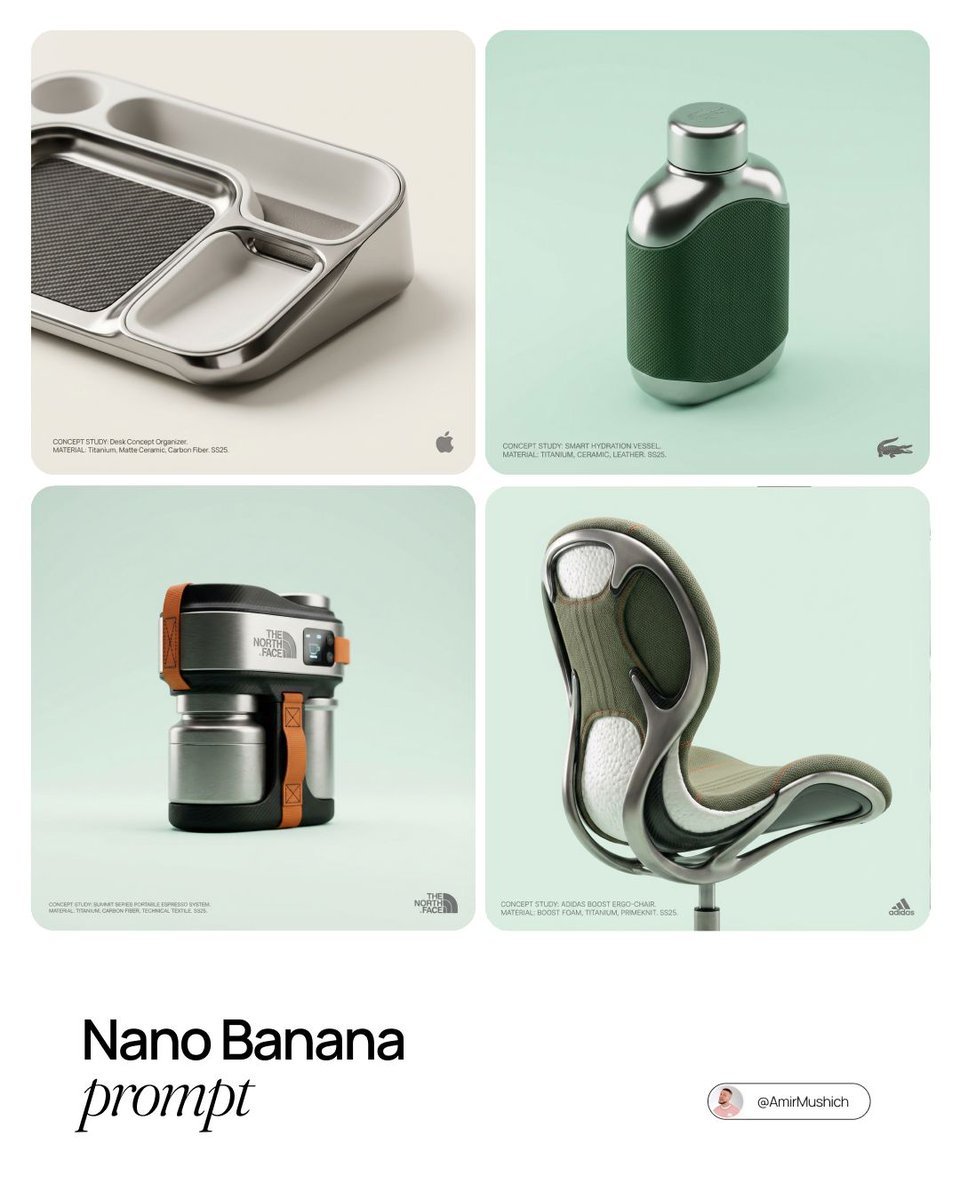
Conceptual High-End Product Design Prompt

Hyper-realistic Product Photography of Kinder Joy
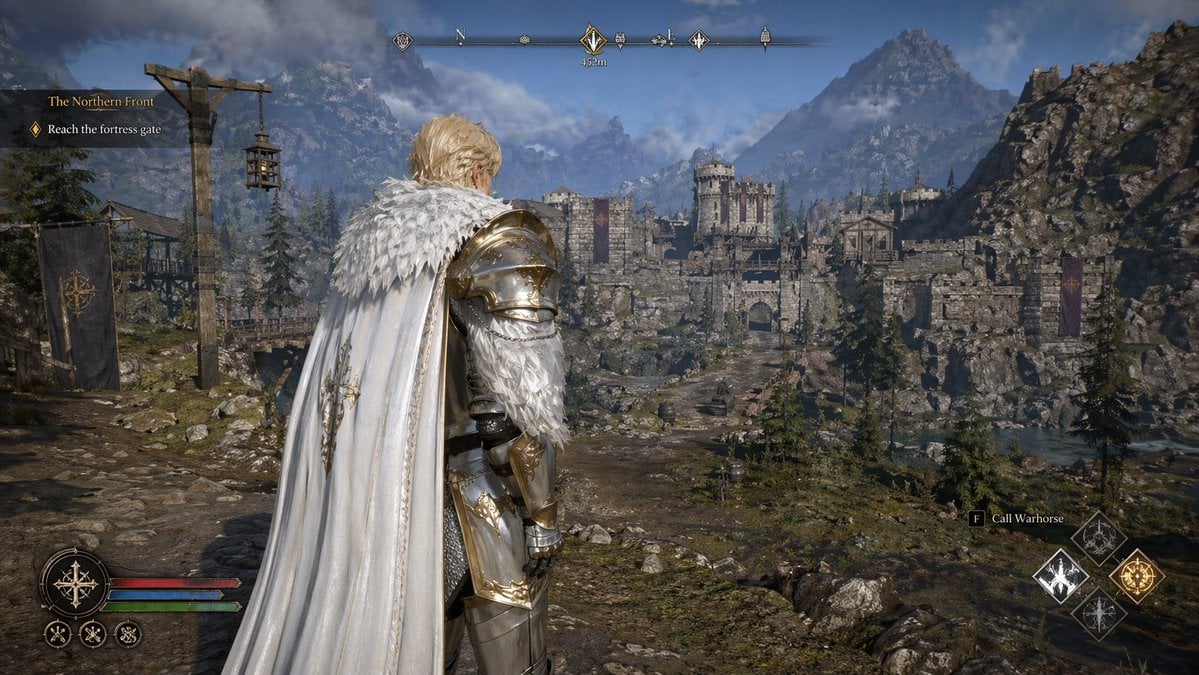
Open-world RPG screenshot style
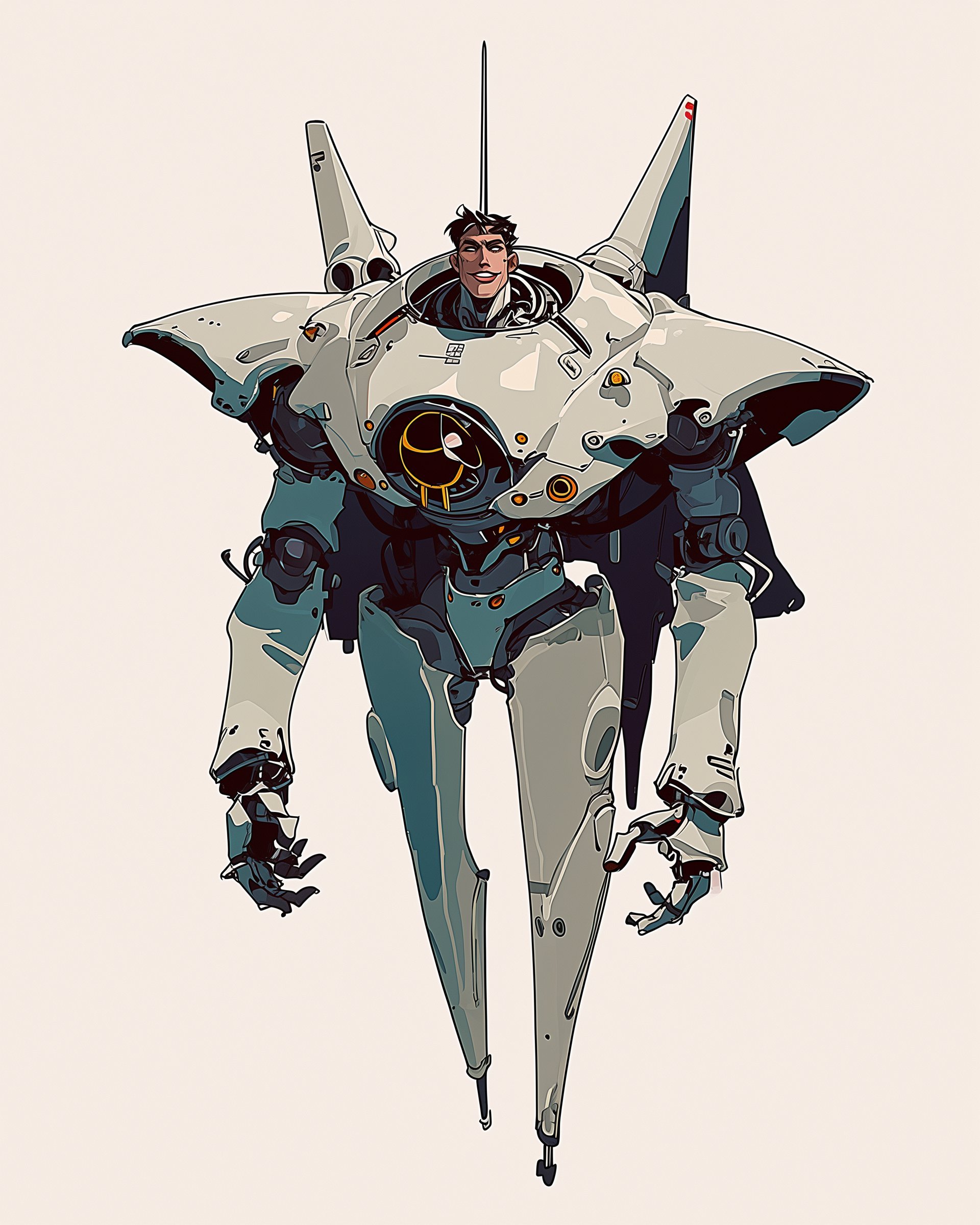
Character Design Sheet for a Man with Hi
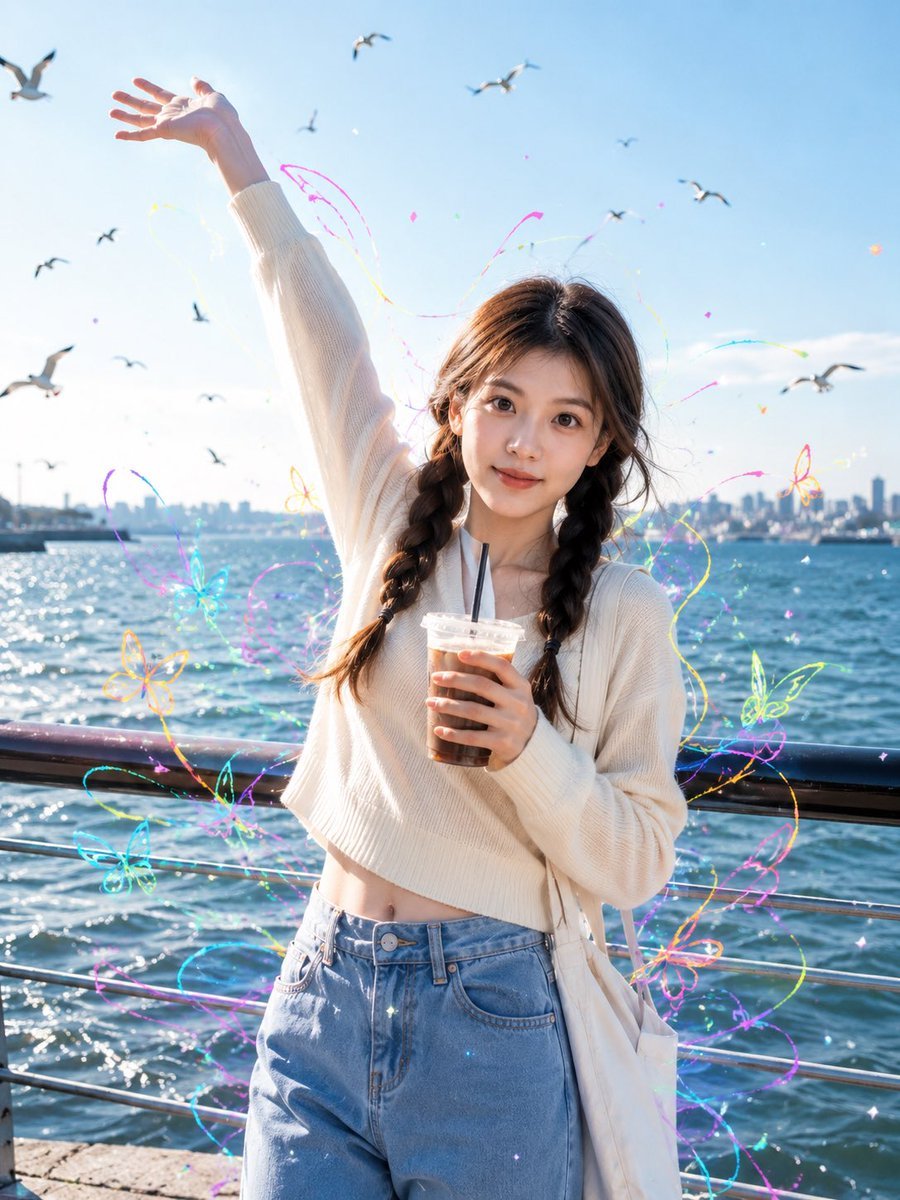
Seaside Street Photography with Neon Doodles
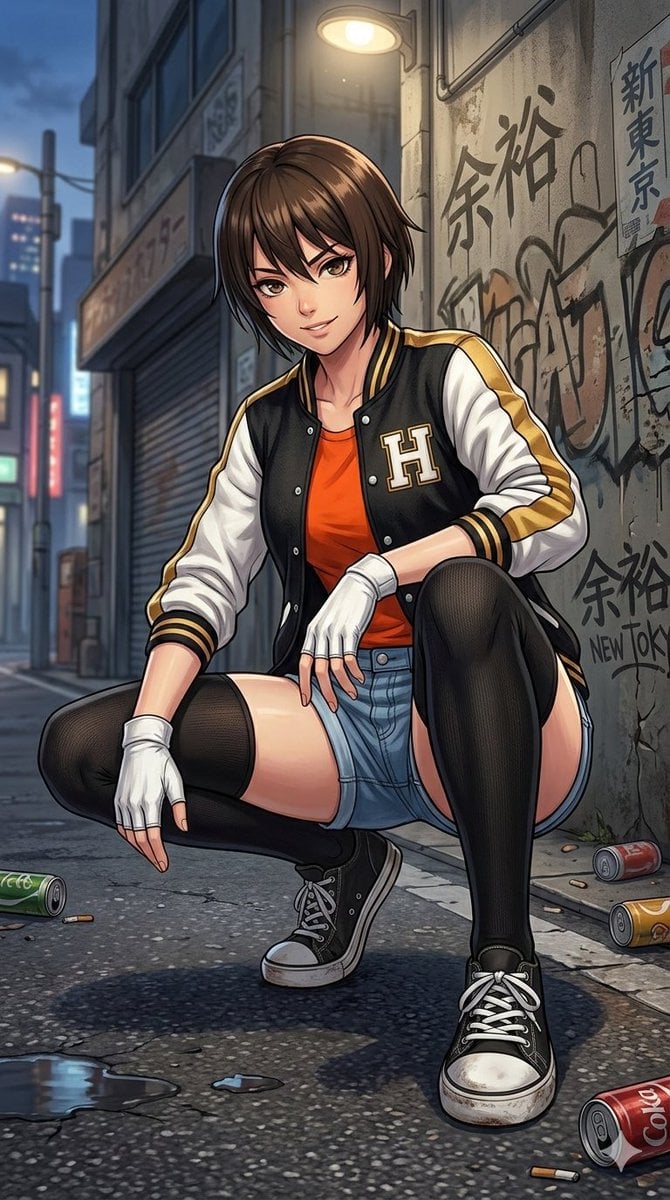
Detailed Illustration Prompt for Street Scene
Browse template categories
Cinematic Last Supper Scene questions
How do I use the Cinematic Last Supper Scene template?
Add your photo if the template asks for one, edit the prompt if you like — the template's model and format are already selected — and press Generate. Your version opens in PicX Studio.
Can I customize the Cinematic Last Supper Scene template?
Yes. You can change the subject, setting, lighting, mood, format, and available model controls before creating your image.
Is the Cinematic Last Supper Scene template free?
Opening and editing this template is free. Generating uses credits, shown on the Generate button when you are signed in.
Which AI model should I use?
Start with GPT Image 2, which is the model associated with this template. You can compare another compatible model for a different finish.
Looking for something else? Browse all templates.

Your photo, any look
Thousands of ready templates for every top image and video model, from one credit balance.