
Teddy Bear Last Supper
A detailed old-master parody image of The Last Supper rendered with 13 teddy bears, ideal for whimsical fine-art homage and surreal meme-style illustration.
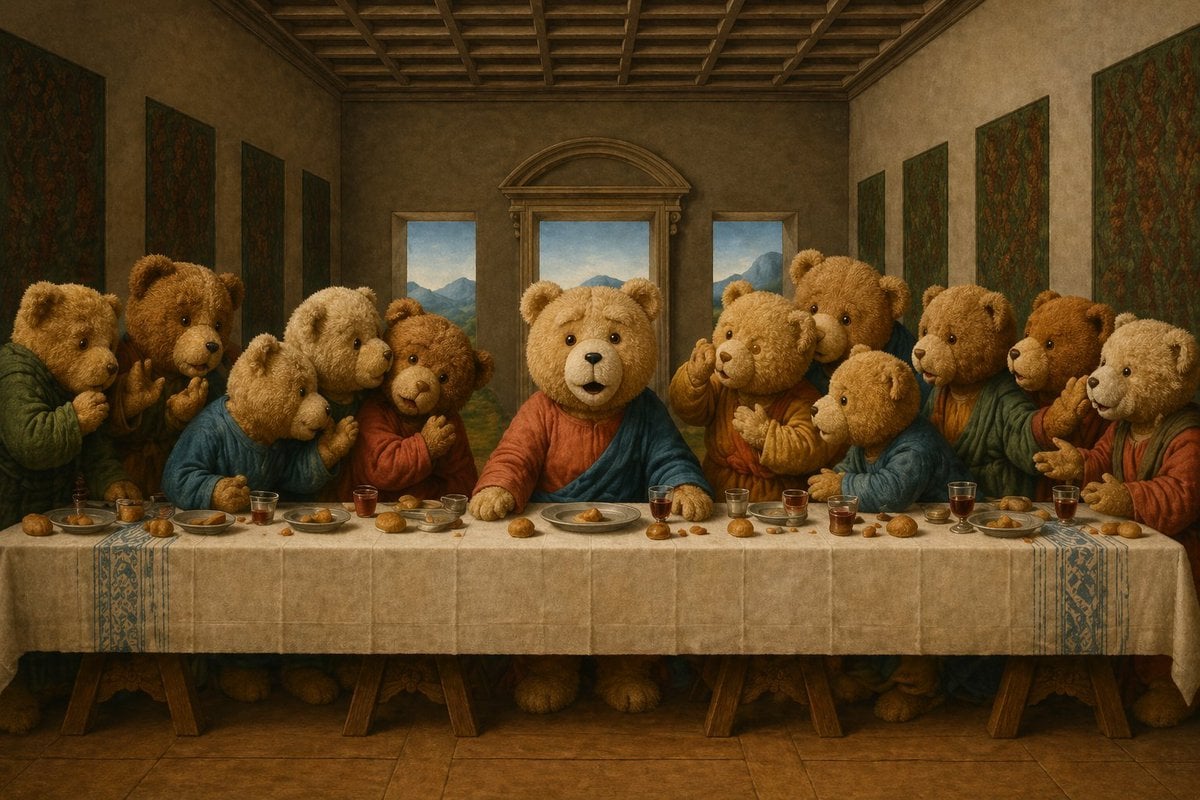
- Prompt included
- Model and format preset
- Free template
The prompt behind this image
Copy the exact prompt behind Teddy Bear Last Supper, or open it in the studio and make it yours.
A whimsical yet reverent Renaissance-style parody of The Last Supper, with exactly 13 anthropomorphic teddy bears seated along one side of a long banquet table in a grand classical dining hall. The central bear is the clear focal point, posed like Jesus, facing forward with a calm, solemn expression, wearing a muted red robe with a deep blue drape. The other 12 teddy bears cluster in animated conversational groups to the left and right, each with slightly different fur tones from honey brown to cream, all with soft plush texture, rounded ears, black bead-like eyes, and expressive paws raised in discussion. Dress the surrounding bears in painterly biblical robes in earthy reds, dusty blues, ochres, and greens. Recreate the composition closely to Leonardo da Vinci’s Last Supper: symmetrical perspective, coffered wooden ceiling, three rear windows with soft blue mountain landscape visible outside, dark wall tapestries on both side walls, and a long white tablecloth hanging over trestle supports. On the table, include scattered small bread rolls, plates, bowls, and multiple small glasses of dark red wine spaced across the full length. Use warm museum-like lighting, aged fresco tones, soft shadows, detailed oil-paint texture, and a highly polished old-master look, balancing humor with genuine artistic beauty. No modern objects, no text, no extra characters, straight-on wide composition, full table visible.
How to use Teddy Bear Last Supper in 3 steps
- 1Upload ImagePNG, JPG or paste
Add your photo
Upload the photo the template builds on. The prompt, model and format are already set.
- 2…a portrait of your subject in softgolden-hour light, 85mm…
Personalize
Edit the subject and creative details for your destination.
- 3Generate
Generate
Press Generate — your image is created in PicX Studio, so you can compare it with the original and refine one variable at a time.
More like this
Templates with the same subject, style or setup. Open one to see its prompt.
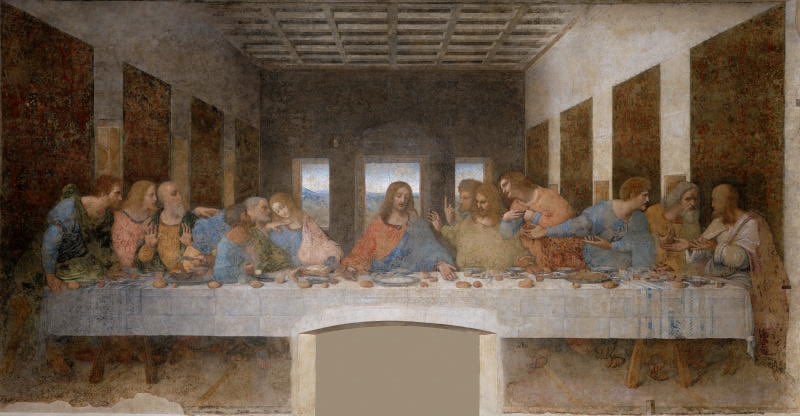
Clean Photo of The Last Supper Fresco
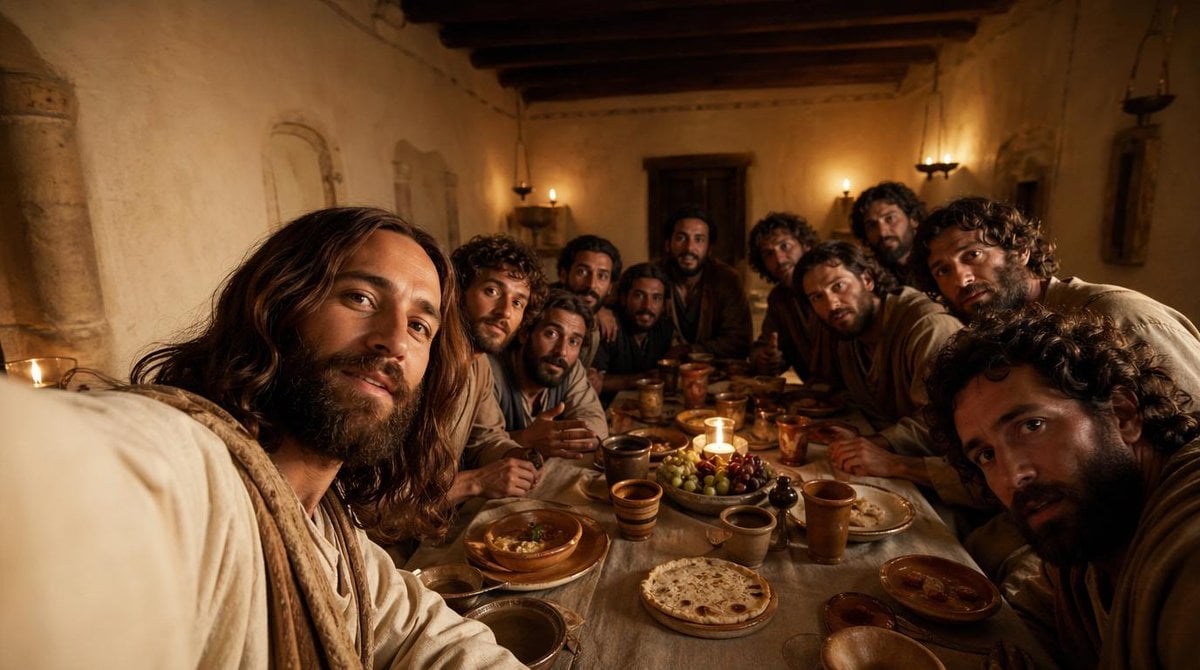
Cinematic Last Supper Scene
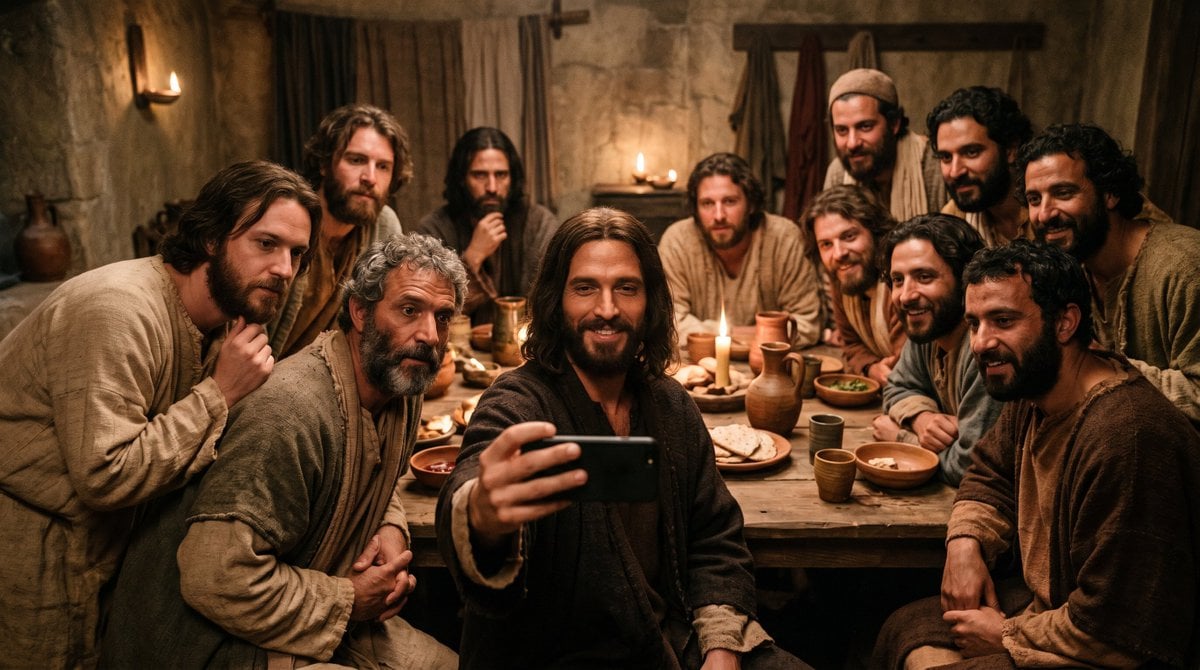
Last Supper Selfie Scene
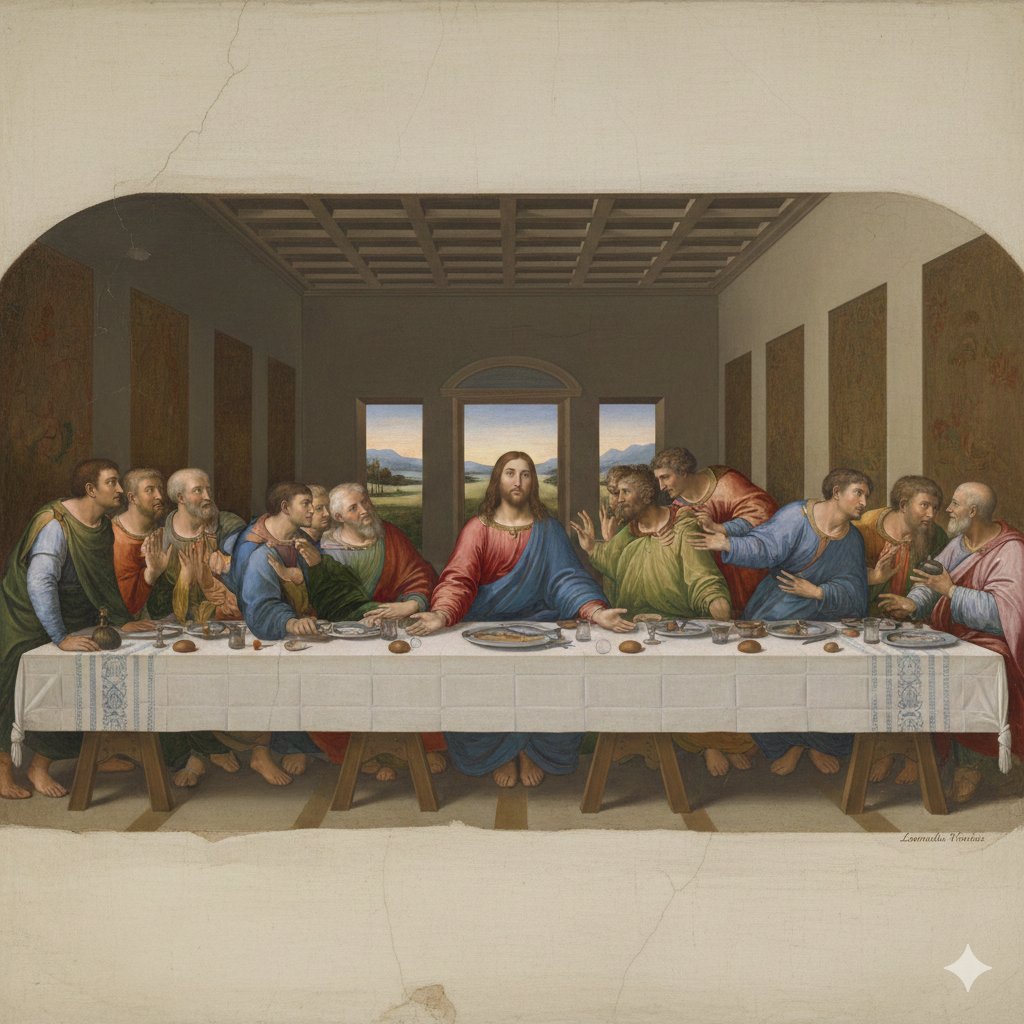
Da Vinci's Last Supper Style Image Generation
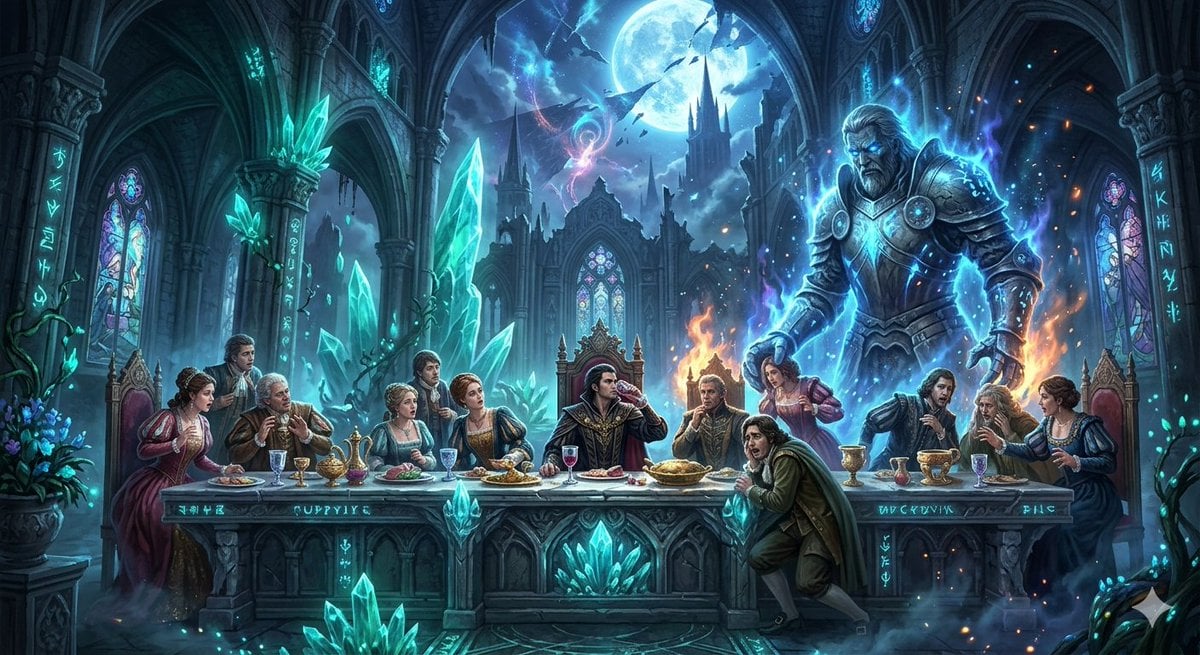
Mozart's Don Giovanni: The Last Supper
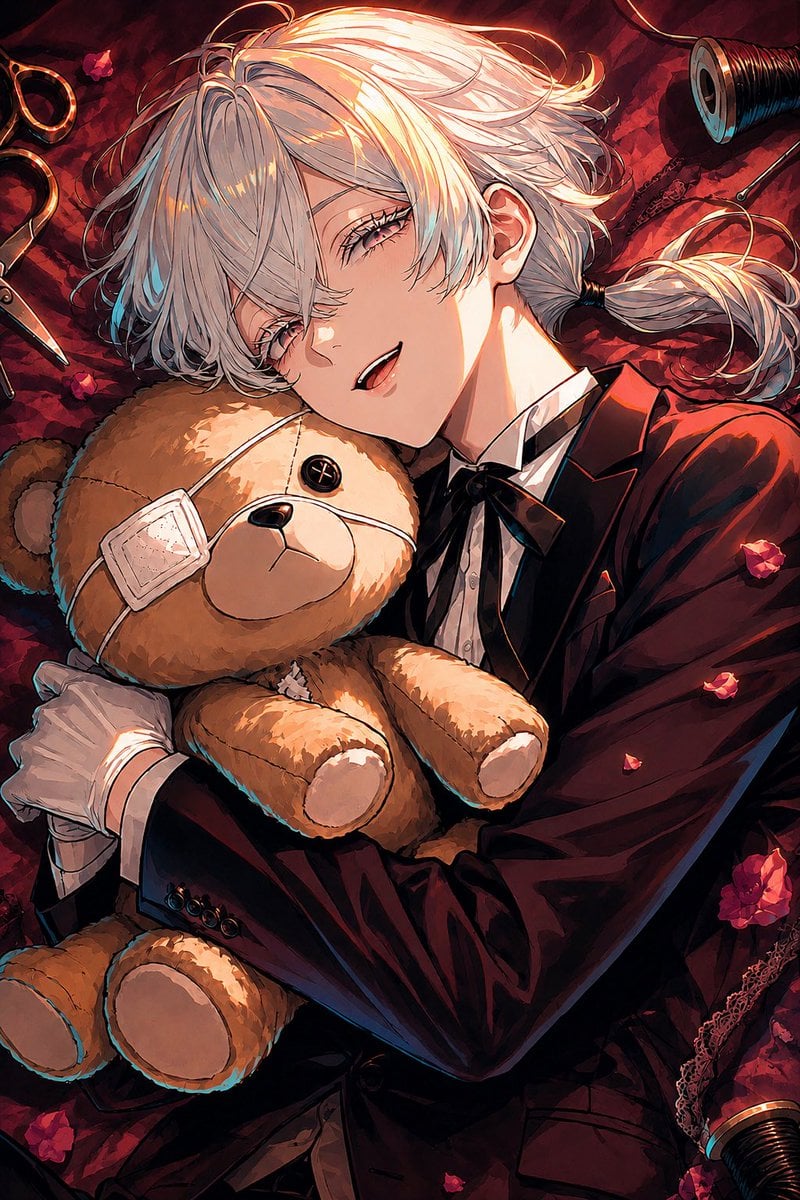
Gothic Anime Boy Hugging Teddy Bear
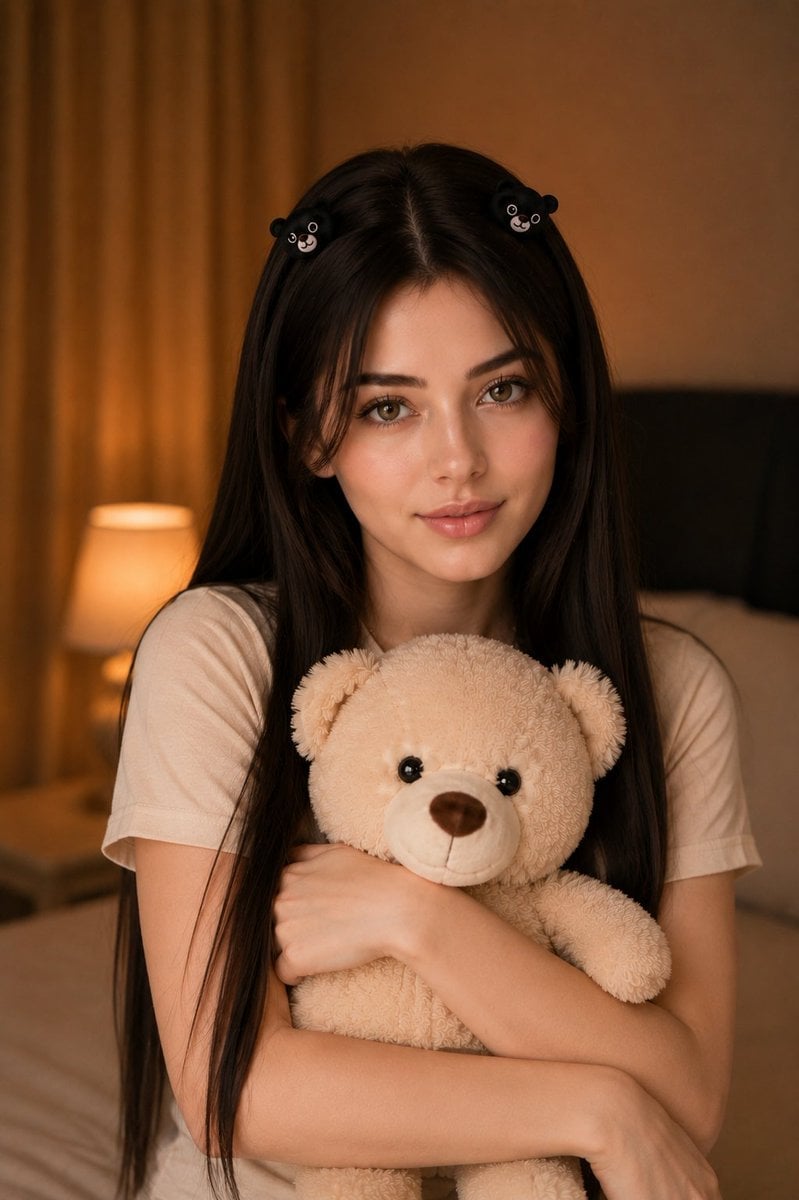
Woman Holding Teddy Bear Portrait
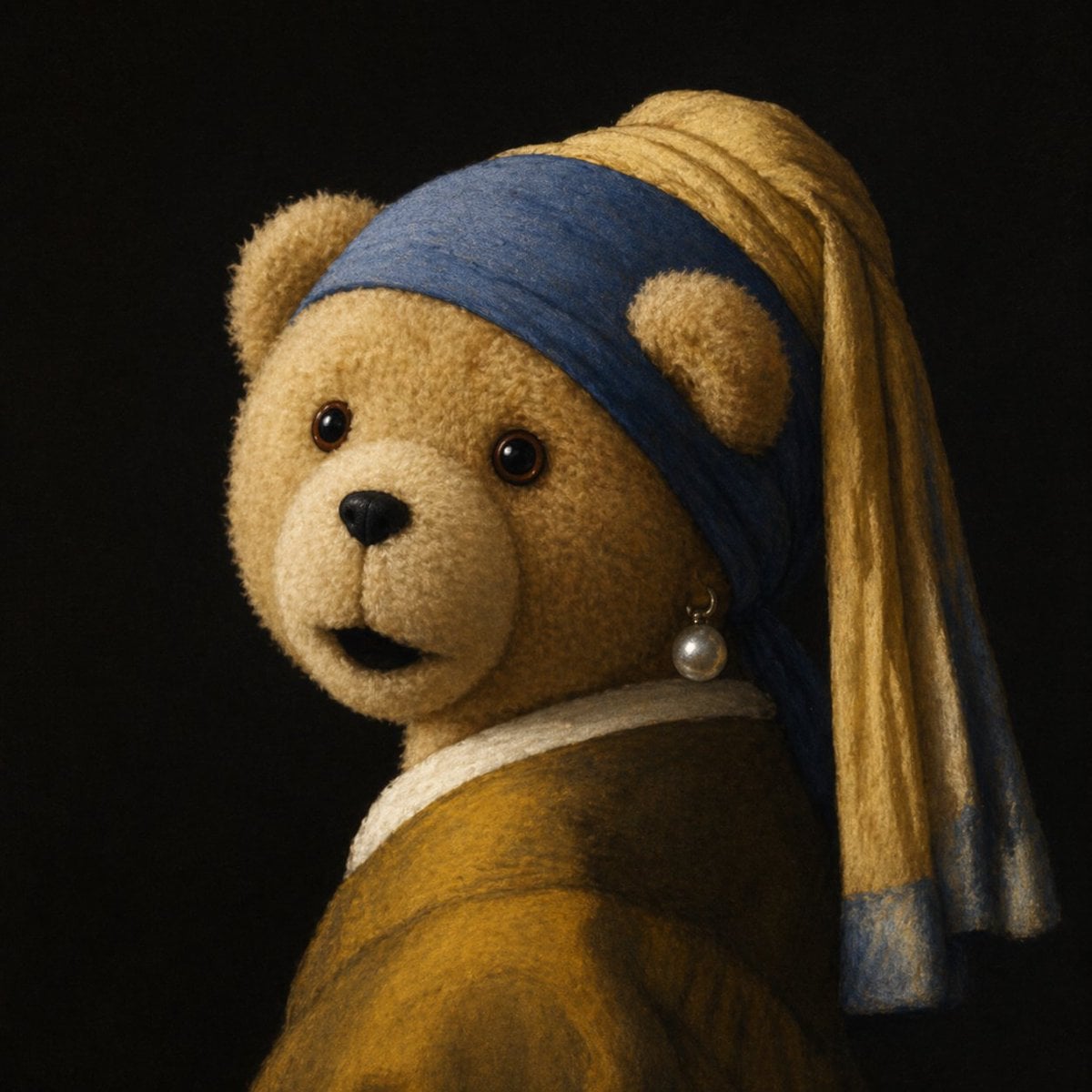
Teddy Bear with a Pearl Earring
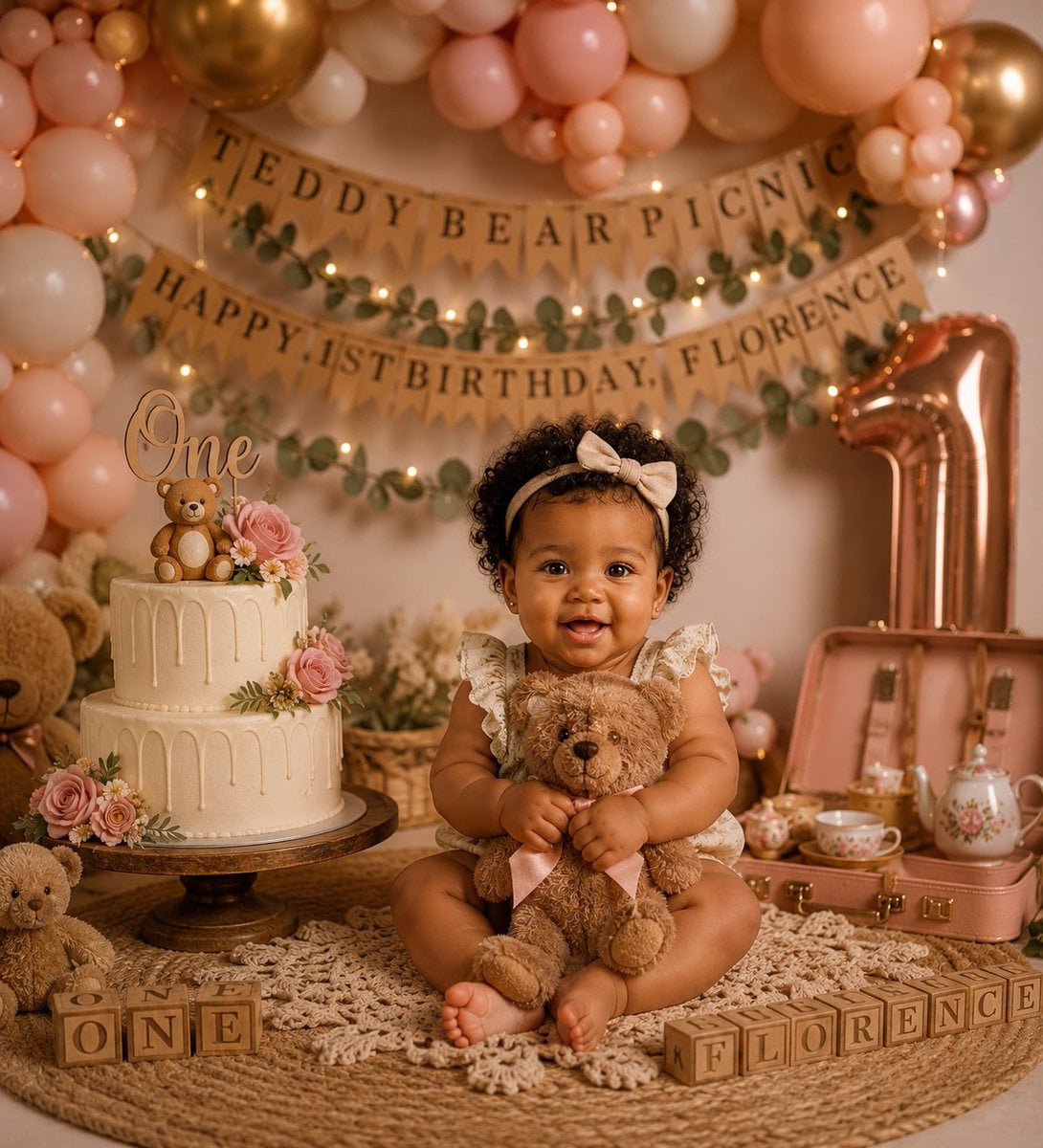
Teddy Bear Picnic Birthday Banner
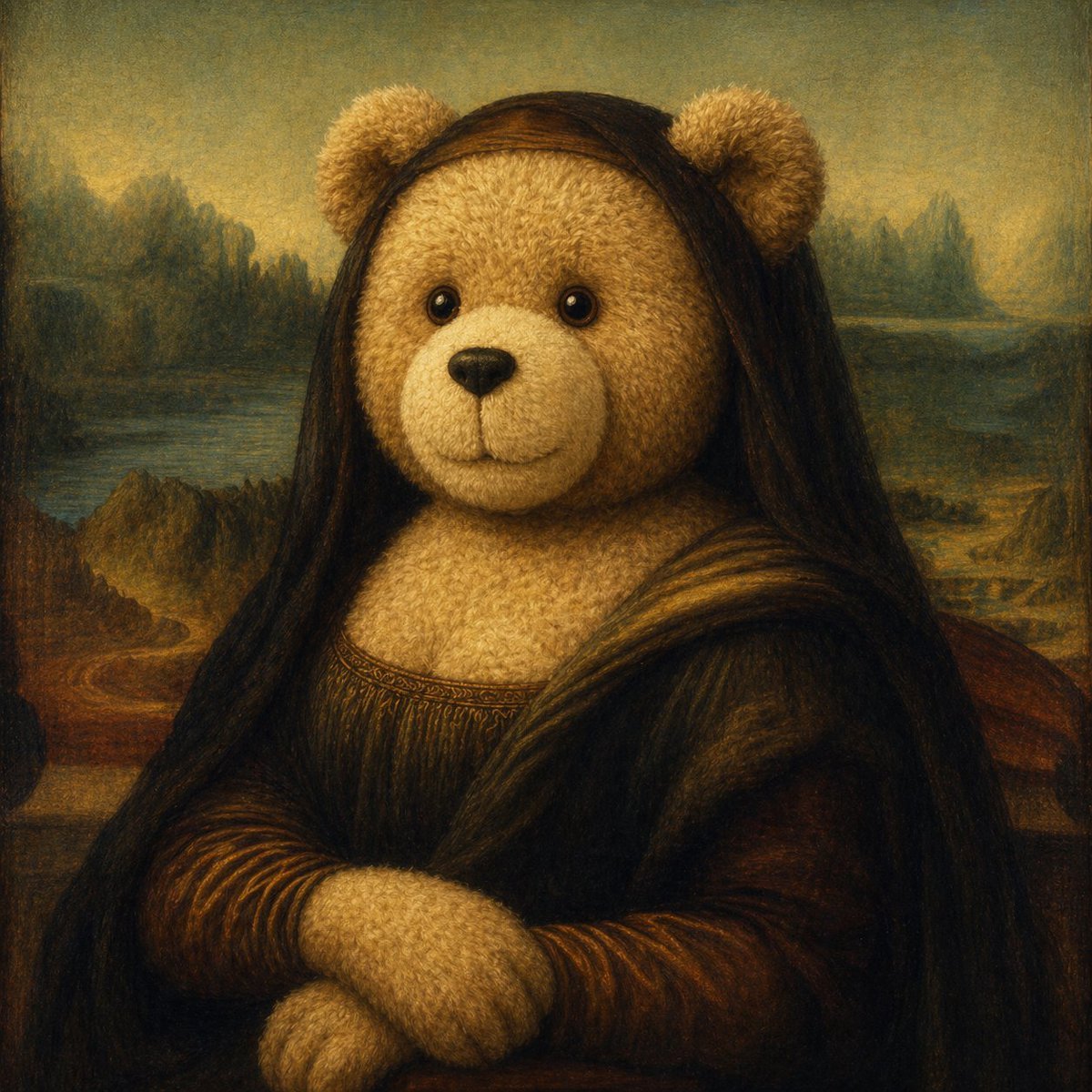
Teddy Bear Mona Lisa Hybrid
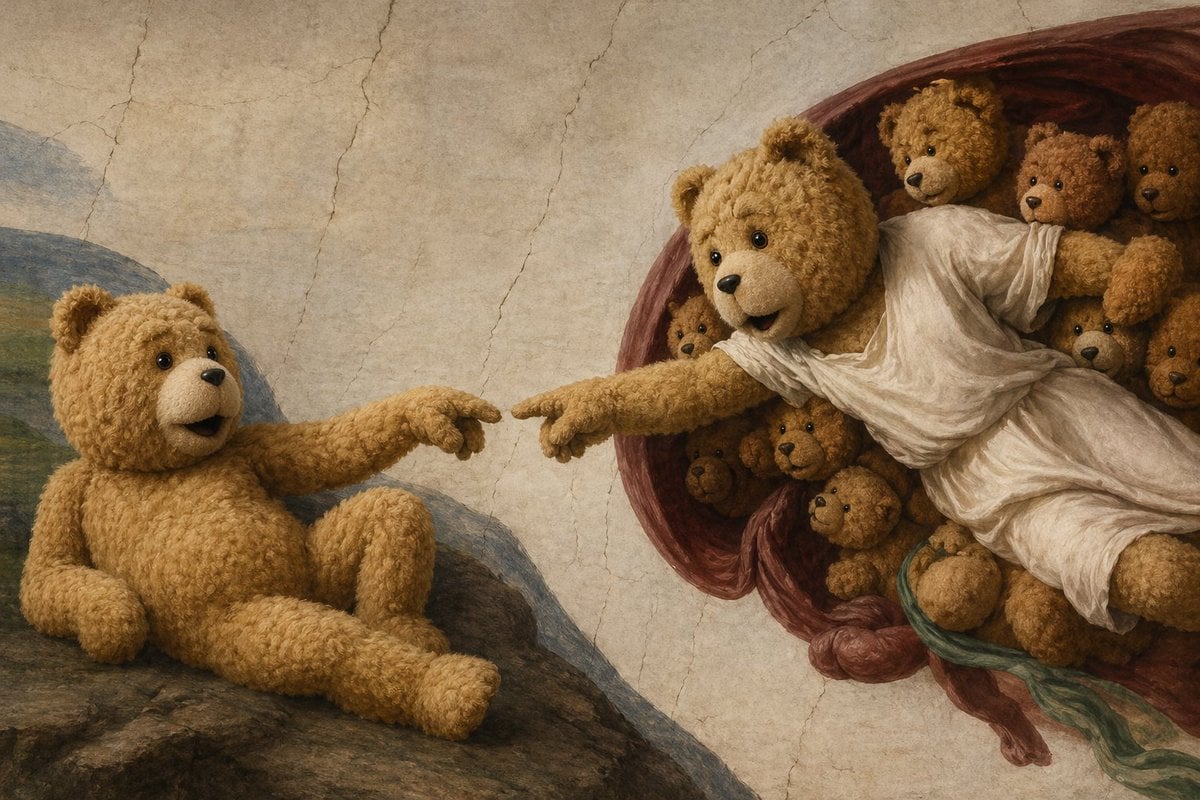
Teddy Bear Creation Fresco
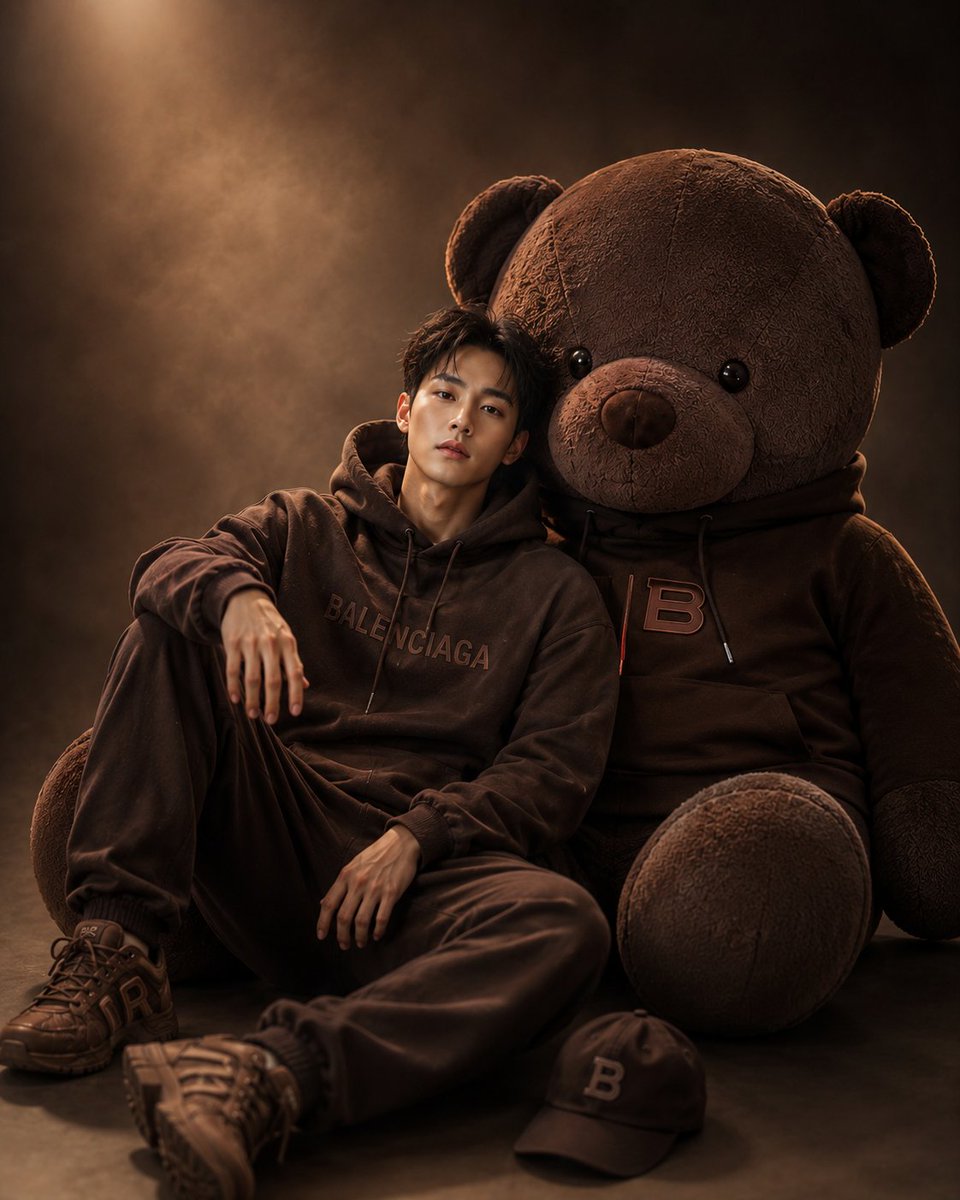
Cinematic Studio Portrait with Giant Teddy Bear
Make it yours
Teddy Bear Last Supper works as-is. These are the safest ways to change it without losing the look.
Change one field
Copy a single group, rewrite it, and generate again so you can see what that field is doing.
Keep the frame, change the subject
Hold the composition and light of Teddy Bear Last Supper, then swap wardrobe, props or the person for a new take.
| If the result… | Why | Fix |
|---|---|---|
| The result drifts from the preview | Too many fields changed at once. | Reuse Teddy Bear Last Supper as-is first, then change one group — subject, light, or setting. |
| The model over-stylizes the scene | The prose prompt leaves finish and camera underspecified. | Add one camera or lighting sentence and stay on GPT Image 2. |
More GPT Image 2 templates
Other prompts made for GPT Image 2.

Six VTuber Japanese Logo Sheet

Realistic Portrait of Woman and Deer

The Vista Modular Condo Poster

AI Model Routing Comparison Infographic

2.5D Anime Art Board

Isometric Productivity Desk Scene

New York Double Exposure Poster

Four-Panel AI Landscape Comparison

Japanese Tatami Lifestyle Magazine Cover

NESCAFÉ Coffee Map Poster
More image prompts
Fresh picks from across the catalog.
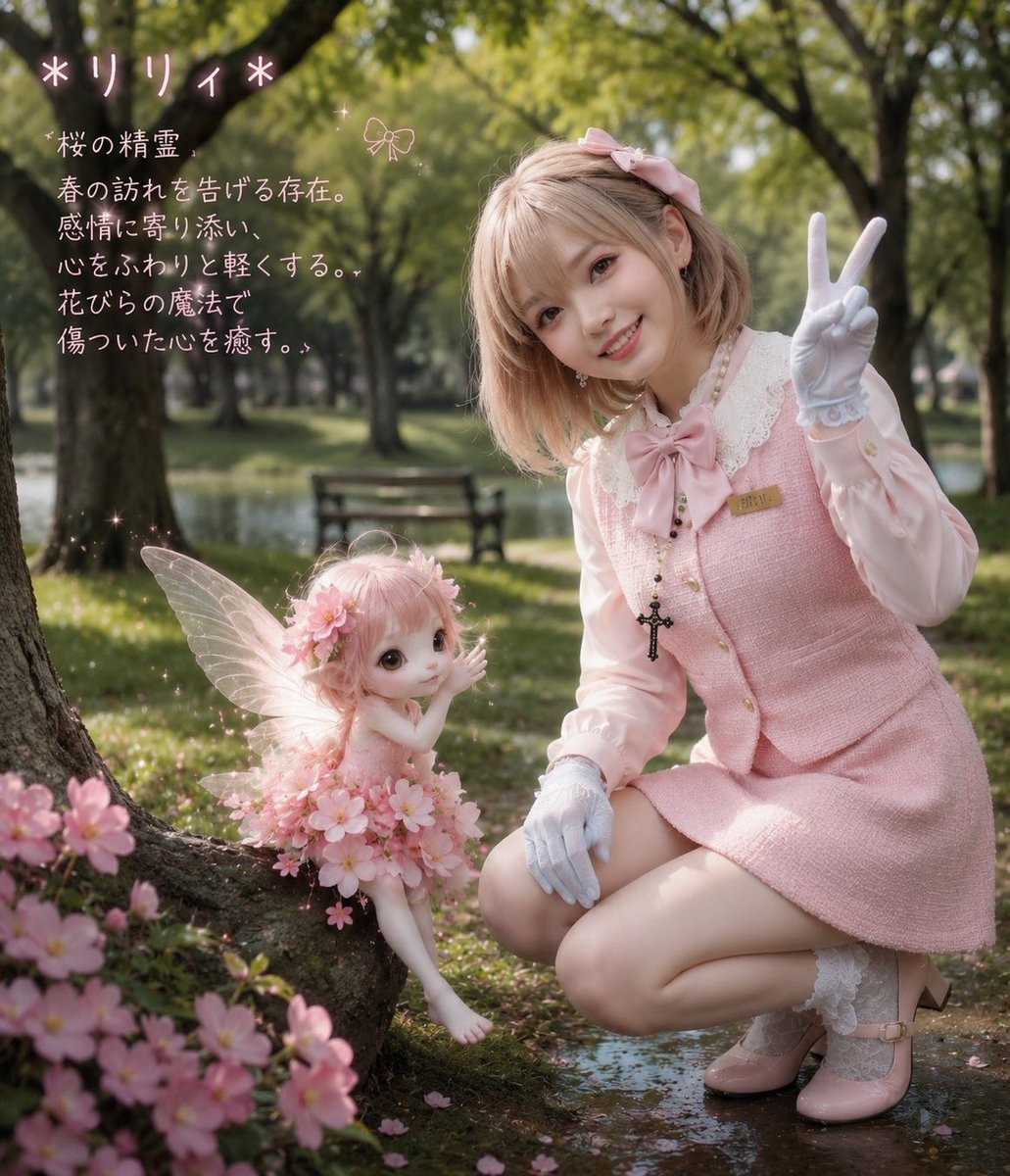
Cherry Blossom Fairy Familiar
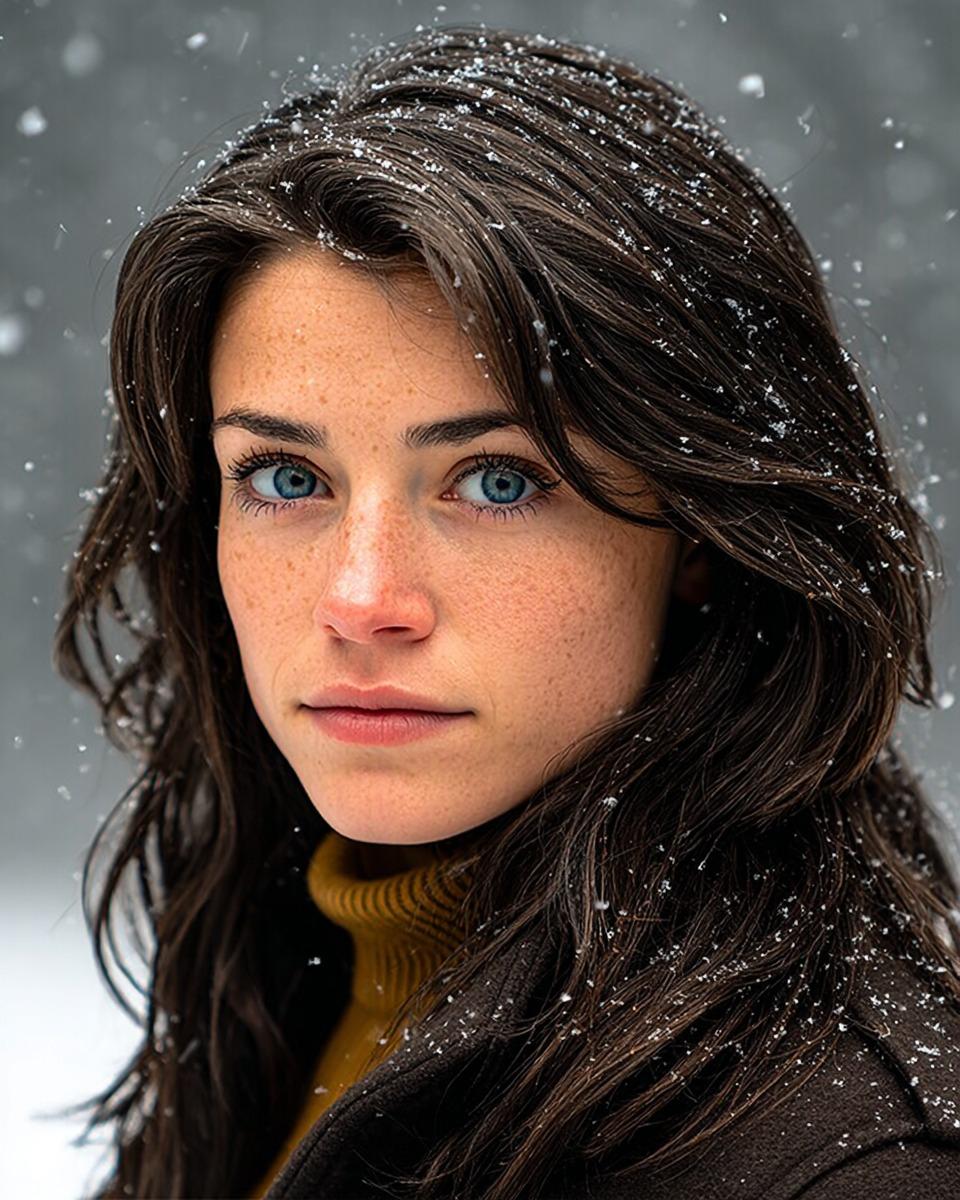
Cinematic Winter Portrait with Hyper-Detail
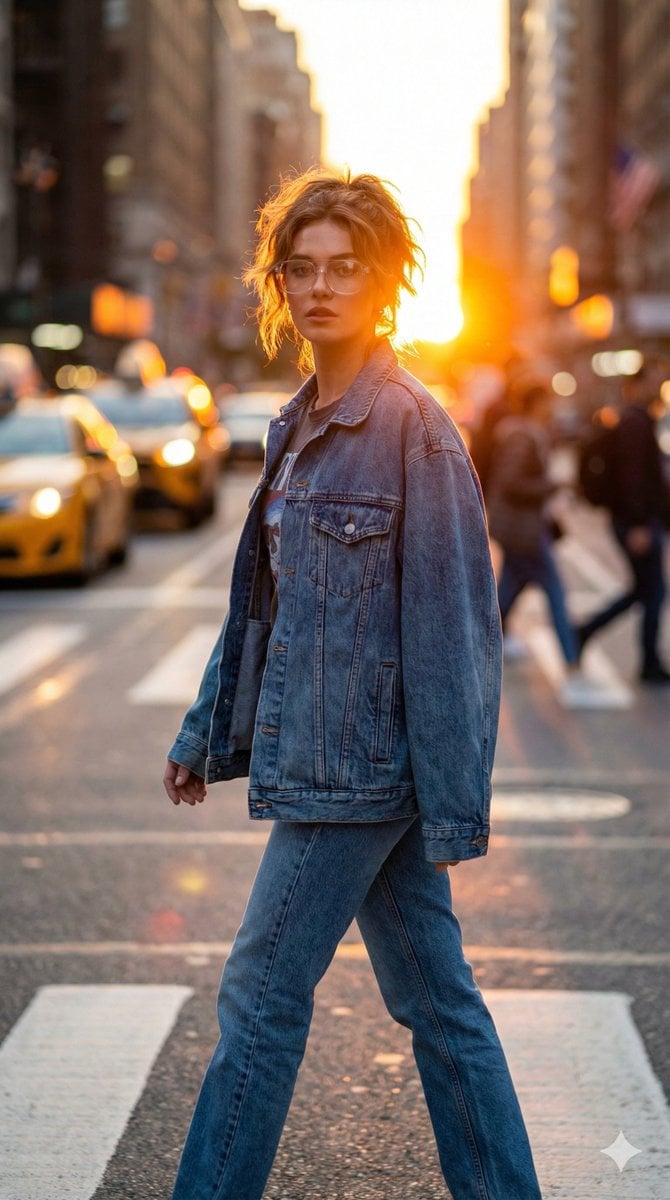
Golden Hour Urban Streetwear Portrait
Ultra-realistic Beverage Advertisement
Mythological Fighting Game Versus Screen
Winamp-style software screenshot prompt
Steampunk Cat Airship Over the Sea
Korean Luxury Car Portrait
8K Cinematic Winter Adventure Photo on a Vintage Train
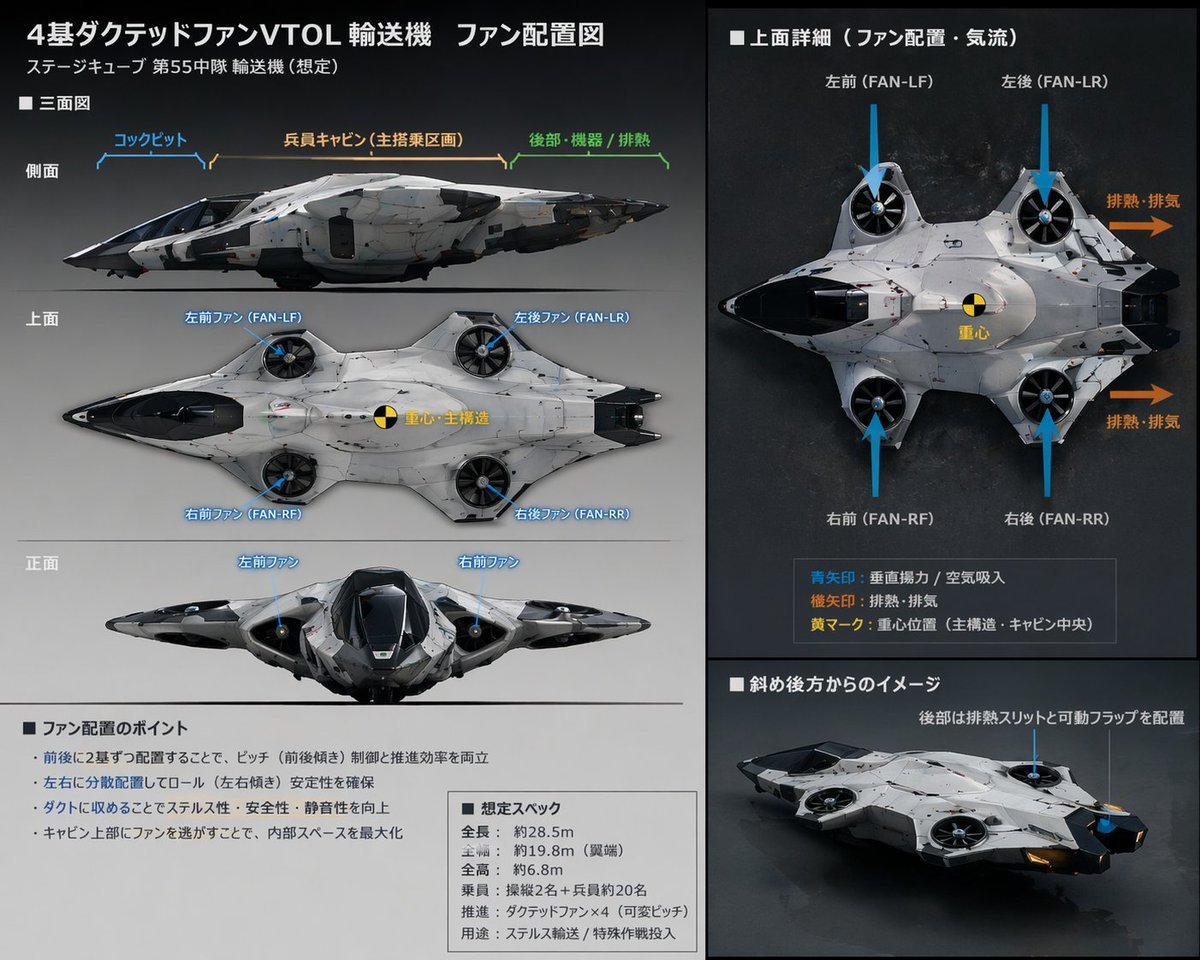
Sci-Fi VTOL Aircraft Technical Spec Sheet
Browse template categories
Teddy Bear Last Supper questions
How do I use the Teddy Bear Last Supper template?
Add your photo if the template asks for one, edit the prompt if you like — the template's model and format are already selected — and press Generate. Your version opens in PicX Studio.
Can I customize the Teddy Bear Last Supper template?
Yes. You can change the subject, setting, lighting, mood, format, and available model controls before creating your image.
Is the Teddy Bear Last Supper template free?
Opening and editing this template is free. Generating uses credits, shown on the Generate button when you are signed in.
Which AI model should I use?
Start with GPT Image 2, which is the model associated with this template. You can compare another compatible model for a different finish.
Looking for something else? Browse all templates.

Your photo, any look
Thousands of ready templates for every top image and video model, from one credit balance.