
Gothic Anime Boy Hugging Teddy Bear
Generates a dramatic vertical anime portrait of an androgynous gothic boy holding a patched teddy bear amid sewing tools and crimson fabric.
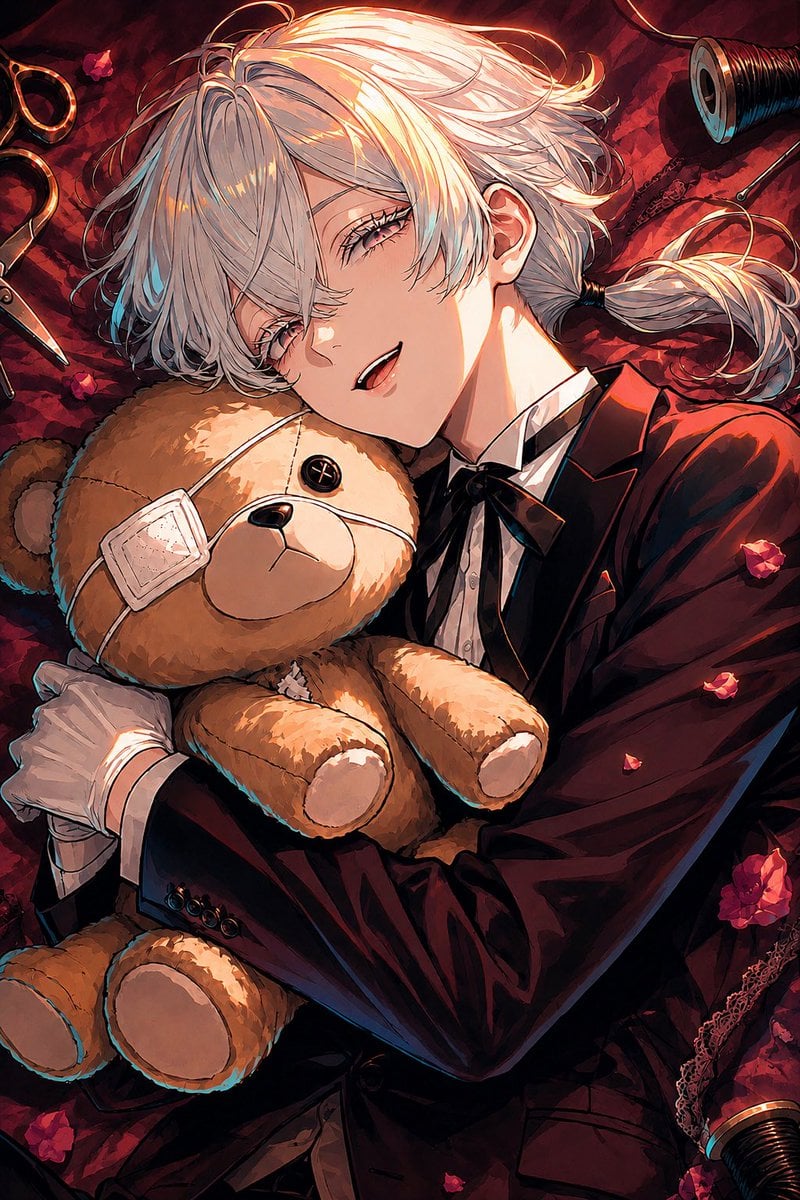
- Prompt included
- Model and format preset
- Free template
The prompt behind this image
Copy the exact prompt behind Gothic Anime Boy Hugging Teddy Bear, or open it in the studio and make it yours.
Create a vertical anime-style gothic portrait illustration of {argument name="character name" default="a beautiful androgynous young man"} lying diagonally on deep crimson, black-patterned fabric, hugging a worn tan teddy bear close to his chest. The character has {argument name="hair color" default="silvery white"} tousled medium-length hair with long bangs covering part of one eye and a short side ponytail tied behind the ear, pale skin, soft pink eyes, long lashes, and a faint mischievous smile with slightly parted lips. Dress him in a formal dark burgundy-black suit jacket, white dress shirt, black ribbon bow tie, and white gloves, with dramatic glossy folds and sharp tailoring. The teddy bear is tan and plush, with exactly one black button eye visible, one pale square eye patch over the other eye, a small black nose, simple stitched mouth, rounded ears, two arms, and two legs. Surround them with sewing and dollmaking details on the fabric: exactly one open pair of scissors on the left edge, exactly two dark thread spools with metallic rims at the top-right and bottom-right corners, thin loose threads, lace trim along the right side, and exactly four red flower blossoms plus scattered small red petals. Use a close-up tilted composition, the character's face near the upper center and the teddy bear centered, with warm golden rim light across the hair and face, cool cyan edge accents in the shadows, rich reds and blacks, high contrast, painterly brush texture, crisp line art, intricate hair strands, luxurious gothic mood, intimate and slightly eerie atmosphere. No text, no watermark, no extra characters.
How to use Gothic Anime Boy Hugging Teddy Bear in 3 steps
- 1Upload ImagePNG, JPG or paste
Add your photo
Upload the photo the template builds on. The prompt, model and format are already set.
- 2…a portrait of your subject in softgolden-hour light, 85mm…
Personalize
Edit the subject and creative details for your destination.
- 3Generate
Generate
Press Generate — your image is created in PicX Studio, so you can compare it with the original and refine one variable at a time.
More like this
Templates with the same subject, style or setup. Open one to see its prompt.
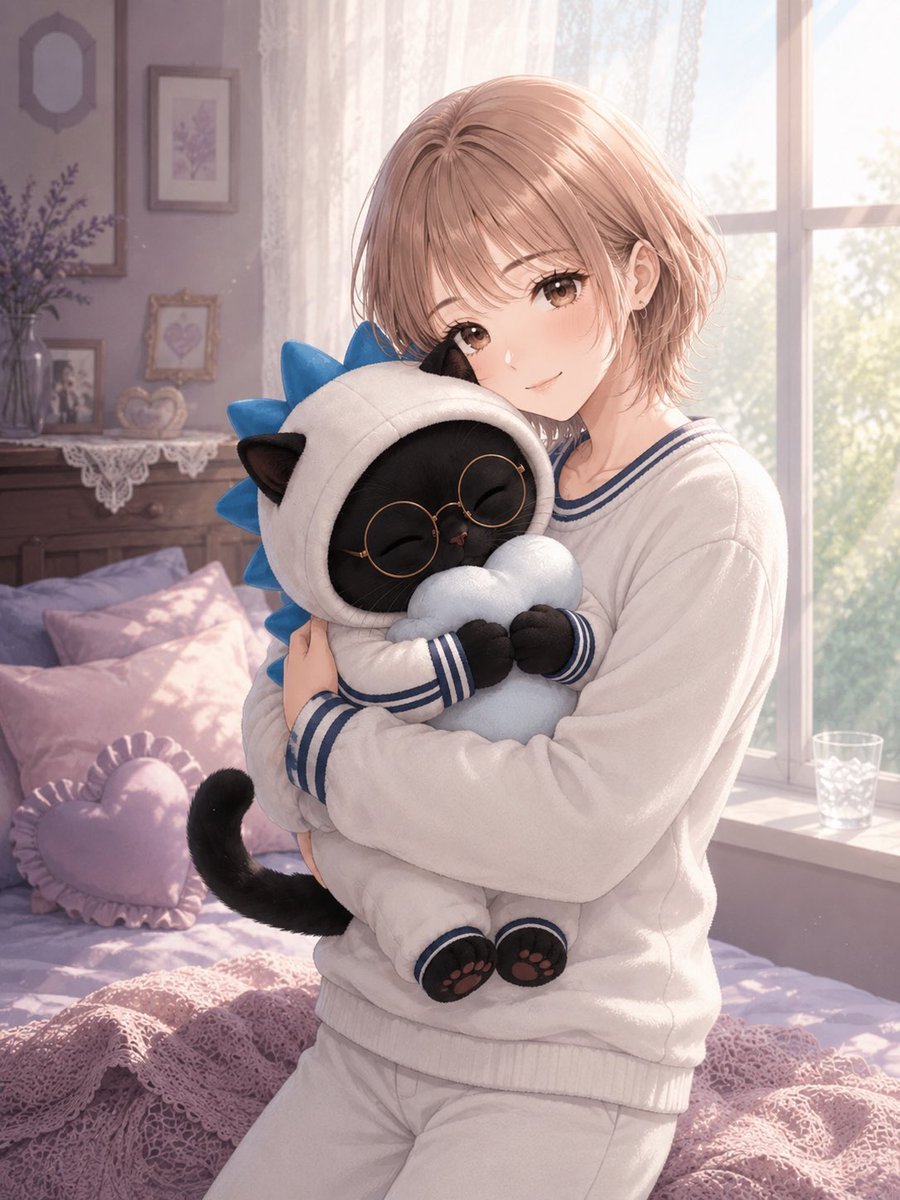
Anime Girl Hugging Black Cat Plush
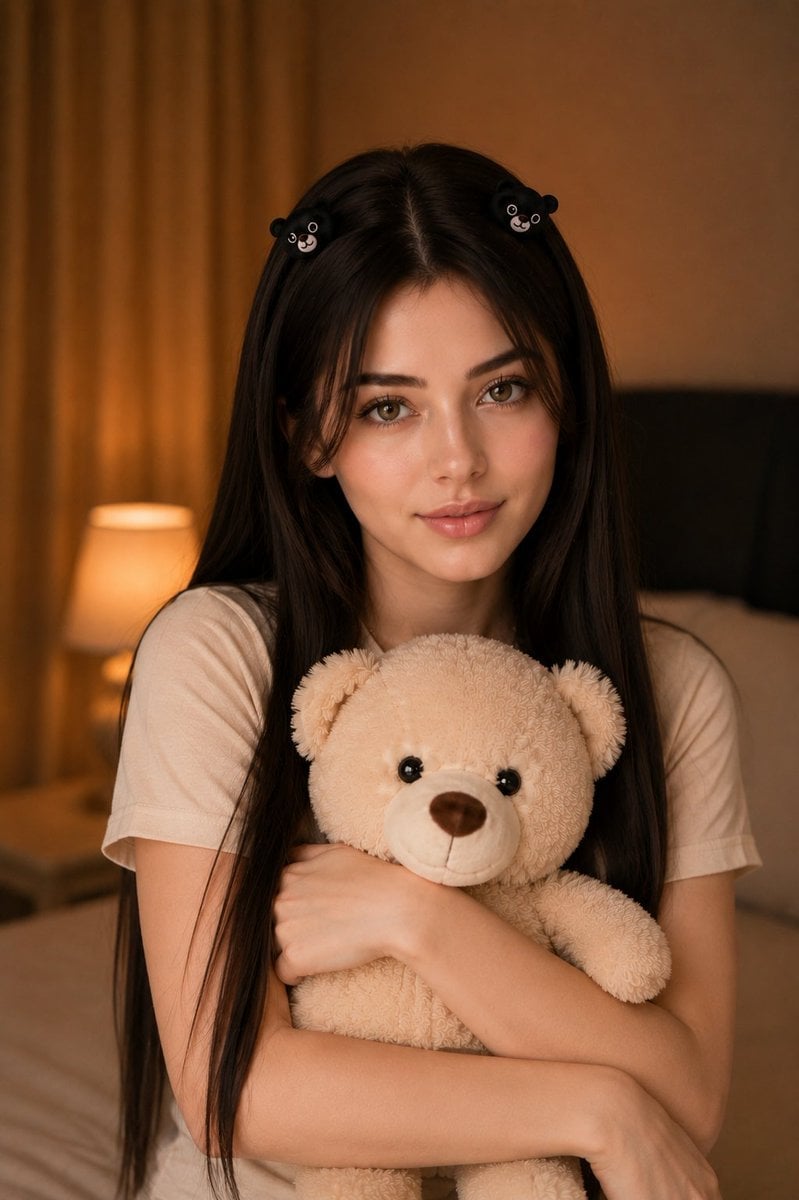
Woman Holding Teddy Bear Portrait
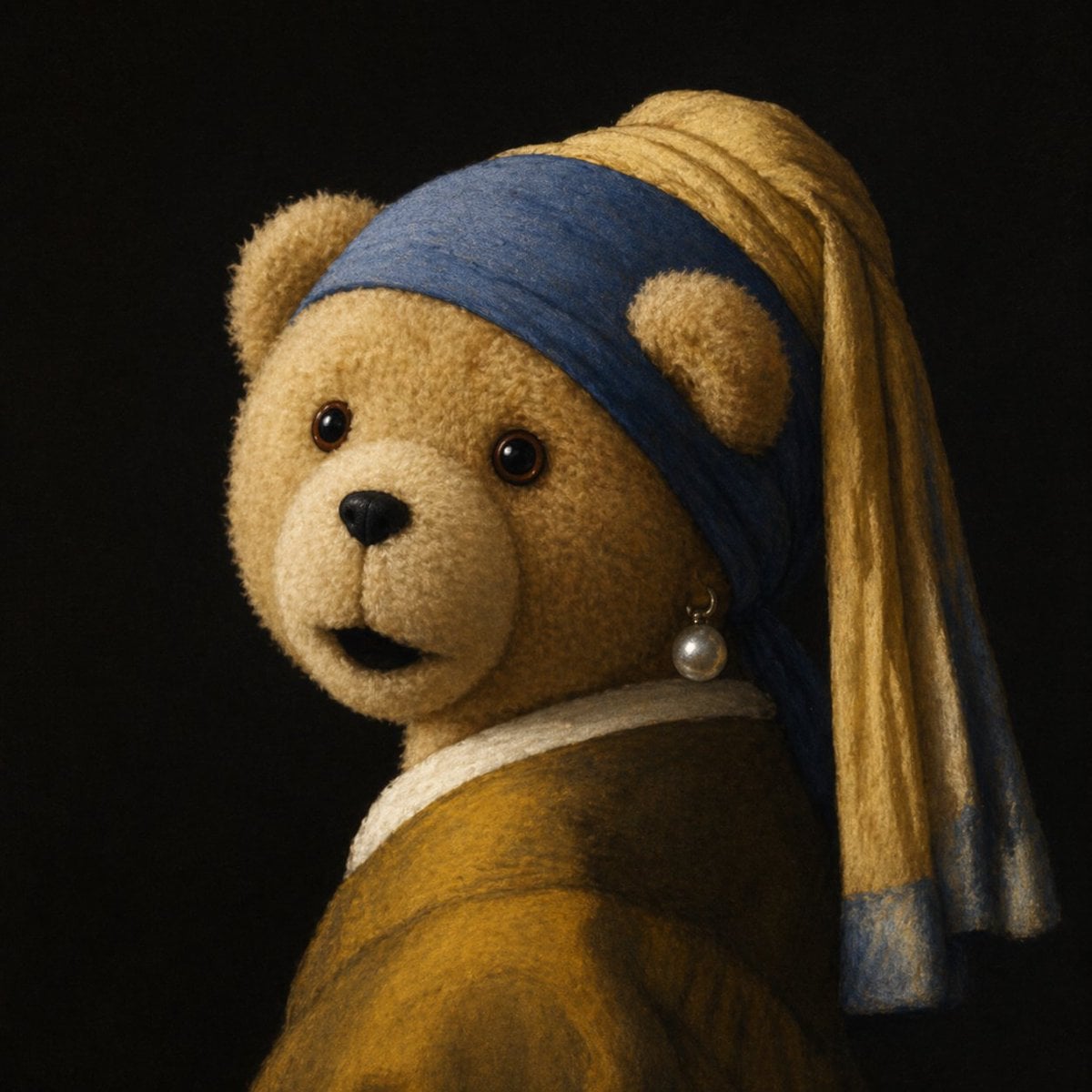
Teddy Bear with a Pearl Earring
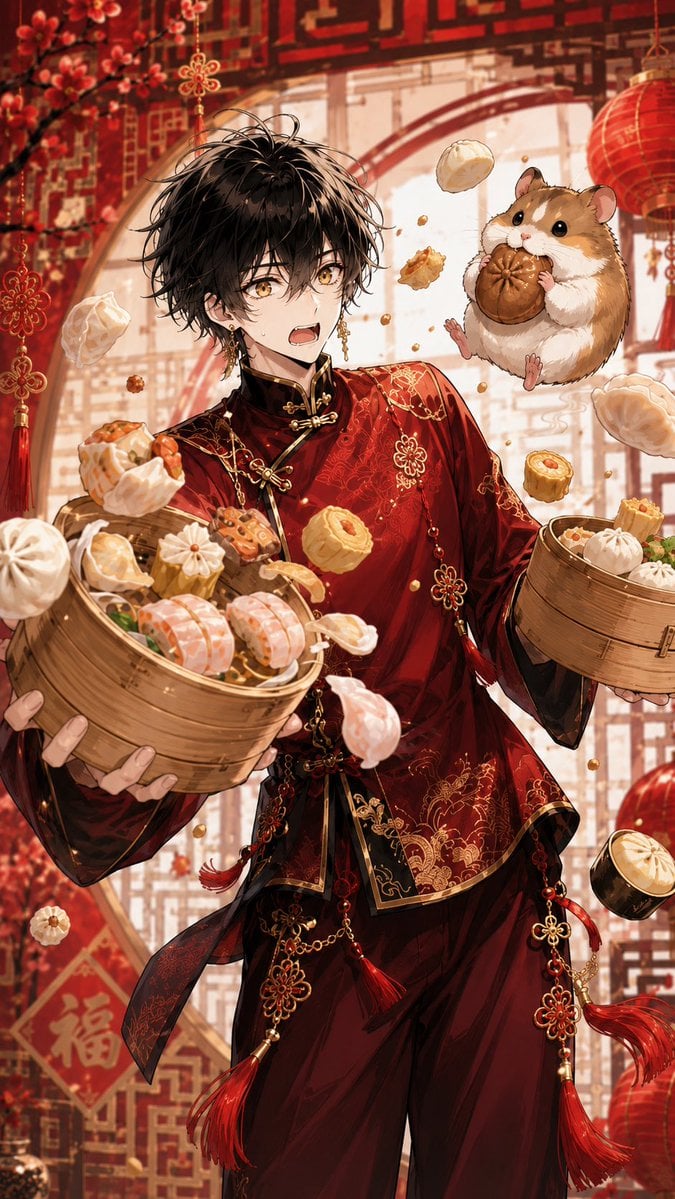
Anime Dim Sum Festival Boy
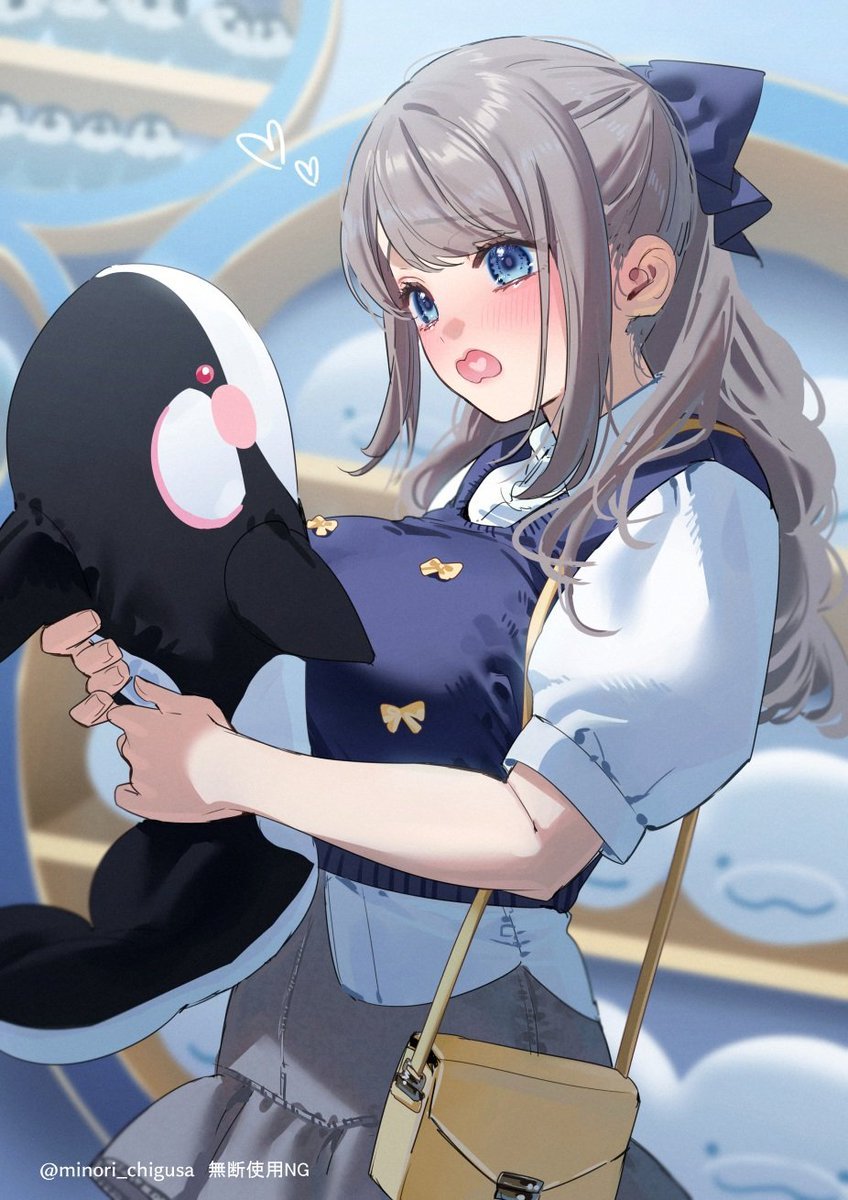
Anime Girl Hugging Orca Plush
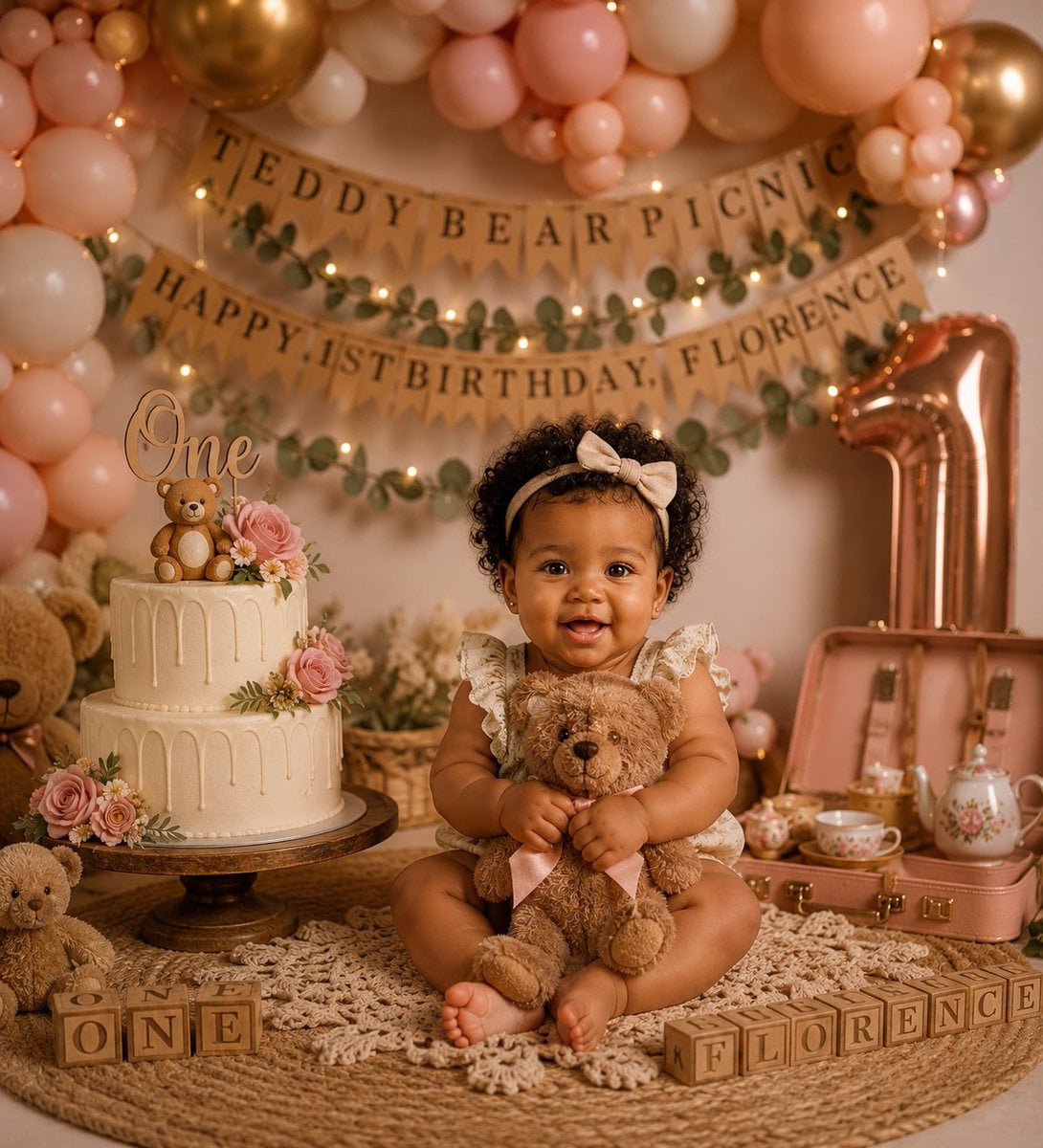
Teddy Bear Picnic Birthday Banner
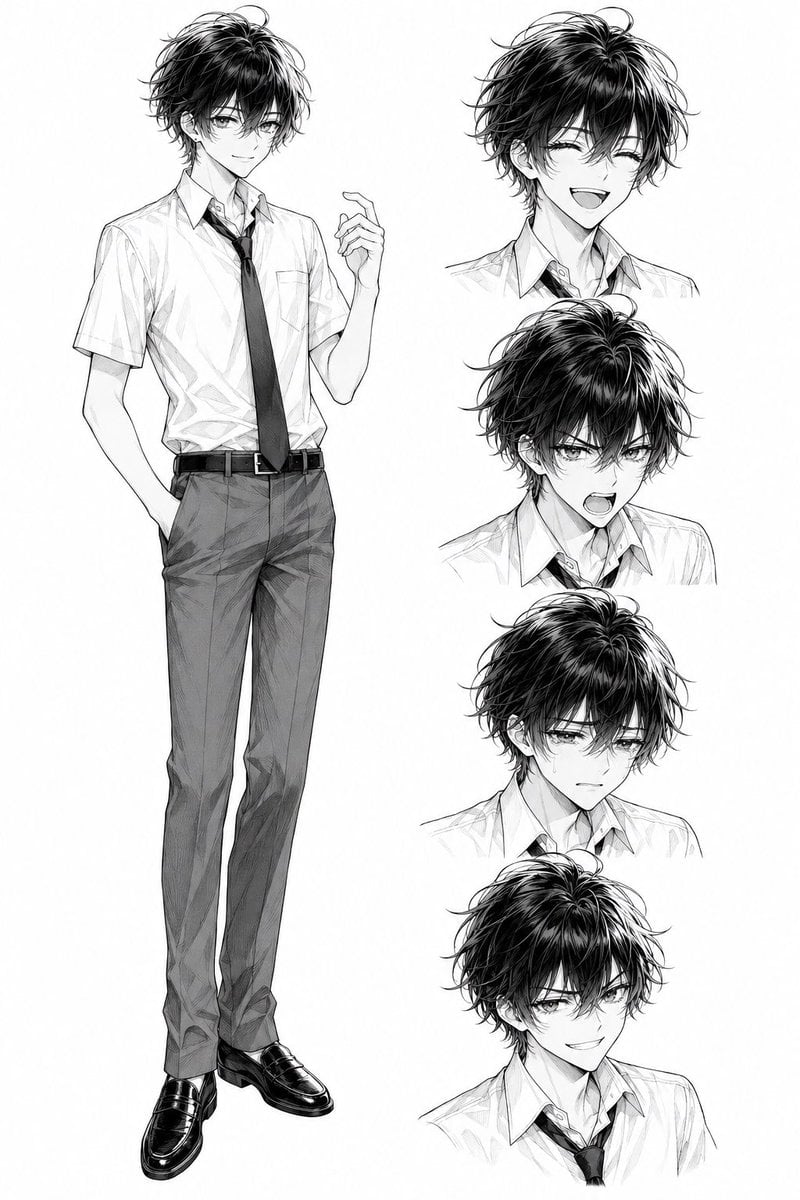
Monochrome Anime Schoolboy Expression Sheet
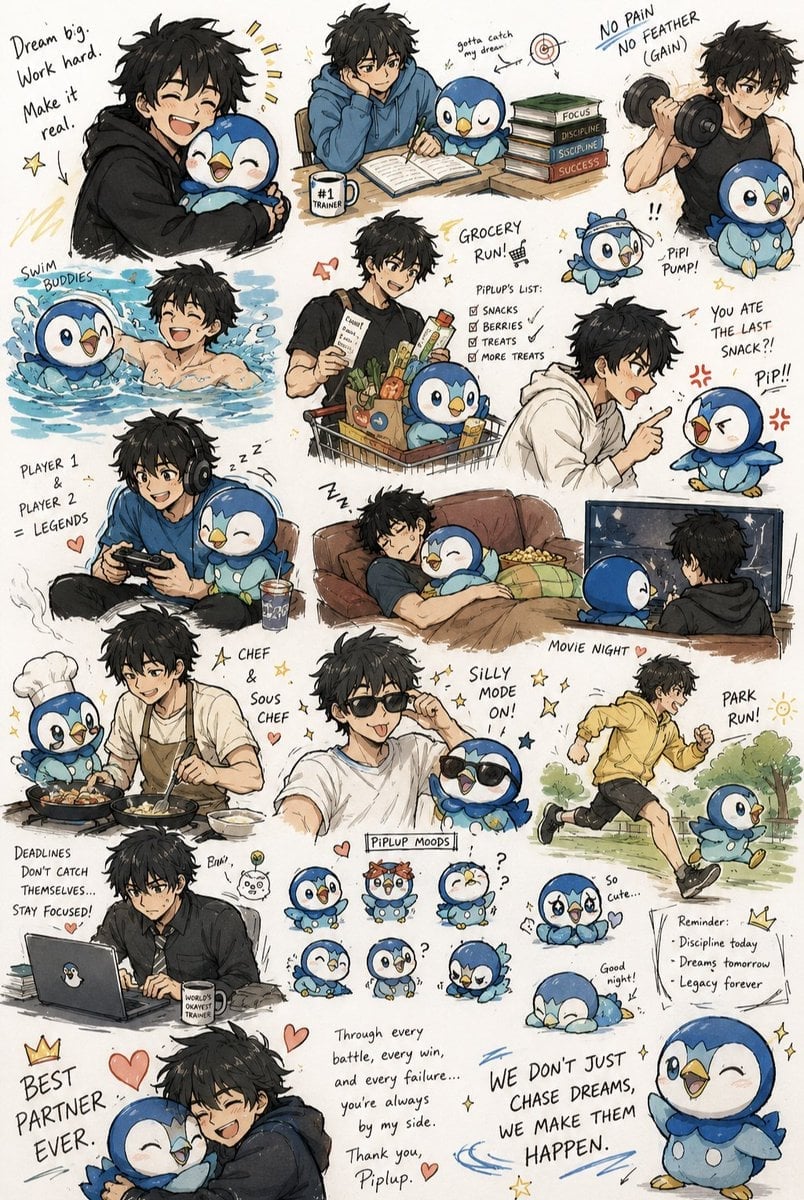
Anime Boy and Piplup Adventure Sheet

Cel 2D Finale Fireworks

Cel 2D Garden Maze

Cel 2D Rooftop Concert

Cel 2D Bicycle Coast
Make it yours
Gothic Anime Boy Hugging Teddy Bear works as-is. These are the safest ways to change it without losing the look.
Change one field
Copy a single group, rewrite it, and generate again so you can see what that field is doing.
Keep the frame, change the subject
Hold the composition and light of Gothic Anime Boy Hugging Teddy Bear, then swap wardrobe, props or the person for a new take.
| If the result… | Why | Fix |
|---|---|---|
| The result drifts from the preview | Too many fields changed at once. | Reuse Gothic Anime Boy Hugging Teddy Bear as-is first, then change one group — subject, light, or setting. |
| The model over-stylizes the scene | The prose prompt leaves finish and camera underspecified. | Add one camera or lighting sentence and stay on GPT Image 2. |
More GPT Image 2 templates
Other prompts made for GPT Image 2.

Six VTuber Japanese Logo Sheet

Realistic Portrait of Woman and Deer

The Vista Modular Condo Poster

AI Model Routing Comparison Infographic

2.5D Anime Art Board

Isometric Productivity Desk Scene

New York Double Exposure Poster

Four-Panel AI Landscape Comparison

Japanese Tatami Lifestyle Magazine Cover

NESCAFÉ Coffee Map Poster
More image prompts
Fresh picks from across the catalog.
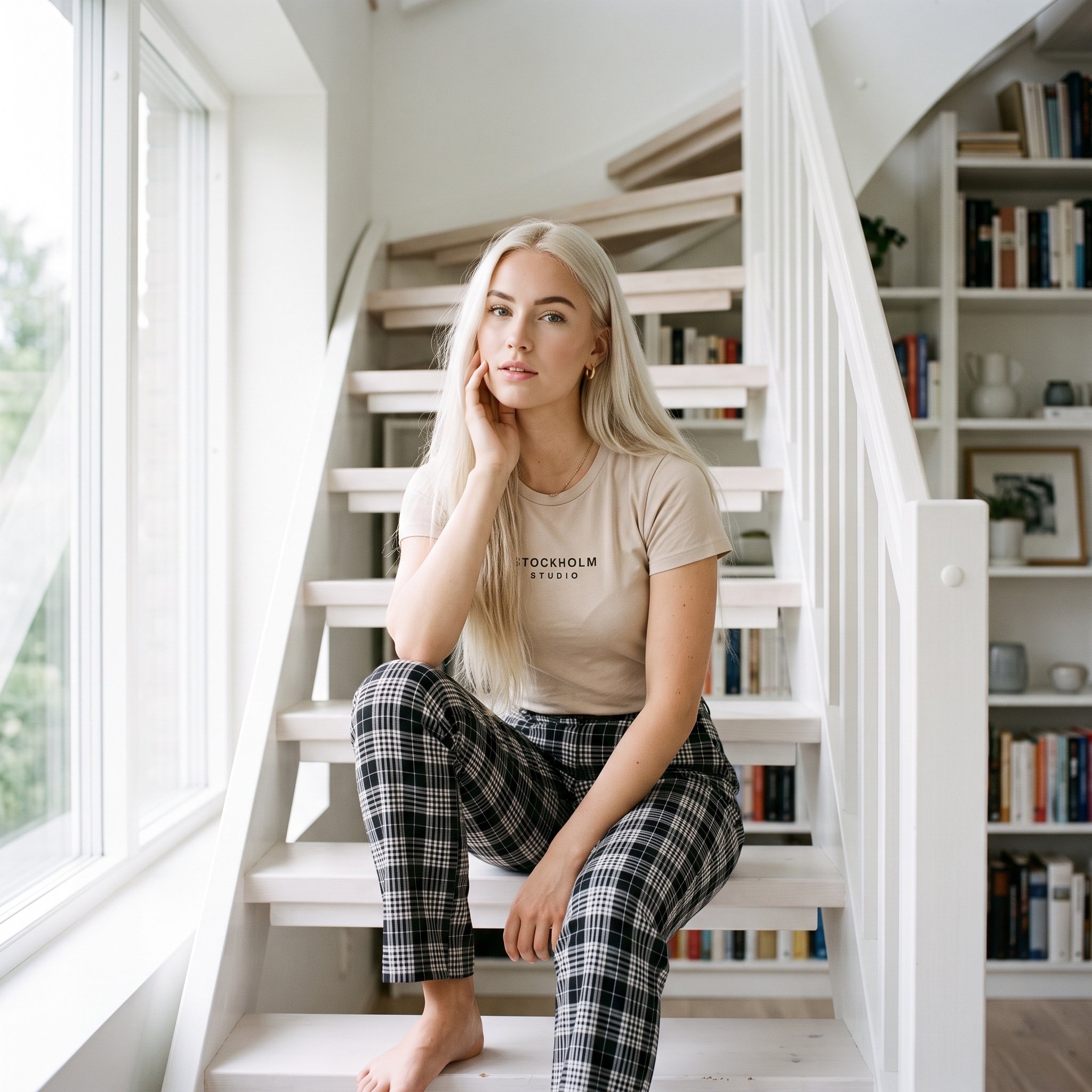
Scandinavian Interior Editorial Portrait Prompt
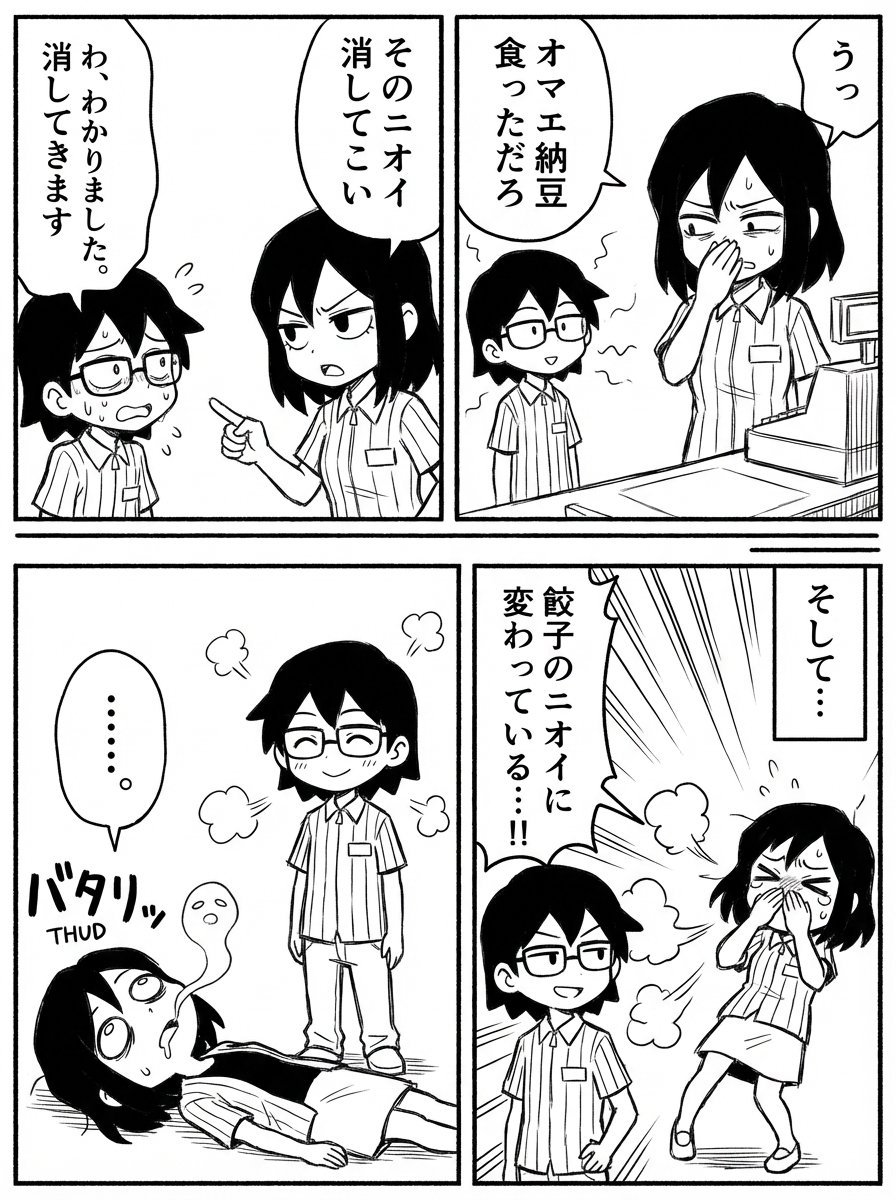
Image Editing Prompt: Adding a Shelf to a Panel
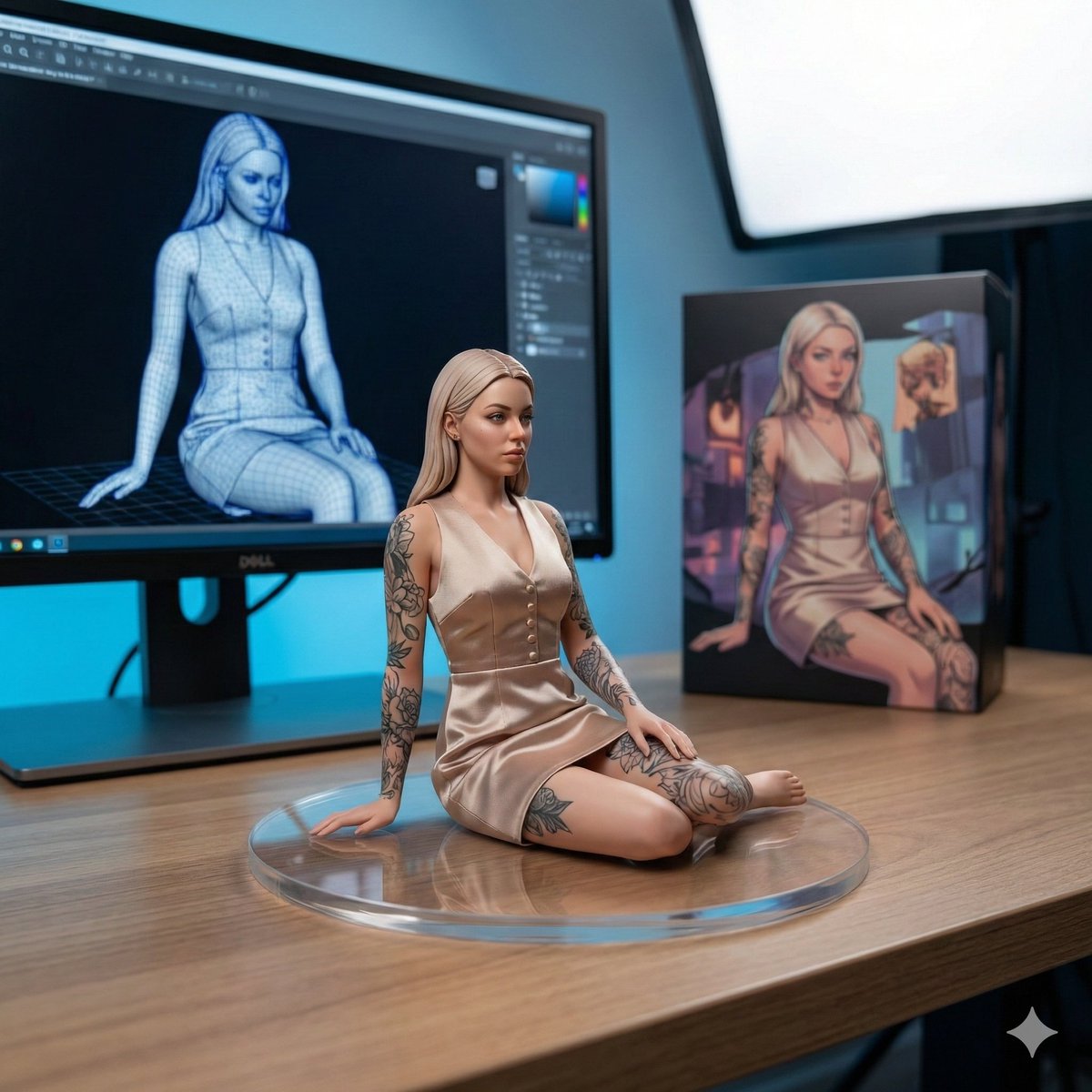
1/7 Scale Collectible Figure Product Shot
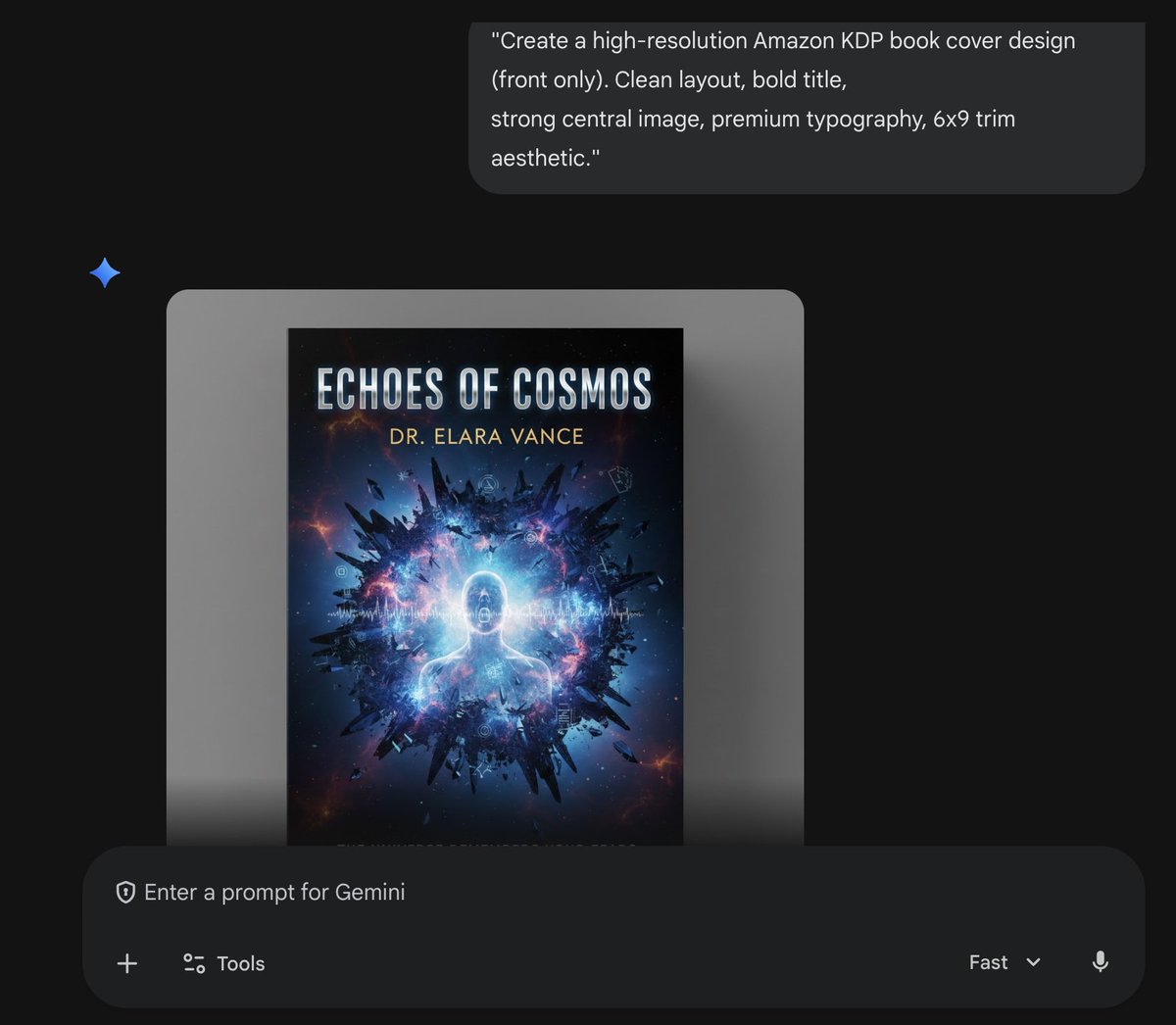
Amazon KDP Book Cover Design
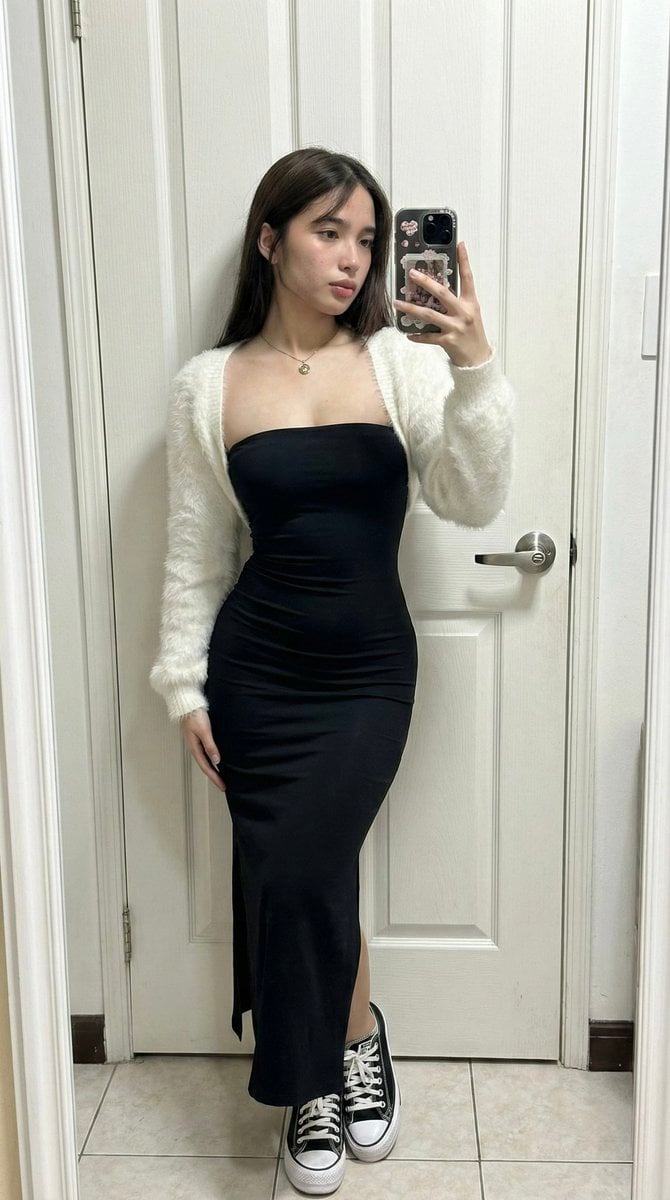
Ultra-Wide Candid Mirror Capture with Bio-Fidelity
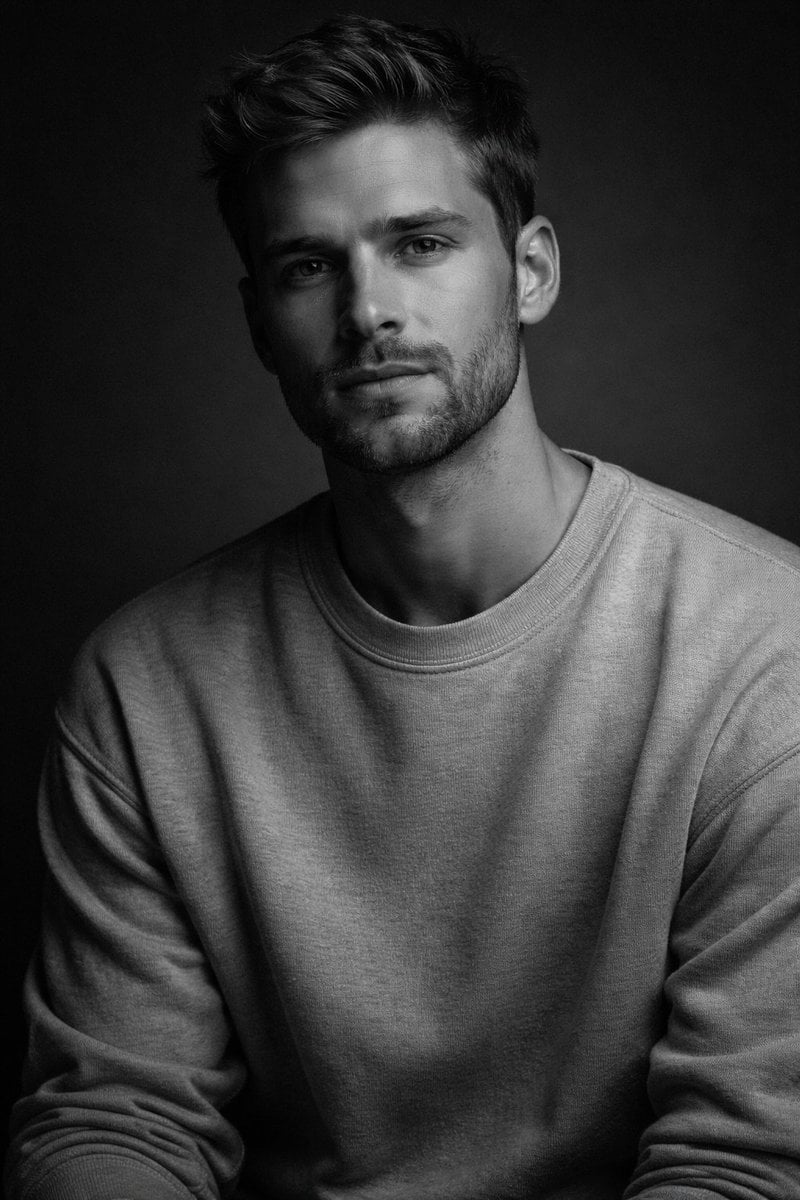
High-Contrast Monochrome Studio Portrait of a Man
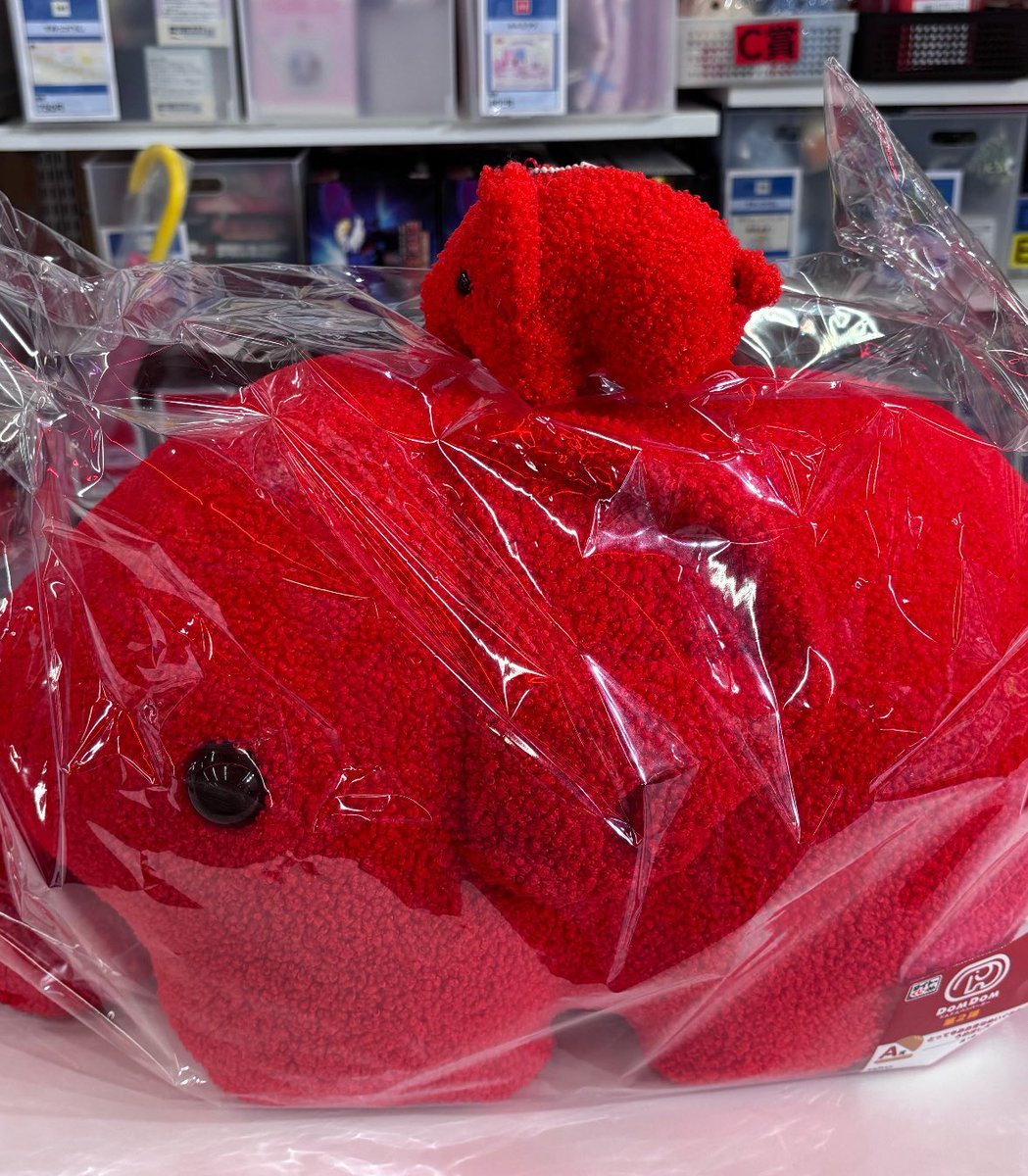
Image Generation of Umeboshi
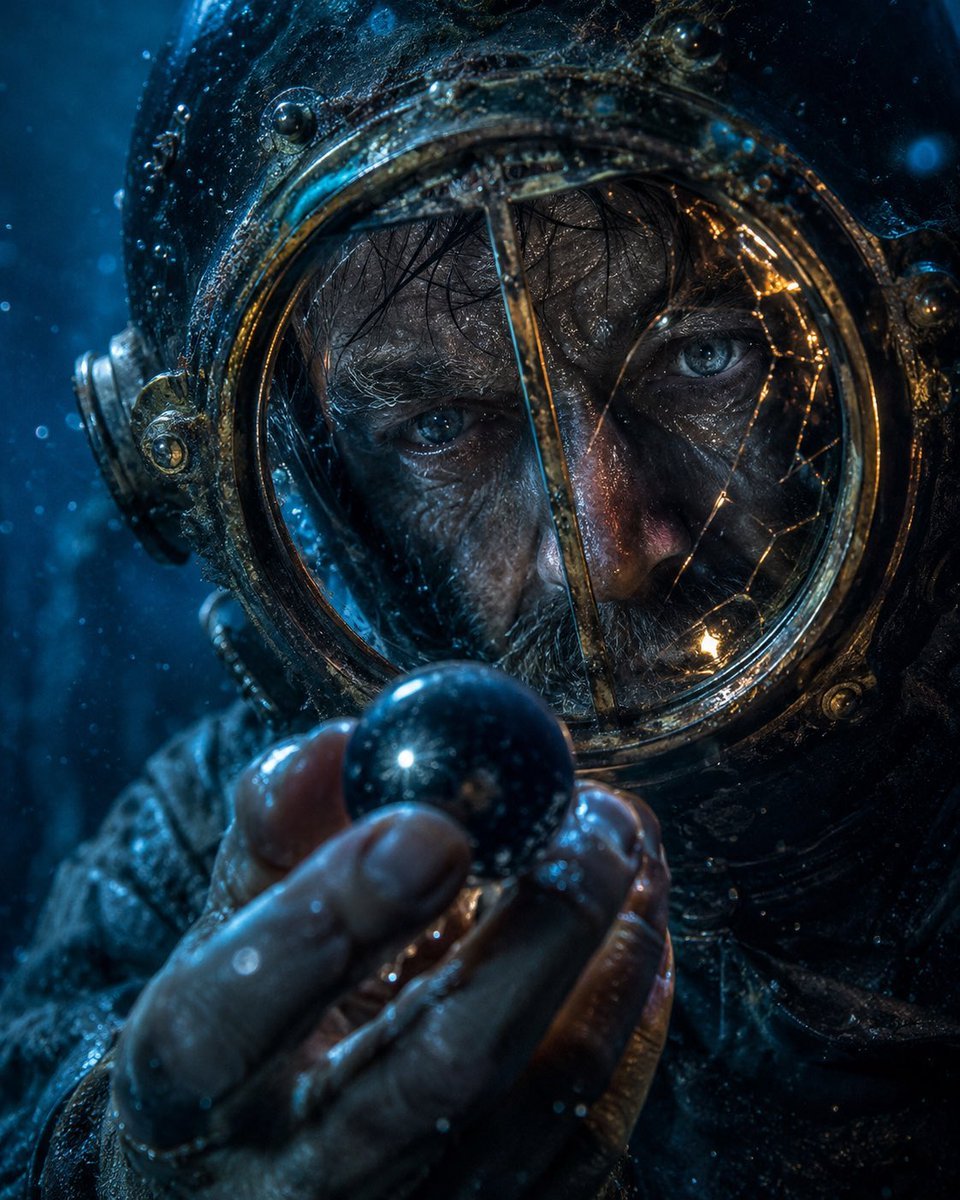
Deep-Sea Diver Artifact Close-Up
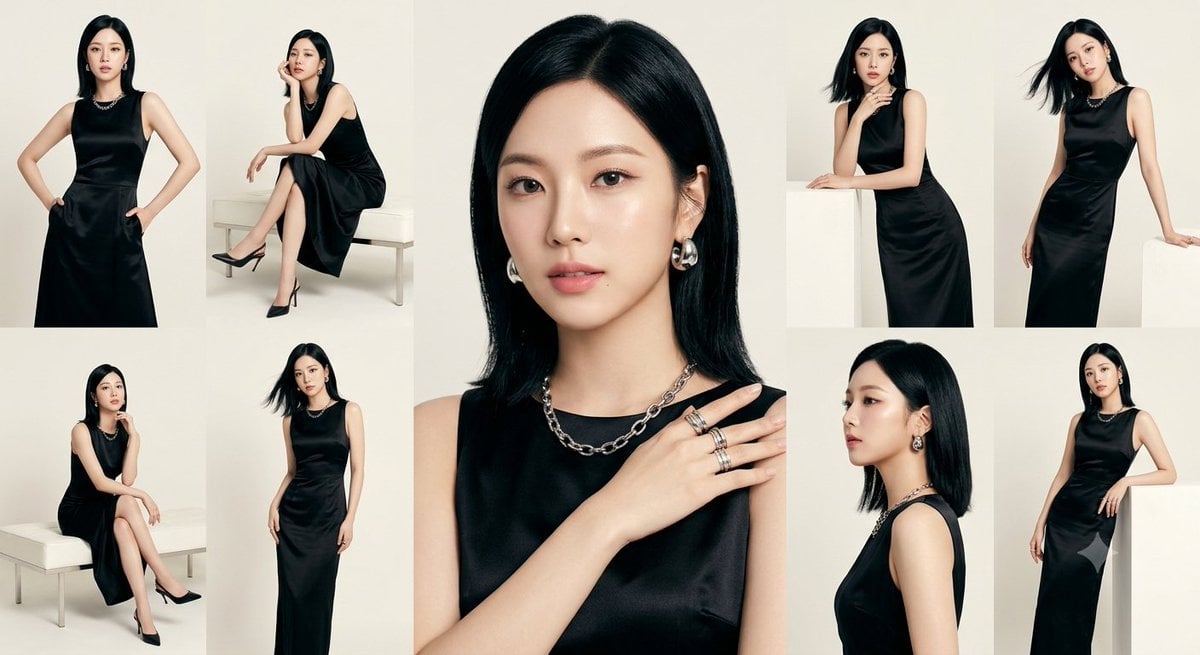
Anonymous Black Dress Fashion Collage
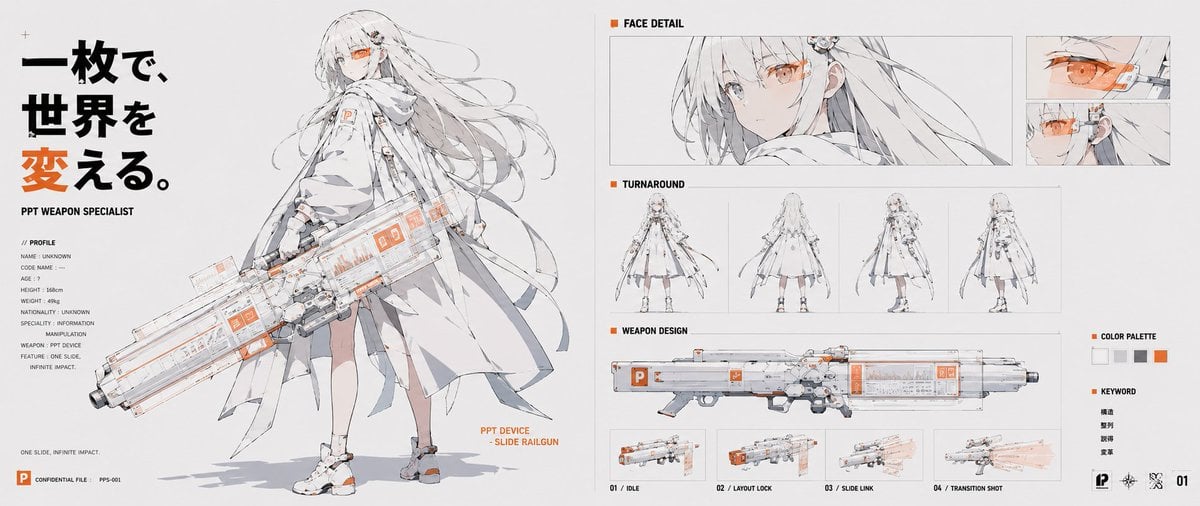
PPT Weapon Specialist Character Sheet
Browse template categories
Gothic Anime Boy Hugging Teddy Bear questions
How do I use the Gothic Anime Boy Hugging Teddy Bear template?
Add your photo if the template asks for one, edit the prompt if you like — the template's model and format are already selected — and press Generate. Your version opens in PicX Studio.
Can I customize the Gothic Anime Boy Hugging Teddy Bear template?
Yes. You can change the subject, setting, lighting, mood, format, and available model controls before creating your image.
Is the Gothic Anime Boy Hugging Teddy Bear template free?
Opening and editing this template is free. Generating uses credits, shown on the Generate button when you are signed in.
Which AI model should I use?
Start with GPT Image 2, which is the model associated with this template. You can compare another compatible model for a different finish.
Looking for something else? Browse all templates.

Your photo, any look
Thousands of ready templates for every top image and video model, from one credit balance.