
Deep-Sea Diver Artifact Close-Up
A cinematic hyperreal prompt for generating a moody underwater close-up of an antique diver gripping a mysterious dark square artifact.
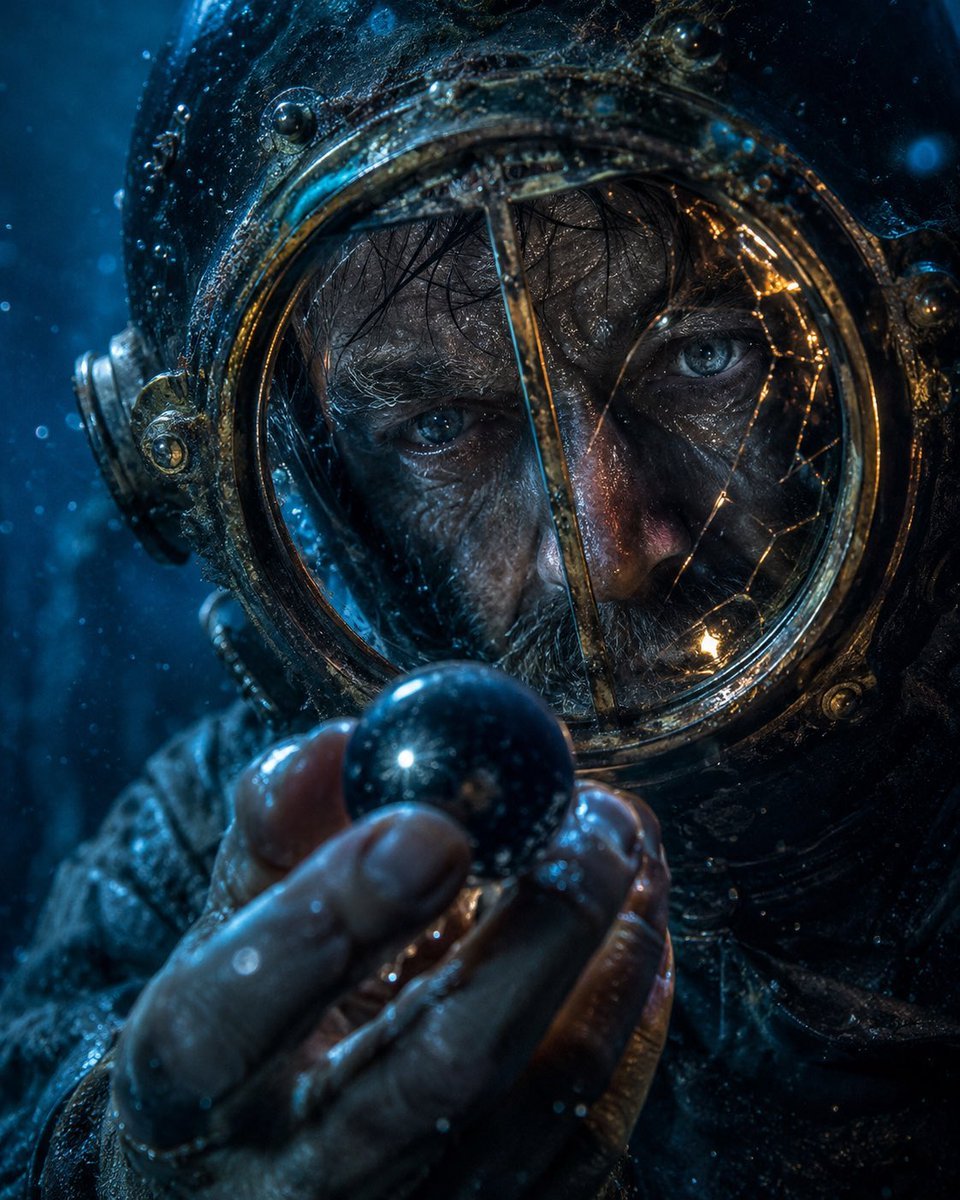
- Prompt included
- Model and format preset
- Free template
The prompt behind this image
Copy the exact prompt behind Deep-Sea Diver Artifact Close-Up, or open it in the studio and make it yours.
Cinematic hyperreal close-up portrait of {argument name="character" default="an antique deep-sea diver in a weathered brass diving helmet"} holding {argument name="object" default="a dark mysterious square artifact"} directly in front of the face with intent. The object is centered and blocks most of the visor, appearing as a flat near-black charcoal square with a subtle vertical gradient, sharp clean edges, and no markings. Show the diver’s wet gloved hands at the bottom foreground, fingers curled around the artifact, with realistic skin/leather texture, droplets, grime, and specular highlights. The helmet fills the frame: aged bronze and blackened metal, round rivets, ornate circular side fittings, corroded seams, scratches, algae-like residue, and a glass porthole rim barely visible around the square. Illuminate the scene with {argument name="lighting" default="cold blue underwater light from the left with warm amber reflections along the brass rim"}. Add {argument name="atmospheric elements" default="suspended bubbles, drifting particles, and murky underwater haze"} throughout the frame. The mood is tense and enigmatic; any visible eyes behind the glass should convey {argument name="emotion" default="focused obsession and dread"}. Use shallow depth of field, macro-level detail, cinematic contrast, teal-blue color grading, glossy wet surfaces, volumetric underwater ambience, no text, no watermark, vertical 4:5 composition.
How to use Deep-Sea Diver Artifact Close-Up in 3 steps
- 1Upload ImagePNG, JPG or paste
Add your photo
Upload the photo the template builds on. The prompt, model and format are already set.
- 2…a portrait of your subject in softgolden-hour light, 85mm…
Personalize
Edit the subject and creative details for your destination.
- 3Generate
Generate
Press Generate — your image is created in PicX Studio, so you can compare it with the original and refine one variable at a time.
More like this
Templates with the same subject, style or setup. Open one to see its prompt.
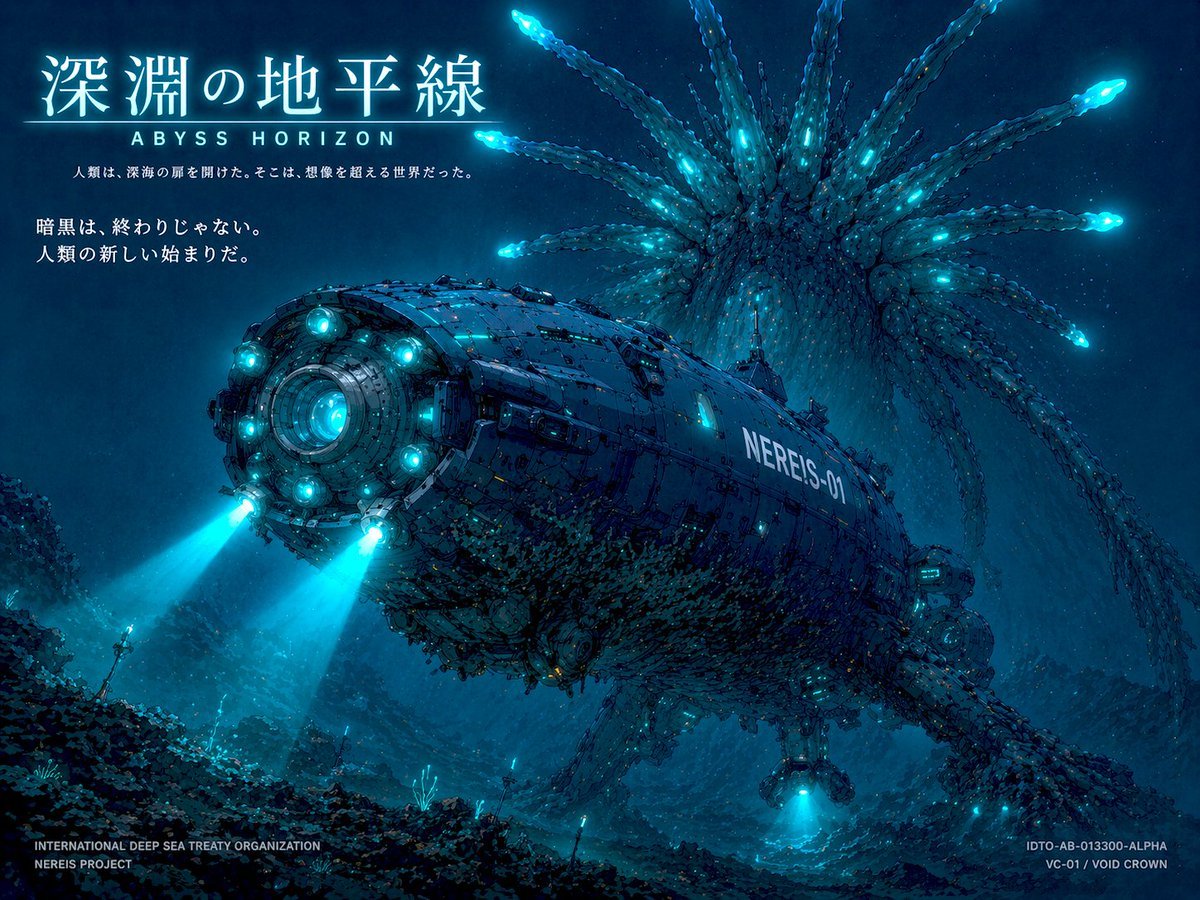
Sci-Fi Deep Sea Submarine Poster
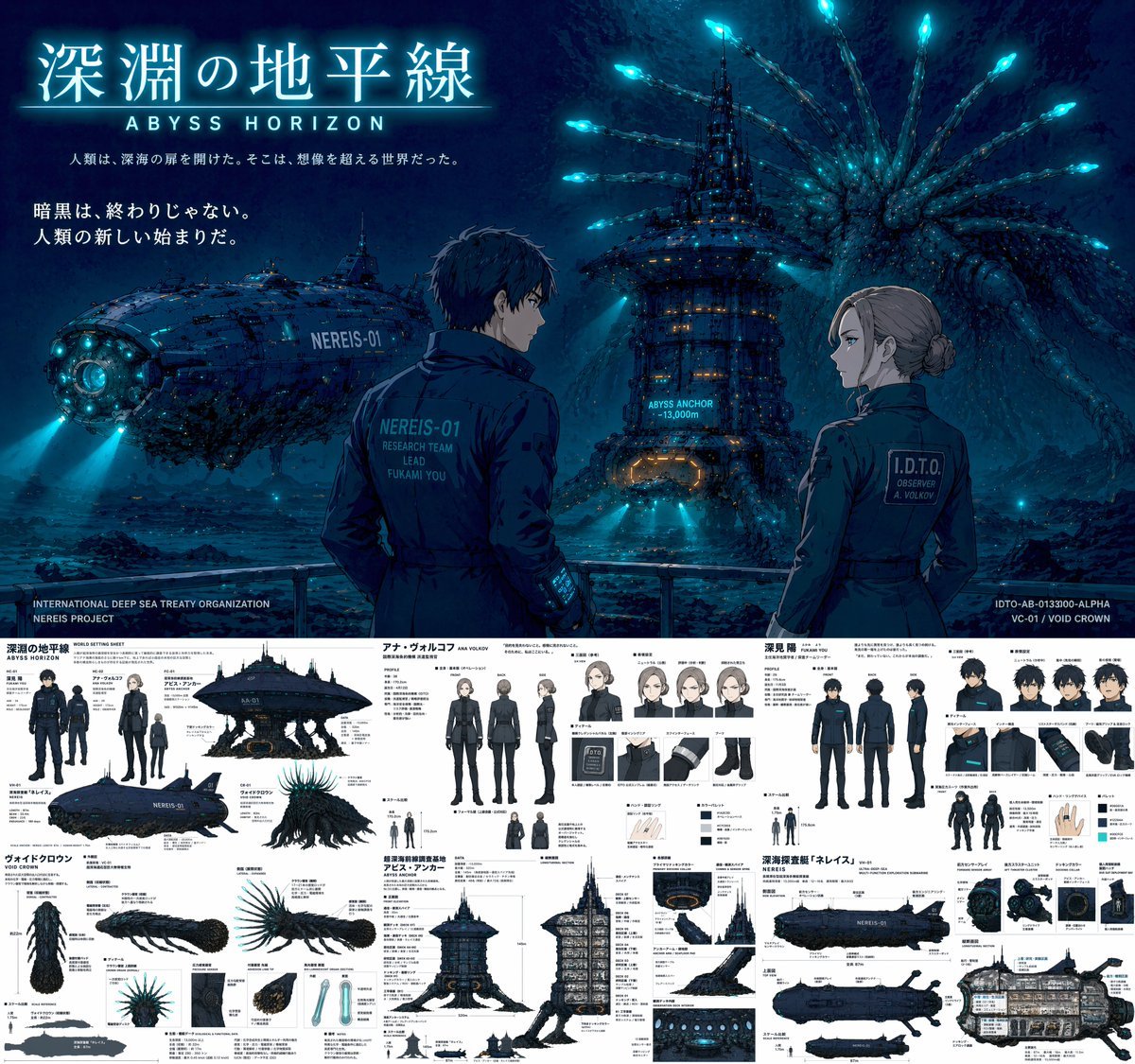
Sci-Fi Deep Sea Concept Art & Reference Sheet
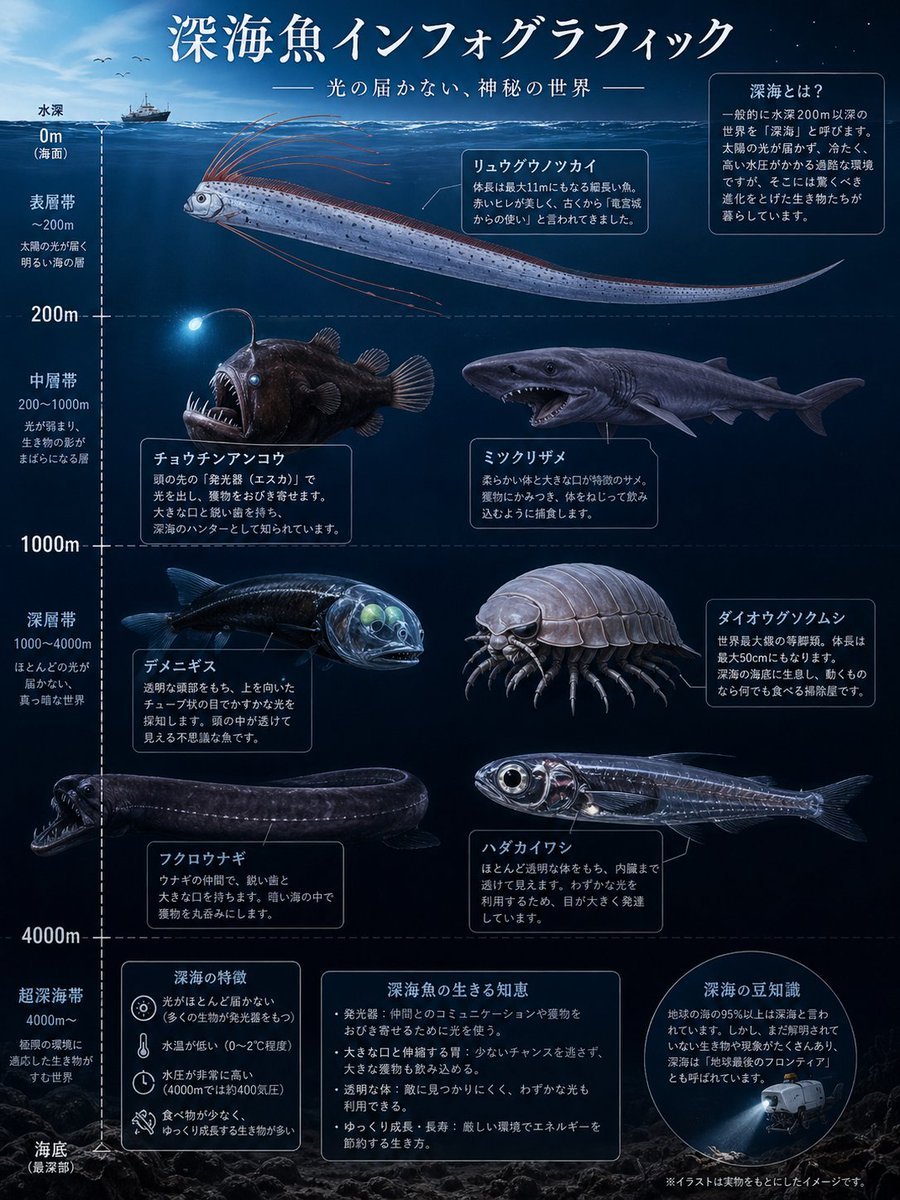
Deep-Sea Fish Infographic Poster
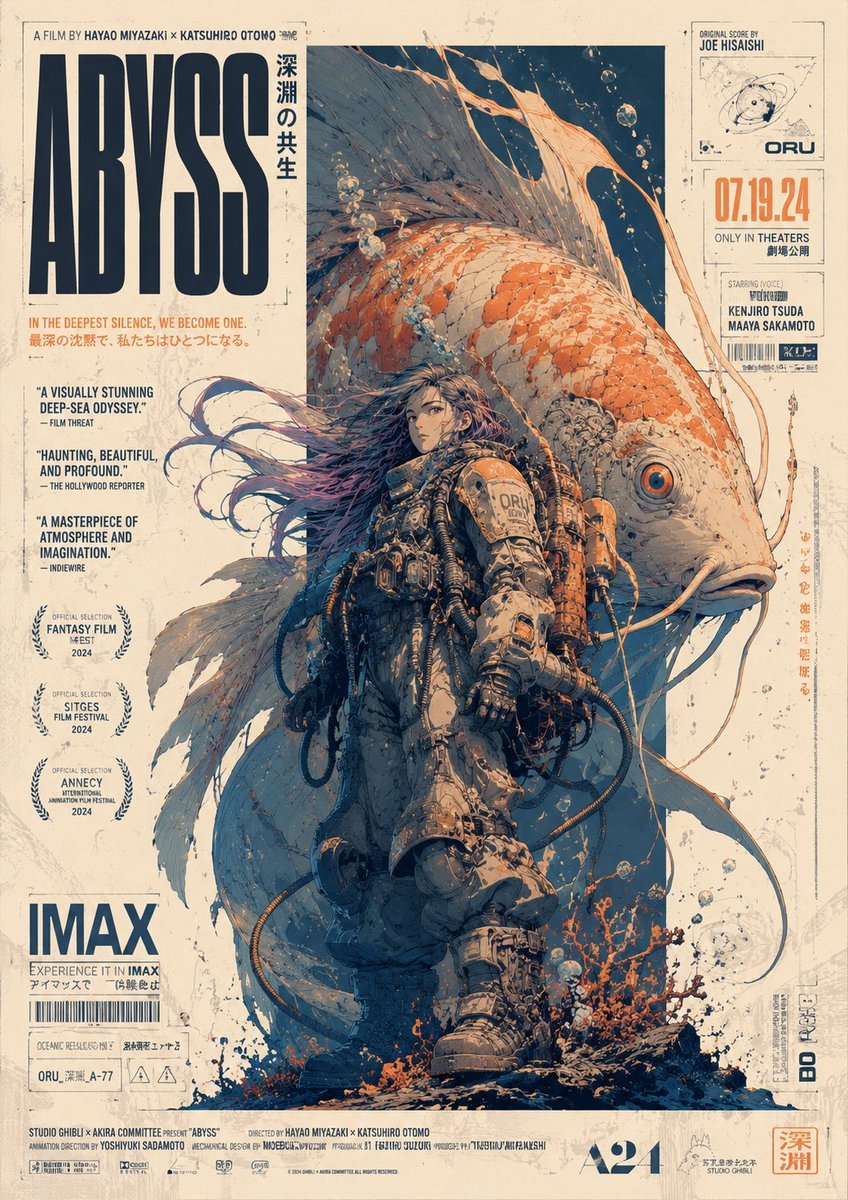
Retro Deep-Sea Sci-Fi Anime Poster
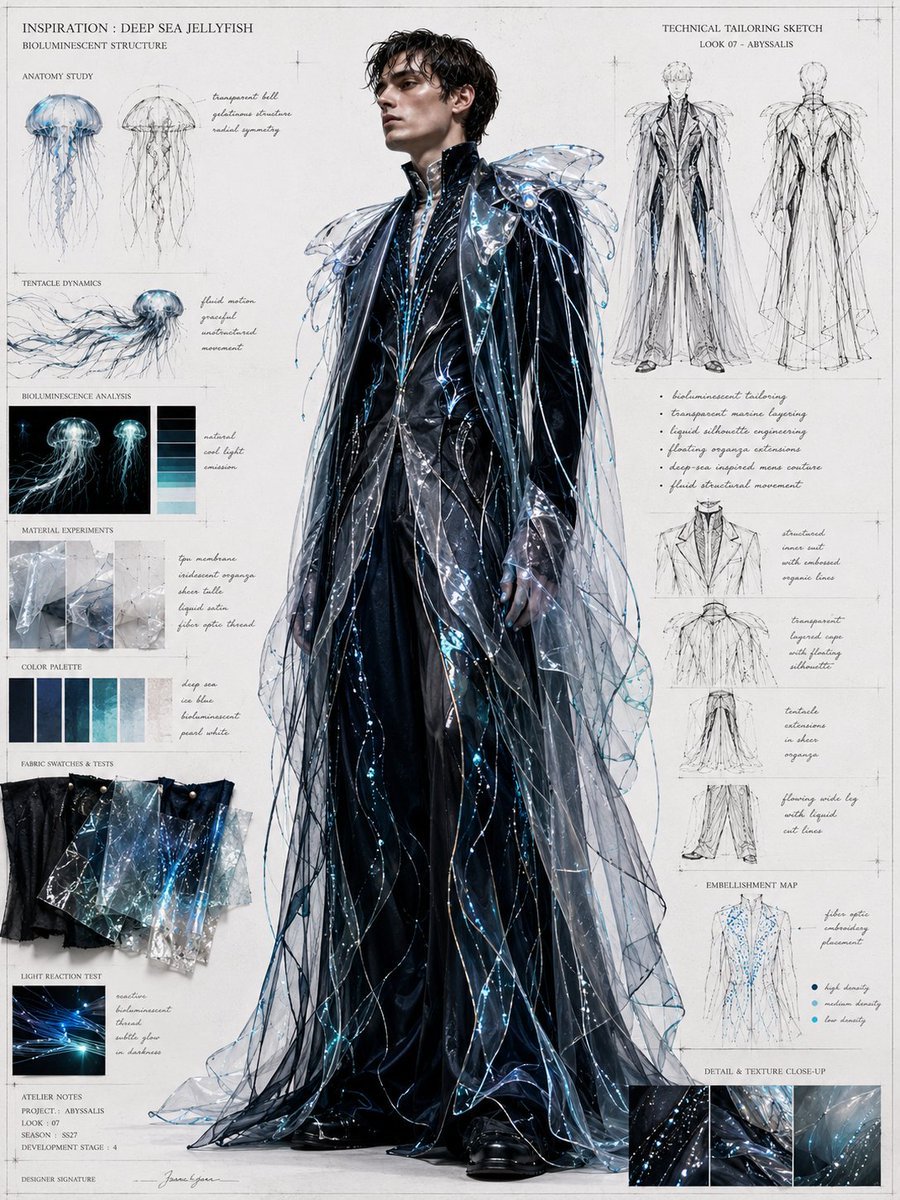
Deep Sea Jellyfish Couture Board
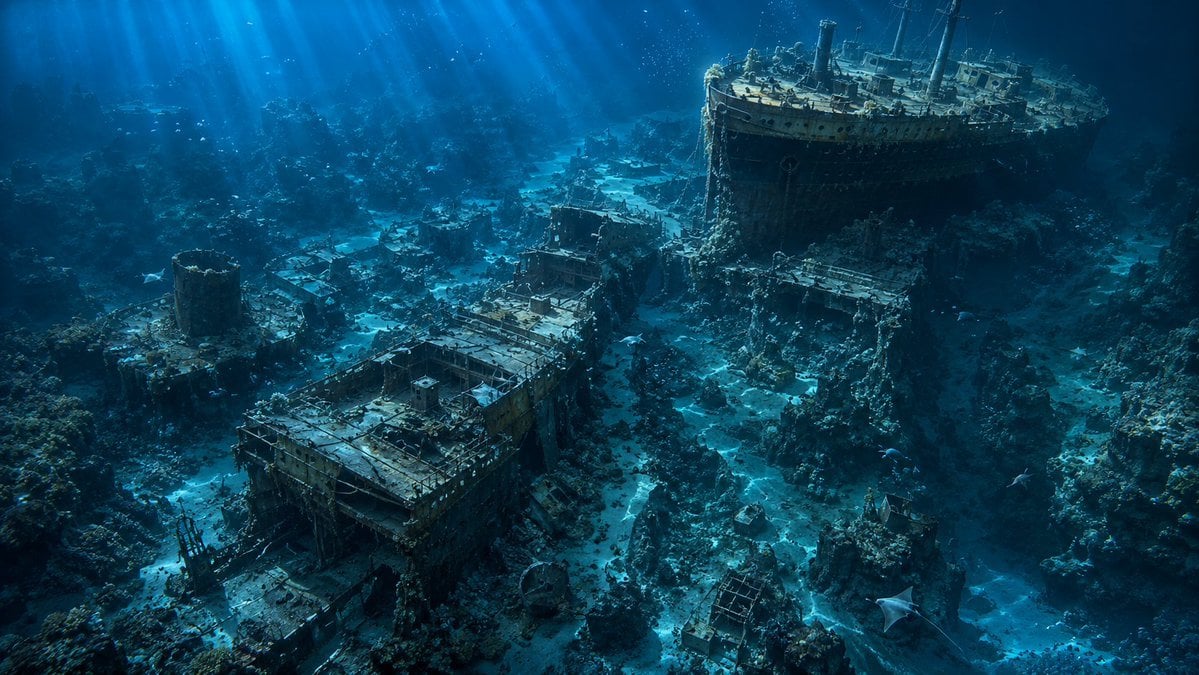
Deep Sea Titanic Shipwreck Aerial View
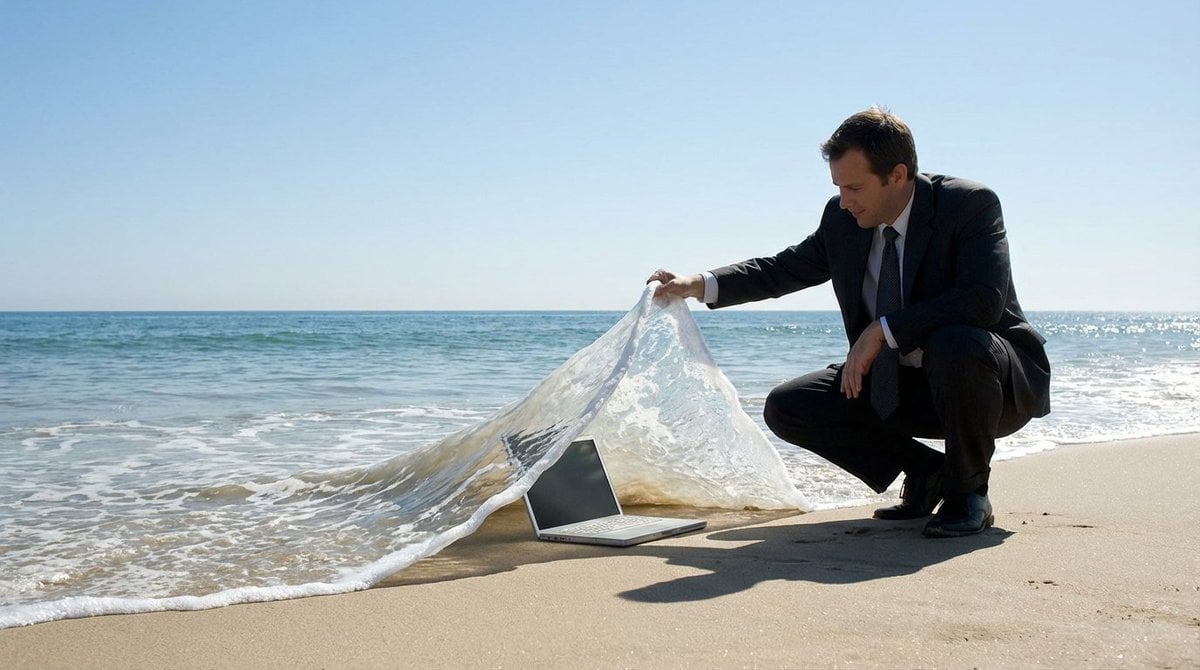
Surreal deep sea storage illusion prompt
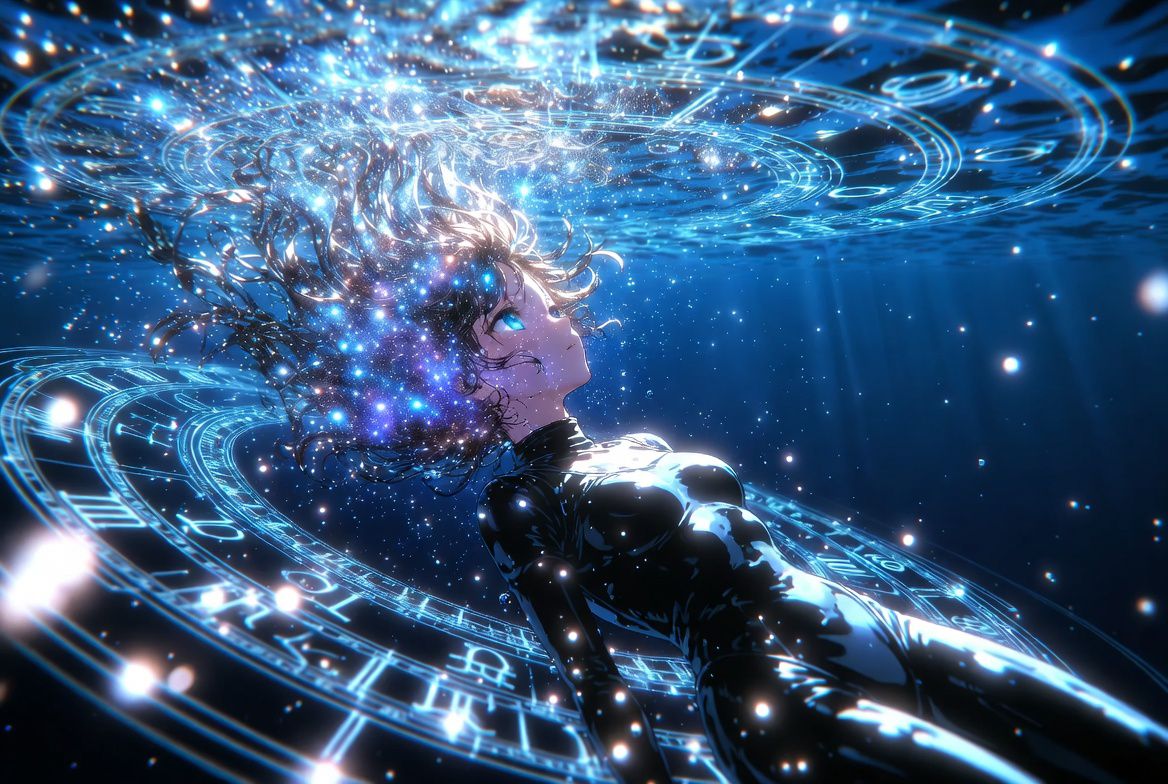
Anime Style AI Image Generation Prompt for Deep Sea Fantasy
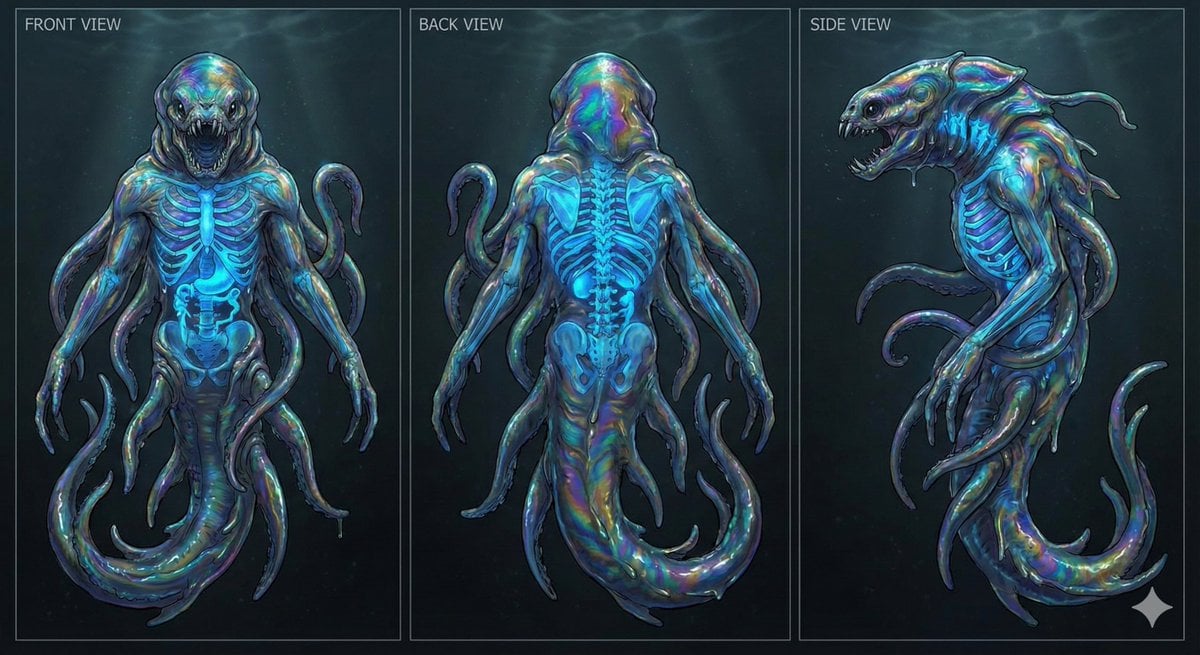
Character Sheet for Deep-Sea Creature with Bioluminescent Skeleton

Farmer in Deep Work Aura
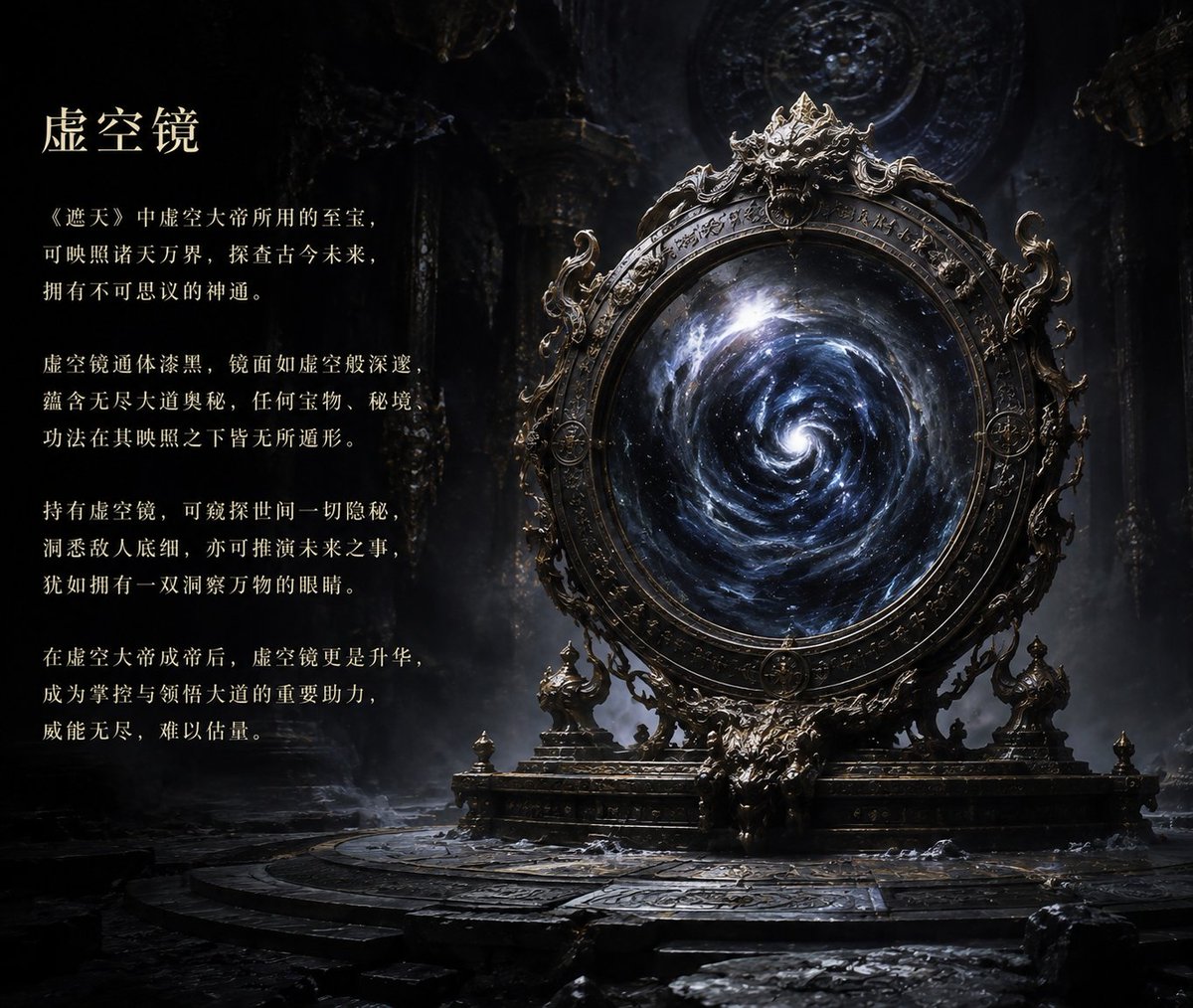
Ancient Void Mirror Artifact Poster
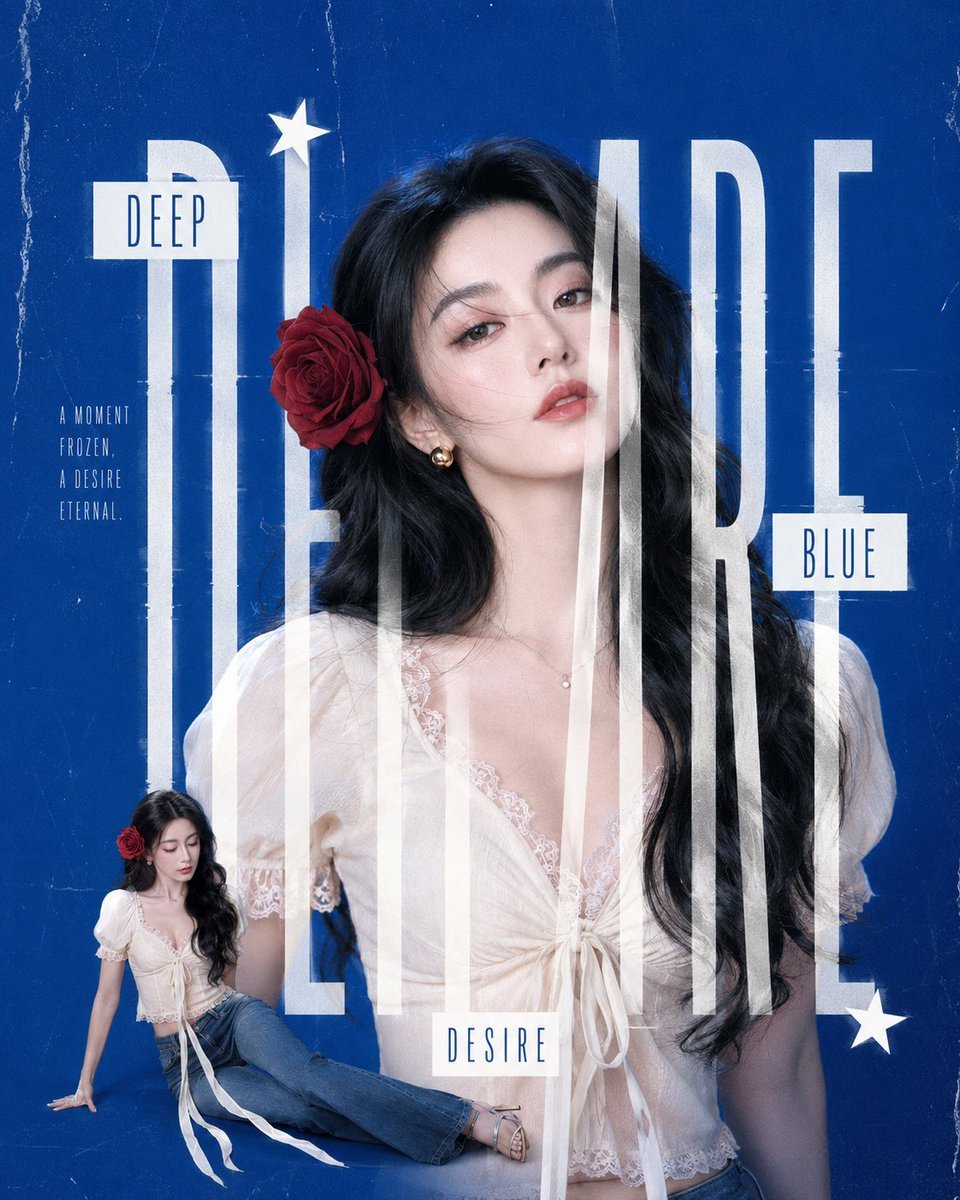
Deep Blue Desire Fashion Poster
Make it yours
Deep-Sea Diver Artifact Close-Up works as-is. These are the safest ways to change it without losing the look.
Change one field
Copy a single group, rewrite it, and generate again so you can see what that field is doing.
Keep the frame, change the subject
Hold the composition and light of Deep-Sea Diver Artifact Close-Up, then swap wardrobe, props or the person for a new take.
| If the result… | Why | Fix |
|---|---|---|
| The result drifts from the preview | Too many fields changed at once. | Reuse Deep-Sea Diver Artifact Close-Up as-is first, then change one group — subject, light, or setting. |
| The model over-stylizes the scene | The prose prompt leaves finish and camera underspecified. | Add one camera or lighting sentence and stay on GPT Image 2. |
More GPT Image 2 templates
Other prompts made for GPT Image 2.

Six VTuber Japanese Logo Sheet

Realistic Portrait of Woman and Deer

The Vista Modular Condo Poster

AI Model Routing Comparison Infographic

2.5D Anime Art Board

Isometric Productivity Desk Scene

New York Double Exposure Poster

Four-Panel AI Landscape Comparison

Japanese Tatami Lifestyle Magazine Cover

NESCAFÉ Coffee Map Poster
More image prompts
Fresh picks from across the catalog.
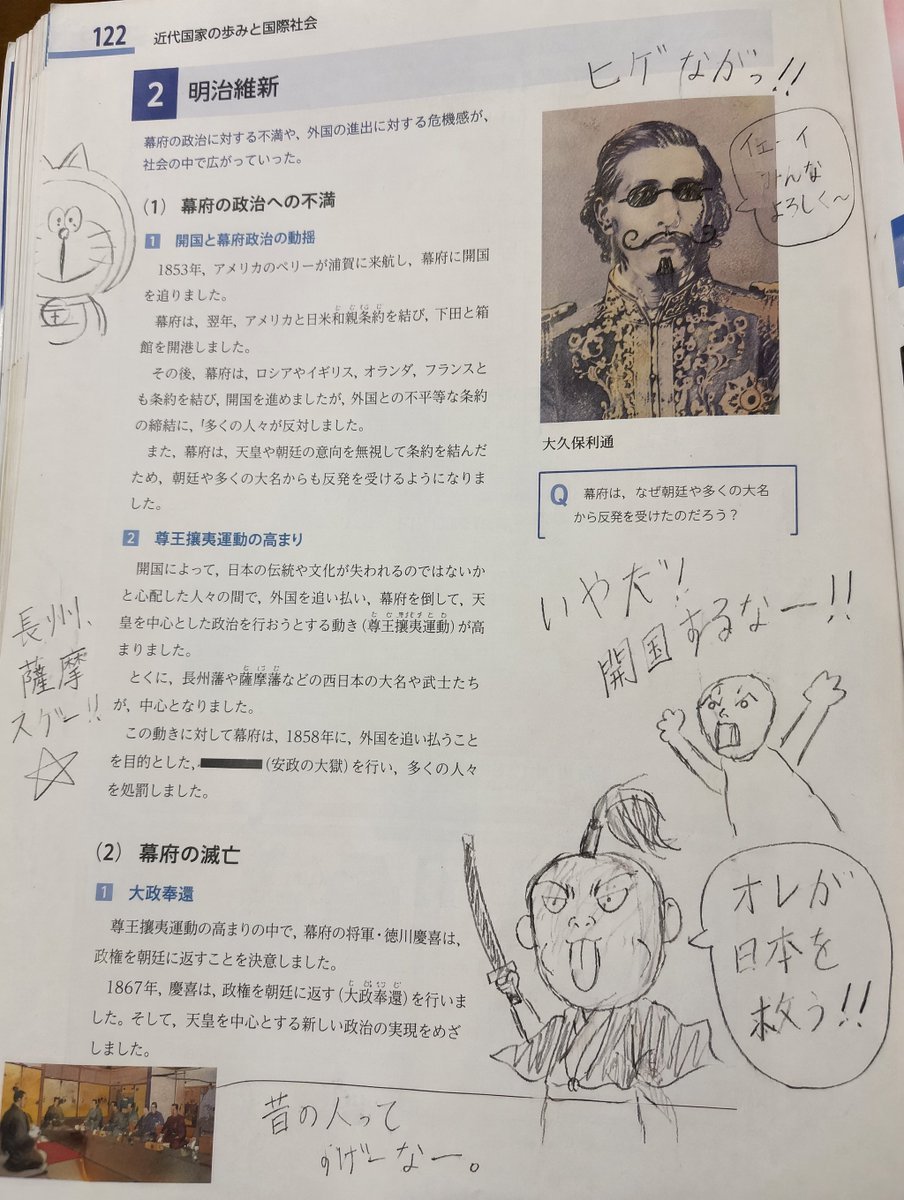
School Textbook Historical Figure Doodle
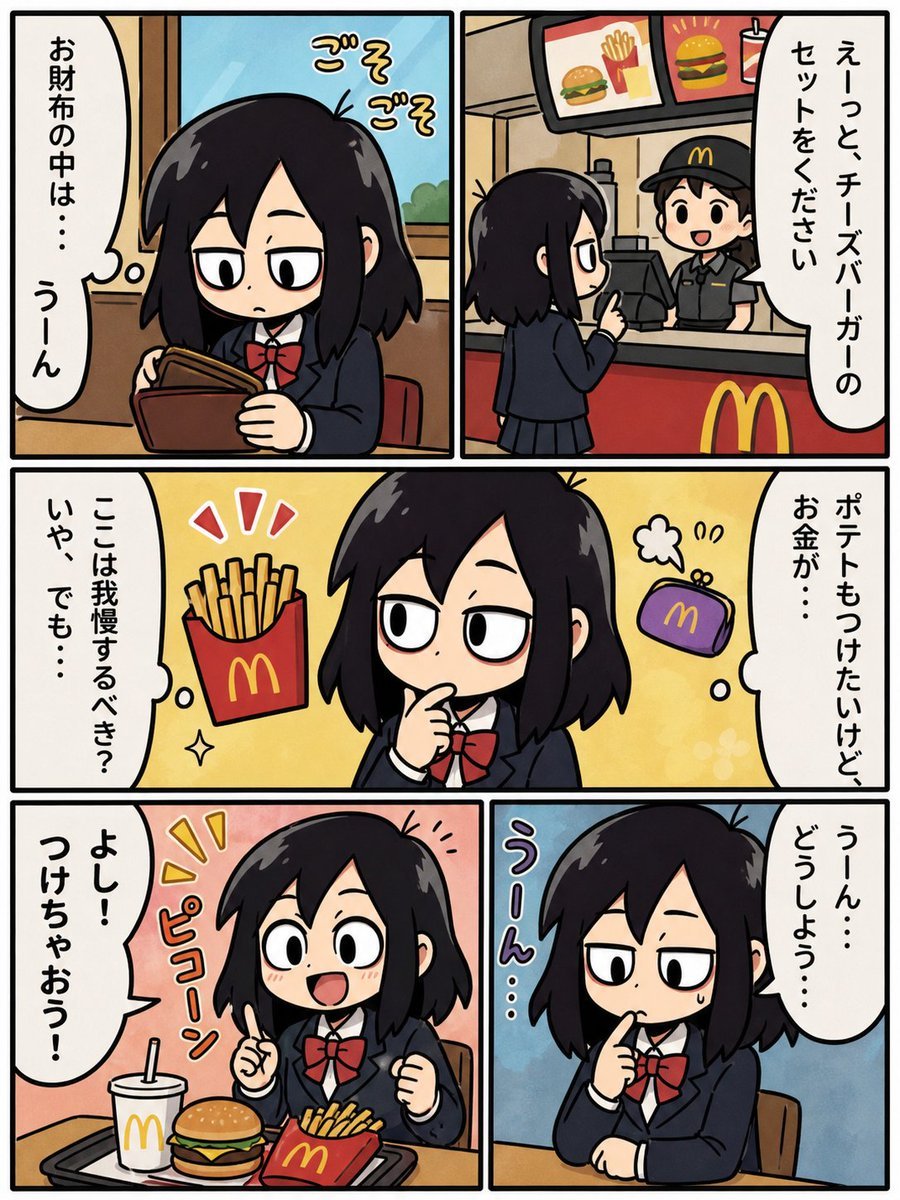
Fast Food Schoolgirl Manga Page

Motivational Comic Breakthrough Poster
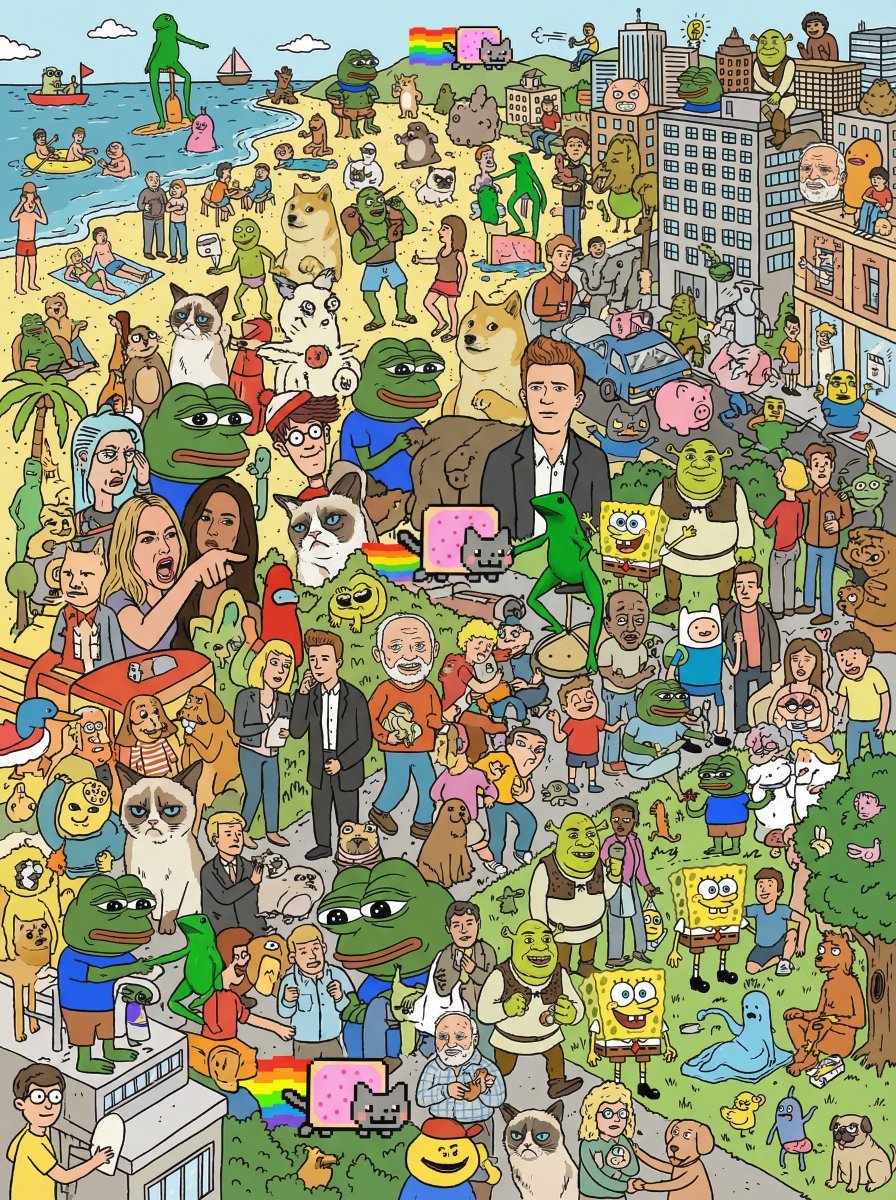
Where's Wally Meme Character Prompt
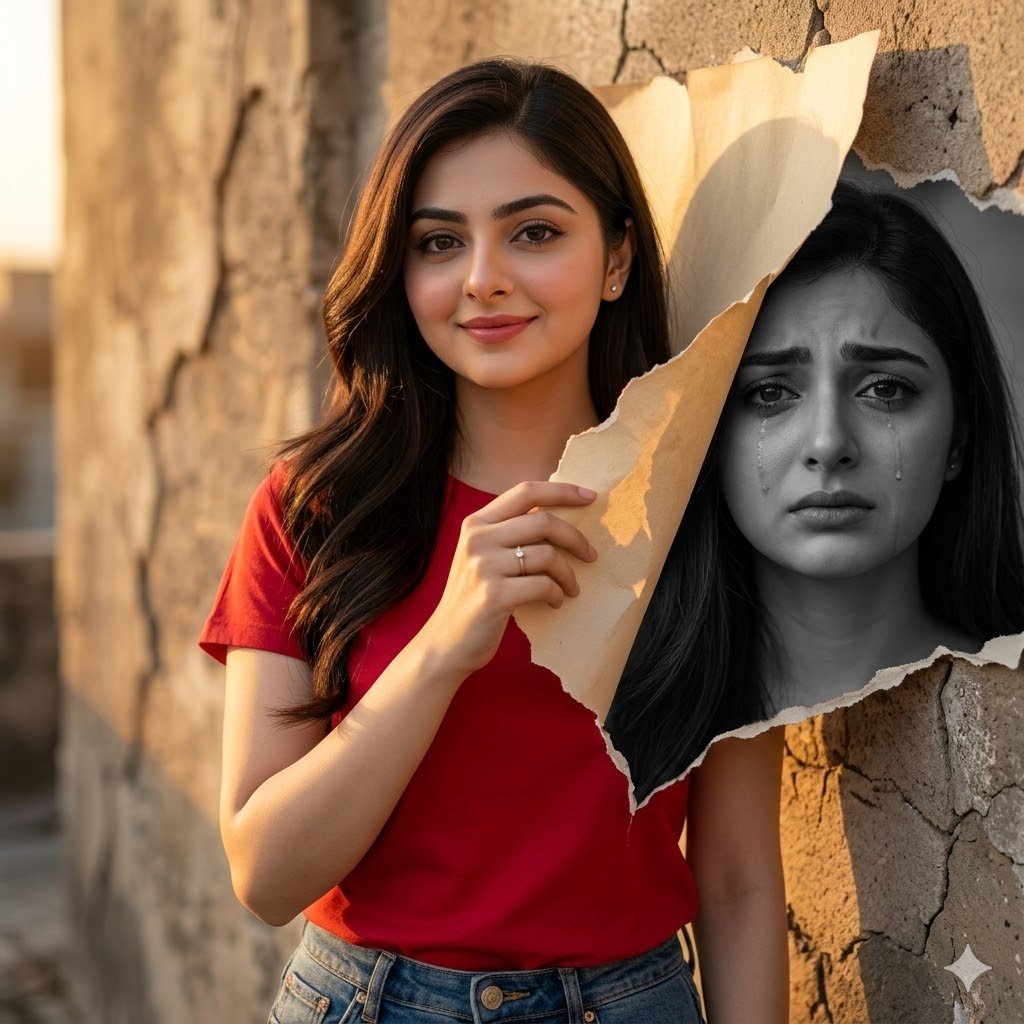
Dual-Mood Sunset Portrait
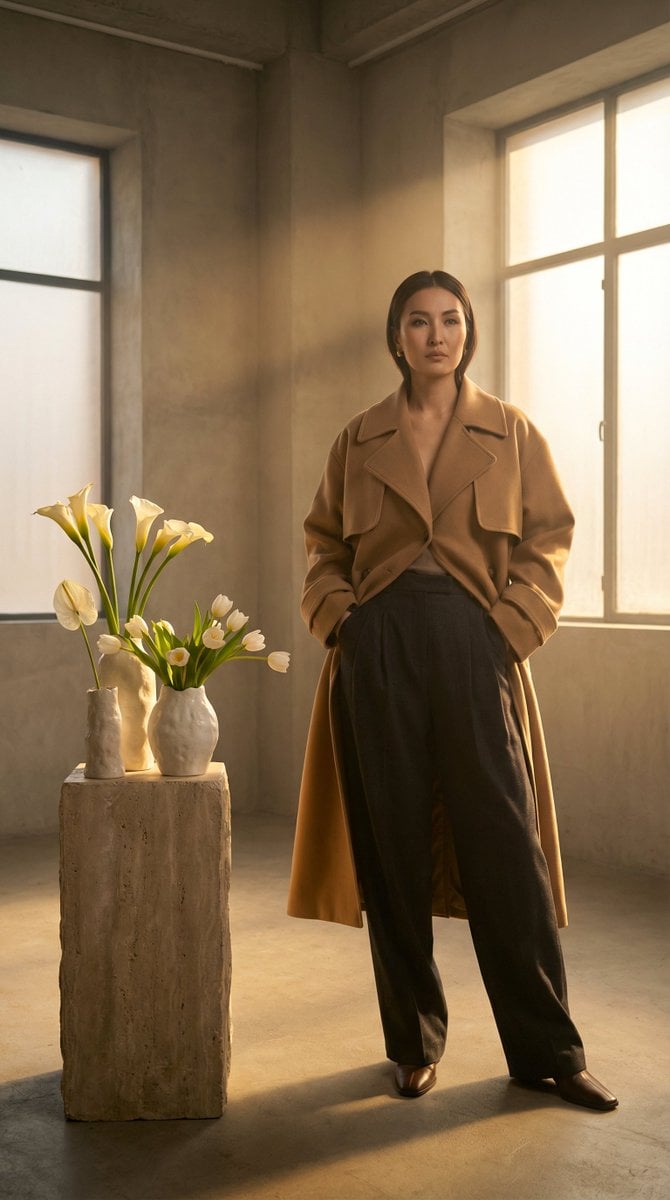
High-Fashion Kazakh Model Editorial Prompt
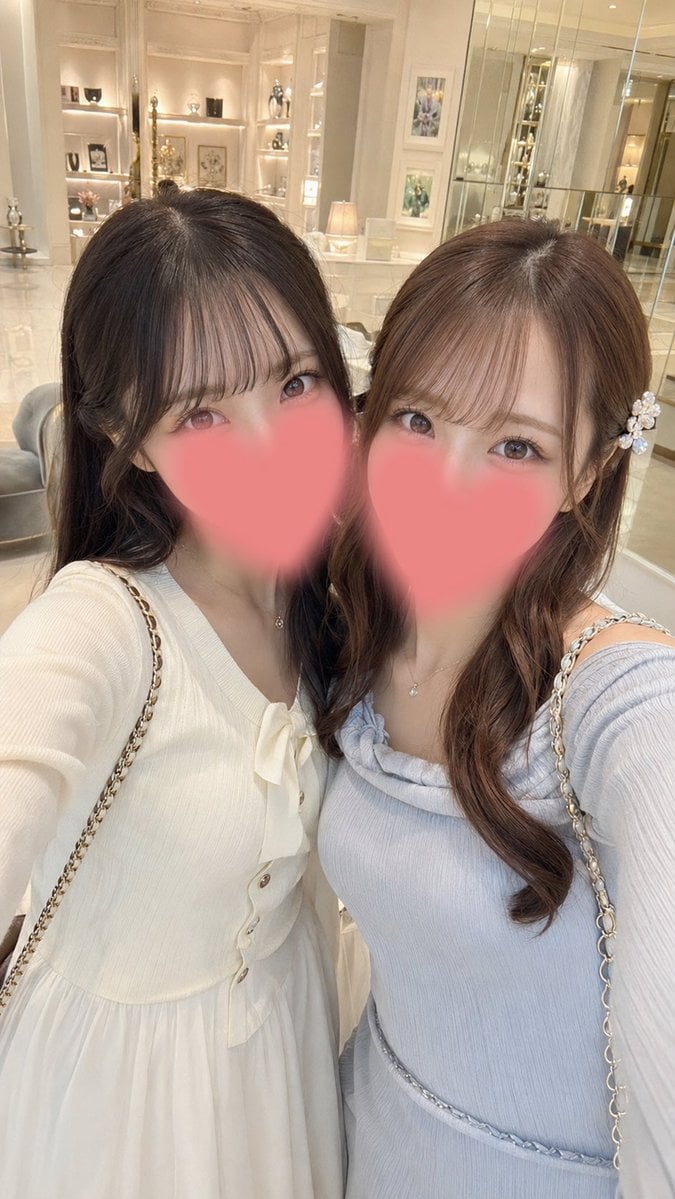
Luxury Boutique Two-Woman Selfie
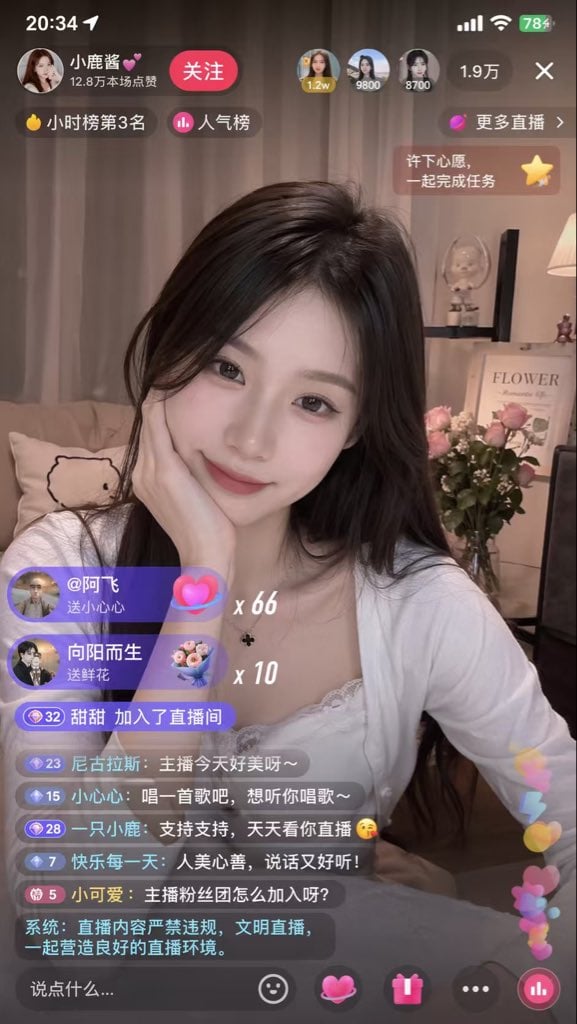
Live Streaming App UI Mockup
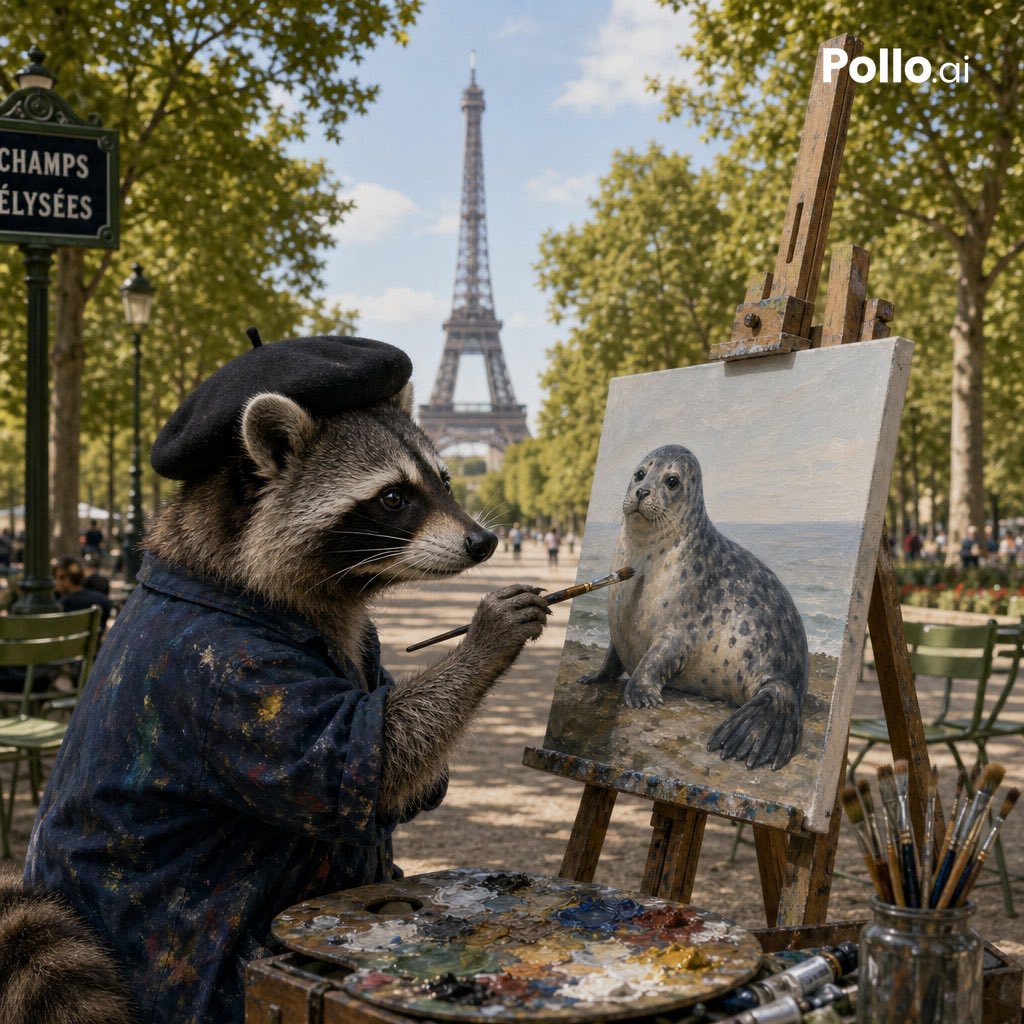
Photorealistic Raccoon Painter in Paris
Summer Garden Rose Selfie
Browse template categories
Deep-Sea Diver Artifact Close-Up questions
How do I use the Deep-Sea Diver Artifact Close-Up template?
Add your photo if the template asks for one, edit the prompt if you like — the template's model and format are already selected — and press Generate. Your version opens in PicX Studio.
Can I customize the Deep-Sea Diver Artifact Close-Up template?
Yes. You can change the subject, setting, lighting, mood, format, and available model controls before creating your image.
Is the Deep-Sea Diver Artifact Close-Up template free?
Opening and editing this template is free. Generating uses credits, shown on the Generate button when you are signed in.
Which AI model should I use?
Start with GPT Image 2, which is the model associated with this template. You can compare another compatible model for a different finish.
Looking for something else? Browse all templates.

Your photo, any look
Thousands of ready templates for every top image and video model, from one credit balance.