
Deep Blue Desire Fashion Poster
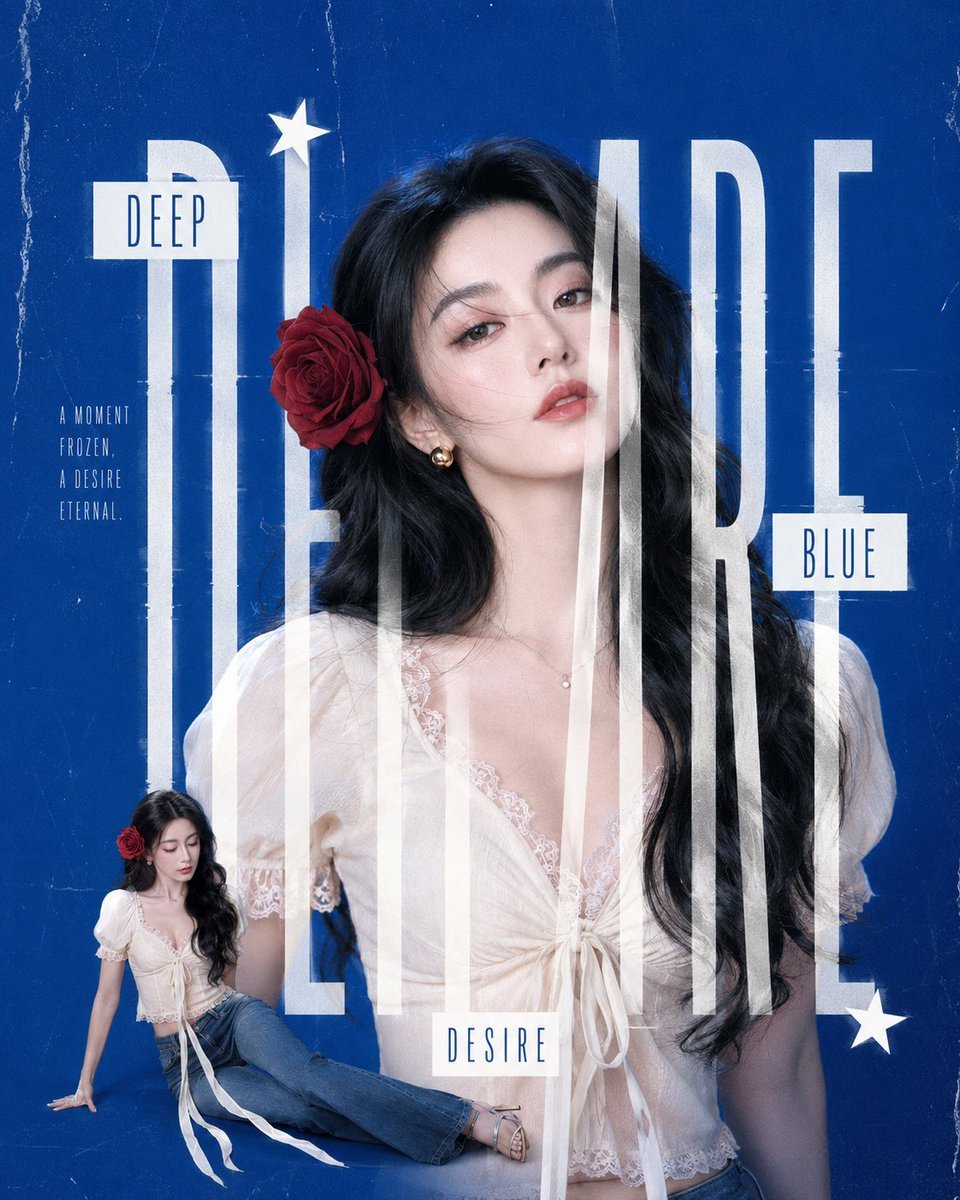
A square high-fashion editorial poster featuring a rose-haired woman layered with oversized typography on a textured cobalt blue background.
- Prompt included
- Model and format preset
- Free template
The prompt behind this image
Copy the exact prompt behind Deep Blue Desire Fashion Poster, or open it in the studio and make it yours.
Create a square editorial fashion magazine poster with a deep cobalt blue grunge paper background, subtle scratches, dust, fold marks, and worn texture. The main subject is a glamorous young East Asian woman with {argument name="hair color" default="long black wavy hair"}, fair skin, soft smoky makeup, glossy lips, and a red rose tucked behind her left ear. She wears small gold earrings, a delicate necklace, and a romantic white lace tie-front blouse with puff sleeves and a deep neckline. Place her as a large half-body portrait centered slightly right, looking confidently at the camera with a dreamy, cool expression. Overlay enormous tall condensed white typography across the whole poster spelling {argument name="main title" default="DESIRE"}, with the letters stretched vertically and partially transparent so they pass in front of and behind her face and body like a layered fashion layout. Add exactly 4 smaller text elements: a white rectangular label near the upper left reading {argument name="top label" default="DEEP"}, a slim three-line quote at left reading {argument name="side quote" default="A MOMENT / FROZEN, / A DESIRE / ETERNAL"}, a white rectangular label at mid-right reading {argument name="right label" default="BLUE"}, and a small spaced-out label near the bottom center reading "DESIRE". Add exactly 2 white star icons: one near the top above the tall typography and one near the lower right corner. Include exactly 1 secondary cutout figure of the same woman at the lower left, seated casually in the same outfit with blue jeans, long ribbon ties trailing, red rose in her hair, looking downward; scale it much smaller than the main portrait. Use high-fashion photorealism blended with graphic design, crisp studio lighting, cool blue color grading, layered transparent text, clean magazine composition, and no extra logos or watermarks.
How to use Deep Blue Desire Fashion Poster in 3 steps
- 1Upload ImagePNG, JPG or paste
Add your photo
Upload the photo the template builds on. The prompt, model and format are already set.
- 2…a portrait of your subject in softgolden-hour light, 85mm…
Personalize
Edit the subject and creative details for your destination.
- 3Generate
Generate
Press Generate — your image is created in PicX Studio, so you can compare it with the original and refine one variable at a time.
More like this
Templates with the same subject, style or setup. Open one to see its prompt.

Blue Backdrop Luxury Fashion Portrait Campaign

Ive Yujin Fashion Portrait in Blue

80s College Gate

1988 Mall Style

80s Polka Dot Saree
Sci-Fi Deep Sea Submarine Poster

Japan Travel Brochure Poster
Deep Blue Sci-Fi Megacity Wallpaper
Blue Decora Anime Girl Poster
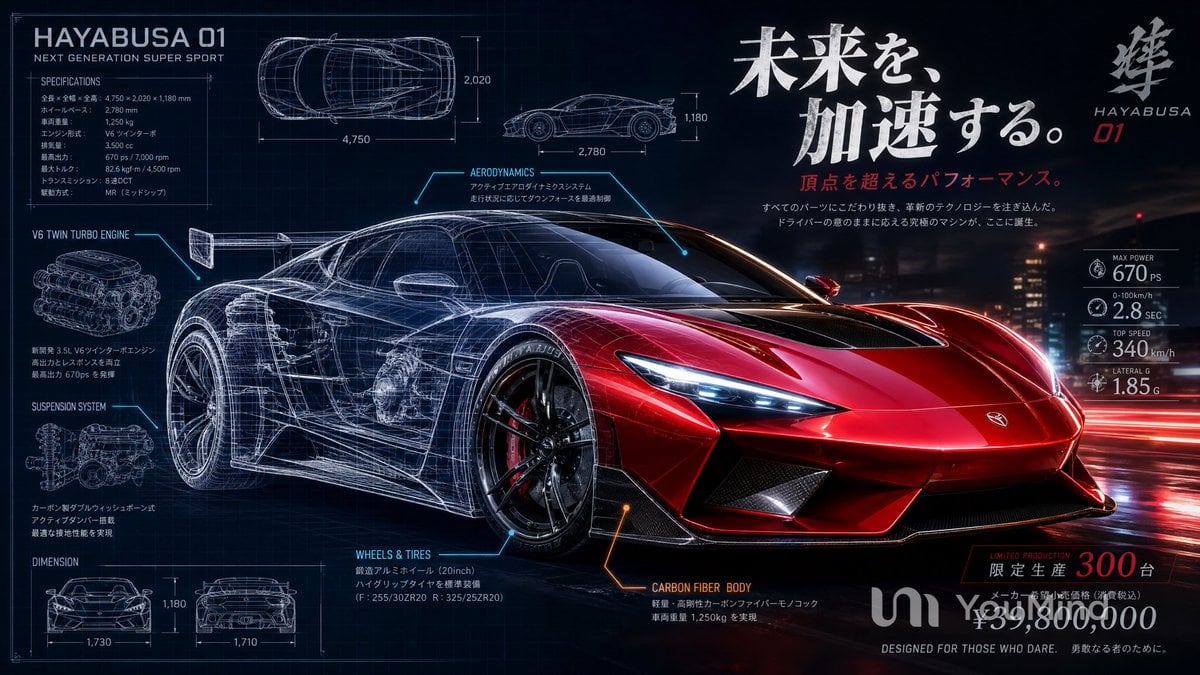
Japanese Hypercar Blueprint Poster
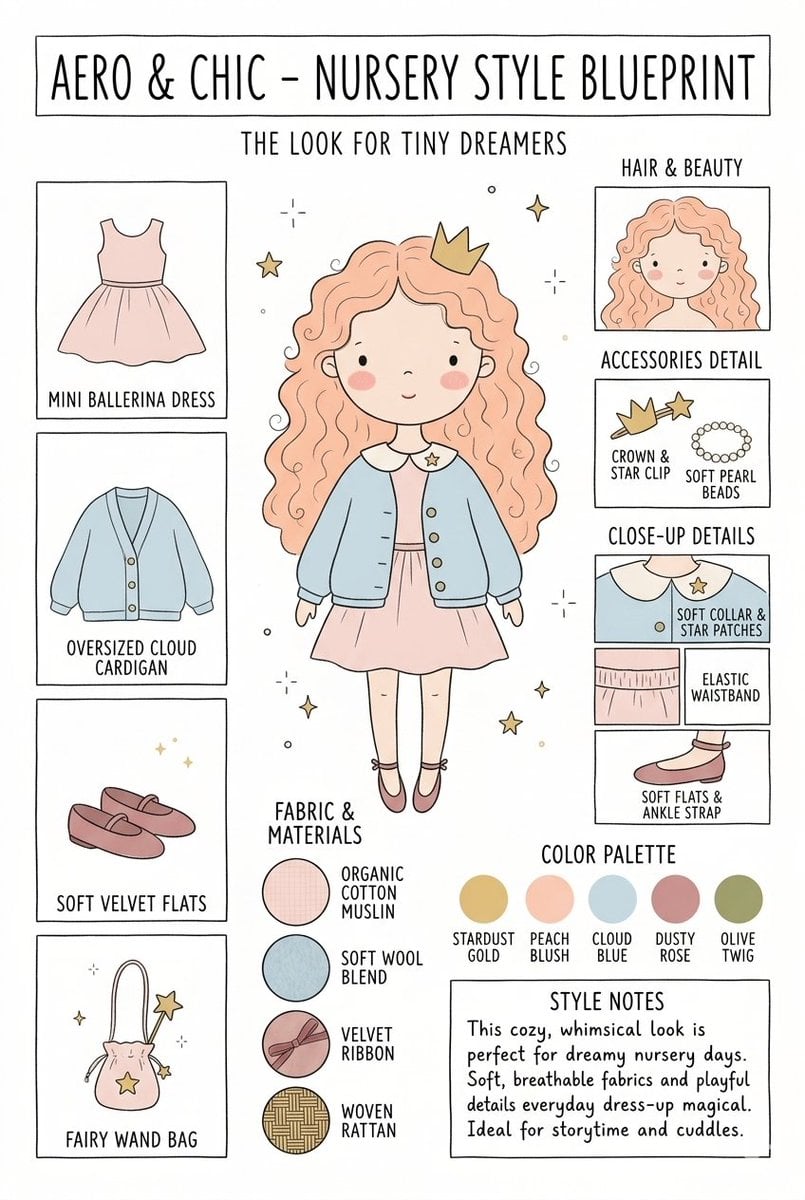
Nursery Fashion Style Blueprint Infographic

Cartoon TV Show Poster Pack
Make it yours
Deep Blue Desire Fashion Poster works as-is. These are the safest ways to change it without losing the look.
Change one field
Copy a single group, rewrite it, and generate again so you can see what that field is doing.
Keep the frame, change the subject
Hold the composition and light of Deep Blue Desire Fashion Poster, then swap wardrobe, props or the person for a new take.
| If the result… | Why | Fix |
|---|---|---|
| The result drifts from the preview | Too many fields changed at once. | Reuse Deep Blue Desire Fashion Poster as-is first, then change one group — subject, light, or setting. |
| The model over-stylizes the scene | The prose prompt leaves finish and camera underspecified. | Add one camera or lighting sentence and stay on GPT Image 2. |
More GPT Image 2 templates
Other prompts made for GPT Image 2.

Six VTuber Japanese Logo Sheet

Realistic Portrait of Woman and Deer

The Vista Modular Condo Poster

AI Model Routing Comparison Infographic

2.5D Anime Art Board

Isometric Productivity Desk Scene

New York Double Exposure Poster

Four-Panel AI Landscape Comparison

Japanese Tatami Lifestyle Magazine Cover

NESCAFÉ Coffee Map Poster
More image prompts
Fresh picks from across the catalog.
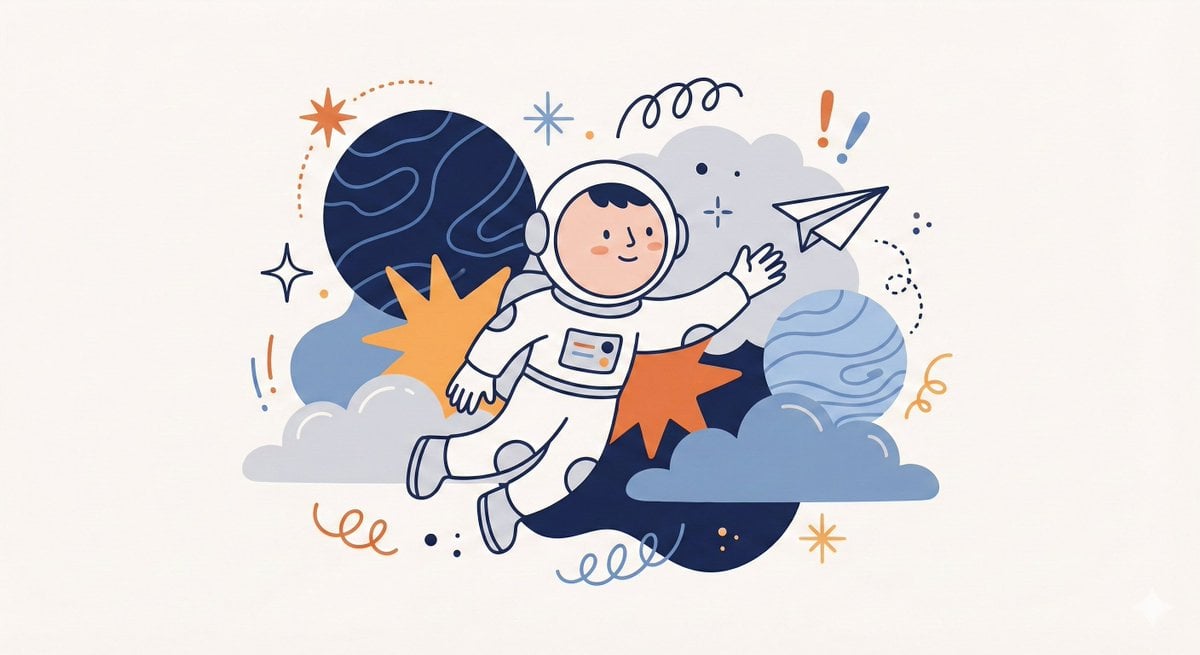
Whimsical Flat Illustration Generator
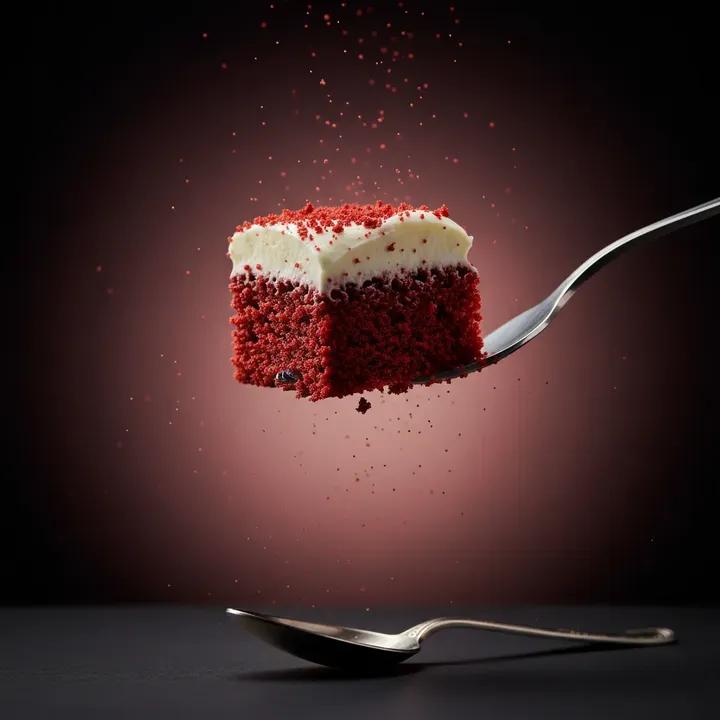
Ultra-Realistic Beverage Product Photography (Lemonate)
Luxury Bathroom Mirror Reflection
bit pixel art poster of black-and-white animals
Cozy Bedroom Selfie Portrait with Glasses
The Internet 3 Seconds Before the AI Revolution
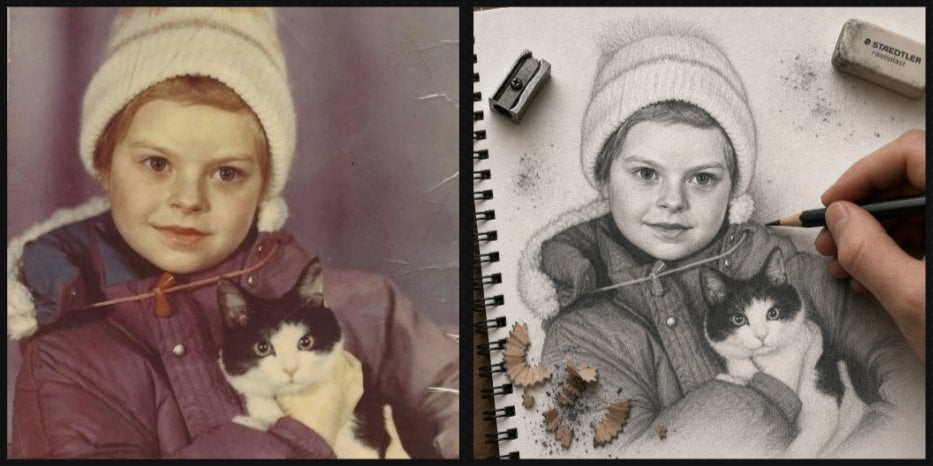
Vintage Photo to Graphite Sketch
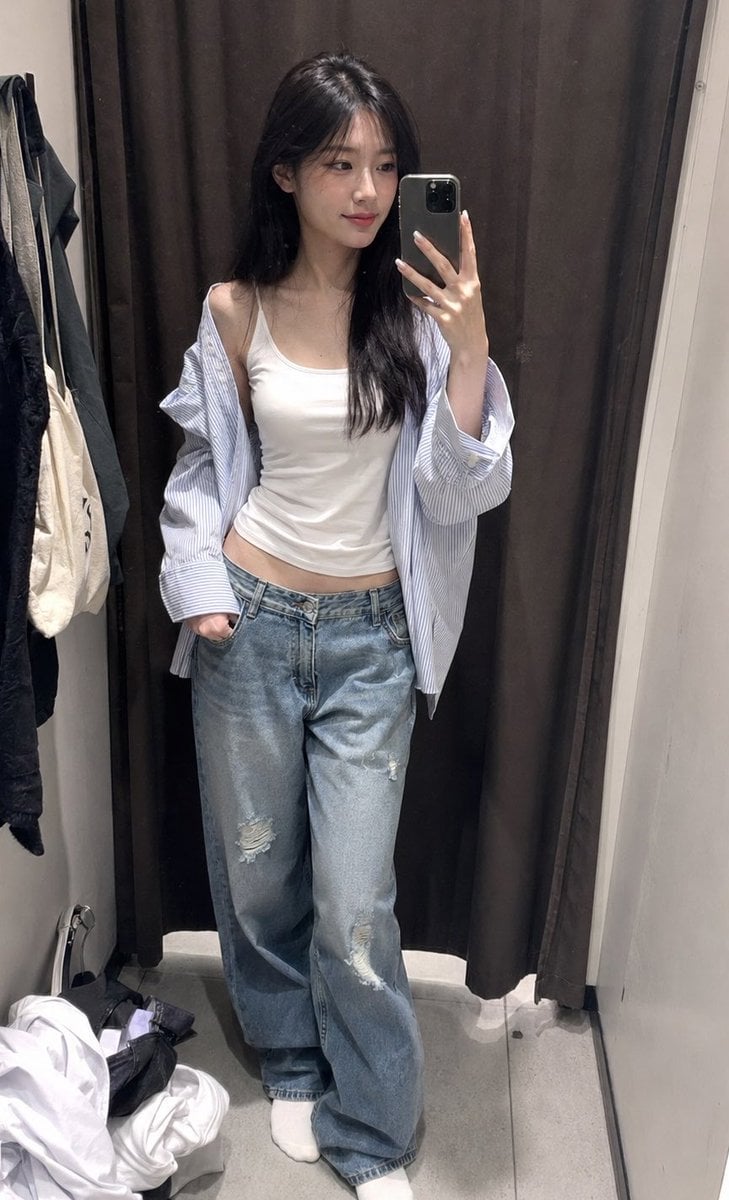
ZARA Fitting Room Mirror Selfie
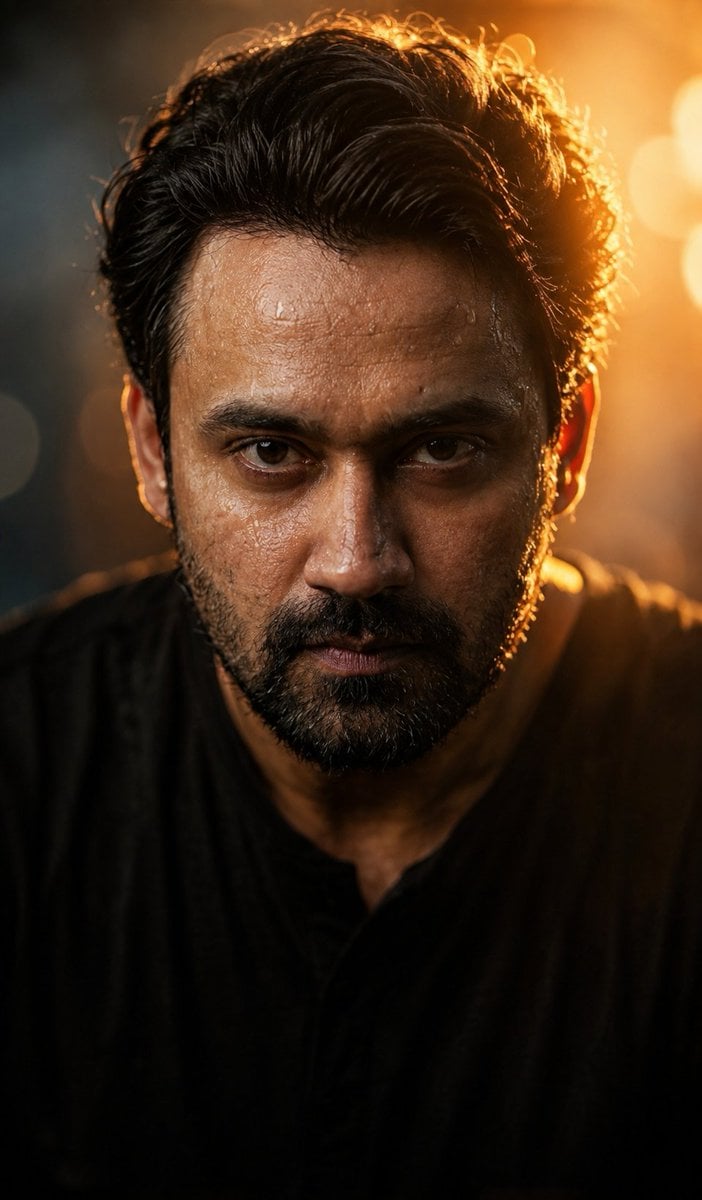
Cinematic Wet Face Portrait at Golden Hour
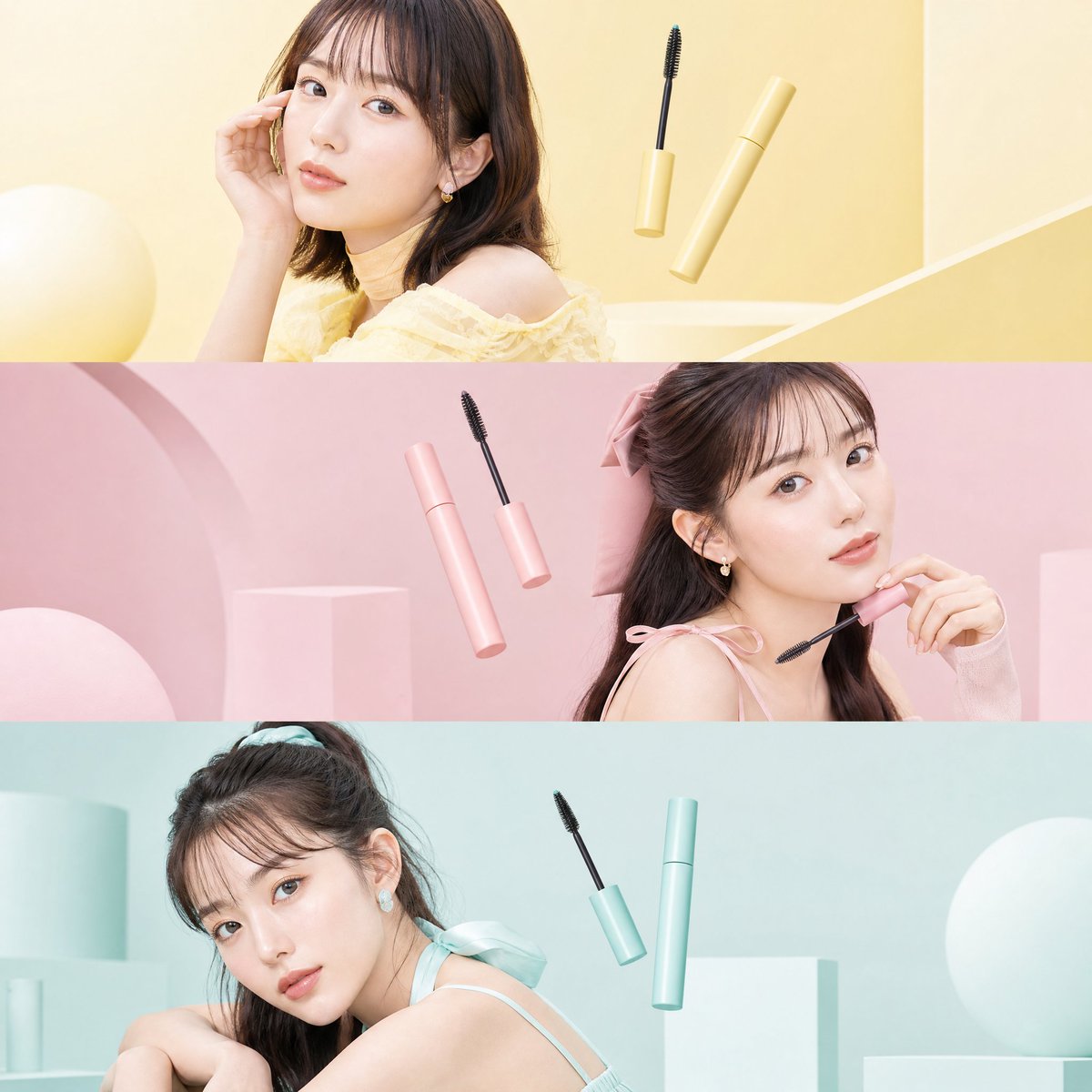
Japanese Beauty Editorial Collage
Browse template categories
Deep Blue Desire Fashion Poster questions
How do I use the Deep Blue Desire Fashion Poster template?
Add your photo if the template asks for one, edit the prompt if you like — the template's model and format are already selected — and press Generate. Your version opens in PicX Studio.
Can I customize the Deep Blue Desire Fashion Poster template?
Yes. You can change the subject, setting, lighting, mood, format, and available model controls before creating your image.
Is the Deep Blue Desire Fashion Poster template free?
Opening and editing this template is free. Generating uses credits, shown on the Generate button when you are signed in.
Which AI model should I use?
Start with GPT Image 2, which is the model associated with this template. You can compare another compatible model for a different finish.
Looking for something else? Browse all templates.

Your photo, any look
Thousands of ready templates for every top image and video model, from one credit balance.