
The Internet 3 Seconds Before the AI Revolution
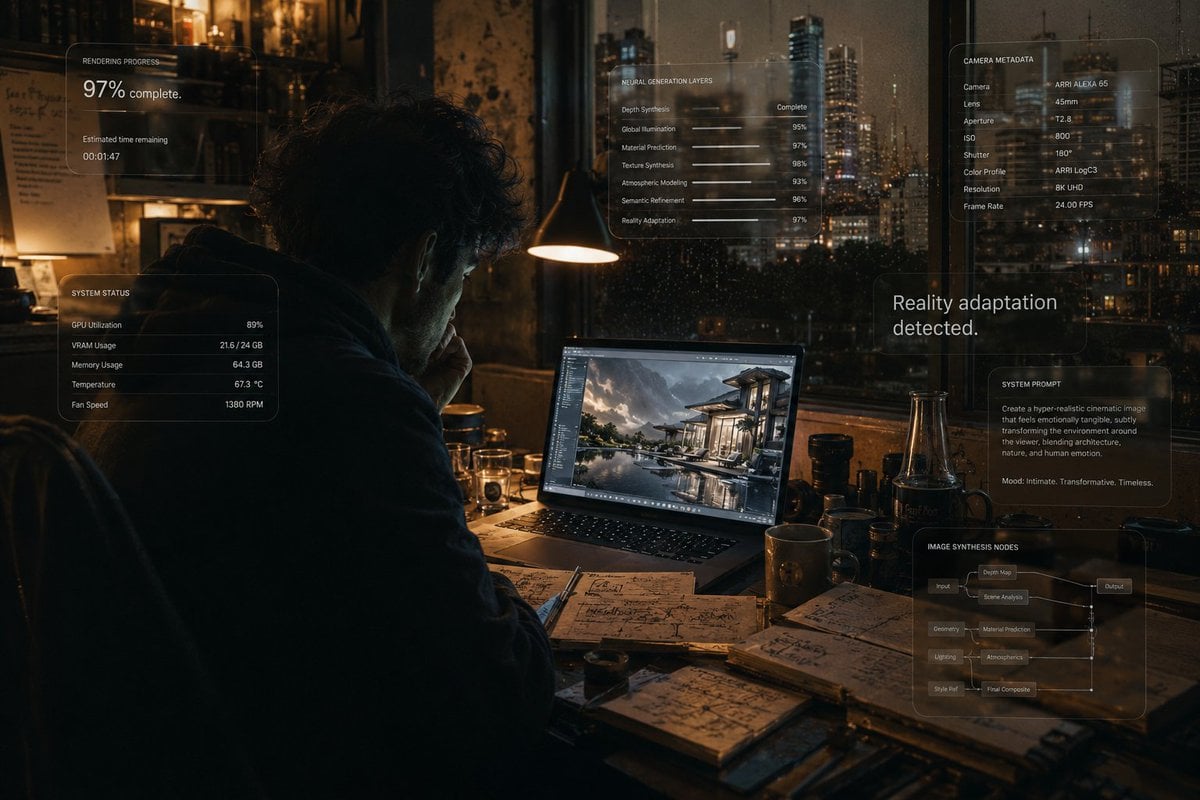
An incredibly detailed cinematic prompt depicting a creative professional in a late-night apartment where reality is beginning to blend with an AI-generated render.
- Prompt included
- Model and format preset
- Free template
The prompt behind this image
Copy the exact prompt behind The Internet 3 Seconds Before the AI Revolution, or open it in the studio and make it yours.
Create an ultra-realistic cinematic visual. The composition should feel like a moment frozen exactly before a butterfly-effect event silently reshapes someone’s entire life. SCENE: A young man sits alone late at night inside a warm dimly lit apartment illuminated only by: - a laptop screen, - subtle city lights through rain-covered windows, - and soft amber desk lighting. The atmosphere feels: quiet, intimate, psychologically heavy and deeply modern. On the laptop screen: an unfinished AI-generated image is rendering slowly. The render preview itself should look visually revolutionary: part luxury commercial, part impossible realism, part emotional storytelling. The screen should feel so realistic viewers instinctively zoom into it. Around the room: - empty coffee cups, - handwritten creative notes, - GPU benchmark tabs, - scattered camera lenses, - half-open notebooks, - subtle signs of obsession and creative burnout. But the IMPORTANT PART: The room itself should subtly begin transforming from the AI image being rendered. Tiny impossible details: - reflections from the unfinished render appearing physically on nearby objects, - light from the screen subtly changing the architecture of the room, - textures near the monitor beginning to resemble generated pixels, - reality slowly inheriting traits from the AI artwork itself. The transformation should remain: subtle, psychological, beautiful and believable. No Marvel effects. No obvious sci-fi portals. The realism should feel: deeply unsettling because it is almost invisible. Integrated elegantly into the environment should be ultra-premium Liquid Glass-inspired UI overlays: - rendering progress, - GPU usage, - neural generation layers, - cinematic camera metadata, - image synthesis nodes, - subtle typography fragments, - emotionally restrained system prompts. The overlays should feel: minimal, Apple-inspired, tactile, translucent and physically integrated into the scene. One overlay softly reads: “97% complete.” Another: “Reality adaptation detected.” The typography should feel understated and luxurious rather than futuristic. LIGHTING: Warm cinematic tungsten lighting mixed with soft cold monitor light. Natural rain reflections across surfaces. Subtle atmospheric haze. Realistic screen-light diffusion. Medium-format photography realism. CAMERA STYLE: The image should resemble: an award-winning cinematic photograph accidentally captured during a moment humanity crossed an invisible line. Use: - shallow natural depth of field, - realistic lens imperfections, - slight sensor grain, - subtle handheld framing, - physically accurate reflections, - premium low-contrast cinematic realism. COLOR PALETTE: warm amber, graphite black, soft chrome reflections, rain-soaked blue-gray, muted ivory typography and subtle liquid-glass translucency. MOOD: creative obsession, digital loneline
How to use The Internet 3 Seconds Before the AI Revolution in 3 steps
- 1
Open
The prompt is already in the box next to the preview, with the template's model and format selected.
- 2…a portrait of your subject in softgolden-hour light, 85mm…
Personalize
Edit the subject and creative details for your destination.
- 3Generate
Generate
Press Generate — your image is created in PicX Studio, so you can compare it with the original and refine one variable at a time.
More like this
Templates with the same subject, style or setup. Open one to see its prompt.
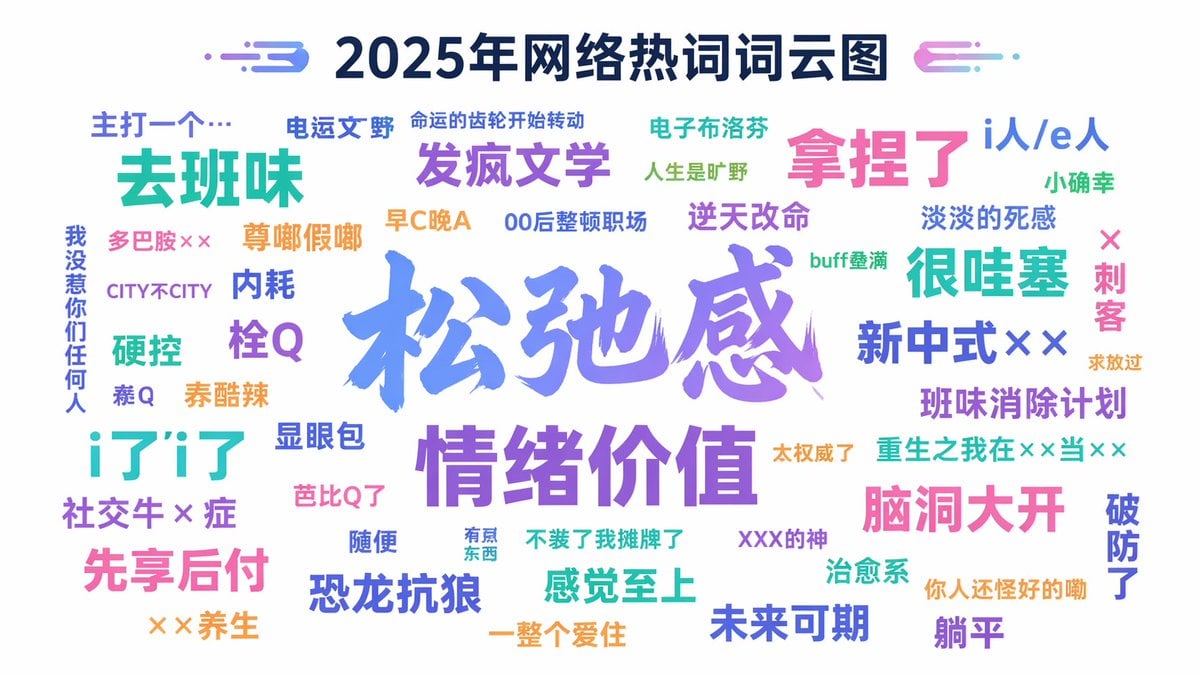
Internet Buzzword Word Cloud Prompt
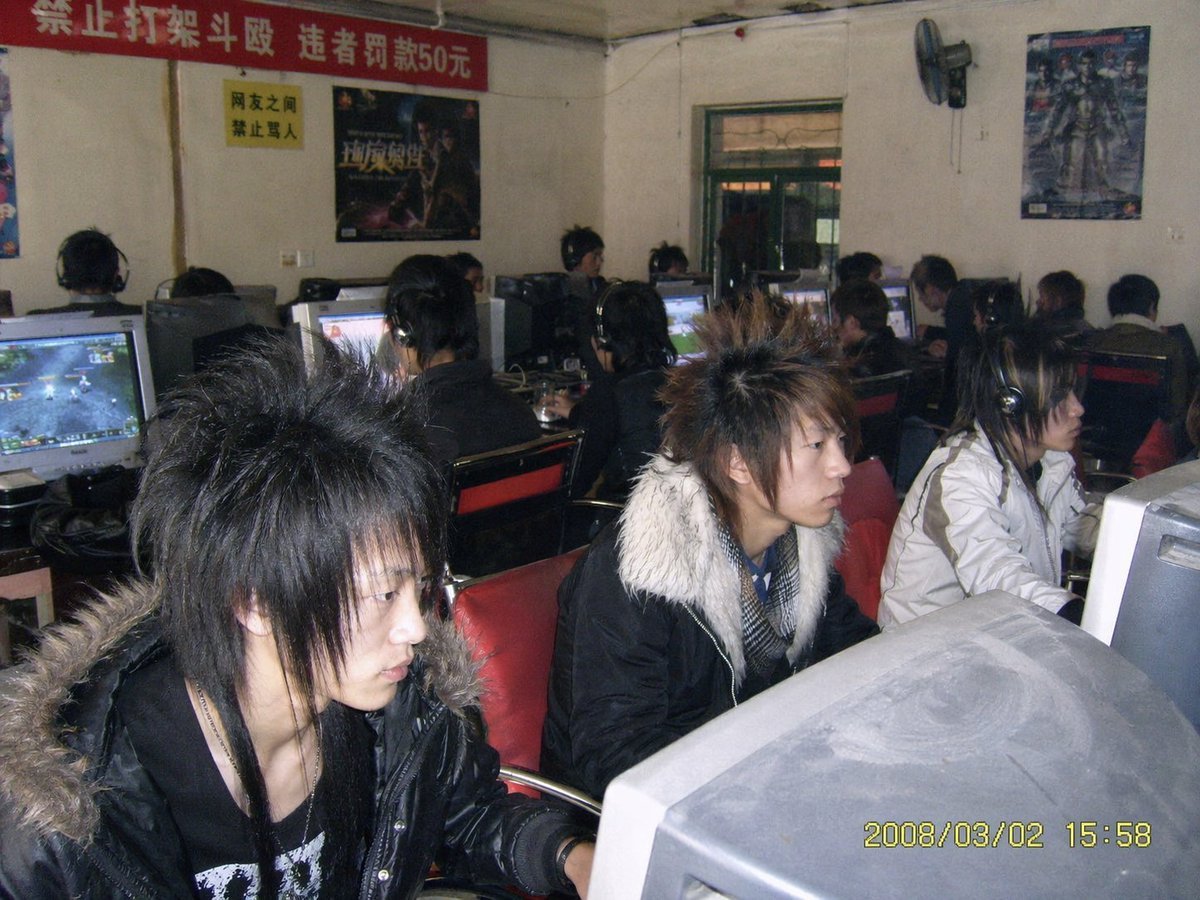
Nostalgic 2008 Internet Cafe Photo
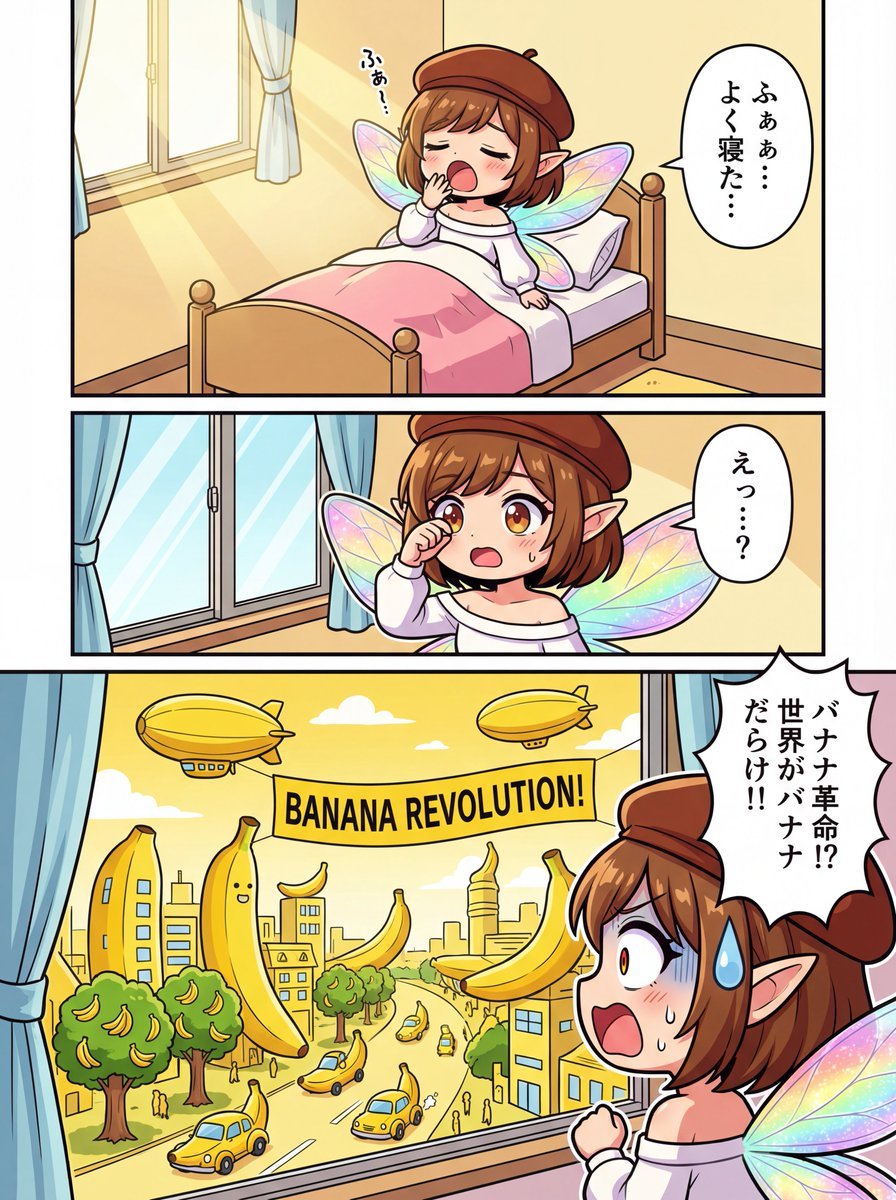
One-page color manga about the Banana Revolution
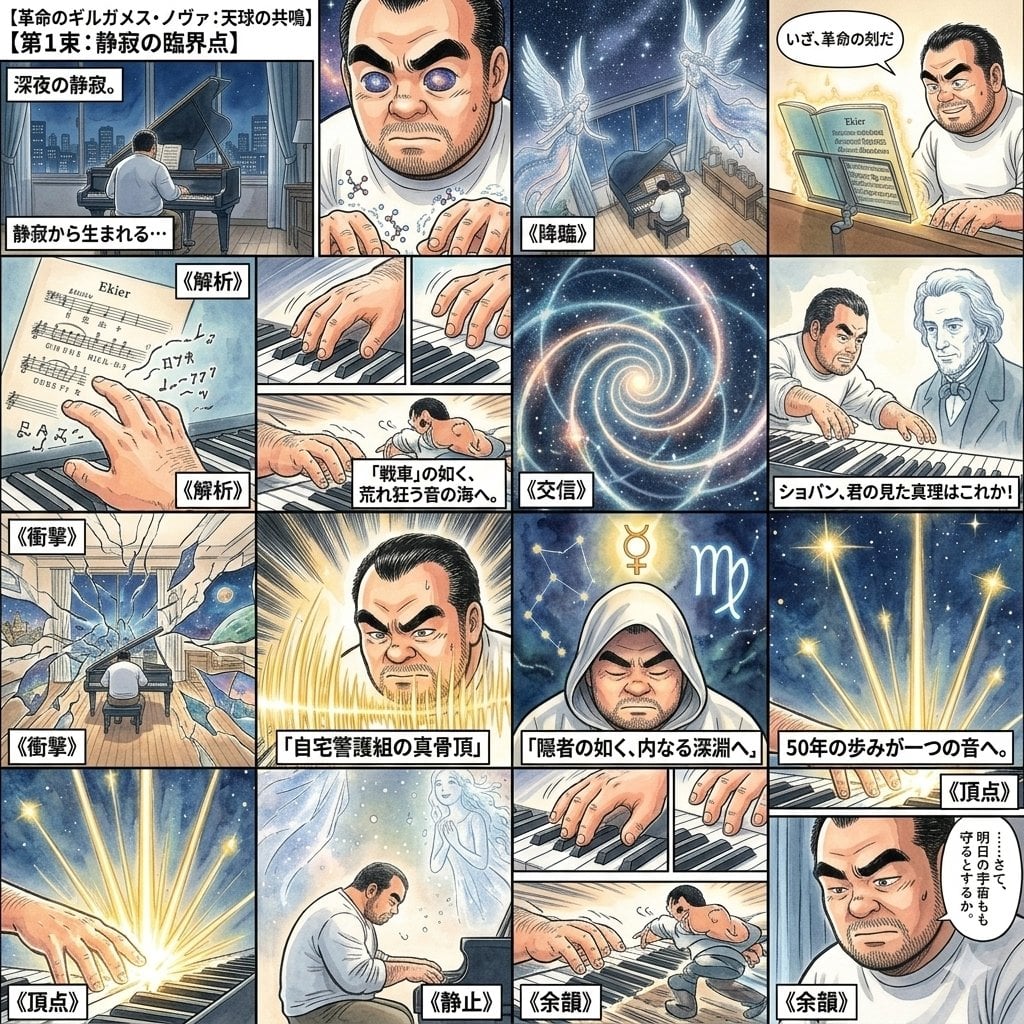
Chopin's Revolutionary Etude Image Prompt

The Vista Modular Condo Poster
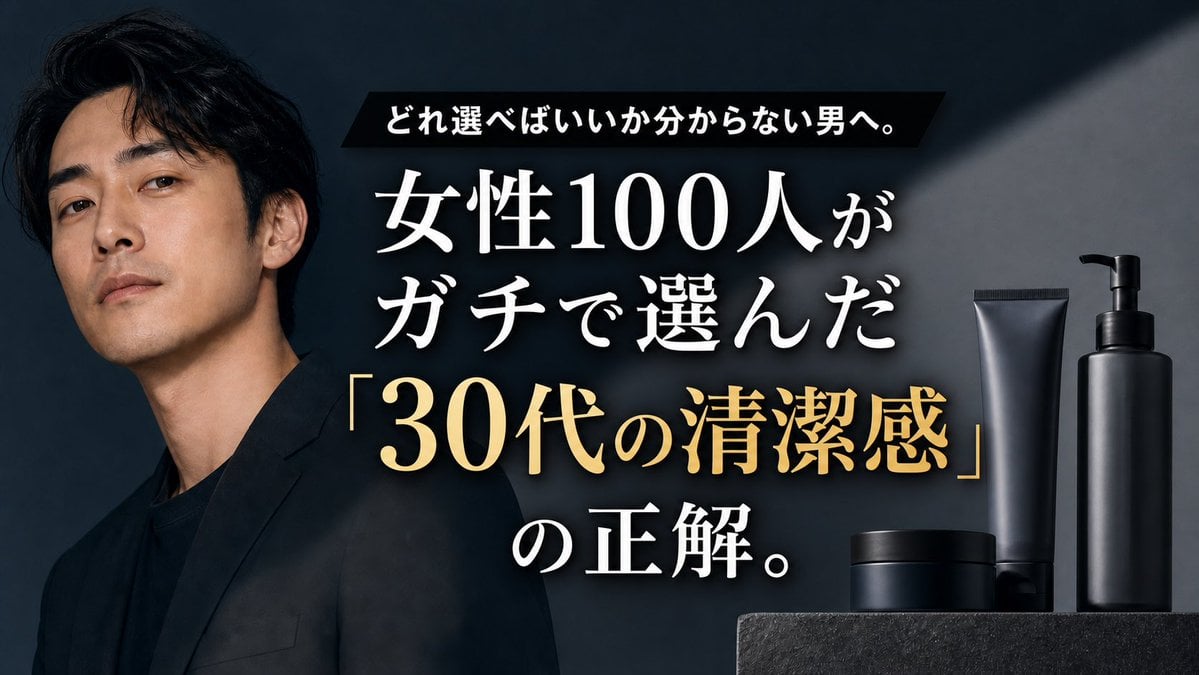
Premium Men's Skincare Thumbnail
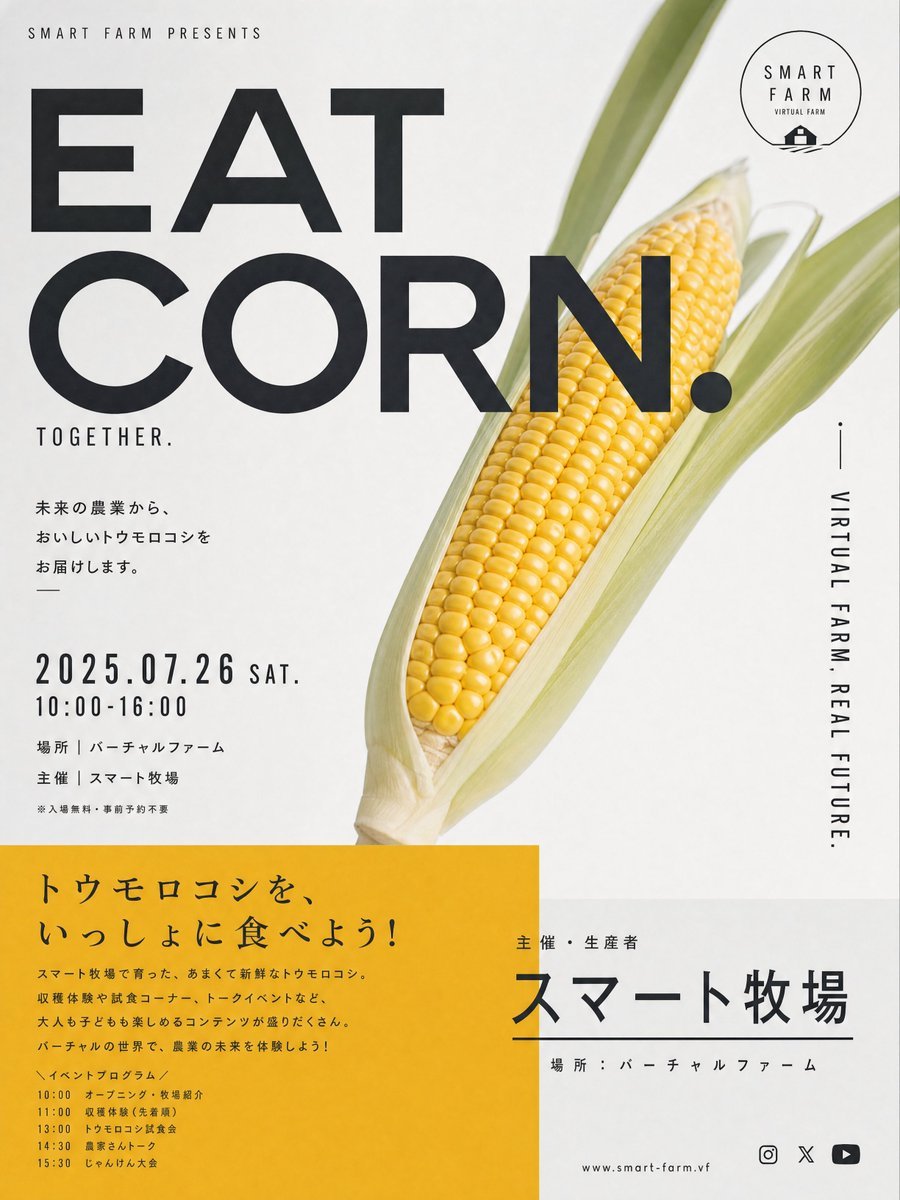
Stylish Japanese Corn Event Poster

Pencil Sketch Coffee Storyboard
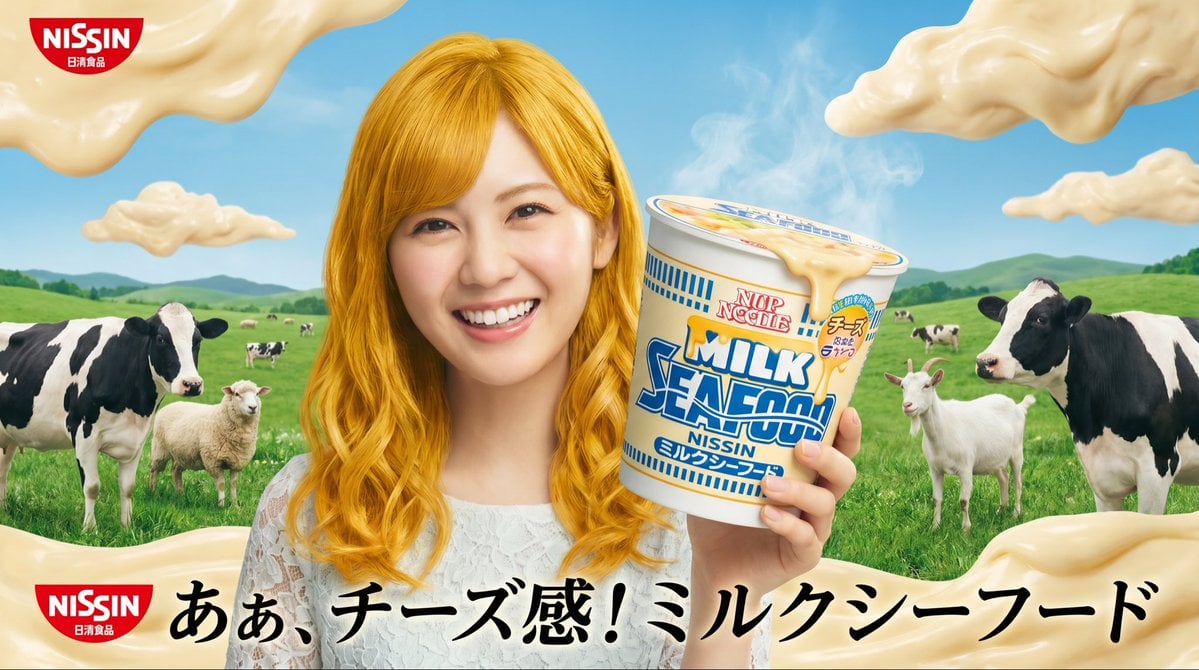
Surreal NISSIN Milk Seafood Ad
Strike Sport Boxer Editorial Poster
Iced Caramel Latte Poster
Pastel Sweets Fairy Diagnosis Card
Make it yours
The Internet 3 Seconds Before the AI Revolution works as-is. These are the safest ways to change it without losing the look.
Change one field
Copy a single group, rewrite it, and generate again so you can see what that field is doing.
Keep the frame, change the subject
Hold the composition and light of The Internet 3 Seconds Before the AI Revolution, then swap wardrobe, props or the person for a new take.
| If the result… | Why | Fix |
|---|---|---|
| The result drifts from the preview | Too many fields changed at once. | Reuse The Internet 3 Seconds Before the AI Revolution as-is first, then change one group — subject, light, or setting. |
| The model over-stylizes the scene | The prose prompt leaves finish and camera underspecified. | Add one camera or lighting sentence and stay on GPT Image 2. |
More GPT Image 2 templates
Other prompts made for GPT Image 2.

Six VTuber Japanese Logo Sheet

Realistic Portrait of Woman and Deer

AI Model Routing Comparison Infographic

2.5D Anime Art Board

Isometric Productivity Desk Scene

New York Double Exposure Poster

Four-Panel AI Landscape Comparison

Japanese Tatami Lifestyle Magazine Cover

NESCAFÉ Coffee Map Poster

Brutalist Cogito Chinese Typography Poster
More image prompts
Fresh picks from across the catalog.
Golden Hour Bus Stop Candid
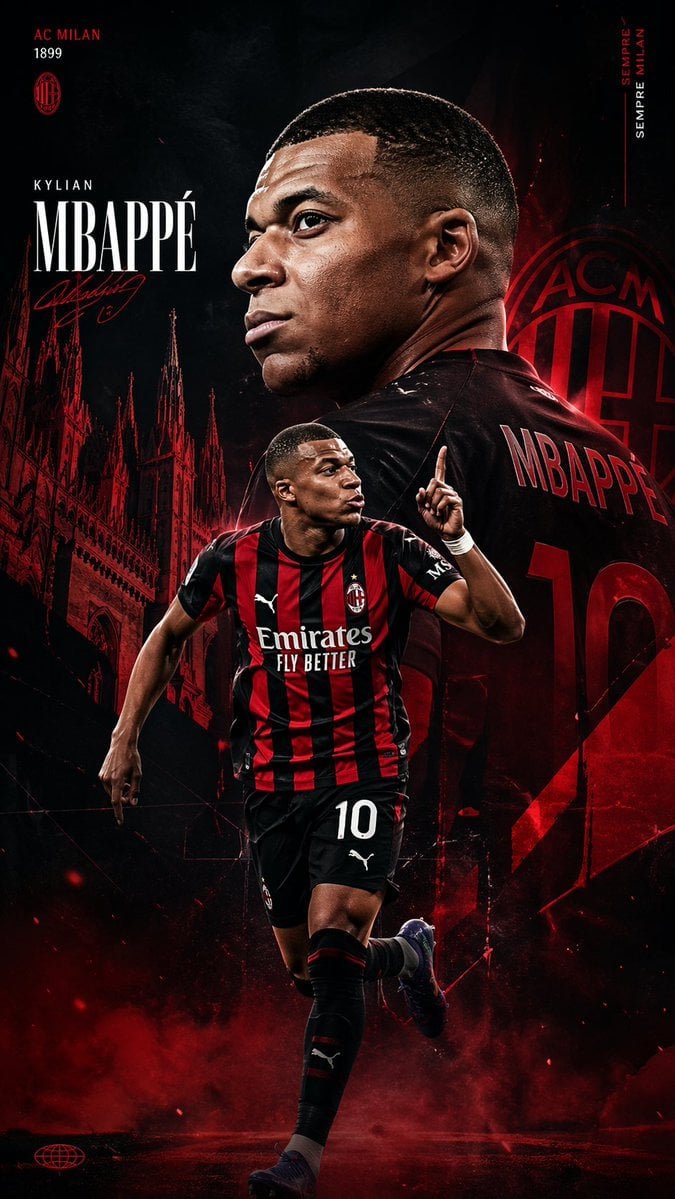
AC Milan Mbappé Transfer Poster
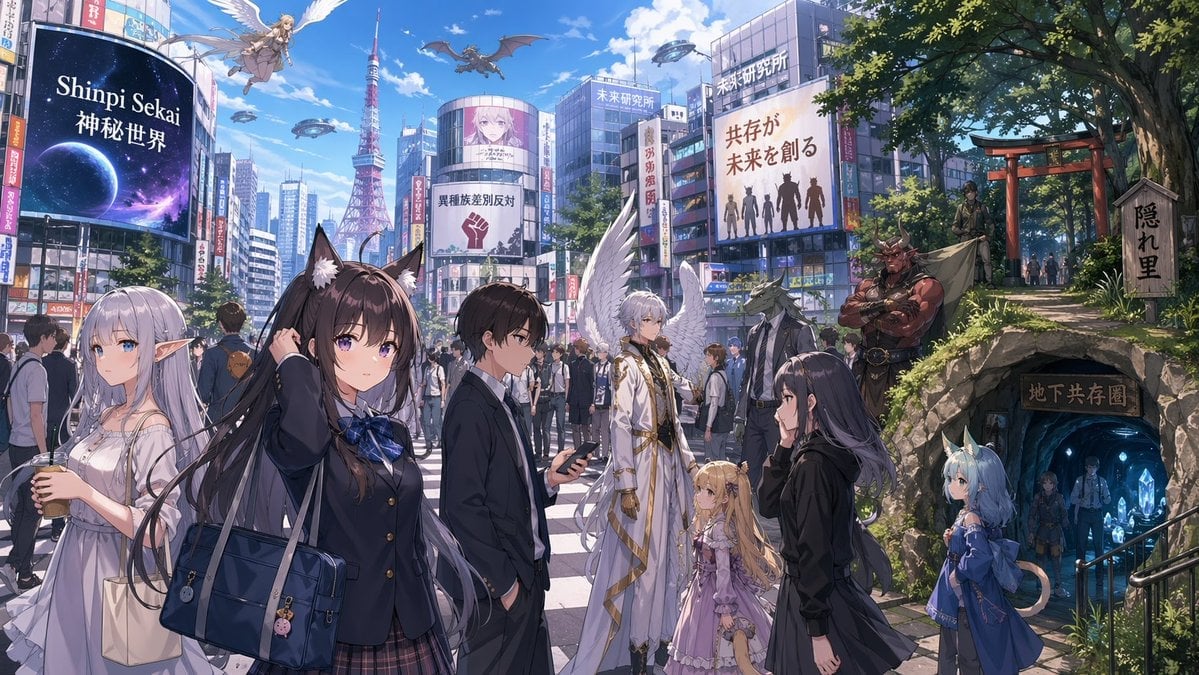
Urban Fantasy Coexistence Crossing
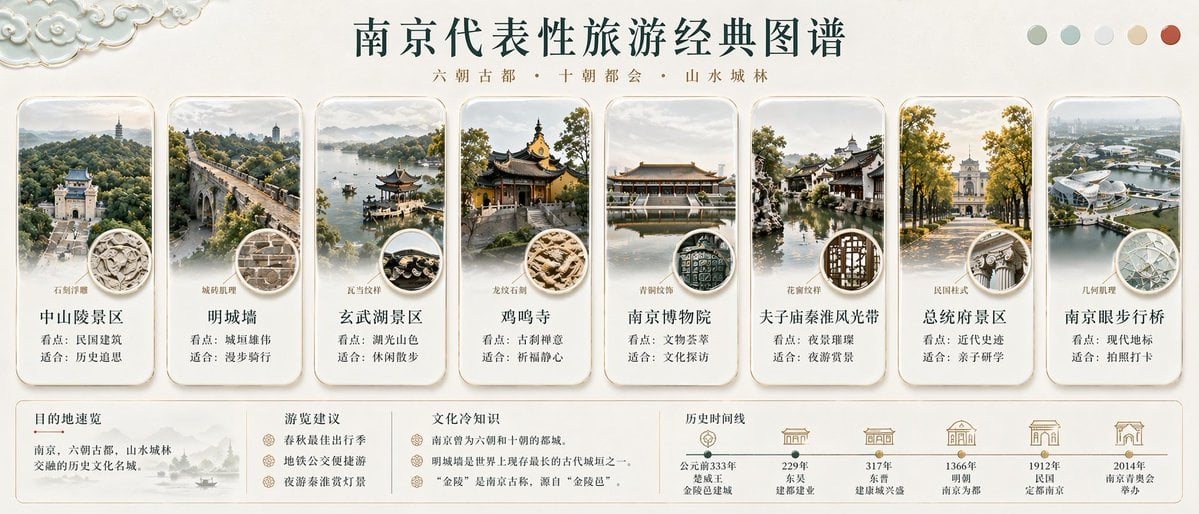
Nanjing Classic Tourism Atlas Poster
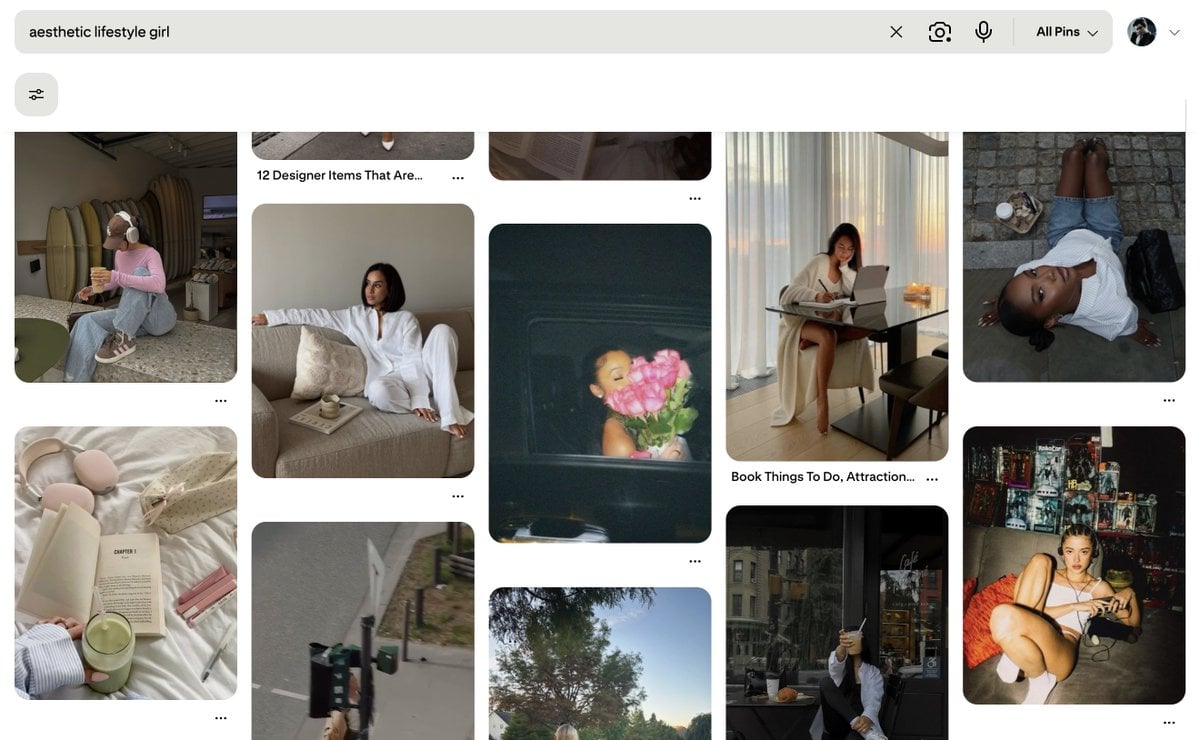
Existential Exhaustion Photorealistic Portrait
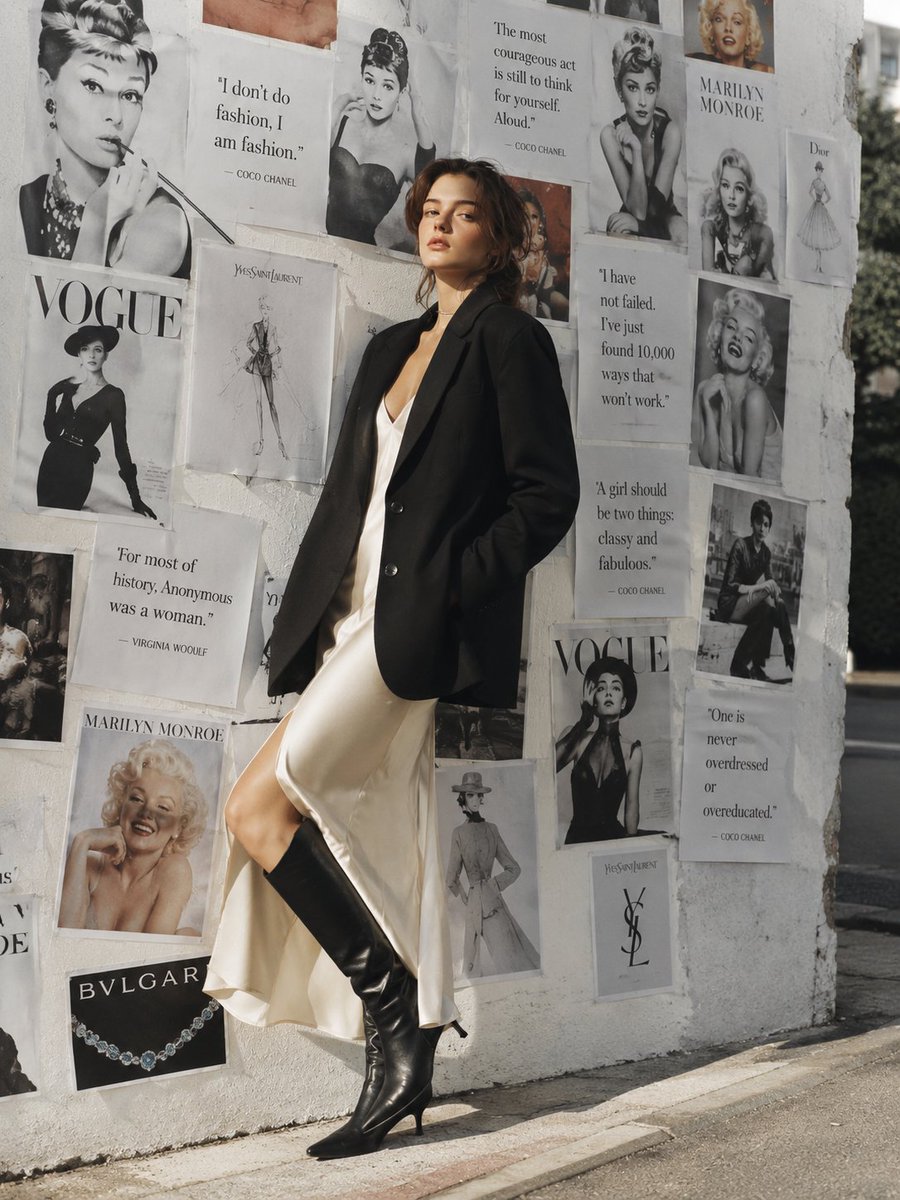
Parisian Chic Fashion Portrait
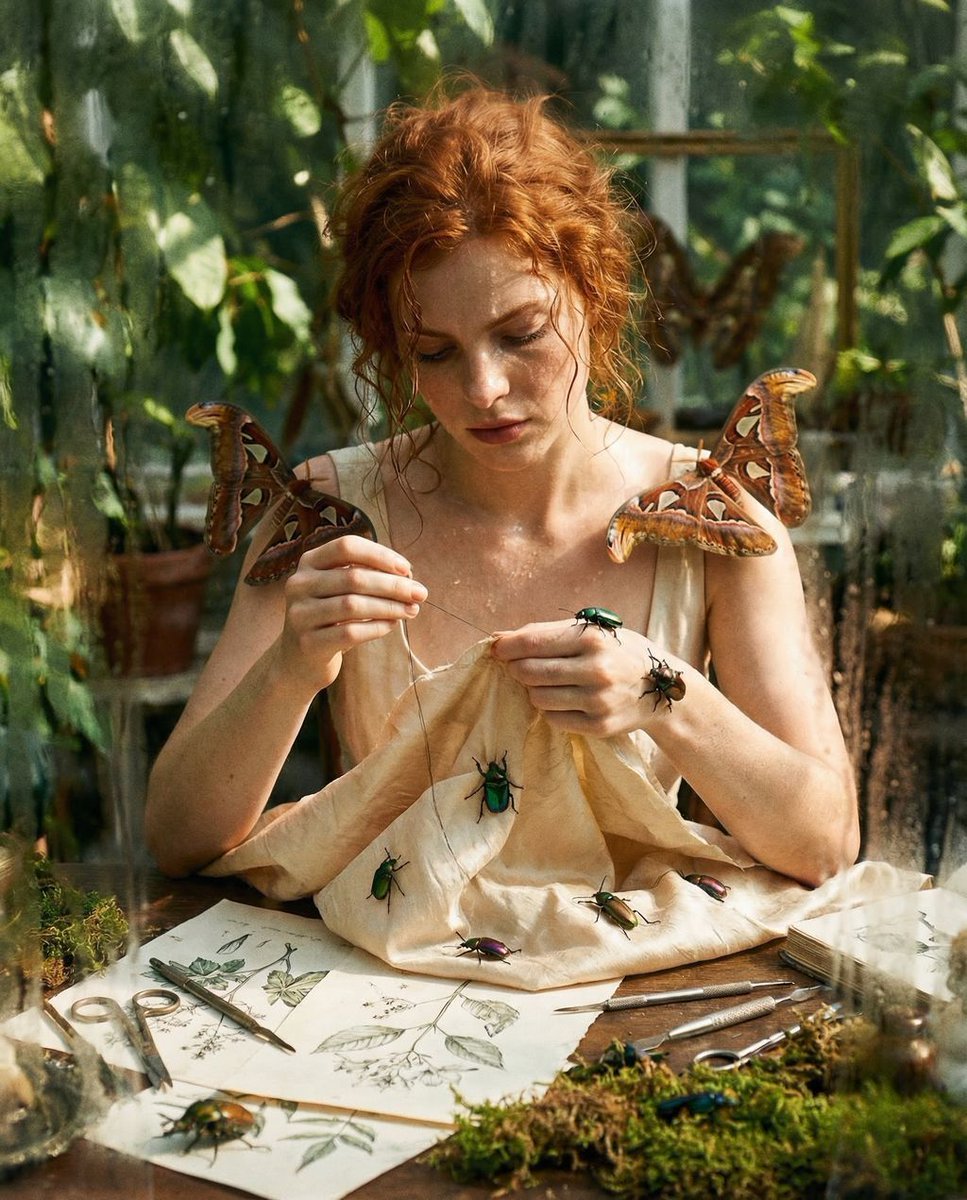
Surreal High Fashion Editorial Prompt with Living Insects

Split Identity Vinyl Toy Engine
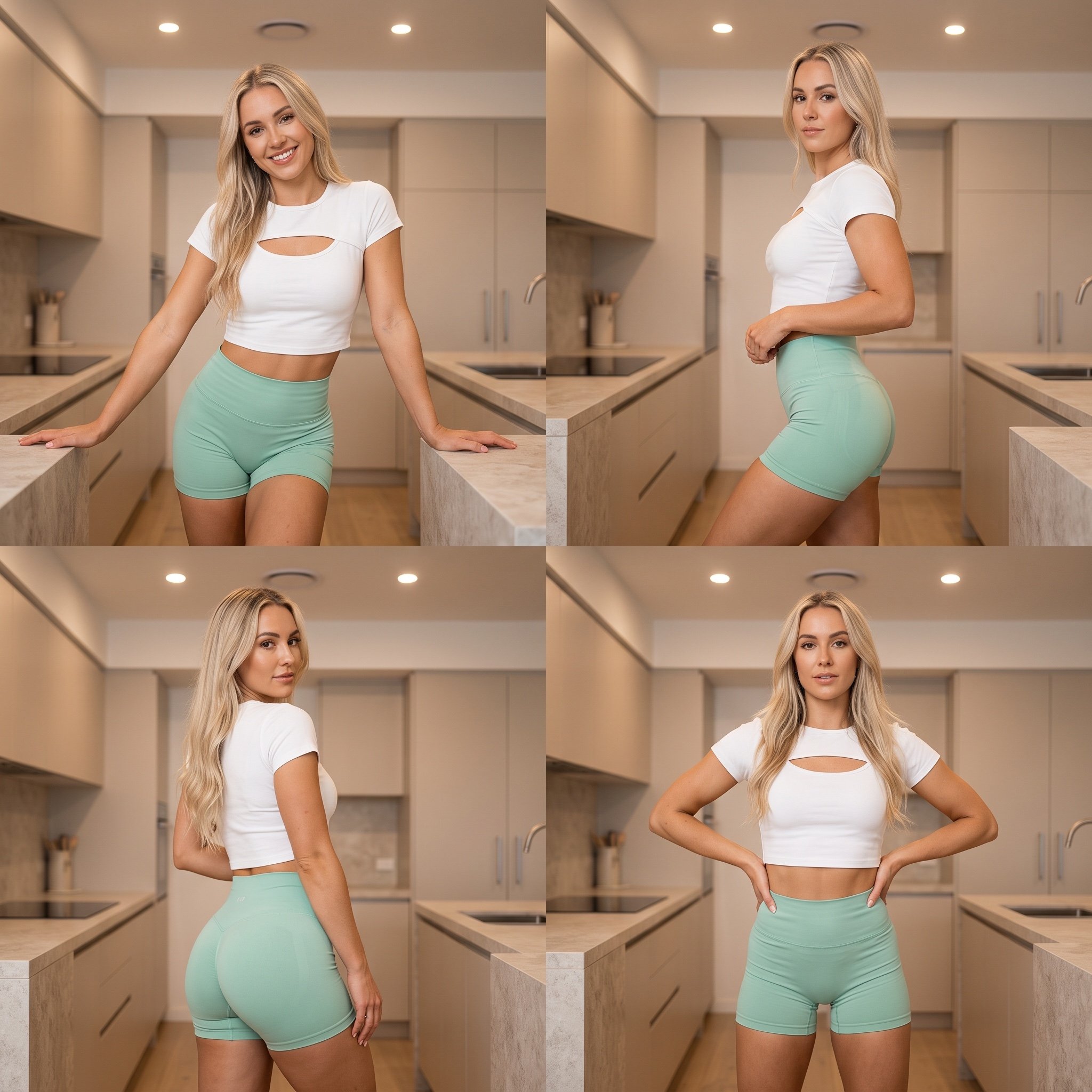
Four-panel grid collage fashion photography prompt
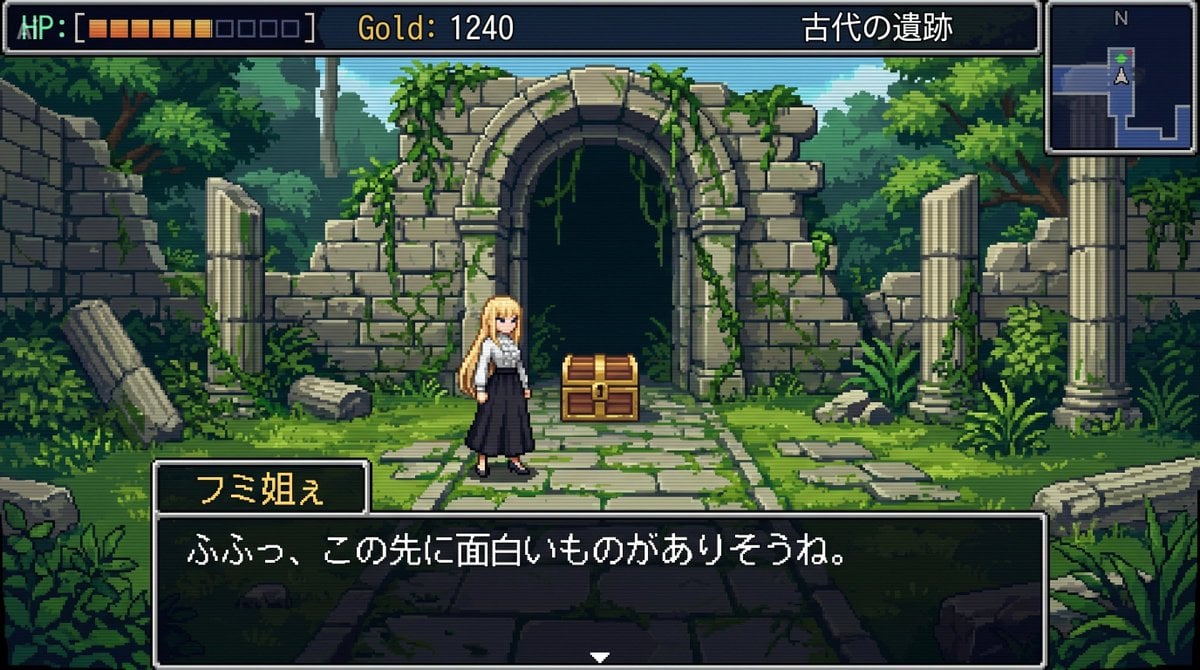
bit RPG Field Exploration Prompt
Browse template categories
The Internet 3 Seconds Before the AI Revolution questions
How do I use the The Internet 3 Seconds Before the AI Revolution template?
Add your photo if the template asks for one, edit the prompt if you like — the template's model and format are already selected — and press Generate. Your version opens in PicX Studio.
Can I customize the The Internet 3 Seconds Before the AI Revolution template?
Yes. You can change the subject, setting, lighting, mood, format, and available model controls before creating your image.
Is the The Internet 3 Seconds Before the AI Revolution template free?
Opening and editing this template is free. Generating uses credits, shown on the Generate button when you are signed in.
Which AI model should I use?
Start with GPT Image 2, which is the model associated with this template. You can compare another compatible model for a different finish.
Looking for something else? Browse all templates.

Your photo, any look
Thousands of ready templates for every top image and video model, from one credit balance.