
Golden Hour Bus Stop Candid
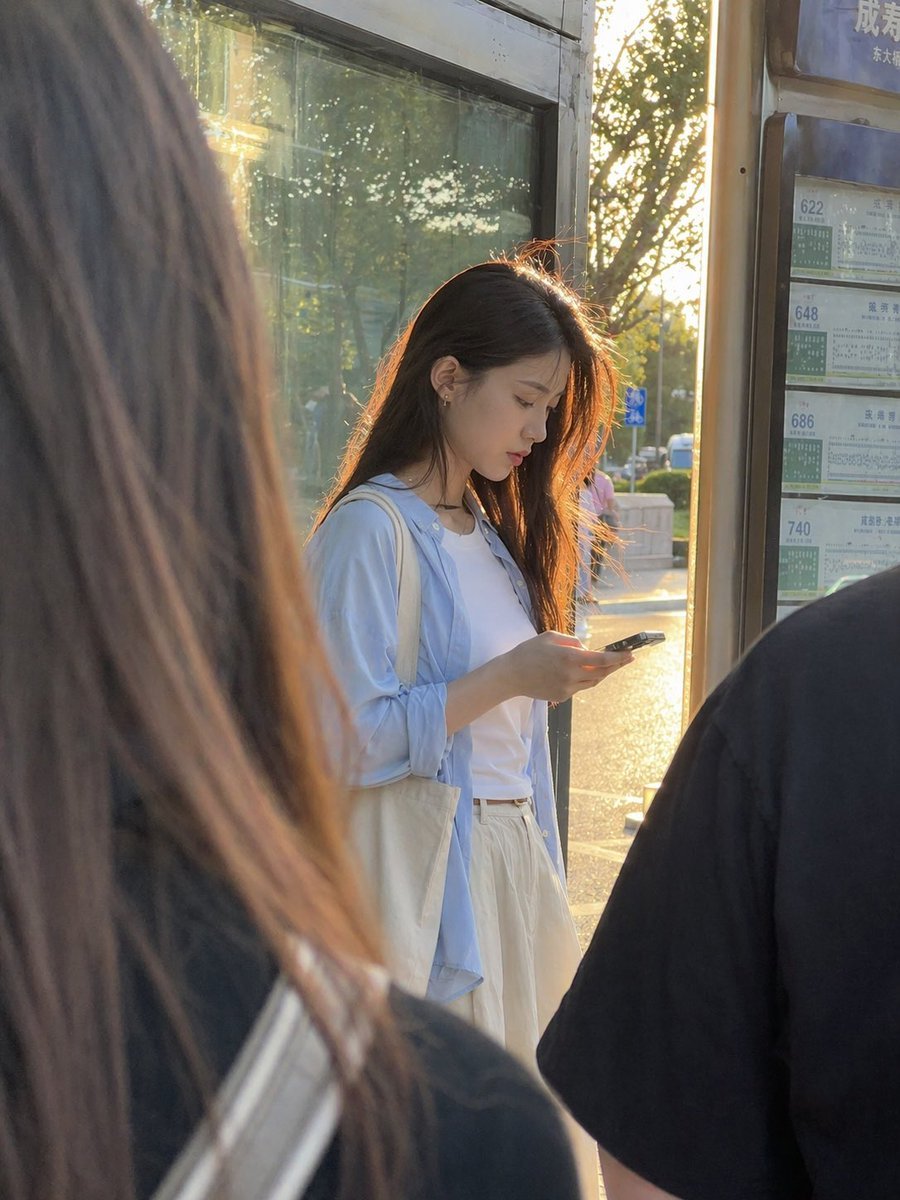
This prompt generates a realistic candid urban portrait of a young woman at a bus stop, ideal for lifestyle photography and everyday street-scene visuals.
- Prompt included
- Model and format preset
- Free template
The prompt behind this image
Copy the exact prompt behind Golden Hour Bus Stop Candid, or open it in the studio and make it yours.
A candid, ultra-realistic street photo of a young East Asian woman standing at a city bus stop during golden hour, viewed from slightly behind other waiting passengers so the composition feels naturally obstructed and documentary-like. She stands near the center-right of the frame, looking down at a smartphone in her hands, with long straight dark brown to black hair glowing with warm backlight from the low sun behind her. She wears a white T-shirt, an oversized pale blue button-up shirt left open, and loose cream or off-white high-waisted pants or a long skirt, with a canvas tote bag over one shoulder. Her posture is relaxed and absorbed in her phone. The scene includes exactly 2 blurred foreground figures framing her: 1 large out-of-focus figure with long hair on the left edge and 1 dark-shirted shoulder and back on the right edge. Behind her is a glass bus shelter panel reflecting trees and sunlight, and on the far right is a vertical bus route board showing exactly 4 route numbers: 622, 648, 686, and 740, with Chinese transit timetable styling. The lighting is warm, soft, and strongly backlit, creating rim light around her hair and a sun-drenched late-afternoon atmosphere. Use a smartphone photo aesthetic, shallow depth of field, natural color, realistic skin and fabric texture, urban everyday life in China, portrait orientation, subtle lens flare, and an unposed slice-of-life mood.
How to use Golden Hour Bus Stop Candid in 3 steps
- 1Upload ImagePNG, JPG or paste
Add your photo
Upload the photo the template builds on. The prompt, model and format are already set.
- 2…a portrait of your subject in softgolden-hour light, 85mm…
Personalize
Edit the subject and creative details for your destination.
- 3Generate
Generate
Press Generate — your image is created in PicX Studio, so you can compare it with the original and refine one variable at a time.
More like this
Templates with the same subject, style or setup. Open one to see its prompt.

Sunday Afternoon, 1988

Our Song was on a Cassette

The Date After College

80s College Gate

80s Golden Hour Cinema

Teen Girl Alpine Lake Mountain View
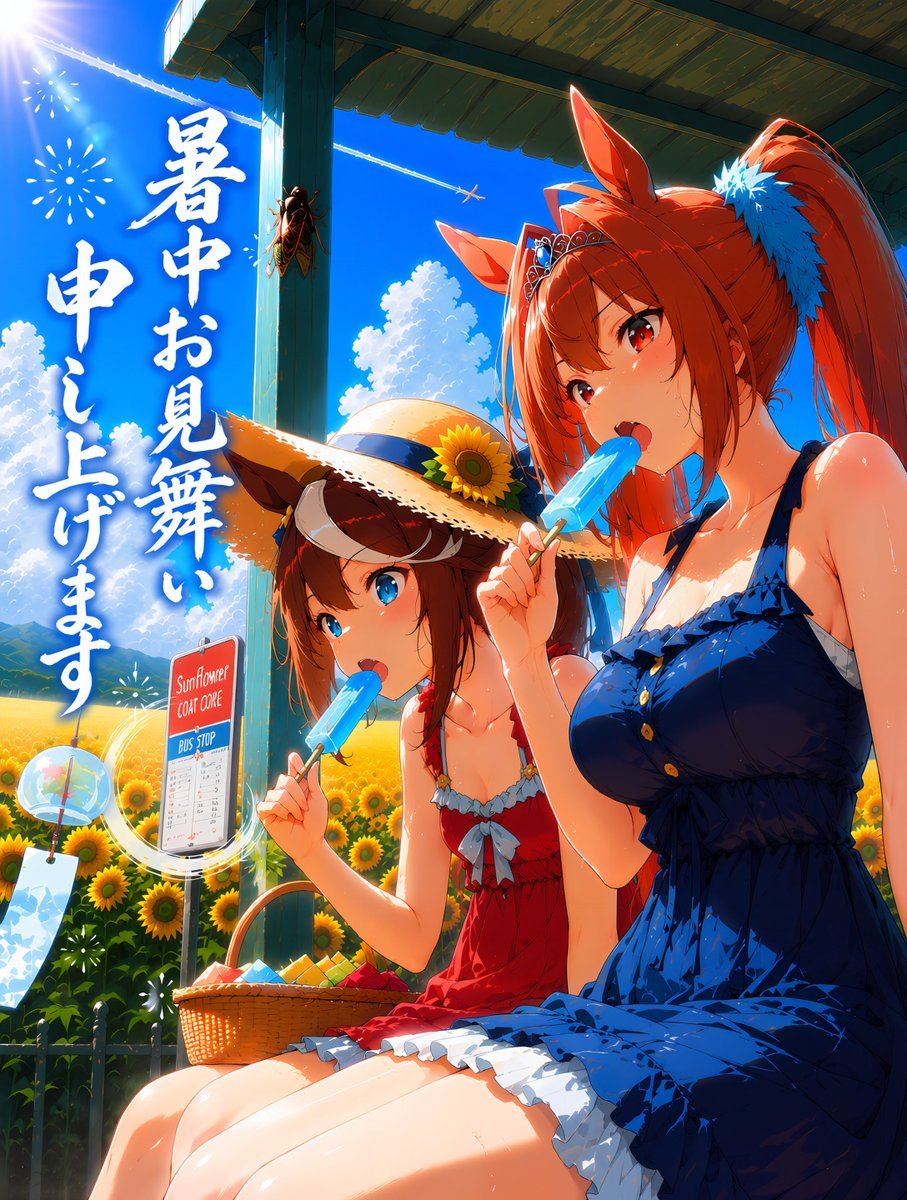
Summer Horse Girls at Bus Stop

Cinematic Golden Hour Garden Portrait

Cinematic Golden Hour Urban Portrait
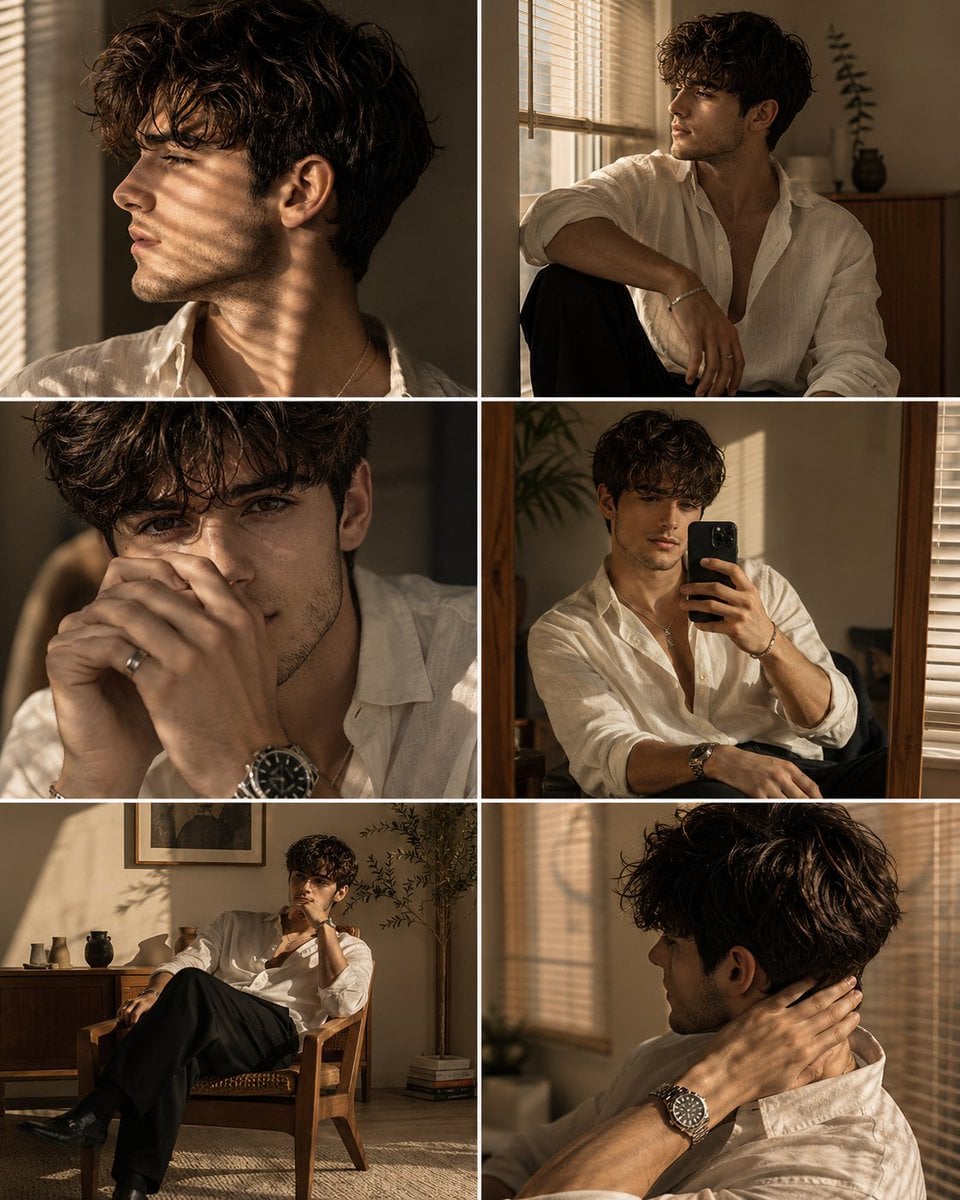
Luxury Men's Golden Hour Collage

Rooftop Fisheye — Cat-Ear Balaclava at Golden Hour

Cat Photobomb Selfie — 0.5x Wide Angle Café Chaos
Make it yours
Golden Hour Bus Stop Candid works as-is. These are the safest ways to change it without losing the look.
Change one field
Copy a single group, rewrite it, and generate again so you can see what that field is doing.
Keep the frame, change the subject
Hold the composition and light of Golden Hour Bus Stop Candid, then swap wardrobe, props or the person for a new take.
| If the result… | Why | Fix |
|---|---|---|
| The result drifts from the preview | Too many fields changed at once. | Reuse Golden Hour Bus Stop Candid as-is first, then change one group — subject, light, or setting. |
| The model over-stylizes the scene | The prose prompt leaves finish and camera underspecified. | Add one camera or lighting sentence and stay on GPT Image 2. |
More GPT Image 2 templates
Other prompts made for GPT Image 2.

Six VTuber Japanese Logo Sheet

Realistic Portrait of Woman and Deer

The Vista Modular Condo Poster

AI Model Routing Comparison Infographic

2.5D Anime Art Board

Isometric Productivity Desk Scene

New York Double Exposure Poster

Four-Panel AI Landscape Comparison

Japanese Tatami Lifestyle Magazine Cover

NESCAFÉ Coffee Map Poster
More image prompts
Fresh picks from across the catalog.
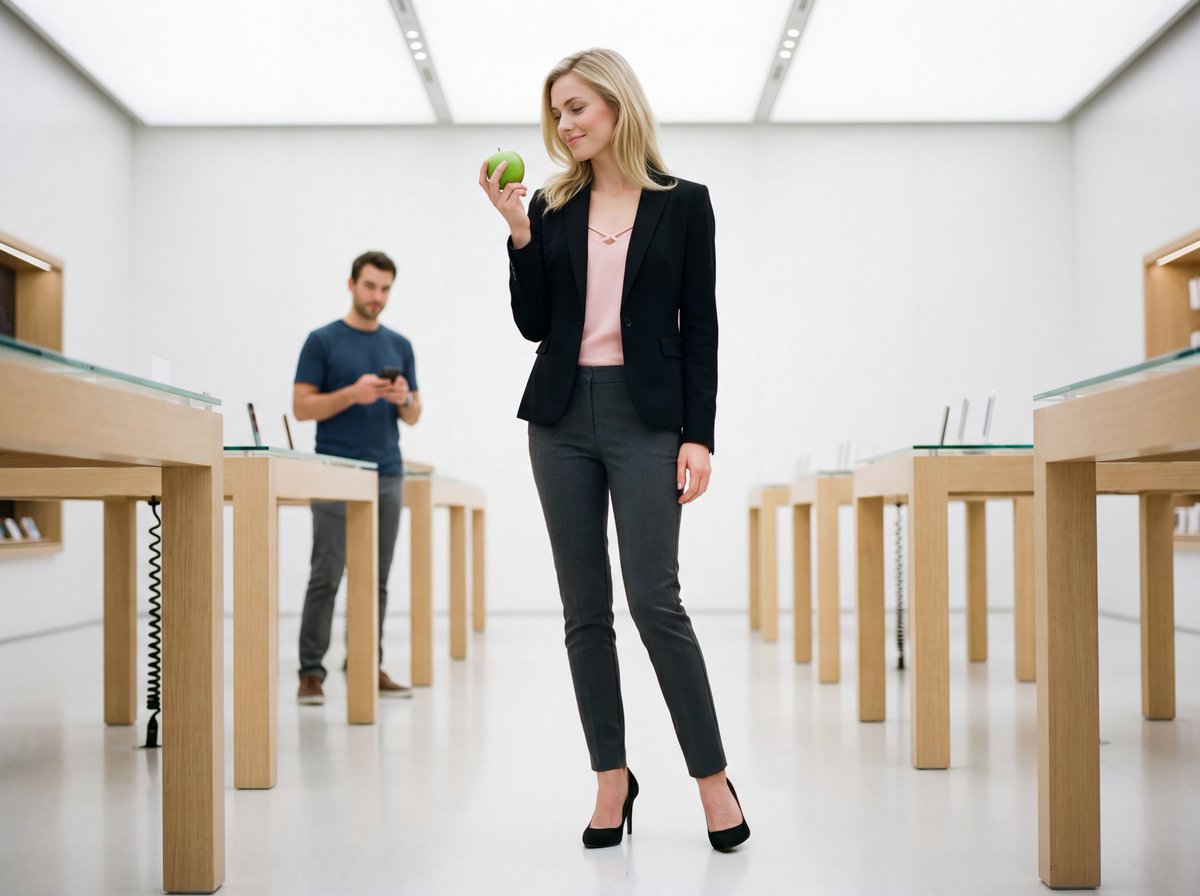
Luxury Retail Editorial Scene with Symbolic Apple
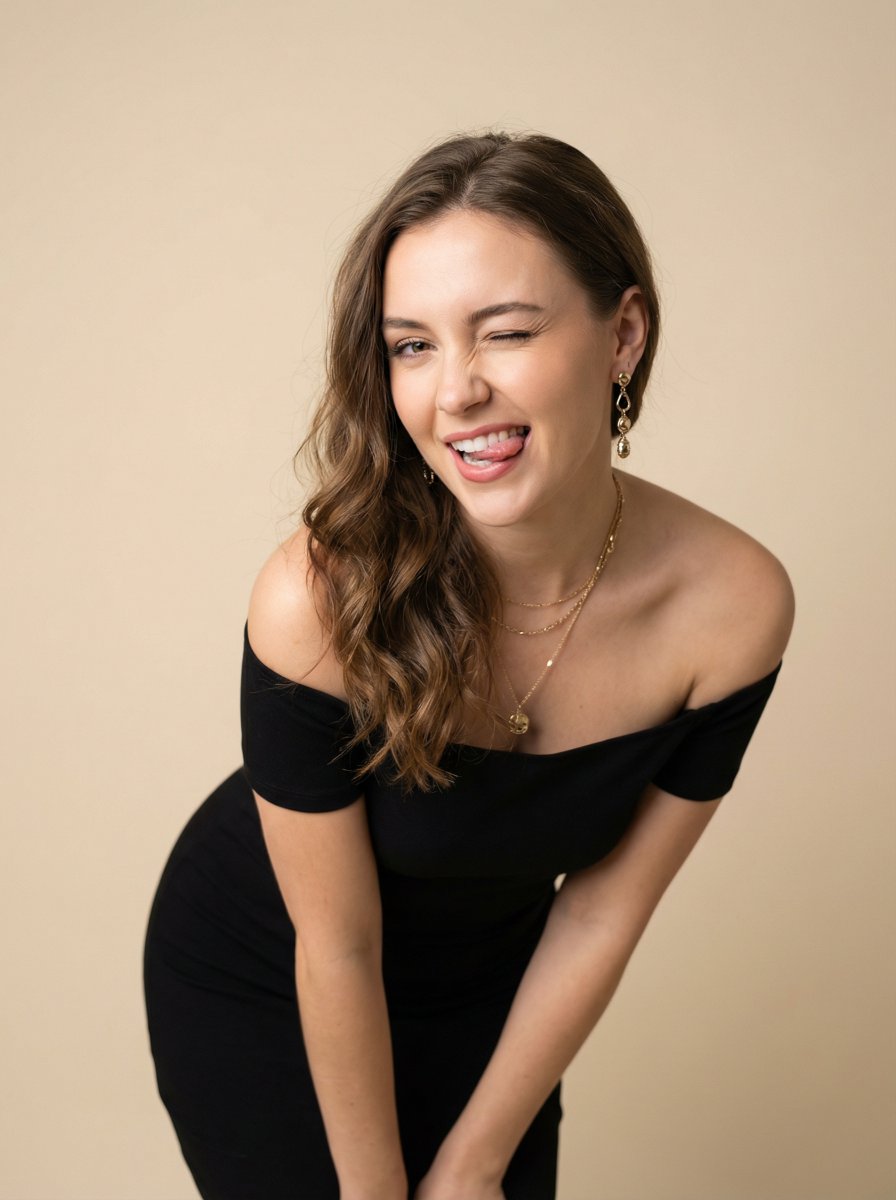
Ultra-Realistic Winking Portrait with Playful Expression

Skincare Product Splash Photography
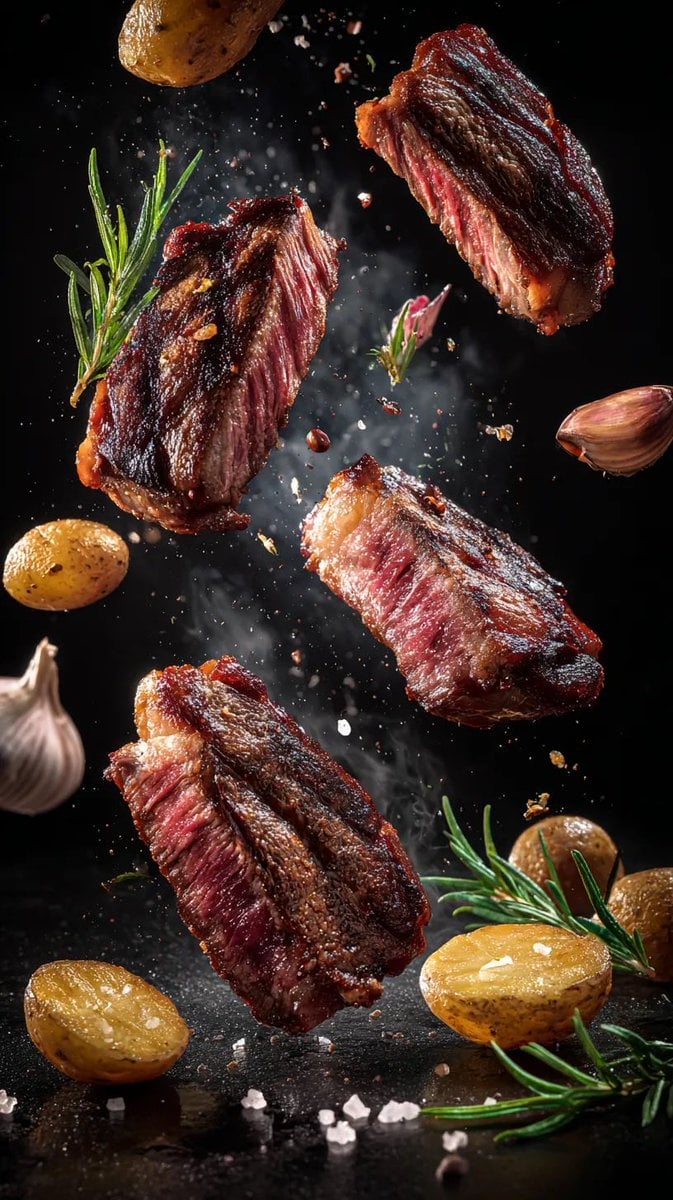
Cinematic Food Photography Prompts for Floating Steak and Shrimp
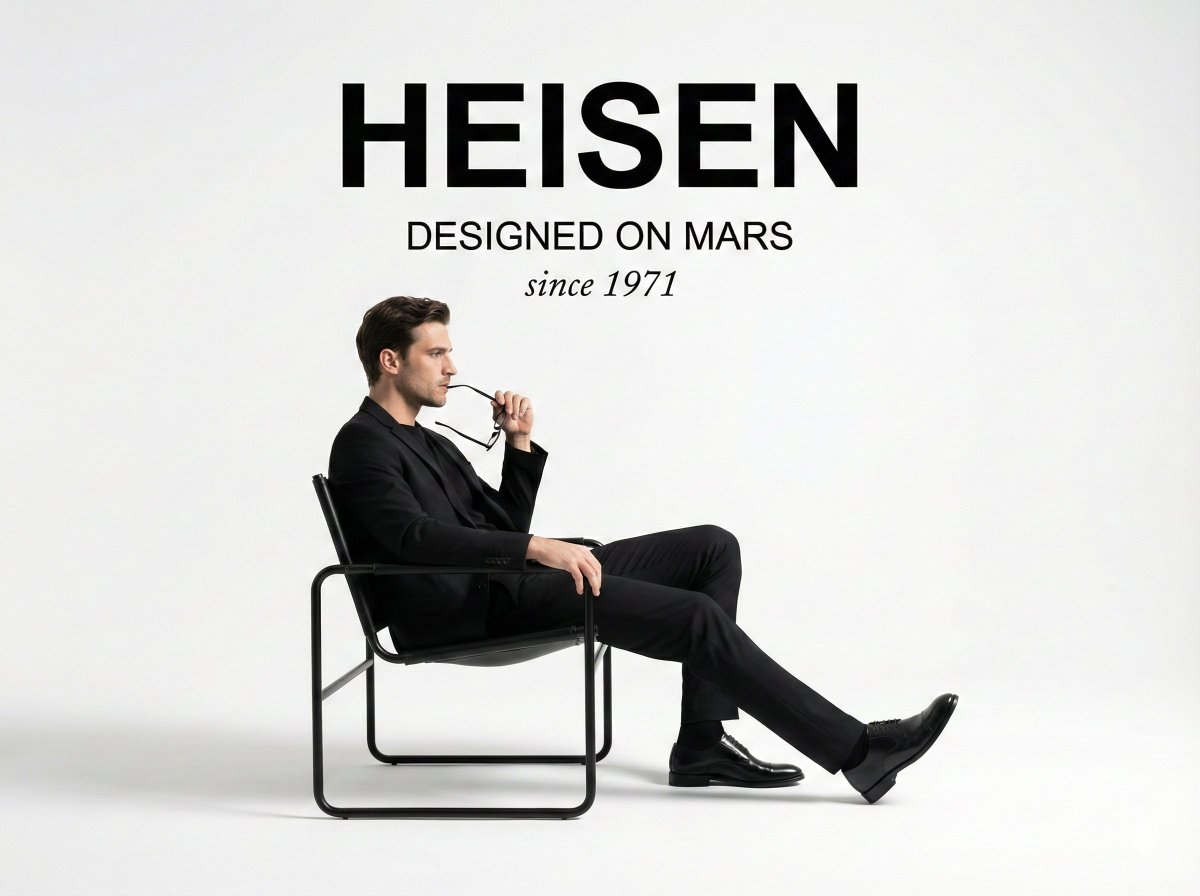
Minimalist Fashion Ad Studio Photograph Prompt
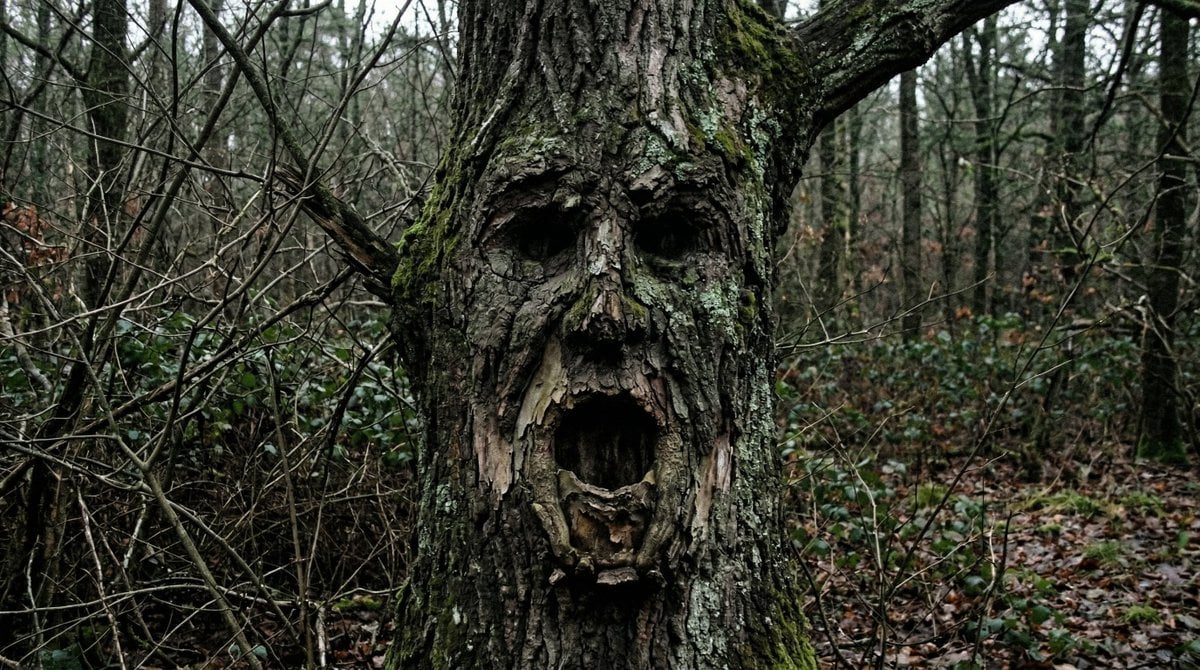
Oddly Terrifying Everyday Photo Prompt
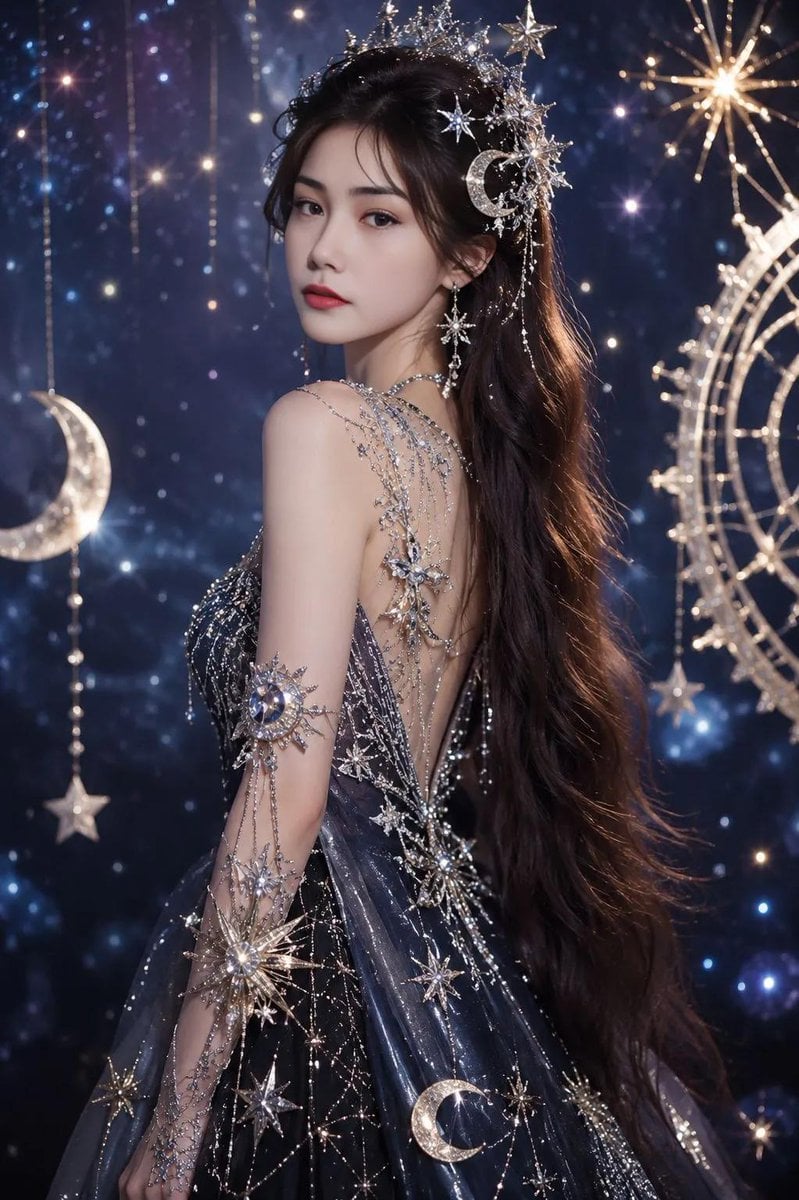
Celestial Fantasy Gown Portrait
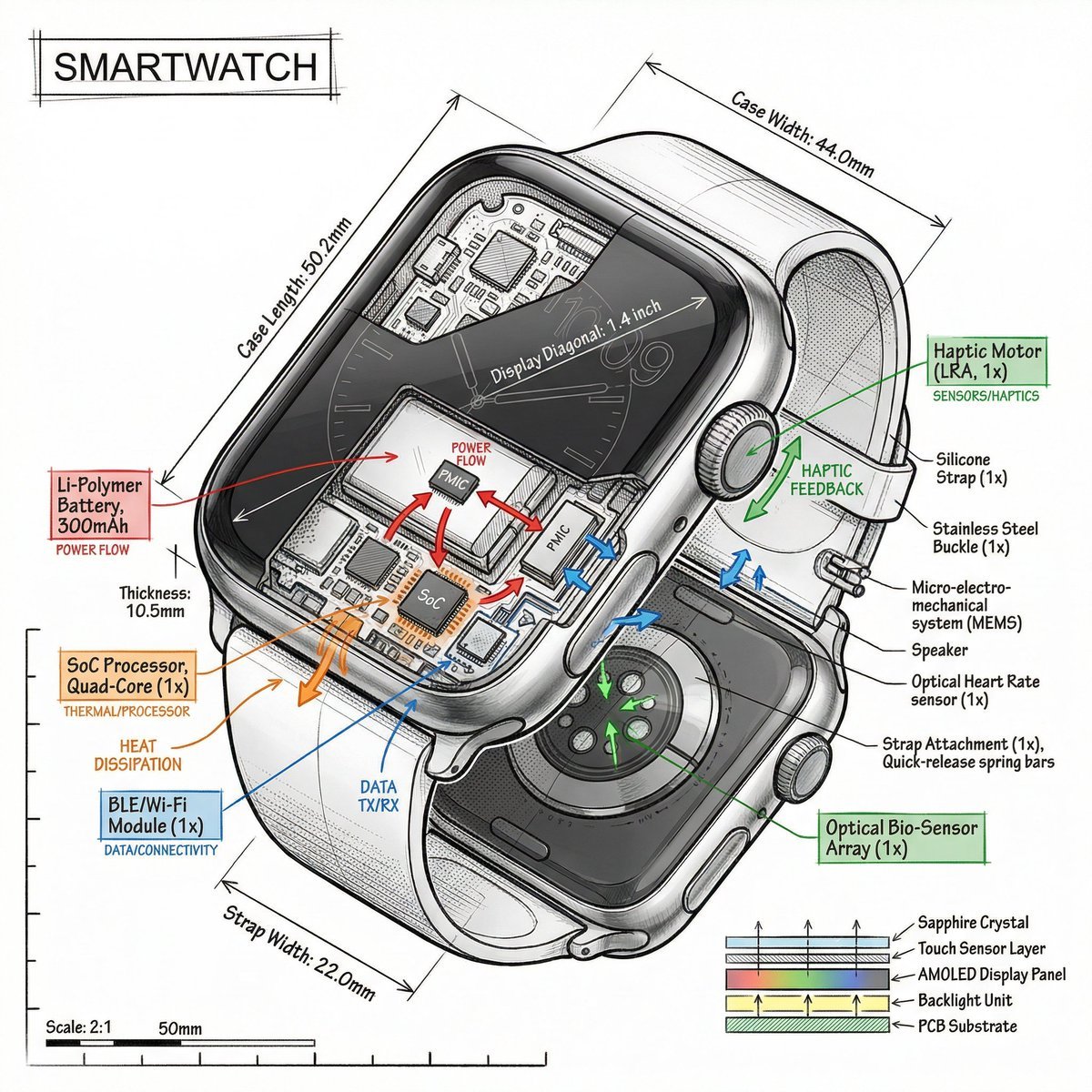
Technical Infographic Prompt Template
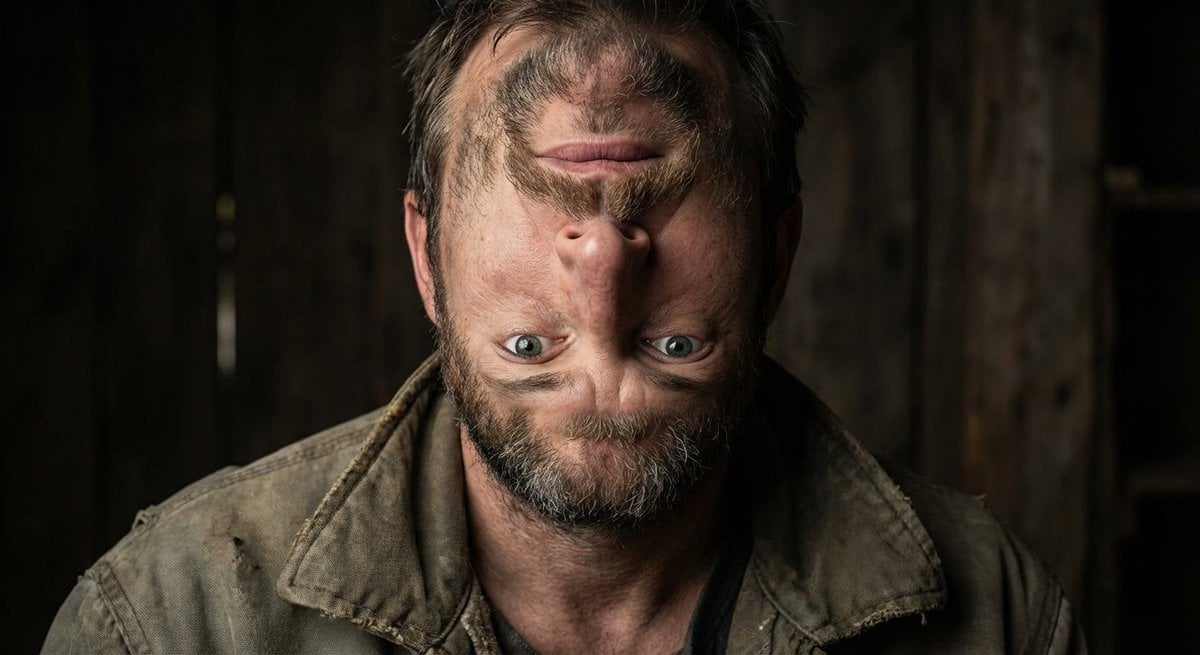
Surreal upside-down face portrait
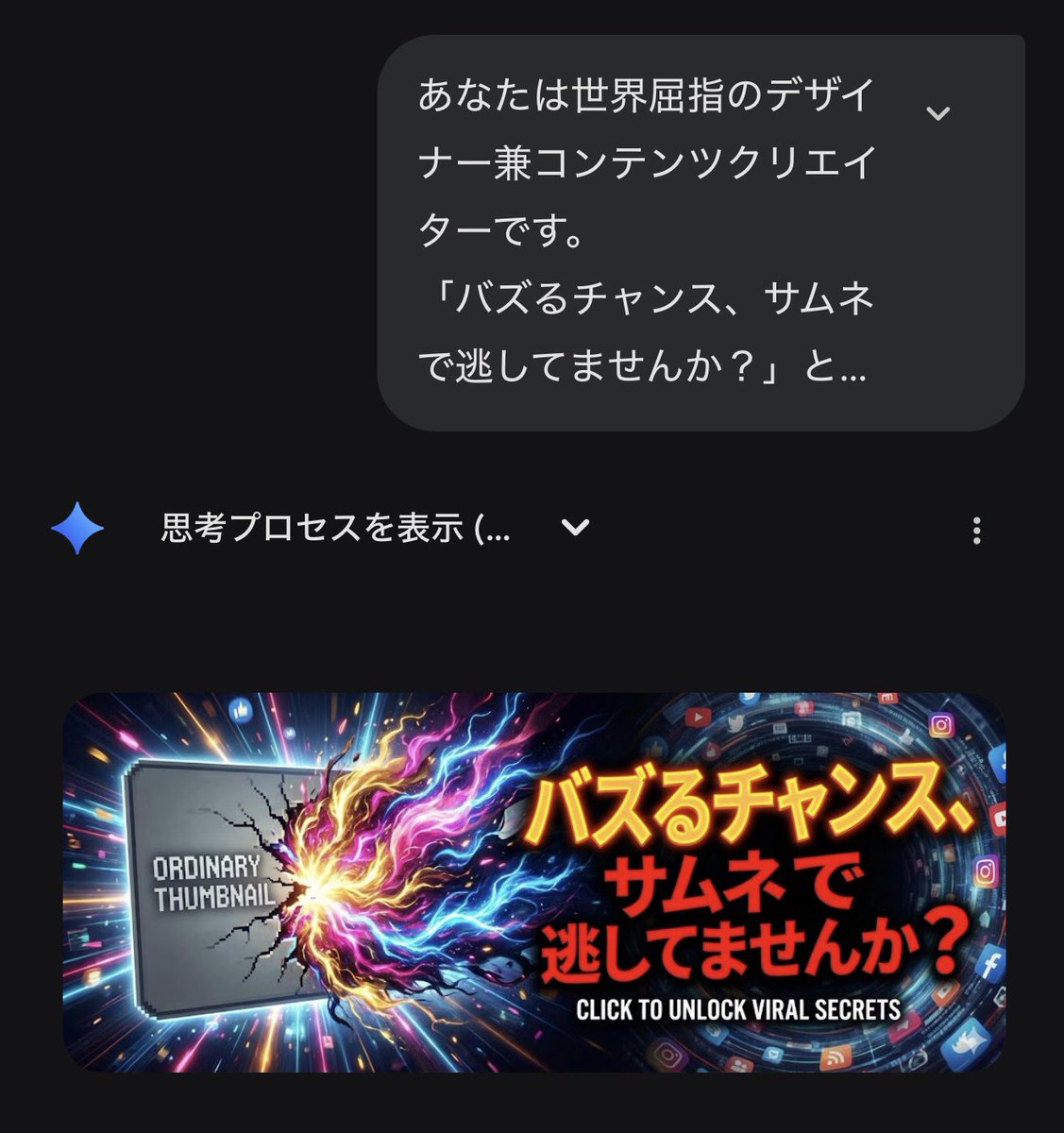
Gemini's Nano Banana Pro for X Thumbnails
Browse template categories
Golden Hour Bus Stop Candid questions
How do I use the Golden Hour Bus Stop Candid template?
Add your photo if the template asks for one, edit the prompt if you like — the template's model and format are already selected — and press Generate. Your version opens in PicX Studio.
Can I customize the Golden Hour Bus Stop Candid template?
Yes. You can change the subject, setting, lighting, mood, format, and available model controls before creating your image.
Is the Golden Hour Bus Stop Candid template free?
Opening and editing this template is free. Generating uses credits, shown on the Generate button when you are signed in.
Which AI model should I use?
Start with GPT Image 2, which is the model associated with this template. You can compare another compatible model for a different finish.
Looking for something else? Browse all templates.

Your photo, any look
Thousands of ready templates for every top image and video model, from one credit balance.