
Skincare Product Splash Photography
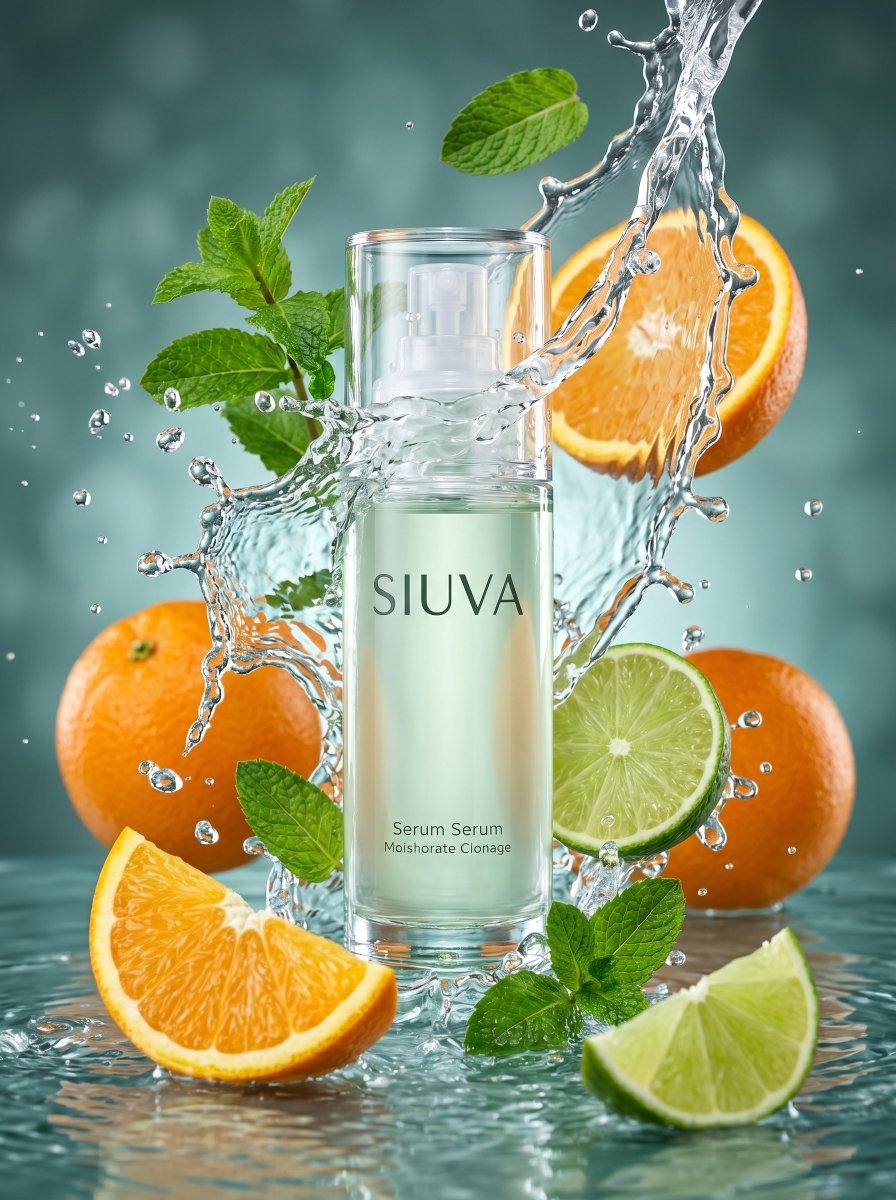
A detailed commercial photography prompt for a skincare brand serum, featuring high-speed water splashes and citrus elements.
- Prompt included
- Model and format preset
- Free template
The prompt behind this image
Copy the exact prompt behind Skincare Product Splash Photography, or open it in the studio and make it yours.
Main Subject: A clear, cylindrical glass bottle of serum or lotion from the brand "{argument name="brand name" default="SIUVA"}". The bottle is centered, filled with a very {argument name="liquid color" default="subtle pale green"} liquid (use the attached image of the bottle). Composition and Action: A dynamic composition of high-speed water splashing. The bottle is surrounded and framed by a moving jet of water and crystalline splashes moving around it. Surrounding Elements (Fruits and Leaves): Oranges: Two whole (unpeeled) oranges are visible behind the splashes on the left and right. A cut half-orange is behind the splashes in the upper right. A perfectly cut orange wedge (segment) is in the foreground in the lower left. Limes: A cut lime slice is to the right of the bottle, surrounded by Water. A wedge of cut lime is in the foreground at the bottom right. Leaves: Vibrant green mint sprigs and leaves are scattered by the splashing water to the left, above, and below, adding visual freshness. Background and Base: Background: A cool, muted teal-green blurred gradient background (bokeh), darkening slightly towards the edges. Base: The bottle and lower fruit wedges are submerged in or resting just above a surface of moving water, which also has minor splashes. Lighting: High-quality, very sharp, professional studio lighting. A water ring light or backlight makes the water droplets sparkle and resemble crystals. The key light is soft but defines all the edges of the fruit and bottle Style: High-resolution (8k), ultra-realistic commercial product photography. The focus should be on the details of the water droplets and the texture of the orange and lime peels. The rendering of the fruit textures (pulp and peel) and the water should be of studio quality. Perspective: Frontal shot at eye level, showing the bottle as the central focus, but with depth of field so that the background elements are slightly softened, in portrait format.
How to use Skincare Product Splash Photography in 3 steps
- 1Upload ImagePNG, JPG or paste
Add your photo
Upload the photo the template builds on. The prompt, model and format are already set.
- 2…a portrait of your subject in softgolden-hour light, 85mm…
Personalize
Edit the subject and creative details for your destination.
- 3Generate
Generate
Press Generate — your image is created in PicX Studio, so you can compare it with the original and refine one variable at a time.
More like this
Templates with the same subject, style or setup. Open one to see its prompt.
Commercial Product Splash Photography
Skincare Product Flat Lay Photography
High-End Skincare Product Macro Photography Ad
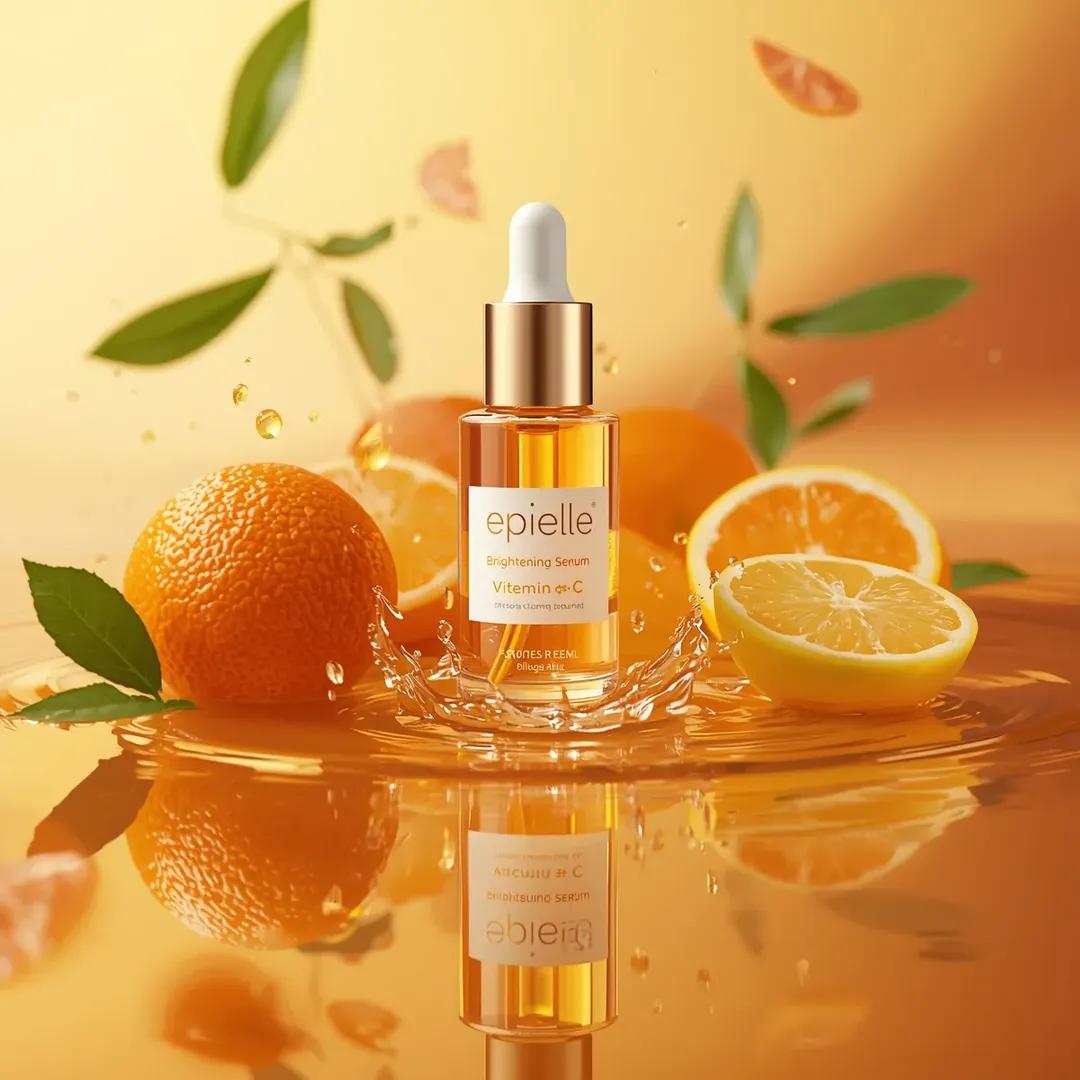
Ultra-High-End Skincare Product Photography Prompt
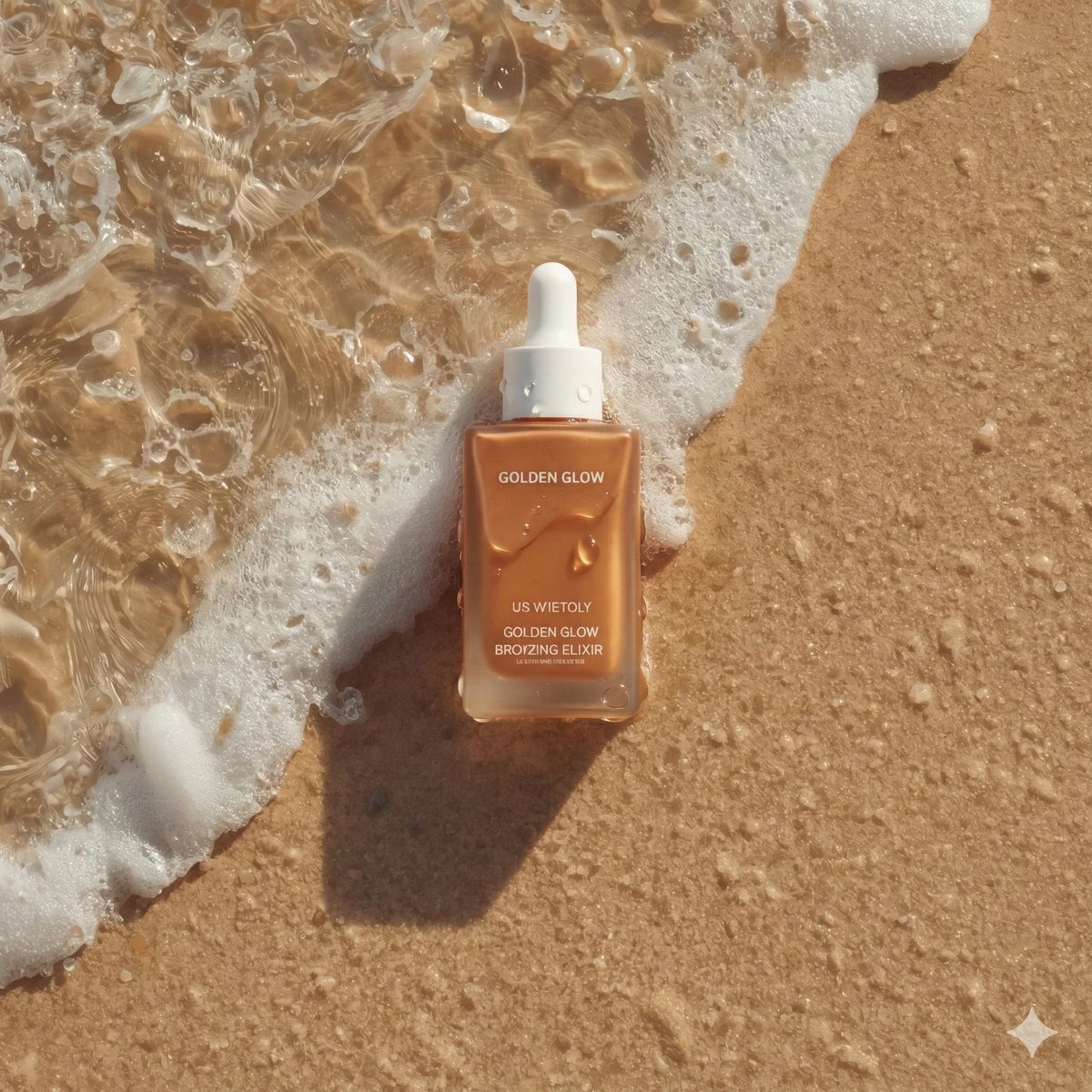
Ultra-Realistic Skincare Product Photography on Wet Beach Sand
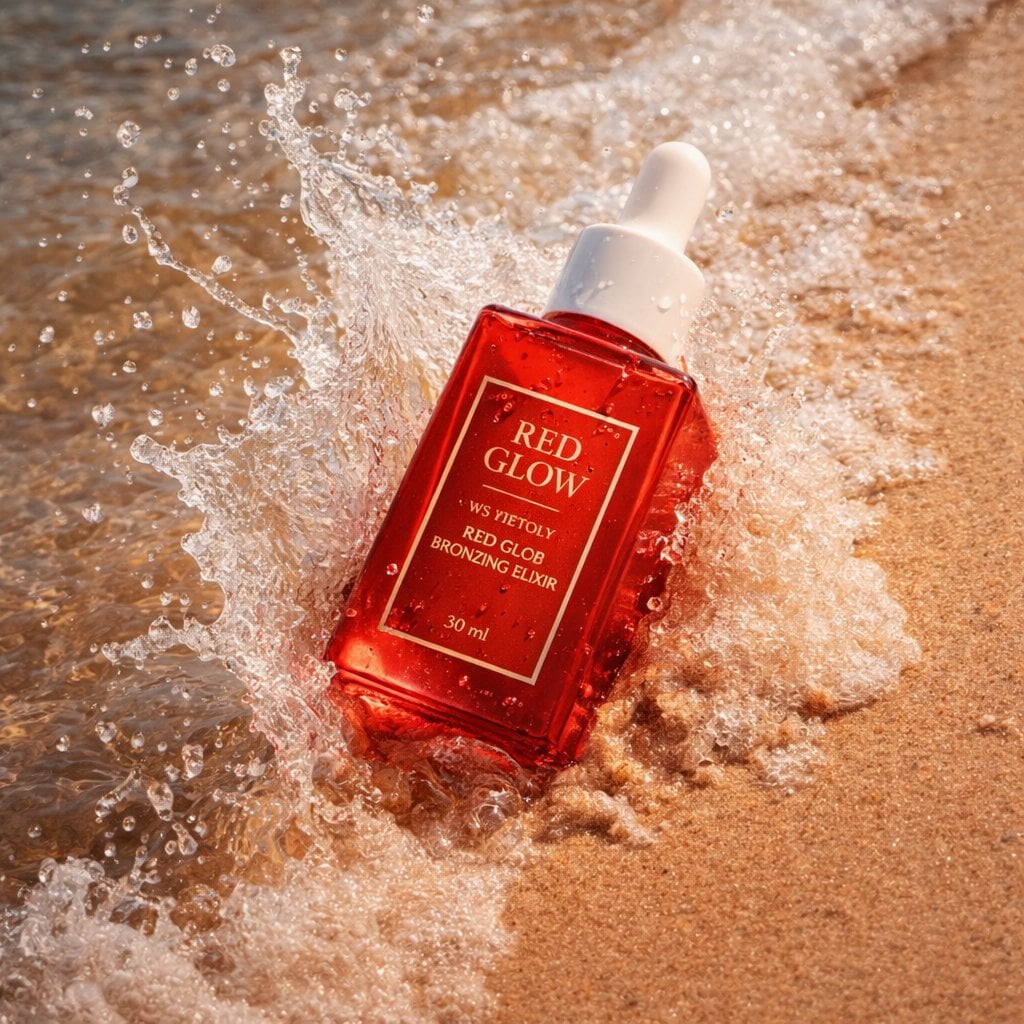
Summer Skincare Product Photography on Beach
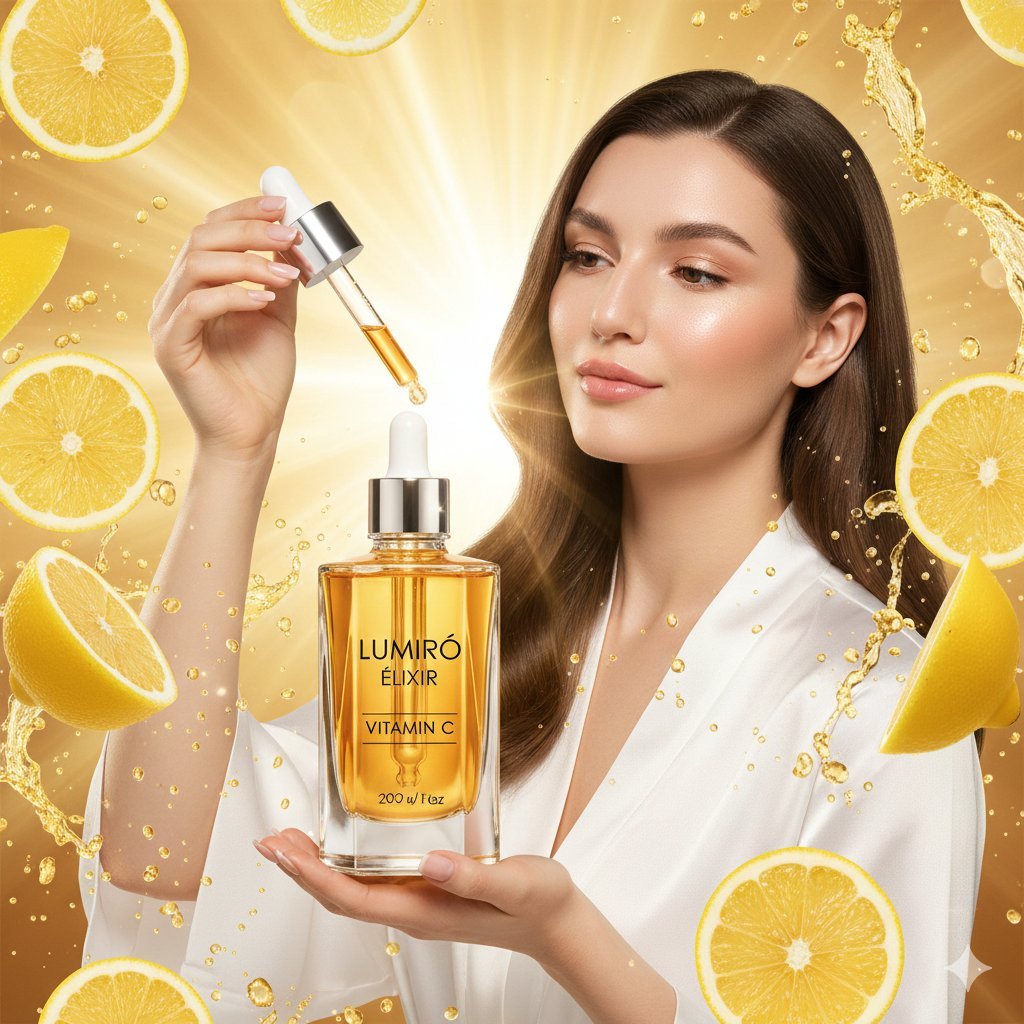
Hyper-realistic Luxury Skincare Product Photography
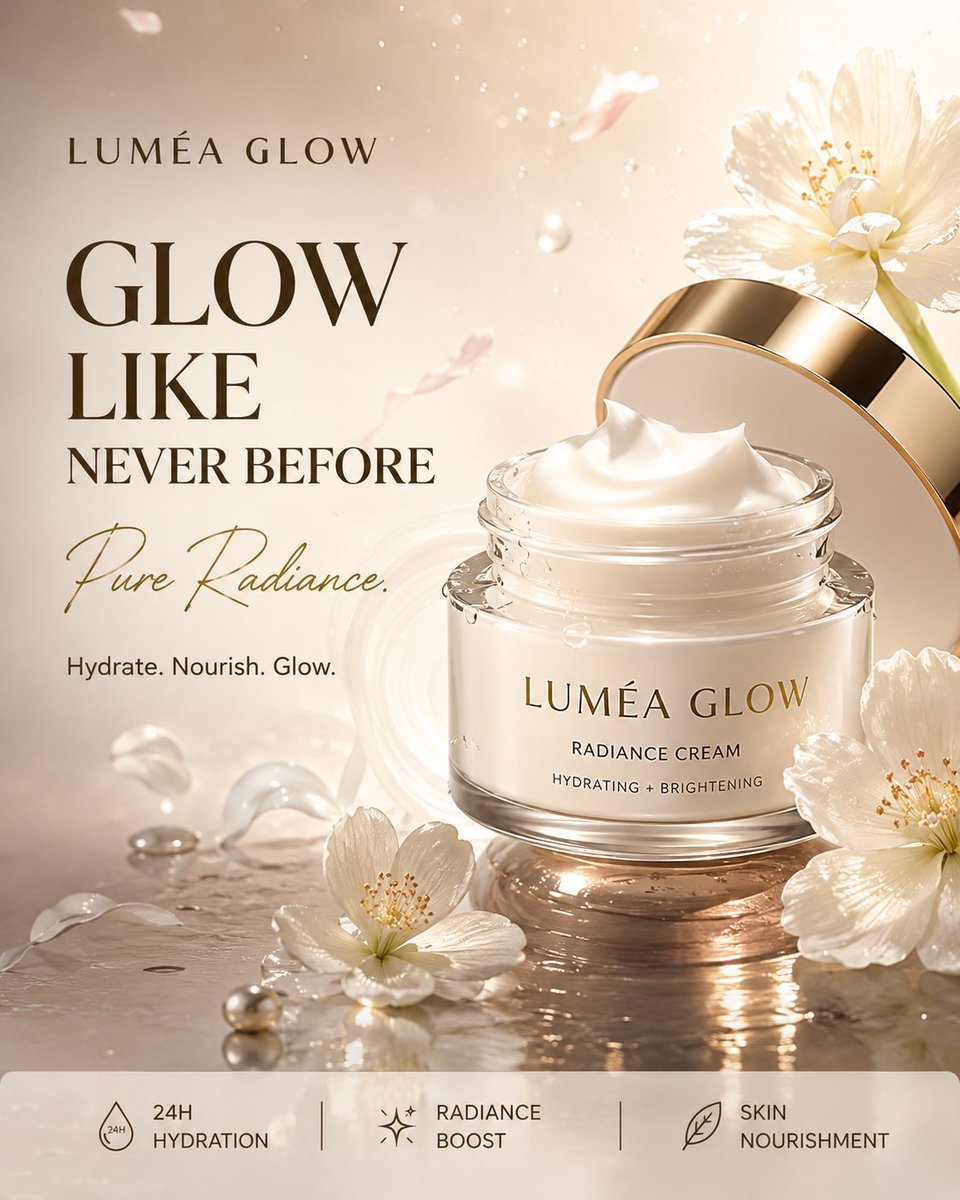
Luxury Skincare Product Advertisement
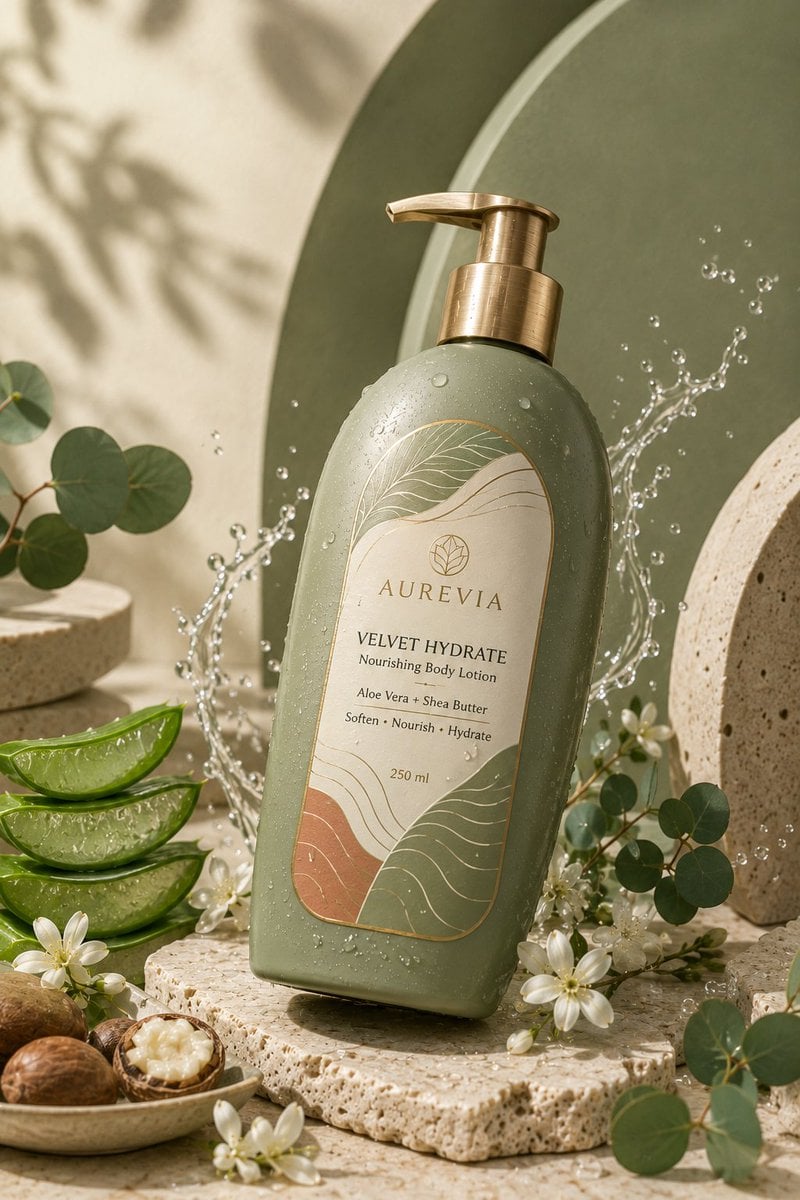
Luxury Skincare Product Ad
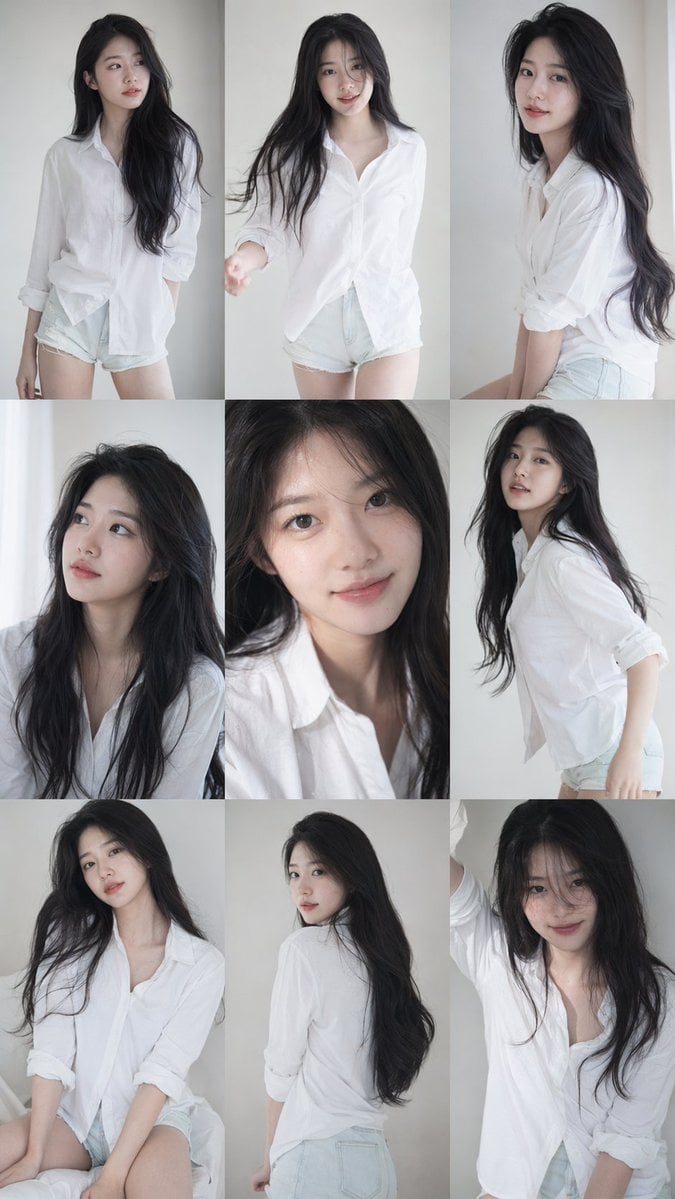
9 16 vertical a 3x3 grid collage nine images forming a Korean idol
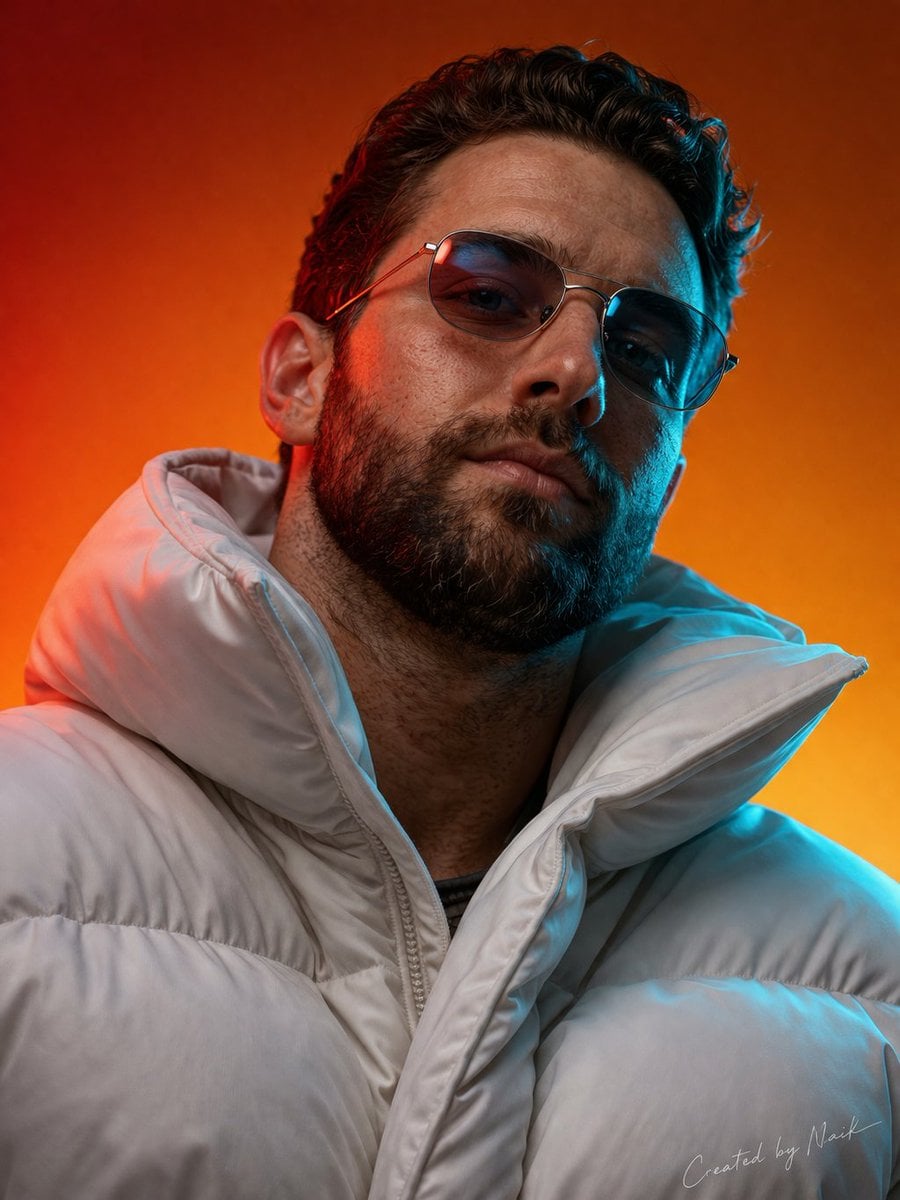
Ultra-photorealistic cinematic portrait of a man viewed from a slightly
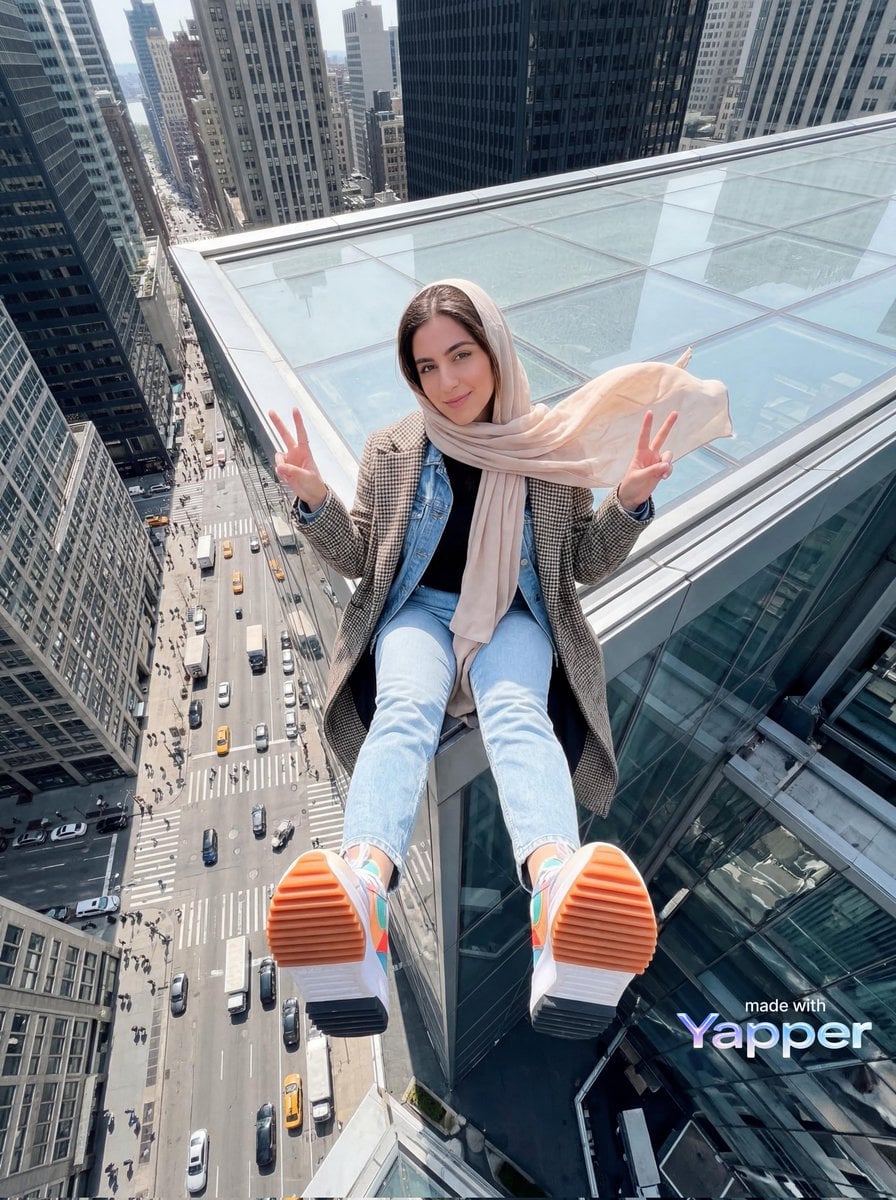
Young woman sitting at the edge of a skyscraper rooftop with a dramatic
Make it yours
Skincare Product Splash Photography works as-is. These are the safest ways to change it without losing the look.
Change one field
Copy a single group, rewrite it, and generate again so you can see what that field is doing.
Keep the frame, change the subject
Hold the composition and light of Skincare Product Splash Photography, then swap wardrobe, props or the person for a new take.
| If the result… | Why | Fix |
|---|---|---|
| The result drifts from the preview | Too many fields changed at once. | Reuse Skincare Product Splash Photography as-is first, then change one group — subject, light, or setting. |
| The model over-stylizes the scene | The prose prompt leaves finish and camera underspecified. | Add one camera or lighting sentence and stay on GPT Image 2. |
More GPT Image 2 templates
Other prompts made for GPT Image 2.

Futuristic Void Fang Mech
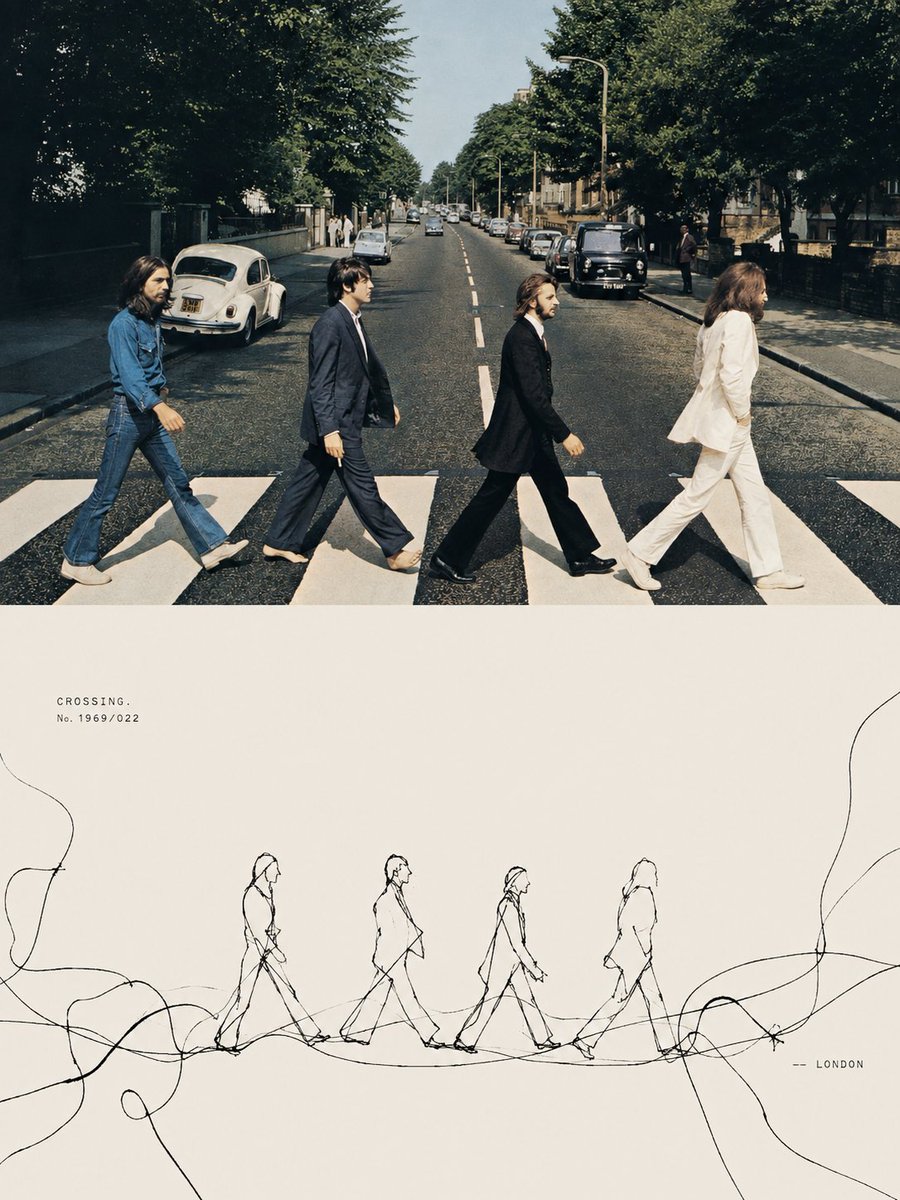
Tension Line Art Concept Poster
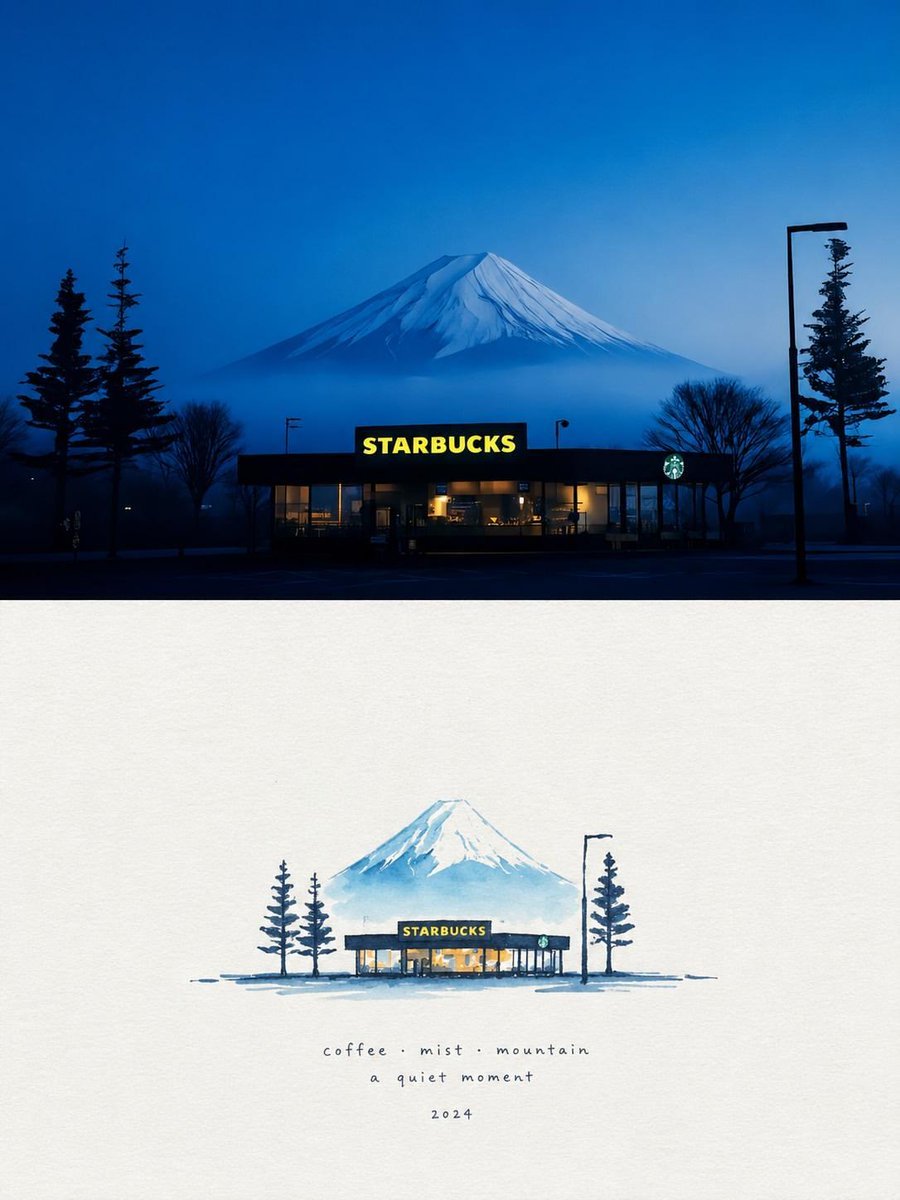
Starbucks Mountain Watercolor Comparison

Six VTuber Japanese Logo Sheet

Luxury ABKR Portrait Poster
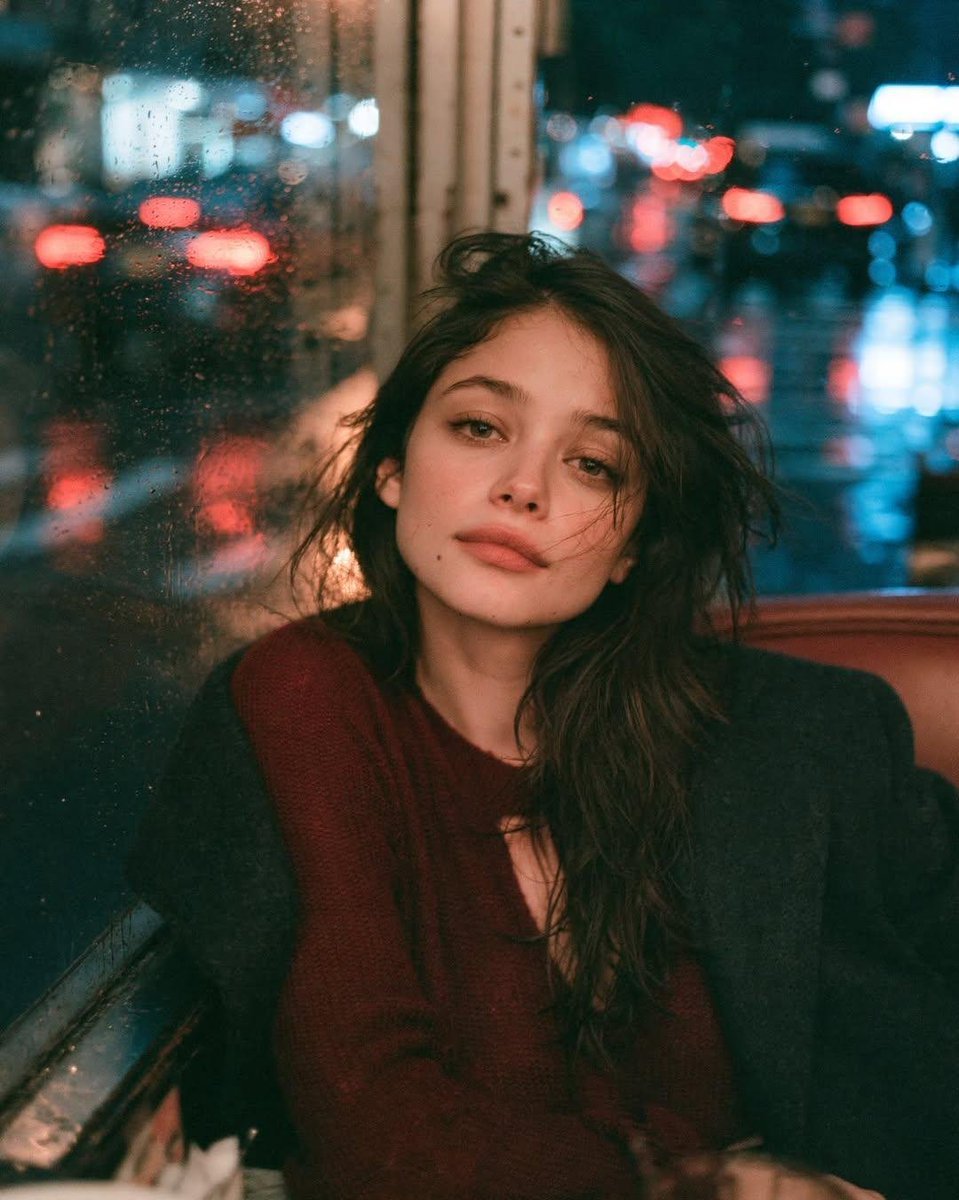
Rainy Night Vintage Diner Portrait
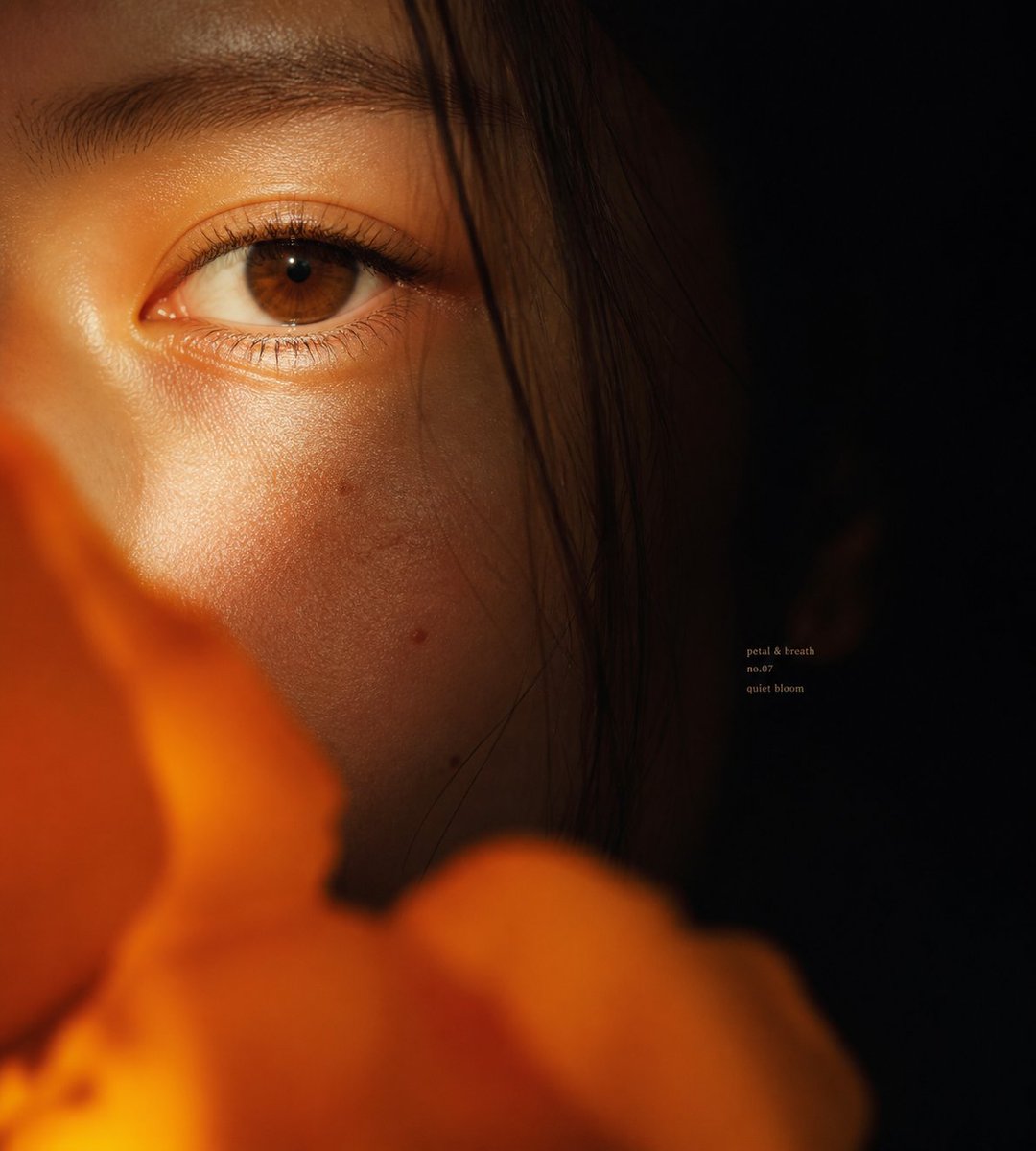
Intimate Flower Petal Macro Portrait
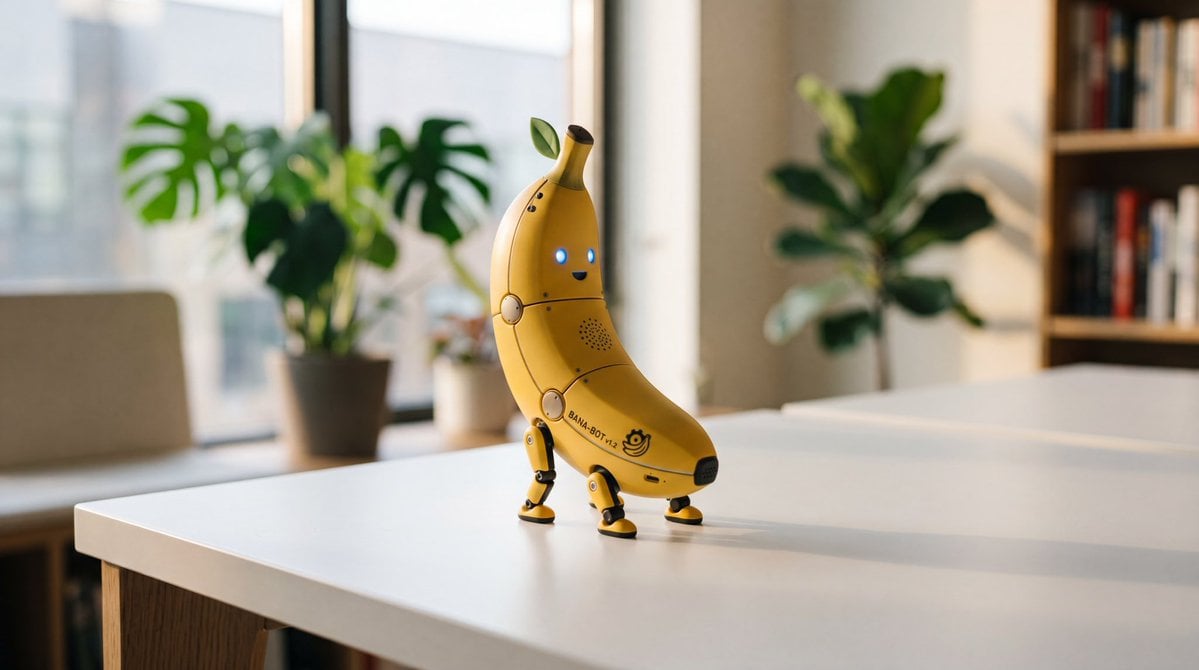
Cute Banana Robot on Table
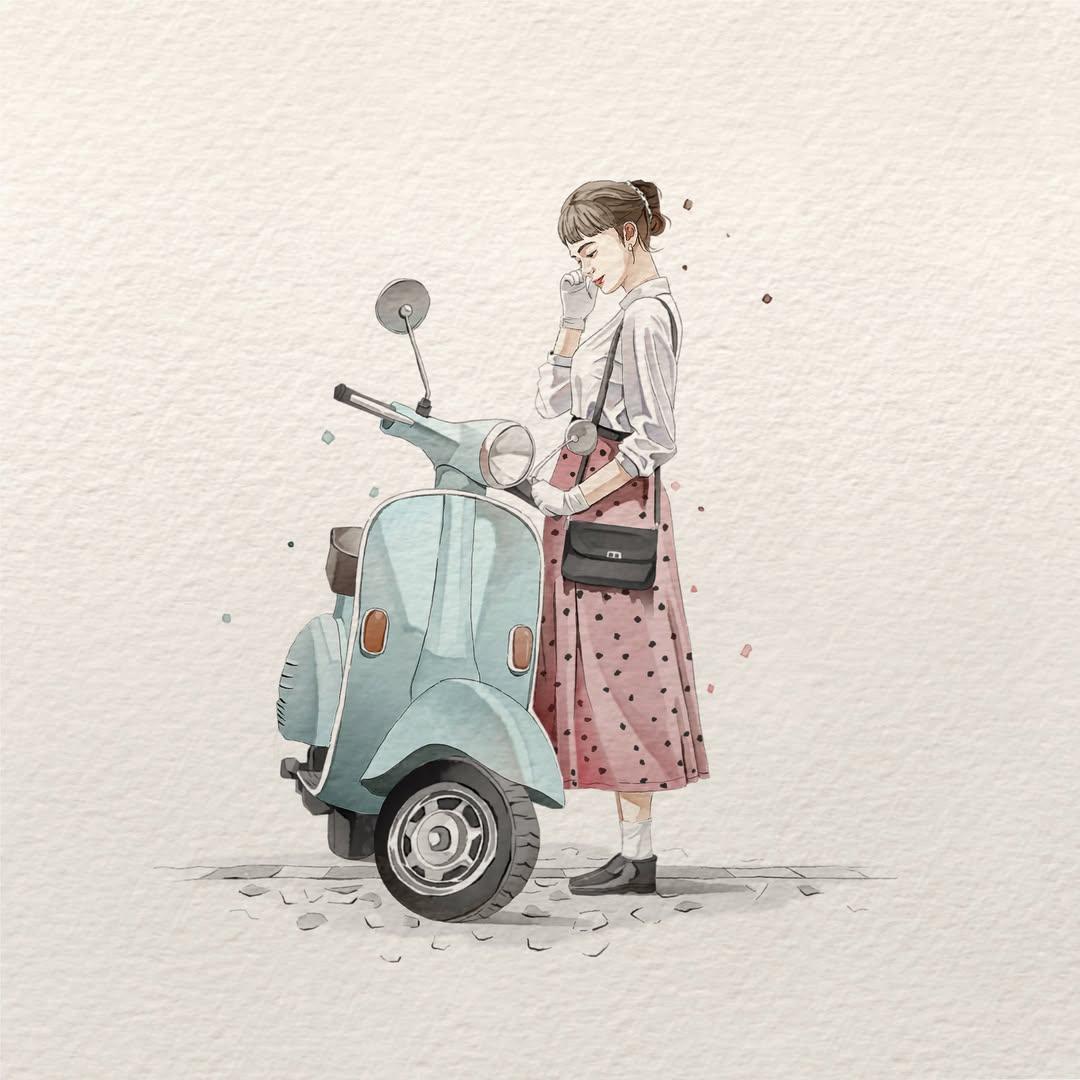
Watercolor Fashion Illustration Aesthetic

Sunlit Orchard Girl With Apples
More image prompts
Fresh picks from across the catalog.
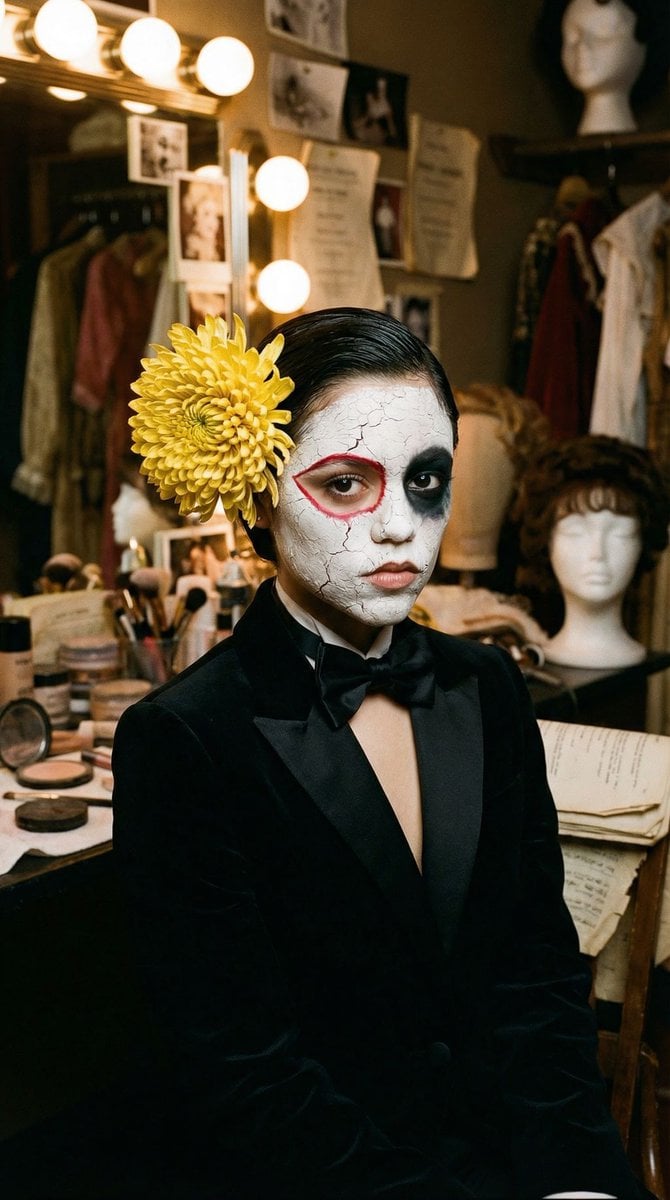
Surrealist Backstage Chaos: Jenna Ortega Editorial Portrait
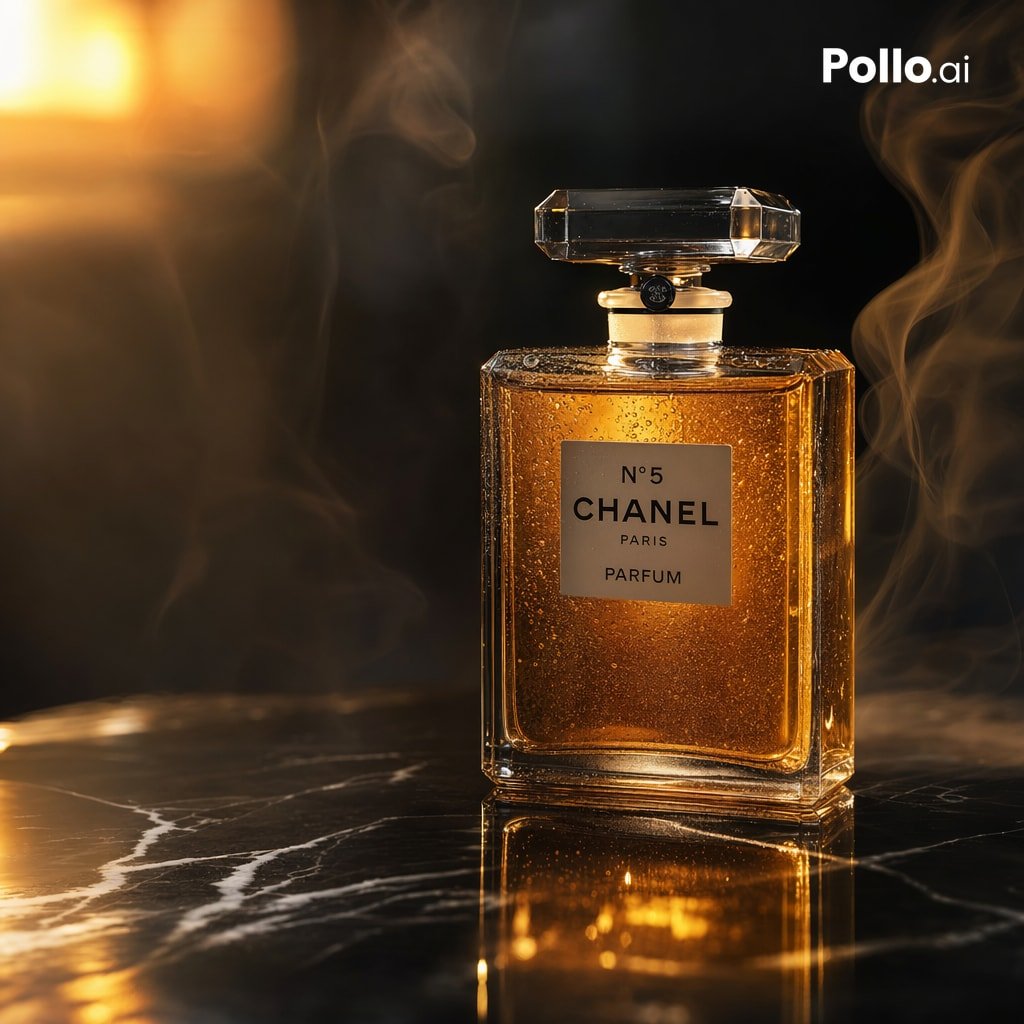
Luxury Amber Perfume Ad

Minimalist Literary Cover for The Vegetarian

Maroon Dress Fashion Magazine Cover
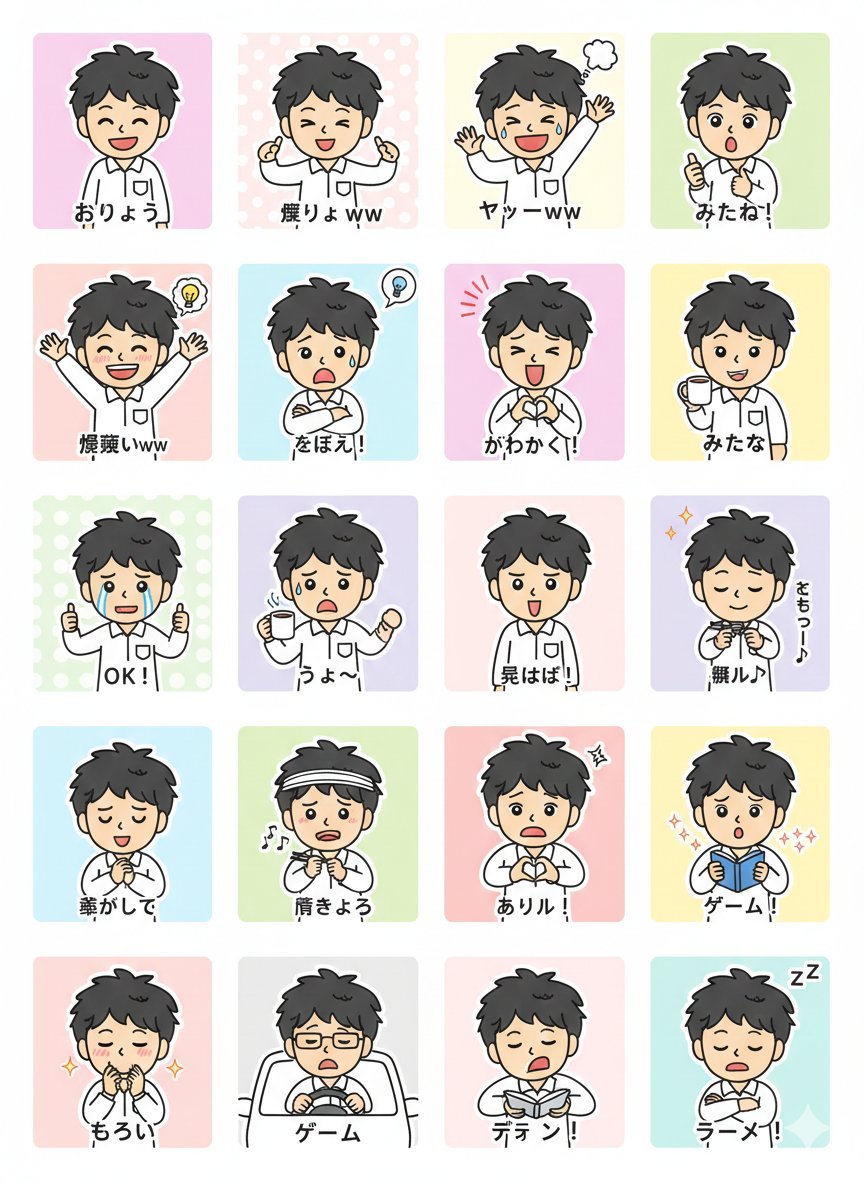
LINE Sticker Generation Prompt
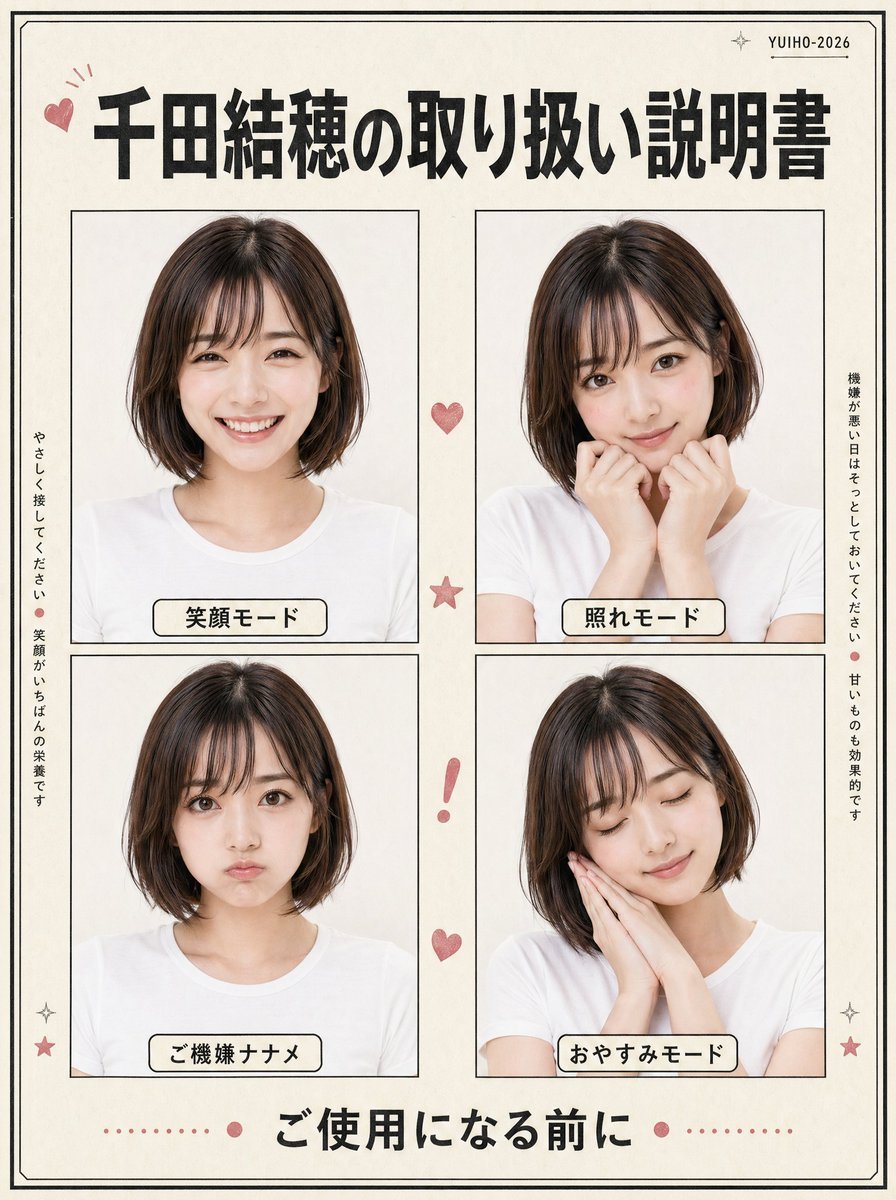
Japanese Character Manual Poster

Dark Anime Energy Drink Poster

Basic Product Shot Prompt for Moving Parts
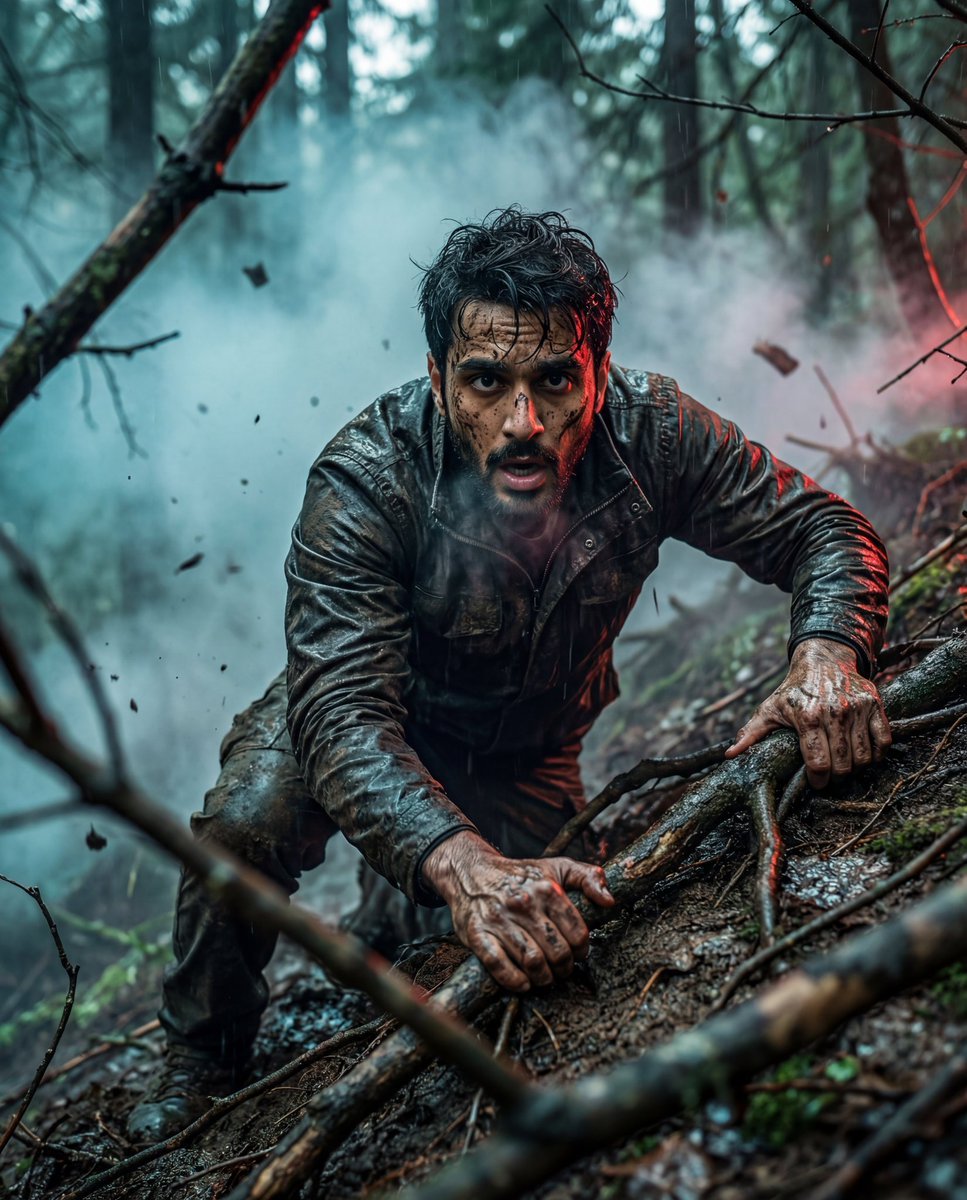
Hyper-Realistic Survival Cinematic Still Prompt
Anime Countryside Dog Walk T-Shirt Scene
Browse template categories
Skincare Product Splash Photography questions
How do I use the Skincare Product Splash Photography template?
Add your photo if the template asks for one, edit the prompt if you like — the template's model and format are already selected — and press Generate. Your version opens in PicX Studio.
Can I customize the Skincare Product Splash Photography template?
Yes. You can change the subject, setting, lighting, mood, format, and available model controls before creating your image.
Is the Skincare Product Splash Photography template free?
Opening and editing this template is free. Generating uses credits, shown on the Generate button when you are signed in.
Which AI model should I use?
Start with GPT Image 2, which is the model associated with this template. You can compare another compatible model for a different finish.
Looking for something else? Browse all templates.

Your photo, any look
Thousands of ready templates for every top image and video model, from one credit balance.