
Hyper-Realistic Survival Cinematic Still Prompt
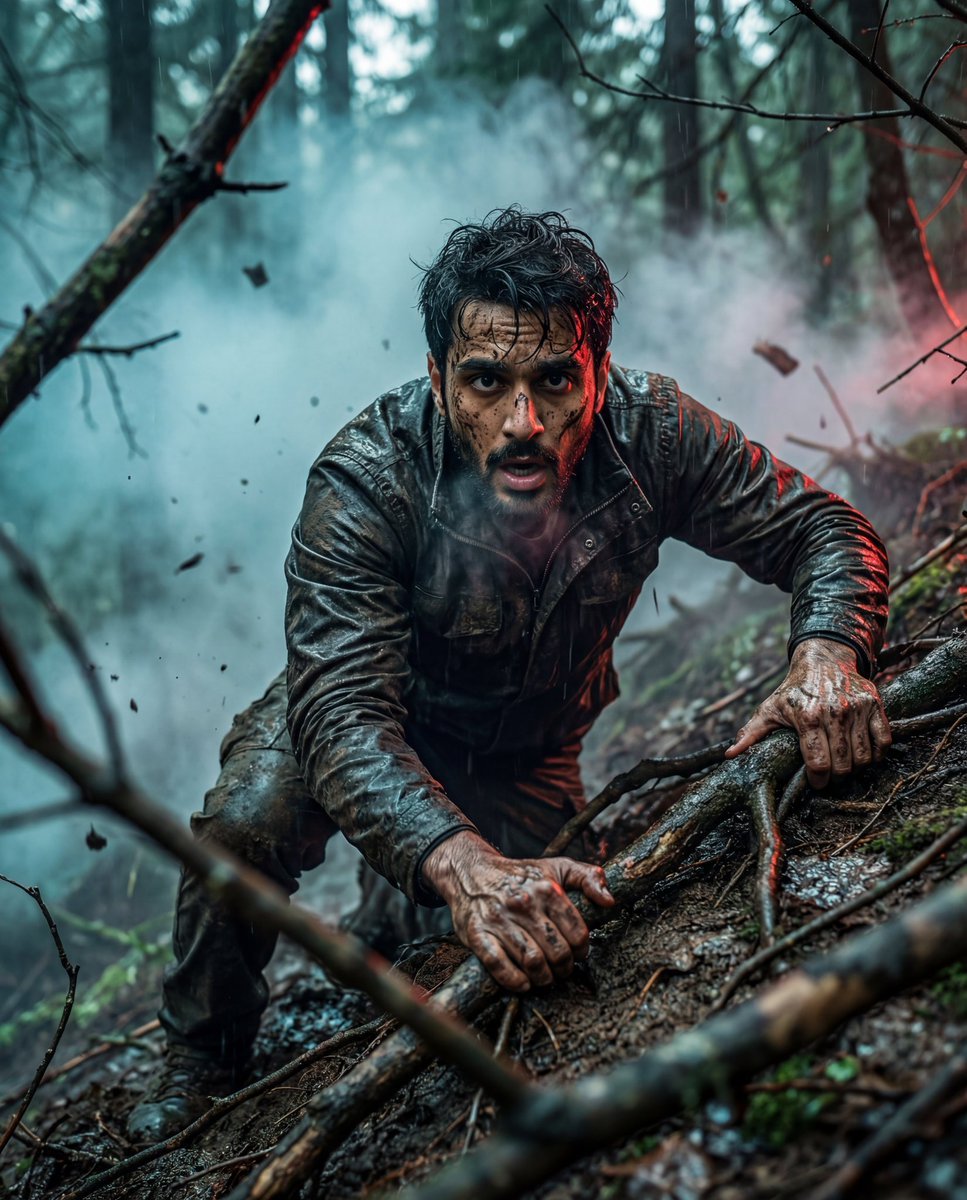
A detailed prompt for generating an ultra-realistic cinematic photograph of a man desperately climbing a steep, muddy forest slope.
- Prompt included
- Model and format preset
- Free template
The prompt behind this image
Copy the exact prompt behind Hyper-Realistic Survival Cinematic Still Prompt, or open it in the studio and make it yours.
Use the uploaded face image as the exact identity reference. Ultra-realistic cinematic photograph of a man desperately climbing a steep, muddy forest slope, gripping exposed tree roots with both hands. Arms tense, fingers covered in wet mud, veins visible. Face must closely match the reference (same structure, skin tone, age, natural texture). Wearing a dark, rugged, rain-soaked jacket with dirt-stained clothing. Hair messy and slightly wet. Dense forest environment with twisted branches framing the shot, fog and smoke drifting through, floating debris in the air, wet uneven ground. Expression shows raw survival, exhaustion, and determination; mouth slightly open, breath visible, intense eye contact. Cinematic teal-blue ambient fog with subtle red rim light, volumetric lighting, dramatic contrast. Low-angle close-medium shot, shallow depth of field, sharp focus on face and hands, blurred foreground branches. Hyper-realistic, gritty cinematic film still, premium realism, high dynamic range, ultra-detailed, 4K–8K quality. Negative prompt: anime, cartoon, illustration, CGI look, plastic or smooth skin, over-stylized, fake lighting, blurry face, low detail, distorted anatomy, extra fingers, bad hands, oversharpened, low resolution.
How to use Hyper-Realistic Survival Cinematic Still Prompt in 3 steps
- 1Upload ImagePNG, JPG or paste
Add your photo
Upload the photo the template builds on. The prompt, model and format are already set.
- 2…a portrait of your subject in softgolden-hour light, 85mm…
Personalize
Edit the subject and creative details for your destination.
- 3Generate
Generate
Press Generate — your image is created in PicX Studio, so you can compare it with the original and refine one variable at a time.
More like this
Templates with the same subject, style or setup. Open one to see its prompt.
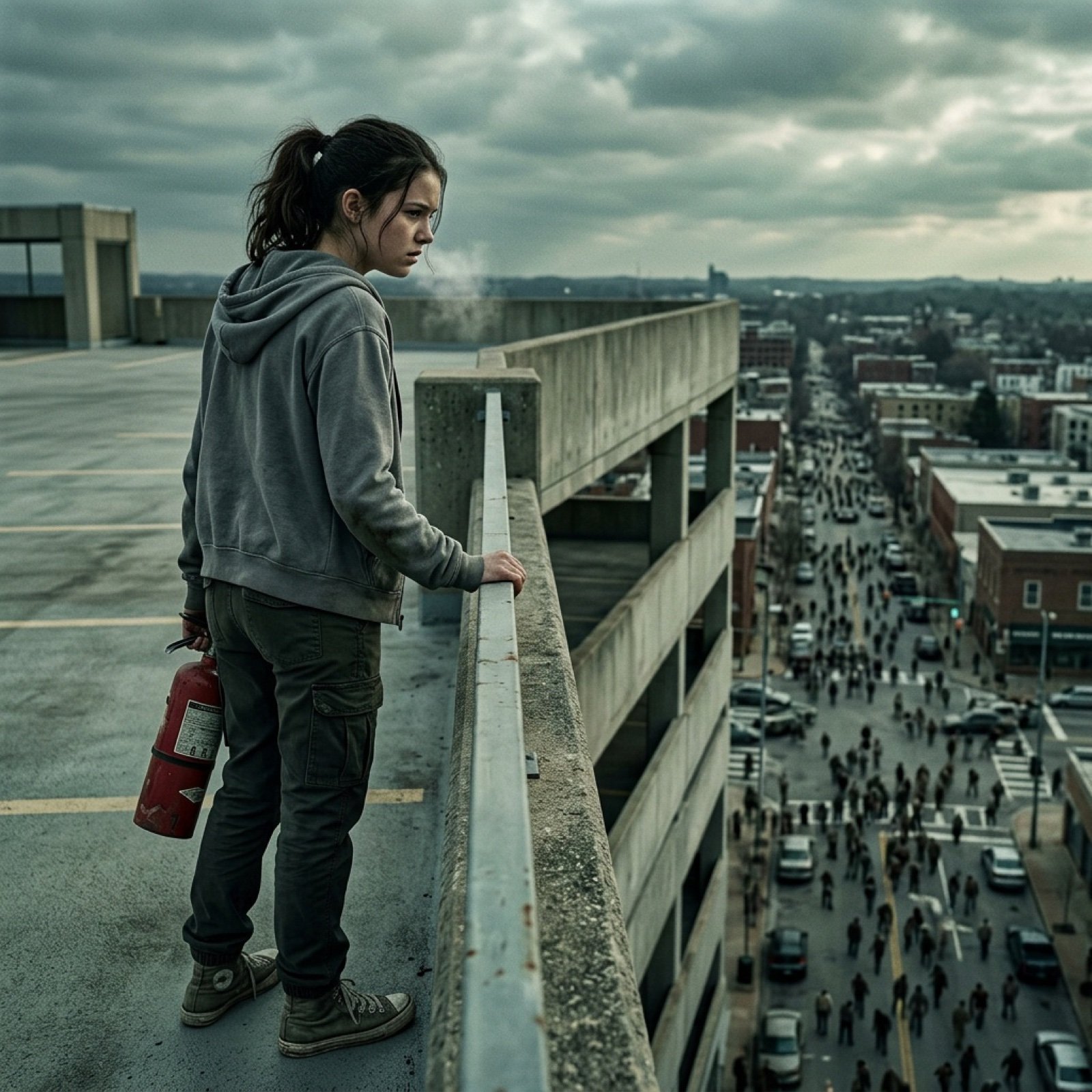
Seedance 2.0 - Zombie Girl Escapes
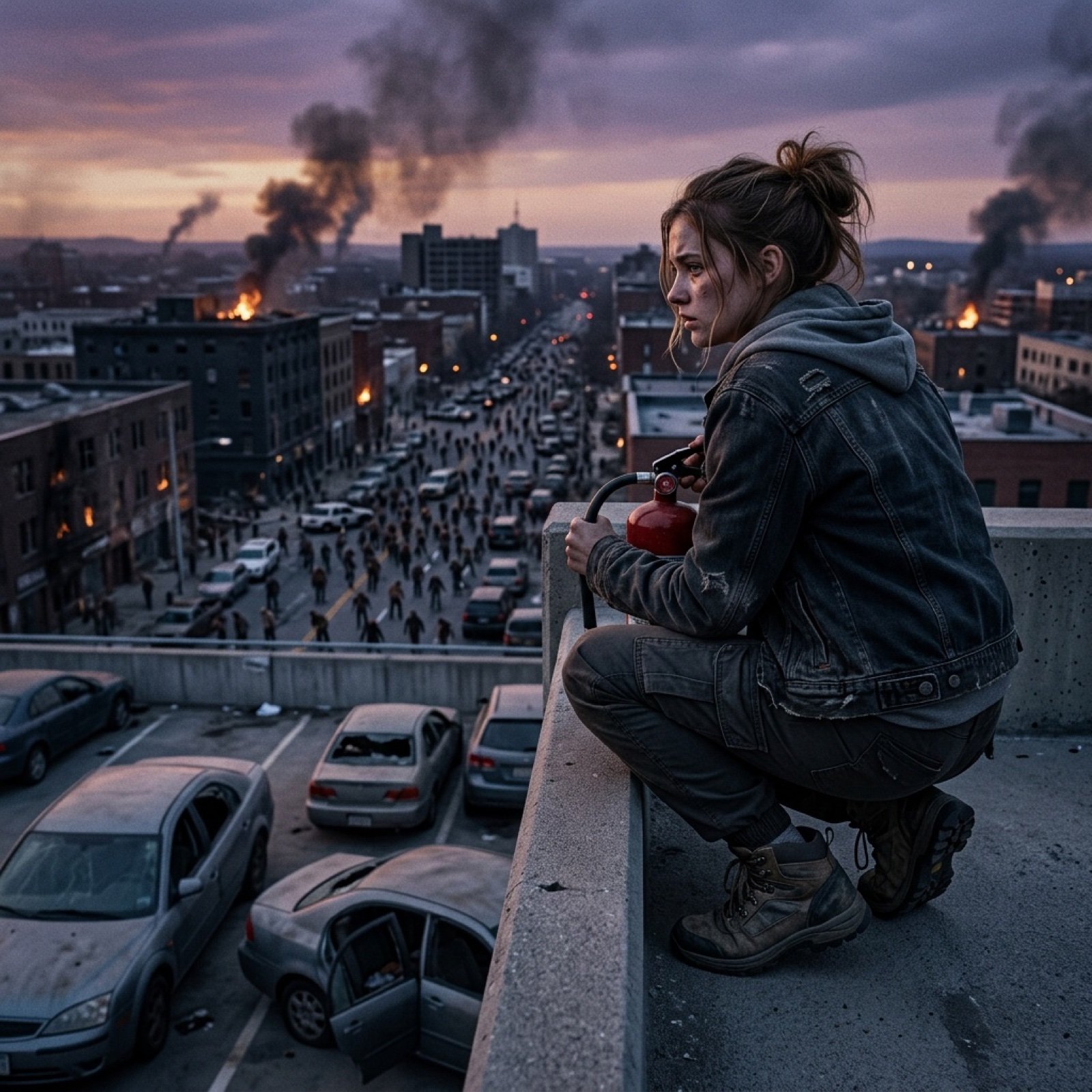
Seedance 2.0 - Zombie Girl Escapes
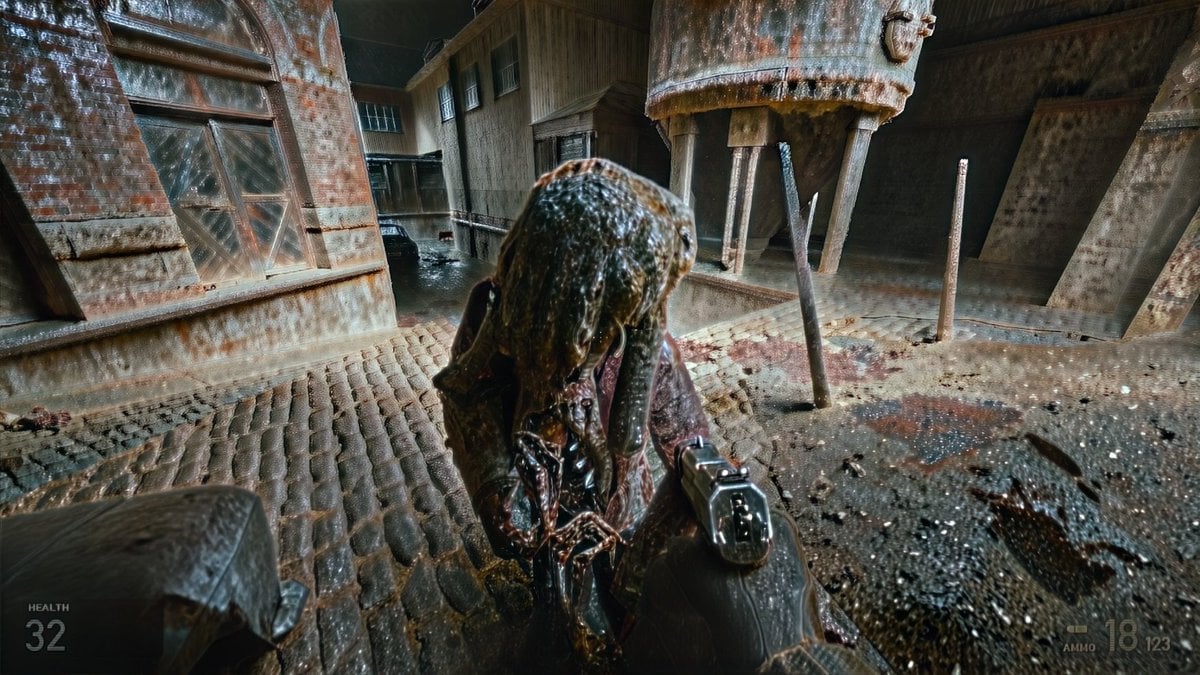
Grimy Survival Horror FPS Encounter
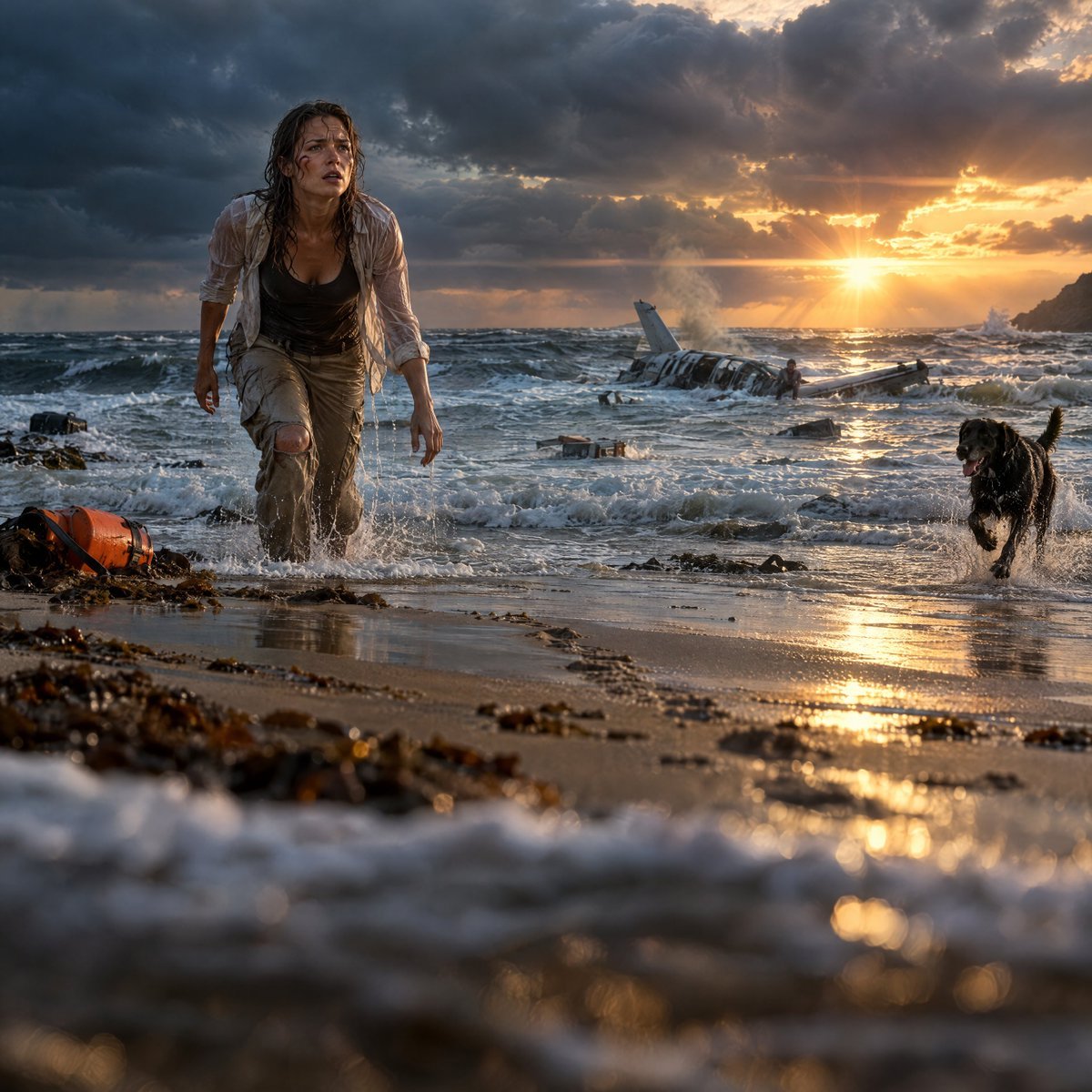
Cinematic Plane Crash Beach Survival
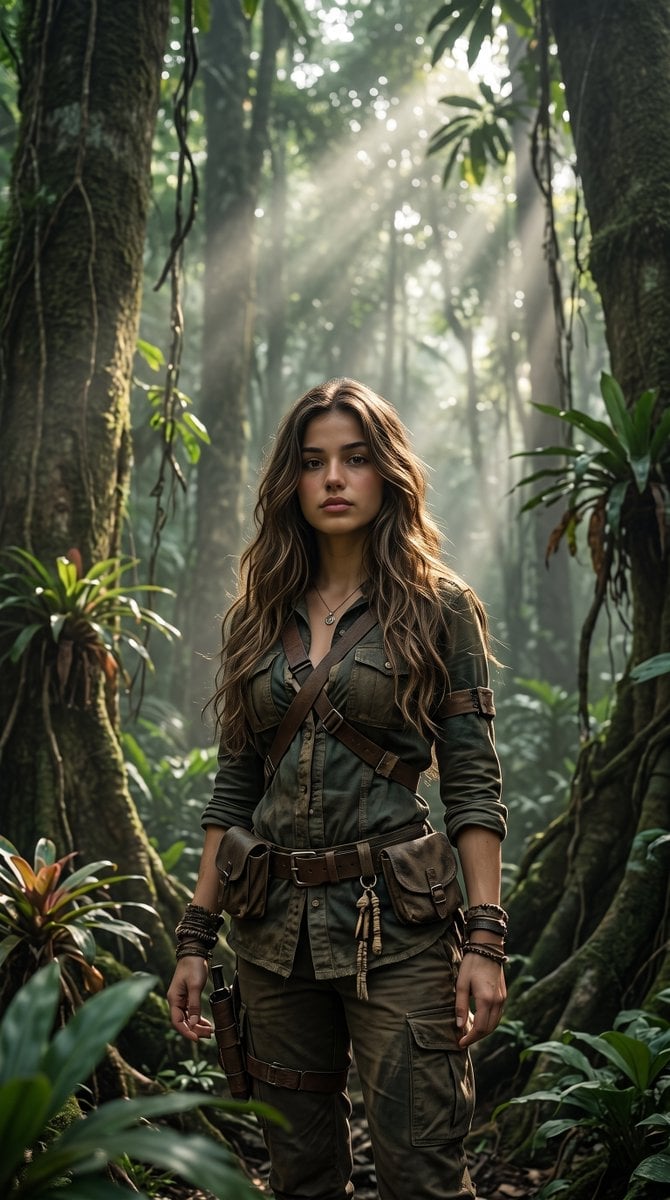
Cinematic Tropical Forest Survival Portrait
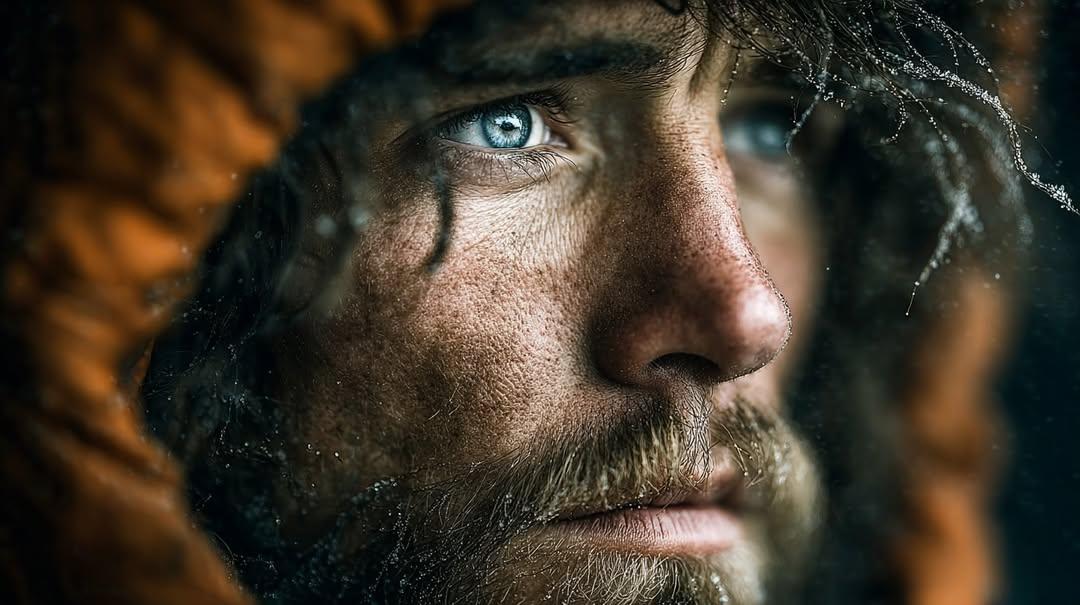
Intense cinematic close-up portrait conveying survival, resilience
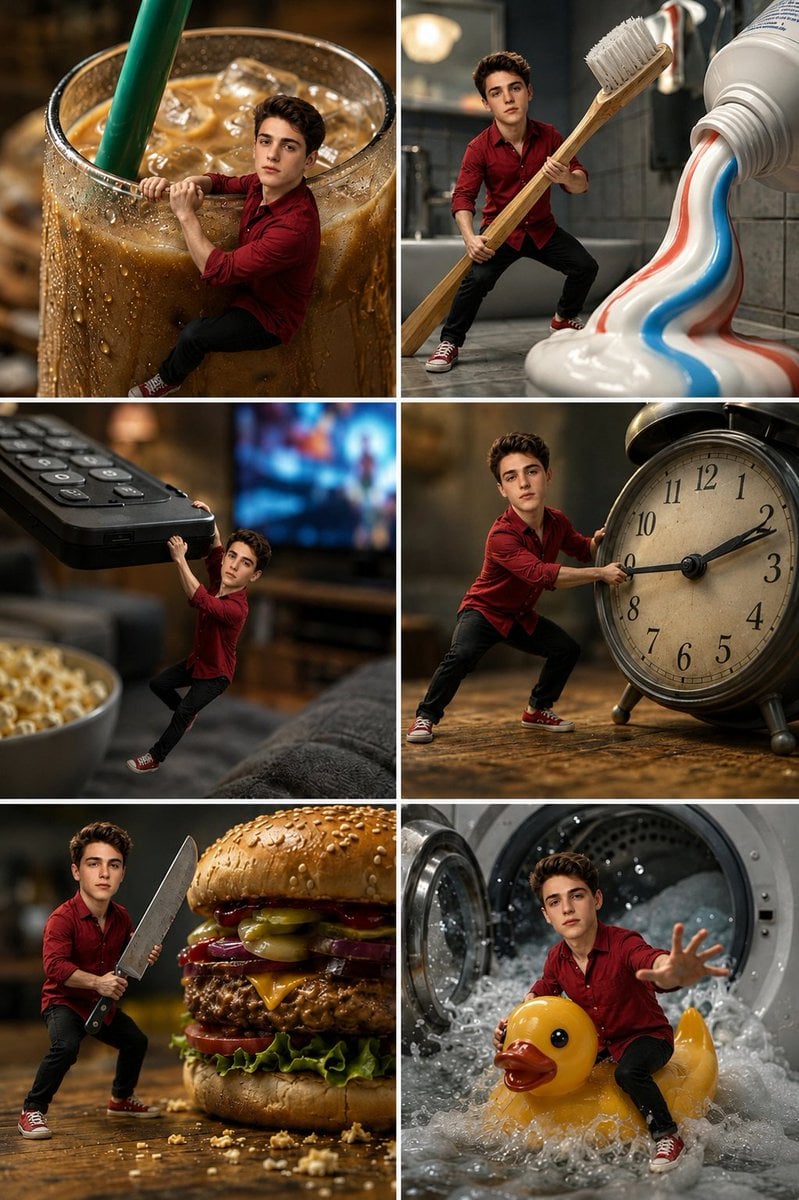
Miniature Man Household Survival Collage
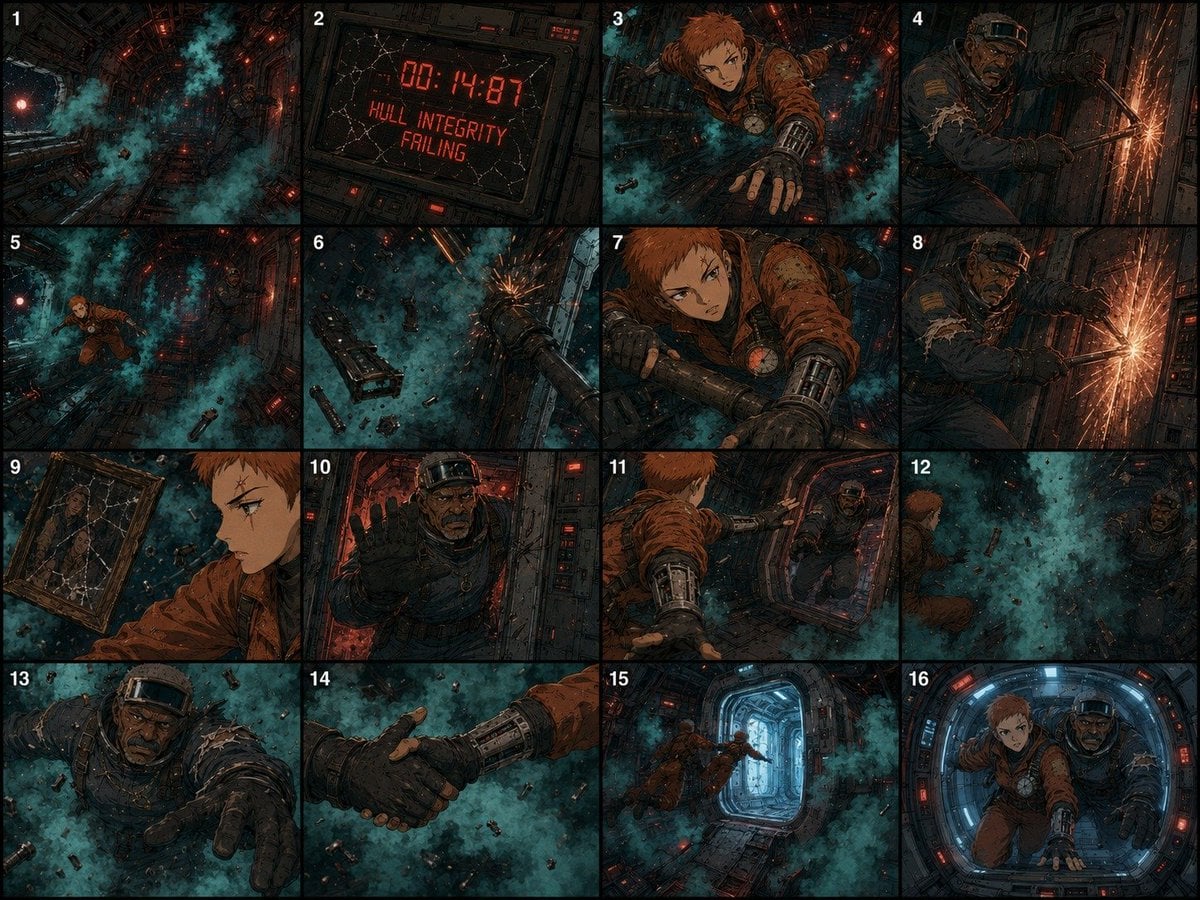
Zero-Gravity Survival Storyboard

Tiny Man Macro Survival Six-Panel Collage
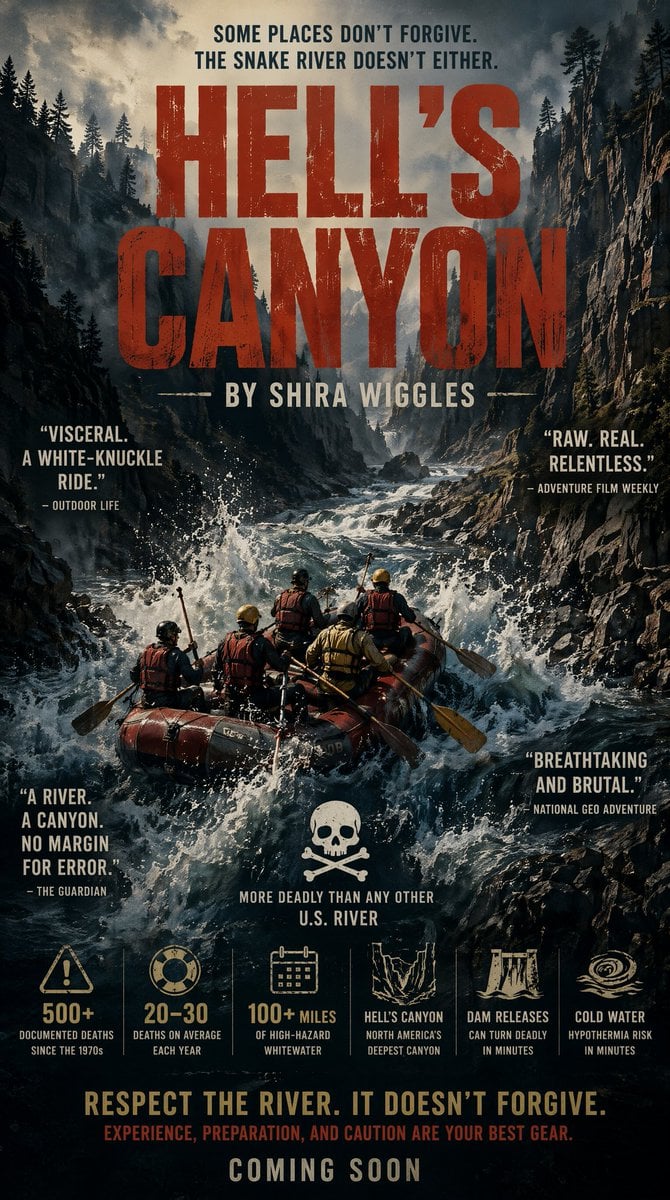
Hell's Canyon Survival Thriller Poster
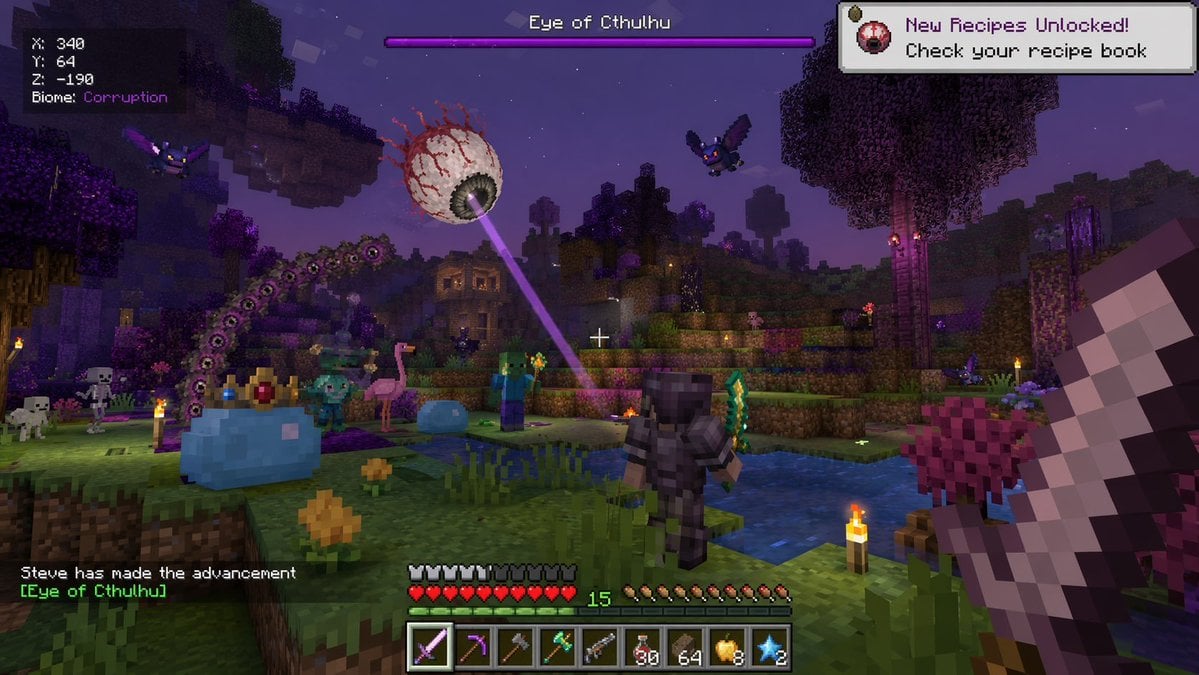
Voxel Survival Game Boss Fight UI
Voxel Survival Game Boss Fight HUD
Make it yours
Hyper-Realistic Survival Cinematic Still Prompt works as-is. These are the safest ways to change it without losing the look.
Change one field
Copy a single group, rewrite it, and generate again so you can see what that field is doing.
Keep the frame, change the subject
Hold the composition and light of Hyper-Realistic Survival Cinematic Still Prompt, then swap wardrobe, props or the person for a new take.
| If the result… | Why | Fix |
|---|---|---|
| The result drifts from the preview | Too many fields changed at once. | Reuse Hyper-Realistic Survival Cinematic Still Prompt as-is first, then change one group — subject, light, or setting. |
| The model over-stylizes the scene | The prose prompt leaves finish and camera underspecified. | Add one camera or lighting sentence and stay on Nano Banana 2. |
More Nano Banana 2 templates
Other prompts made for Nano Banana 2.

Photorealistic Leaf Shaped Like a Dragon

K-Pop Idol Portrait Grid for Rapid Selection

Poetic Rain Forest Portrait During Golden Hour

Urban Street Portrait with Cartoon Inner Self Duo

Candid Nighttime Photo with Cat Prompt

High-Concept 3D Diorama Generation Prompt

Cinematic Futuristic Studio Portrait Template

Skincare Editorial Photography Collage Prompt

Hyper-Realistic Commercial Product Photography (Splash Effect)

Hyper-Realistic Nightclub Portrait Prompt
More image prompts
Fresh picks from across the catalog.
Final Fantasy Bahamut VS Player Generation
Crossover Platform Fighter Screenshot
3D Miniature Architectural Blueprint
Cinematic neon cafe night
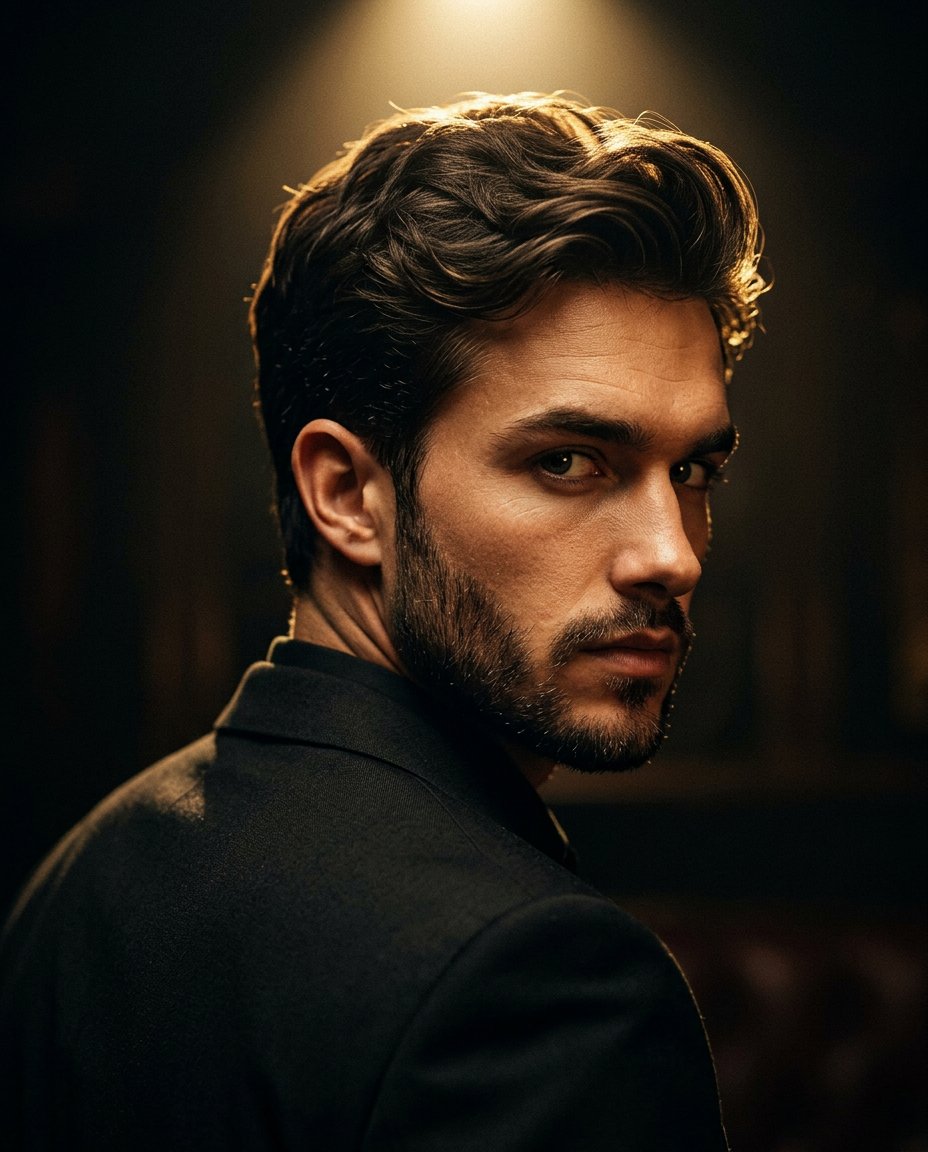
Cinematic Portrait Prompt for Google Nano Banana Pro
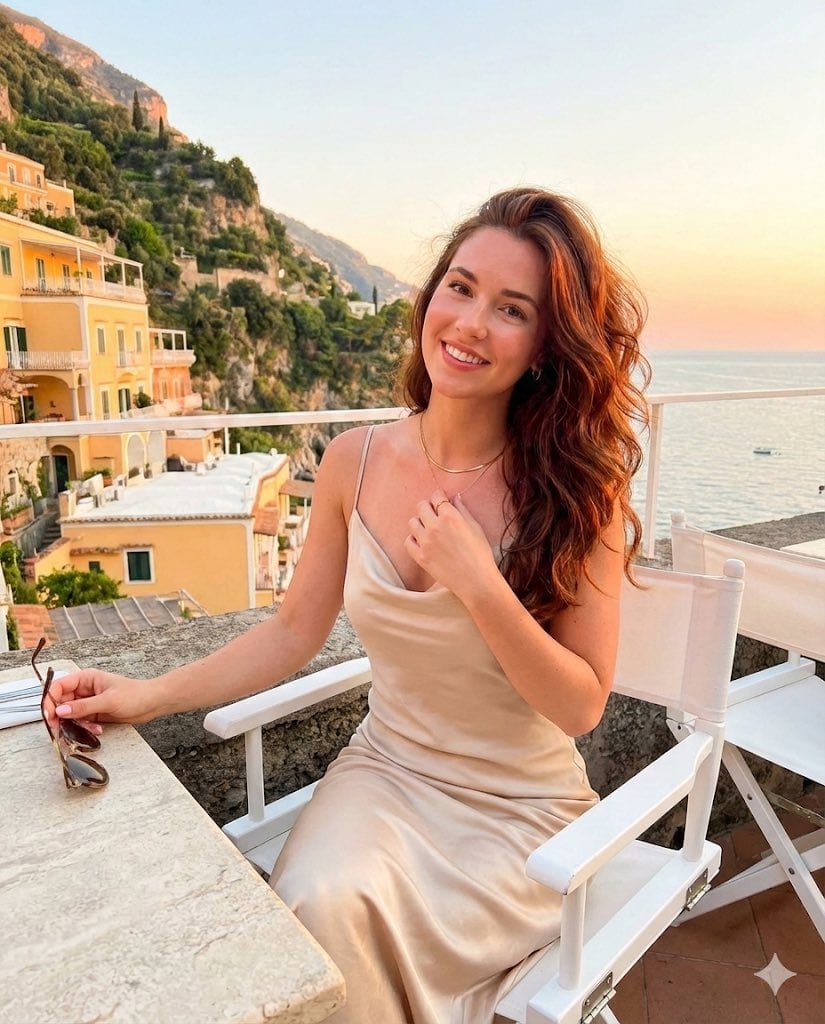
Golden Hour Positano Terrace Lifestyle Shot

Glamorous New Year's Eve Fashion Shoot

Luxury Spain Sunset Travel Poster
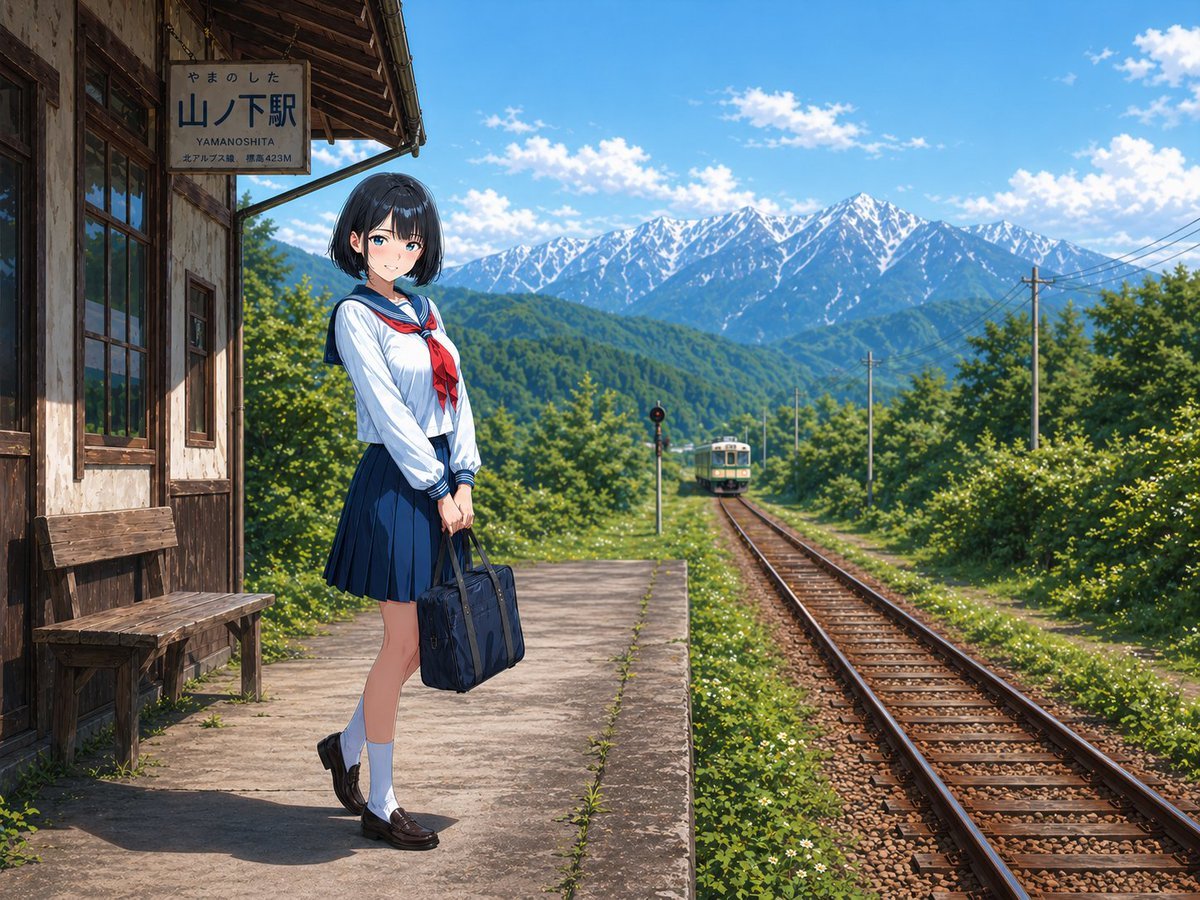
Rural Station Schoolgirl Scene

Magazine Cover Prompt using Nano Banana Extension
Browse template categories
Hyper-Realistic Survival Cinematic Still Prompt questions
How do I use the Hyper-Realistic Survival Cinematic Still Prompt template?
Add your photo if the template asks for one, edit the prompt if you like — the template's model and format are already selected — and press Generate. Your version opens in PicX Studio.
Can I customize the Hyper-Realistic Survival Cinematic Still Prompt template?
Yes. You can change the subject, setting, lighting, mood, format, and available model controls before creating your image.
Is the Hyper-Realistic Survival Cinematic Still Prompt template free?
Opening and editing this template is free. Generating uses credits, shown on the Generate button when you are signed in.
Which AI model should I use?
Start with Nano Banana 2, which is the model associated with this template. You can compare another compatible model for a different finish.
Looking for something else? Browse all templates.

Your photo, any look
Thousands of ready templates for every top image and video model, from one credit balance.