
Voxel Survival Game Boss Fight UI
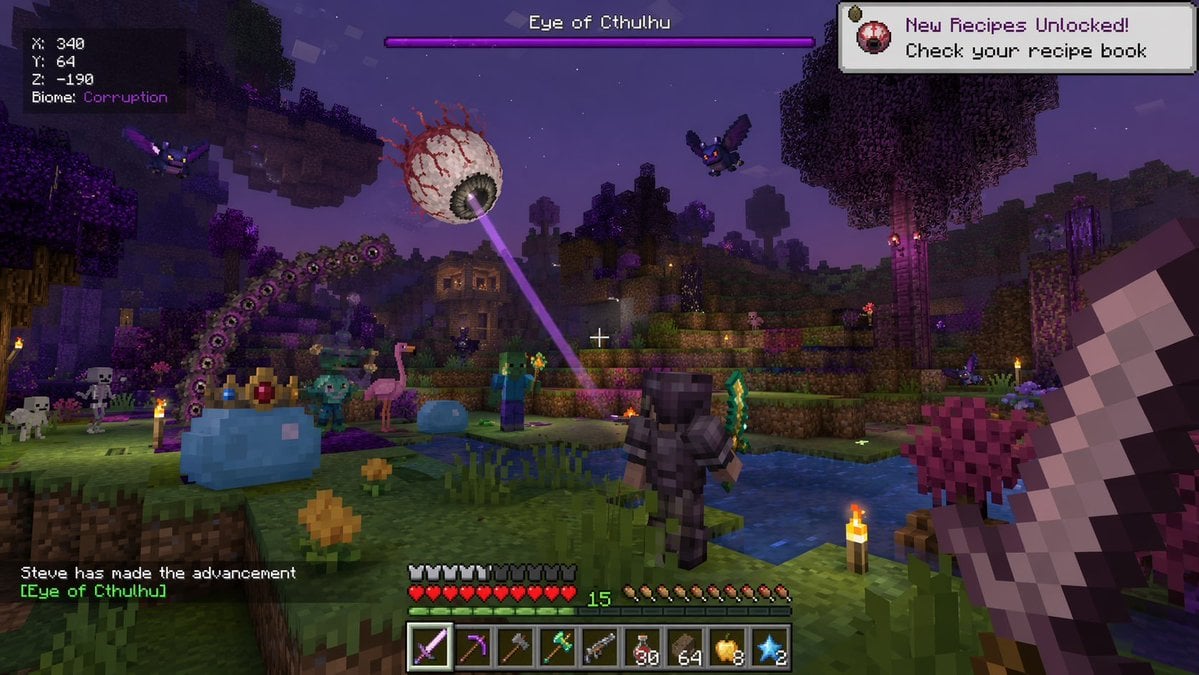
Generates a first-person screenshot of a blocky survival game featuring custom boss fights, diverse mobs, and detailed HUD elements.
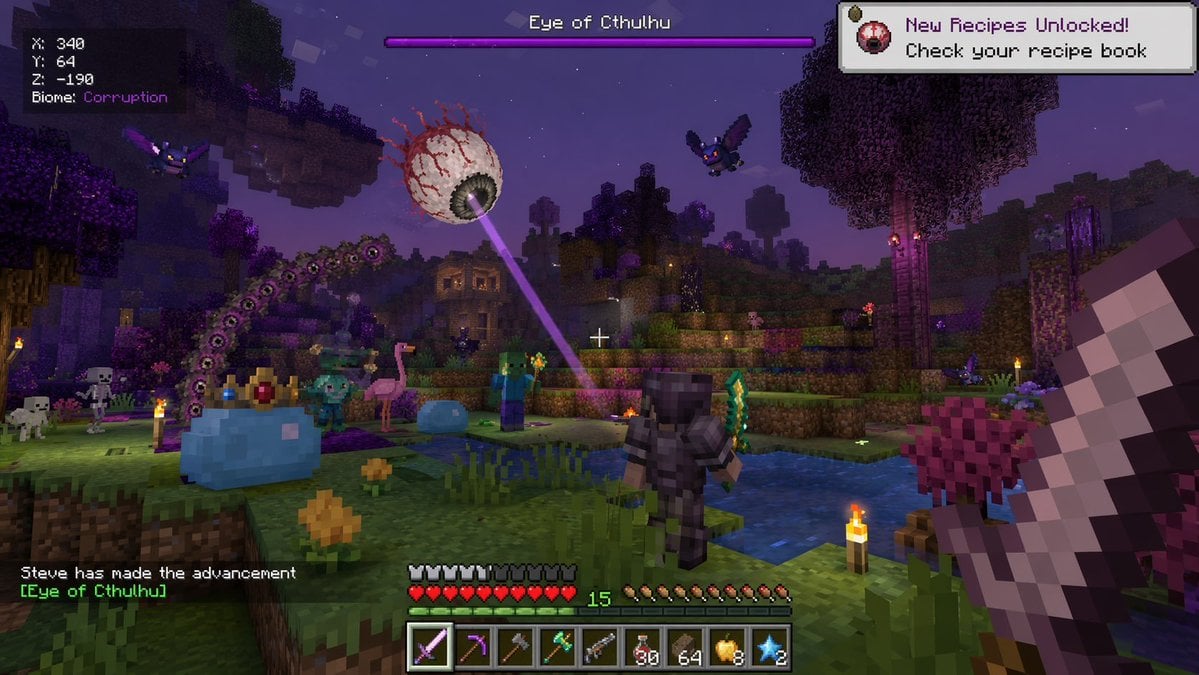
- Prompt included
- Model and format preset
- Free template
The prompt behind this image
Copy the exact prompt behind Voxel Survival Game Boss Fight UI, or open it in the studio and make it yours.
- Type
- voxel video game screenshot
- Style
- crossover between Minecraft and Terraria
- Environment
- nighttime blocky landscape, purple-tinted corruption biome, water pools, trees
- First Person View
- holding a large blocky sword on the right side of the screen
- Entities › Boss
- giant floating eyeball with red veins shooting a purple laser
- Entities › Player Avatar
- character in dark armor holding a green sword, viewed from behind
- Entities › Mobs
- 1 giant crowned blue slime, 1 small blue slime, 2 zombies, 2 skeletons, 2 purple bats, 1 pink flamingo
- User Interface › Boss Bar
- top center, purple bar, text '{argument name="boss name" default="Eye of Cthulhu"}'
- User Interface › Coordinates
- top left, text 'X: 340 Y: 64 Z: -190 Biome: {argument name="biome name" default="Corruption"}'
- User Interface › Notification
- top right, white box, text '{argument name="notification text" default="New Recipes Unlocked! Check your recipe book"}'
- User Interface › Chat
- bottom left, text 'Steve has made the advancement [{argument name="advancement name" default="Eye of Cthulhu"}]'
- User Interface › Status Bars
- bottom center, 10 red hearts, 10 hunger icons, green XP bar showing level 15
- User Interface › Hotbar
- bottom center, 9 slots containing: purple sword, pickaxe, axe, green tool, gun, 30 red potions, 64 brown blocks, 8 golden apples, 2 blue stars
Raw JSON
{
  "type": "voxel video game screenshot",
  "style": "crossover between Minecraft and Terraria",
  "environment": "nighttime blocky landscape, purple-tinted corruption biome, water pools, trees",
  "first_person_view": "holding a large blocky sword on the right side of the screen",
  "entities": {
    "boss": "giant floating eyeball with red veins shooting a purple laser",
    "player_avatar": "character in dark armor holding a green sword, viewed from behind",
    "mobs": [
      "1 giant crowned blue slime",
      "1 small blue slime",
      "2 zombies",
      "2 skeletons",
      "2 purple bats",
      "1 pink flamingo"
    ]
  },
  "user_interface": {
    "boss_bar": "top center, purple bar, text '{argument name=\"boss name\" default=\"Eye of Cthulhu\"}'",
    "coordinates": "top left, text 'X: 340 Y: 64 Z: -190 Biome: {argument name=\"biome name\" default=\"Corruption\"}'",
    "notification": "top right, white box, text '{argument name=\"notification text\" default=\"New Recipes Unlocked! Check your recipe book\"}'",
    "chat": "bottom left, text 'Steve has made the advancement [{argument name=\"advancement name\" default=\"Eye of Cthulhu\"}]'",
    "status_bars": "bottom center, 10 red hearts, 10 hunger icons, green XP bar showing level 15",
    "hotbar": "bottom center, 9 slots containing: purple sword, pickaxe, axe, green tool, gun, 30 red potions, 64 brown blocks, 8 golden apples, 2 blue stars"
  }
}Reference images included
Voxel Survival Game Boss Fight UI needs input media to work. They load alongside the prompt when you open it in the studio.
How to use Voxel Survival Game Boss Fight UI in 3 steps
- 1Upload ImagePNG, JPG or paste
Add your photo
Upload the photo the template builds on. The prompt, model and format are already set.
- 2…a portrait of your subject in softgolden-hour light, 85mm…
Personalize
Edit the subject and creative details for your destination.
- 3Generate
Generate
Press Generate — your image is created in PicX Studio, so you can compare it with the original and refine one variable at a time.
More like this
Templates with the same subject, style or setup. Open one to see its prompt.
Voxel Survival Game Boss Fight HUD
Voxel Survival Game Crossover UI
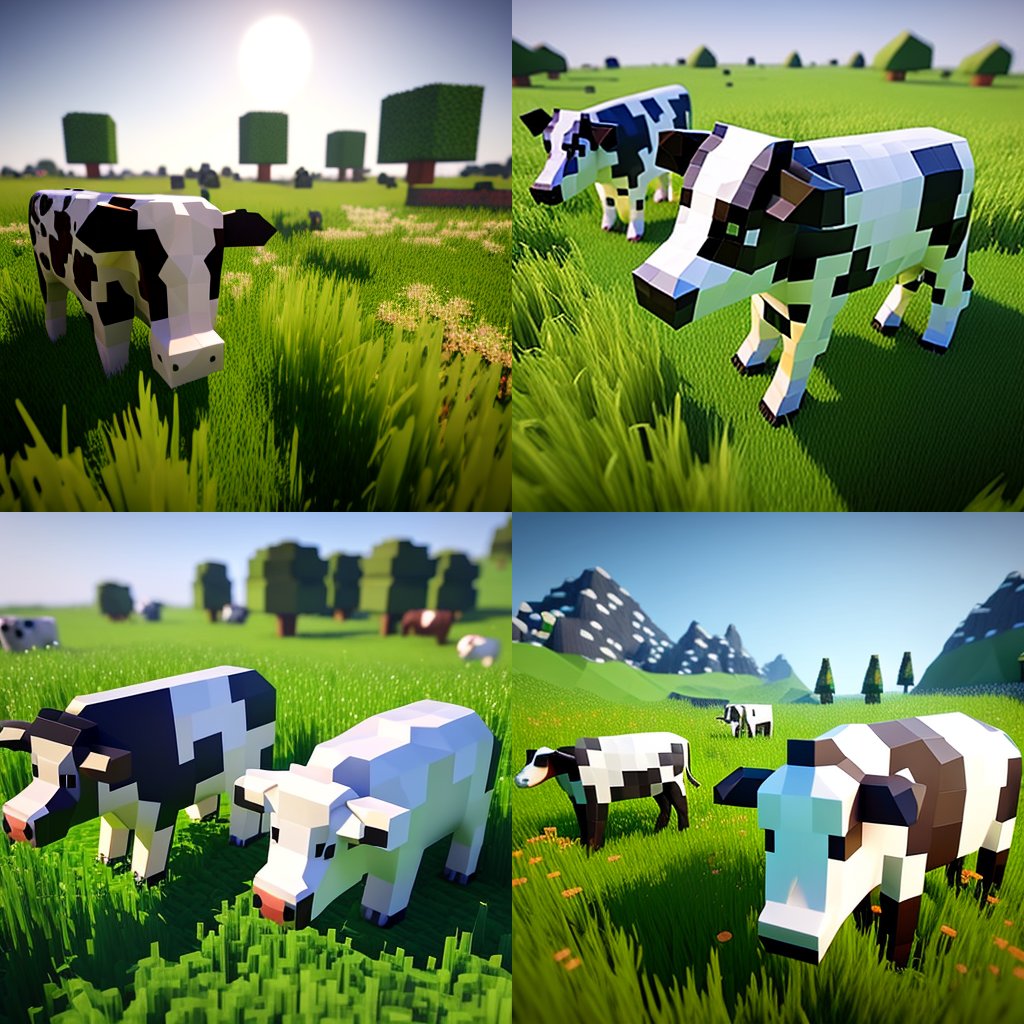
Hyper-Realistic Minecraft Cows Grazing

Hyper-Realistic Minecraft POV Portrait

Minecraft Homage Illustrious Style

Minecraft Voxel Pixel Art Aesthetic System

Minecraft Next-Gen Voxel World Screenshot

Minecraft Japanese Research Lab Exploration

Minecraft Fantasy Kingdom Voxel Landscape
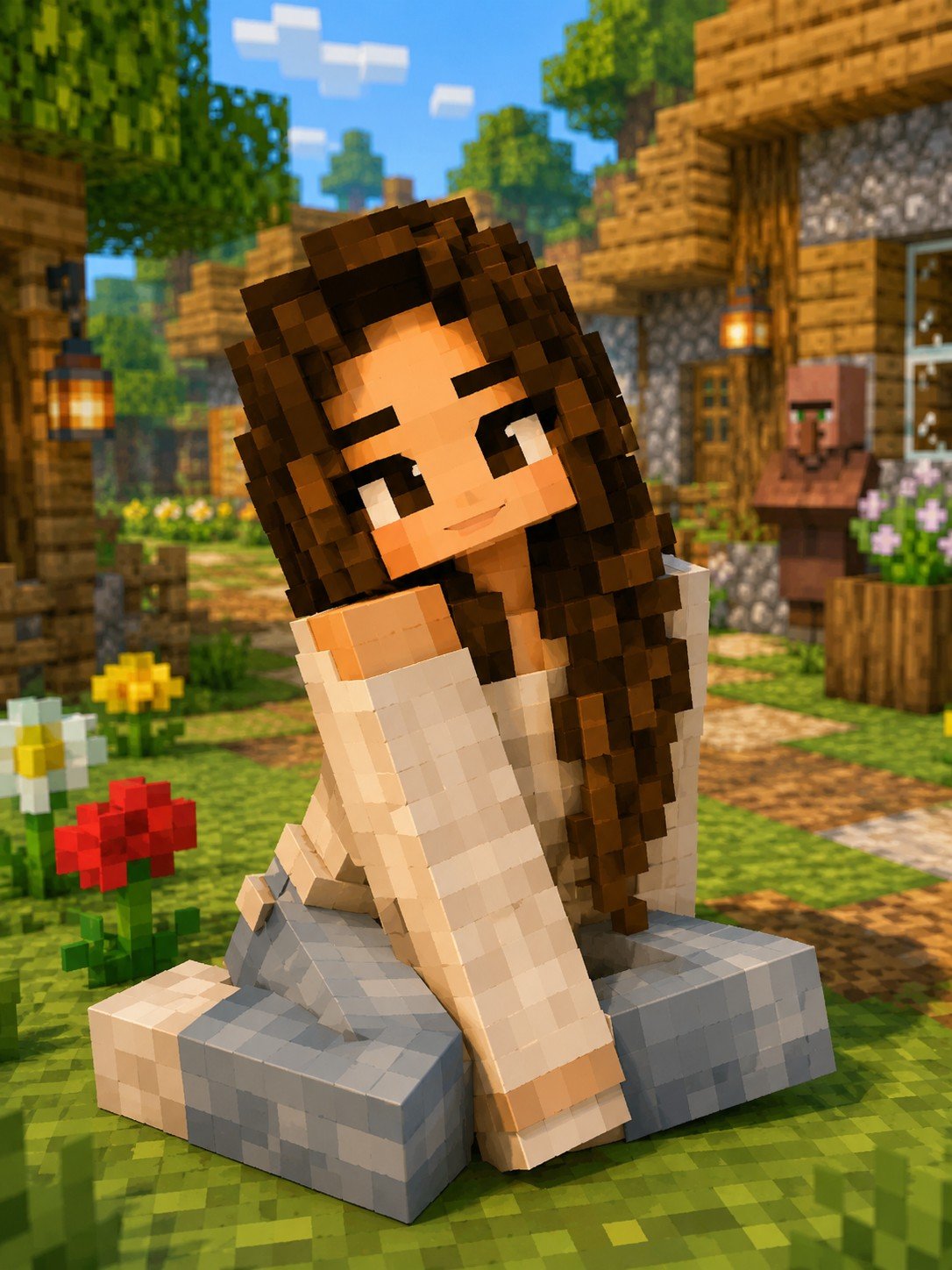
Minecraft Voxel Character Village Portrait
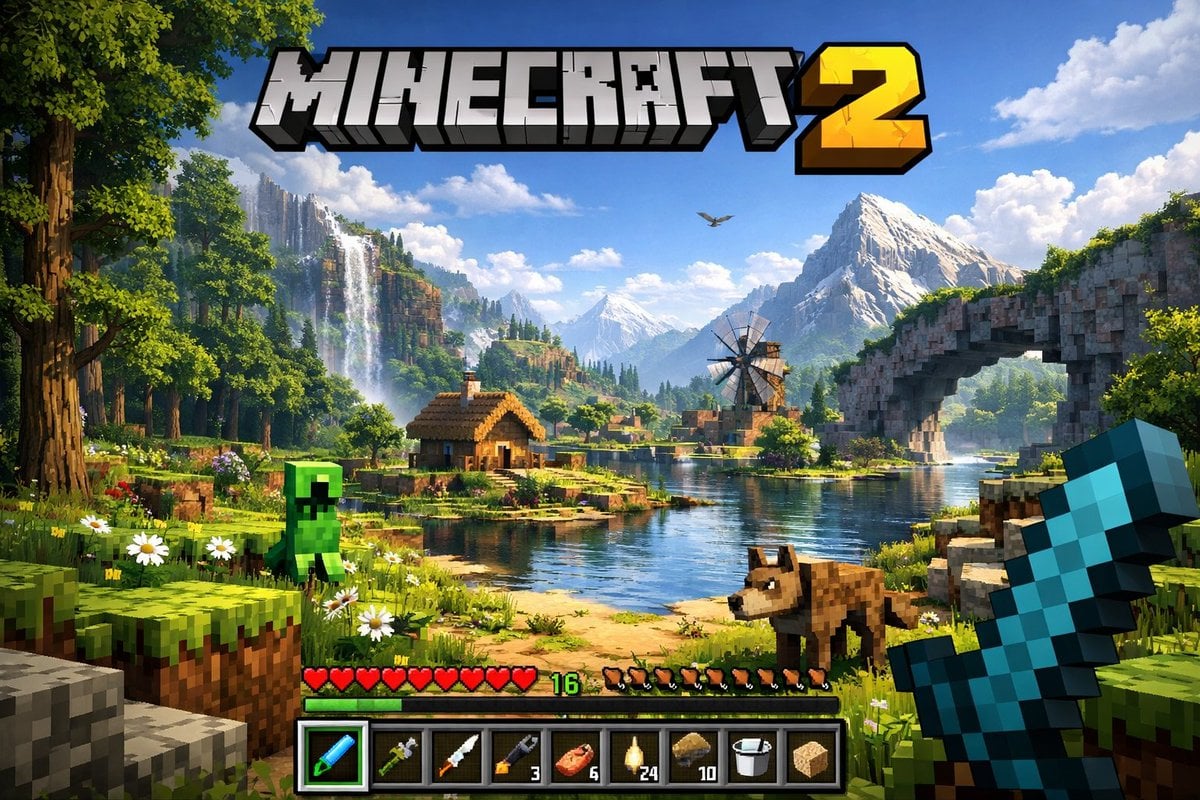
Next-Gen Voxel Game Screenshot
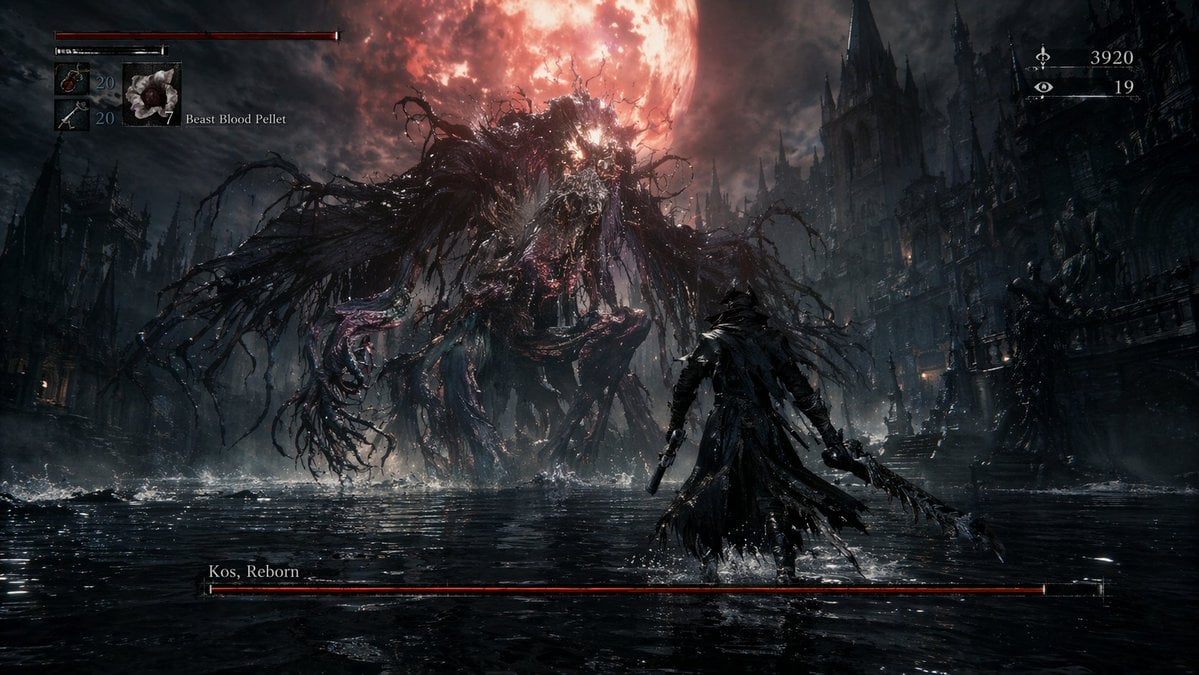
Dark Fantasy RPG Boss Fight Screenshot
Make it yours
Voxel Survival Game Boss Fight UI works as-is. These are the safest ways to change it without losing the look.
Swap the setting
Keep the rest of the prompt and replace the location block. The current setting is “nighttime blocky landscape, purple-tinted corruption biome, water pools, trees”.
Change one field
Copy a single group, rewrite it, and generate again so you can see what that field is doing.
Keep the frame, change the subject
Hold the composition and light of Voxel Survival Game Boss Fight UI, then swap wardrobe, props or the person for a new take.
| If the result… | Why | Fix |
|---|---|---|
| The result drifts from the preview | Too many fields changed at once. | Reuse Voxel Survival Game Boss Fight UI as-is first, then change one group — subject, light, or setting. |
| GPT Image 2 ignores part of the JSON | Some models flatten or skip nested keys. | Keep the same values and paste them as a short paragraph instead. |
More GPT Image 2 templates
Other prompts made for GPT Image 2.

Six VTuber Japanese Logo Sheet

Realistic Portrait of Woman and Deer

The Vista Modular Condo Poster

AI Model Routing Comparison Infographic

2.5D Anime Art Board

Isometric Productivity Desk Scene

New York Double Exposure Poster

Four-Panel AI Landscape Comparison

Japanese Tatami Lifestyle Magazine Cover

NESCAFÉ Coffee Map Poster
More image prompts
Fresh picks from across the catalog.
Dreamy Cinematic Portrait under Cherry Blossoms
Magazine Collage Brand Visuals
Microscopic View of a Subject
Surreal Forced-Perspective Street Photography with Giant Hand

Split Identity Vinyl Toy Engine

Flyer Redesign Prompt using Nano Banana Pro
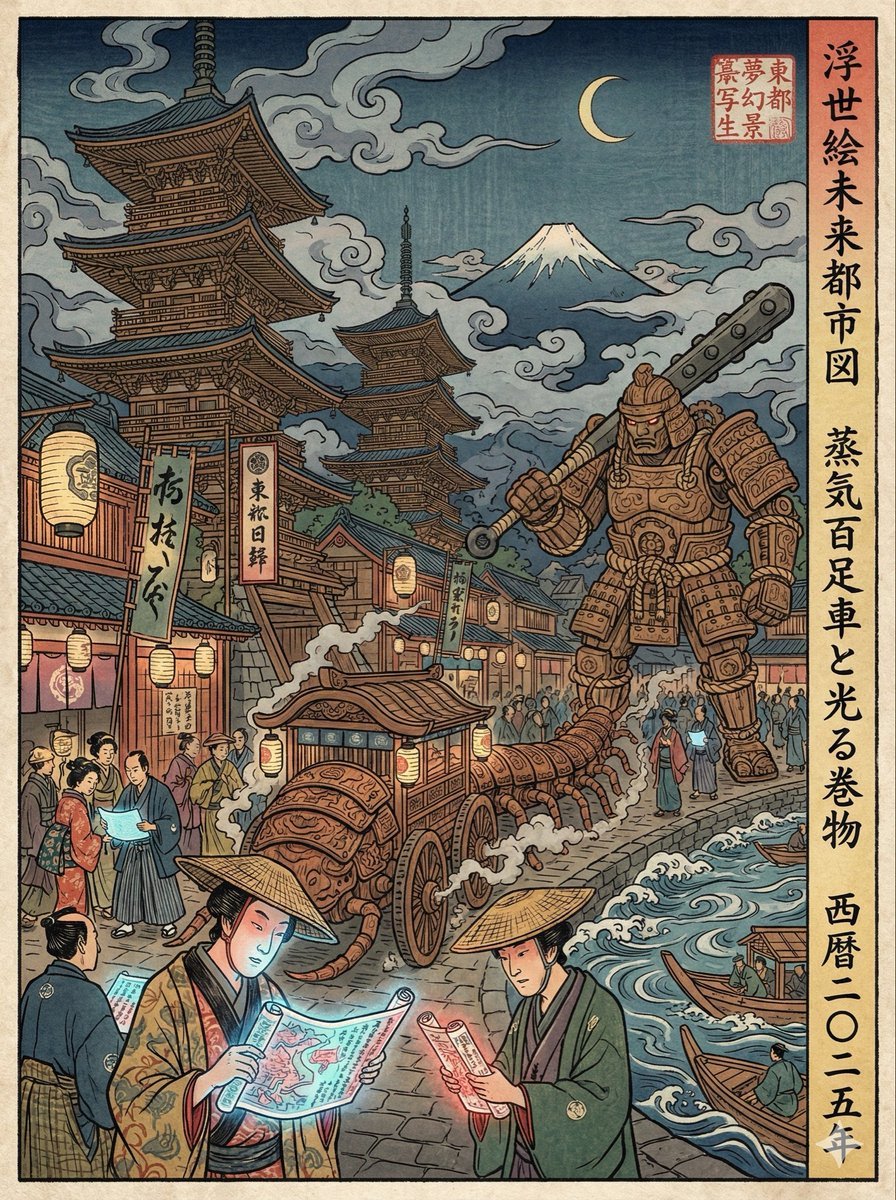
Edo-period Ukiyo-e reinterpretation of a modern scene
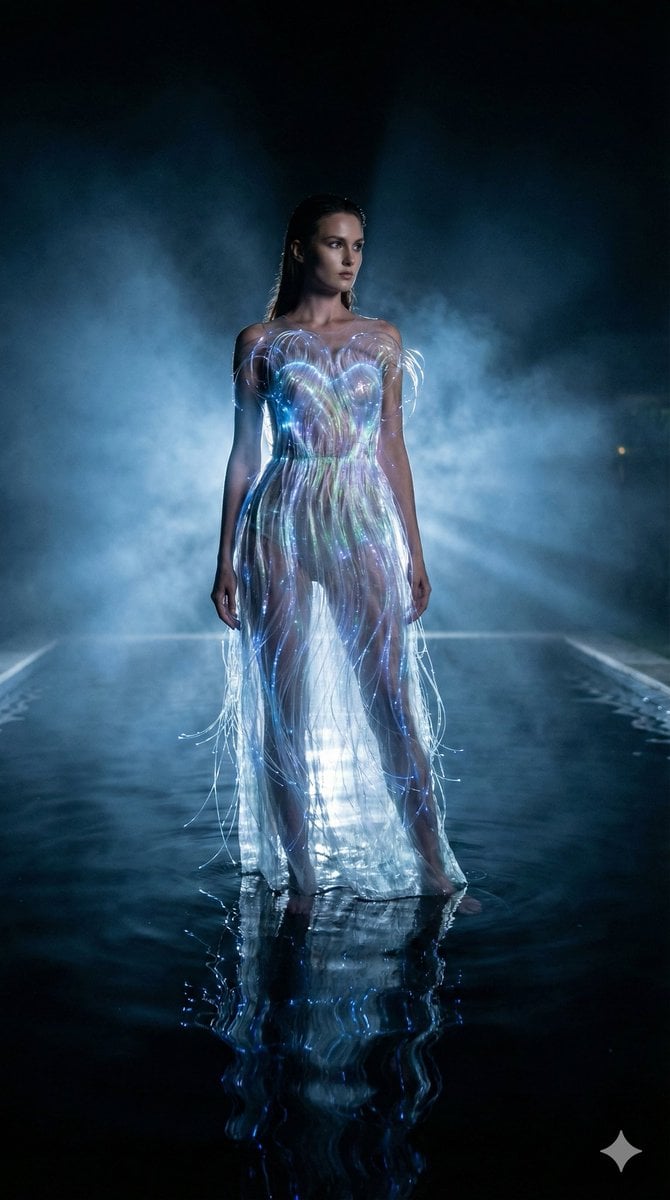
High-Fashion Sci-Fi Realism in Water
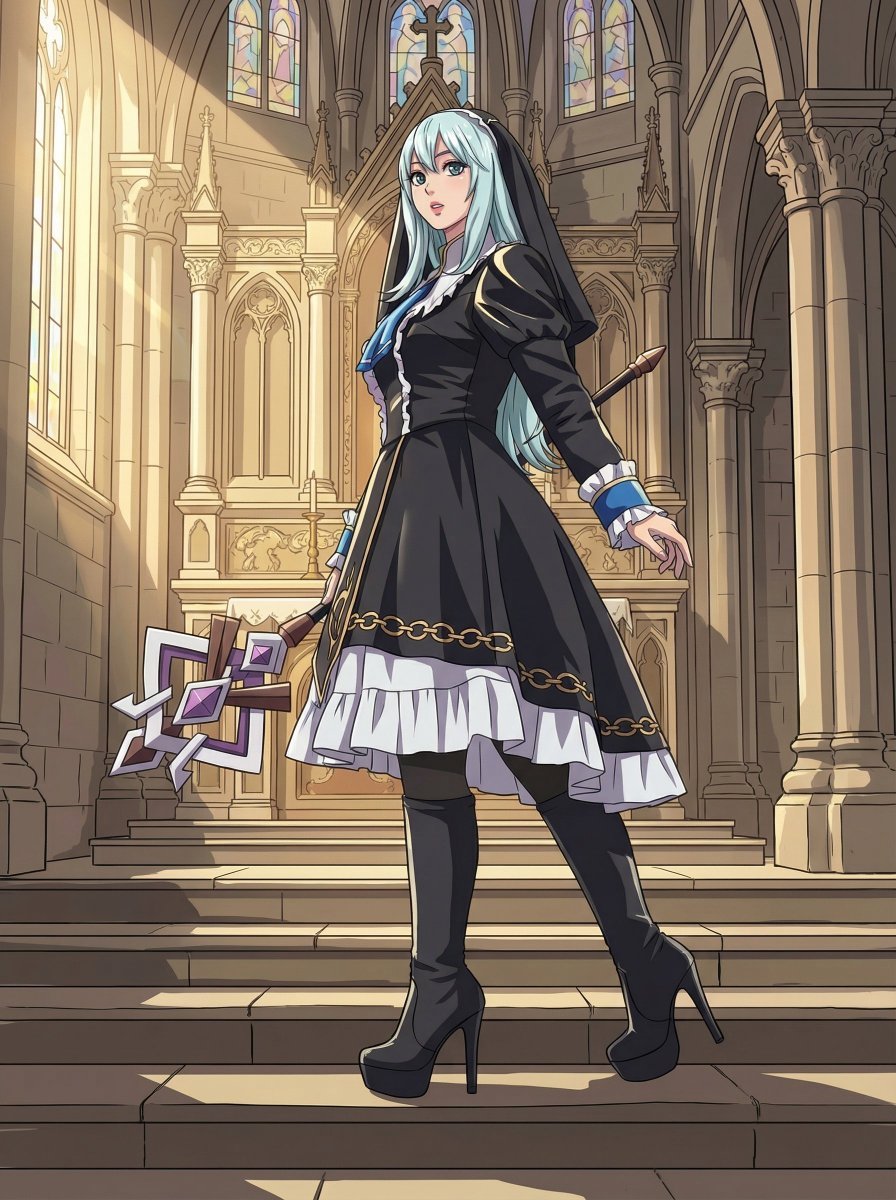
Anime Coloring Study: Flat Anime Style with Directional Light
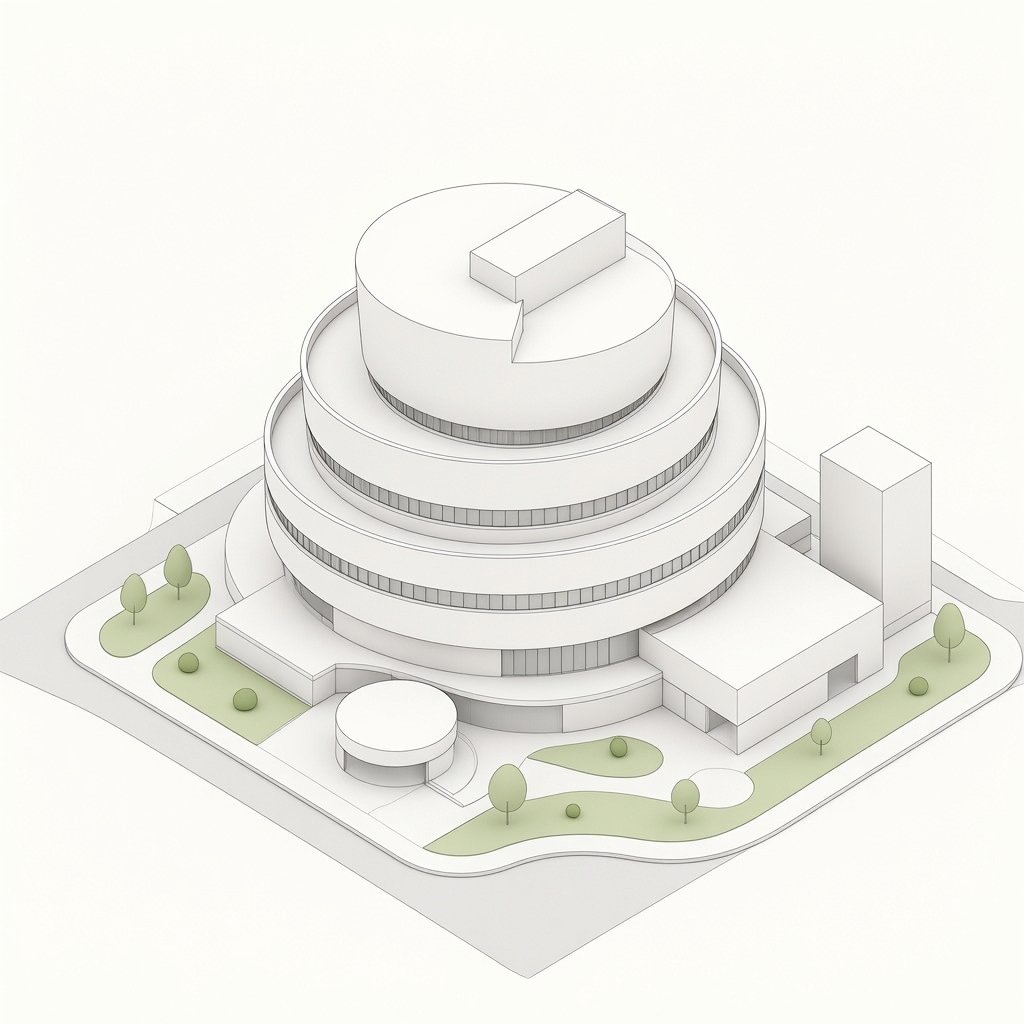
Isometric Circular Museum Architecture
Browse template categories
Voxel Survival Game Boss Fight UI questions
How do I use the Voxel Survival Game Boss Fight UI template?
Add your photo if the template asks for one, edit the prompt if you like — the template's model and format are already selected — and press Generate. Your version opens in PicX Studio.
Can I customize the Voxel Survival Game Boss Fight UI template?
Yes. You can change the subject, setting, lighting, mood, format, and available model controls before creating your image.
Is the Voxel Survival Game Boss Fight UI template free?
Opening and editing this template is free. Generating uses credits, shown on the Generate button when you are signed in.
Which AI model should I use?
Start with GPT Image 2, which is the model associated with this template. You can compare another compatible model for a different finish.
Looking for something else? Browse all templates.

Your photo, any look
Thousands of ready templates for every top image and video model, from one credit balance.