
Voxel Survival Game Boss Fight HUD
Generates a first-person screenshot of a blocky voxel game featuring a crossover boss fight and detailed UI overlays.
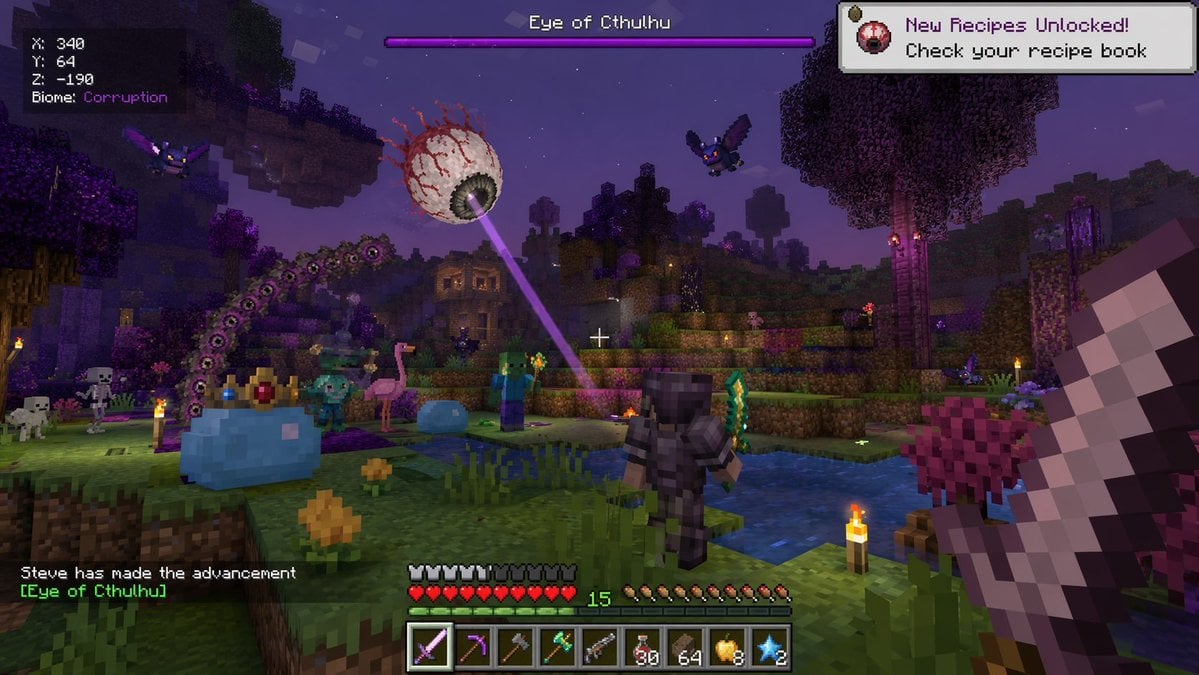
- Prompt included
- Model and format preset
- Free template
The prompt behind this image
Copy the exact prompt behind Voxel Survival Game Boss Fight HUD, or open it in the studio and make it yours.
- Type
- first-person video game screenshot
- Setting
- blocky voxel world at night, purple corrupted biome with dark water and glowing torches
- Entities
- 1 giant floating eyeball boss shooting a purple laser, 1 giant blue slime boss wearing a golden crown, 1 giant purple segmented worm monster, 1 player character in dark armor holding a green sword, 2 flying purple bat monsters, 2 blocky zombies, 2 blocky skeletons, 1 pink flamingo, 1 small blue slime
- Perspective
- first-person, holding a large pixelated sword on the right side, white crosshair in center
- Ui Elements › 0 › Position
- top-left
- Ui Elements › 0 › Text
- X: 340 Y: 64 Z: -190 Biome: {argument name="biome" default="Corruption"}
- Ui Elements › 1 › Position
- top-center
- Ui Elements › 1 › Text
- {argument name="boss name" default="Eye of Cthulhu"}
- Ui Elements › 1 › Description
- purple boss health bar
- Ui Elements › 2 › Position
- top-right
- Ui Elements › 2 › Text
- New Recipes Unlocked! Check your recipe book
- Ui Elements › 2 › Icon
- small floating eyeball
- Ui Elements › 3 › Position
- bottom-left
- Ui Elements › 3 › Text
- {argument name="player name" default="Steve"} has made the advancement [{argument name="boss name" default="Eye of Cthulhu"}]
- Ui Elements › 4 › Position
- bottom-center
- Ui Elements › 4 › Description
- HUD with 10 red hearts, 10 hunger drumsticks, green experience number 15, and a 9-slot hotbar
- Ui Elements › 4 › Hotbar Items
- purple sword, pickaxe, axe, green weapon, gun, 30 red potions, 64 brown blocks, 8 golden apples, 2 blue stars
Raw JSON
{
  "type": "first-person video game screenshot",
  "setting": "blocky voxel world at night, purple corrupted biome with dark water and glowing torches",
  "entities": [
    "1 giant floating eyeball boss shooting a purple laser",
    "1 giant blue slime boss wearing a golden crown",
    "1 giant purple segmented worm monster",
    "1 player character in dark armor holding a green sword",
    "2 flying purple bat monsters",
    "2 blocky zombies",
    "2 blocky skeletons",
    "1 pink flamingo",
    "1 small blue slime"
  ],
  "perspective": "first-person, holding a large pixelated sword on the right side, white crosshair in center",
  "ui_elements": [
    {
      "position": "top-left",
      "text": "X: 340\nY: 64\nZ: -190\nBiome: {argument name=\"biome\" default=\"Corruption\"}"
    },
    {
      "position": "top-center",
      "text": "{argument name=\"boss name\" default=\"Eye of Cthulhu\"}",
      "description": "purple boss health bar"
    },
    {
      "position": "top-right",
      "text": "New Recipes Unlocked! Check your recipe book",
      "icon": "small floating eyeball"
    },
    {
      "position": "bottom-left",
      "text": "{argument name=\"player name\" default=\"Steve\"} has made the advancement [{argument name=\"boss name\" default=\"Eye of Cthulhu\"}]"
    },
    {
      "position": "bottom-center",
      "description": "HUD with 10 red hearts, 10 hunger drumsticks, green experience number 15, and a 9-slot hotbar",
      "hotbar_items": [
        "purple sword",
        "pickaxe",
        "axe",
        "green weapon",
        "gun",
        "30 red potions",
        "64 brown blocks",
        "8 golden apples",
        "2 blue stars"
      ]
    }
  ]
}How to use Voxel Survival Game Boss Fight HUD in 3 steps
- 1Upload ImagePNG, JPG or paste
Add your photo
Upload the photo the template builds on. The prompt, model and format are already set.
- 2…a portrait of your subject in softgolden-hour light, 85mm…
Personalize
Edit the subject and creative details for your destination.
- 3Generate
Generate
Press Generate — your image is created in PicX Studio, so you can compare it with the original and refine one variable at a time.
More like this
Templates with the same subject, style or setup. Open one to see its prompt.
Voxel Survival Game Boss Fight UI

Minecraft Voxel Pixel Art Aesthetic System

Minecraft Next-Gen Voxel World Screenshot
Photography Game Cinematic Capture
Voxel Survival Game Crossover UI
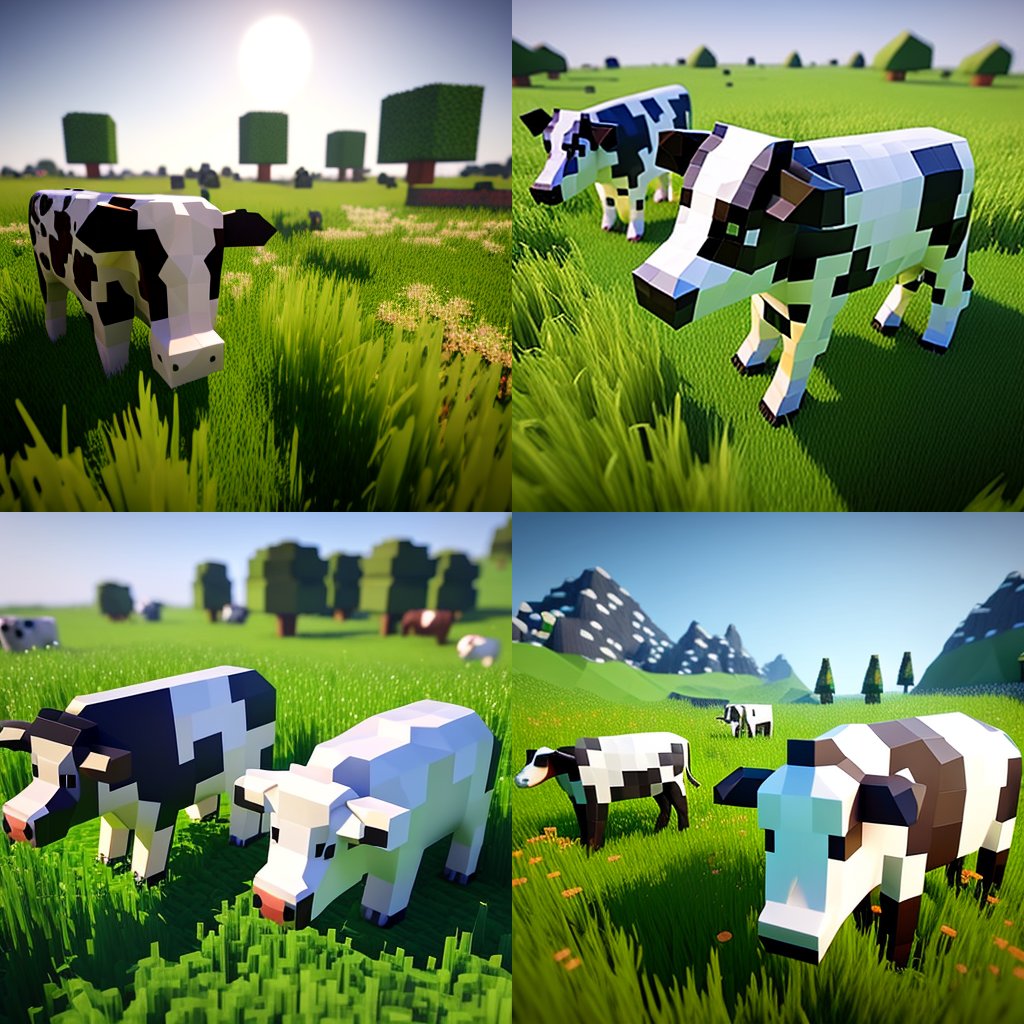
Hyper-Realistic Minecraft Cows Grazing

Hyper-Realistic Minecraft POV Portrait

Minecraft Homage Illustrious Style

Minecraft Japanese Research Lab Exploration

Photoreal Snow Biome Name Tag UI

Minecraft You Died Winter Death Screen

Photoreal Selfie Minecraft Village Ghast UI
Make it yours
Voxel Survival Game Boss Fight HUD works as-is. These are the safest ways to change it without losing the look.
Swap the setting
Keep the rest of the prompt and replace the location block. The current setting is “blocky voxel world at night, purple corrupted biome with dark water and glowing ”.
Change one field
Copy a single group, rewrite it, and generate again so you can see what that field is doing.
Keep the frame, change the subject
Hold the composition and light of Voxel Survival Game Boss Fight HUD, then swap wardrobe, props or the person for a new take.
| If the result… | Why | Fix |
|---|---|---|
| The result drifts from the preview | Too many fields changed at once. | Reuse Voxel Survival Game Boss Fight HUD as-is first, then change one group — subject, light, or setting. |
| GPT Image 2 ignores part of the JSON | Some models flatten or skip nested keys. | Keep the same values and paste them as a short paragraph instead. |
More GPT Image 2 templates
Other prompts made for GPT Image 2.

Six VTuber Japanese Logo Sheet

Realistic Portrait of Woman and Deer

The Vista Modular Condo Poster

AI Model Routing Comparison Infographic

2.5D Anime Art Board

Isometric Productivity Desk Scene

New York Double Exposure Poster

Four-Panel AI Landscape Comparison

Japanese Tatami Lifestyle Magazine Cover

NESCAFÉ Coffee Map Poster
More image prompts
Fresh picks from across the catalog.
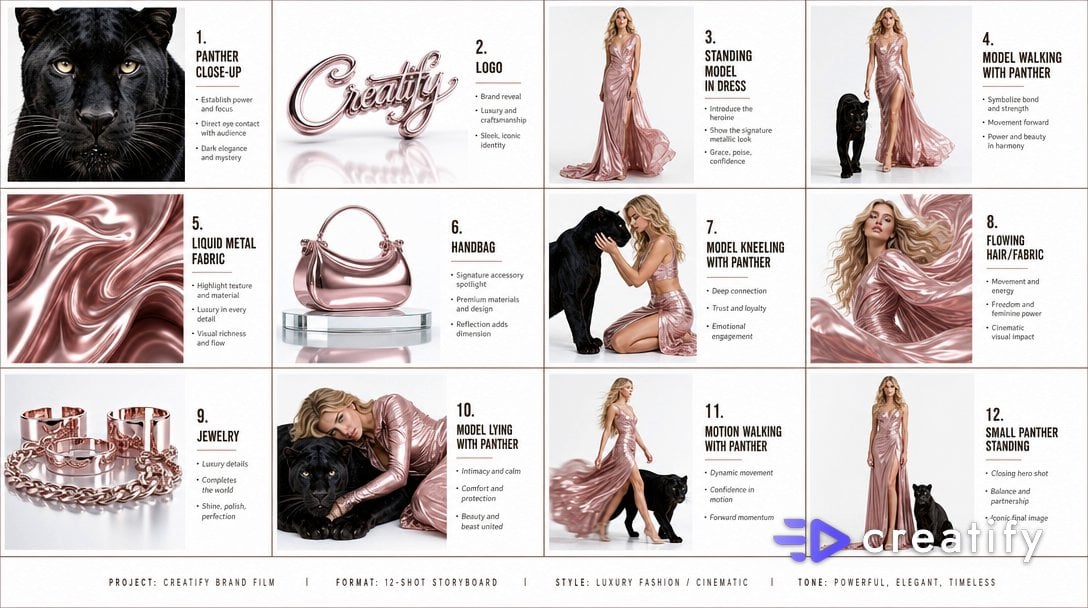
Cinematic Storyboard Infographic
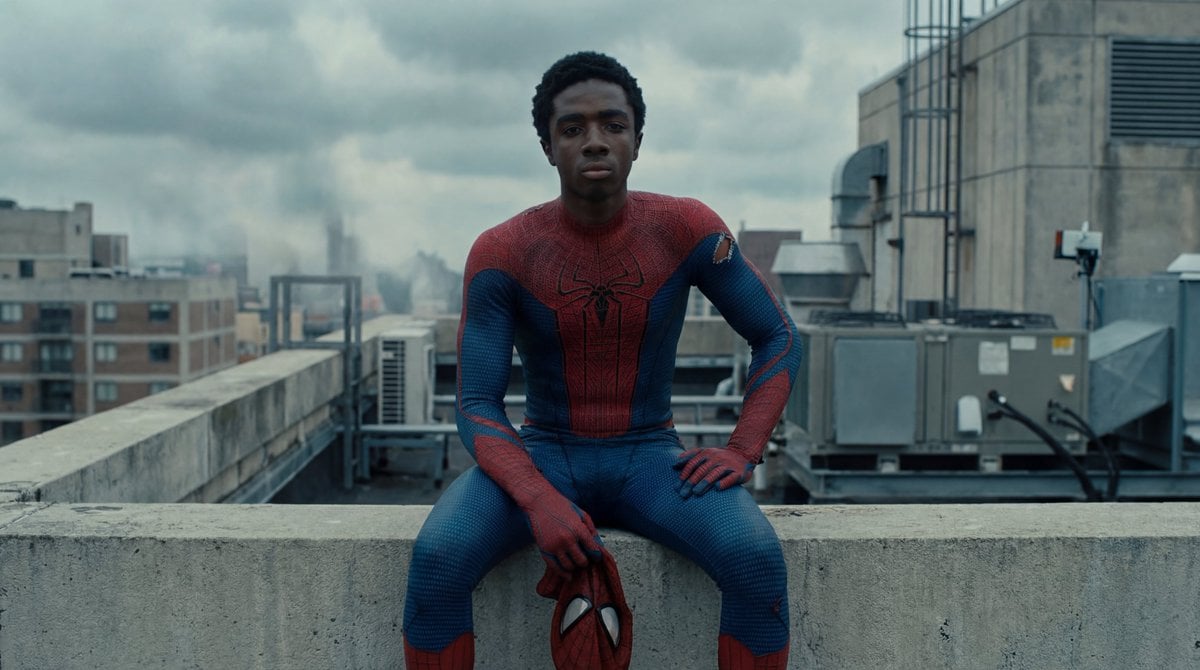
Photorealistic Superhero on Skyscraper Rooftop
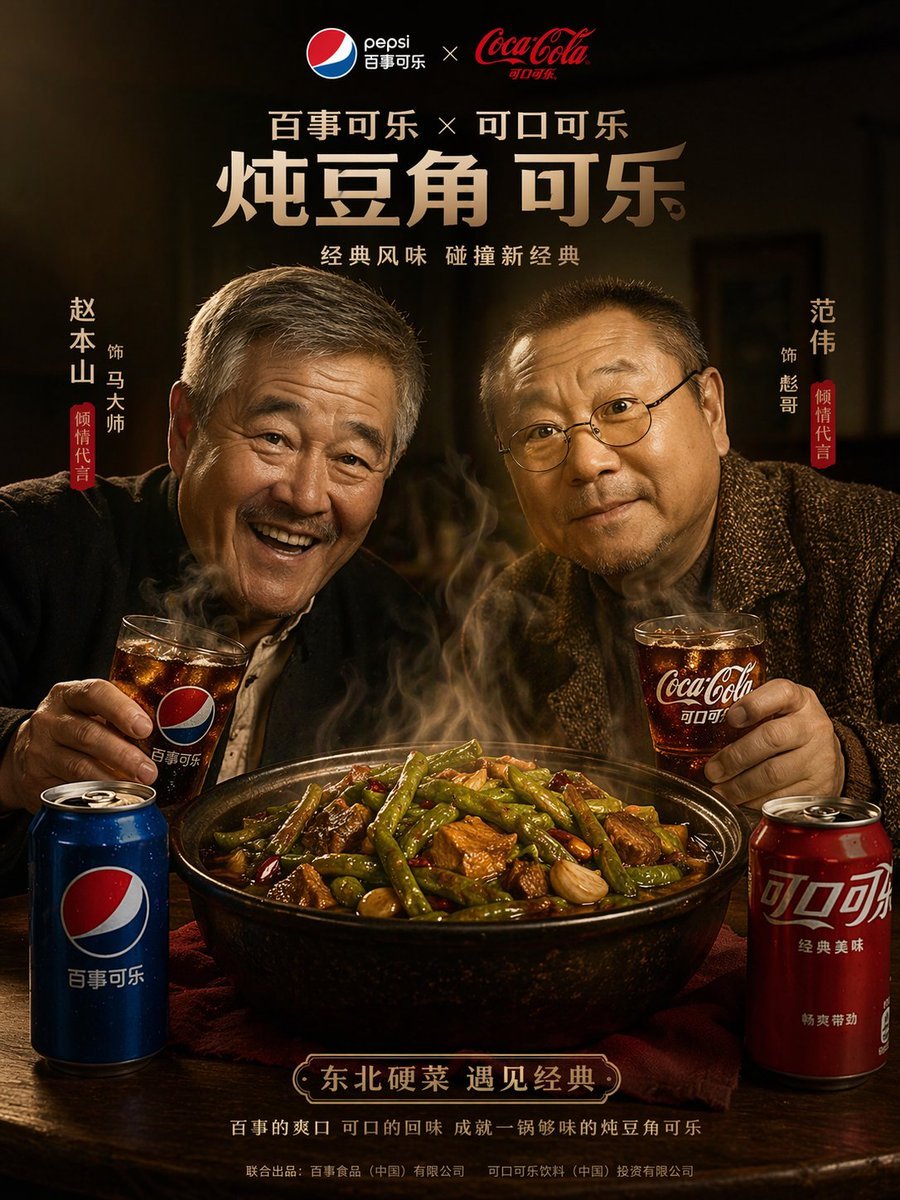
Cinematic Food & Beverage Collab Poster
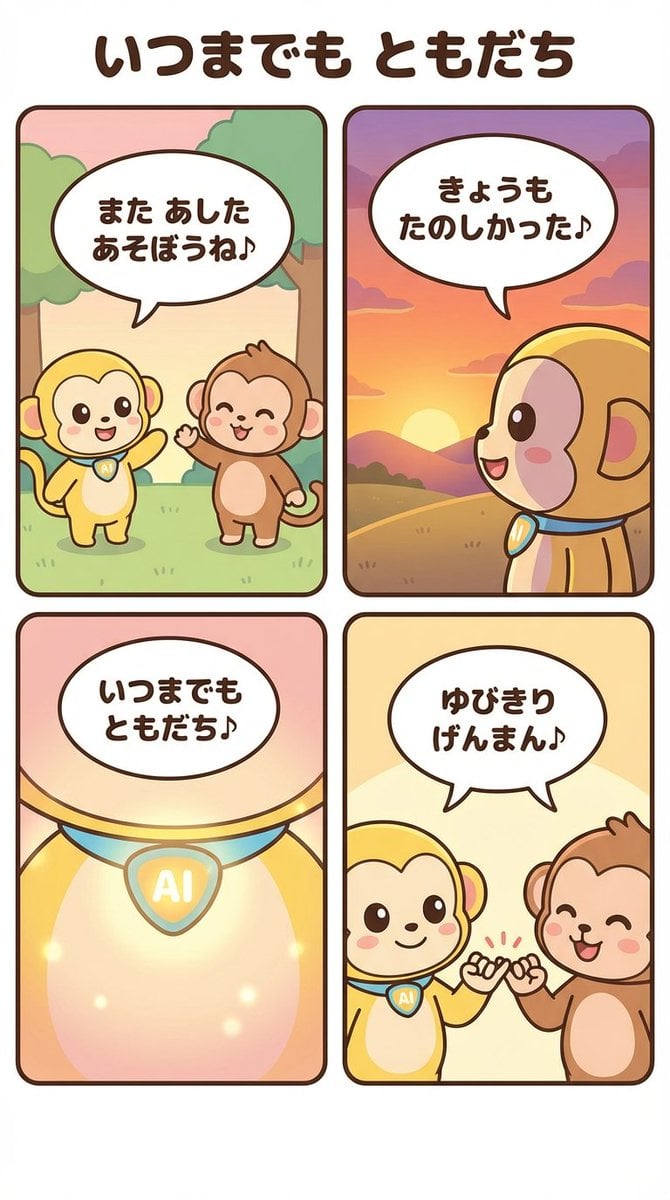
Generating a 4-Panel Comic Strip: 'Friends Forever'
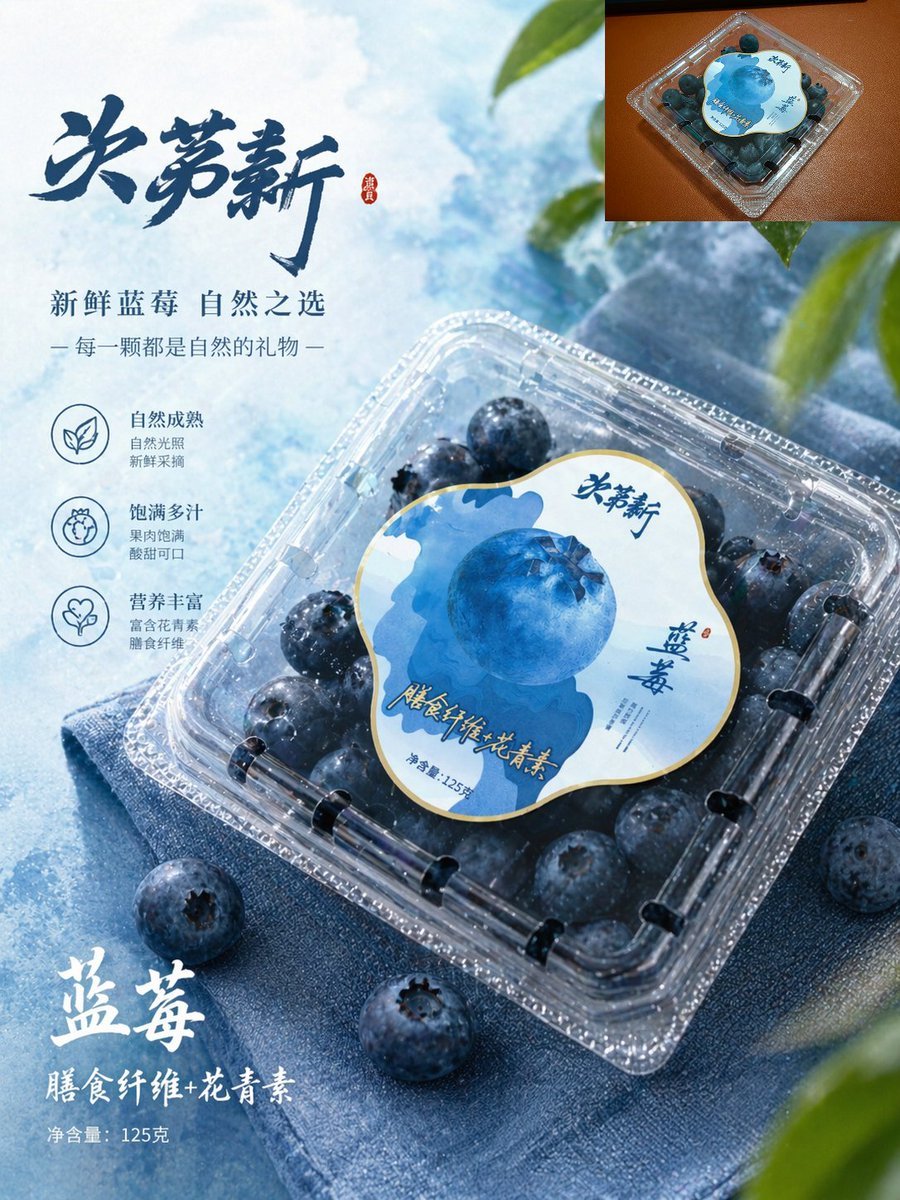
Premium Blueberry Product Poster
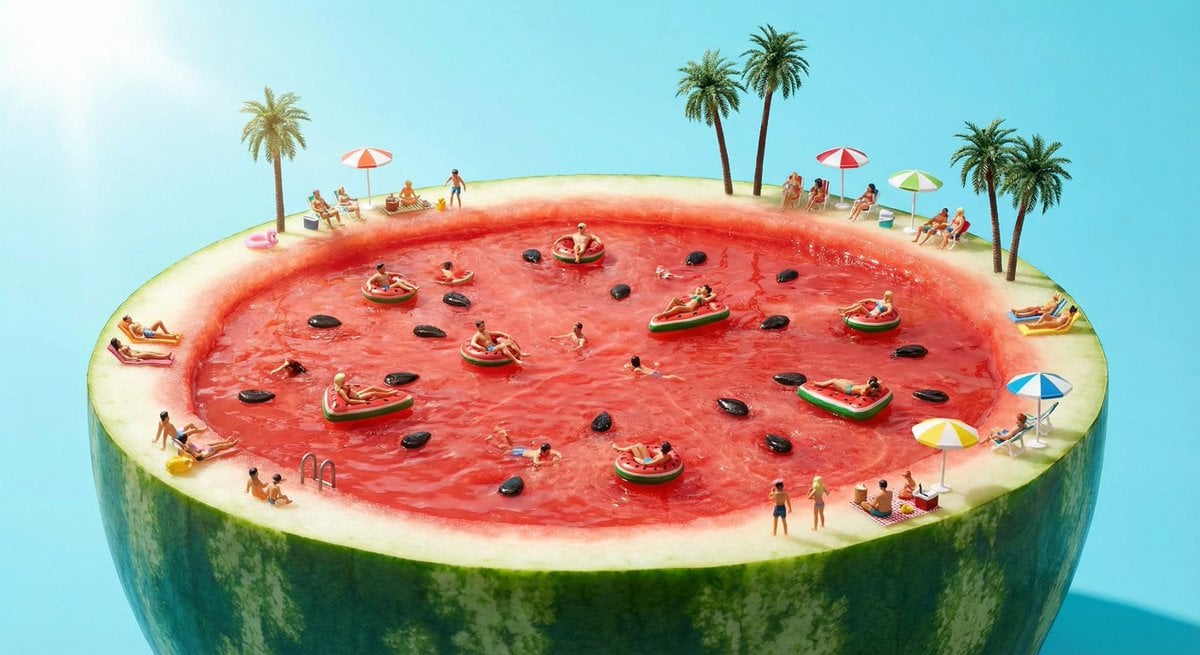
Watermelon swimming pool micro-world
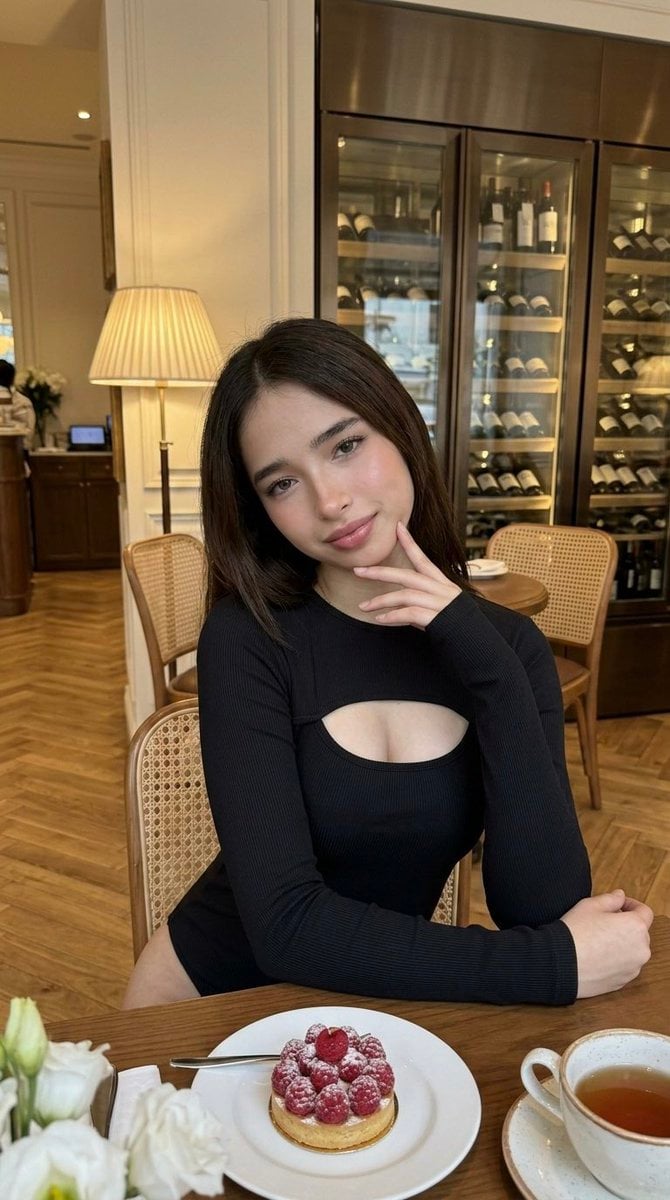
Luxury Cafe Portrait with Bio-Fidelity and Anatomical Emphasis
Cyberpunk Samurai and Ninja Art
Classic Painting Fashion Analysis
Floral Honey Milk Kakigori Café Scene
Browse template categories
Voxel Survival Game Boss Fight HUD questions
How do I use the Voxel Survival Game Boss Fight HUD template?
Add your photo if the template asks for one, edit the prompt if you like — the template's model and format are already selected — and press Generate. Your version opens in PicX Studio.
Can I customize the Voxel Survival Game Boss Fight HUD template?
Yes. You can change the subject, setting, lighting, mood, format, and available model controls before creating your image.
Is the Voxel Survival Game Boss Fight HUD template free?
Opening and editing this template is free. Generating uses credits, shown on the Generate button when you are signed in.
Which AI model should I use?
Start with GPT Image 2, which is the model associated with this template. You can compare another compatible model for a different finish.
Looking for something else? Browse all templates.

Your photo, any look
Thousands of ready templates for every top image and video model, from one credit balance.