
Cyberpunk Samurai and Ninja Art
Two distinct prompts for high-quality anime illustrations: one for a gritty cyberpunk samurai under a moonlit sky, and another for a minimalist neon ninja portrait.
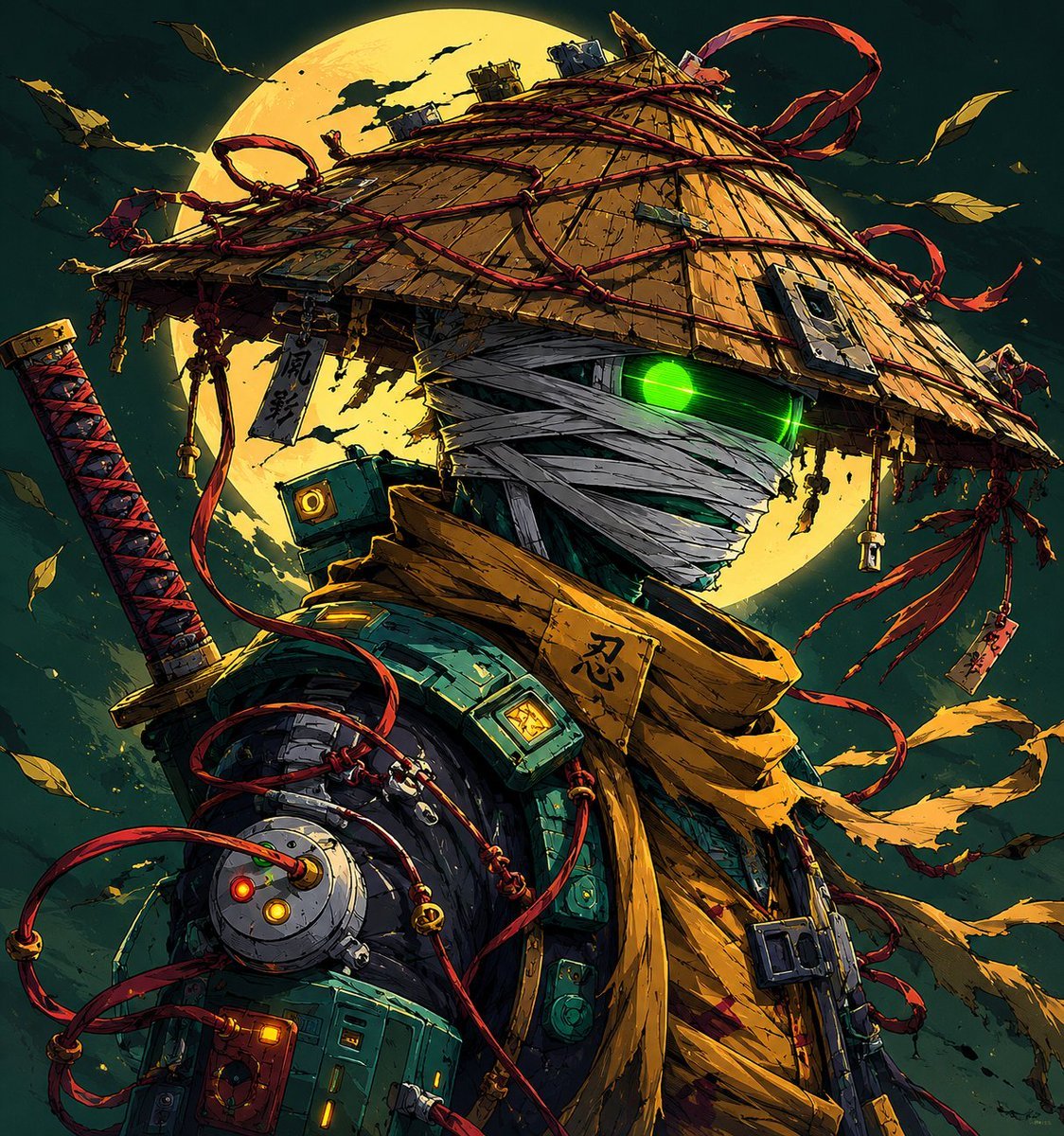
- Prompt included
- Model and format preset
- Free template
The prompt behind this image
Copy the exact prompt behind Cyberpunk Samurai and Ninja Art, or open it in the studio and make it yours.
Image 1: Ultra detailed cyberpunk samurai ninja warrior standing under a massive glowing full moon, mysterious futuristic ronin aesthetic, face fully wrapped in white bandages with only one neon green glowing eye visible, giant traditional Japanese kasa hat made of worn wood and straw, wrapped with chaotic red ropes and hanging talismans with Japanese kanji symbols like “忍”, “影”, “死神”, cinematic anime illustration style, highly detailed mechanical armor mixed with ancient samurai clothing, glowing tech parts and wires across body, katana on back with red-black handle, flowing scarf and ribbons in the wind, dark teal and gold color palette, dramatic moonlight, floating leaves, gritty texture, insane linework, epic manga poster composition, futuristic Edo Japan vibes, Studio Trigger + Ghost of Tsushima + cyberpunk anime fusion, ultra sharp details, volumetric lighting, dynamic perspective, atmospheric particles, masterpiece quality, japanese text glowing in background saying “闇の忍者”, “月光”, “復讐”, aesthetic Japanese typography for viral X artwork, trending anime art style, 8k. Final overlay text in stylish Japanese aesthetic typography: “#今週のアニワン 月光の忍者” “ブルック 復讐の影” “ジェズス 闇の侍” Image 2: Minimalist anime ninja portrait under {argument name="moon color" default="glowing green moon"}, mysterious Japanese shinobi character with emotionless face and glowing white eyes, wearing dark purple conical kasa hat with red wave patterns, black face covering and traditional ninja robe, hanging red tassels with Japanese words like “忍者”, “夜”, “影”, soft cinematic moonlight, bamboo silhouettes in foreground, dark misty atmosphere, clean anime lineart, calm but intimidating mood, Japanese folklore inspired character design, aesthetic neon green moon background, smooth cel shading, trending anime profile picture style, ultra clean composition, modern anime illustration, inspired by Japanese mythology and samurai culture, dramatic lighting, high contrast shadows, japanese calligraphy glowing subtly around character saying “静寂”, “侍”, “闇”, perfect for viral X anime audience, high quality digital art, 4k anime wallpaper style. Final overlay text in elegant anime poster typography: “#ラプ様生誕祭2026 静かな影” “日村さん 夜の忍者” “乃木坂工事中 月下の侍”
How to use Cyberpunk Samurai and Ninja Art in 3 steps
- 1Upload ImagePNG, JPG or paste
Add your photo
Upload the photo the template builds on. The prompt, model and format are already set.
- 2…a portrait of your subject in softgolden-hour light, 85mm…
Personalize
Edit the subject and creative details for your destination.
- 3Generate
Generate
Press Generate — your image is created in PicX Studio, so you can compare it with the original and refine one variable at a time.
More like this
Templates with the same subject, style or setup. Open one to see its prompt.
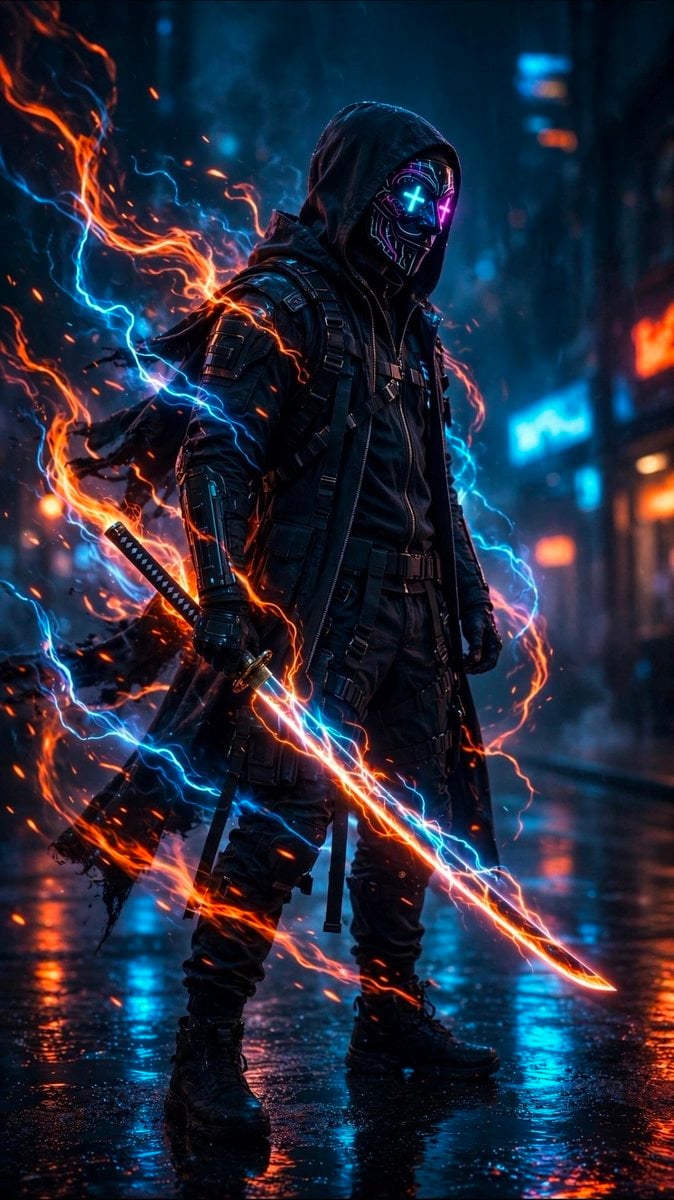
Cyberpunk Neon Ninja Samurai
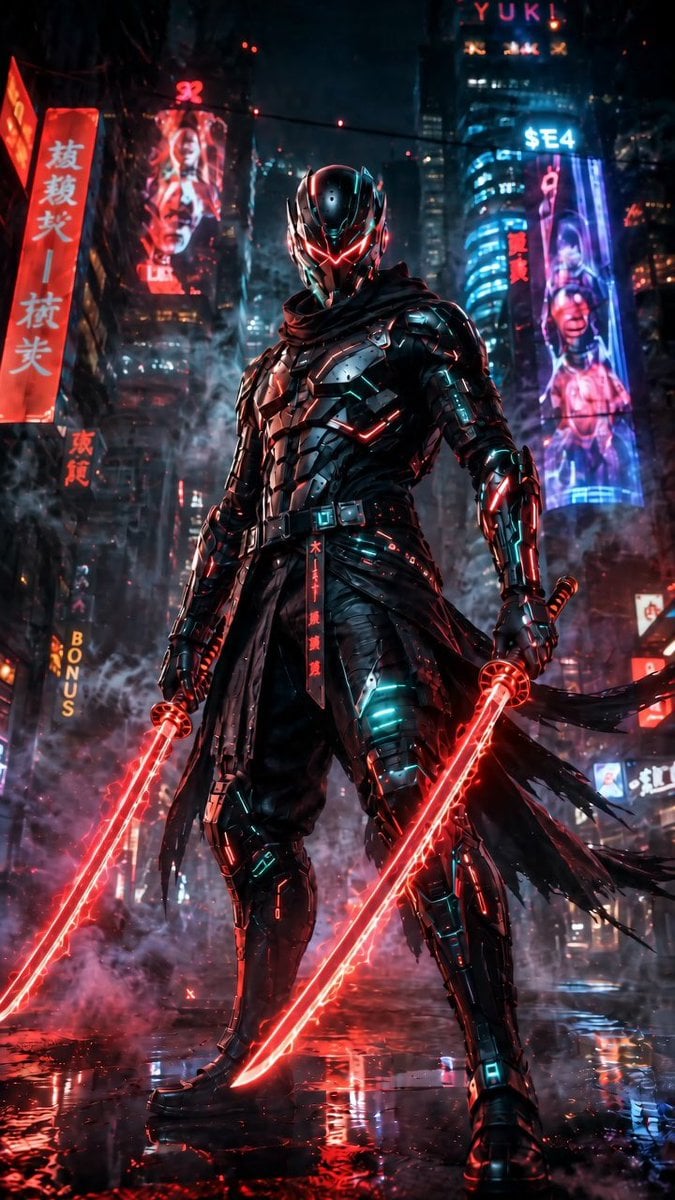
Cyberpunk Dual-Katana Ninja
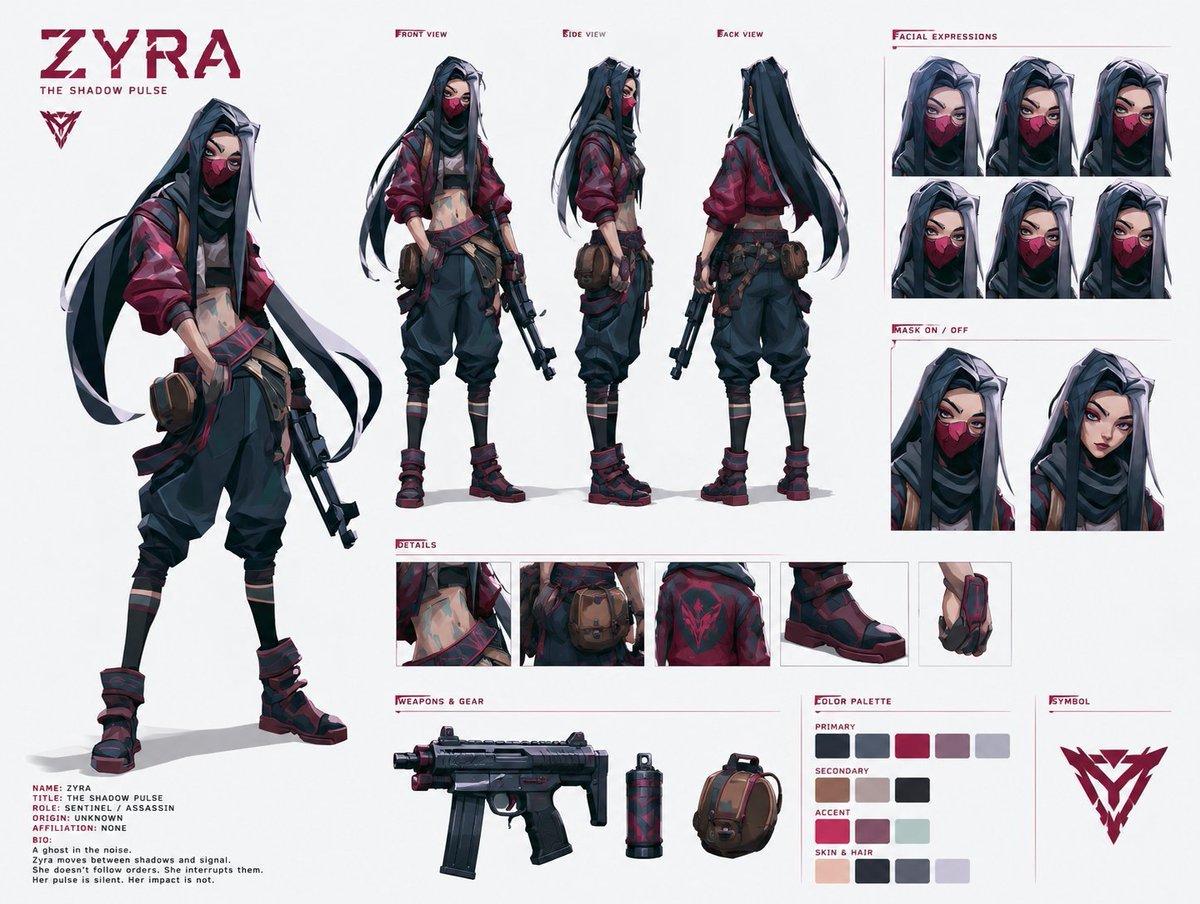
Cyberpunk Ninja Assassin Character Sheet
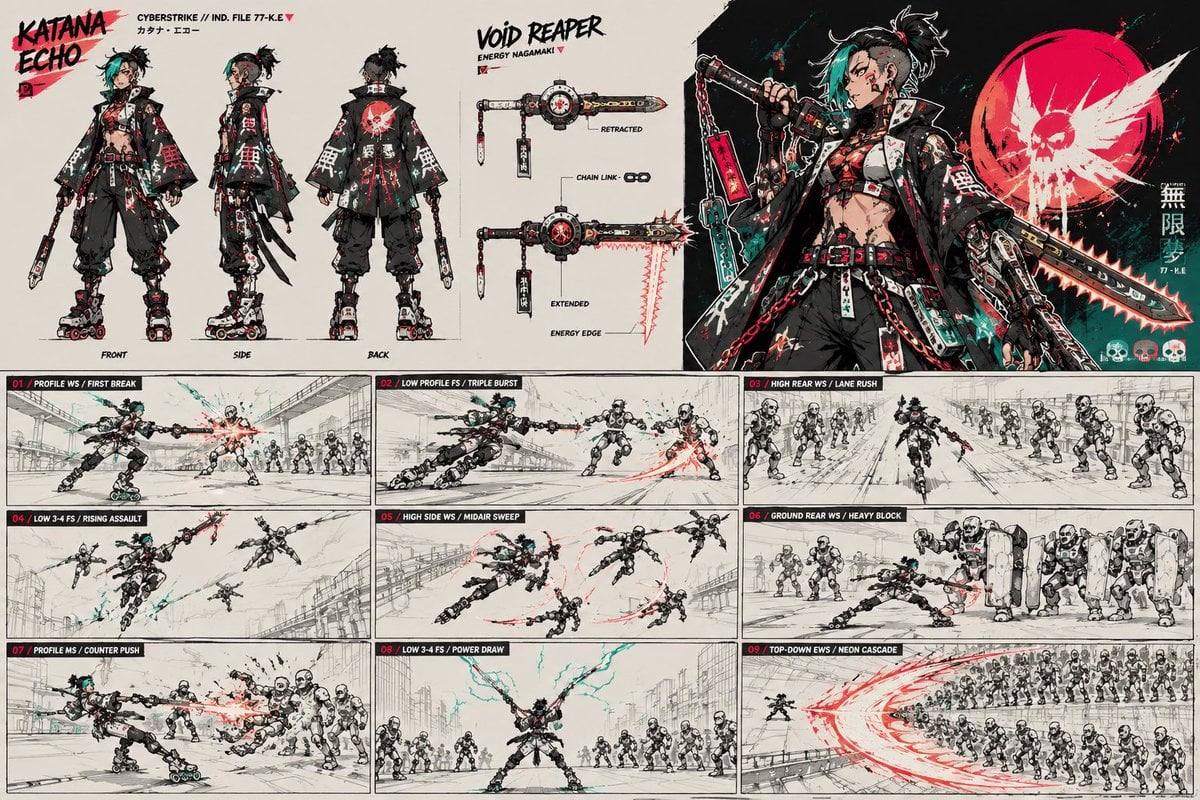
Cyberpunk Samurai Character Sheet

Rainy Night Android Cyberpunk Portrait

Korean Idol Partial Shadow Editorial Portrait

Cinematic Sci-Fi Interface Side Profile

Cyberpunk Neon Profile Fashion Portrait

Cinematic Neon Light Strip Studio Portrait

Futuristic Studio Neon Ring Minimalist Portrait

Neon Violet Streetwear Fashion Portrait

Neon Night Crosswalk Candid Portrait
Make it yours
Cyberpunk Samurai and Ninja Art works as-is. These are the safest ways to change it without losing the look.
Change one field
Copy a single group, rewrite it, and generate again so you can see what that field is doing.
Keep the frame, change the subject
Hold the composition and light of Cyberpunk Samurai and Ninja Art, then swap wardrobe, props or the person for a new take.
| If the result… | Why | Fix |
|---|---|---|
| The result drifts from the preview | Too many fields changed at once. | Reuse Cyberpunk Samurai and Ninja Art as-is first, then change one group — subject, light, or setting. |
| The model over-stylizes the scene | The prose prompt leaves finish and camera underspecified. | Add one camera or lighting sentence and stay on GPT Image 2. |
More GPT Image 2 templates
Other prompts made for GPT Image 2.

Six VTuber Japanese Logo Sheet

Realistic Portrait of Woman and Deer

The Vista Modular Condo Poster

AI Model Routing Comparison Infographic

2.5D Anime Art Board

Isometric Productivity Desk Scene

New York Double Exposure Poster

Four-Panel AI Landscape Comparison

Japanese Tatami Lifestyle Magazine Cover

NESCAFÉ Coffee Map Poster
More image prompts
Fresh picks from across the catalog.
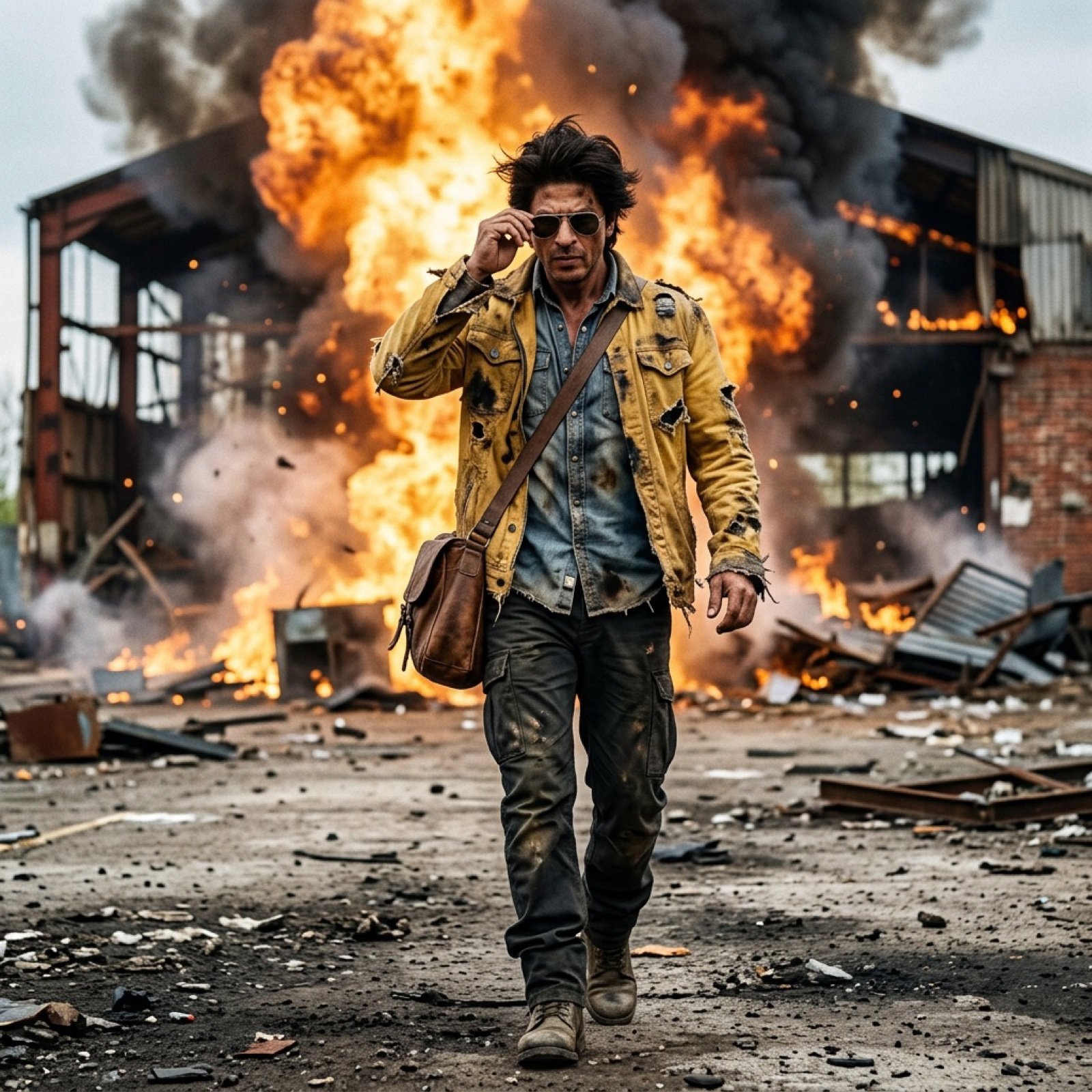
SRK Alpha Pose Walk Away from Explosion Prompt
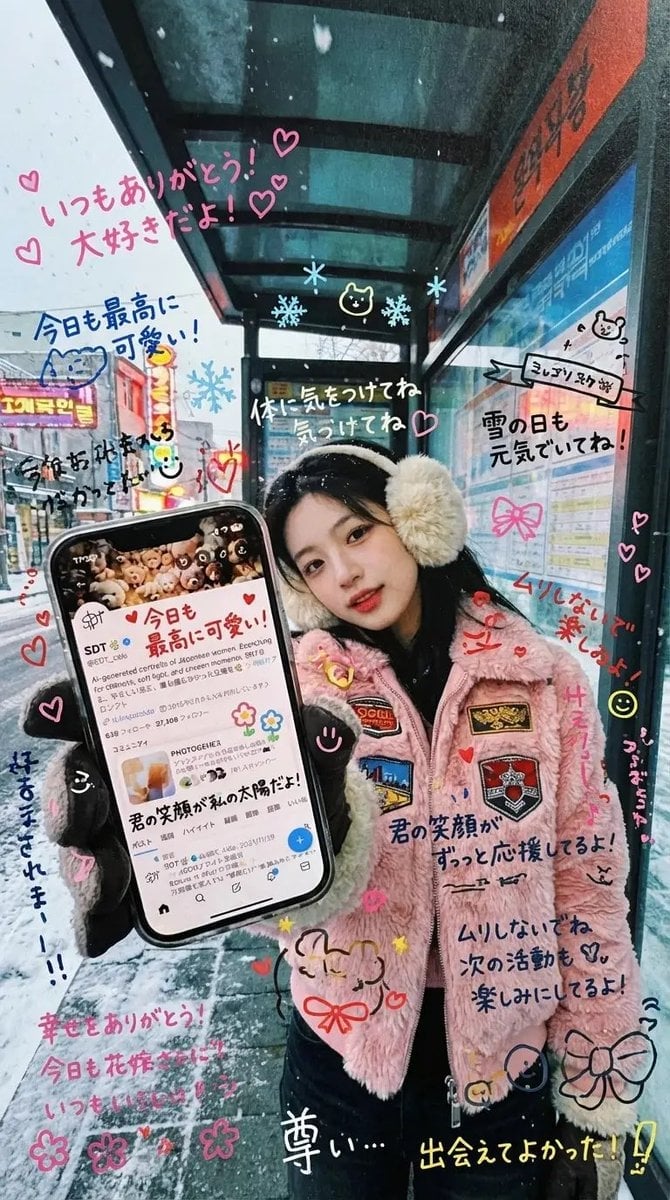
Handwritten Graffiti Message for Favorite Idol
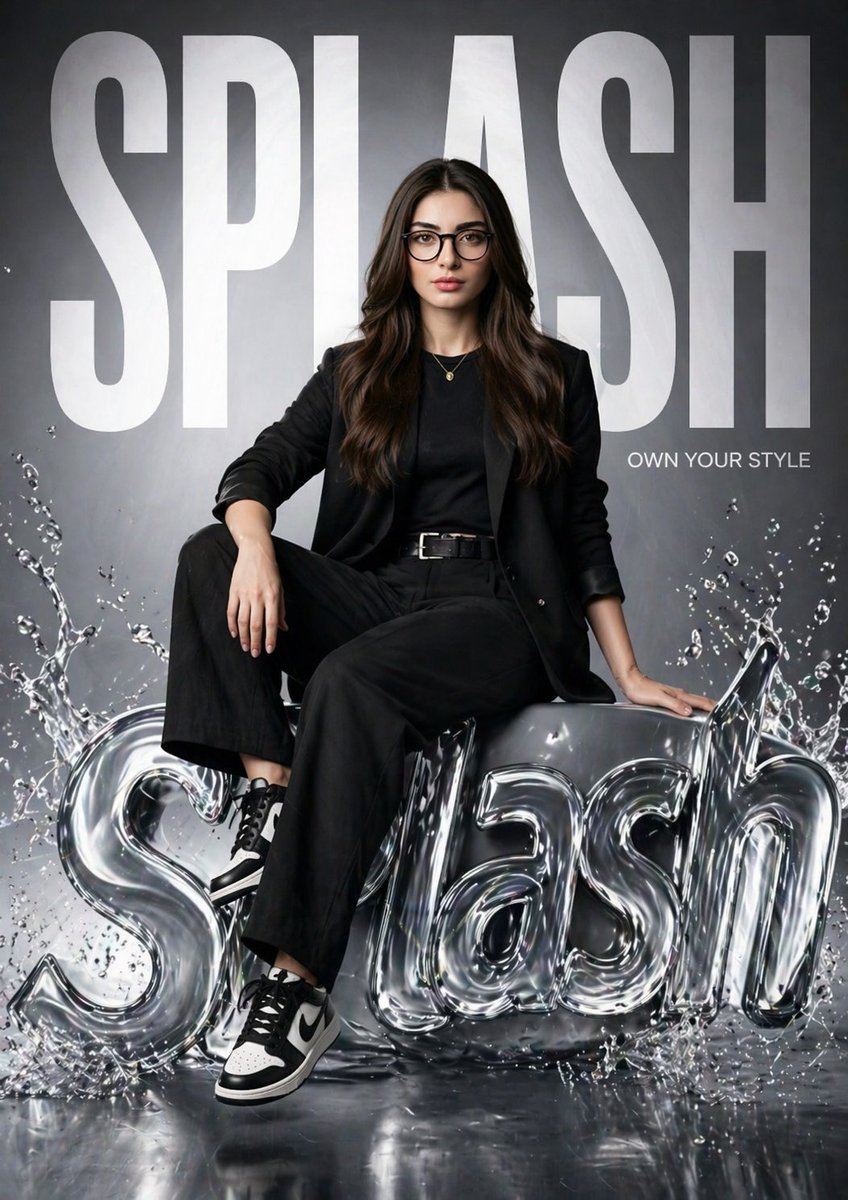
Hyper-realistic Fashion Poster
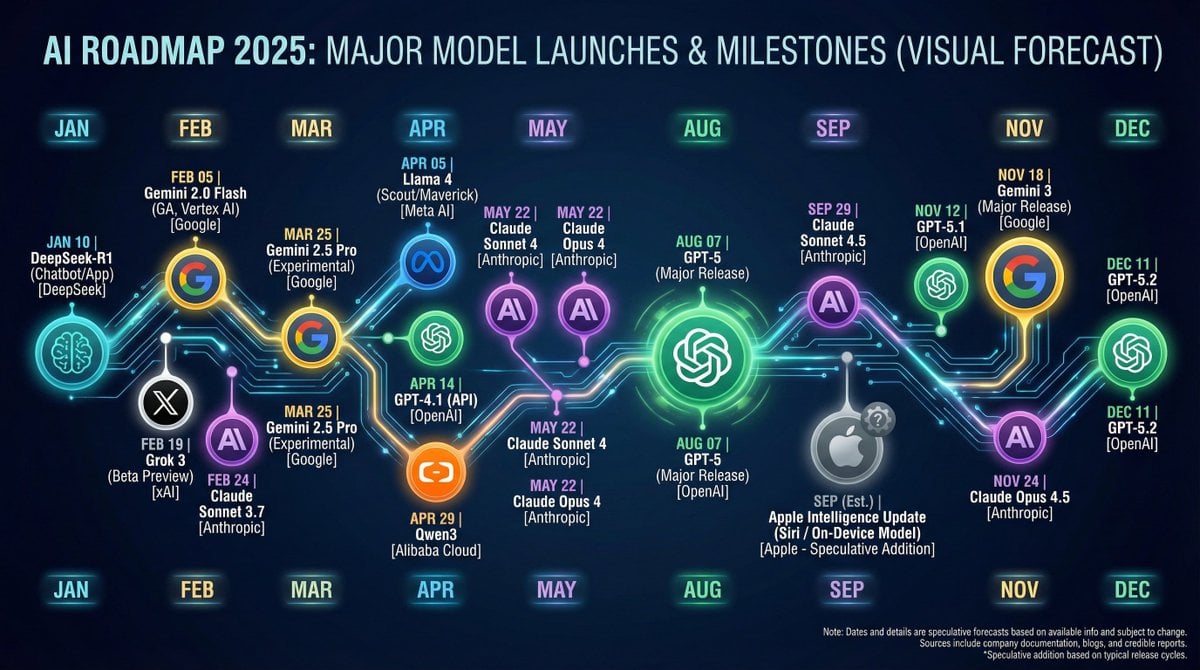
Nano Banana Chronology Request (Non-Executable)
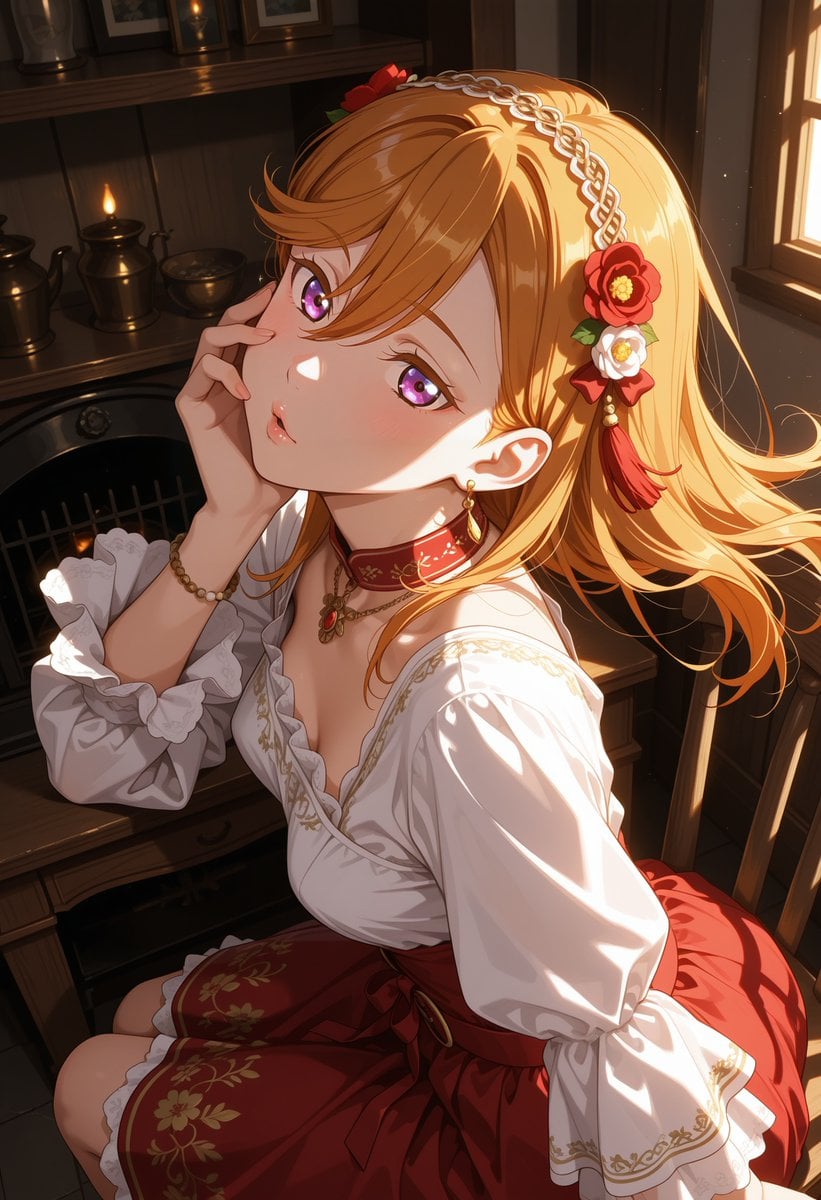
Victorian Maid Anime Portrait
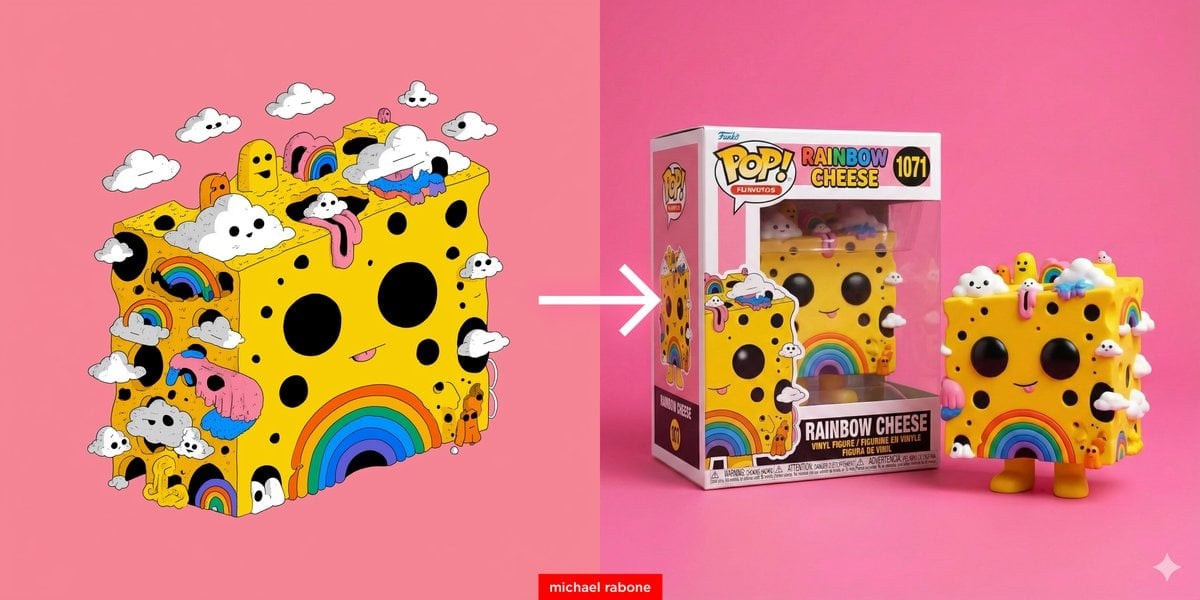
Cartoon to Funko Pop Transformation Prompt
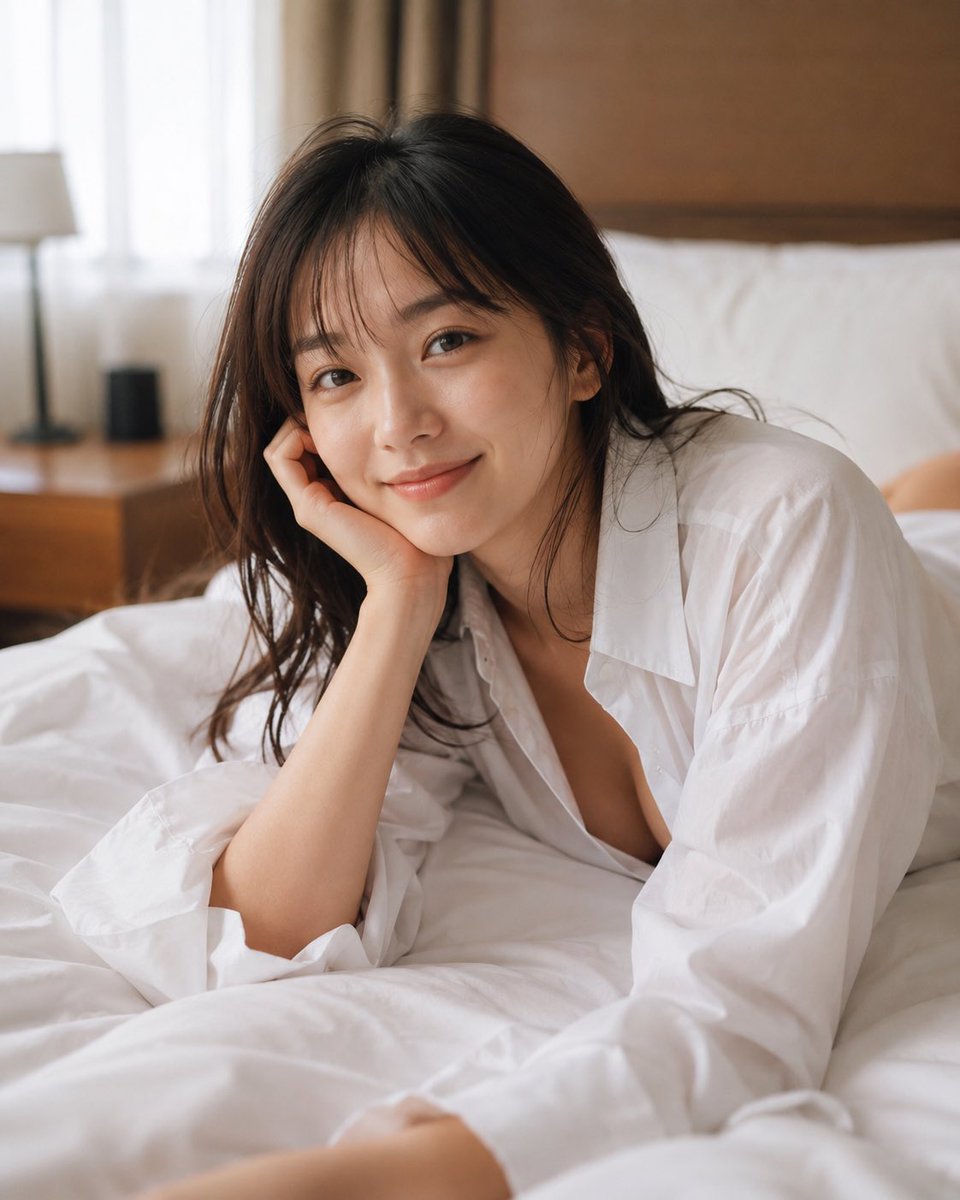
Censored Bedroom Lifestyle Portrait
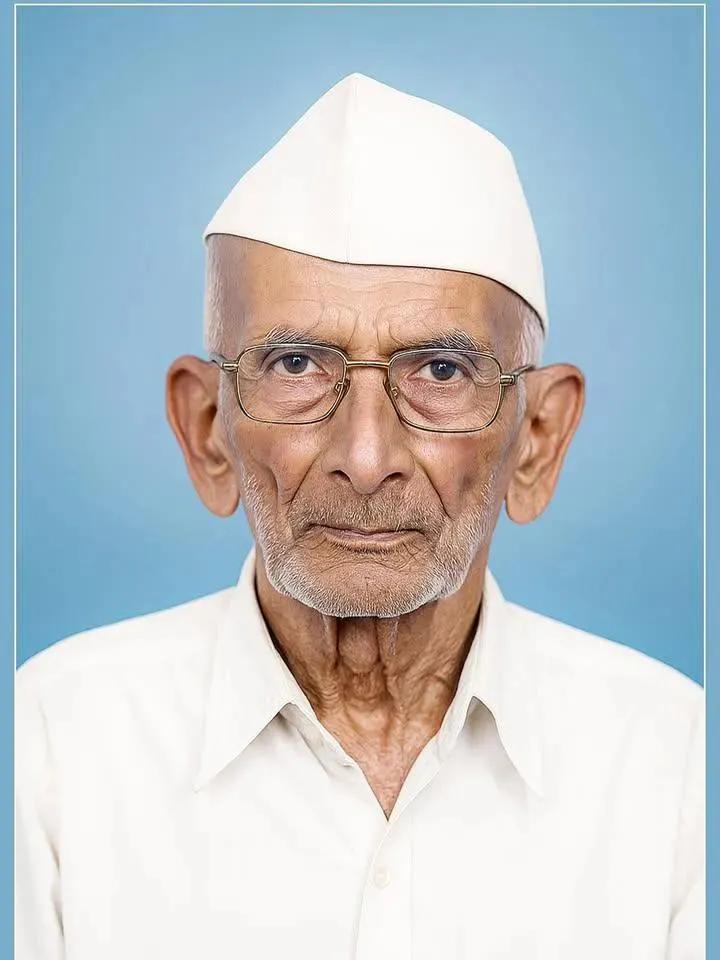
Old Photo Restoration and Modernization
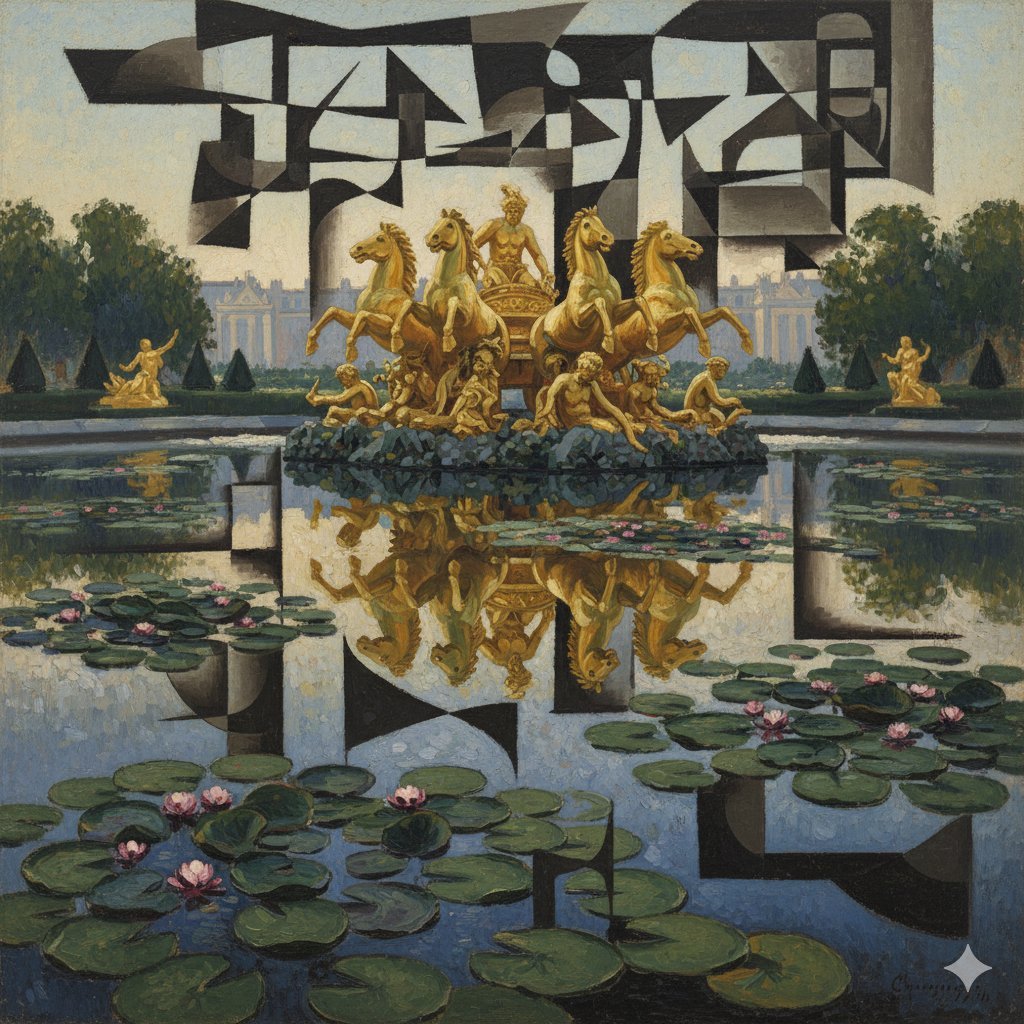
Image Style Transfer: Converting Photo to Picasso's Cubism
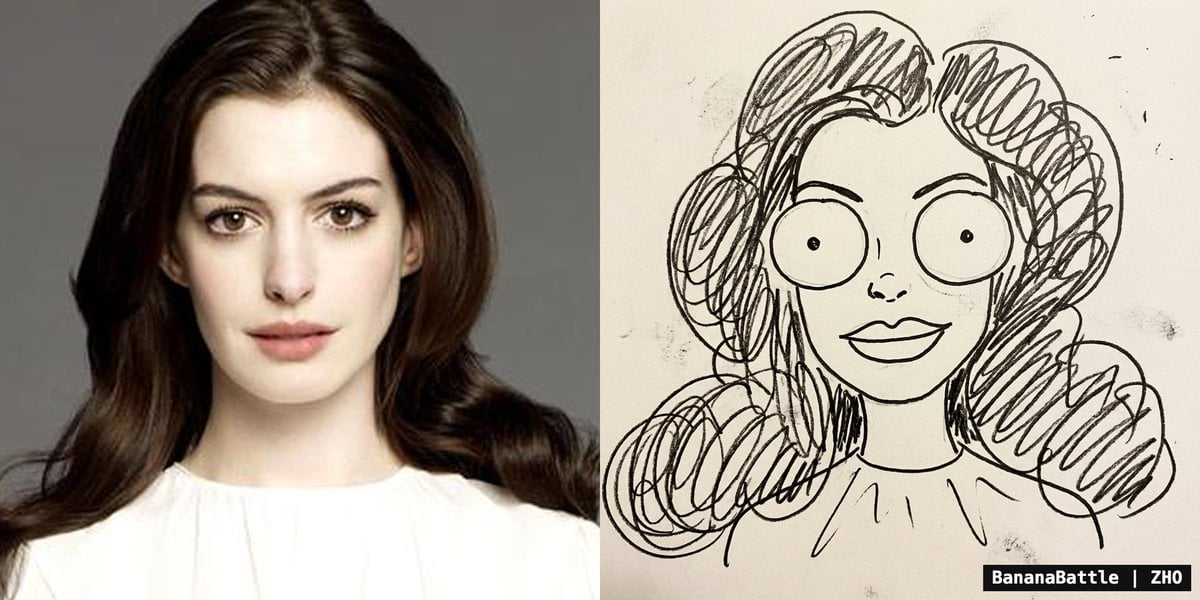
Naive doodle-style subject illustration
Browse template categories
Cyberpunk Samurai and Ninja Art questions
How do I use the Cyberpunk Samurai and Ninja Art template?
Add your photo if the template asks for one, edit the prompt if you like — the template's model and format are already selected — and press Generate. Your version opens in PicX Studio.
Can I customize the Cyberpunk Samurai and Ninja Art template?
Yes. You can change the subject, setting, lighting, mood, format, and available model controls before creating your image.
Is the Cyberpunk Samurai and Ninja Art template free?
Opening and editing this template is free. Generating uses credits, shown on the Generate button when you are signed in.
Which AI model should I use?
Start with GPT Image 2, which is the model associated with this template. You can compare another compatible model for a different finish.
Looking for something else? Browse all templates.

Your photo, any look
Thousands of ready templates for every top image and video model, from one credit balance.