
Cyberpunk Ninja Assassin Character Sheet
Generates a complete anime game character reference sheet with turnaround views, expressions, details, weapons, color palette, and emblem.
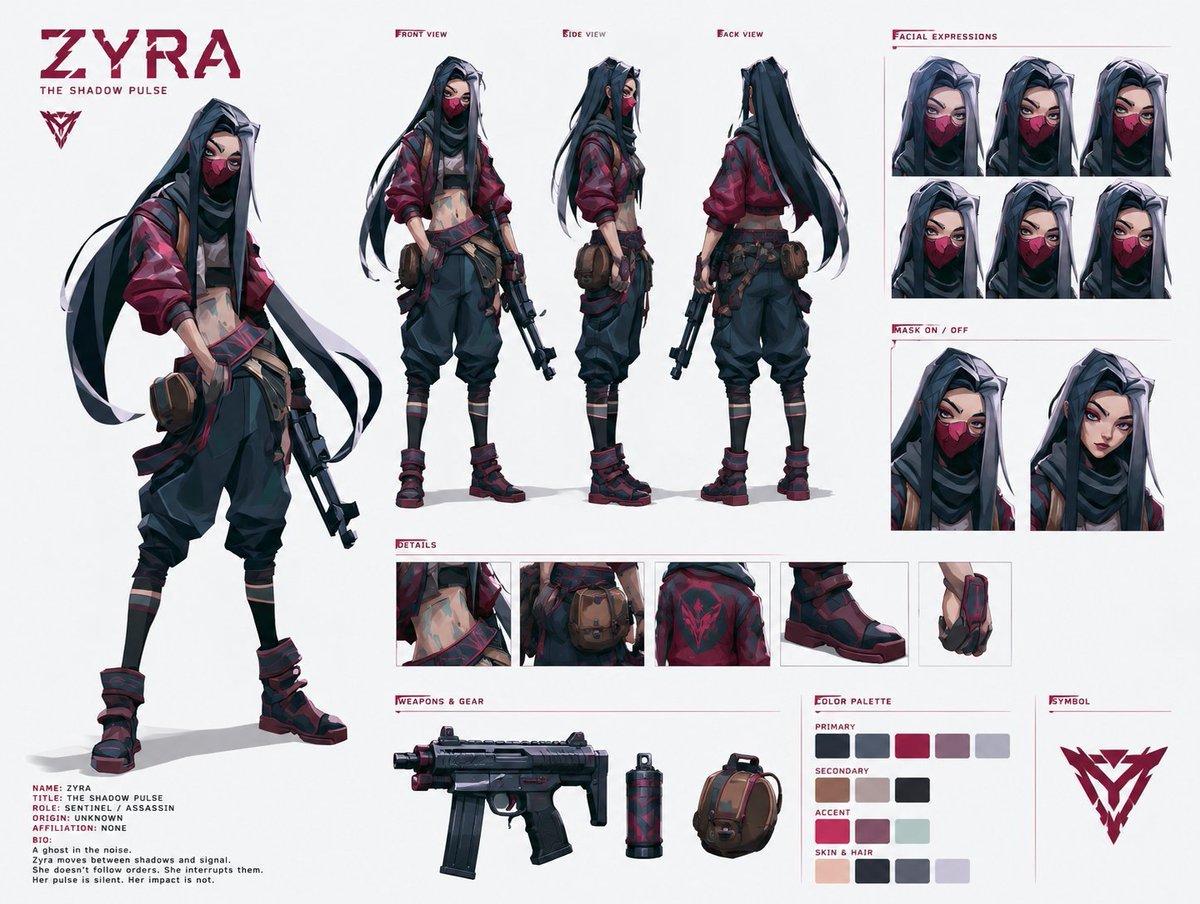
- Prompt included
- Model and format preset
- Premium template
The prompt behind this image
Copy the exact prompt behind Cyberpunk Ninja Assassin Character Sheet, or open it in the studio and make it yours.
Goal: Create a polished anime game character reference sheet for {argument name="character name" default="ZYRA"}, subtitle {argument name="subtitle" default="THE SHADOW PULSE"}, a stealthy cyberpunk ninja assassin girl with a tactical streetwear silhouette. Canvas: Wide horizontal white studio character-sheet canvas, clean margins, thin burgundy divider lines, small uppercase technical labels, high-resolution concept art presentation. Main subject: A slim young female assassin with long flowing black hair with silver-white streaks, sharp eyes, pale skin, and a deep burgundy face mask. Outfit colors are dominated by charcoal black, dark navy, burgundy red, dusty mauve, and muted gray. She wears a cropped layered top exposing the midriff, a red-black bomber jacket with rolled sleeves, loose tactical harem pants, strapped shin wraps, chunky red-black combat boots, fingerless gloves, pouches and belts, and carries a compact black tactical firearm. Style is semi-realistic anime / game concept art with crisp linework, painterly shading, subtle cel-shaded highlights, and a stylish futuristic assassin mood. Layout: Place one large full-body hero pose on the left, standing relaxed with one hip dropped, holding a compact gun downward, long hair and scarf-like strands flowing diagonally. At the top-left add the large burgundy logo text "ZYRA" with the subtitle "THE SHADOW PULSE" beneath it and a sharp angular triangular emblem below. Under the hero pose add a small dossier block with readable text: "NAME: ZYRA", "TITLE: THE SHADOW PULSE", "ROLE: SENTINEL / ASSASSIN", "ORIGIN: UNKNOWN", "AFFILIATION: NONE", "BIO:", "A ghost in the noise.", "Zyra moves between shadows and signal.", "She doesn't follow orders. She interrupts them.", "Her pulse is silent. Her impact is not." Character turnaround: Across the upper middle show exactly 3 smaller full-body model views labeled "FRONT VIEW", "SIDE VIEW", and "BACK VIEW". The front view faces forward holding the gun, the side view faces left in profile, and the back view shows the long hair, jacket back design, belts, pouches, and boots. Facial expressions: On the upper-right create a section labeled "FACIAL EXPRESSIONS" containing exactly 6 cropped head portraits arranged in a 3 by 2 grid. Show subtle variations: neutral intense eyes, narrowed angry eyes, softened serious gaze, side glance, slightly surprised eyes, and confident focused stare. All 6 keep the burgundy mask on. Mask section: Below expressions create a section labeled "MASK ON / OFF" with exactly 2 larger head portraits side by side: left portrait with the burgundy mask on, right portrait with the mask off revealing full face and calm expression. Details strip: In the middle-lower area create a section labeled "DETAILS" with exactly 5 close-up rectangular panels: 1 exposed waist and layered cropped fabric, 2 belt pouch at hip, 3 burgundy jacket back emblem, 4 chunky tactical boot, 5 fingerless glove and wrist armor. Weapons and gear: Bottom-center create a section labeled "WEAPONS & GEAR" with exactly 3 isolated items: a compact black submachine gun with burgundy accents, a cylindrical grenade or tech canister, and a brown tactical pouch bag. Color palette: Bottom-right create a section labeled "COLOR PALETTE" with exactly 13 square swatches divided into four labeled rows: Primary has 5 swatches in dark navy, charcoal, burgundy, dusty mauve, and pale gray; Secondary has 3 swatches in tan, light gray, and near-black; Accent has 2 swatches in bright red and pale blue-gray; Skin & Hair has 3 swatches in peach skin, blue-black hair, and lavender-gray highlight. Symbol: Far bottom-right create a section labeled "SYMBOL" with one large angular burgundy triangular fox-like emblem matching the logo. Constraints: Use only English text, keep all labels small uppercase burgundy, use a white background, no environment, no extra characters, no watermark, and keep the sheet clean and highly readable.
How to use Cyberpunk Ninja Assassin Character Sheet in 3 steps
- 1Upload ImagePNG, JPG or paste
Add your photo
Upload the photo the template builds on. The prompt, model and format are already set.
- 2…a portrait of your subject in softgolden-hour light, 85mm…
Personalize
Edit the subject and creative details for your destination.
- 3Generate
Generate
Press Generate — your image is created in PicX Studio, so you can compare it with the original and refine one variable at a time.
More like this
Templates with the same subject, style or setup. Open one to see its prompt.
Cyberpunk Neon Ninja Samurai
Noir Assassin Character Sheet

Chibi Anime Ninja Sticker Sheet
Cyberpunk Dual-Katana Ninja
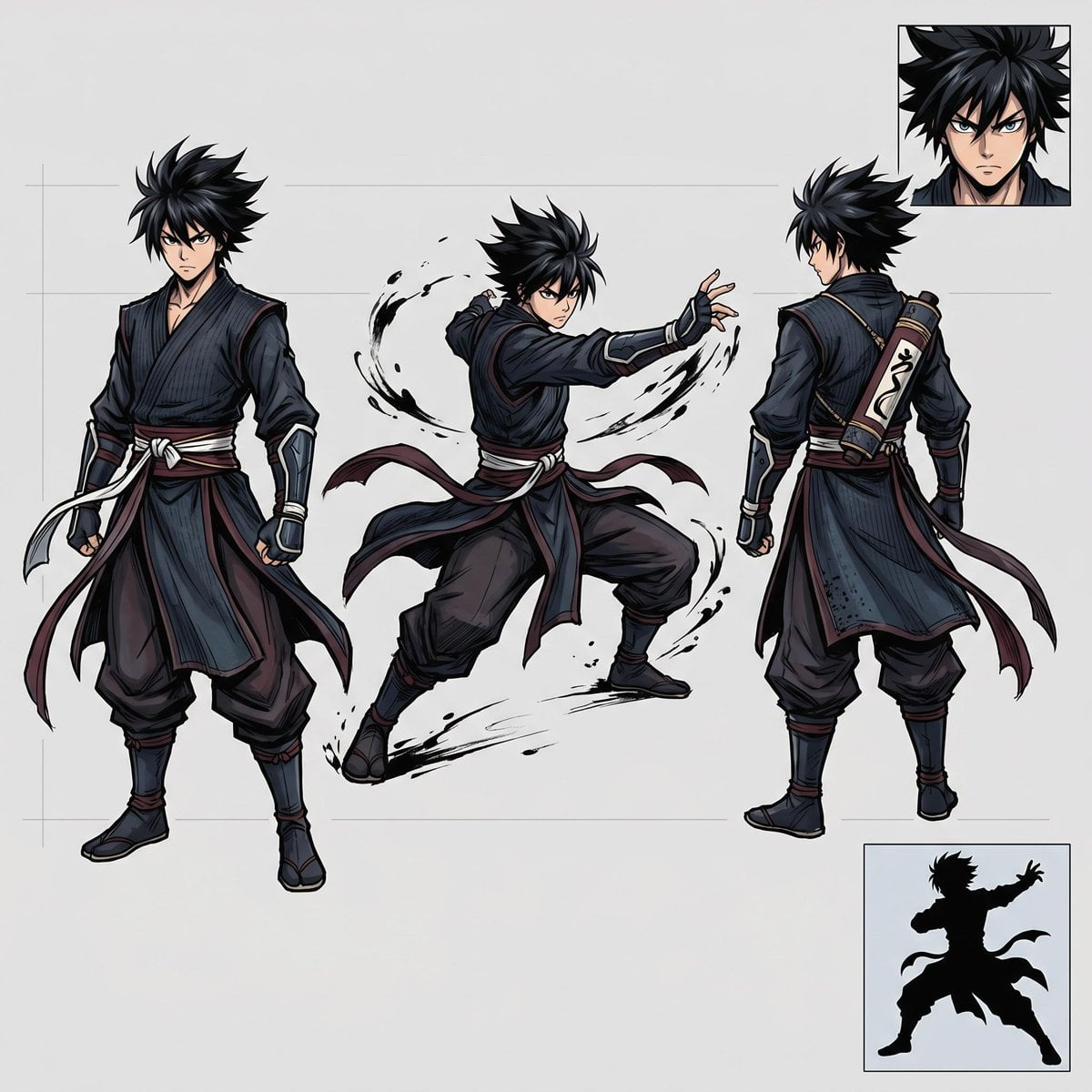
Faceless Shadow Ninja Character Sheet
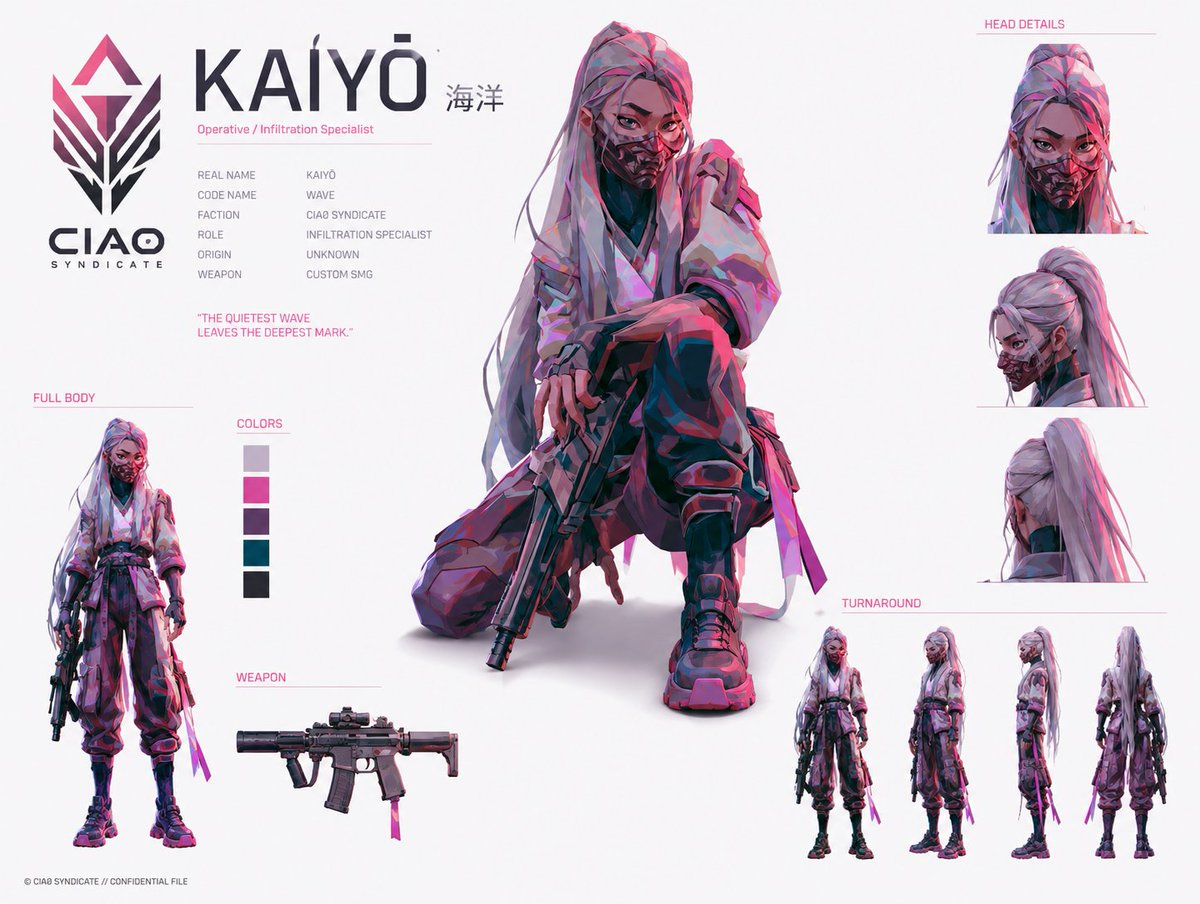
Cyberpunk Operative Character Sheet
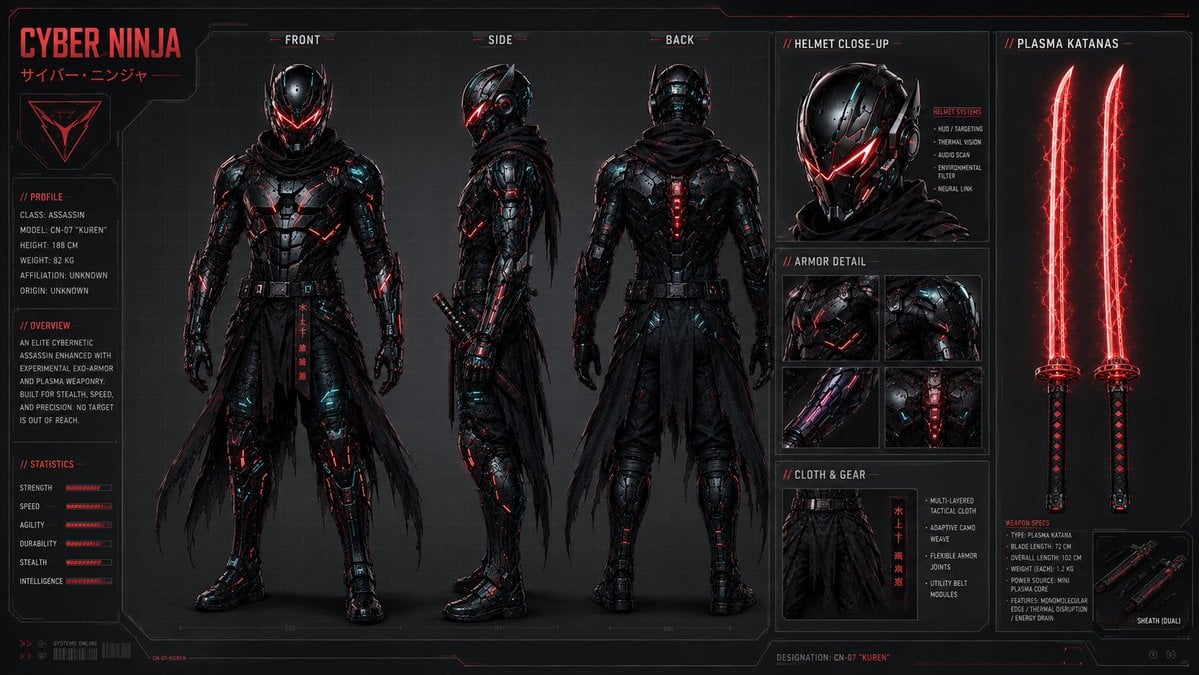
Cyber Ninja Character Sheet
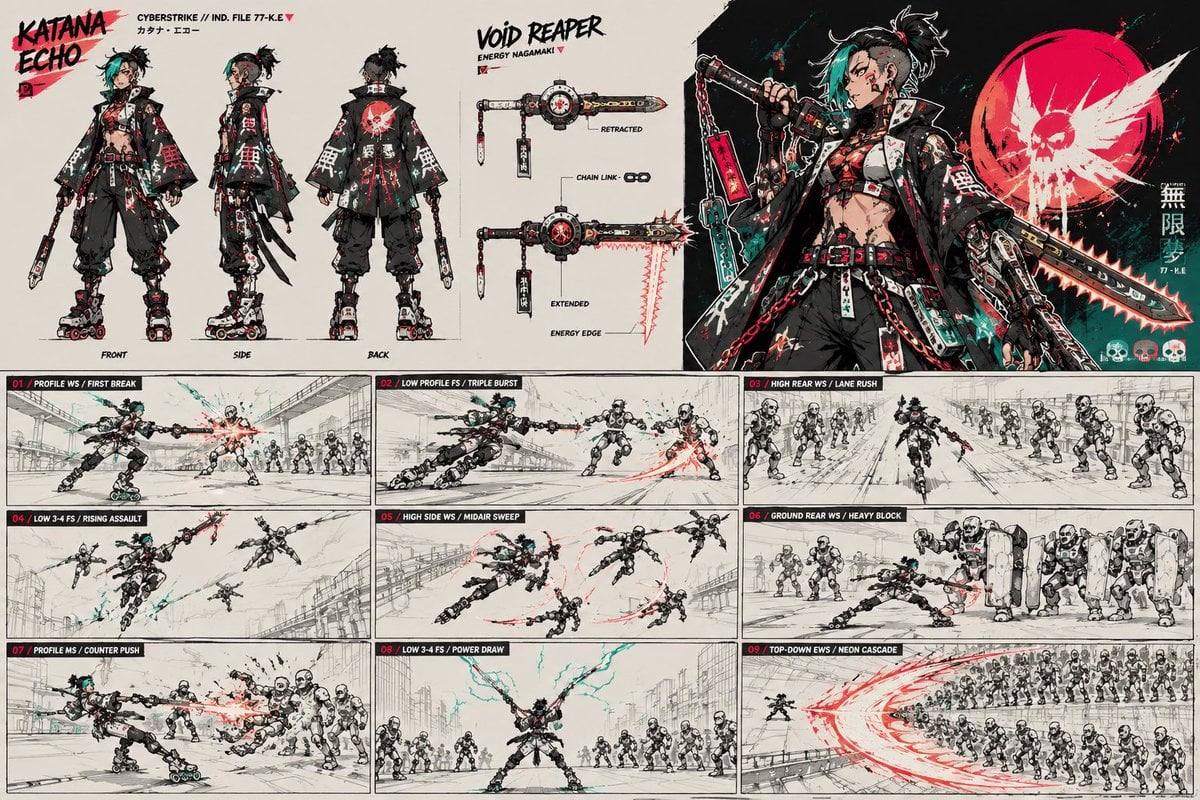
Cyberpunk Samurai Character Sheet

Rainy Night Android Cyberpunk Portrait

Korean Idol Partial Shadow Editorial Portrait

Cinematic Sci-Fi Interface Side Profile

Cyberpunk Neon Profile Fashion Portrait
Make it yours
Cyberpunk Ninja Assassin Character Sheet works as-is. These are the safest ways to change it without losing the look.
Change one field
Copy a single group, rewrite it, and generate again so you can see what that field is doing.
Keep the frame, change the subject
Hold the composition and light of Cyberpunk Ninja Assassin Character Sheet, then swap wardrobe, props or the person for a new take.
| If the result… | Why | Fix |
|---|---|---|
| The result drifts from the preview | Too many fields changed at once. | Reuse Cyberpunk Ninja Assassin Character Sheet as-is first, then change one group — subject, light, or setting. |
| The model over-stylizes the scene | The prose prompt leaves finish and camera underspecified. | Add one camera or lighting sentence and stay on GPT Image 2. |
More GPT Image 2 templates
Other prompts made for GPT Image 2.

Six VTuber Japanese Logo Sheet

Realistic Portrait of Woman and Deer

The Vista Modular Condo Poster

AI Model Routing Comparison Infographic

2.5D Anime Art Board

Isometric Productivity Desk Scene

New York Double Exposure Poster

Four-Panel AI Landscape Comparison

Japanese Tatami Lifestyle Magazine Cover

NESCAFÉ Coffee Map Poster
More image prompts
Fresh picks from across the catalog.

Browse template categories
Cyberpunk Ninja Assassin Character Sheet questions
How do I use the Cyberpunk Ninja Assassin Character Sheet template?
Add your photo if the template asks for one, edit the prompt if you like — the template's model and format are already selected — and press Generate. Your version opens in PicX Studio.
Can I customize the Cyberpunk Ninja Assassin Character Sheet template?
Yes. You can change the subject, setting, lighting, mood, format, and available model controls before creating your image.
Is the Cyberpunk Ninja Assassin Character Sheet template free?
Opening and editing this template is free. Generating uses credits, shown on the Generate button when you are signed in.
Which AI model should I use?
Start with GPT Image 2, which is the model associated with this template. You can compare another compatible model for a different finish.
Looking for something else? Browse all templates.

Your photo, any look
Thousands of ready templates for every top image and video model, from one credit balance.