
Lin Daiyu Ink-Wash Poster
This prompt generates a refined vertical Chinese-style character poster with an ink-wash heroine, literary typography, and elegant decorative seals for editorial or aesthetic template use.
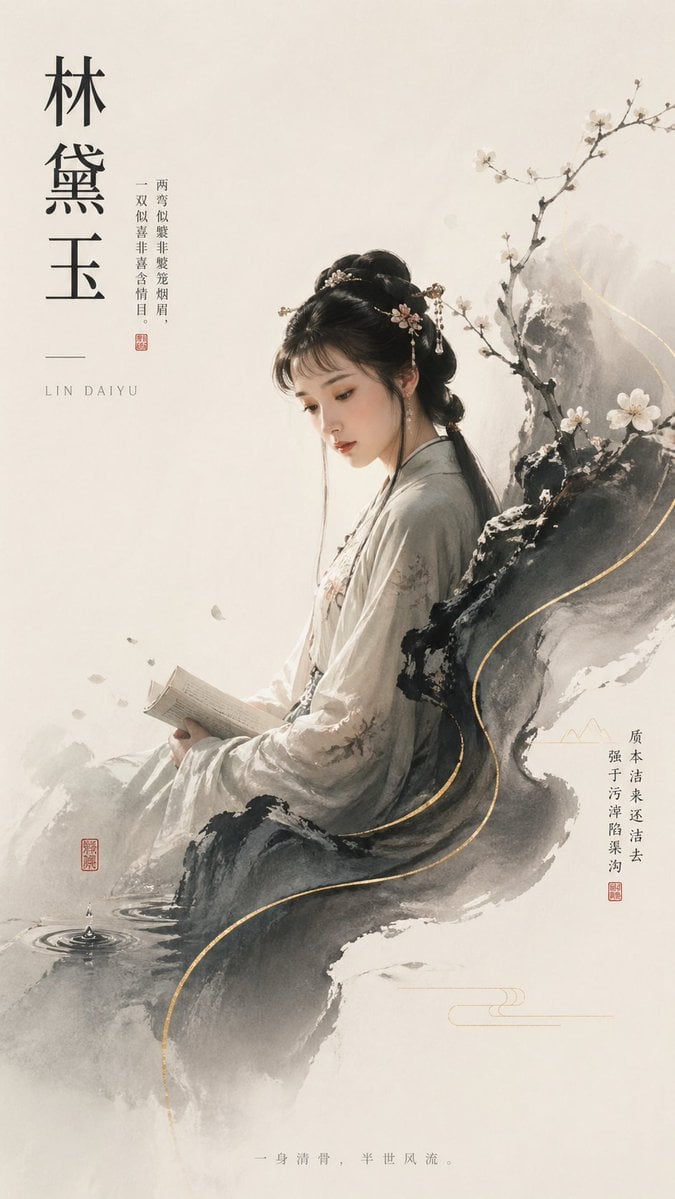
- Prompt included
- Model and format preset
- Free template
The prompt behind this image
Copy the exact prompt behind Lin Daiyu Ink-Wash Poster, or open it in the studio and make it yours.
Create a vertical poster in elegant Chinese new aesthetic style, blending ink-wash painting and refined digital illustration on a warm off-white rice-paper background. The composition features a single young ancient Chinese woman seated in profile facing left, calm and scholarly, wearing a soft light gray-white hanfu with subtle floral embroidery and long flowing sleeves. She holds an open stitched book in both hands near her lap. Her hair is styled in a classic updo with a low gathered bun and long dark strands trailing behind, decorated with delicate gold and pearl floral hairpins. The face area should remain unobstructed in the final image, with a serene, graceful expression. Build the scene around a dramatic black-and-gray ink rock formation that wraps behind and beneath her like a seat, with soft smoky watercolor edges and a thin winding metallic gold contour line running from upper right to lower center. Add a blossoming plum branch rising diagonally from the right side with small white flowers and dark bark. Near the lower left, include a small pool ripple with one visible water droplet splash. Scatter a few pale falling petals around the woman’s hands and lower left midground. Keep the palette restrained: ivory, ink black, ash gray, muted taupe, and subtle gold accents. The layout should feel airy and asymmetrical with large blank negative space on the left and top. Add Chinese typography integrated into the poster design: on the upper left, 3 very large vertical characters reading {argument name="character name" default="林黛玉"}; beneath them, the romanized name in small spaced serif capitals reading "LIN DAIYU"; beside the name, place a slim vertical poem column in Chinese; on the right lower midsection, add another short vertical Chinese text column; at the bottom center, add one small horizontal Chinese sentence. Include exactly 4 red seal stamps placed as traditional accents: 1 near the left poem column, 1 near the lower left by the water ripple, 1 beside the right text column, and 1 small seal-like accent integrated with the typography area. Also include exactly 2 minimalist gold line ornaments in the lower right quadrant. The overall mood is poetic, fragile, pure, melancholic, and literati-inspired, with museum-poster elegance and high-end editorial polish.
How to use Lin Daiyu Ink-Wash Poster in 3 steps
- 1Upload ImagePNG, JPG or paste
Add your photo
Upload the photo the template builds on. The prompt, model and format are already set.
- 2…a portrait of your subject in softgolden-hour light, 85mm…
Personalize
Edit the subject and creative details for your destination.
- 3Generate
Generate
Press Generate — your image is created in PicX Studio, so you can compare it with the original and refine one variable at a time.
More like this
Templates with the same subject, style or setup. Open one to see its prompt.

Vintage Lithograph Retro World Cup Poster

Gpt2 Infographic Edu Visual Ink Wash Tribute Poster for Chen Uen

Trendy Cafe Drink Promo Poster
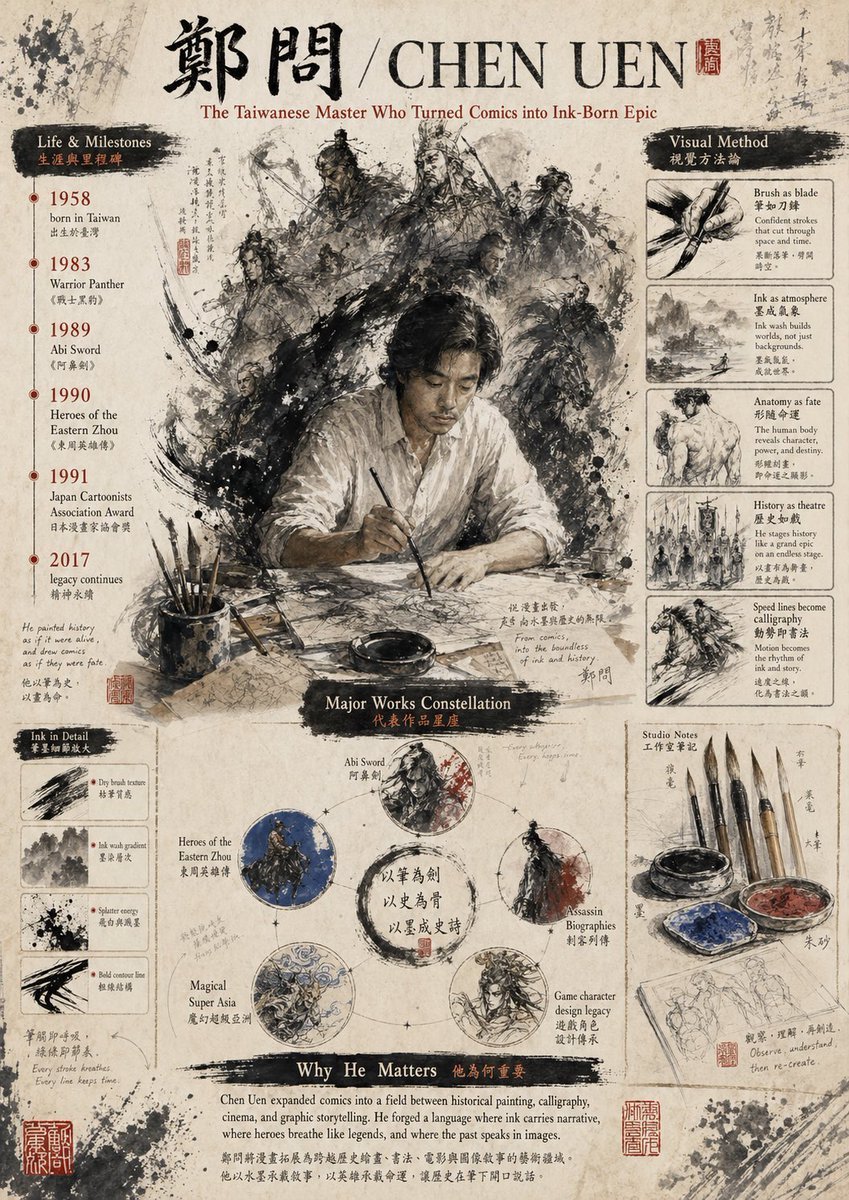
Ink-Wash Tribute Poster for Chen Uen
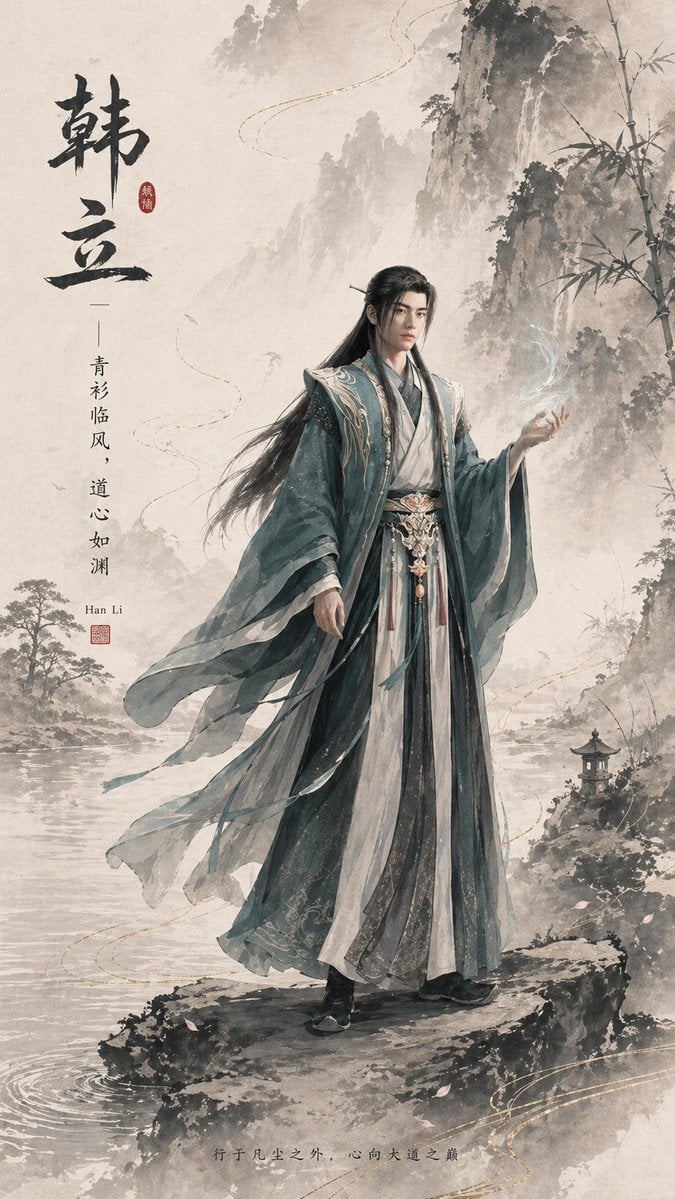
Ink-Wash Han Li Character Poster
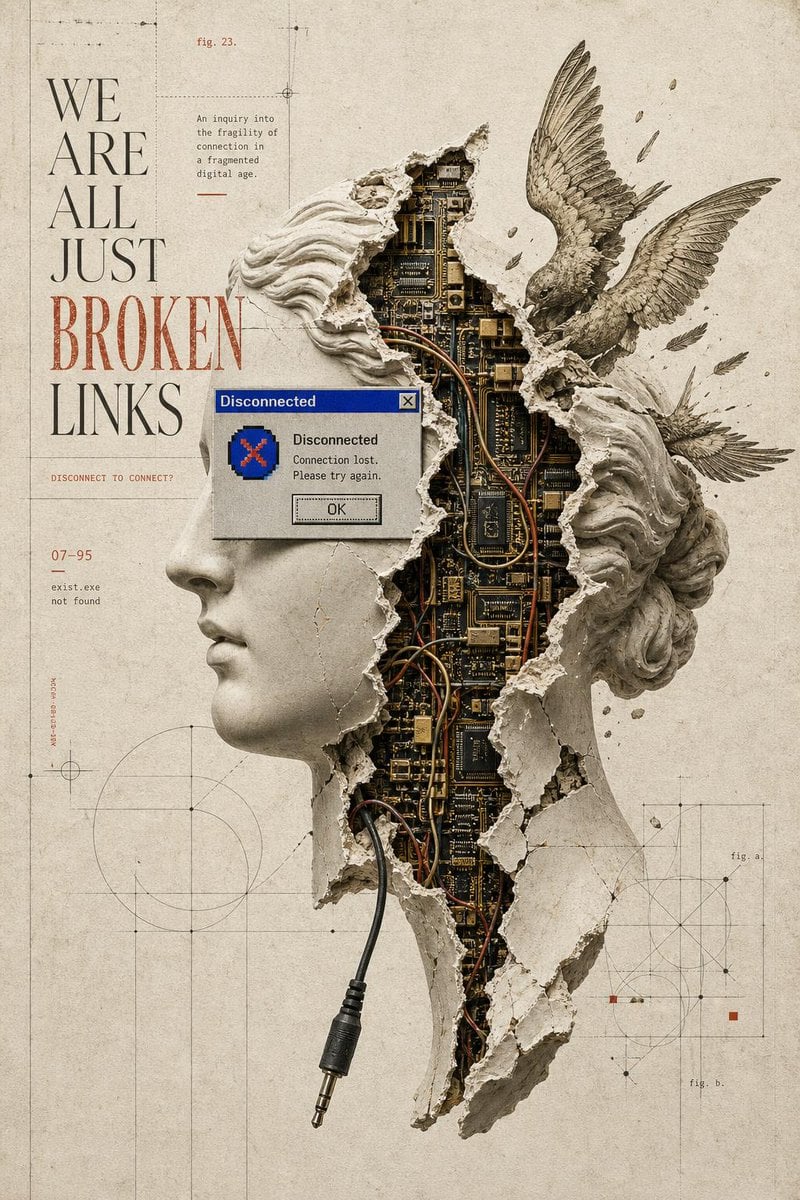
Broken Links Cybernetic Bust Poster
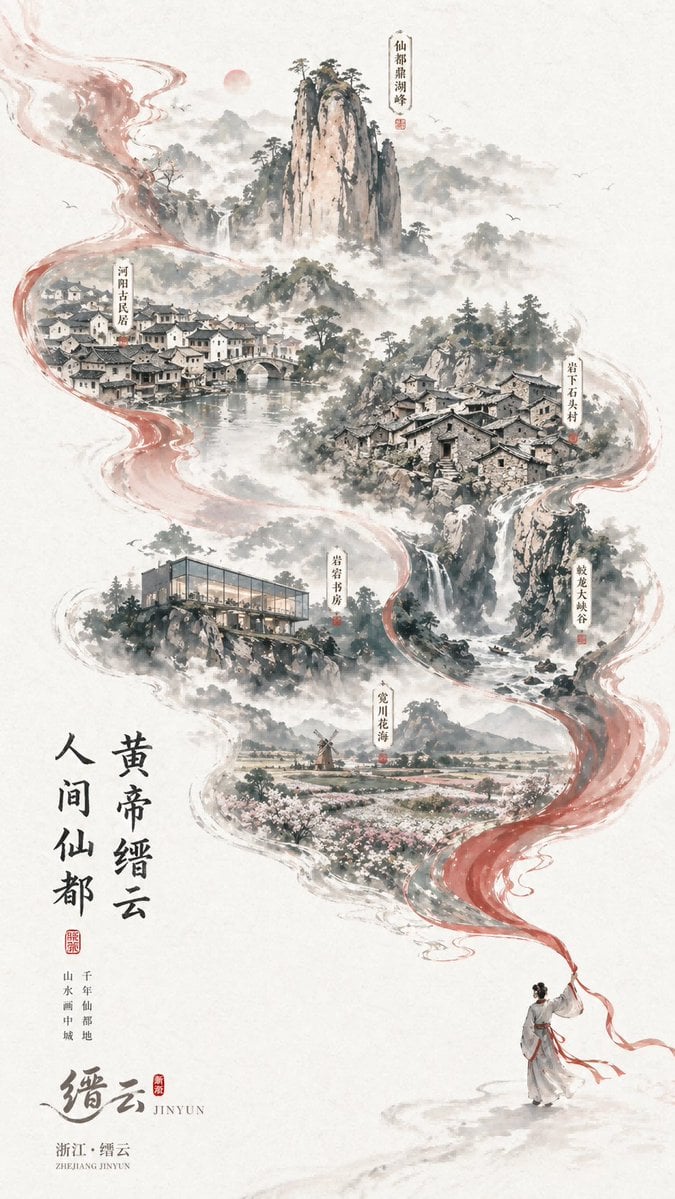
Chinese Ink-Wash Jinyun Travel Poster
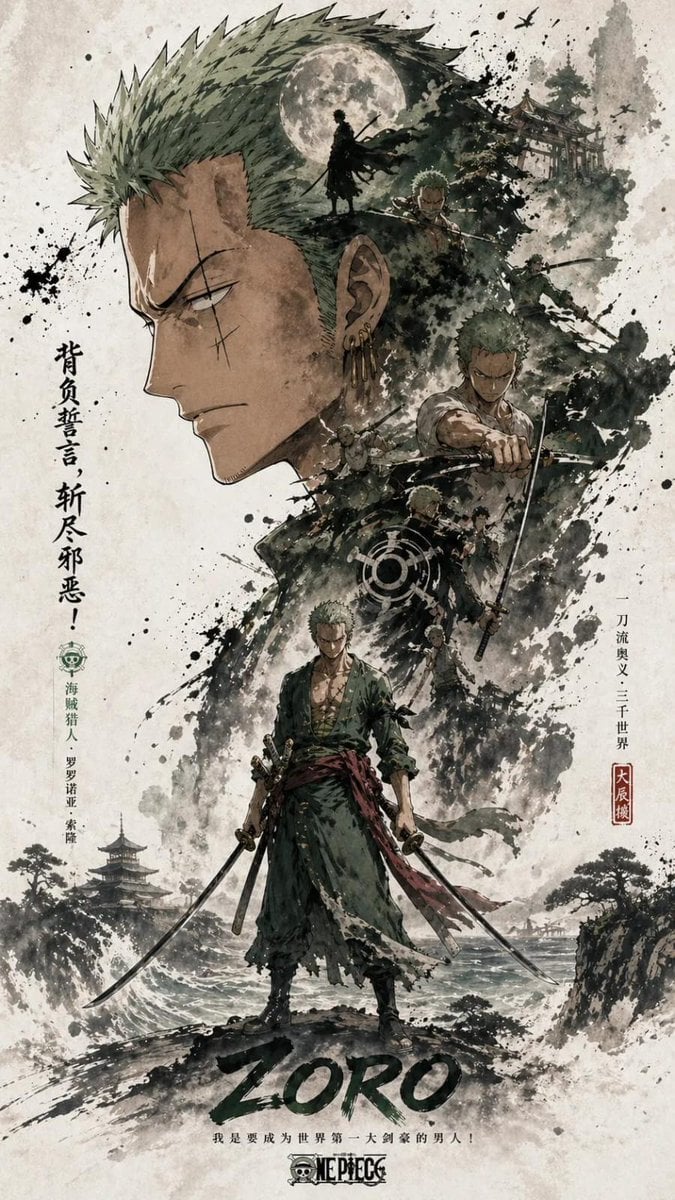
Ink Wash Double Exposure Poster

Dark Samurai Ink Wash Poster
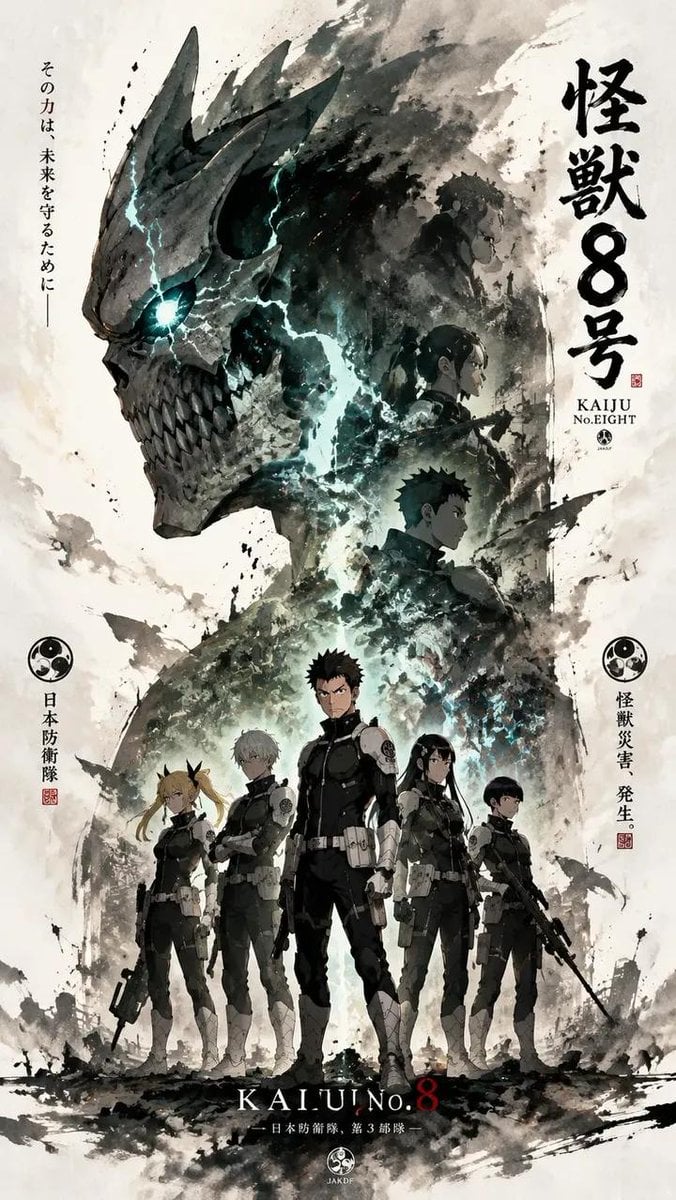
Ink-Wash Cinematic Anime Poster
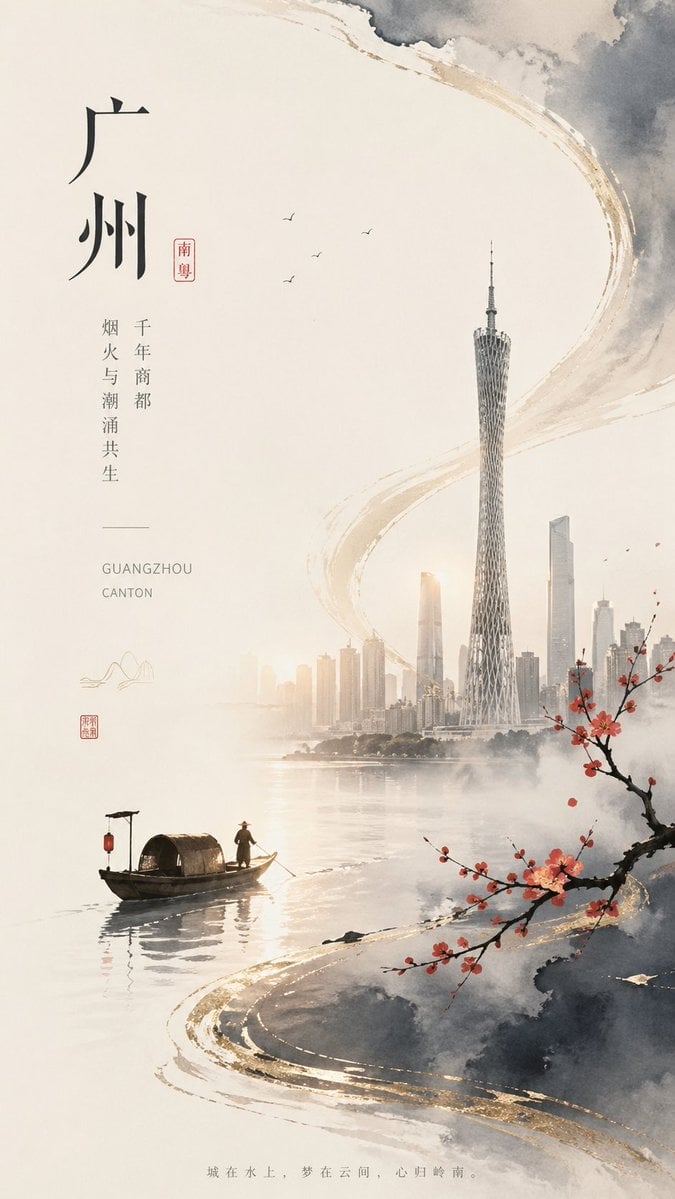
Guangzhou Ink-Wash City Poster
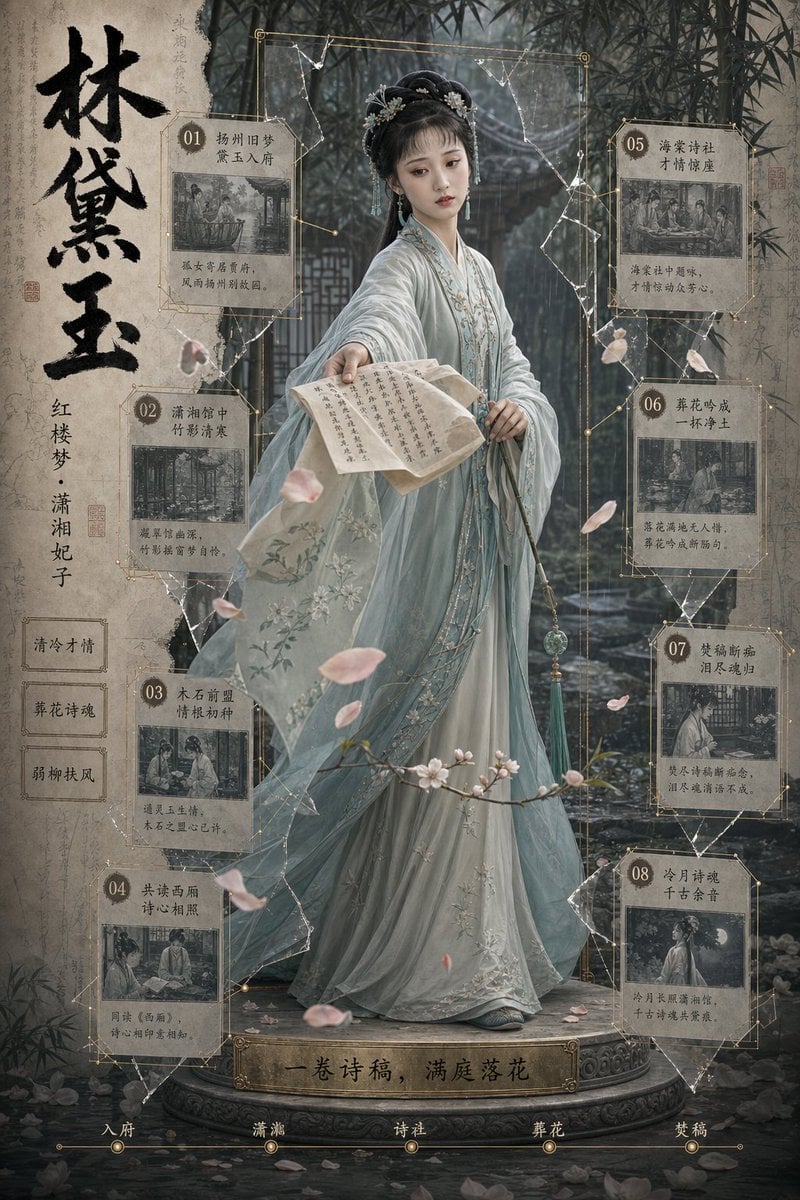
Lin Daiyu Period Drama Poster
Make it yours
Lin Daiyu Ink-Wash Poster works as-is. These are the safest ways to change it without losing the look.
Change one field
Copy a single group, rewrite it, and generate again so you can see what that field is doing.
Keep the frame, change the subject
Hold the composition and light of Lin Daiyu Ink-Wash Poster, then swap wardrobe, props or the person for a new take.
| If the result… | Why | Fix |
|---|---|---|
| The result drifts from the preview | Too many fields changed at once. | Reuse Lin Daiyu Ink-Wash Poster as-is first, then change one group — subject, light, or setting. |
| The model over-stylizes the scene | The prose prompt leaves finish and camera underspecified. | Add one camera or lighting sentence and stay on GPT Image 2. |
More GPT Image 2 templates
Other prompts made for GPT Image 2.

Six VTuber Japanese Logo Sheet

Realistic Portrait of Woman and Deer

The Vista Modular Condo Poster

AI Model Routing Comparison Infographic

2.5D Anime Art Board

Isometric Productivity Desk Scene

New York Double Exposure Poster

Four-Panel AI Landscape Comparison

Japanese Tatami Lifestyle Magazine Cover

NESCAFÉ Coffee Map Poster
More image prompts
Fresh picks from across the catalog.

Oriental Mythical Beast Suanni Poster
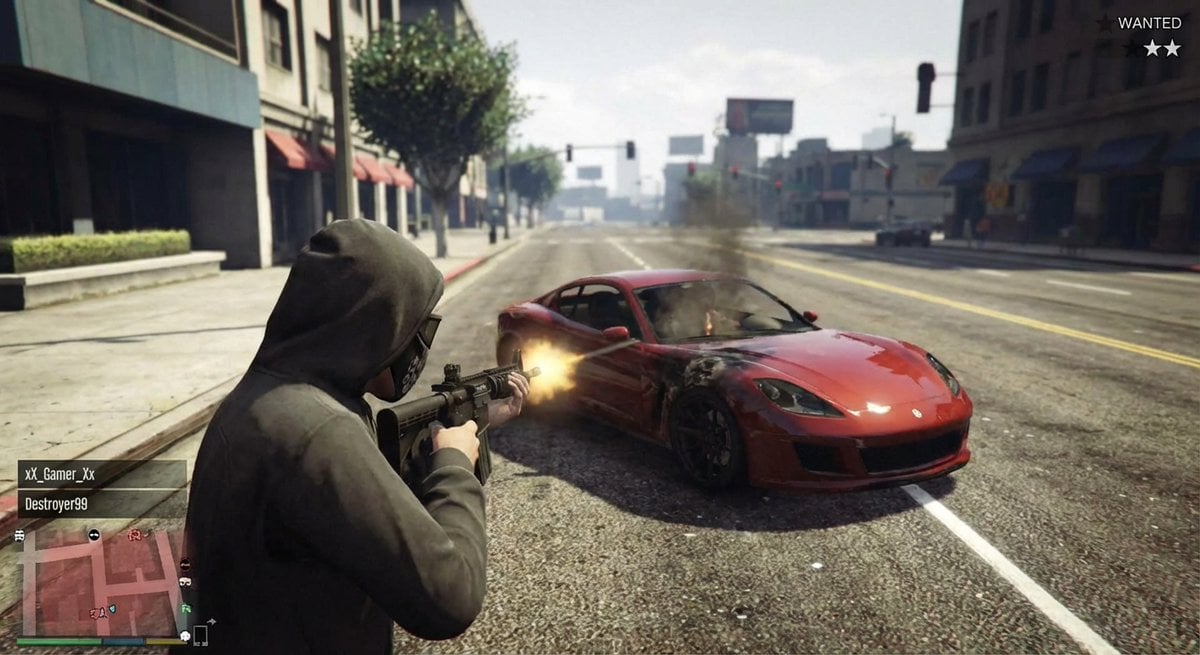
GTA 5 online action scene
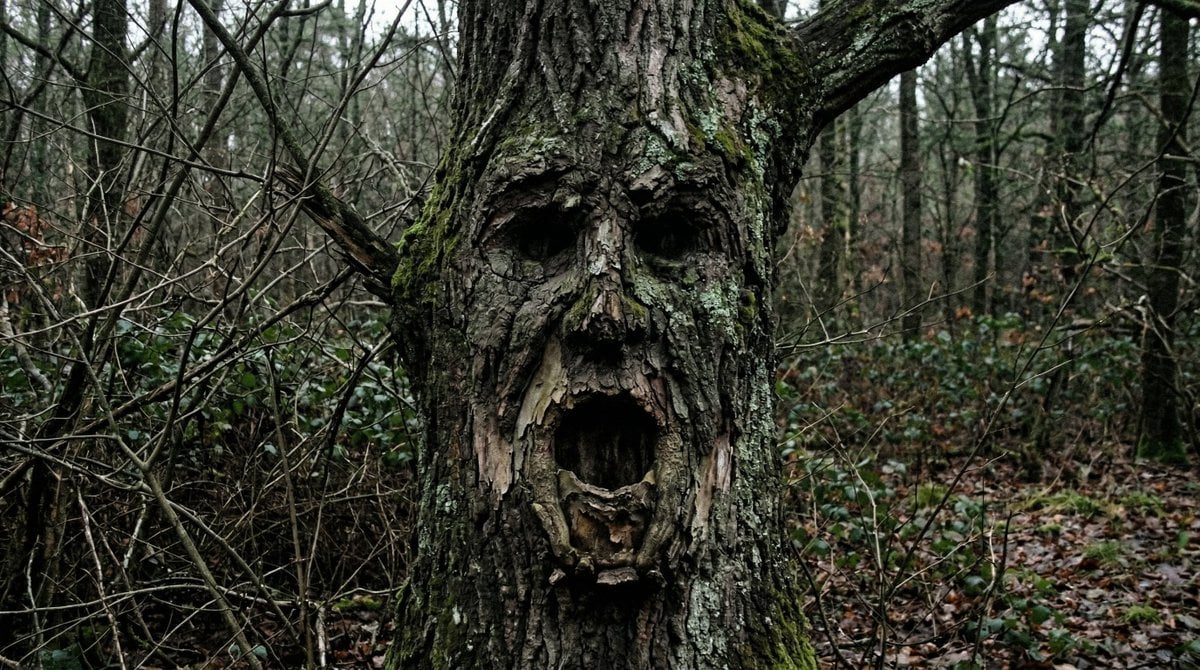
Oddly Terrifying Everyday Photo Prompt
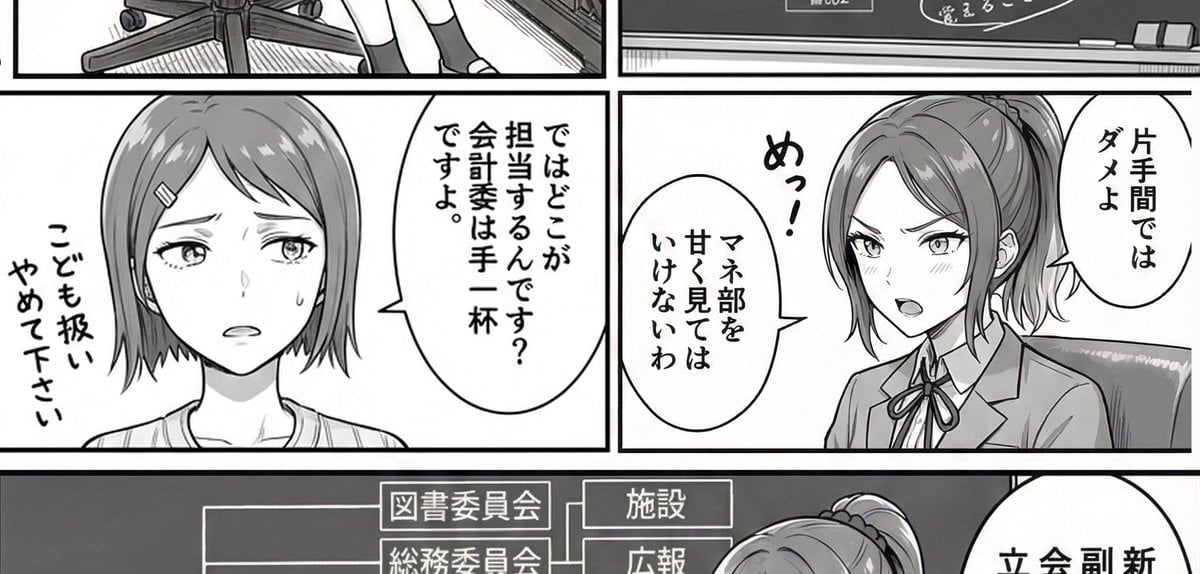
AI Art Experiment: Speech Bubbles and Hand-Drawn Text
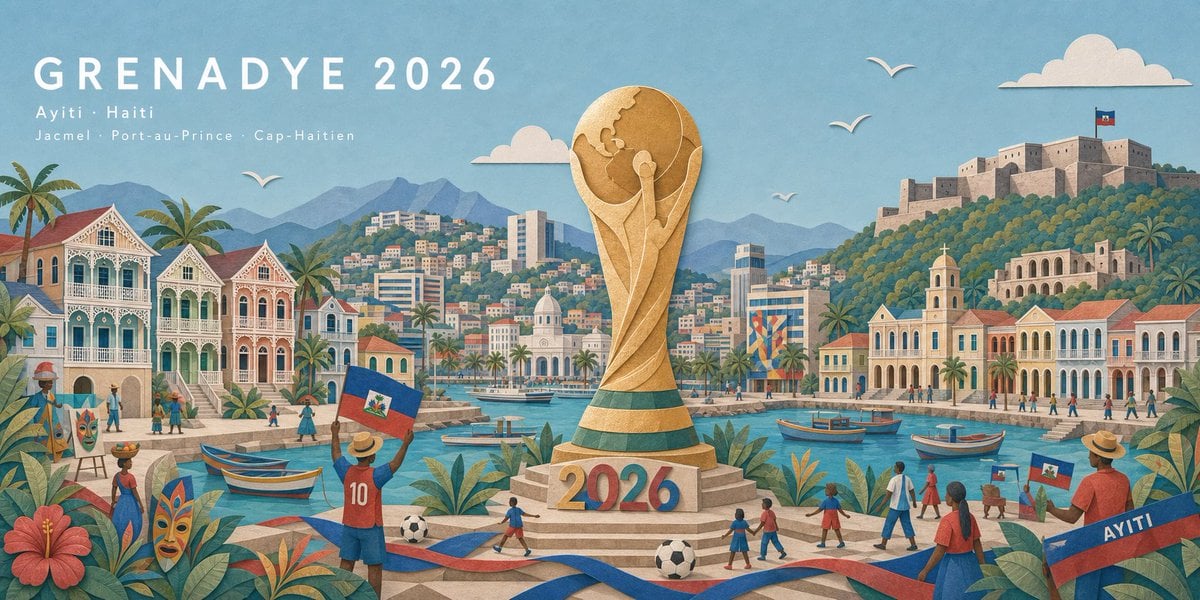
Haitian Football Poster Panorama
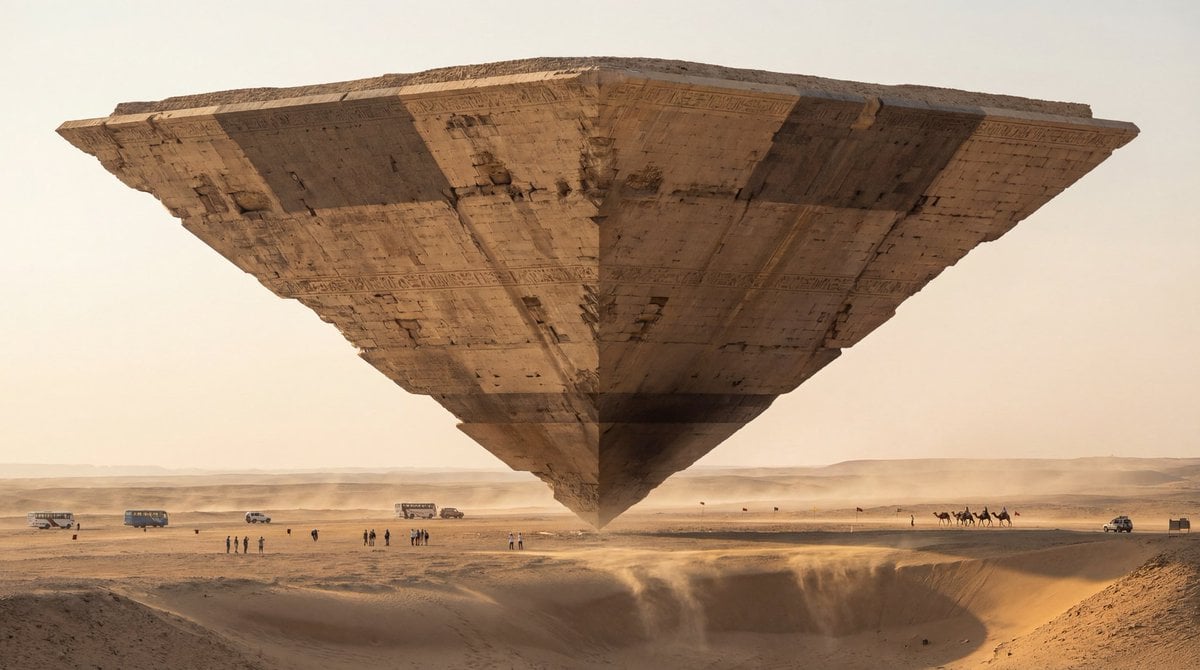
Photorealistic Ultra-Wide Desert Scene with Inverted Pyramid
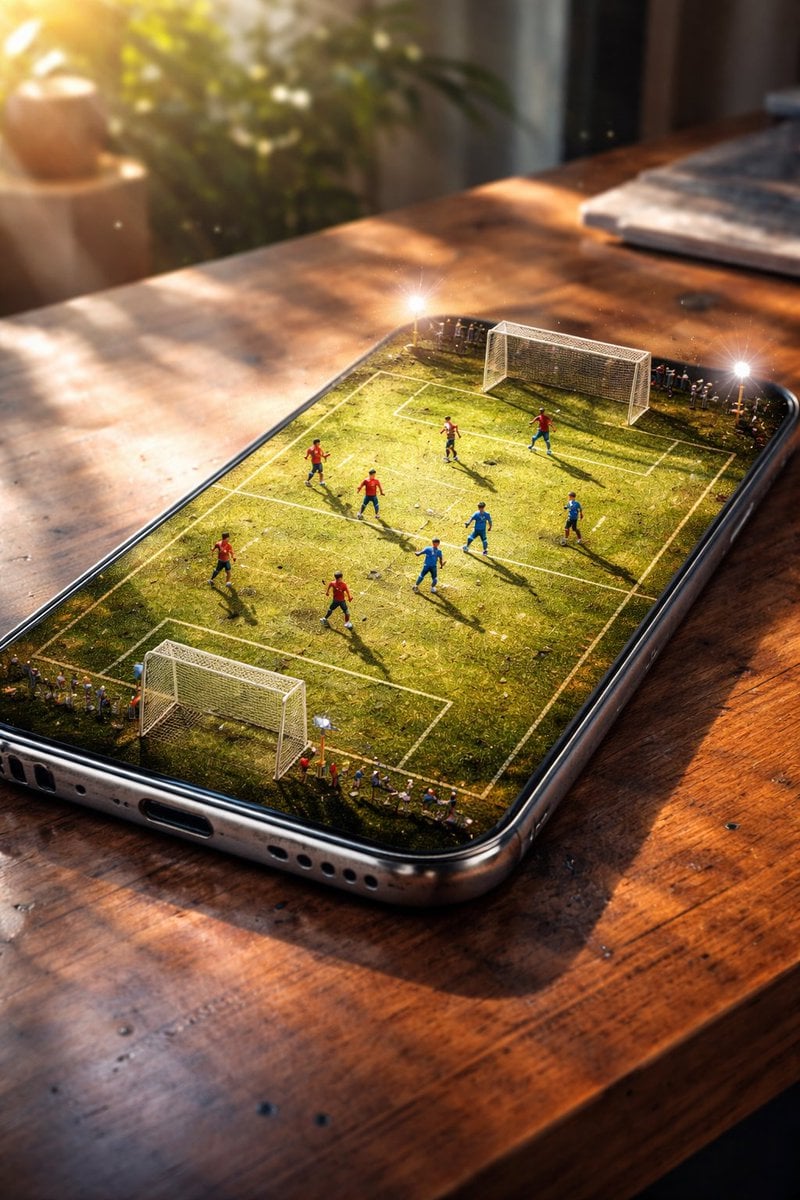
Hyper-Realistic Cinematic Football Stadium on a Smartphone Screen
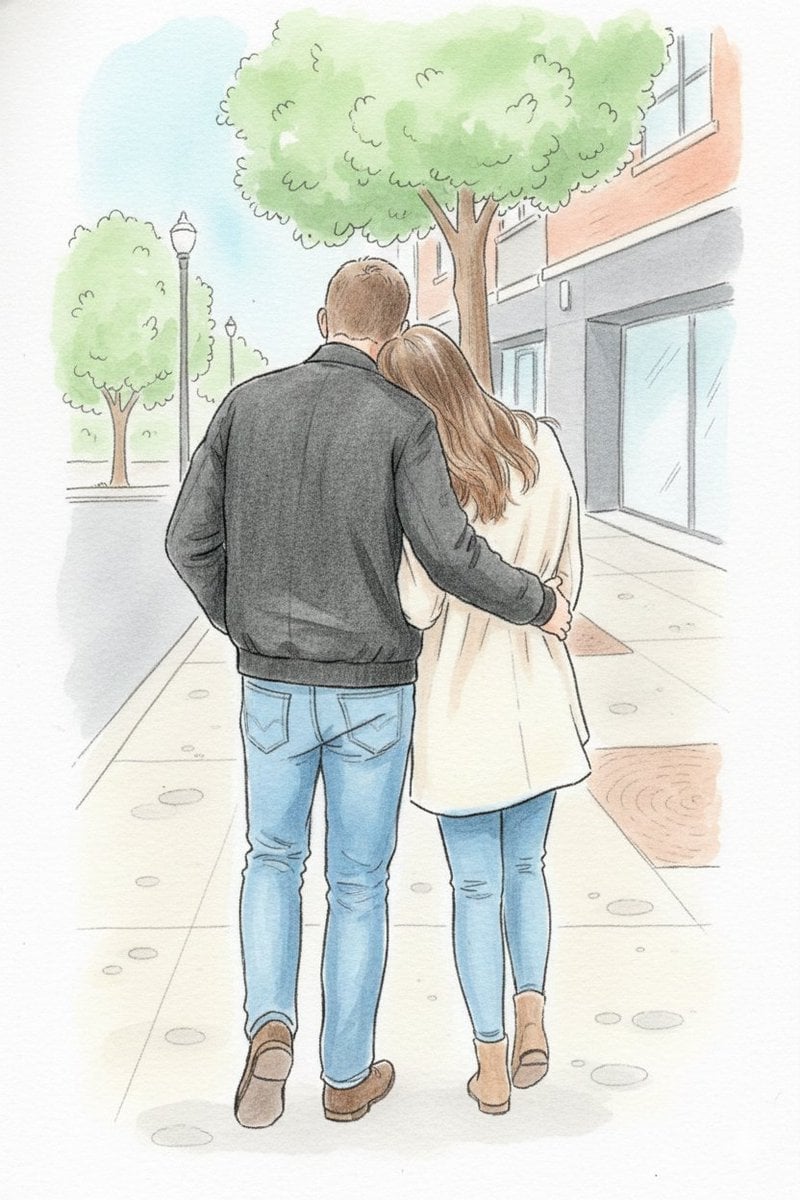
Identity-Preserving Storybook Illustration
Minimalist Black White Male Silhouette

Hyper-Realistic Skin Texture Prompt for Nano Banana Pro (Detailed Version)
Browse template categories
Lin Daiyu Ink-Wash Poster questions
How do I use the Lin Daiyu Ink-Wash Poster template?
Add your photo if the template asks for one, edit the prompt if you like — the template's model and format are already selected — and press Generate. Your version opens in PicX Studio.
Can I customize the Lin Daiyu Ink-Wash Poster template?
Yes. You can change the subject, setting, lighting, mood, format, and available model controls before creating your image.
Is the Lin Daiyu Ink-Wash Poster template free?
Opening and editing this template is free. Generating uses credits, shown on the Generate button when you are signed in.
Which AI model should I use?
Start with GPT Image 2, which is the model associated with this template. You can compare another compatible model for a different finish.
Looking for something else? Browse all templates.

Your photo, any look
Thousands of ready templates for every top image and video model, from one credit balance.