
Broken Links Cybernetic Bust Poster
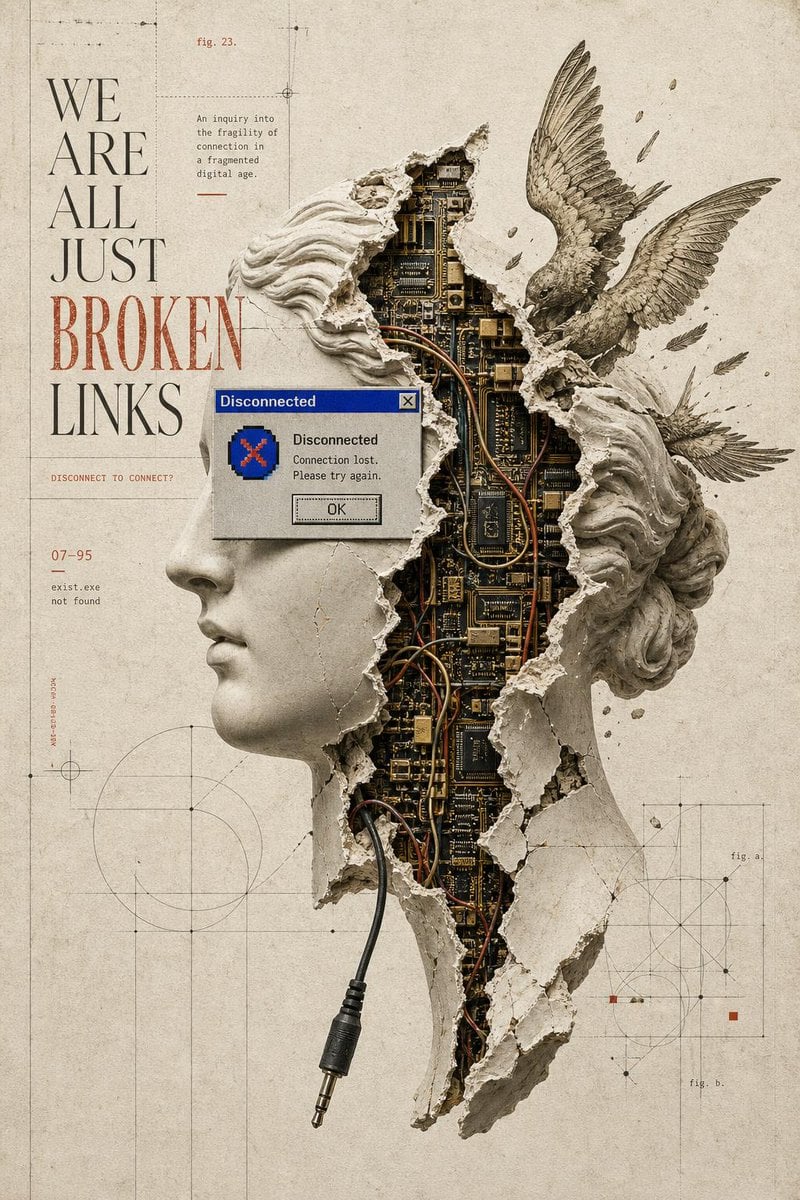
A structured prompt for generating a distressed surreal poster of a broken classical bust exposing circuitry, wings, vintage typography, and technical diagram overlays.
- Prompt included
- Model and format preset
- Free template
The prompt behind this image
Copy the exact prompt behind Broken Links Cybernetic Bust Poster, or open it in the studio and make it yours.
Goal: Create a surreal vintage editorial poster about fragile digital connection, combining classical sculpture, exposed electronics, and distressed print design. Canvas: Vertical poster in a 2:3 aspect ratio, aged warm ivory paper background with subtle stains, grain, scratches, and faint fold marks. Main composition: Place a large broken classical plaster bust slightly right of center, cropped from head/shoulders down to a tapered broken lower edge. The bust is split open vertically, revealing dense dark circuit boards, chips, gold traces, copper wiring, and bundled cables inside. The plaster shell has jagged torn edges, cracks, dust, and chunks missing. A black 3.5 mm audio jack cable exits from the lower opening and hangs downward near the bottom center. The head has flowing stone hair on both sides; part of the face is absent or hidden by the rupture. Winged elements: Add exactly 2 detailed bird wings integrated with the bust: one large upward wing rising from the upper right shoulder area, and one smaller horizontal wing extending to the right behind the lower hair mass. Scatter small plaster shards and feather-like fragments around the wings. Left typography: Set a tall narrow serif headline on the left in an elegant high-fashion editorial style. The headline reads exactly: “WE ARE ALL JUST BROKEN LINKS”. Arrange it in stacked lines; most words are black, while “BROKEN” is large distressed red and partially interrupted by the central obstruction. Obstruction / overlay: Add exactly 1 large opaque rectangular overlay in the center-left foreground, covering part of the headline and the left side of the bust. The rectangle is muted gray-beige, with a tiny old Windows-style blue title-bar corner and a small close button visible near its upper-right edge, suggesting a crashed dialog window. Do not add readable dialog text inside the rectangle. Technical diagram background: Overlay thin drafting lines, registration marks, circles, rectangles, dotted construction guides, small black nodes, and measurement-like geometry across the paper. Keep these diagrams subtle and low contrast, with a few small rust-red square accents. Visible small text elements: Include exactly 9 discrete text elements: 1) the large headline “WE ARE ALL JUST BROKEN LINKS”; 2) “fig. 23.” near the top; 3) a small paragraph reading “An inquiry into the fragility of connection in a fragmented digital age.”; 4) a small red rule below the paragraph; 5) “DISCONNECT TO CONNECT” in tiny red text; 6) “07-95”; 7) two-line terminal text “exist.exe” and “not found”; 8) “fig. a.” near a lower-right diagram; 9) “fig. b.” beneath it. Use small, sparse, letterpress-like typesetting. Style: {argument name="visual style" default="surreal vintage analog-digital collage poster"}, museum-specimen meets cyberpunk anatomy, muted monochrome stone, black ink, antique paper, oxidized copper, and dark circuit-board greens. Highly detailed, tactile, cracked plaster, realistic electronics, etched illustration texture, distressed print. Customizable text: The main headline may be {argument name="headline text" default="WE ARE ALL JUST BROKEN LINKS"}. The small paragraph may be {argument name="caption text" default="An inquiry into the fragility of connection in a fragmented digital age."}. The main subject may be {argument name="central subject" default="a broken classical plaster bust with exposed circuit boards"}. The accent color may be {argument name="accent color" default="rust red"}. Constraints: Keep the composition asymmetrical with strong negative space on the left, no modern glossy UI except the tiny old dialog-window detail, no photoreal human skin, no extra wings, no extra large text, no watermark.
How to use Broken Links Cybernetic Bust Poster in 3 steps
- 1Upload ImagePNG, JPG or paste
Add your photo
Upload the photo the template builds on. The prompt, model and format are already set.
- 2…a portrait of your subject in softgolden-hour light, 85mm…
Personalize
Edit the subject and creative details for your destination.
- 3Generate
Generate
Press Generate — your image is created in PicX Studio, so you can compare it with the original and refine one variable at a time.
More like this
Templates with the same subject, style or setup. Open one to see its prompt.

Japan Travel Brochure Poster

Cartoon TV Show Poster Pack

Trendy Cafe Drink Promo Poster

Urban Fashion Editorial Collage Streetwear Poster

Premium Fashion Editorial Cover Layout System

Polo Ralph Lauren Luxury American Heritage Fashion Campaign

Monochrome Halftone Editorial Fashion Poster

Retro Mirror Luxury Fashion Campaign Poster

Luxury Fashion Campaign Typography Poster System

Premium Fashion Editorial Campaign Poster System

Ultra-Stylized High-Fashion Streetwear Poster

Urban Fashion Editorial Collage Poster
Make it yours
Broken Links Cybernetic Bust Poster works as-is. These are the safest ways to change it without losing the look.
Change one field
Copy a single group, rewrite it, and generate again so you can see what that field is doing.
Keep the frame, change the subject
Hold the composition and light of Broken Links Cybernetic Bust Poster, then swap wardrobe, props or the person for a new take.
| If the result… | Why | Fix |
|---|---|---|
| The result drifts from the preview | Too many fields changed at once. | Reuse Broken Links Cybernetic Bust Poster as-is first, then change one group — subject, light, or setting. |
| The model over-stylizes the scene | The prose prompt leaves finish and camera underspecified. | Add one camera or lighting sentence and stay on GPT Image 2. |
More GPT Image 2 templates
Other prompts made for GPT Image 2.

Six VTuber Japanese Logo Sheet

Realistic Portrait of Woman and Deer

The Vista Modular Condo Poster

AI Model Routing Comparison Infographic

2.5D Anime Art Board

Isometric Productivity Desk Scene

New York Double Exposure Poster

Four-Panel AI Landscape Comparison

Japanese Tatami Lifestyle Magazine Cover

NESCAFÉ Coffee Map Poster
More image prompts
Fresh picks from across the catalog.
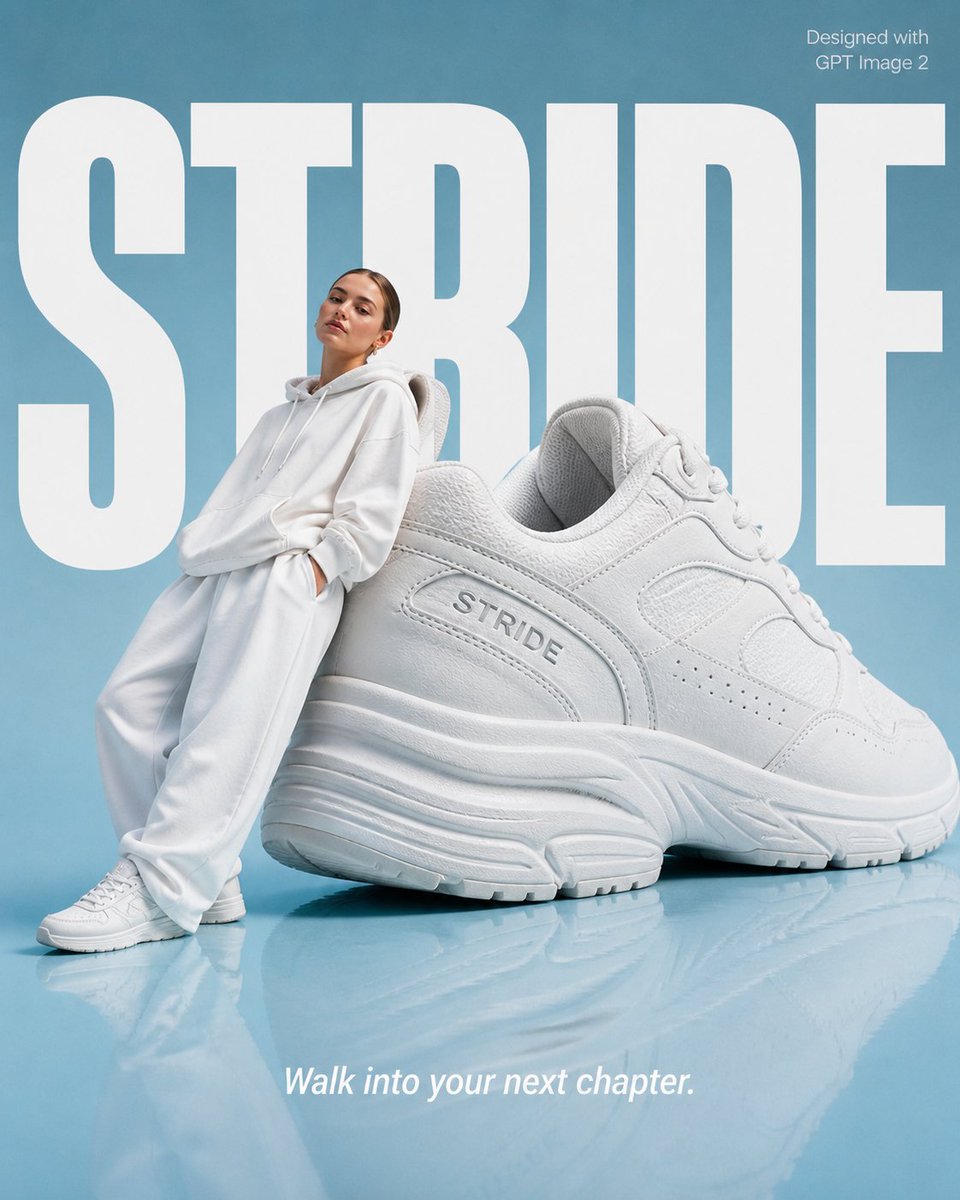
High-End Fashion 'Stride' Poster
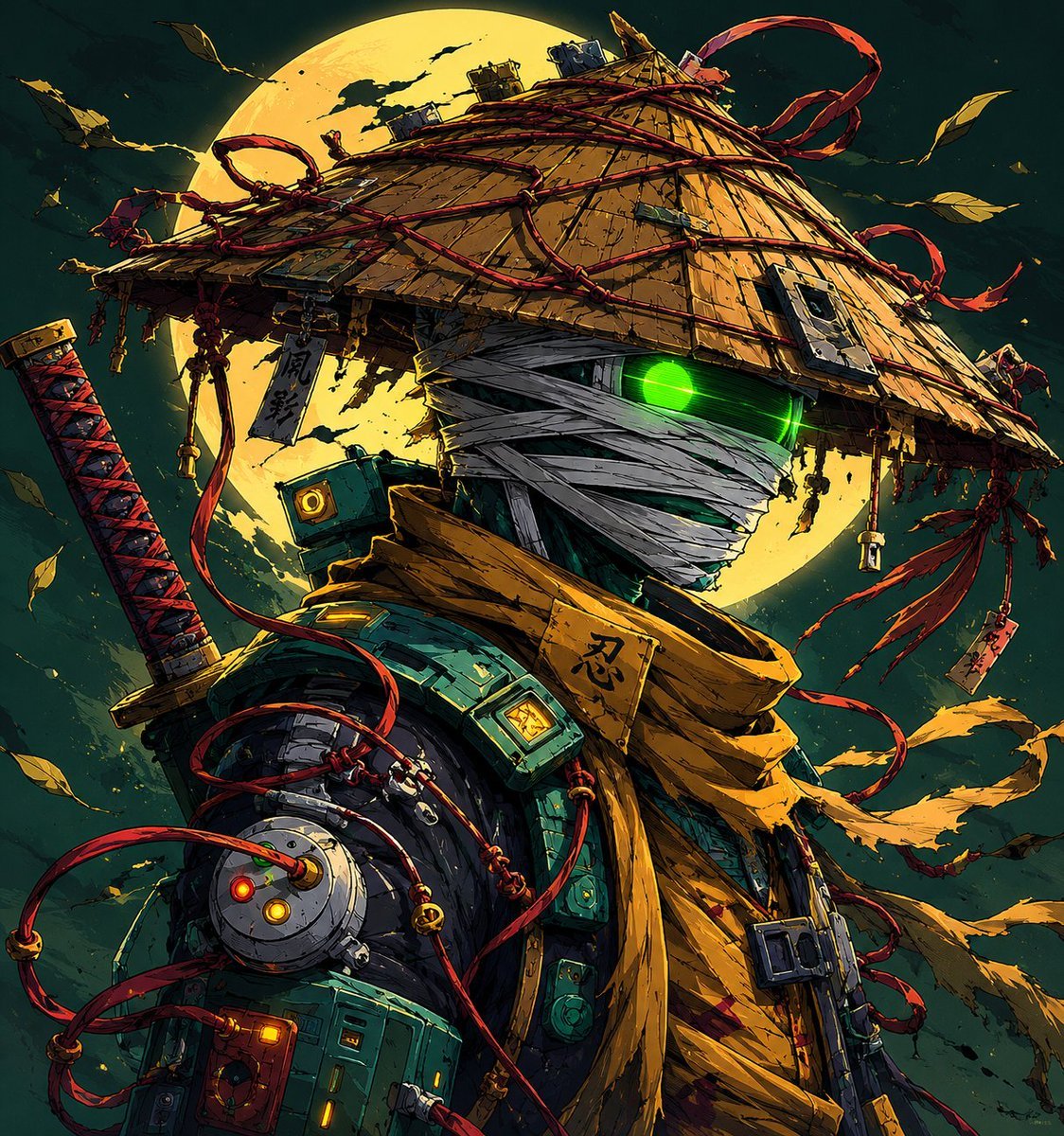
Parisian Sidewalk Fashion Editorial
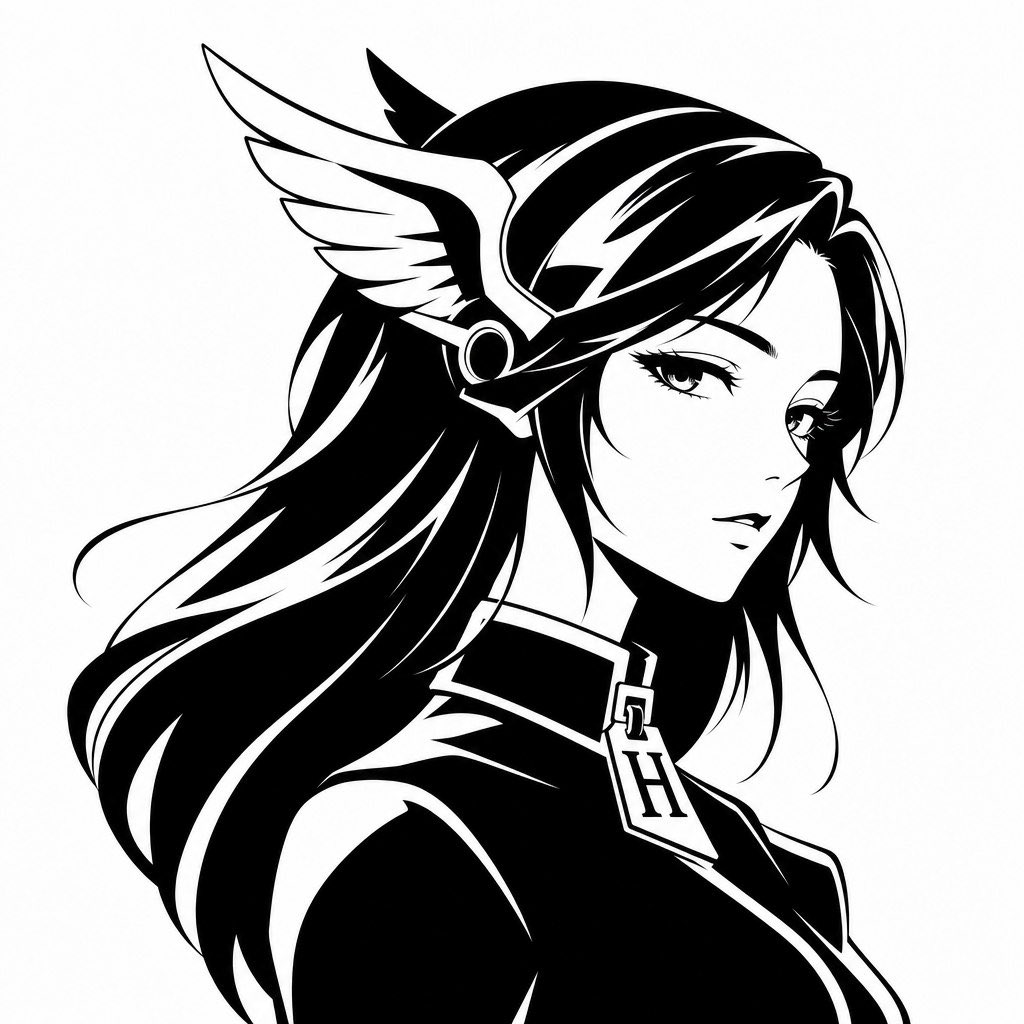
Gpt2 Profile Avatar Monochrome Hermes Inspired Avatar

Serene Portrait of a Woman Kneeling in a Wildflower Field
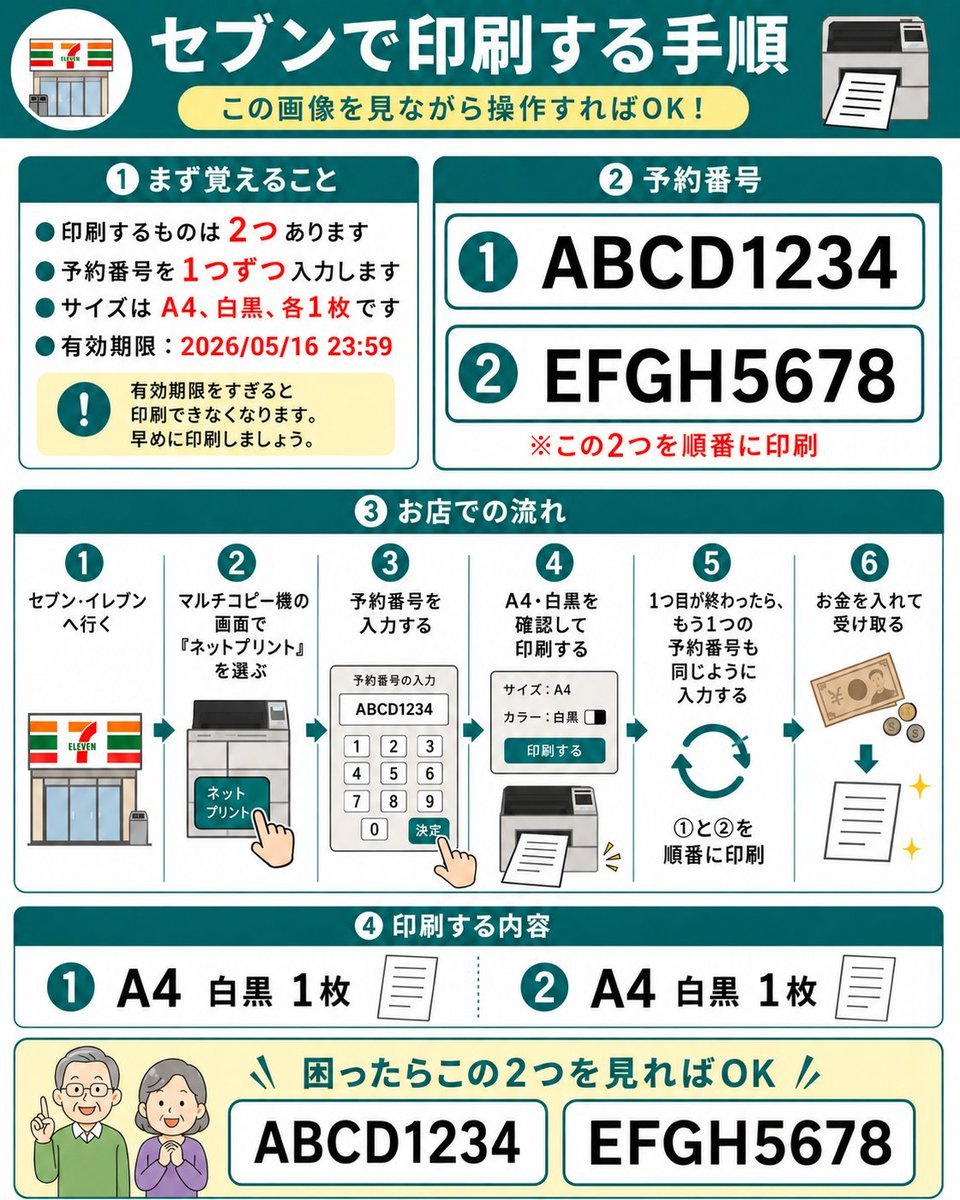
Eleven Net Print Instruction Sheet
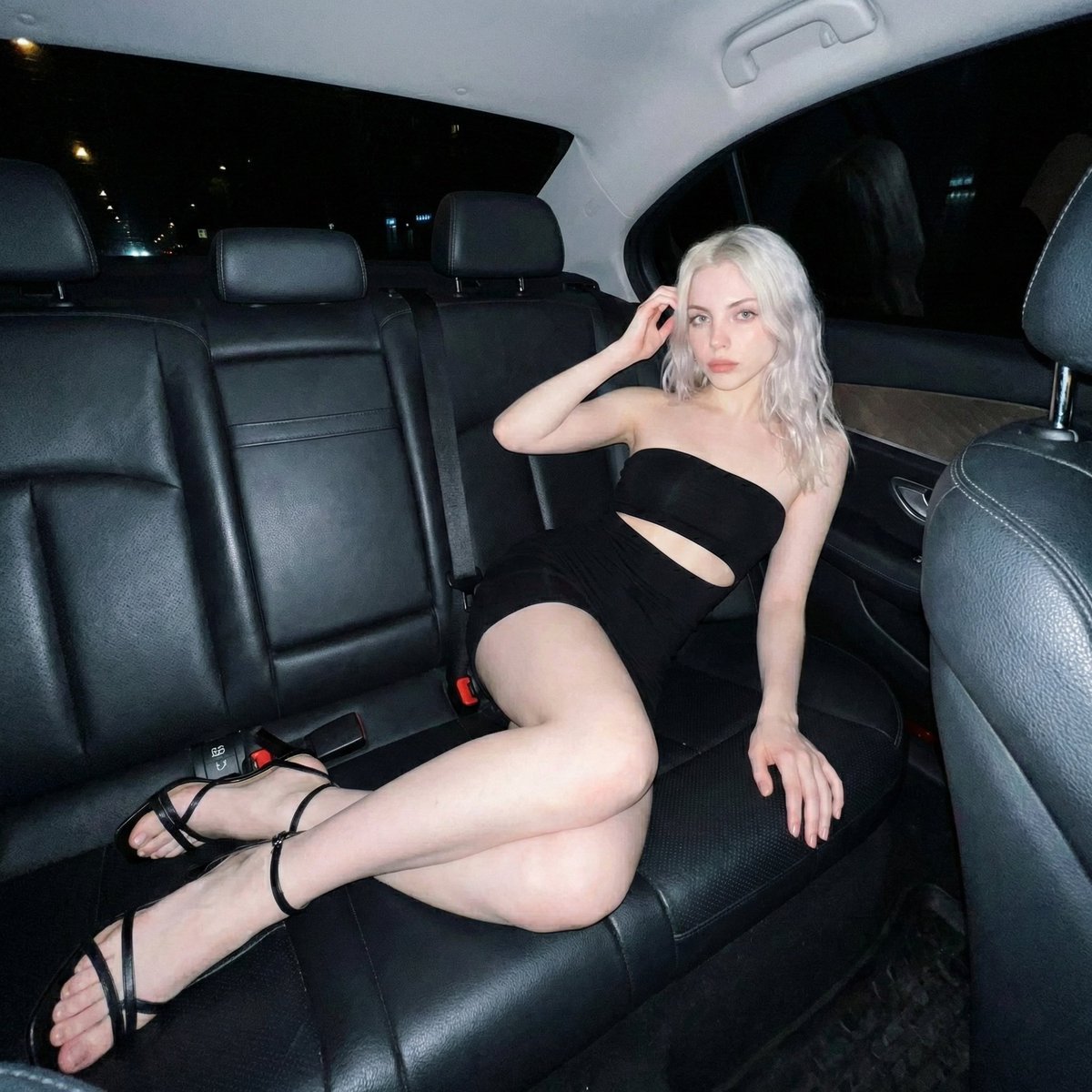
Nighttime Flash Portrait in Car Backseat (iPhone Style)
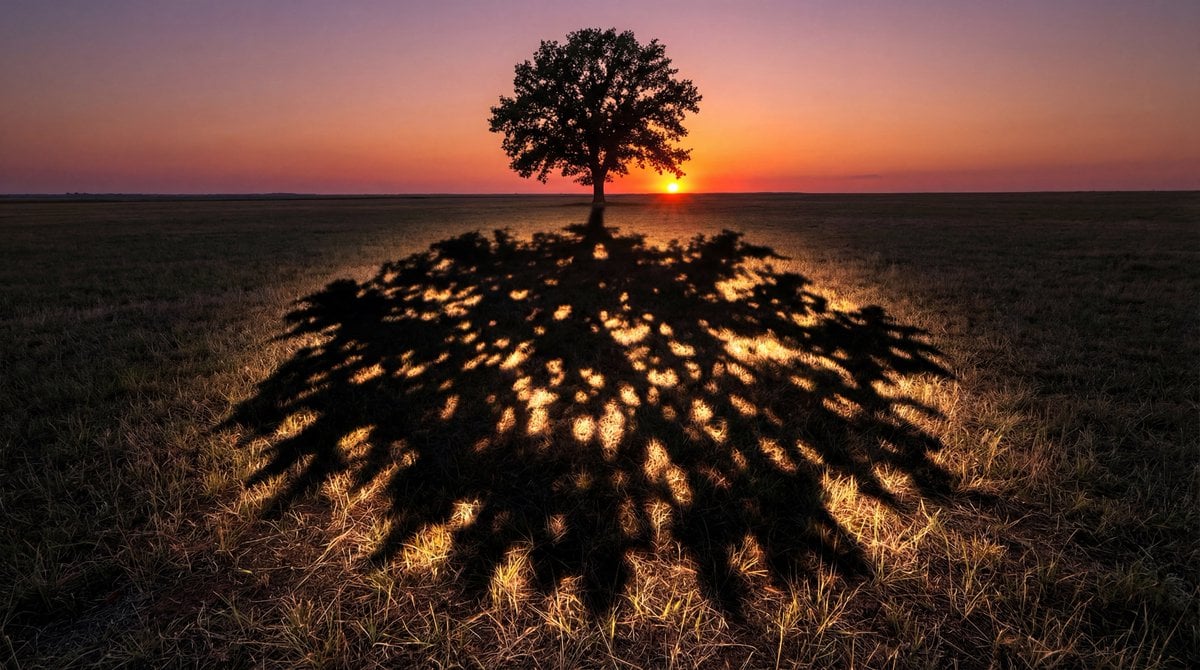
Magical Shadow Illusion Prompt for Nano Banana Pro
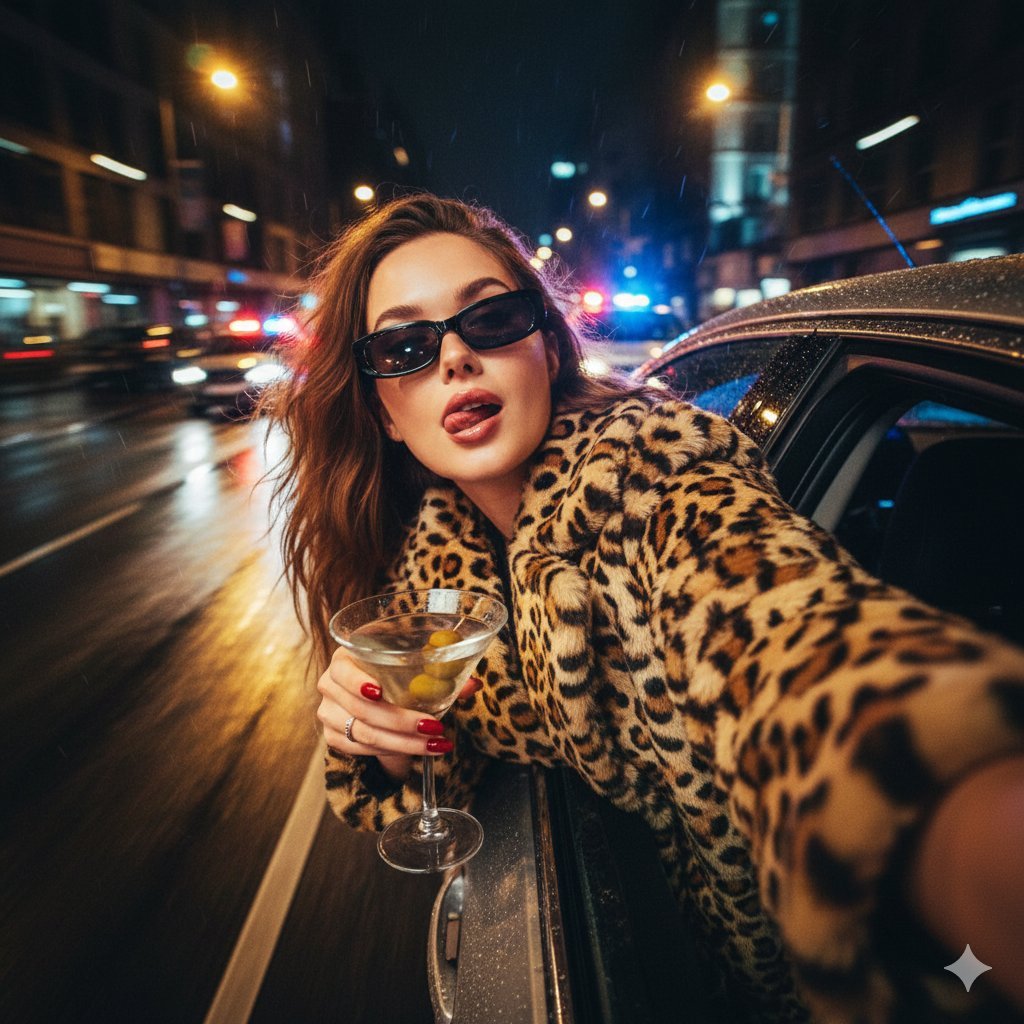
Ultra-Realistic Cinematic Night Street Selfie Prompt
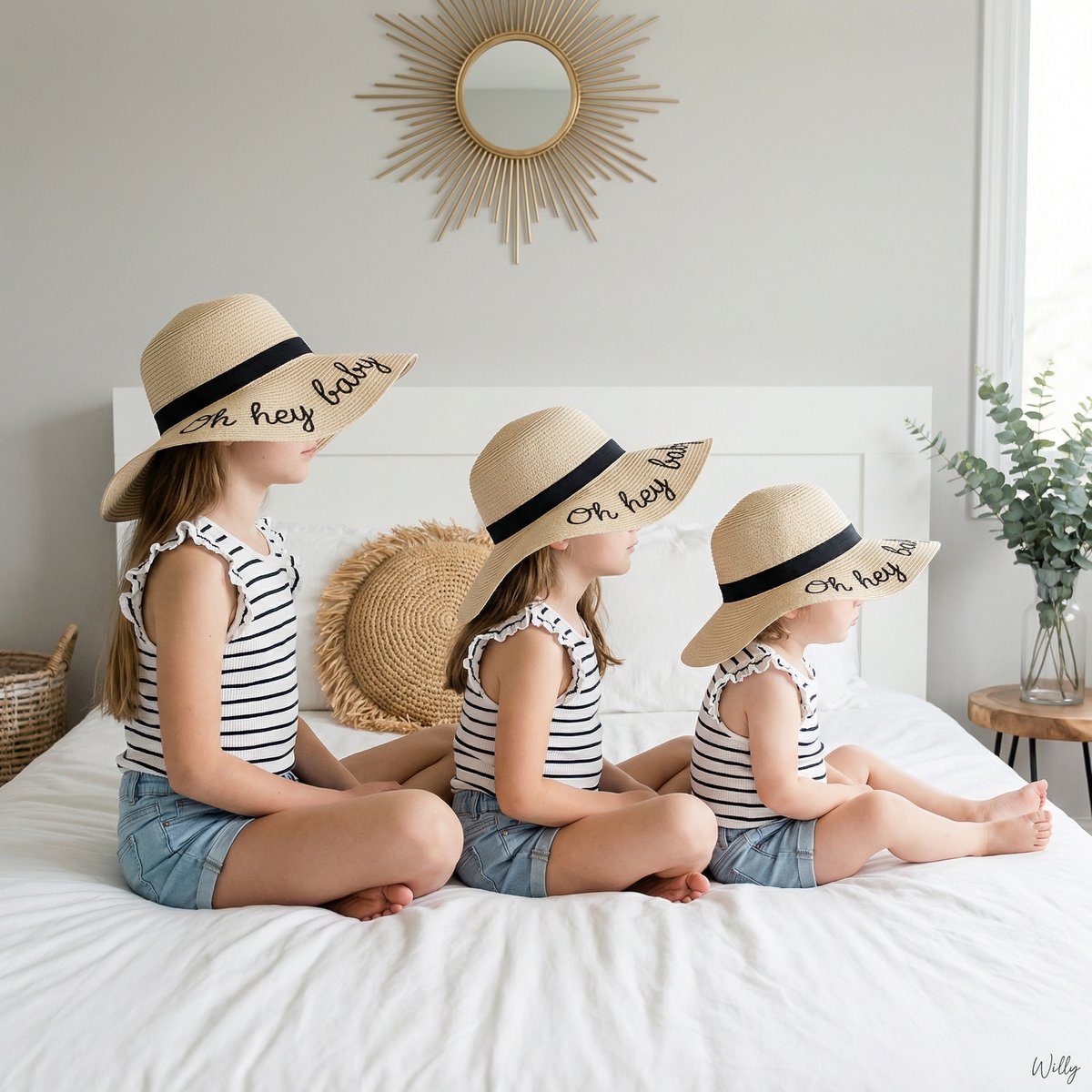
Bohemian Sisters Portrait with Floppy Hats and Signature

Kawaii Tomato Cat Perfume Flyer
Browse template categories
Broken Links Cybernetic Bust Poster questions
How do I use the Broken Links Cybernetic Bust Poster template?
Add your photo if the template asks for one, edit the prompt if you like — the template's model and format are already selected — and press Generate. Your version opens in PicX Studio.
Can I customize the Broken Links Cybernetic Bust Poster template?
Yes. You can change the subject, setting, lighting, mood, format, and available model controls before creating your image.
Is the Broken Links Cybernetic Bust Poster template free?
Opening and editing this template is free. Generating uses credits, shown on the Generate button when you are signed in.
Which AI model should I use?
Start with GPT Image 2, which is the model associated with this template. You can compare another compatible model for a different finish.
Looking for something else? Browse all templates.

Your photo, any look
Thousands of ready templates for every top image and video model, from one credit balance.