
Kawaii Tomato Cat Perfume Flyer
A structured prompt for generating a cute Japanese-style perfume advertisement flyer featuring a tomato-cat character and detailed product information cards.
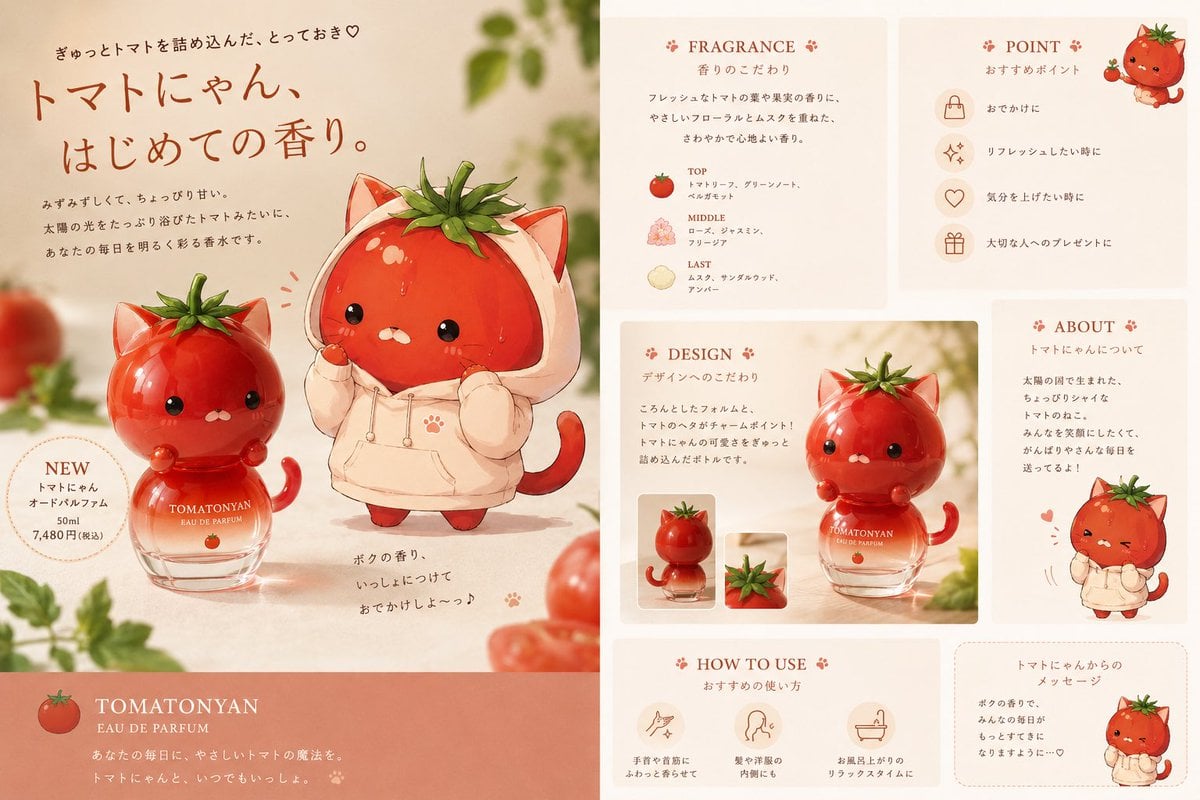
- Prompt included
- Model and format preset
- Free template
The prompt behind this image
Copy the exact prompt behind Kawaii Tomato Cat Perfume Flyer, or open it in the studio and make it yours.
Goal: Create a cute Japanese perfume advertising flyer for an original tomato-cat fragrance, like a soft commercial poster for a kawaii cosmetic brand. Use {argument name="product name" default="TOMATONYAN"} as the perfume name and keep the overall feeling warm, sweet, and slightly premium. Canvas: Wide horizontal flyer, 16:9 aspect ratio, divided into a large left hero advertisement panel and a narrower right information panel. Background is warm cream with peach tones, soft sunlight, shallow depth of field, blurred tomato vines and greenery around the edges, and a clean magazine-layout finish. Main left hero panel: Feature exactly 2 main tomato-cat characters in the center-left area: 1 glossy red tomato cat sitting on a round glass perfume bottle, and 1 larger tomato cat wearing a pale cream hoodie with cat ears. Both characters have tomato stems as leafy hair, tiny black glossy eyes, small white mouths, blush cheeks, and cute rounded bodies. The perfume bottle is transparent glass with pale peach liquid, a tomato-shaped red cap/character head, and white branding text reading “TOMATONYAN EAU DE PARFUM” plus a tiny tomato icon. Add a dotted circular “NEW” badge on the lower left of the hero area with Japanese product/price text. Add a large handwritten-style Japanese headline near the upper left: {argument name="headline text" default="トマトにゃん、はじめての香り。"}. Add smaller Japanese copy above and below it, including a cute heart. Near the bottom center of the hero area, add a short handwritten Japanese message beside tiny paw-print accents. Bottom left brand strip: Add a full-width muted coral rectangle at the bottom of the left panel. Include a small tomato icon, the large serif brand text “TOMATONYAN”, smaller text “EAU DE PARFUM”, and two short Japanese tagline lines in white. Right information panel layout: Arrange exactly 6 rounded rectangular cream cards on a pale peach background, separated by clean gutters. Use delicate red-brown serif English headings with tiny paw/flower ornaments and smaller Japanese subtitles. The 6 cards are: 1 “FRAGRANCE” scent notes card, 1 “POINT” recommendation card, 1 “DESIGN” design explanation card, 1 “ABOUT” character story card, 1 “HOW TO USE” usage card, and 1 message card from the tomato cat. Card details and counts: The “FRAGRANCE” card contains exactly 3 scent note rows labeled TOP, MIDDLE, and LAST, each with a small ingredient icon: tomato for TOP, flowers for MIDDLE, and a pale citrus/wood-like icon for LAST. The “POINT” card contains exactly 4 recommendation rows with circular line icons: handbag, sparkle, heart, and gift. The “DESIGN” card contains a large product photo-style illustration of the tomato-cat perfume bottle plus exactly 2 small thumbnail images underneath/near it: one bottle thumbnail and one tomato-stem close-up thumbnail. The “ABOUT” card contains Japanese explanatory text and 1 small full-body tomato-cat in a cream hoodie at the bottom. The “HOW TO USE” card contains exactly 3 usage icons with Japanese captions: wrist/neck spray, hair/clothing scent, and after-bath relaxation. The message card contains Japanese message text and 1 small tomato-cat in a hoodie on the right. Visual style: Combine watercolor-like kawaii character illustration with polished cosmetic product photography. Use glossy highlights on the red tomato surfaces and glass bottle, soft shadows on the table, warm beige paper texture, muted coral accents, and elegant brown typography. The characters should look adorable and rounded, with subtle droplets/highlights on the tomato skin. Keep the flyer clean, balanced, and commercial, as if advertising a limited-edition fragrance. Constraints: English section headings may be used, but most body copy should appear as neat Japanese advertising text. Avoid real-world logos, barcodes, watermarks, or extra characters. Keep the exact visible item counts listed above. The overall palette should be cream, peach, tomato red, warm brown, and leafy green.
How to use Kawaii Tomato Cat Perfume Flyer in 3 steps
- 1Upload ImagePNG, JPG or paste
Add your photo
Upload the photo the template builds on. The prompt, model and format are already set.
- 2…a portrait of your subject in softgolden-hour light, 85mm…
Personalize
Edit the subject and creative details for your destination.
- 3Generate
Generate
Press Generate — your image is created in PicX Studio, so you can compare it with the original and refine one variable at a time.
More like this
Templates with the same subject, style or setup. Open one to see its prompt.

Cat Photobomb Selfie — 0.5x Wide Angle Café Chaos

Surreal Cat Astronaut — Humanoid Face Freefall

Cute Layered Paper Cut Chibi Girl

Low Angle Floor Selfie With Upside Down Cat
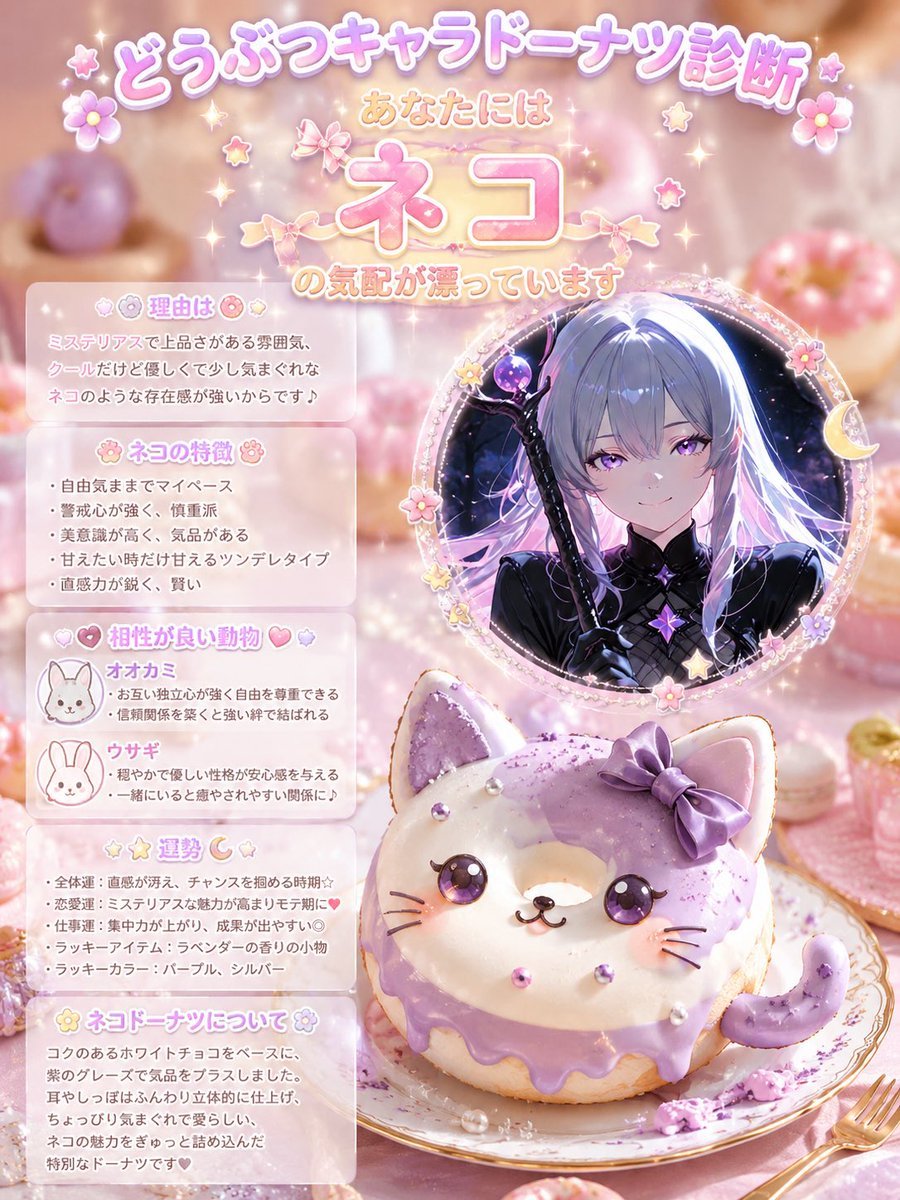
Kawaii Cat Donut Diagnosis Poster
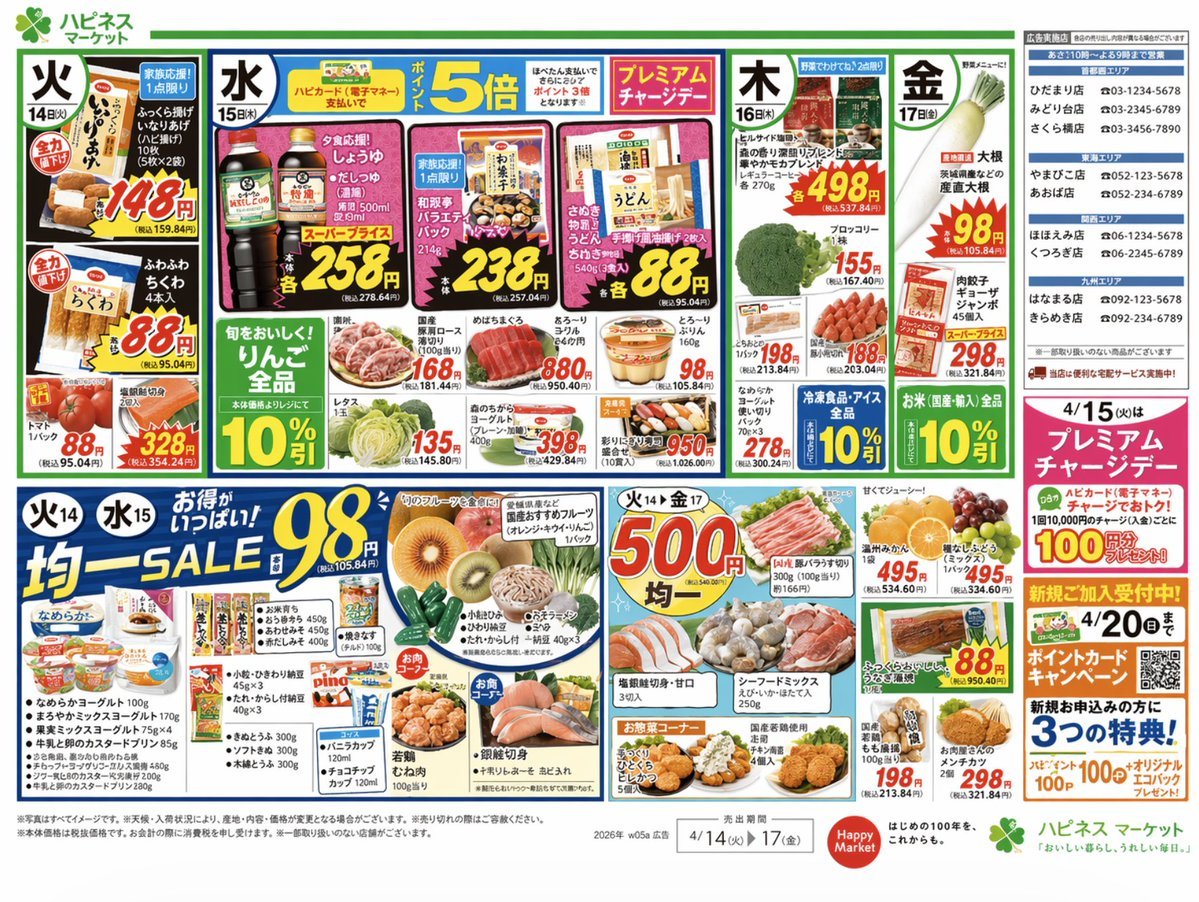
Japanese Supermarket Promotional Flyer
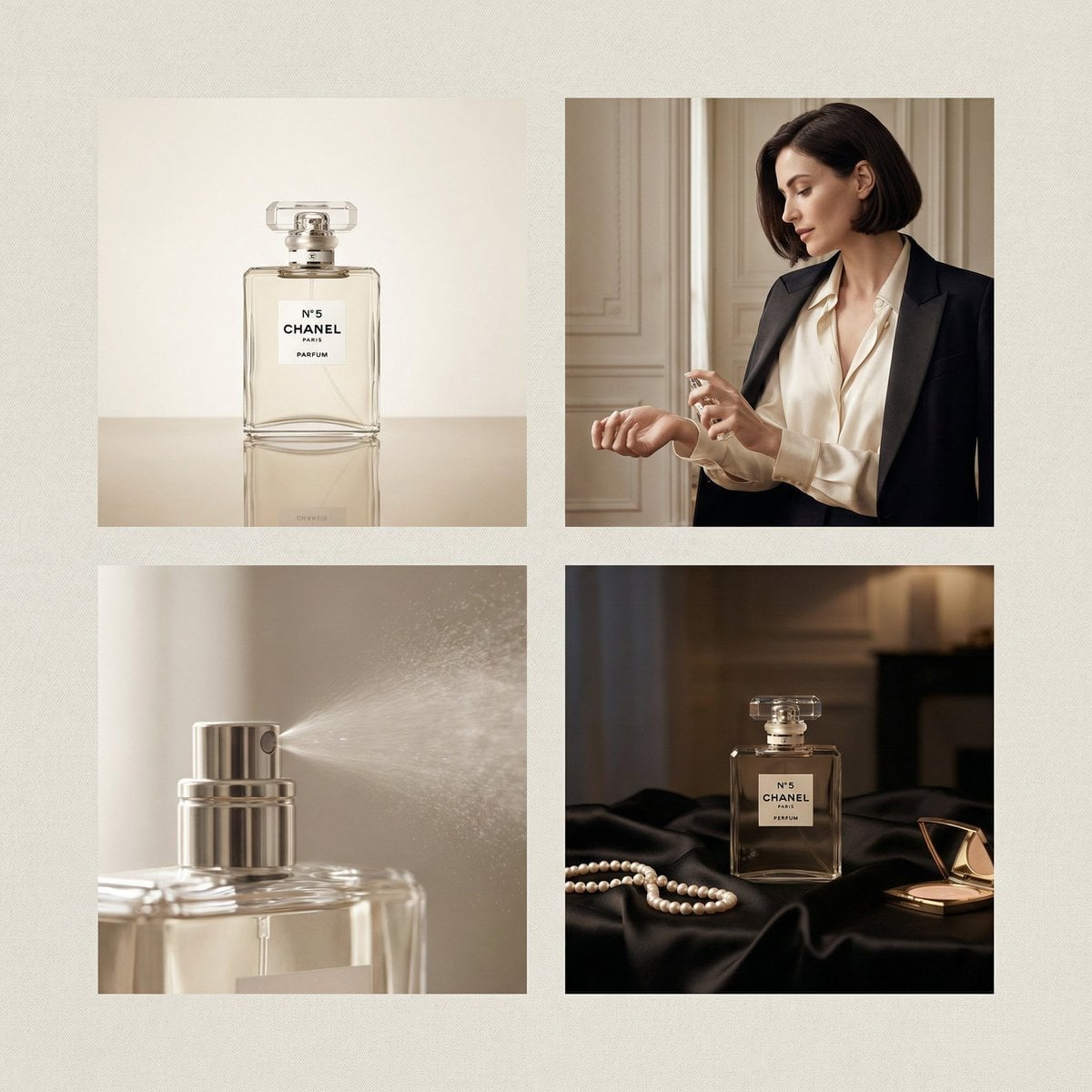
Chanel Perfume 2x2 Grid Luxury Campaign
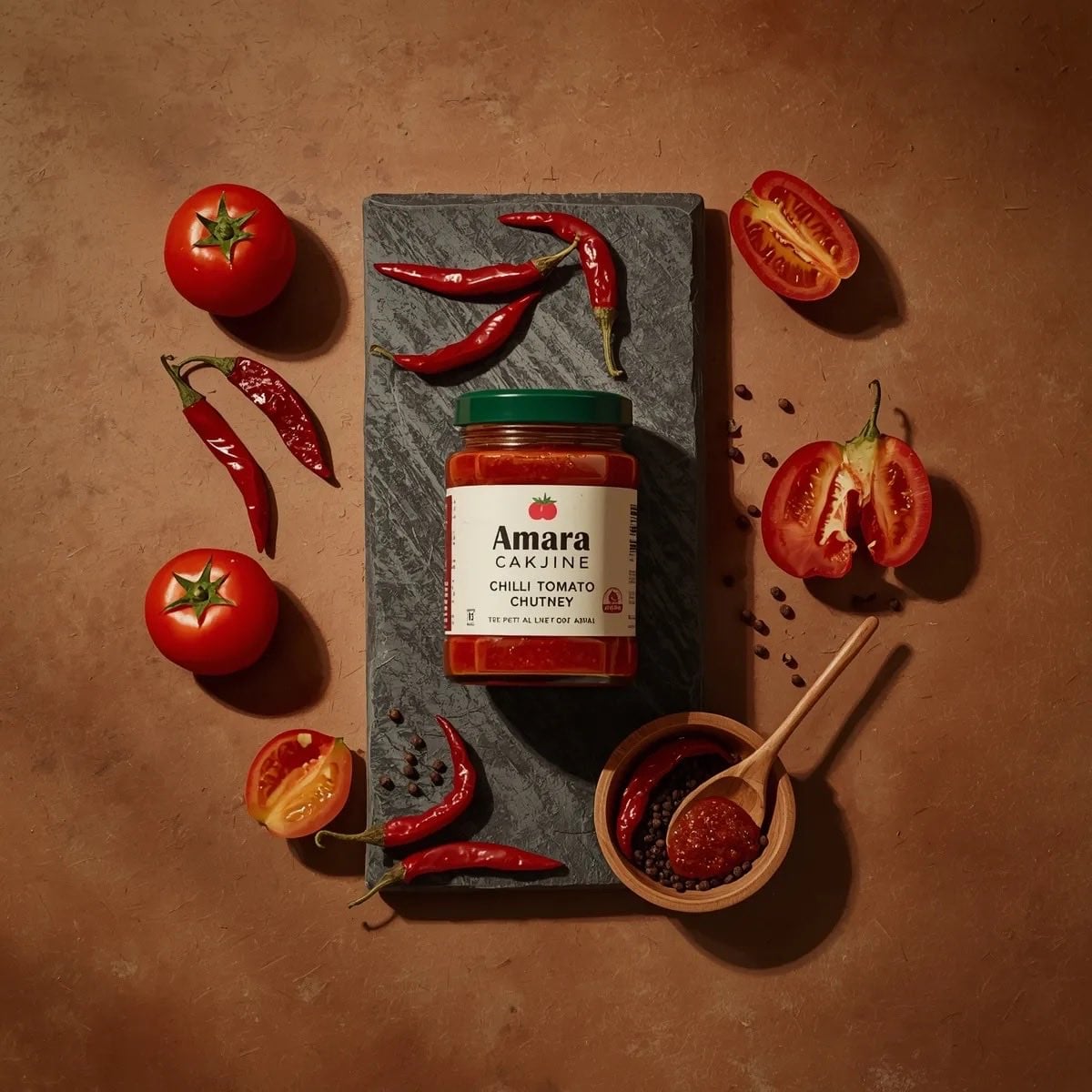
Top-down premium food photography of a glass jar of chili tomato chutney
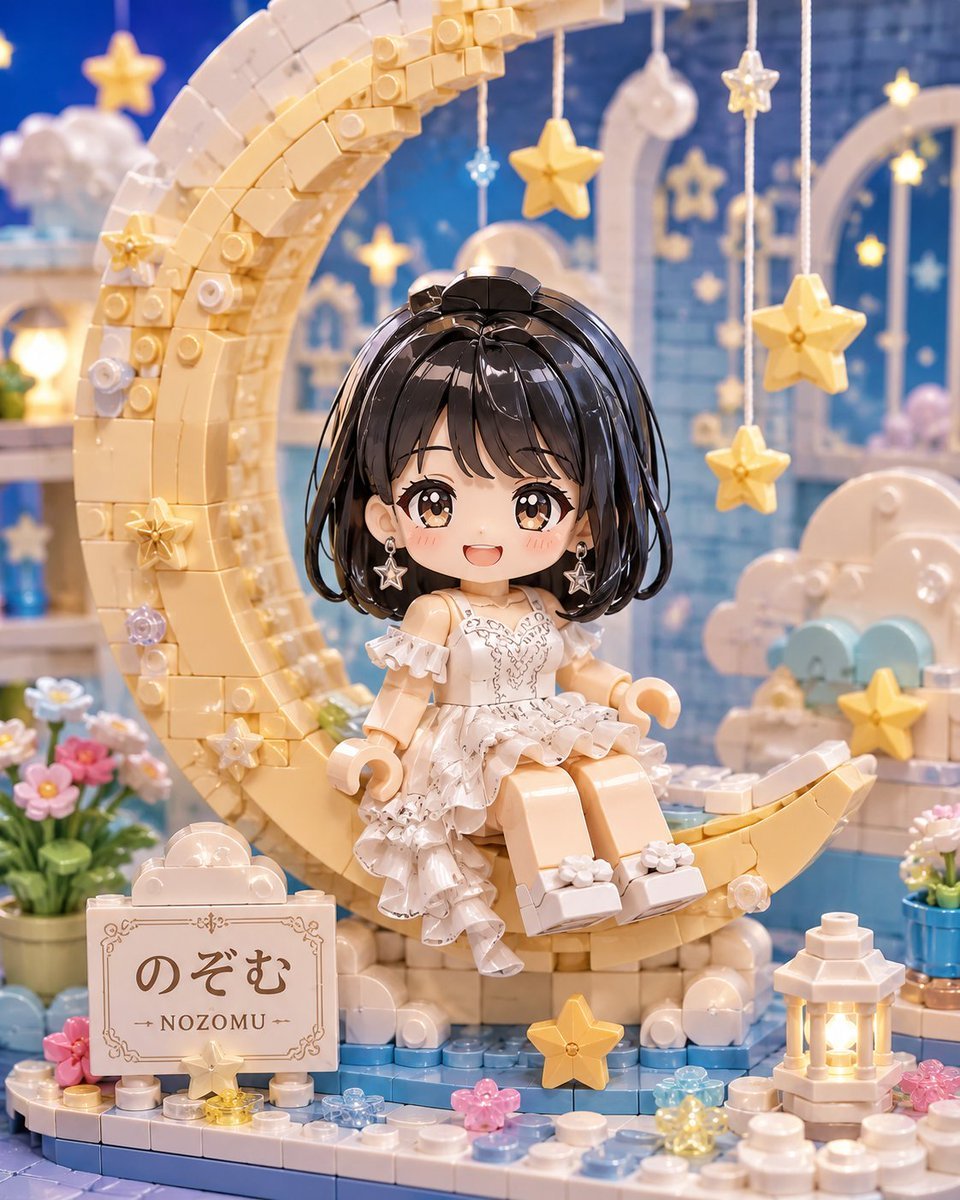
Kawaii Brick Moon Chibi Diorama

Anime Catgirl in Chinese Ink Landscape
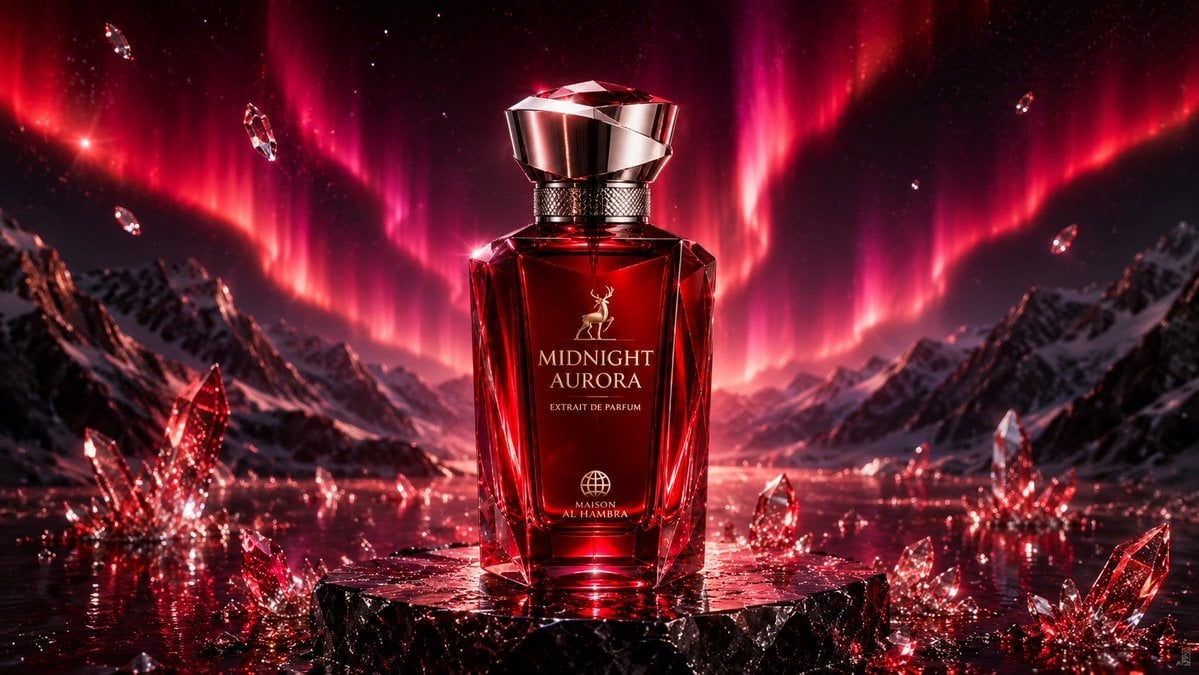
Midnight Aurora Luxury Perfume Ad
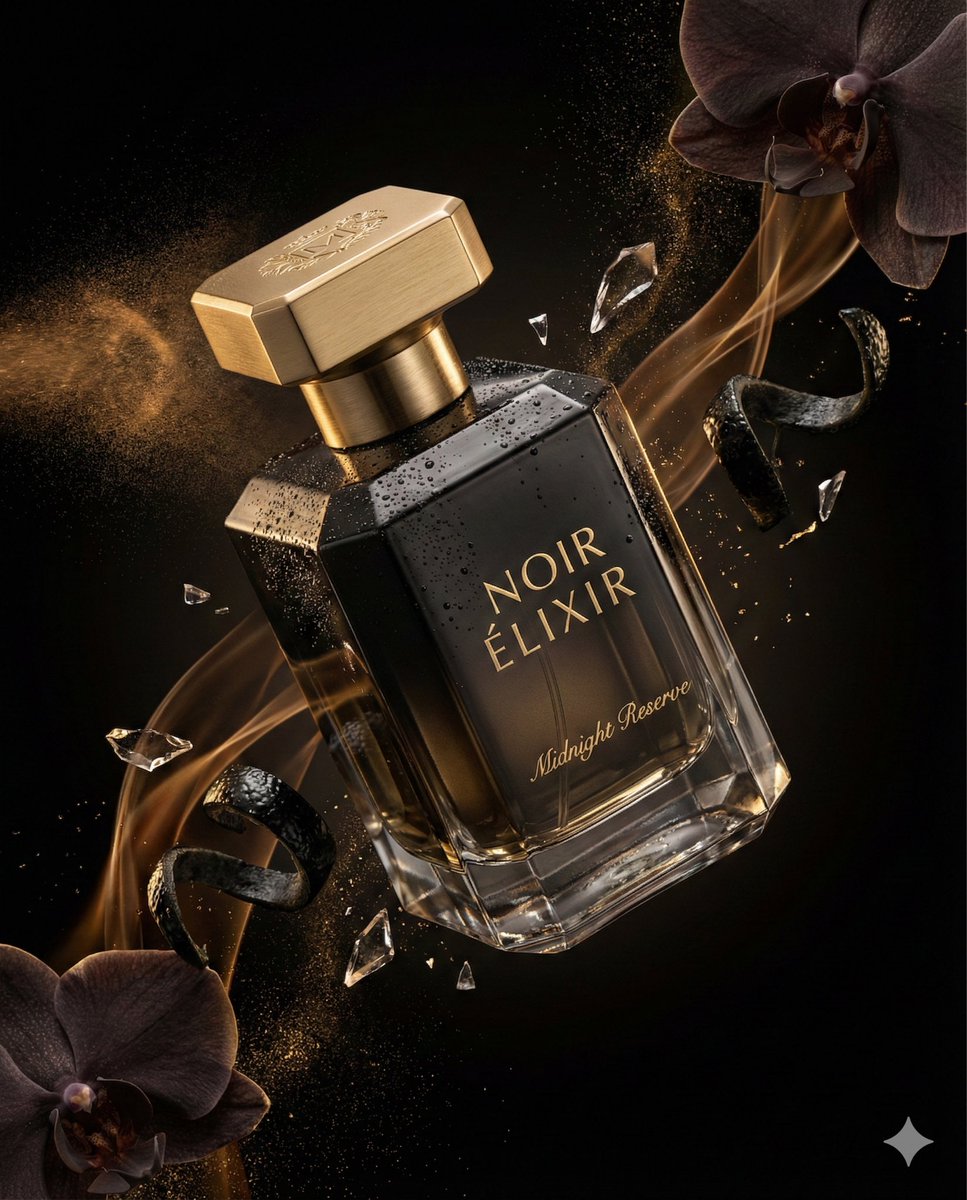
Luxury Perfume Advertising Photography
Make it yours
Kawaii Tomato Cat Perfume Flyer works as-is. These are the safest ways to change it without losing the look.
Change one field
Copy a single group, rewrite it, and generate again so you can see what that field is doing.
Keep the frame, change the subject
Hold the composition and light of Kawaii Tomato Cat Perfume Flyer, then swap wardrobe, props or the person for a new take.
| If the result… | Why | Fix |
|---|---|---|
| The result drifts from the preview | Too many fields changed at once. | Reuse Kawaii Tomato Cat Perfume Flyer as-is first, then change one group — subject, light, or setting. |
| The model over-stylizes the scene | The prose prompt leaves finish and camera underspecified. | Add one camera or lighting sentence and stay on GPT Image 2. |
More GPT Image 2 templates
Other prompts made for GPT Image 2.

Six VTuber Japanese Logo Sheet

Realistic Portrait of Woman and Deer

The Vista Modular Condo Poster

AI Model Routing Comparison Infographic

2.5D Anime Art Board

Isometric Productivity Desk Scene

New York Double Exposure Poster

Four-Panel AI Landscape Comparison

Japanese Tatami Lifestyle Magazine Cover

NESCAFÉ Coffee Map Poster
More image prompts
Fresh picks from across the catalog.

Four-Panel Manga: 2026 Solo Camping Declaration of Independence
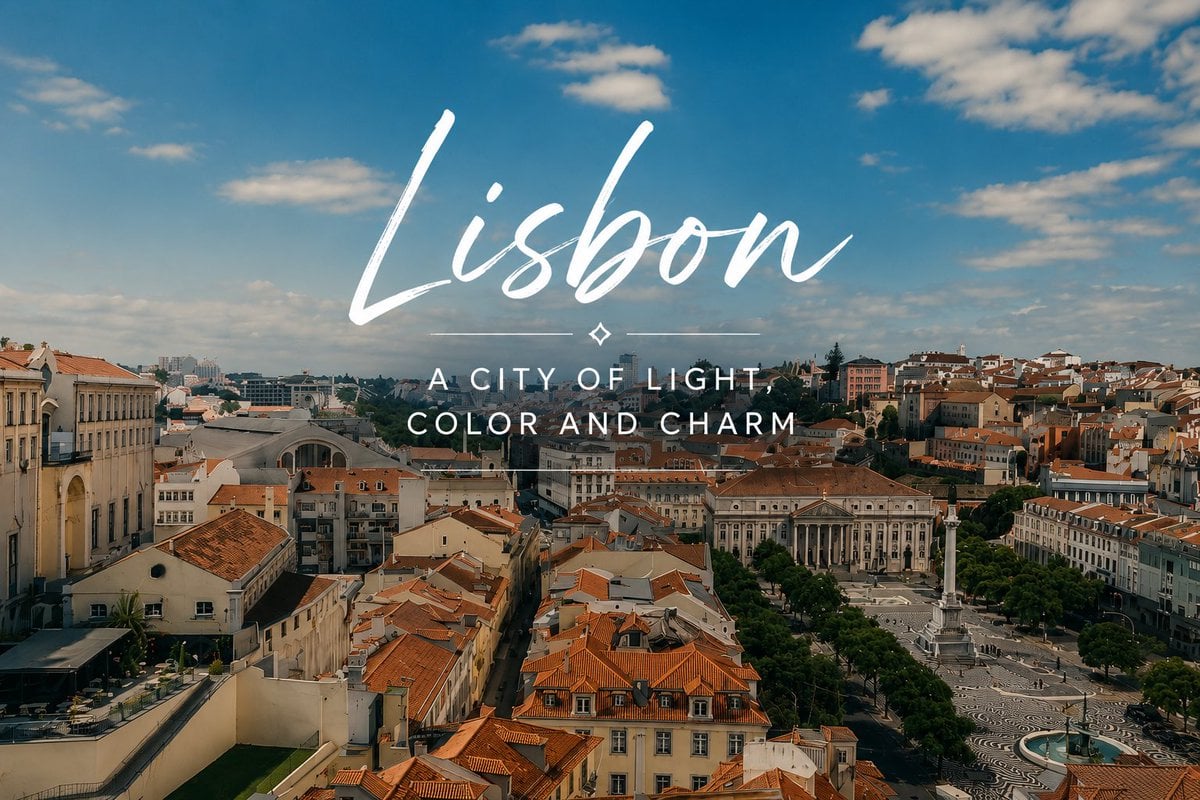
Lisbon Travel Poster
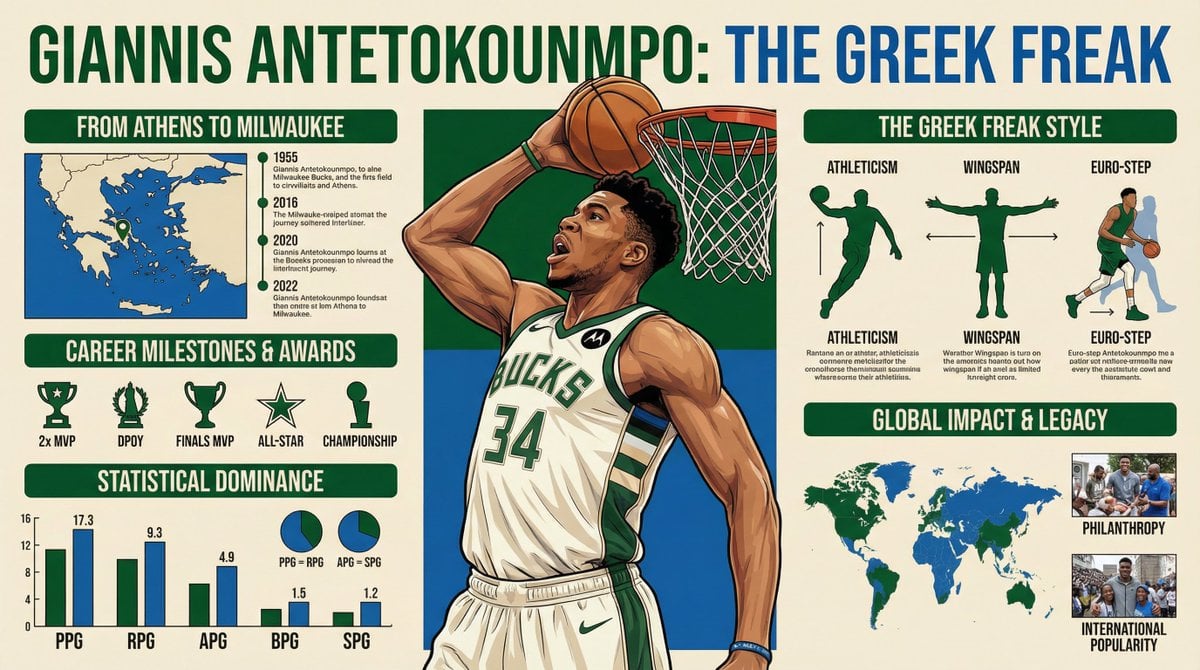
Infographic Generation Request
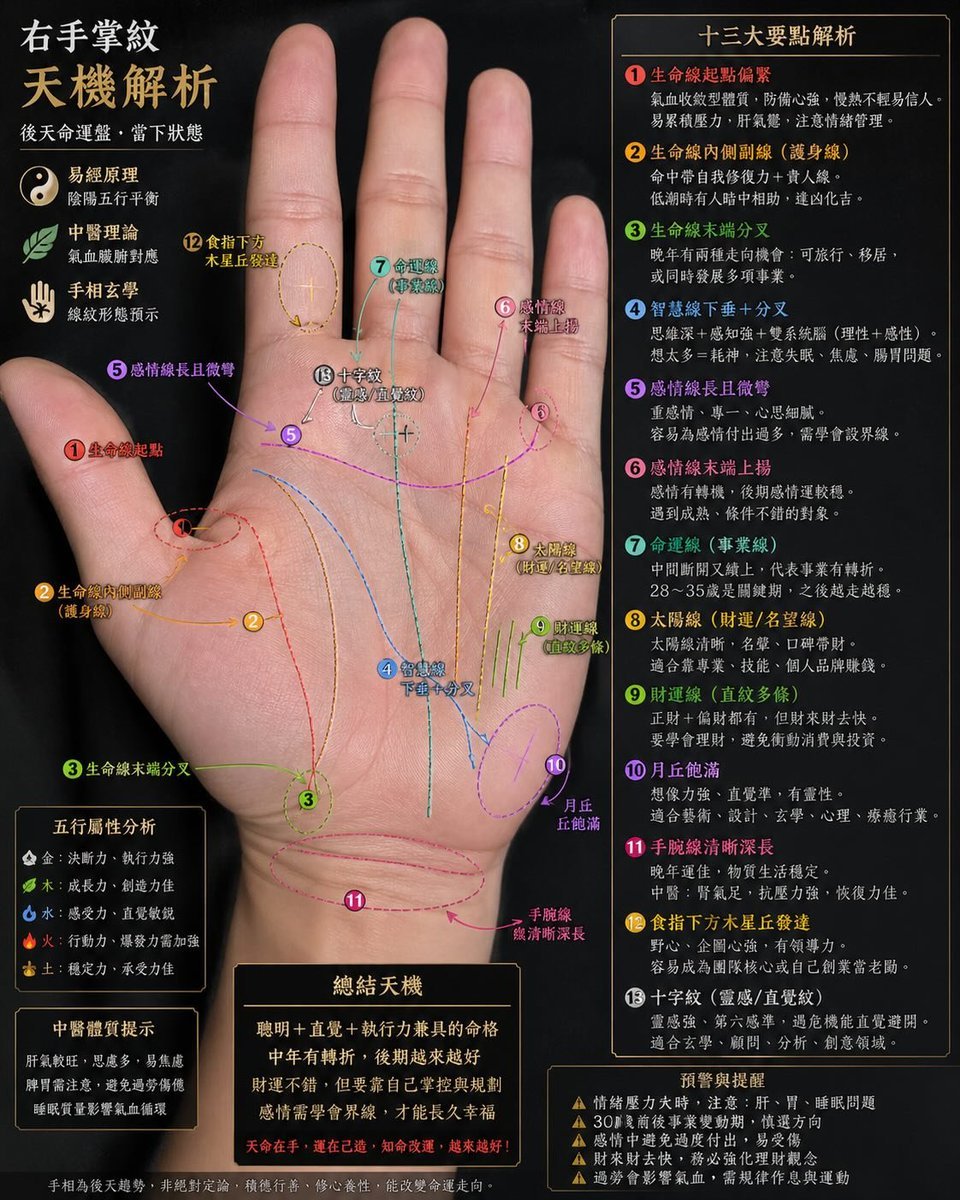
Palmistry Analysis Card Generator
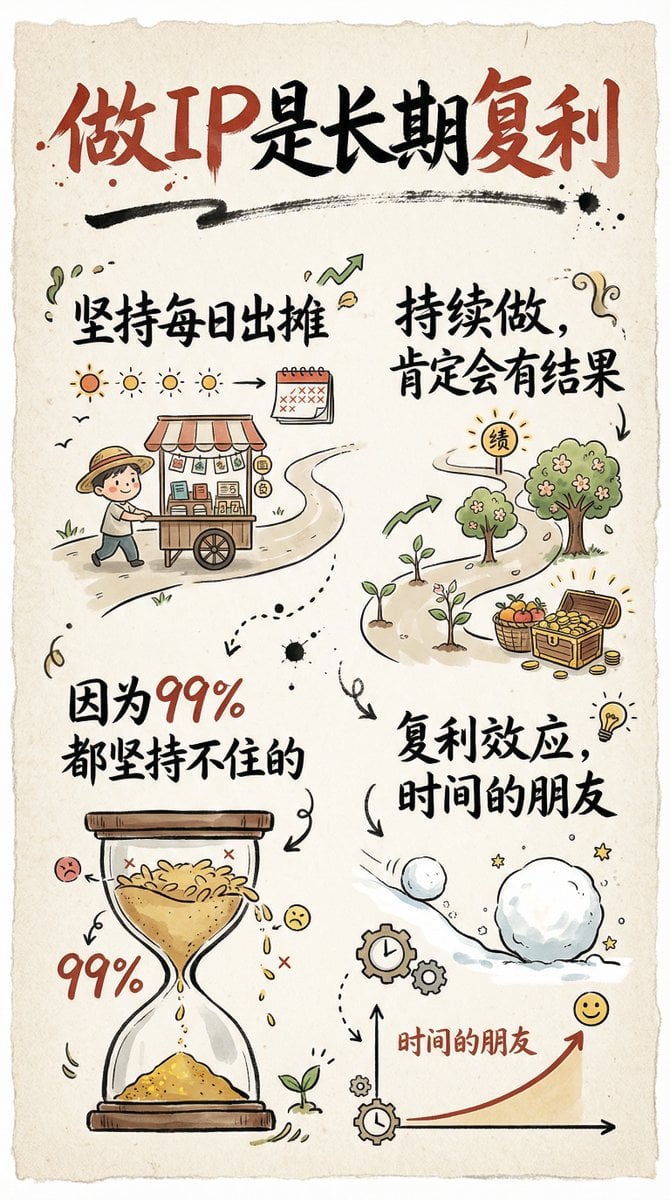
Hand-drawn infographic card about long-term IP building
Red Peaks Beach Streetwear Duo

Cinematic Portrait of Man in Streetwear

Skincare Landing Page Mockup

High-Contrast Cinematic Portrait of a Stylish Man
StoryBoard Prompt : Create a hyper-cinematic 16:9
Browse template categories
Kawaii Tomato Cat Perfume Flyer questions
How do I use the Kawaii Tomato Cat Perfume Flyer template?
Add your photo if the template asks for one, edit the prompt if you like — the template's model and format are already selected — and press Generate. Your version opens in PicX Studio.
Can I customize the Kawaii Tomato Cat Perfume Flyer template?
Yes. You can change the subject, setting, lighting, mood, format, and available model controls before creating your image.
Is the Kawaii Tomato Cat Perfume Flyer template free?
Opening and editing this template is free. Generating uses credits, shown on the Generate button when you are signed in.
Which AI model should I use?
Start with GPT Image 2, which is the model associated with this template. You can compare another compatible model for a different finish.
Looking for something else? Browse all templates.

Your photo, any look
Thousands of ready templates for every top image and video model, from one credit balance.